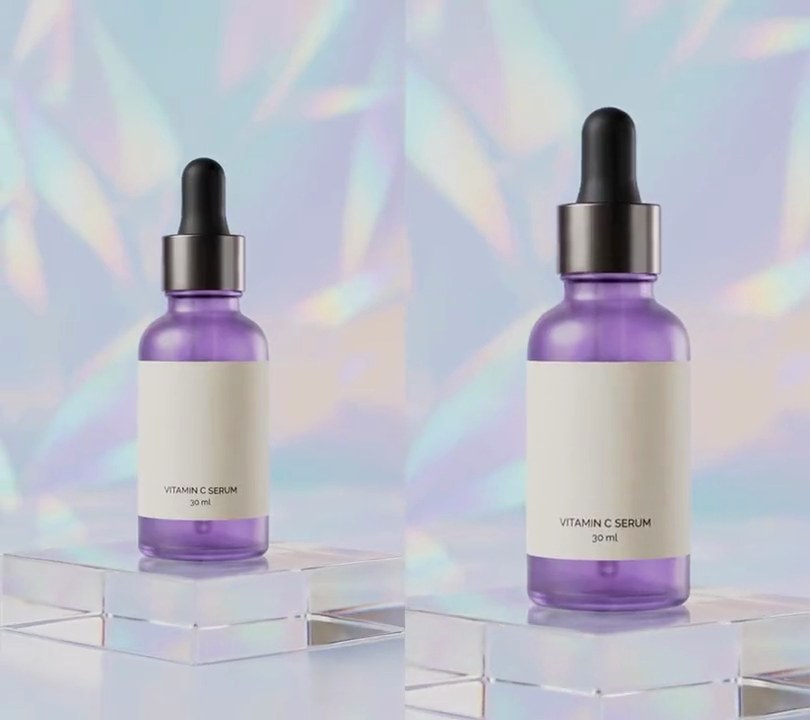
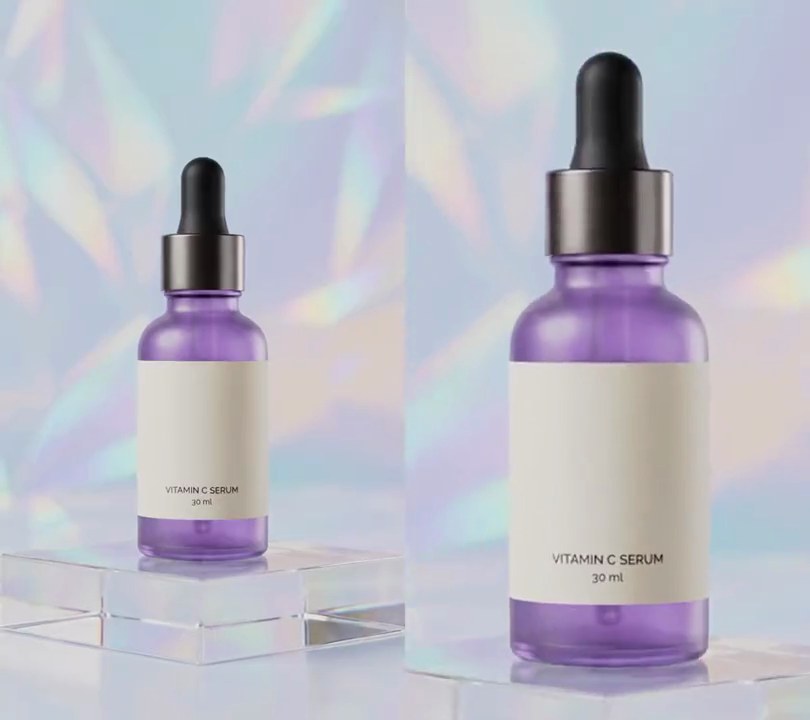
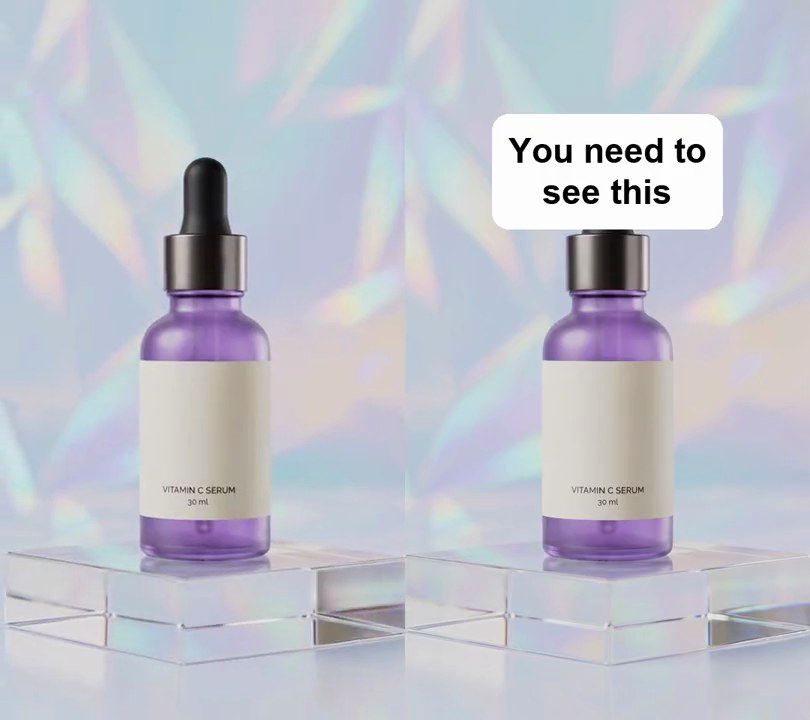
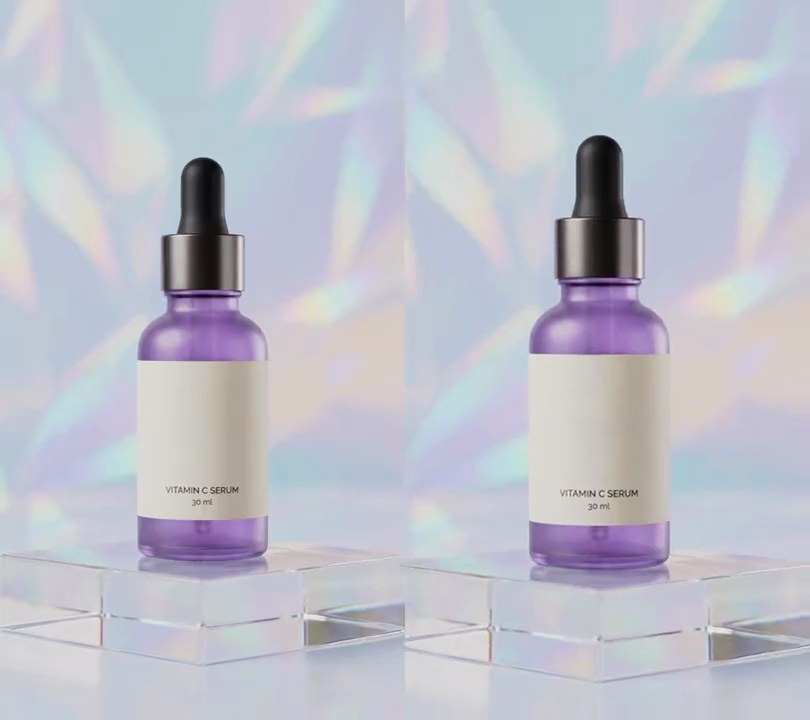
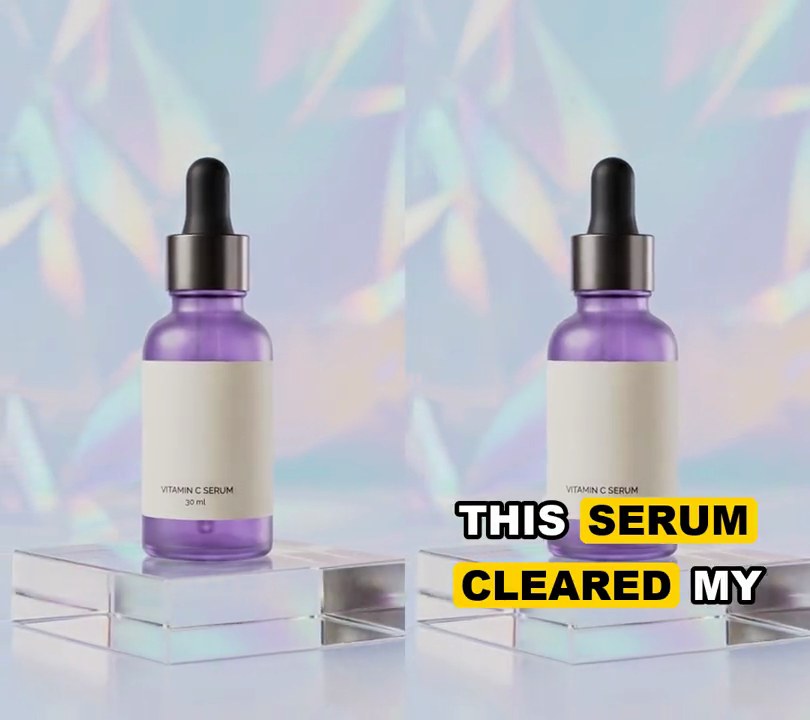
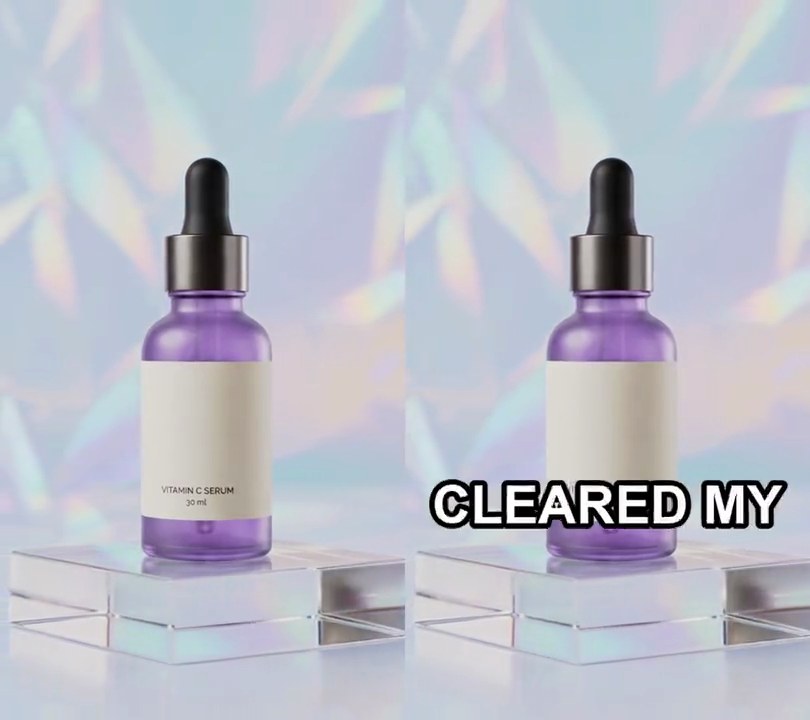
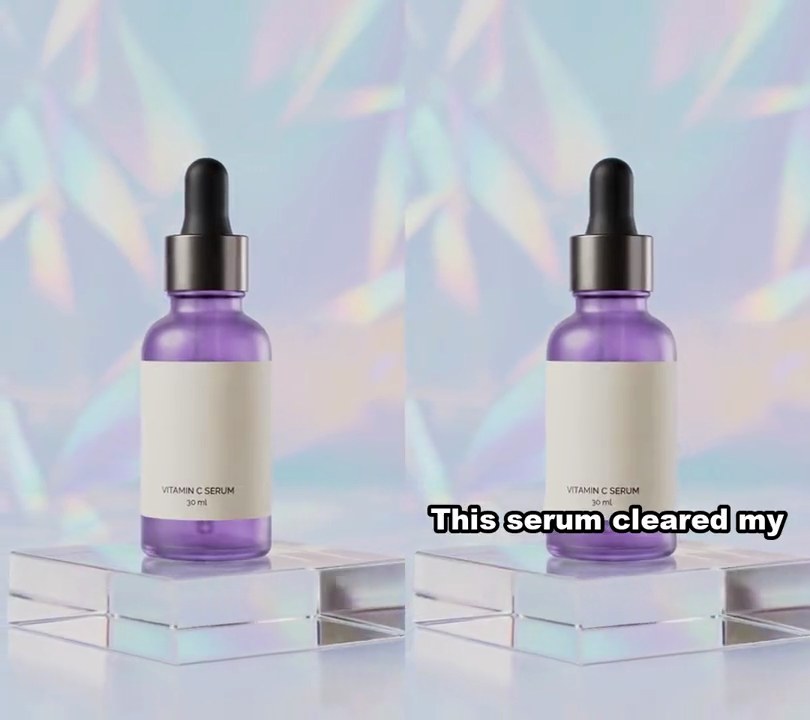
1. Anime style
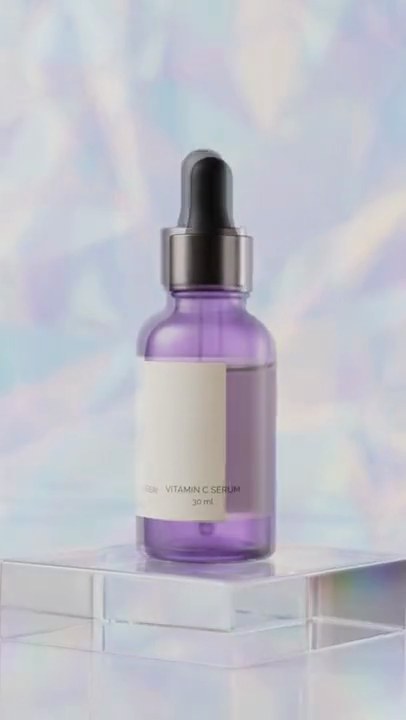
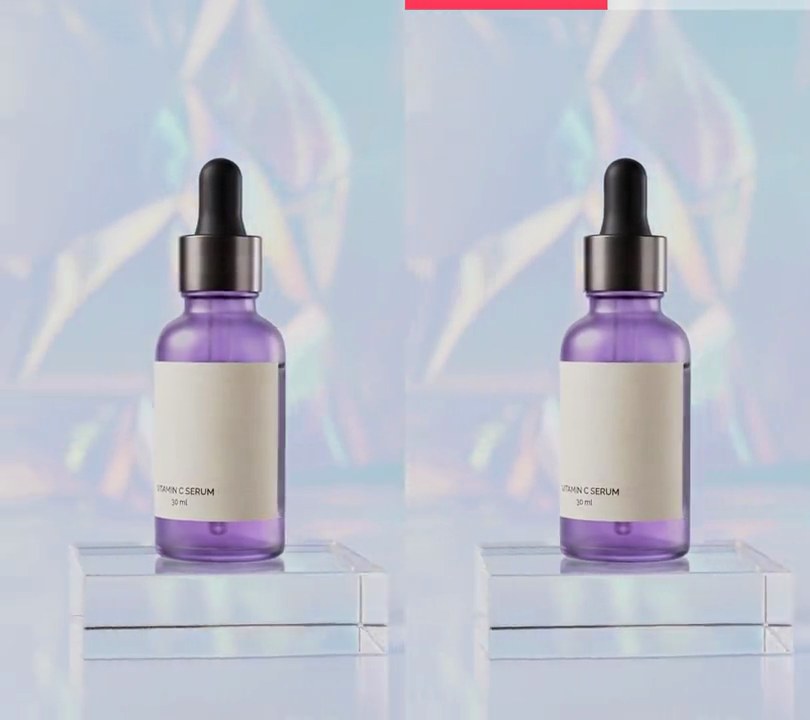
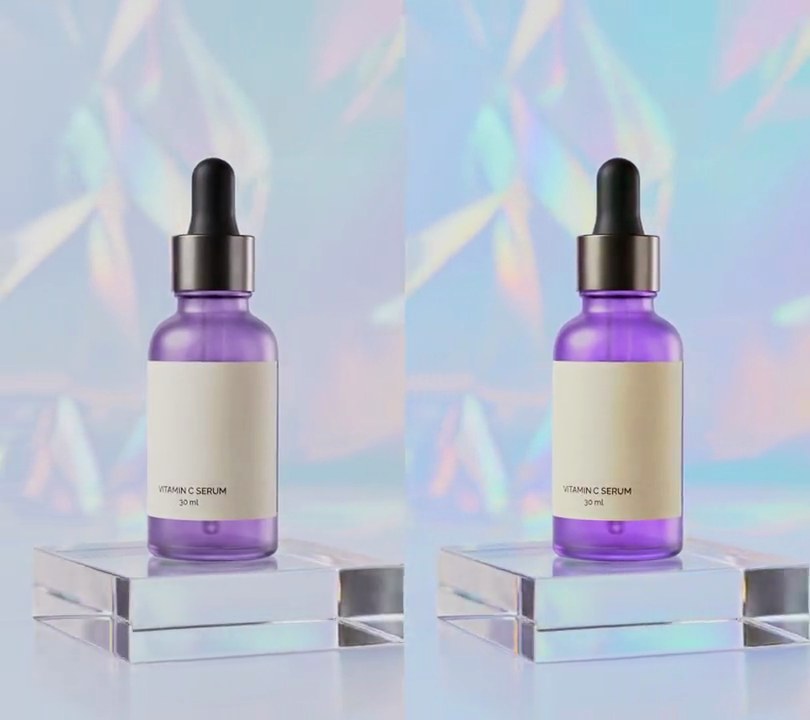
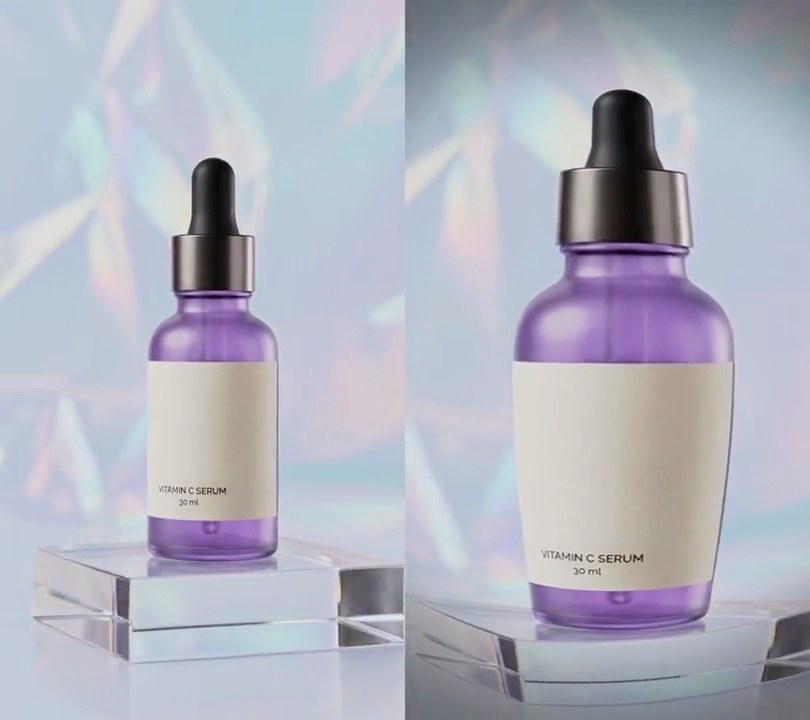
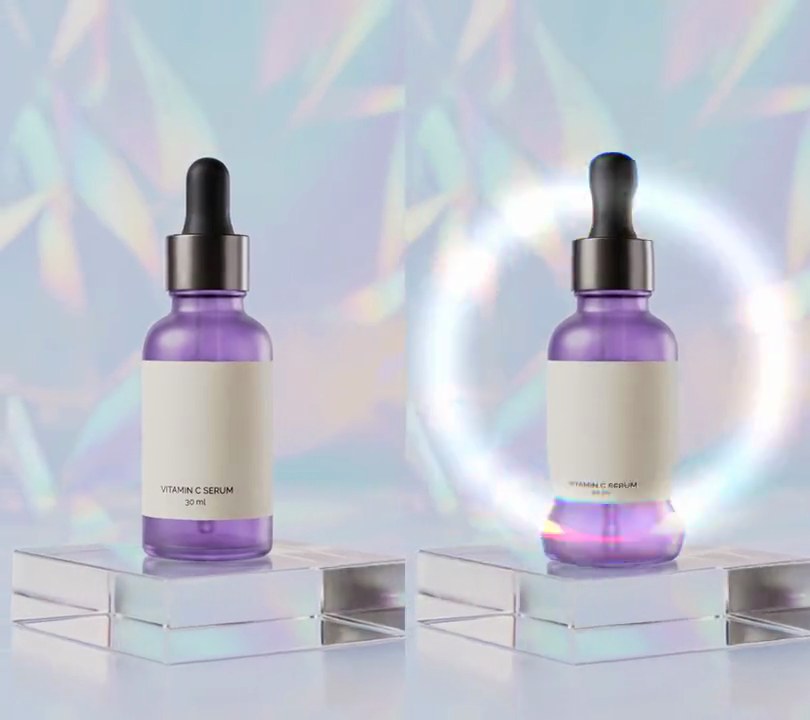
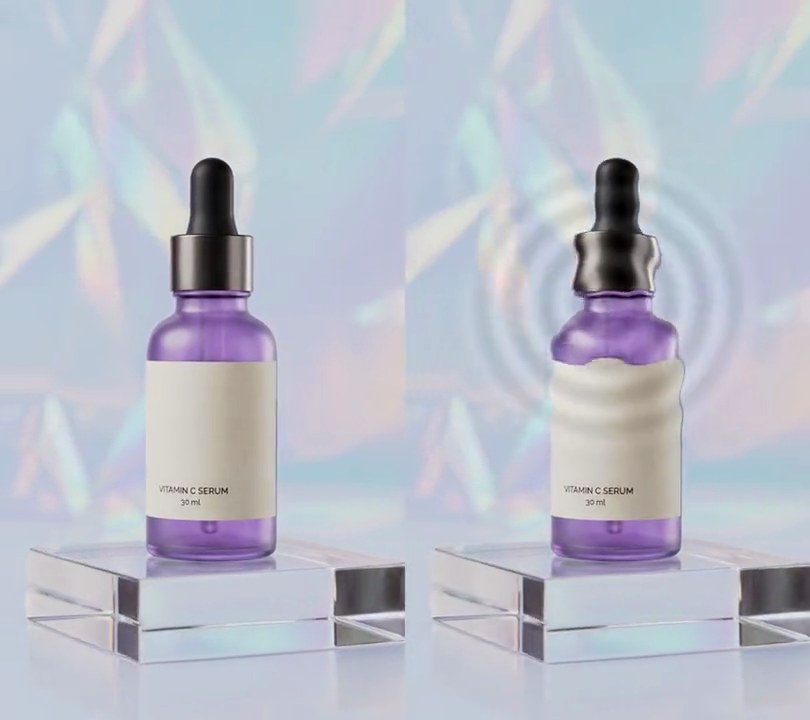
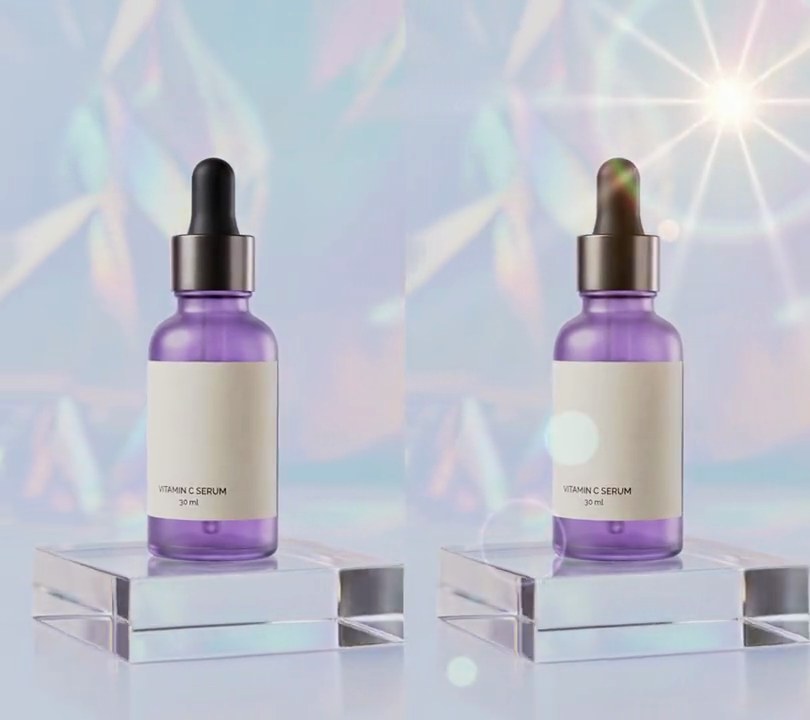
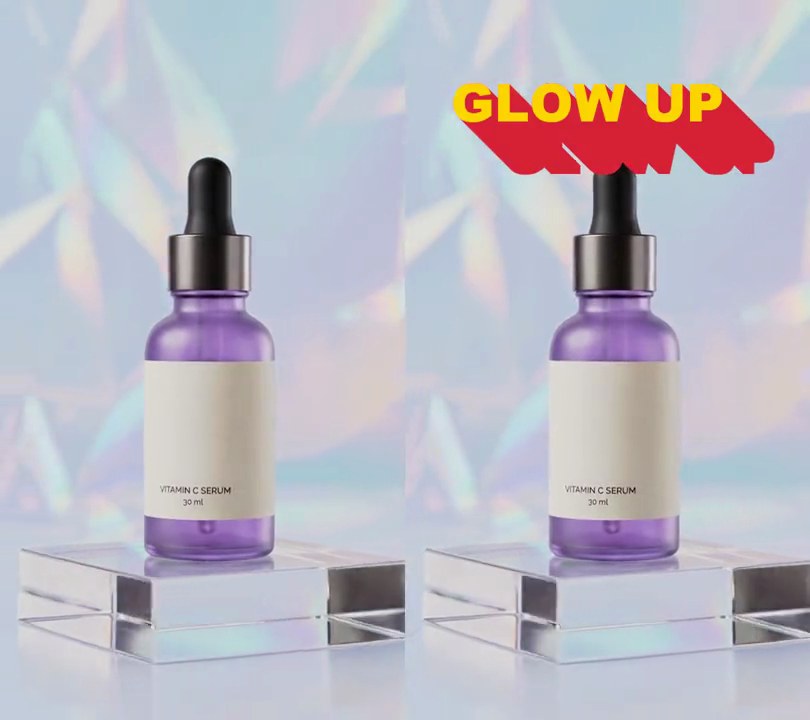
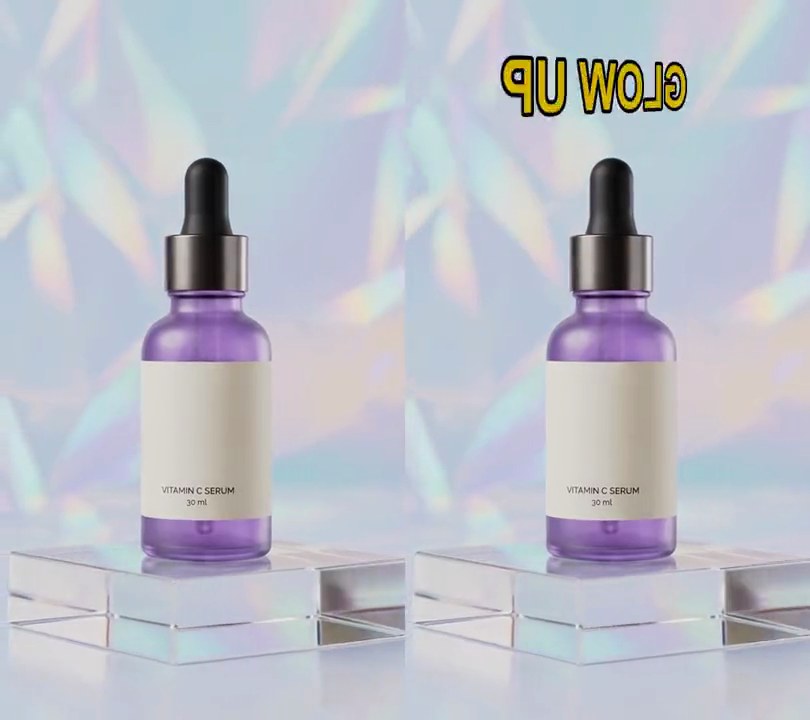
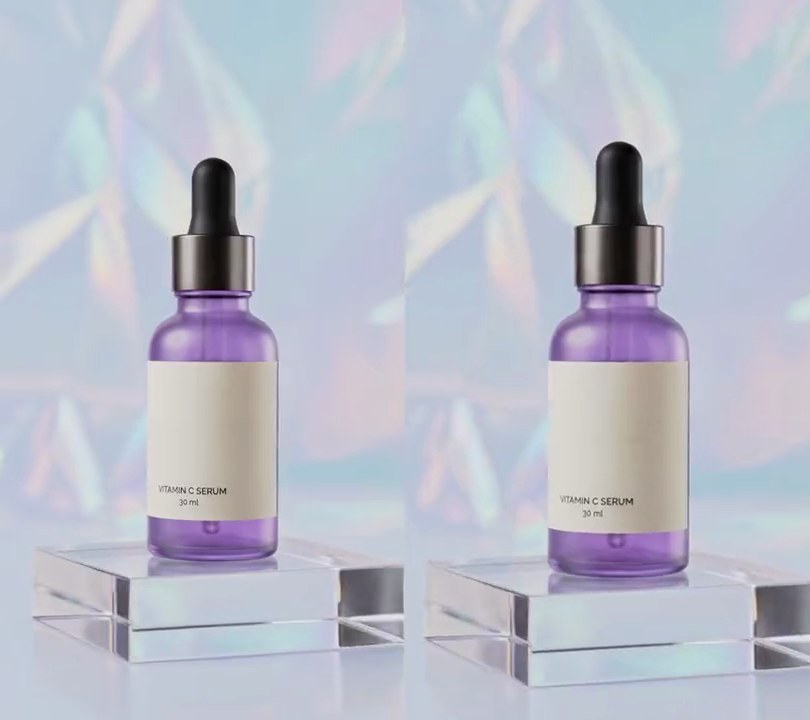
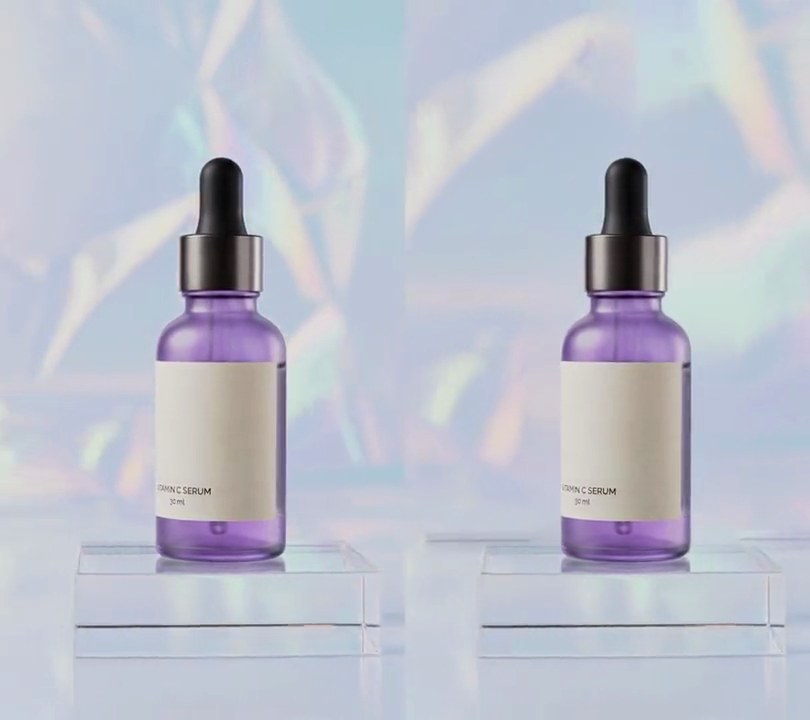
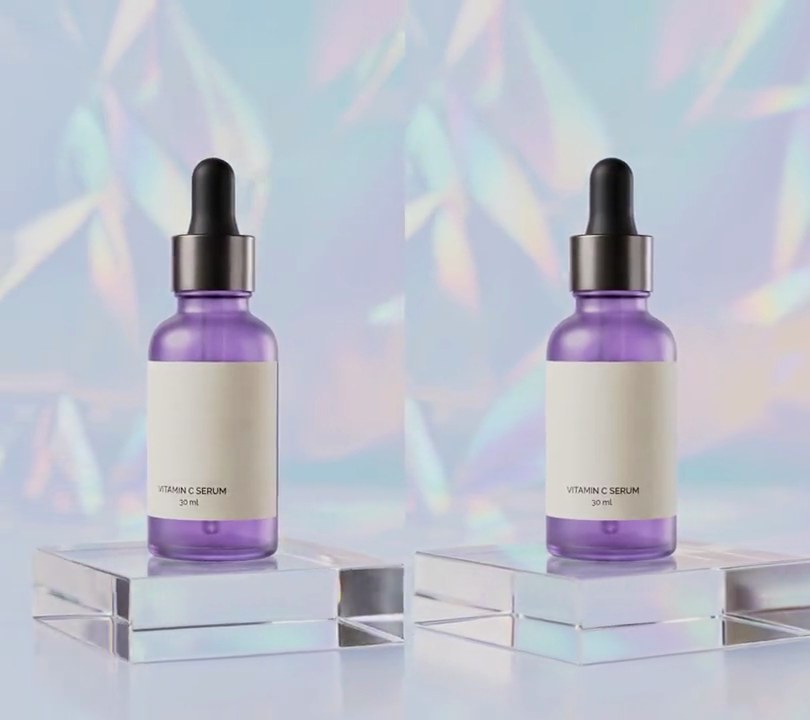
At one second the shot turns into a cel-shaded cartoon: the serum bottle and acrylic block get thick dark-ink outlines, the purple glass fills in flat and vivid, and the holographic backdrop becomes smooth painted patches of sky blue and pink.
Show the prompt
Give input.mp4 (540x960) an anime cartoon look from 1.0 seconds to the end; before 1.0 seconds leave every frame untouched. For each frame from 1.0 s: shrink it to half size (270x480, box filter) and run a 5x5 median filter on it (Pillow's MedianFilter(5)) to flatten texture into smooth areas of color. Color: scale that back up to 540x960 (bicubic), convert to HSV, cut V into 4 flat bands (v becomes (floor(v*4/256)+0.5)*64, so 32, 96, 160 or 224), multiply S by 2.2 (capped at 255), keep H, and convert back to RGB. Outlines: on the half-size smoothed frame's grayscale, take the brightness difference between the pixels on either side horizontally and vertically (central differences), and mark every pixel where the length of that gradient is above 15. Scale the mask up to 540x960, thicken it with a 3x3 max filter, soften it with a 0.6 pixel Gaussian blur and use it to paint dark ink (25, 15, 40) over the color image. Use Python with numpy and Pillow for the frames and ffmpeg to read and write the video (don't use ffmpeg's drawtext if you add any text), keep the size, 30fps, the 6 second length and the audio, and save it as output.mp4.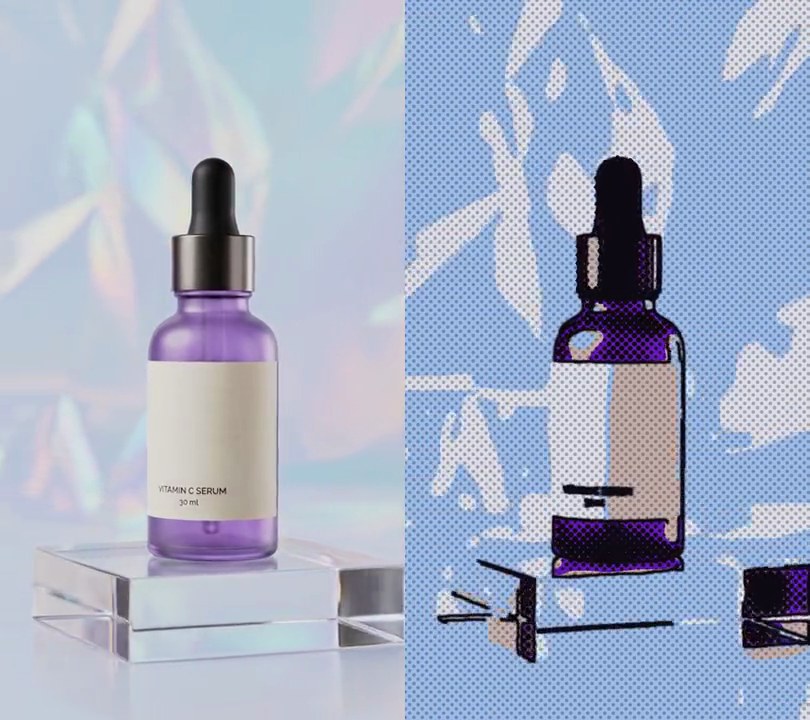
2. Comic book
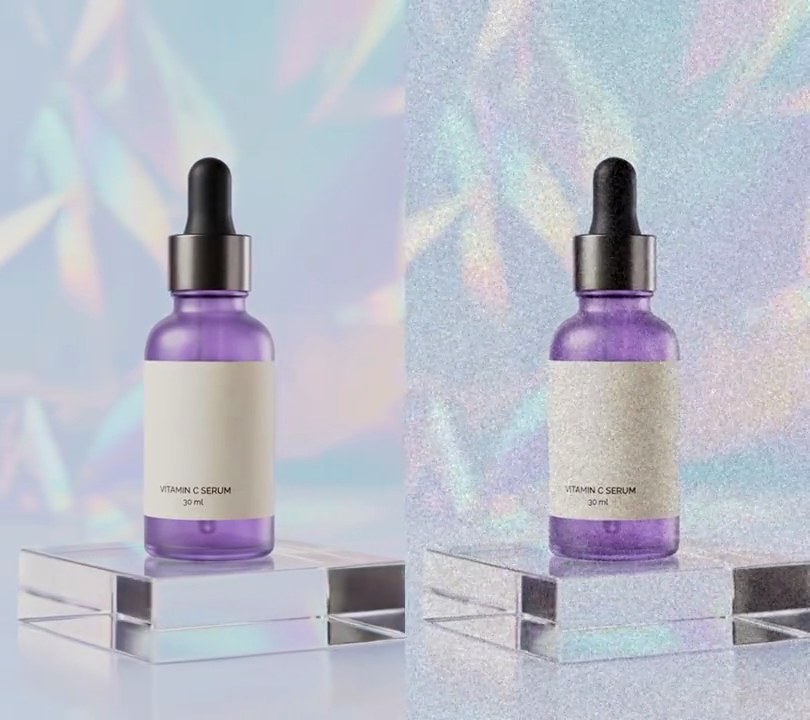
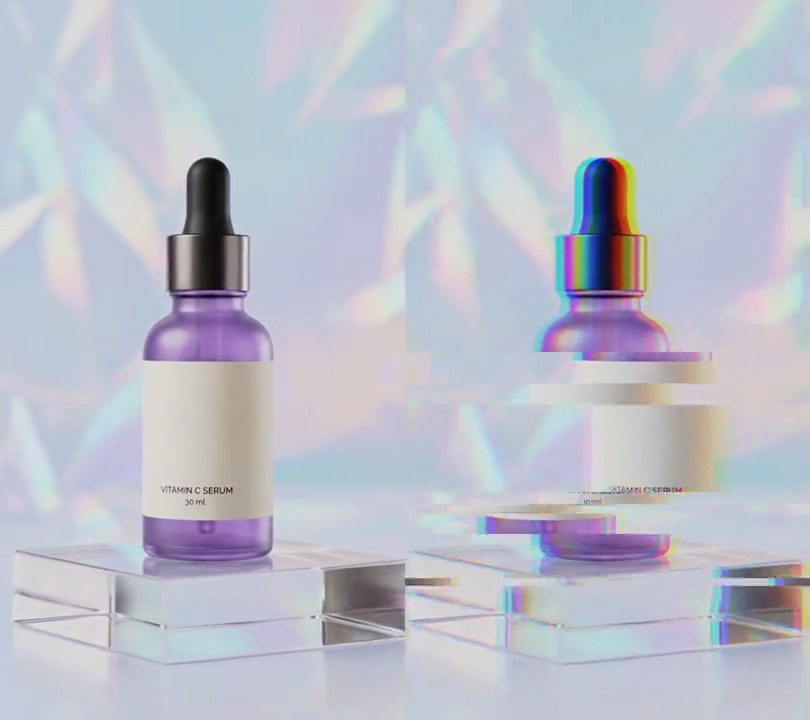
At one second the shot is redrawn as a printed comic panel: the pastel backdrop becomes flat periwinkle blue and white, the bottle a bold purple with thick black outlines, and black halftone dots shade the glass over a fine grid of print dots.
Show the prompt
Give input.mp4 (540x960) a comic book look from 1.0 seconds to the end; before 1.0 seconds leave it untouched. On the first frame at 1.0 s, smooth it with three passes of a bilateral filter (diameter 9, color sigma 50, space sigma 7) and pick 6 main colors with k-means; make those colors comic inks by multiplying their HSV saturation by 3.0 and their brightness by 1.1 (capped at full), and keep this palette for every later frame so it doesn't flicker. For each frame from 1.0 s: smooth it the same way, replace every pixel with the ink of its nearest k-means color and median-blur that with a 5 pixel window, giving flat fills. Over every fill print small dots of the same ink at 75% brightness: radius 2.4 pixels on a square grid with 8 pixels between dot centers, turned 45 degrees. Then add near-black (15, 10, 20) halftone shading on the same grid: blur the smoothed grayscale with a Gaussian of sigma 4, stretch it so the 2nd percentile is darkness 1 and the 98th darkness 0, and where darkness is above 0.5 draw a dot of radius 5.76 pixels times the square root of (darkness - 0.5) / 0.5, so the deepest shadows go solid. Finally draw near-black (15, 10, 20) outlines 4 pixels thick along Canny edges (thresholds 20 and 70) of the smoothed grayscale, softened with a 0.8 pixel blur. Use Python with OpenCV and numpy for the frames and ffmpeg to read and write the video (don't use ffmpeg's drawtext if you add any text), keep the size, 30fps, the 6 second length and the audio, and save it as output.mp4.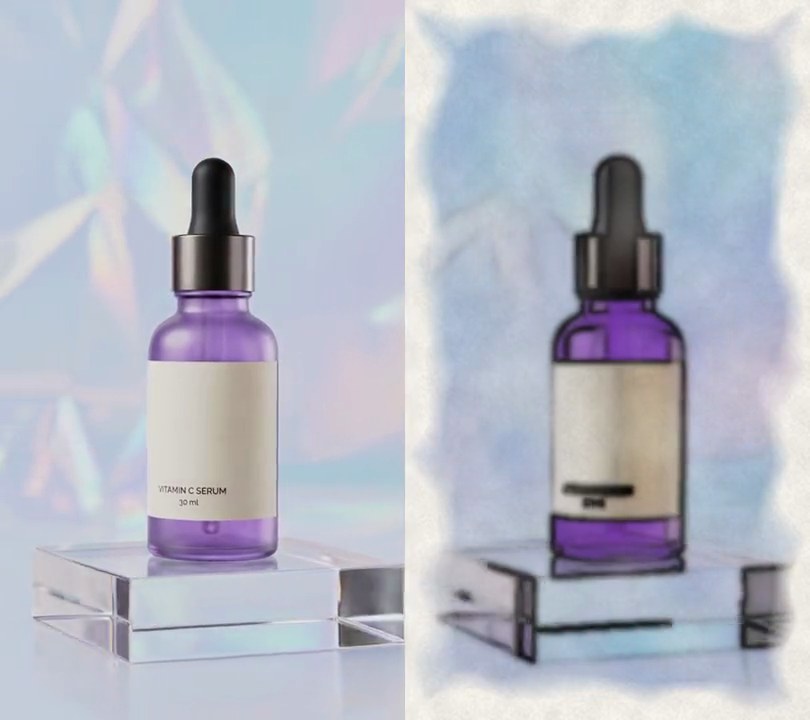
3. Watercolor
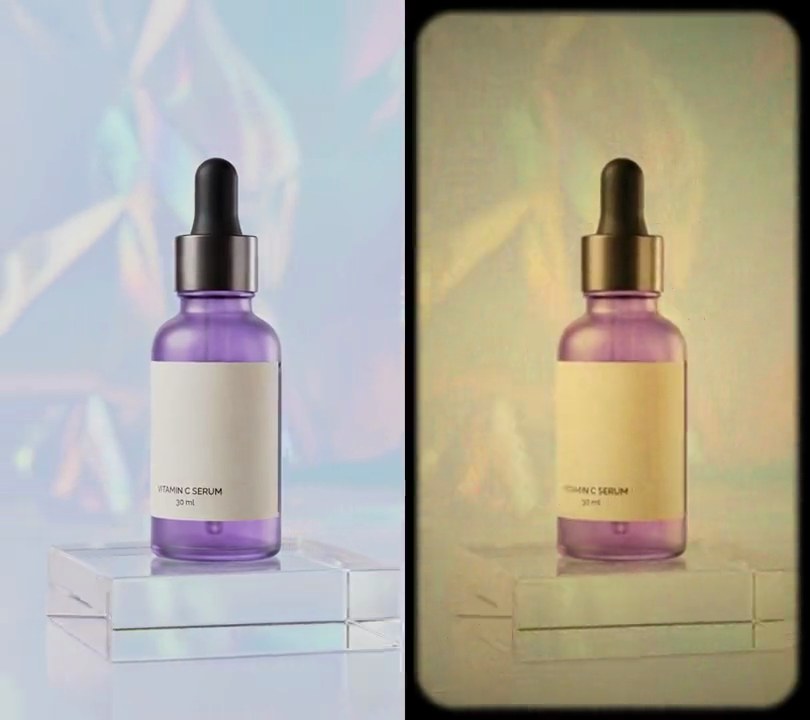
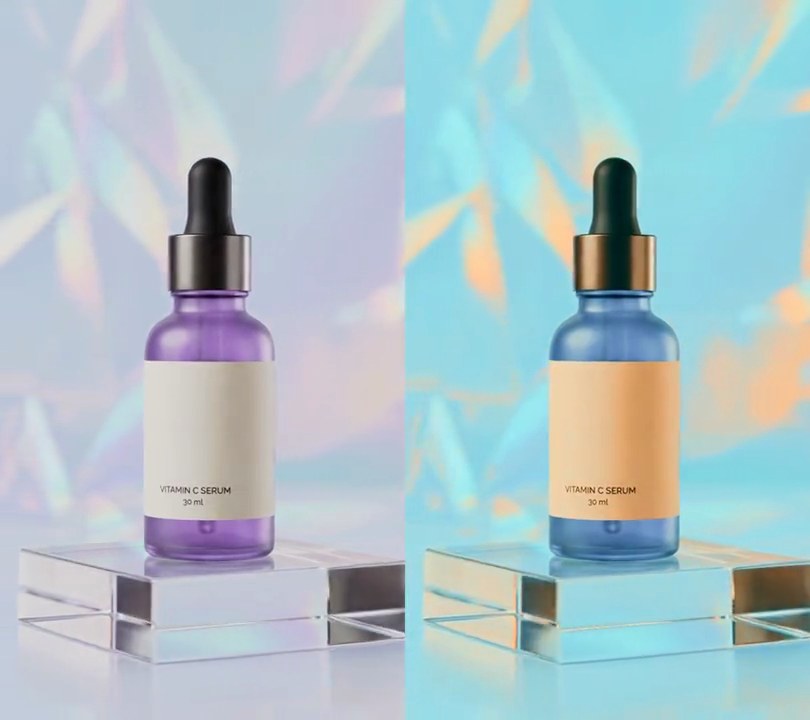
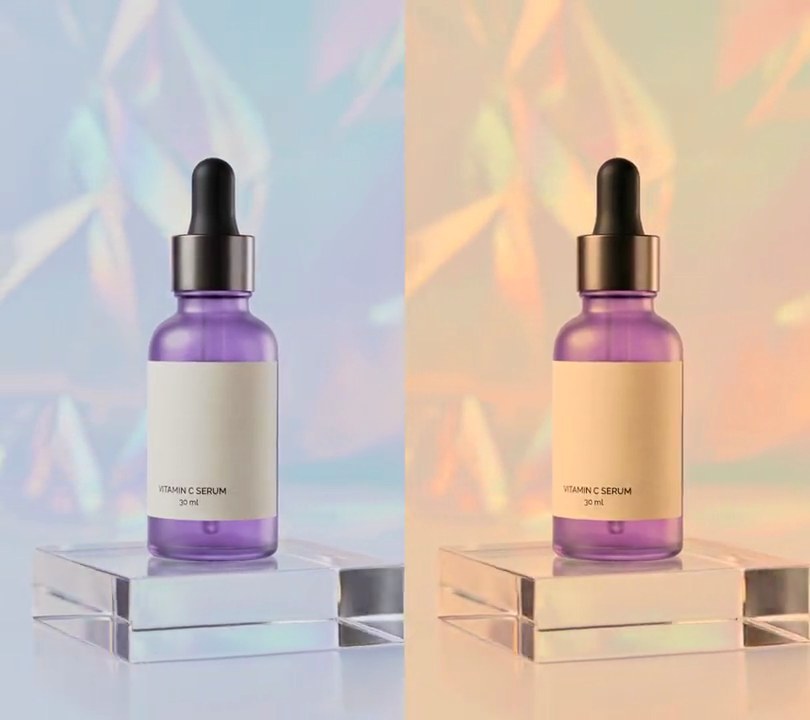
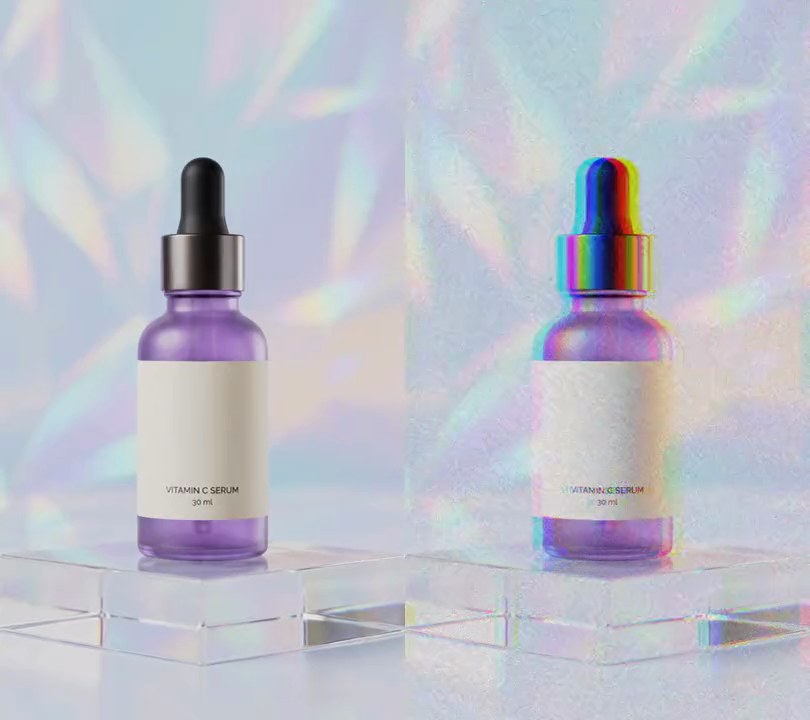
At one second the shot becomes a soft watercolor on grainy cream paper: the holographic backdrop melts into blotchy pale blue and lilac washes, the bottle glows violet with darker pigment along its edges, and a ragged unpainted white border frames the picture.
Show the prompt
Give input.mp4 (540x960) a watercolor painting look from 1.0 seconds to the end; before 1.0 seconds leave every frame untouched. Use Python with numpy and OpenCV (opencv-python-headless) for the frames and ffmpeg to read and write the video. Make the paper once, with a fixed random seed so it stays put: a grain map of 0.92 + 0.04 x fine noise (random values on a 3 pixel grid, scaled up bicubic) + 0.04 x coarse noise (20 pixel grid), all in 0-1; a wash-strength map of 0.8 x (0.8 + 0.4 x noise on an 80 pixel grid); and a paint mask that is 0 at the frame edges and 1 inside: take each pixel's distance to the nearest side divided by the frame width (540), add (noise on a 60 pixel grid - 0.5) x 0.07 so the border wobbles, then map it with clip((d - 0.042) / 0.056, 0, 1). For each frame from 1.0 s: shrink to 270x480 (area filter), run cv2.stylization with sigma_s 40 and sigma_r 0.35, Gaussian-blur it with sigma 1.2 and scale back to 540x960 (bicubic); multiply its HSV saturation by 2.2 (capped at 255); take the gradient length of its grayscale (Sobel x and y), blur that with sigma 3 and divide by 120 (capped at 1) as a rim map. Paper is (250, 247, 240). Paint = paper - (paper - color) x wash strength, then multiply by 1 - 0.25 x rim so pigment pools darker at wash edges; where the grayscale brightness is 0.93 of full or more, fade to bare paper (blend weight clip((brightness/255 - 0.85) / 0.08, 0, 1)). Blend paper and paint with the paint mask, multiply by the grain map and clip to 0-255. Keep the size, 30fps, the 6 second length and the audio (don't use ffmpeg's drawtext if you add any text), and save it as output.mp4.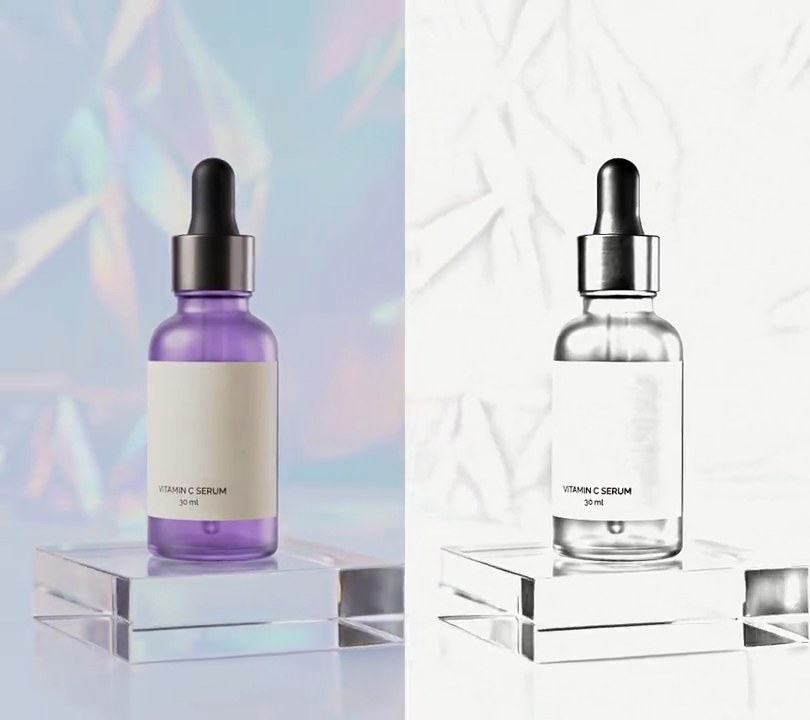
4. Pencil sketch
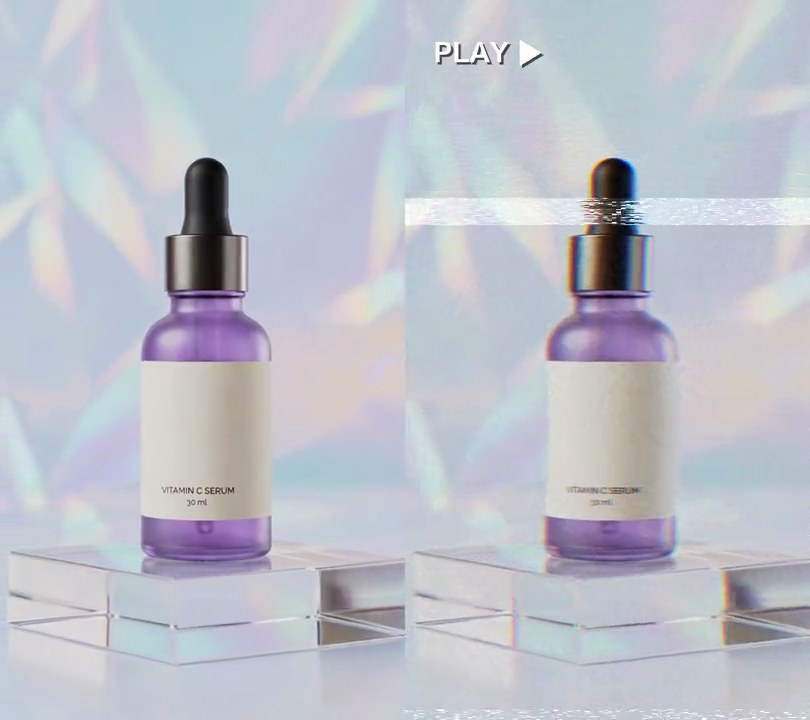
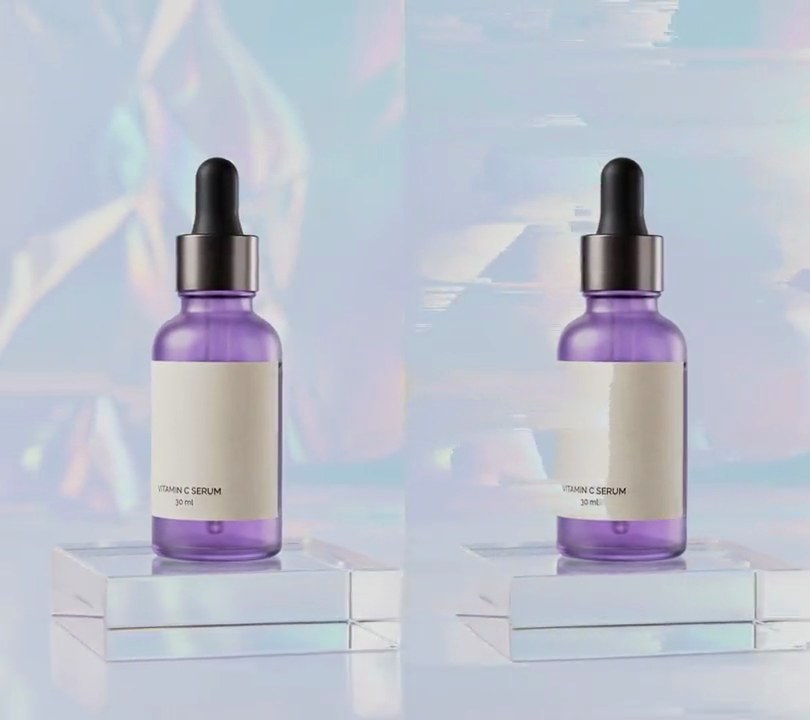
At one second the purple and the holographic shimmer vanish, leaving the bottle traced in soft gray pencil on near-white paper, with the dropper cap shaded darkest and faint strokes where the backdrop's folds were.
Show the prompt
Turn input.mp4 (540x960) into a gray pencil sketch from 1.0 seconds to the end; before 1.0 seconds leave it untouched. Use Python with OpenCV and numpy. For each frame from 1.0 s: convert it to grayscale, invert it, Gaussian-blur the inverted image with sigma 12 pixels, and color-dodge the grayscale over it (cv2.divide(gray, 255 - blurred_inverted, scale=256)). Scale the result to 0-1, raise it to the power 2.6 to darken the strokes, multiply it by a fixed paper grain (1 minus random noise blurred with sigma 0.8, at most 6/255, the same for every frame) and multiply by the paper color (250, 250, 247), so bare paper is (250, 250, 247) and the strokes are neutral gray with no color left. Read and write frames through ffmpeg (don't use ffmpeg's drawtext if you add any text), keep the size, 30fps, the 6 second length and the audio, and save it as output.mp4.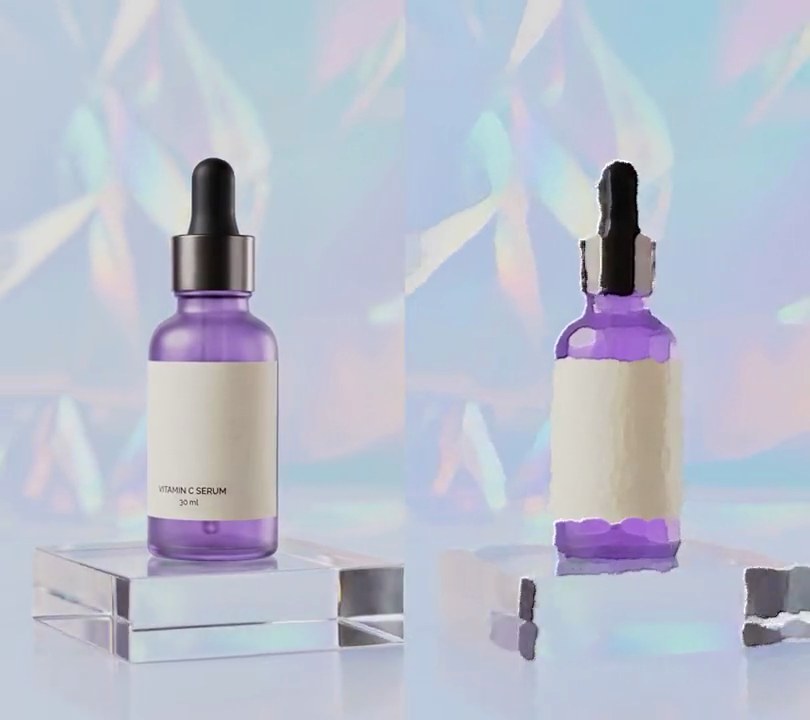
5. Oil painting
At one second the shot turns into thick daubs of oil paint: the label's lettering smears away, the purple bottle breaks into blotchy brushed patches with lit ridges along their edges, and the holographic backdrop becomes broad pastel strokes.
Show the prompt
Give input.mp4 (540x960) an oil painting look from 1.0 seconds to the end; before 1.0 seconds leave every frame untouched. For each frame from 1.0 s: run OpenCV's cv2.xphoto.oilPainting on the full-size RGB frame with size 9 and dynRatio 2 (pass cv2.COLOR_RGB2GRAY as the conversion code), then raise the color saturation by 1.4x (Pillow's ImageEnhance.Color). For the raised brush ridges, take that painted frame's grayscale, add its horizontal and vertical 3x3 Sobel gradients together, blur the sum with a 0.8 pixel Gaussian and subtract 1.8/8 of it from every color channel, so daub edges facing the top left catch a highlight and the far edges a shadow. To calm flicker, mix 30% of the previous painted frame into each painted frame (from the second painted frame on). Use Python with OpenCV (opencv-python-headless), numpy and Pillow for the frames and ffmpeg to read and write the video (don't use ffmpeg's drawtext if you add any text), keep the size, 30fps, the 6 second length and the audio, and save it as output.mp4.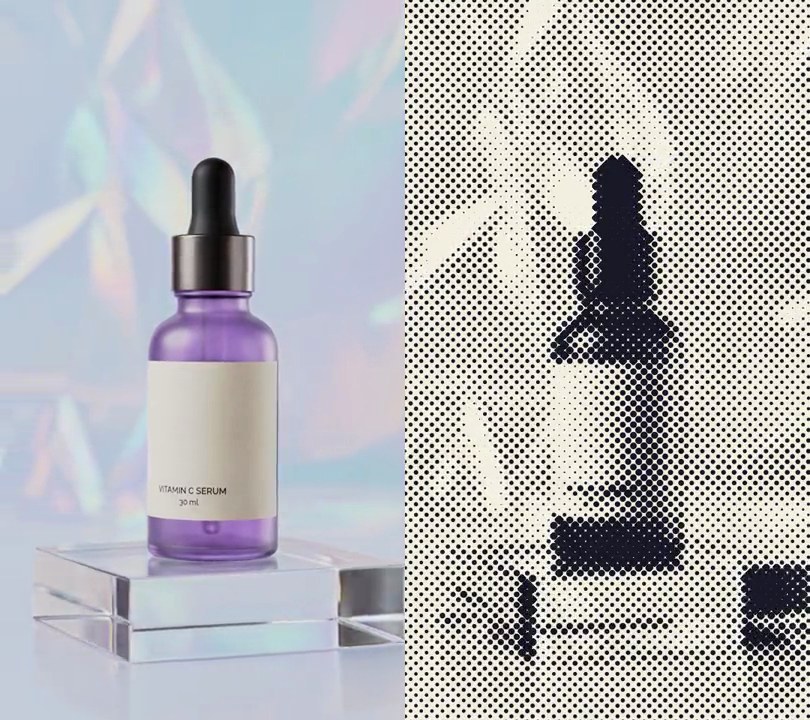
6. Halftone dots
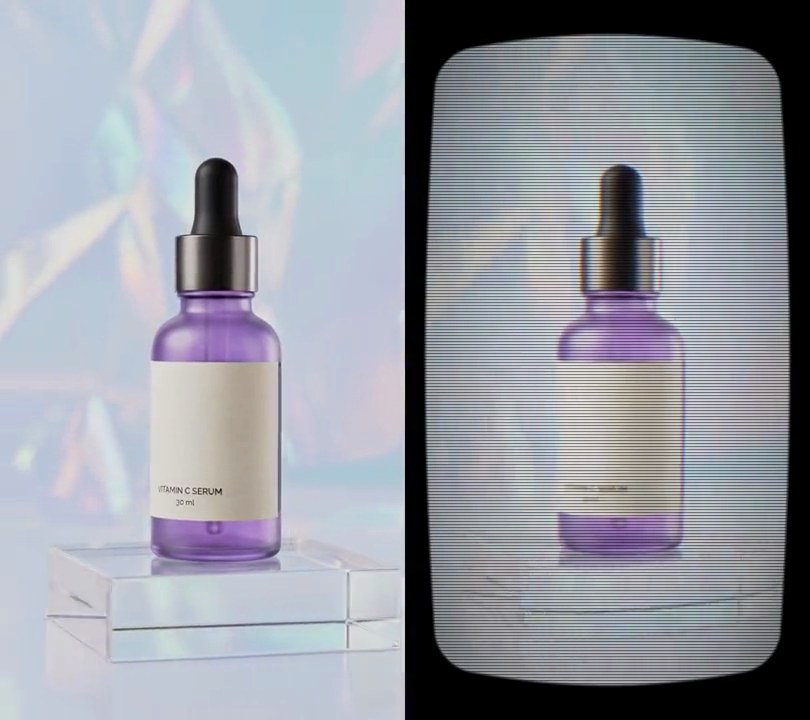
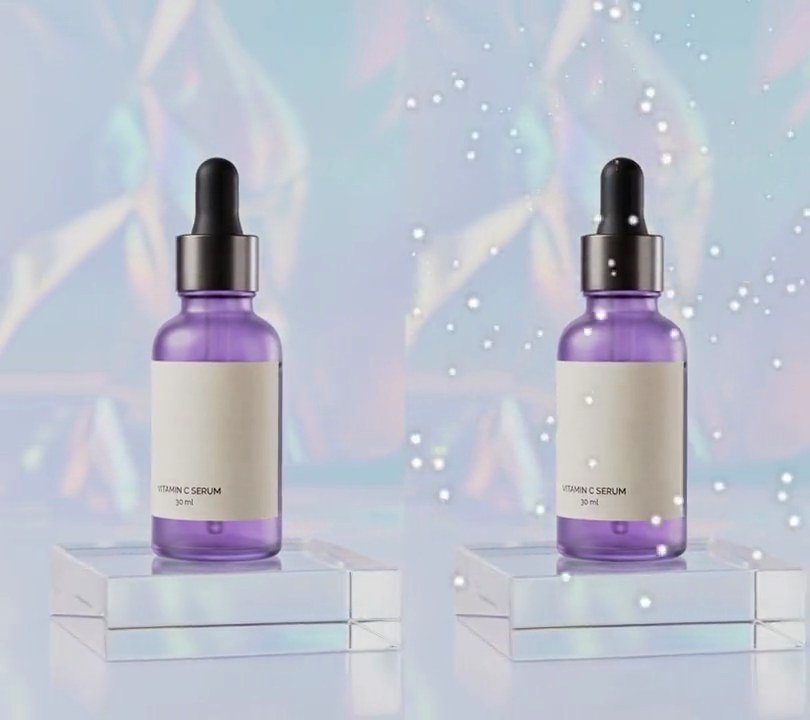
At one second the shot is reprinted like newsprint: navy ink dots on cream paper, merging into solid ink on the dropper cap and shrinking to specks on the bright backdrop.
Show the prompt
Give input.mp4 (540x960) a halftone print look from 1.0 seconds to the end; before 1.0 seconds leave it untouched. For each frame from 1.0 s: turn it to grayscale, box-blur it with a 5 pixel radius, and stretch its brightness so the 2nd percentile is solid ink and the 98th percentile is bare paper (darkness 0 to 1). Fill the frame with cream paper (245, 240, 225) and draw dark navy (25, 25, 40) dots on a square grid with 10 pixels between dot centers, the grid turned 45 degrees. Each dot's radius is 7.2 pixels times the square root of the darkness at its center, so dark areas get big dots that merge and bright areas tiny specks; give the dots a 1 pixel soft edge. No other colors should be left. Use Python with numpy and Pillow for the frames and ffmpeg to read and write the video (don't use ffmpeg's drawtext if you add any text), keep the size, 30fps, the 6 second length and the audio, and save it as output.mp4.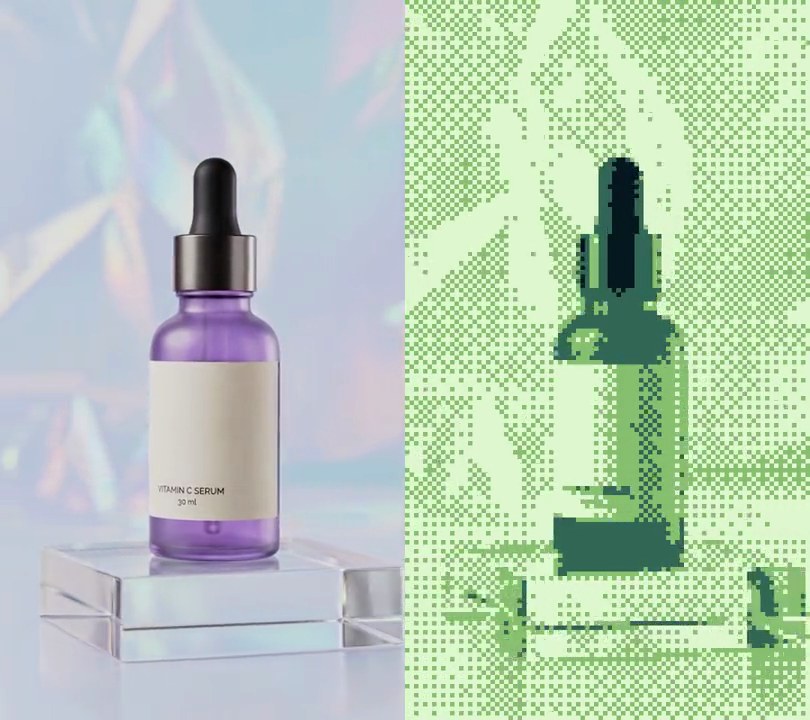
7. Pixel art
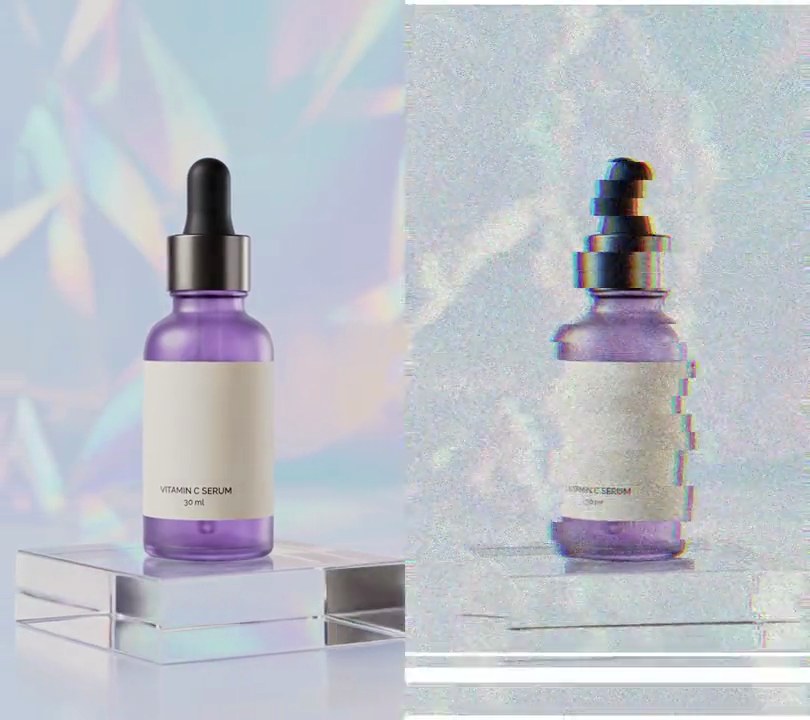
The whole shot is redrawn as chunky 6-pixel squares in just four shades of handheld-game green: a near-black dropper cap, dark green glass and a pale backdrop broken into checkered dither.
Show the prompt
Turn input.mp4 (540x960) into 8-bit handheld-game pixel art for its whole length. With ffmpeg, shrink each frame to 90x160 with area averaging (one value per 6x6 block). For each of those pixels take its brightness (0.299 R + 0.587 G + 0.114 B), add a 4x4 ordered (Bayer) dither offset that runs from about -12 to +12, and pick one of four colors by that value: below 60 is (8, 24, 32), 60 to 160 is (52, 104, 86), 160 to 196 is (136, 192, 112), and 196 or above is (224, 248, 208). Blow the result back up to 540x960 with nearest-neighbor scaling so every art pixel is a sharp 6x6 square, with no other colors anywhere in the frame. Do the color mapping with Python and numpy. Keep 30fps, the 6 second length and the audio. There's no text to draw, but if you add any, draw it with Pillow, not ffmpeg's drawtext. Save it as output.mp4.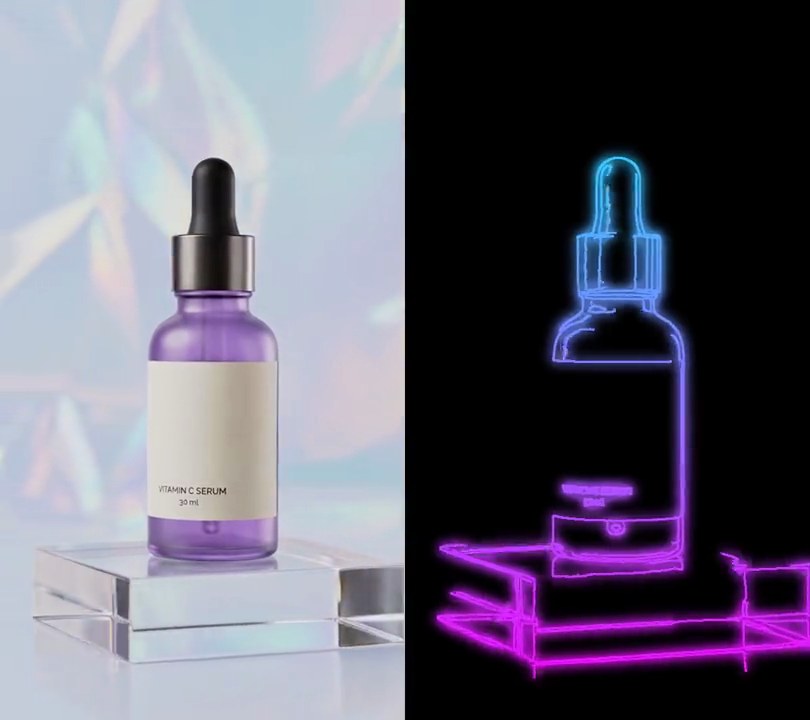
8. Neon edges
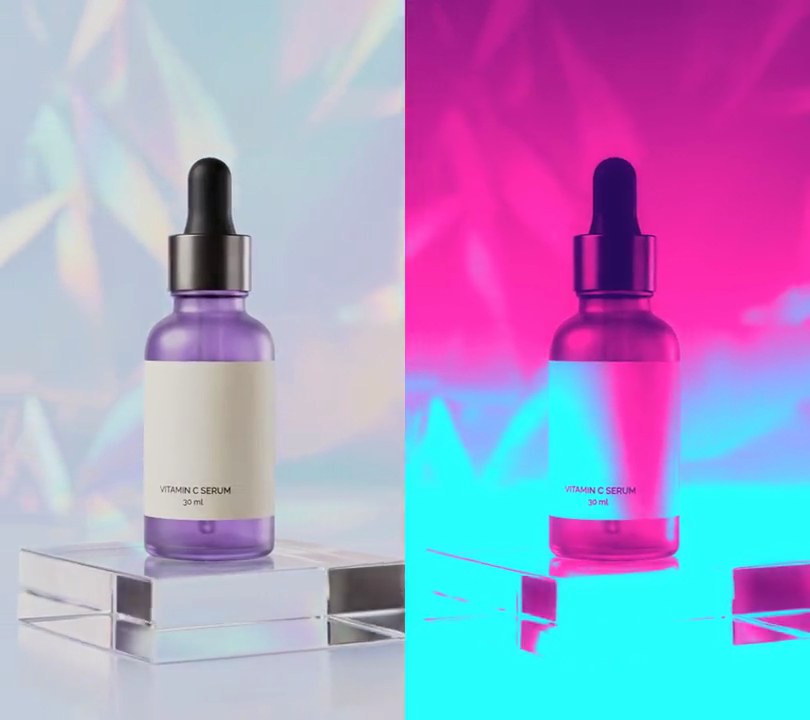
One second in, the shot fades to black and only its outlines are left glowing, the dropper cap in cyan and the bottle and acrylic block shading down to magenta as the camera circles.
Show the prompt
Turn input.mp4 into neon edges from 1 second on. Before 1.0 seconds leave the video untouched; from 1.0 to 1.3 seconds fade linearly from the normal frame to the neon look, then keep it to the end. For the neon look, in Python with OpenCV and numpy, take each frame's grayscale, Gaussian-blur it 5x5, find edges with cv2.Canny at thresholds 25 and 80, and thicken them with a 3x3 dilate. Make a glow by Gaussian-blurring those lines with sigma 8, scaling it so its peak is 1, multiplying by 1.6 and capping it at 0.7. The opacity is the larger of the line and the glow. Color everything with a vertical gradient from cyan (0, 255, 255) at the top row to magenta (255, 0, 255) at the bottom row, and put it on pure black (0, 0, 0), with no trace of the original picture. Read and write the frames with ffmpeg, don't draw any text (if you ever do, use Pillow, not ffmpeg's drawtext), keep the audio, output 30fps H.264 yuv420p, and save it as output.mp4.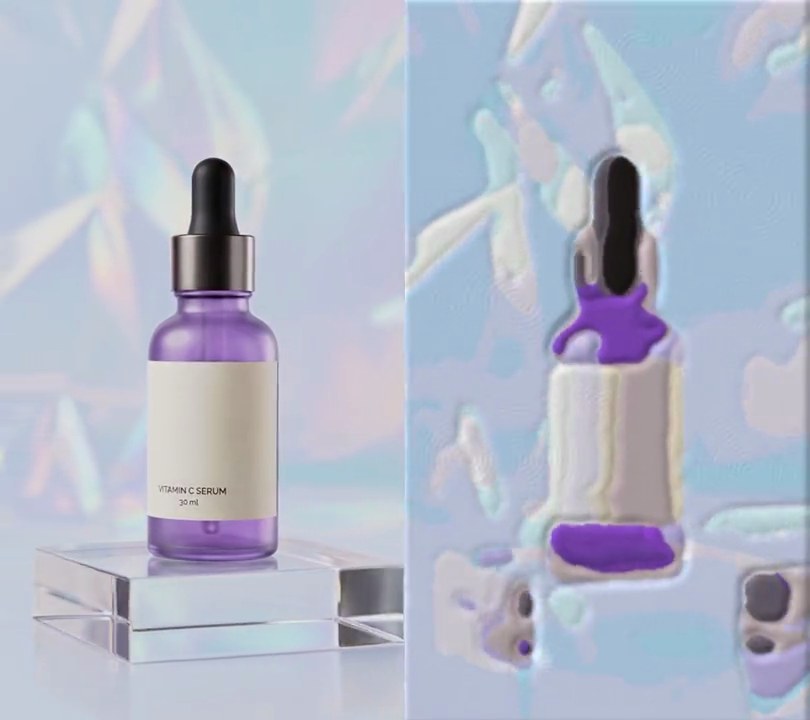
9. Claymation style
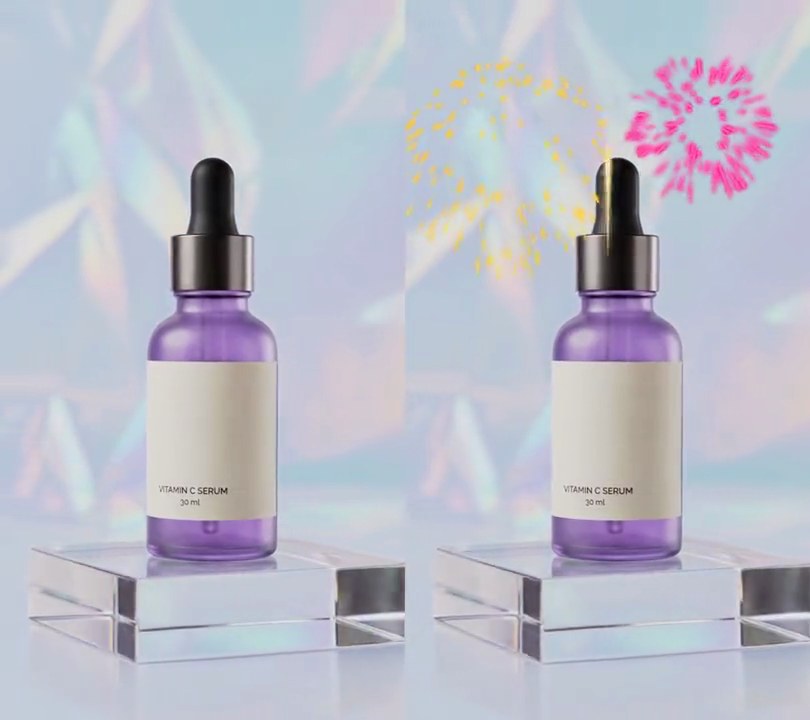
At one second the bottle and the holographic backdrop melt into puffy, rounded lumps of clay with fingerprint whorls pressed into them, and the orbit steps along at 10 poses a second like hand-moved stop motion.
Show the prompt
Give input.mp4 a claymation look from 1.0 seconds to the end; leave the first second untouched. Use Python with Pillow and numpy, reading and writing frames through ffmpeg. From 1.0s, sculpt a new pose every 3rd frame (10 poses a second at 30fps) and hold it for 3 frames. For each pose: shrink the frame to half size (270x480), run a 9-pixel median filter over it 3 times, reduce it to 24 colors (Pillow quantize, fast octree, no dithering), run a 5-pixel mode filter, scale it back to 540x960 bicubic and blur it by 1.5 pixels, then multiply saturation by 1.8. Make each color patch bulge: find the seams between patches (edge filter, threshold 4), blur that seam mask by 5 pixels, treat 255 minus it as a height map, and brighten slopes facing the top left and darken those facing the bottom right by up to about 30%. Press in fingerprints: a fixed texture of 40 random whorls of concentric sine ridges 7 pixels apart, each fading out over 40-110 pixels, embossed (lit from the top left) and multiplied in at 10% of brightness, taking a different random patch of it each pose. Finally zoom each pose in 2% and nudge it by a random -3 to +3 pixels in x and y, so the shot jitters like stop motion. Keep the size (540x960), 30fps, the 6 second length and the audio, and save it as output.mp4.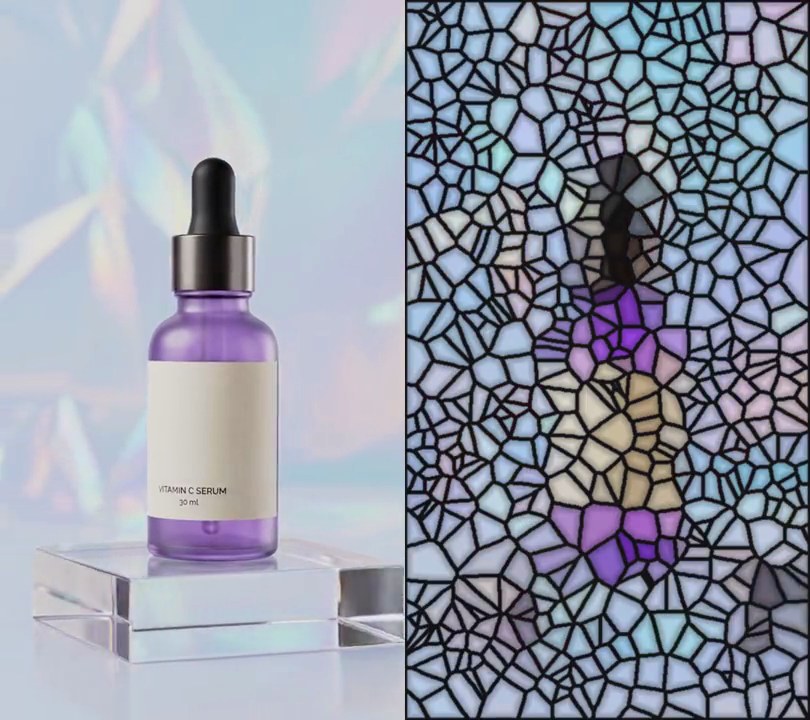
10. Stained glass
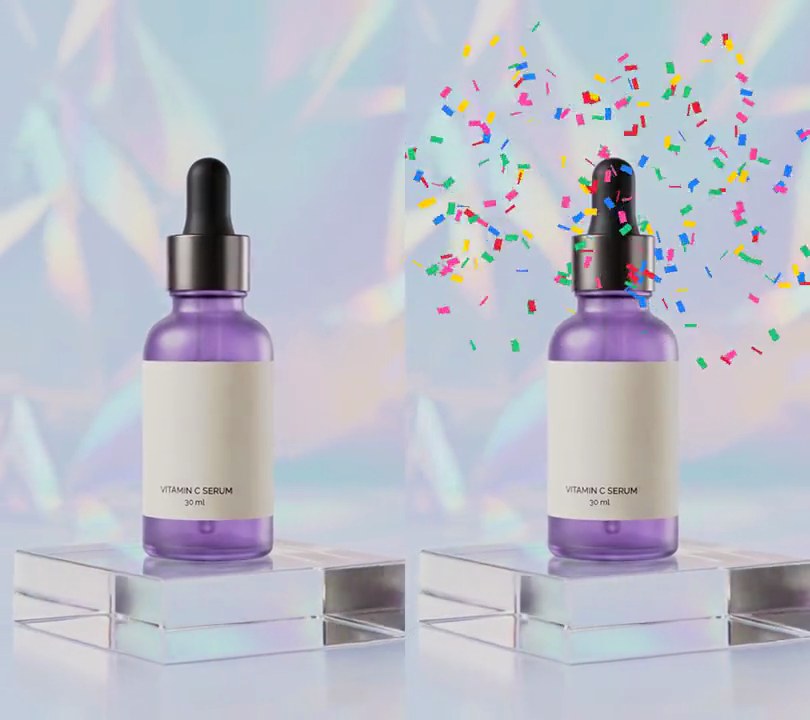
At one second the shot shatters into hundreds of irregular flat panes of saturated color, each held in thick black lead lines, so the bottle becomes a leaded window of purple and cream glass against pale blue panes.
Show the prompt
Turn input.mp4 (540x960) into a stained glass window from 1.0 seconds to the end; before 1.0 seconds leave it untouched. Lay out the panes once, with a fixed random seed so they stay in place from frame to frame: scatter 576 random points over the frame (one per 30x30 pixels on average) and give every pixel to its nearest point, making irregular Voronoi cells. Mark the pixels where neighboring cells meet, plus a 1 pixel border around the frame, and thicken them with a 5x5 elliptical dilation into lead lines. For each frame from 1.0 s, fill every cell with the average color of the frame under it, push that color away from its gray by 2.2x (clip to 0-255), darken each pixel of a pane toward its lead to 72% at the lead and 100% from 10 pixels in, for a beveled glass look, and draw the lead lines over it in near-black (22, 20, 24) with a slightly softened edge. The lead should cover about a quarter of the frame. Use Python with numpy and OpenCV for the frames and ffmpeg to read and write the video (don't use ffmpeg's drawtext if you add any text), keep the size, 30fps, the 6 second length and the audio, and save it as output.mp4.