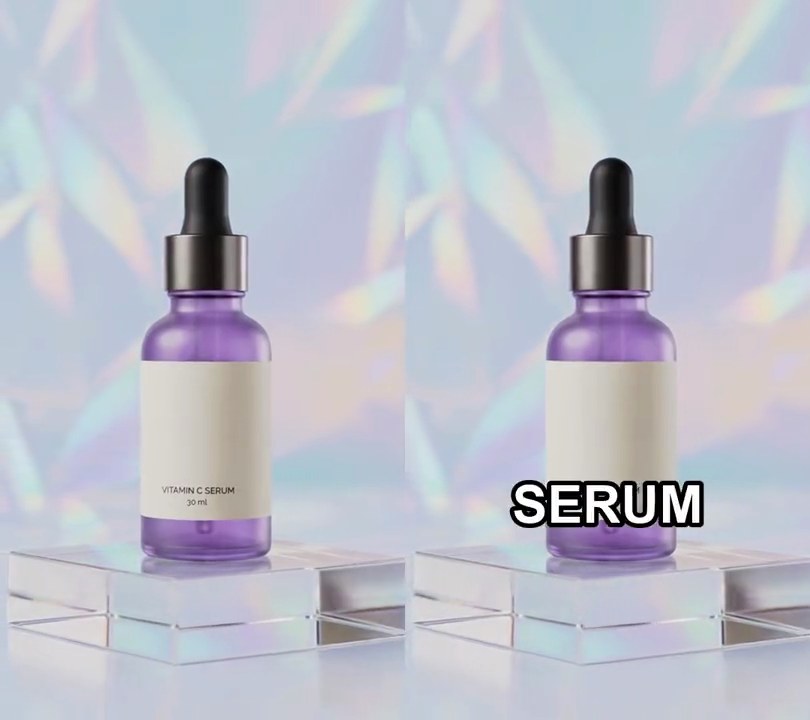
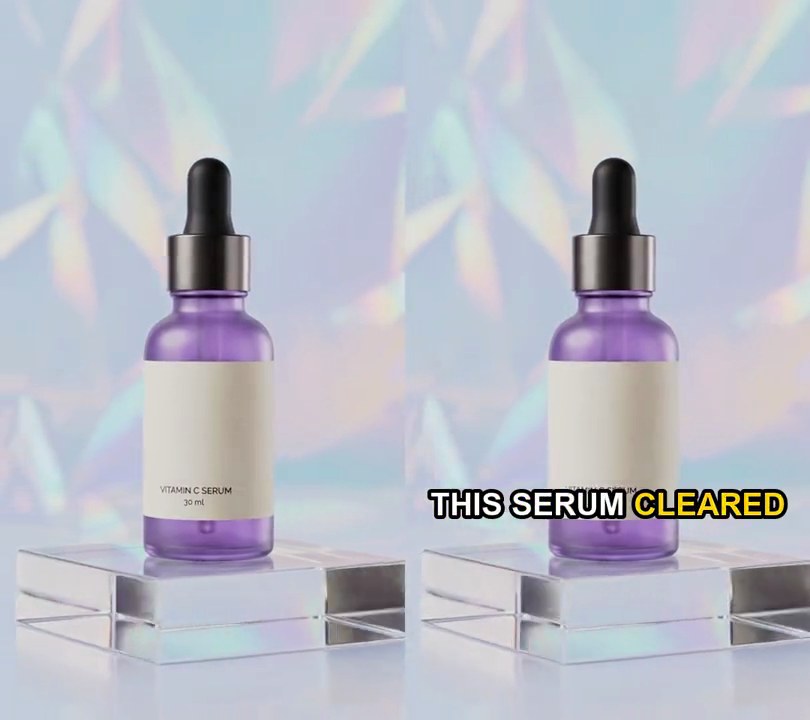
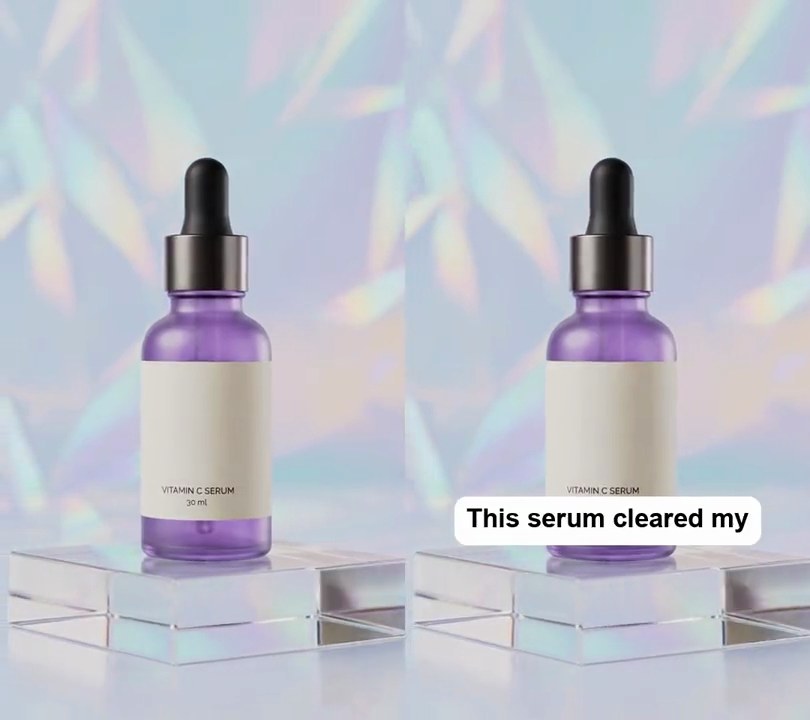
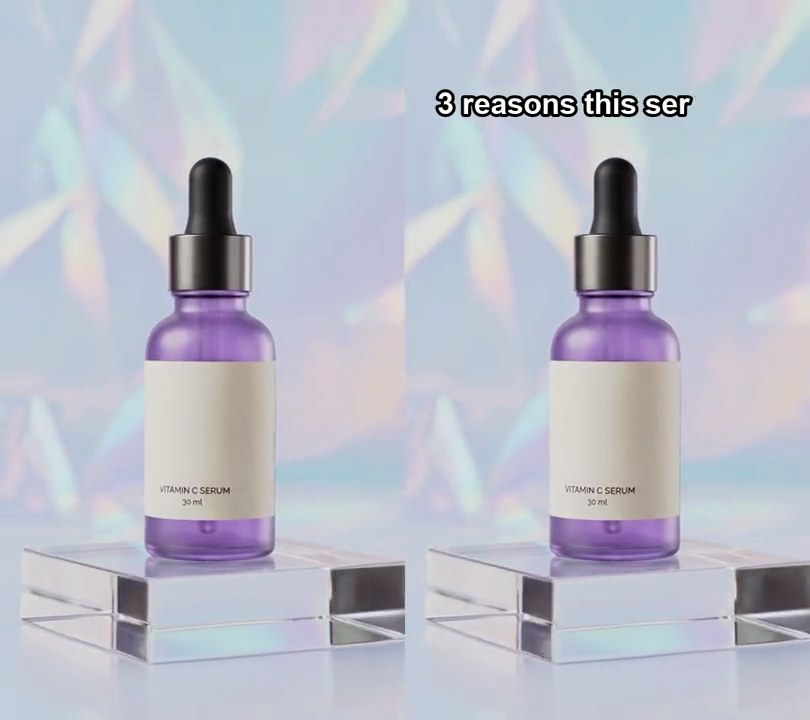
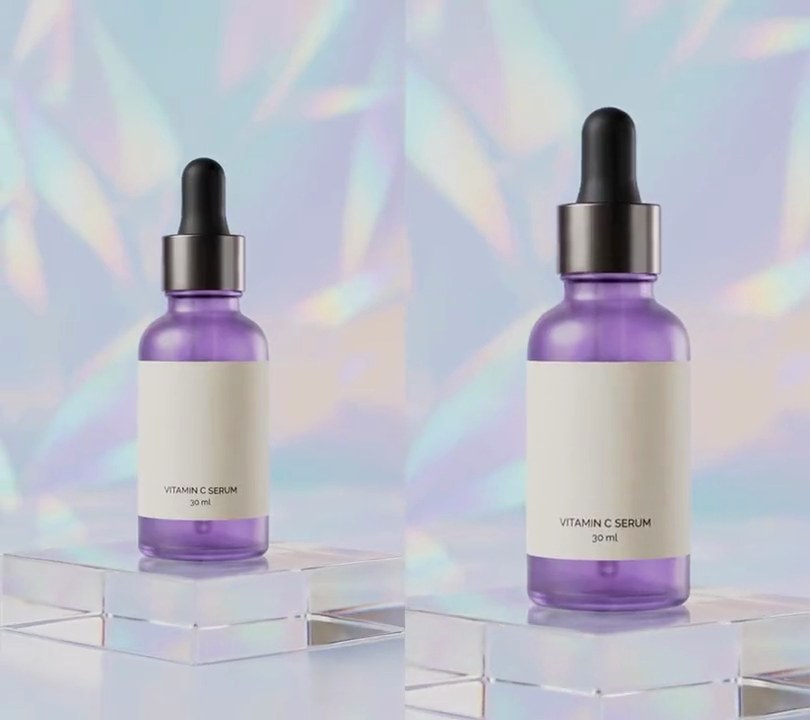
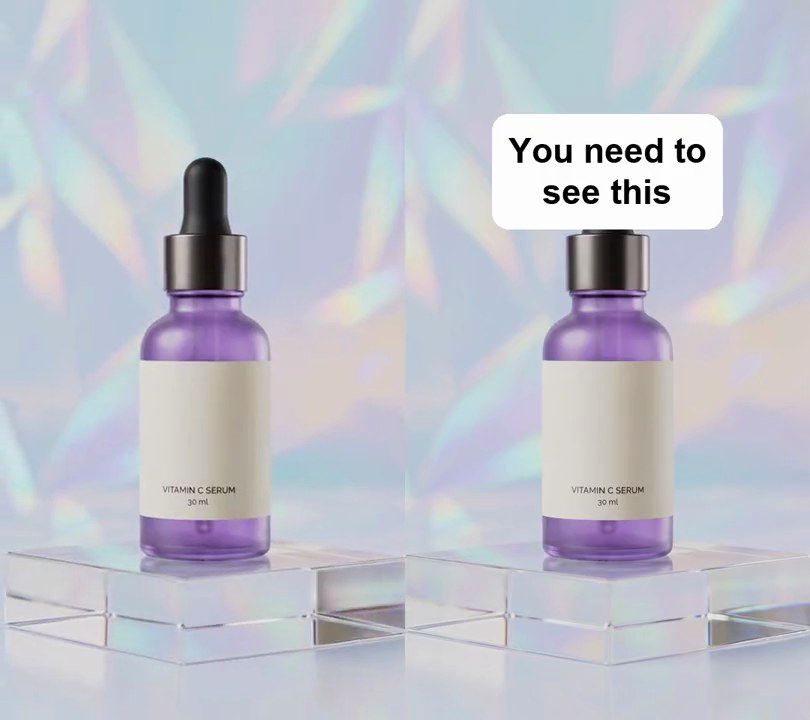
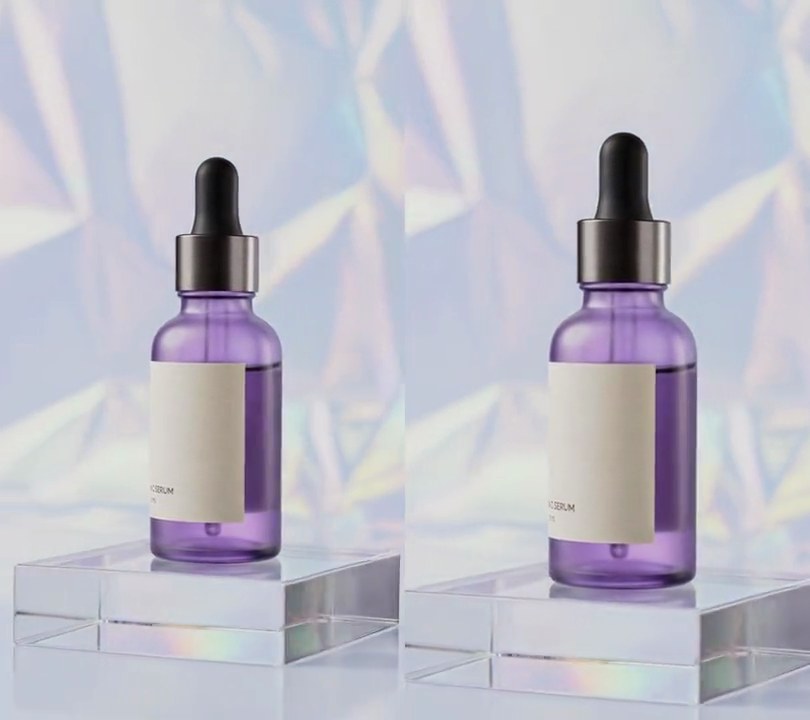
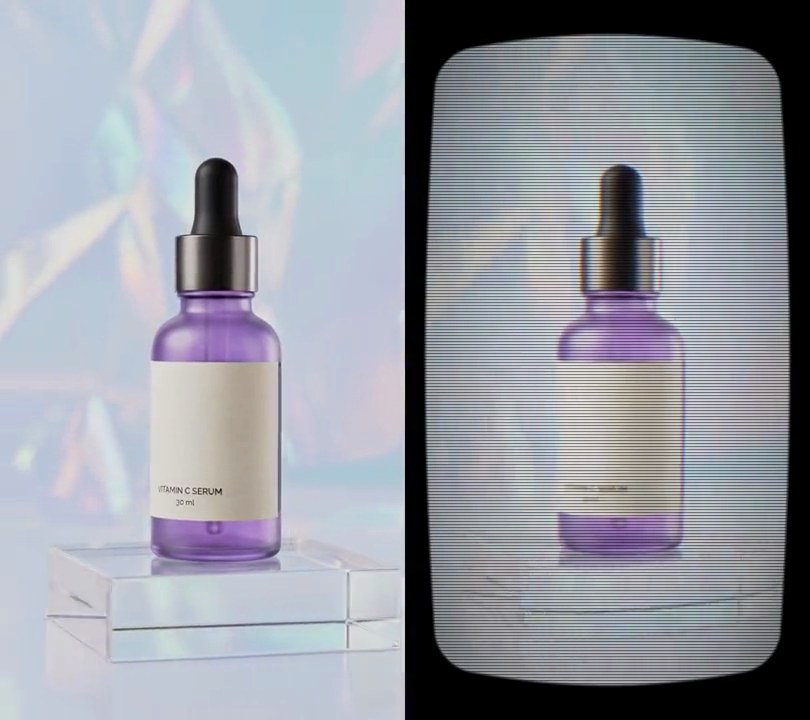
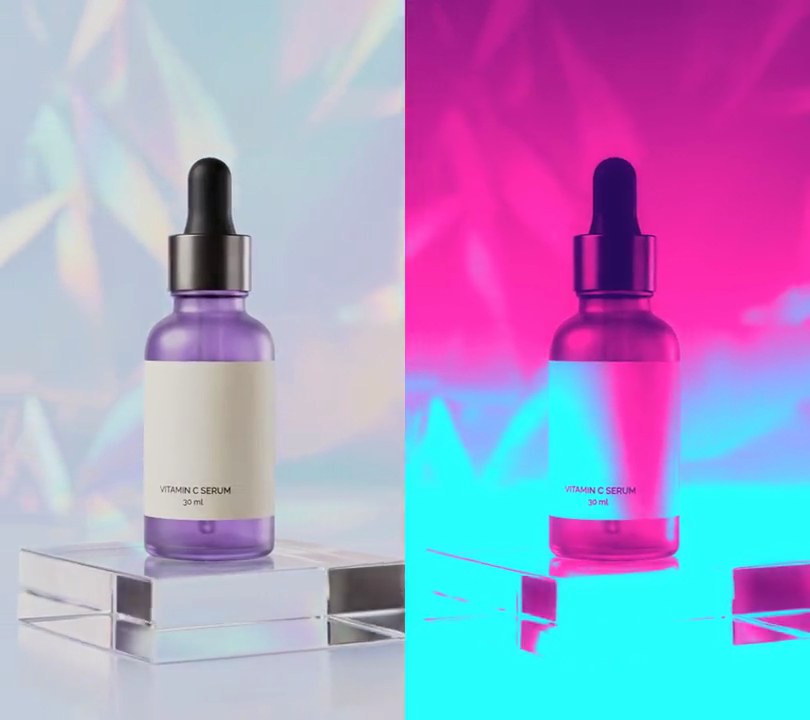
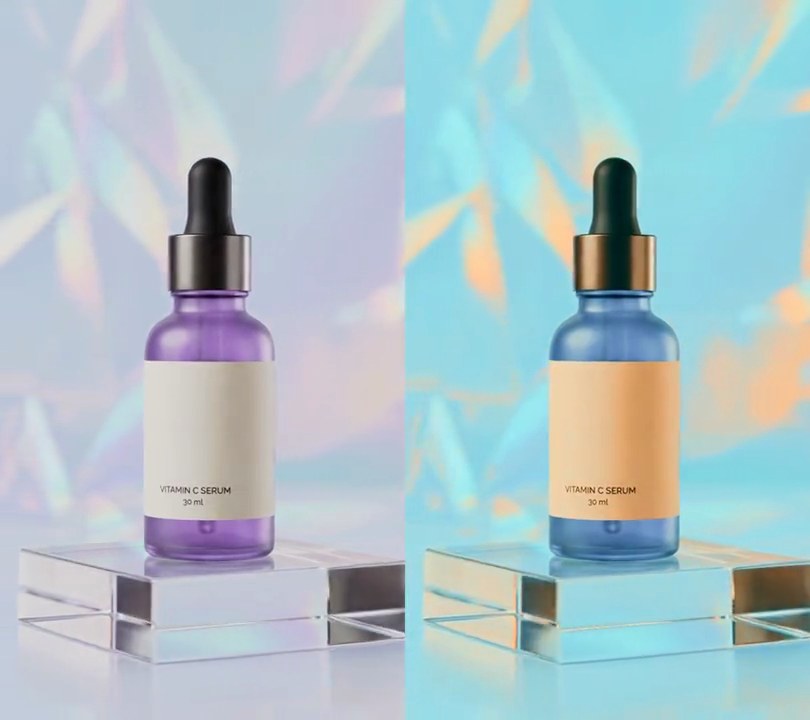
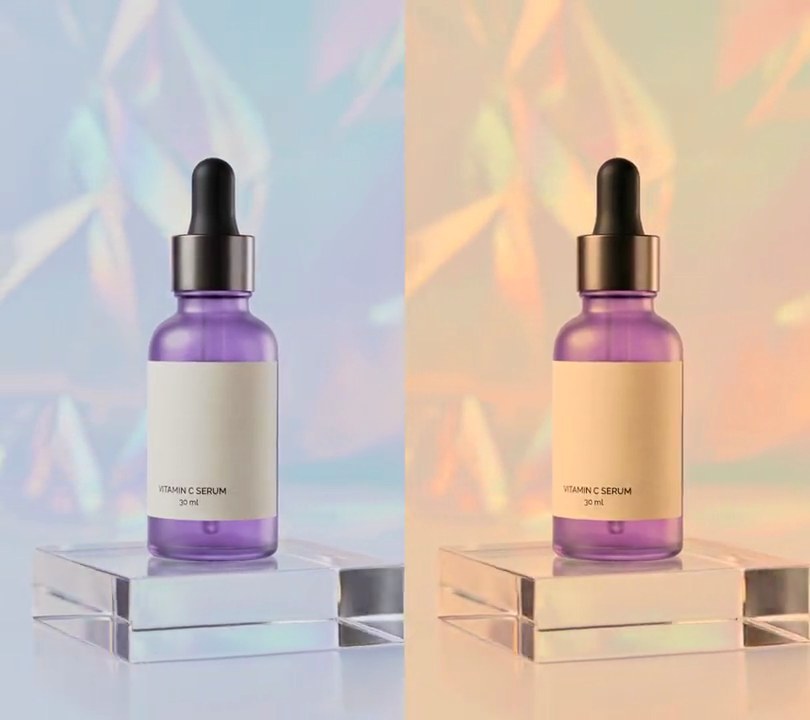
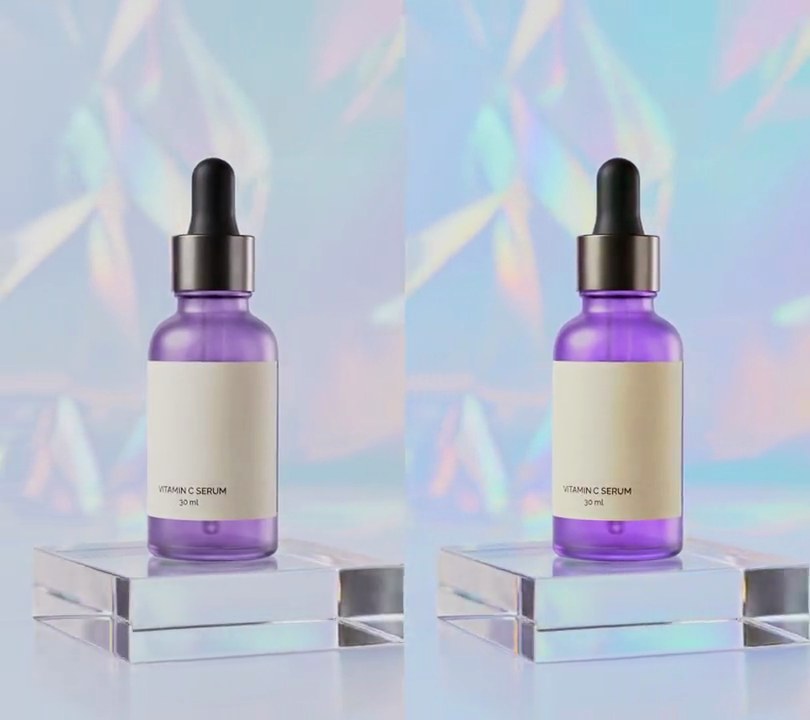
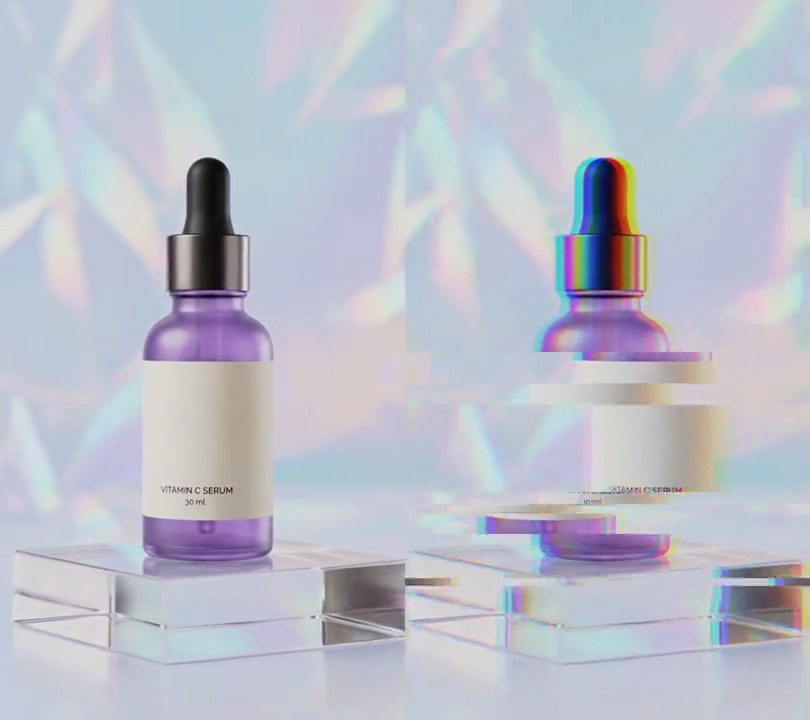
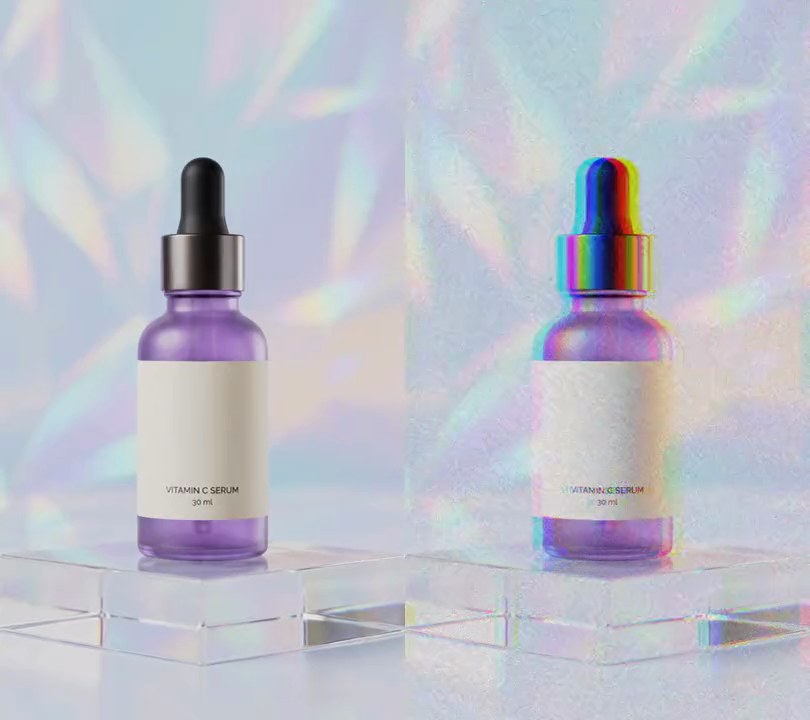
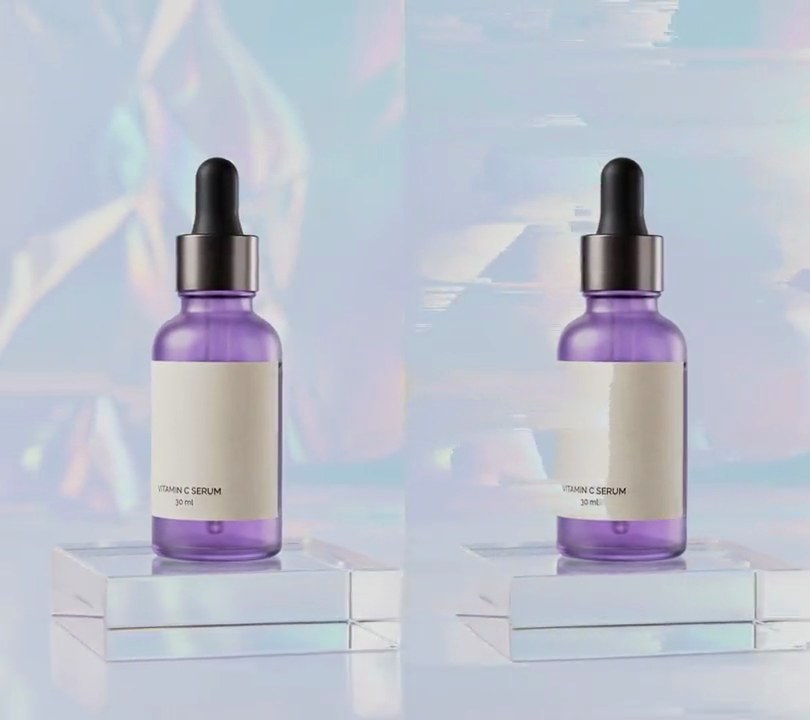
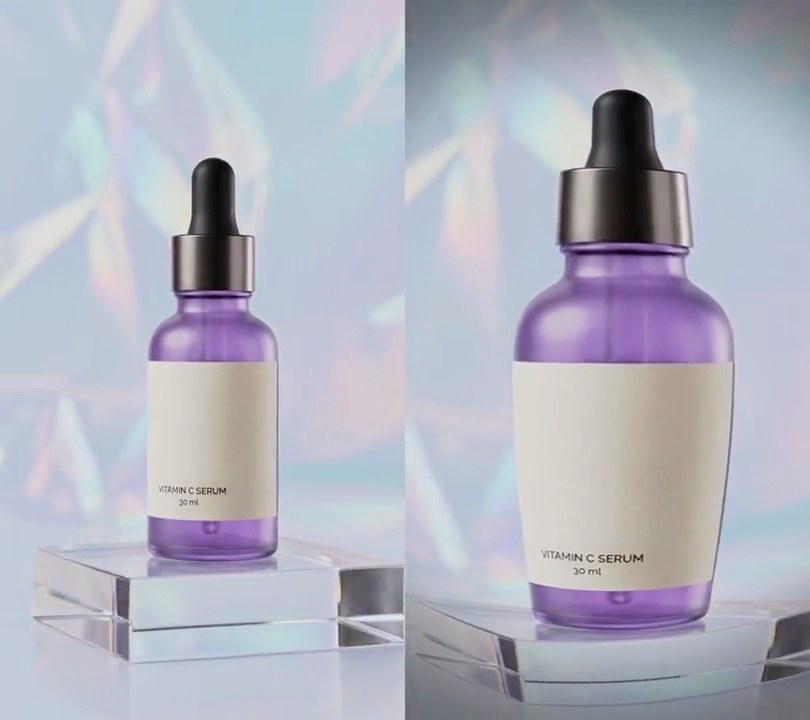
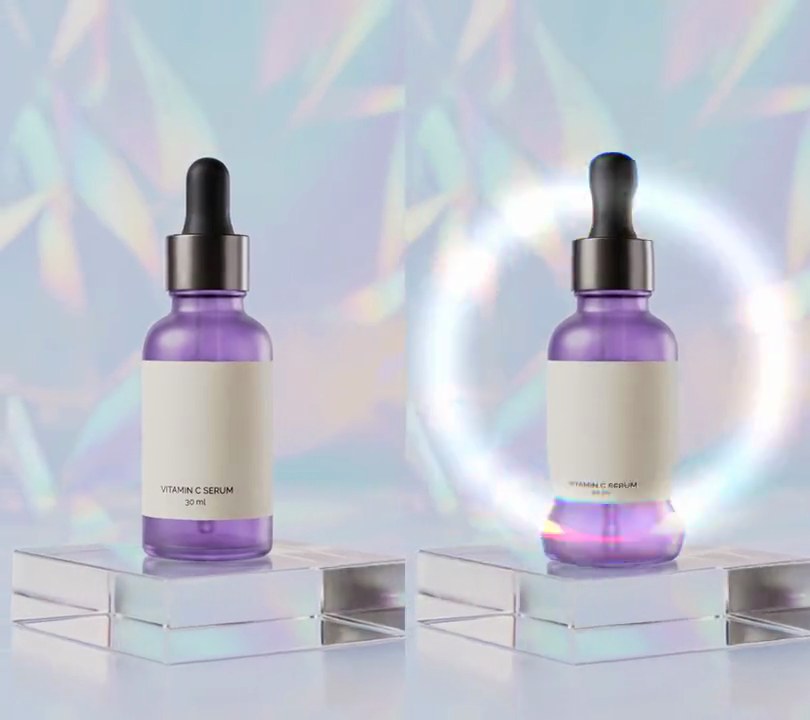
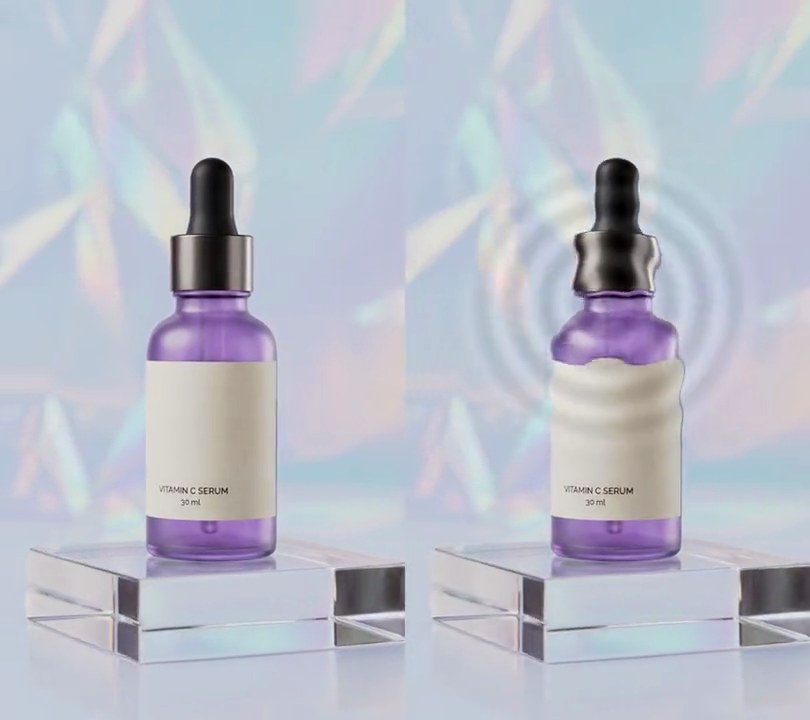
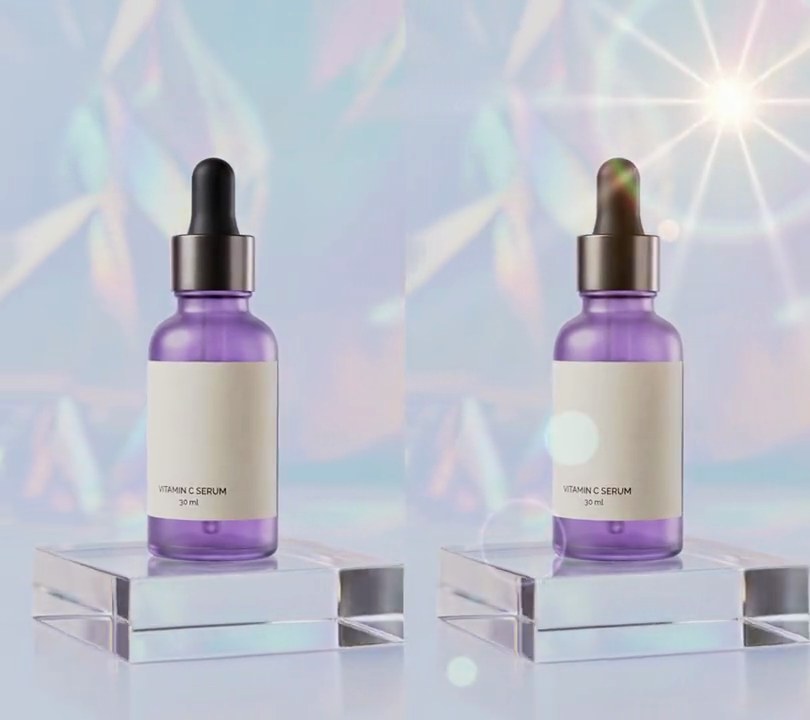
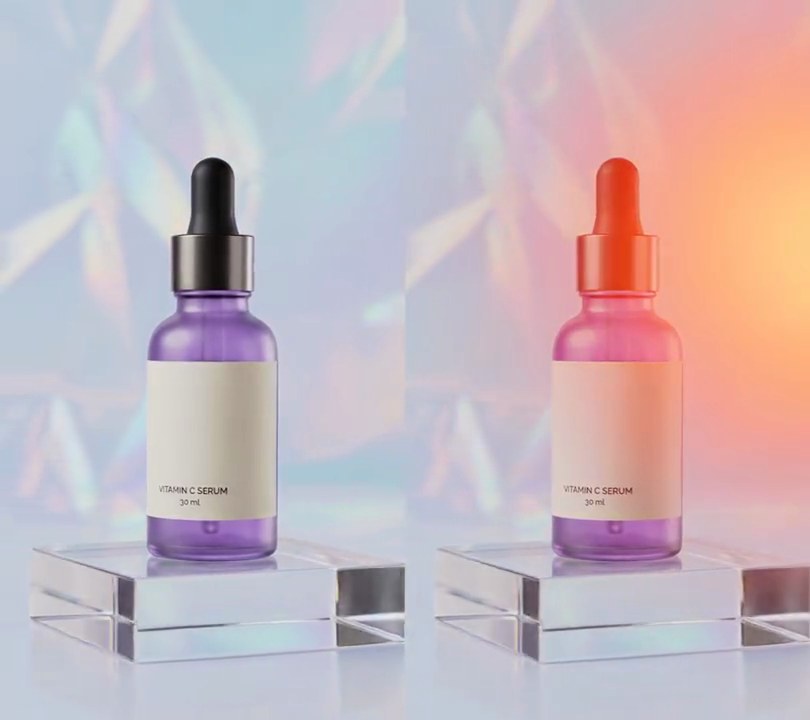
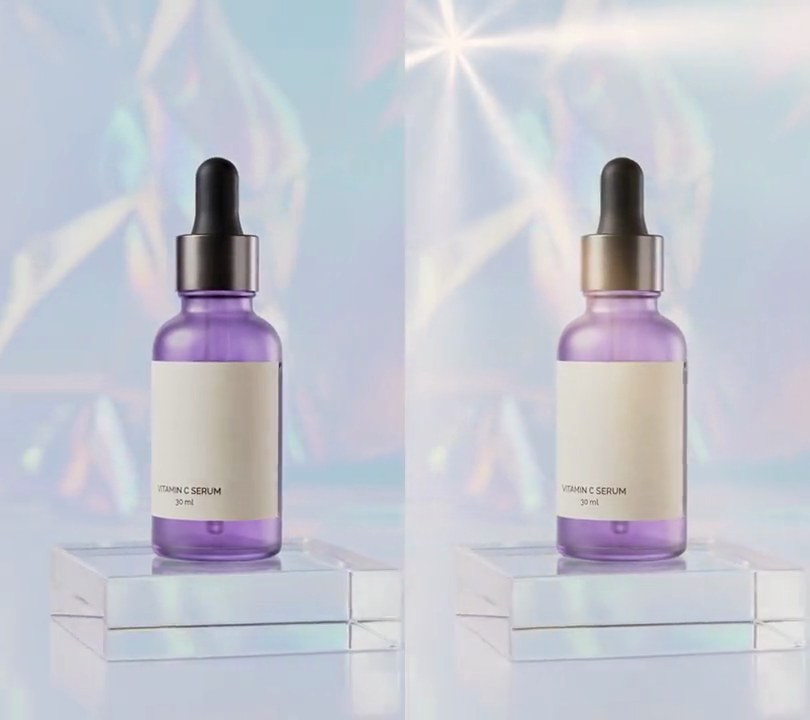
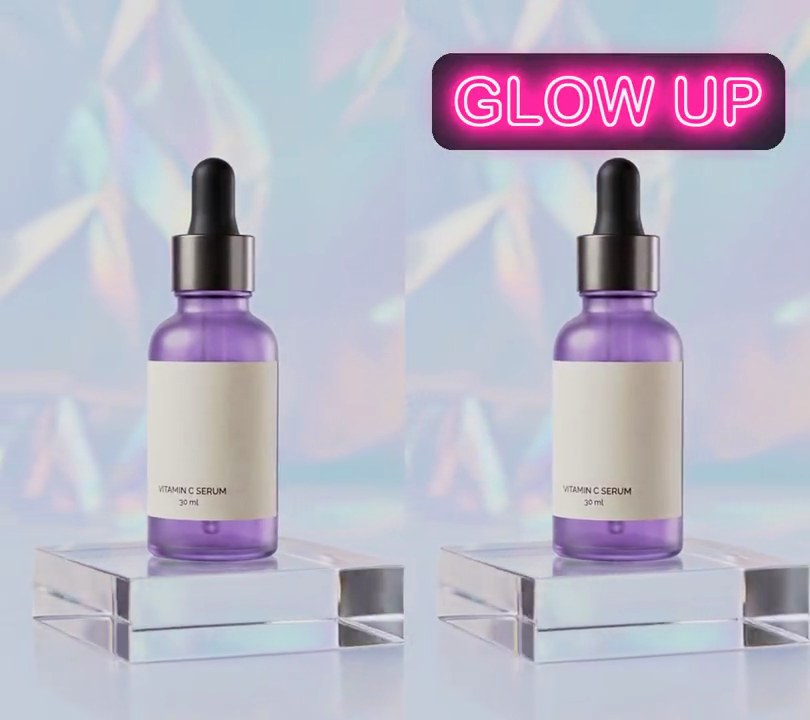
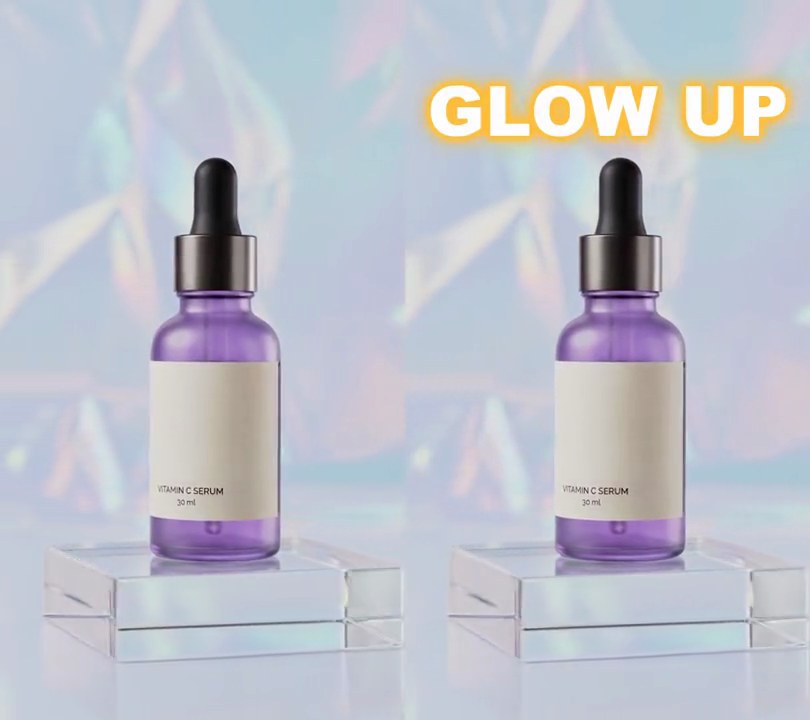
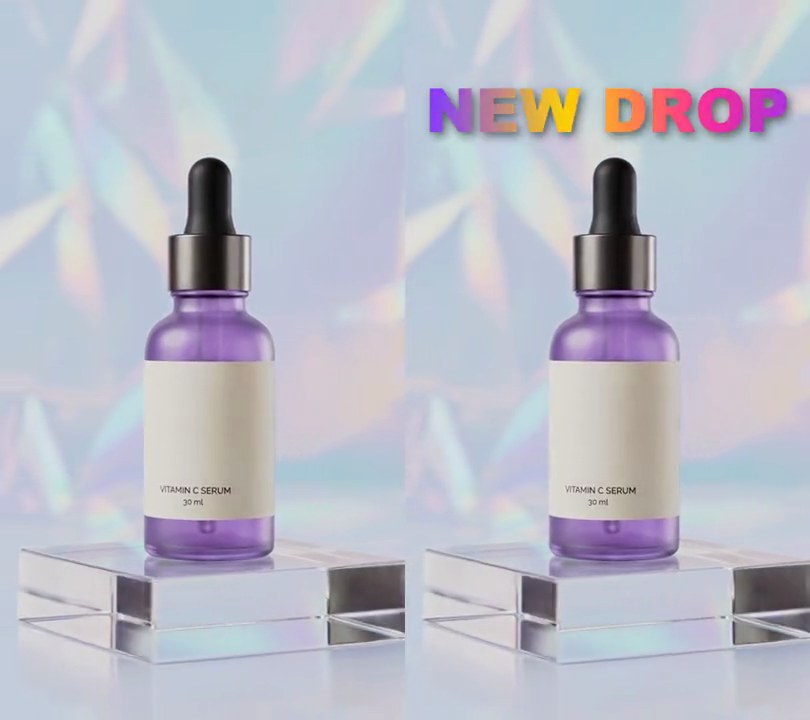
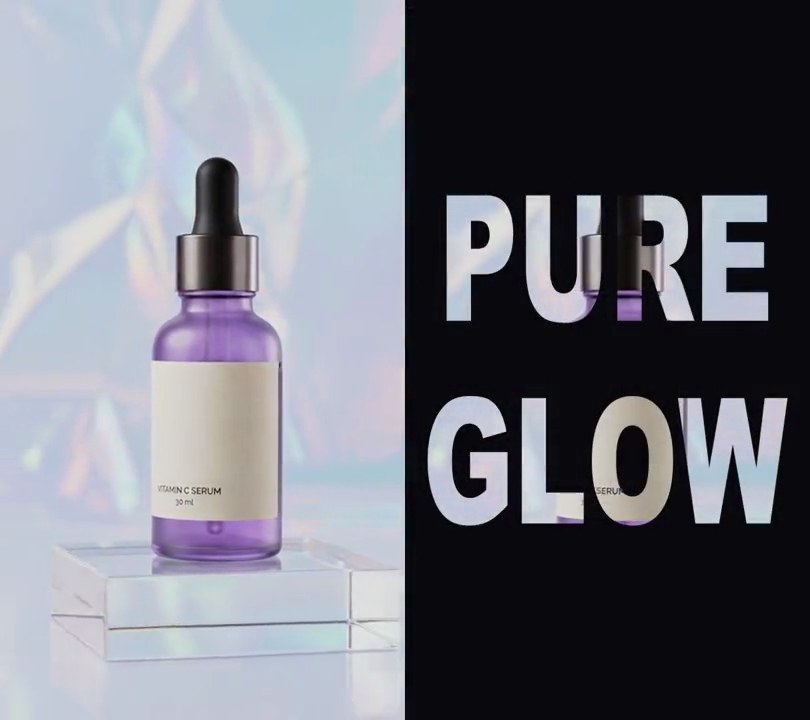
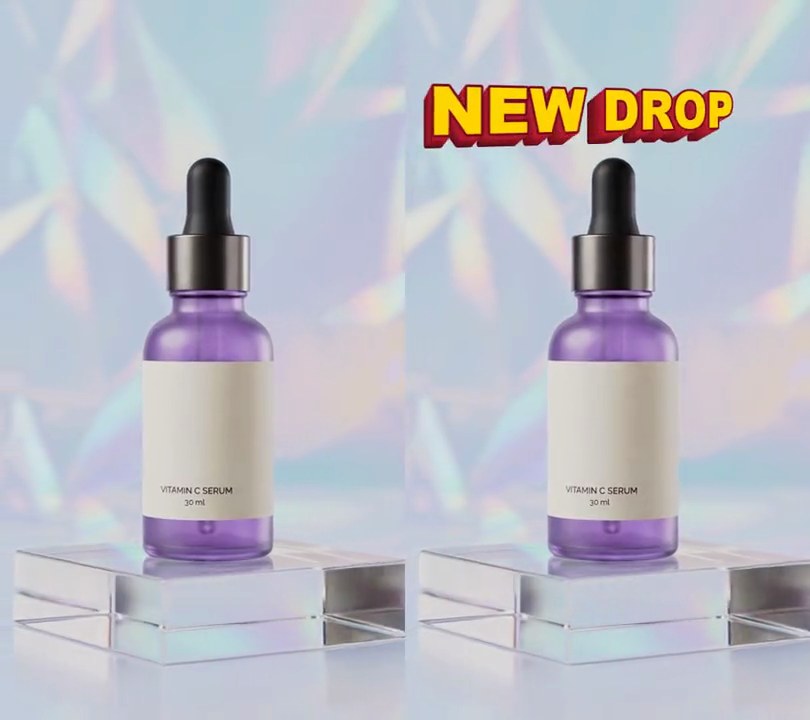
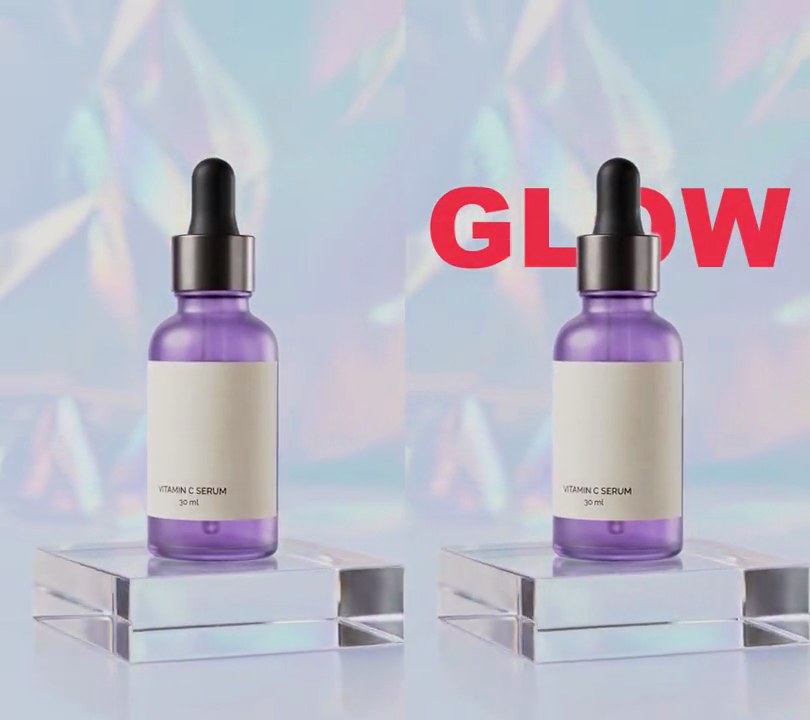
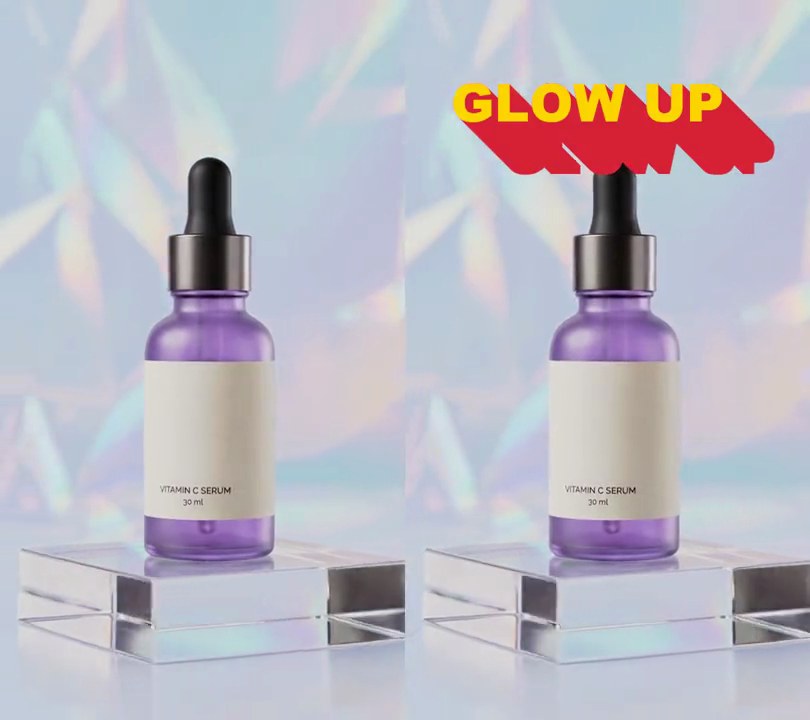
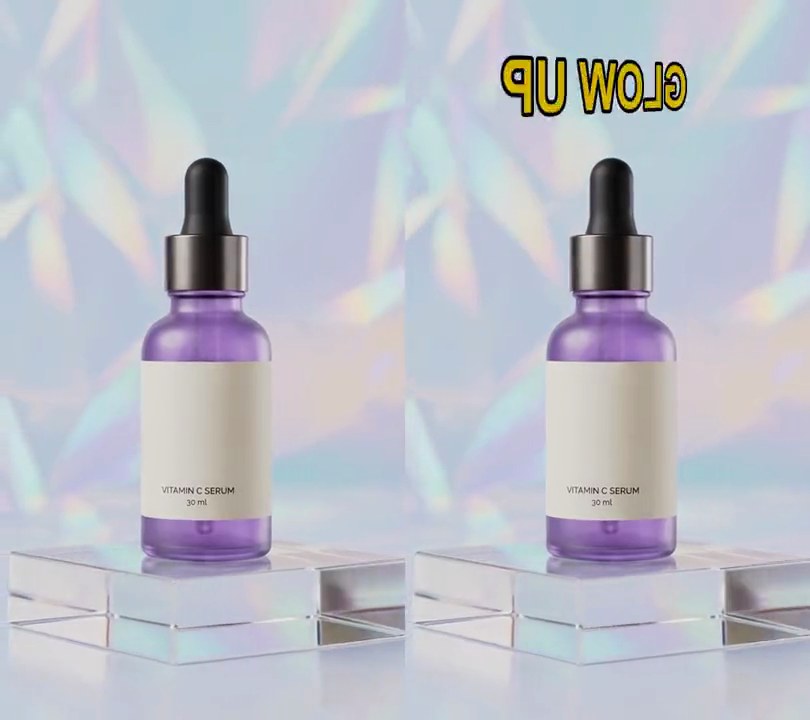
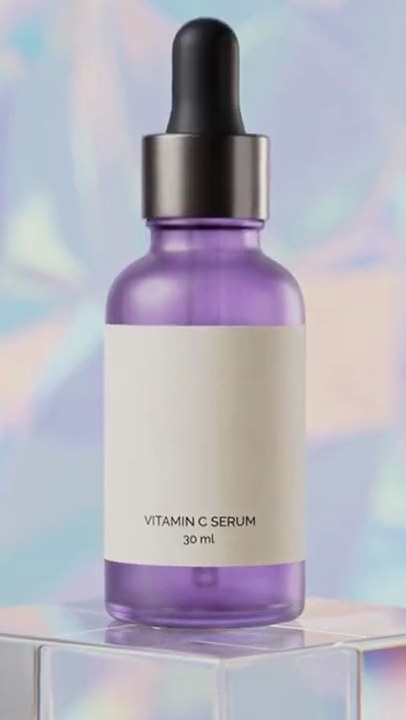
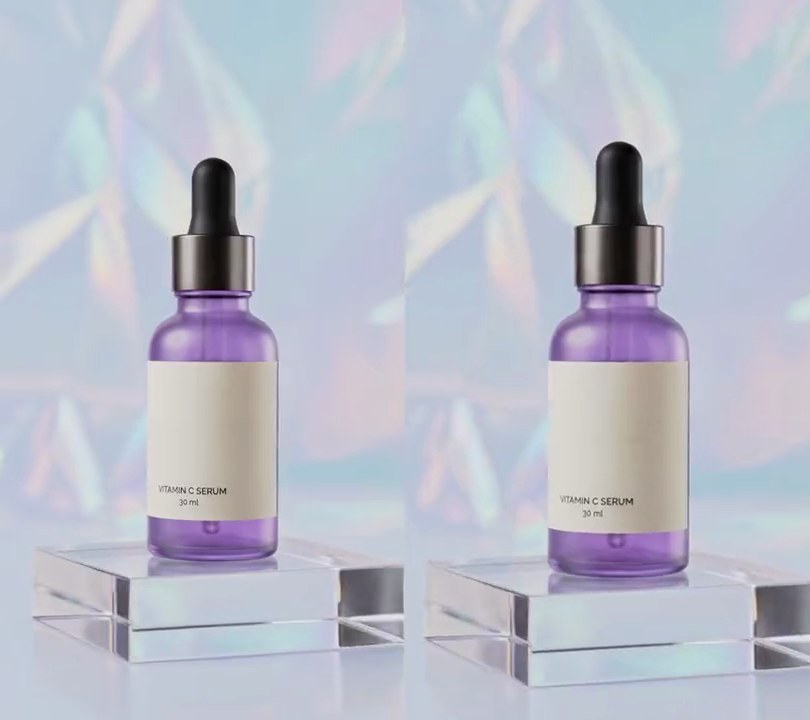
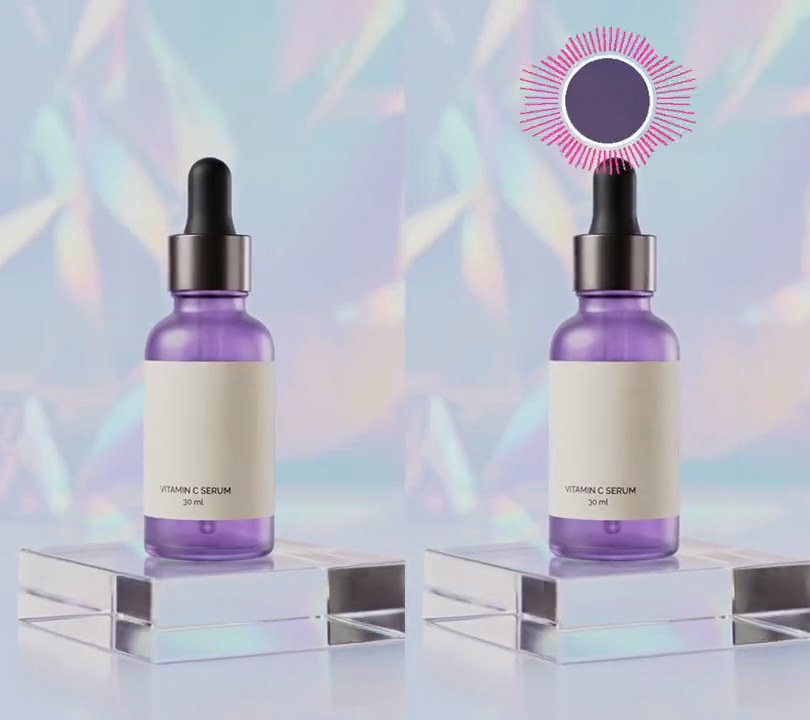
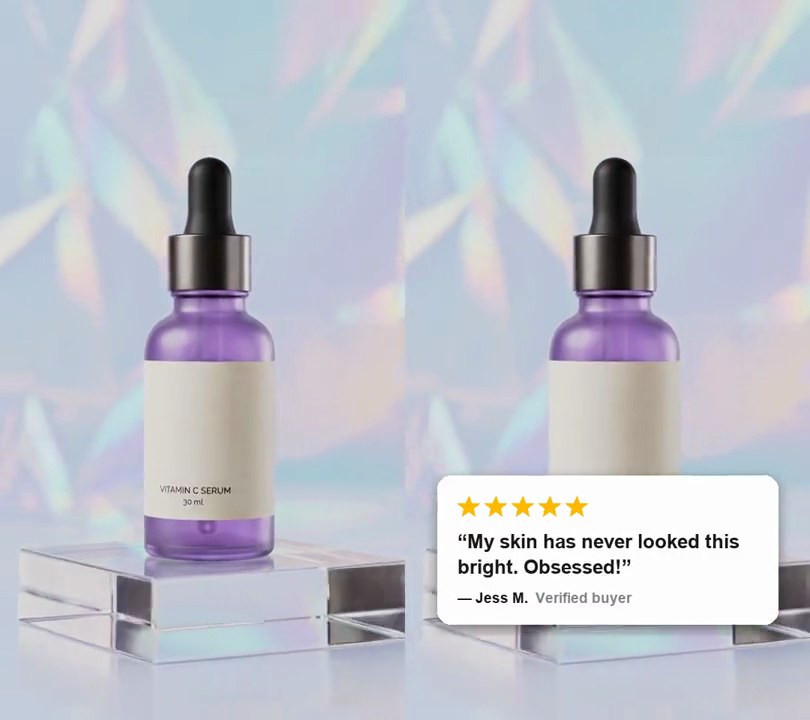
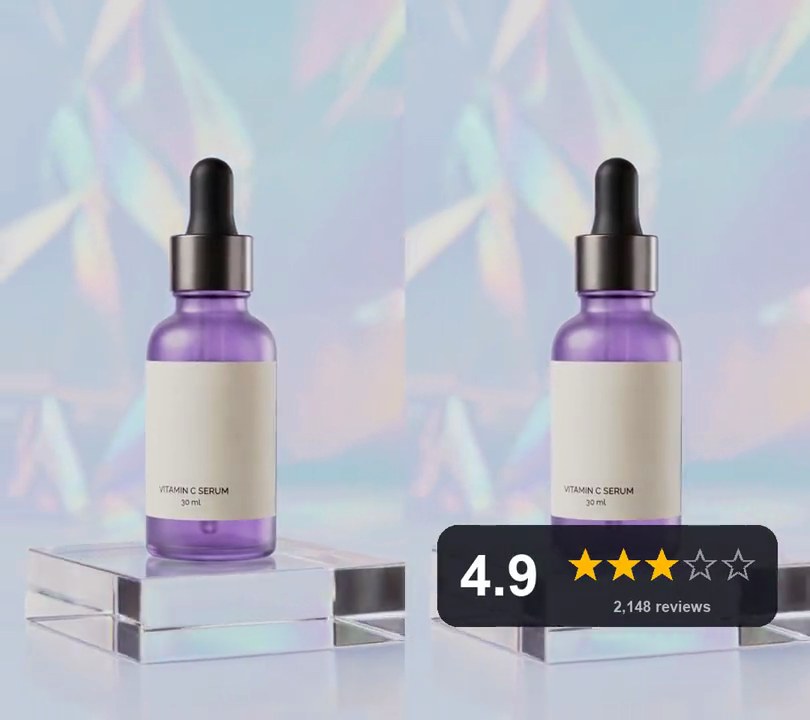
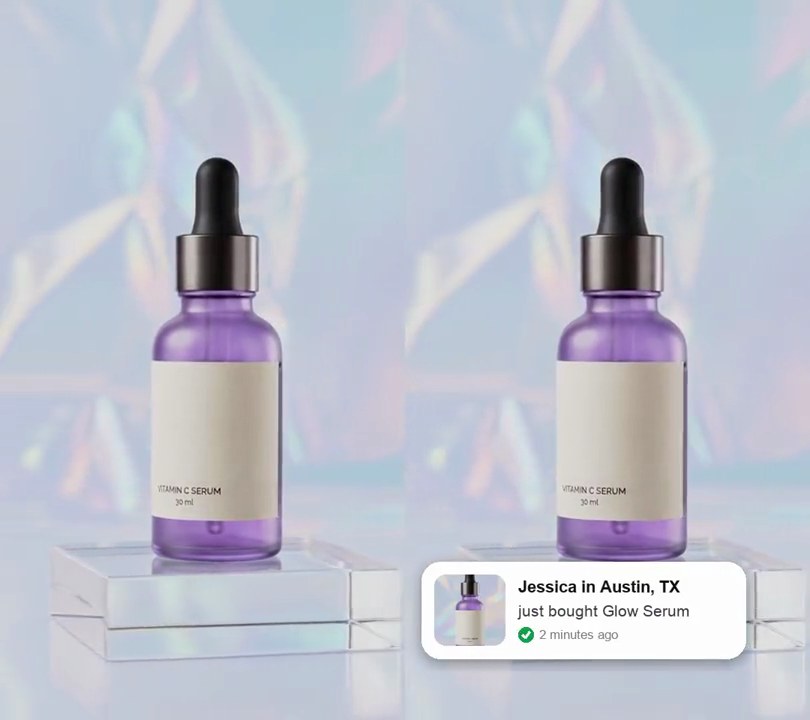
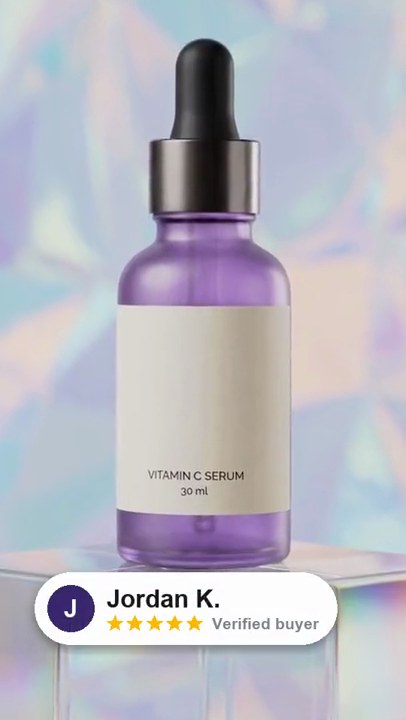
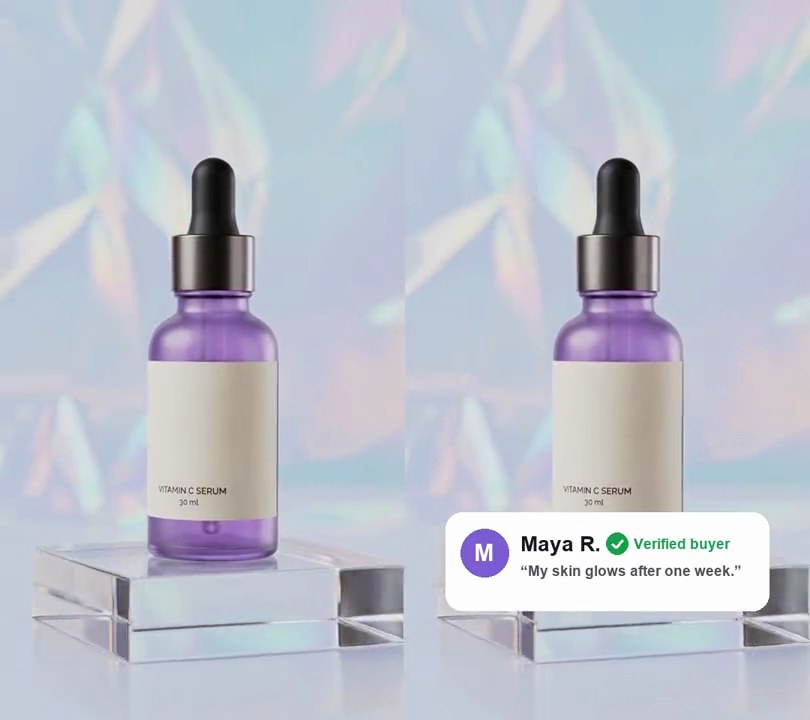
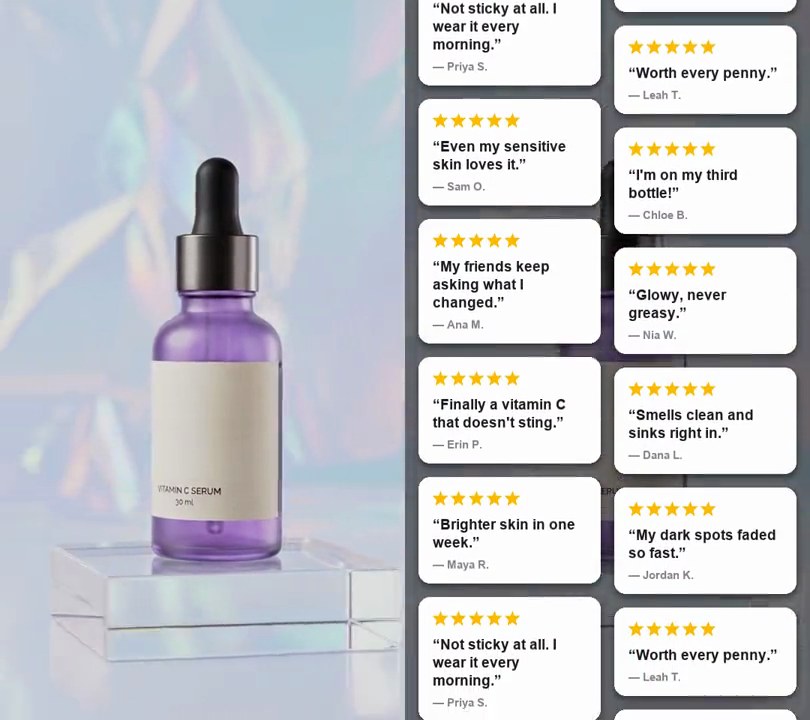
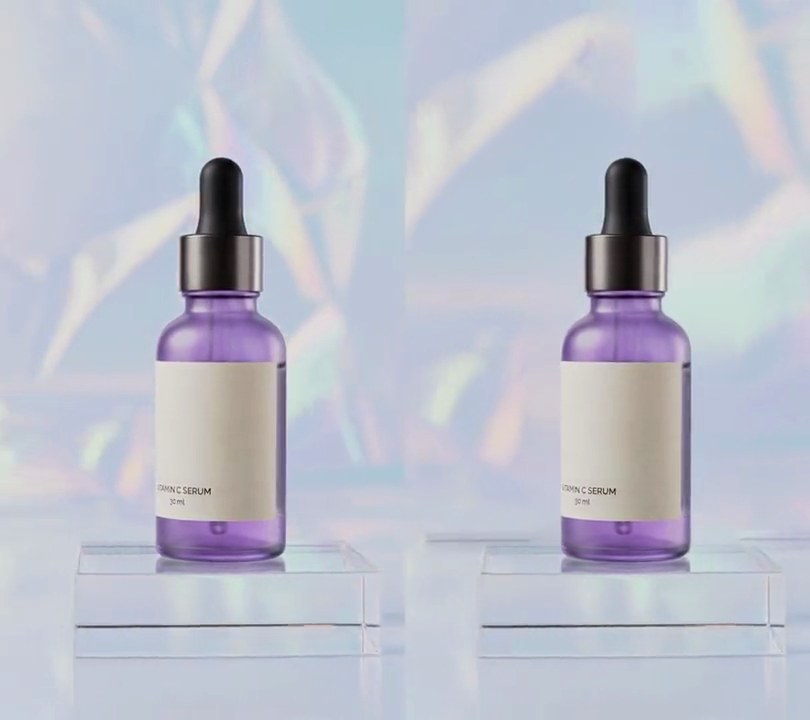
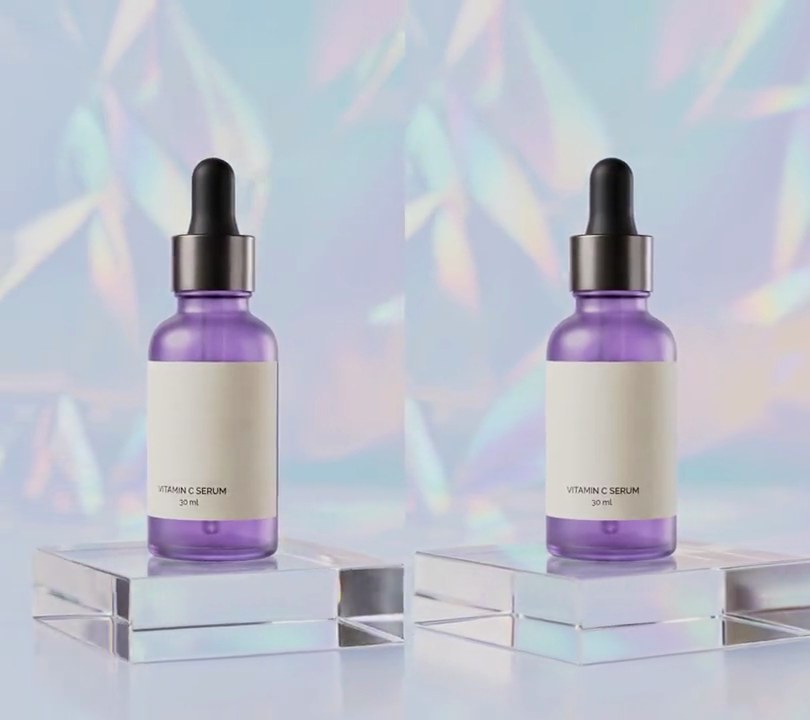
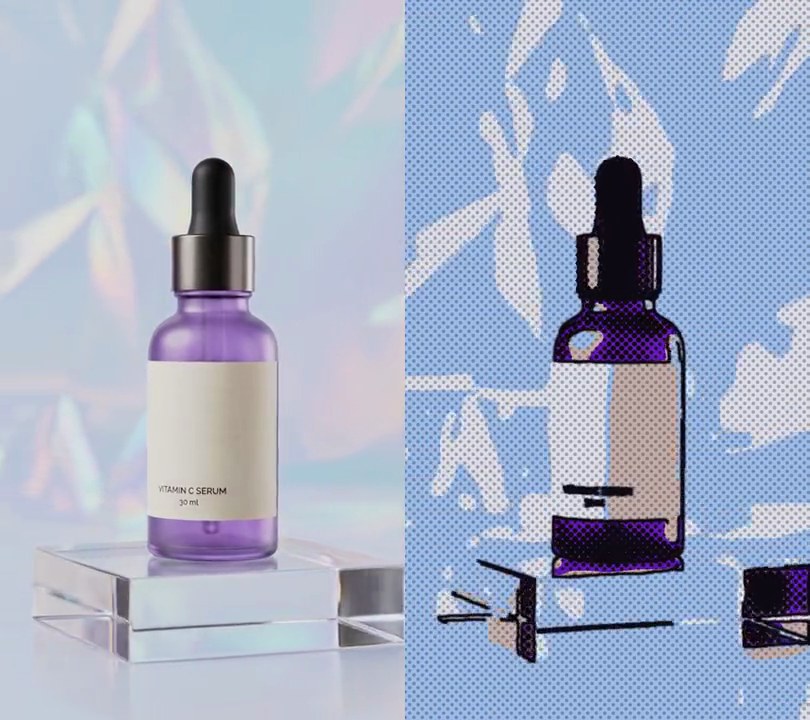
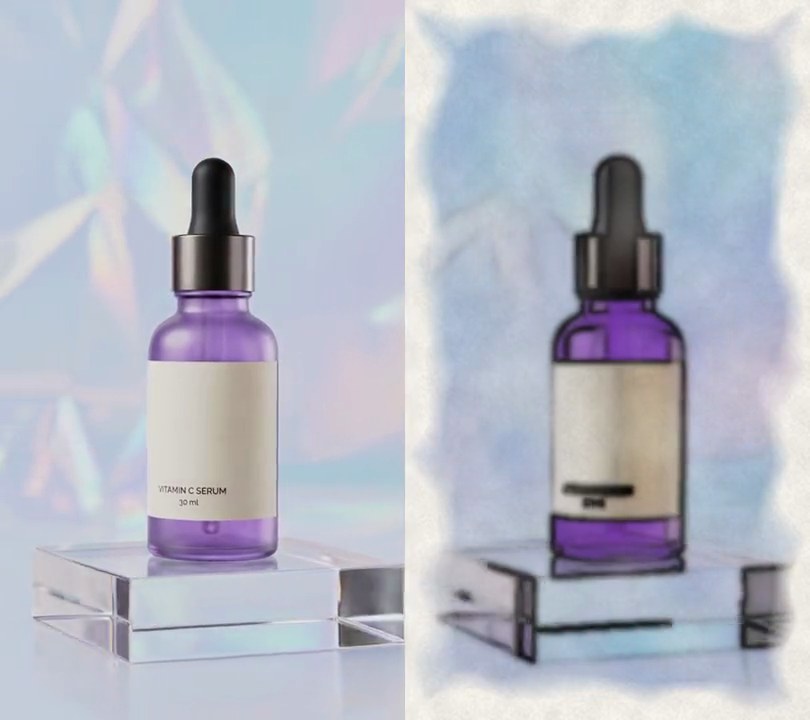
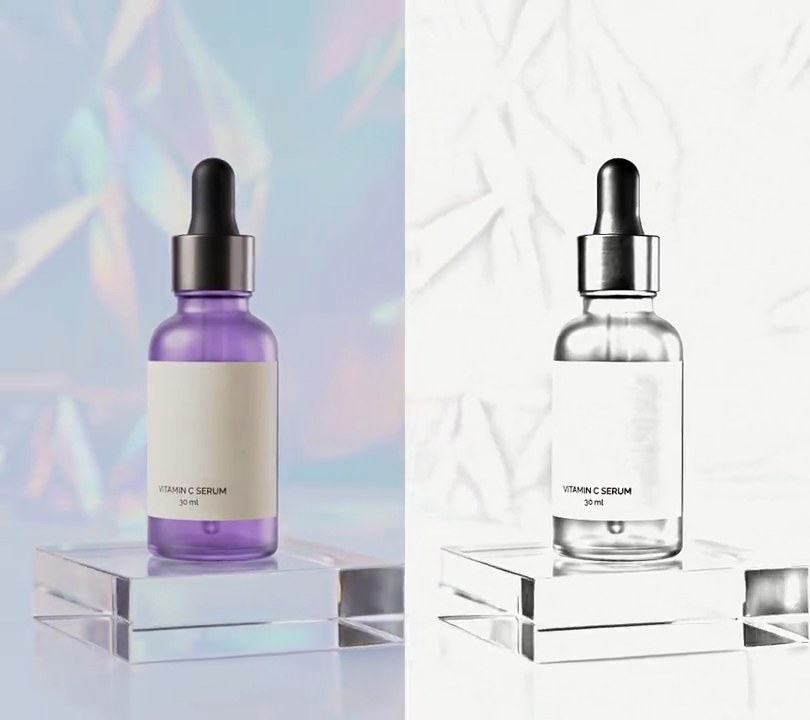
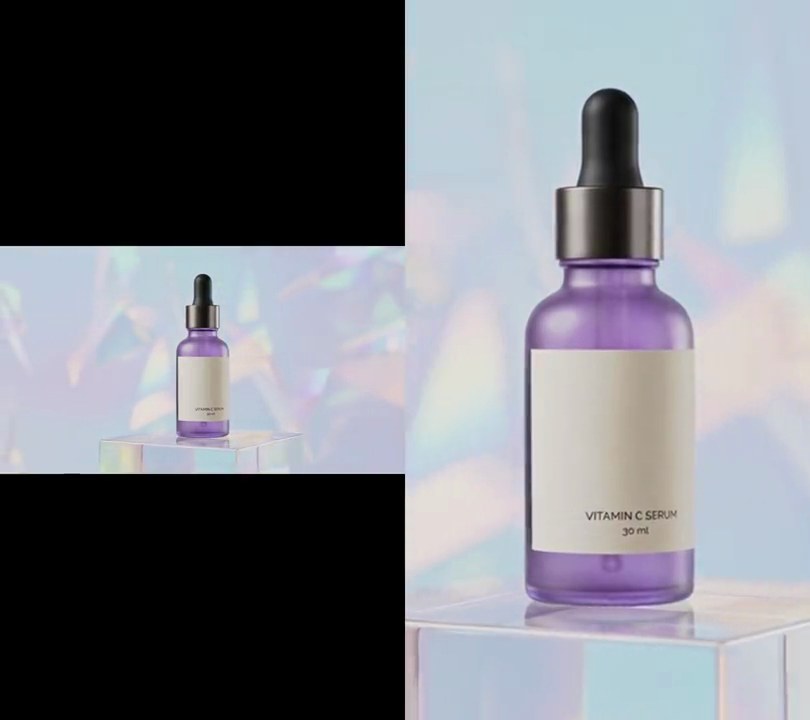
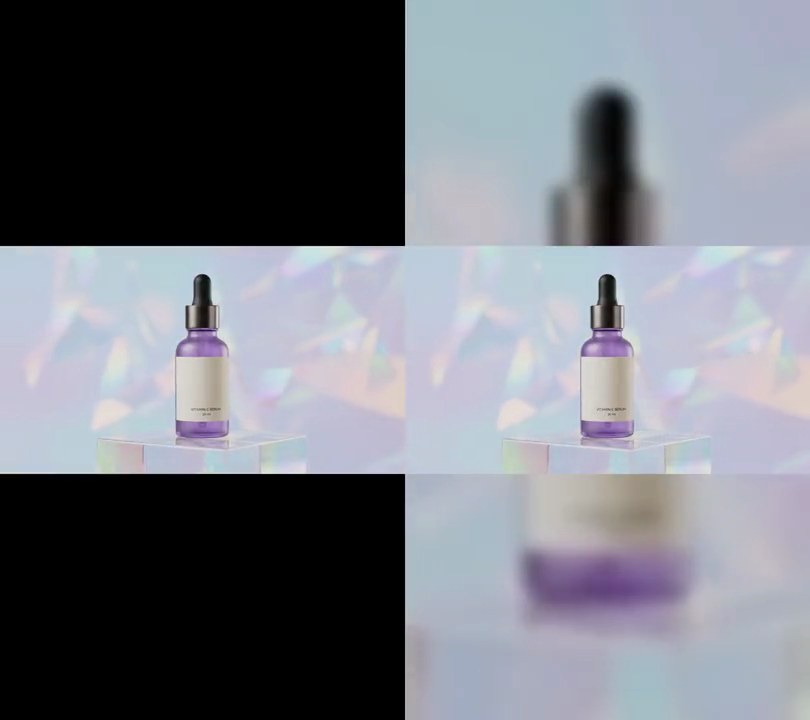
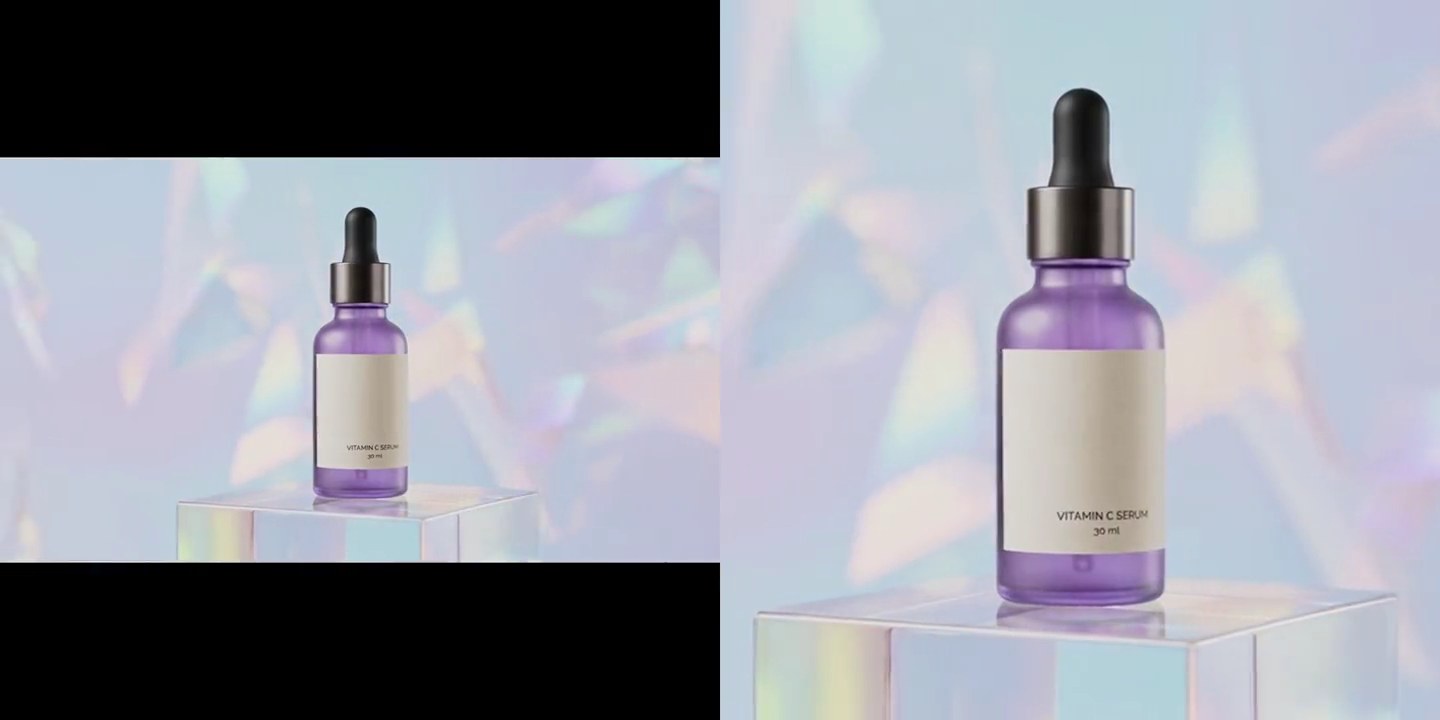
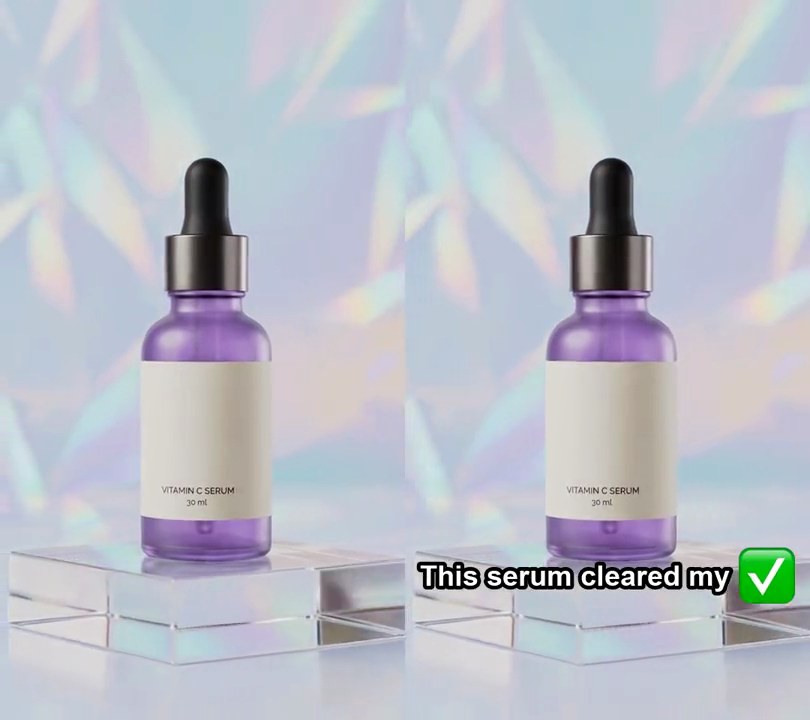
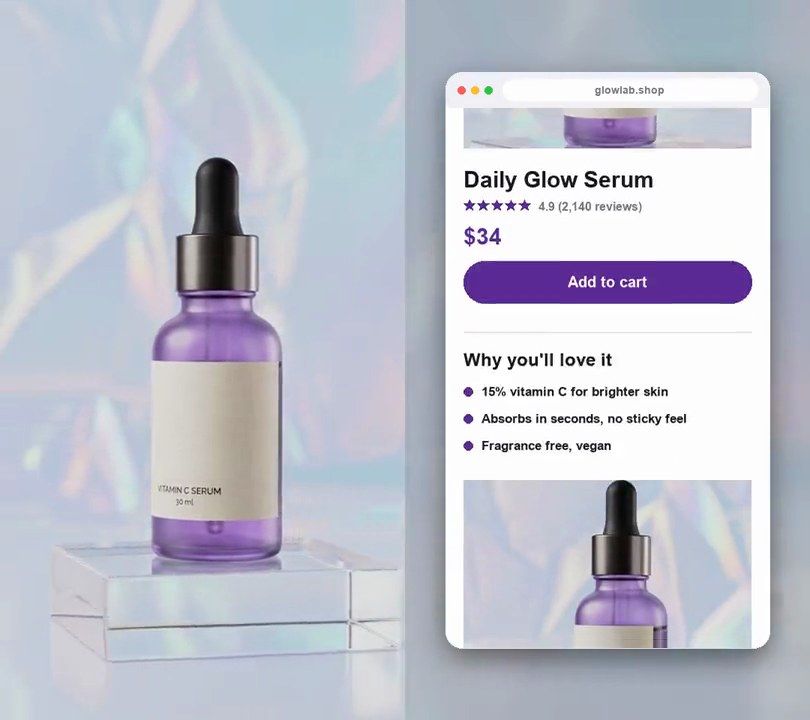
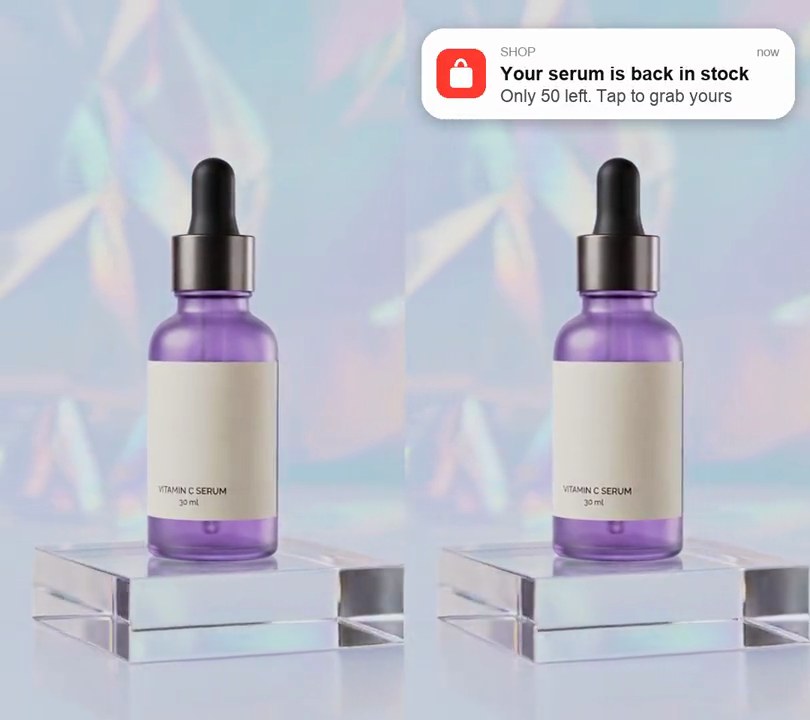
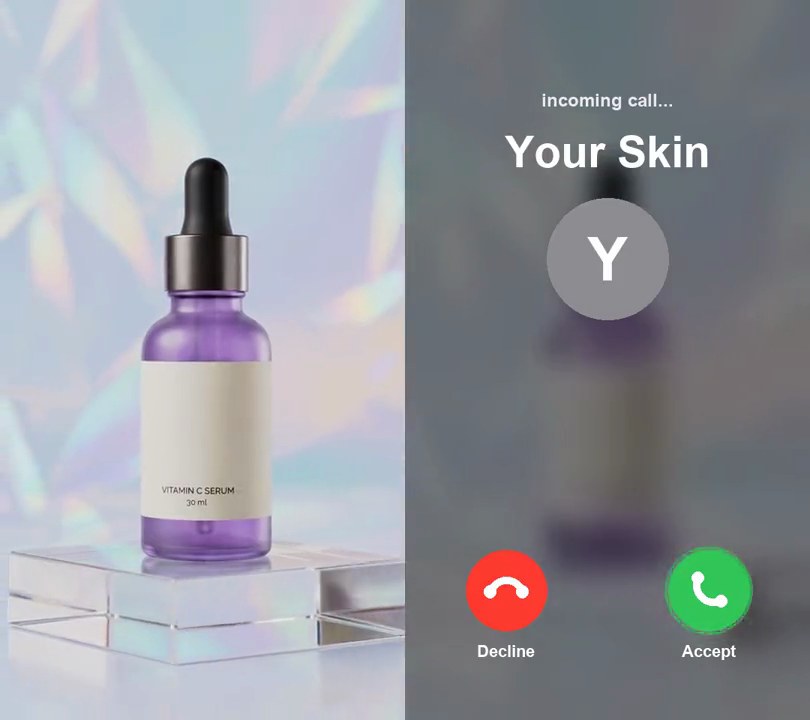
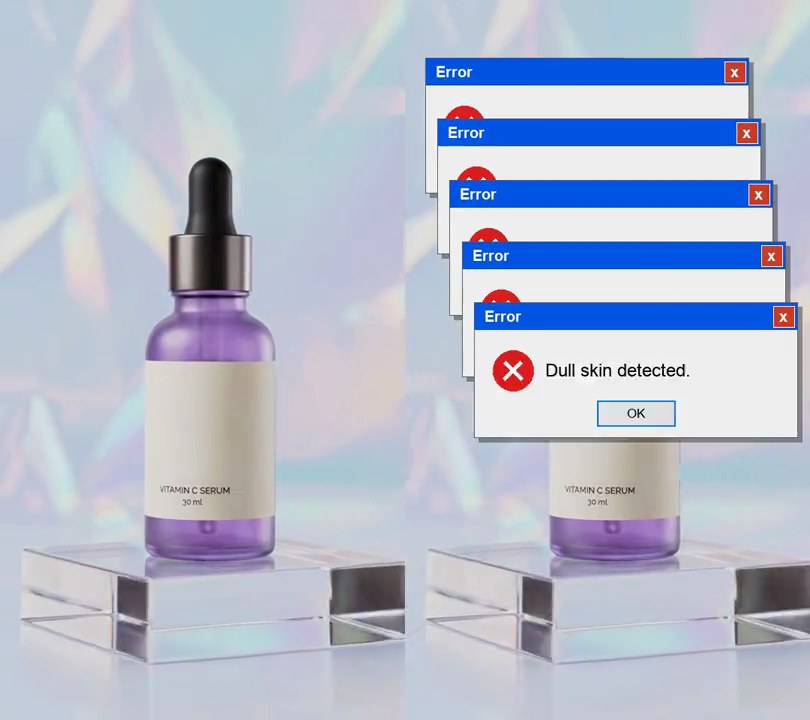
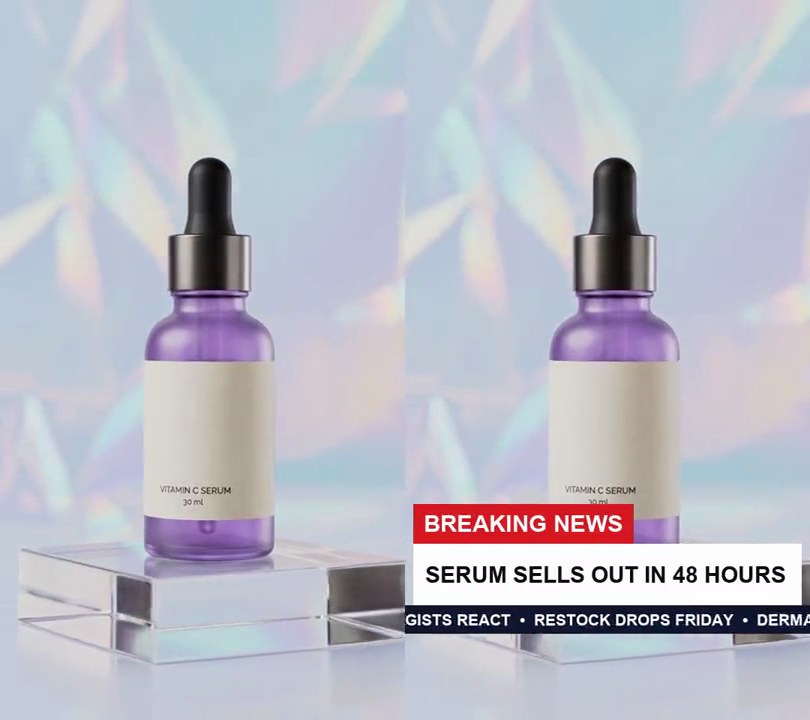
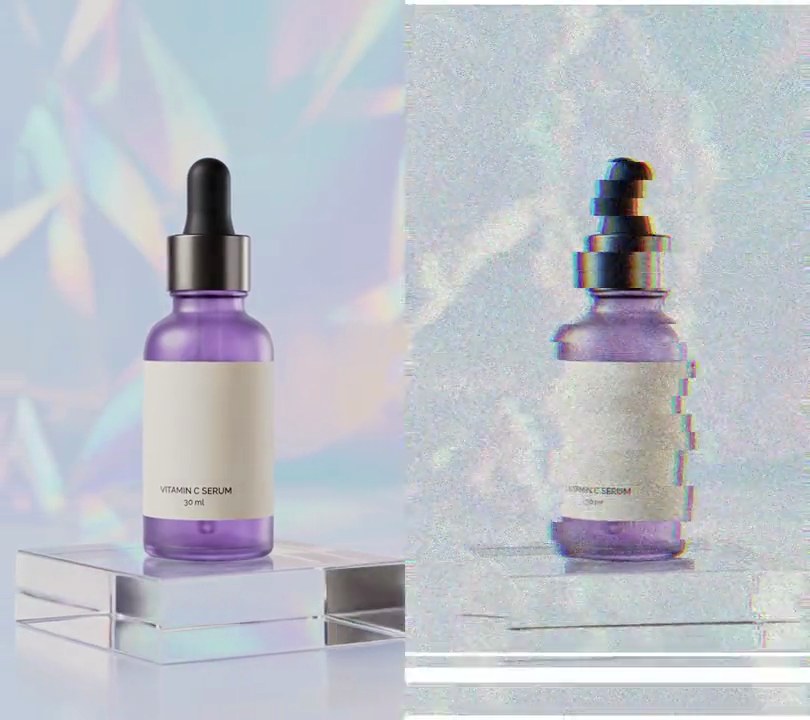
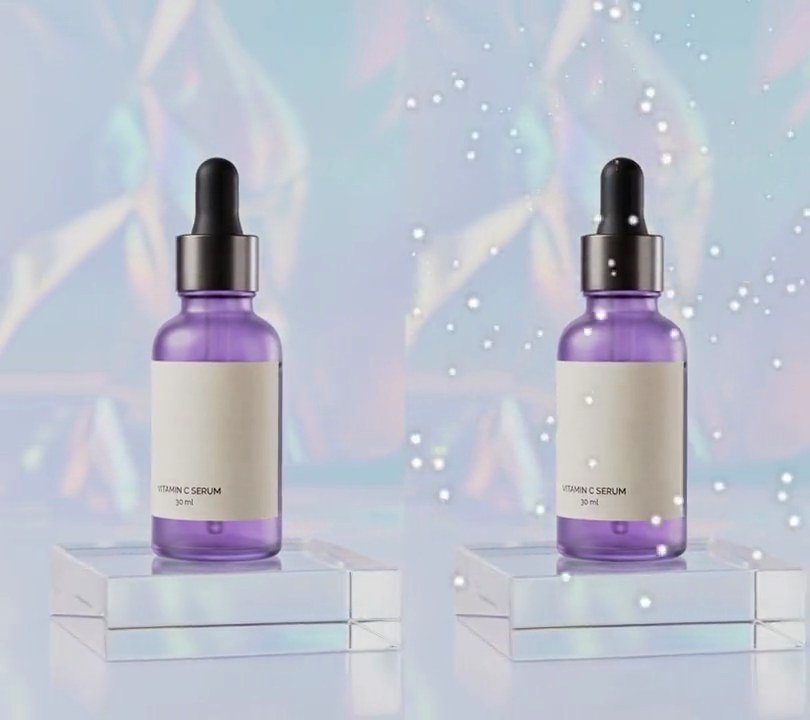
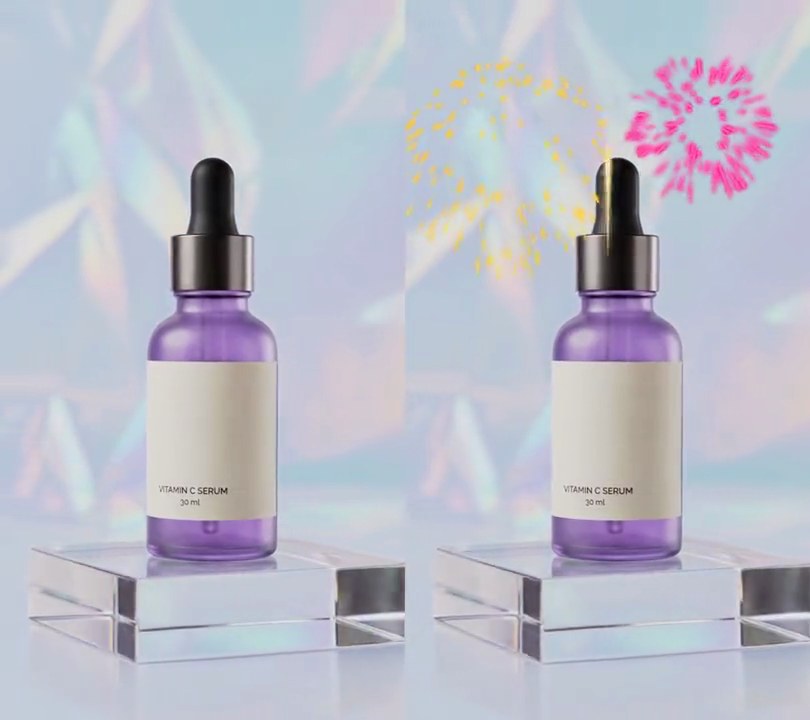
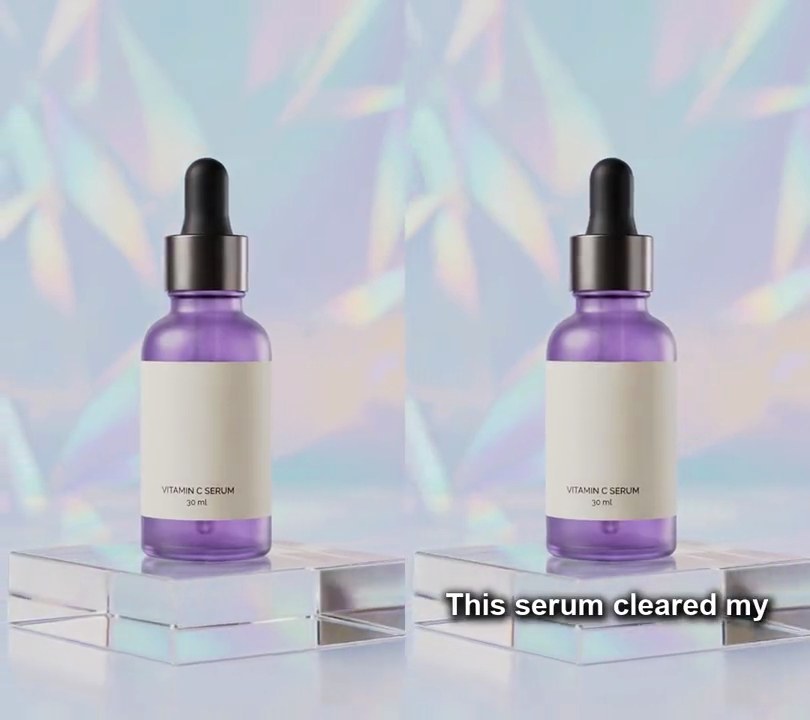
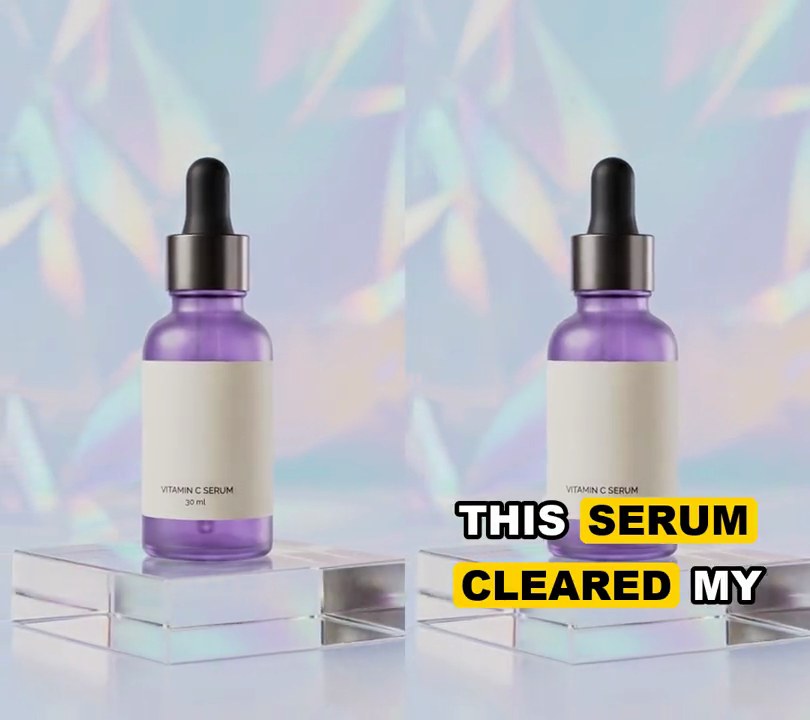
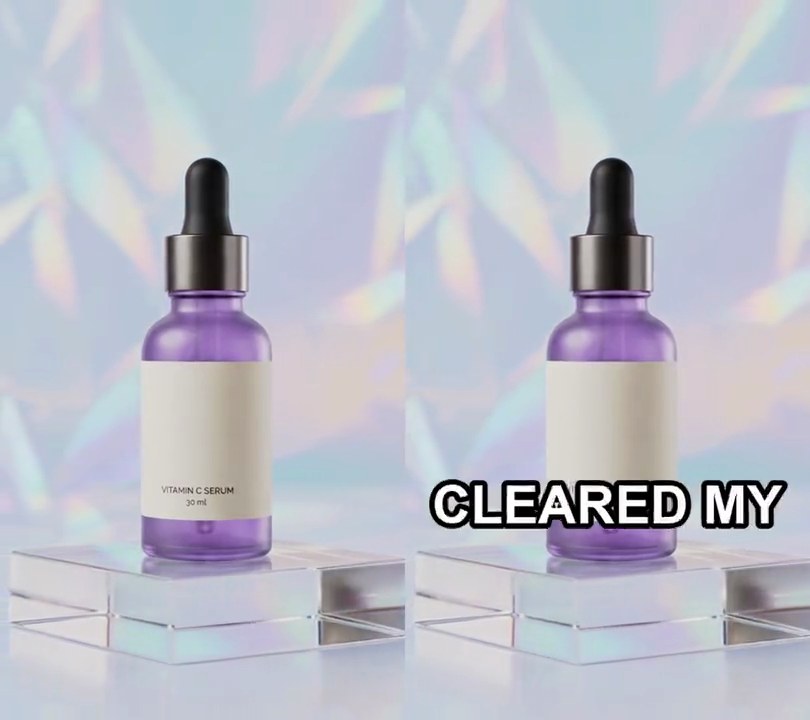
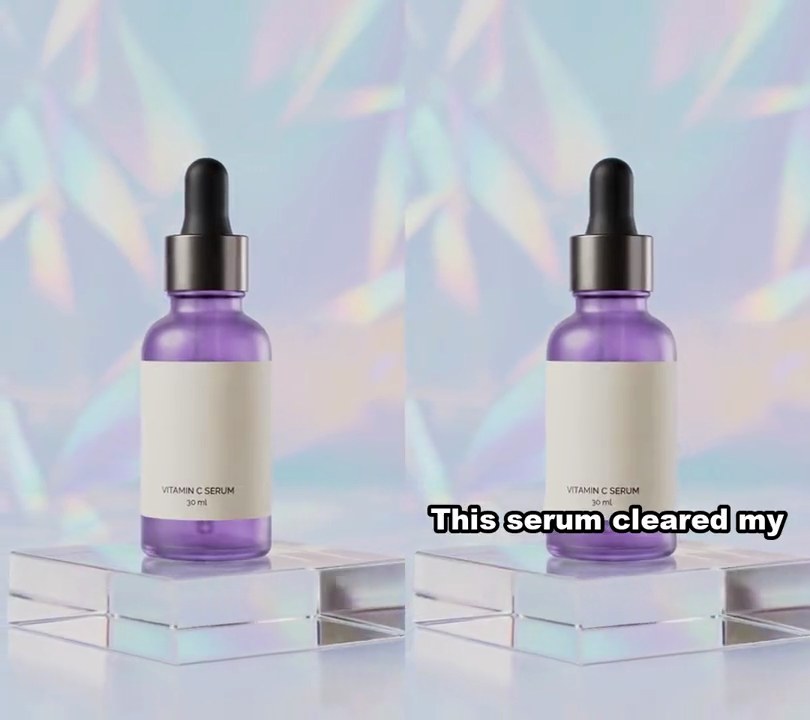
1. Before/after slider
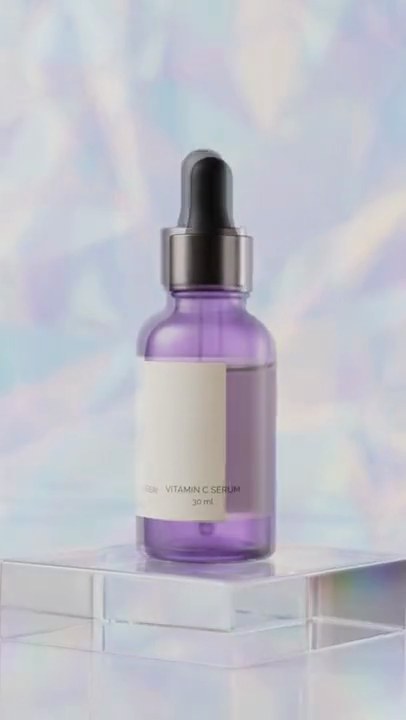
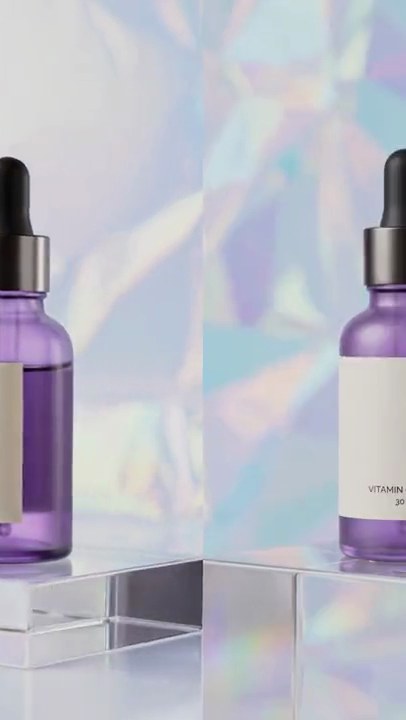
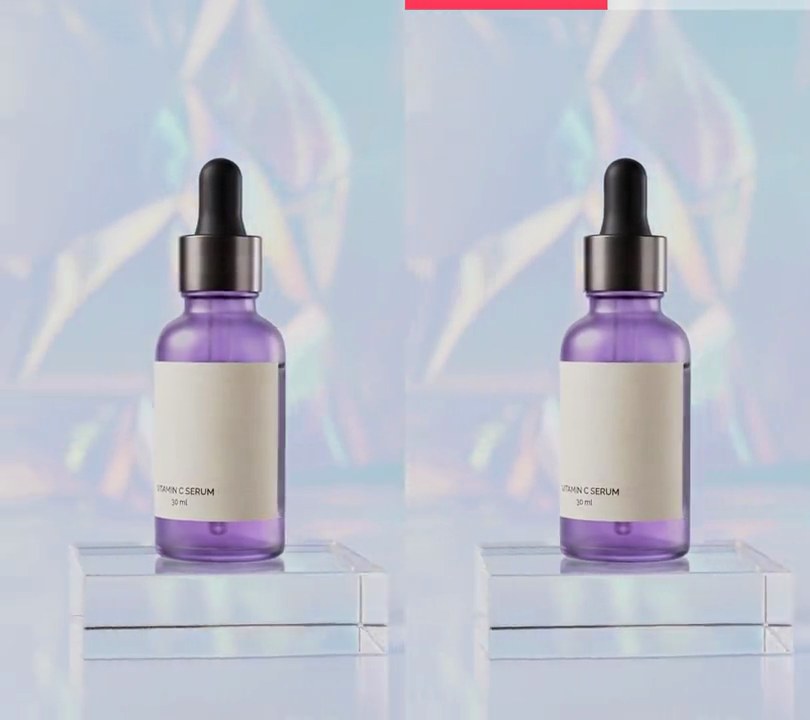
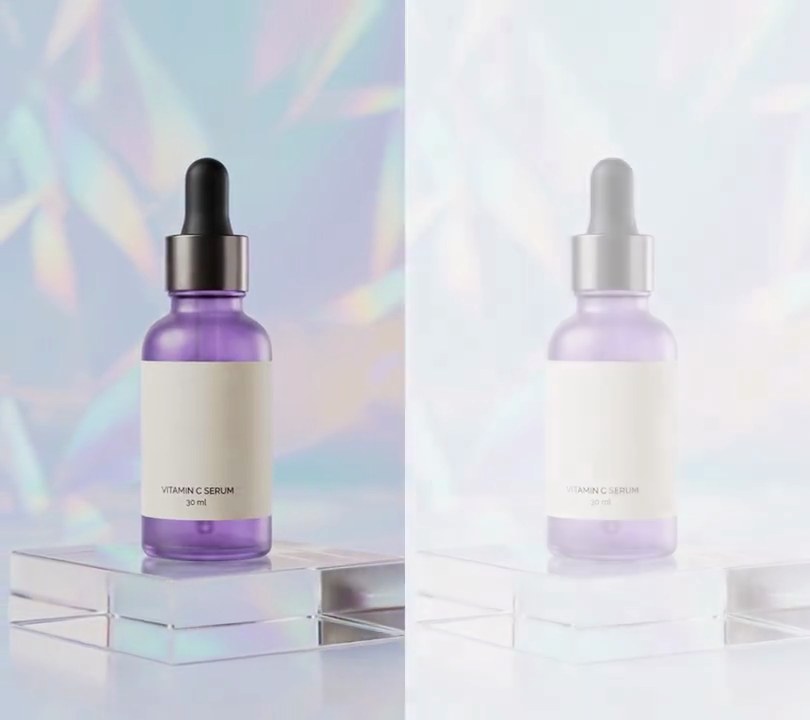
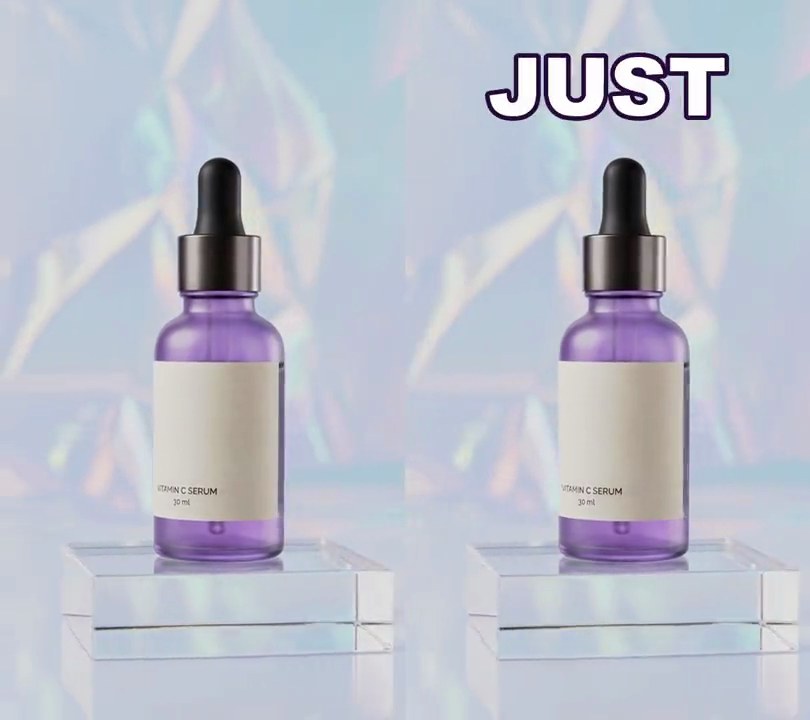
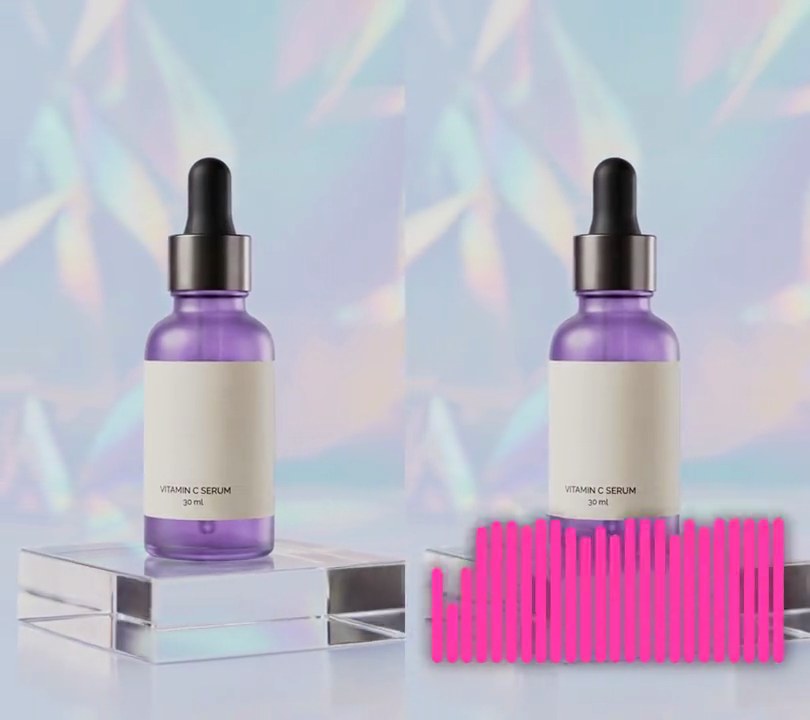
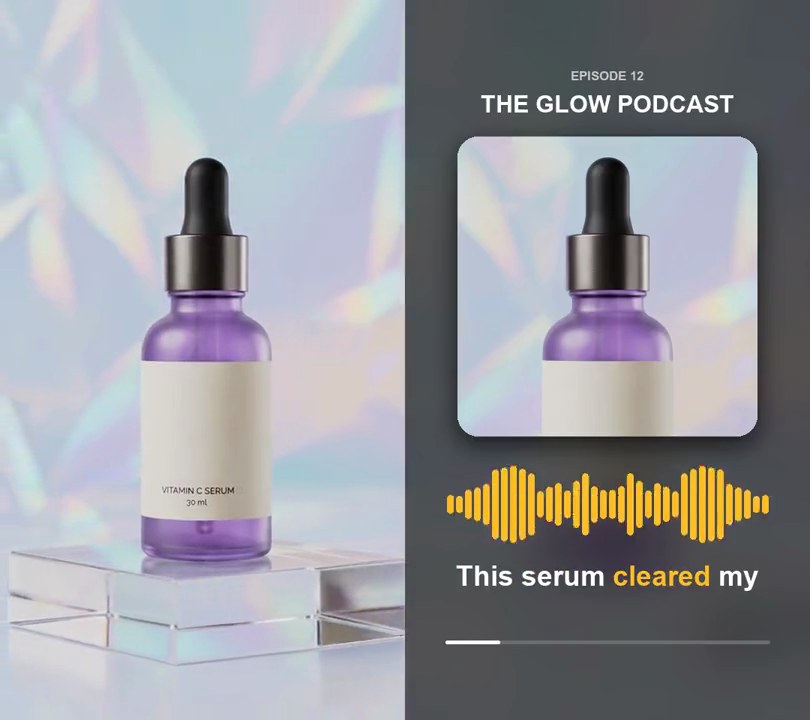
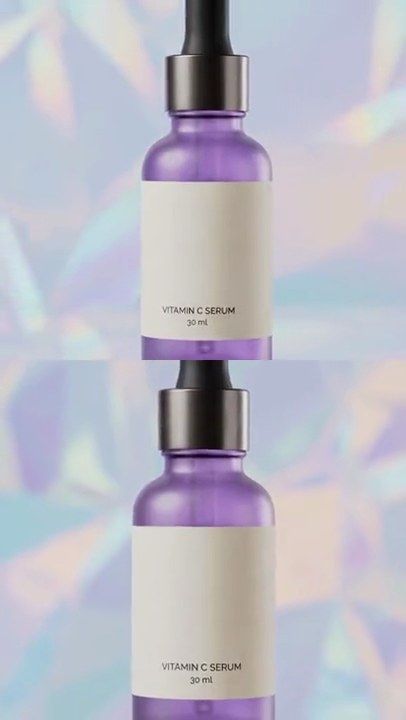
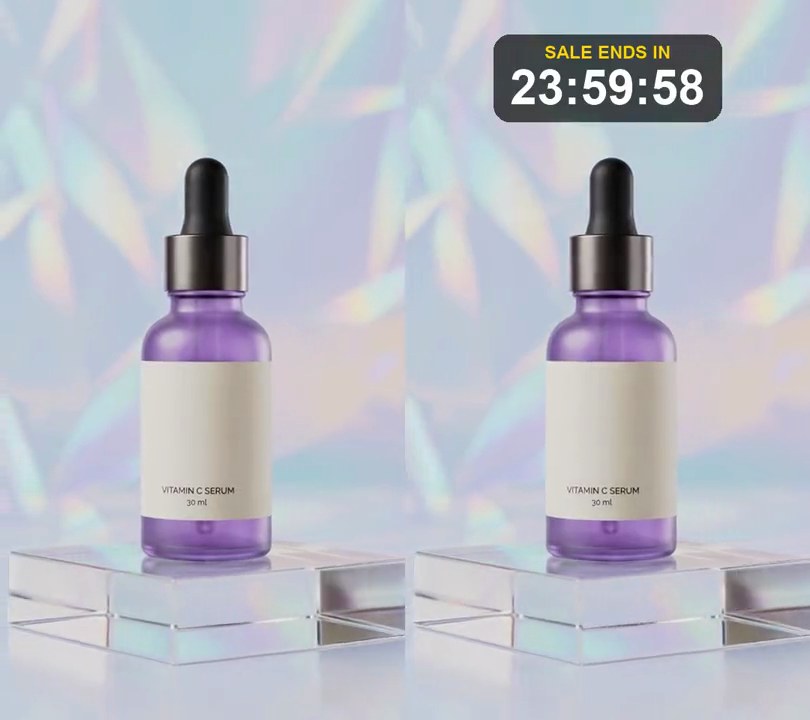
A white line swings across the frame, with the dull before shot on its left and the after shot on its right.
Show the prompt
Make a before/after slider from before.mp4 and after.mp4: a 6-pixel white vertical divider swings back and forth between 10% and 90% of the width (position 0.5+0.4*cos(1.3*t)), with before.mp4 shown left of the divider and after.mp4 right of it. Use after.mp4's audio. Use ffmpeg and save it as output.mp4.
2. Day counter
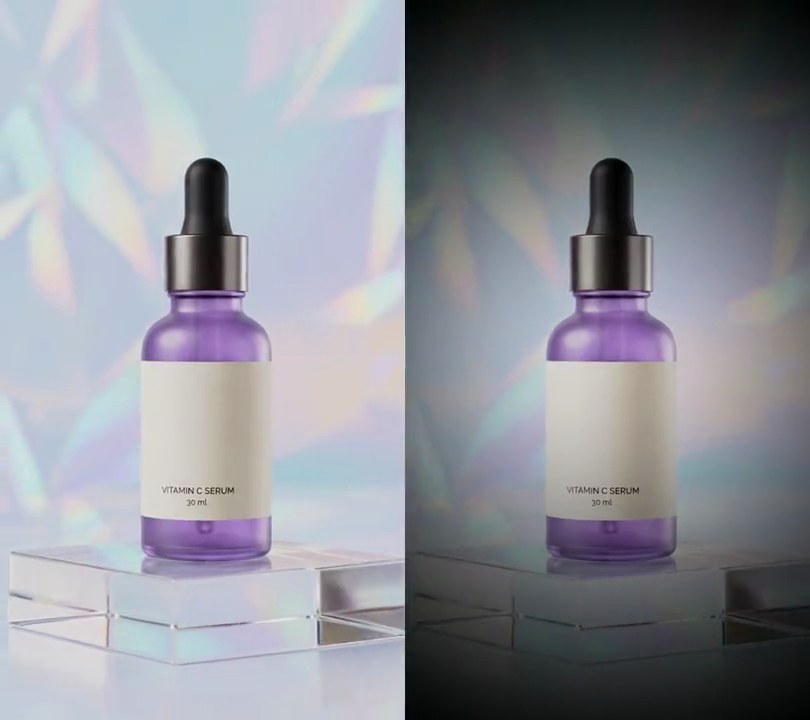
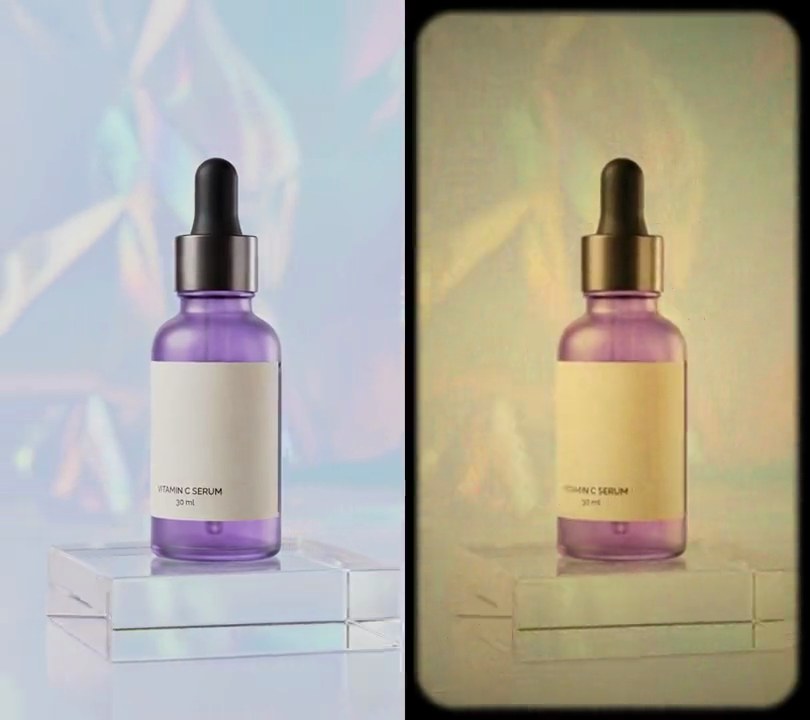
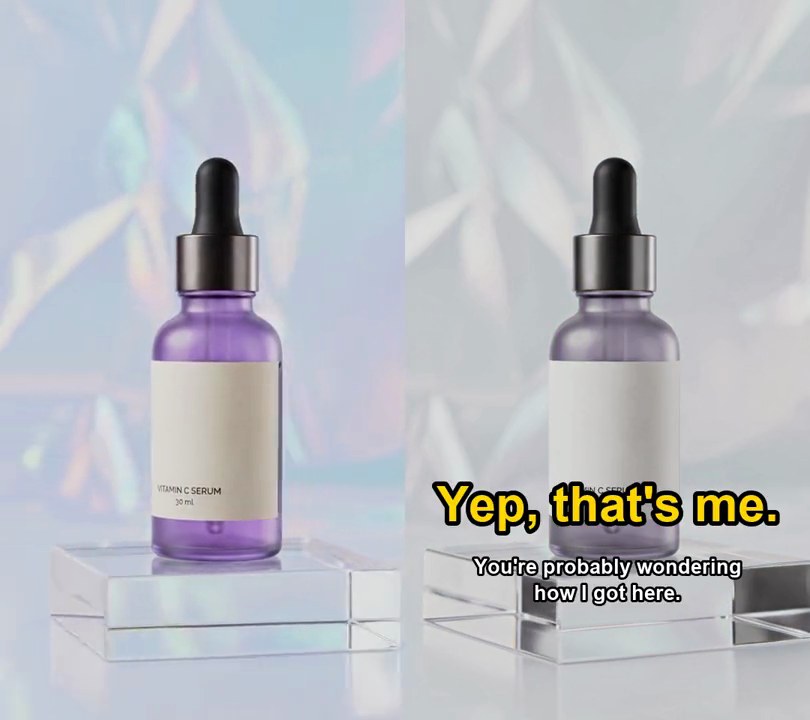
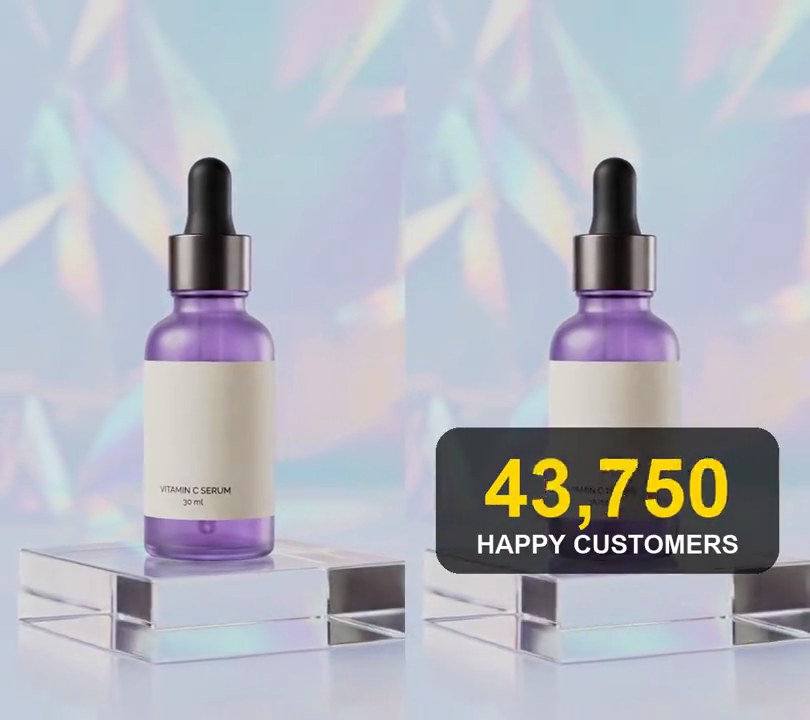
A dark card at the top counts "DAY 1", "DAY 7" and "DAY 30" while the clip turns from dull to vivid and a yellow timeline along the bottom fills to each day.
Show the prompt
Make a day-by-day results video from before.mp4 (the dull look) and after.mp4 (the vivid look), both 540x960. From 0 to 2 seconds show before.mp4, from 2 to 4 seconds a 50/50 mix of the two, and from 4 to 6 seconds after.mp4, keeping before.mp4's audio. Each stage gets a label centered horizontally at 12% down the frame: a dark rounded card (RGB 20, 20, 24 at 80% opacity) reading "DAY" in white bold at 7.5% of the frame width tall, followed by the number in yellow (255, 205, 0) bold at 13% of the width: "DAY 1" at 0 seconds, "DAY 7" at 2 seconds and "DAY 30" at 4 seconds. Each label pops in over 0.3 seconds with a slight overshoot and replaces the one before. Along the bottom, at 88% down, draw a timeline from 15% to 85% across on its own dark rounded card: a thin translucent white line with three dots (at 15%, 50% and 85% across) captioned "DAY 1", "DAY 7" and "DAY 30" underneath. The line turns yellow (255, 205, 0) up to the current day's dot, filling over 0.4 seconds as each new day starts, reached dots are yellow and the current one has a yellow ring around it. Draw the labels and timeline with Python and Pillow (don't use ffmpeg's drawtext filter), composite them with ffmpeg, keep the audio and save it as output.mp4 (6 seconds, 30fps).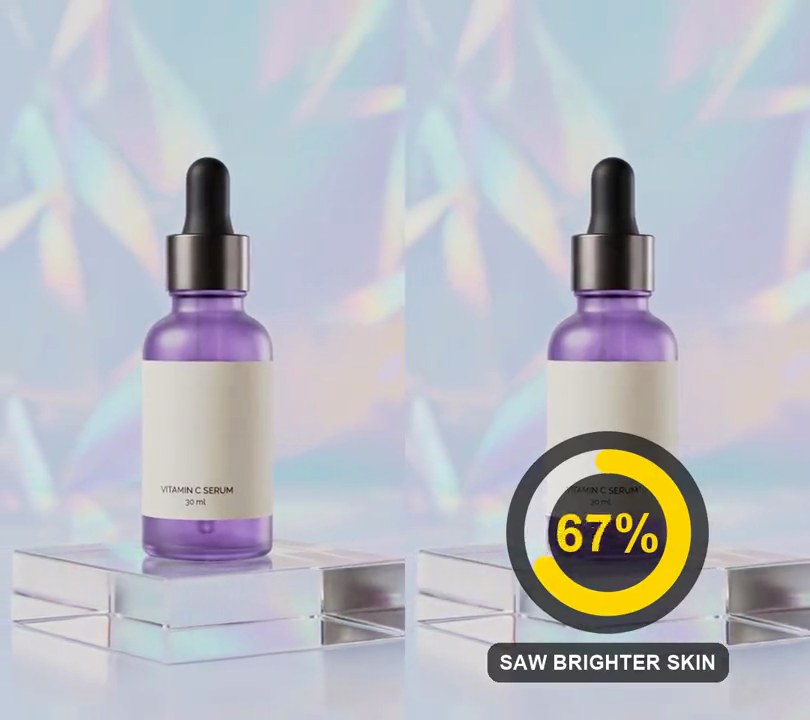
3. Circular progress ring
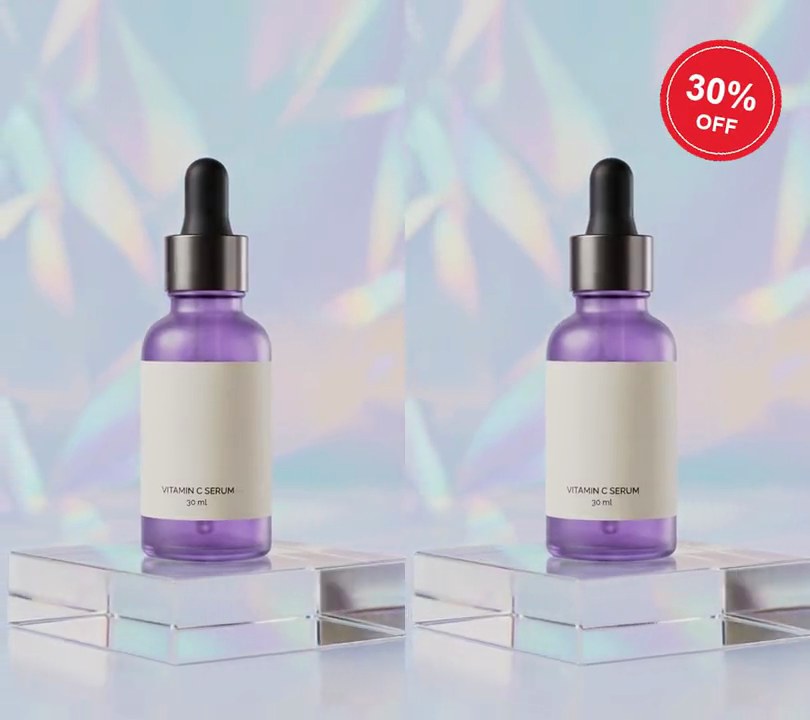
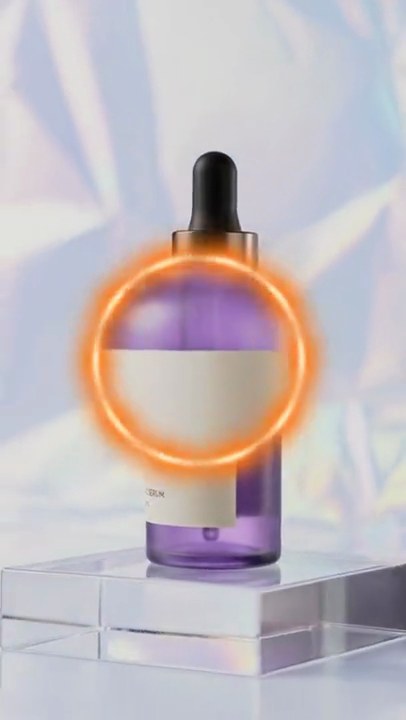
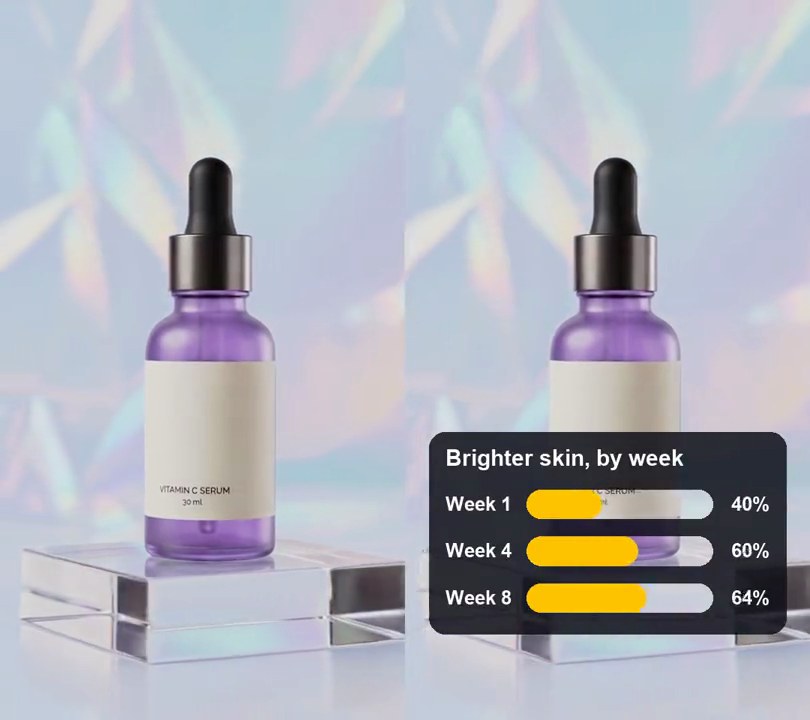
A yellow ring sweeps clockwise from 12 o'clock around a dark disc while the number in its middle counts up from 0% to 92%, above "saw brighter skin".
Show the prompt
Add a circular progress ring to input.mp4: from 0.5 seconds, a black disc at 65% opacity, 50% of the frame width across, centered across and 74% down the frame. Inside it, a ring 6% of the frame width thick whose outer edge sits 4.5% of the frame width in from the disc's edge: a faint white track (white at 27% opacity) all the way round, and over it a yellow (255, 214, 0) arc with round ends that starts at 12 o'clock and fills clockwise to 92% of the circle over 2 seconds, easing out (share = 0.92 * (1 - (1 - p)^3), p going 0 to 1, so it is full at 2.5 seconds). In the middle of the disc, the percentage in bold yellow (255, 214, 0), 13% of the frame width tall, counts up with the arc from 0% to 92% (round(100 * share) followed by %). Under the disc, "SAW BRIGHTER SKIN" in bold white, 5% of the frame width tall, on a black rounded pill at 65% opacity, centered across. Draw the ring at 3x size and scale it down so its edges are smooth. Nothing shows before 0.5 seconds, and the ring holds at 92% until the end. Use Python with Pillow to draw it and ffmpeg to put it on the video (don't rely on ffmpeg's drawtext filter), keep the audio, and save it as output.mp4.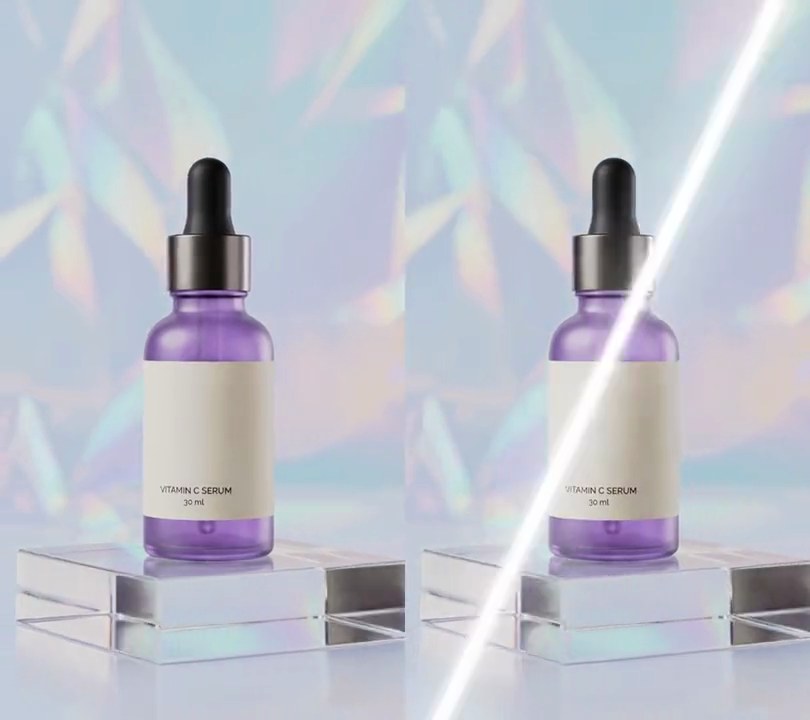
4. Shine sweep
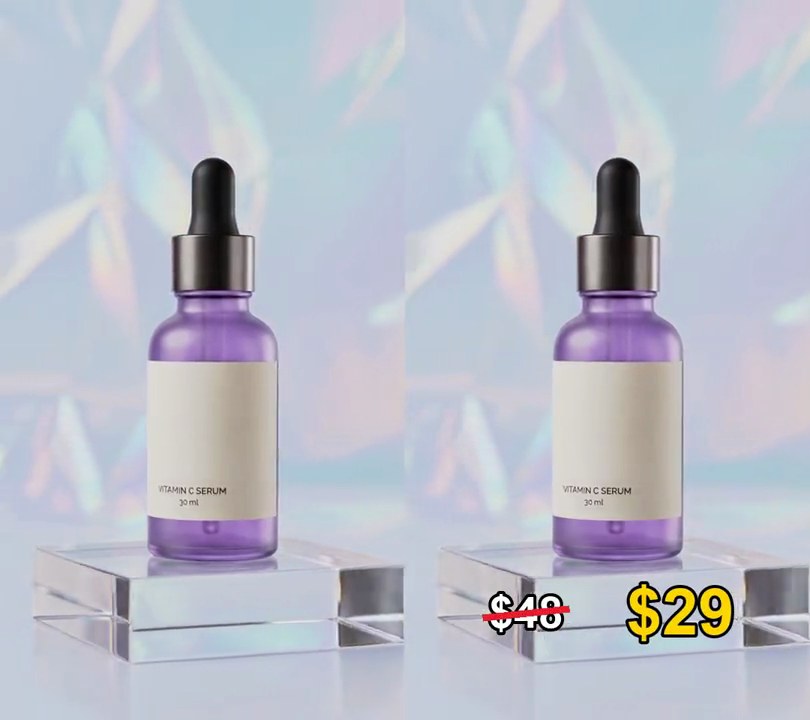
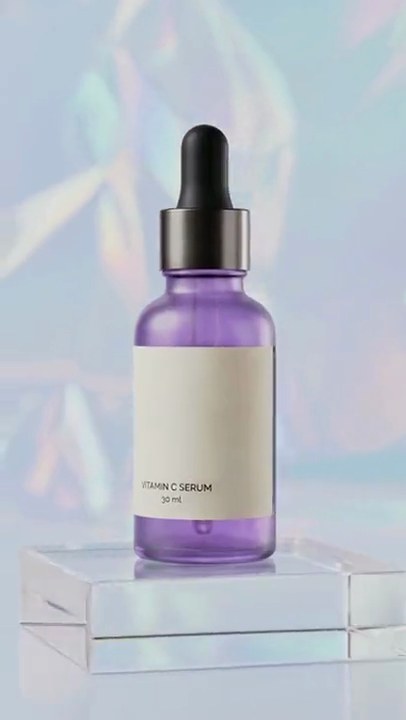
A thin white streak of light, tilted like a slash, glides once from left to right across the bottle as if it caught a reflection.
Show the prompt
Add a shine sweep to input.mp4: one bright diagonal glint, tilted 25 degrees from vertical with its top leaning right (like /), that slides once across the whole frame from left to right between 1.0 and 1.8 seconds, starting and ending fully off screen and passing the frame's center at 1.4 seconds. Make it a narrow white streak (each pixel pushed 90% of the way to white at the streak's center, falling off over about 14 pixels either side) inside a soft glow (pushed 30% toward white, falling off over about 70 pixels). Leave every frame before 1.0 seconds and after 1.8 seconds untouched. Use Python with numpy to brighten the frames and ffmpeg to read and write the video, keep the audio, and save it as output.mp4.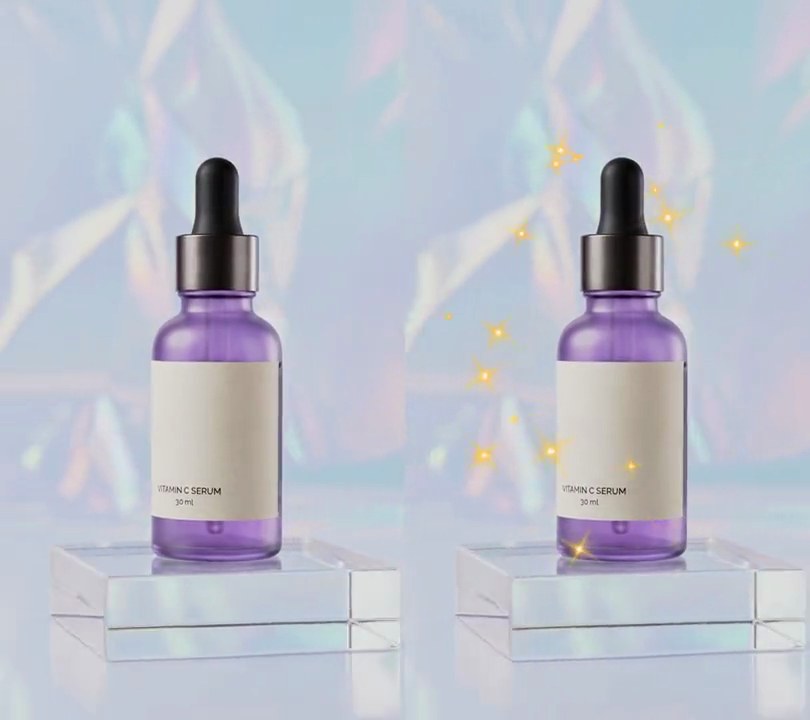
5. Sparkles
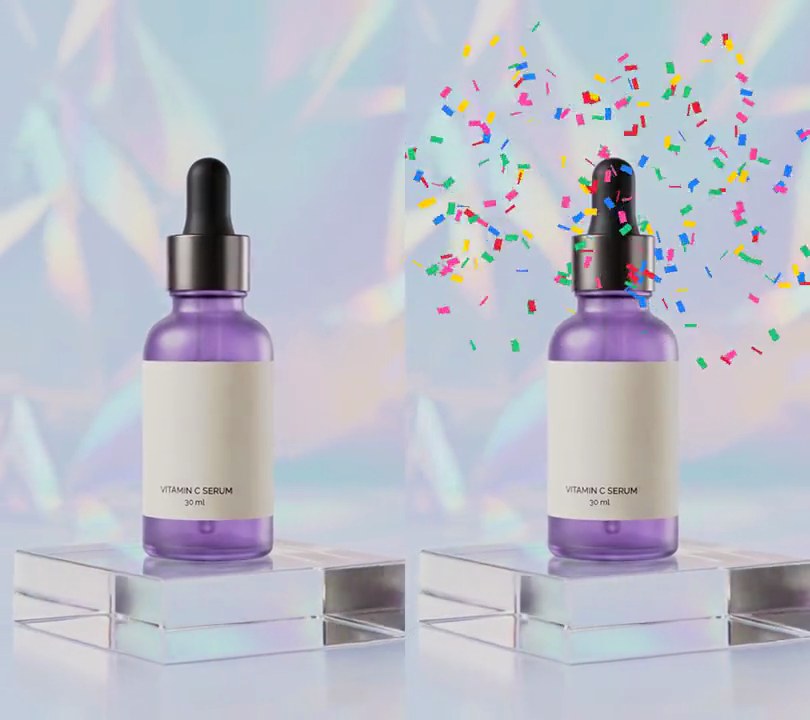
Gold four-pointed star glints with white-hot centers pop up one after another in a ring around the bottle, each growing, turning an eighth of a turn and shrinking away in just over a second.
Show the prompt
Add sparkles to input.mp4: 70 four-pointed star glints that appear one after another around the subject. Space their start times evenly from 0.5 to 4.4 seconds (a new one about every 0.06 seconds); each lives 1.2 seconds, its size following sin(pi * p) ^ 1.5 where p goes from 0 to 1 over its life, so it grows from nothing, peaks halfway and shrinks away, while it turns 45 degrees clockwise or counterclockwise. At full size each star has four main rays 32 to 80 pixels long from the center (random per star), four diagonal rays 45% as long, rays that taper to a point and are about 7 pixels wide at the center, a soft round glow of half strength out to about a third of the ray length, and a small pure white (255, 255, 255) center; rays and glow are gold (255, 196, 70). Place the stars at random in an elliptical ring centered 50% across and 45% down the 540x960 frame, with an outer radius of 42% of the width across and 34% of the height down and an inner radius about half that, so none land on the middle of the subject. Blend them over the video normally (alpha "over", not screen or add) so the gold shows on a pale background. Leave the frames before 0.5 seconds and after 5.6 seconds untouched. Use Python with numpy to draw the stars and ffmpeg to read and write the video (don't use ffmpeg's drawtext filter for anything), keep the audio, and save it as output.mp4.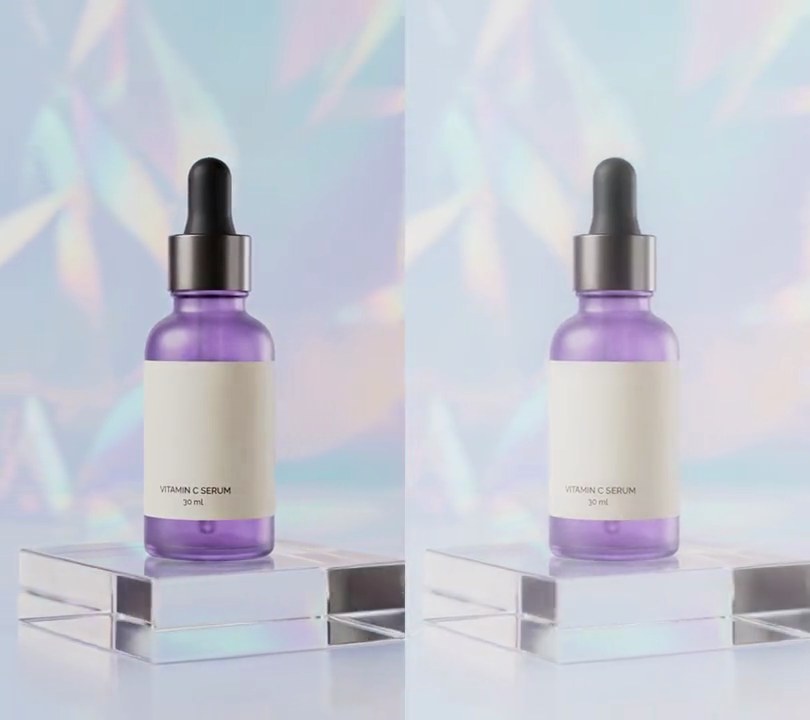
6. Soft focus
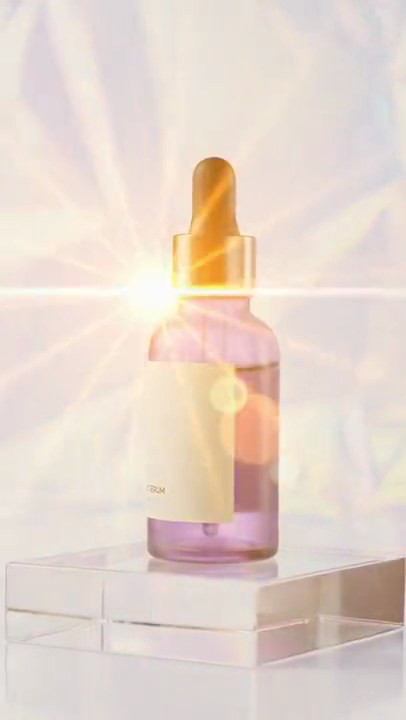
Half a second in, the whole shot melts into a hazy blur: every edge goes soft and a faint glow lifts the picture, while the scene stays recognizable underneath.
Show the prompt
In input.mp4, add a soft focus (dreamy) look that fades in from 0.5 seconds to full strength at 1.0 seconds and stays to the end; before 0.5s the video must be untouched. Build the soft look from three copies of the frame: blend a Gaussian-blurred copy (sigma 8 px) over the sharp picture at 80% opacity (normal blend), then screen a much wider blurred copy (sigma 40 px) over that at 45% opacity so the light glows. Fade it in by overlaying the soft version on the original with its alpha ramping from 0 to 1 between 0.5s and 1.0s. Keep the size (540x960), 30fps, 6 seconds and the audio. Use ffmpeg, encode H.264 yuv420p and save it as output.mp4.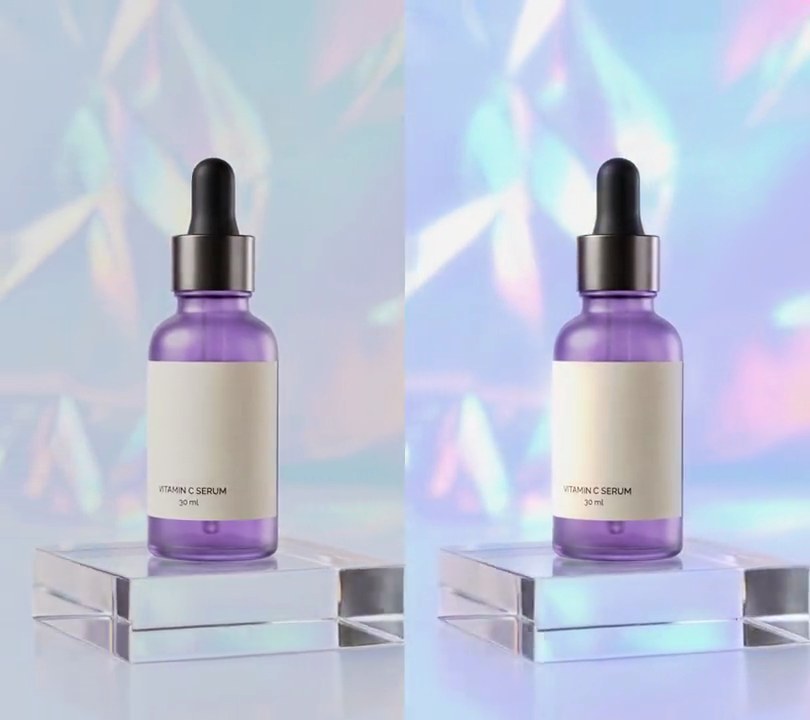
7. Glow
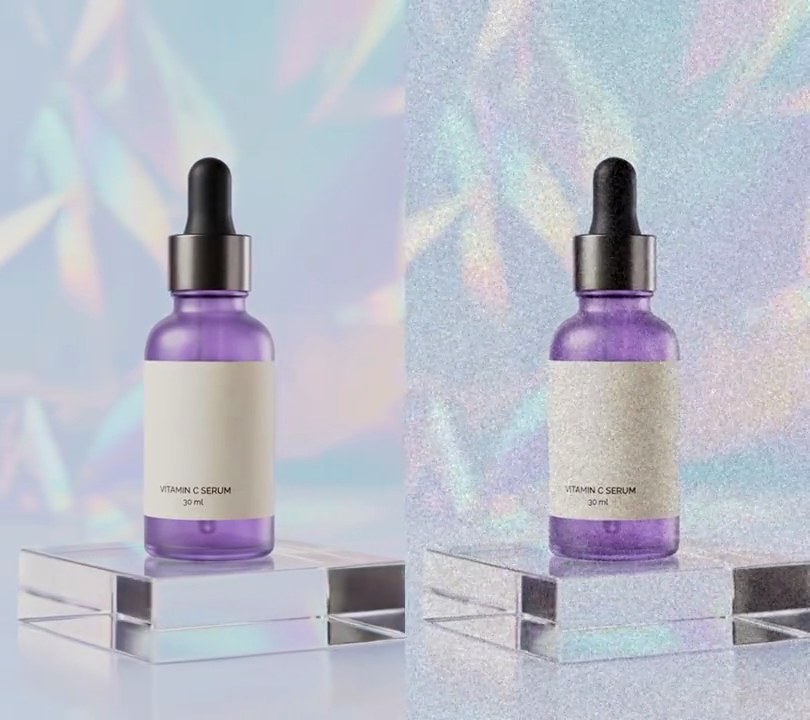
From half a second in, the shimmering backdrop and the highlights on the acrylic block flare into soft white halos that spill light over the darker dropper and bottle.
Show the prompt
Add a glow (bloom) effect to input.mp4 with ffmpeg: convert to RGB, take a copy that keeps only brightness above 0.78 on a 0-1 scale (map 0.78-1.0 to 0-1, everything darker goes black), blur it with a Gaussian blur of sigma 16 pixels, and add it back onto the original frame (additive blend) at 70% strength. The glow is off for the first 0.5 seconds, then fades up linearly to full strength over 1 second and stays on to the end. Keep the size, the 30fps frame rate, the 6-second length and the audio, encode H.264 yuv420p, and save it as output.mp4.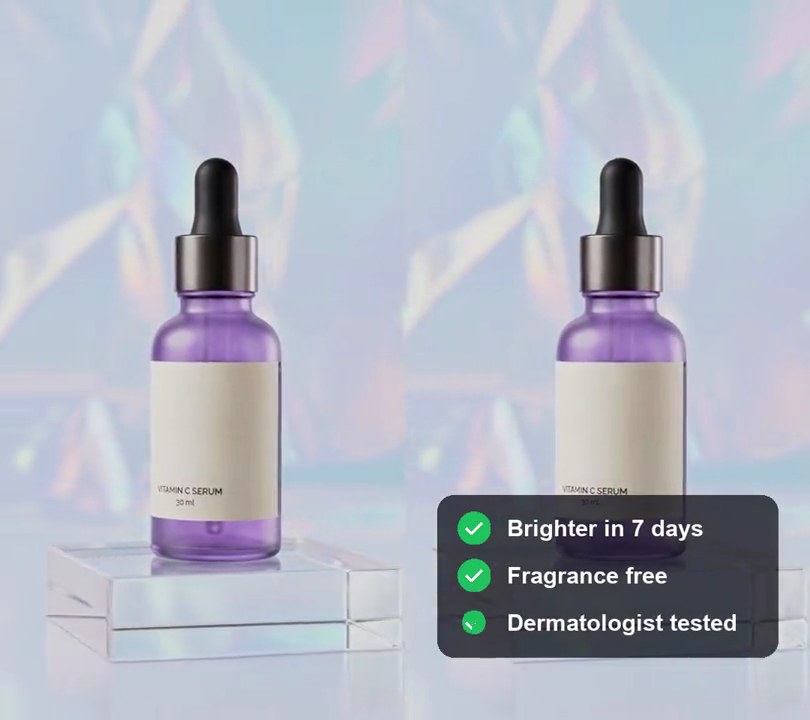
8. Animated checklist
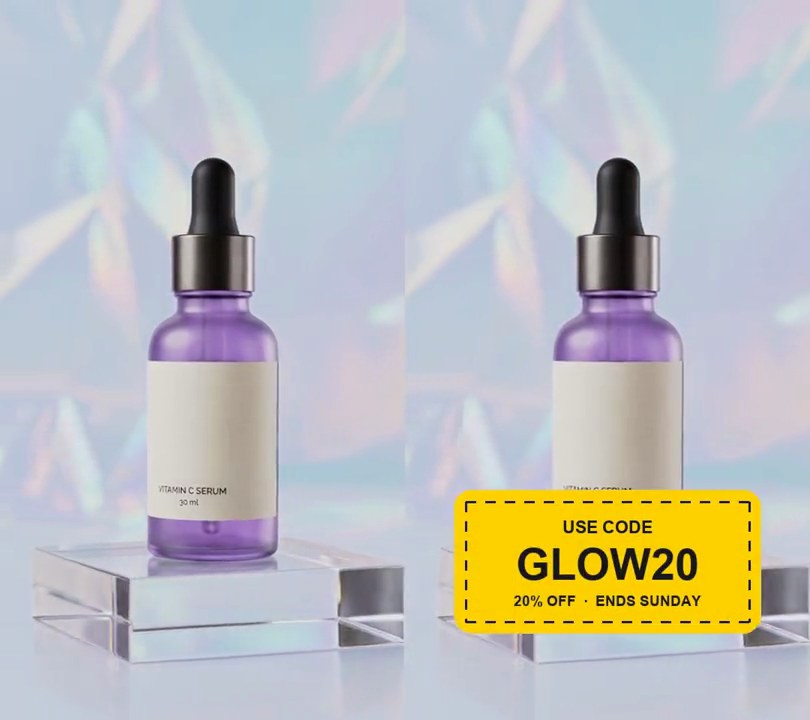
Three benefit lines slide in one after another on a dark card, and a green circle draws a white tick beside each.
Show the prompt
Add an animated checklist to input.mp4: a dark (15, 15, 25) rounded card at 75% opacity, 84% of the frame width, centered horizontally with its center 80% of the way down, holding three lines in white bold text 31 px tall: "Brighter in 7 days", "Fragrance free" and "Dermatologist tested". The card fades in over 0.3 seconds at 0.5 seconds. The lines slide 43 px in from the left and fade up over 0.3 seconds, starting at 0.5, 1.3 and 2.1 seconds. To the left of each line, a green (34, 197, 94) circle 44 px across pops in 0.25 seconds after its line starts and a white tick draws itself inside it over 0.25 seconds. Everything stays on to the end. Use Python with Pillow to draw it and ffmpeg to put it on the video (don't rely on ffmpeg's drawtext filter), keep the audio, and save it as output.mp4.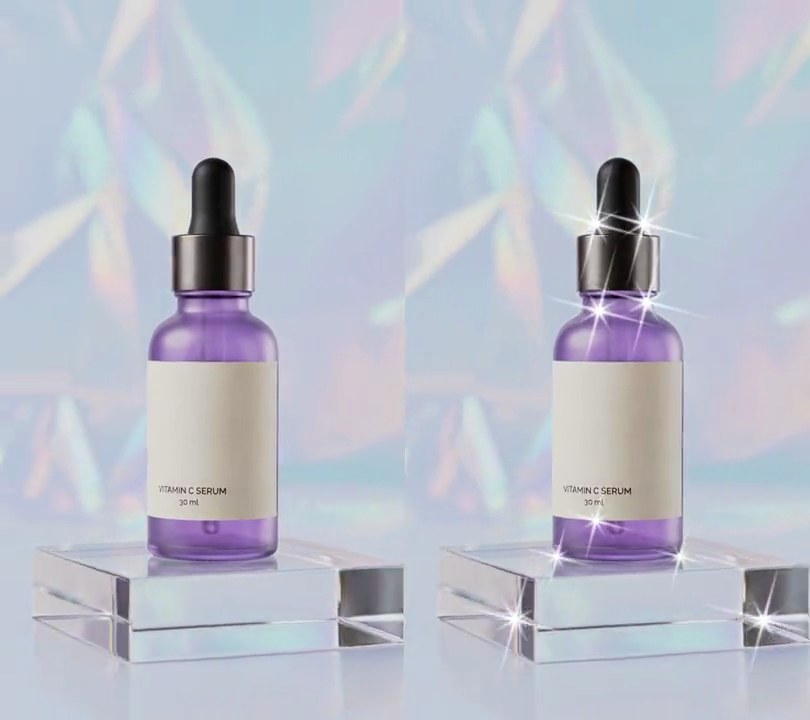
9. Star glint
Thin white four-point stars burst from the shiny spots on the bottle's collar and glass, following the glints as the camera moves.
Show the prompt
Add a star filter effect to input.mp4 with Python (numpy) and ffmpeg. On every frame, find the glints: take the frame's gray level on a 4-pixel grid, subtract the average of the 13x13 grid points around each point, ignore points darker than 200, and blend this map 50/50 with the previous frame's so it doesn't flicker. Every local peak at least 90 pixels from a stronger one that outshines its surroundings by more than 30 gets a star centered on it: four long white (255, 255, 255) spikes tilted 15 degrees, four spikes 40% as long at 45 degrees to them, a soft blue-white (190, 215, 255) halo and a hot white center. A star is 110 pixels from center to spike tip when its glint outshines its surroundings by 60 or more, shrinking with the square root of the amount over 30 below that. Spikes are about 1.5 pixels thick and taper to nothing at the tip. Screen-blend the stars over the frame. They grow in from nothing between 0.6 and 1.0 seconds, stay until 5.0 seconds and shrink away by 5.4 seconds; before and after, the frames are untouched. Keep the audio and save it as output.mp4.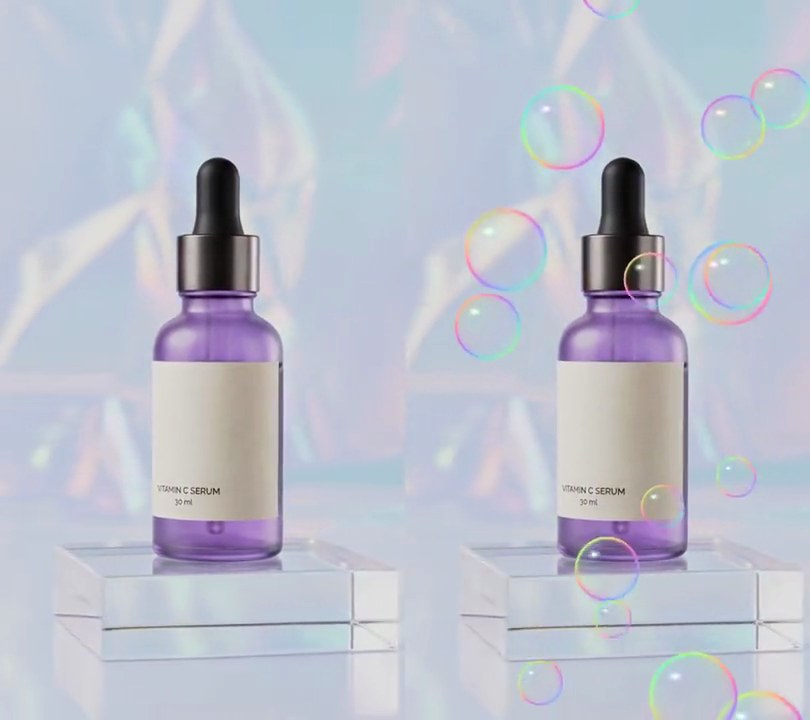
10. Floating bubbles
Clear soap bubbles, each ringed with a thin rainbow rim and a white glint at its top left, fade in over the bottle and rise up the frame, swaying gently side to side.
Show the prompt
Add floating soap bubbles to input.mp4 (540x960): 16 see-through bubbles with radii between 22 and 64 pixels, scattered at random across the frame. Draw each bubble with numpy: nearly clear in the middle (opacity 0.04, rising to 0.49 at the edge as 0.04 + 0.45 x (distance/radius)^8), a thin bright rim at 0.96 of the radius (opacity 0.7, a Gaussian 0.04 of the radius wide), and a pastel rainbow sheen on the film and rim: color = 255 x (0.5 + 0.5 x (0.5 + 0.5 x cos(2 pi (p + k/3)))) for the red, green and blue channels (k = 0, 1, 2), where p = a random hue per bubble + 0.35 x cos(angle - 0.8) + 0.6 x distance/radius. Add a pure white (255, 255, 255) glint: an ellipse 0.17 x 0.11 of the radius centered 0.4 radius left and 0.45 radius above the center at full opacity, plus a smaller dot at half strength at the bottom right. Blend the bubbles over the video normally (not added or screened). Each bubble rises at a speed between 110 px/s (smallest) and 45 px/s (largest), wrapping from the top back to the bottom, and sways 26 pixels side to side over 2.5 to 5 seconds. Leave the frames before 0.5 seconds untouched, fade the bubbles in from 0.5 to 1.0 seconds and keep them to the end. Use Python with numpy and ffmpeg (don't use ffmpeg's drawtext filter, draw any text with Pillow), keep the audio, and save it as output.mp4.