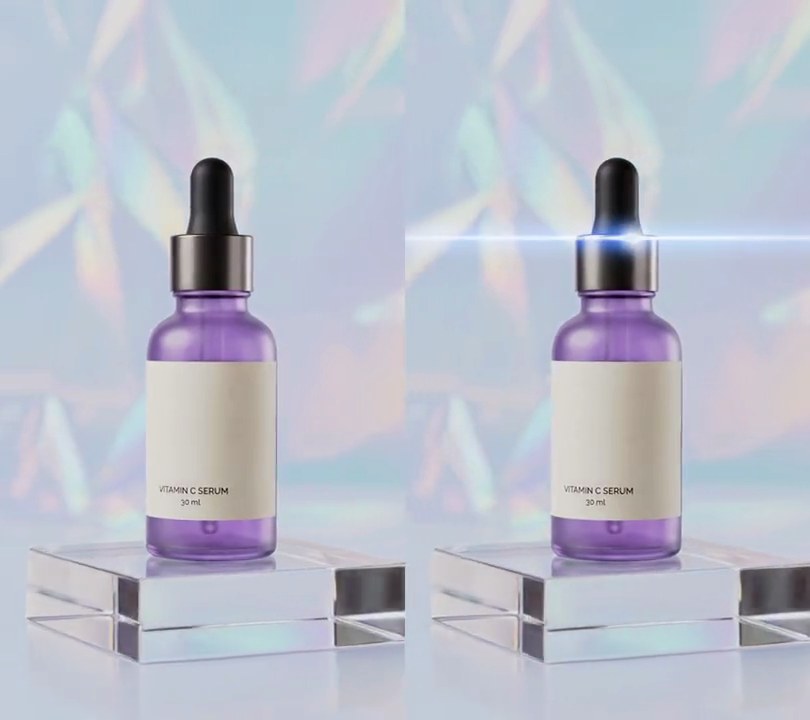
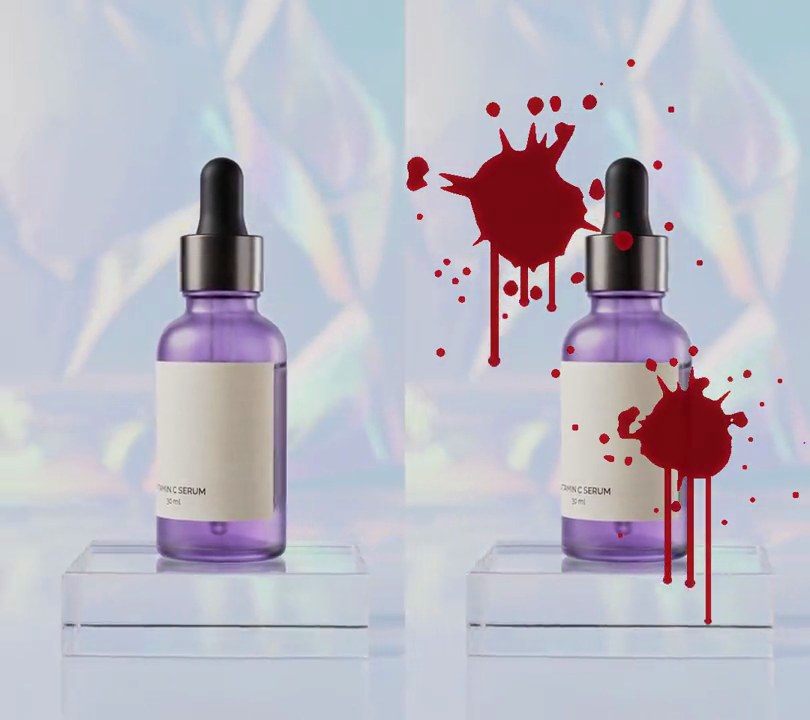
Get this effect
Switch to Code in your Claude Desktop App
Install the skill (once)
Show the prompt
Install the Recharm video effects skill: download https://recharm-growth-staging.s3.us-east-2.amazonaws.com/website/downloads/recharm-video-effects.zip and unzip it into ~/.claude/skillsAsk for the effect
Add soft focus to input.mp4
Blur sigma in pixels for the softened copy: 8
How much of the softened copy replaces the sharp picture (0-1): 0.80

Several videos, several effects, one ask
Put your clips in the folder, mention them with @, and ask for everything at once. Claude runs one tested script after another on each clip, then joins them.
Add soft focus to @clip1.mp4, put a sale badge on @clip2.mp4, give @clip3.mp4 a VHS look, then join all three with crossfades.
Settings you can change
Ask Claude to change any of these, or edit them at the top of the command.
| Setting | Default | What it does |
|---|---|---|
SOFTNESS | 8 | Blur sigma in pixels for the softened copy. Higher melts more detail. |
MIX | 0.80 | How much of the softened copy replaces the sharp picture (0-1). |
GLOW | 0.45 | How strongly the wide glow is screened over the picture (0-1). |
START | 0.5 | Second the soft focus starts fading in. |
RAMP | 0.5 | Seconds it takes to reach full softness. |
Without the skill
Don’t want to install the skill? Paste this prompt into Claude Code and Claude writes the command itself.
Show the prompt
In input.mp4, add a soft focus (dreamy) look that fades in from 0.5 seconds to full strength at 1.0 seconds and stays to the end; before 0.5s the video must be untouched. Build the soft look from three copies of the frame: blend a Gaussian-blurred copy (sigma 8 px) over the sharp picture at 80% opacity (normal blend), then screen a much wider blurred copy (sigma 40 px) over that at 45% opacity so the light glows. Fade it in by overlaying the soft version on the original with its alpha ramping from 0 to 1 between 0.5s and 1.0s. Keep the size (540x960), 30fps, 6 seconds and the audio. Use ffmpeg, encode H.264 yuv420p and save it as output.mp4.Run it without Claude
This is the exact command we tested. Save it as soft-focus.sh and run:
sh soft-focus.sh input.mp4 output.mp4Show the command
#!/bin/sh
# Soft focus: the whole picture goes hazy and dreamy, detail softened and highlights glowing, fading in from 0.5s.
# Usage: sh soft-focus.sh input.mp4 output.mp4
# Needs ffmpeg.
set -e
IN="$1"; OUT="$2"
SOFTNESS=8     # blur sigma in pixels for the softened copy
MIX=0.80       # how much of the softened copy replaces the sharp picture (0-1)
GLOW=0.45      # how strongly a wide, blurred glow is screened over the picture (0-1)
START=0.5      # second the soft focus starts fading in
RAMP=0.5       # seconds it takes to reach full softness

ffmpeg -y -v error -i "$IN" -filter_complex "
  [0:v]format=gbrp,split=3[sharp][a][b];
  [a]gblur=sigma=$SOFTNESS[soft];
  [b]gblur=sigma=$((SOFTNESS * 5))[wide];
  [sharp][soft]blend=all_mode=normal:all_opacity=$MIX[hazy];
  [hazy][wide]blend=all_mode=screen:all_opacity=$GLOW,format=yuva420p,fade=t=in:st=$START:d=$RAMP:alpha=1[dreamy];
  [0:v][dreamy]overlay,format=yuv420p[v]" \
  -map "[v]" -map 0:a? -r 30 -c:v libx264 -crf 18 -c:a copy "$OUT"