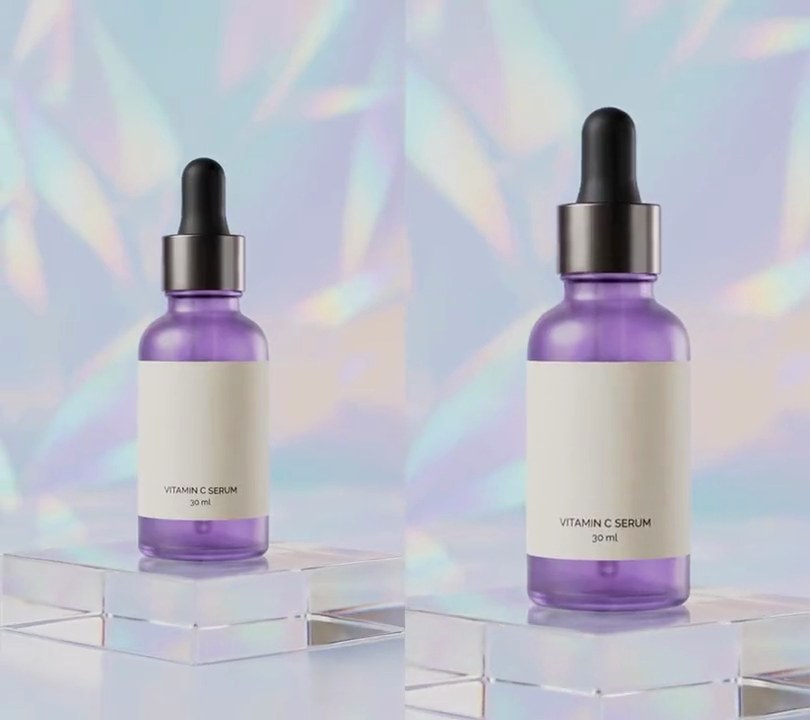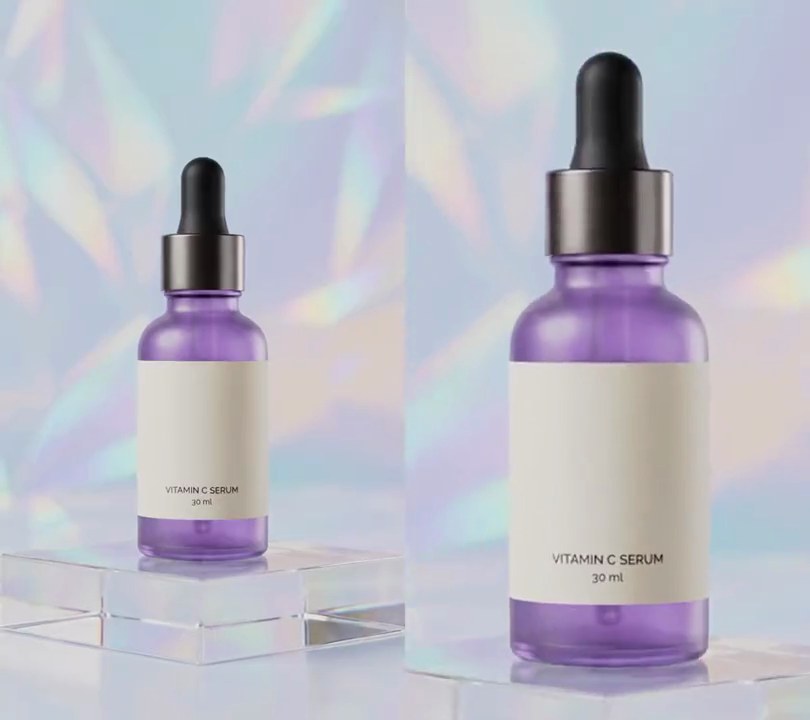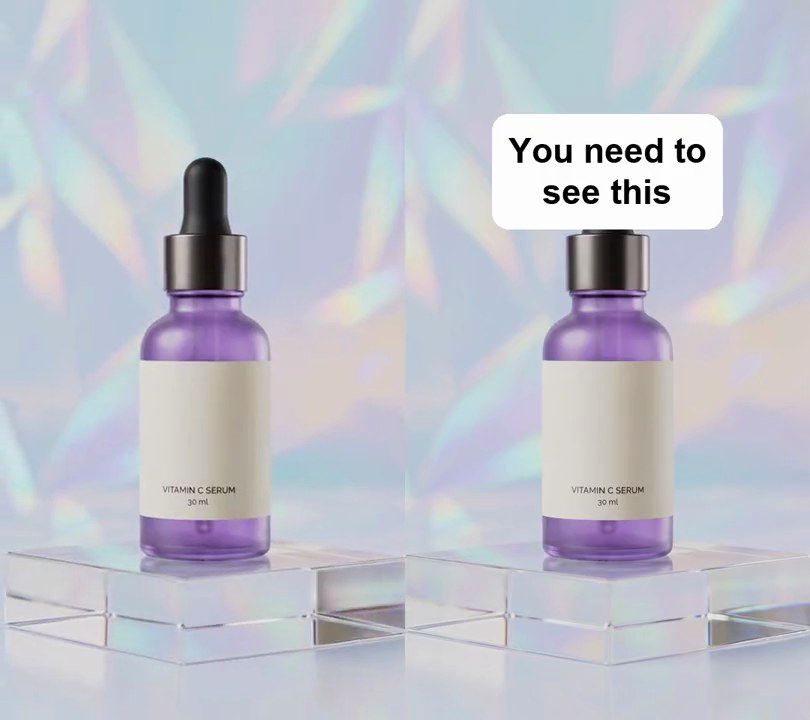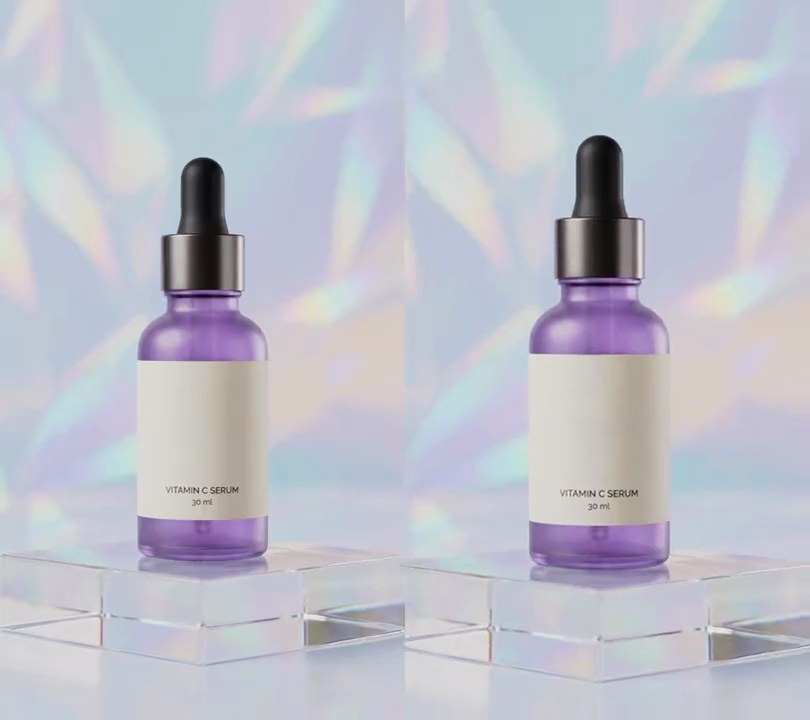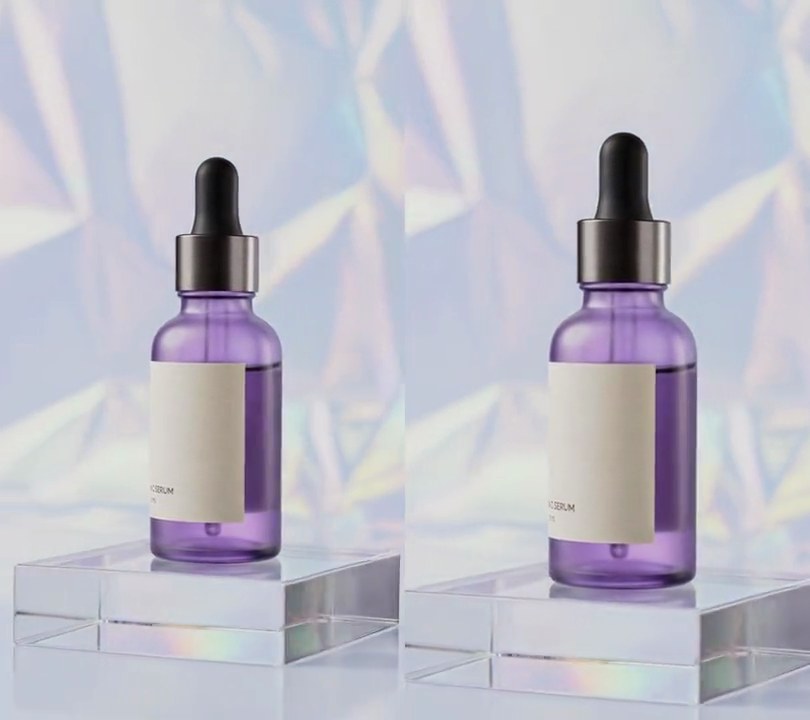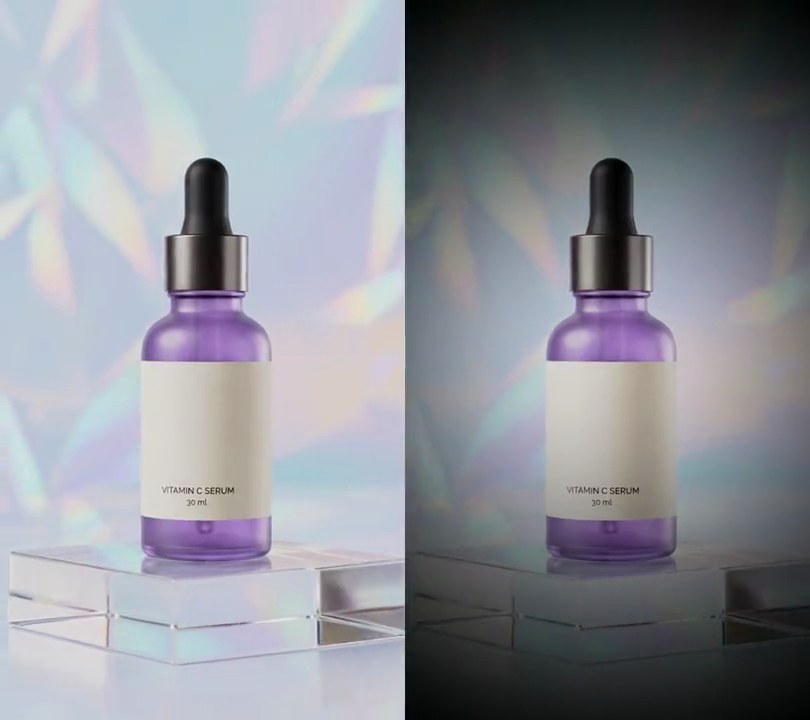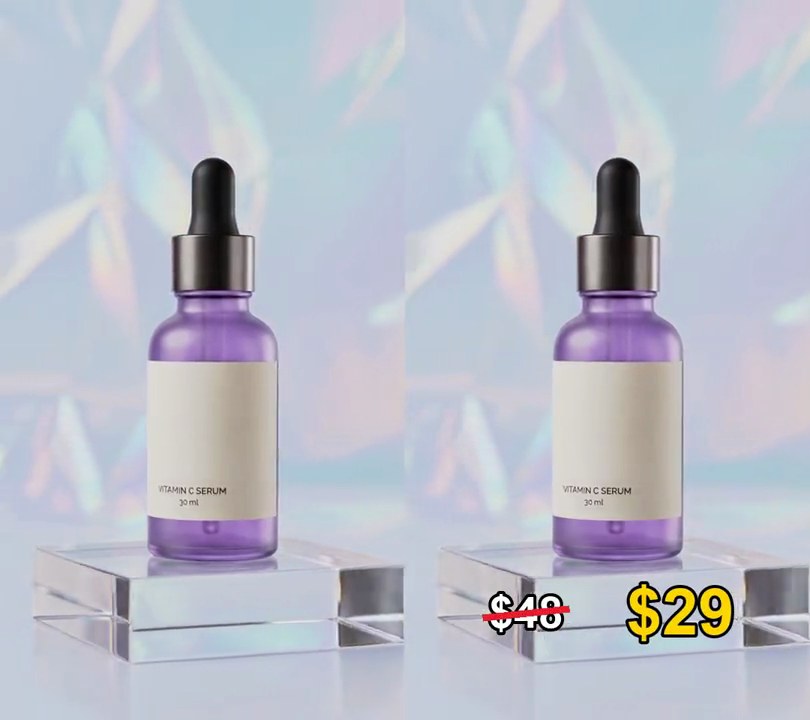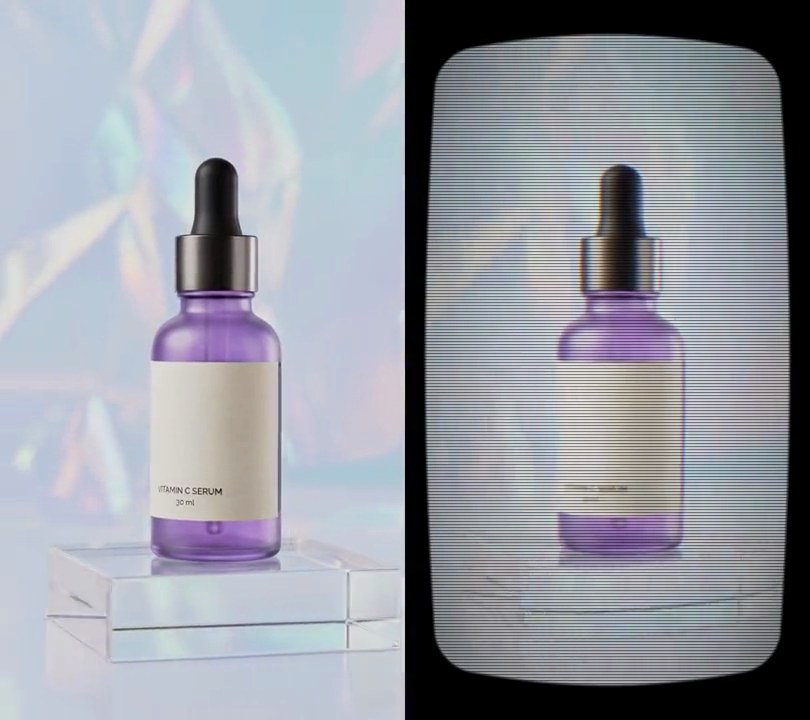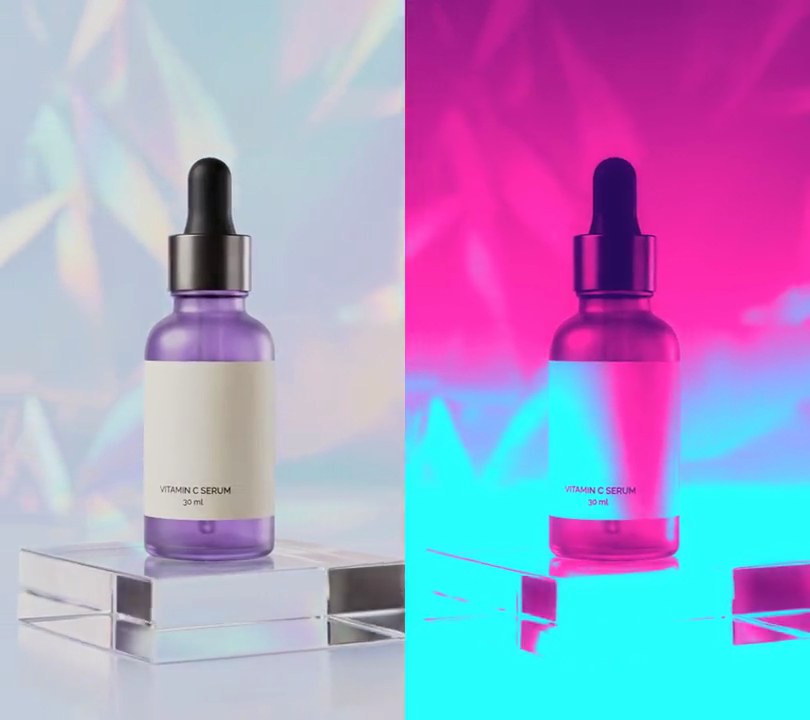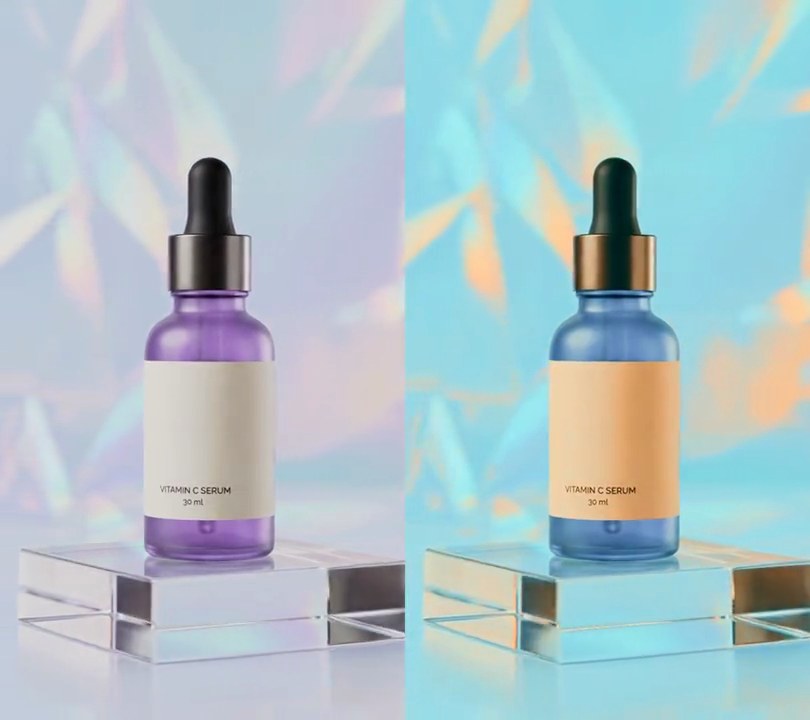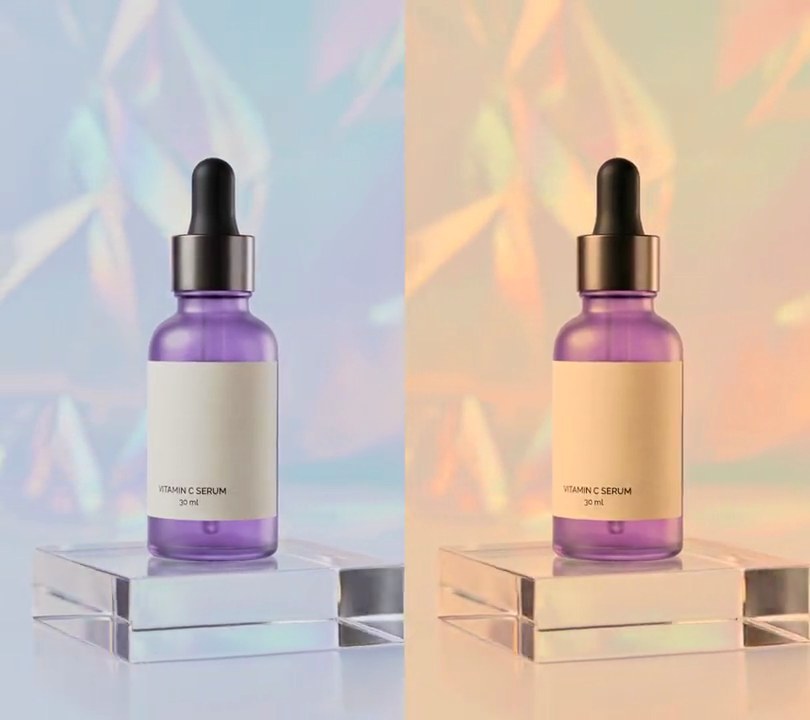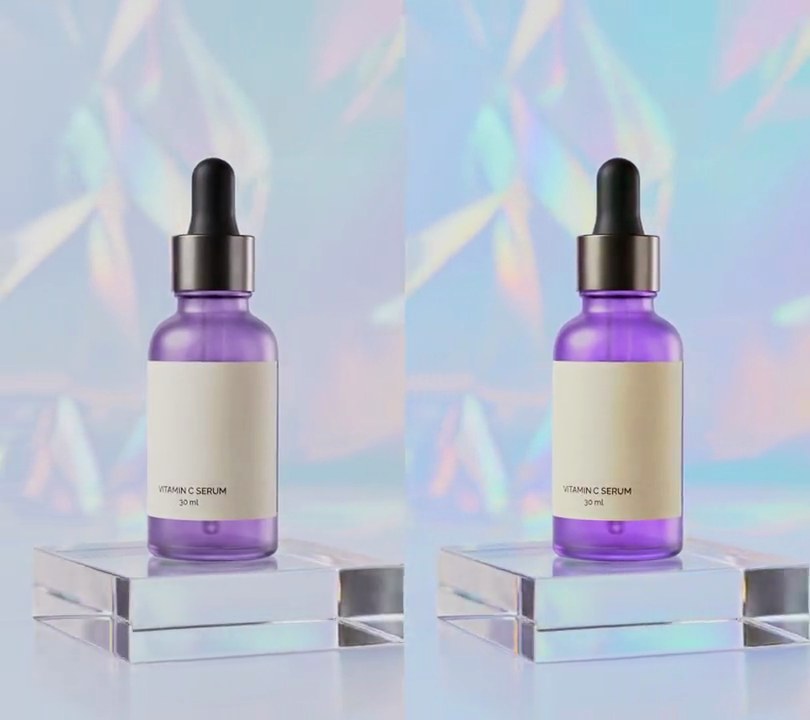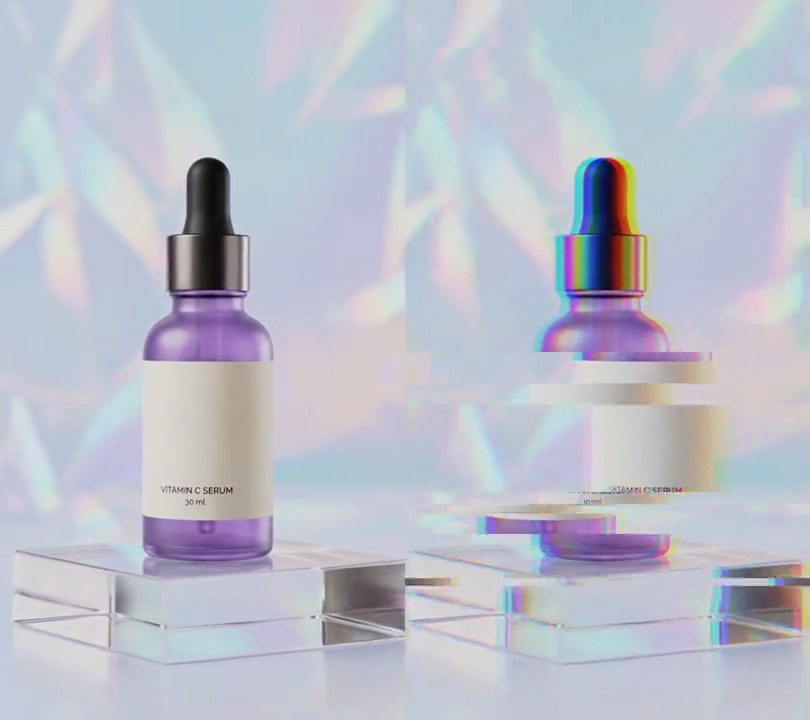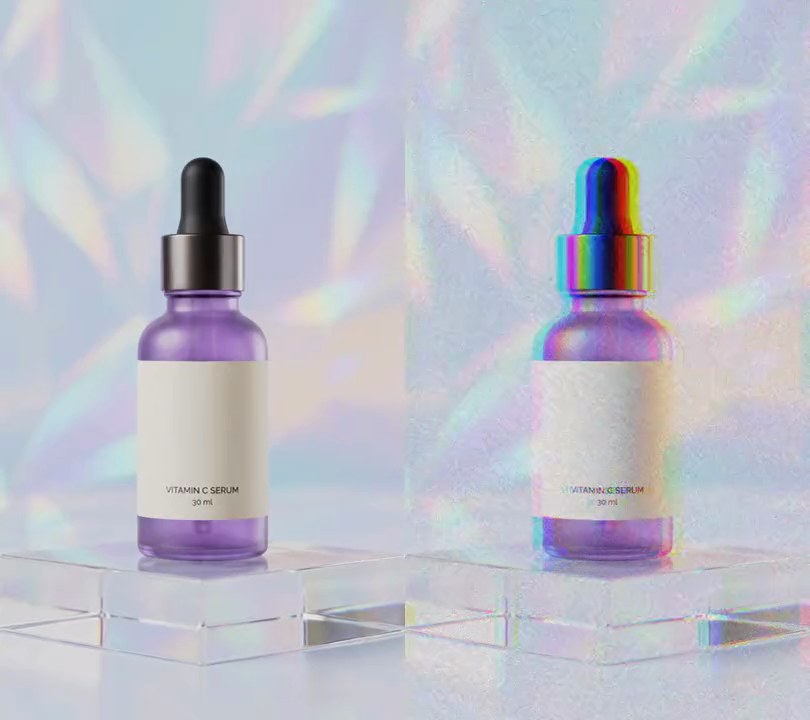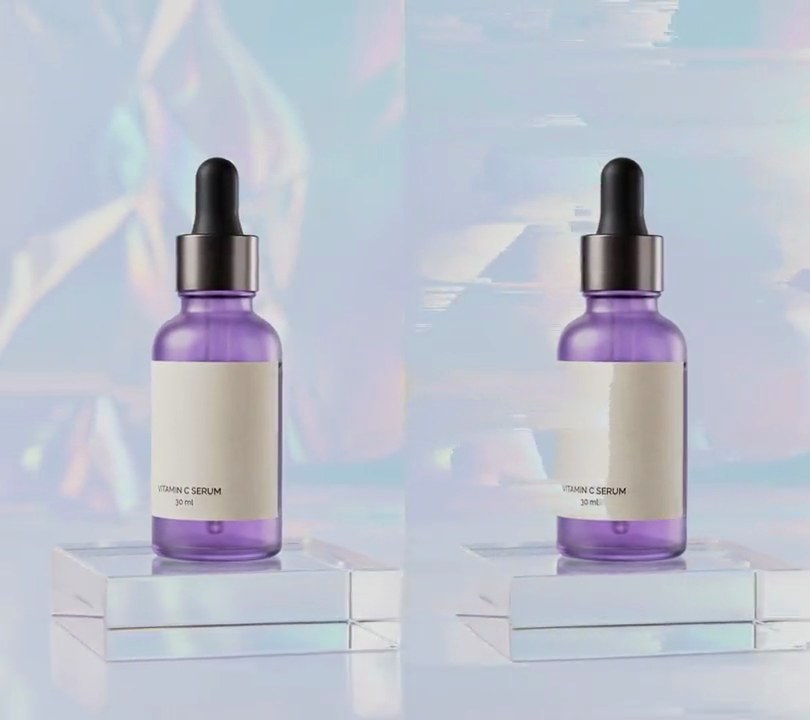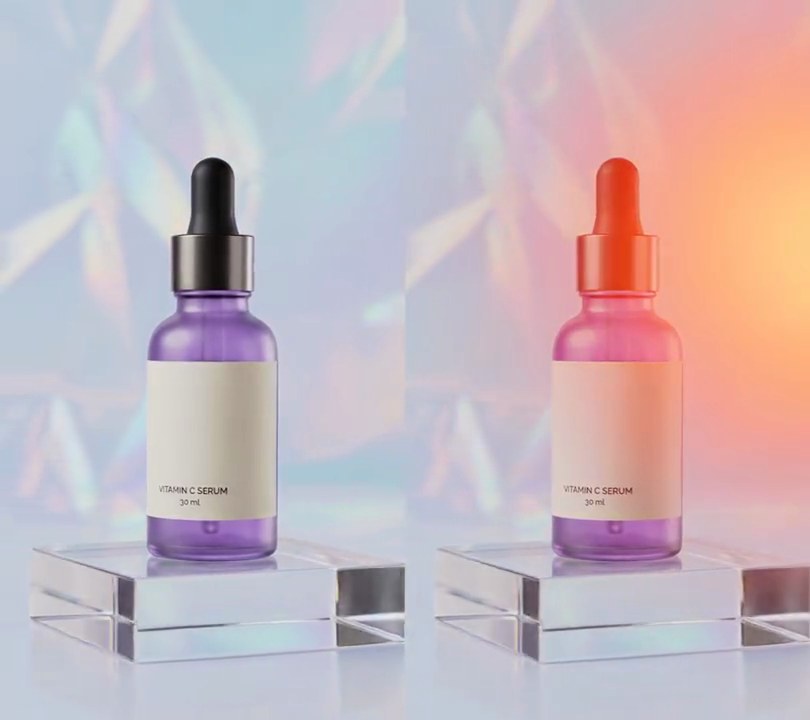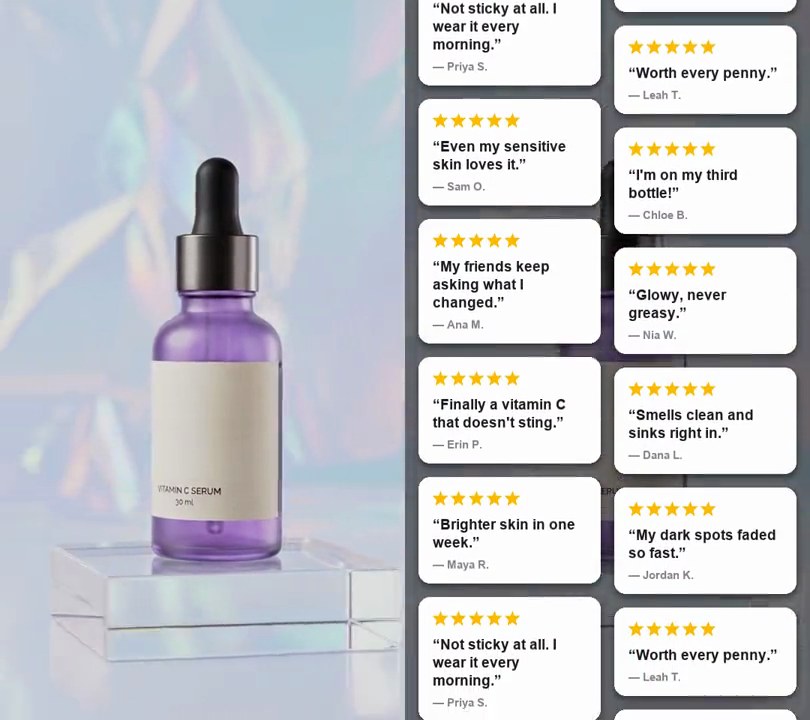
1. 3D extruded text
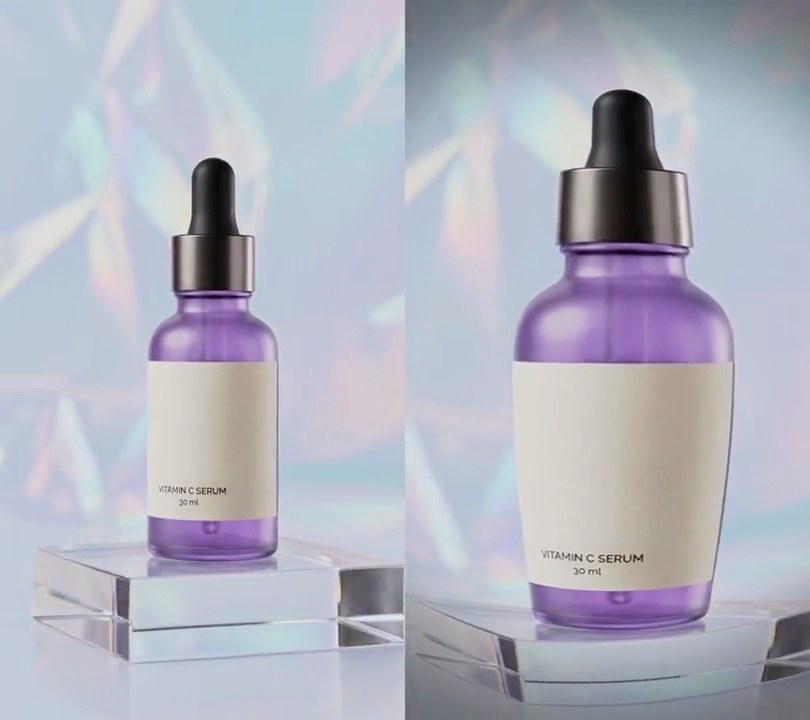
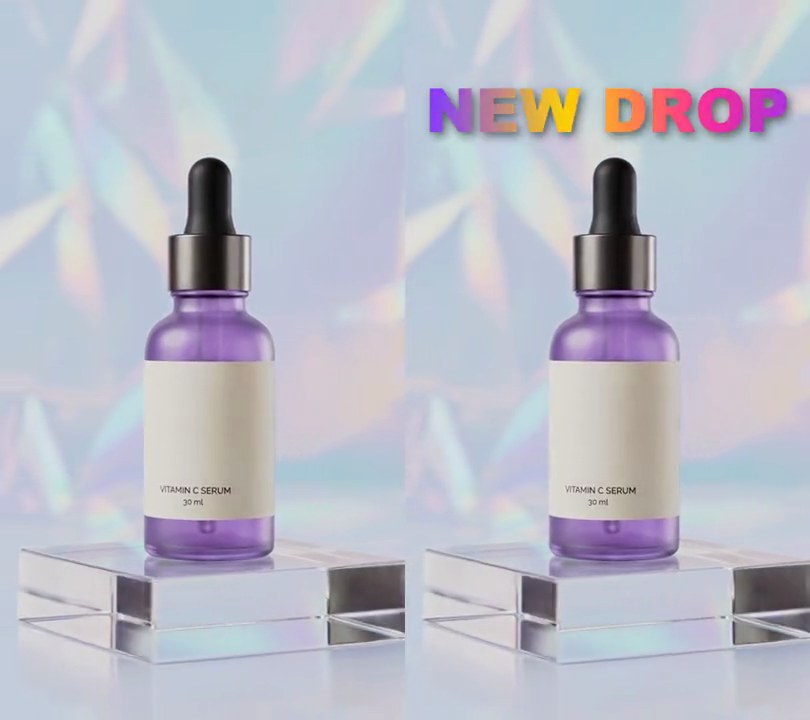
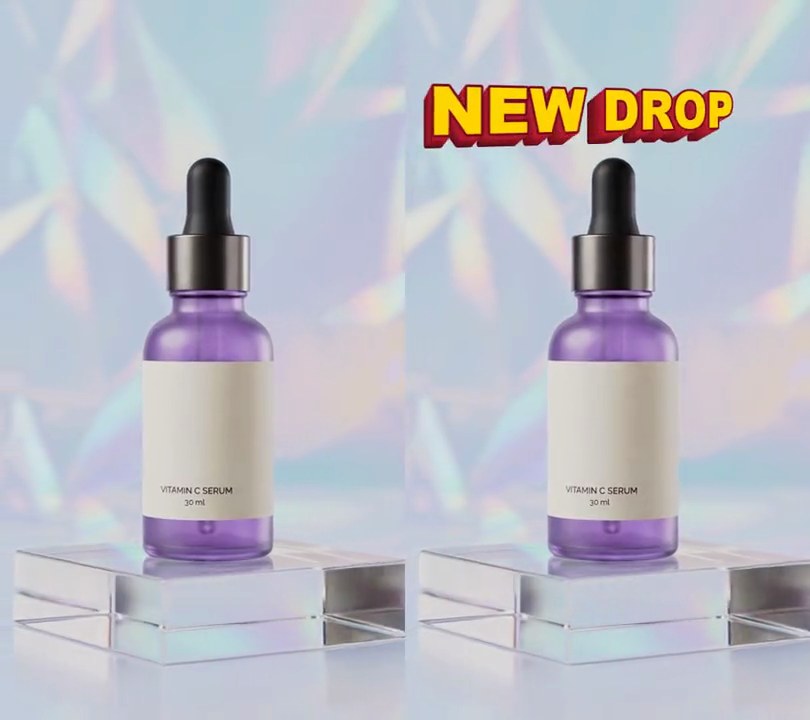
Thick yellow "NEW DROP" letters with solid red sides flip in from edge-on above the bottle, then keep swinging left and right in perspective, the nearer end growing and showing its red sides.
Show the prompt
Add 3D extruded text to input.mp4: the words "NEW DROP" in a heavy font (Arial Black) 14% of the frame width tall, centered 50% across and 15% down. Treat the letters as a solid block 9% of the frame width deep. Draw it with Python, Pillow and numpy as a stack of flat copies of the letters (each thickened by a 3-pixel stroke), one every 2 pixels of depth, drawn from the back to the front: turn each copy around the text's vertical center line and project it in perspective from a camera 1.2 frame widths in front of the text (use Pillow's perspective transform), and also move each copy down 0.35 pixels per pixel of depth so the bottom sides show. Color the sides solid red (215, 35, 55), darkening to 45% of that toward the back, and 15% darker or brighter as they turn away from or toward a light on the left. On the front draw a 3-pixel dark red (120, 10, 30) outline and fill the letters yellow (255, 214, 0), slightly lighter at the top and deeper at the bottom. Animate the turn: at 0.5 seconds the text fades in over 0.15 seconds while flipping from 88 degrees (almost edge-on, right end toward the camera) to -30 degrees (left end toward the camera) over 0.8 seconds, easing out; from 1.3 seconds the angle is -30 * cos(2 * pi * (t - 1.3) / 3) degrees, so it swings smoothly to +30 and back every 3 seconds until the end. Draw any text with Pillow (don't rely on ffmpeg's drawtext filter), use ffmpeg to put it on the video, keep the audio, and save it as output.mp4.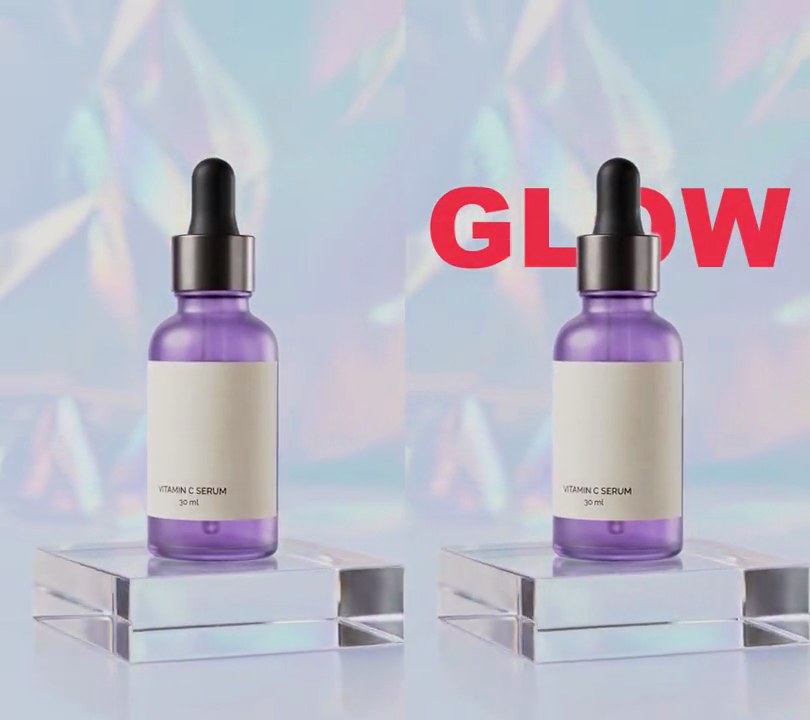
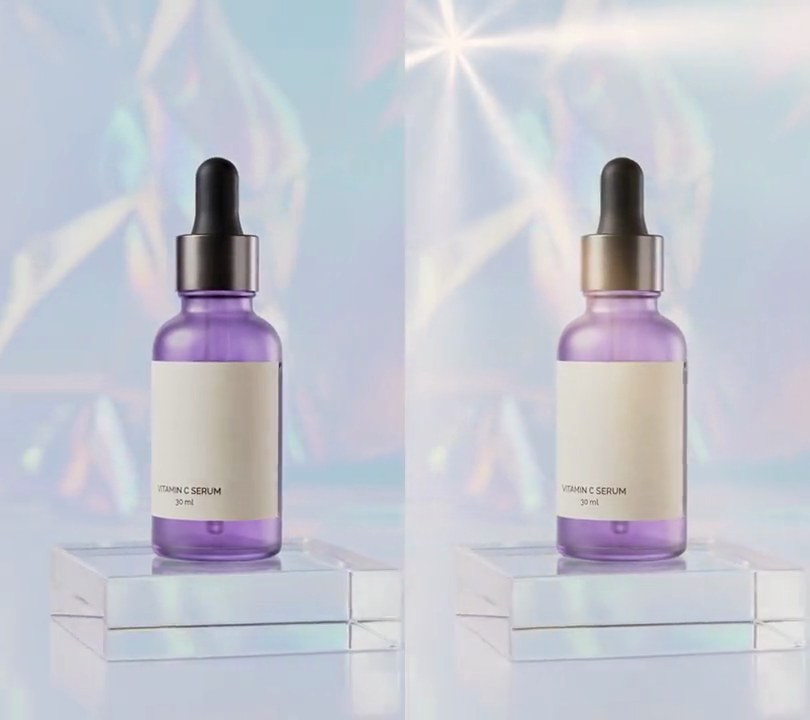
2. Text behind subject
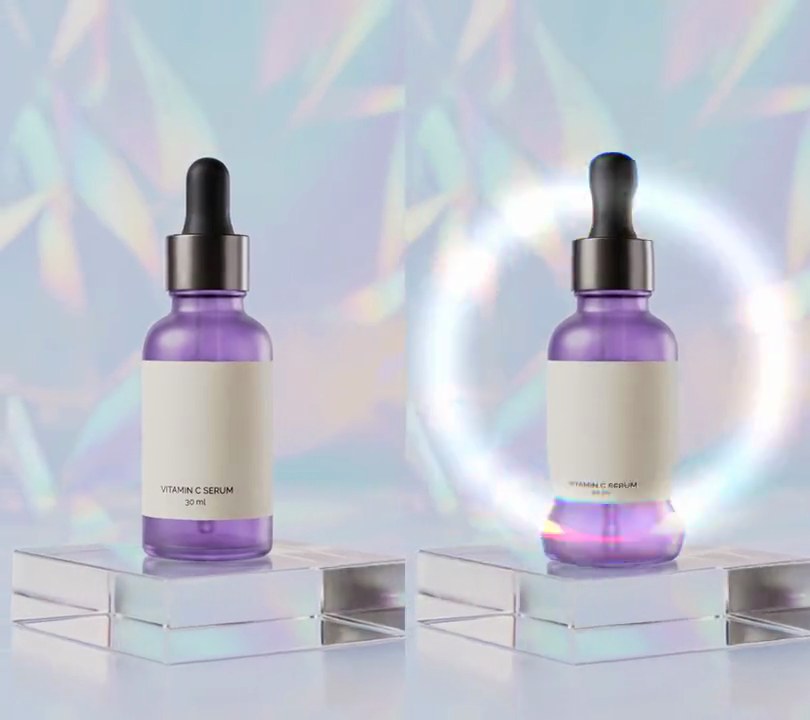
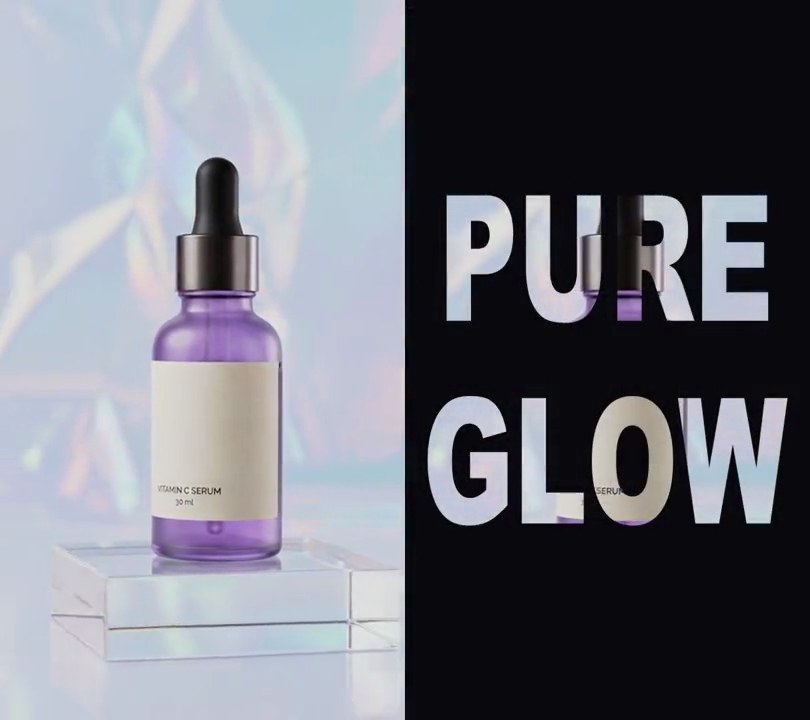
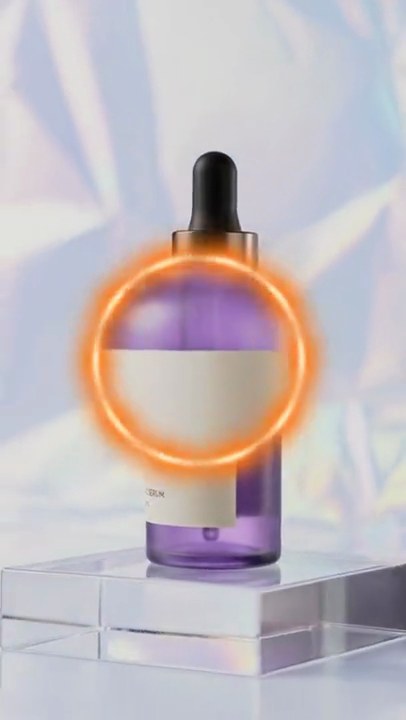
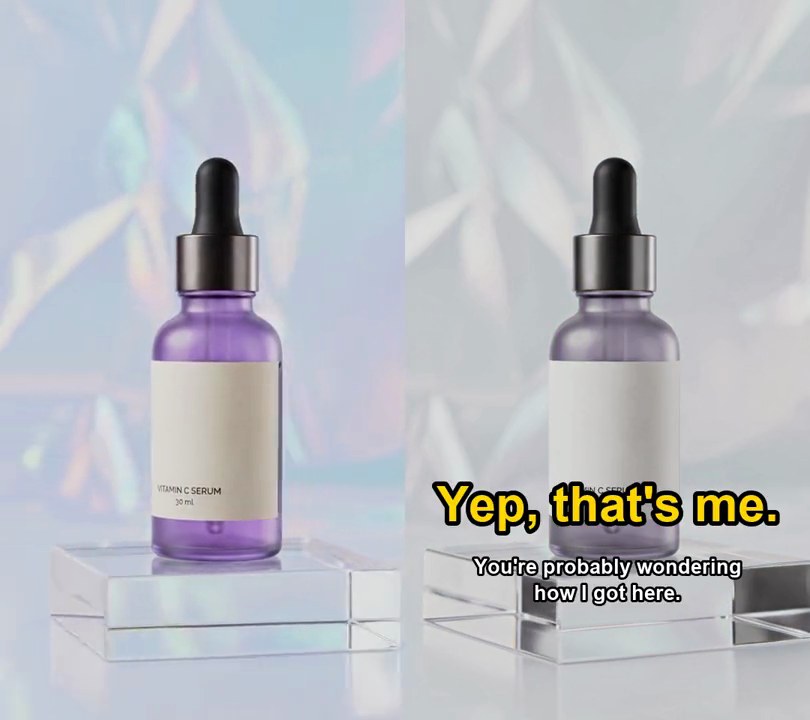
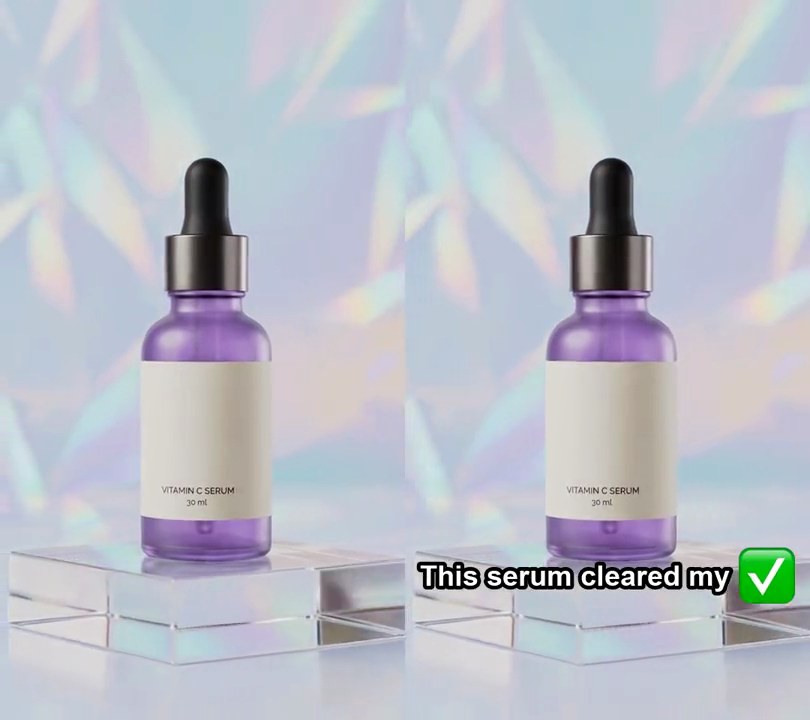
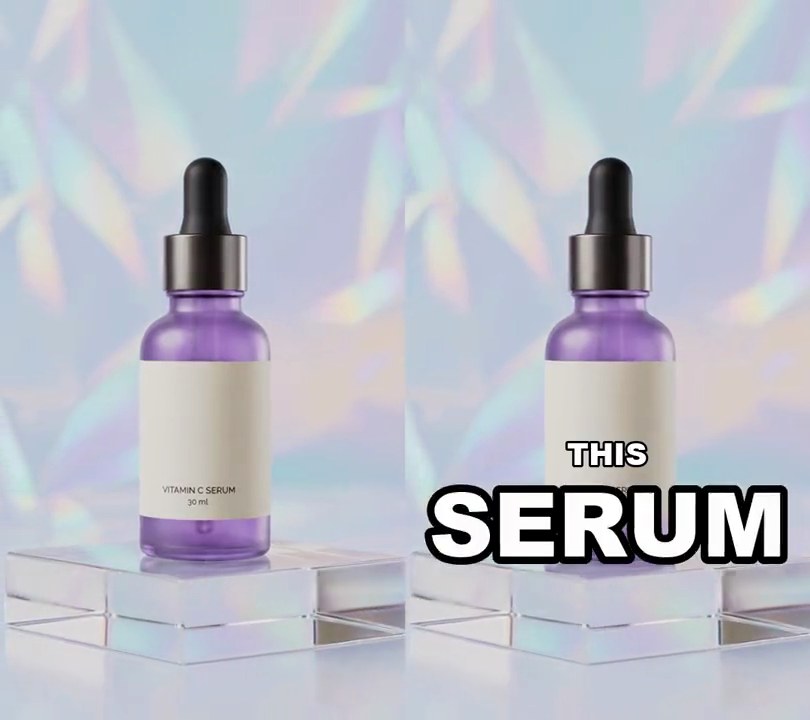
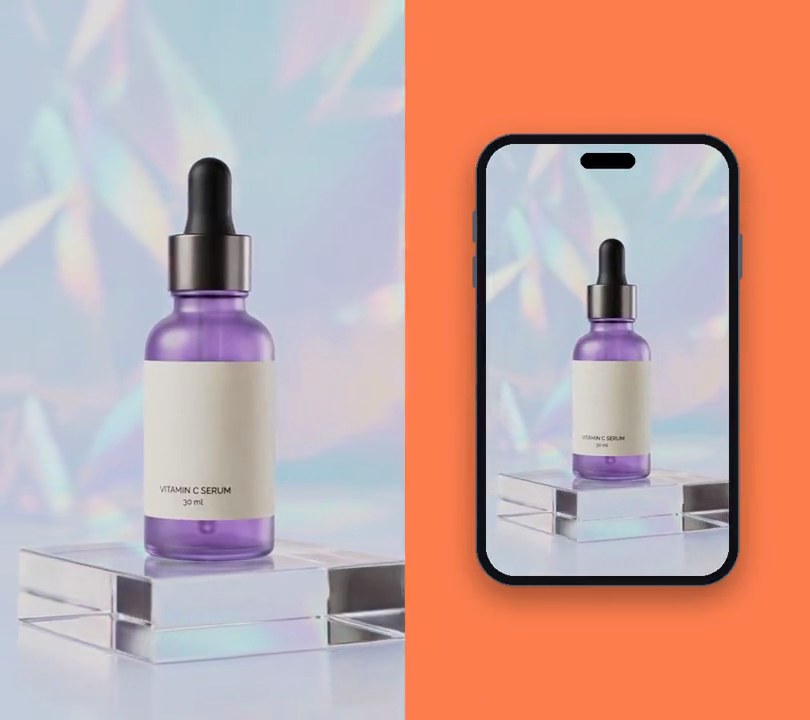
A giant red "GLOW" rises up behind the serum bottle, and as the camera circles, the dropper cap stays in front, cutting through the middle of the word.
Show the prompt
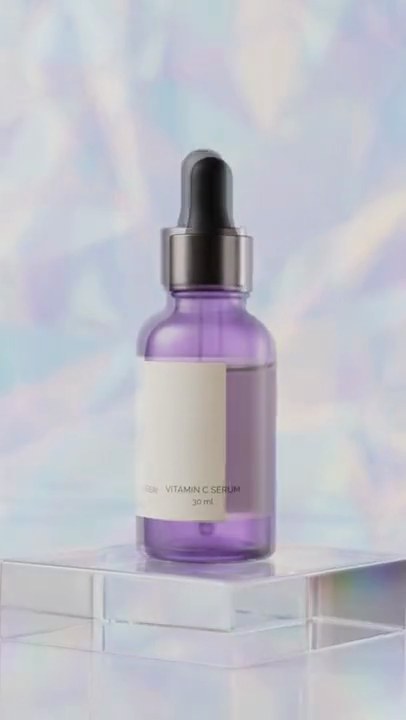
Put text behind the subject in input.mp4 (540x960, the camera circles a serum bottle whose dropper cap sits around 22% to 41% down the frame). Draw the word "GLOW" in Arial Black (or another heavy sans-serif) in red (235, 45, 70), sized so it spans 90% of the frame width and centered horizontally at 31% down the frame. Nothing shows before 0.5 seconds; from 0.5 to 1.1 seconds the word rises into place from 6% of the frame height lower while fading in from transparent, with an ease-out, then stays to the end. On every frame from 0.5 seconds, cut the bottle out with rembg (u2net model) and layer the frame, then the word, then the cut-out bottle on top, so the cap covers part of the word. Use Python with Pillow and numpy (draw the text with Pillow, not ffmpeg's drawtext) and ffmpeg to read and write the video, keep the size, 30fps and the audio, and save it as output.mp4.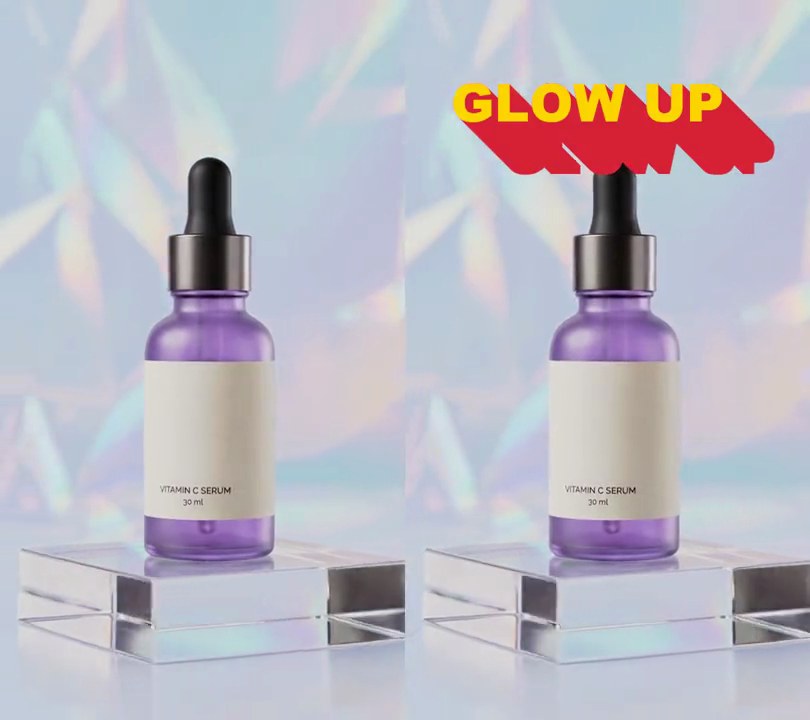
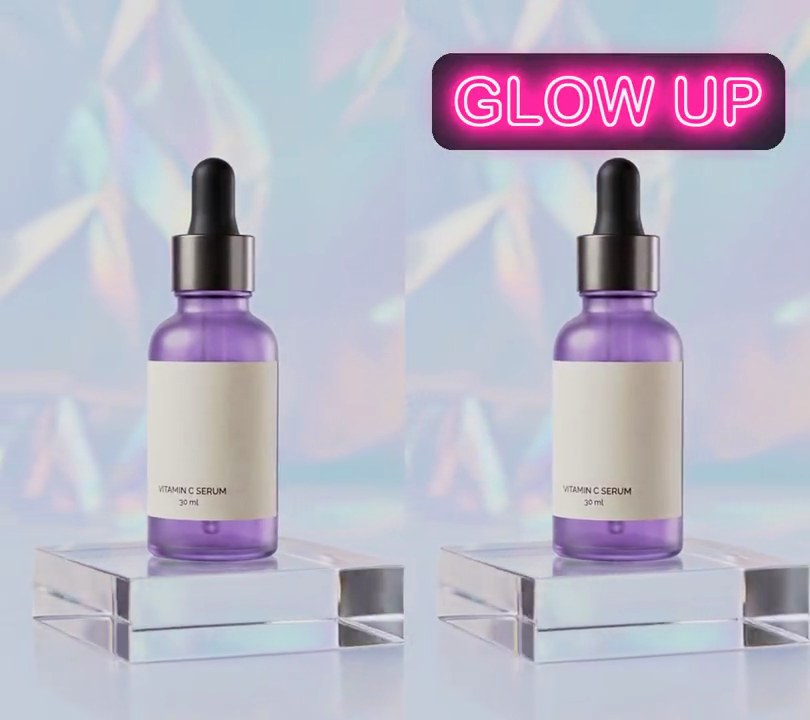
3. Long shadow text
Flat yellow "GLOW UP" letters appear near the top and a solid red shadow stretches out of every letter diagonally down to the right, like a retro poster title.
Show the prompt
Add long shadow text to input.mp4: the words "GLOW UP" in a heavy font (Arial Black) 13% of the frame width tall, flat yellow (255, 214, 0), centered 45% across and 14% down. Behind the letters draw a solid red (215, 35, 55) shadow, fully opaque with no blur, made by stamping the letter shapes 1 pixel at a time down and to the right at 45 degrees, so each letter extends into a long diagonal block. At 0.5 seconds the letters fade in over 0.15 seconds while the shadow stretches from 0 to its full length of 13% of the frame width (along each axis) over 0.8 seconds, easing out; then everything stays to the end. Use Python with Pillow to draw it and ffmpeg to put it on the video (don't rely on ffmpeg's drawtext filter), keep the audio, and save it as output.mp4.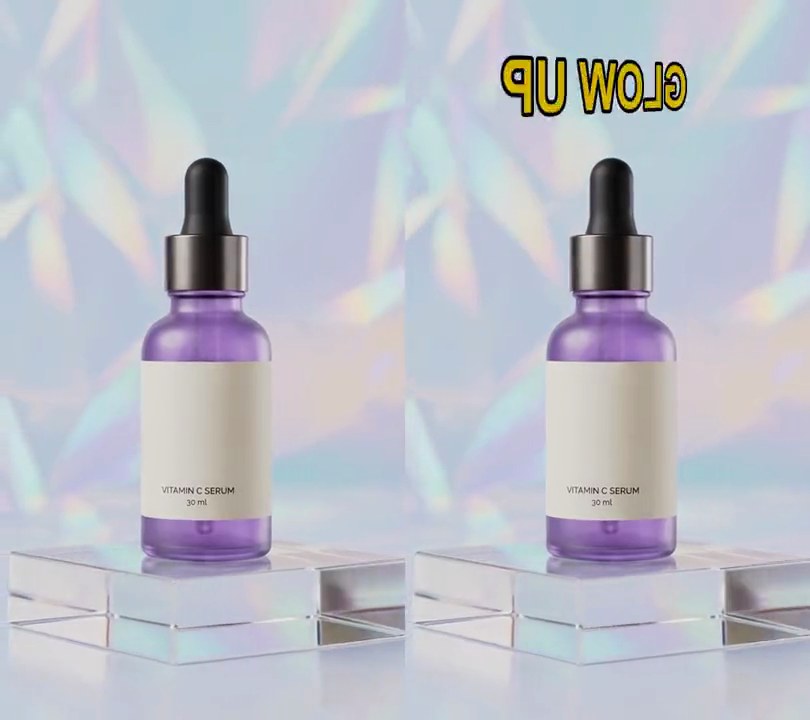
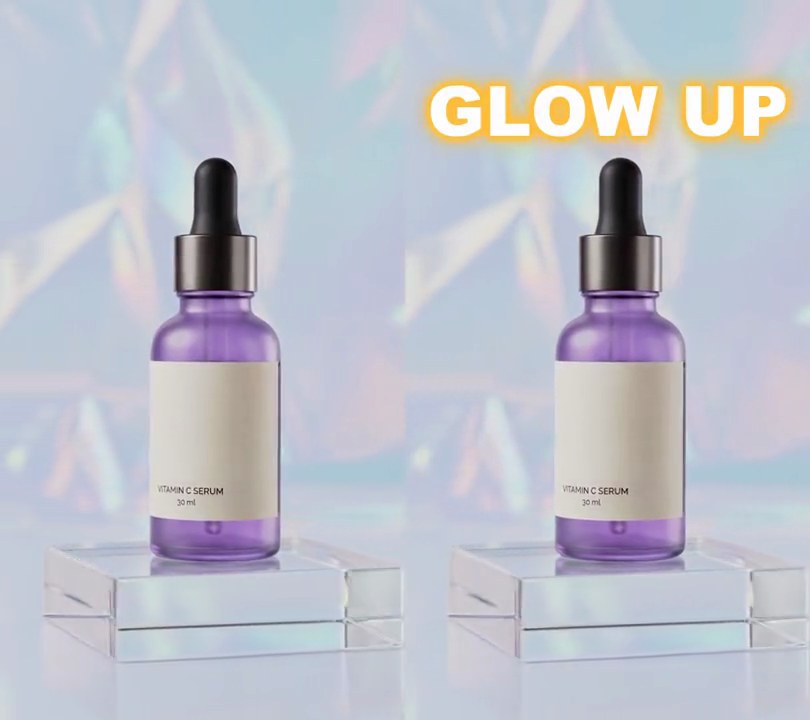
4. Spinning text
A yellow "GLOW UP" title above the bottle whirls around a vertical axis like a rotating sign, flashing its mirrored back and going edge-on, then slows and settles facing front.
Show the prompt
Add spinning text to input.mp4: the title "GLOW UP" in bold yellow (255, 214, 0) letters with a black outline 1% of the frame width thick, text height 16% of the frame width, centered across and 12% of the way down. At 0.5 seconds it appears already spinning around a vertical axis through its center, like a rotating sign: it turns two full turns (720 degrees) with a cubic ease-out over 1.6 seconds, so it starts fast and settles facing front at 2.1 seconds, then stays still. Draw it in 3D: the edge turning toward the camera gets taller (perspective with the camera 2.5 title widths away), the back shows the text mirrored, it is a thin line when edge-on (at 1.3 seconds), and its brightness drops to 55% as it turns side-on. Use Python with Pillow to draw the text, OpenCV to warp it and ffmpeg to put it on the video (don't rely on ffmpeg's drawtext filter), keep the audio, and save it as output.mp4.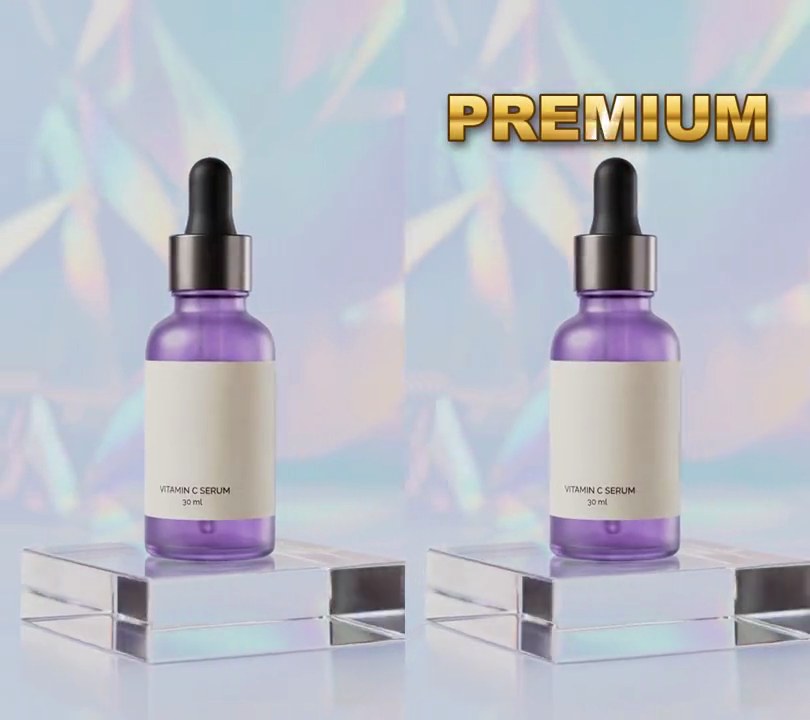
5. Metallic text
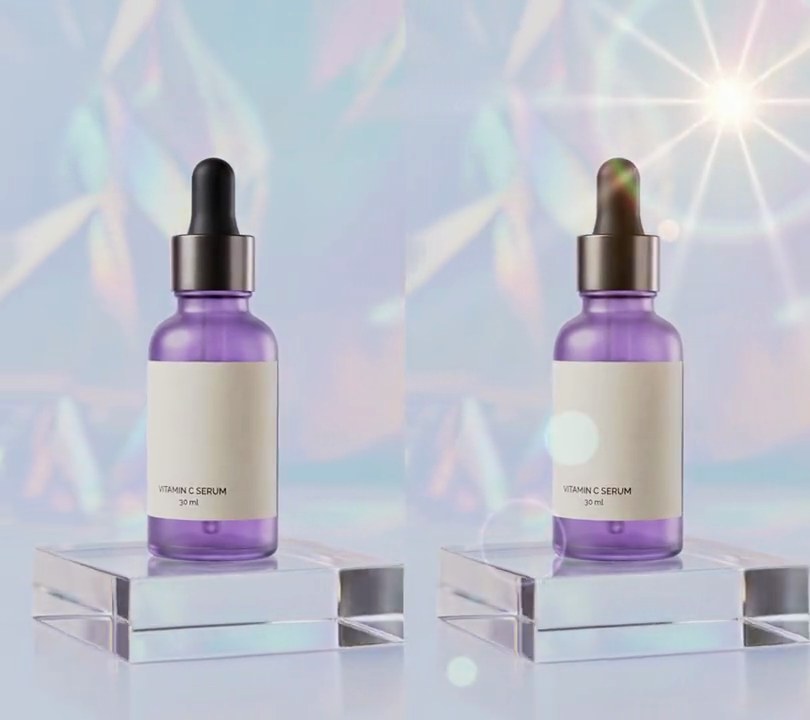
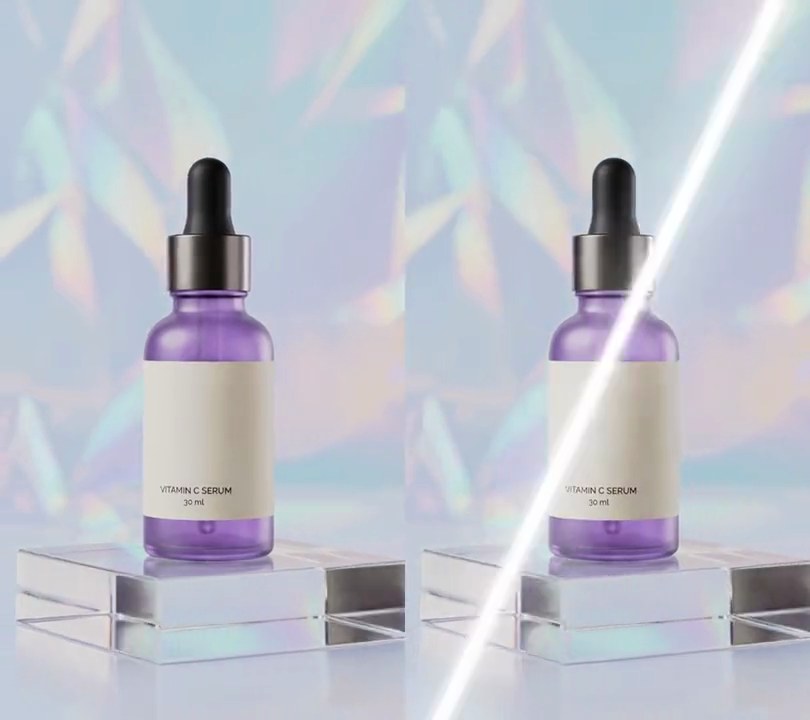
"PREMIUM" fades in above the bottle in polished gold letters with a dark bronze rim, and a white glint slides across them once from left to right.
Show the prompt
Add metallic gold text to input.mp4: the word "PREMIUM" in a heavy bold font (Arial Black or similar) at a font size of 15% of the frame width, centered horizontally at 16% down the frame. Fill the letters with a vertical gold gradient running from the top of the letters to the bottom: (255, 240, 170) at the top, (240, 195, 75) at 35%, a dark band of (160, 105, 25) at 50%, a bright (250, 215, 110) at 62% and (185, 130, 35) at the bottom, blended smoothly between those stops. Give the letters a 3 px dark bronze (90, 55, 10) outline and a soft black drop shadow (60% opacity, offset 4 px right and 6 px down, 6 px blur). The text fades in from 0.5 to 0.8 seconds, with nothing on screen before 0.5 seconds, and stays to the end. From 1.2 to 2.0 seconds a glint slides once across the letters from left to right, starting 60 px left of the text and ending 60 px right of it: a band tilted 25 degrees from vertical with its top leaning right (like /), pushing the gold toward white by 95% at its center (falling off over about 9 px either side) plus a softer 35% glow falling off over about 35 px, shown only inside the letters' gold face, not on the outline or the video. Use Python with Pillow and numpy to draw the text, gradient and glint (don't use ffmpeg's drawtext filter) and ffmpeg to put it on the video, keep the audio, and save it as output.mp4.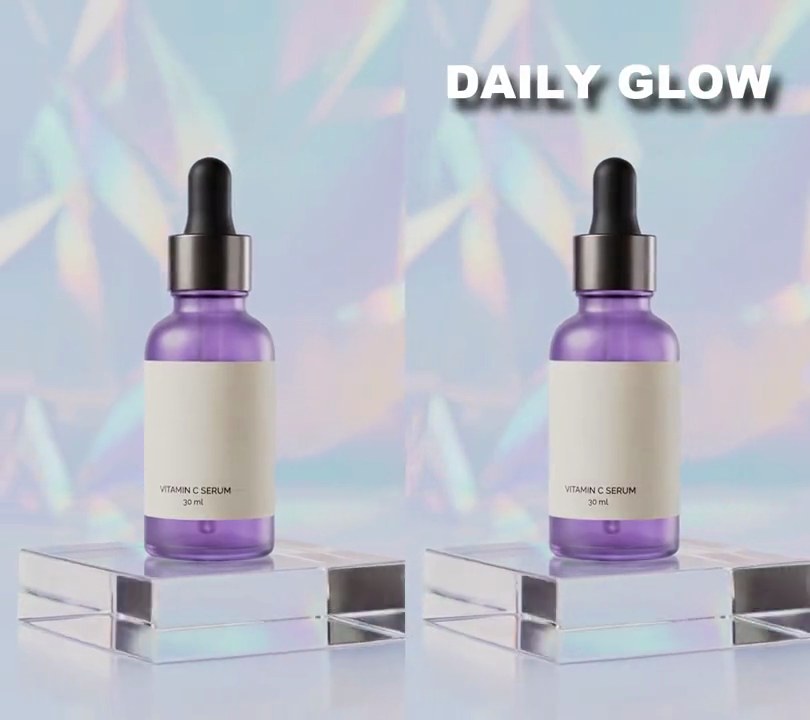
6. Drop shadow text
"DAILY GLOW" fades in above the bottle in bold white while a blurred black copy of the letters slides out below and to the right, so the headline seems to float off the backdrop.
Show the prompt
Add drop shadow text to input.mp4: "DAILY GLOW" in Arial Black (or another heavy bold font), font size 62 pixels (11.5% of the frame width), white (255, 255, 255), centered horizontally with its center 11% of the way down the frame. Behind it put a shadow: the same text in black (0, 0, 0) at 80% opacity, blurred with a 6 pixel Gaussian blur. Nothing shows before 0.5 seconds; from 0.5 to 0.8 seconds the text and shadow fade in linearly together, and from 0.5 to 1.0 seconds the shadow slides from directly behind the letters out to 12 pixels right and 16 pixels down, easing out. It then stays to the end. Use Python with Pillow to draw it and ffmpeg to put it on the video (don't rely on ffmpeg's drawtext filter), keep the audio, and save it as output.mp4.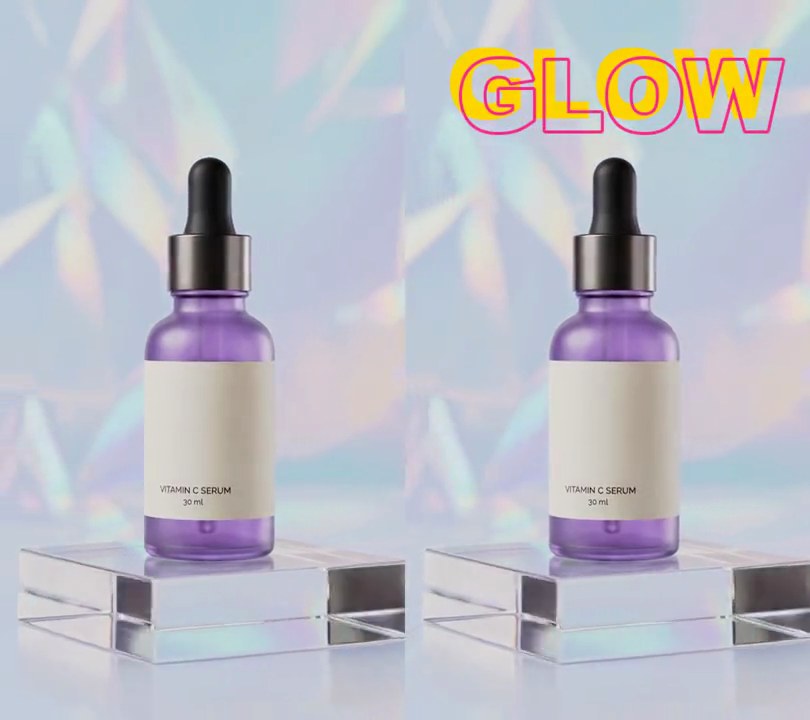
7. Offset outline text
Solid yellow "GLOW" fades in near the top while a thin pink outline of the same letters slides out from it and settles a little down and to the right.
Show the prompt
Add offset outline text to input.mp4: the word "GLOW" in Arial Black (or another heavy bold font) at 130 px, centered horizontally and 11% down the frame, as solid yellow (255, 214, 0) letters. On top of it, draw a pink (255, 40, 140) outline copy of the same word, 4 px thick and hollow inside, that starts lined up with the solid letters and slides 16 px right and 16 px down over 0.6 seconds with an ease-out, then stays there. Both fade in from 0.5 seconds over 0.3 seconds and stay to the end; nothing shows before 0.5 seconds. Use Python with Pillow to draw the text and ffmpeg to put it on the video (don't rely on ffmpeg's drawtext filter), keep the audio, and save it as output.mp4.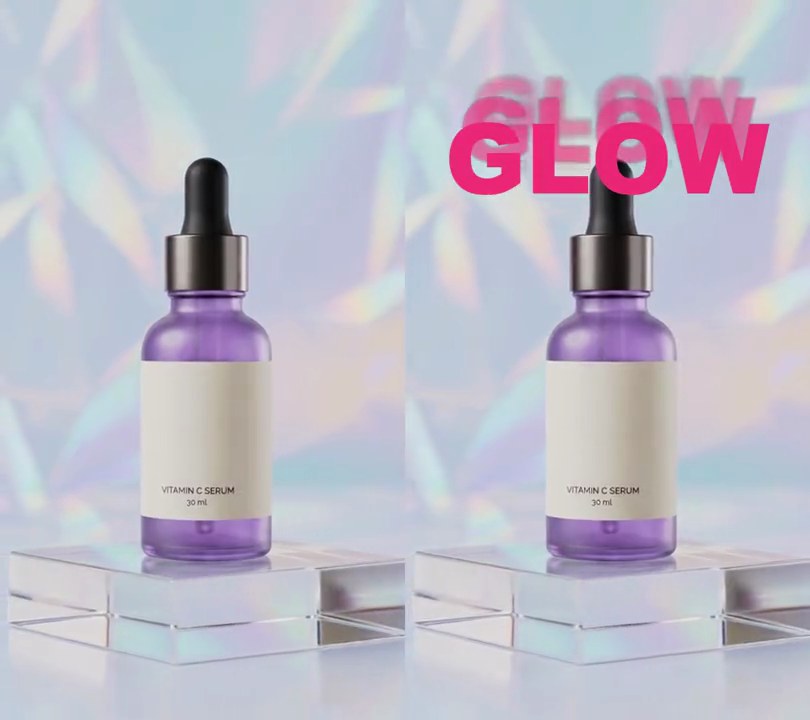
8. Echo text
A hot pink "GLOW" lands near the top, then four copies peel off behind it and stack upward, each one smaller, fainter and blurrier than the last.
Show the prompt
Add echo text to input.mp4: the word "GLOW" in Arial Black (or any heavy bold font) at a font size of 24% of the frame width, hot pink (235, 40, 120), centered across the frame with its center 22% of the way down. It fades in from transparent to fully opaque over 0.2 seconds starting at 0.5 seconds; nothing is on screen before that. Behind it are 4 copies of the word, drawn under it and centered across the frame. Copy i (1 to 4) has a font size of (1 - 0.08 i) times the word's, opacity 0.6 times 0.6^(i-1) (so 0.6, 0.36, 0.22, 0.13) and a Gaussian blur of 1.5 i pixels. Each copy starts hidden behind the word at 0.5 + 0.12 i seconds and slides straight up over 0.5 seconds with a cubic ease-out to sit 4 i% of the frame height above the word's center, then stays there to the end along with the word. Use Python with Pillow to draw the text and ffmpeg to put it on the video (don't rely on ffmpeg's drawtext filter), keep the audio, and save it as output.mp4.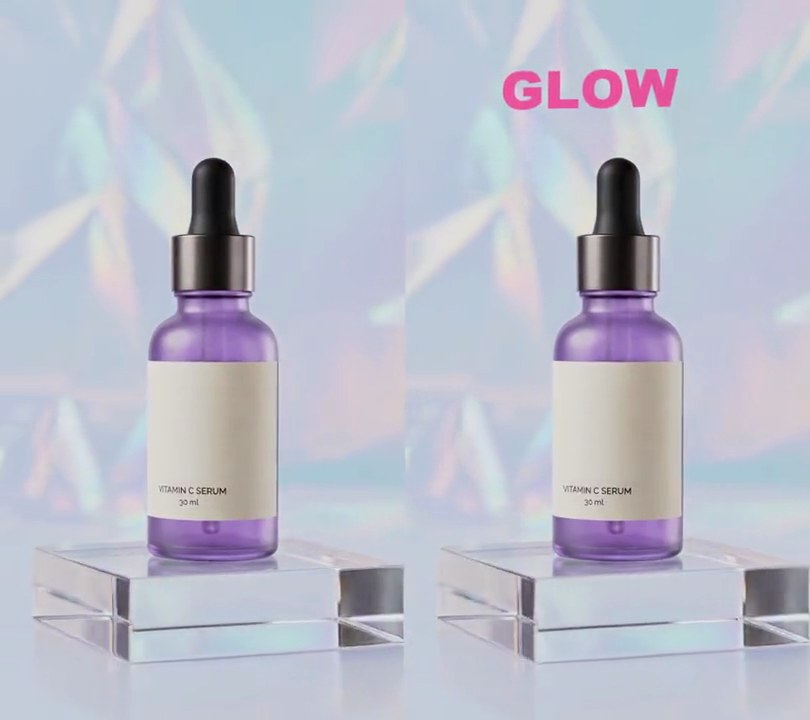
9. Text locked into the scene
A big pink "GLOW" fades onto the wall above the bottle and drifts right with the backdrop as the camera circles, until it slides out of frame.
Show the prompt
Put a title into the scene of input.mp4 (540x960, the camera orbiting a bottle) so it looks painted on the backdrop wall. Track the wall with OpenCV (opencv-python-headless): from 0.5 seconds on, on each frame find up to 400 corners with goodFeaturesToTrack (quality 0.01, min distance 7) in the top 45% of the frame, leaving out the bottle's area from 30% to 70% across and 20% down to the bottom, follow them to the next frame with calcOpticalFlowPyrLK, fit a homography with findHomography (RANSAC, 2-pixel threshold) and chain those so you have, for every frame, the homography from the wall at 0.5 seconds to the wall in that frame. Draw "GLOW" with Pillow in Arial Black, 13% of the frame width tall, hot pink (236, 72, 153) at 92% opacity, centered 24% across and 12% down, on a transparent full-frame layer, and warp that layer onto each frame with that frame's homography (cv2.warpPerspective), so the title slides right with the wall and goes out of frame on the right near the end. It fades in from 0.5 to 0.9 seconds; nothing is drawn before 0.5 seconds. Don't use ffmpeg's drawtext filter; use ffmpeg to put the layer on the video, keep the audio, and save it as output.mp4.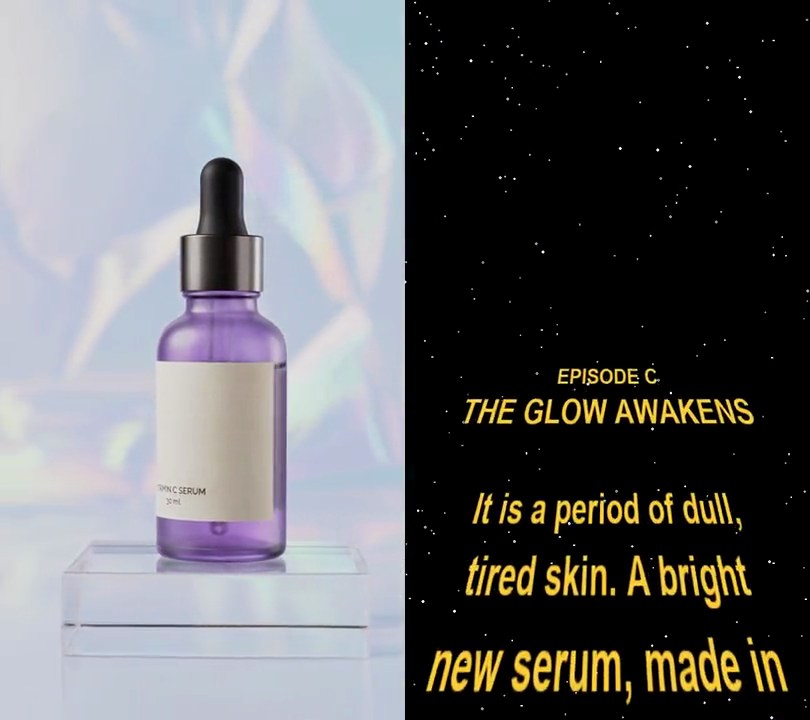
10. Space crawl text
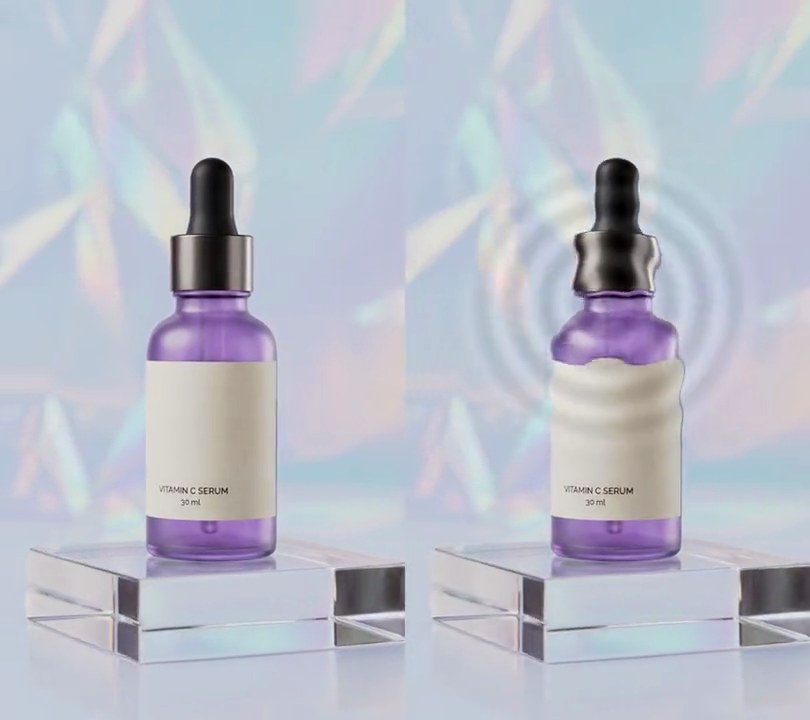
The shot fades into a starfield, then yellow text rises from the bottom edge on a tilted plane and slides away toward the horizon, shrinking and narrowing as it recedes.
Show the prompt
Add a space opening crawl to input.mp4 (540x960). Play the clip untouched until 0.4 seconds, then cross-fade it into a starfield between 0.4 and 1.0 seconds: a black frame with 220 small round stars at fixed random spots, radius 0.6 to 1.4 pixels, gray levels 120 to 255 with a slight blue tint. From 1.0 seconds, yellow (255, 205, 50) text in Arial Bold crawls up the screen on a tilted plane. Draw the text flat with Pillow on a transparent strip 540 pixels wide: 1404 pixels of empty space, then these lines centered, top-anchored, each line's slot 1.35 times its font size tall: "EPISODE C" (35 px), "THE GLOW AWAKENS" (46 px), an empty 35 px line, then "It is a period of dull,", "tired skin. A bright", "new serum, made in", "a hidden lab, has", "won its first battle", "against dark spots." (38 px each), then another 1404 pixels of empty space. Each frame, take a 540x1404 window of the strip starting 118.8 pixels further down for every second after 1.0 seconds (starting at the top), and warp it with OpenCV's perspective transform so its top edge lands from (205.2, 192) to (334.8, 192) and its bottom edge from (-108, 960) to (648, 960): text enters at the bottom wider than the frame and shrinks toward a vanishing line 20% down. Fade the text's opacity from 0 at y = 192 to full at y = 403 so it dissolves near the horizon. Composite it over the starfield. Use Python with Pillow to draw the text (don't rely on ffmpeg's drawtext filter), OpenCV and numpy for the warp, ffmpeg to encode, keep the audio and the 6 second length at 30fps, and save it as output.mp4.