1. Snow
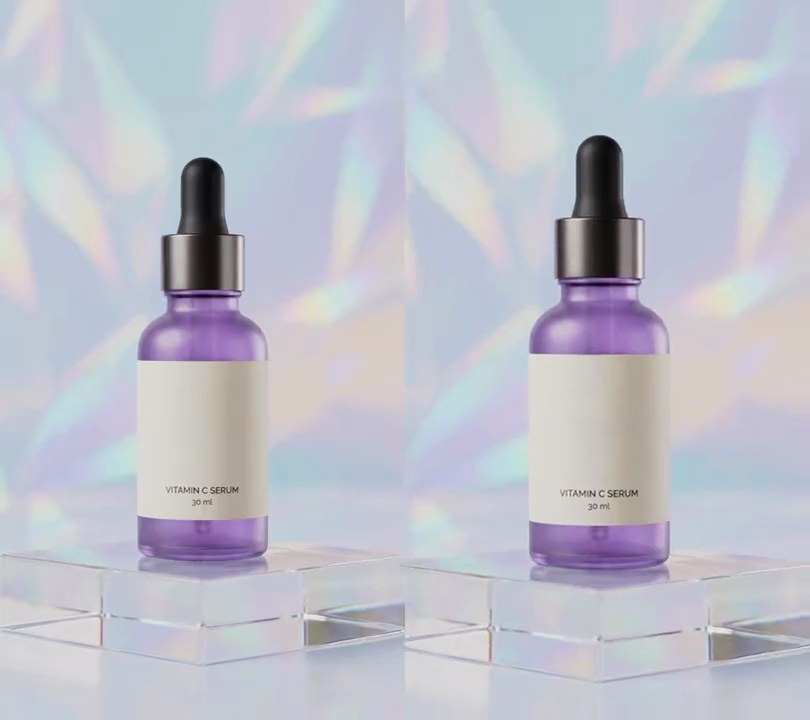
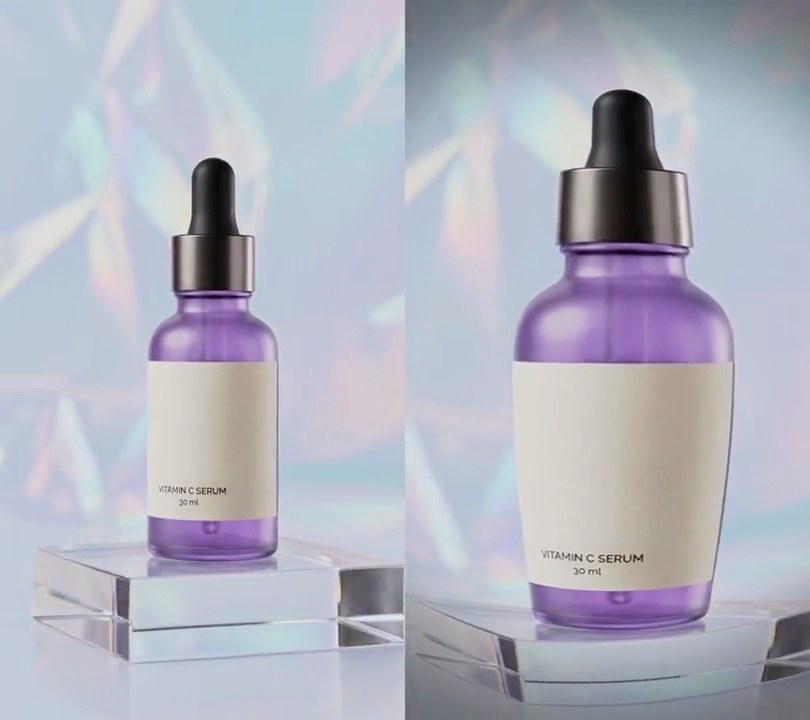
Round white snowflakes drift down in from the top edge and keep falling past the product, the big close ones dropping faster than the small far ones as they sway side to side.
Show the prompt
Add falling snow to input.mp4. Use 230 round white (255, 255, 255) flakes, each given a random depth: far flakes have a 2 pixel radius, 60% opacity and fall at 0.14 frame heights per second, near flakes a 7.5 pixel radius, full opacity and 0.42 frame heights per second, with most flakes far away. Give each flake a solid middle with a soft edge and a faint soft shadow (18% darker at most, about 1.5 times the flake's radius) so it shows on a light background, and sway it side to side by 12 pixels over 2.5 to 5 seconds. Nothing shows before 0.3 seconds; then the flakes fall in from above the top edge (spread over one frame height above it, so the bottom of the frame only fills in after about 2 seconds), and each one wraps back to the top once it passes the bottom, so it keeps snowing to the end. Use Python with numpy to draw it and ffmpeg to put it on the video (don't rely on ffmpeg's drawtext filter), keep the audio, and save it as output.mp4.
2. Fireworks
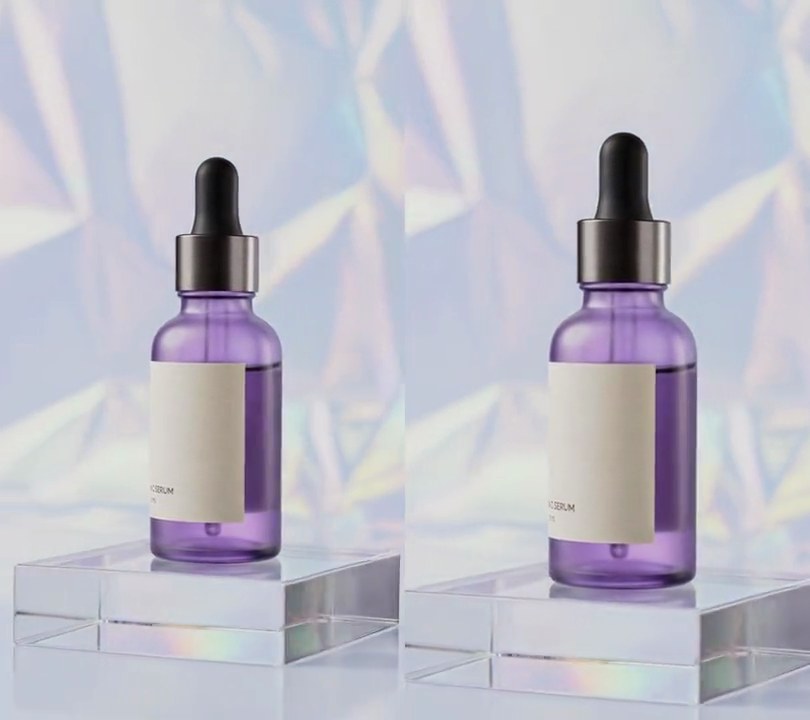
Three rockets streak up and burst over the product one after another into gold, pink and orange shells of sparks that trail, droop and fade out.
Show the prompt
Add fireworks to input.mp4. Three bursts, each preceded by a thin pale gold (255, 217, 140) rocket streak that climbs straight up from the bottom edge over 0.4 seconds, slowing as it rises: a gold (255, 190, 30) burst at 0.8 seconds centered 25% across and 20% down, a pink (255, 40, 150) burst at 1.4 seconds centered 73% across and 17% down, and an orange (255, 90, 20) burst at 2.0 seconds centered 50% across and 11% down. Each burst is 150 sparks flying out in all directions at up to 340 pixels per second, slowed by air drag so they stop about 170 pixels from the center, then sagging down under gravity (60 pixels per second squared). Each spark leaves a short trail (its positions over the last 0.17 seconds, fading toward the tail), has a white-hot core with a 3-pixel colored glow, flashes brightly for the first 0.1 seconds, flickers in its second half and has faded out completely 1.7 seconds after its burst. Lay the sparks over the shot in full color (not a screen blend, so they show on the pale backdrop). Nothing shows before the first rocket at 0.4 seconds and nothing is left after 4 seconds. Draw it with Python and numpy (no text, and don't rely on ffmpeg's drawtext filter), keep the audio, and save it as output.mp4.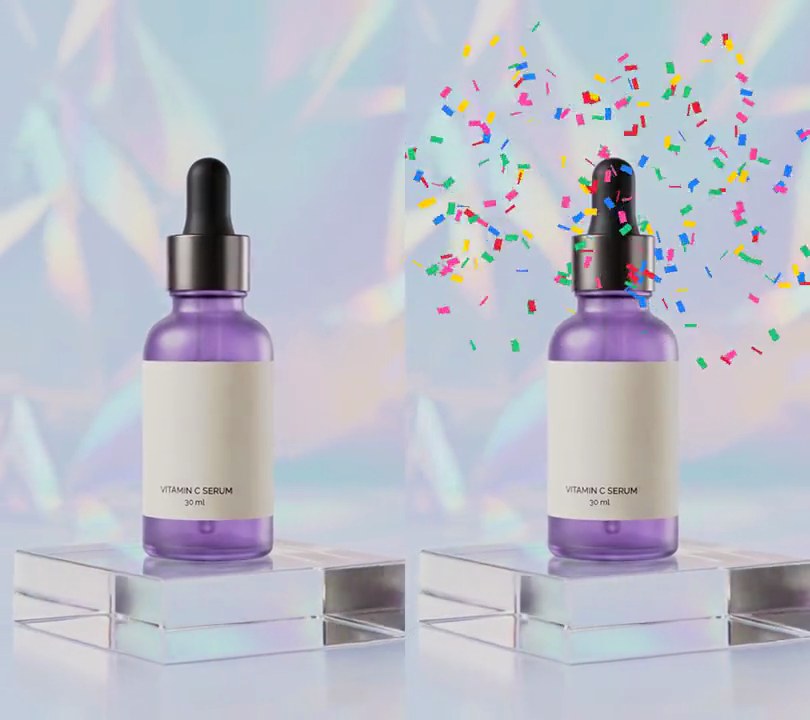
3. Confetti
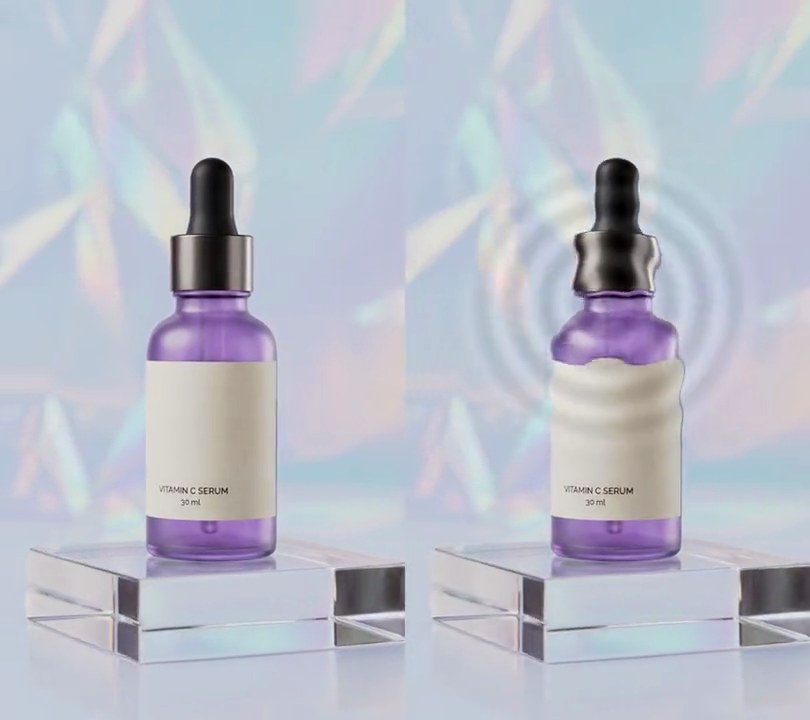
Two cannons in the bottom corners shoot tumbling yellow, red, pink, blue and green paper up past the product, which then flutters slowly back down.
Show the prompt
Add a confetti burst to input.mp4. At 0.5 seconds, fire 240 pieces of confetti from two points just below the bottom corners (4% and 96% across, 102% down), half from each, released over 0.15 seconds. Each piece is a rectangle 2.8% by 1.6% of the frame width, colored at random from yellow (255, 205, 0), red (235, 35, 55), pink (255, 70, 170), blue (30, 130, 255) and green (30, 200, 110). Launch them up and toward the middle at 52 to 88 degrees from horizontal, at 2.6 to 4 frame heights per second, and slow them with air drag (velocity decays at a rate of 3.5 per second) so within about a second they reach the top half and then drift down at 0.07 to 0.16 frame heights per second, swaying side to side by 3% of the frame width. Spin each piece and squash its width with a cosine so it looks like it's tumbling. Nothing shows before 0.5 seconds, and the confetti stays on screen to the end. Use Python with numpy and Pillow to draw it and ffmpeg to put it on the video (don't rely on ffmpeg's drawtext filter), keep the audio, and save it as output.mp4.
4. Bokeh lights
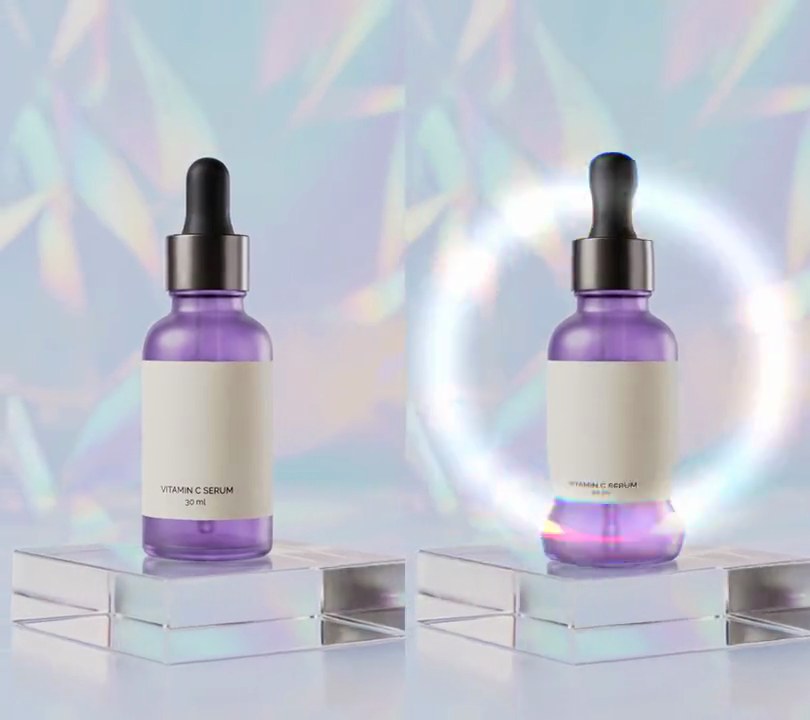
See-through circles of gold and pink light, soft-edged like out-of-focus fairy lights, fade in over the bottle and float slowly upward.
Show the prompt
Add bokeh lights to input.mp4: 24 soft, see-through circles of light with radii between 20 and 72 pixels, cycling through three colors: gold (255, 185, 60), pink (255, 110, 170) and pale gold (255, 215, 120). Give each circle an opacity between 0.3 and 0.65, even across its middle, rising to 1.0x that opacity at the rim from 0.7x at the center (like a lens), fading out over the outer 20% of the radius, with a faint glow (0.25x the opacity) just outside the edge. Scatter them over the whole frame and blend them over the video normally (not added or screened). Each drifts upward at its own speed between 25 and 70 pixels per second, wrapping round from the top to the bottom, sways 20 pixels side to side over 3 to 6 seconds, and twinkles between 60% and 100% of its opacity every 1.7 seconds. Leave the frames before 0.5 seconds untouched, then fade the lights in from 0.5 to 1.1 seconds and keep them to the end. Use Python with numpy to draw and blend the circles and ffmpeg to read and write the video, keep the audio, and save it as output.mp4.
5. Falling leaves
Orange, red and gold maple leaves drop in from the top edge and tumble past the product, rocking from side to side and flipping edge-on as they fall.
Show the prompt
Add falling autumn leaves to input.mp4 (540x960). Draw a maple leaf with Pillow: a polygon whose right half runs, in units of half the leaf's width with the tip at the top, through (0, -1), (0.14, -0.72), (0.32, -0.82), (0.26, -0.44), (0.64, -0.64), (0.58, -0.38), (0.94, -0.30), (0.72, -0.10), (0.84, 0.08), (0.44, 0.10), (0.52, 0.38), (0.14, 0.24), (0.05, 0.50), mirrored for the left half, with a stem and five veins from a point just below the middle drawn in the fill color at 60% brightness. Make 30 leaves, cycling through orange (232, 110, 24), red (196, 38, 28) and gold (238, 176, 32), each 44 to 76 pixels across (random), placed at a random 4% to 96% across and 5% to 80% of the frame height above the top edge. From 0.3 seconds each leaf falls at a steady random 0.16 to 0.26 frame heights per second, swings 40 pixels side to side once every 2.2 to 3.6 seconds while rocking up to 70 degrees with the swing, and tumbles by squashing its width with the absolute cosine of a 1.5 to 3 second cycle (never below 20%); half the leaves hang upside down. A leaf that falls off the bottom comes back in above the top, so leaves keep falling to the end. Leave the frames before 0.3 seconds untouched. Use Python with Pillow and numpy, compositing onto the video frames with ffmpeg (don't use ffmpeg's drawtext filter, draw any text with Pillow), keep the audio, and save it as output.mp4.
6. Fireflies
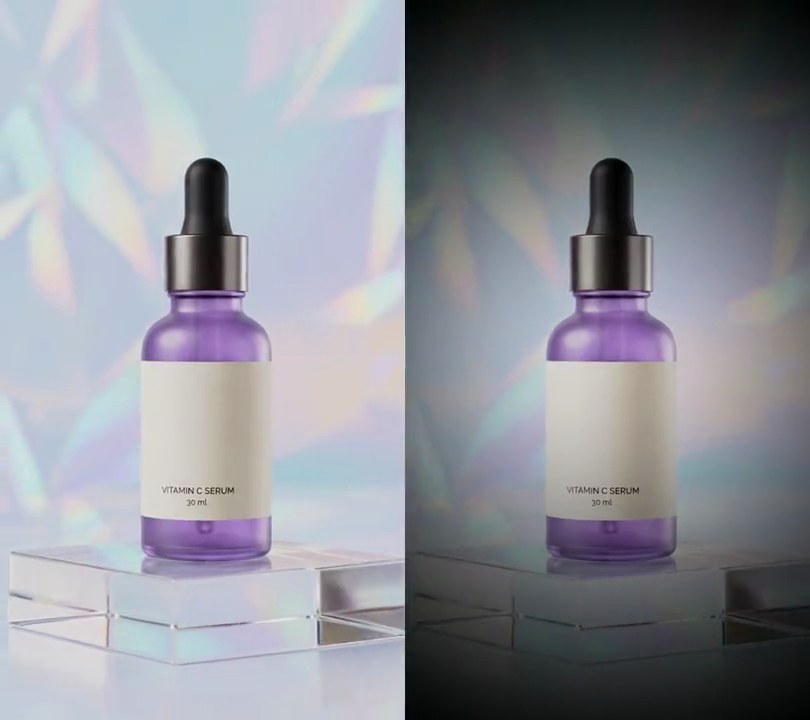
The shot sinks into a blue dusk and about thirty yellow-green fireflies wander through it, each glowing up and going dark again on its own rhythm.
Show the prompt
Add fireflies to input.mp4 (540x960). Leave the frames before 0.5 seconds untouched. From 0.5 seconds, over 0.6 seconds, dim the shot to a blue dusk by multiplying red by 0.38, green by 0.42 and blue by 0.58, and keep it dimmed to the end. Scatter 32 fireflies at random over the whole frame. Each is a Gaussian dot with a core radius between 3.0 and 5.0 pixels in pale yellow-green (245, 255, 175), at 1.6x strength so the middle is solid, plus a halo 3.5 times as wide at 0.8x strength in firefly green (150, 235, 40); clip each layer to 1. Each firefly drifts in a random direction at 8 to 20 pixels per second, wanders up to 70 pixels side to side on a 5 to 9 second loop and 49 pixels up and down on a loop 0.6 times as long, and wraps round the frame edges. Each pulses on and off on its own cycle of 1.6 to 2.8 seconds with a random phase: brightness = max(0, sin(2*pi*(t - 0.5)/cycle + phase))^1.5, so it is dark for about half of each cycle. Fade the fireflies in with the dimming and add them with a screen blend so they only brighten. Use Python with numpy and ffmpeg (don't use ffmpeg's drawtext filter for anything), keep the audio, and save it as output.mp4.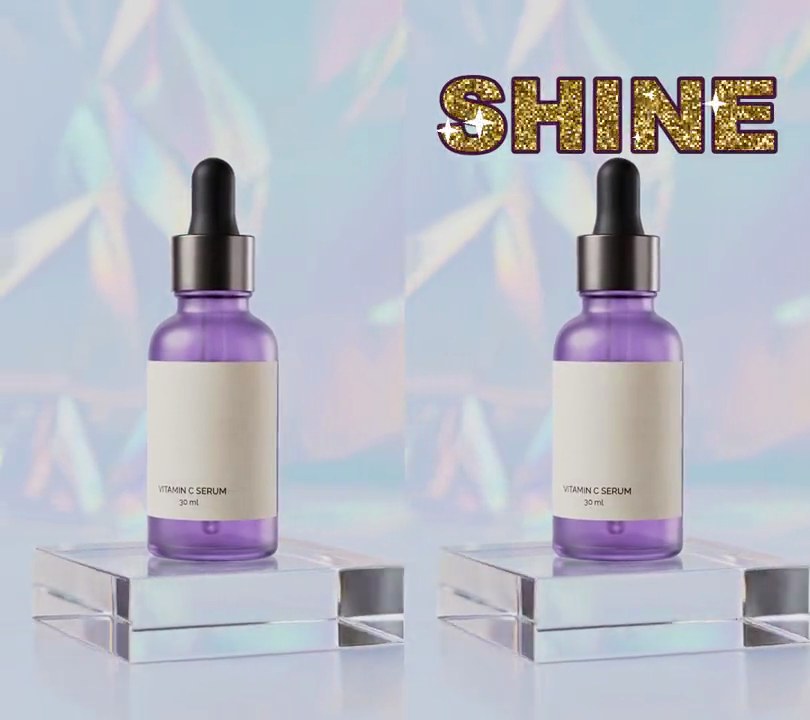
7. Glitter text
"SHINE" fades in above the bottle in plum-outlined letters packed with gold glitter flakes that keep flashing white, while little four-point stars pop on and off across the word.
Show the prompt
Add glitter text to input.mp4: the word "SHINE" in Arial Black (or another heavy bold font), sized so it spans 84% of the frame width, centered horizontally 16% of the way down. Fill the letters with gold glitter: a grid of 3x3 pixel flakes, each randomly one of (184, 120, 24), (222, 166, 44), (250, 204, 80) or (255, 226, 130), and each twinkling on its own random phase over a 0.8 second cosine cycle, from 40% to 100% of its color, turning (255, 250, 225) for the brightest 4% of its cycle. Give the letters a 5 pixel dark plum (70, 24, 60) outline. Over the letters, keep 5 white four-point star glints going at random spots inside the letters, each growing to 44 pixels across and shrinking away over 0.6 seconds, staggered so a new one starts every 0.12 seconds, with a soft gold glow behind each. Nothing shows before 0.5 seconds; the text fades in linearly from 0.5 to 0.9 seconds and then stays to the end. Use Python with Pillow and numpy to draw it and ffmpeg to put it on the video (don't rely on ffmpeg's drawtext filter), keep the audio, and save it as output.mp4.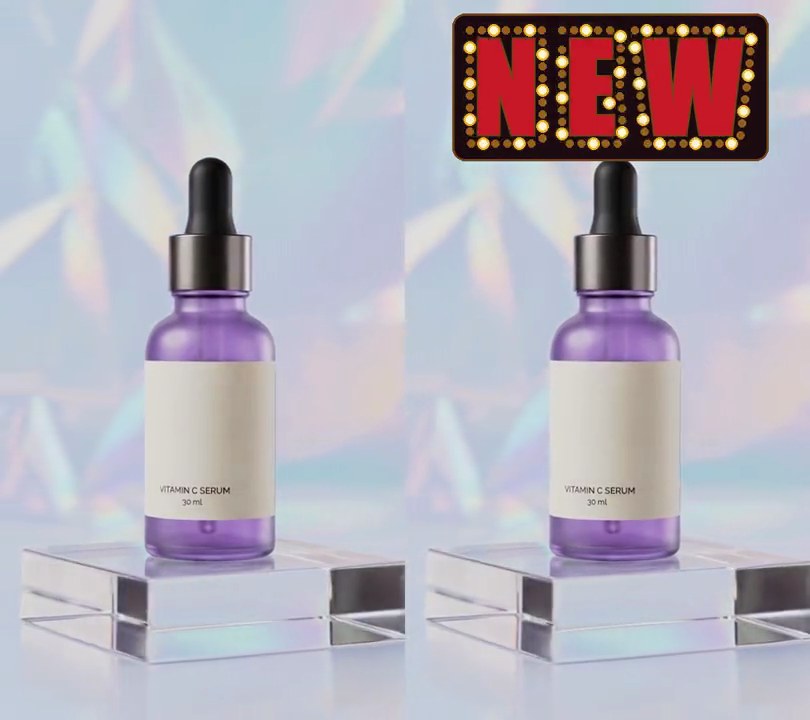
8. Marquee bulb text
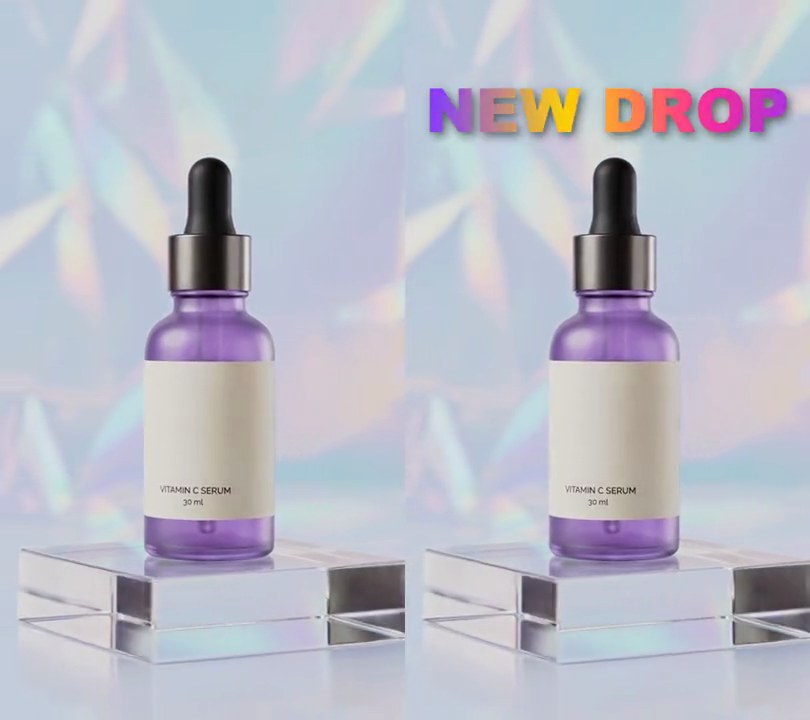
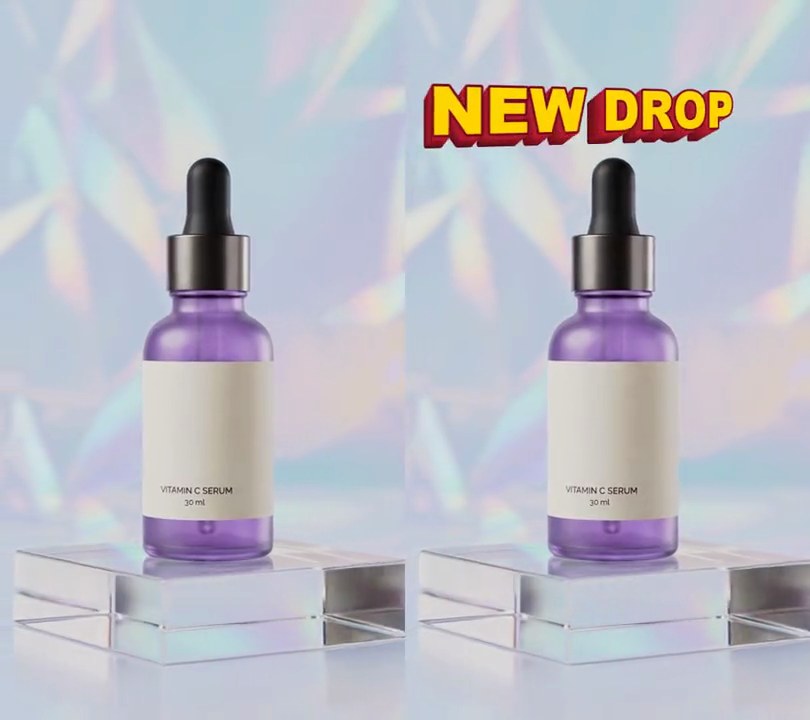
A theater sign reading "NEW" switches on bulb by bulb around each red letter, then every third bulb flashes in a chase that runs round the letters.
Show the prompt
Add a theater marquee sign to input.mp4. From 0.5 seconds on, show a dark (28, 12, 18) rounded board centered across the frame and 12% of the way down, with the word "NEW" on it in red (200, 25, 40) Impact letters 30% of the frame width tall, each letter with a thin brown (120, 70, 20) rim and 36 pixels between letters. Ring each letter with light bulbs: 10-pixel circles every 16 pixels along a line 12 pixels outside the letter's edge, ordered as you trace round each letter, left letter first. From 0.5 to 1.1 seconds the bulbs switch on one after another in that order (warm white (255, 246, 210) with a yellow (255, 190, 40) glow; bulbs not yet on are dark brown (70, 45, 30)). From 1.1 seconds to the end, run a chase: every third bulb is bright with the glow and the others are dim amber (150, 95, 30), and the bright ones move one bulb along every 0.1 seconds. Nothing shows before 0.5 seconds and the rest of the frame is untouched. Use Python with Pillow to draw it and ffmpeg to put it on the video (don't rely on ffmpeg's drawtext filter), keep the audio, and save it as output.mp4.
9. Sparkles
Gold four-pointed star glints with white-hot centers pop up one after another in a ring around the bottle, each growing, turning an eighth of a turn and shrinking away in just over a second.
Show the prompt
Add sparkles to input.mp4: 70 four-pointed star glints that appear one after another around the subject. Space their start times evenly from 0.5 to 4.4 seconds (a new one about every 0.06 seconds); each lives 1.2 seconds, its size following sin(pi * p) ^ 1.5 where p goes from 0 to 1 over its life, so it grows from nothing, peaks halfway and shrinks away, while it turns 45 degrees clockwise or counterclockwise. At full size each star has four main rays 32 to 80 pixels long from the center (random per star), four diagonal rays 45% as long, rays that taper to a point and are about 7 pixels wide at the center, a soft round glow of half strength out to about a third of the ray length, and a small pure white (255, 255, 255) center; rays and glow are gold (255, 196, 70). Place the stars at random in an elliptical ring centered 50% across and 45% down the 540x960 frame, with an outer radius of 42% of the width across and 34% of the height down and an inner radius about half that, so none land on the middle of the subject. Blend them over the video normally (alpha "over", not screen or add) so the gold shows on a pale background. Leave the frames before 0.5 seconds and after 5.6 seconds untouched. Use Python with numpy to draw the stars and ffmpeg to read and write the video (don't use ffmpeg's drawtext filter for anything), keep the audio, and save it as output.mp4.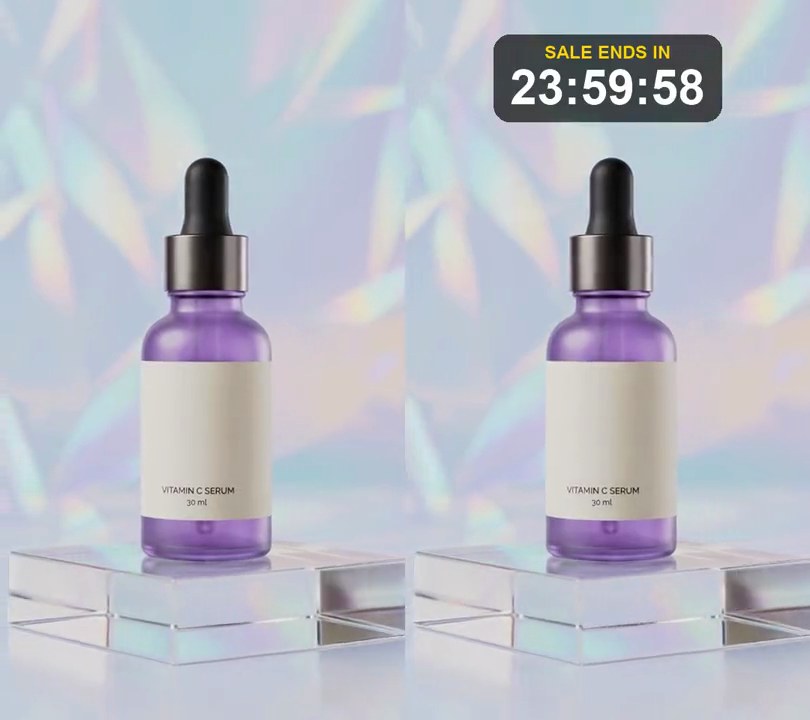
10. Countdown timer
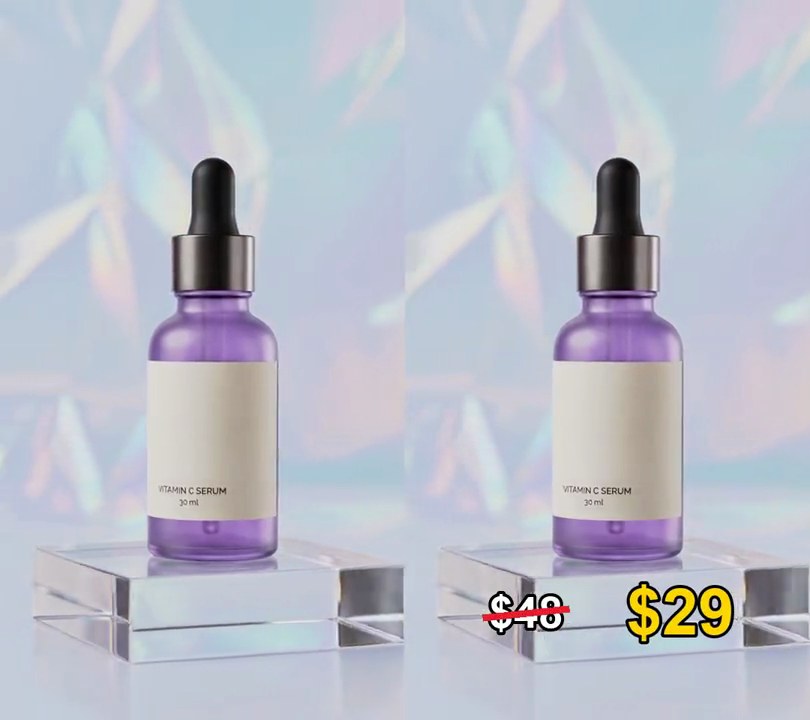
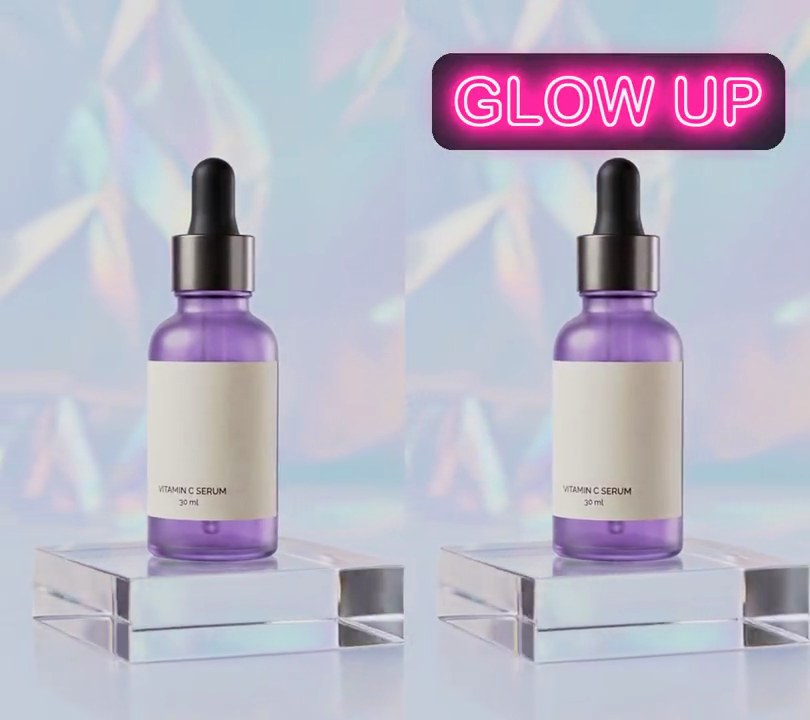
A "sale ends in" clock near the top counts down one second at a time.
Show the prompt
Add a countdown timer to input.mp4: near the top center, a dark translucent rounded box with "SALE ENDS IN" in yellow and a white HH:MM:SS clock under it that starts at 23:59:59 and goes down one second every second. Use Python with Pillow to draw it and ffmpeg to put it on the video (don't rely on ffmpeg's drawtext filter), keep the audio, and save it as output.mp4.