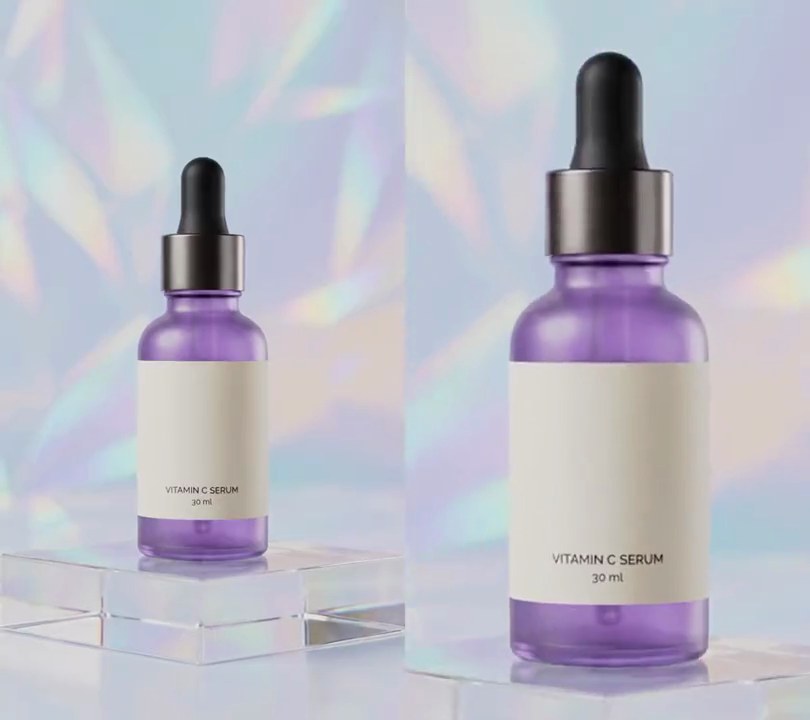
1. Auto captions
The voiceover's own words, transcribed from the audio with no script or subtitle file, appear one short line at a time in white type with a soft shadow near the bottom as they are spoken.
Show the prompt
Add automatic captions to input.mp4 from its speech, with no script or subtitle file. Transcribe the audio with faster-whisper (model "base.en", device cpu, compute_type int8, word_timestamps=True). Group the words in order into lines of at most 4 words that fit in 86% of the frame width, and show each line from its first word's start until 0.4 seconds after its last word ends, or until the next line starts if that is sooner, with nothing on screen after the last line. Draw each line in white bold text (Arial Bold) 7.5% of the frame width tall, centered horizontally with its center 84% of the way down the frame, over a soft shadow: the same text in black at alpha 230 with a stroke 12% of the text height thick, shifted 6% of the text height right and down and blurred with a Gaussian blur of 12% of the text height. No box behind the text. Use Python with Pillow to draw the text (don't use ffmpeg's drawtext or subtitles filter) and ffmpeg to put it on the video, keep the audio, and save it as output.mp4.
2. Bold highlighted captions
Chunky uppercase captions fill two lines at a time, and the longest word on each line sits in a yellow box with black letters.
Show the prompt
Add bold highlighted captions to input.mp4. Transcribe its voice with faster-whisper (model base.en, device cpu, compute_type int8, word_timestamps=True) to get each word's start and end time. Uppercase the words and strip punctuation. Show them four at a time as two lines of two words, in Arial Black (or another heavy bold font) with the text 10% of the frame width tall, shrinking it if needed so every line fits in 90% of the width. Center each line horizontally; the first line's center sits 72% of the way down the frame and the second line's center 1.6 text heights below it. On each line, the longest word is the keyword: draw it in black (0, 0, 0) on a yellow (255, 212, 0) rounded box padded 18% of the text height on every side, with corner radius equal to that padding, and leave that padding as extra room on both sides of the box. The other words are white with a black outline 1.2% of the frame width thick. Each group of four stays up from its first word's start to its last word's end, and nothing shows after the last word. Use Python with Pillow to draw the text and boxes (don't use ffmpeg's drawtext filter) and ffmpeg to put them on the video, keep the audio, and save it as output.mp4.
3. Pop-in captions
Two spoken words at a time burst onto the screen in white outlined capitals, swell 20% too big and bounce back to size.
Show the prompt
Add pop-in captions to input.mp4. Transcribe its voiceover with faster-whisper (model "base.en", device cpu, compute_type int8, word_timestamps=True) and group the words two at a time. Show each pair in capitals with punctuation removed, as white bold text with a black outline 1.2% of the frame width thick, text about 11% of the frame width tall, centered horizontally 70% of the way down, from the first word's start to the second word's end. Each caption pops in around its own center: scale 0 at its start, 1.2x at 0.12 seconds, 0.95x at 0.21 seconds and settled at 1.0x by 0.3 seconds, easing between those points. Draw the text with Python and Pillow (not ffmpeg's drawtext filter) and put it on the video with ffmpeg, keep the audio, and save it as output.mp4.
4. Outlined captions
Each spoken phrase appears in big white letters wrapped in a thick black outline, with no box behind them.
Show the prompt
Add captions to input.mp4 using the word timings in words.json. Show four words at a time in white bold text (Arial Black) with a thick black (0, 0, 0) outline, the text 8.5% of the frame width tall and the outline 14% of the text height thick, with no box behind it. Center each phrase horizontally, 72% of the way down the frame, shrinking the text if needed so the phrase fits in 90% of the width, and show it from the group's first word's start to its last word's end. Use Python with Pillow to draw the text (its stroke_width and stroke_fill options make the outline; don't use ffmpeg's drawtext filter) and ffmpeg to put it on the video, keep the audio, and save it as output.mp4.
5. Build-up captions
The caption starts with the first spoken word and each new word joins it in place, wrapping onto new lines, until the whole sentence is on screen and then clears.
Show the prompt
Add build-up captions to input.mp4 from its voiceover. Transcribe it with faster-whisper (model "base.en", device cpu, compute_type int8, word_timestamps=True) and split the words into sentences at words ending in . ? or !. Lay out each whole sentence first, in capitals with punctuation removed, as white bold text (Arial Bold) 8.5% of the frame width tall with a black outline 1.4% of the frame width thick, words separated by a space plus the outline thickness, wrapped into lines no wider than 86% of the frame width, each line centered horizontally, line spacing 1.25 times the text height, and the block of lines centered 70% of the way down the frame. Then show each word at its own place from the moment it starts being spoken, so words never move as later ones arrive, and keep every word of the sentence on screen until 0.6 seconds after its last word ends, then clear it. Nothing appears before the first word. Draw the text with Python and Pillow (not ffmpeg's drawtext filter) and put it on the video with ffmpeg, keep the audio, and save it as output.mp4.
6. Kinetic typography
Each word of the voiceover flies into a tilted stack as it is spoken, slamming, sliding, spinning or dropping in, with the newest word in yellow, and the stack zooms away when the next phrase begins.
Show the prompt
Add kinetic typography to input.mp4. Transcribe its voiceover with faster-whisper (model "base.en", device cpu, compute_type int8, word_timestamps=True) and group the words into phrases of 4. Draw each phrase as a stack, one word per line in capitals, in Arial Black (or another heavy bold font) with a black outline 1.2% of the frame width thick and a solid dark purple (40, 10, 60) drop shadow offset down and right by 7% of the text height. Size each word so it is 80% of the frame width wide, but never taller than a 20%-of-the-frame-width font; leave a gap of 2% of the frame width between lines. Center each line across, and keep the stack's middle 66% of the way down the frame, sliding the stack up smoothly over 0.25 seconds as each new line arrives. Rotate the whole stack 8 degrees counterclockwise. Each word appears at its spoken start time and takes 0.25 seconds to fly in, the moves taking turns: the 1st word slams down from 3 times its size while fading in, the 2nd slides in from the right edge with a slight overshoot, the 3rd spins up from nothing through half a turn, the 4th drops in from 40% of the frame height above while fading in. The newest word is yellow (255, 214, 0); the others are white. A phrase stays until the next phrase starts (the last one until 0.5 seconds after its last word), then grows 40% about its center and fades out over 0.2 seconds while the next one comes in. After that nothing is on screen. Use Python with Pillow to draw the text and ffmpeg to put it on the video (don't rely on ffmpeg's drawtext filter), keep the size and audio, and save it as output.mp4.
7. Mixed-font captions
Each spoken word pops on in a different typeface, size and color, so "This serum CLEARED my" builds up as a collage of white heavy sans, big yellow italic serif, pink condensed capitals and light-blue typewriter type.
Show the prompt
Add mixed-font captions to input.mp4 from its speech, with no script or subtitle file. Transcribe the audio with faster-whisper (model "base.en", device cpu, compute_type int8, word_timestamps=True) and drop punctuation from the words. Group the words in order into captions of 4 words. Show each caption from its first word's start until 0.4 seconds after its last word ends, or until the next caption starts if that is sooner, with nothing on screen after the last caption; within a caption, each word appears at its own start time and stays until the caption ends. Give the words four styles in turn, counting across the whole transcript: 1st white (255, 255, 255) Arial Black at a font size of 11% of the frame width; 2nd yellow (255, 214, 0) Georgia Bold Italic at 17%; 3rd pink (255, 92, 170) Impact in capitals at 15%; 4th light blue (120, 230, 255) Courier New Bold at 14%; then start again. Give every word a black outline 7% of its size thick. Lay out each caption's words left to right on a shared baseline with a gap of 2.5% of the frame width, wrapping to a new row when a row would be wider than 90% of the frame width, rows 1% of the frame height apart, each row centered horizontally and the whole block centered 76% of the way down the frame. Work out the layout from all four words so words don't move as the others appear. Use Python with Pillow to draw the text (don't use ffmpeg's drawtext or subtitles filter) and ffmpeg to put it on the video, keep the audio, and save it as output.mp4.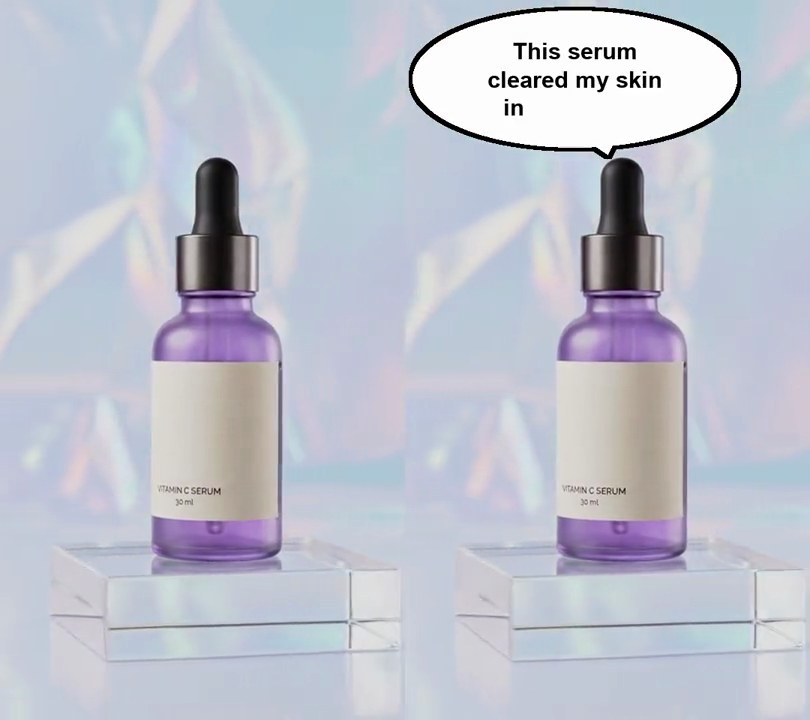
8. Speech bubble
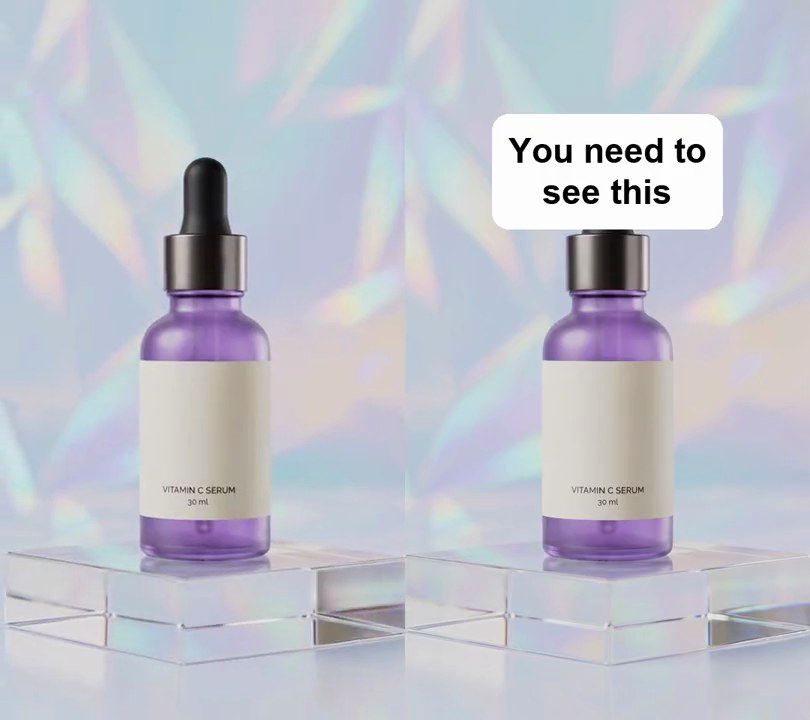
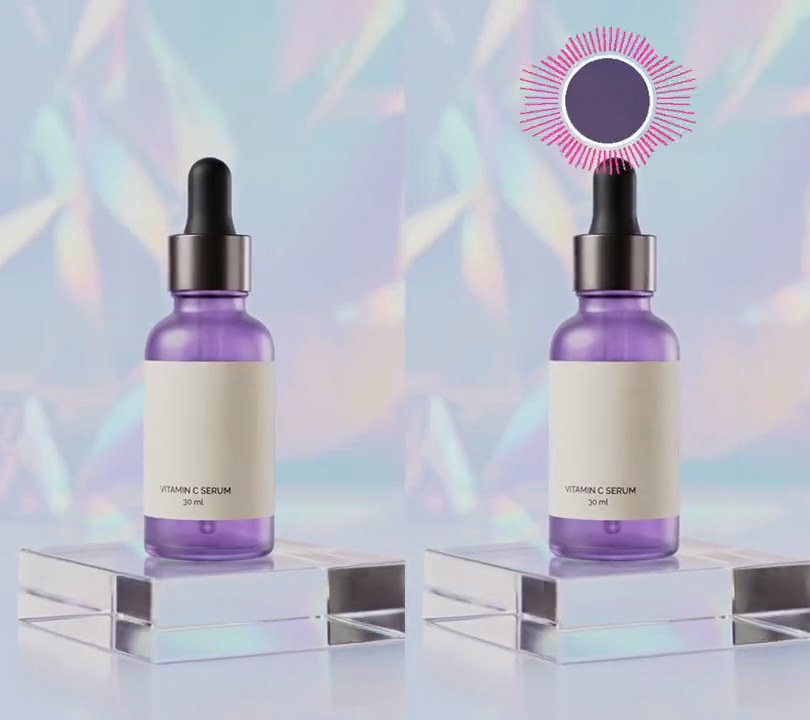
A white comic speech bubble with a black outline pops out of the top of the bottle, its tail pointing down at it, and fills with the voiceover's words one by one as they're spoken.
Show the prompt
Add a comic speech bubble to input.mp4 using the word timings in words.json. The bubble is a white (255, 255, 255) ellipse 80% of the frame width wide and 19% of the frame height tall, centered at 42% across and 11% down, with a black outline 0.9% of the frame width thick and a triangular tail whose tip points at 50% across and 21.5% down. It pops in 0.15 seconds before the first word, growing out of the tail's tip over 0.25 seconds with a slight overshoot. Inside it, the whole phrase is wrapped into centered lines no wider than 62% of the bubble's width, in bold black text 5.8% of the frame width tall, and each word appears at its start time while earlier words stay. The bubble stays 0.6 seconds after the last word ends, then shrinks back into the tail's tip over 0.25 seconds. Use Python with Pillow to draw it and ffmpeg to put it on the video (don't rely on ffmpeg's drawtext filter), keep the audio, and save it as output.mp4.
9. Dual-language captions
Each spoken phrase appears in white near the bottom with its Spanish translation in smaller yellow type right under it, both on one dark strip.
Show the prompt
Add dual-language captions to input.mp4. Transcribe the speech with faster-whisper (model base.en, word timestamps), group the words four at a time, and translate each group into Spanish. Show each group from its first word's start to its last word's end and nothing after the last word: the English in white Arial Bold 6.4% of the frame width tall, centered horizontally with its center 80% of the way down the frame, and the Spanish in yellow (255, 214, 10) Arial Bold 5.4% of the frame width tall, centered 5.5% of the frame height below it. Put both on one black strip at 67% opacity (alpha 170) with rounded corners, reaching 3% of the frame width past the wider line on each side and 2.1% above the English and below the Spanish. Use Python with Pillow to draw the text (don't use ffmpeg's drawtext or subtitles filter) and ffmpeg to put it on the video, keep the audio, and save it as output.mp4.
10. Burned-in subtitles
Each line from the subtitle file appears near the bottom in white type on a see-through black strip, timed to its cue and gone between cues.
Show the prompt
Burn the subtitles in subtitles.srt into input.mp4. Show each cue from its start time to its end time and nothing between cues: white bold text (Arial Bold) 6.4% of the frame width tall, centered horizontally with its line's center 86% of the way down the frame, on a black strip at 67% opacity (alpha 170) with rounded corners that reaches 2.2% of the frame width past the text on the left and right and 1.3% above and below. Wrap a cue onto more lines, stacked upward, if it is wider than 86% of the frame. Use Python with Pillow to draw the text (don't use ffmpeg's drawtext or subtitles filter) and ffmpeg to put it on the video, keep the audio, and save it as output.mp4.