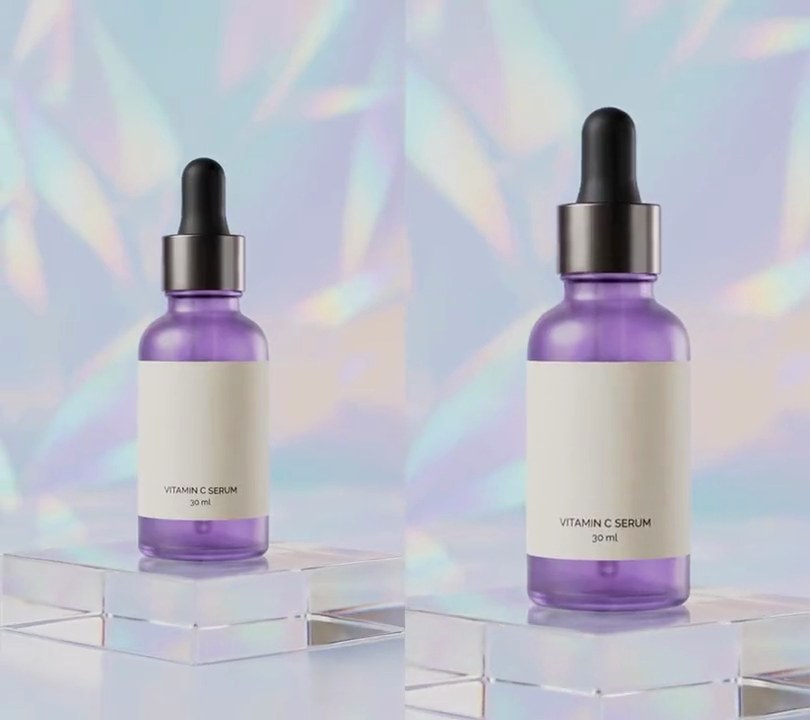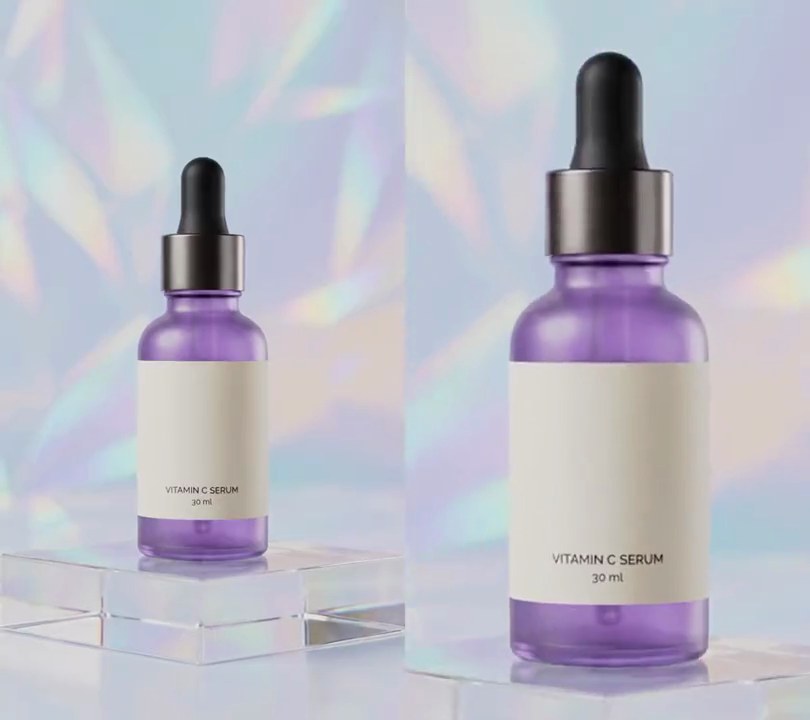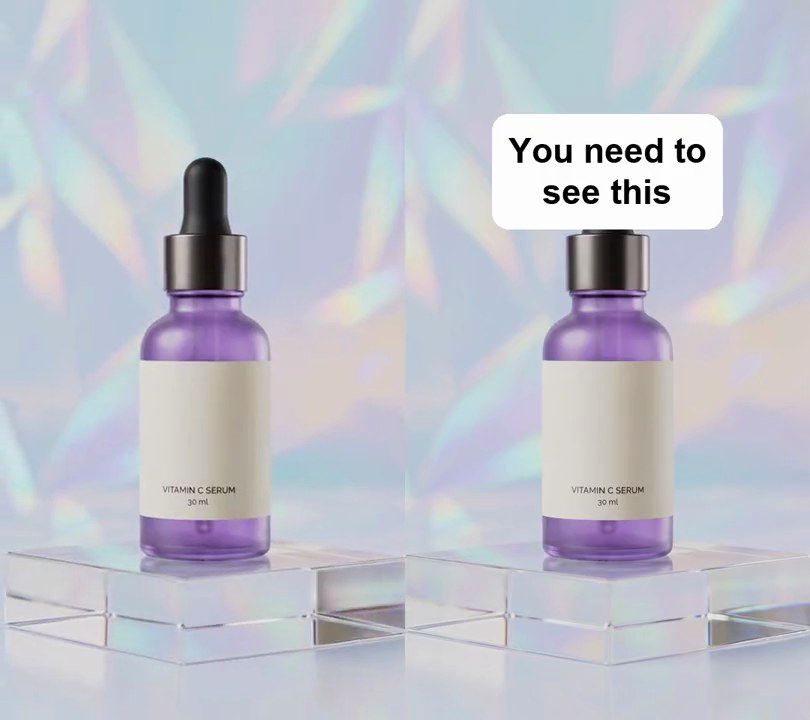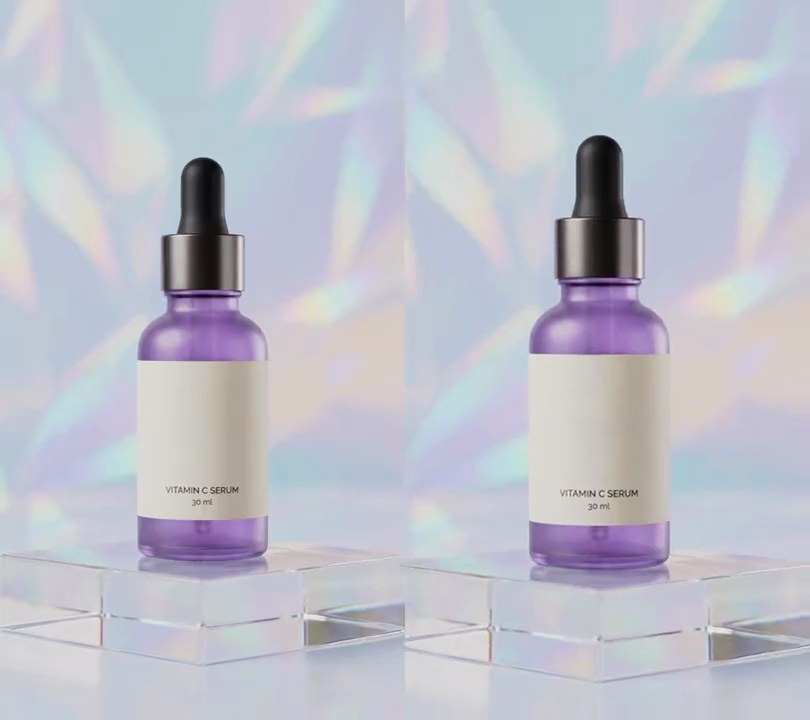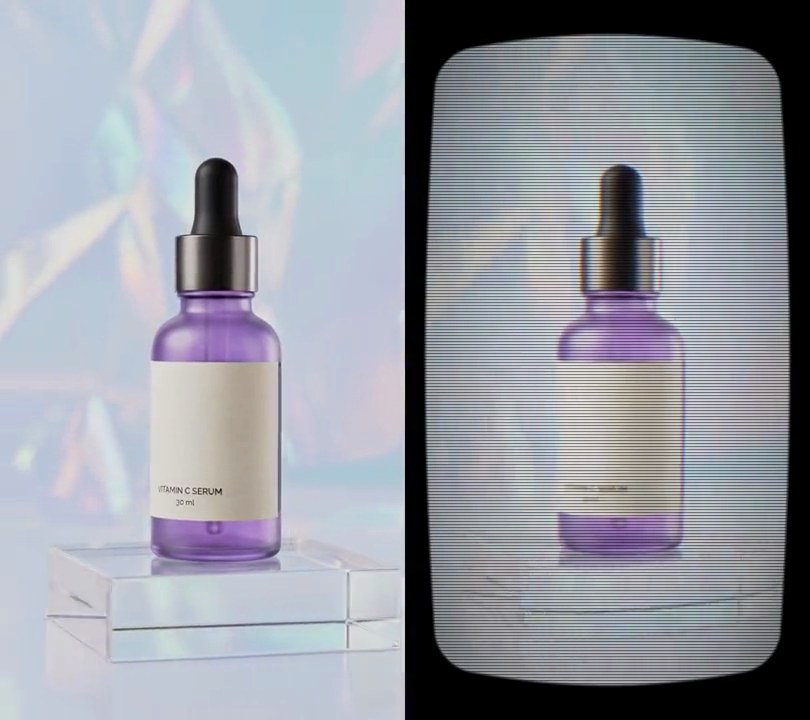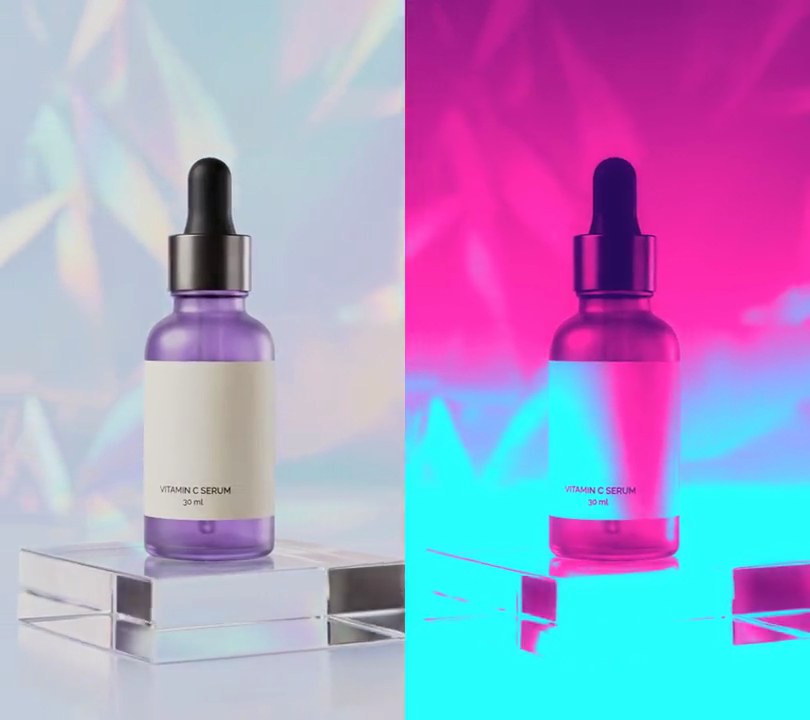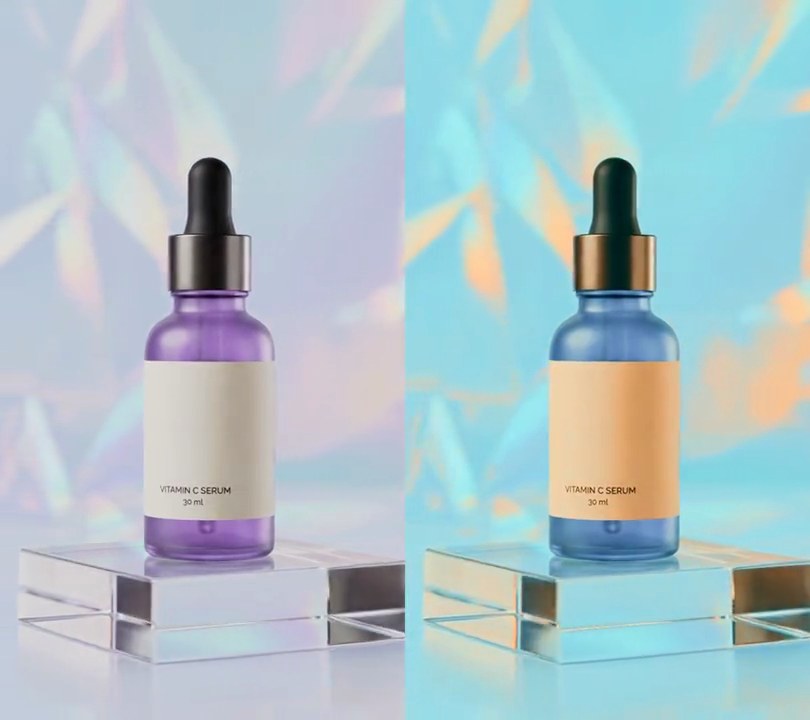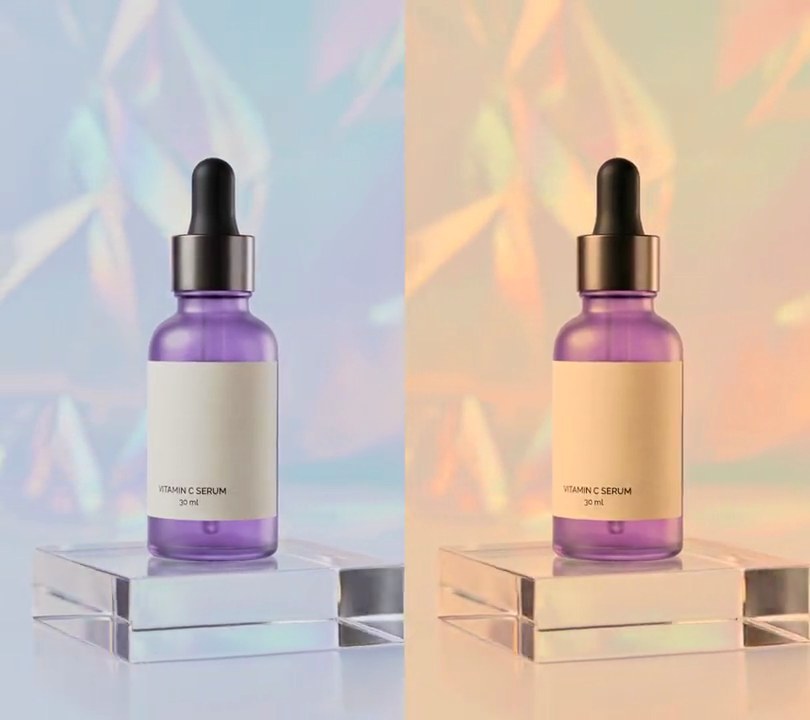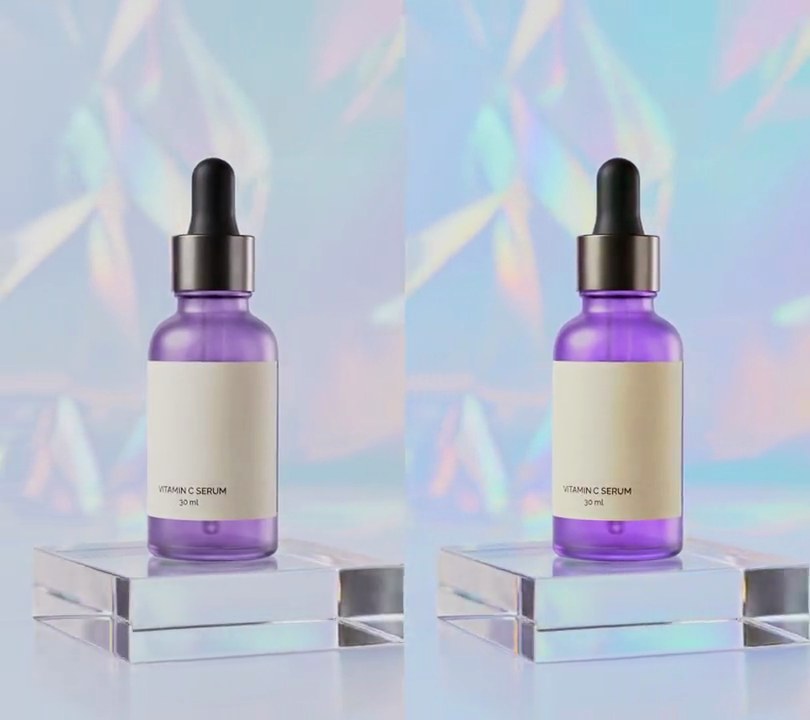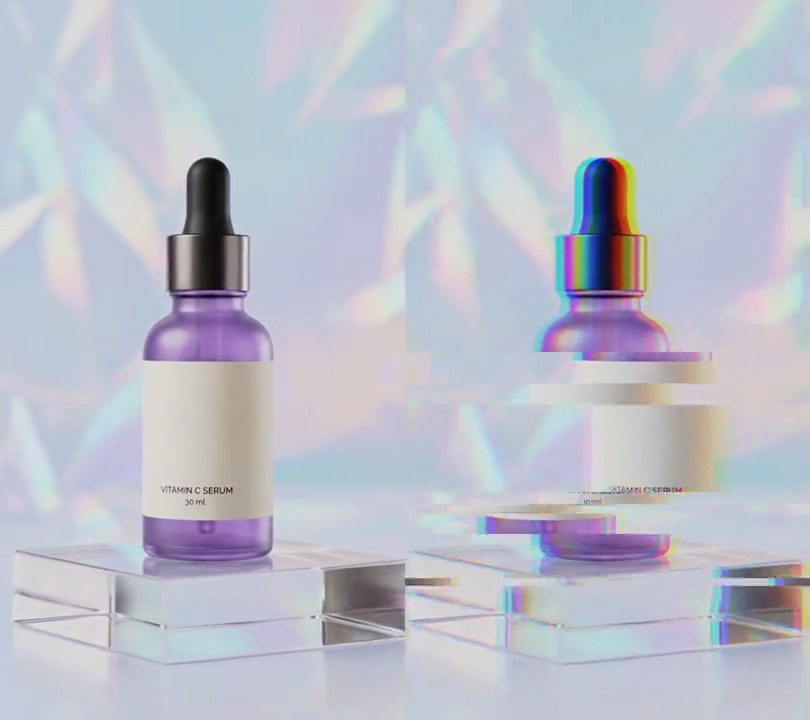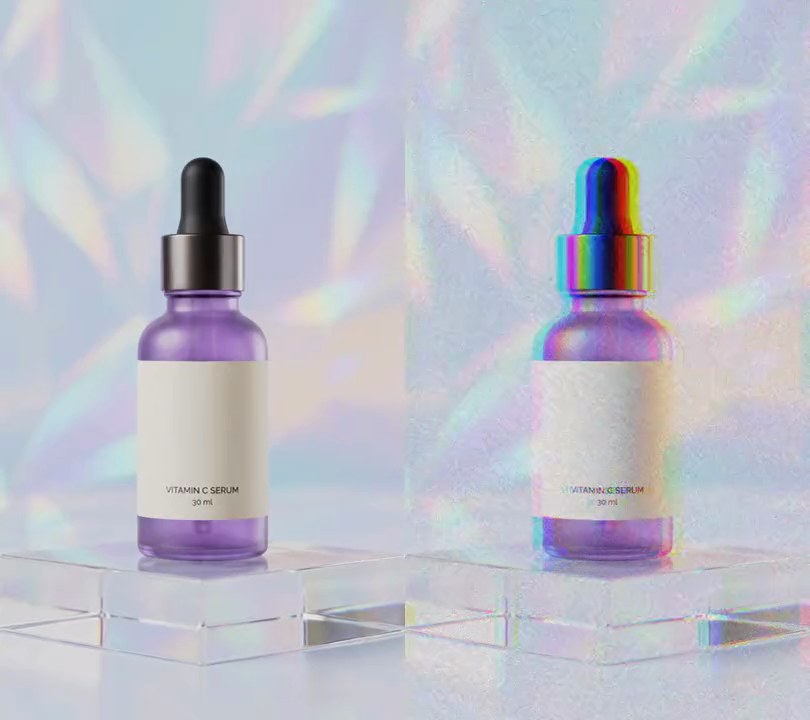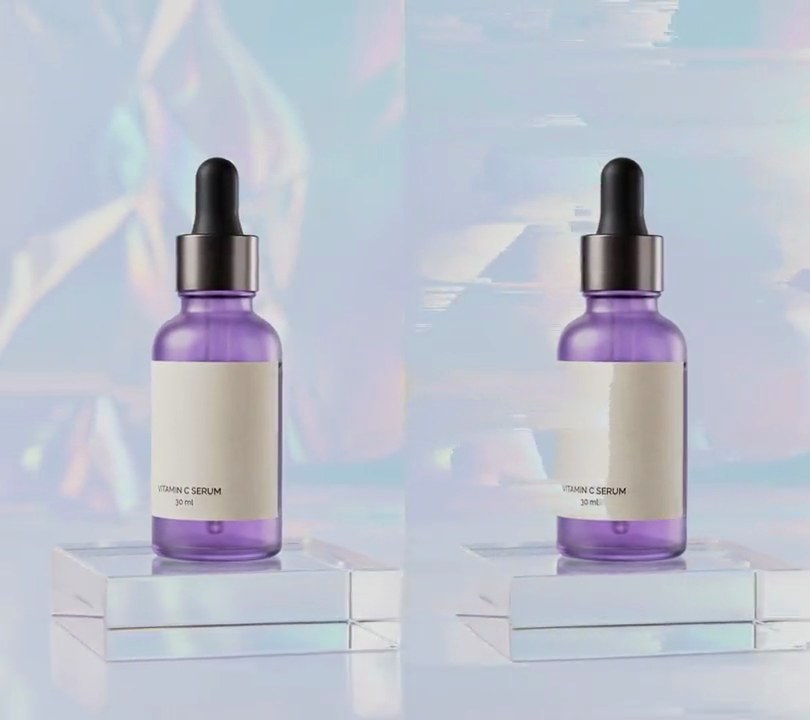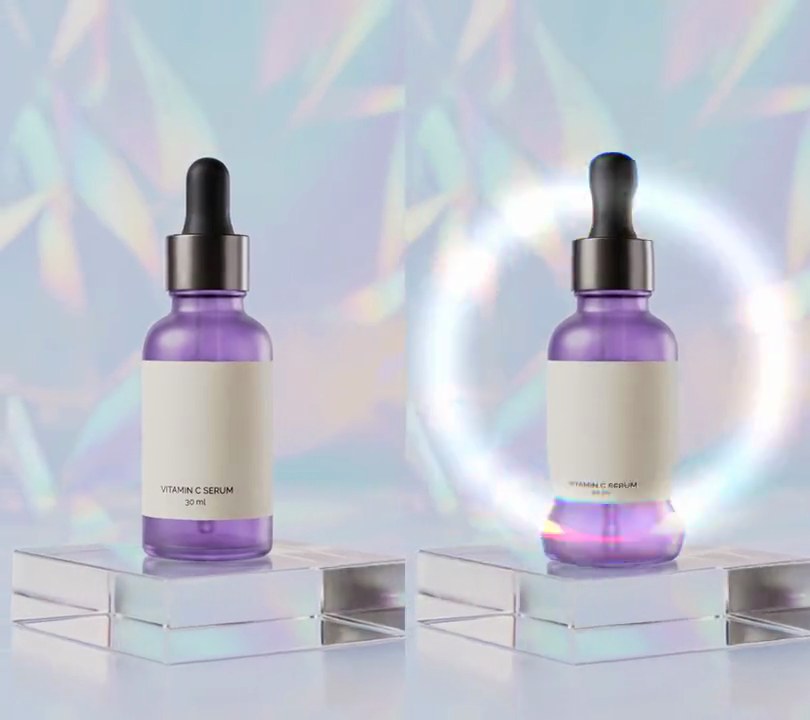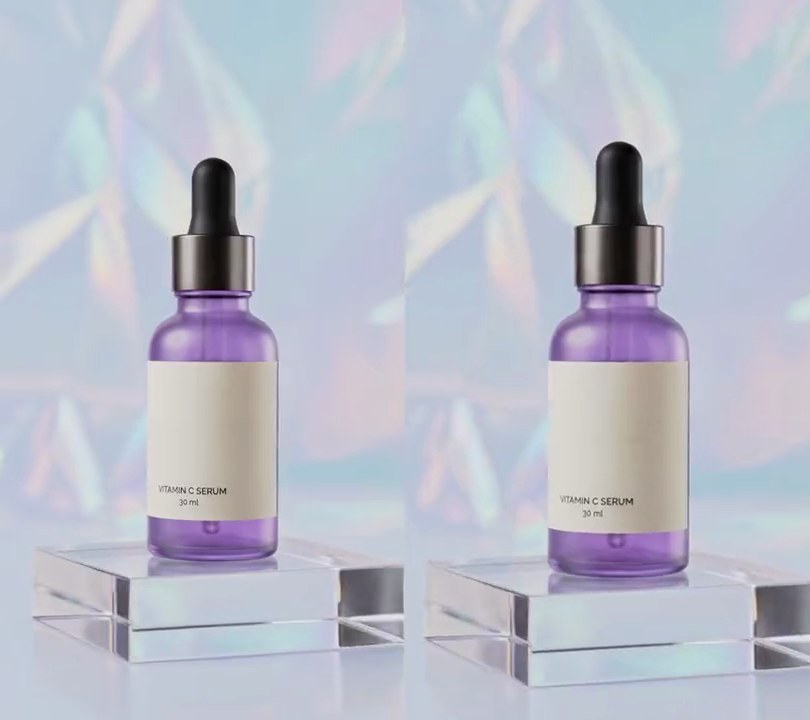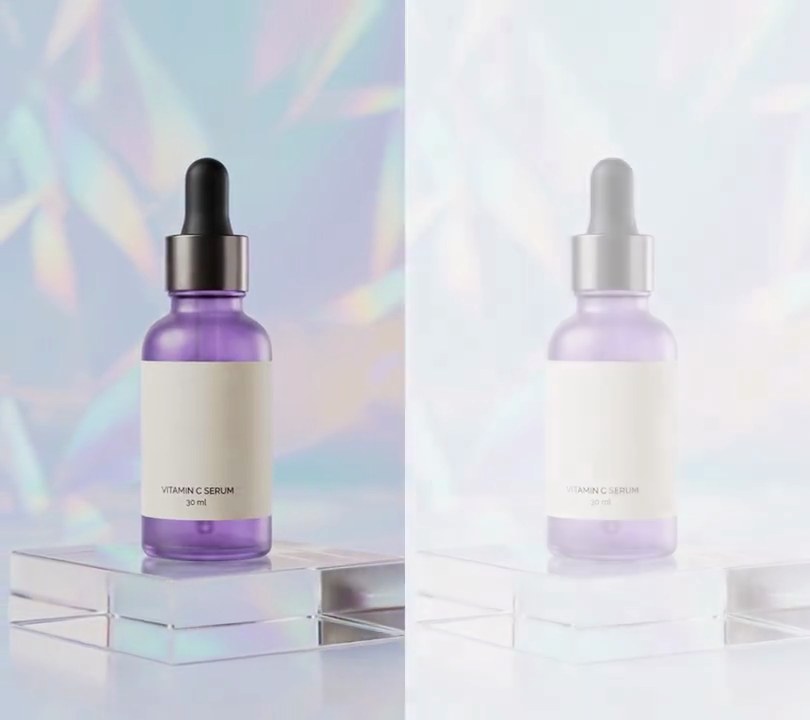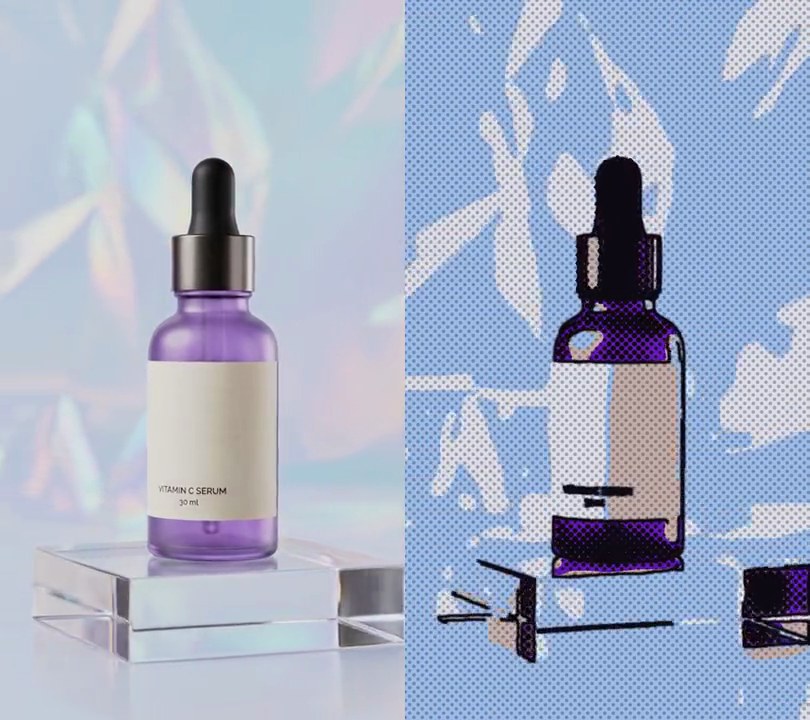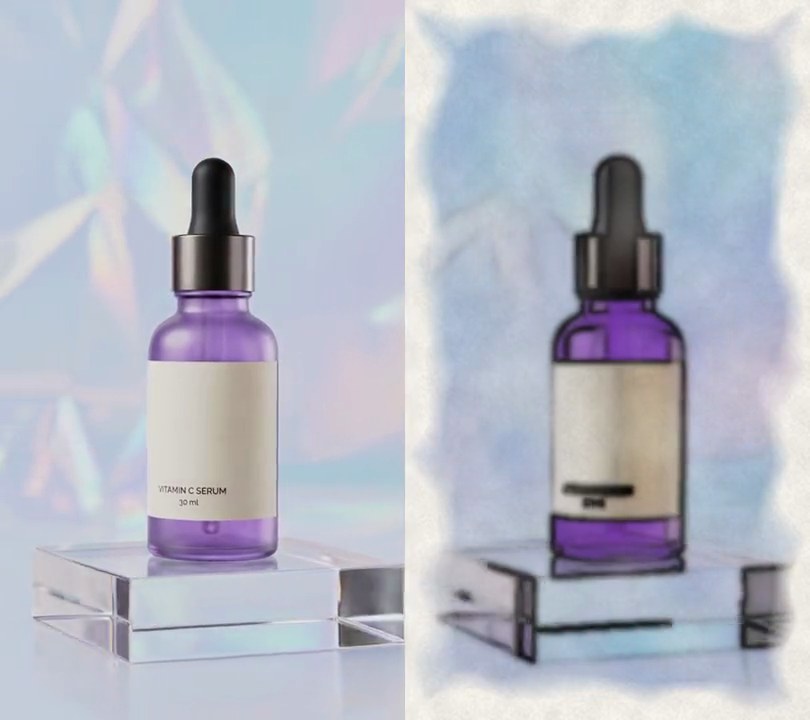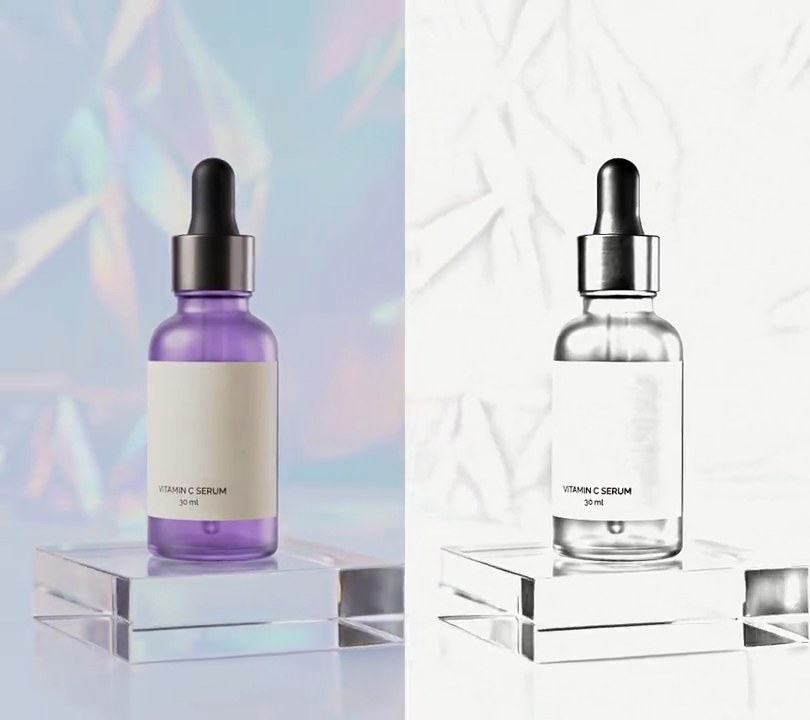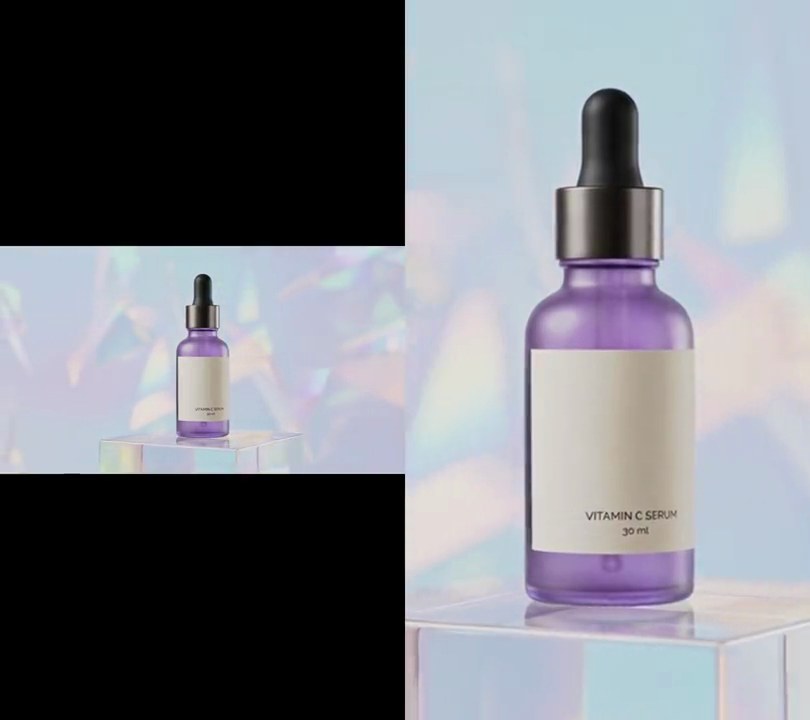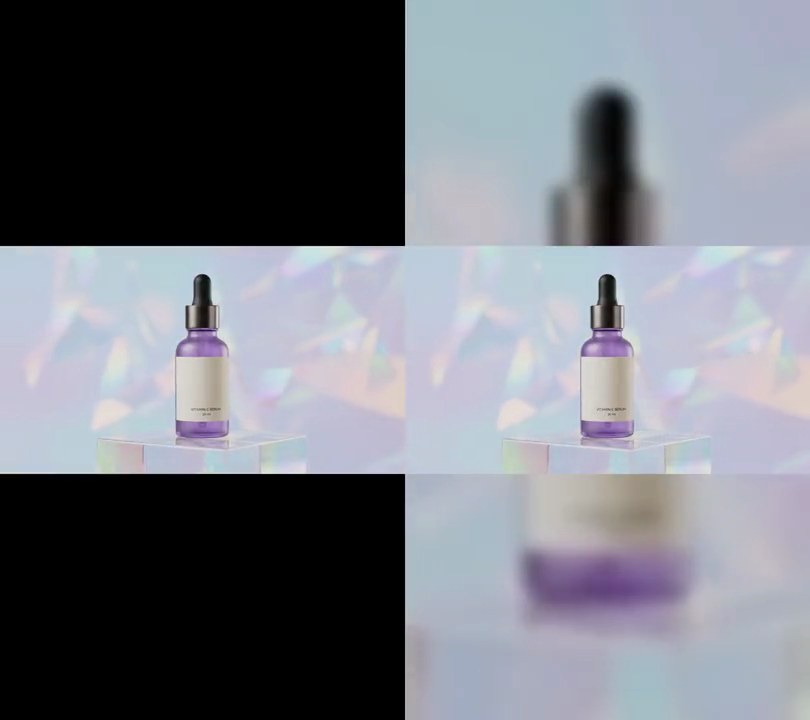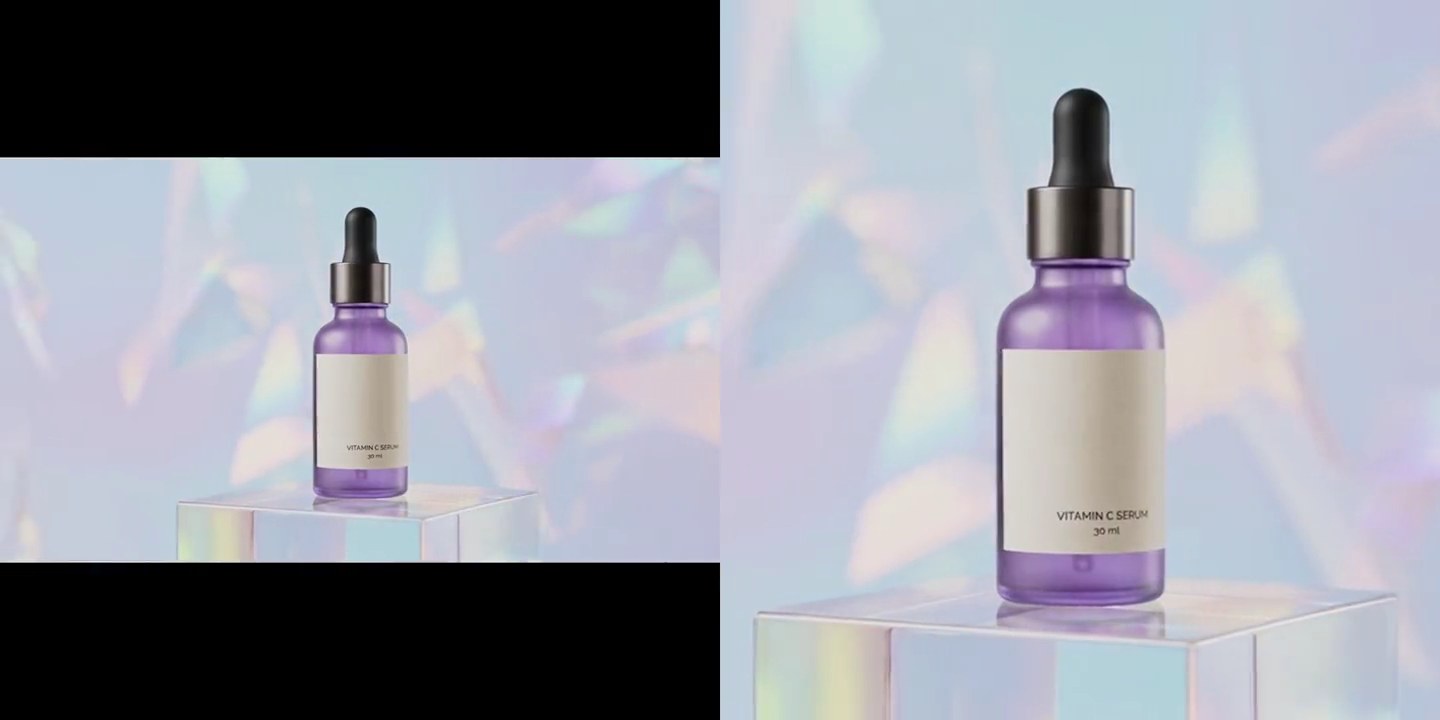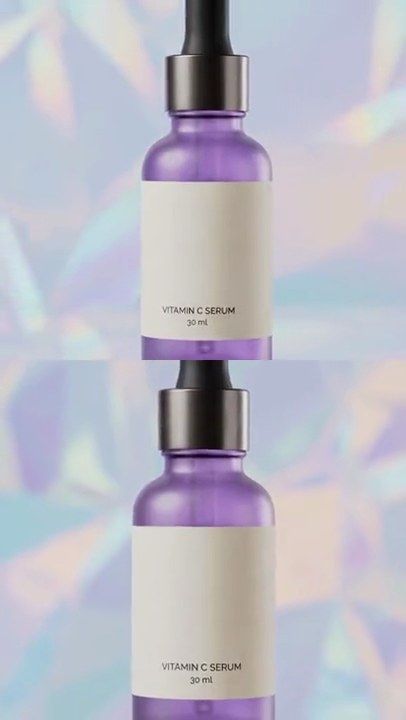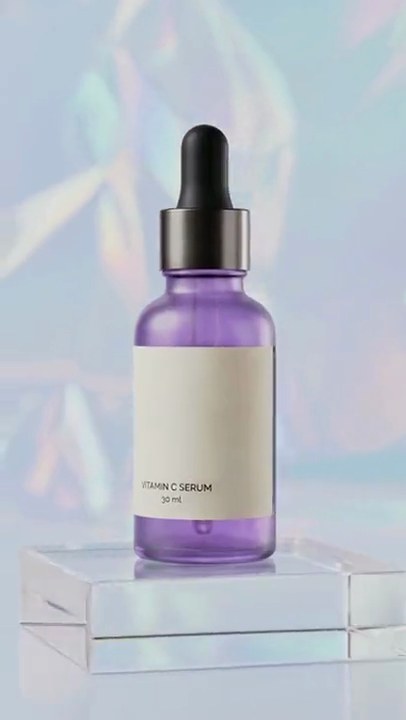
1. Lens flare
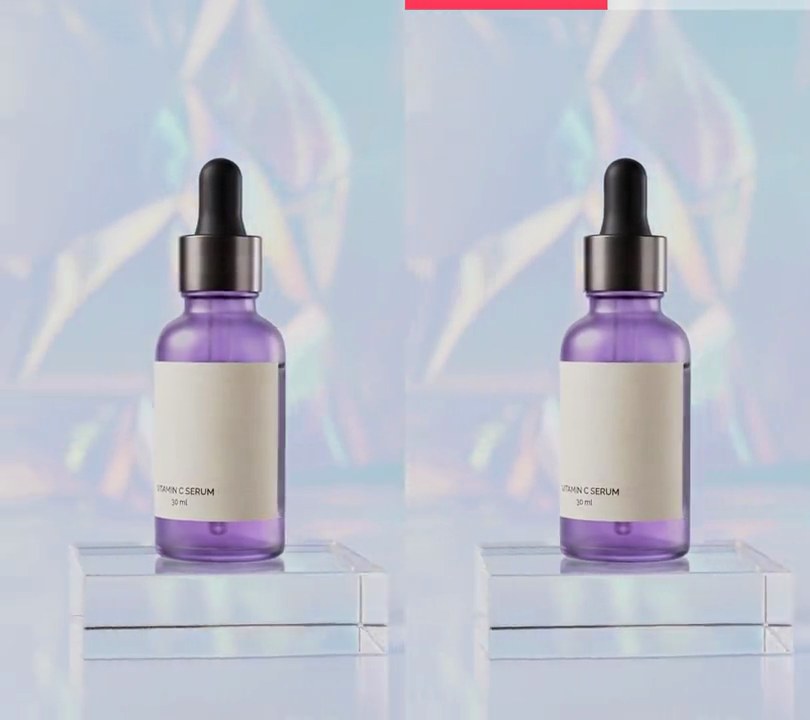
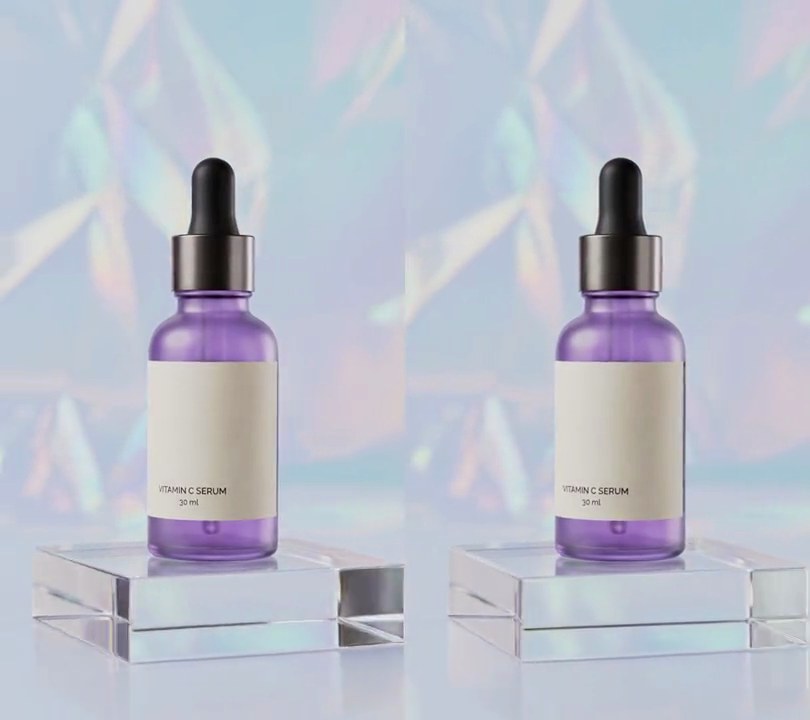
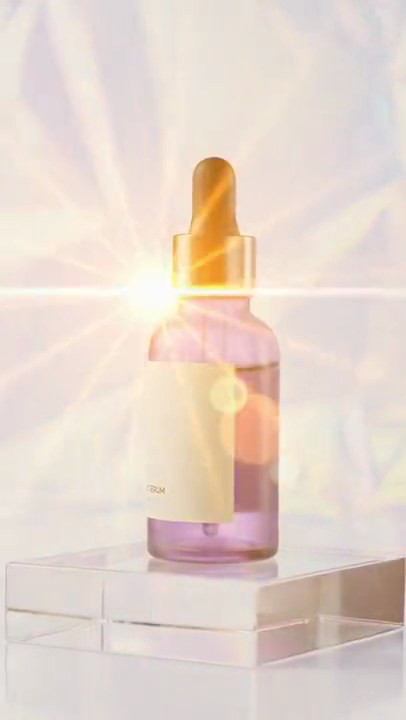
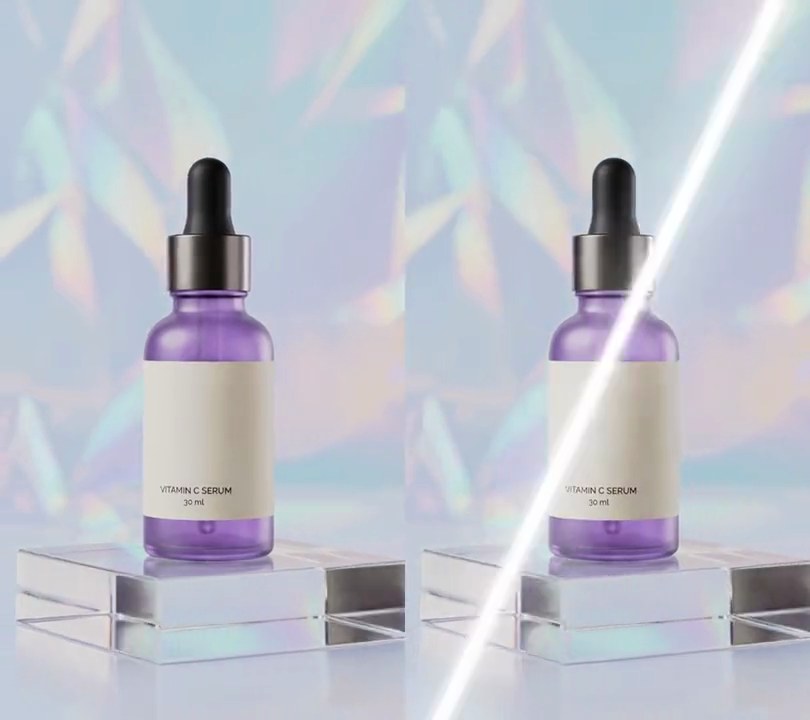
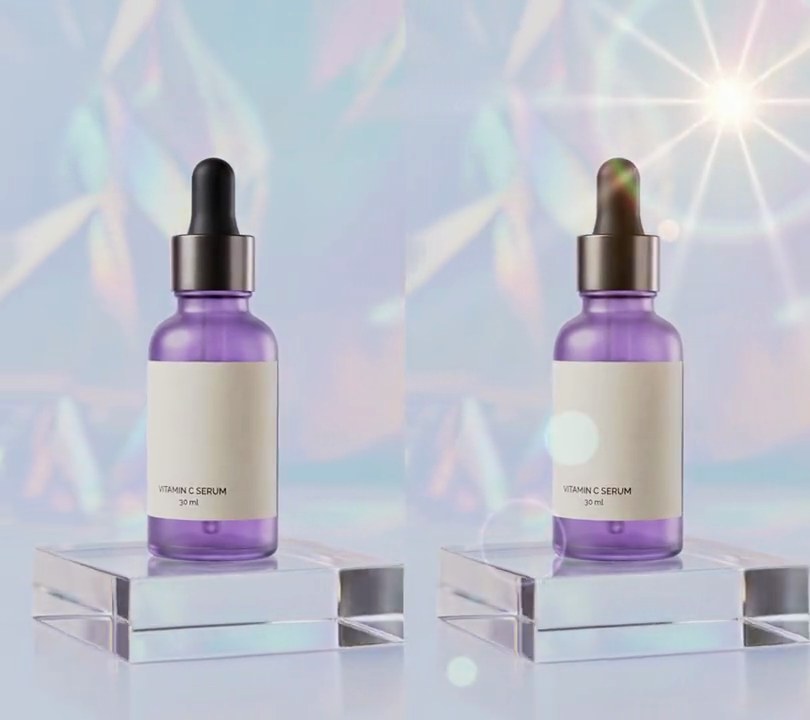
A warm sun blooms in the top-right corner with ten sharp rays and a faint rainbow ring, and a line of soft glowing circles and a hollow ring runs from it diagonally across the bottle to the bottom-left corner.
Show the prompt
Add a lens flare to input.mp4 with Python (numpy) and ffmpeg. The light source is a point 80% across and 14% down the frame; W is the frame width and r the distance in pixels from the source. Build one light layer (RGB, 0-1) from: a warm white (255, 244, 214) hot center exp(-(r/(0.07*W))^2) plus 10 rays of the same color, 0.7 * (0.5 + 0.5*cos(10*angle))^16 * exp(-r/(0.35*W)), with center plus rays capped at 1; an orange (255, 140, 40) glow 0.8 * exp(-r/(0.25*W)); and a faint rainbow ring of radius 0.32*W, strength 0.35 * exp(-q^2) with q = (r - 0.32*W)/(0.03*W), colored 0.4 + 0.6 * (clip(q, 0, 1), 1 - |q|, clip(-q, 0, 1)) so it runs red outside to blue inside. Add four lens reflections at 0.45 strength, on the line from the source through the frame center, at 0.5, 1.3, 1.7 and 2.2 times the distance from the source to the center: an amber (255, 190, 90) disc of radius 0.03*W, a teal (90, 230, 210) disc of radius 0.07*W, a violet (170, 120, 255) hollow ring of radius 0.11*W whose rim is 12% of its radius thick, and a green (140, 255, 140) disc of radius 0.04*W, all with 3-pixel soft edges. Clip the layer to 1. Leave every frame before 0.8 seconds untouched; from 0.8 to 1.4 seconds the flare's strength rises from 0 to 1 with a smoothstep, then it stays to the end with a slight flicker (multiply by 1 - 0.04*sin(2*pi*4*t)). Combine strength * layer with each frame by a screen blend (1 - (1 - frame) * (1 - light), values 0-1). There's no text to draw (if you add any, draw it with Pillow, not ffmpeg's drawtext). Keep the size, 30fps and the audio, and save it as output.mp4.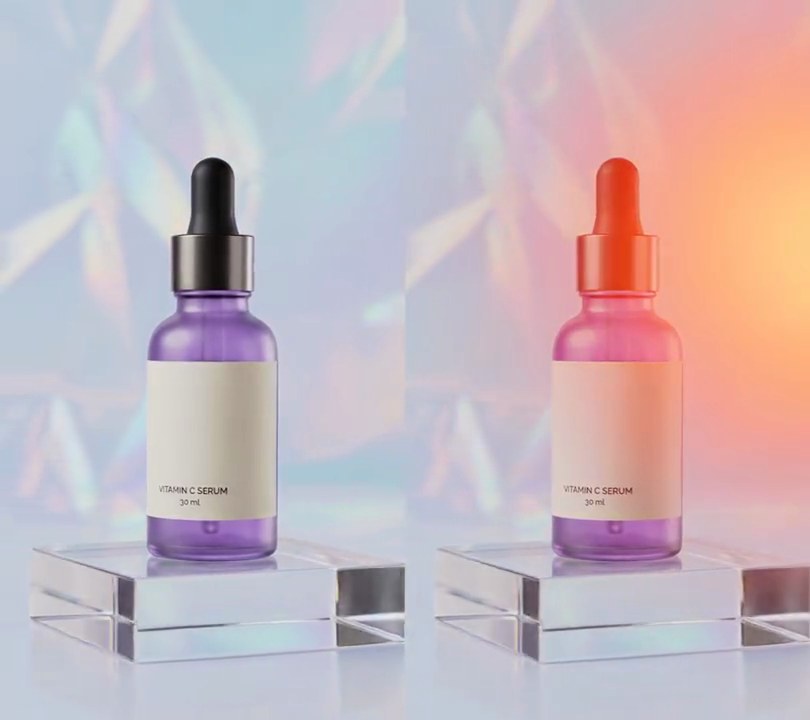
2. Light leaks
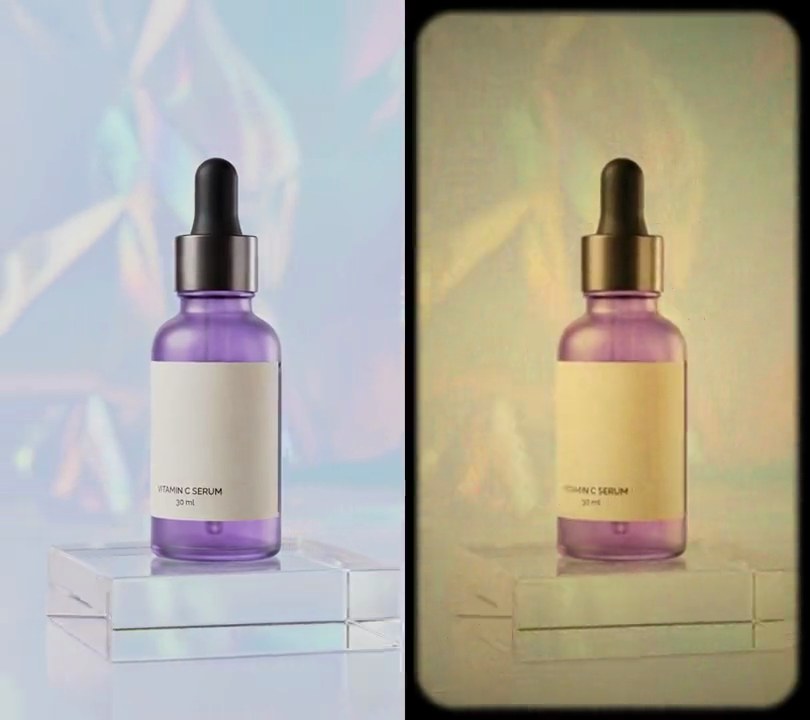
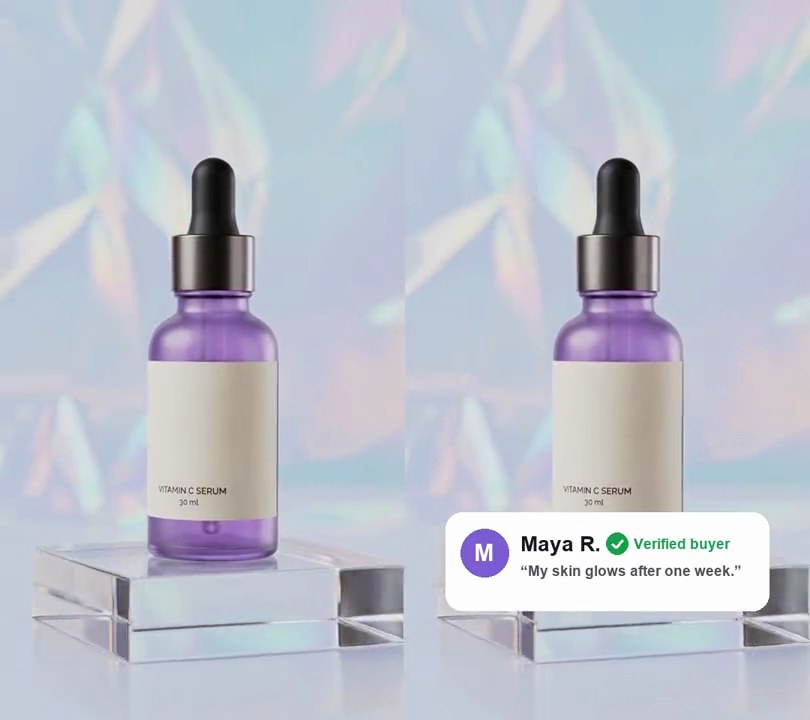
A soft orange-amber glow swells in from the right edge and slides down it before fading, then a second one rises from the bottom-left corner, tinting the shot warm wherever it reaches.
Show the prompt
Add two light leaks to input.mp4 with Python and numpy, reading and writing frames with ffmpeg (no stock overlay). Each leak is a soft glow: light = envelope x exp(-((x - cx) / rx)^2 - ((y - cy) / ry)^2), with x and y as 0-1 fractions of the frame width and height, and envelope = sin(pi x u)^2 where u runs 0 to 1 through the leak. Leak 1 runs from 0.8 to 3.0 seconds, its center moving in a straight line from (1.08, 0.18) to (1.02, 0.50), so it sits just past the right edge, with rx = 0.60 and ry = 0.32. Leak 2 runs from 3.2 to 5.6 seconds, its center moving from (-0.08, 0.92) to (0.04, 0.70) in the bottom-left corner, with rx = 0.70 and ry = 0.30. Add the two lights and clip to 0-1. Color the light by interpolating light 0, 0.25, 0.5, 0.75, 1 to RGB (0,0,0), (170,20,10), (235,60,15), (255,120,30), (255,190,90). Blend it in two steps, with values as 0-1: screen the color over the frame (1 - (1 - frame) x (1 - color)), then mix that toward the color by 0.65 x light. Leave the frame untouched outside the leaks, output 540x960 at 30fps, keep the audio, and save it as output.mp4.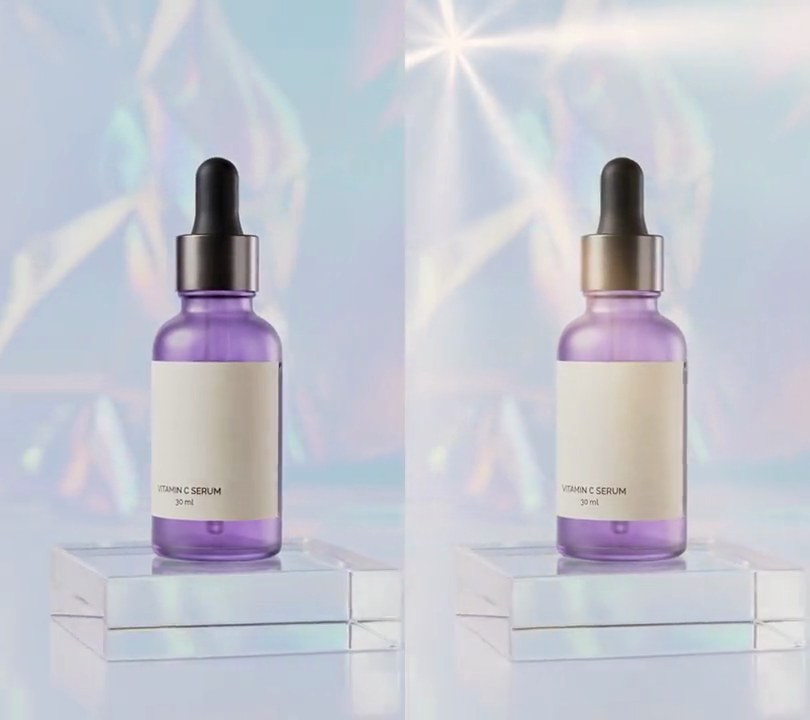
3. Light rays
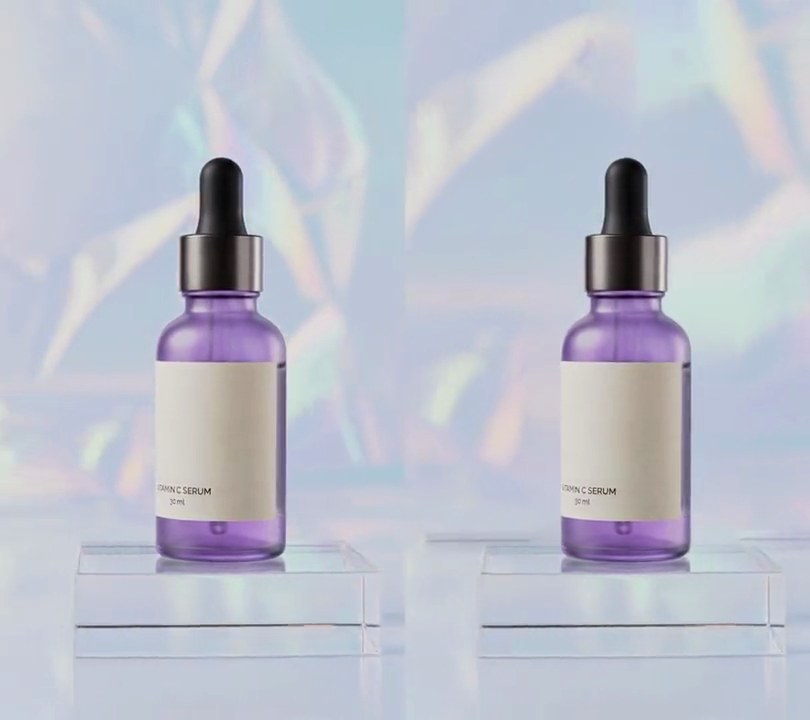
From half a second in, a warm white glow lights up the top-left corner and shafts of golden light fan out from it across the holographic backdrop, slowly turning as the camera orbits and gilding the bottle's metal collar.
Show the prompt
Add light rays (god rays) to input.mp4 with Python, OpenCV and numpy, piping frames through ffmpeg. The light comes from a point 12% across and 6% down the frame. Beams: for each pixel take its angle a around that point and add up 0.5 + 0.5*cos(n*a + phase) for n = 4, 7 and 11, with the phases drifting at +0.15, -0.30 and +0.45 radians per second; divide by the frame's maximum, cube it, add 0.12 of soft haze, and fade it with distance d as (1 - d / (1.8 x frame height))^1.2. Shade the beams with the picture: on a half-size copy, take brightness (0-1) mapped from 0.70-0.85 to 0-1, radial-blur it toward the light point (7 passes, each averaging the image with a copy scaled toward the point, scales from sqrt(0.1) up to 0.1^(1/128)), divide by its mean, square it, clip to 0-1.5 and scale back up; multiply the beams by that so dark parts like the bottle leave a shadow shaft. Add a bright spot at the point, (1 - d / (14% of the frame width))^2. Clip the light to 0-1, tint it warm (255, 205, 140) and screen-blend it over the frame. The light is off for the first 0.5 seconds, then fades up linearly to full strength over 1 second and stays on to the end. Keep the size, the 30fps frame rate, the 6-second length and the audio, encode H.264 yuv420p, and save it as output.mp4.
4. Bokeh lights
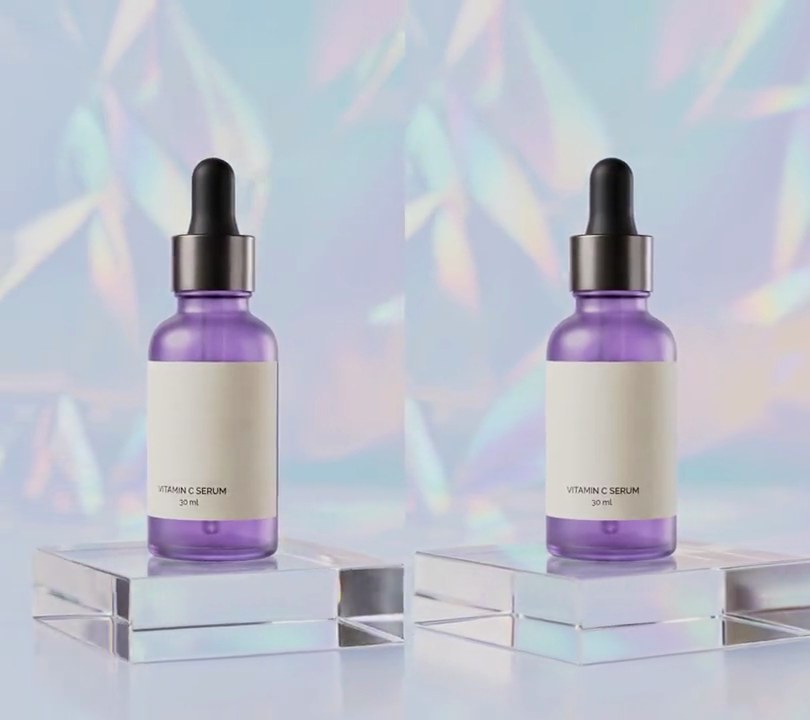
See-through circles of gold and pink light, soft-edged like out-of-focus fairy lights, fade in over the bottle and float slowly upward.
Show the prompt
Add bokeh lights to input.mp4: 24 soft, see-through circles of light with radii between 20 and 72 pixels, cycling through three colors: gold (255, 185, 60), pink (255, 110, 170) and pale gold (255, 215, 120). Give each circle an opacity between 0.3 and 0.65, even across its middle, rising to 1.0x that opacity at the rim from 0.7x at the center (like a lens), fading out over the outer 20% of the radius, with a faint glow (0.25x the opacity) just outside the edge. Scatter them over the whole frame and blend them over the video normally (not added or screened). Each drifts upward at its own speed between 25 and 70 pixels per second, wrapping round from the top to the bottom, sways 20 pixels side to side over 3 to 6 seconds, and twinkles between 60% and 100% of its opacity every 1.7 seconds. Leave the frames before 0.5 seconds untouched, then fade the lights in from 0.5 to 1.1 seconds and keep them to the end. Use Python with numpy to draw and blend the circles and ffmpeg to read and write the video, keep the audio, and save it as output.mp4.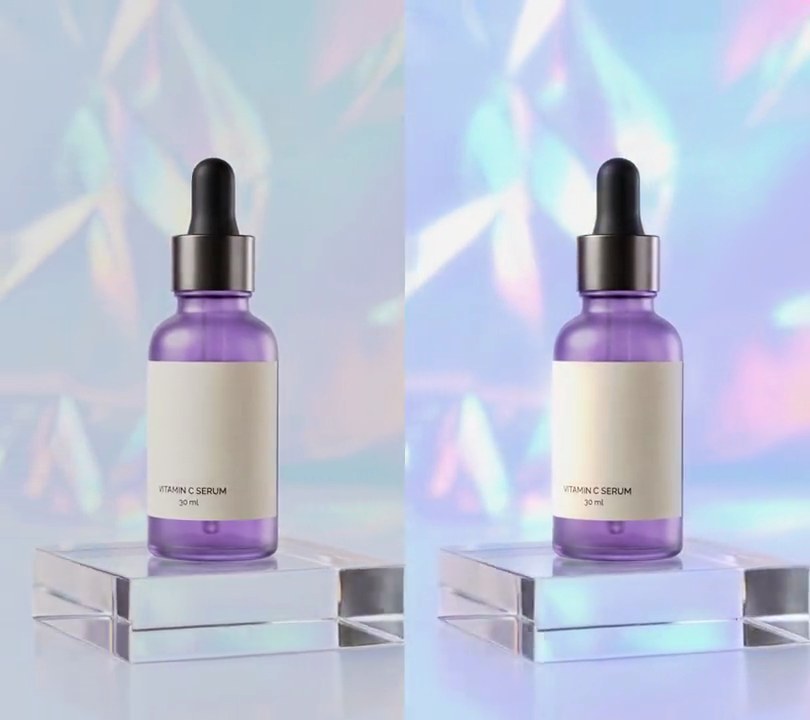
5. Glow
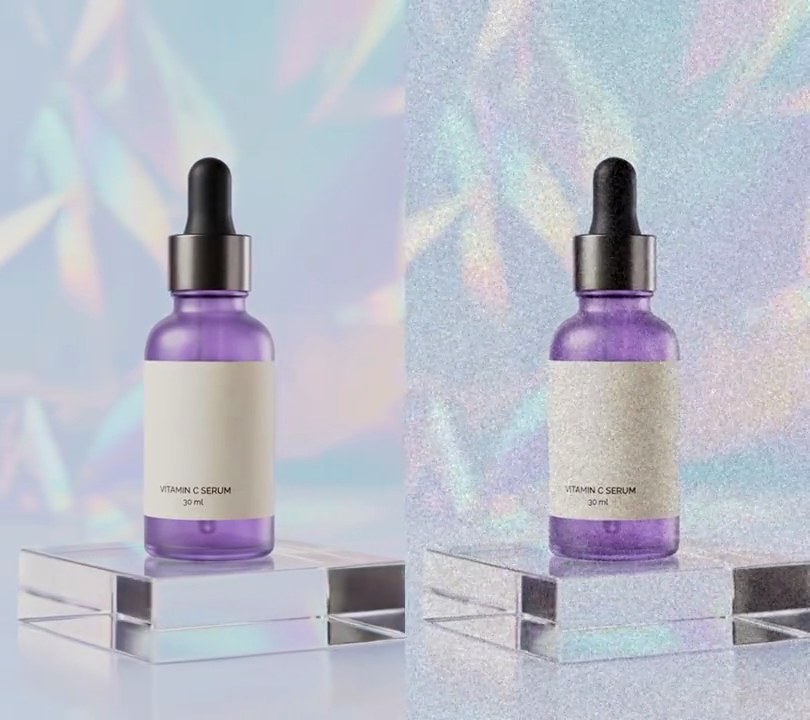
From half a second in, the shimmering backdrop and the highlights on the acrylic block flare into soft white halos that spill light over the darker dropper and bottle.
Show the prompt
Add a glow (bloom) effect to input.mp4 with ffmpeg: convert to RGB, take a copy that keeps only brightness above 0.78 on a 0-1 scale (map 0.78-1.0 to 0-1, everything darker goes black), blur it with a Gaussian blur of sigma 16 pixels, and add it back onto the original frame (additive blend) at 70% strength. The glow is off for the first 0.5 seconds, then fades up linearly to full strength over 1 second and stays on to the end. Keep the size, the 30fps frame rate, the 6-second length and the audio, encode H.264 yuv420p, and save it as output.mp4.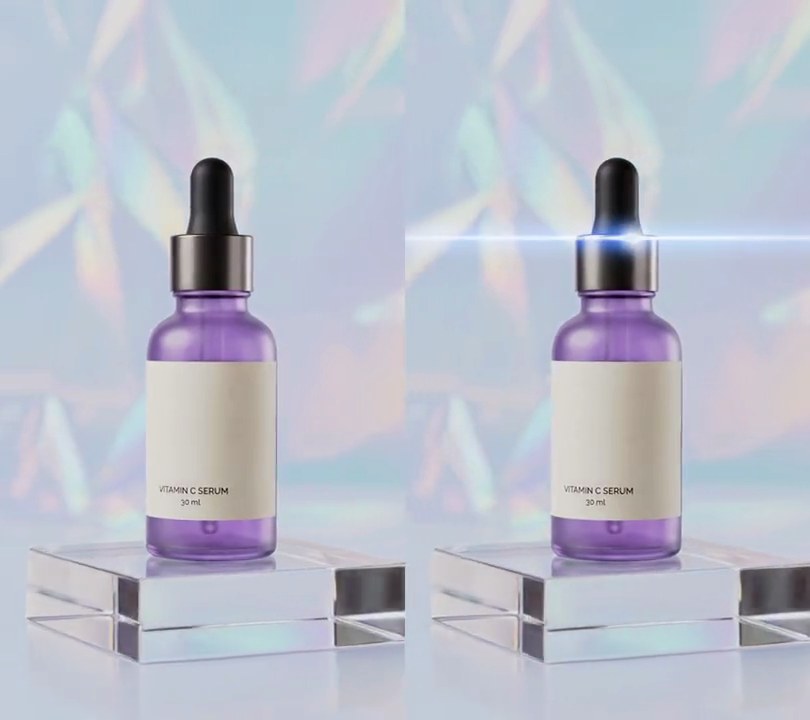
6. Anamorphic streak
A glint flares on the bottle's metal collar and a razor-thin blue-white line of light shoots out sideways from it to both edges of the frame, hangs there shimmering, then fades.
Show the prompt
Add an anamorphic lens-flare streak to input.mp4. The light source is a point 56% across and 33% down the frame. Build a light layer from three parts, all centered on that point: a thin horizontal line (brightness exp(-(dy/3)^2) with dy the vertical distance in pixels) colored blue-white (235, 245, 255); a round hot spot of the same color (Gaussian, sigma 12 pixels); and a blue (40, 110, 255) haze around the line at 0.9 strength, exp(-(dy/20)^2). Along the line, both line and haze fade with horizontal distance dx from the source as exp(-dx/reach) (the haze uses that to the power 0.6), where reach is 90% of the frame width when fully open, so the line runs to both edges. Where the line or spot is bright, show their color instead of the haze. Combine the layer with each frame by a screen blend (1 - (1 - frame) * (1 - layer), values 0-1), so it only adds light. Timing: leave every frame before 1.0 seconds untouched; from 1.0 to 1.3 seconds the streak opens, with reach and brightness both rising as 1 - (1 - p)^3 (p from 0 to 1), so it stretches out sideways from the source; it holds, shimmering by multiplying its strength by 1 - 0.08*sin(2*pi*3*t); it fades out linearly from 3.2 to 3.6 seconds, and every frame after 3.6 seconds is untouched. Use Python with numpy to build and blend the light and ffmpeg to read and write the video, keep the audio, and save it as output.mp4.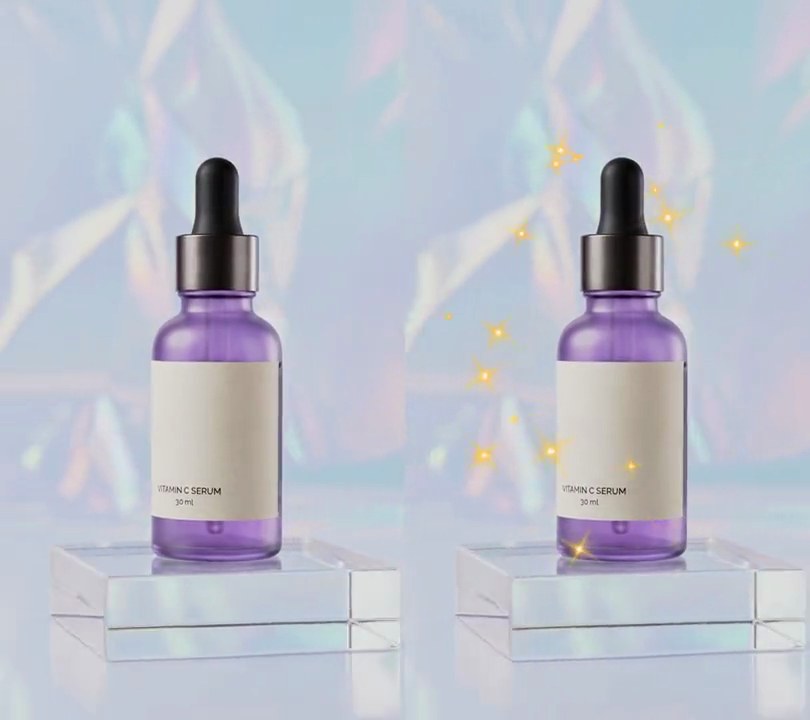
7. Sparkles
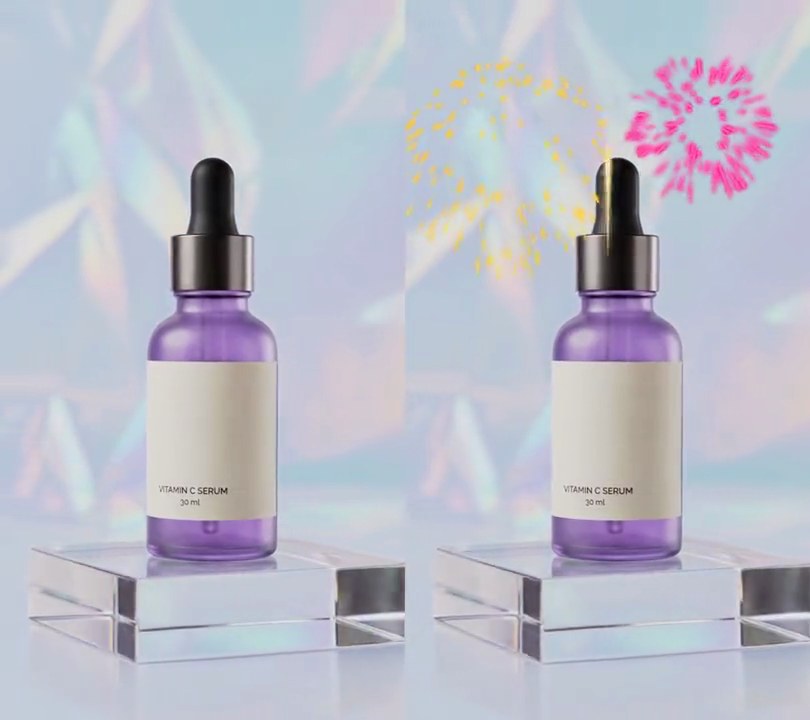
Gold four-pointed star glints with white-hot centers pop up one after another in a ring around the bottle, each growing, turning an eighth of a turn and shrinking away in just over a second.
Show the prompt
Add sparkles to input.mp4: 70 four-pointed star glints that appear one after another around the subject. Space their start times evenly from 0.5 to 4.4 seconds (a new one about every 0.06 seconds); each lives 1.2 seconds, its size following sin(pi * p) ^ 1.5 where p goes from 0 to 1 over its life, so it grows from nothing, peaks halfway and shrinks away, while it turns 45 degrees clockwise or counterclockwise. At full size each star has four main rays 32 to 80 pixels long from the center (random per star), four diagonal rays 45% as long, rays that taper to a point and are about 7 pixels wide at the center, a soft round glow of half strength out to about a third of the ray length, and a small pure white (255, 255, 255) center; rays and glow are gold (255, 196, 70). Place the stars at random in an elliptical ring centered 50% across and 45% down the 540x960 frame, with an outer radius of 42% of the width across and 34% of the height down and an inner radius about half that, so none land on the middle of the subject. Blend them over the video normally (alpha "over", not screen or add) so the gold shows on a pale background. Leave the frames before 0.5 seconds and after 5.6 seconds untouched. Use Python with numpy to draw the stars and ffmpeg to read and write the video (don't use ffmpeg's drawtext filter for anything), keep the audio, and save it as output.mp4.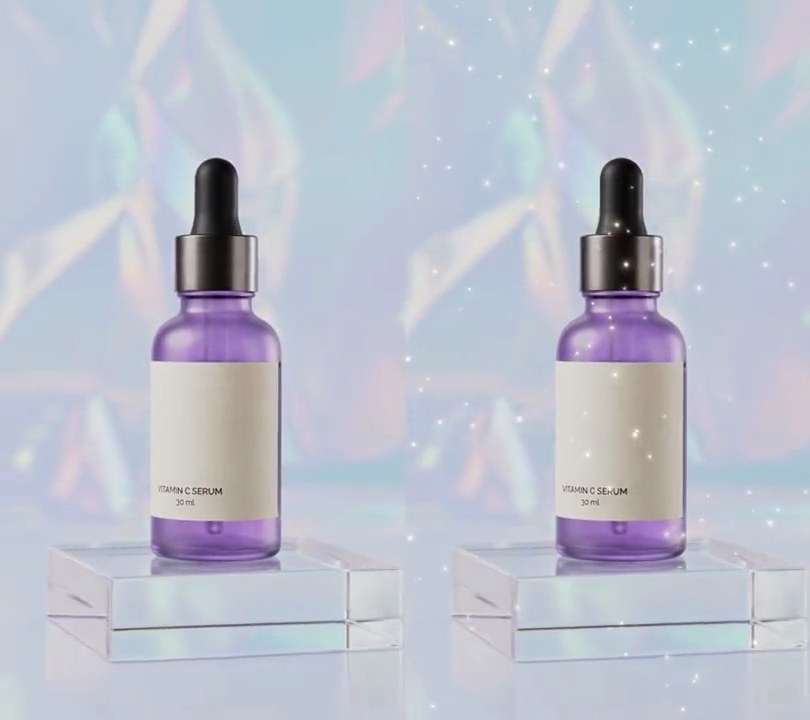
8. Floating dust
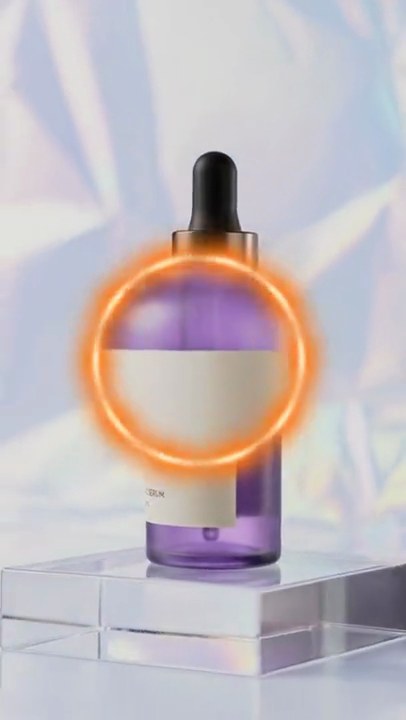
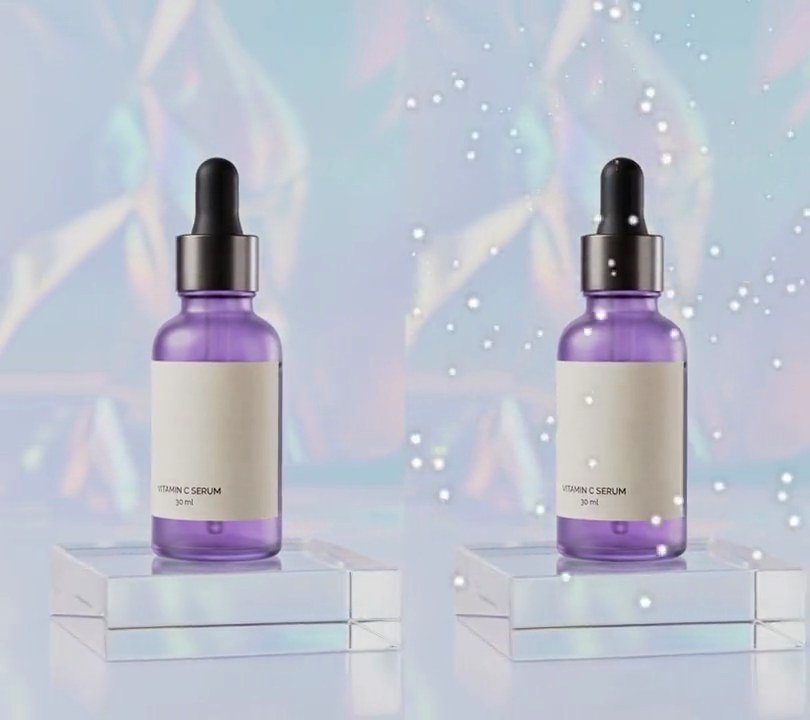
Over a hundred pinpoint specks of warm-white dust, each with a faint gold glow, fade in and drift slowly in every direction, glinting brighter and dimmer as they float.
Show the prompt
Add floating dust to input.mp4: 110 tiny glowing specks scattered at random over the whole 540x960 frame. Each speck is a Gaussian dot with a core radius between 1.0 px (far specks) and 3.2 px (near specks) in warm white (255, 250, 240), plus a halo three times as wide at 35% strength in pale gold (255, 205, 140). Give each speck a random direction and a drift speed from 6 px/s (far) to 22 px/s (near), plus a slight 4 px/s upward float and a slow wander of about 14 px over 4 to 8 seconds; specks wrap round the frame edges. Each speck's brightness glints between 55% and 100% on its own 1.5 to 3.5 second cycle. The dust fades in from 0.5 seconds over 0.8 seconds and stays to the end; before 0.5 seconds the frame is untouched. Add the light with a screen blend so it only brightens. Use Python with numpy and ffmpeg (don't use ffmpeg's drawtext filter for anything), keep the audio, and save it as output.mp4.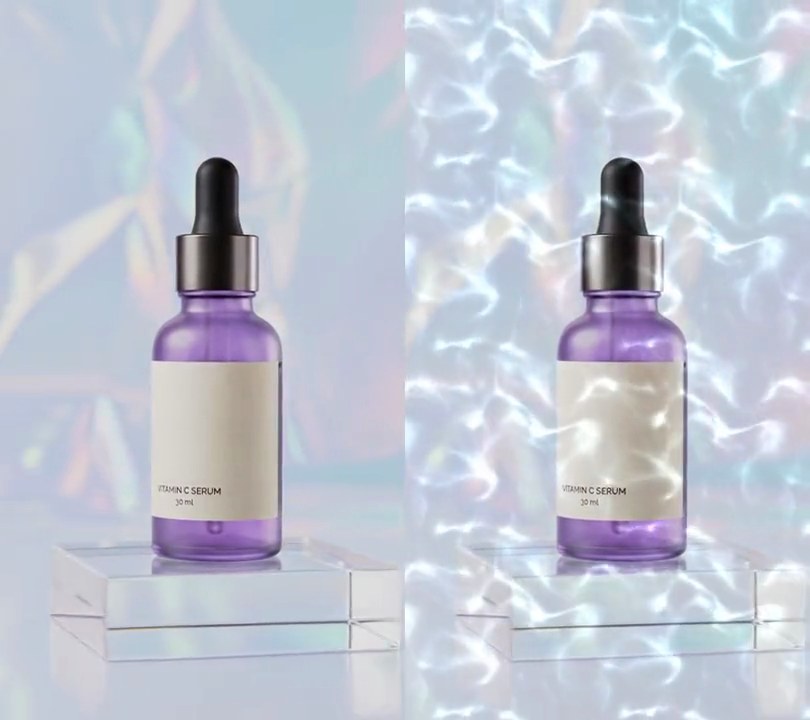
9. Water caustics
A rippling net of pale aqua light, like sunlight on the bottom of a pool, fades in at half a second and shimmers over the bottle and backdrop.
Show the prompt
Add a water caustics light overlay to input.mp4: a moving net of thin, bright pale aqua (170, 235, 255) lines, like sunlight through rippling pool water, covering the whole frame. Build the pattern with numpy (for example by bending a grid with a few layers of moving sine waves and brightening where they bunch up, then raising the result to a high power so the lines stay thin), with about 2.2 cells repeating across the frame width and round cells, drifting and rippling slowly. Add it on top of each frame (additive light, 75% strength at the brightest lines) so the brightest lines reach near white, while the dark gaps between them leave the footage untouched. Nothing before 0.5 seconds; it fades in from 0.5 to 1.1 seconds, then stays until the end. Use Python with numpy and ffmpeg (this effect has no text; any text would be drawn with Pillow, not ffmpeg's drawtext filter). Keep the size, frame rate and audio, and save it as output.mp4.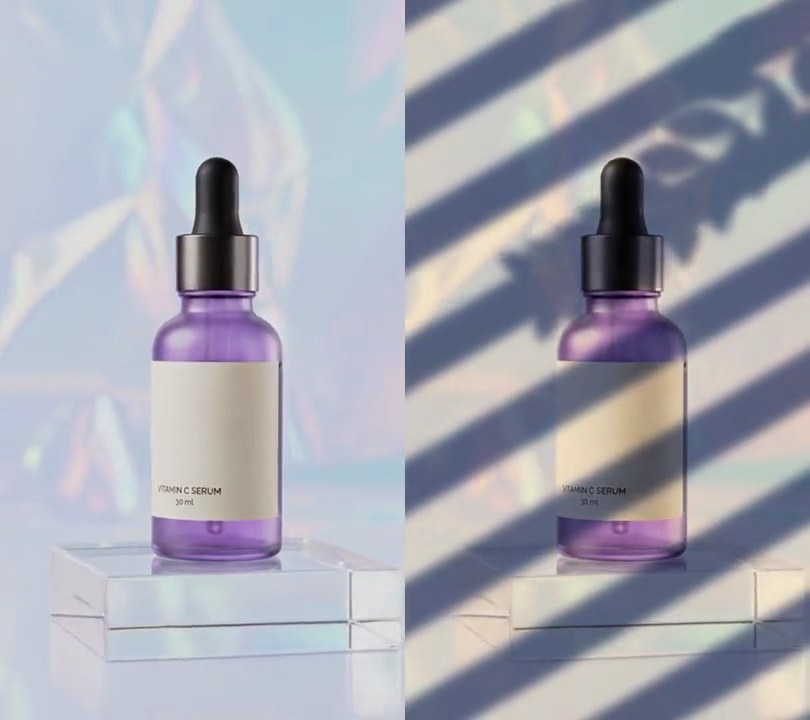
10. Window and leaf shadows
Soft diagonal stripes of shade from window blinds fall across the bottle and backdrop in warm sunlight, with the silhouette of a leafy branch swaying in the top-right corner.
Show the prompt
Add window blind and leaf shadows to input.mp4 with Python, numpy and Pillow, reading and writing frames with ffmpeg (no stock overlay). Build a light mask from 0 (shadow) to 1 (sun). Blinds: parallel shadow stripes rotated 30 degrees counterclockwise (rising to the right), one every 26% of the frame width (140 px on a 540 px frame), each shadow taking 45% of that spacing, edges blurred with a Gaussian of radius 1.2% of the frame width; draw them on an oversized canvas so they can slide 4% of the frame width to the left over 6 seconds. Leaves: a branch silhouette hanging in from the top-right corner, a stem 5 px wide along the curve x = (1.05 - 0.75 s) x width, y = (-0.02 + 0.42 s + 0.08 sin(3 s)) x height for s from 0 to 1, with a pair of pointed leaves at s = 0.1, 0.2 ... 0.9, one on each side angled 50 degrees off the stem's direction, each (22% - 7% x s) of the frame width long and about half as wide (an outline whose half-width is 0.24 x length x sin(pi u) at fraction u along it); sway the whole branch about its top-right anchor by 4 degrees x sin(2 pi t / 2.4) plus 1.2 degrees x sin(2 pi t / 0.9), and blur it like the stripes. The light mask is the stripes' light times (1 - leaf). Multiply each pixel's RGB by SHADE + (SUN - SHADE) x light, with SHADE = (0.45, 0.48, 0.58) for cool shadows and SUN = (1.10, 1.03, 0.92) for warm sunlight. Leave the frame untouched before 0.5 seconds and fade the shadows in from 0.5 to 1.1 seconds, then keep them to the end. This effect has no text (any text would be drawn with Pillow, not ffmpeg's drawtext filter). Keep the size, 30fps and the audio, and save it as output.mp4.