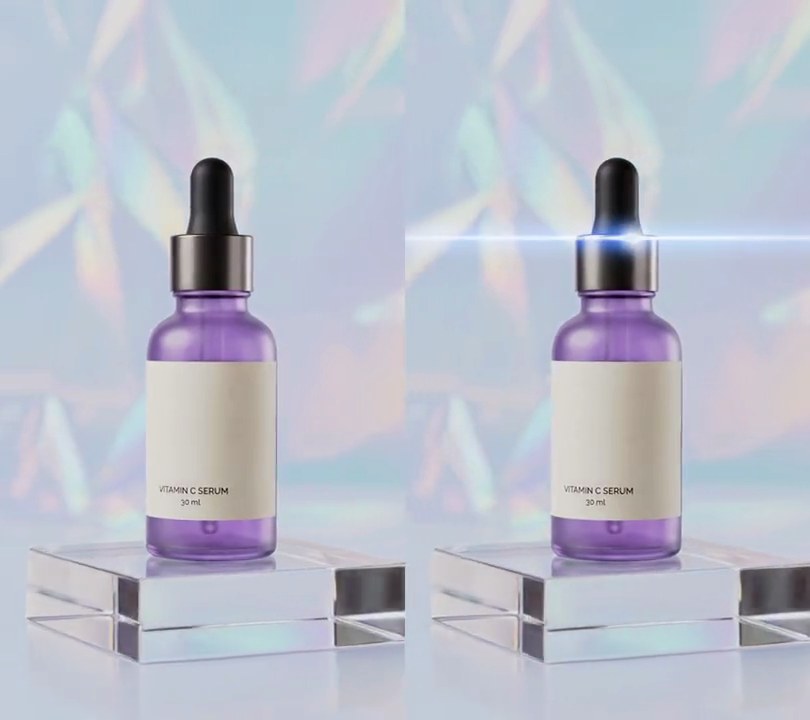
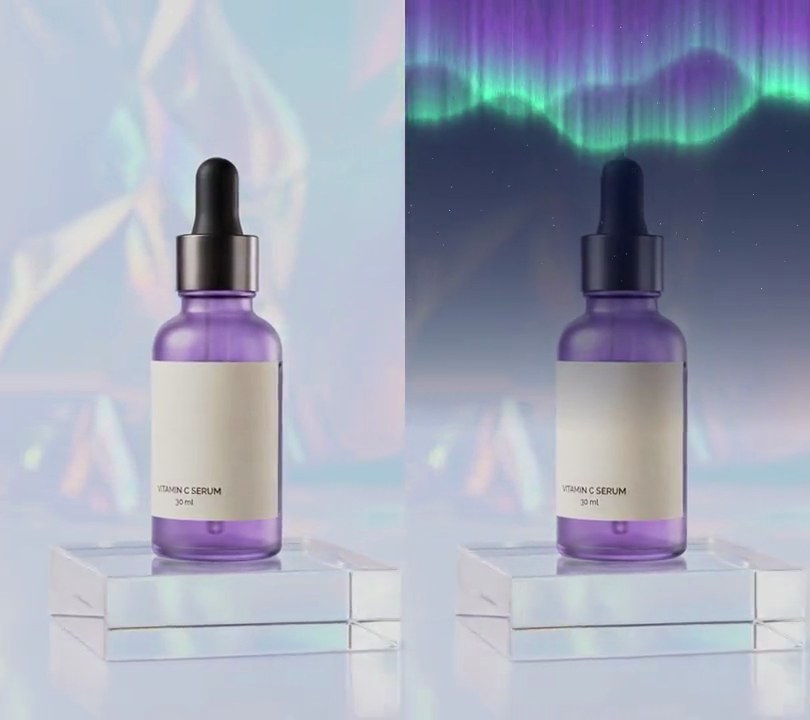
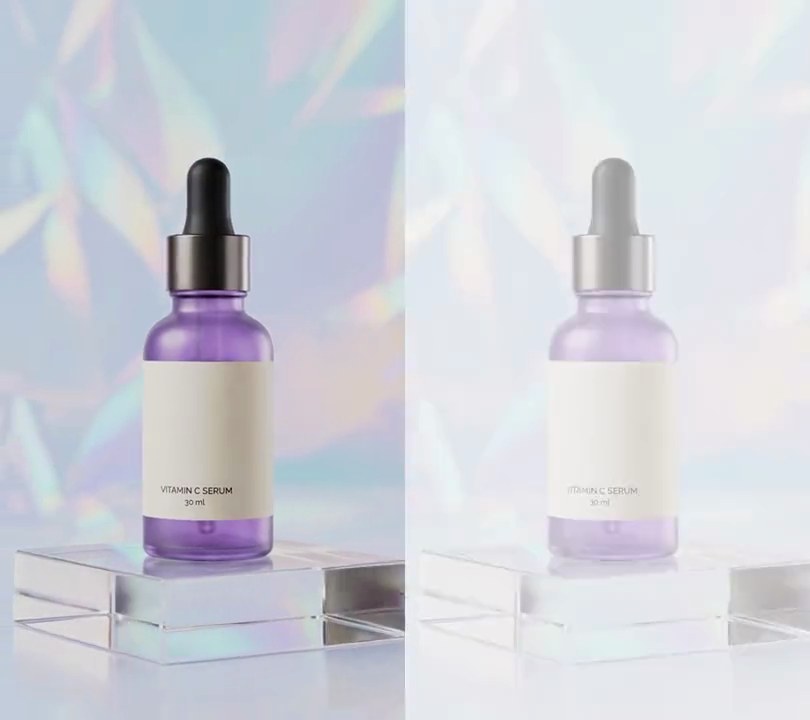
Get this effect
Switch to Code in your Claude Desktop App
Install the skill (once)
Show the prompt
Install the Recharm video effects skill: download https://recharm-growth-staging.s3.us-east-2.amazonaws.com/website/downloads/recharm-video-effects.zip and unzip it into ~/.claude/skillsAsk for the effect
Add light leaks to input.mp4
Leaks: right edge 0.8-3.0s, bottom left 3.2-5.6s
Colors: dark red to amber

Several videos, several effects, one ask
Put your clips in the folder, mention them with @, and ask for everything at once. Claude runs one tested script after another on each clip, then joins them.
Add light leaks to @clip1.mp4, put a sale badge on @clip2.mp4, give @clip3.mp4 a VHS look, then join all three with crossfades.
Settings you can change
Ask Claude to change any of these, or edit them at the top of the script.
| Setting | Default | What it does |
|---|---|---|
LEAKS | right edge 0.8-3.0s, bottom left 3.2-5.6s | When each leak starts and how long it lasts, where its center drifts from and to, and how big it is; add entries for more leaks. |
STRENGTH | 1.0 | Brightness of a leak at its center at its peak. |
TINT | 0.65 | How far the brightest part of a leak covers the picture with its color. |
COLORS | dark red to amber | Colors from a leak's faint edge to its bright core. |
Without the skill
Don’t want to install the skill? Paste this prompt into Claude Code and Claude writes the script itself.
Show the prompt
Add two light leaks to input.mp4 with Python and numpy, reading and writing frames with ffmpeg (no stock overlay). Each leak is a soft glow: light = envelope x exp(-((x - cx) / rx)^2 - ((y - cy) / ry)^2), with x and y as 0-1 fractions of the frame width and height, and envelope = sin(pi x u)^2 where u runs 0 to 1 through the leak. Leak 1 runs from 0.8 to 3.0 seconds, its center moving in a straight line from (1.08, 0.18) to (1.02, 0.50), so it sits just past the right edge, with rx = 0.60 and ry = 0.32. Leak 2 runs from 3.2 to 5.6 seconds, its center moving from (-0.08, 0.92) to (0.04, 0.70) in the bottom-left corner, with rx = 0.70 and ry = 0.30. Add the two lights and clip to 0-1. Color the light by interpolating light 0, 0.25, 0.5, 0.75, 1 to RGB (0,0,0), (170,20,10), (235,60,15), (255,120,30), (255,190,90). Blend it in two steps, with values as 0-1: screen the color over the frame (1 - (1 - frame) x (1 - color)), then mix that toward the color by 0.65 x light. Leave the frame untouched outside the leaks, output 540x960 at 30fps, keep the audio, and save it as output.mp4.Run it without Claude
This is the exact script we tested. Save it as light-leaks.py and run:
python3 light-leaks.py input.mp4 output.mp4Show the script
#!/usr/bin/env python3
"""Light leaks: warm orange and red glows wash in from the frame edges, drift and fade out again.

Usage: python3 light-leaks.py input.mp4 output.mp4
Needs ffmpeg and numpy (pip install numpy). The leaks are drawn as soft gradients, so no stock overlay is needed.
"""
import json
import subprocess
import sys

import numpy as np

# each leak: second it starts, seconds it lasts, its center moving from (x, y) to (x, y) as 0-1 fractions of the
# frame (outside 0-1 is past the edge), and its radius across and down as fractions of the frame width and height
LEAKS = [
    {"start": 0.8, "length": 2.2, "from": (1.08, 0.18), "to": (1.02, 0.50), "radius": (0.60, 0.32)},  # right edge
    {"start": 3.2, "length": 2.4, "from": (-0.08, 0.92), "to": (0.04, 0.70), "radius": (0.70, 0.30)},  # bottom left
]
STRENGTH = 1.0           # brightness of a leak at its center at its peak (0-1)
TINT = 0.65              # how far the brightest part of a leak covers the picture with its color (0-1)
LEVELS = [0, 0.25, 0.5, 0.75, 1.0]                                                    # leak brightness...
COLORS = [(0, 0, 0), (170, 20, 10), (235, 60, 15), (255, 120, 30), (255, 190, 90)]  # ...and its color: dark red, red, red-orange, orange, amber
FPS = 30


def leak_light(t):
    """Brightness of all the leaks at time t, 0-1 per pixel."""
    light = np.zeros((h, w))
    for leak in LEAKS:
        u = (t - leak["start"]) / leak["length"]
        if not 0 < u < 1:
            continue
        envelope = np.sin(np.pi * u) ** 2                     # eases in, peaks halfway, eases out
        cx = leak["from"][0] + (leak["to"][0] - leak["from"][0]) * u
        cy = leak["from"][1] + (leak["to"][1] - leak["from"][1]) * u
        rx, ry = leak["radius"]
        light += STRENGTH * envelope * np.exp(-((xs - cx) / rx) ** 2 - ((ys - cy) / ry) ** 2)
    return np.clip(light, 0, 1)


def add_leaks(frame, t):
    """Screen-blend the colored leaks over the frame so they brighten it, then wash their color over it, so the
    leaks stay orange on light footage too."""
    light = leak_light(t)[..., None]
    color = np.stack([np.interp(light[..., 0], LEVELS, [c[k] for c in COLORS]) for k in range(3)], axis=2) / 255
    img = frame / 255
    screened = 1 - (1 - img) * (1 - color)
    alpha = TINT * light
    return ((screened * (1 - alpha) + color * alpha) * 255).round().astype(np.uint8)


def probe(path):
    info = json.loads(subprocess.check_output(["ffprobe", "-v", "error", "-select_streams", "v:0", "-show_entries",
                                               "stream=width,height", "-of", "json", path]))
    return info["streams"][0]["width"], info["streams"][0]["height"]


src, out = sys.argv[1:3]
w, h = probe(src)
ys, xs = np.mgrid[0:h, 0:w] / np.array([h, w]).reshape(2, 1, 1)

reader = subprocess.Popen(["ffmpeg", "-v", "error", "-i", src, "-vf", f"fps={FPS}", "-f", "rawvideo", "-pix_fmt", "rgb24", "-"],
                          stdout=subprocess.PIPE)
writer = subprocess.Popen(["ffmpeg", "-y", "-v", "error", "-f", "rawvideo", "-pix_fmt", "rgb24", "-s", f"{w}x{h}",
                           "-r", str(FPS), "-i", "-", "-i", src, "-map", "0:v", "-map", "1:a?",
                           "-c:v", "libx264", "-crf", "18", "-pix_fmt", "yuv420p", "-c:a", "copy", "-shortest", out],
                          stdin=subprocess.PIPE)
i = 0
while True:
    raw = reader.stdout.read(w * h * 3)
    if len(raw) < w * h * 3:
        break
    frame = np.frombuffer(raw, np.uint8).reshape(h, w, 3)
    writer.stdin.write(add_leaks(frame, i / FPS).tobytes())
    i += 1
writer.stdin.close()
if reader.wait() or writer.wait():
    sys.exit("ffmpeg failed")