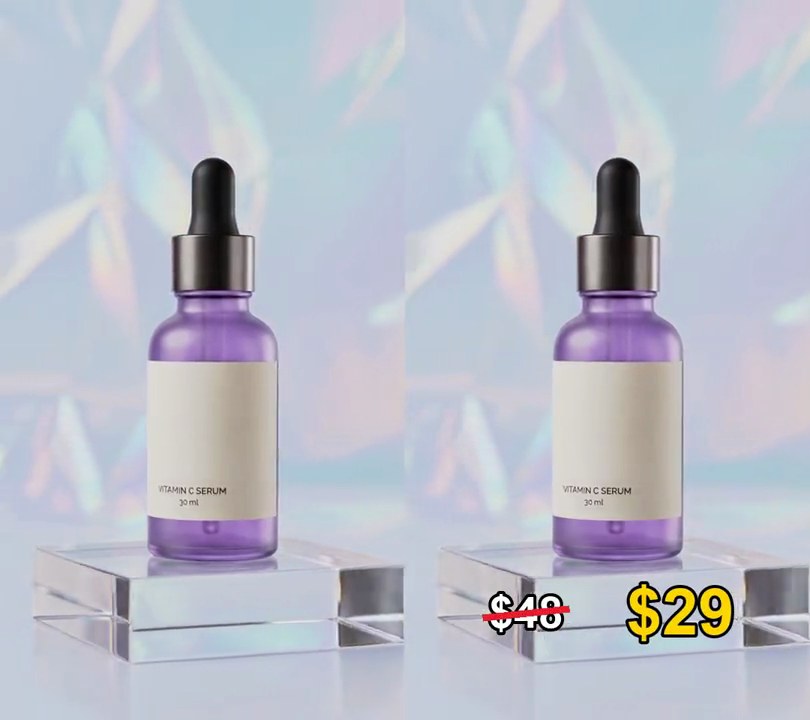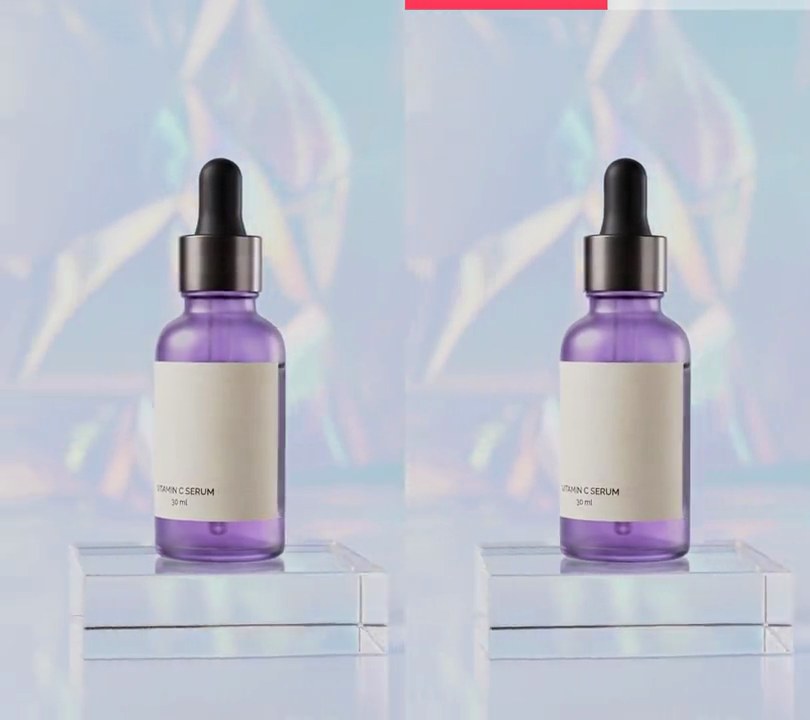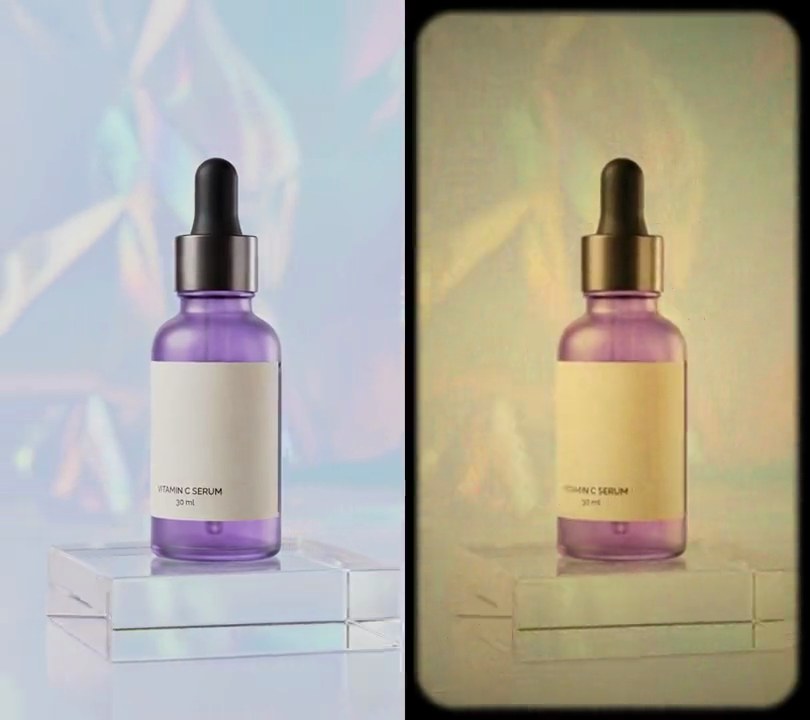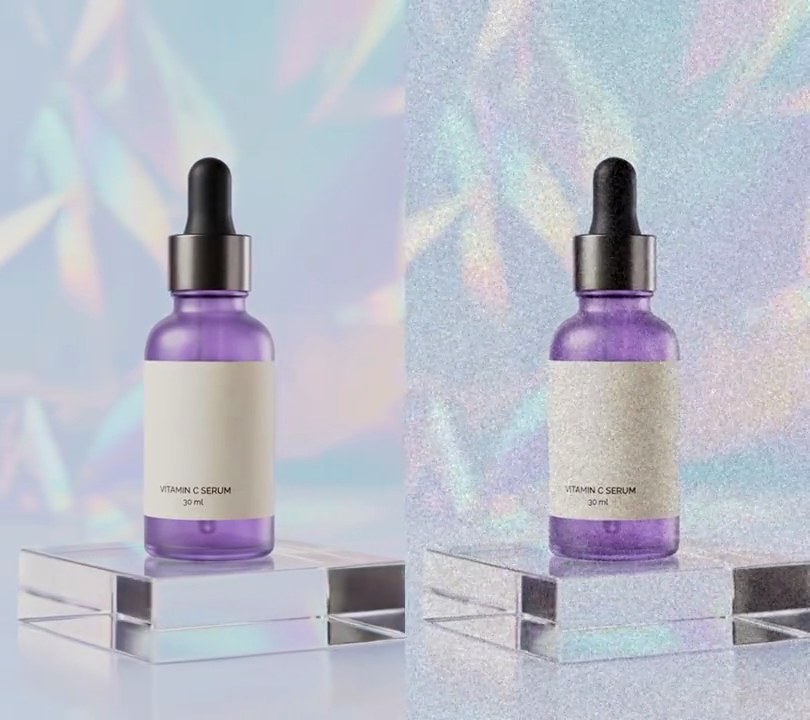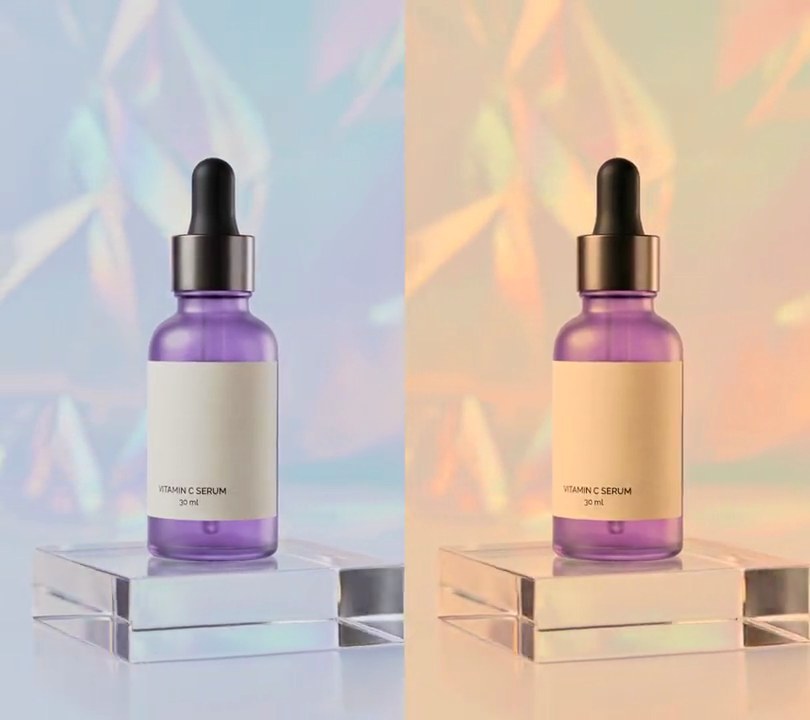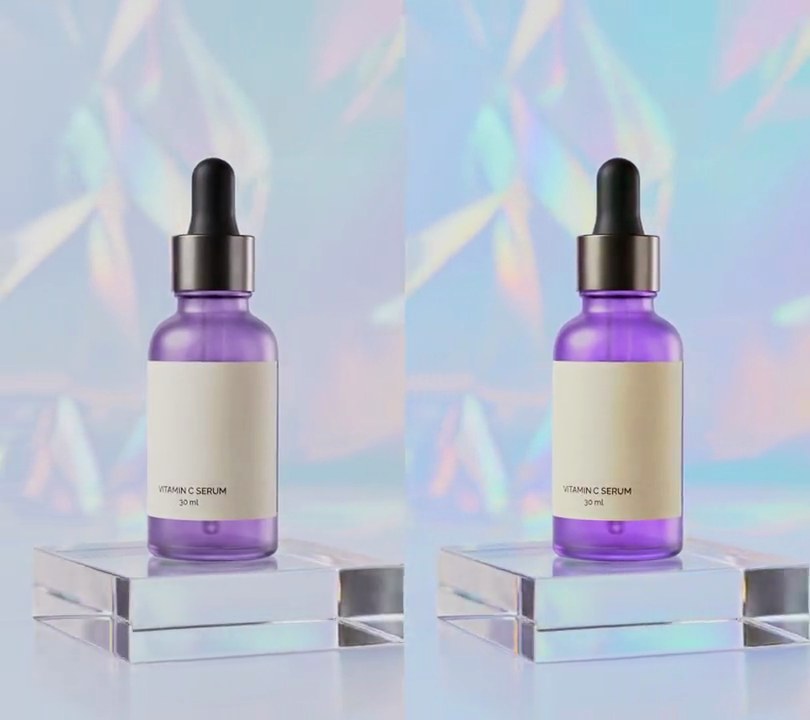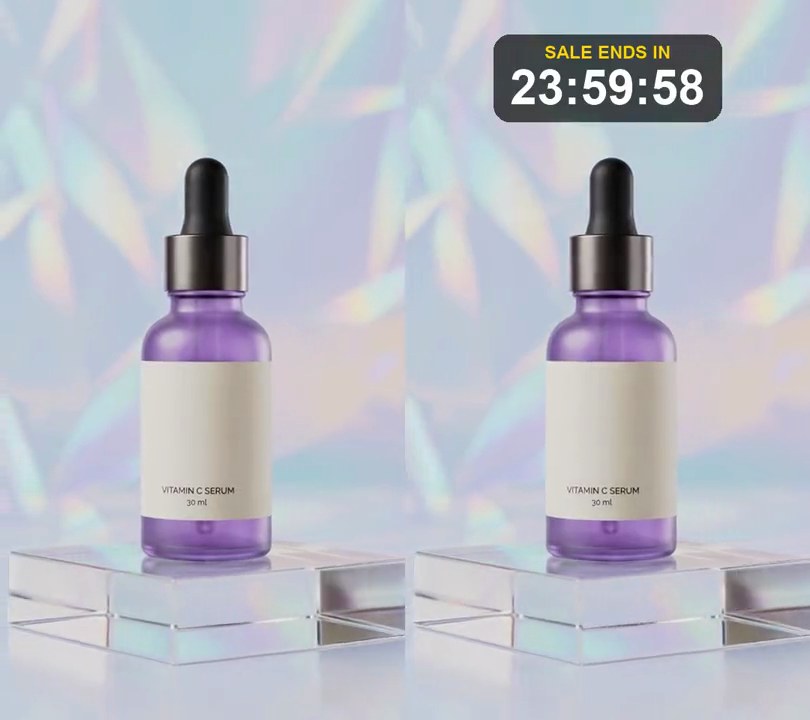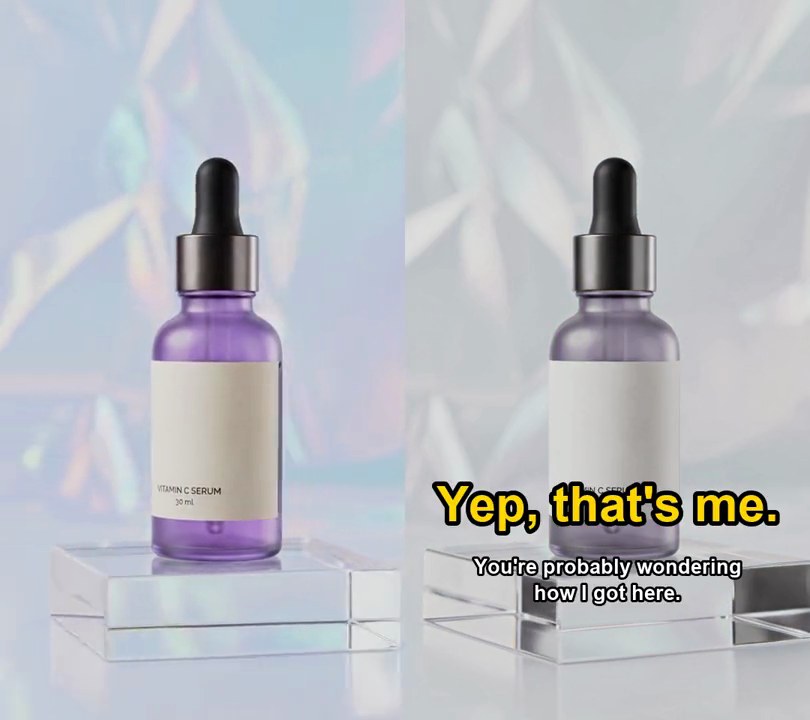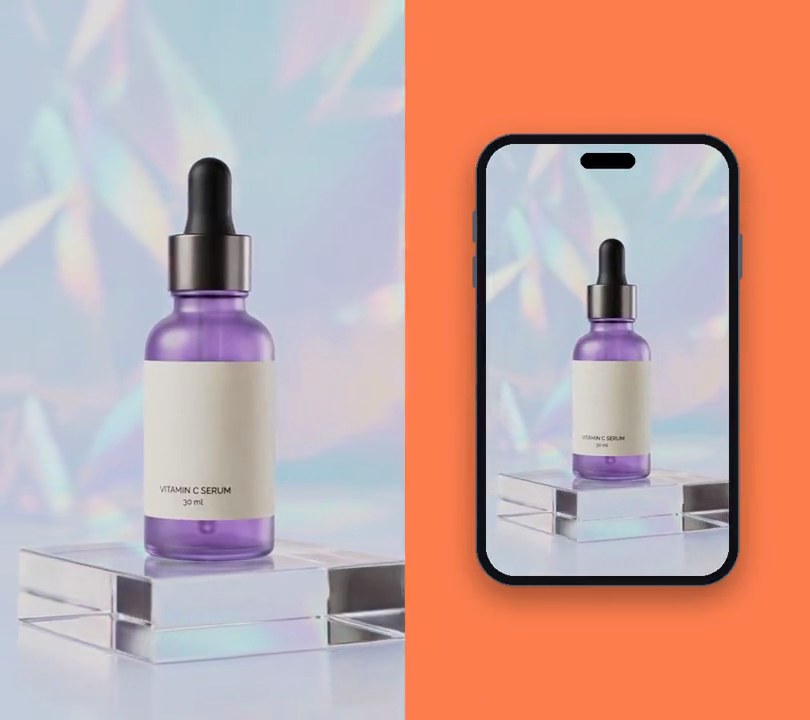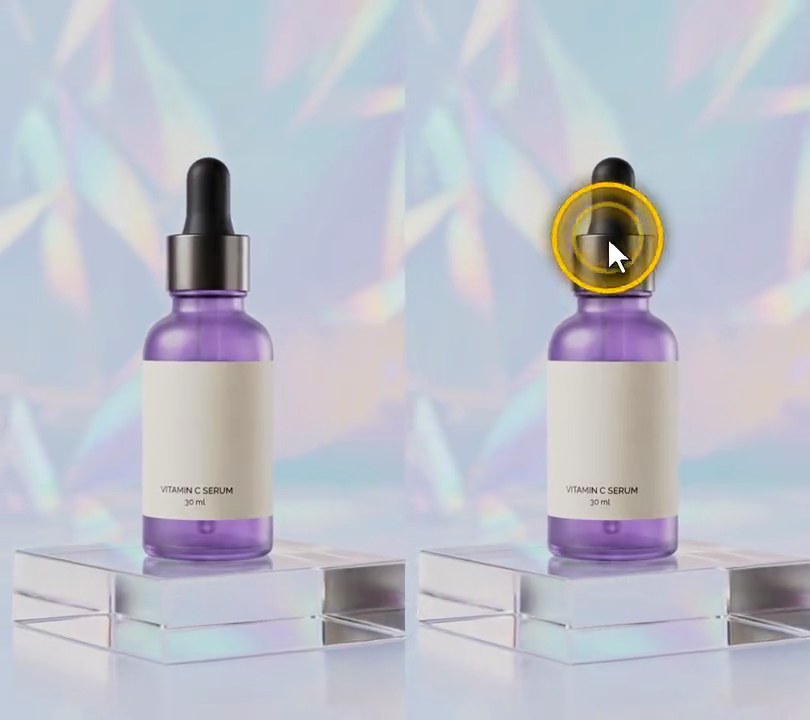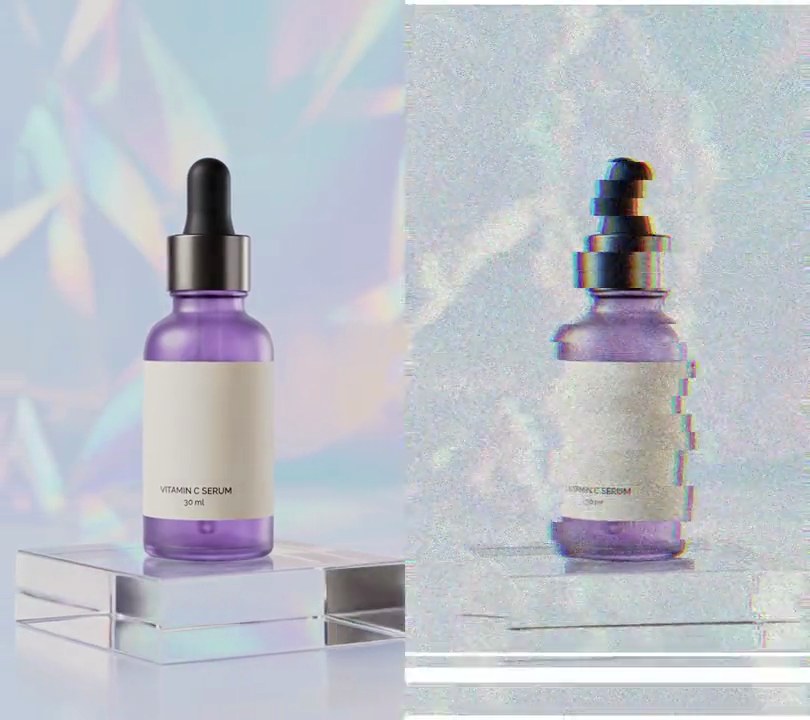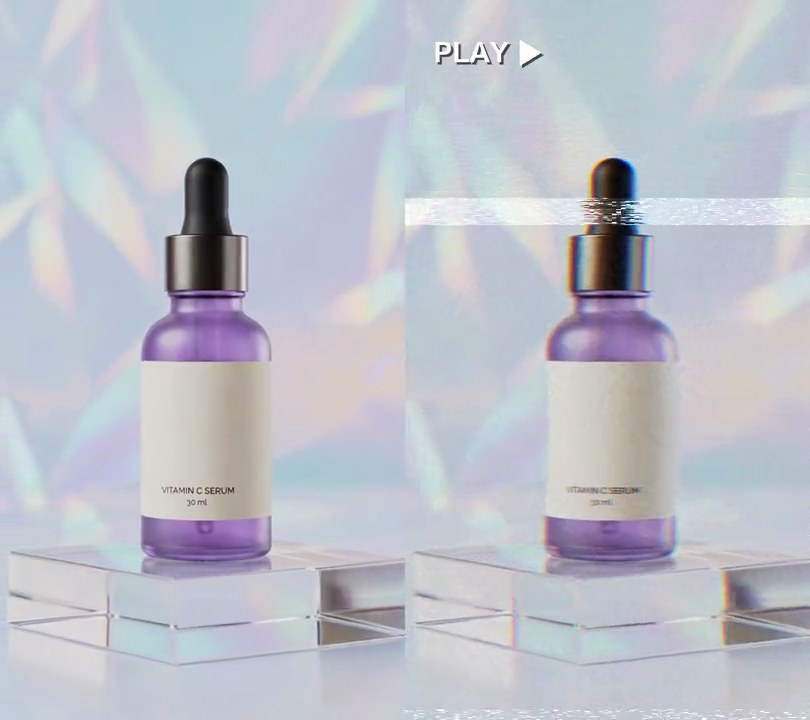
1. VHS effect
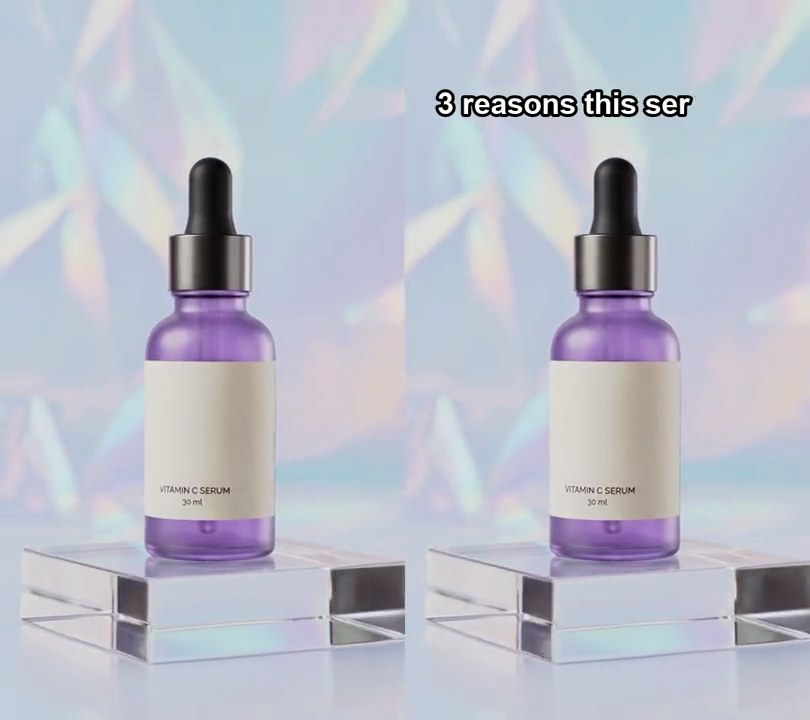
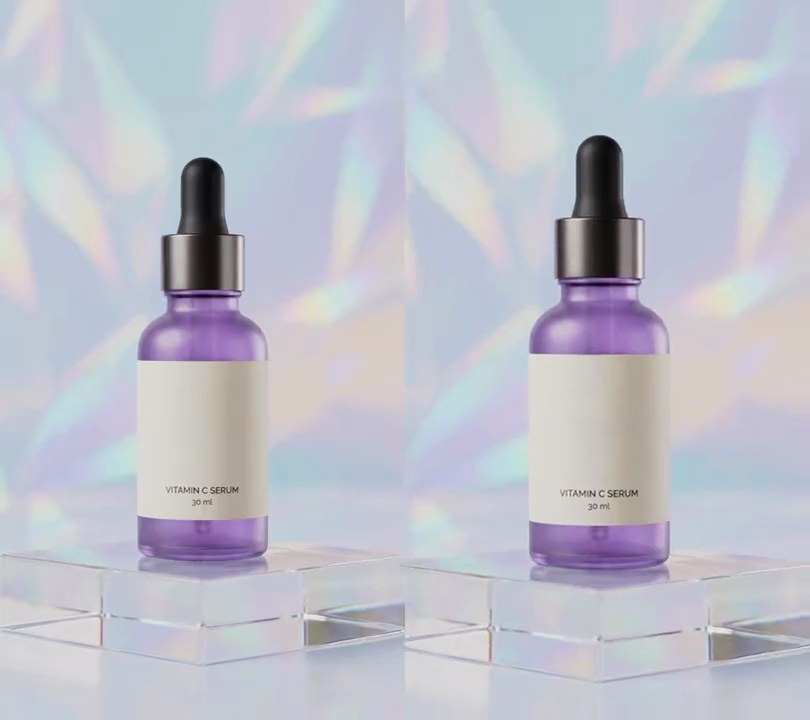
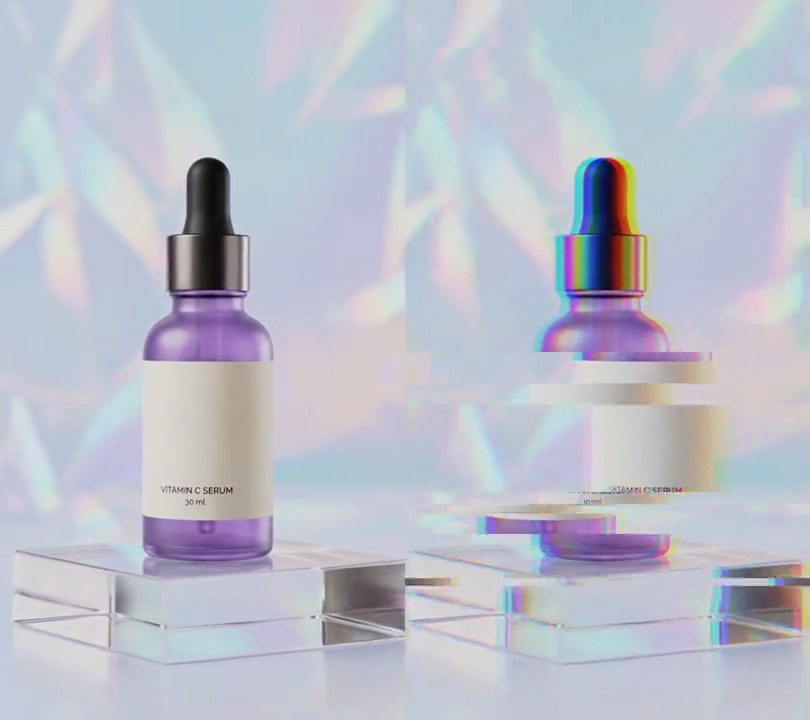
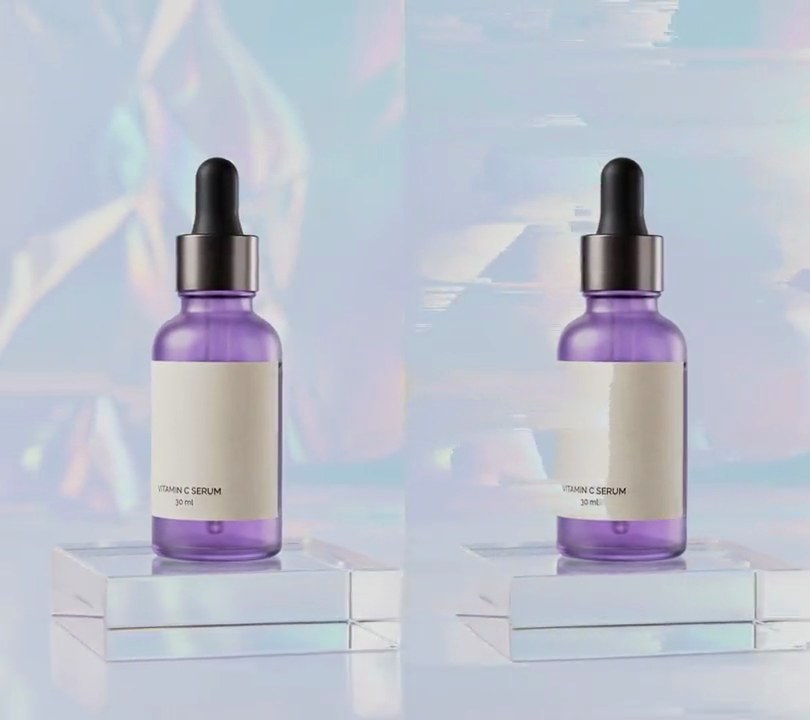
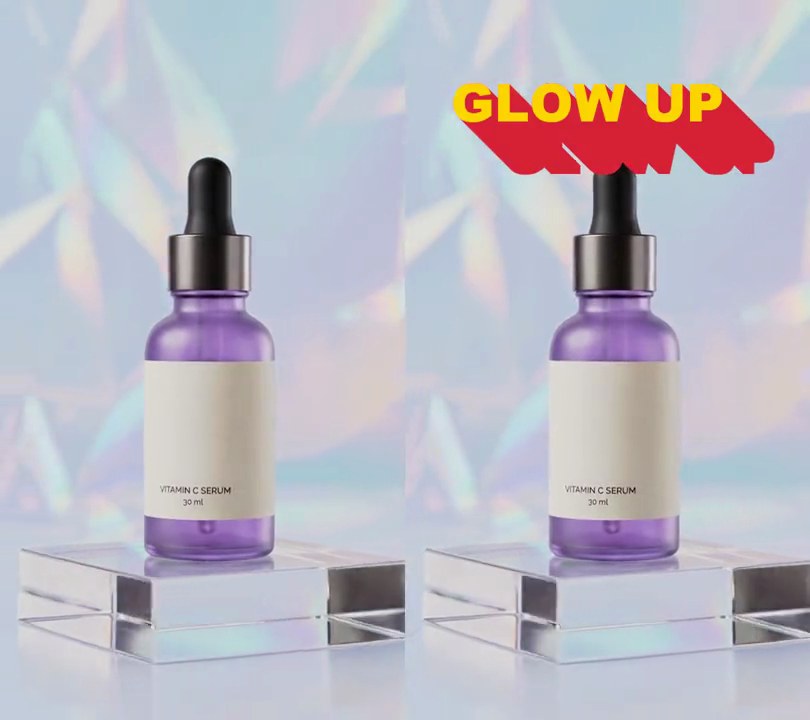
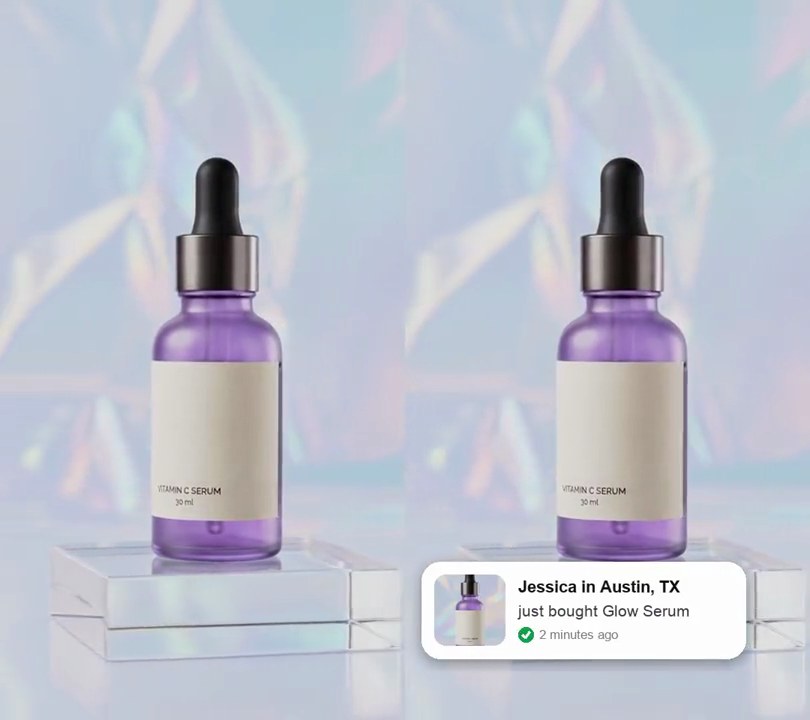
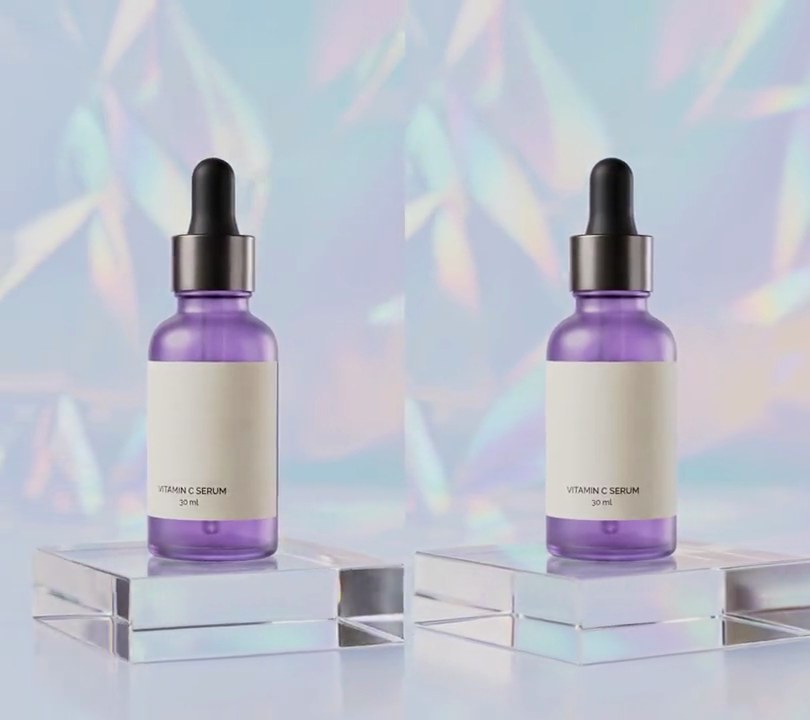
The clip plays back like a worn cassette: soft and grainy with red and blue fringes, lines swaying sideways, a band of white static rolling down the frame, torn noise along the bottom edge and a white "PLAY" readout in the corner.
Show the prompt
Make input.mp4 (540x960, 30fps, 6 seconds) look like worn VHS tape playback from the first frame to the last, using Python with numpy and Pillow and ffmpeg for reading and writing frames. For each frame at time t: (1) Soften it with a 3-pixel horizontal box blur. (2) Split it into luma (0.299R + 0.587G + 0.114B) and color (RGB minus luma); smear the color with a 9-pixel horizontal box blur, multiply it by 0.8 and add it back to the luma. (3) Shift the red channel 4 pixels right and the blue channel 4 pixels left. (4) Shift every row sideways by 2 * sin(0.02 * row + 3t) pixels. (5) Tracking band: a 36-pixel-tall band whose top row is int(144 + 120t) mod 960 (so rows 264-299 at 1 second and 624-659 at 4 seconds): shift each of its rows by a random -14 to 14 pixels, brighten it by 25, and turn about 12% of it pure white (255, 255, 255) in random 6-pixel-wide horizontal streaks. (6) Head-switching noise: shift the bottom 14 rows right by 8 rising to 30 pixels and give them the same 12% white streaks. (7) Add gray tape noise with a standard deviation of 6. Nowhere else may be pure white except the readout. (8) Draw a white "PLAY" in bold sans-serif 38 pixels tall with its top-left corner at (38, 48), followed by a white play triangle (a right-pointing triangle the height of the text), both with a black drop shadow at 160/255 opacity offset 3 pixels down and right; draw it with Pillow (not ffmpeg's drawtext) and keep it crisp, without the blur, noise or shifts. Keep the 540x960 size, 30fps, 6-second length and the audio. Save it as output.mp4.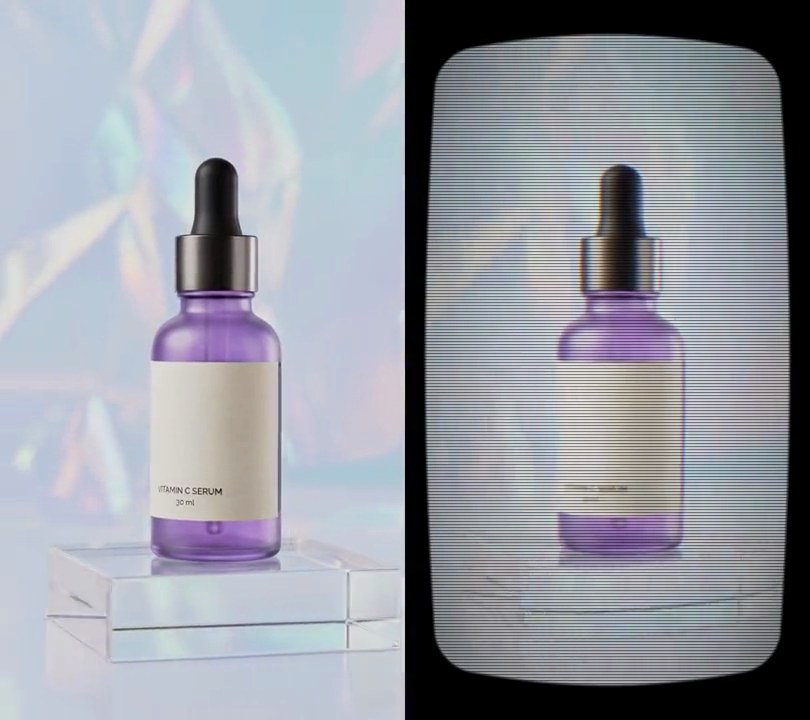
2. CRT TV
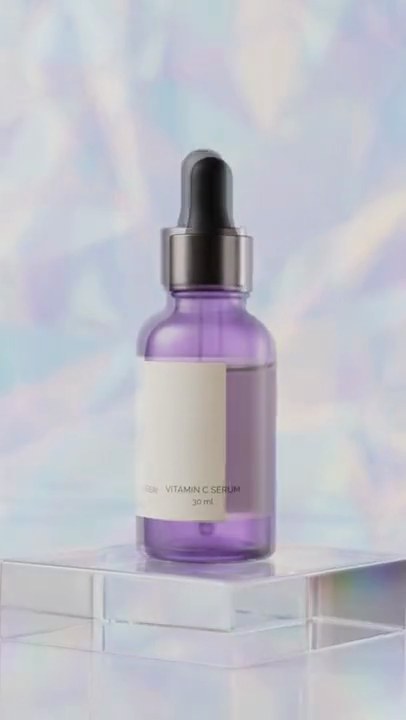
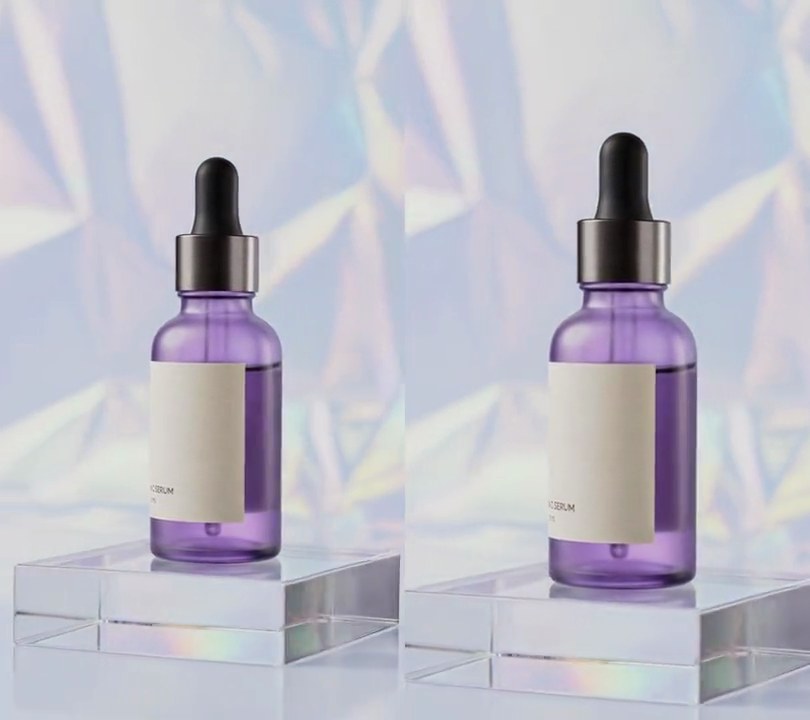
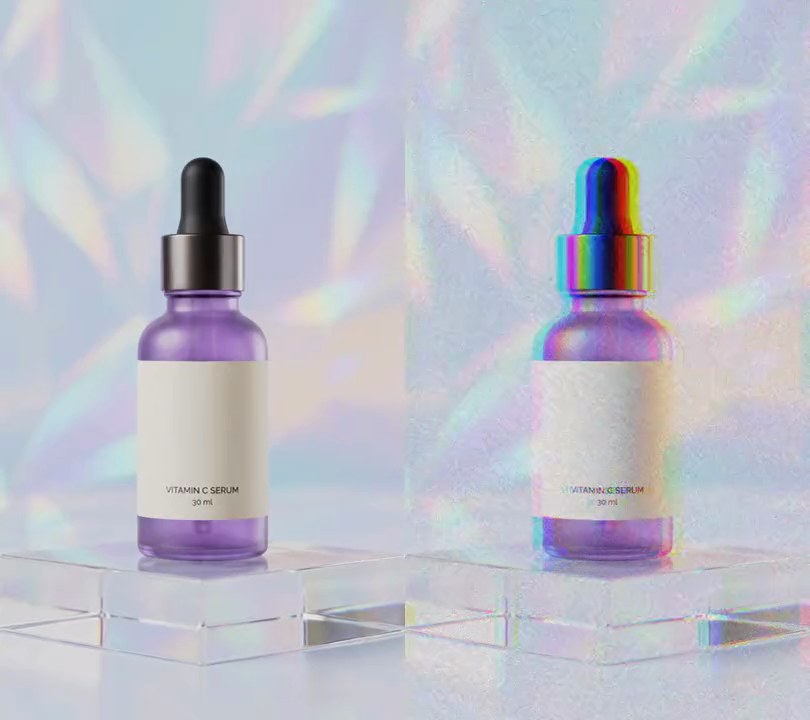
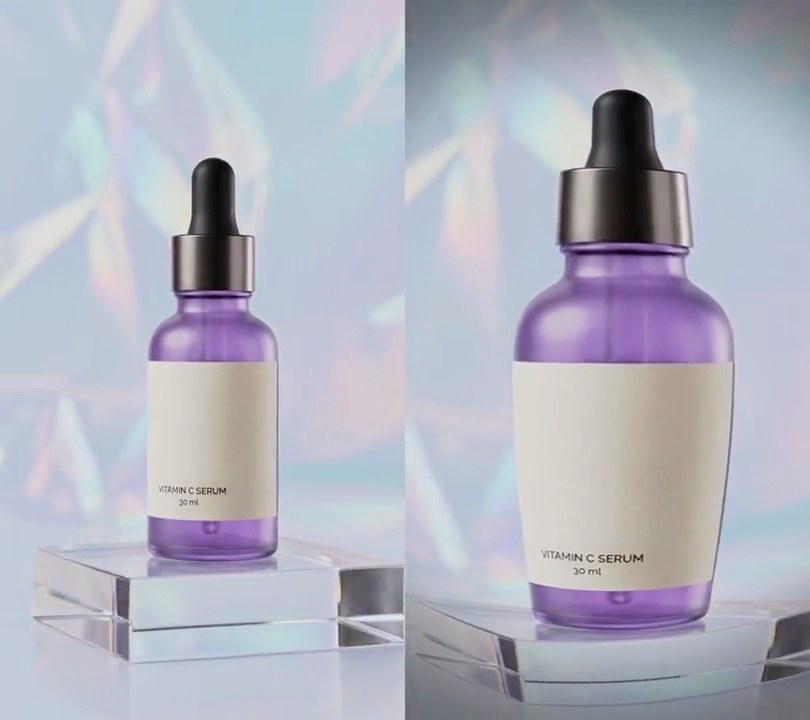
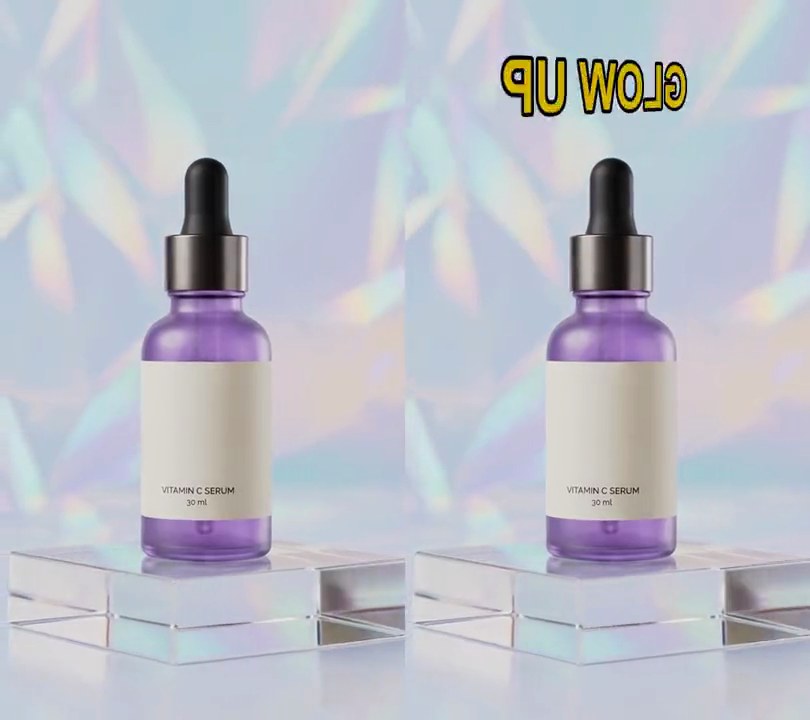
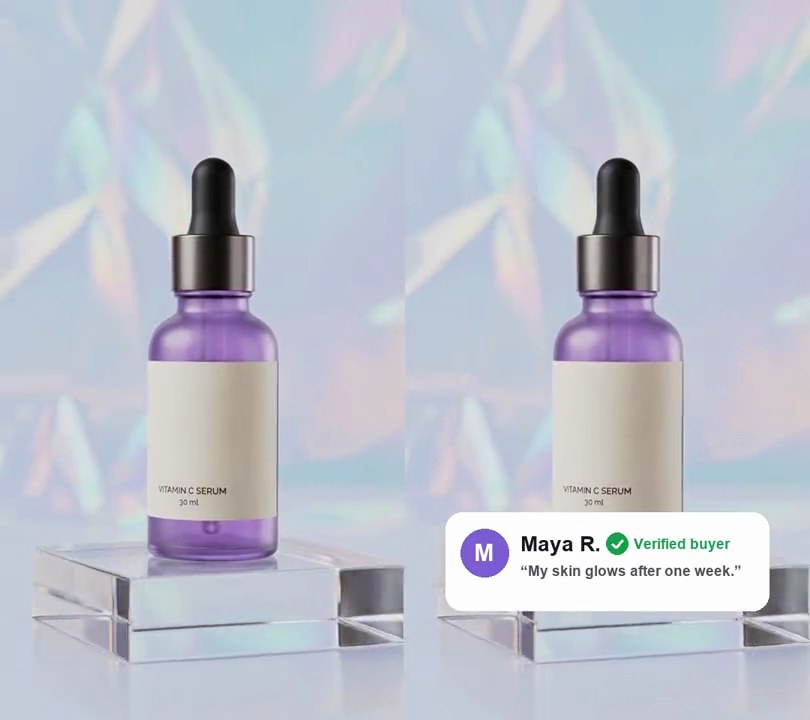
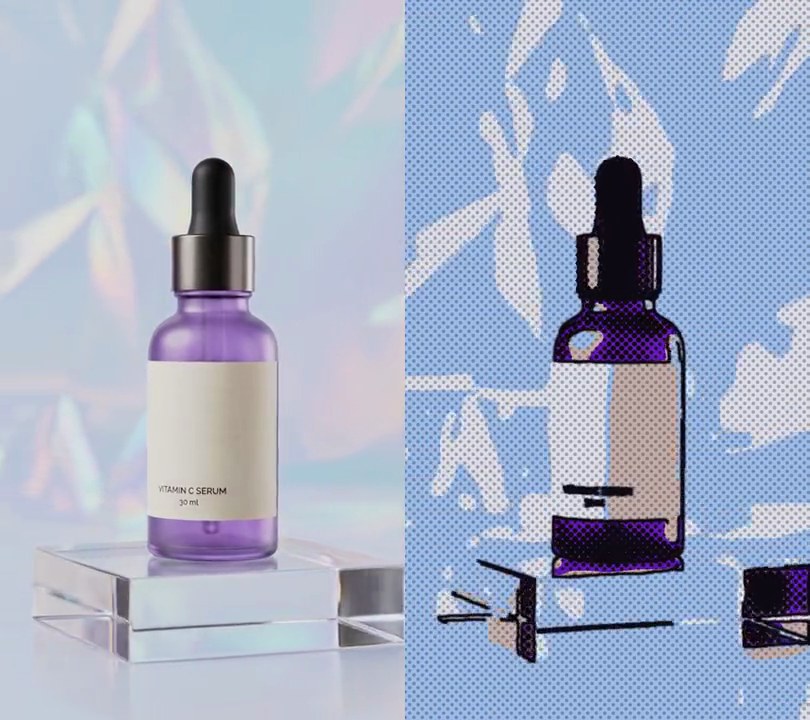
The whole clip bulges onto a rounded glass tube inside a black bezel, striped with thin dark scanlines and softened by a hazy glow and slight color fringing, like footage playing on an old television.
Show the prompt
Make input.mp4 look like it's playing on an old CRT television, from the first frame to the last, using Python with numpy and Pillow and ffmpeg for reading and writing frames. For each 540x960 frame: (1) Color bleed: shift the red channel 2 pixels right and the blue channel 2 pixels left. (2) Soften with a Gaussian blur of radius 1, then add a glow by screen-blending a radius-10 Gaussian-blurred copy at 0.35 strength. (3) Bulge it onto curved glass: with u and v running from -1 to 1 across and down the output, take each output pixel from the source at (u, v) * (1 + 0.12 * (u^2 + v^2)). Anywhere that lands outside the source frame is black bezel; give the screen 60-pixel rounded corners (measured in source pixels) and fade the edge to black over 6 pixels. This leaves the left and right edges black about 26 pixels in at mid-height and the top and bottom about 46 pixels in, with the bezel thicker toward the corners. (4) Darken toward the corners: multiply by 1 - 0.45 * (su^2 + sv^2) / 2, where su, sv are the warped source coordinates. (5) Scanlines: every 4th row of the output (rows 3, 7, 11...) is multiplied by 0.4, straight across the frame. (6) Flicker: multiply frame i's brightness by 1 + 0.04 * sin(2.3i) * sin(0.7i). Keep the 540x960 size, 30fps, 6-second length and the audio. Save it as output.mp4.
3. Camcorder date stamp
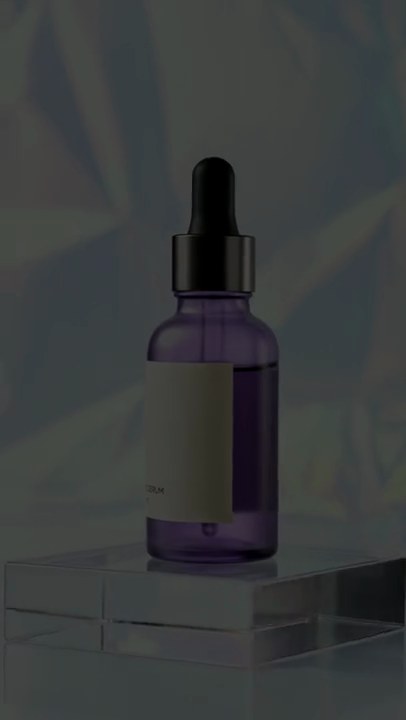
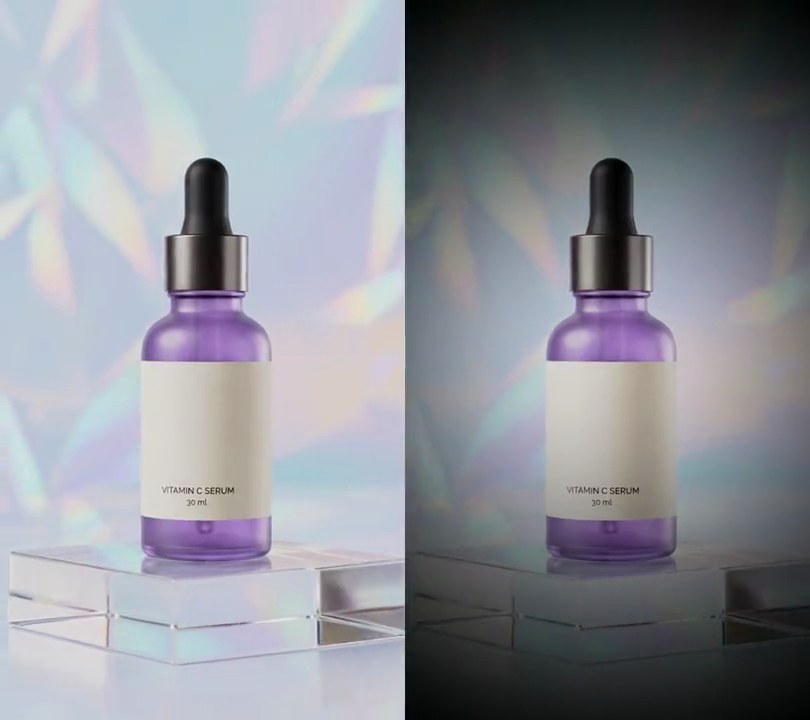
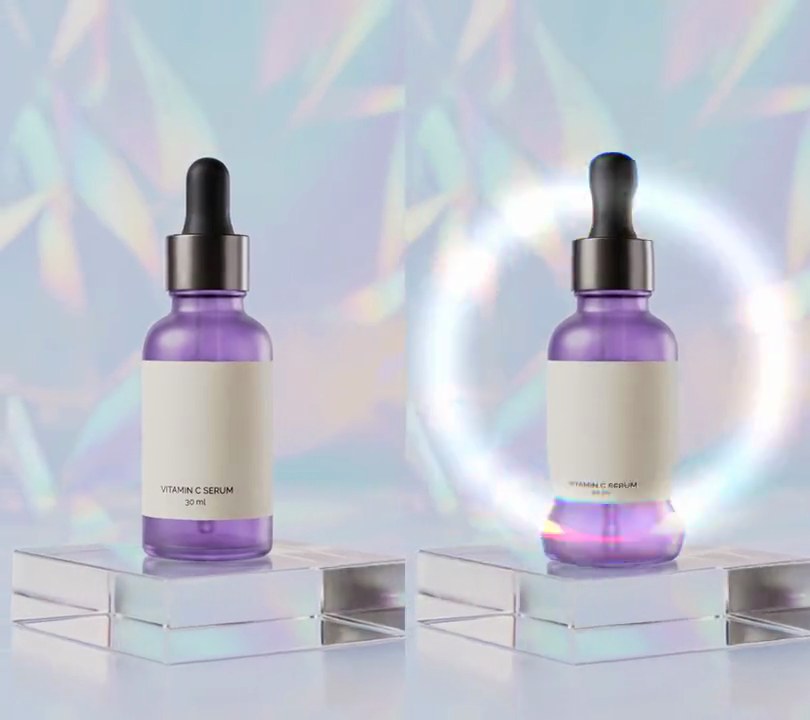
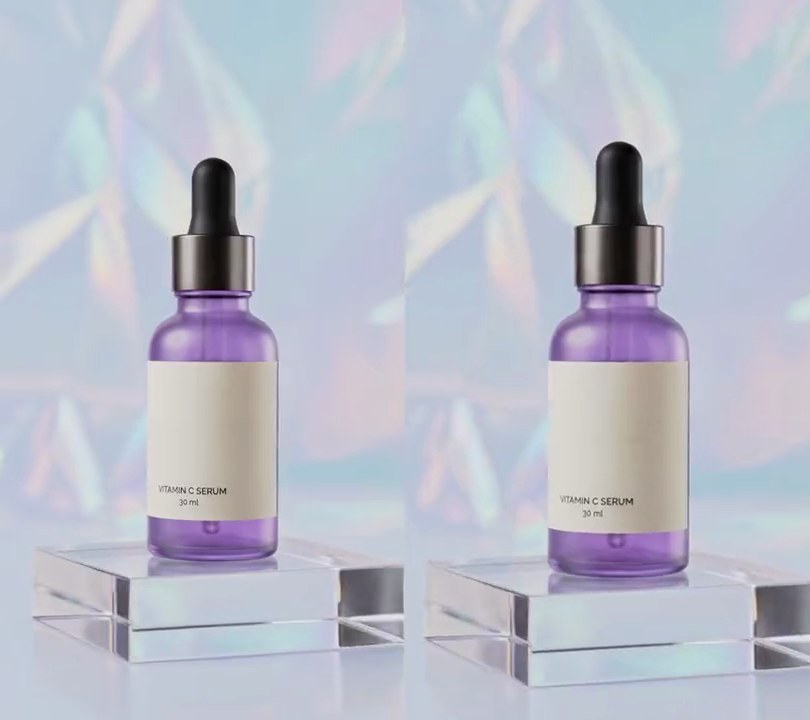
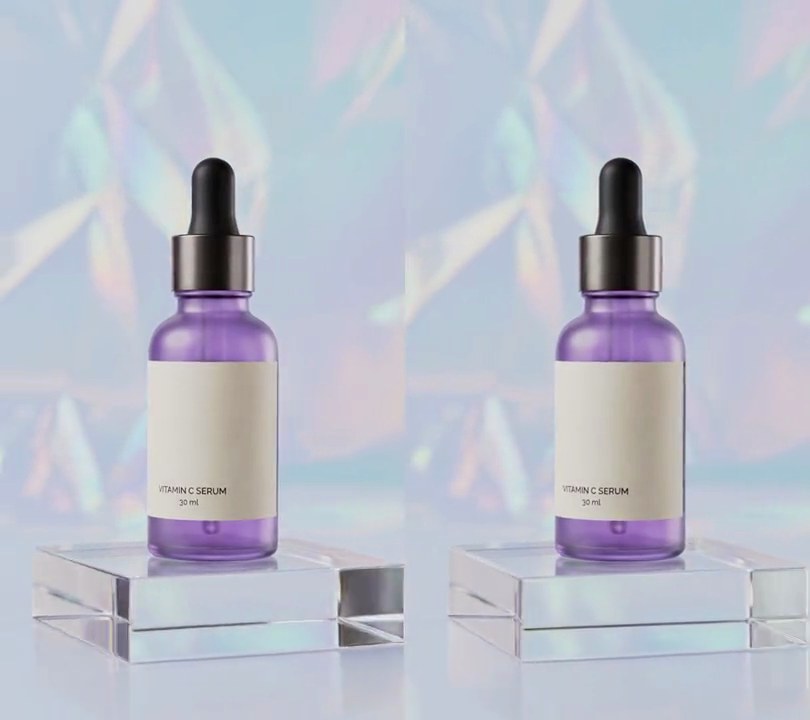
Blocky amber pixel text reading "PM 3:42:07" over "JUN. 14 1998" appears in the lower-right corner at half a second, its seconds ticking up like a 90s home-video camcorder.
Show the prompt
Add a 90s camcorder date stamp to input.mp4 (540x960). Before 0.5 seconds the video is untouched; from 0.5s two right-aligned lines of amber (255, 176, 32) text sit in the lower right: "PM 3:42:07" on top and "JUN. 14 1998" below it. The clock adds one second at each whole second after 0.5s (PM 3:42:08 at 1.5s, PM 3:42:09 at 2.5s and so on). Make the text look like blocky pixel lettering: draw it with a monospace font (Andale Mono, DejaVu Sans Mono or Consolas) at size 15 on a transparent canvas a third of the frame's size (180x320) with anti-aliasing off and a 1-pixel dark (24, 16, 8) outline around every letter, then scale that canvas up 3 times with nearest-neighbor so every font pixel becomes a 3x3 block. On the small canvas, the text's right edge is at 92% across, the date line's bottom at 92% down and the clock line's bottom 18 pixels above it (54 pixels on screen). Behind the text put a soft black glow, up to 60% opacity, about 10 pixels wide on screen, so it stays readable on bright footage. Leave the rest of the picture unchanged. Draw the text with Python and Pillow (don't use ffmpeg's drawtext filter), composite it with ffmpeg, keep the audio, and save it as output.mp4 at 30fps.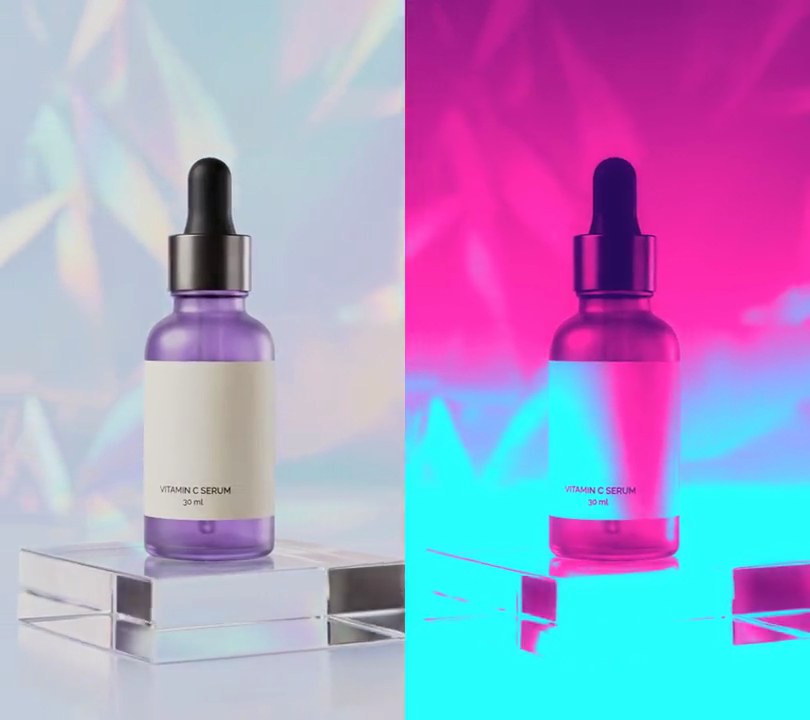
4. Synthwave look
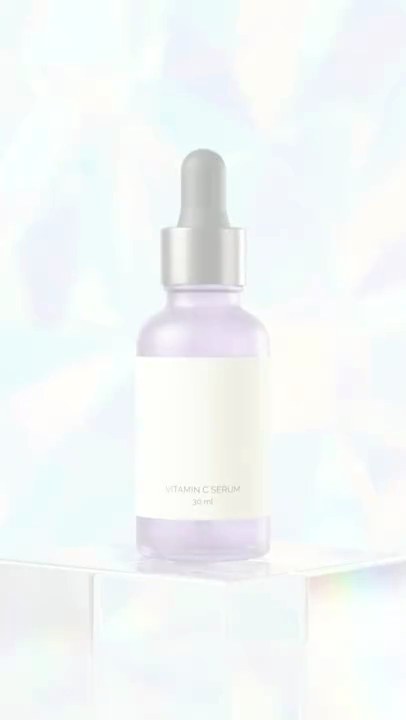
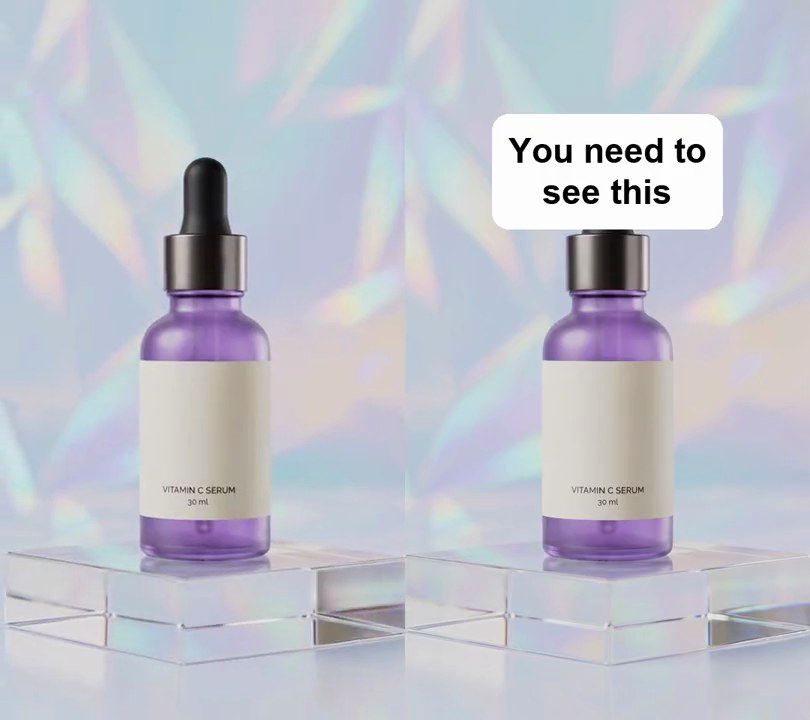
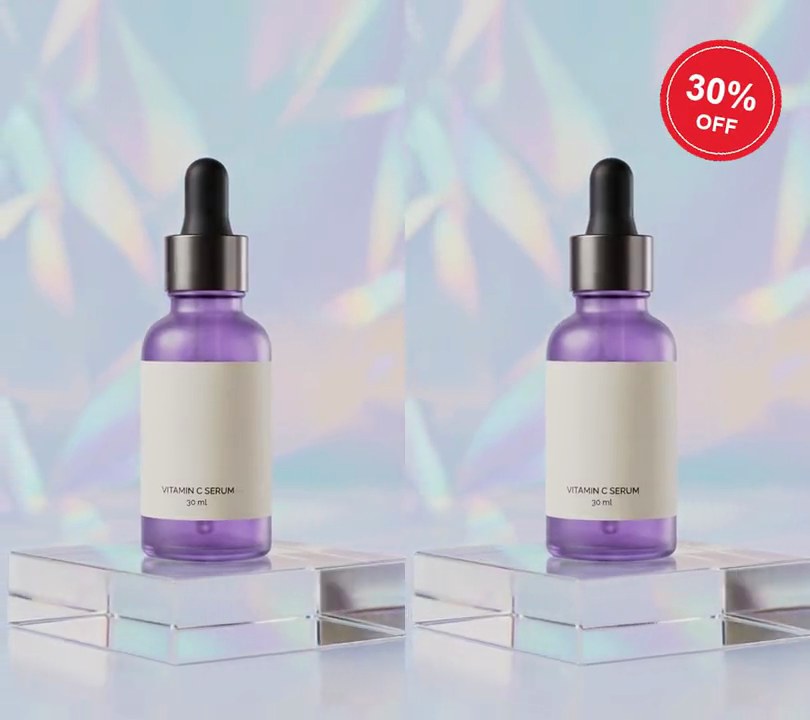
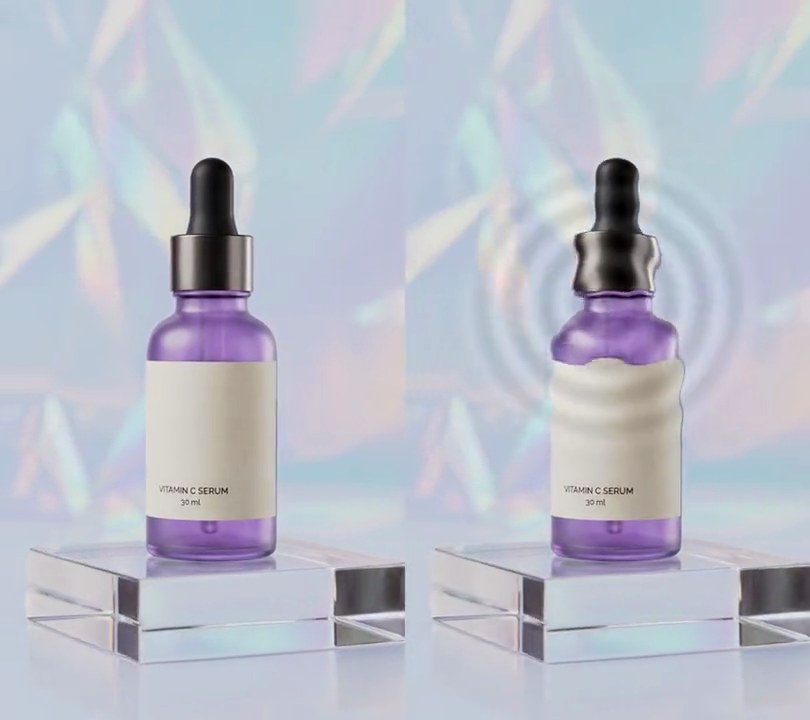
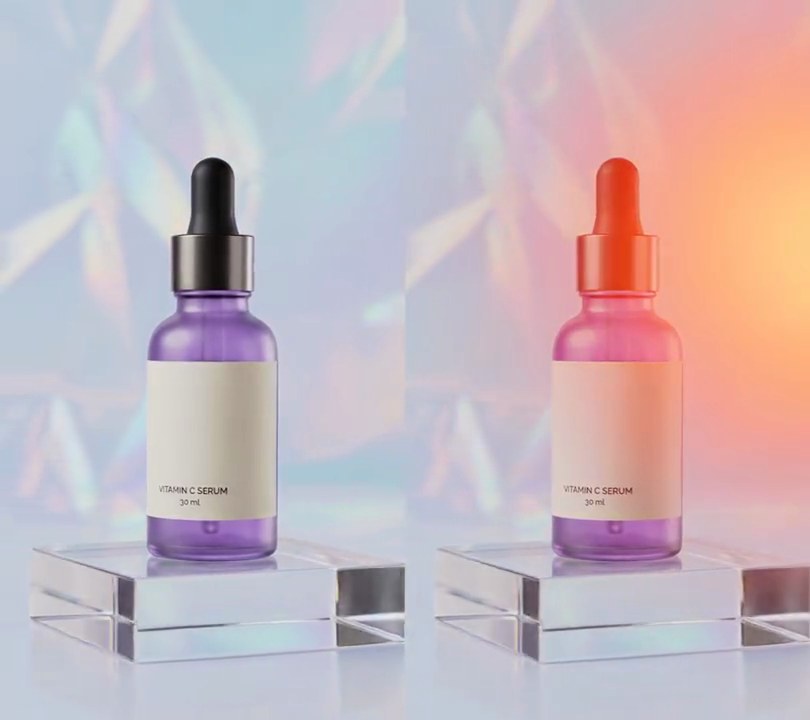
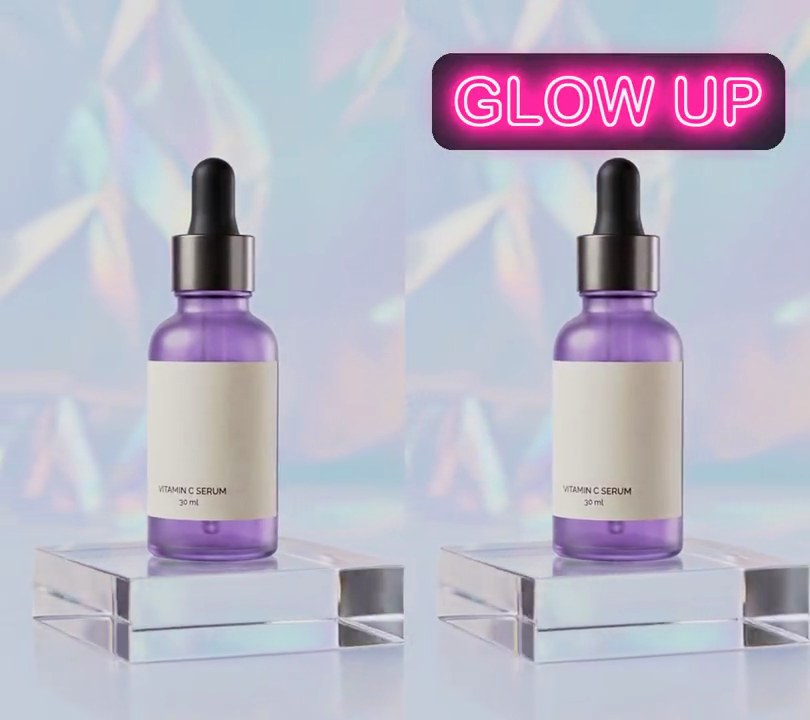
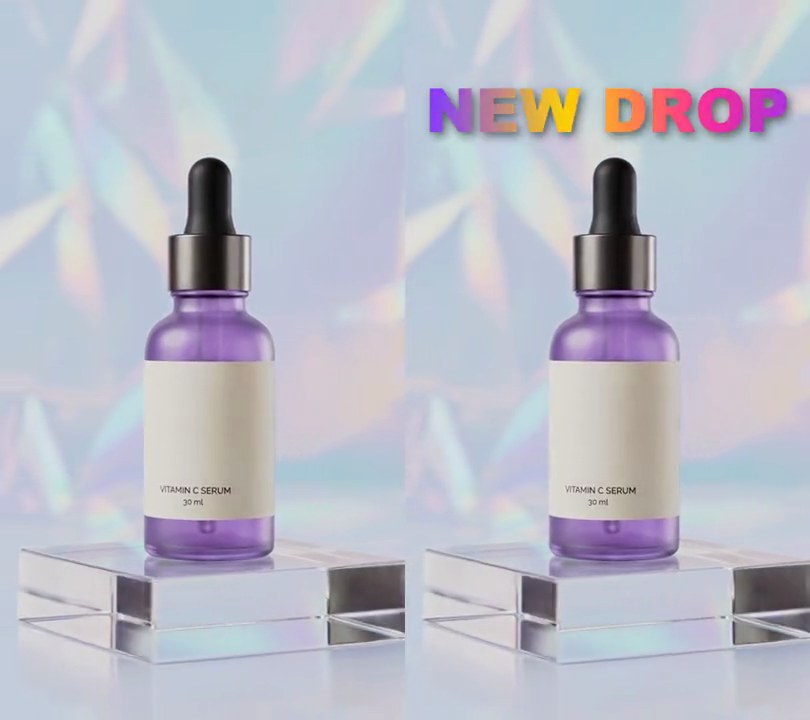
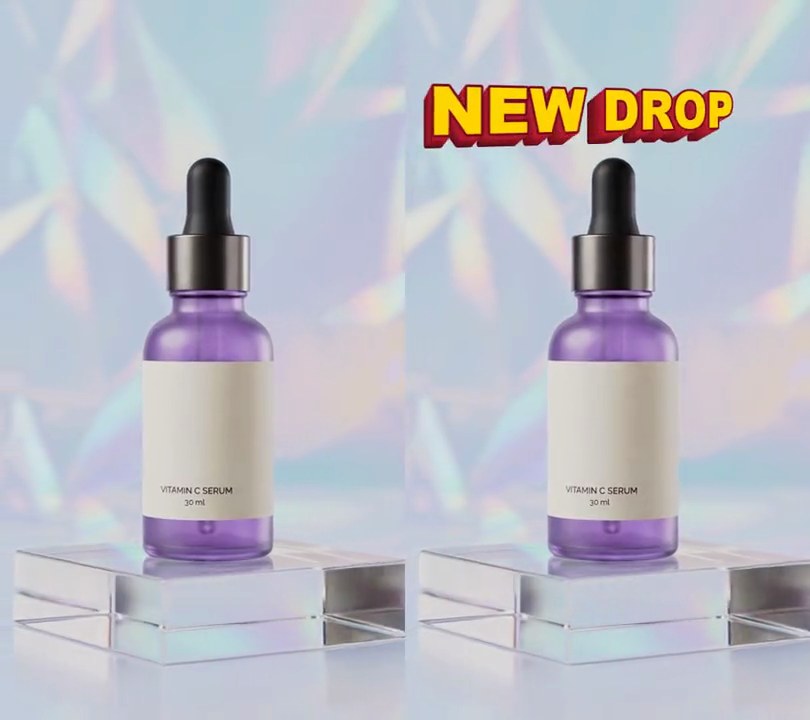
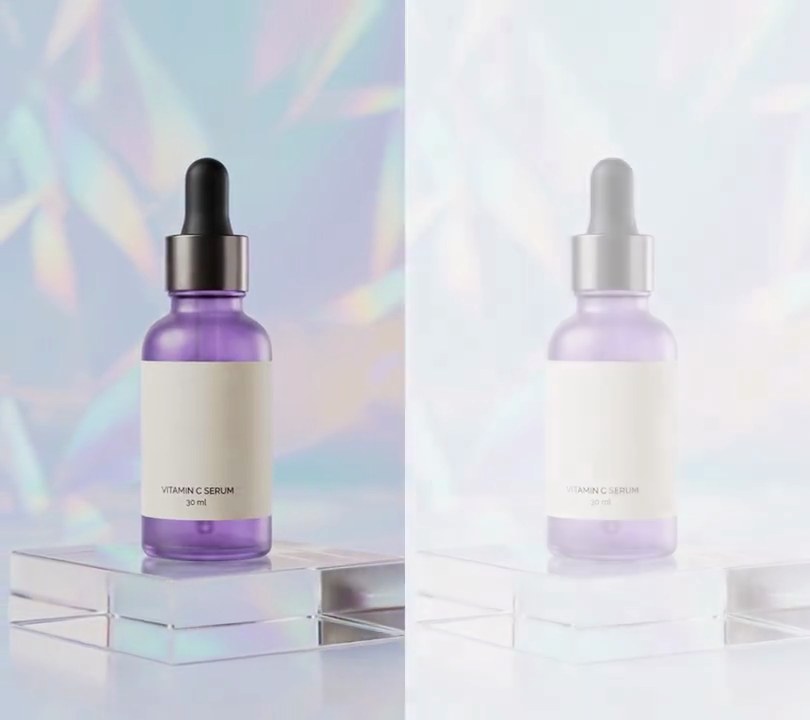
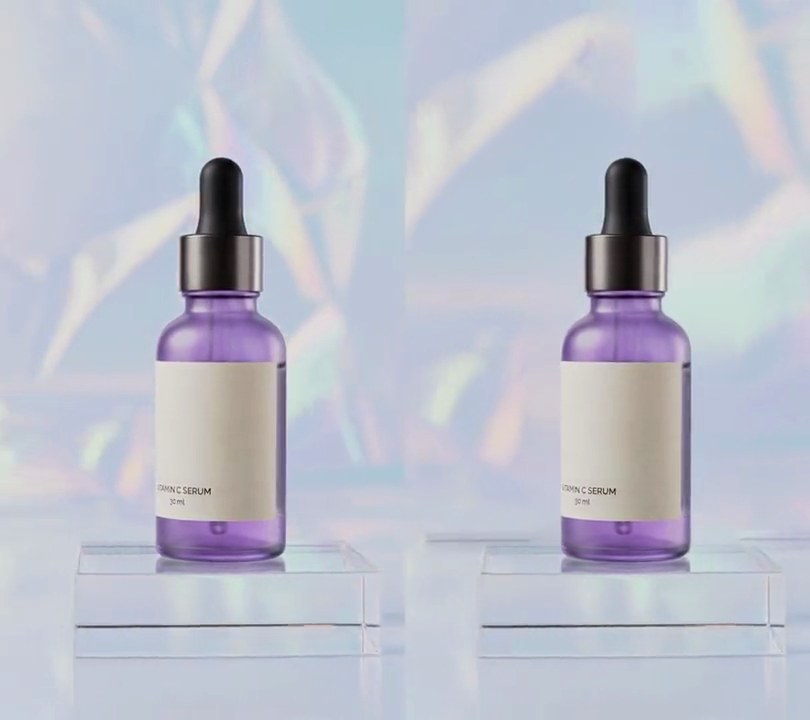
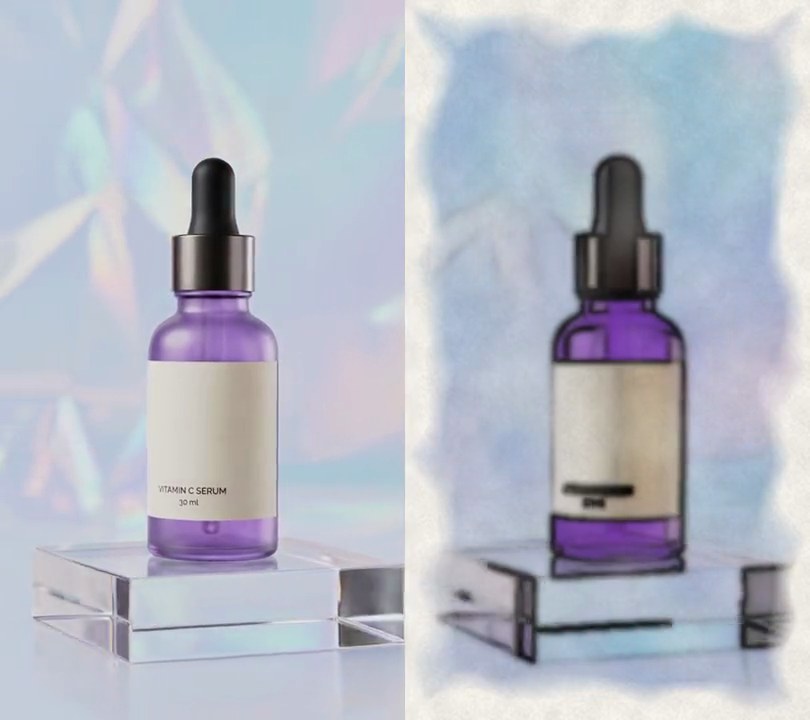
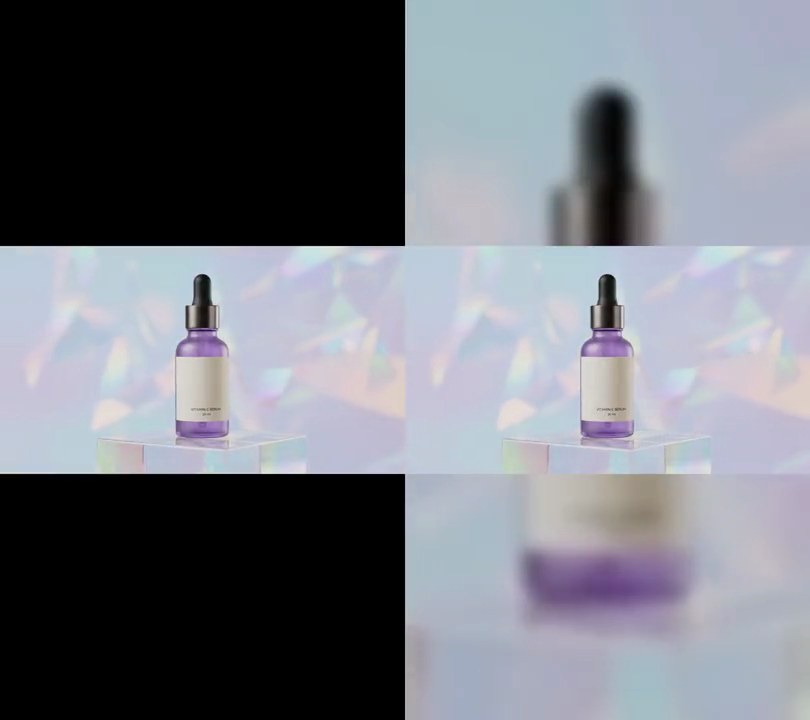
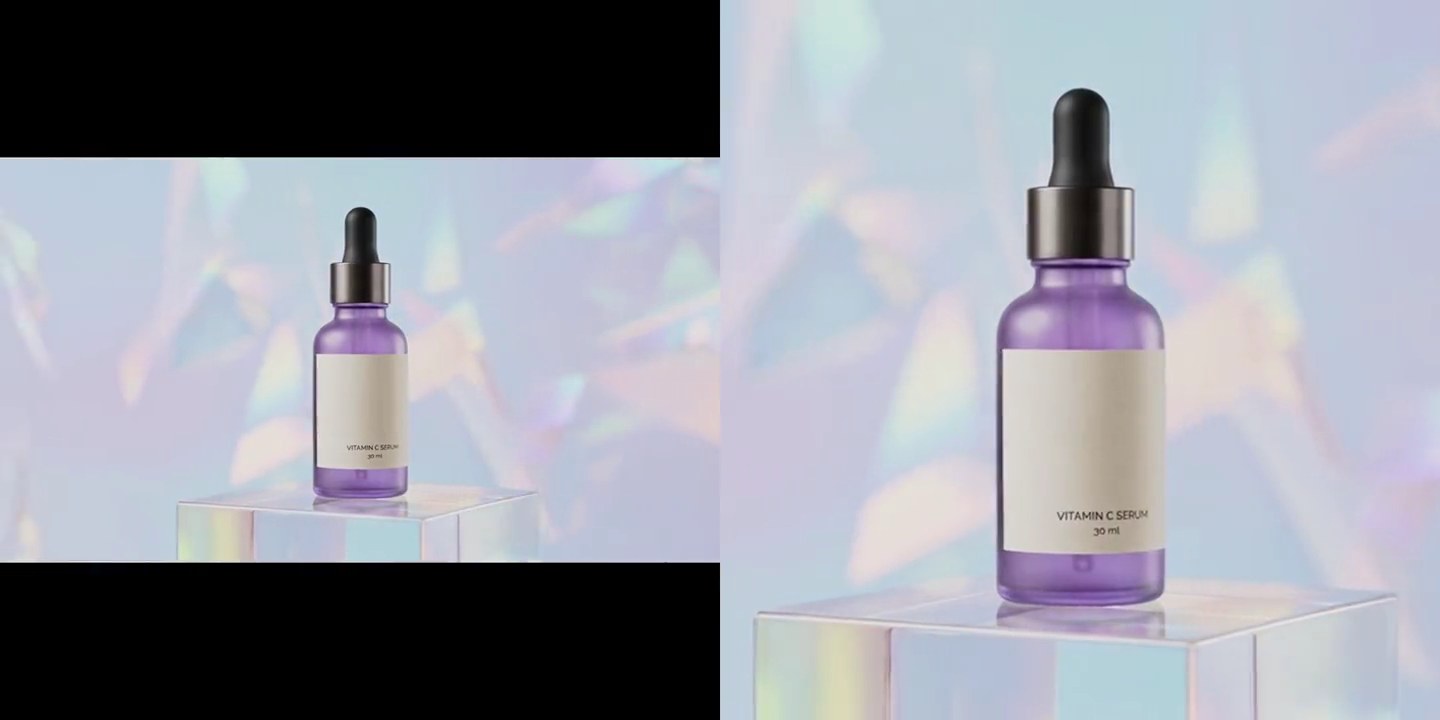
The pale holographic backdrop becomes an 80s sunset sky, violet-magenta at the top fading to hot pink behind the bottle, while the acrylic block and floor glow electric cyan, like a synthwave album cover.
Show the prompt
Give all of input.mp4 a synthwave grade, on every frame from start to end. For each pixel (RGB, 0-255): take its brightness Y = 0.299R + 0.587G + 0.114B and work out a tone t = max(Y - 60, 0) / (225 - 60). Then tilt it by height so the top is graded darker and the bottom brighter: subtract a value that runs in a straight line from +0.45 on the top row to -0.45 on the bottom row, and clip t to 0-1. Map t through a three-color gradient: violet (40, 10, 90) at t = 0, hot pink (235, 40, 150) at t = 0.8 and cyan (30, 205, 240) at t = 1, blending linearly between them. Then add a neon glow: multiply the graded frame by t, blur it with a Gaussian blur of radius 12 pixels (Pillow's GaussianBlur), and add 0.3 times that blur back onto the graded frame, clipping to 0-255. The top 12% of the frame should come out violet-magenta around RGB (170, 30, 140), the band from 30% to 50% down hot pink around (225, 60, 180), and the bottom 15% glowing cyan around (40, 255, 255), with none of the original pale blue-white backdrop (around 193, 203, 214) left. Do it in Python with numpy and Pillow, piping raw frames from and back to ffmpeg. Add no text (any text you do add should be drawn with Pillow, not ffmpeg's drawtext). Keep the size, 30fps frame rate, 6 second length and audio the same, encode H.264 yuv420p and save it as output.mp4.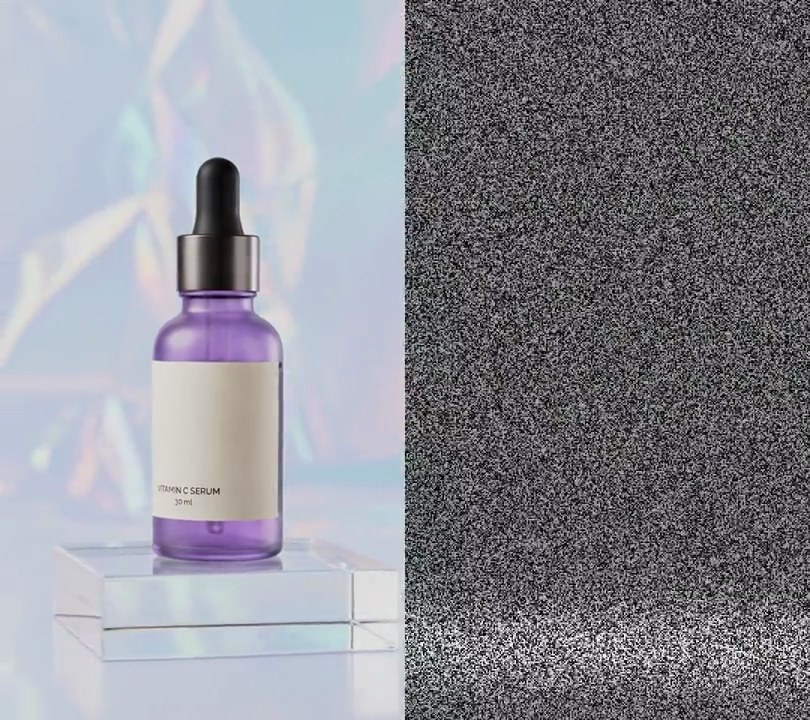
5. TV static
At 2 seconds the picture dissolves into hissing black-and-white snow with a bright band rolling down it, then tunes back in a second later.
Show the prompt
Add a burst of TV static to input.mp4. Use Python with numpy and ffmpeg, working frame by frame at 30fps. The static runs from 2.0s to 3.2s: it fades in over 0.2 seconds (2.0s to 2.2s), fully covers the picture from 2.2s to 3.0s, and fades out over 0.2 seconds (3.0s to 3.2s), mixed as (1 - p) * picture + p * static. Leave every frame outside 2.0s to 3.2s untouched. Static is black-and-white snow: a random gray value from 0 to 255 for every 2x2 pixel block, new each frame, multiplied by 0.75 plus 0.4 times a horizontal Gaussian band (width 6% of the frame height) that rolls down the screen at 1.5 screen heights per second and wraps back to the top, with every odd row darkened to 80% for scan lines. Sound: keep the clip's audio, turned down to 20% volume from 2.0s to 3.2s, and mix in a white-noise hiss at amplitude 0.2 over the same 1.2 seconds with 0.2 second fades in and out, without normalizing. Use a fixed random seed so it repeats. Keep the video 6 seconds long and save it as output.mp4 (H.264, yuv420p).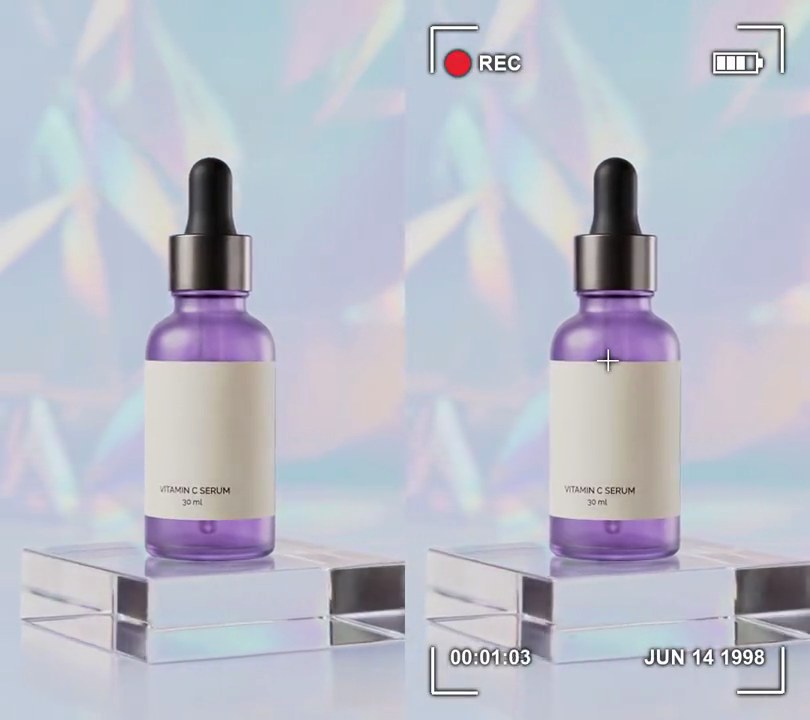
6. Camcorder viewfinder
At half a second white corner brackets snap onto the frame with a blinking red REC dot top left, a battery icon top right, a running 00:00:00 counter bottom left and a "JUN 14 1998" date stamp bottom right, like looking through a 90s home-video camera.
Show the prompt
Add a camcorder viewfinder overlay to input.mp4, all lines and text in white (255, 255, 255) with a soft dark shadow (black, 3-pixel blur) behind them. Before 0.5 seconds the video is untouched; at 0.5s the whole overlay appears at once. Four L-shaped corner brackets, arms 60 pixels long and 4 pixels thick, corners 36 pixels in from each frame edge, and a small 28-pixel cross, 2 pixels thick, centered on the frame. Top left, 48 pixels below the top bracket's line and 34 pixels in from the left one: a red (230, 30, 45) dot with a radius of 3% of the frame width, lit for the first half of every second from 0.5s (on 0.5-1.0s, off 1.0-1.5s, and so on), with "REC" in bold white 12 pixels to its right (it stays when the dot blinks off). Top right at the same height, its right edge 34 pixels inside the right bracket: a battery outline 11% of the frame width wide and 5% tall, 3 pixels thick, with a small nub on the right and 3 of 4 bars filled. Bottom row, 48 pixels above the bottom bracket's line and 24 pixels inside the brackets: a running mm:ss:ff counter that starts at 00:00:00 at 0.5s on the left and "JUN 14 1998" right-aligned on the right. Text is bold, 5% of the frame width tall. Leave the middle of the footage unchanged. Draw it with Python and Pillow (don't use ffmpeg's drawtext filter), composite it with ffmpeg, keep the audio, and save it as output.mp4 at 30fps.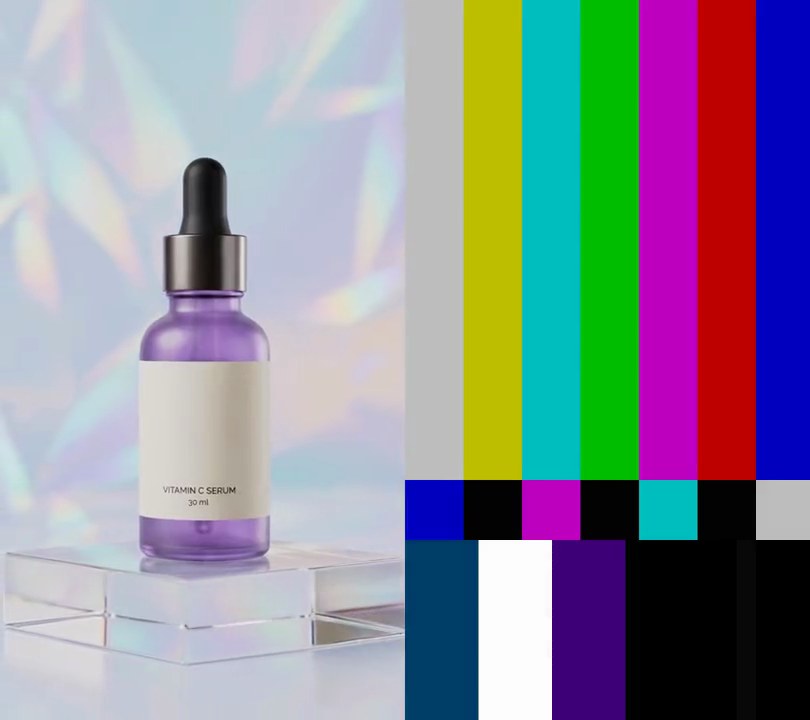
7. Color bars test pattern
Seven vertical TV test bars, from gray and yellow through cyan, green, magenta and red to blue, hold the screen for 1.5 seconds over a steady beep, then hard cut to the clip.
Show the prompt
Put a 1.5 second SMPTE color bars leader in front of input.mp4: 1.5 seconds of standard SMPTE color bars at the clip's full size (ffmpeg's smptebars source; seven 75% bars across the top two thirds: gray, yellow, cyan, green, magenta, red, blue, left to right) with a steady 1000 Hz sine tone at volume 0.2, then a hard cut to the clip, which plays in full from its first frame with its own audio. The output is 7.5 seconds, 30fps. Use ffmpeg, keep the audio, and save it as output.mp4 (H.264, yuv420p).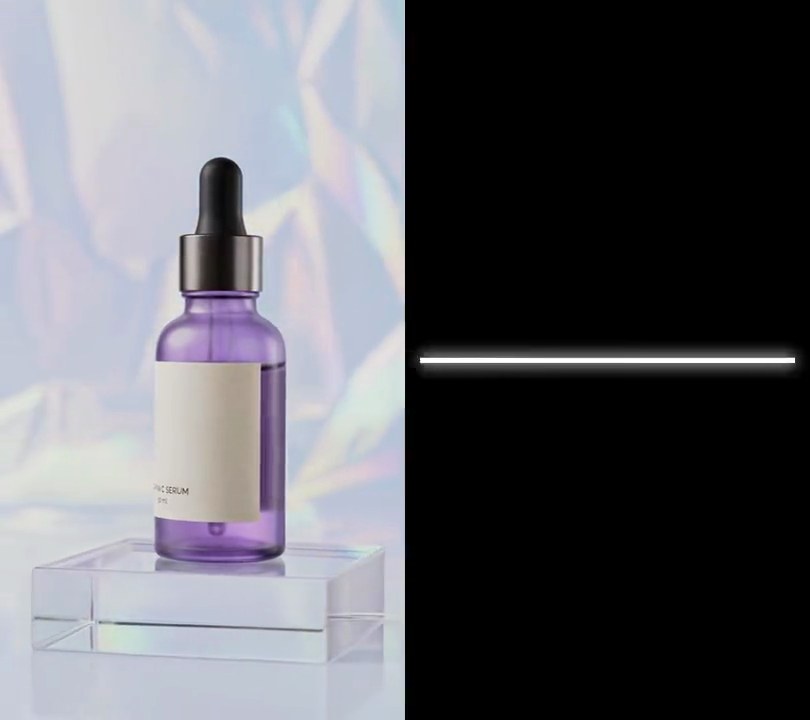
8. TV turn off
At 4 seconds the picture squeezes from top and bottom into a glowing white line across the middle, the line pulls in to a dot, and the dot fades to a black screen.
Show the prompt
Add an old CRT TV turn-off to input.mp4 at 4 seconds. From 4.0 to 4.25 seconds, squeeze the picture vertically toward the center line (height eases from 100% down to a 6-pixel line, scaling with progress squared) while blending it toward pure white (255, 255, 255), with black above and below. From 4.25 to 4.55 seconds, show a pure white horizontal line 6 pixels thick centered vertically, shrinking from the full frame width to a 14-pixel dot in the center, with a soft white glow around it (Gaussian blur radius 10). From 4.55 to 5.0 seconds, the dot shrinks to half its size and fades out. After 5.0 seconds, the screen stays black to the end. Leave everything before 4 seconds untouched. Use Python with Pillow and numpy to draw the frames (don't use ffmpeg's drawtext filter), keep the audio but fade it out from 4.0 to 4.55 seconds, keep the size and frame rate, and save it as output.mp4.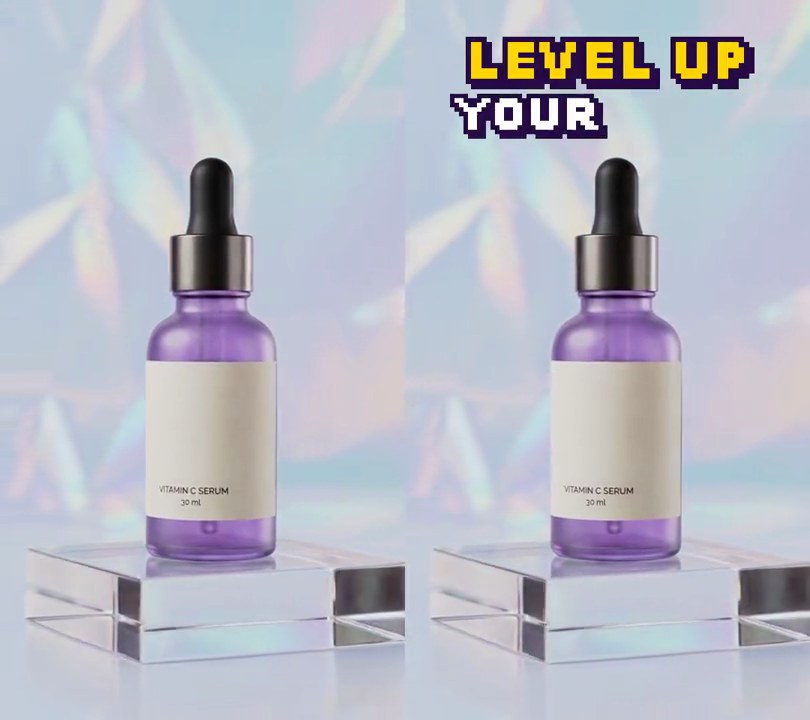
9. 8-bit pixel text
Chunky yellow "LEVEL UP" and white "YOUR GLOW" in square-pixel arcade letters with a dark purple outline land one letter at a time at the top, each letter blinking on, off and on as it lands.
Show the prompt
Add 8-bit pixel text to input.mp4. Two lines, each drawn with Pillow at a 10-pixel font size (Arial Black) with antialiasing off, then scaled up with nearest-neighbor so every font pixel becomes a solid square block: "LEVEL UP" in yellow (255, 214, 0) with 7-pixel blocks, centered horizontally with its middle 8% of the way down, and "YOUR GLOW" in white (255, 255, 255) with 6-pixel blocks, centered with its middle 15.5% down. Give the letters a dark purple (40, 12, 70) outline one block thick plus the same color offset one block down and right as a hard shadow. The letters land one at a time, left to right, every 0.1 seconds: "LEVEL UP" starting at 0.5 seconds and "YOUR GLOW" at 1.4 seconds. Each new letter blinks for its first 3 frames: shown, hidden, shown. Nothing is added before 0.5 seconds, the letters stay to the end, and the video behind them is untouched. Draw the text with Python and Pillow (don't rely on ffmpeg's drawtext filter), composite it with ffmpeg, keep the size, 30fps and audio, and save it as output.mp4.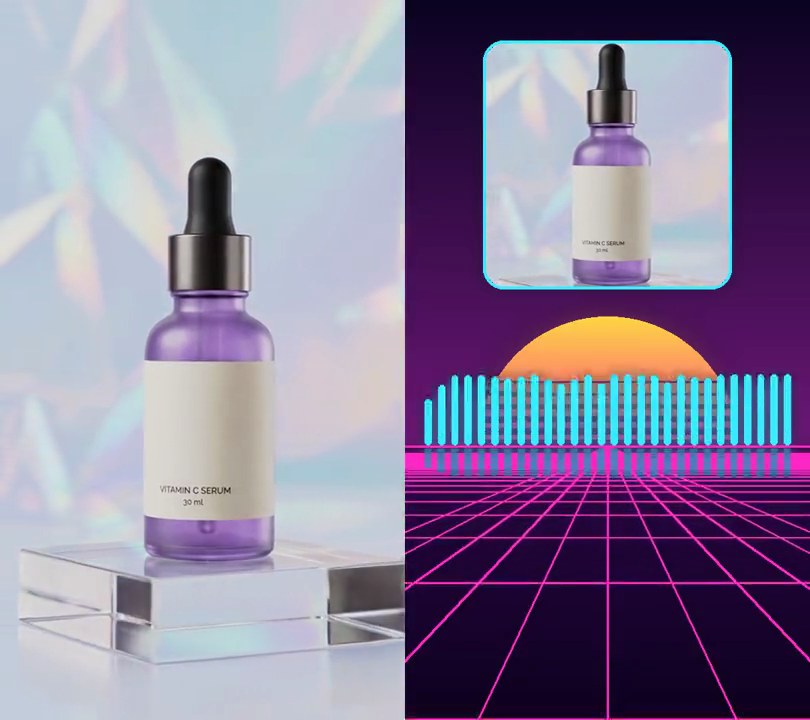
10. Retro grid visualizer
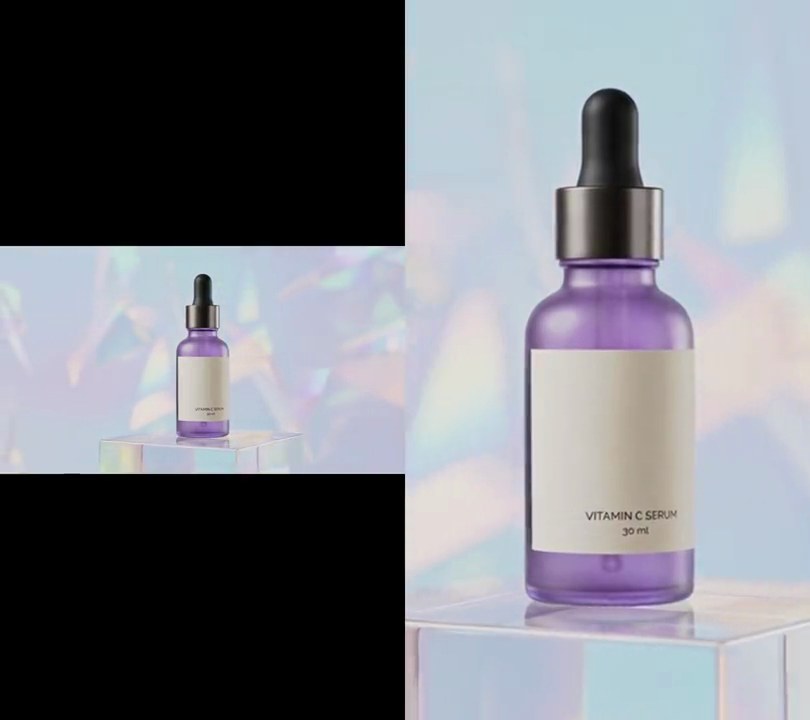
The clip shrinks into a glowing square card above a synthwave sunset: a striped yellow-to-pink sun sits on the horizon, a magenta grid floor rolls one row toward you every beat, and a row of cyan bars along the horizon leaps with the kick and hi-hats.
Show the prompt
Turn input.mp4 into a synthwave music visualizer driven by its own audio, on every frame from start to end. Build the scene in Python with numpy and Pillow: the horizon sits 62% of the way down. The sky above is a vertical gradient from (12, 4, 35) at the top to (110, 25, 120) at the horizon; the floor below runs from (45, 8, 75) at the horizon to (14, 2, 30) at the bottom. A half sun 64% of the frame width across sits on the horizon, centered across, colored from (255, 215, 70) at its top to (255, 60, 140) at the horizon, with 6 horizontal stripes cut through its lower half that get thicker toward the horizon, and a soft glow around it. The floor has a magenta (255, 40, 200) perspective grid with a 3-pixel line along the horizon: 11 lines fanning out from the center of the horizon to the bottom edge, spaced 32% of the frame width apart at the bottom, and horizontal rows where a row at distance z sits (bottom - horizon) / z below the horizon, rows at z = n - shift for n = 1, 2, 3..., with shift = (time / 0.5) mod 1 so the grid scrolls exactly one row toward the viewer every 0.5 seconds; rows are max(2, round(6 / z)) pixels thick. Along the horizon stand 28 cyan (60, 235, 255) bars with rounded tops, spread from 4% to 96% across, each half its slot wide, standing on the horizon and at most 10% of the frame height tall, with a faint 30%-opacity reflection 0.4 times their height on the floor below. Bar heights come from an FFT of the audio: for each video frame take a 4096-sample Hann window centered on that frame's time, split 60 Hz to 12 kHz into 28 log-spaced bands (low notes on the left), convert each band's average magnitude to decibels, and scale each band so its 99th-percentile level over the clip is full height and 36 dB below that is empty; bars rise instantly and fall back by keeping 80% of their height per frame. Give the grid and bars an 8-pixel glow. Put the clip's center square (full width, centered vertically) scaled to 60% of the frame width in a card centered across with its top 6% down, with rounded corners and a 4-pixel cyan (60, 235, 255) glowing border. Pipe raw frames from and back to ffmpeg. Add no text (any text should be drawn with Pillow, not ffmpeg's drawtext). Keep the size, a 30fps frame rate, the 6 second length and the audio, encode H.264 yuv420p and save it as output.mp4.