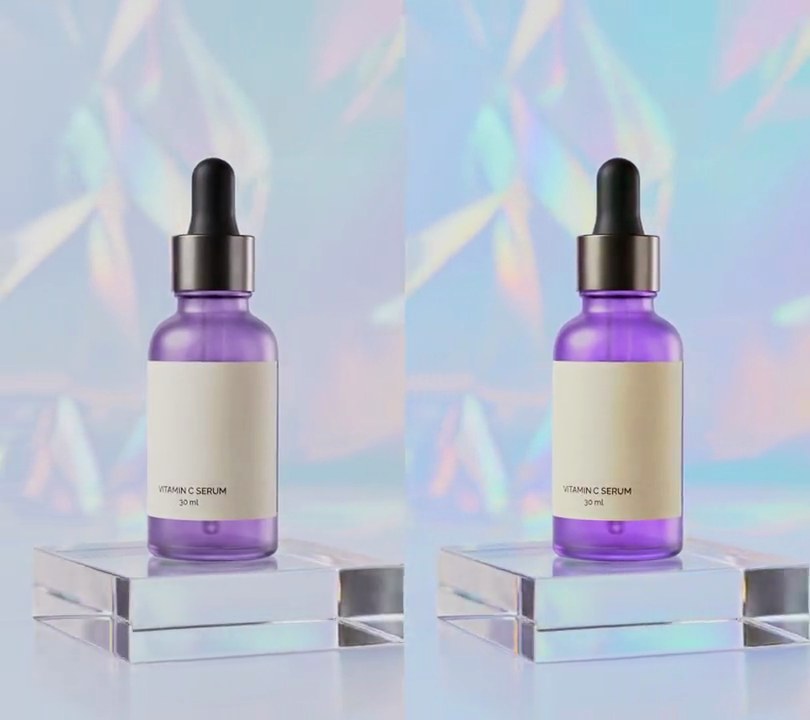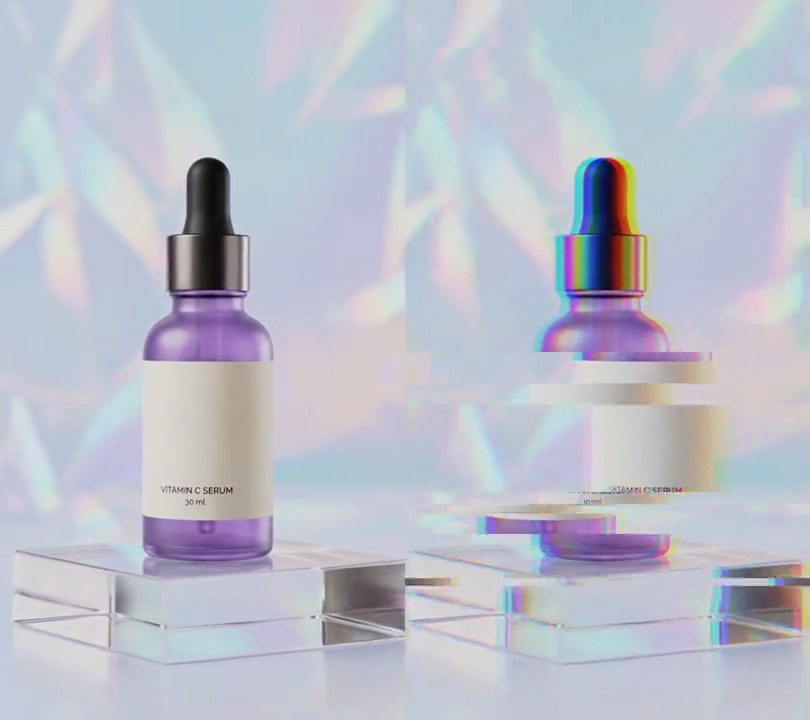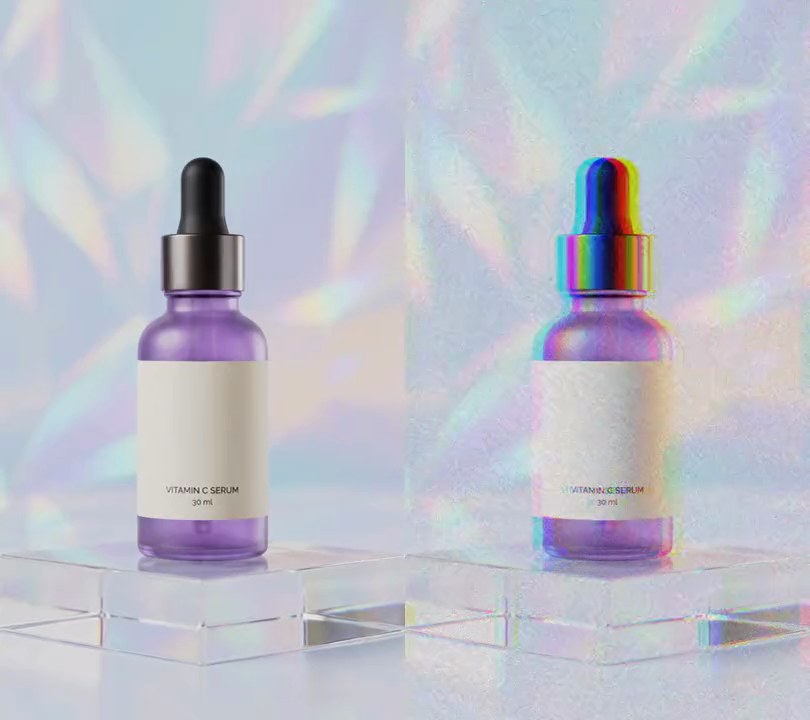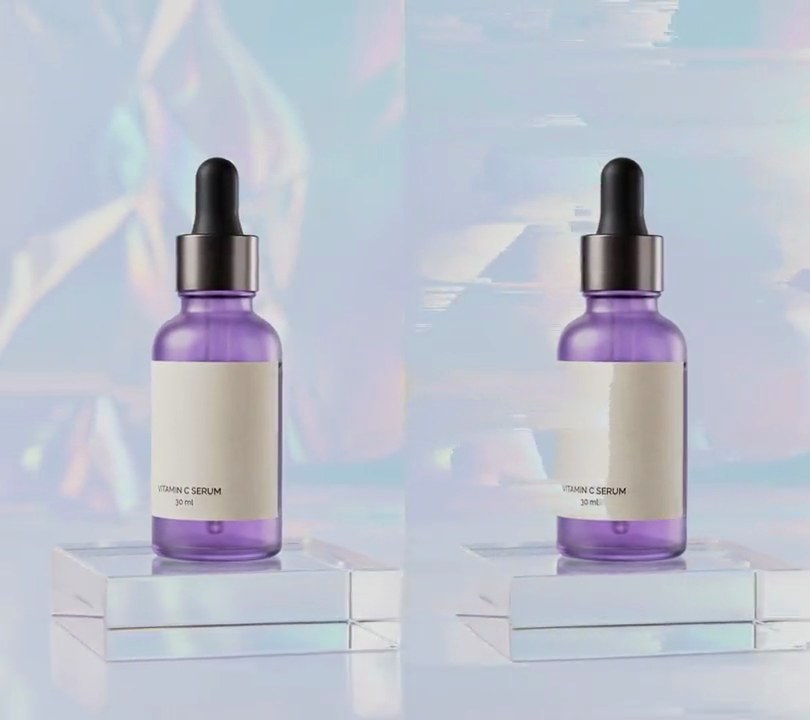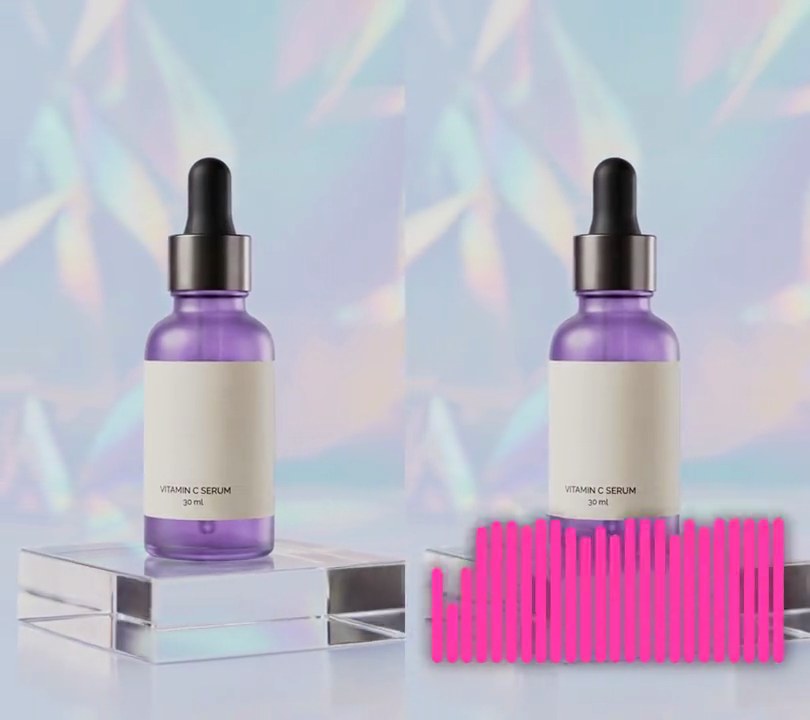
1. Spectrum bars visualizer
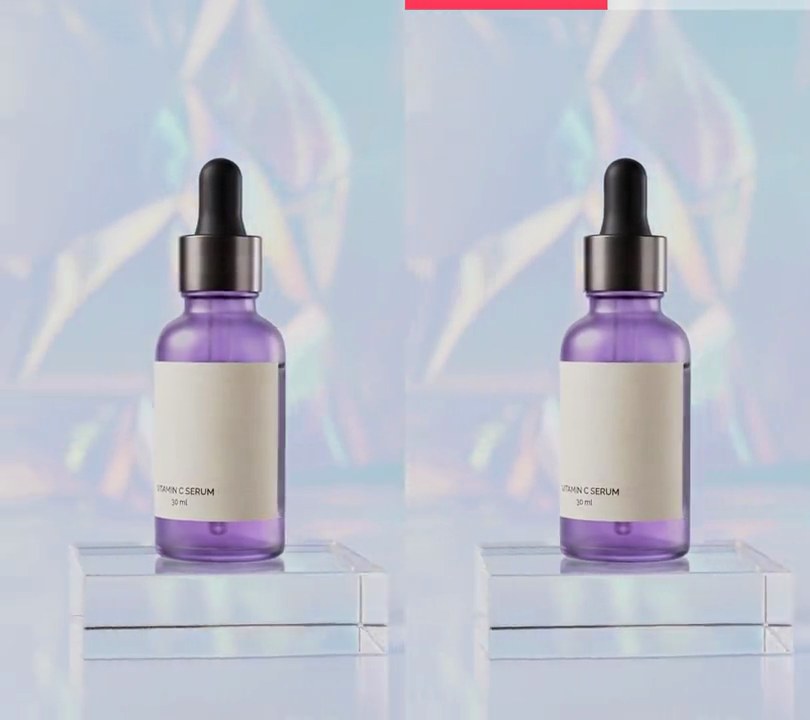
Twenty-four glowing pink bars along the bottom jump with the music: the bass bars on the left leap on each kick drum and the bars on the right flick up with the hi-hats.
Show the prompt
Add a spectrum bars visualizer to input.mp4, driven by its own audio. Draw 24 bars in pink (255, 60, 170) in a row from 6% to 94% across the frame, each taking 65% of its slot with rounded ends, standing on a baseline 92% of the way down and at most 20% of the frame height tall, with a soft 10-pixel glow. Bar heights come from an FFT of the audio: for each video frame take a 4096-sample Hann window centered on that frame's time, split 40 Hz to 12 kHz into 24 log-spaced bands (low notes on the left), convert each band's average magnitude to decibels, and scale each band so its 99th-percentile level over the clip is full height and 36 dB below that is empty. Bars rise instantly and fall back by keeping 80% of their height per frame; an empty bar still shows as a small dot. Use Python with numpy for the FFT and Pillow to draw the bars, and ffmpeg to put them on the video (don't rely on ffmpeg's drawtext filter), keep the audio, and save it as output.mp4.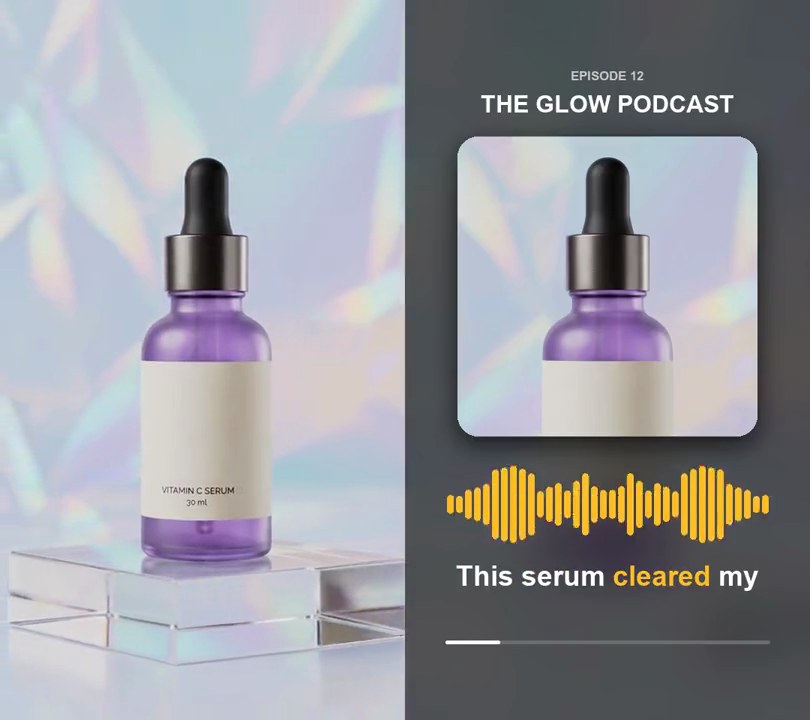
2. Audiogram
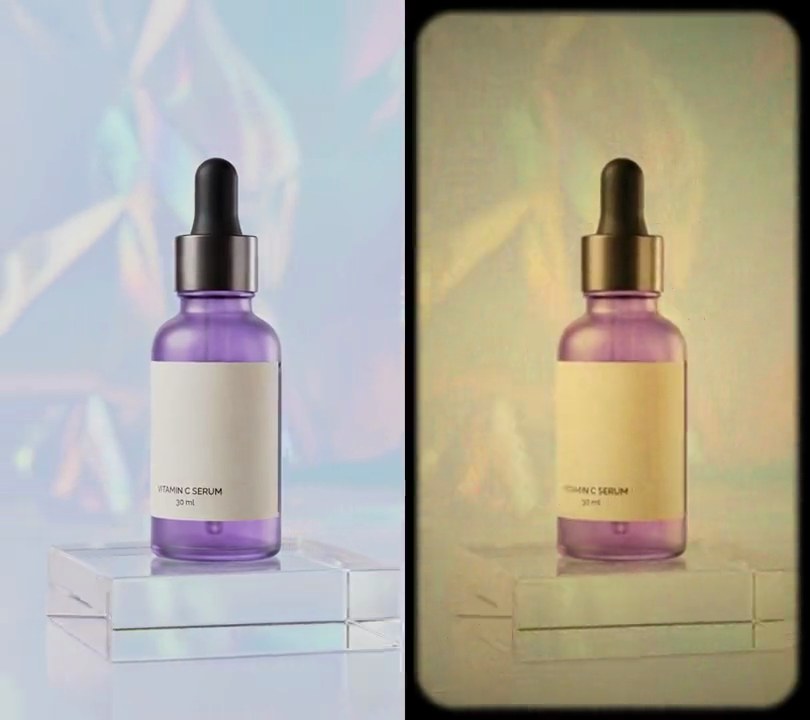
The clip freezes into a rounded square cover under a "THE GLOW PODCAST" title, while a row of amber bars jumps with the voice below it and the transcribed words appear underneath, the one being said lit in amber.
Show the prompt
Turn input.mp4 (540x960, 30fps, 6 seconds, with a voiceover) into a podcast audiogram: a still picture with a live waveform and captions, same size and length, keeping the audio. Take the first frame as the only picture. Background: that frame blurred with a Gaussian blur of radius 6% of the frame width (32 px) and darkened to 40% brightness. Cover: a 400x400 square cut from the first frame at x=70, y=182 (centered across, top edge 19% down) and pasted back at the same spot, unscaled, with 27 px rounded corners and a soft black shadow under it (170/255 opacity, offset 11 px down, blurred 16 px). Above it, centered across, draw "EPISODE 12" in light gray (200, 200, 200) bold text 17 px tall centered 10.5% down the frame and "THE GLOW PODCAST" in white bold text 32 px tall centered 14.5% down. Waveform: 36 amber (255, 190, 40) bars with fully rounded ends spread evenly from 10% to 90% across the frame (each bar 60% of its 12 px slot wide), centered 70% down the frame, each extending up and down from that line by its level times 6% of the frame height, never less than a round dot. For the levels, read the audio as mono 48 kHz, and for each frame take a Hann-windowed 2048-sample FFT centered on the frame's time; split 80 Hz to 6 kHz into 18 bands spaced evenly in pitch, take each band's mean magnitude, divide it by that band's largest value over the whole clip and take the square root; smooth each band frame by frame, closing 70% of the gap when it rises and 25% when it falls. Mirror the 18 bands so the lowest sits in the middle and the highest at both ends. Captions: transcribe the audio with faster-whisper (model "base.en", device cpu, compute_type int8, word_timestamps=True), group the words into lines of at most 4, and show each line from its first word's start until 0.4 seconds after its last word ends, or until the next line starts, with nothing after the last line. Draw each line in white bold text 37 px tall, centered across with its center 80% down the frame, with the word being spoken in the same amber. Along the bottom, centered 89% down, draw a 4 px gray (110, 110, 110) track from 10% to 90% across with a white fill that grows from the left edge to the right edge over the clip's length. Draw everything with Pillow (don't use ffmpeg's drawtext filter), encode H.264 yuv420p at 30fps, keep the input's audio and save it as output.mp4.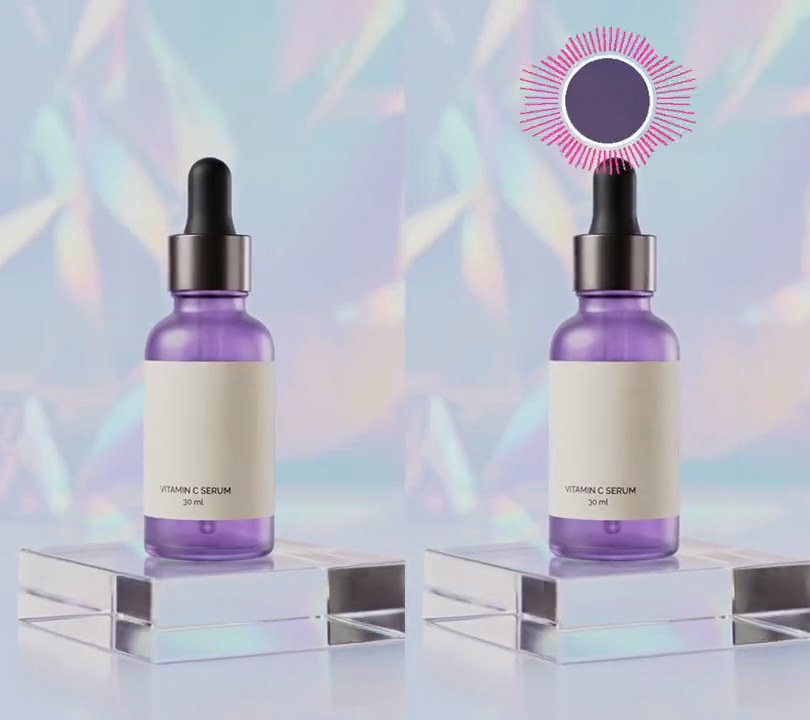
3. Circular audio visualizer
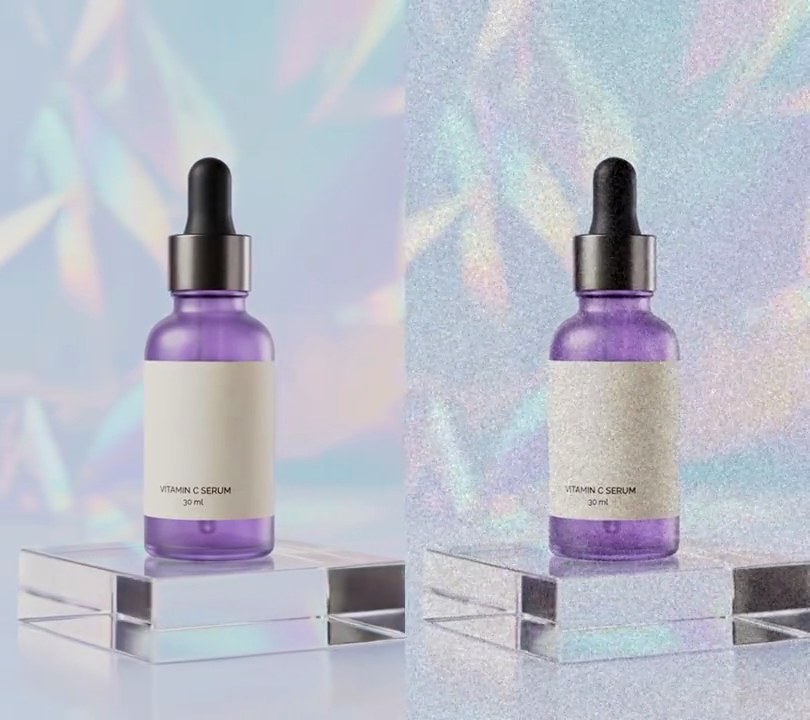
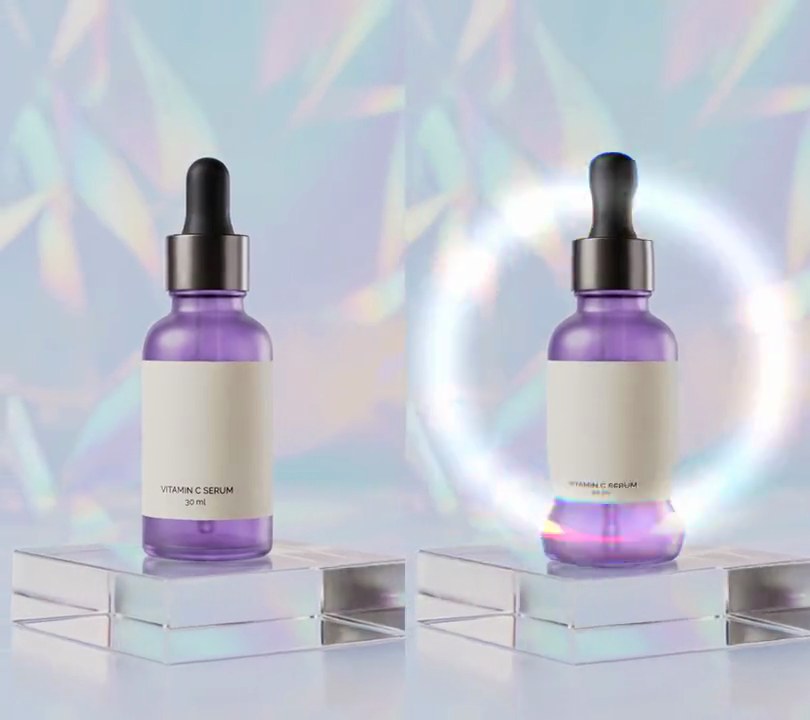
Pink frequency bars fan out around a white ring above the product, shooting out and swelling the ring on every drum hit, then shrinking back between beats.
Show the prompt
Add a circular audio visualizer to input.mp4 (540x960, 30fps), driven by its own soundtrack. Center a circle at 50% across and 14% down the frame. Fill it with a dark purple disc (40, 10, 60) at about 67% opacity, 92% of the ring's radius, and draw a white (255, 255, 255) ring around it 4 pixels thick. The ring's radius is 10% of the frame width, growing by up to 15% with the bass loudness. Around it draw 64 pink (255, 60, 170) bars pointing straight outward, starting 6 pixels outside the ring, each about 55% as wide as the gap between bars. For each video frame, take a Hann-windowed 2048-sample FFT of the mono audio at 48 kHz centered on that frame, split 40 Hz to 8,000 Hz into 16 log-spaced bands, take each band's peak, convert to dB against the loudest band in the whole clip and map -50 dB..0 dB to 0..1. A bar is 4 pixels plus that value times 10% of the frame width; bars jump up at once and fall to no less than 75% of the previous frame's height. Repeat the 16 bands in each quarter of the circle so bass sits at the left and right and treble at the top and bottom, mirrored. Use Python with numpy and Pillow to draw it and ffmpeg to put it on the video (don't rely on ffmpeg's drawtext filter), keep the audio, and save it as output.mp4.
4. Audio waveform
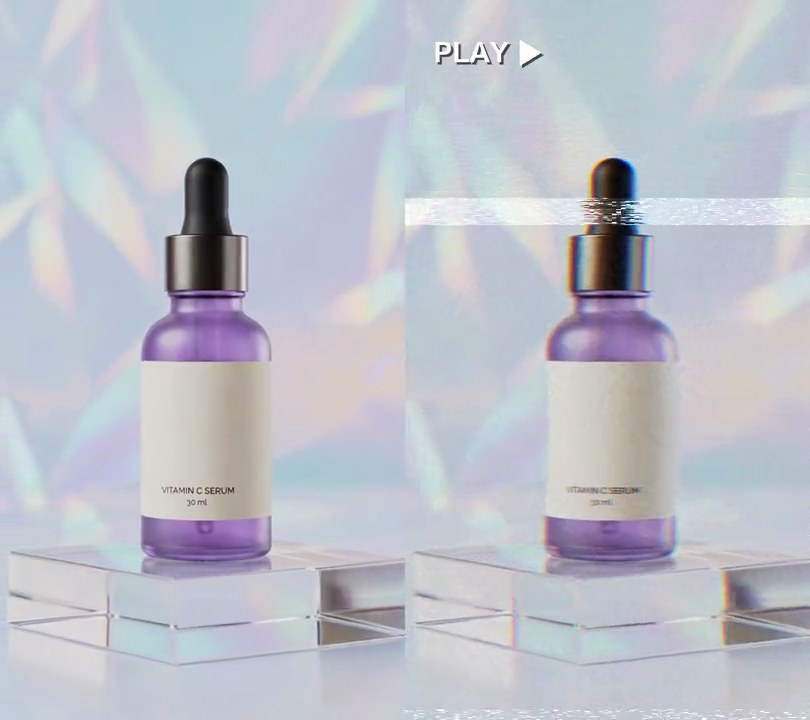
A glowing cyan waveform scrolls left across a dark strip under the bottle, spiking on each drum hit and flattening in the gaps between them.
Show the prompt
Add an audio waveform to input.mp4 (540x960, 30fps, with a drum track). From 0.5 seconds, fading in over 0.3 seconds, show a dark strip across the full width, 14% of the frame height tall and centered 86% down the frame: black at 110/255 opacity. On it draw the soundtrack's waveform as a scrolling envelope: the strip shows the last 1.5 seconds of sound with the newest sound at the right edge, so it scrolls left. For each pixel column take the peak absolute sample in that slice of time, divide by the loudest sample in the clip, take the square root, and draw a line that far above and the same distance below the strip's center, reaching up to 45% of the strip height each way. Draw both lines 3 pixels wide in cyan (40, 240, 255), fill between them with the same cyan at 70/255 opacity, and add a glow: a copy of the lines blurred with a 6 pixel Gaussian under them. During silence it is a flat cyan line along the center. Nothing is drawn before 0.5 seconds. Use Python with numpy and Pillow to read the audio and draw it and ffmpeg to put it on the video (don't use ffmpeg's drawtext filter), keep the audio, and save it as output.mp4.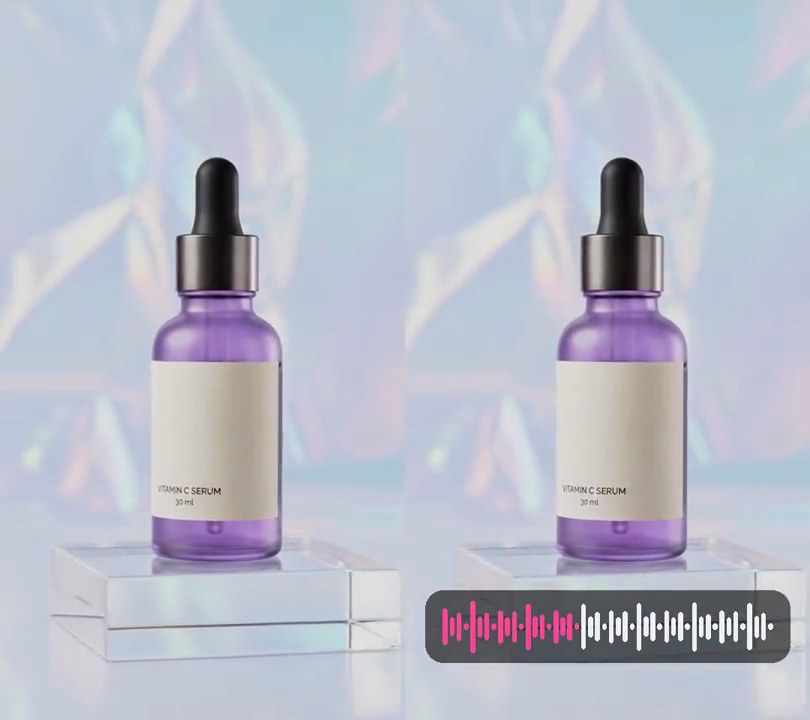
5. Waveform progress bar
The whole soundtrack sits under the bottle as a row of white bars, tall on each drum hit, that turn pink from left to right as the track plays.
Show the prompt
Add a waveform progress bar to input.mp4 (540x960, 30fps, 6 seconds, with a drum track). Read the whole soundtrack as mono, split it into 48 equal slices in time, and take each slice's peak absolute sample divided by the loudest sample in the clip, then its square root, with a floor of 0.12. Near the bottom draw a dark rounded panel: black at 150/255 opacity, from 5% to 95% across the frame, 10% of the frame height tall, centered 87% down, corner radius a quarter of its height. Inside it draw the 48 values as vertical bars with fully rounded ends, evenly spaced from 9% to 91% across the frame (each bar 60% of its slot wide), centered vertically on the panel's center, each reaching value x 36% of the panel height above and below the center. Bars still to come are (240, 240, 245); the playhead runs from 9% to 91% across over the full length of the video (at 9% on the first frame, at 91% on the last), and everything left of it is drawn in pink (255, 70, 150) instead, so a bar can be part pink at the playhead. The panel is there from the first frame and nothing else in the frame changes. Use Python with numpy and Pillow to read the audio and draw it and ffmpeg to put it on the video (don't use ffmpeg's drawtext filter), keep the audio, and save it as output.mp4.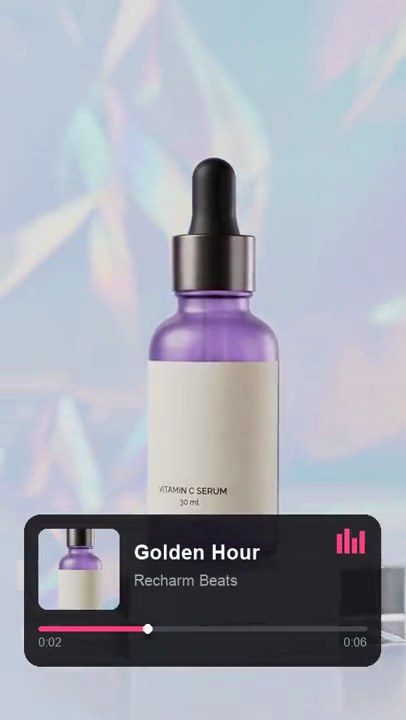
6. Music player overlay
A dark now-playing card slides up with cover art, "Golden Hour" by Recharm Beats, a pink progress bar creeping across and level bars bouncing on every beat.
Show the prompt
Add a now-playing music card to input.mp4 (540x960), with beat times in beats.json ("beats": list of seconds). The card is 475x203 pixels, color (18, 18, 22) at 88% opacity with 22-pixel rounded corners, centered across with its center 82% down the frame. It slides up from 240 pixels lower and fades in, starting at 0.4 seconds and taking 0.45 seconds with an ease-out, then stays. Inside, 19 pixels from the card's top-left: a 108-pixel square of cover art with 11-pixel rounded corners, cut as the center 324x324 square of the video's frame at 1.0 second. Right of it, starting 146 pixels into the card: the title "Golden Hour" in bold white 27-pixel text (baseline 60 pixels from the card top) and "Recharm Beats" in regular 20-pixel gray (170, 170, 178) text (baseline 95 pixels down). Below the cover, 149 pixels from the card top: a 6-pixel-tall rounded progress bar from 19 to 456 pixels across the card, gray (70, 70, 78) track and pink (255, 64, 129) fill reaching (current time / video length) of the way across, with a 12-pixel white knob at the end of the fill. Under the bar, elapsed time ("0:02") at the left and the video length ("0:06") at the right in 16-pixel gray. In the card's top-right corner, 19 pixels in: four pink (255, 64, 129) level bars 6 pixels wide and 4 pixels apart, bottom-aligned, up to 32 pixels tall; on each beat time they jump to (0.2 + 0.8 x weight) of that height, weights 0.7, 1.0, 0.5, 0.85, and between beats they fall back to 20% by keeping 80% of the bounce each frame. Draw it with Python and Pillow and put it on the video with ffmpeg (don't use ffmpeg's drawtext filter), keep the audio, and save it as output.mp4.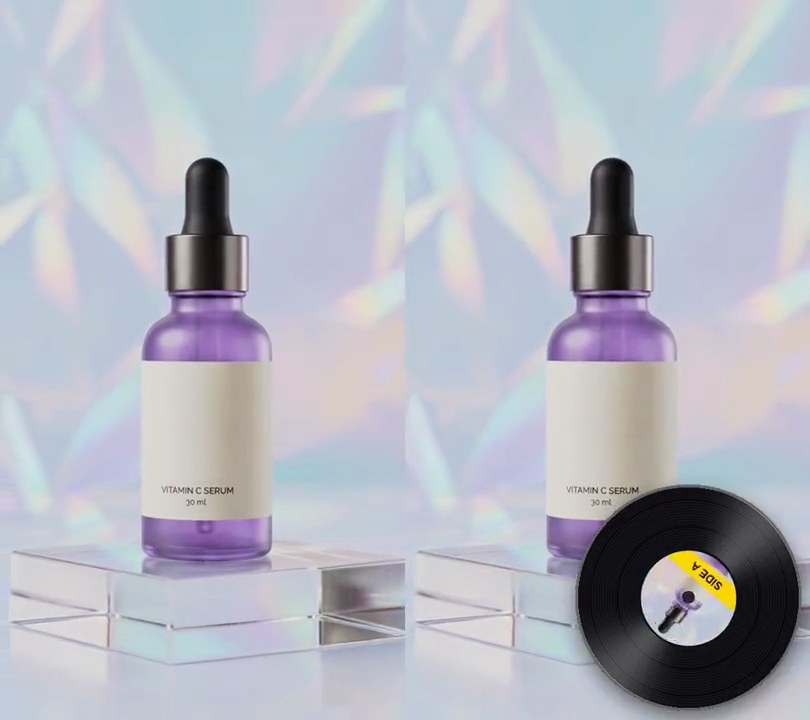
7. Spinning vinyl record
A glossy black record with the product shot as its label turns clockwise in the bottom-right corner at 33 rpm, its yellow "Side A" band circling once every 1.8 seconds.
Show the prompt
Add a spinning vinyl record to input.mp4. Draw a black (18, 18, 22) record 56% of the frame width across, centered at 70% across and 83% down, with fine concentric grooves, a soft dark drop shadow, a thin bright rim and two soft white highlight wedges on the vinyl (top-right and bottom-left) that stay still while the record turns. Its center label is 42% of the record's width: a square crop of the video's first frame (the full width, from 20% to 76.25% down) masked to a circle, with a yellow (255, 214, 0) band across it from 70% to 90% of the label's height reading "SIDE A" in dark bold text, and a small dark spindle hole 5% of the record's width at the center. Spin the record clockwise at a steady 33 1/3 rpm (200 degrees a second, one turn every 1.8 seconds) for the whole video, starting with the band at the bottom. Use Python with Pillow and numpy to draw it and ffmpeg to put it on the video (don't rely on ffmpeg's drawtext filter), keep the audio, and save it as output.mp4.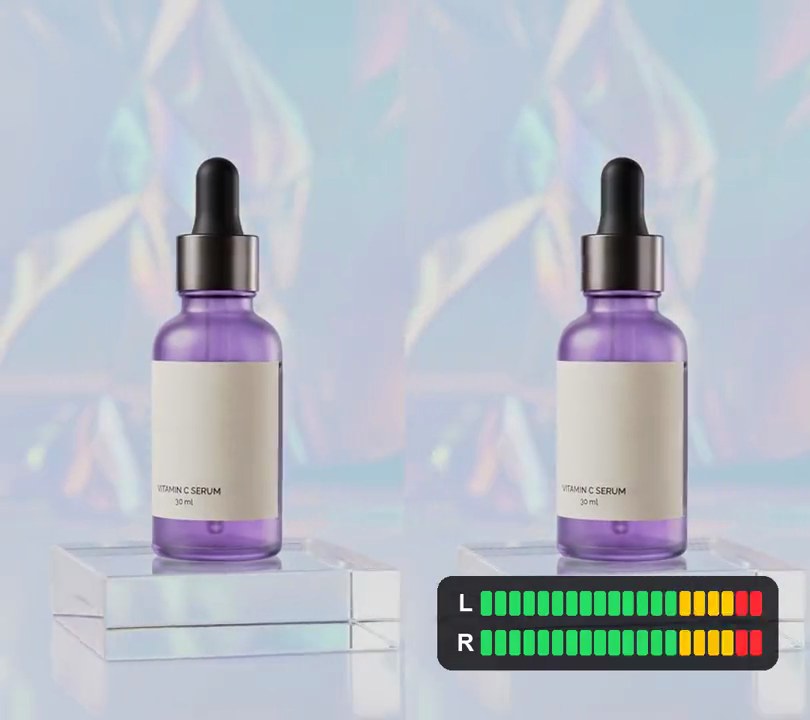
8. VU meter
Two LED level meters marked L and R sit in a dark panel along the bottom, filling green into yellow on the kicks and into red on the loudest hits, then draining between beats under a white peak marker.
Show the prompt
Add a VU meter to input.mp4 that follows its audio. Draw a dark panel, RGB (16, 16, 20) at 82% opacity with rounded corners, from 8% to 92% across and 80% to 93% down the frame. Inside it put two rows of 20 rounded LED segments, labeled "L" and "R" in white bold on the left, one row per audio channel: LEDs 1-14 green (40, 220, 100), 15-18 yellow (255, 200, 0) and 19-20 red (255, 40, 50); unlit LEDs show their color at 22% brightness over the panel. For each frame, take the peak level of the audio in a 0.05-second window centered on that frame, in dB, and map the range from 36 dB below the track's 99th-percentile frame peak up to that peak onto 0-20 lit LEDs. The meter jumps up at once and drains by at most 6% of its length per frame. A white (245, 245, 245) peak marker sits on the highest LED reached in the last 0.4 seconds. Draw the meters with Python and Pillow (not ffmpeg's drawtext filter), composite them onto every frame with ffmpeg, keep the audio, and save it as output.mp4.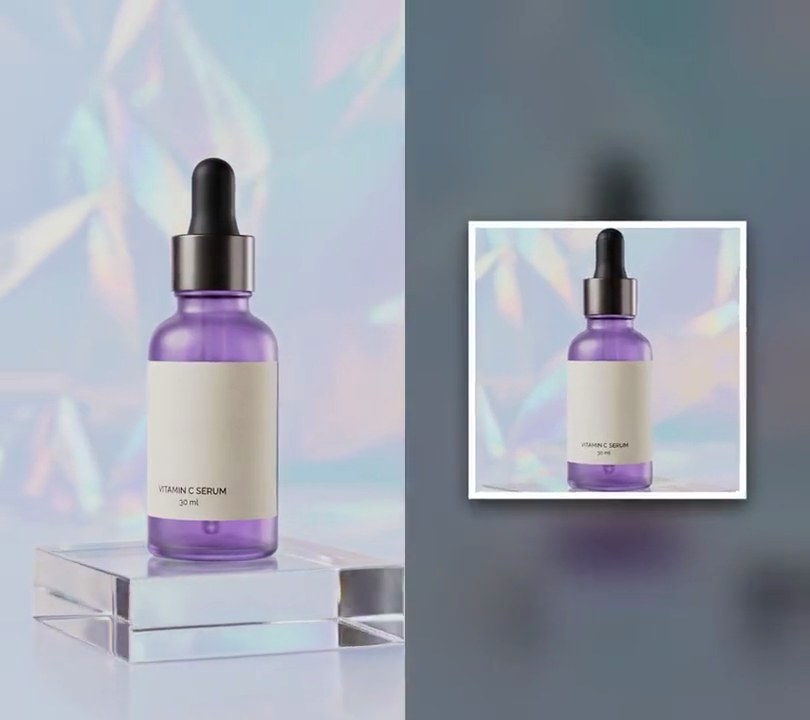
9. Pulsing cover art
A white-framed square cover of the product sits over a blurred, dimmed copy of the video and swells 15% on every kick drum before easing back.
Show the prompt
Make a pulsing cover art video from input.mp4 (it has a drum loop). Background: the video itself with a 30 pixel box blur, saturation doubled and brightness multiplied by 0.55. Cover: a square crop from the center of the video's frame at 1.0 second, drawn 60% of the frame width across (white frame included) with a white (255, 255, 255) border 2.5% of that width and a soft dark drop shadow, centered on the frame. Drive its size from the bass: for each video frame take an FFT of the audio around it, sum the 30-150 Hz band, divide by the loudest frame's value, and let it fall back by multiplying by 0.8 each frame instead of dropping at once; scale the cover by 1 + 0.15 times that, about its center, so it is 15% bigger on each kick and back to its rest size between kicks. Use Python with Pillow and numpy to build the frames and ffmpeg to put them on the video, keep the audio, and save it as output.mp4.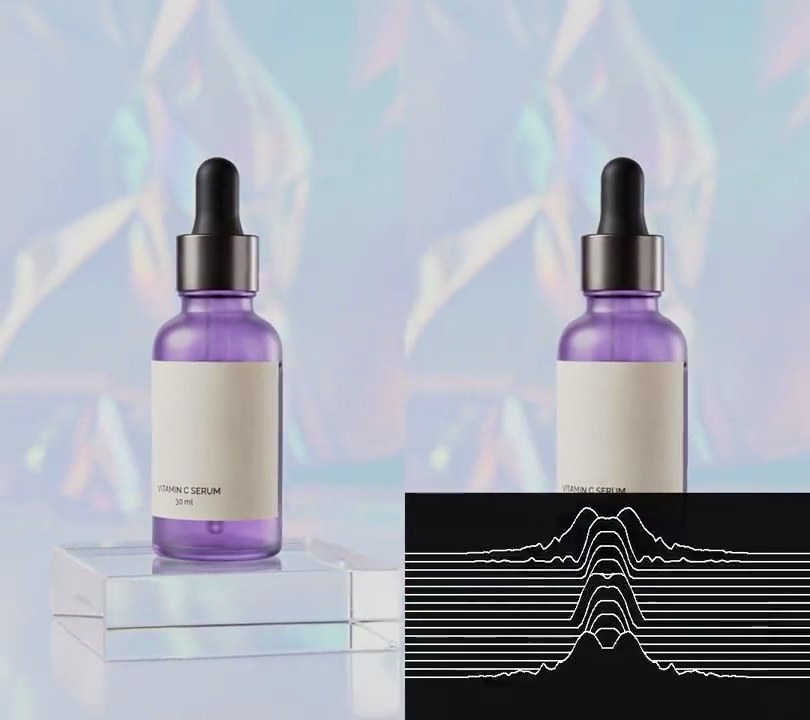
10. Stacked ridgeline waveform
Sixteen thin white lines stacked on a black panel across the bottom third rise into jagged mountain peaks on each drum hit, the newest line at the front and each earlier moment one step further back.
Show the prompt
Add a stacked ridgeline waveform (the Joy Division album cover look) to input.mp4 (540x960, 30fps, with a drum track). From 0.5 seconds, fading in over 0.3 seconds, cover the frame from y=657 to the bottom with a full-width black panel at 230/255 opacity. On it draw 16 white (255, 255, 255) lines, 2 pixels wide, each running the full width: the front line's baseline is at y=902 and each line behind it sits 11 pixels higher. The front line shows the sound right now and each line further back shows the sound 2 frames (1/15 second) earlier, so the ridges move up and back through the stack. For each line take the last 0.05 seconds of audio up to its moment, apply a Hann window and an FFT, and read the magnitude at 40 log-spaced frequencies from 50 Hz to 10 kHz. Convert to dB relative to the loudest band anywhere in the clip, map -45 dB to 0 and 0 dB to 1 (clip below 0), and mirror the 40 values so the bass is in the middle of the line and the highs run out to both ends. Spread them over the middle 76% of the width (from x=65 to x=475), multiply by sin(pi*p)^2 where p goes 0 to 1 across that span so the ends taper to flat, and raise the line by up to 64 pixels. Lines whose moment is before 0.5 seconds stay flat, and in silence a line is flat. Draw the lines back to front and fill below each line with the panel's black so it hides the lines behind it. Nothing is drawn before 0.5 seconds and nothing above the panel. Use Python with numpy and Pillow to read the audio and draw the lines and ffmpeg to put them on the video (don't use ffmpeg's drawtext filter), keep the audio, and save it as output.mp4.