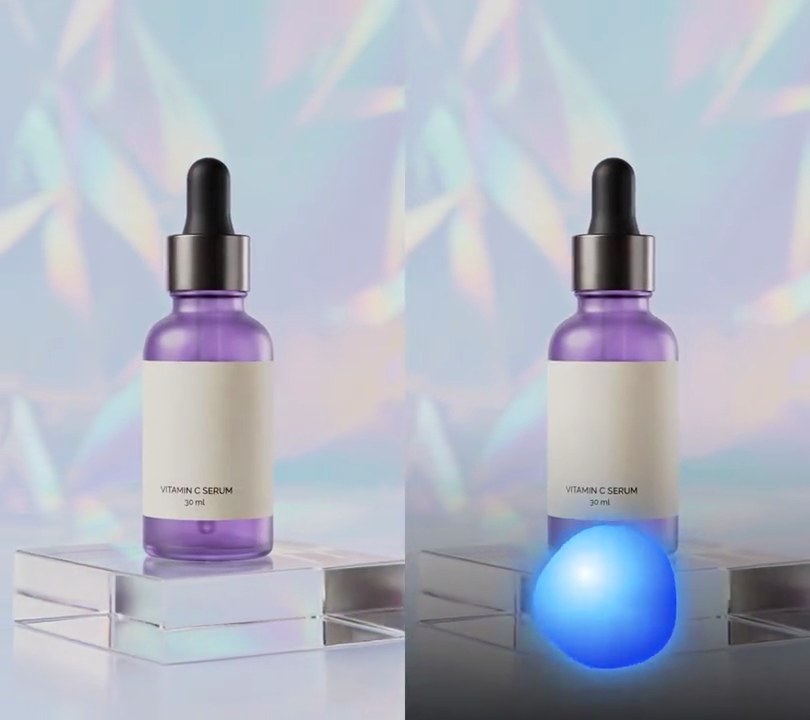
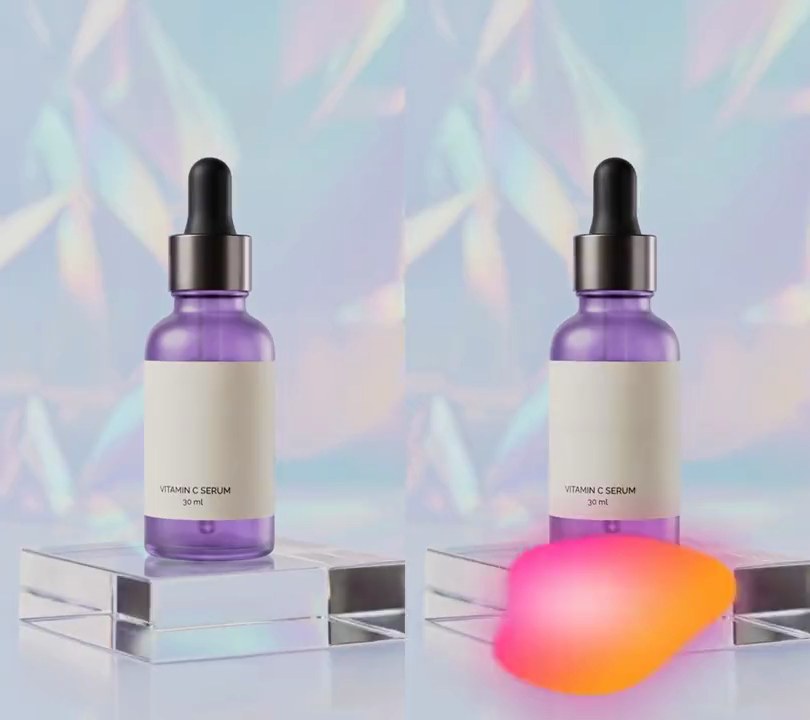
Get this effect
Switch to Code in your Claude Desktop App
Install the skill (once)
Show the prompt
Install the Recharm video effects skill: download https://recharm-growth-staging.s3.us-east-2.amazonaws.com/website/downloads/recharm-video-effects.zip and unzip it into ~/.claude/skillsAsk for the effect
Add a circular audio visualizer to input.mp4
Bars around the circle (a multiple of 4): 64
Circle center, as shares across and down the frame: 0.5, 0.14

Several videos, several effects, one ask
Put your clips in the folder, mention them with @, and ask for everything at once. Claude runs one tested script after another on each clip, then joins them.
Add a circular audio visualizer to @clip1.mp4, put a sale badge on @clip2.mp4, give @clip3.mp4 a VHS look, then join all three with crossfades.
Settings you can change
Ask Claude to change any of these, or edit them at the top of the script.
| Setting | Default | What it does |
|---|---|---|
BARS | 64 | Bars around the circle (a multiple of 4). |
X, Y | 0.5, 0.14 | Circle center, as shares across and down the frame. |
RADIUS | 0.10 | Ring radius as a share of the frame width. |
BAR_LENGTH | 0.10 | Longest bar as a share of the frame width. |
PULSE | 0.15 | How much bigger the ring gets on a loud beat. |
BAR_COLOR | (255, 60, 170) | Bar color. |
RING_COLOR | (255, 255, 255) | Ring color. |
DISC_COLOR | (40, 10, 60, 170) | See-through dark disc inside the ring; the last number is opacity (0-255). |
LOW_HZ, HIGH_HZ | 40, 8000 | Frequency range the bars cover. |
RELEASE | 0.75 | How slowly bars fall back after a hit (0-1, higher is slower). |
RANGE_DB | 50 | Loudness range from no bar to a full-length bar. |
RATE | 48000 | Audio sample rate the analysis uses. |
Without the skill
Don’t want to install the skill? Paste this prompt into Claude Code and Claude writes the script itself.
Show the prompt
Add a circular audio visualizer to input.mp4 (540x960, 30fps), driven by its own soundtrack. Center a circle at 50% across and 14% down the frame. Fill it with a dark purple disc (40, 10, 60) at about 67% opacity, 92% of the ring's radius, and draw a white (255, 255, 255) ring around it 4 pixels thick. The ring's radius is 10% of the frame width, growing by up to 15% with the bass loudness. Around it draw 64 pink (255, 60, 170) bars pointing straight outward, starting 6 pixels outside the ring, each about 55% as wide as the gap between bars. For each video frame, take a Hann-windowed 2048-sample FFT of the mono audio at 48 kHz centered on that frame, split 40 Hz to 8,000 Hz into 16 log-spaced bands, take each band's peak, convert to dB against the loudest band in the whole clip and map -50 dB..0 dB to 0..1. A bar is 4 pixels plus that value times 10% of the frame width; bars jump up at once and fall to no less than 75% of the previous frame's height. Repeat the 16 bands in each quarter of the circle so bass sits at the left and right and treble at the top and bottom, mirrored. Use Python with numpy and Pillow to draw it and ffmpeg to put it on the video (don't rely on ffmpeg's drawtext filter), keep the audio, and save it as output.mp4.Run it without Claude
This is the exact script we tested. Save it as circular-audio-visualizer.py and run:
python3 circular-audio-visualizer.py input.mp4 output.mp4Show the script
#!/usr/bin/env python3
"""Circular audio visualizer: pink bars radiate from a white ring that swells on every beat of the soundtrack.

Usage: python3 circular-audio-visualizer.py input.mp4 output.mp4  (the input needs an audio track)
Needs ffmpeg, numpy and Pillow (pip install numpy pillow).
"""
import json
import math
import subprocess
import sys

import numpy as np
from PIL import Image, ImageDraw

BARS = 64                   # bars around the circle (a multiple of 4)
X, Y = 0.5, 0.14            # circle center (0-1 across and down the frame)
RADIUS = 0.10               # ring radius as a share of the frame width
BAR_LENGTH = 0.10           # longest bar as a share of the frame width
PULSE = 0.15                # how much the ring grows on a loud beat (0.15 = 15% bigger)
BAR_COLOR = (255, 60, 170)  # bar color
RING_COLOR = (255, 255, 255)
DISC_COLOR = (40, 10, 60, 170)  # see-through dark disc inside the ring (last number is opacity, 0-255)
LOW_HZ, HIGH_HZ = 40, 8000  # frequency range the bars cover, bass first
RELEASE = 0.75              # how much of a bar's height carries over to the next frame as the sound dies away
RANGE_DB = 50               # loudness range the bars show, from silent (no bar) to full length
RATE = 48000                # audio sample rate the analysis uses


def probe(path):
    info = json.loads(subprocess.check_output(["ffprobe", "-v", "error", "-select_streams", "v:0", "-show_entries",
                                               "stream=width,height,r_frame_rate:format=duration", "-of", "json", path]))
    s = info["streams"][0]
    num, den = s["r_frame_rate"].split("/")
    return s["width"], s["height"], s["r_frame_rate"], float(num) / float(den), float(info["format"]["duration"])


def spectrum_per_frame(src, frames):
    """One row of BARS // 4 band heights (0-1) per video frame, from an FFT of the audio around that frame."""
    pcm = subprocess.check_output(["ffmpeg", "-v", "error", "-i", src, "-ac", "1", "-ar", str(RATE), "-f", "f32le", "-"])
    audio = np.frombuffer(pcm, np.float32)
    n = 2048
    window = np.hanning(n)
    freqs = np.fft.rfftfreq(n, 1 / RATE)
    edges = np.geomspace(LOW_HZ, HIGH_HZ, BARS // 4 + 1)
    padded = np.pad(audio, (n // 2, n))
    rows = []
    for i in range(frames):
        start = round(i / fps * RATE)
        mags = np.abs(np.fft.rfft(padded[start:start + n] * window))
        # each band's loudest frequency; the lowest bands are narrower than one FFT bin, so they get at least one
        rows.append([mags[(freqs >= lo) & (freqs < max(hi, lo + freqs[1]))].max() for lo, hi in zip(edges, edges[1:])])
    db = 20 * np.log10(np.array(rows) / max(np.max(rows), 1e-9) + 1e-9)  # 0 dB = loudest moment in the clip
    rows = np.clip(1 + db / RANGE_DB, 0, 1)
    for i in range(1, frames):  # bars jump up at once, then fall back gradually
        rows[i] = np.maximum(rows[i], rows[i - 1] * RELEASE)
    return rows


def overlay(bands):
    # each quarter of the circle shows the spectrum once: bass at the left and right, treble at the top and bottom
    heights = np.concatenate([bands[::-1], bands, bands[::-1], bands])
    img = Image.new("RGBA", (w, h))
    draw = ImageDraw.Draw(img)
    cx, cy = w * X, h * Y
    r = w * RADIUS * (1 + PULSE * bands[:4].mean())  # the bass drives the pulse
    bar_width = max(3, round(2 * math.pi * r / BARS * 0.55))
    draw.ellipse([cx - r * 0.92, cy - r * 0.92, cx + r * 0.92, cy + r * 0.92], fill=DISC_COLOR)
    for k, height in enumerate(heights):
        a = math.pi * 2 * (k + 0.5) / BARS - math.pi / 2
        length = 4 + w * BAR_LENGTH * height
        x0, y0 = cx + math.cos(a) * (r + 6), cy + math.sin(a) * (r + 6)
        x1, y1 = cx + math.cos(a) * (r + 6 + length), cy + math.sin(a) * (r + 6 + length)
        draw.line([x0, y0, x1, y1], fill=BAR_COLOR, width=bar_width)
    draw.ellipse([cx - r, cy - r, cx + r, cy + r], outline=RING_COLOR, width=max(3, w // 120))
    return img


def render(src, out):
    """Draw the visualizer on every frame of src and save to out, keeping the audio."""
    frames = math.ceil(duration * fps)
    spectrum = spectrum_per_frame(src, frames)
    ff = subprocess.Popen(["ffmpeg", "-y", "-v", "error", "-i", src,
                           "-f", "rawvideo", "-pix_fmt", "rgba", "-s", f"{w}x{h}", "-r", rate, "-i", "-",
                           "-filter_complex", "[0:v][1:v]overlay=shortest=1,format=yuv420p[v]",
                           "-map", "[v]", "-map", "0:a?", "-c:v", "libx264", "-crf", "18", "-c:a", "copy", out],
                          stdin=subprocess.PIPE)
    for i in range(frames):
        ff.stdin.write(overlay(spectrum[i]).tobytes())
    ff.stdin.close()
    if ff.wait():
        sys.exit("ffmpeg failed")


src, out = sys.argv[1:3]
w, h, rate, fps, duration = probe(src)
render(src, out)