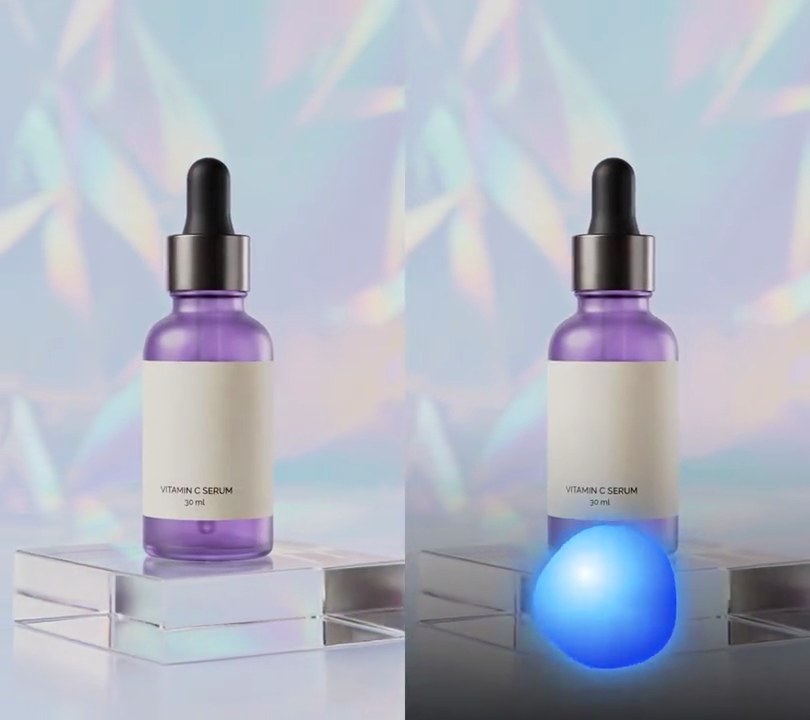
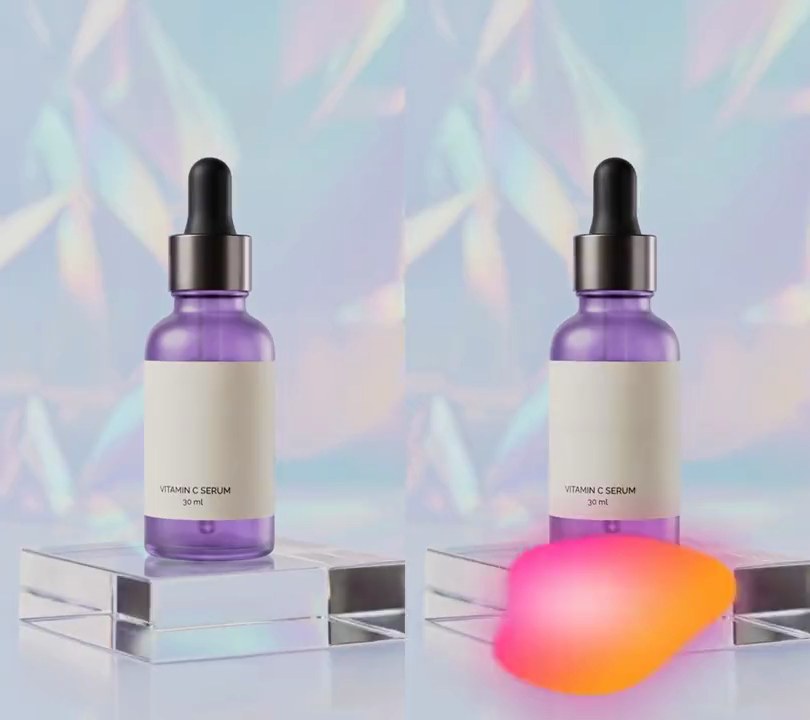
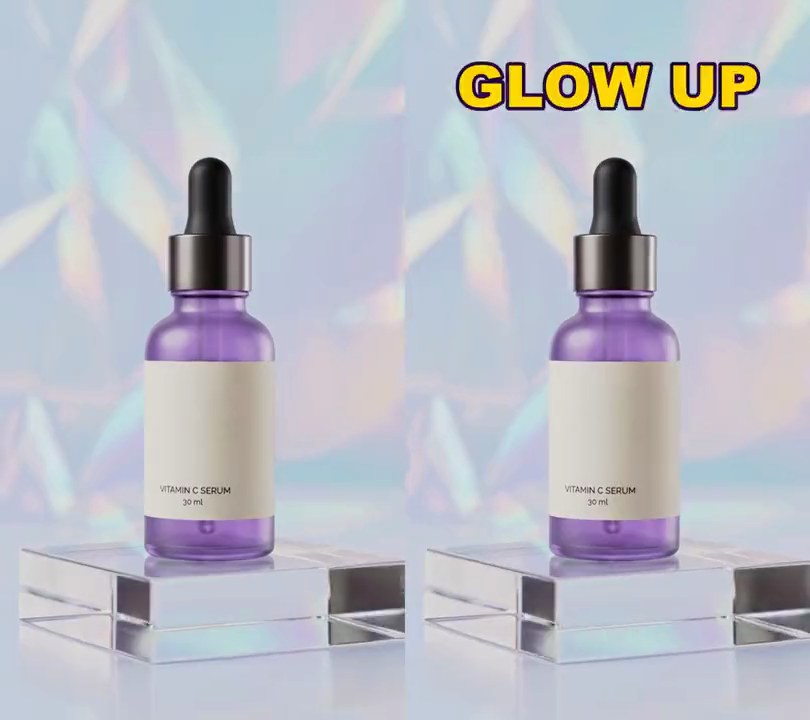
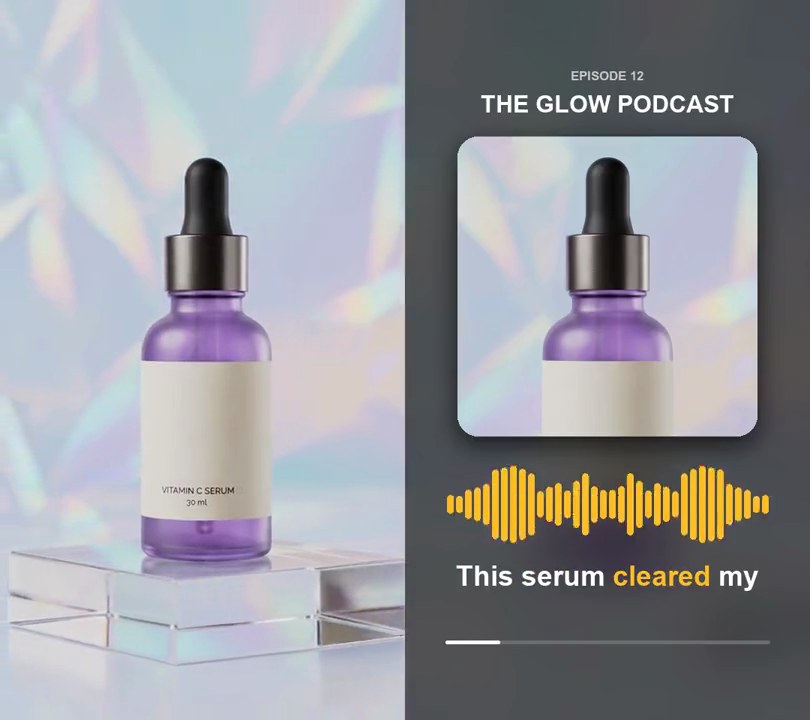
Get this effect
Switch to Code in your Claude Desktop App
Install the skill (once)
Show the prompt
Install the Recharm video effects skill: download https://recharm-growth-staging.s3.us-east-2.amazonaws.com/website/downloads/recharm-video-effects.zip and unzip it into ~/.claude/skillsAsk for the effect
Add audio-reactive particles to input.mp4
Where the bursts start (0-1 across and down the frame): 0.5, 0.50
Dots per bass hit: 40

Several videos, several effects, one ask
Put your clips in the folder, mention them with @, and ask for everything at once. Claude runs one tested script after another on each clip, then joins them.
Add audio-reactive particles to @clip1.mp4, put a sale badge on @clip2.mp4, give @clip3.mp4 a VHS look, then join all three with crossfades.
Settings you can change
Ask Claude to change any of these, or edit them at the top of the script.
| Setting | Default | What it does |
|---|---|---|
X, Y | 0.5, 0.50 | Where the bursts start (0-1 across and down the frame). |
COUNT | 40 | Dots per bass hit. |
SPEED | 2.4 | Launch speed of the fastest dot, in frame widths per second. |
LIFE | 1.6 | Seconds a dot lasts before it has faded out. |
SIZE | 0.012 | Dot radius as a share of the frame width, between hits. |
SWELL | 1.6 | Extra size on a full-strength bass hit. |
COLORS | (255, 196, 40), (255, 236, 170) | Dot colors. |
LOW_HZ, HIGH_HZ | 30, 150 | The bass band that drives the dots. |
THRESHOLD | 0.5 | How loud the bass must get, as a share of its loudest, to count as a hit. |
Without the skill
Don’t want to install the skill? Paste this prompt into Claude Code and Claude writes the script itself.
Show the prompt
Add audio-reactive particles to input.mp4. Measure the bass loudness at each video frame: the FFT energy between 30 and 150 Hz in a 4096-sample window centered on the frame (audio at 48 kHz mono), divided by the loudest frame so it runs 0 to 1. Every frame where that level rises past 0.5, launch 40 dots from 50% across and 50% down the frame, in random directions, at a random speed of 0.3 to 1.0 times 2.4 frame widths per second (times the bass level), slowing with drag so each dot travels (1 - e^(-3t)) / 3 of that speed, plus an upward drift of 0.06 frame widths per second. Each dot lives 1.6 seconds, with opacity (1 - age/1.6)^1.5. Color the dots gold (255, 196, 40) or pale gold (255, 236, 170) and give each a random size of 0.6 to 1.2 times a radius of 1.2% of the frame width multiplied by (1 + 1.6 x the current bass level), so they swell on each kick and shrink between kicks. Add a soft glow by drawing a 6-pixel Gaussian-blurred copy of the dots under them. Use Python with numpy for the FFT and Pillow to draw the dots, and ffmpeg to put them on the video (don't rely on ffmpeg's drawtext filter), keep the audio, and save it as output.mp4.Run it without Claude
This is the exact script we tested. Save it as audio-reactive-particles.py and run:
python3 audio-reactive-particles.py input.mp4 output.mp4Show the script
#!/usr/bin/env python3
"""Audio-reactive particles: glowing gold dots burst out of the product on every bass hit, swell with the kick, then drift and fade.

Usage: python3 audio-reactive-particles.py input.mp4 output.mp4  (the input needs an audio track)
Needs ffmpeg, numpy and Pillow (pip install numpy pillow).
"""
import json
import math
import subprocess
import sys

import numpy as np
from PIL import Image, ImageDraw, ImageFilter

X, Y = 0.5, 0.50                  # where the bursts start (0-1 across and down the frame)
COUNT = 40                        # dots per bass hit
SPEED = 2.4                       # launch speed of the fastest dot, in frame widths per second
DRAG = 3.0                        # how quickly a dot slows from its burst into a drift (higher = sooner)
RISE = 0.06                       # upward drift, in frame widths per second
LIFE = 1.6                        # seconds a dot lasts before it has faded out
SIZE = 0.012                      # dot radius as a share of the frame width, between hits
SWELL = 1.6                       # extra size on a full-strength bass hit (1.6 = 2.6 times as big)
COLORS = [(255, 196, 40), (255, 236, 170)]  # gold and pale gold dots
GLOW = 6                          # glow blur radius in pixels
LOW_HZ, HIGH_HZ = 30, 150         # the bass band that drives the dots
THRESHOLD = 0.5                   # a hit is the bass rising past this share of its loudest level
RATE = 48000                      # audio sample rate the analysis uses
SEED = 7                          # change for a different scatter


def probe(path):
    info = json.loads(subprocess.check_output(["ffprobe", "-v", "error", "-select_streams", "v:0", "-show_entries",
                                               "stream=width,height,r_frame_rate:format=duration", "-of", "json", path]))
    s = info["streams"][0]
    num, den = s["r_frame_rate"].split("/")
    return s["width"], s["height"], s["r_frame_rate"], float(num) / float(den), float(info["format"]["duration"])


def bass_per_frame(src, frames):
    """Bass loudness (0-1) at each video frame, from an FFT of the audio around it."""
    pcm = subprocess.check_output(["ffmpeg", "-v", "error", "-i", src, "-ac", "1", "-ar", str(RATE), "-f", "f32le", "-"])
    audio = np.frombuffer(pcm, np.float32)
    n = 4096
    freqs = np.fft.rfftfreq(n, 1 / RATE)
    band = (freqs >= LOW_HZ) & (freqs <= HIGH_HZ)
    levels = []
    for i in range(frames):
        center = round(i / fps * RATE)
        chunk = audio[max(0, center - n // 2):center + n // 2]
        chunk = np.pad(chunk, (0, n - len(chunk)))
        levels.append(np.abs(np.fft.rfft(chunk * np.hanning(n)))[band].sum())
    levels = np.array(levels)
    return levels / max(levels.max(), 1e-9)


def spawn_particles(bass):
    """One burst of COUNT dots at every frame where the bass rises past THRESHOLD."""
    rng = np.random.default_rng(SEED)
    particles = []
    for i, level in enumerate(bass):
        if level >= THRESHOLD and (i == 0 or bass[i - 1] < THRESHOLD):
            for _ in range(COUNT):
                angle = rng.uniform(0, 2 * math.pi)
                speed = SPEED * w * rng.uniform(0.3, 1.0) * level
                particles.append({"born": i / fps, "vx": speed * math.cos(angle), "vy": speed * math.sin(angle),
                                  "size": rng.uniform(0.6, 1.2), "color": COLORS[rng.integers(len(COLORS))]})
    return particles


def overlay(i):
    t = i / fps
    radius_scale = w * SIZE * (1 + SWELL * bass[i])
    img = Image.new("RGBA", (w, h))
    draw = ImageDraw.Draw(img)
    for p in particles:
        age = t - p["born"]
        if not 0 <= age < LIFE:
            continue
        travel = (1 - math.exp(-DRAG * age)) / DRAG        # fast burst that eases into a drift
        x = w * X + p["vx"] * travel
        y = h * Y + p["vy"] * travel - RISE * w * age
        r = radius_scale * p["size"]
        alpha = round(255 * (1 - age / LIFE) ** 1.5)
        draw.ellipse([x - r, y - r, x + r, y + r], fill=p["color"] + (alpha,))
    glow = img.filter(ImageFilter.GaussianBlur(GLOW))
    glow.alpha_composite(img)
    return glow


def render(src, out):
    """Draw overlay(i) on every frame of src and save to out, keeping the audio."""
    ff = subprocess.Popen(["ffmpeg", "-y", "-v", "error", "-i", src,
                           "-f", "rawvideo", "-pix_fmt", "rgba", "-s", f"{w}x{h}", "-r", rate, "-i", "-",
                           "-filter_complex", "[0:v][1:v]overlay=shortest=1,format=yuv420p[v]",
                           "-map", "[v]", "-map", "0:a?", "-c:v", "libx264", "-crf", "18", "-c:a", "copy", out],
                          stdin=subprocess.PIPE)
    for i in range(frames):
        ff.stdin.write(overlay(i).tobytes())
    ff.stdin.close()
    if ff.wait():
        sys.exit("ffmpeg failed")


src, out = sys.argv[1:3]
w, h, rate, fps, duration = probe(src)
frames = math.ceil(duration * fps)
bass = bass_per_frame(src, frames)
particles = spawn_particles(bass)
render(src, out)