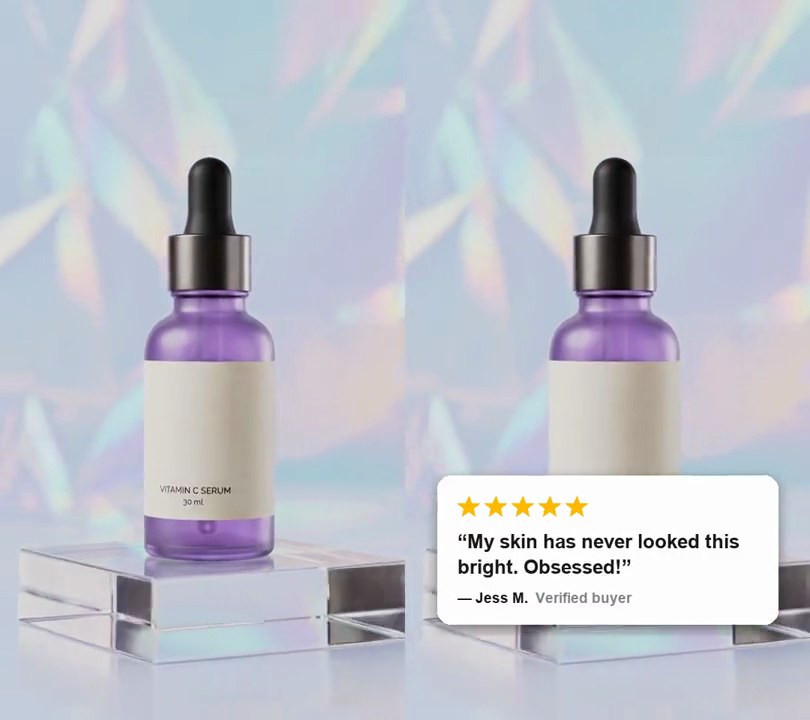
1. Review card overlay
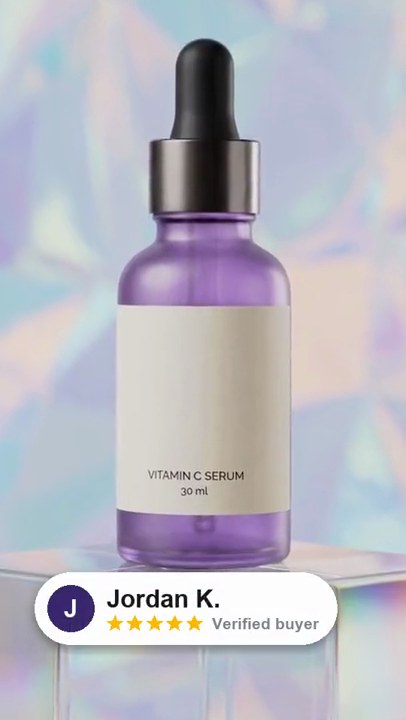
A white review card with five gold stars, a short customer quote and the reviewer's name slides in from the left and settles across the lower third.
Show the prompt
Add a customer review card to input.mp4. Draw a white rounded rectangle 84% of the frame width (corner radius 3.4% of the width) with a soft black drop shadow, centered across, its top edge 66% down the frame. Inside, with a padding of 5% of the frame width: a row of five gold (255, 185, 0) five-pointed stars, each 5.6% of the frame width across; below them the quote “My skin has never looked this bright. Obsessed!” in bold near-black (25, 25, 30) text 4.8% of the frame width tall, wrapped to the card; below that “— Jess M.” in bold near-black and “Verified buyer” in grey (130, 130, 140), both 3.6% of the frame width tall. Nothing shows before 0.6 seconds; then the card slides in from fully off the left edge to its centered spot over 0.45 seconds with an ease-out (cubic), and stays to the end. Use Python with Pillow to draw it and ffmpeg to put it on the video (don't rely on ffmpeg's drawtext filter), keep the audio, and save it as output.mp4.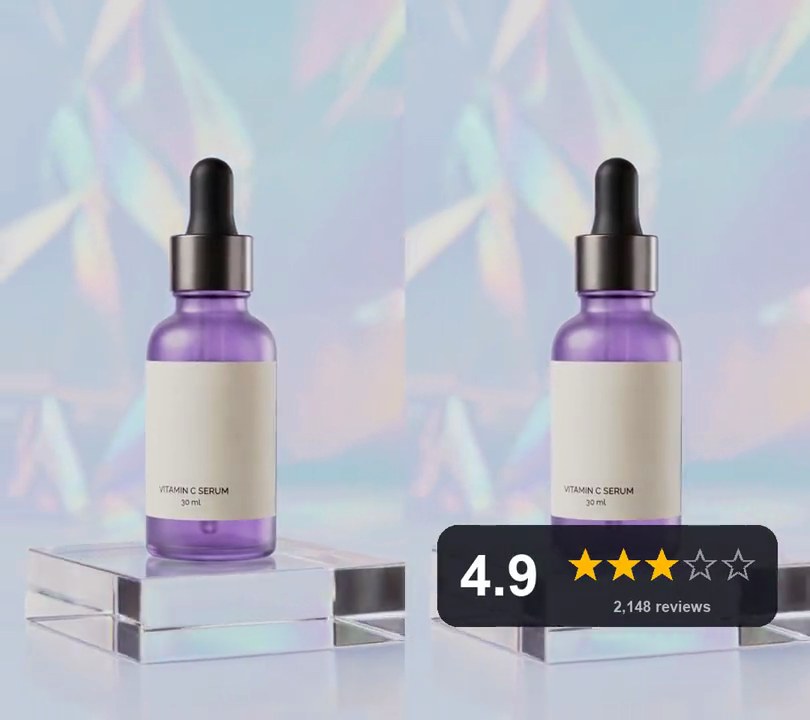
2. Star rating animation
A dark card pops up near the bottom of the frame reading "4.9" beside five empty star outlines, which fill gold one at a time from left to right.
Show the prompt
Add an animated star rating to input.mp4. At 0.5 seconds a dark rounded card pops up over 0.3 seconds with a slight overshoot: 84% of the frame width, 30% as tall as it is wide, centered across and 80% down, color (22, 22, 30) at 88% opacity, corner radius a fifth of its height. On its left, "4.9" in white bold type 56% of the card height tall; to its right, five star outlines in grey (150, 150, 160) spread evenly from 38% to 94% across the card at 40% of its height, each star 34% of the card height from point to point, with "2,148 reviews" in light grey (185, 185, 195) under them. Starting at 1.0 seconds, the stars fill solid gold (255, 185, 0) one by one, left to right, every 0.3 seconds; each starts 35% larger and settles to size over 0.2 seconds, and the fifth fills only its left 90% to match 4.9. The card then stays to the end. Use Python with Pillow to draw it and ffmpeg to put it on the video (don't rely on ffmpeg's drawtext filter), keep the audio, and save it as output.mp4.
3. Comment reply overlay
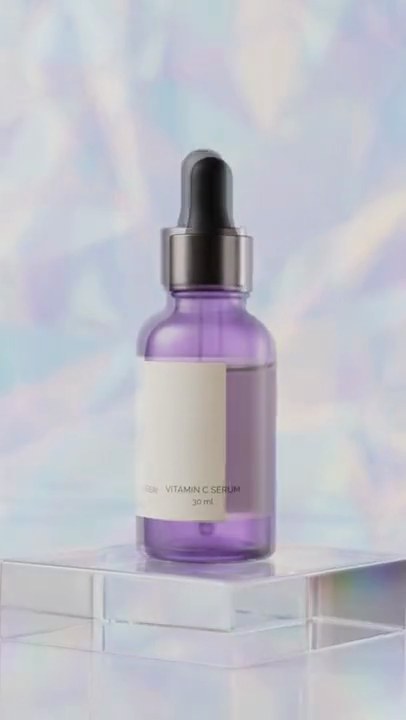
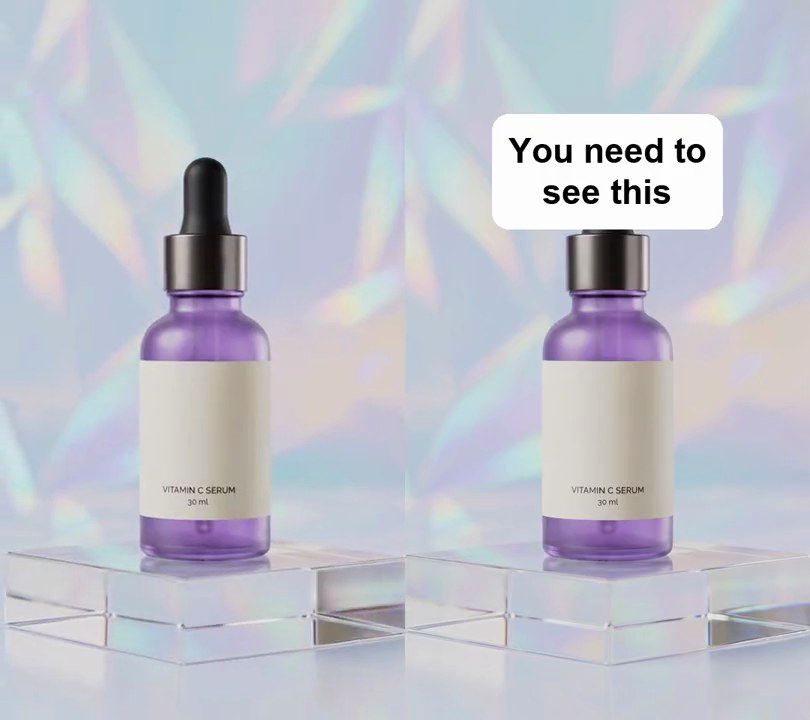
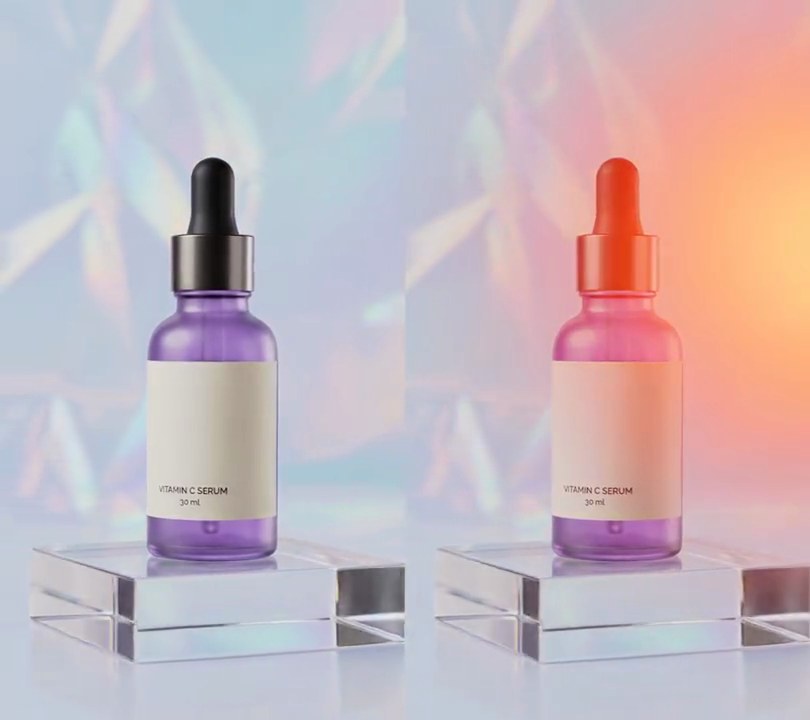
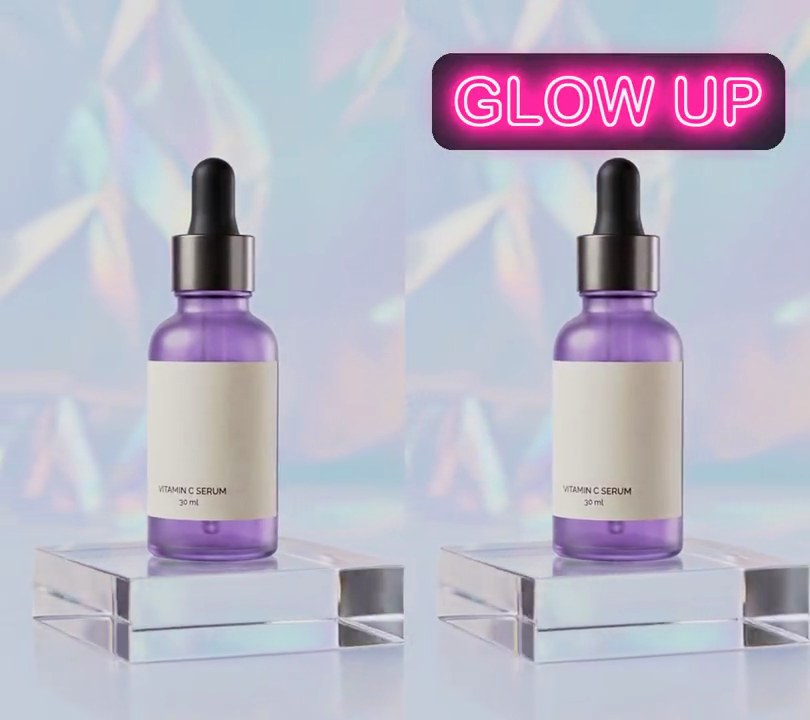
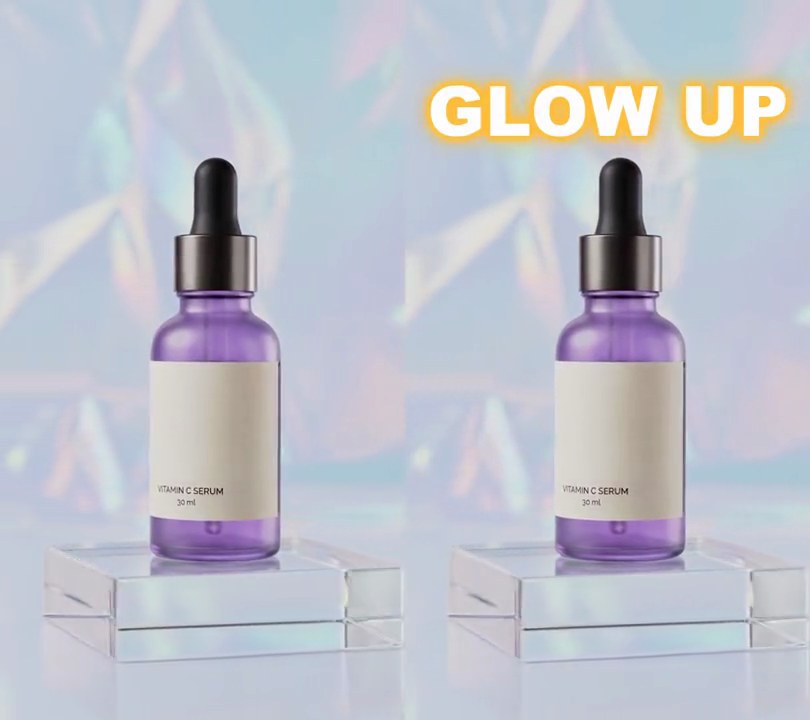
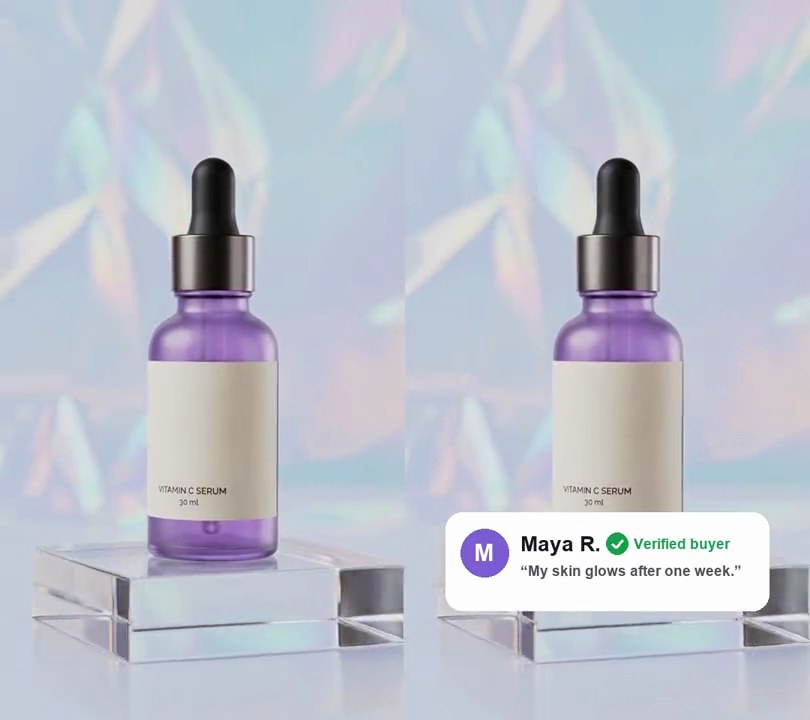
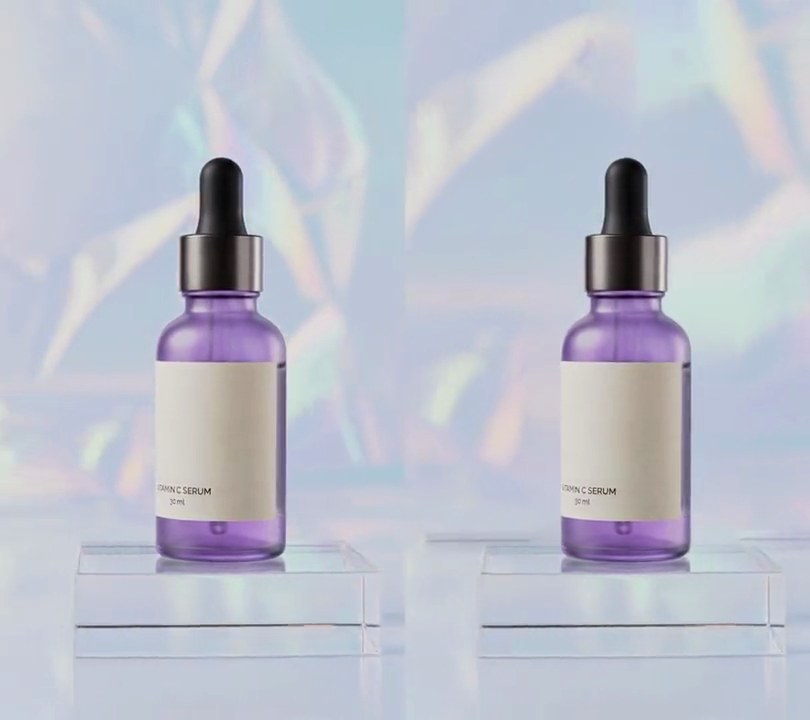
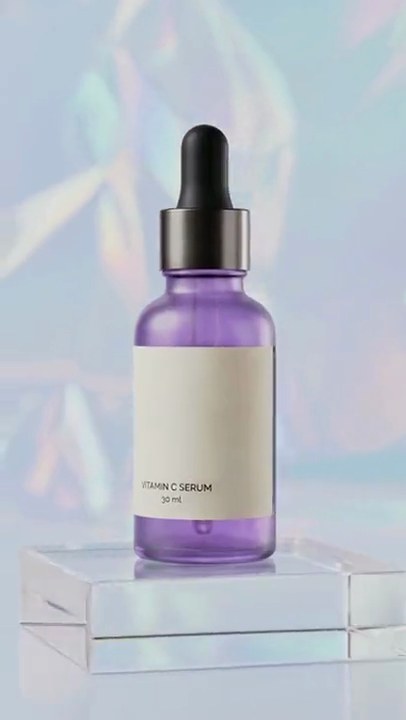
A white card reading "Reply to @maya.glows's comment: How long did it take to see results?" pops up above the bottle, its tail pointing down, while the voiceover answers it.
Show the prompt
Add a comment reply card to input.mp4 (540x960). Draw a white (255, 255, 255) rounded rectangle 80% of the frame width across (432 px), centered horizontally with its top edge 10% down the frame, corner radius 5% of the card width, with a soft dark drop shadow and a small triangular tail at the bottom left pointing down. Inside, 5% padding: on the left a teal (40, 160, 150) circle 12% of the card width across with a white bold "M"; to its right a gray (120, 120, 128) line "Reply to @maya.glows's comment" in bold at 4% of the card width, and below it the comment "How long did it take to see results?" in near-black (20, 20, 24) bold at 6% of the card width, wrapped to fit. Nothing shows before 0.3 seconds; the card pops in from its center at 0.3 seconds over 0.35 seconds with a slight overshoot, then stays to the end. Leave the rest of the video untouched. Use Python with Pillow to draw the card and ffmpeg to put it on the video (don't rely on ffmpeg's drawtext filter), keep the audio, and save it as output.mp4.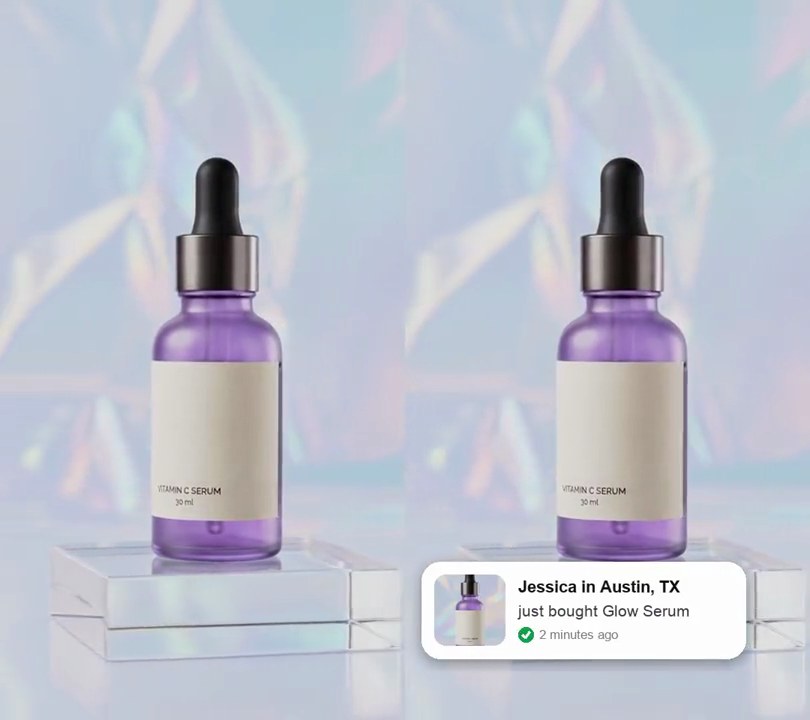
4. Recent purchase popup
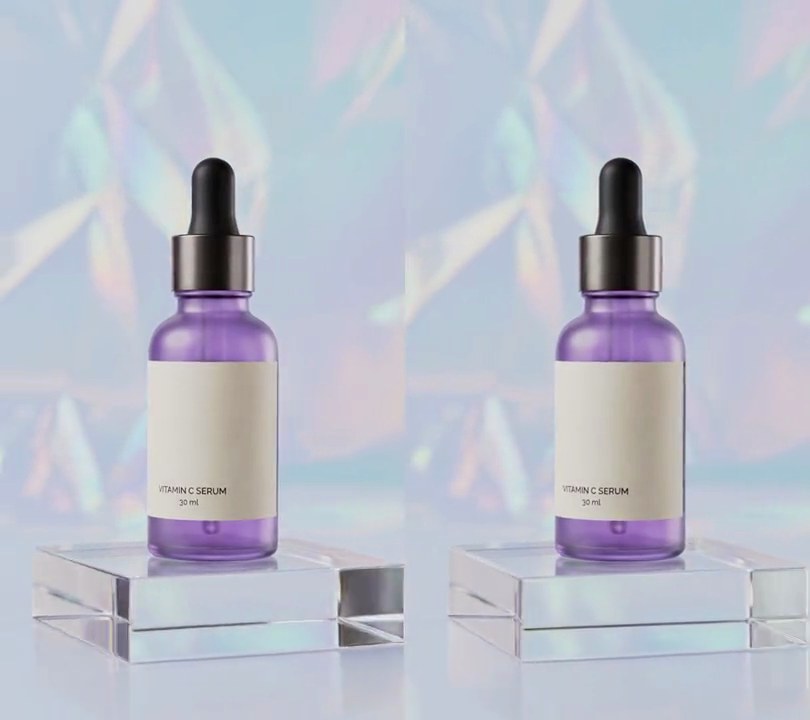
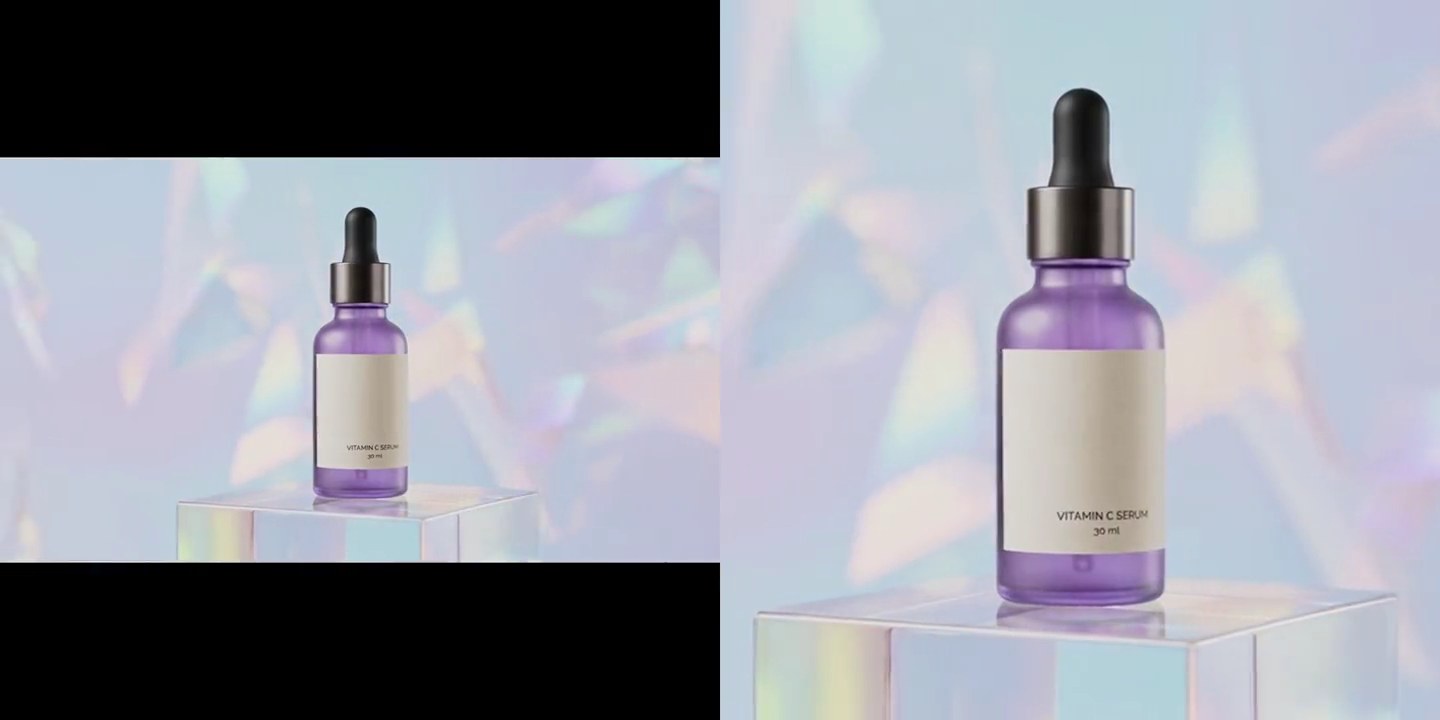
A white card with a thumbnail of the bottle slides in from the left above the bottom edge, saying "Jessica in Austin, TX just bought Glow Serum" with a green check and "2 minutes ago", then slides back out.
Show the prompt
Add a recent purchase popup to input.mp4: a pure white (255, 255, 255) rounded card 80% of the frame width and 13.5% of the frame height, with a soft dark shadow, its top-left corner 4% across and 78% down. On its left, a rounded square thumbnail 22% of the card width: the middle of the video's first frame (a centered square 80% of the frame width), scaled down. To its right, "Jessica in Austin, TX" in black bold, "just bought Glow Serum" in dark grey under it, and a small green (22, 163, 74) circle with a white check mark followed by "2 minutes ago" in light grey at the bottom. The card slides in from off the left edge at 0.8 seconds over 0.35 seconds, easing out, stays in place for 3 seconds, then slides back out to the left over 0.35 seconds (gone by 4.5 seconds). Use Python with Pillow to draw it and ffmpeg to put it on the video (don't rely on ffmpeg's drawtext filter), keep the audio, and save it as output.mp4.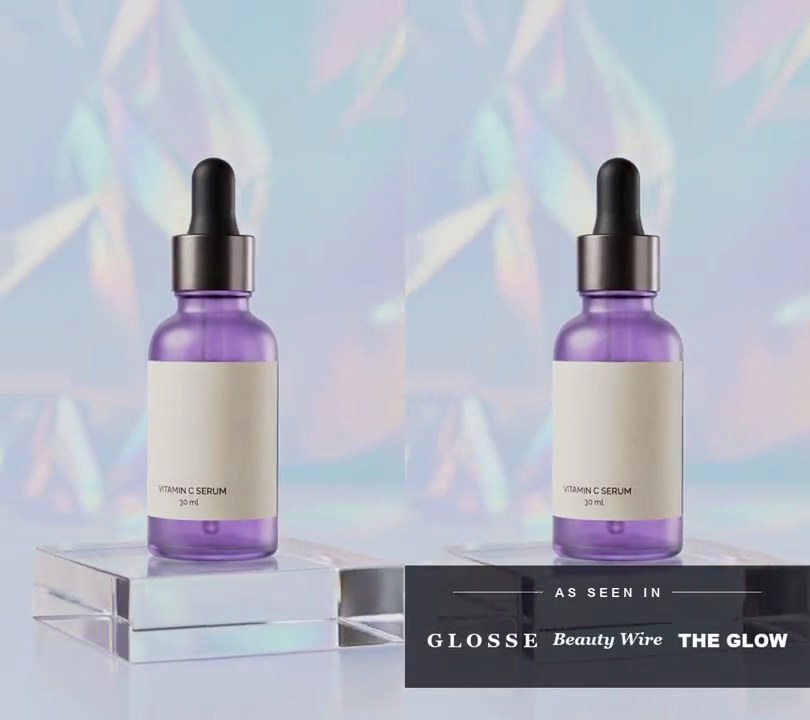
5. Press logo strip
A dark band fades in across the bottom with "AS SEEN IN" between two thin lines, then three white magazine wordmarks rise into a row under it one after another.
Show the prompt
Add an "as seen in" press strip to input.mp4. Draw it with Python and Pillow (don't rely on ffmpeg's drawtext filter) and overlay it with ffmpeg. A full-width near-black (12, 12, 18) band at 75% opacity, 30% of the frame width tall, with its center 87% of the way down the frame, fades in from 0.5 to 0.8 seconds. On it, 22% of the band's height from its top, the words "A S S E E N I N" (letter-spaced bold sans capitals 3.2% of the frame width tall, white at 86% opacity) are centered, with a thin white line at 55% opacity on each side running out to 12% and 88% across, leaving a gap of 3% of the frame width next to the words. Under them, centered 62% of the band's height from its top, sit three white placeholder wordmarks, each at most 27% of the frame width wide, centered at 19%, 50% and 81% across: "G L O S S E" in letter-spaced bold serif capitals, "Beauty Wire" in bold italic serif and "THE GLOW" in a heavy black sans, all drawn about 7.5% of the frame width tall. Each wordmark fades in and rises 3% of the frame width into place over 0.4 seconds with an ease-out, starting at 0.8, 1.1 and 1.4 seconds. Everything stays on to the end and the rest of the frame is untouched. Keep the audio and save it as output.mp4.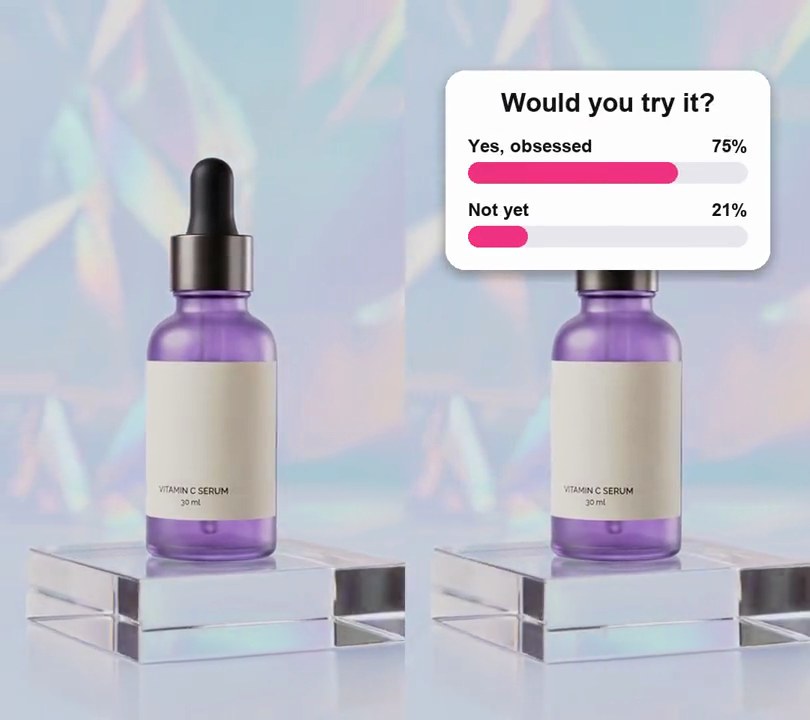
7. Poll sticker
A white "Would you try it?" poll card pops in above the product, then its pink vote bars sweep out to 78% and 22% as the percentages count up.
Show the prompt
Add a poll sticker to input.mp4: a white card 80% of the frame width, centered across with its top edge 8% down, rounded corners (radius 6% of the card width) and a soft drop shadow. Inside, with padding of 7% of the card width: the question "Would you try it?" in bold black (20, 20, 24) at 8% of the card width, centered at the top; then two options, "Yes, obsessed" and "Not yet", each a bold black label (5.5% of the card width) on the left above a full-width rounded bar 6.5% of the card width tall in light gray (232, 232, 238). The card pops in at 0.4 seconds over 0.35 seconds with a slight overshoot, growing from its center, with empty bars and no percentages. From 1.0 to 2.2 seconds, easing out, the bars fill from the left in pink (240, 50, 130) to 78% and 22% of their width while a percentage at the right end of each label line counts up from 0 to 78% and 22%; then everything holds to the end. Use Python with Pillow to draw it and ffmpeg to put it on the video (don't rely on ffmpeg's drawtext filter), keep the audio, and save it as output.mp4.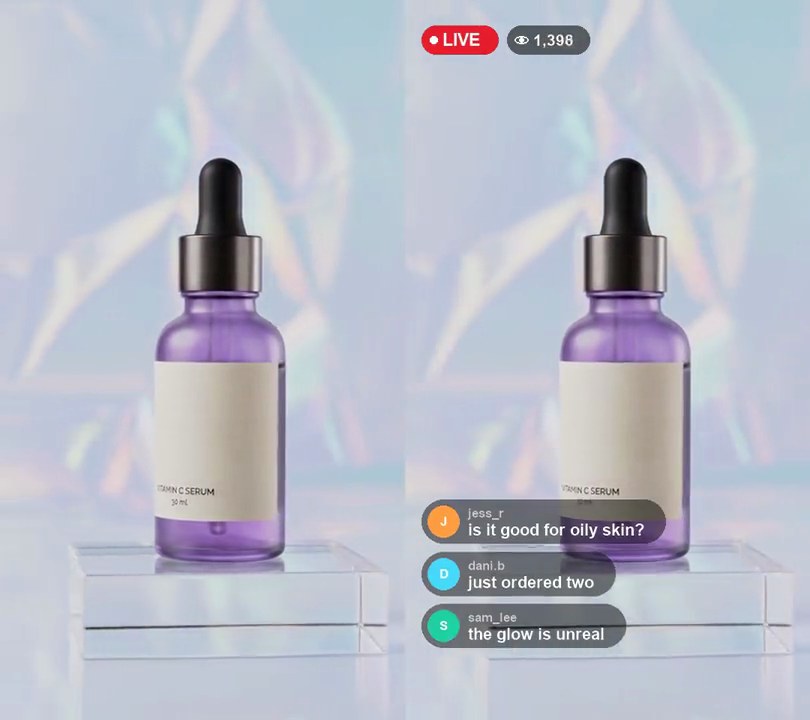
8. Live stream overlay
A red LIVE badge and a climbing viewer count sit top left while viewer comments pop in at the bottom and push older ones up and out.
Show the prompt
Make input.mp4 look like a live stream. From 0.5 seconds (fading in over 0.25 seconds), put a red (230, 30, 45) pill badge reading "LIVE" in white with a white dot before it, 7.2% of the frame width tall, with its top-left corner 4% across and 3.5% down; right next to it, 2% of the width further right, a translucent black pill with a white eye icon and a viewer count that starts at 1,248 and climbs by 60 a second. Then add five comments, one every 0.9 seconds from 1.0 seconds: jess_r "is it good for oily skin?", dani.b "just ordered two", sam_lee "the glow is unreal", priya.m "link please!!", tom.w "restocked yet?". Each is a translucent black pill 11% of the frame width tall, left edge 4% across, with a colored circle avatar showing the username's first letter, the username in small light gray bold text above the message in white bold text. The newest comment slides up into place with its bottom at 90% down over 0.25 seconds and pushes the older ones up one row; keep four on screen and fade out the oldest. Use Python with Pillow to draw it and ffmpeg to put it on the video (don't rely on ffmpeg's drawtext filter), keep the audio, and save it as output.mp4.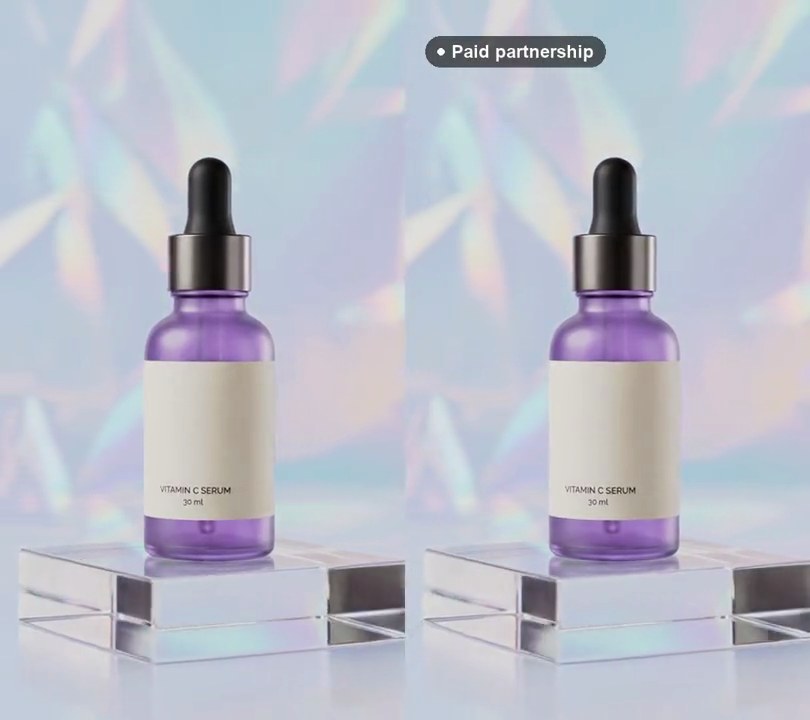
9. Paid partnership label
A small dark pill reading "Paid partnership" in white, with a white dot in front, fades in at the top left of the video and stays to the end.
Show the prompt
Add a burned-in paid partnership label to input.mp4. Draw a rounded pill (fully rounded ends) filled with black at 150/255 opacity, its top-left corner at 5% across and 5% down the frame. Inside it, a white dot 1.6% of the frame width across, then the words "Paid partnership" in bold white text 4.5% of the frame width tall, both vertically centered; pad the pill by 3% of the frame width left and right and 1.8% top and bottom, with 1.8% of the frame width between the dot and the text. The label is not there at first: at 0.3 seconds it fades in over 0.3 seconds while sliding down 1.5% of the frame height into place (ease out), then stays to the end. Use Python with Pillow to draw it and ffmpeg to put it on the video (don't rely on ffmpeg's drawtext filter), keep the audio, and save it as output.mp4.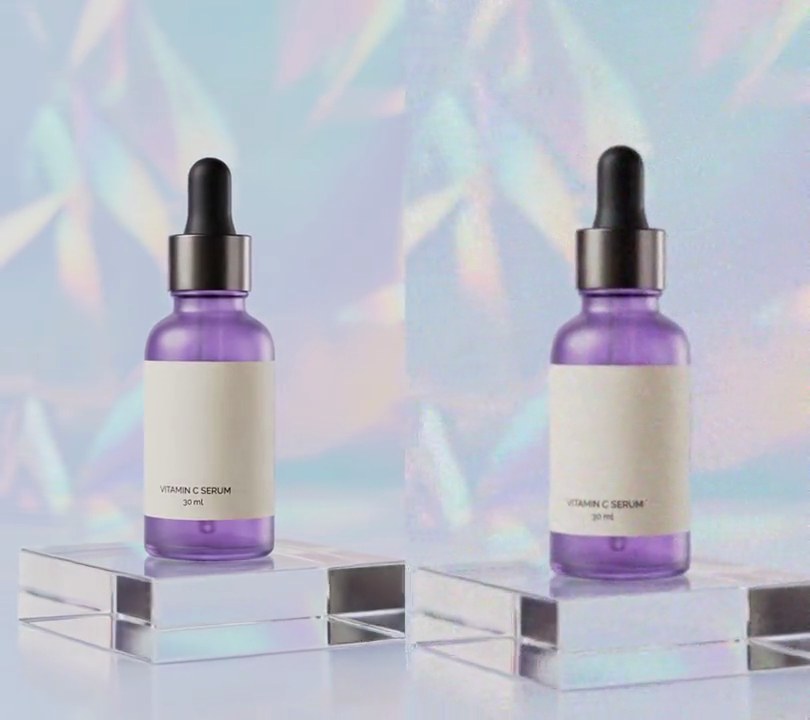
10. Phone-shot UGC look
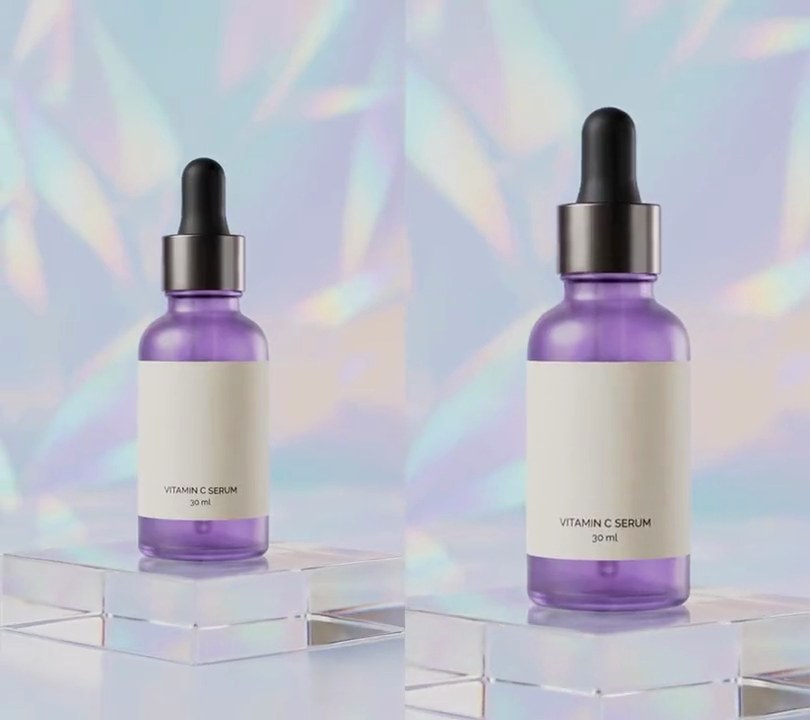
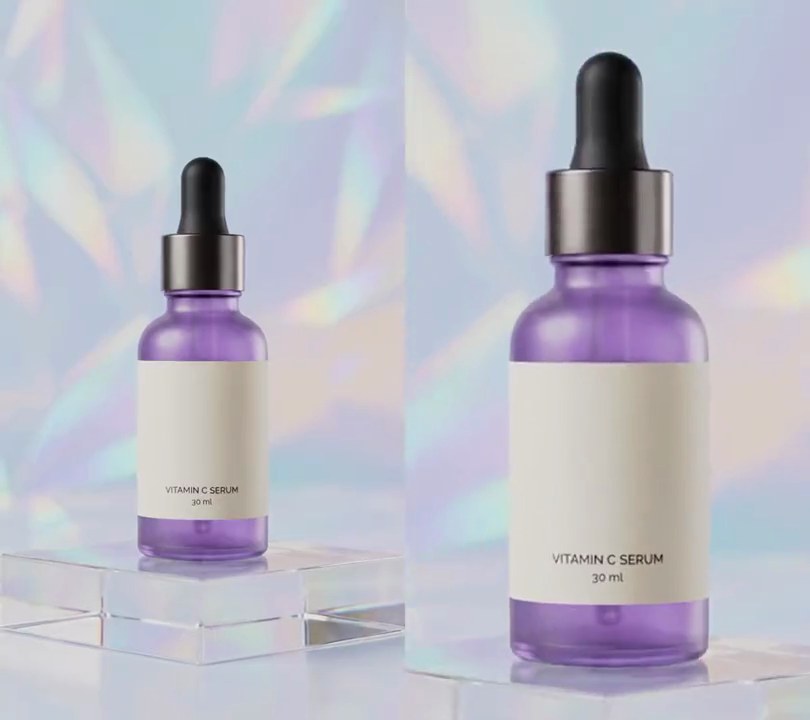
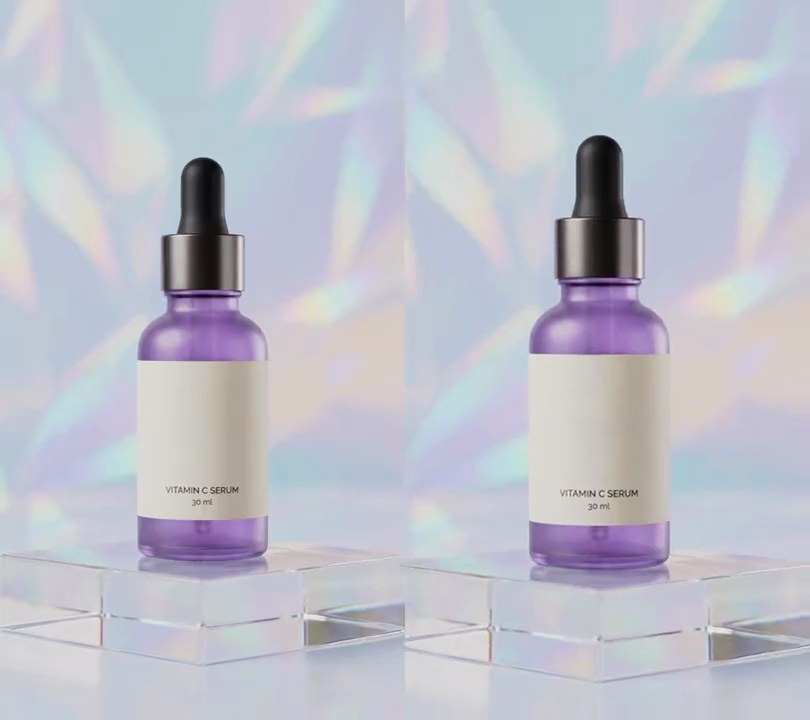
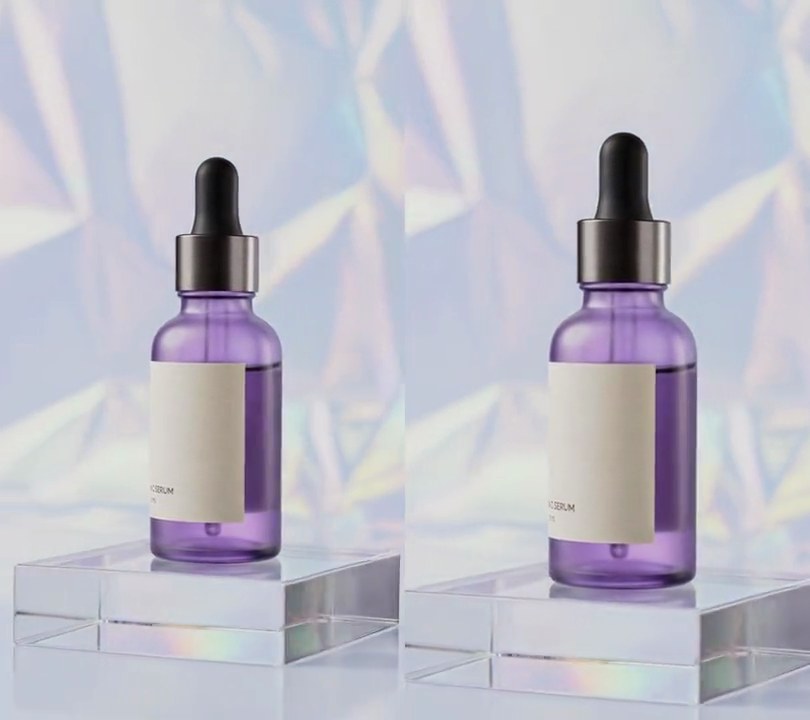
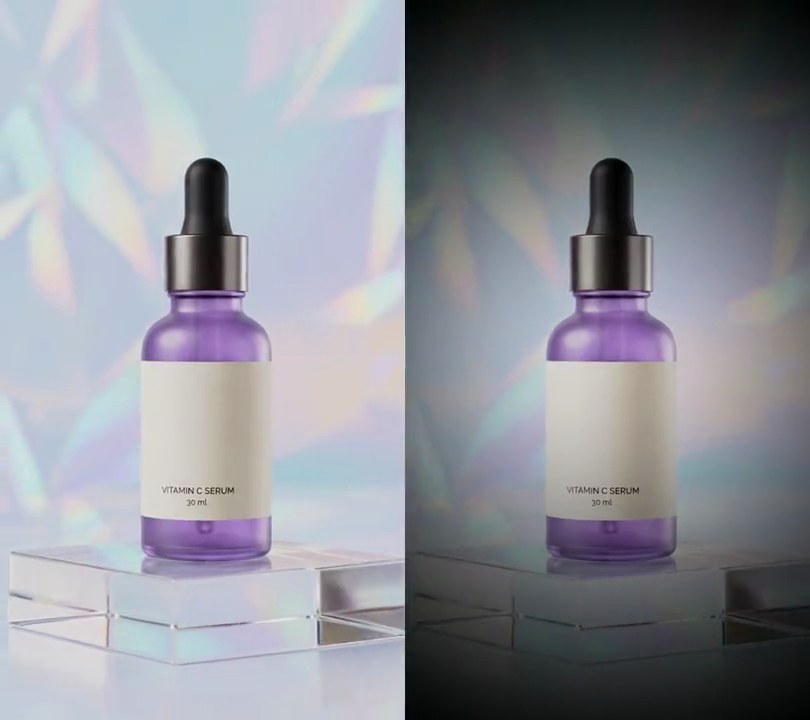
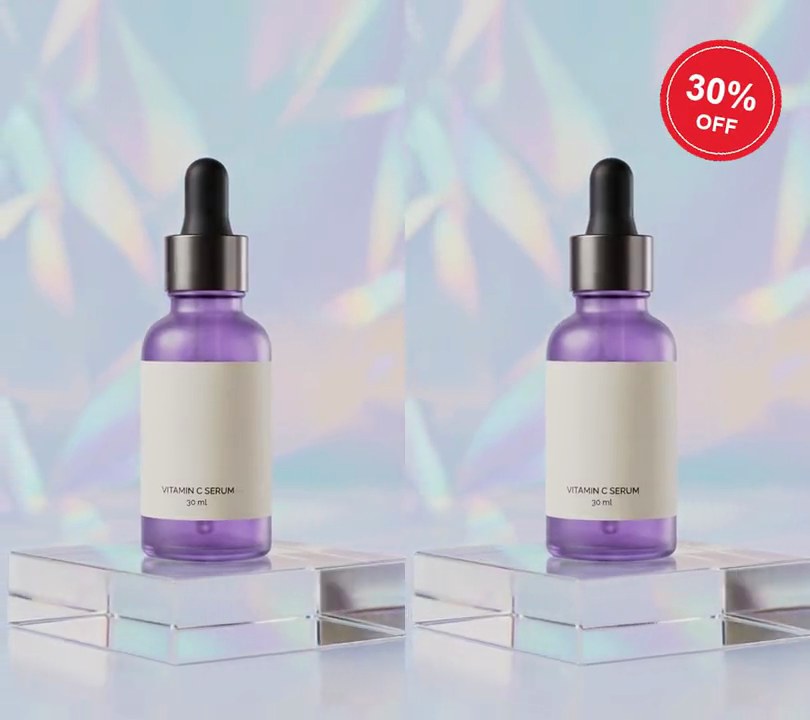
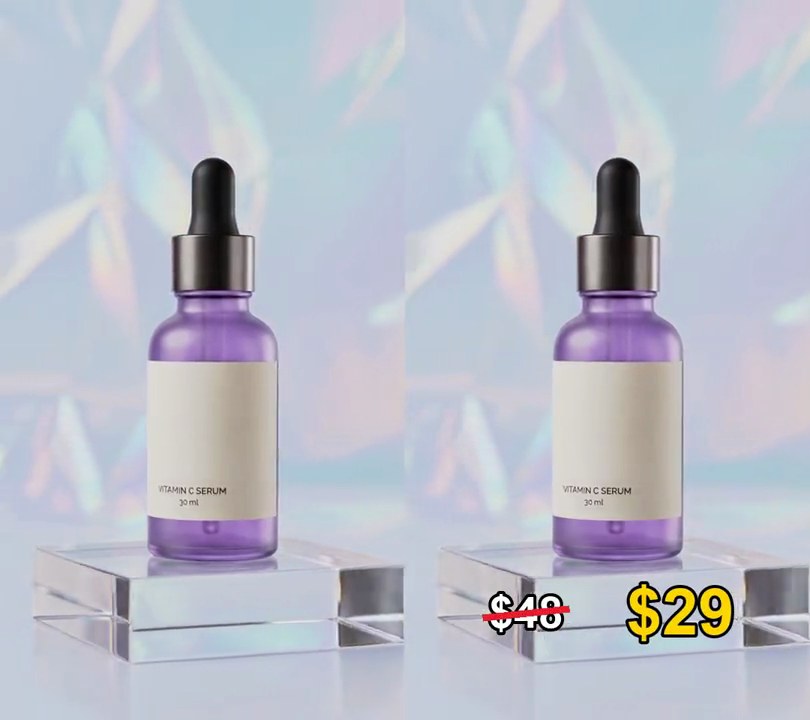
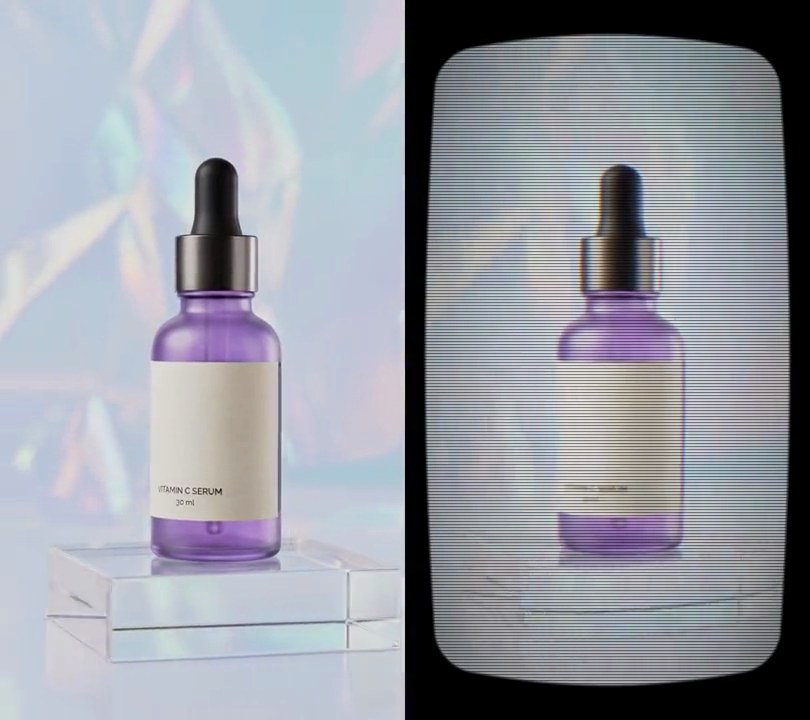
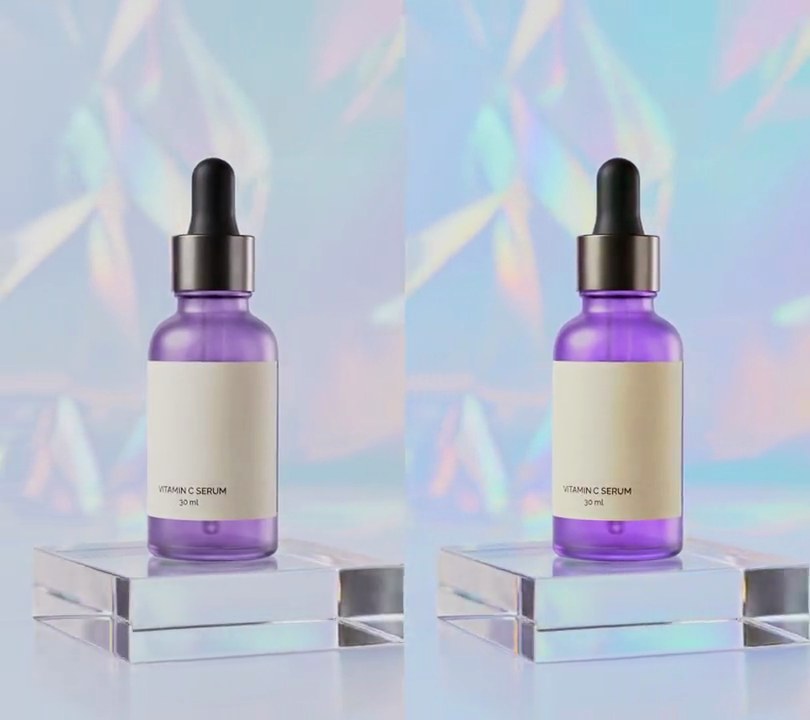
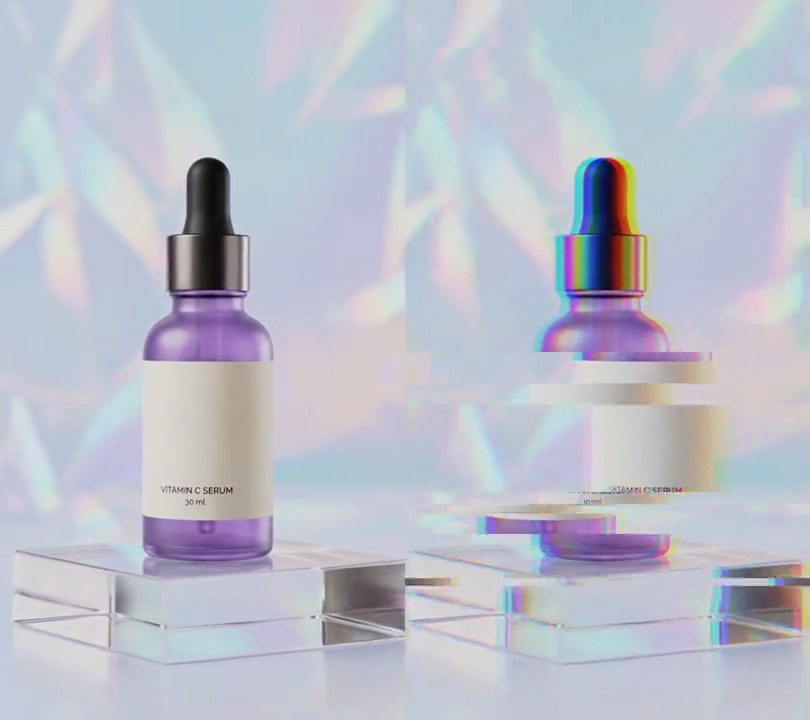
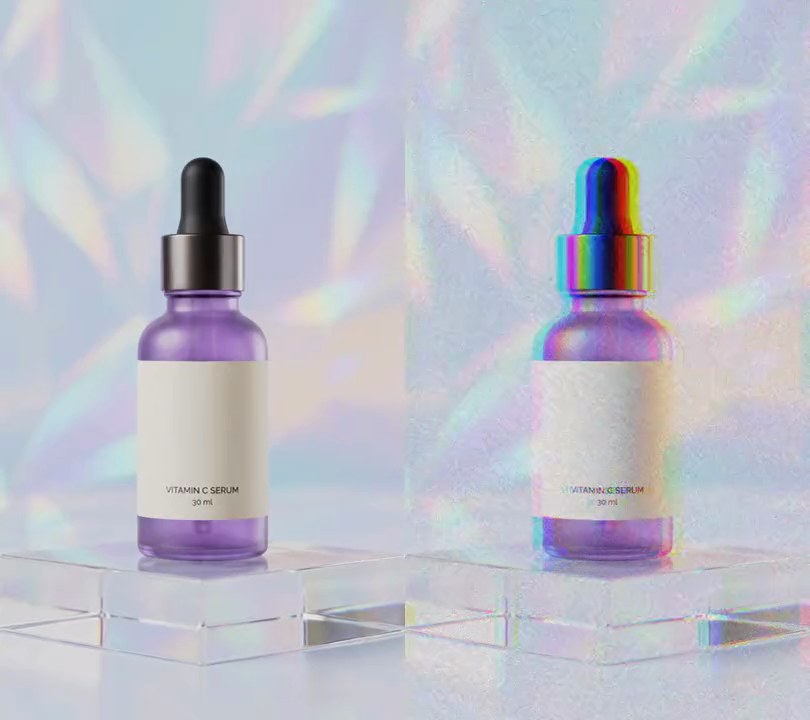
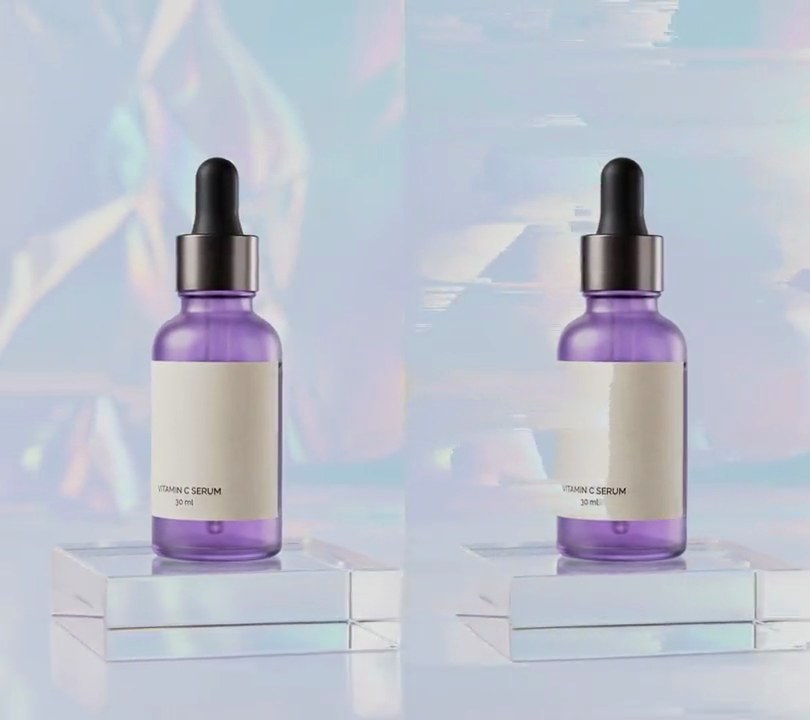
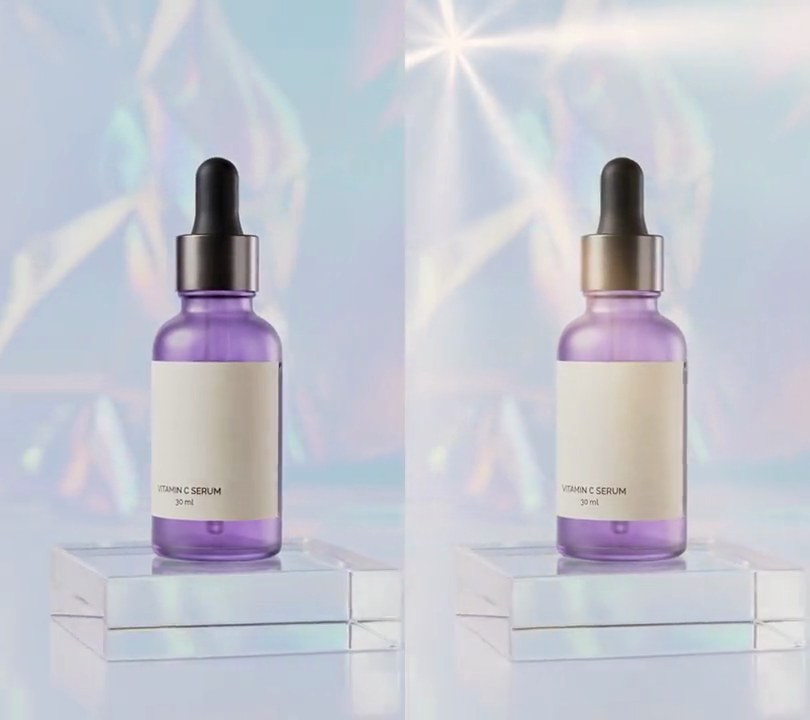
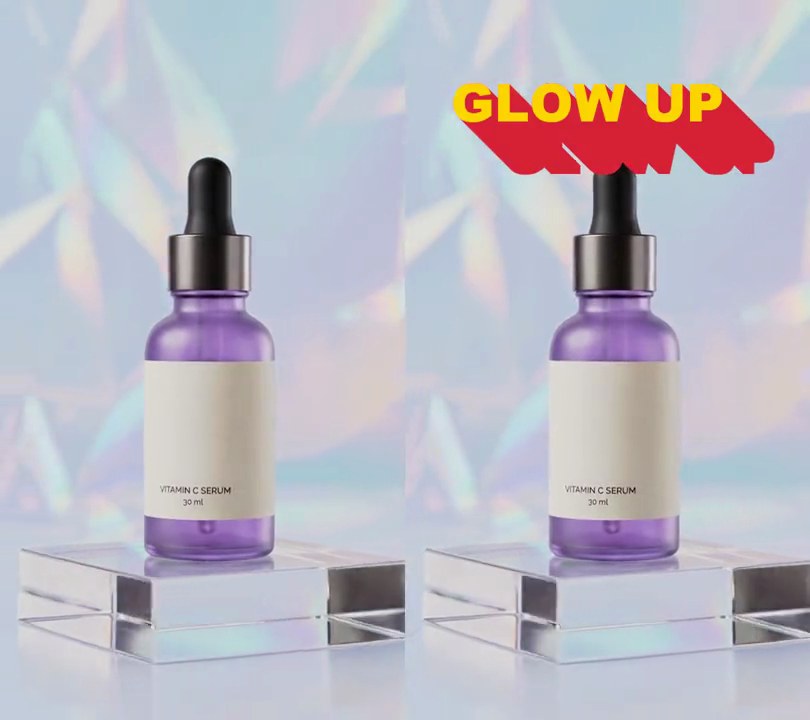
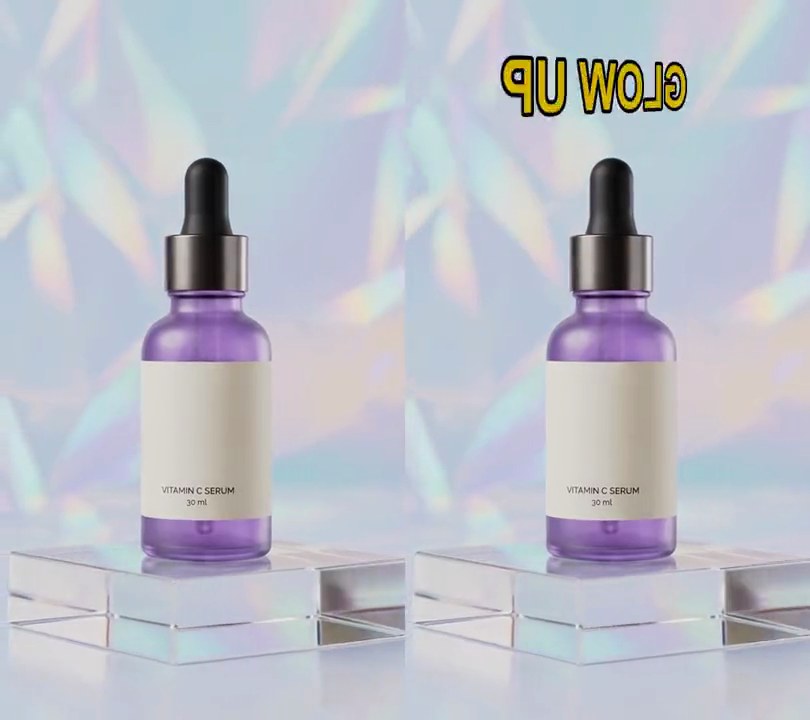
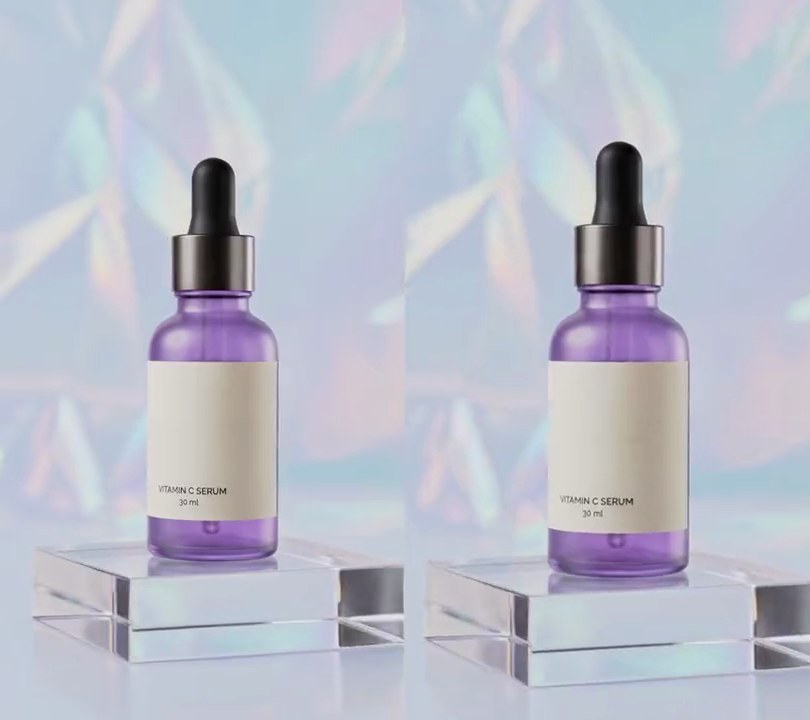
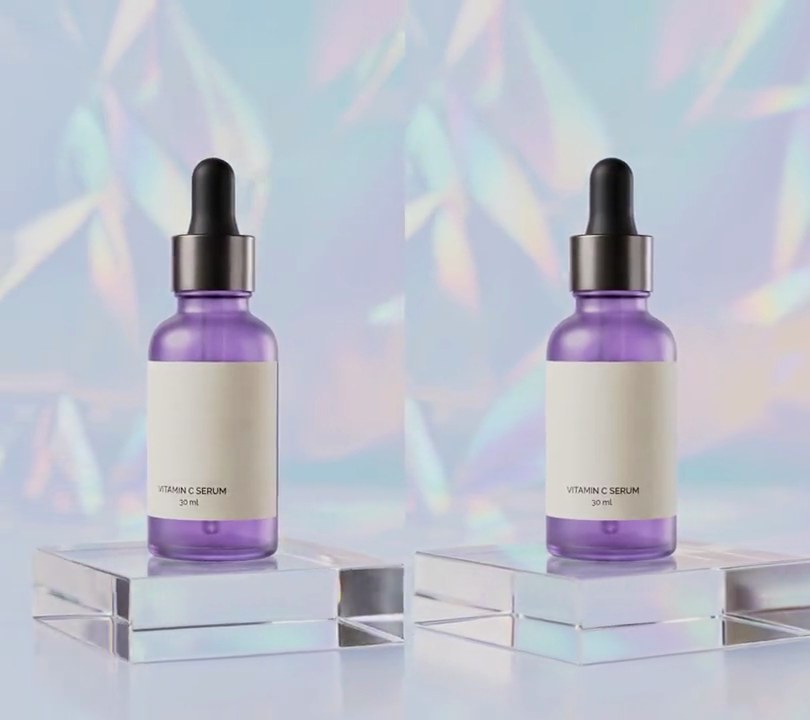
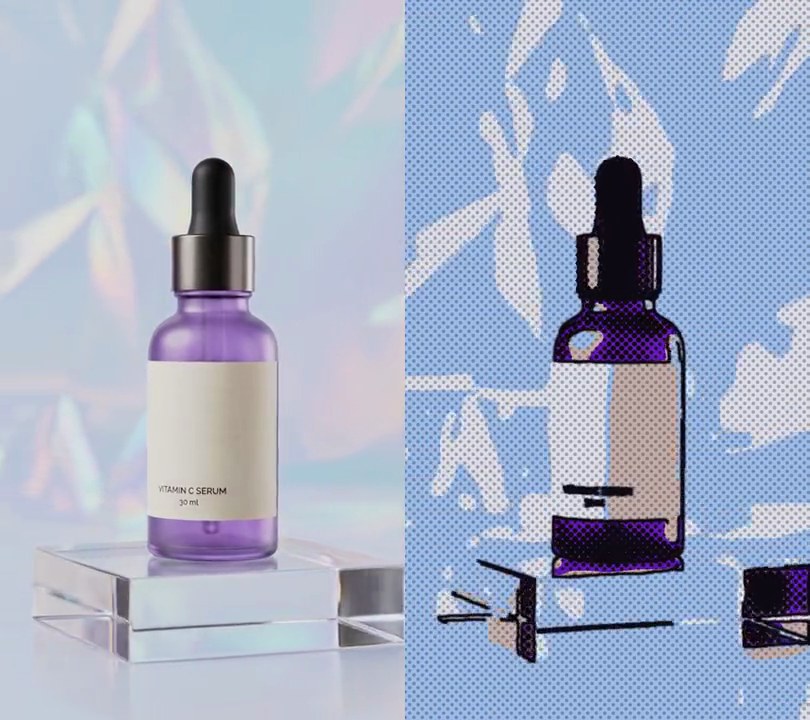
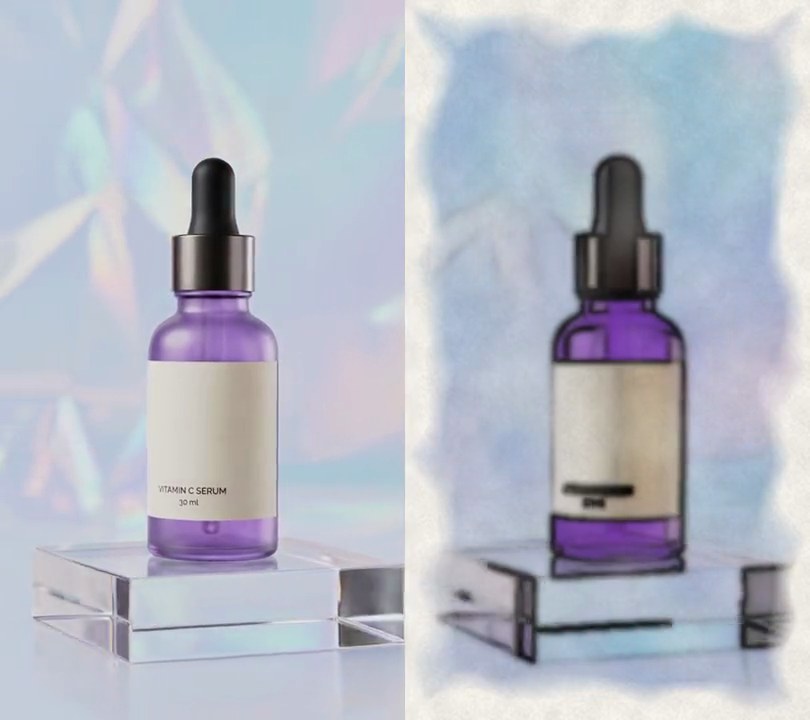
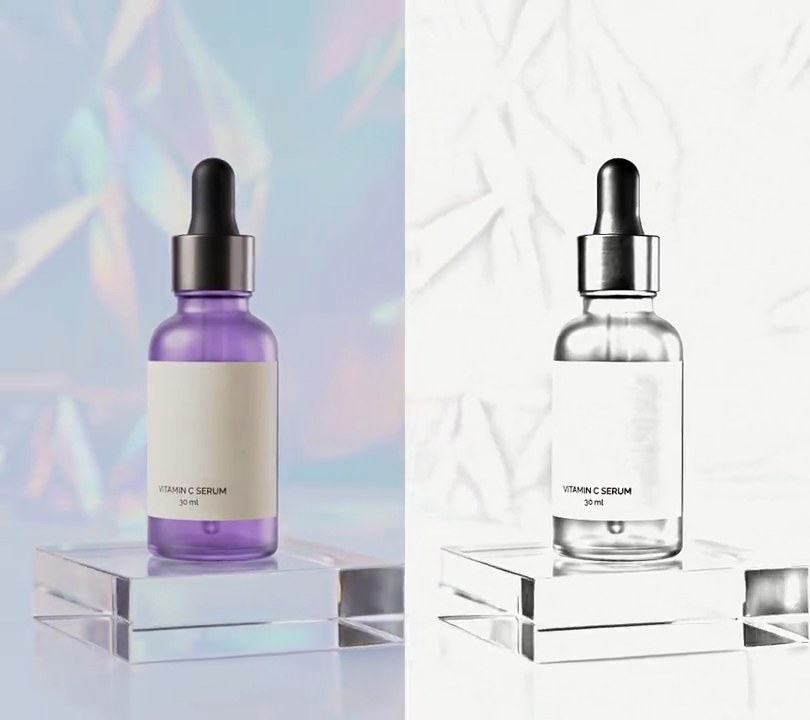
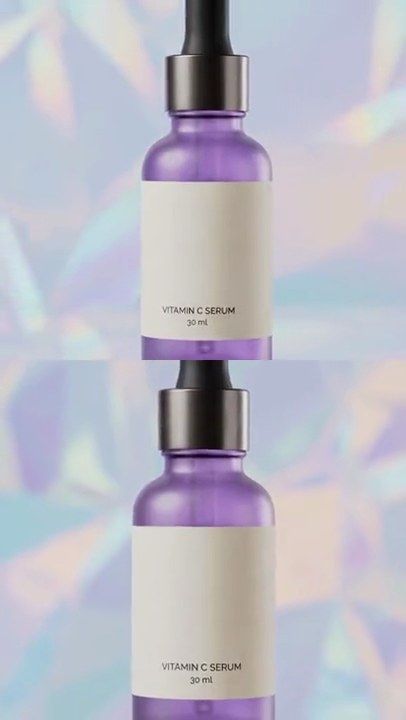
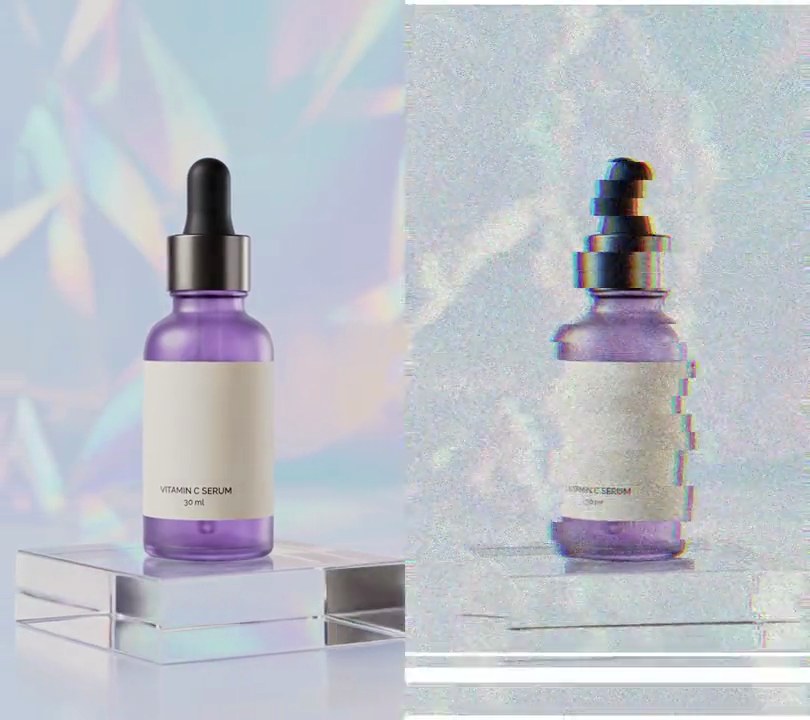
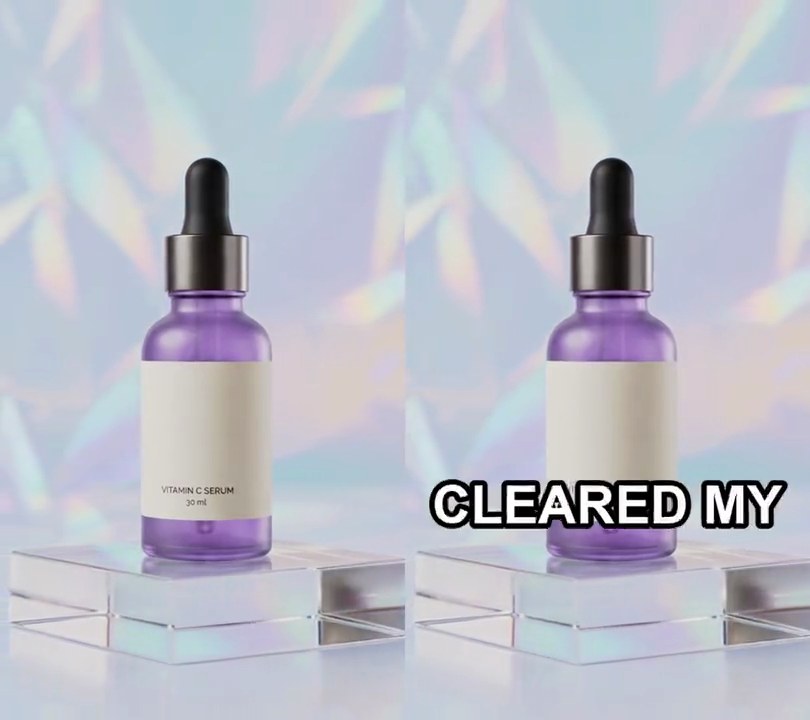
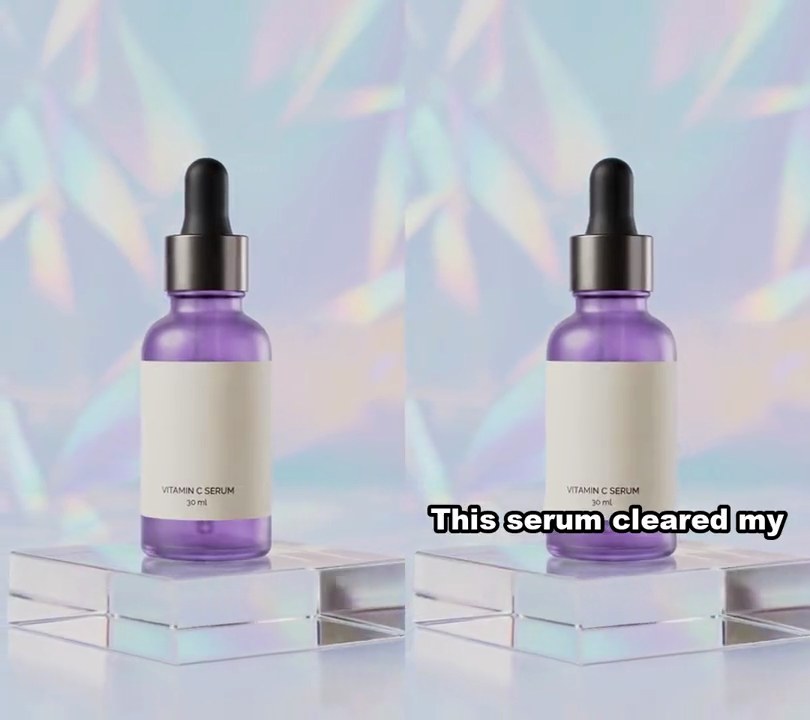
The studio shot starts to drift like it's held in a hand, its crisp edges soften and a fine moving grain settles over the picture, so it reads like a customer filmed it on their phone.
Show the prompt
Make input.mp4 look like it was filmed on a phone (UGC style) for the whole clip. First scale the frame up 8% and crop it back to the original size (540x960) with a slowly drifting crop window, so it sways like a handheld camera: offset the crop from center by x = 9*(0.7*sin(2.3t+1.1) + 0.3*sin(5.9t+0.4)) pixels and y = 9*(0.7*sin(1.7t+2.0) + 0.3*sin(6.7t+2.9)) pixels, where t is the time in seconds. Then soften the detail with a Gaussian blur of sigma 1.4 px and add moving sensor grain that changes every frame (ffmpeg's noise filter with alls=14:allf=t). Don't show black edges. Keep the size, 30fps, 6 seconds and the audio. Use ffmpeg, encode H.264 yuv420p and save it as output.mp4.













6. Social post card
A dark social post from "Priya Raman @priyaglows", with a purple avatar, a blue verified check and 12.4K likes, pops up over the bottom of the frame, saying her dark spots are fading.
Show the prompt