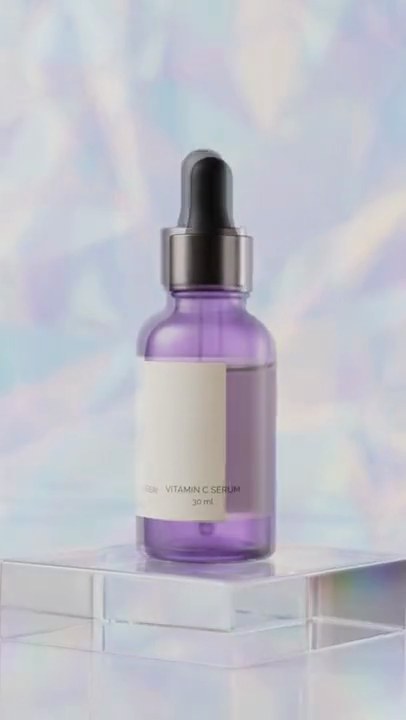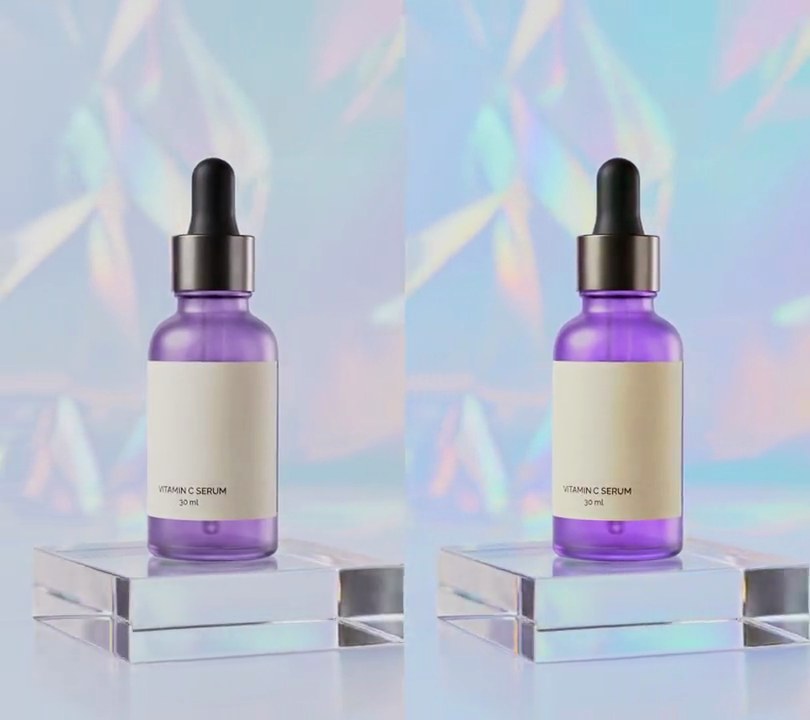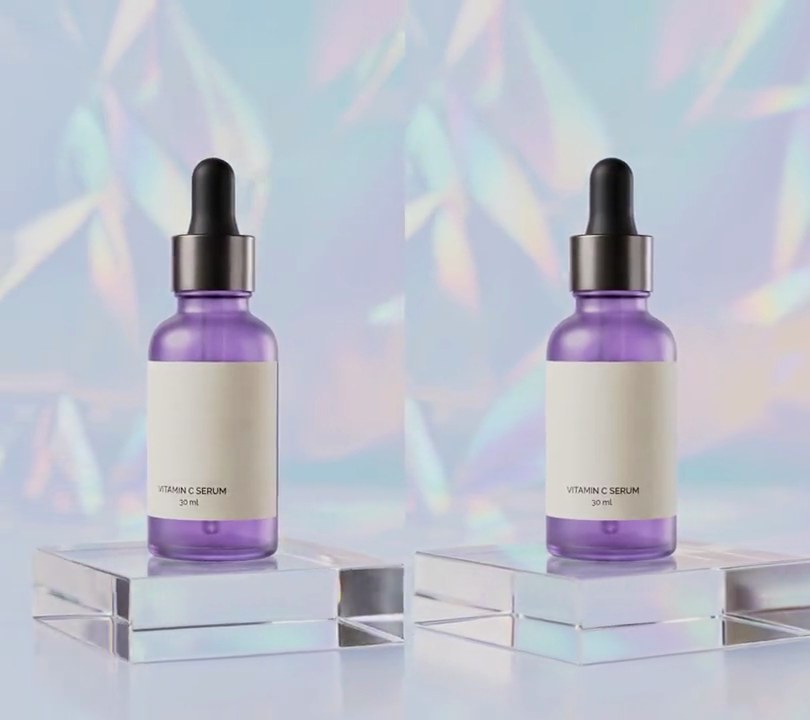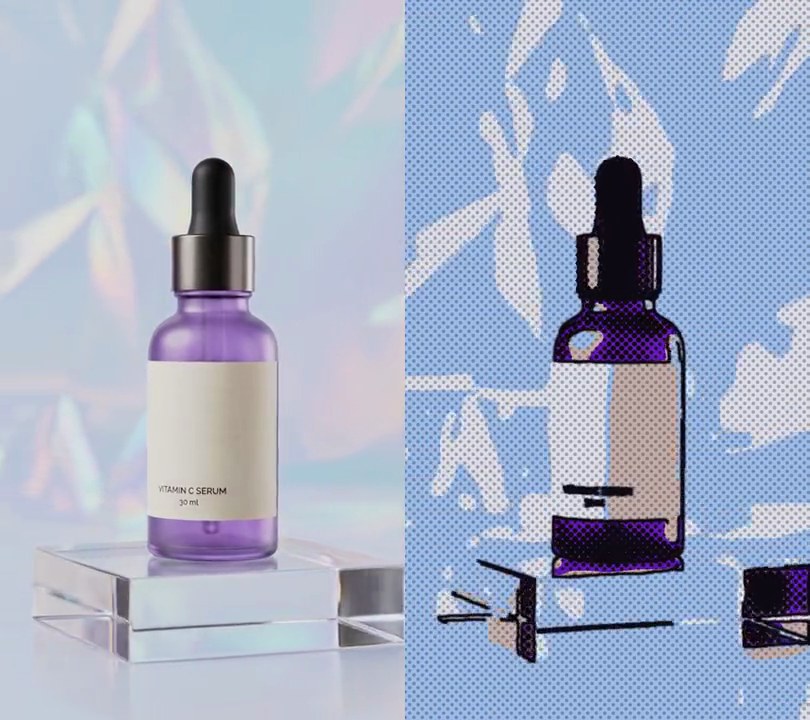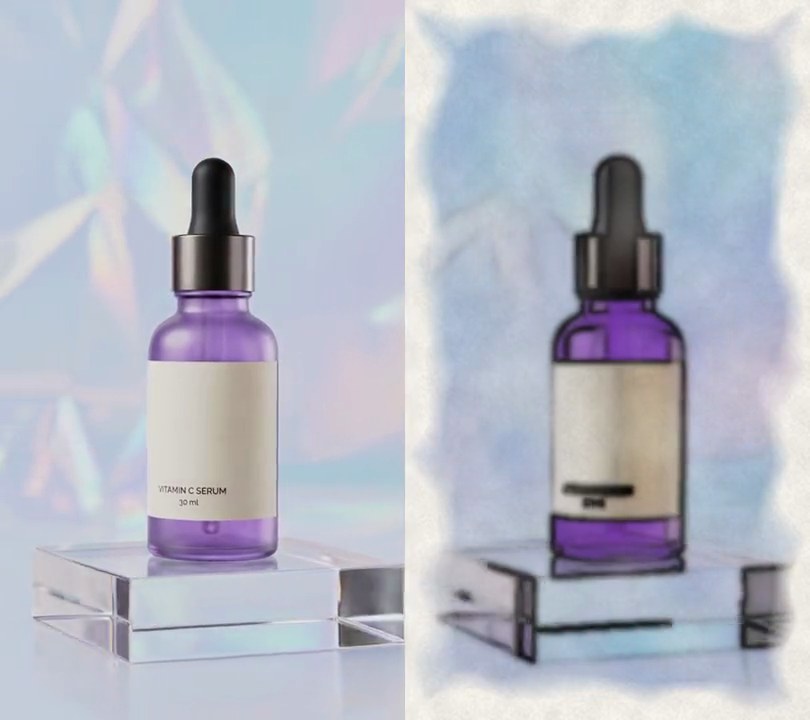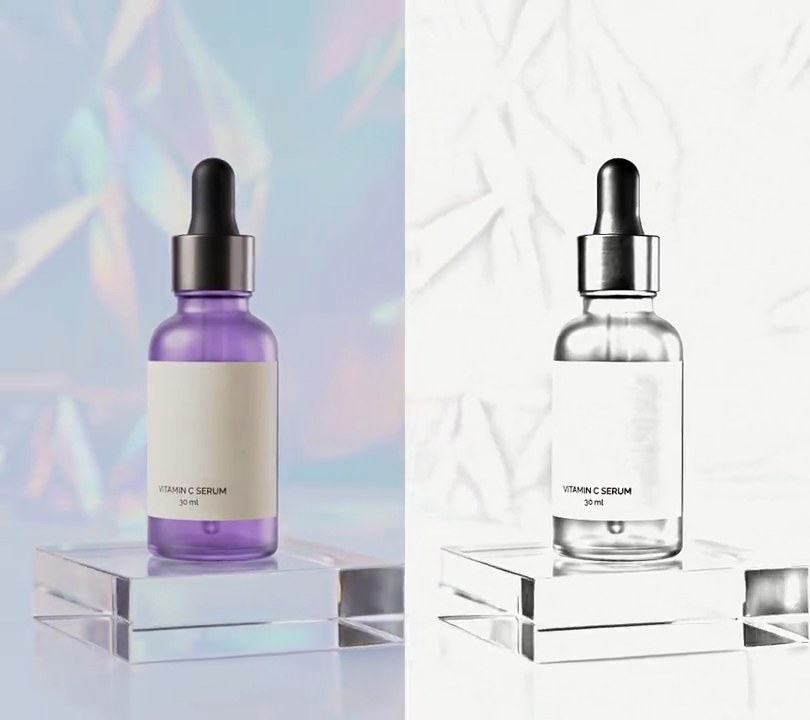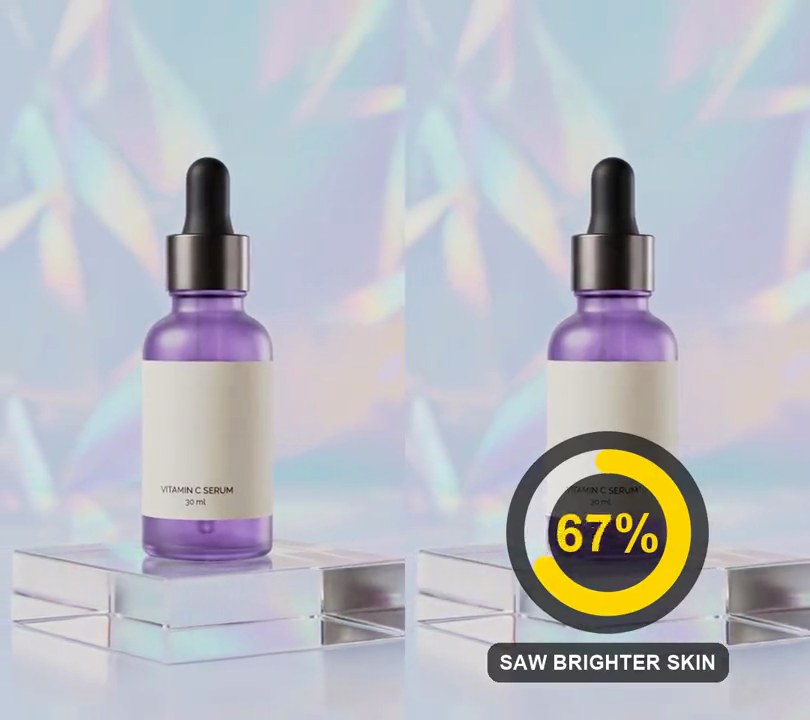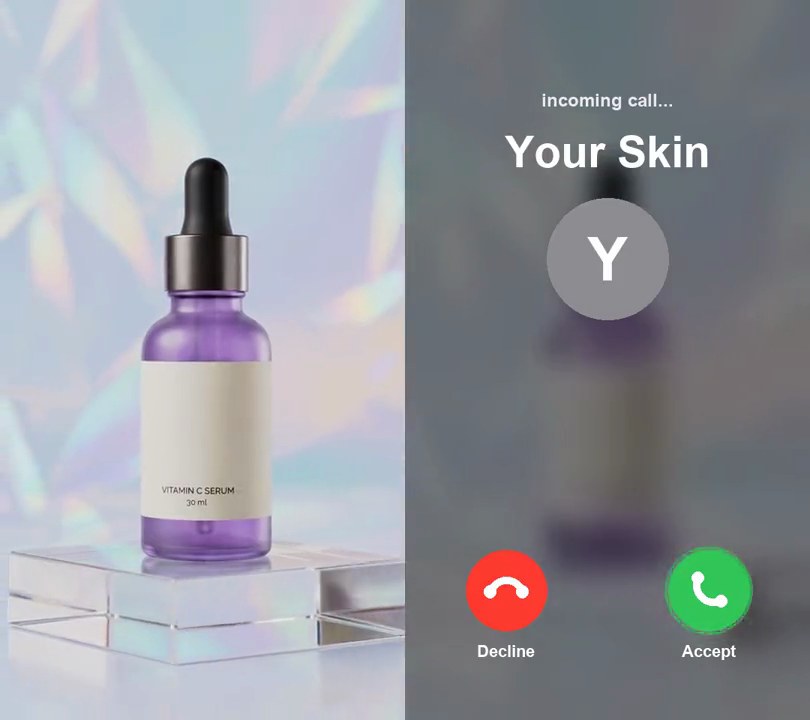
1. Incoming call screen
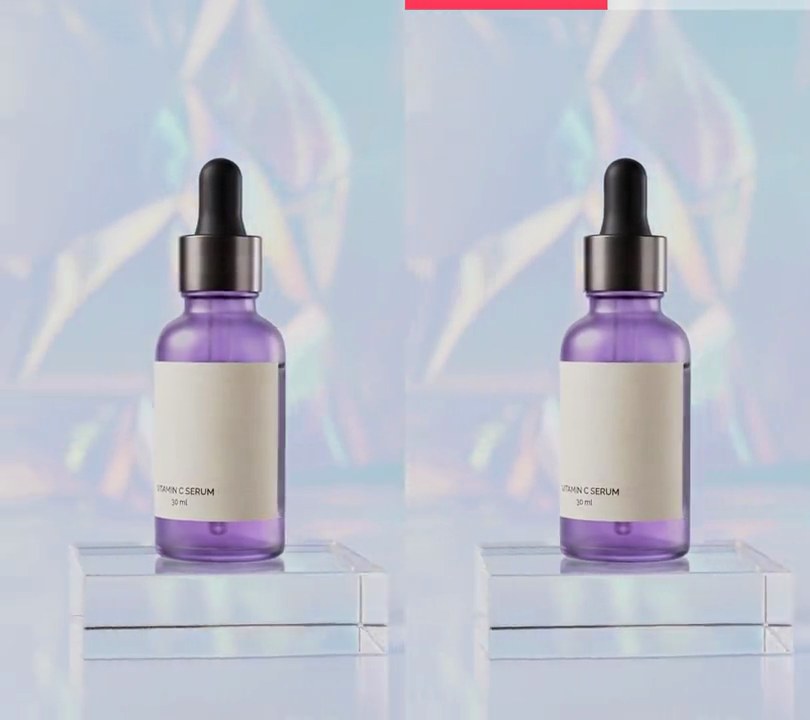
The video opens as a phone call from "Your Skin", with red Decline and green Accept buttons over a blurred, dimmed clip, then the call screen fades away to reveal the shot.
Show the prompt
Make input.mp4 open on a fake incoming phone call. From 0 to 2.5 seconds, show the clip blurred (box blur radius 18, 2 passes) and darkened to 55% brightness, with a call screen over it: "incoming call..." in light gray (235, 235, 240) bold text 4.5% of the frame width tall, centered at 14% down; the caller name "Your Skin" in white bold text 11% of the frame width tall, centered at 21% down; a gray (142, 142, 147) circle 30% of the frame width across centered at 36% down with a white "Y" in it; and two round buttons 20% of the frame width across centered at 82% down: a red (255, 59, 48) Decline button at 25% across and a green (52, 199, 89) Accept button at 75% across, each with a white phone handset icon and a white label ("Decline", "Accept", 4% of the frame width tall) just below. A thin green ring pulses out of the Accept button about once a second. At 2.5 seconds the call screen and the blur fade out over 0.3 seconds, and the clip plays on untouched. Use Python with Pillow to draw the call screen (don't rely on ffmpeg's drawtext filter) and ffmpeg for the blur and compositing, keep the audio, and save it as output.mp4.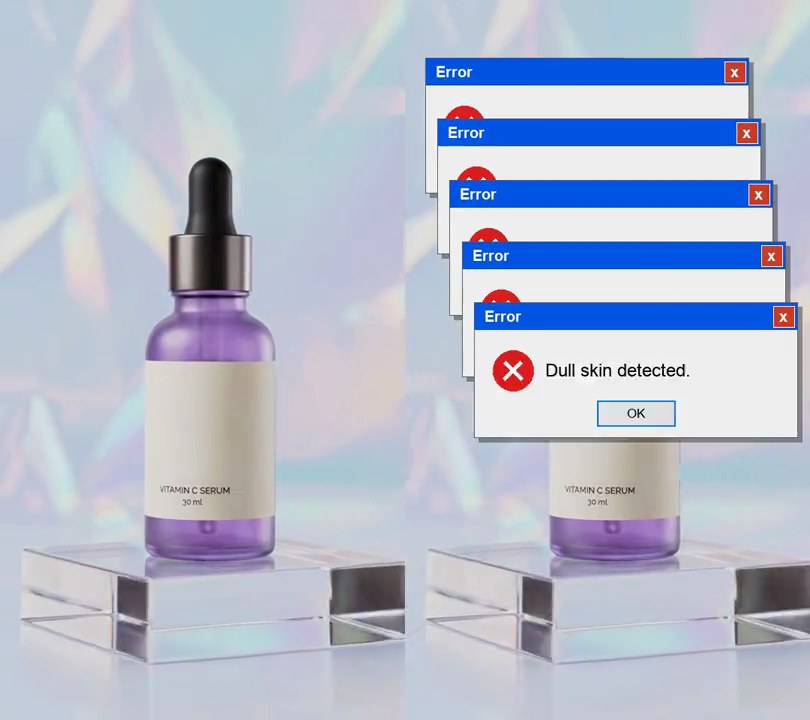
2. Error dialog pop-up
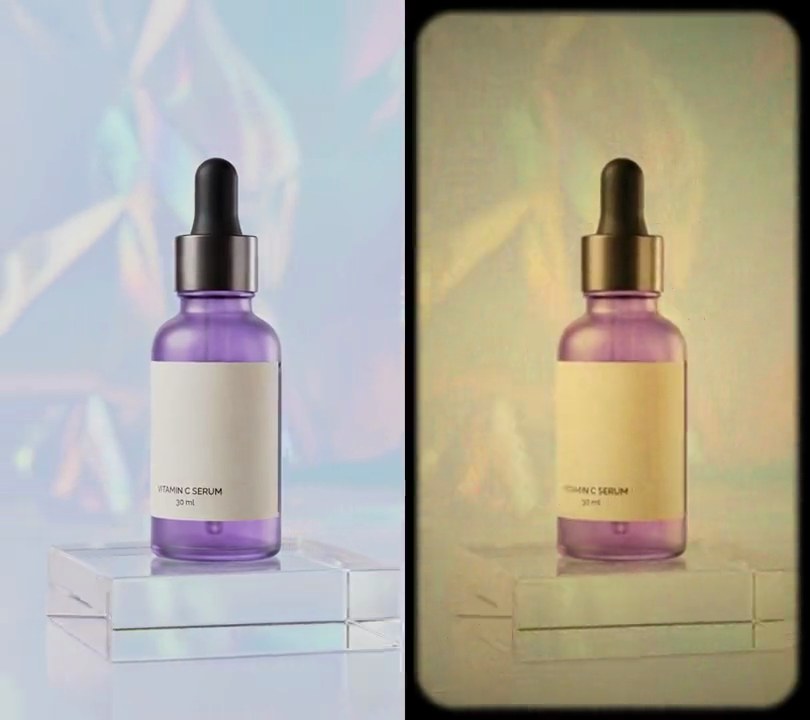
Blue-titled "Error" boxes with a red X, a "Dull skin detected." message and an OK button pile up one under another until they bury the top of the shot.
Show the prompt
Add stacked error dialogs to input.mp4. Each dialog is 80% of the frame width wide and 0.42 times that tall: a light gray (240, 240, 240) box with a dark gray outline and a soft drop shadow, a blue (0, 84, 227) title bar along the top (20% of the dialog's height) reading "Error" in bold white on the left with a small red close button on the right, a red (220, 30, 30) circle with a white X on the left (diameter 30% of the dialog height), the message "Dull skin detected." in black beside it, and a gray "OK" button with a blue outline centered near the bottom. Six dialogs appear one at a time, the first at 0.5 seconds and then one every 0.25 seconds, each scaling from 85% to full size over 0.08 seconds and staying on to the end. The first dialog's top-left corner is at 5% across and 8% down; each next one sits 3% of the width further right and 8.5% of the height further down, drawn on top of the ones before. Use Python with Pillow to draw the dialogs and their text and ffmpeg to put them on the video (don't rely on ffmpeg's drawtext filter), keep the audio, and save it as output.mp4.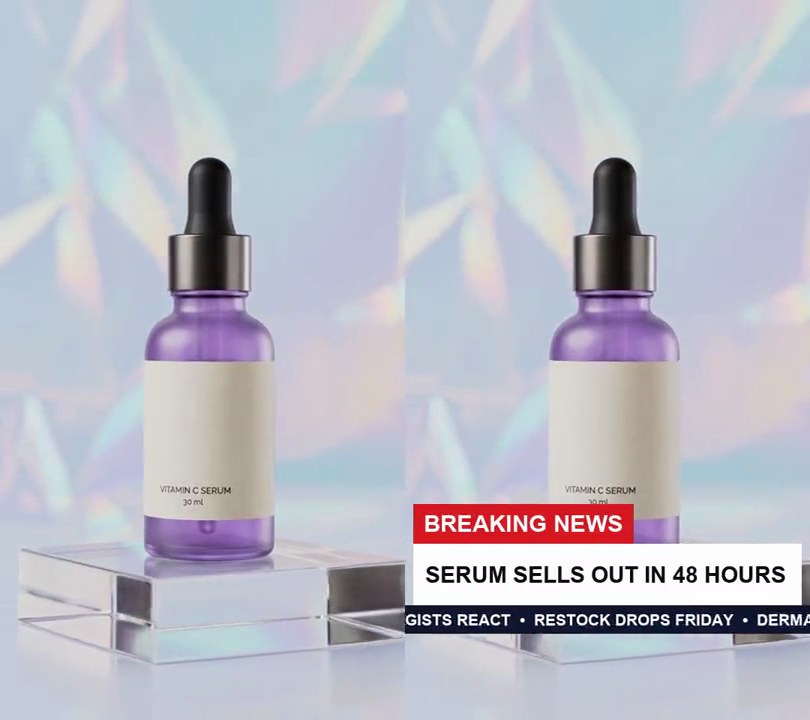
3. Breaking news banner
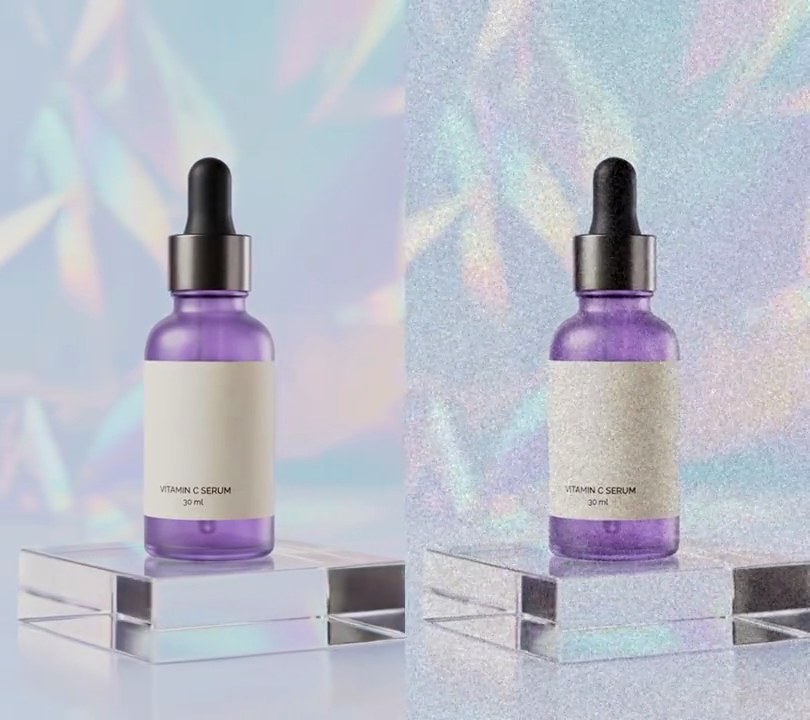
A red "BREAKING NEWS" tag and a white "SERUM SELLS OUT IN 48 HOURS" bar slide in from the left above a navy ticker scrolling the latest updates.
Show the prompt
Add a breaking news banner to input.mp4 (540x960). Stack three parts on the left, starting 70% down the frame and 2% in from the left edge: a red (215, 25, 35) tag 5.5% of the frame height tall reading "BREAKING NEWS" in white bold (text 5.8% of the frame width high, 2.5% of the width of padding each side); directly under it a white bar 96% of the frame width and 8.5% of the height tall with "SERUM SELLS OUT IN 48 HOURS" in near-black (15, 15, 20) bold, left-aligned with 3% padding and as large as fits up to 7% of the width; and directly under that a full-width navy (18, 22, 48) ticker strip 4% of the height tall with "DERMATOLOGISTS REACT • RESTOCK DROPS FRIDAY • " repeated in white bold (3.8% of the width), scrolling left at 135 pixels a second with the first letter at the strip's left edge at 0.5 seconds. Nothing shows before 0.5 seconds. The tag slides in from off the left edge from 0.5 to 0.9 seconds, the white bar from 0.65 to 1.05 seconds, and the ticker strip slides in from the right edge from 0.8 to 1.2 seconds, each easing out (fast, then gentle as it lands). The banner stays to the end. Use Python with Pillow to draw it and ffmpeg to put it on the video (don't rely on ffmpeg's drawtext filter), keep the audio, and save it as output.mp4.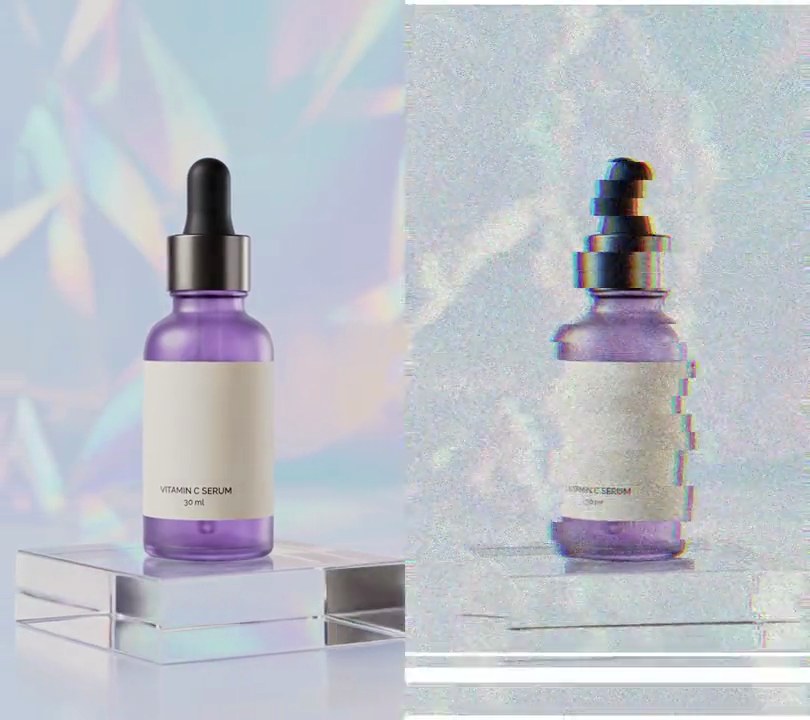
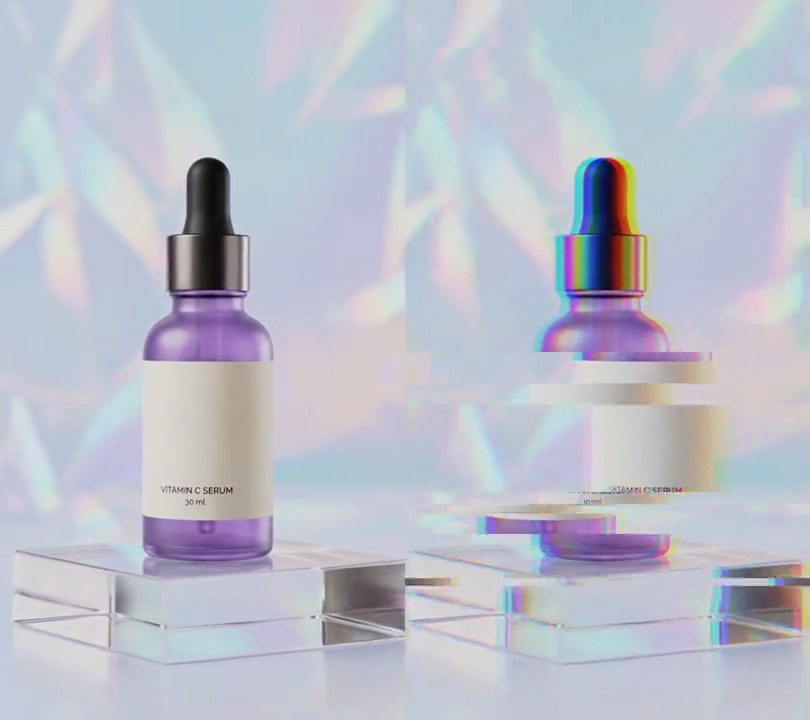
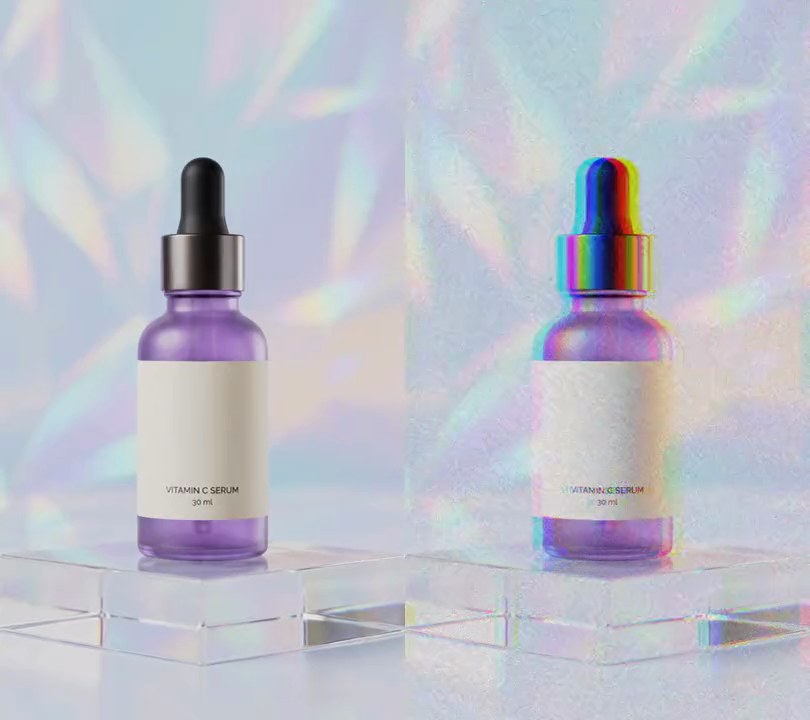
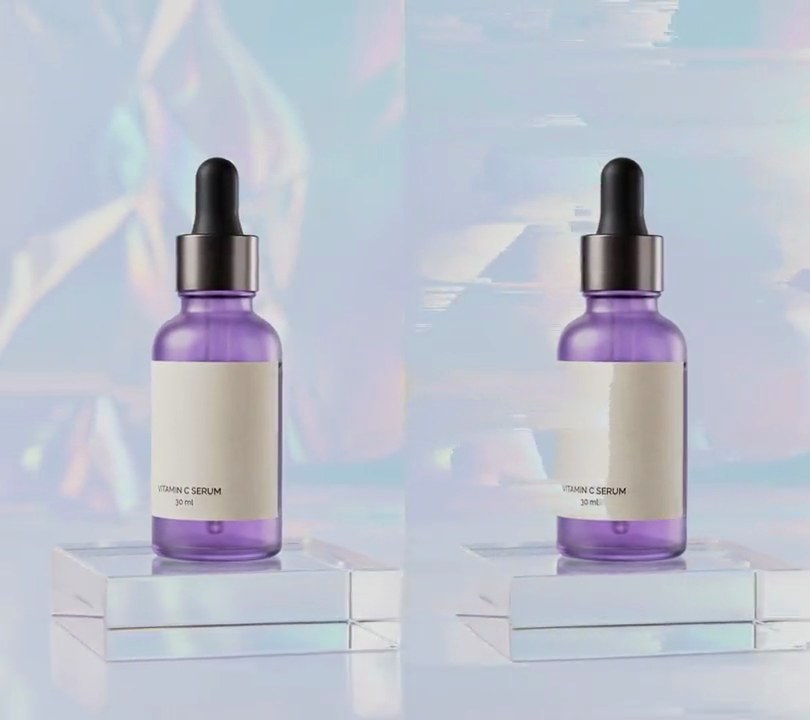
4. Rewind hook
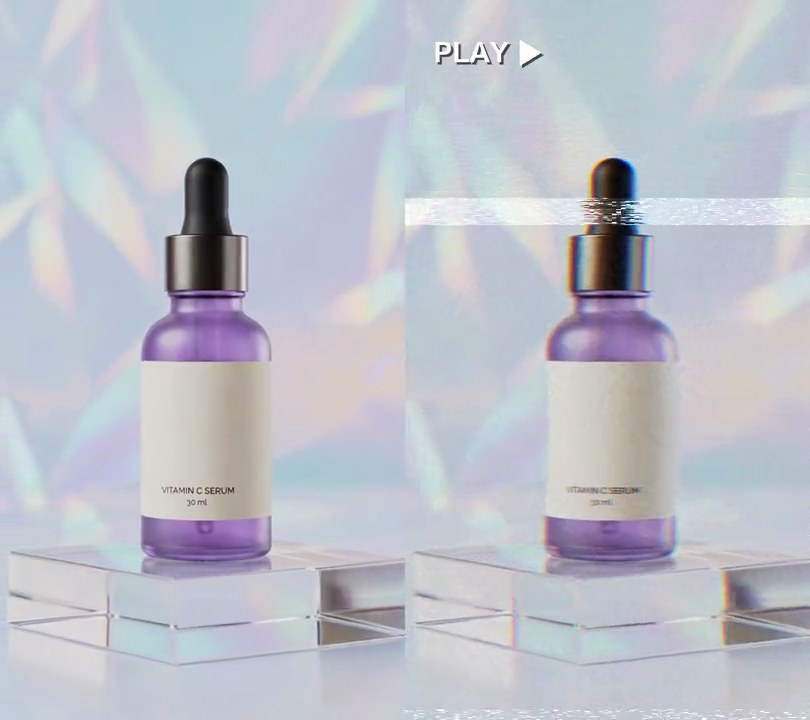
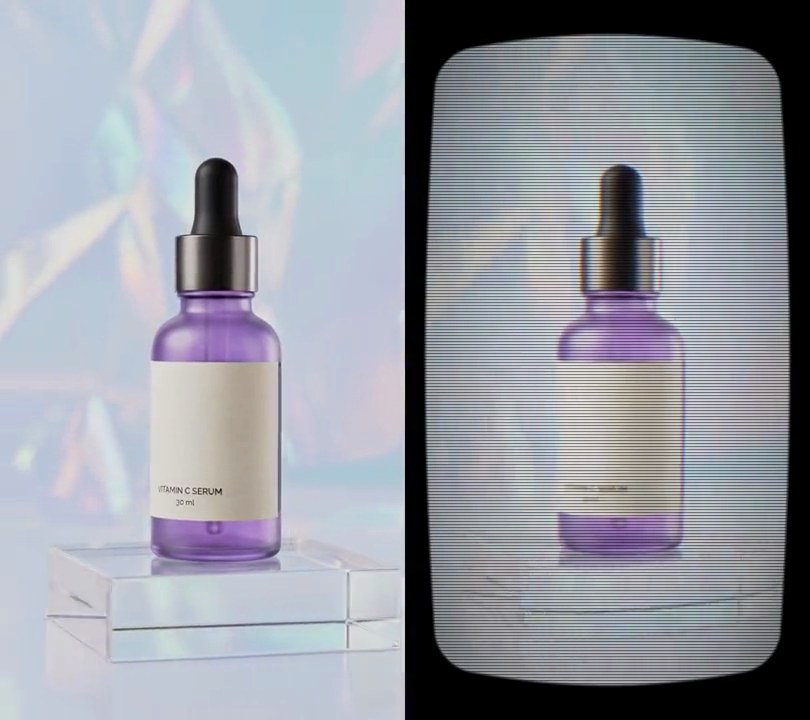
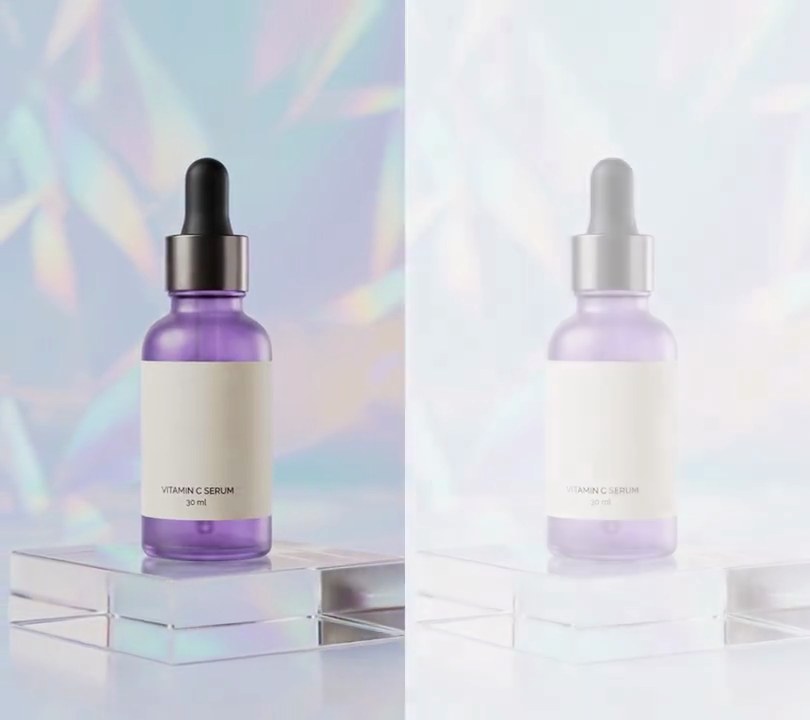
The video opens on a moment from near the end, then races backwards to the start through VHS static, sideways-slipping bands and white tracking lines before playing on.
Show the prompt
Make a rewind hook from input.mp4 (6 seconds, 30fps). The output is 6 seconds: first play input seconds 4.0 to 5.0 as normal. Then from 1.0 to 1.8 seconds, play input seconds 5.0 back to 0 in reverse (6.25x speed) as a VHS rewind: shift the red channel 6 pixels left and the blue 6 pixels right, lower the saturation to 70%, add flickering noise (strength 25), slide the picture sideways in 24-pixel-tall horizontal bands by up to 10 pixels (a different amount per band, changing every frame), and draw three solid pure white (255, 255, 255) full-width horizontal bars 12, 5 and 20 pixels tall that sweep down the frame at 2600, 1500 and 3300 pixels per second, wrapping round. From 1.8 seconds play the input from 0 normally to the end. For the sound, play the same input audio as the picture: normal for the opening moment, reversed and sped up 6.25x (pitched up) at half volume during the rewind, then normal from the start. Don't add any text. Use ffmpeg, keep the size, frame rate and audio, and save it as output.mp4.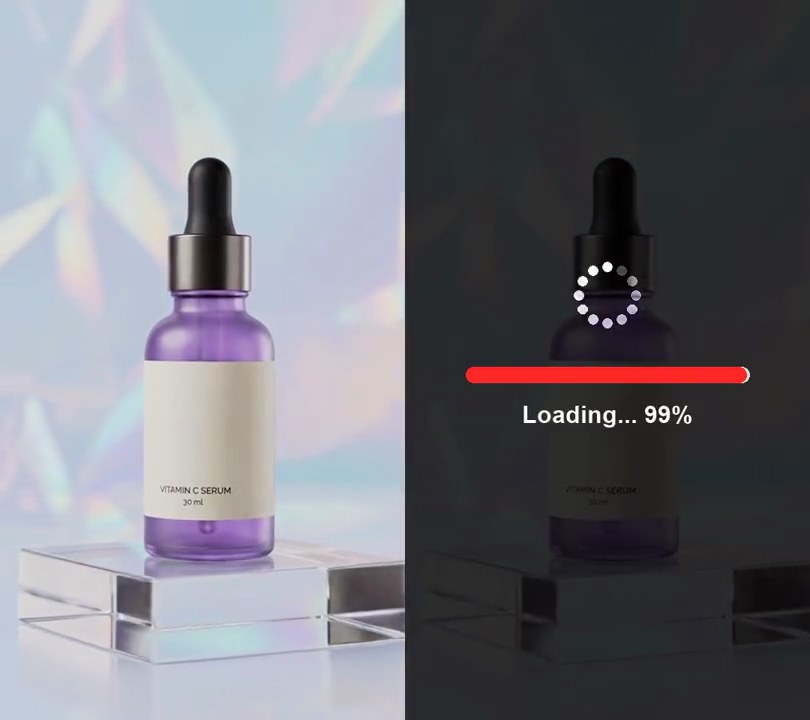
5. Fake loading bar
The clip opens dimmed behind a spinner and a red bar that races to 99%, sticks there, then vanishes as the video plays.
Show the prompt
Open input.mp4 with a fake loading screen for the first 2 seconds: darken the whole frame with black at 78% opacity (alpha 200 of 255), and centered at 52% down draw a bar 70% of the frame width wide and 2.2% of the frame height tall, a translucent white rounded track with a red (255, 40, 40) rounded fill. The fill eases out from 0% to 99% over the first 0.8 seconds, then sticks at 99%. Under the bar, 4.5% of the frame height below its bottom edge, write "Loading... 99%" (the number following the bar) in white bold text 6% of the frame width tall, centered. Above the bar, centered 11% of the frame height higher, draw a spinner: twelve white dots on a circle with a radius of 7% of the frame width, the brightest dot going round twice a second with the ones behind it fading. At exactly 2.0 seconds remove all of it so the clip plays normally. Use Python with Pillow to draw it and ffmpeg to put it on the video (don't rely on ffmpeg's drawtext filter), keep the audio, and save it as output.mp4.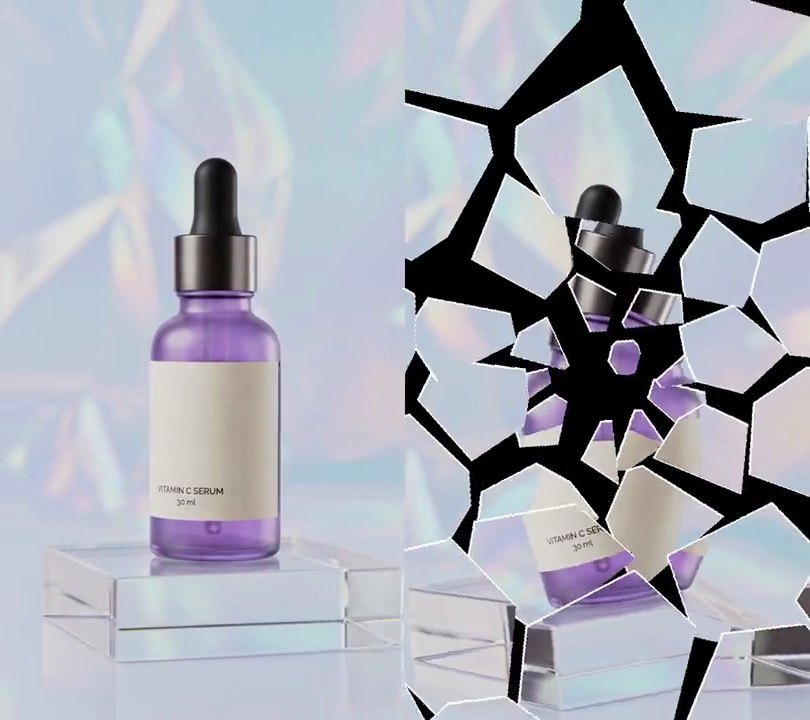
6. Shatter
The picture freezes, white cracks race out from just above the center like struck glass, and the shards tumble down into black before the video fades back in.
Show the prompt
Add a glass shatter effect to input.mp4. Play it normally until 1.5 seconds, then freeze that frame and crack it: split the frame into about 55 Voronoi shards from seeds placed in 6 jittered rings around an impact point 50% across and 45% down (small shards near the point, bigger toward the edges), and draw the shard borders as pure white (255, 255, 255) lines 3 pixels wide, growing outward from the impact point so they cover the whole frame by 1.8 seconds. At 2.0 seconds the shards fall away: each one drifts outward from the impact point at 80 to 220 pixels per second, spins up to 120 degrees per second and falls under gravity of 2600 pixels per second squared, with shards farther from the point starting up to 0.35 seconds later. Behind them is black until 2.6 seconds, then the live video (not the frozen frame) fades up over 0.6 seconds and plays normally to the end. Keep the size, 30fps, the 6-second length and the audio. Use Python with numpy and Pillow for the shards and ffmpeg to read and write the video (don't rely on ffmpeg's drawtext filter), and save it as output.mp4.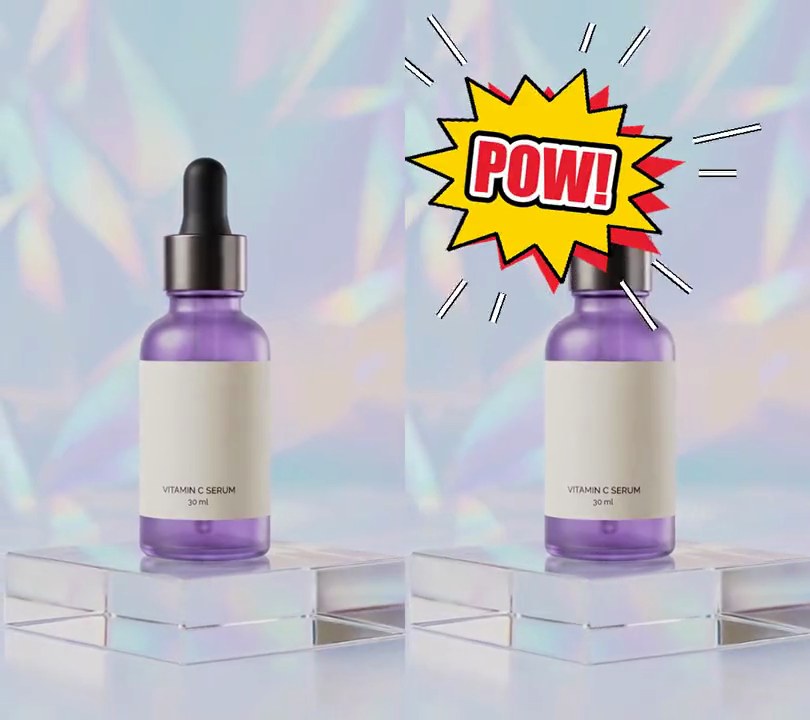
7. Comic sound-effect text
A spiky yellow comic-book burst reading "POW!" slams onto the top of the frame with white motion lines shooting out, then a second burst reading "WHOOSH!" takes its place near the bottom.
Show the prompt
Add comic-book sound-effect text to input.mp4. Draw each word on a spiky burst: a 14-point star 70% of the frame width across and 80% as tall as it is wide, with long and short spikes alternating (short spikes at 66% of the radius), filled yellow (255, 214, 0) with a black outline 1.4% of the burst width thick, and a red (230, 30, 45) copy of the star offset 3.5% of the burst width down and to the right behind it. The word sits in the middle in Impact (or another heavy font), red (230, 30, 45) with a thin white outline inside a thicker black one, filling about 56% of the burst's width. "POW!" is centered 34% across and 24% down, tilted -6 degrees, from 0.5 to 2.0 seconds. "WHOOSH!" is centered 58% across and 74% down, tilted 8 degrees, from 2.6 to 4.6 seconds. Each burst slams in by shrinking from 2.2 times its size to full size over 0.15 seconds, then throbs gently (3% in size, 3 times a second) and shrinks away to nothing over the last 0.12 seconds before it leaves. As each one lands, 12 white motion lines with black edges shoot outward from its edge, thinning and fading over 0.45 seconds. Nothing is on screen before 0.5 seconds, between 2.0 and 2.6 seconds, or after 4.6 seconds. Draw everything with Python and Pillow (don't rely on ffmpeg's drawtext filter), keep the size and audio, and save it as output.mp4.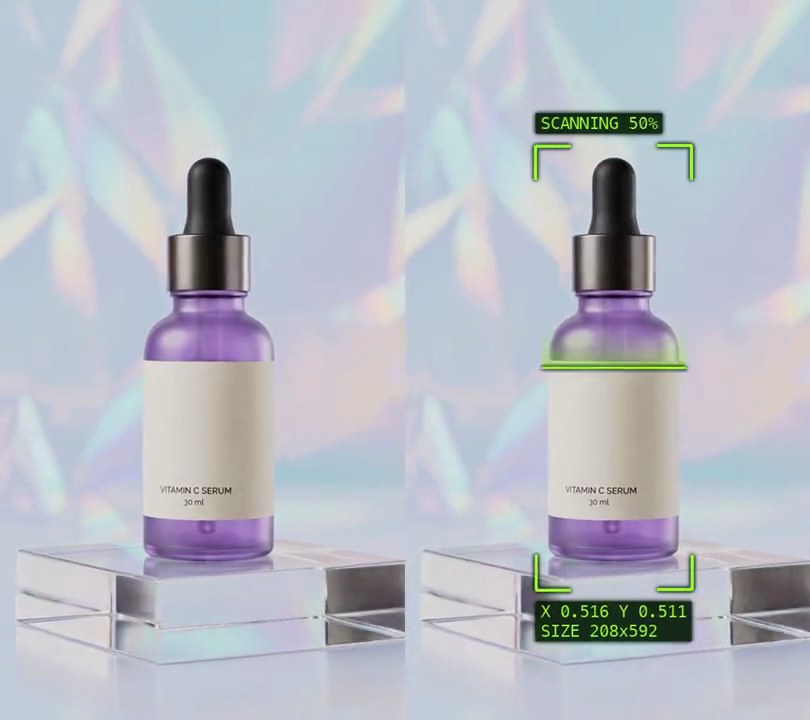
8. HUD scan overlay
Lime-green corner brackets close in from the frame edges and lock around the bottle, a glowing line sweeps down it while "SCANNING" counts to 100%, then "TARGET LOCKED" holds as the brackets follow the bottle.
Show the prompt
Add a HUD scan overlay to input.mp4 that locks onto the product, all lines and text in lime green (150, 255, 40) with a soft 3-pixel dark green (0, 25, 0) shadow behind them. Before 0.3 seconds the video is untouched. Find the product on every 10th frame with rembg (session "u2net", only_mask, mask above 128, largest connected blob from OpenCV), pad its bounding box by 16 pixels on each side and interpolate the box linearly for the frames in between, so the overlay follows the product. From 0.3s, over 0.6 seconds with a cubic ease-out, four L-shaped corner brackets (4 pixels thick, arms 22% of the box width) close in from a box 24 pixels inside the frame edges to the product's box. From 0.9s to 1.9s a 3-pixel horizontal scan line moves at a steady speed from the top of the box to the bottom, 8 pixels in from its sides, with a lime glow fading out over 70 pixels above it (alpha 130 at the line, falling off with the square of the distance); the line is gone after 1.9s. From 0.9s, in a monospaced font 4% of the frame width tall on dark (5, 25, 5) tags at 75% opacity: above the top-left bracket (bottom edge 16 pixels above the box) "SCANNING 0%" counting up to 100% with the sweep, replaced by "TARGET LOCKED" at 1.9s; and 16 pixels below the box, left-aligned with it, the box center as "X 0.512 Y 0.509" (fractions of the frame) over "SIZE 208x588" (box size in pixels), updating every frame. Draw it with Python and Pillow (don't use ffmpeg's drawtext filter), composite it with ffmpeg, keep the audio, and save it as output.mp4 at 30fps.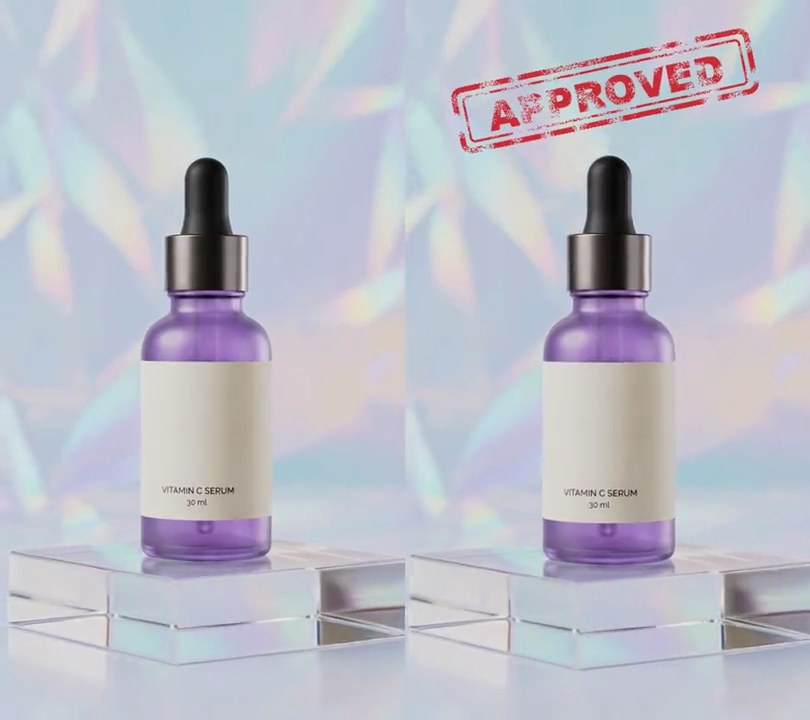
9. Rubber stamp text
A red "APPROVED" stamp with a double border and patchy, worn-out ink slams down above the product at a tilt, knocking the picture with a small jolt.
Show the prompt
Add a rubber stamp to input.mp4: the word "APPROVED" in a heavy font (Arial Black) in red ink (205, 30, 40) at 92% opacity, inside a rounded rectangle border, with a thick outer line (14% of the letter size) and a thin inner line (5% of the letter size). The stamp, border included, is 74% of the frame width wide and 1.7 times the letter size tall, with the word 80% of the stamp's width; tilt it 12 degrees counterclockwise and center it 50% across and 13% down. Make the ink look worn: mix soft blotchy noise with fine speckle (numpy is fine) and leave out the weakest 30% of the ink so the print is patchy. The stamp comes down over 0.12 seconds and hits the frame at 0.8 seconds: it starts at 250% size and fully transparent, shrinks to 100% while fading in, speeding up as it drops, then stays to the end. On impact, jolt the whole frame (stamp included) about 10 pixels in changing directions with an extra 4% zoom so no edge shows, both dying down to still over 0.3 seconds. Nothing changes before 0.68 seconds. Draw the stamp with Python and Pillow (don't rely on ffmpeg's drawtext filter), keep the size and audio, and save it as output.mp4.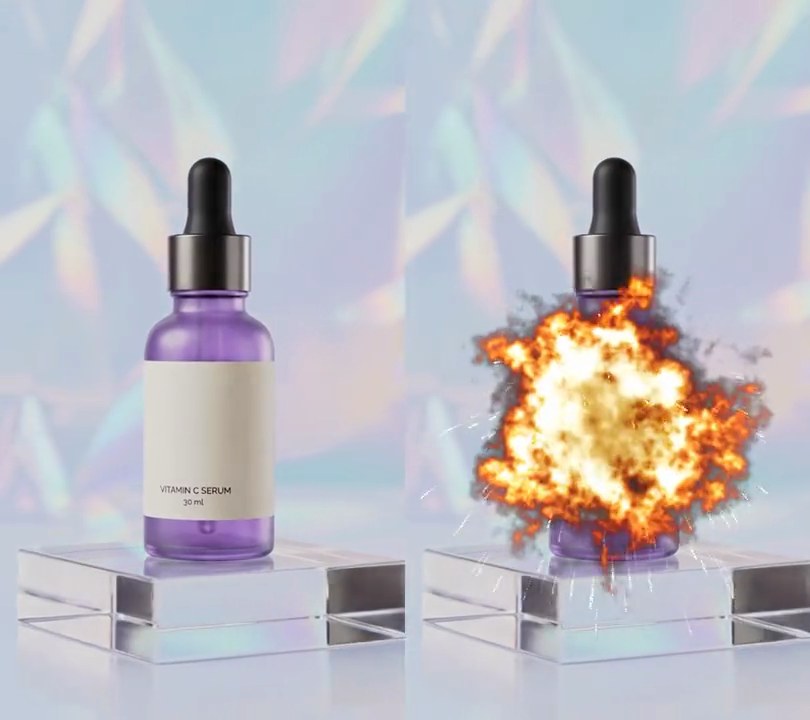
10. Explosion
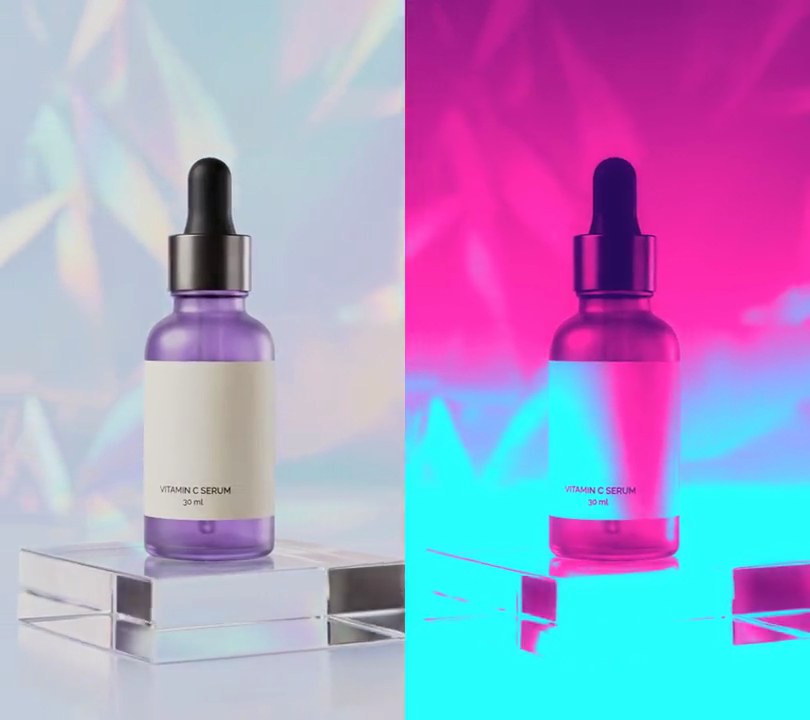
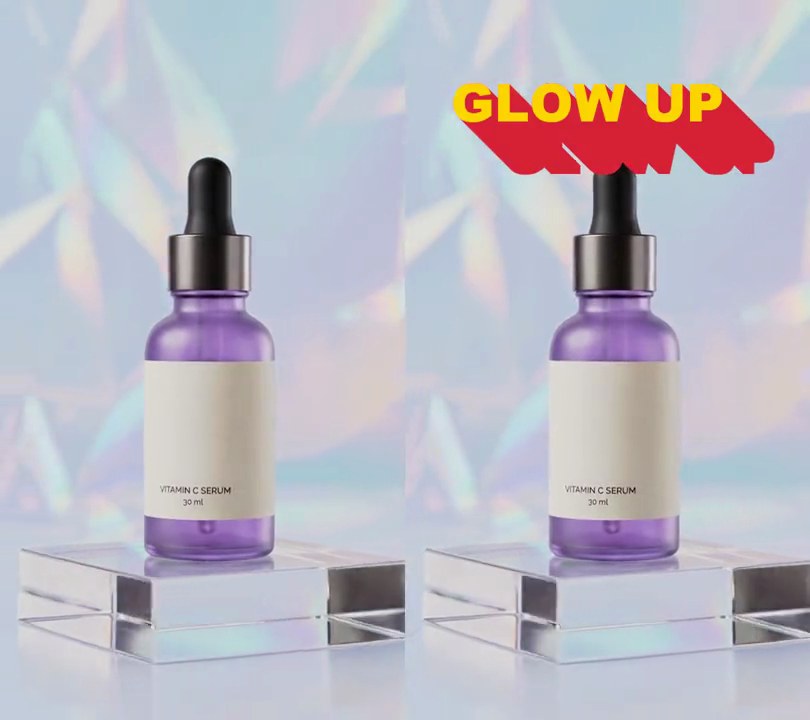
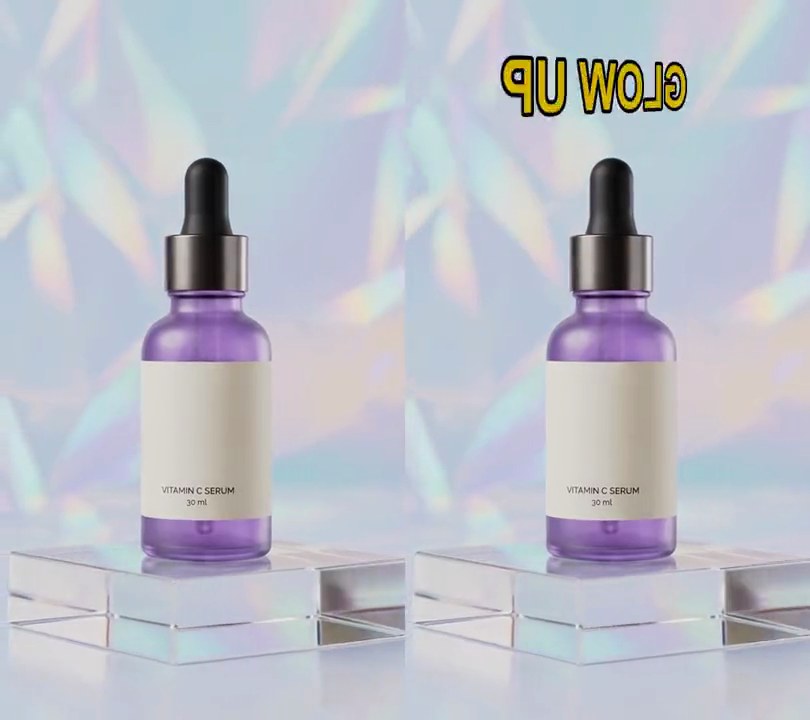
At 1 second the frame flashes white and a ragged fireball bursts out over the bottle, throwing sparks, then burns down to orange flames and dark smoke that drifts upward and clears.
Show the prompt
Add an explosion to input.mp4 at 1.0 seconds, centered 50% across and 62% down. Before 1.0s the video is unchanged. At 1.0s the whole frame flashes toward white (blend 90% of the way to white, decaying as exp(-age/0.15 s)). A fireball grows from that point: its radius is 0.40 x frame width x (1 - exp(-age/0.25) + 0.12 x age), its center drifts up at 70 pixels per second, and its edge is ragged and billowing (use smooth tileable noise that scrolls over time and shade the colors by it, 0.7 to 1.3). Color it by heat from a palette: white-hot (255, 250, 225) in the core, yellow (255, 200, 60), orange (250, 105, 10), deep red (150, 25, 5) and dark smoke (45, 40, 38) at zero heat. The heat drops steadily so after 1.0 second of burning only smoke is left, and the smoke fades out linearly over the next 1.6 seconds, so nothing is left by 3.6s. Also throw 90 small yellow-white sparks outward from the center at 270 to 900 pixels per second with drag and a little gravity, each with a short fading trail, gone within 1.1 seconds. Lay the fireball and smoke over the shot with real opacity (not a screen blend) so they show on the pale backdrop. Use Python with numpy (no text, and don't rely on ffmpeg's drawtext filter), keep the audio, and save it as output.mp4.