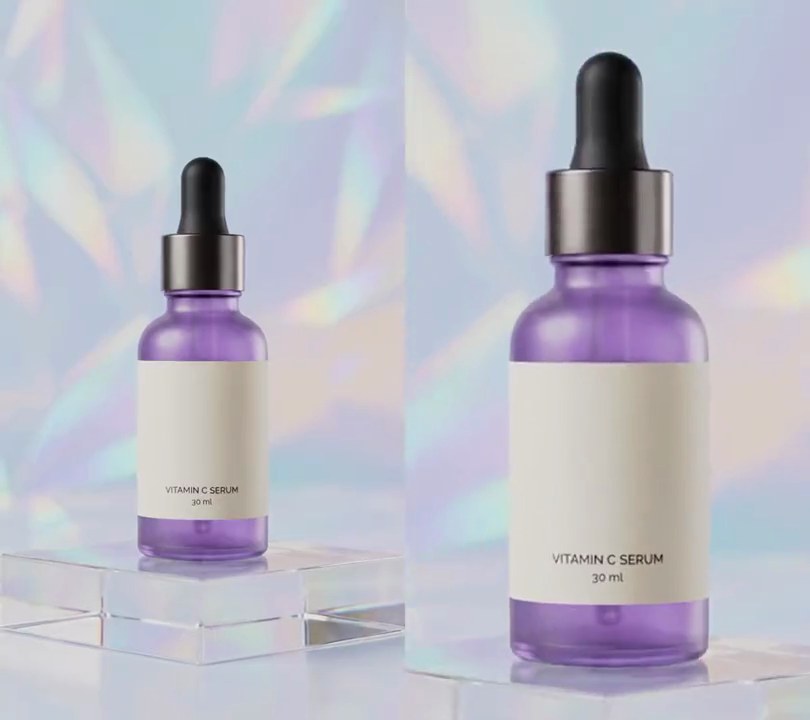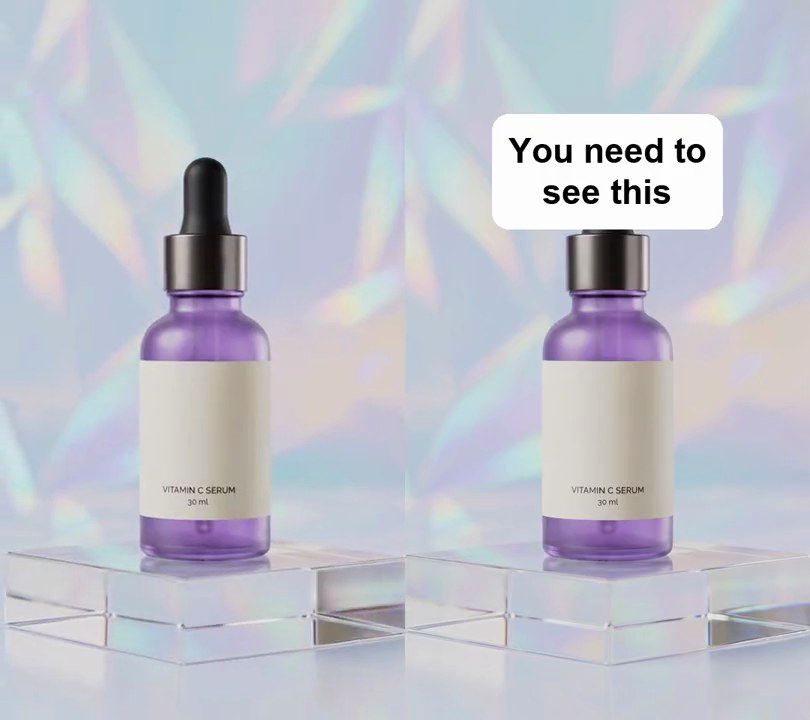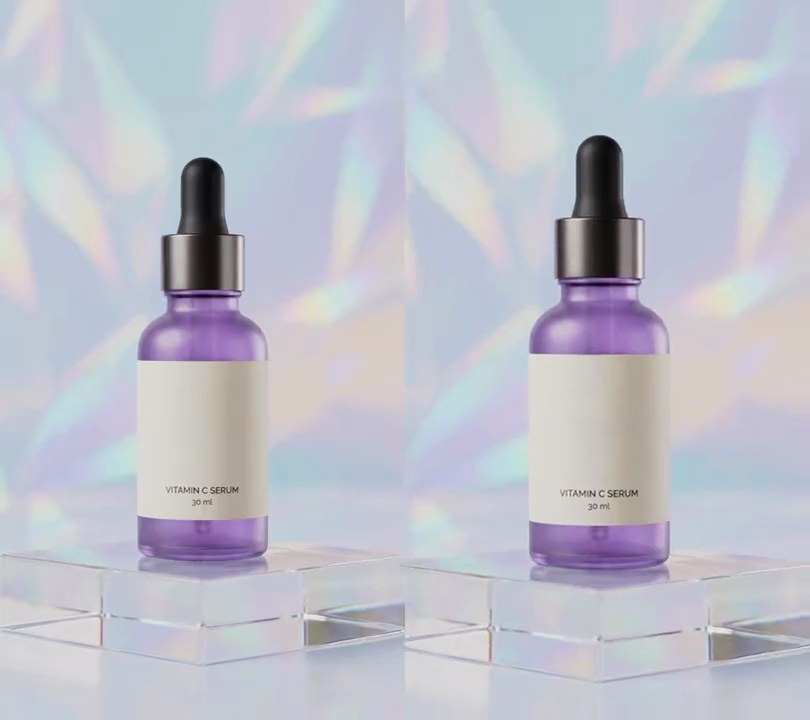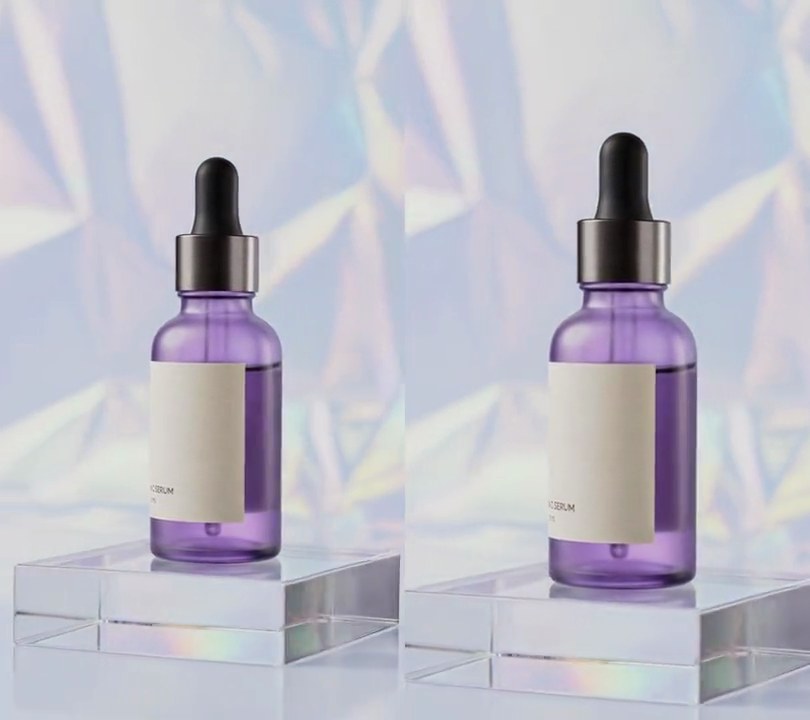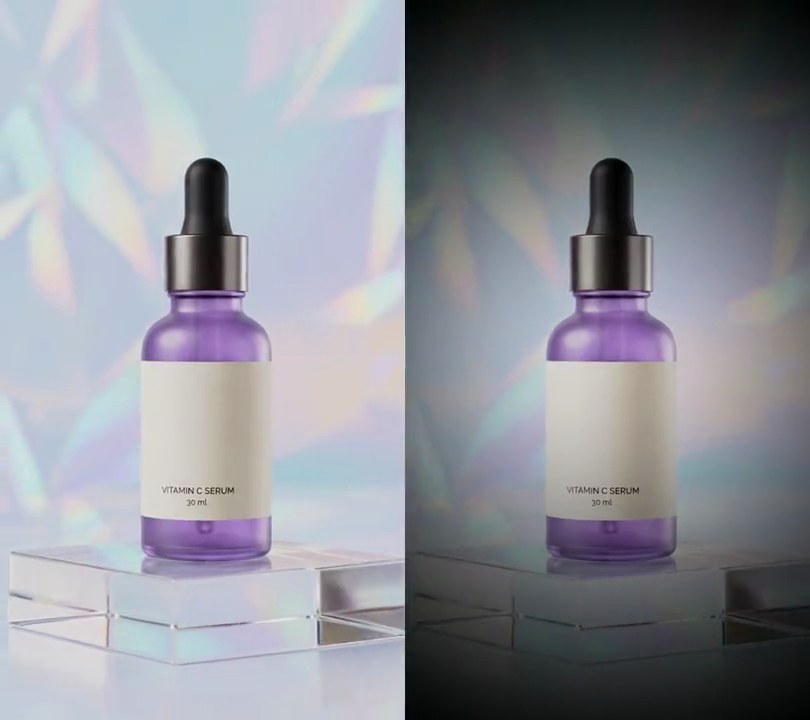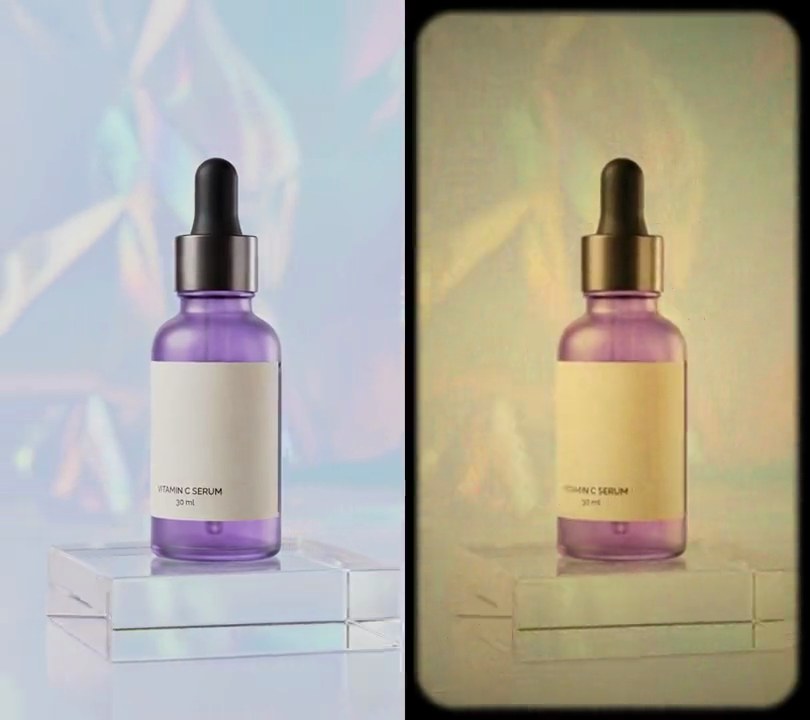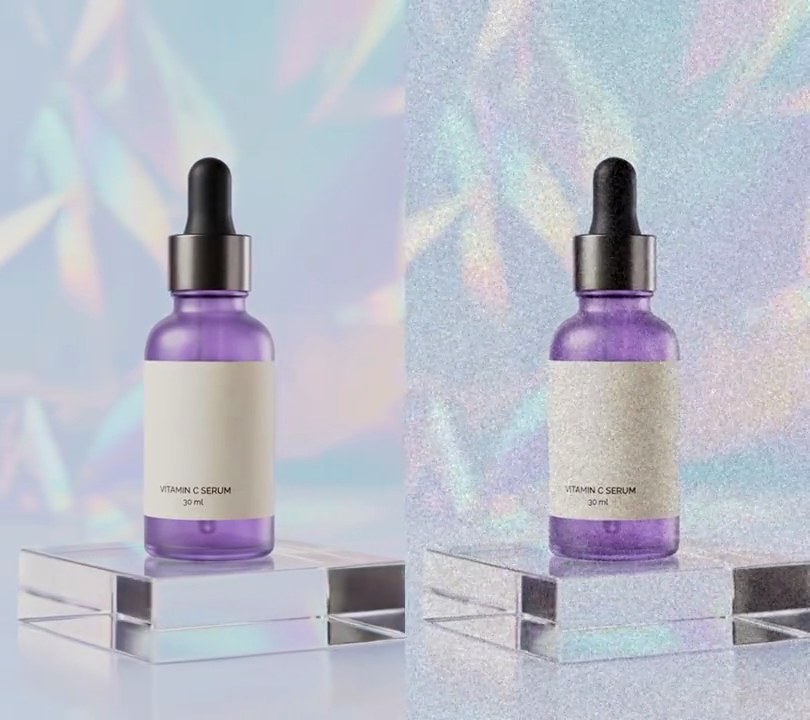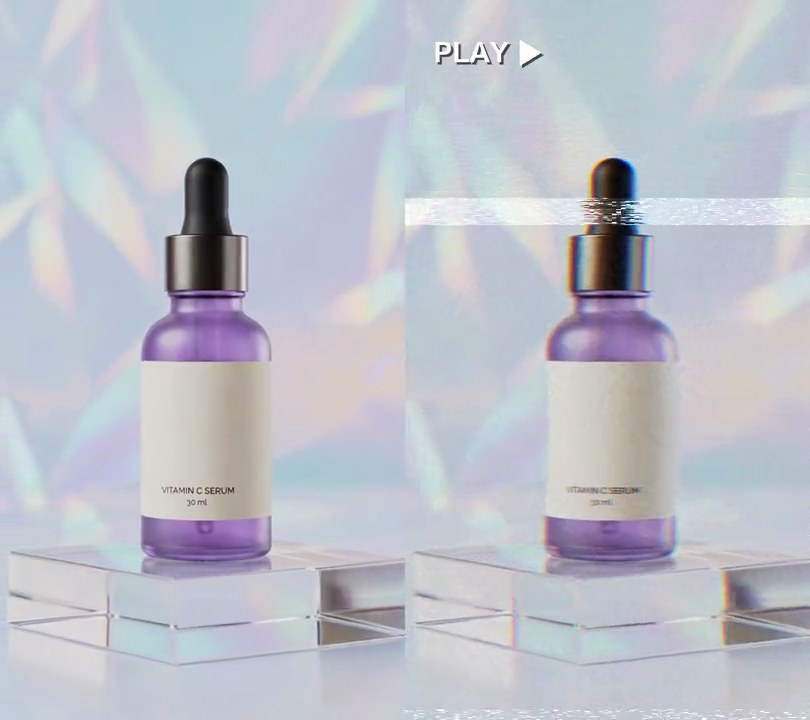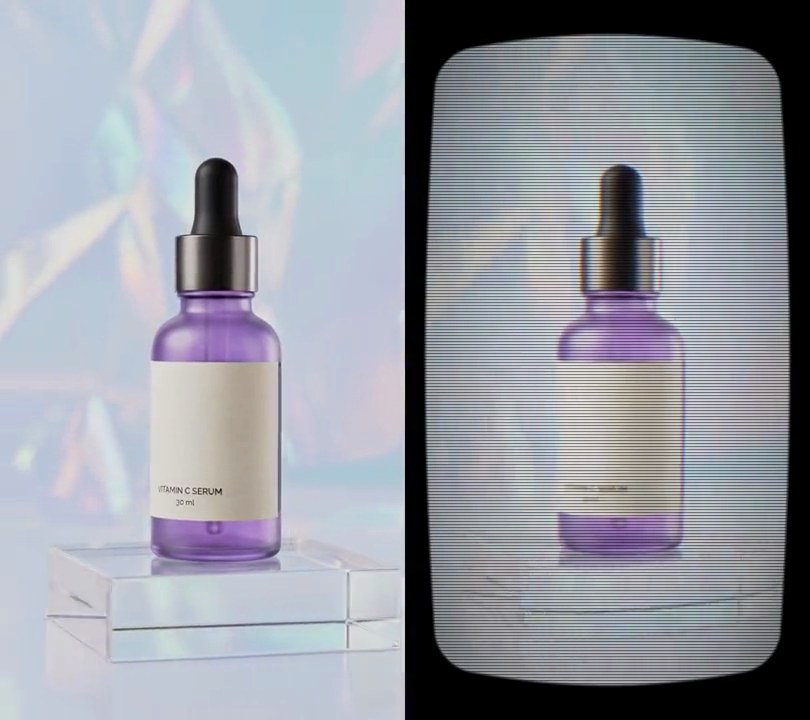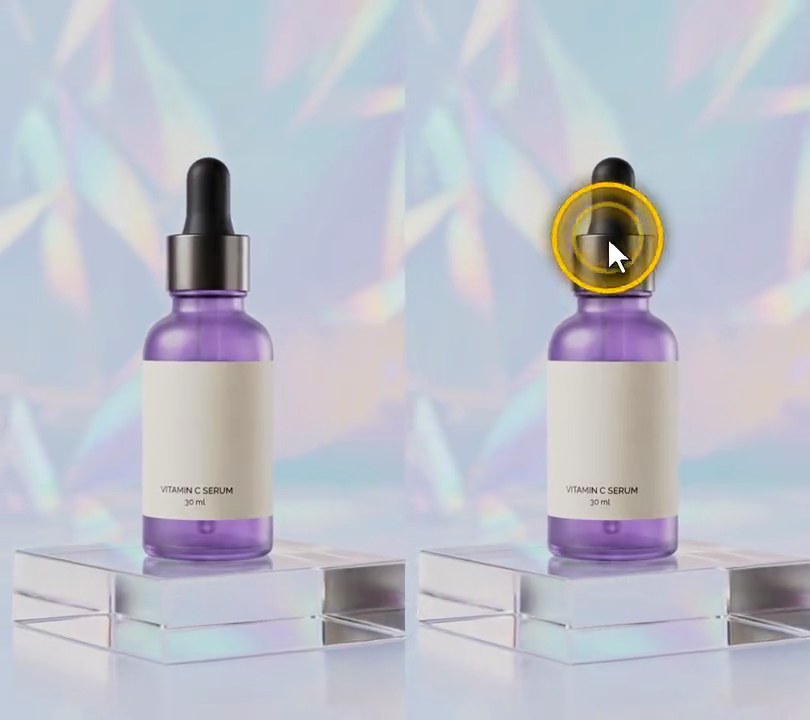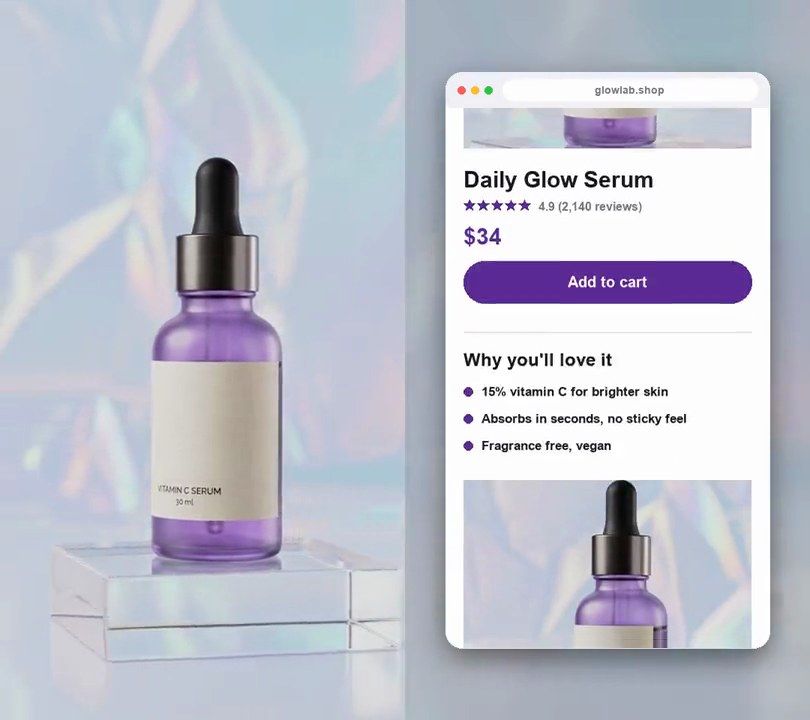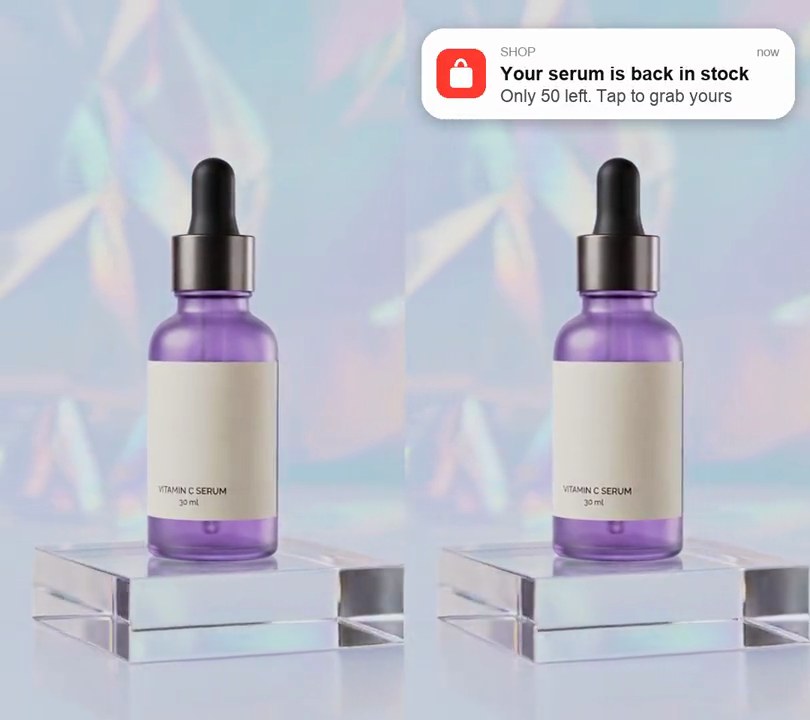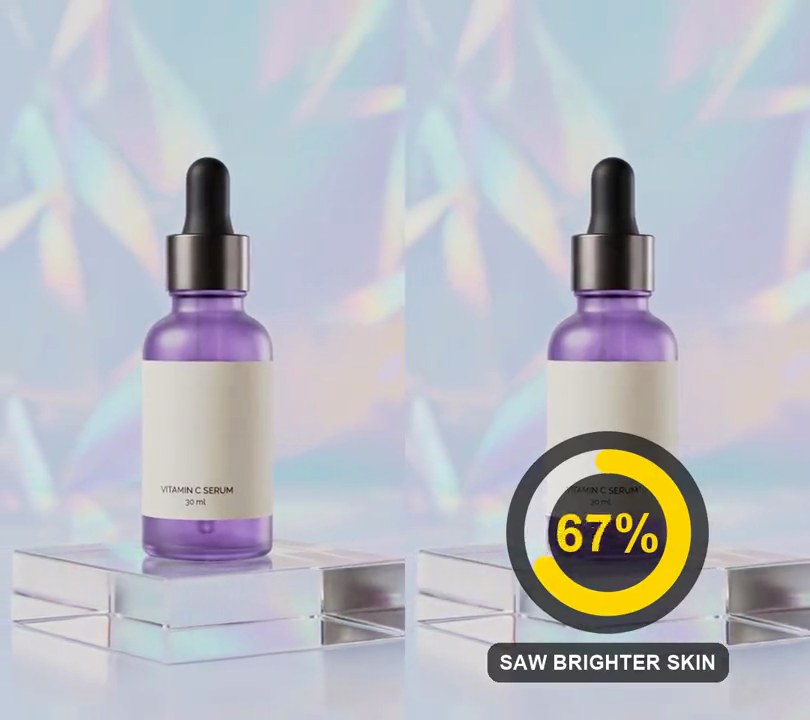
1. Glitch effect
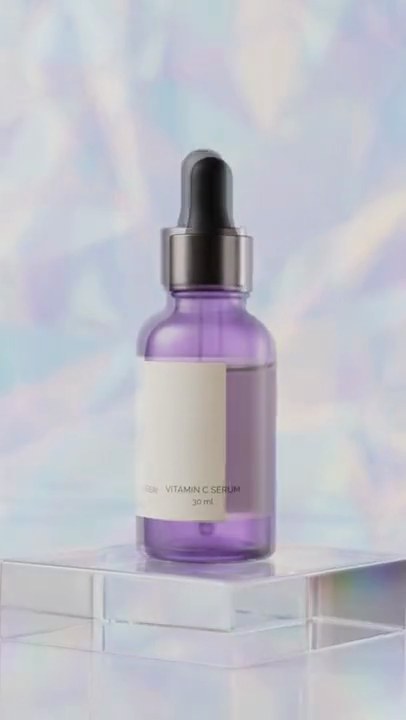
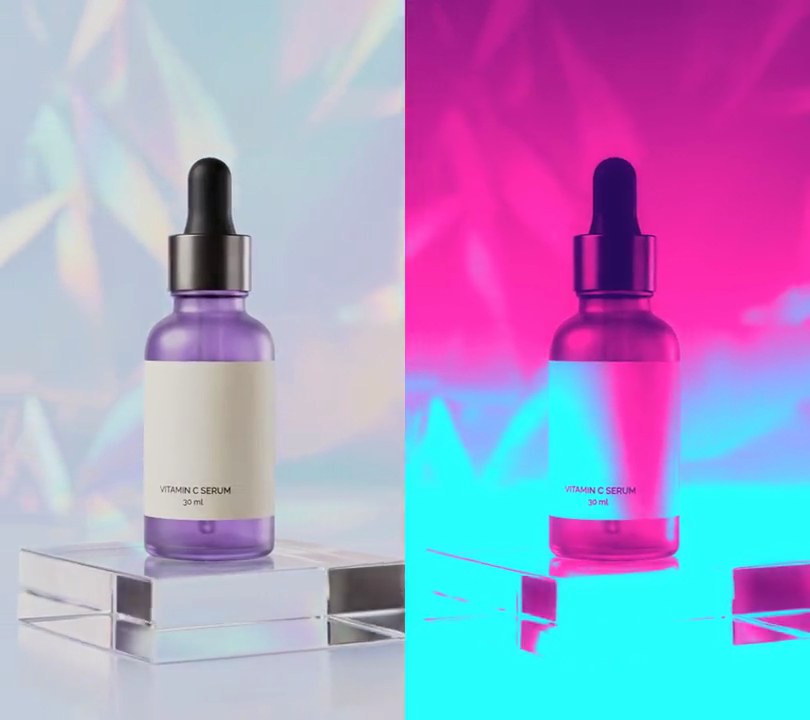
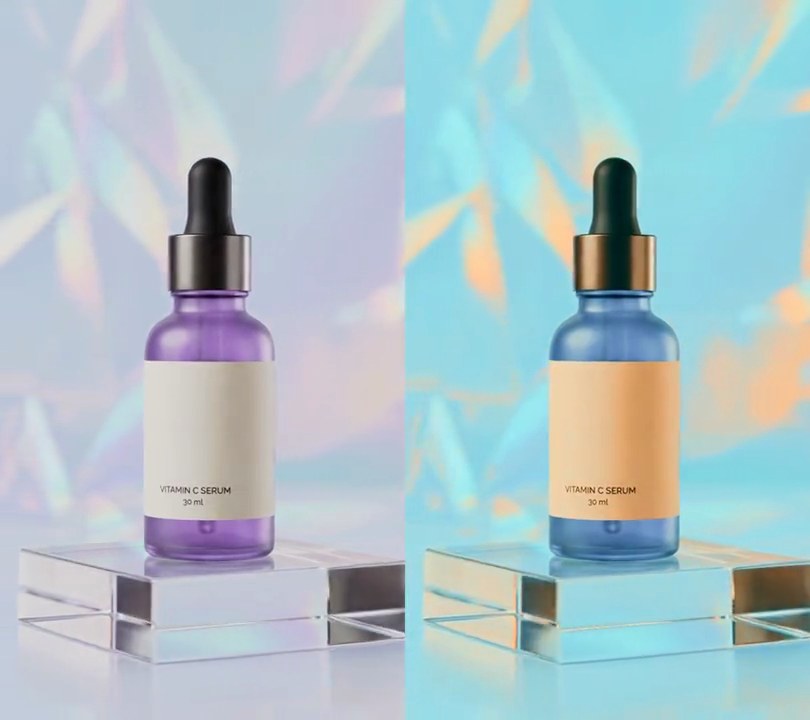
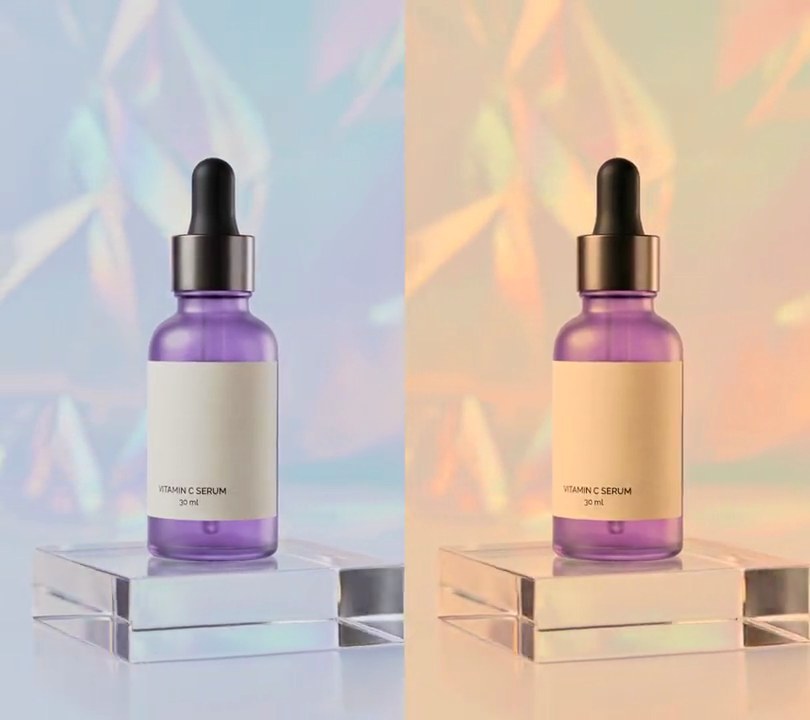
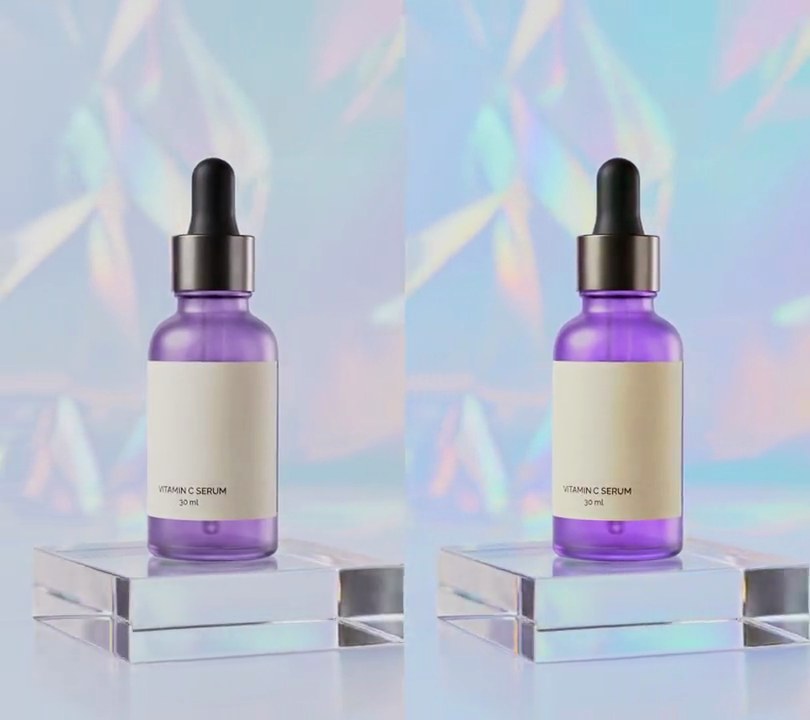
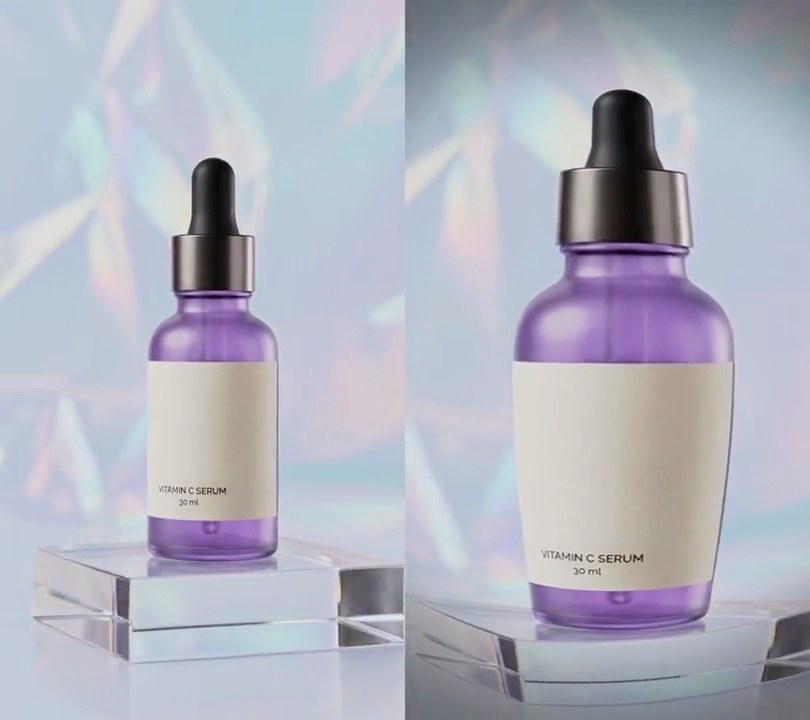
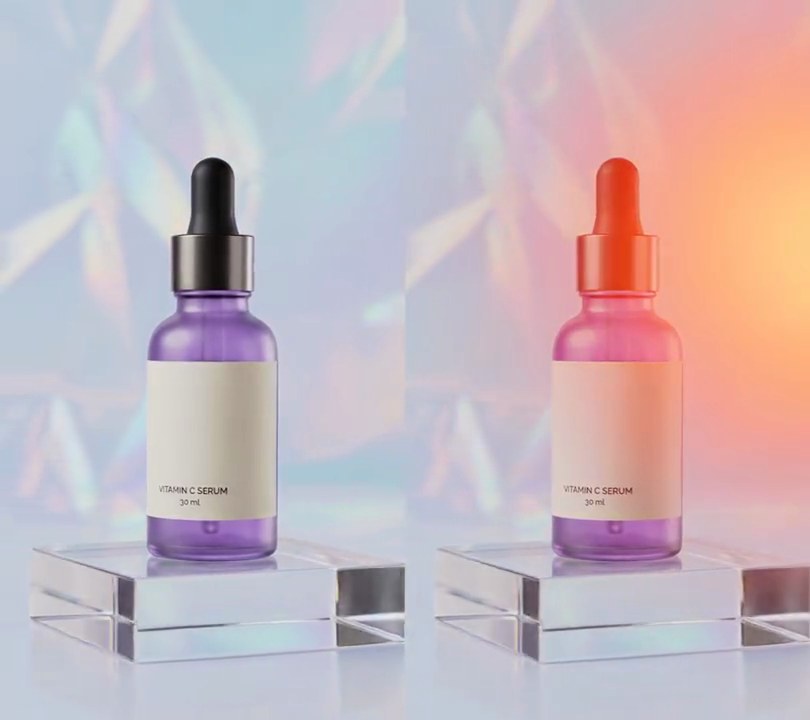
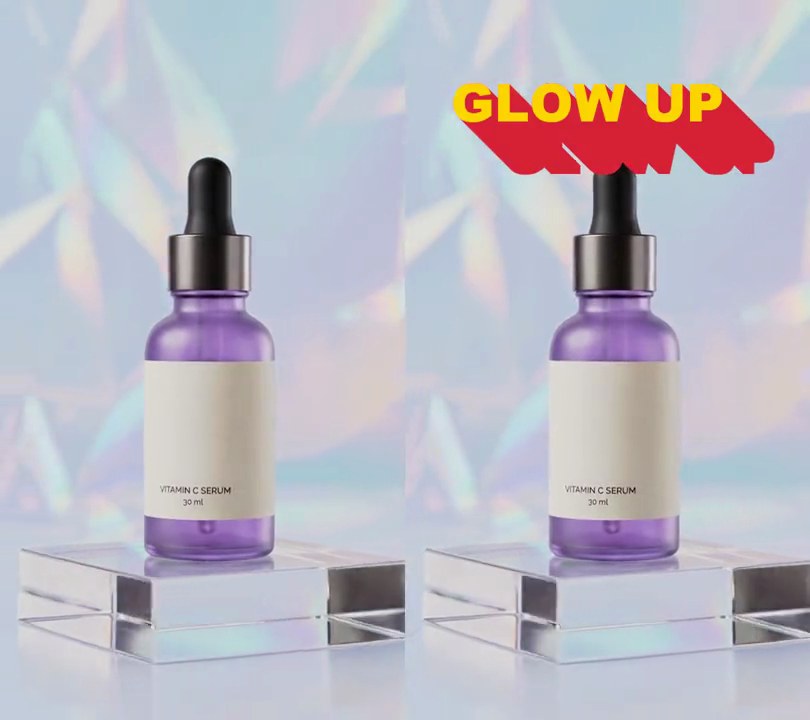
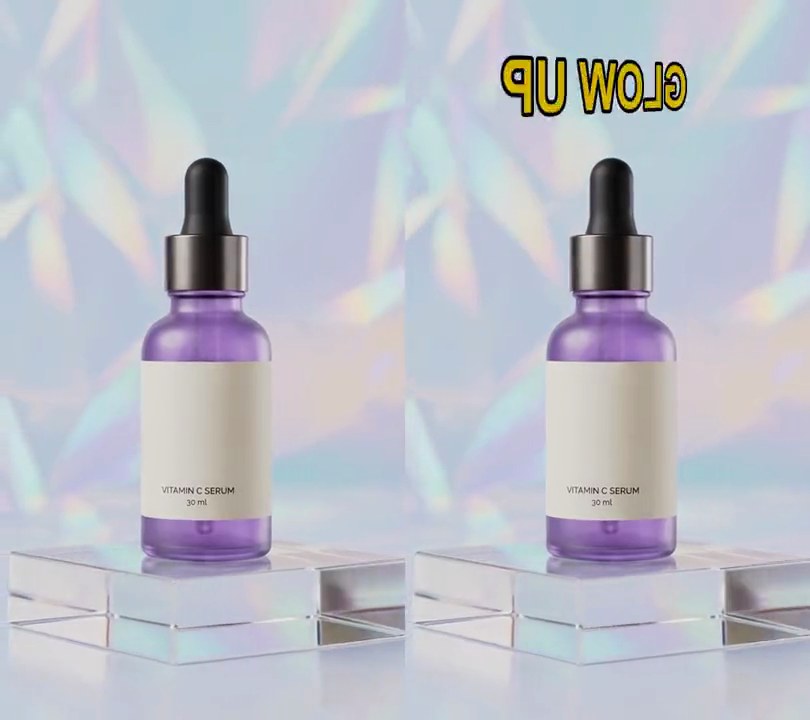
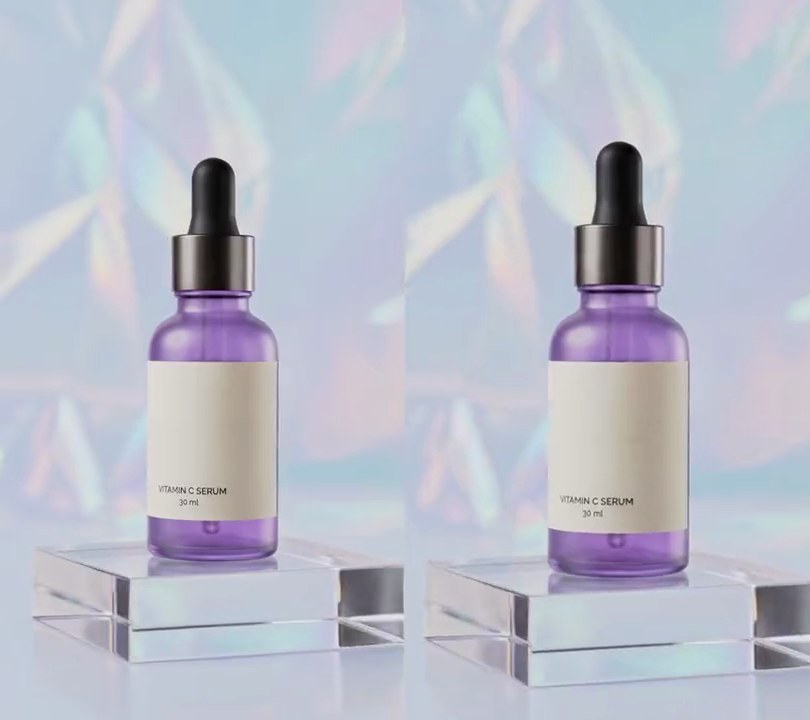
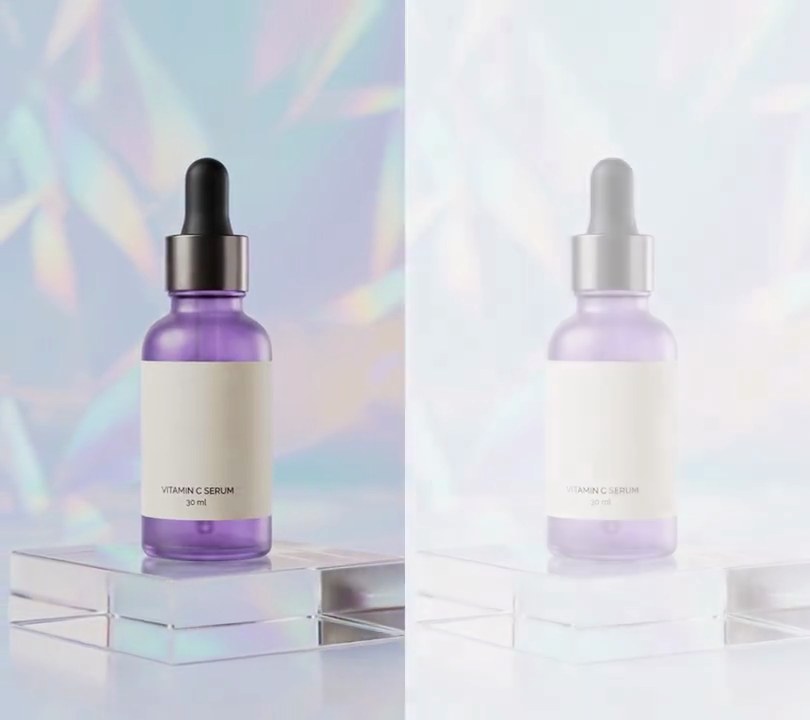
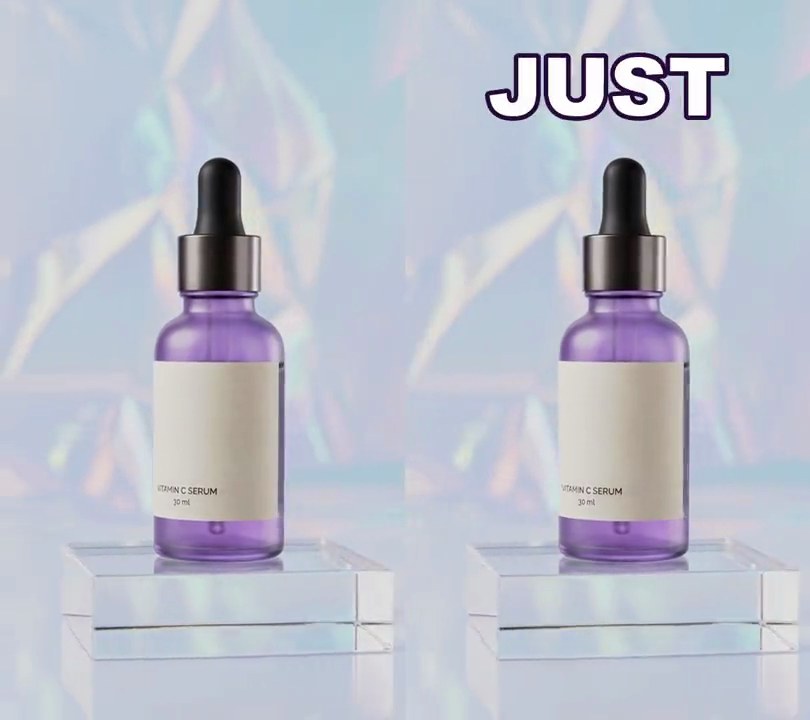
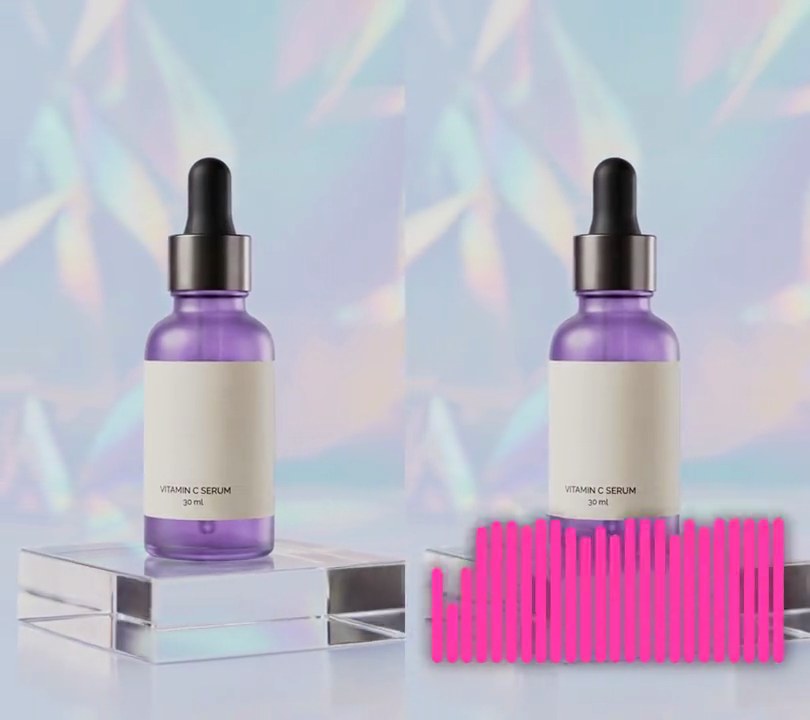
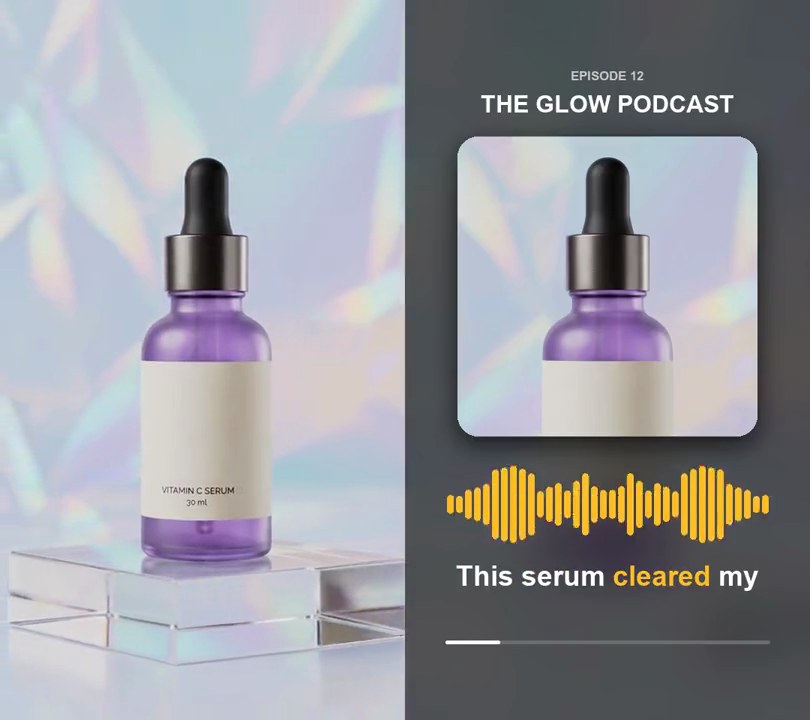
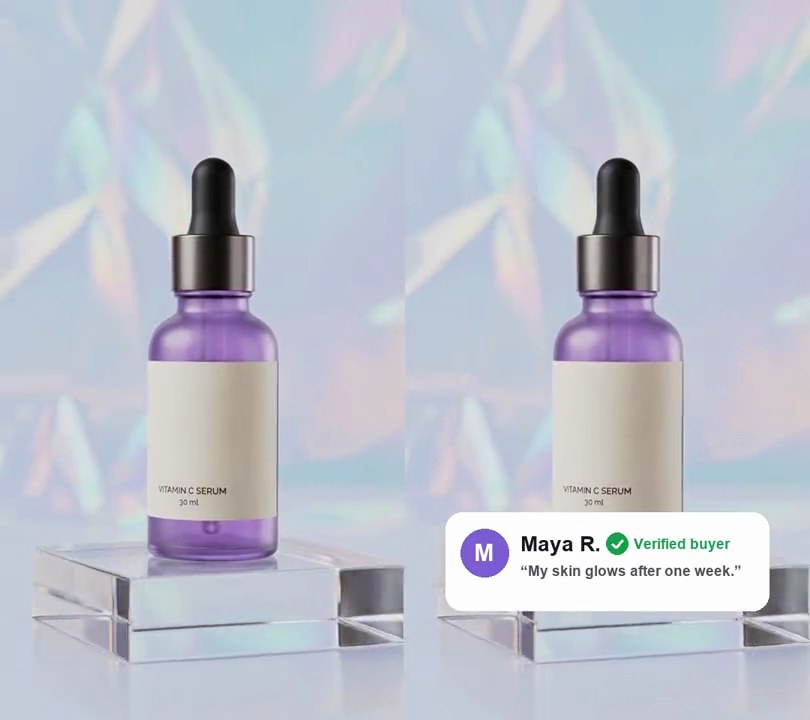
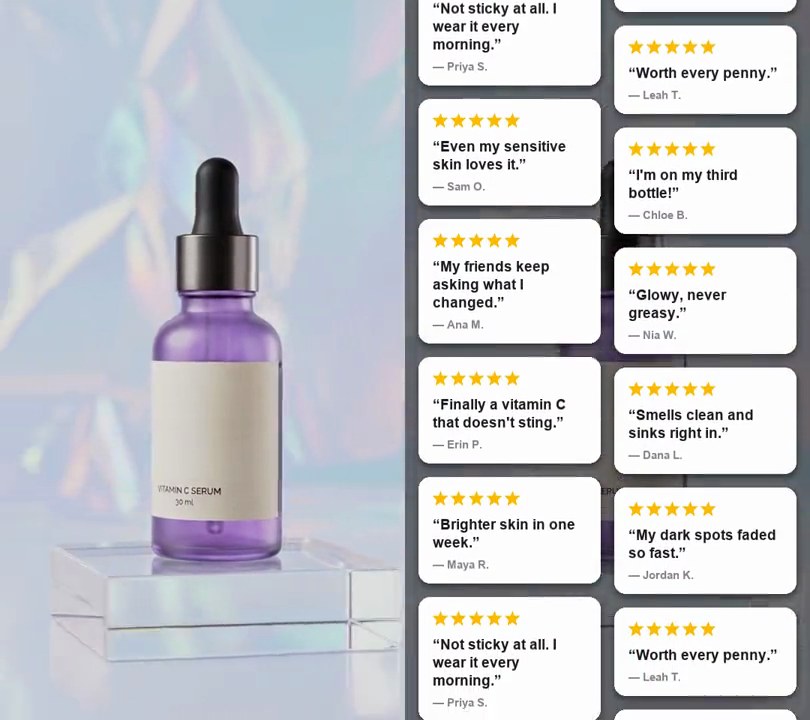
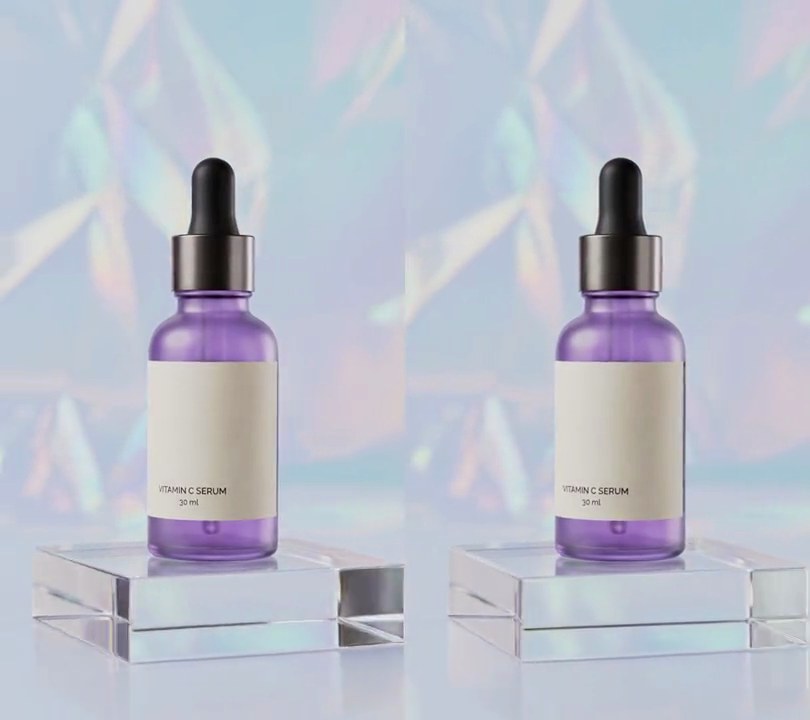
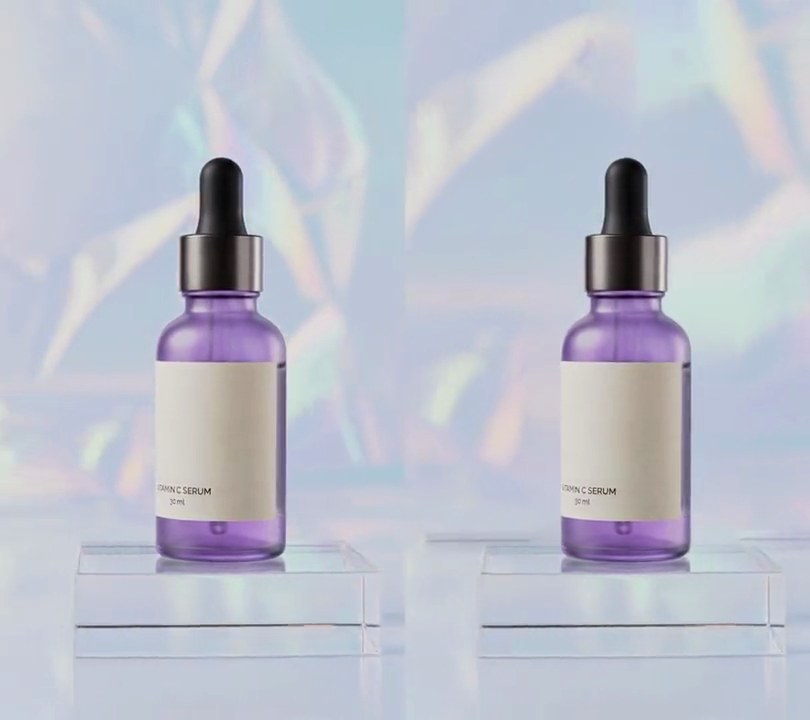
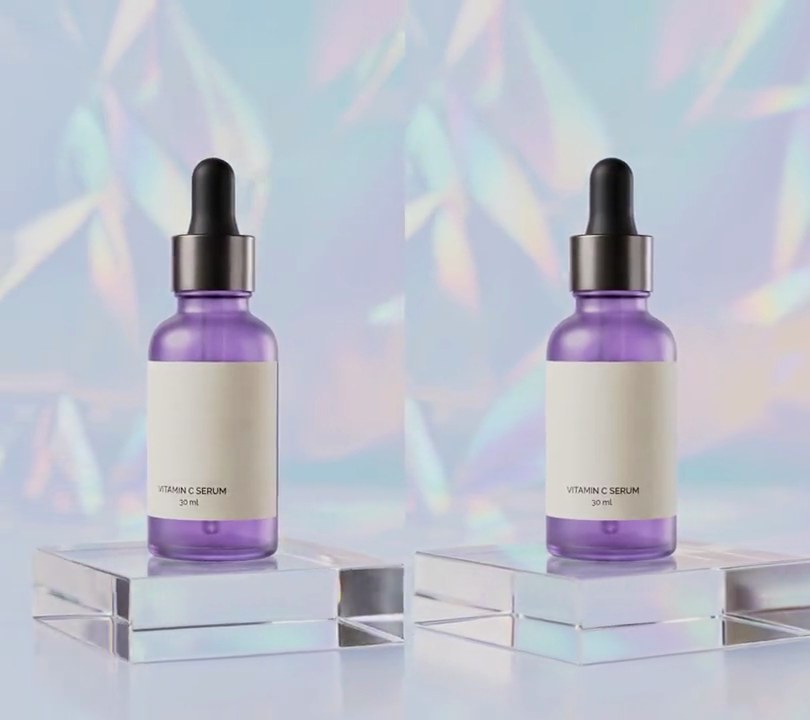
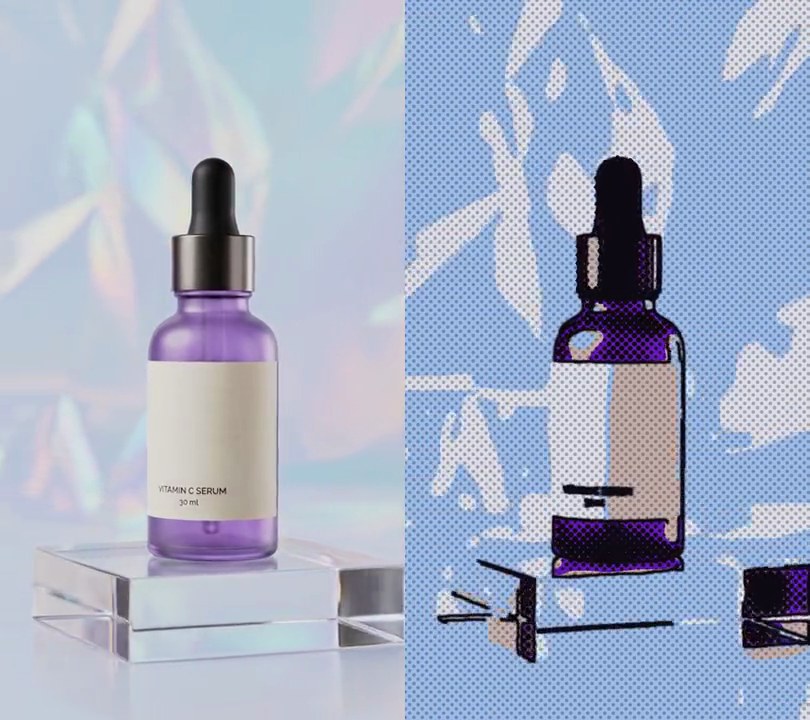
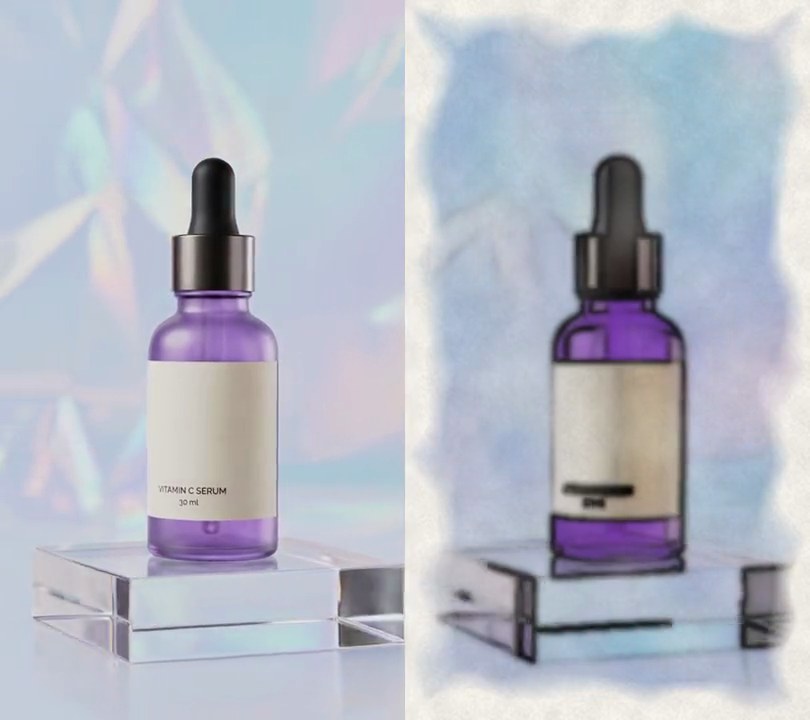
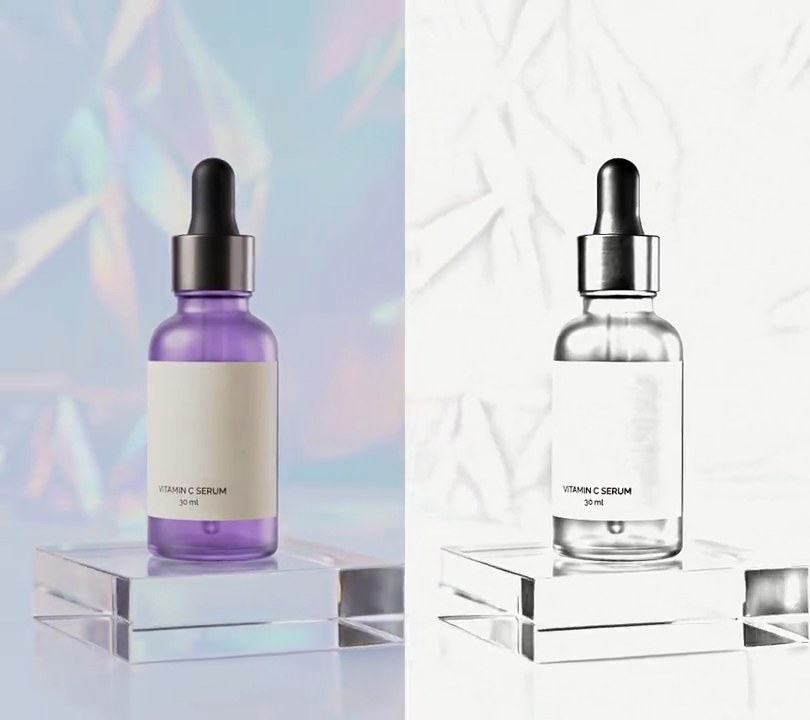
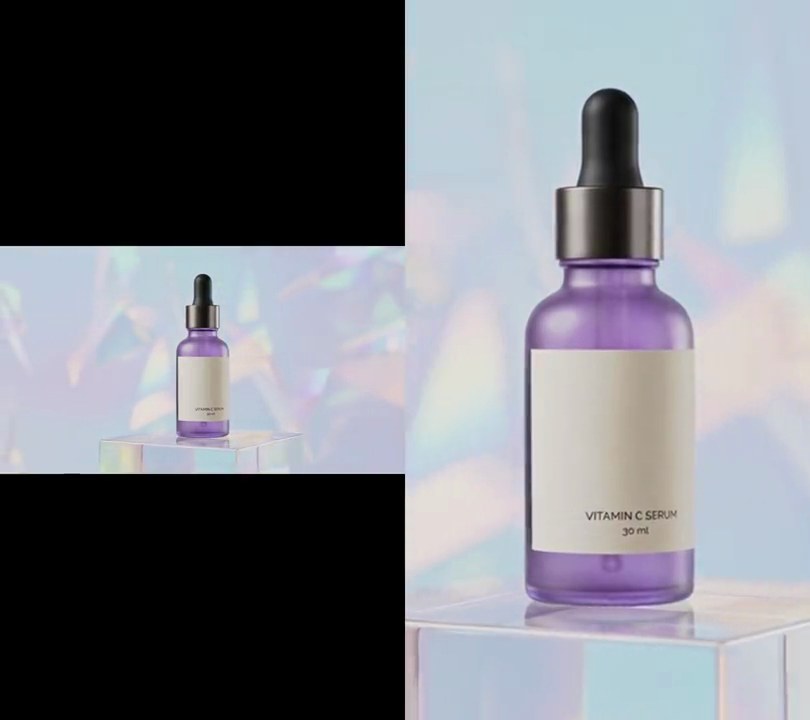
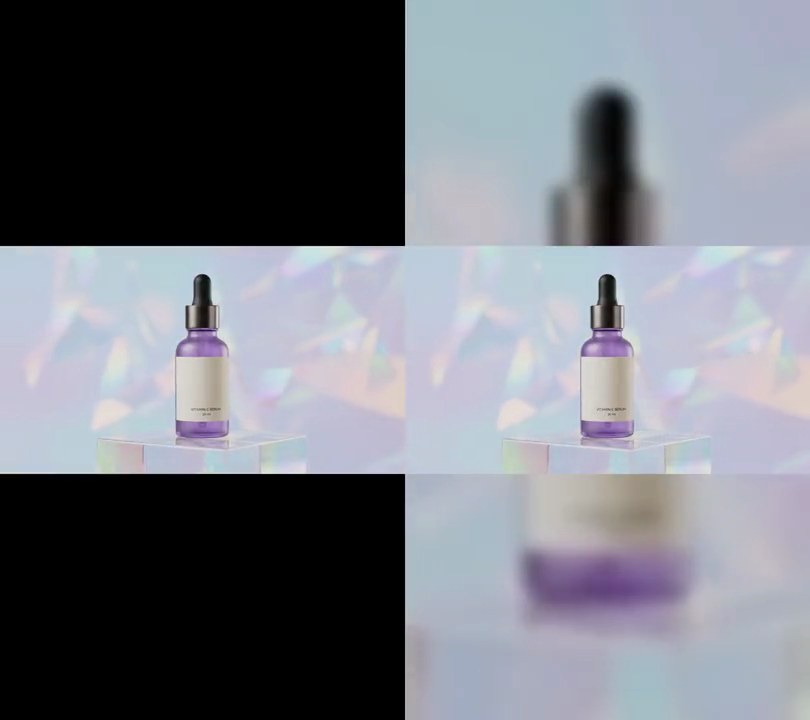
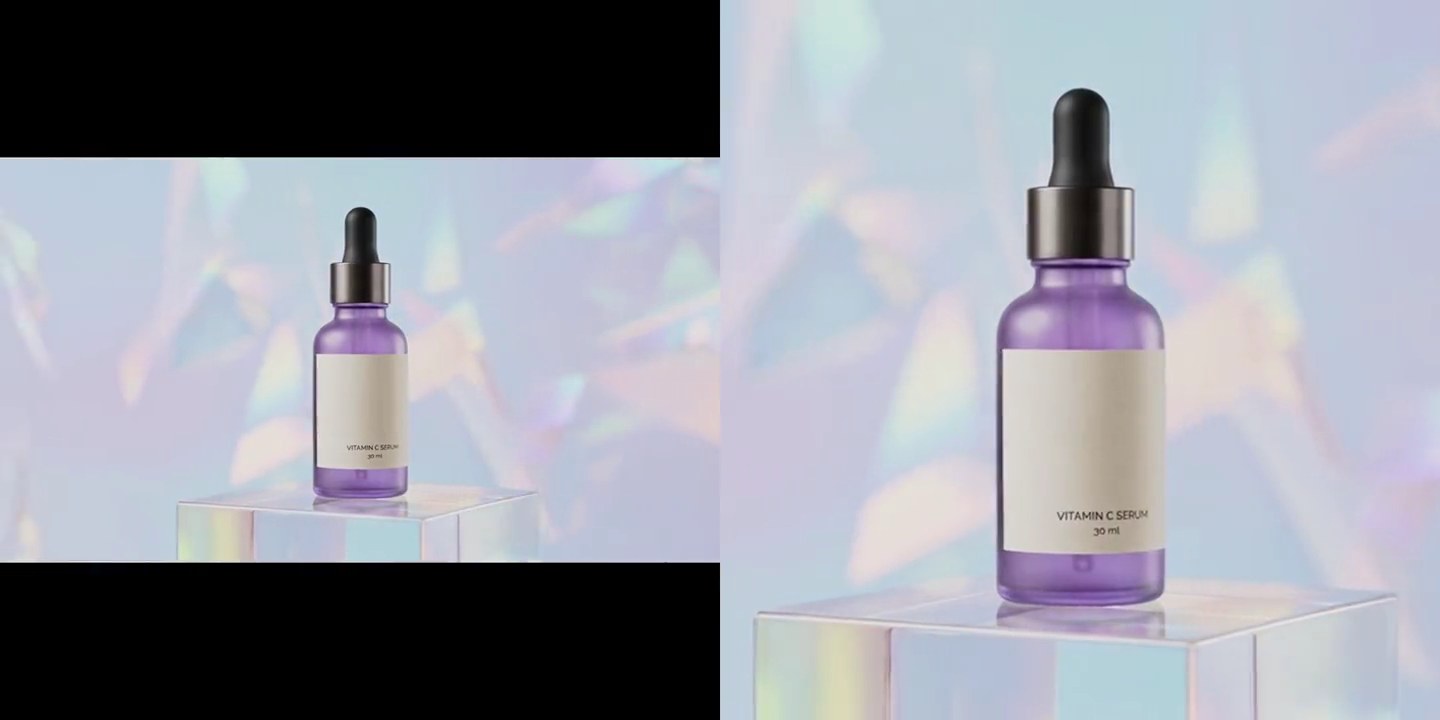
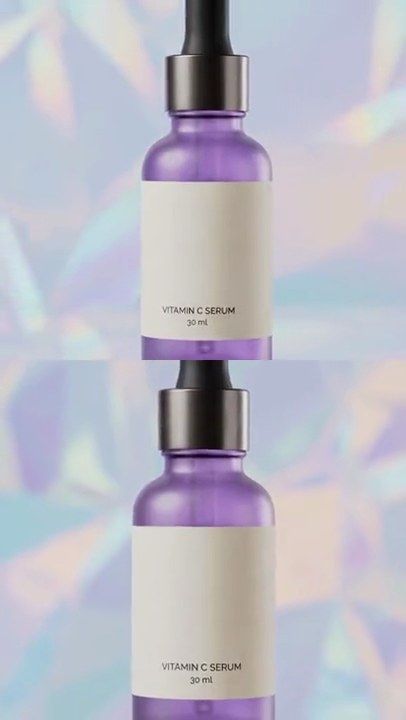
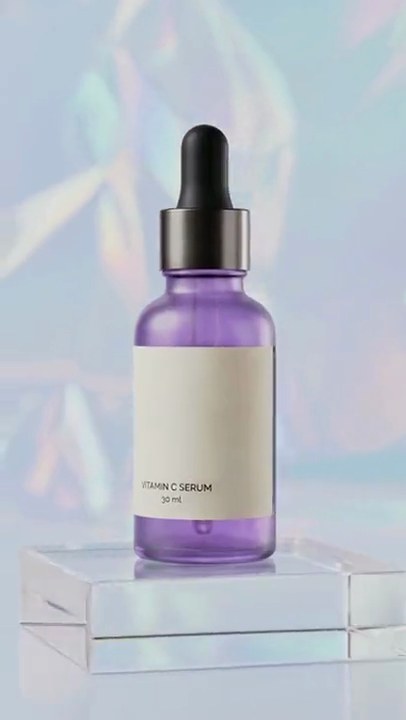
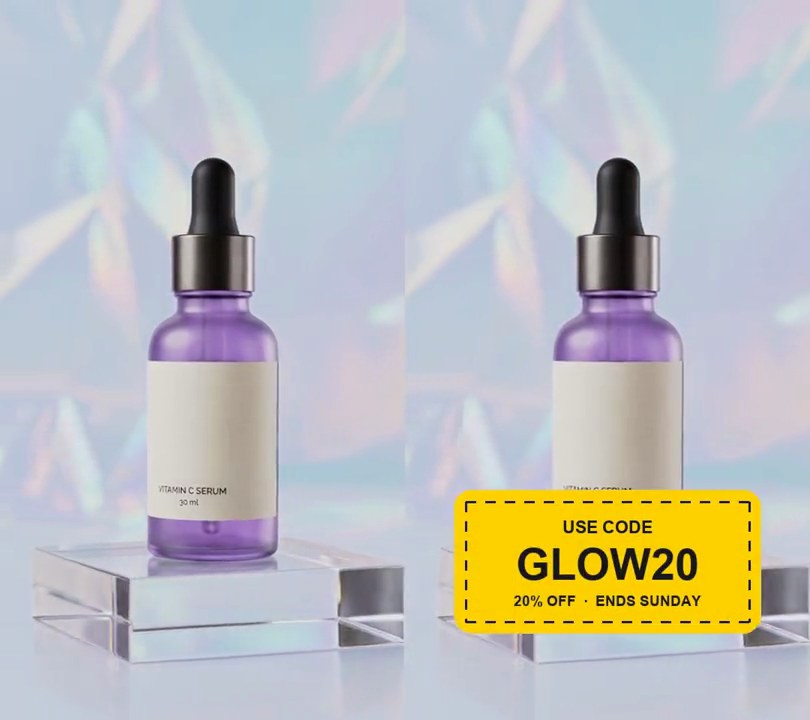
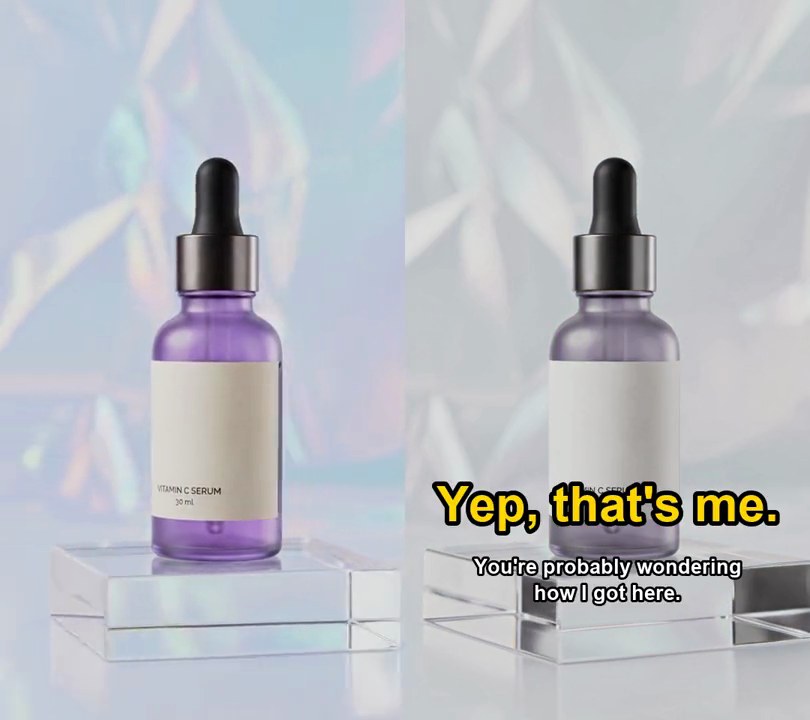
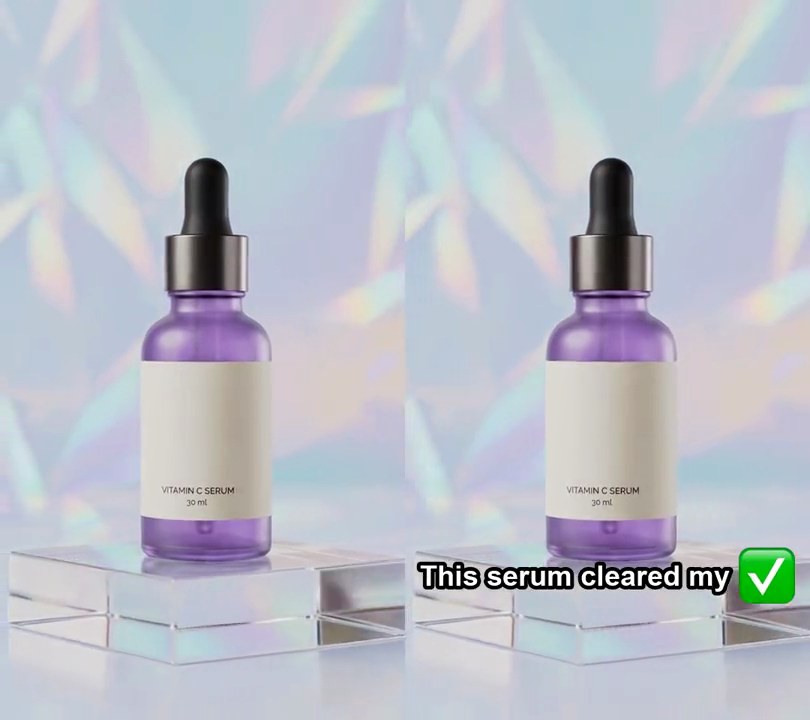
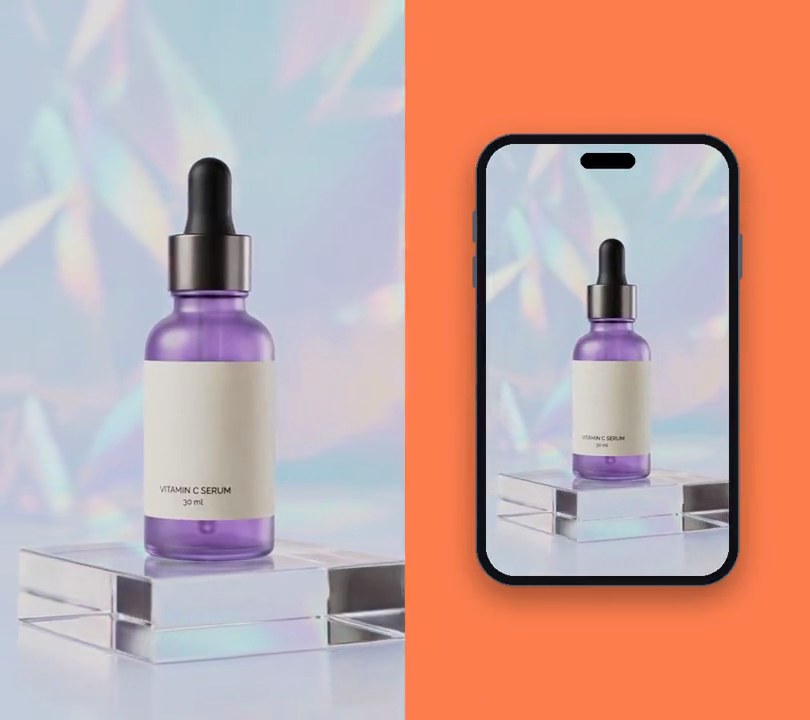
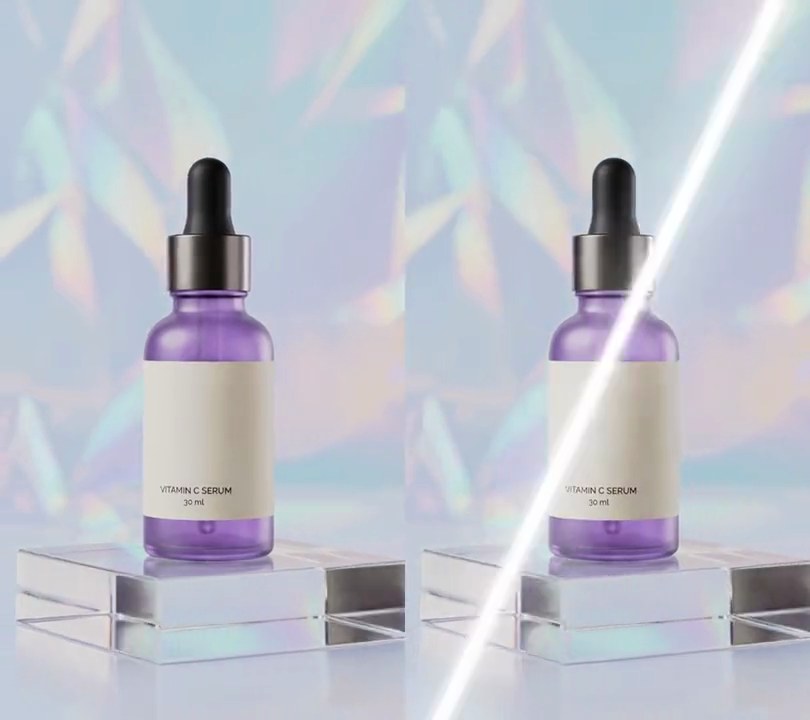
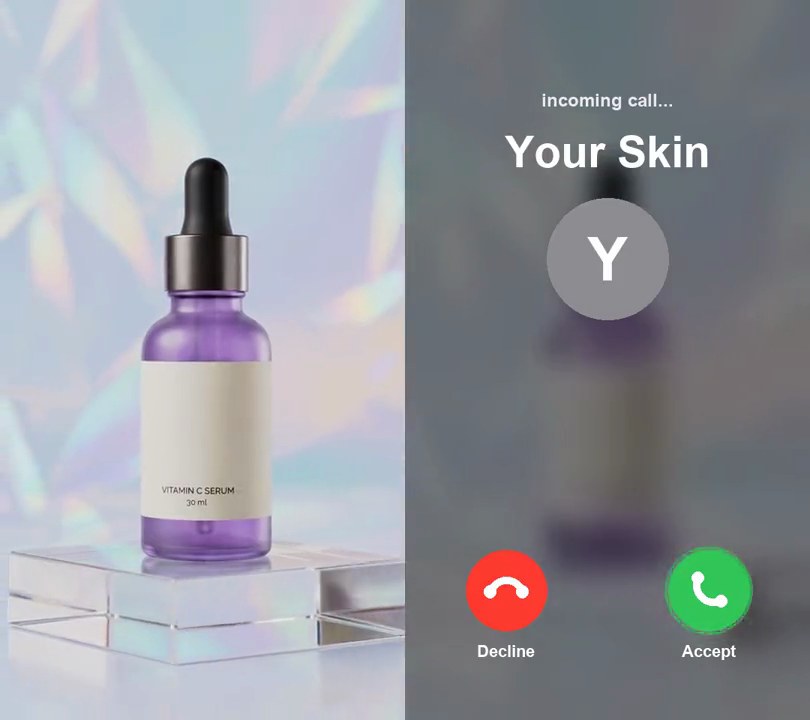
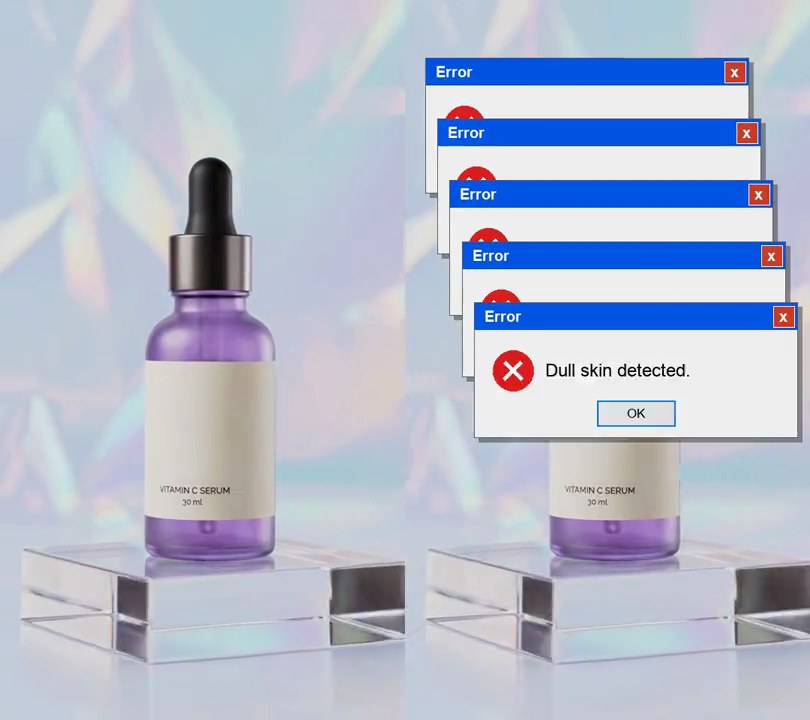
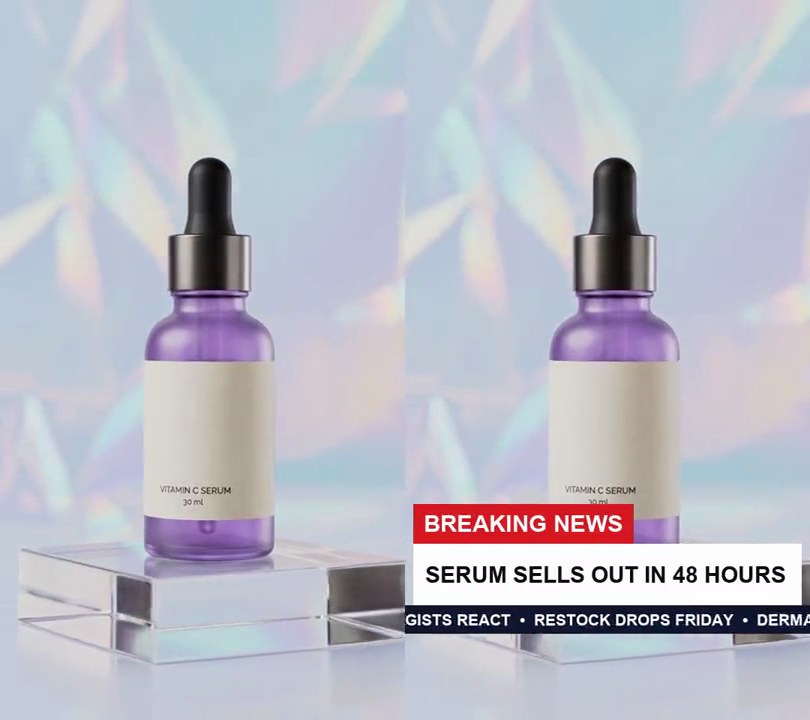
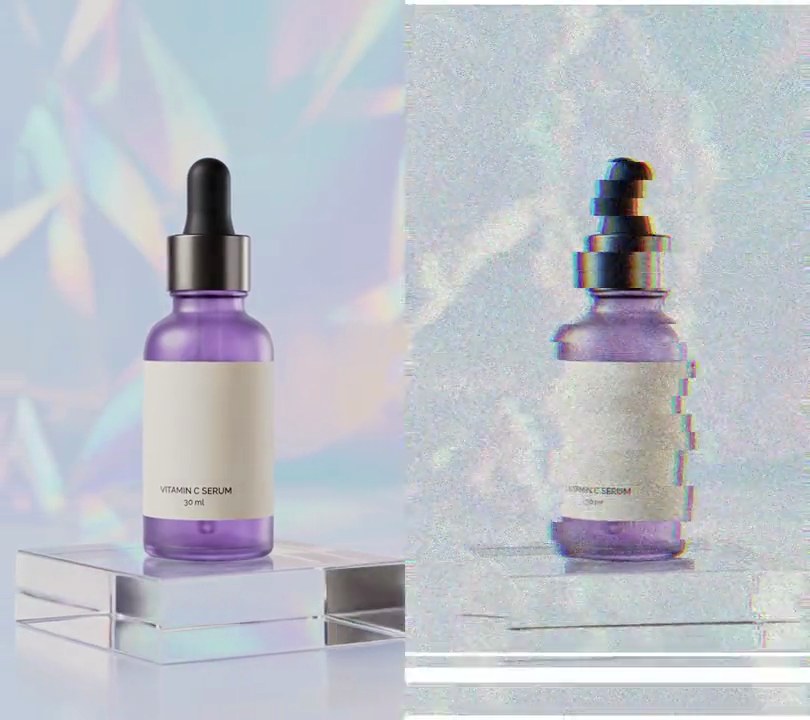
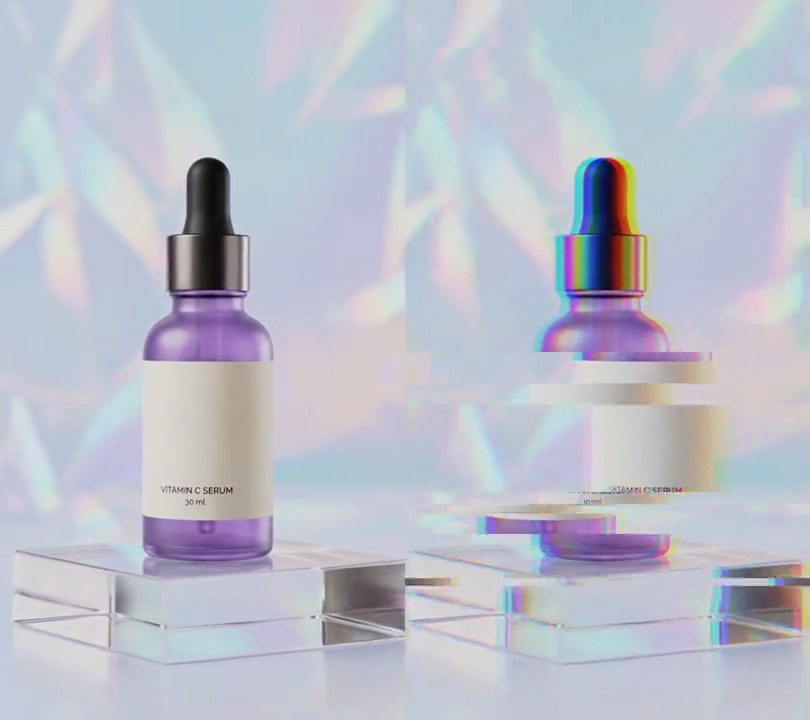
Twice in the clip, for half a second, the picture jumps off center, slices into bands that slide sideways and splits into red and blue edges.
Show the prompt
Add a glitch effect to input.mp4 in two bursts, from 1.0 to 1.5 seconds and from 3.5 to 4.0 seconds. Use Python with numpy and ffmpeg, working frame by frame at 30fps. On every frame inside a burst: shift the whole picture by a random amount up to 14 pixels up or down and up to 14 pixels left or right (wrapping round the edges); then pick 6 horizontal bands, each 8 to 120 pixels tall at a random height, and slide each one sideways by a random amount up to 80 pixels; then shift the red channel 12 pixels left and the blue channel 12 pixels right. Use a fixed random seed so it repeats. Leave every frame outside the bursts untouched. Keep the audio and save it as output.mp4 (H.264, yuv420p).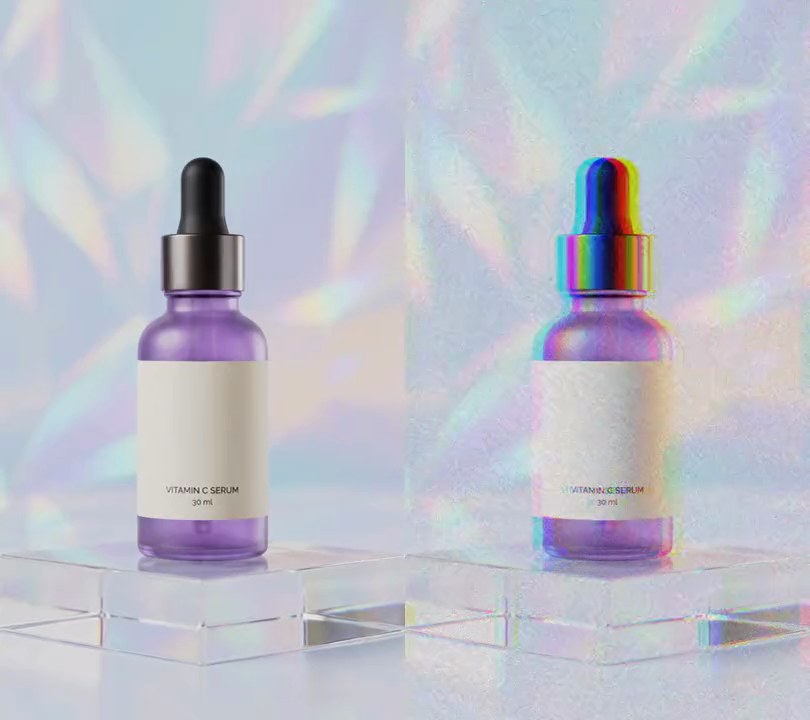
2. RGB split glitch
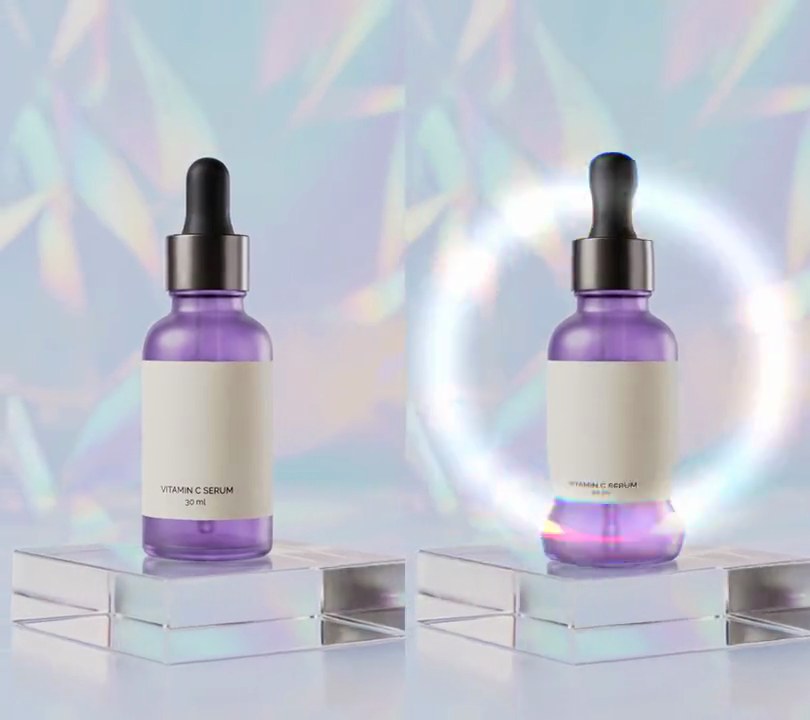
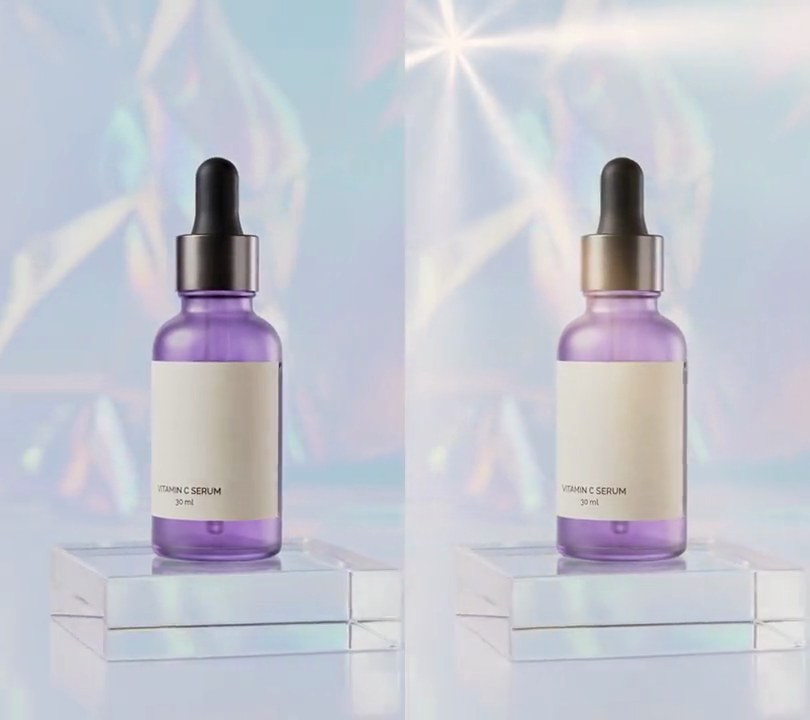
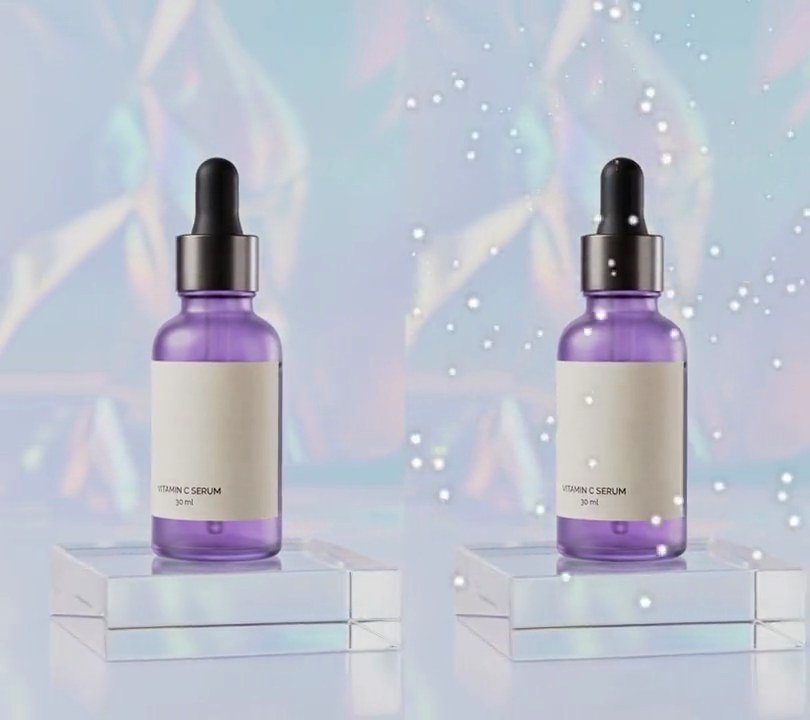
Once a second the red and blue layers jump apart for a few frames, like a broken signal.
Show the prompt
Add an RGB split glitch to input.mp4: for the first 0.12 seconds of every second, shift the red channel 14 pixels left and the blue channel 14 pixels right, and add flickering noise. Leave the rest of each second untouched. Keep the audio. Use ffmpeg and save it as output.mp4.
3. Datamosh
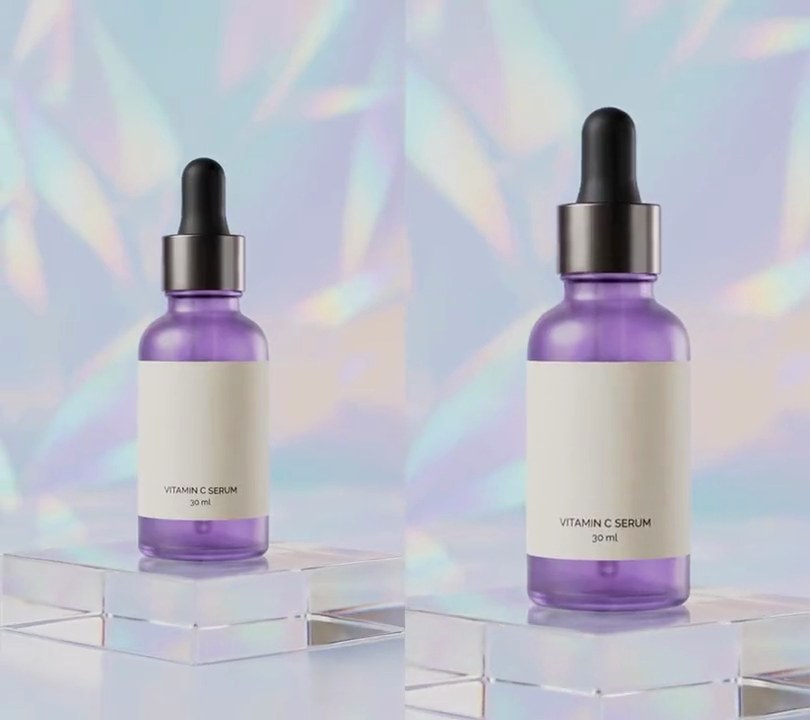
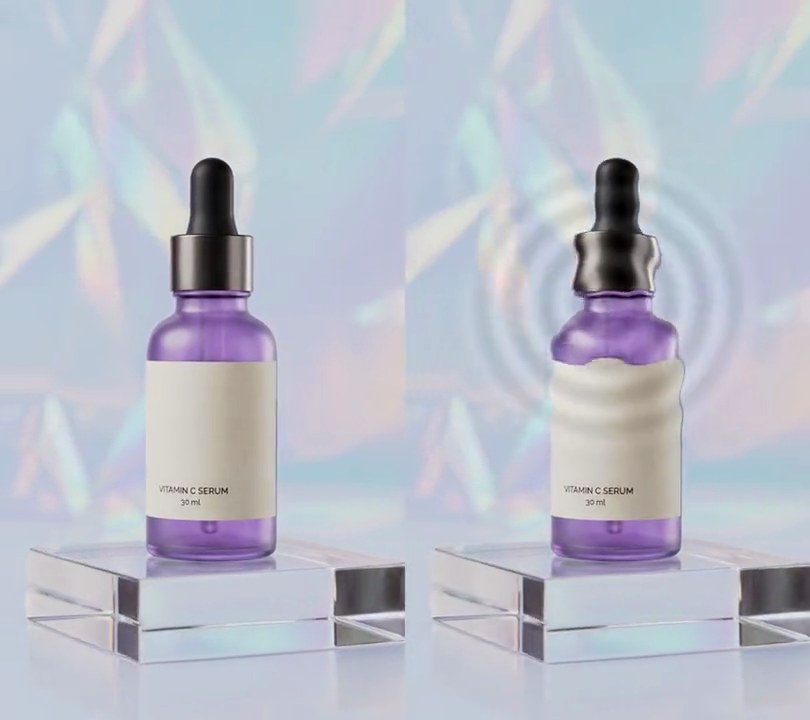
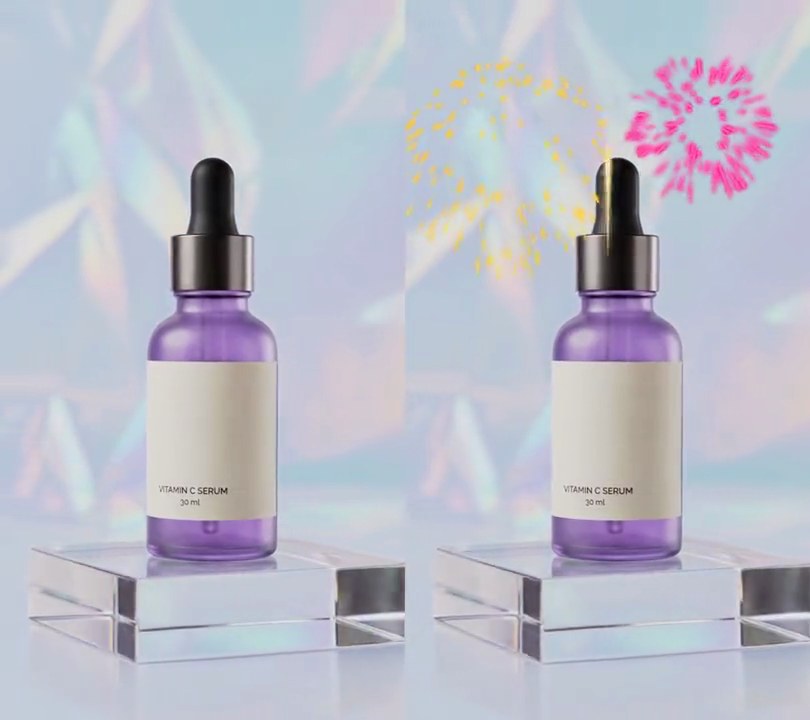
At the cut, clip A's last frame stays on screen while clip B's orbiting camera drags its pixels around in 16-pixel blocks, so the label and dropper cap break into blocky smears, until B snaps in clean 1.5 seconds later.
Show the prompt
Join clipA.mp4 and clipB.mp4 with a 1.5 second datamosh at the cut, so the output is 12 seconds long: all 6 seconds of A untouched, then 1.5 seconds where A's last frame is pushed around by B's motion, then B from its 1.5 second mark to its end, untouched. Use Python with numpy and ffmpeg, working frame by frame at 30fps with B fitted to A's size. For each of B's first 45 frames after its first, estimate motion the way a video encoder does: split the frame into 16x16 pixel blocks and, on half-size grayscale copies, find for each block the offset within 8 pixels (in 2 pixel steps) to the best-matching spot in B's previous frame, scoring each offset as the sum of absolute differences plus 0.1 x 64 x (|dy| + |dx|) in half-size pixels so flat areas prefer not to move. Never show those B frames: instead take the picture on screen (starting from A's last frame) and move every block's pixels by its motion vector times 3, sampling from that offset and clamping at the frame edges, so the smear builds up frame after frame. Then cut to B, clean, as if a keyframe arrived. Play A's audio then B's audio back to back. Save it as output.mp4 (H.264, yuv420p).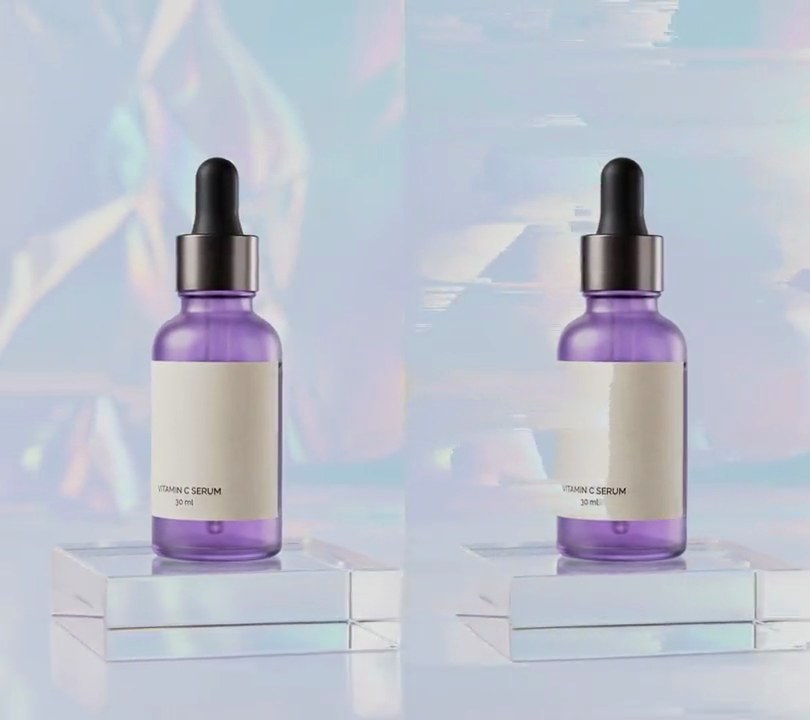
4. Pixel sorting
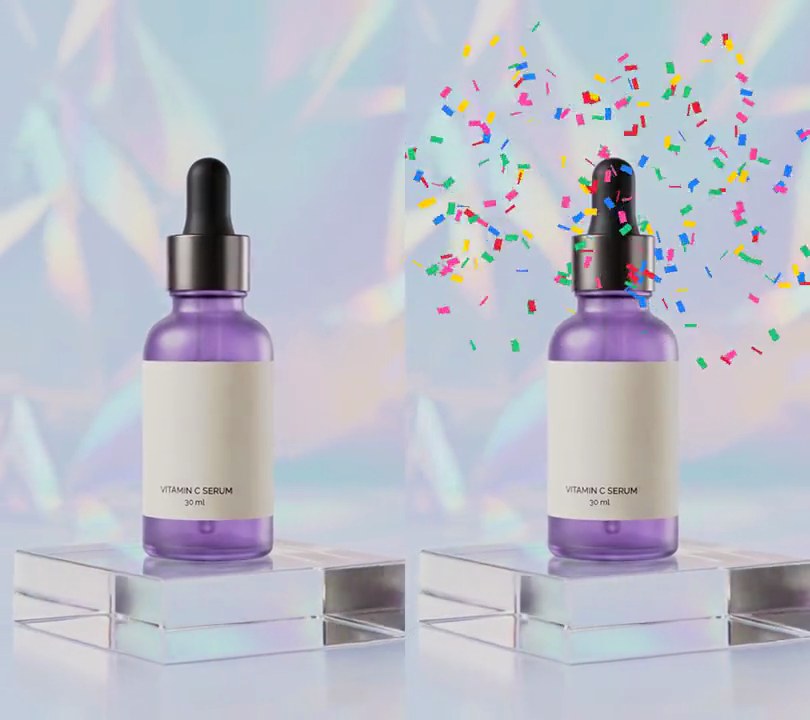
From 1 to 5 seconds the bright backdrop and label smear into jagged horizontal streaks as each bright run of pixels is reordered dark to bright, while the dark dropper and purple glass stay put.
Show the prompt
Add a pixel sorting effect to input.mp4 using Python with numpy and ffmpeg, frame by frame at 30fps. From 1.0 to 5.0 seconds, in every row of the frame find each run of neighboring pixels whose brightness (0.299 R + 0.587 G + 0.114 B) is above a cut-off, and sort the pixels inside each run by brightness, darkest on the left; leave every pixel at or below the cut-off where it is. The cut-off eases (smoothstep) from 225 down to 195 over 1.0 to 1.6 seconds, holds at 195, then eases back up to 225 over 4.4 to 5.0 seconds. Leave frames before 1.0 and from 5.0 seconds on untouched. Keep the audio and save it as output.mp4 (H.264, yuv420p).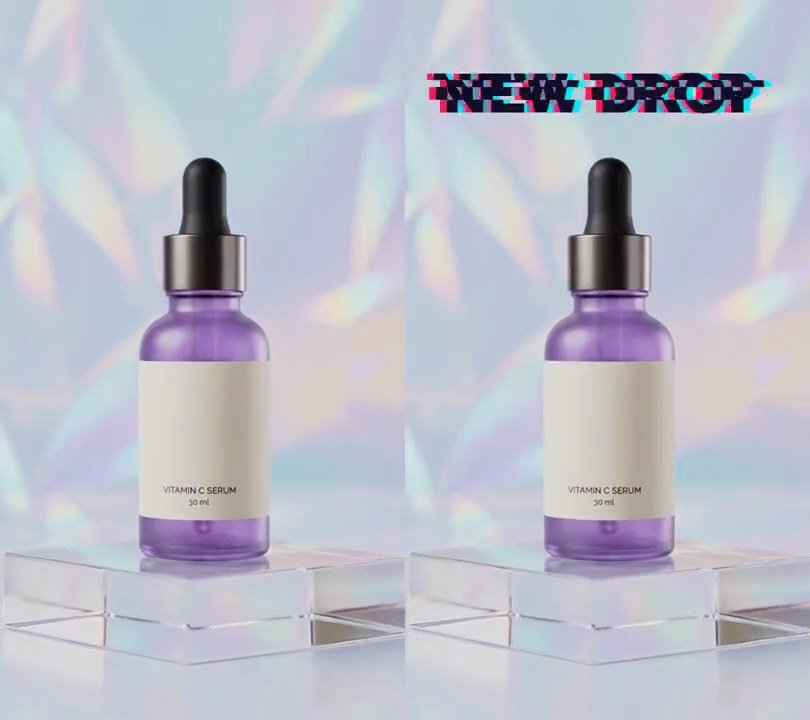
5. Glitch text
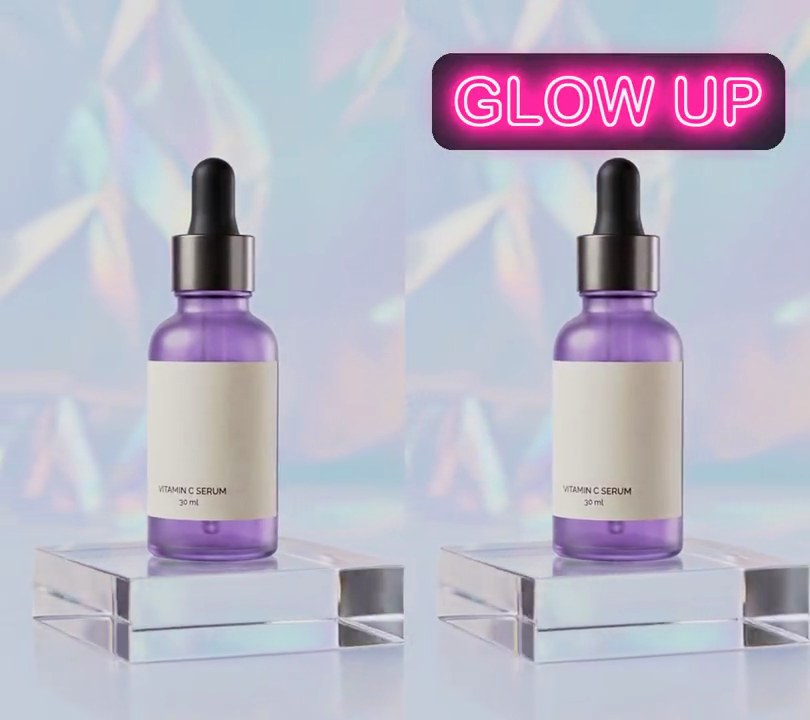
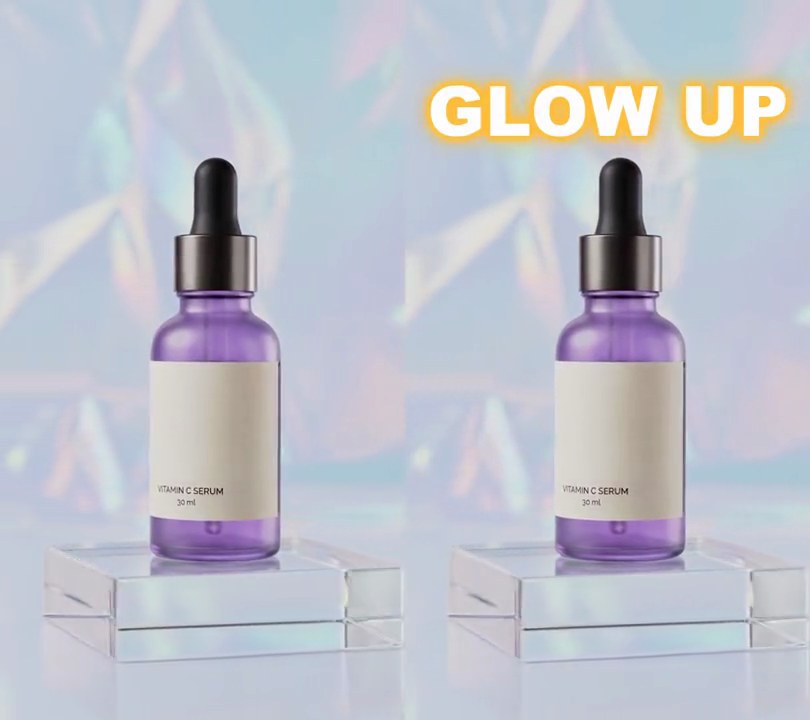
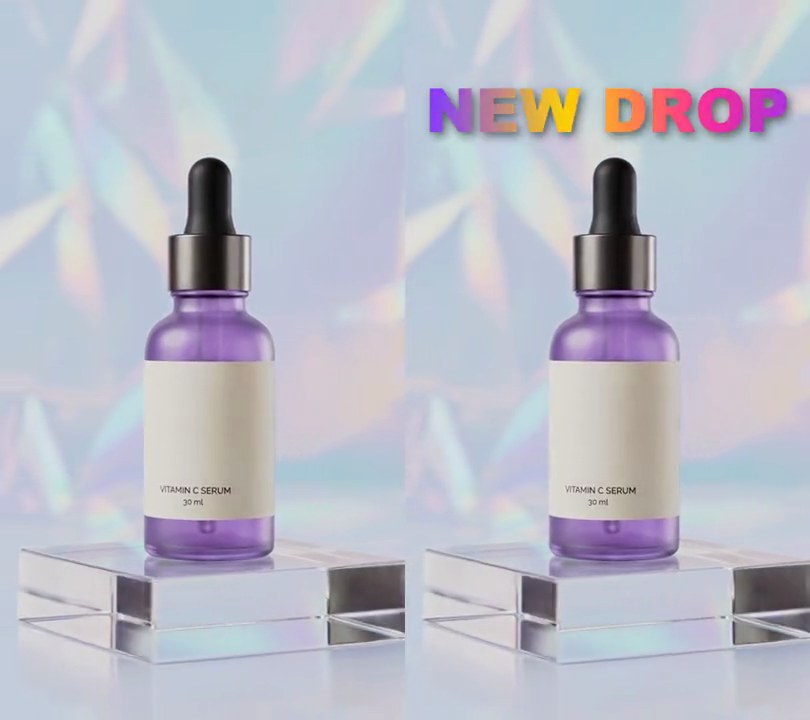
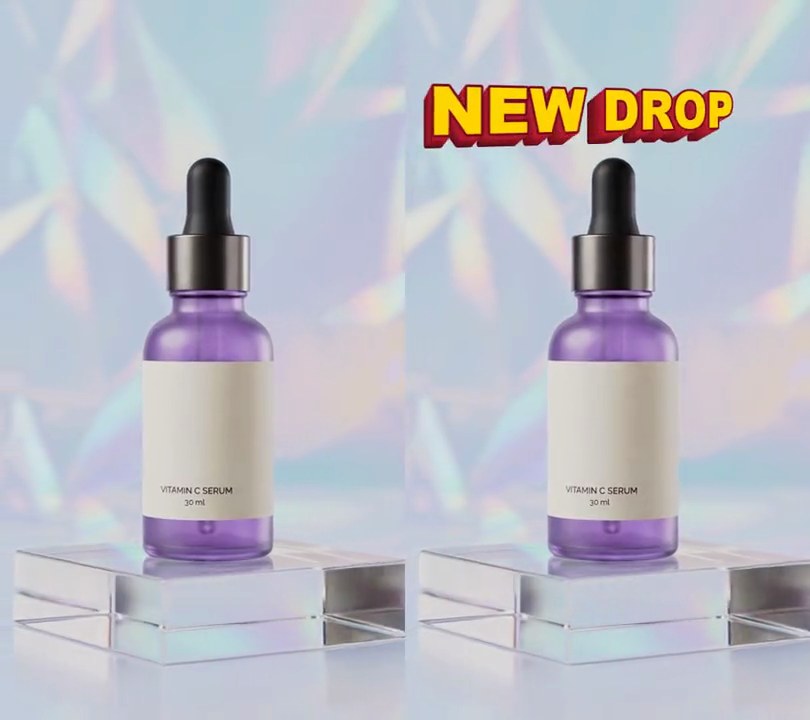
"NEW DROP" flickers in at the top as torn slices with pink and cyan ghosts pulled off each side, settles into clean dark letters, then breaks up again in short bursts.
Show the prompt
Add glitch text to input.mp4: "NEW DROP" in a heavy bold font (Arial Black), dark navy (20, 16, 40), 80% of the frame width wide, centered horizontally with its middle 12% of the way down. It appears at 0.5 seconds and stays to the end. Glitch it in bursts of 0.3 seconds starting at 0.5, 2.2, 3.8 and 5.2 seconds; between bursts it sits still and clean with no colored copies. On every frame of a burst, draw a pink (255, 30, 90) copy of the text shifted left and a cyan (0, 230, 255) copy shifted right, each by a random 1.5% to 3.5% of the frame width, put the navy text on top, cut the text into horizontal slices 7% to 20% of its height and slide about a third of them sideways by up to 4% of the frame width, and jolt the whole title up to 2% of the frame width sideways and 1% of the frame height up or down. Only the text glitches: the video behind stays untouched, and nothing is added before 0.5 seconds. Draw the text with Python, Pillow and numpy (don't rely on ffmpeg's drawtext filter), keep the size and audio, and save it as output.mp4.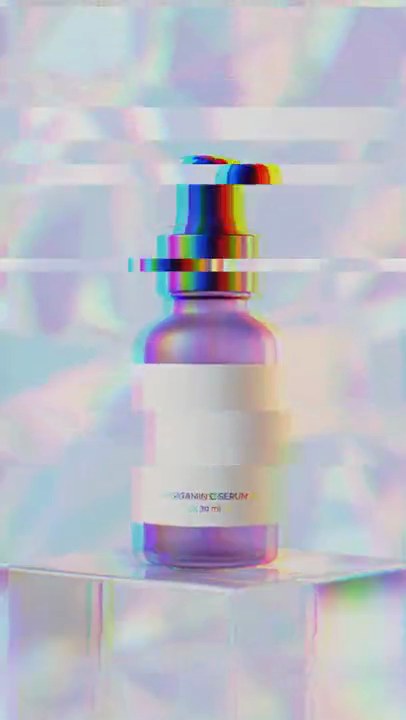
6. Glitch transition
Clip A shudders, splits into red and blue and tears into sideways strips with clip B showing through, then cuts to B as the glitch dies down.
Show the prompt
Join clipA.mp4 and clipB.mp4 with a 0.6 second glitch transition that starts 0.6 seconds before the end of A, so the output is 11.4 seconds long. Use Python with numpy and ffmpeg, working frame by frame at 30fps and fitting B to A's size first. On each of the 18 transition frames, with progress p from 0 to 1 and strength s = sin(pi * p): show A for the first half and hard-cut to B at the halfway point (5.7s); jump the whole picture by up to 10 pixels in each direction times s; tear round(7 * s) horizontal strips, each 8 to 96 pixels tall at a random height, sliding them sideways by up to 60 pixels, and fill about 40% of those strips from the other clip so it shows through the tears; then shift the red channel 16 * s pixels left and the blue channel 16 * s pixels right. Use a fixed random seed so it repeats. Leave every frame outside the transition untouched. Crossfade the audio over the same 0.6 seconds. Save it as output.mp4 (H.264, yuv420p).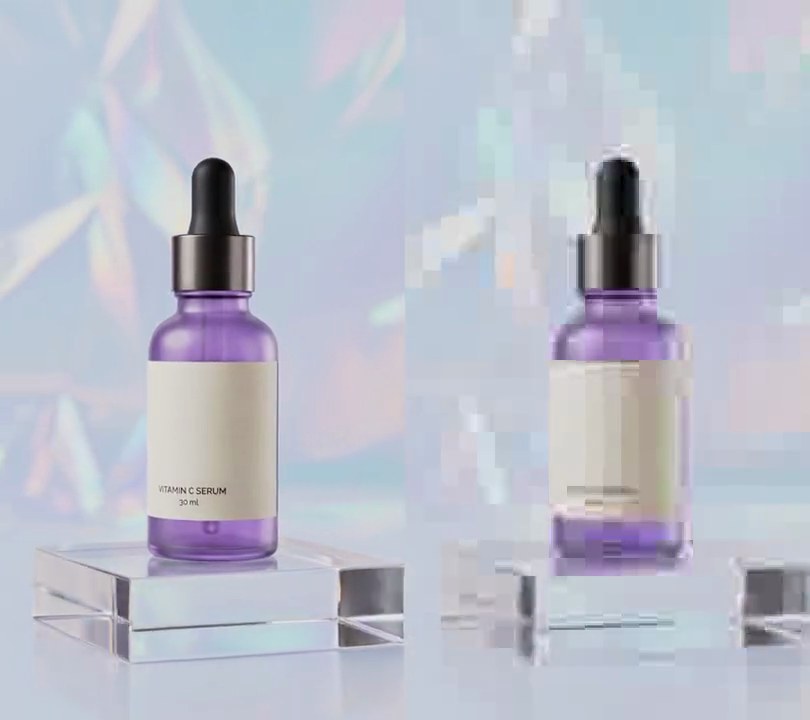
7. Compression artifacts
At one second the shot turns to badly streamed video, the holographic backdrop breaking into 24-pixel blocks of banded color and the bottle's label text smearing to a blur, until it comes back crisp at five seconds.
Show the prompt
In input.mp4 (540x960, 30fps), make the shot look like heavily compressed video from 1.0 to 5.0 seconds, with ffmpeg in two steps. First, shrink a copy to one third size (180x320, area scaling) and re-encode it with no audio at the worst MPEG-2 quality: -c:v mpeg2video -qmin 31 -q:v 31 -g 30 -bf 0, at 30fps, into a temporary .mkv file (not .mpg, whose timestamps drift). Second, scale that damaged copy back up 3x to 540x960 with nearest-neighbor scaling so each 8-pixel encoder block becomes a flat-edged 24x24 square, and overlay it at 0,0 on the original only between 1.0 and 5.0 seconds (overlay with shortest=1); before 1.0 and after 5.0 seconds the video must be untouched. Output H.264 yuv420p at 30fps, 6 seconds, same size, keeping the original audio. There's no text to draw, but if you add any, draw it with Pillow, not ffmpeg's drawtext. Save it as output.mp4.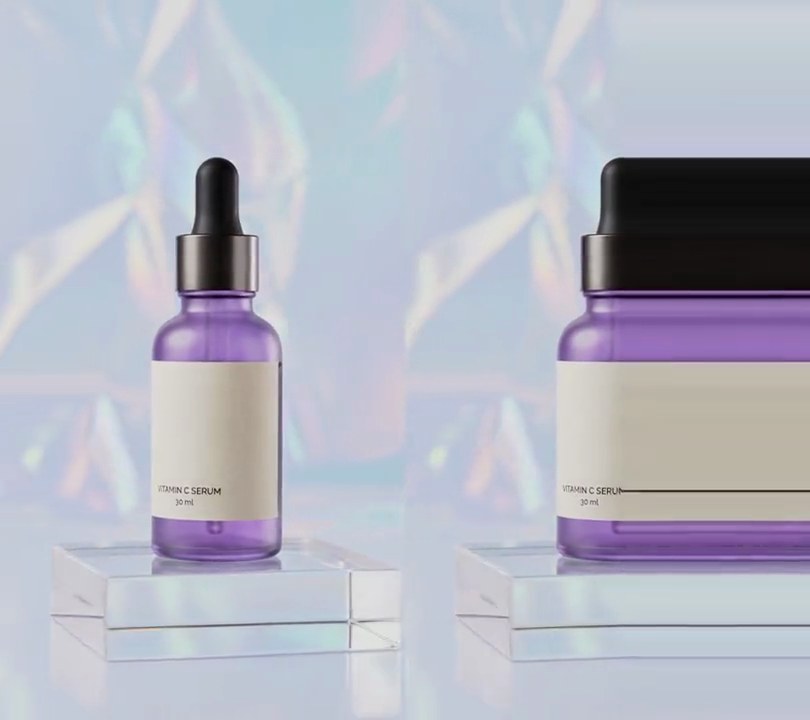
8. Pixel stretch
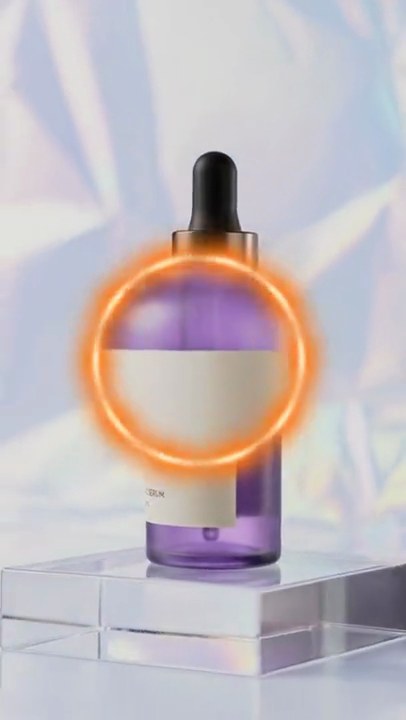
At 1 second the serum bottle's right half shoots out to the edge of the frame as flat horizontal bands of black dropper, purple glass and cream label, all copied from the one column down its middle, then snaps back at 5 seconds.
Show the prompt
Add a pixel stretch effect to input.mp4 using Python with numpy, rembg (session "u2net") and ffmpeg, frame by frame at 30fps. From 1.0 to 5.0 seconds, cut the product out of each frame with rembg, find the middle of its cut-out (the average x of the matte, weighted by its values) and copy that one column of pixels over every pixel to its right, so everything right of the product's middle becomes flat horizontal streaks of that column. The streaks shoot out from the column to the right edge over 1.0 to 1.5 seconds (ease out cubic: reach = 1 - (1 - p)^3) and pull back to the column over 4.5 to 5.0 seconds the same way. Leave frames before 1.0 and from 5.0 seconds on untouched, and leave everything left of the column untouched. There is no text to draw (if you add any, draw it with Pillow, not ffmpeg's drawtext). Keep the audio and save it as output.mp4 (H.264, yuv420p).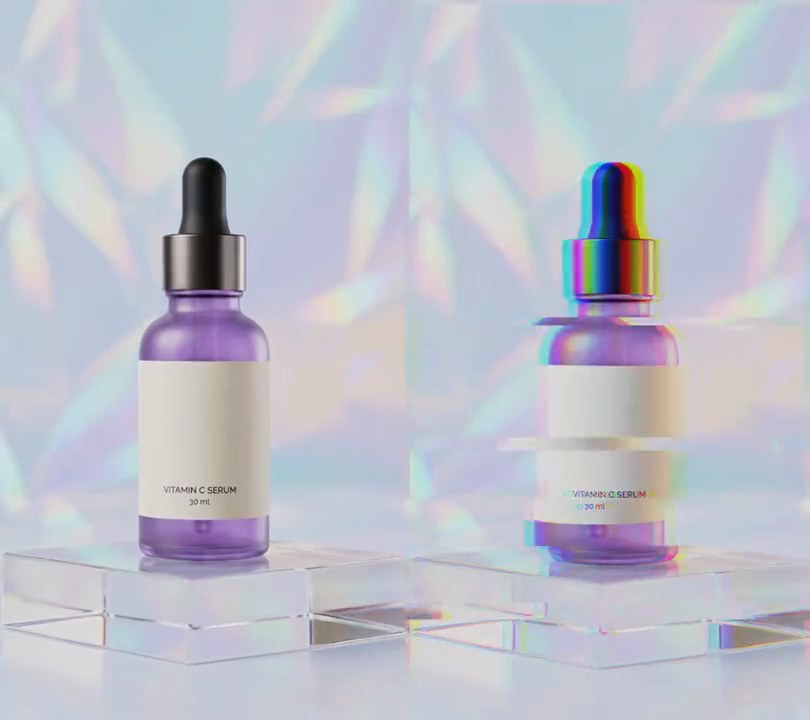
9. Glitch on beat
On every kick of the drum loop the picture jolts, tears into sideways bands and splits into red and blue for four frames, then snaps clean until the next beat.
Show the prompt
Add a glitch on every beat to input.mp4. Use librosa to find the beats in its music track (start the beat tracker at 120 BPM and move each beat back to where its drum hit starts), and round each beat to a video frame. On each beat frame and the 3 frames after it (4 frames, about 0.13 seconds), glitch the picture: shift the whole frame by a random amount up to 10 pixels in each direction, slide 5 random horizontal bands (each 8 to 96 pixels tall) sideways by up to 60 pixels, then move the red channel 14 pixels left and the blue channel 14 pixels right (wrapping round the edges). Use a fixed random seed. Leave every other frame untouched. Keep the size, 30fps and the audio. Use ffmpeg and numpy and save it as output.mp4.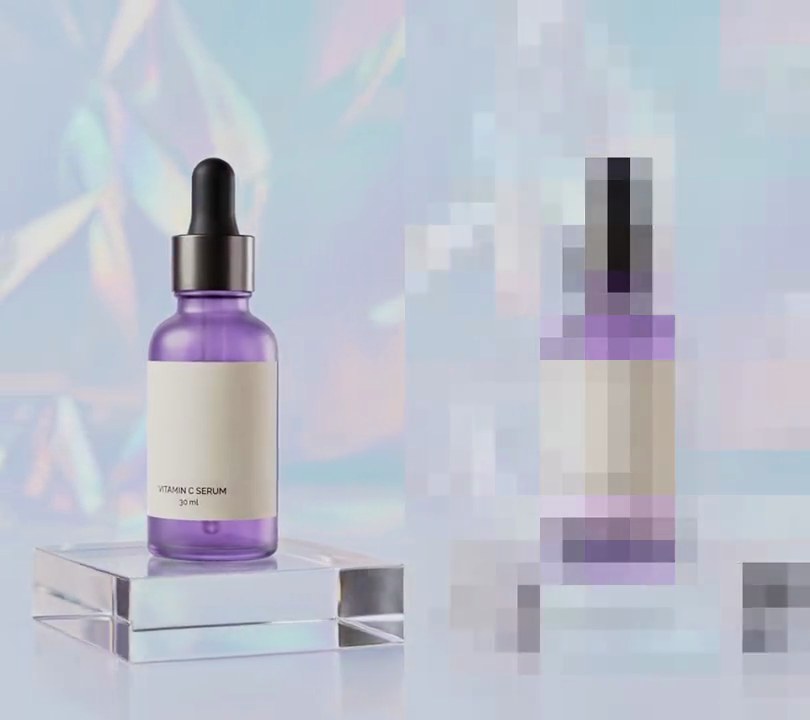
10. Pixelate
At one second the whole shot breaks into a grid of 30-pixel squares, the bottle and holographic backdrop reduced to flat color tiles, and at four seconds it snaps back to sharp.
Show the prompt
In input.mp4 (540x960), pixelate the whole frame from 1.0 to 4.0 seconds with ffmpeg: shrink a copy of the video by 30 in each direction with area averaging (to 18x32) and scale it back up to 540x960 with nearest-neighbor scaling, so the picture becomes a grid of flat 30x30 pixel squares, 18 across and 32 down. Overlay that blocky copy at 0,0 only between 1.0 and 4.0 seconds; before 1.0 seconds and after 4.0 seconds the video must be untouched. Keep the size, 30fps, the 6 second length and the audio. There's no text to draw, but if you add any, draw it with Pillow, not ffmpeg's drawtext. Save it as output.mp4.