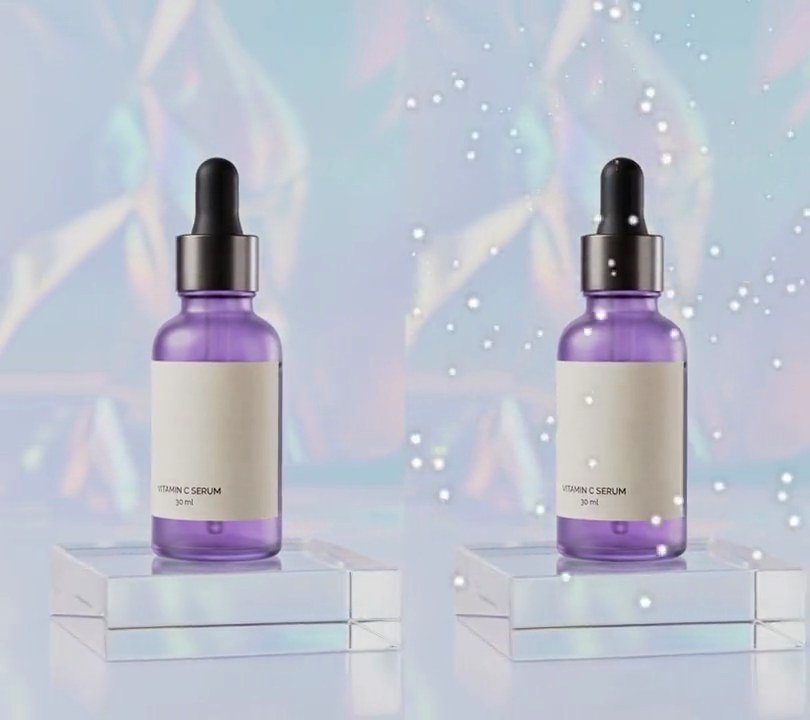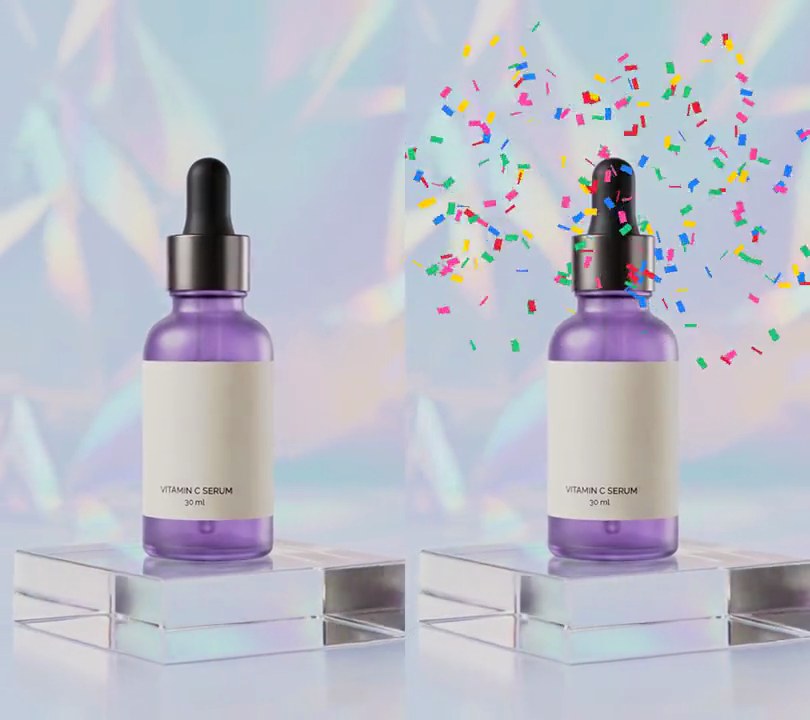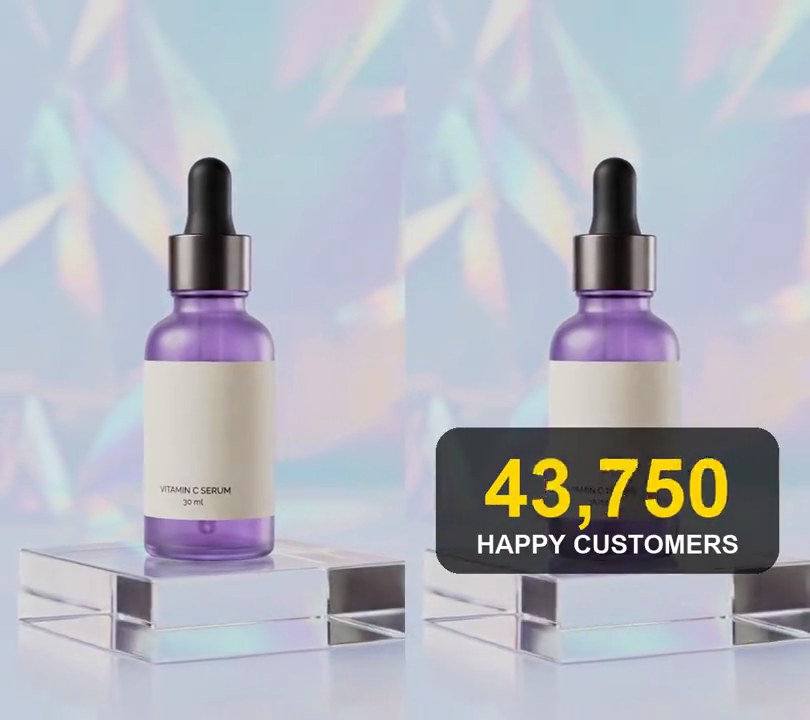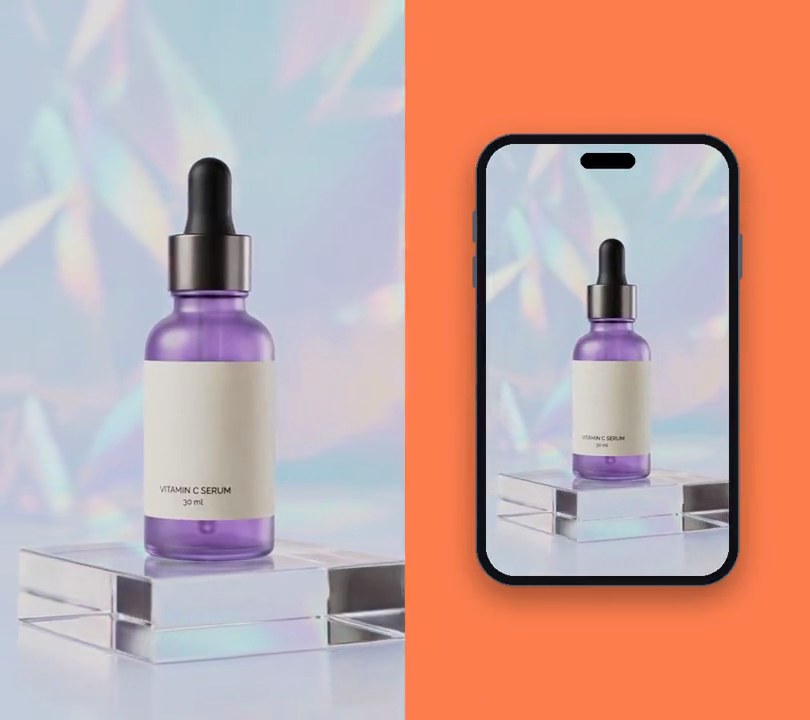
1. Device mockup
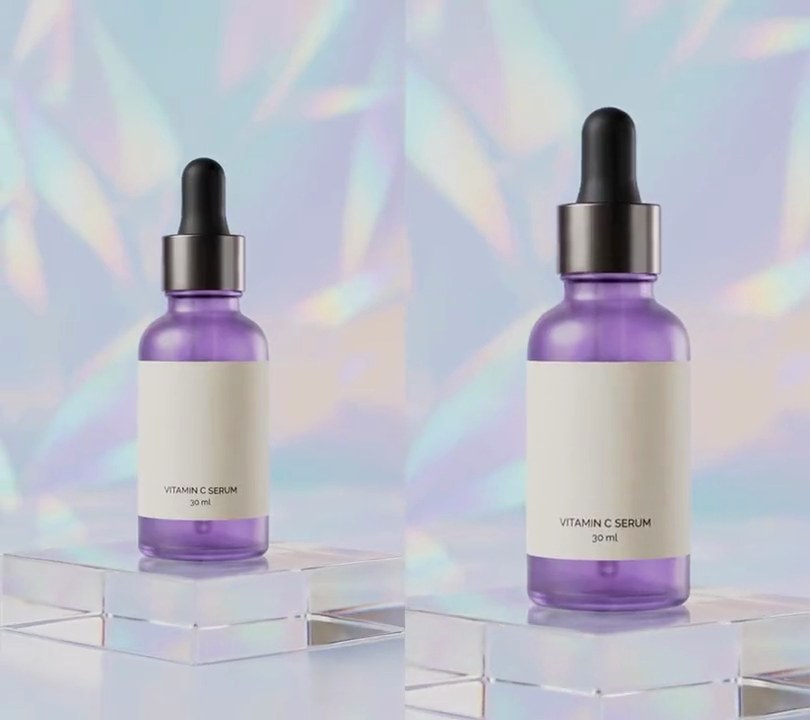
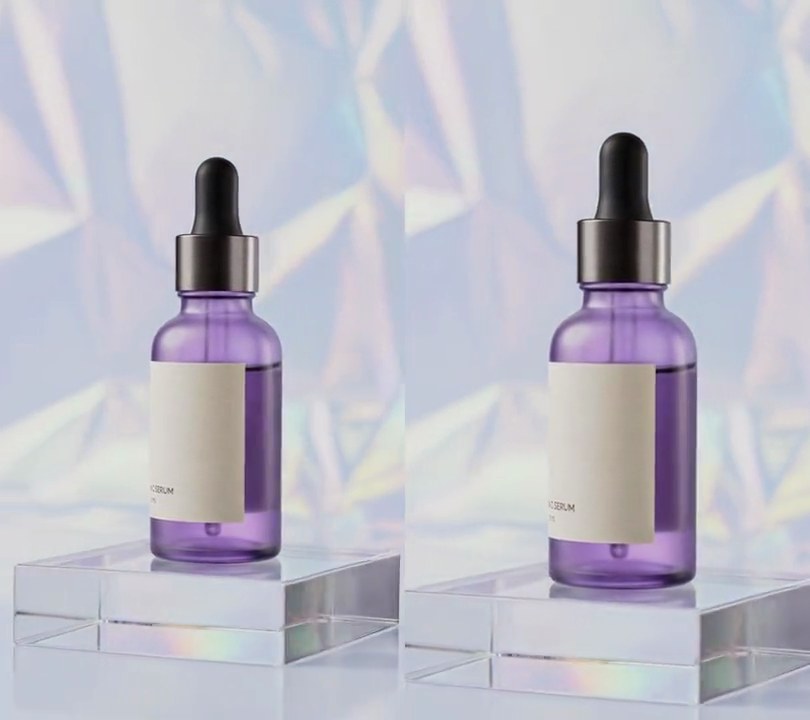
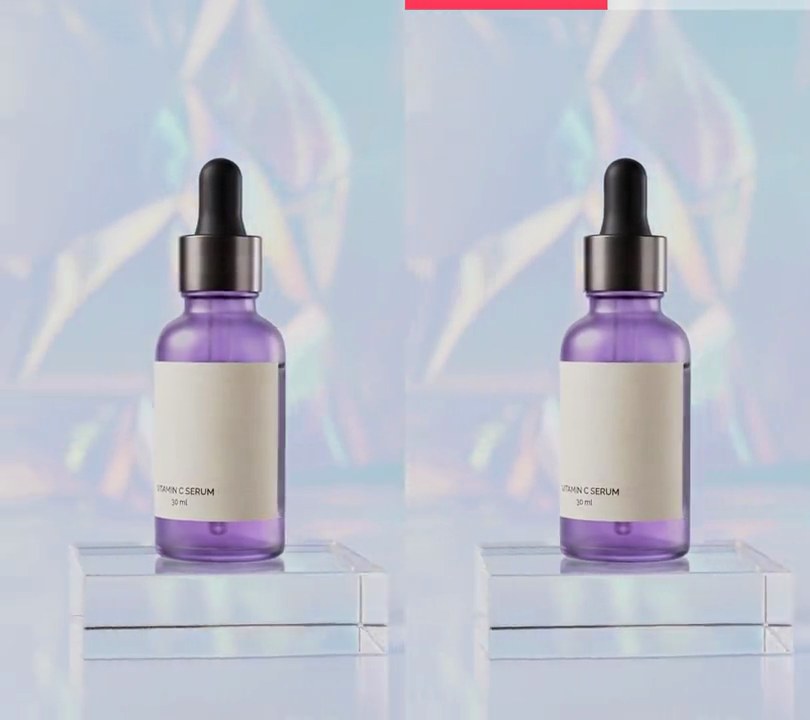
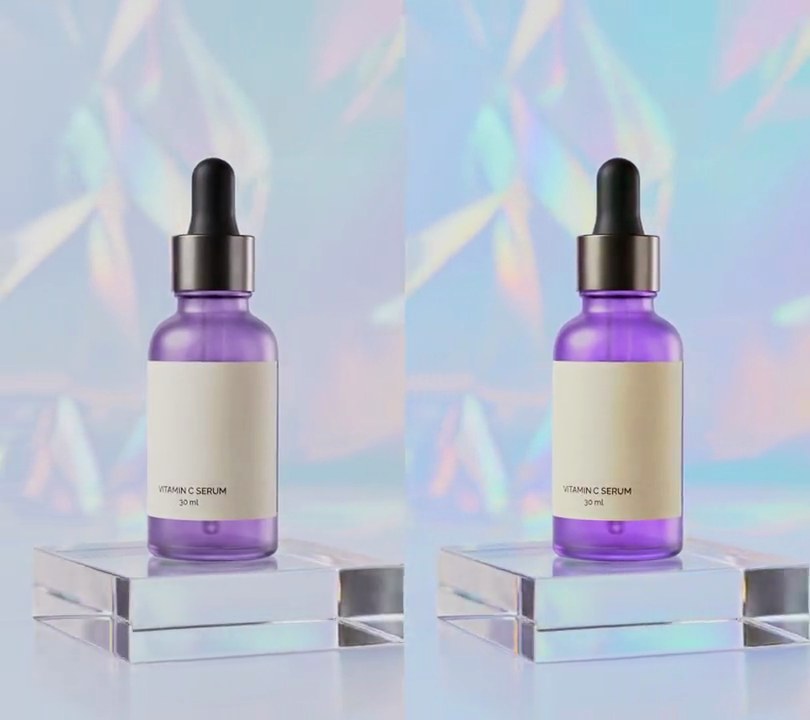
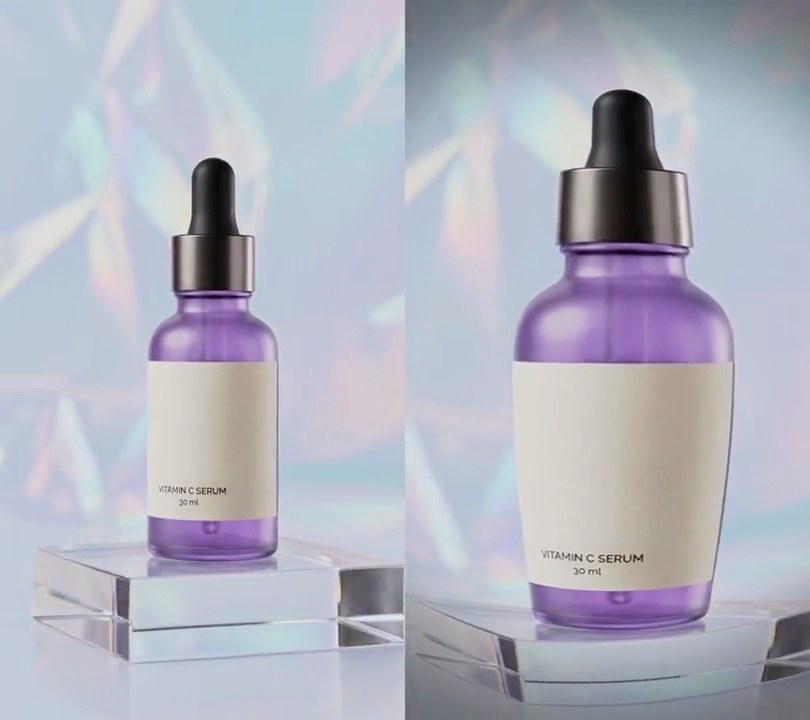
A black phone with a pill-shaped notch rises from the bottom onto a coral backdrop, the video playing on its screen.
Show the prompt
Turn the 540x960 vertical clip input.mp4 into a phone mockup, 540x960 at 30fps for its full 6 seconds. Fill the frame with a solid coral (255, 127, 80) backdrop. Draw a phone: its screen is 60% of the frame width (324x576 pixels, the clip's 9:16 shape) with corners rounded to 38 pixels, and the clip plays on it scaled down to fit exactly, uncropped. Around the screen a near-black (18, 18, 22) body with a 14-pixel bezel on every side and corners rounded to 52 pixels, edged by a 2-pixel gray-blue (92, 92, 104) rim, with small rounded side buttons in the same gray-blue: two volume buttons on the left edge and a power button on the right. Put a black (0, 0, 0) pill-shaped notch 71x20 pixels centered across the screen, 12 pixels below the screen's top edge. Under the phone add a soft black shadow at 40% opacity, blurred by 19 pixels and shifted 16 pixels down. At rest the phone is centered, so the screen spans x=108 to 432 and y=192 to 768. The phone starts just below the bottom of the frame and rises into place over the first 0.9 seconds with an ease-out (cubic), the clip playing on the screen the whole time, then holds there to the end. Use Python with Pillow to draw the phone (draw anything with Pillow, not ffmpeg's drawtext) and ffmpeg to read and write the video, keep the audio, and save it as output.mp4.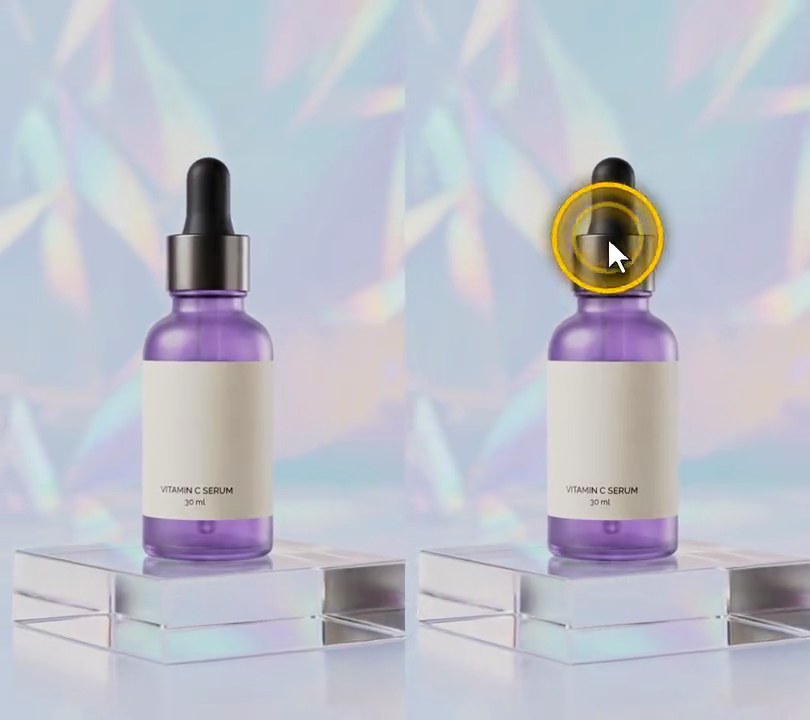
2. Cursor click highlight
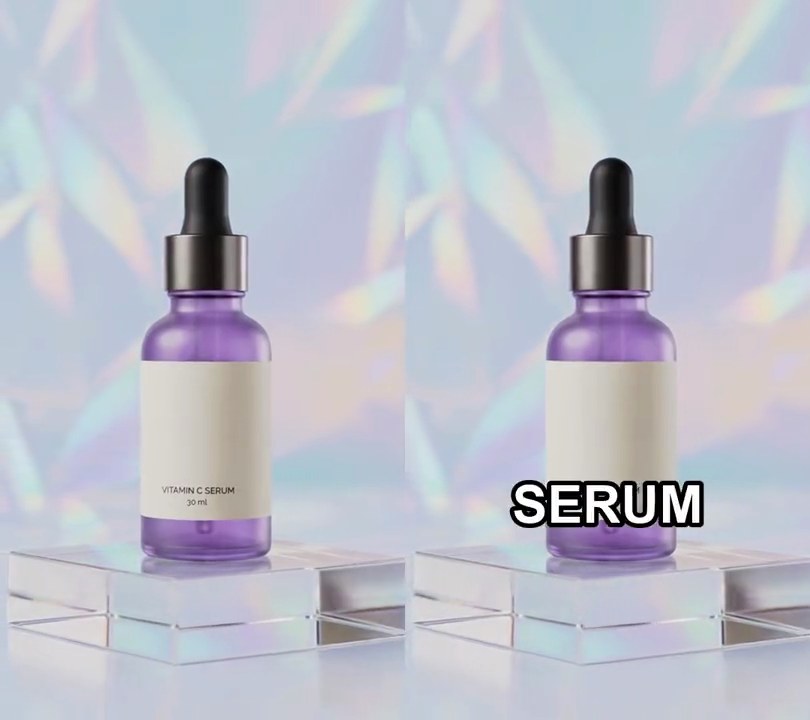
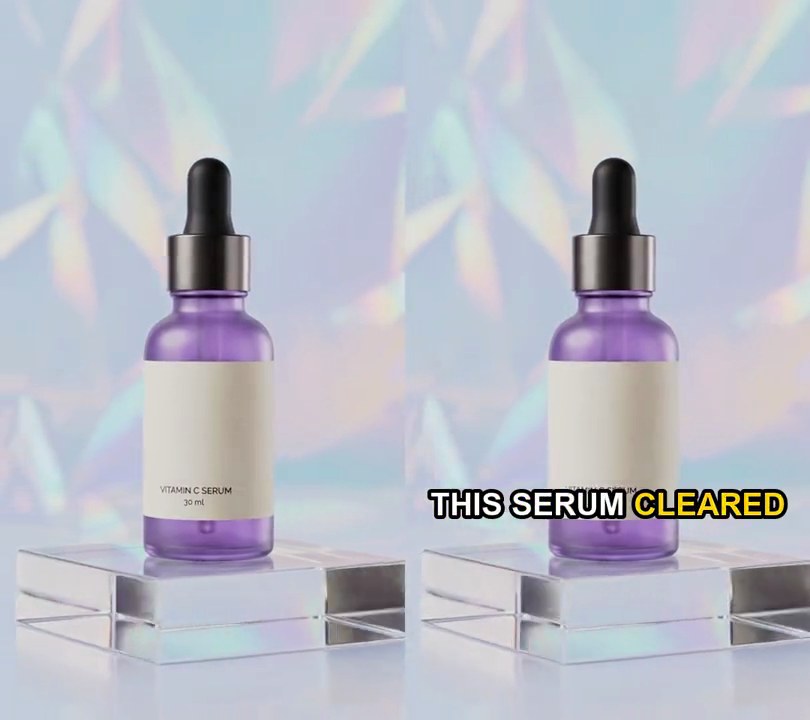
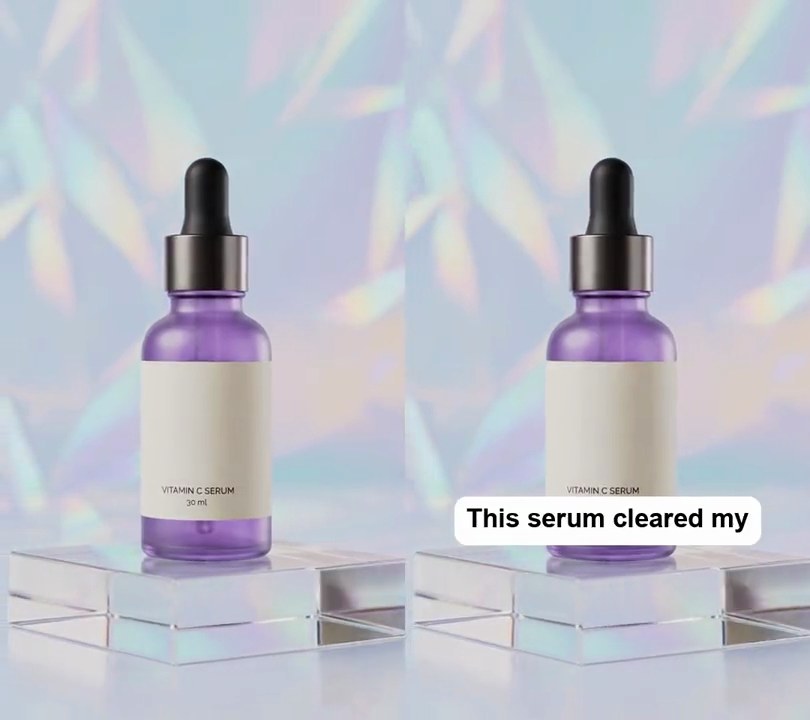
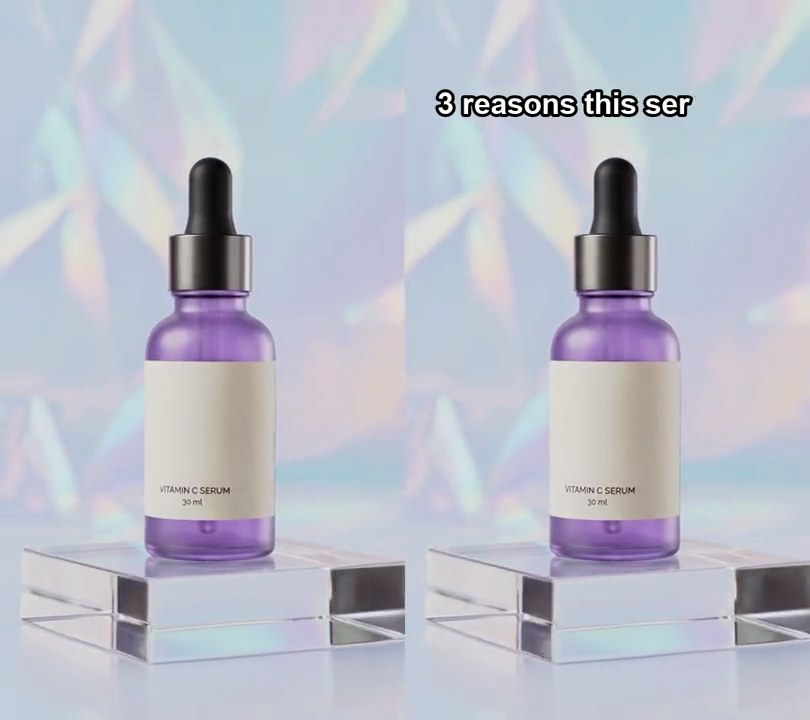
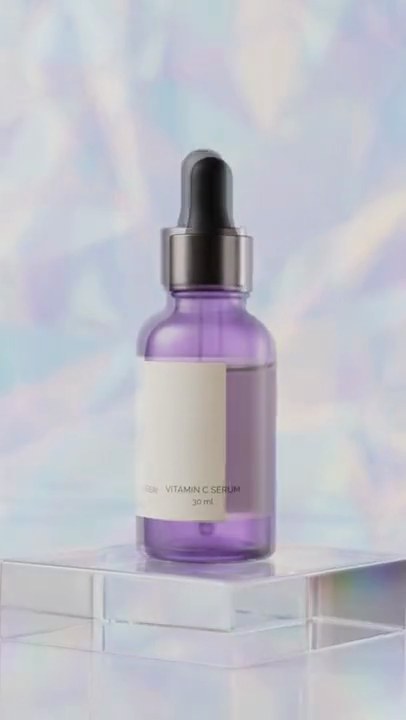
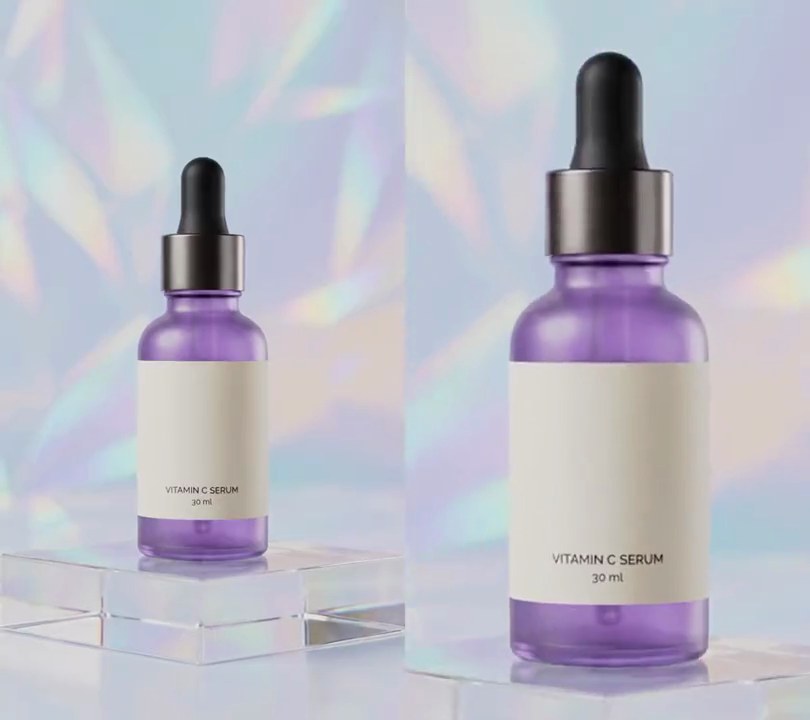
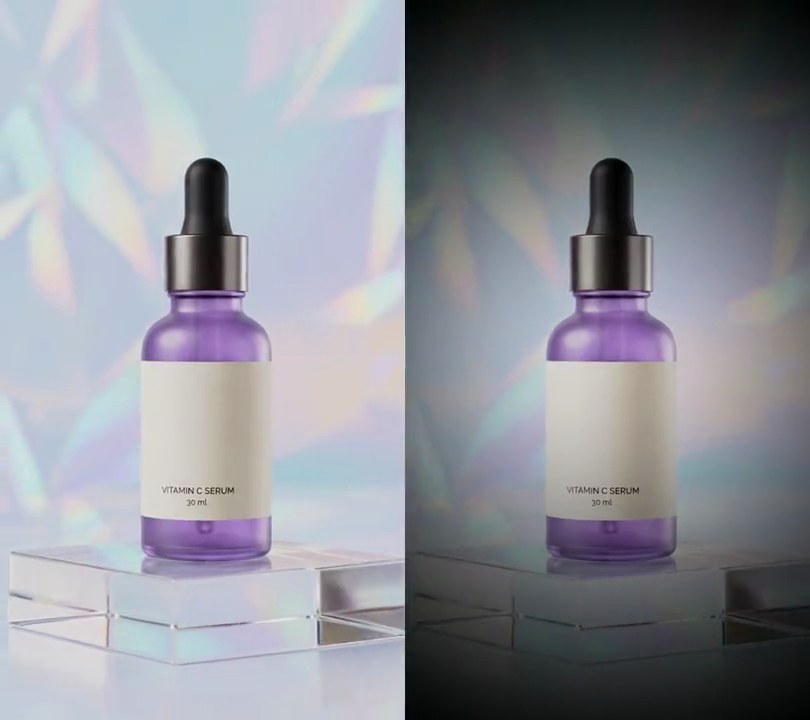
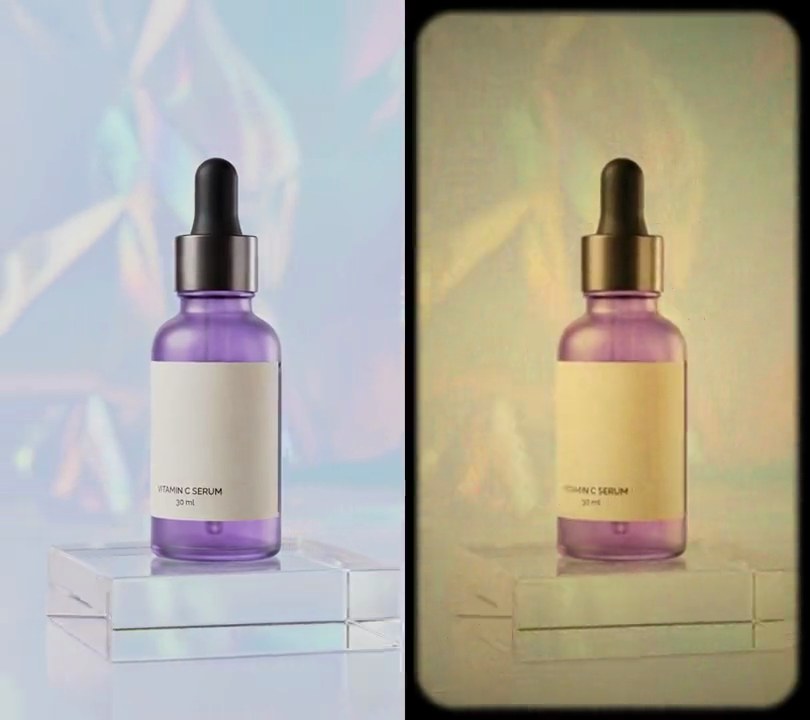
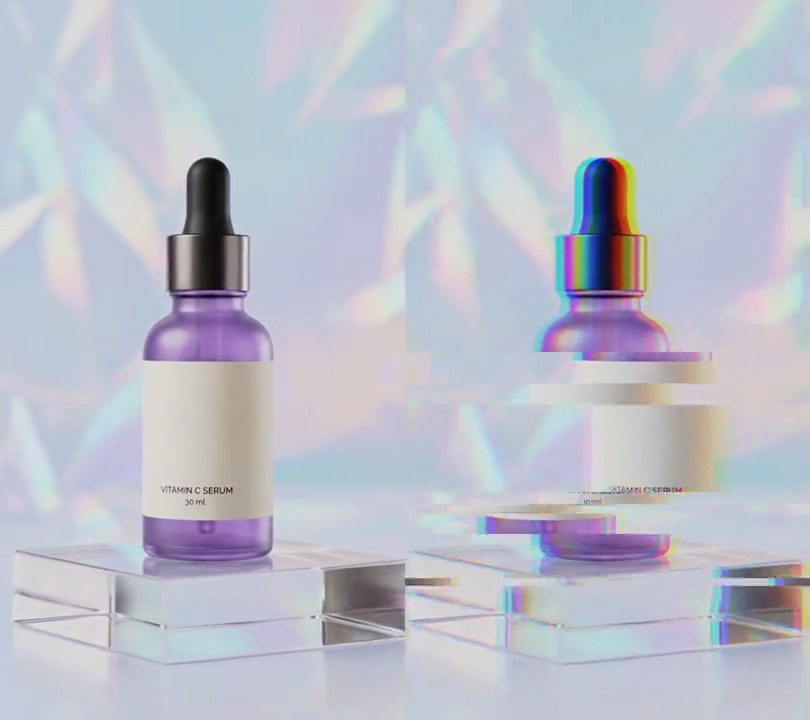
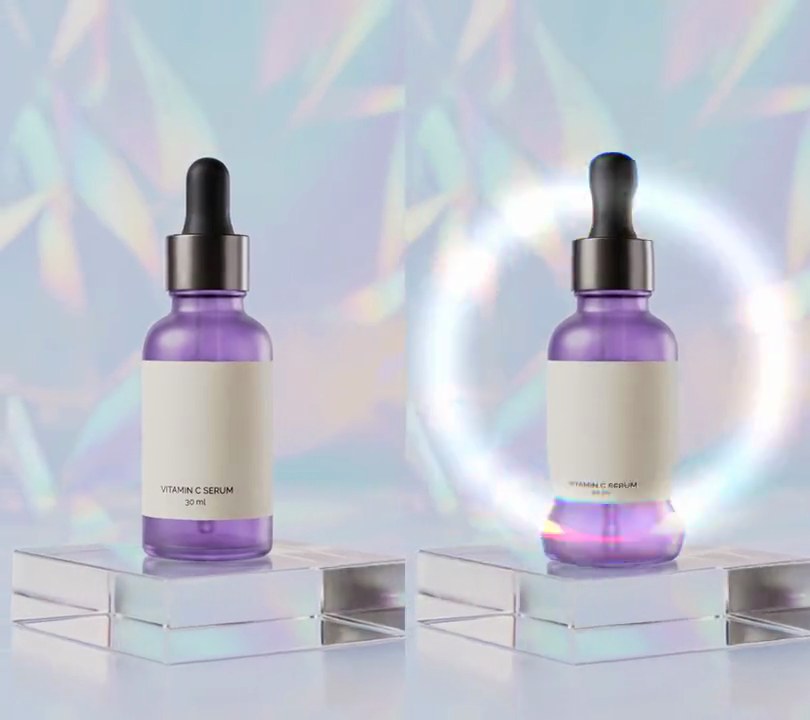
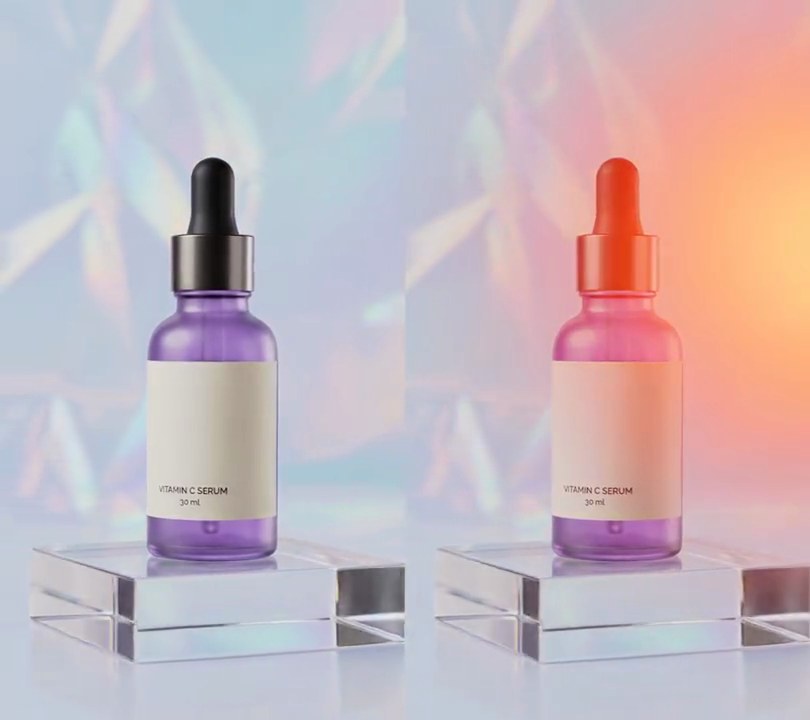
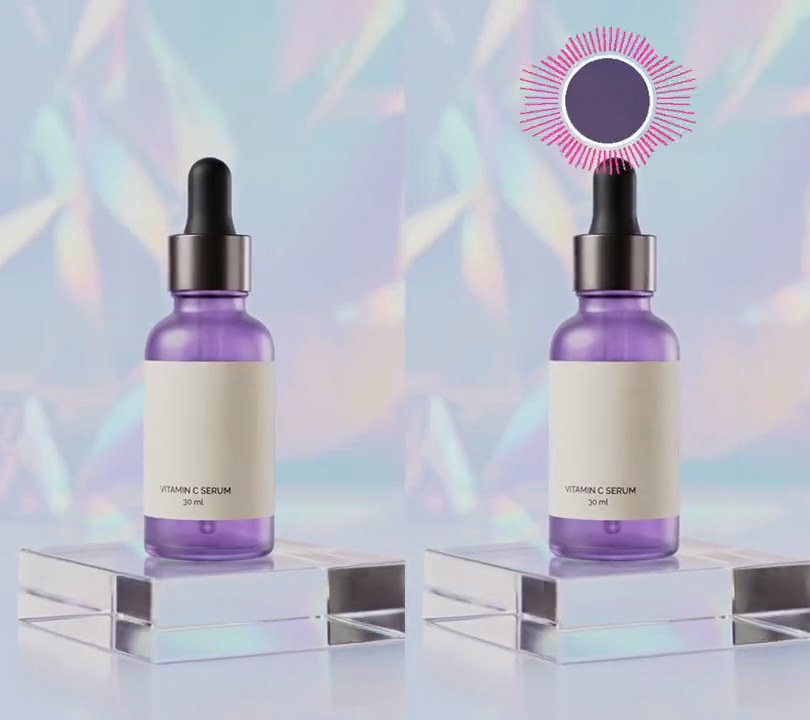
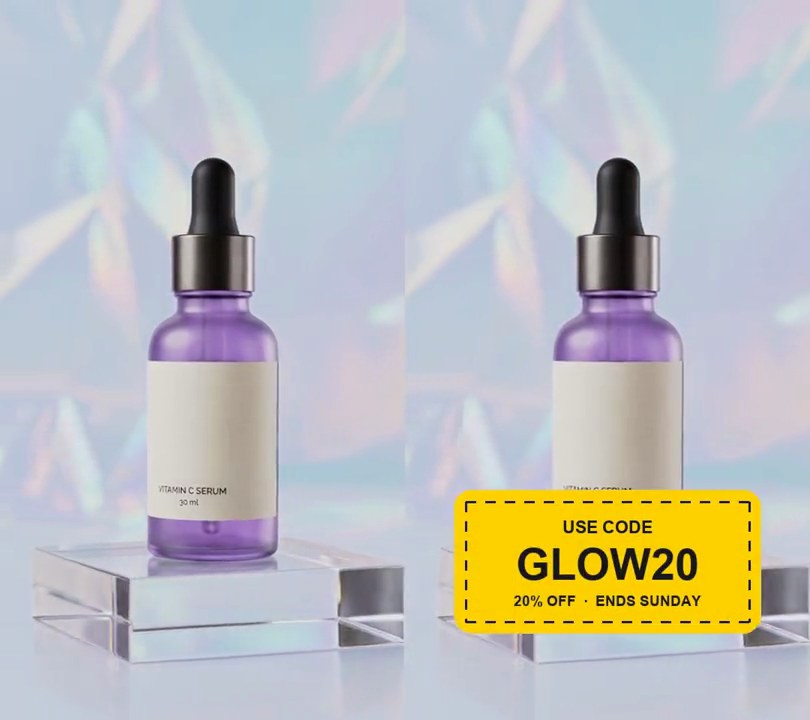
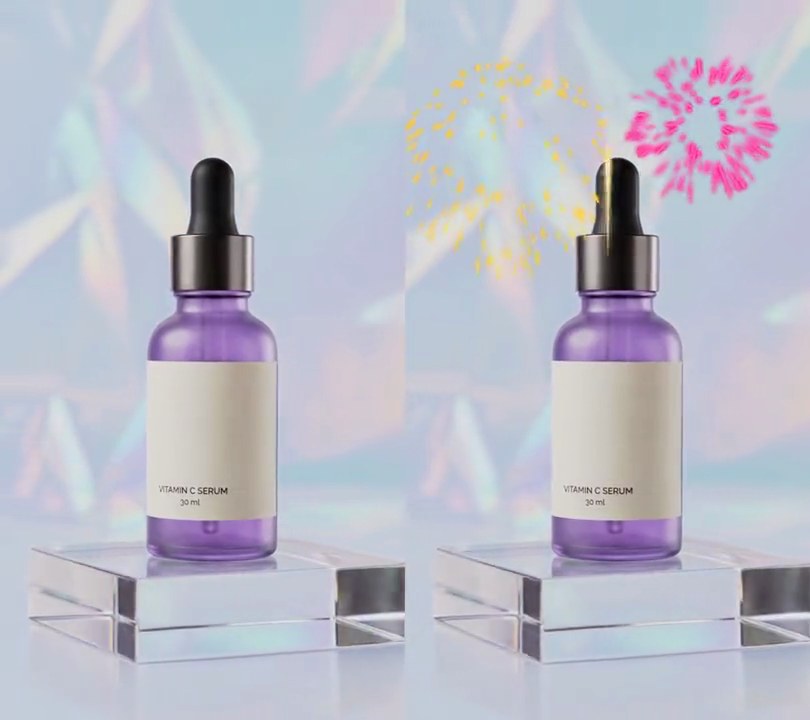
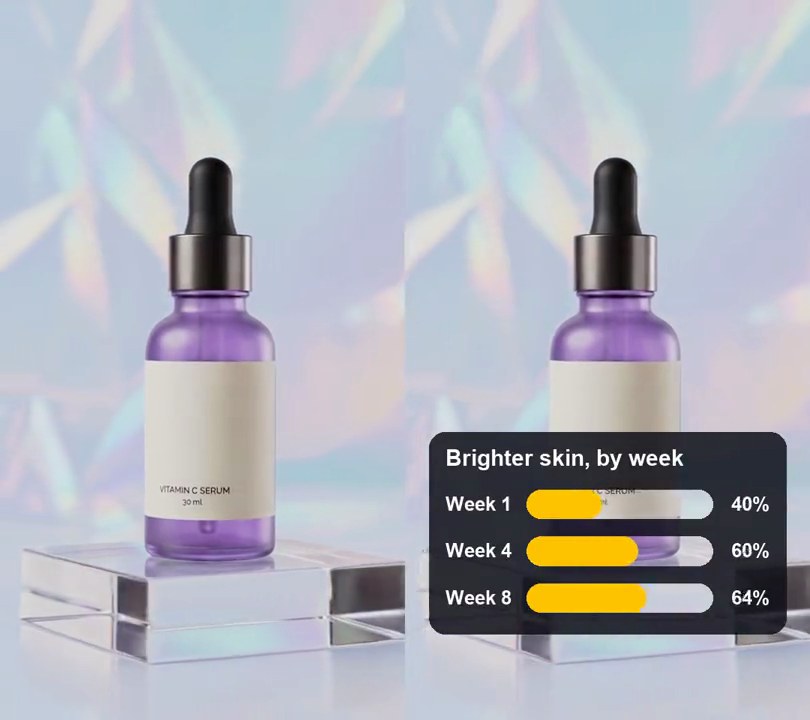
A white arrow pointer glides onto the bottle and clicks the dropper cap, the label and the acrylic block in turn, and each click sends a glowing yellow ring rippling out from under its tip.
Show the prompt
Add a cursor with click highlights to input.mp4. Draw a white arrow pointer with a 2-pixel dark (20, 20, 20) outline and a soft drop shadow, 4.5% of the frame height tall, its tip being the point that moves. From 0.5 seconds it glides in from just off the bottom-right corner, then clicks three times: at 1.0 seconds at 50% across and 33% down (the dropper cap), at 2.4 seconds at 50% across and 60% down (the label) and at 3.8 seconds at 68% across and 82% down (the acrylic block). It takes 0.5 seconds to glide to each click with ease-in-out, waits there until the next one and stays after the last. On each click the pointer shrinks to 85% for 0.12 seconds, and a yellow (255, 190, 0) ring 1.2% of the frame width thick spreads out from the click point over 0.6 seconds, its radius easing out from 2.4% to 16% of the frame width, fully opaque for the first half and fading to nothing over the second, with a soft yellow glow and a faint dark edge so it shows on light backgrounds; a second ring at half opacity follows 0.15 seconds behind. The rings are hollow, drawn under the pointer, and nothing is on screen before 0.5 seconds. Use Python with Pillow to draw it (no text, and don't rely on ffmpeg's drawtext filter) and ffmpeg to put it on the video, keep the audio, and save it as output.mp4.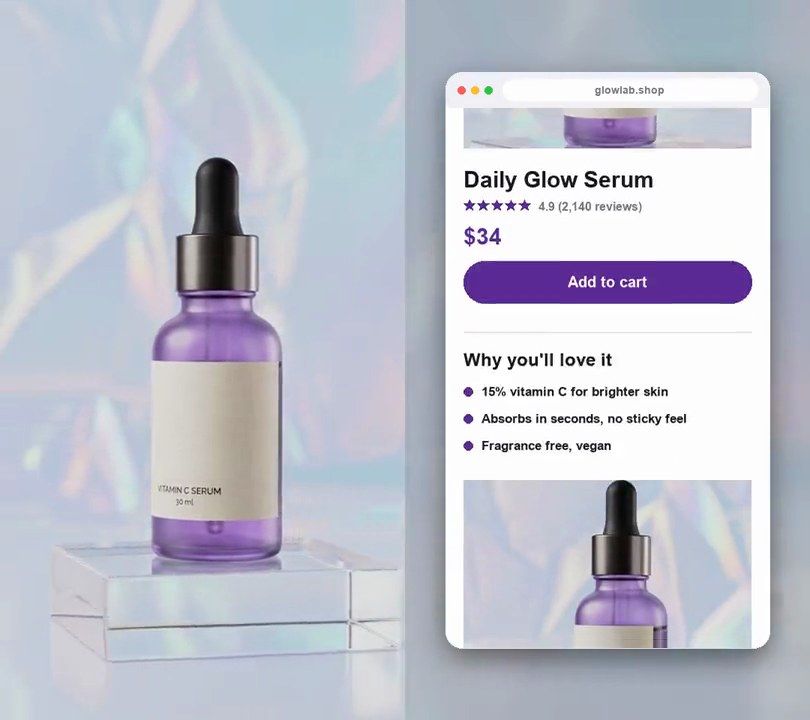
3. Scrolling screenshot
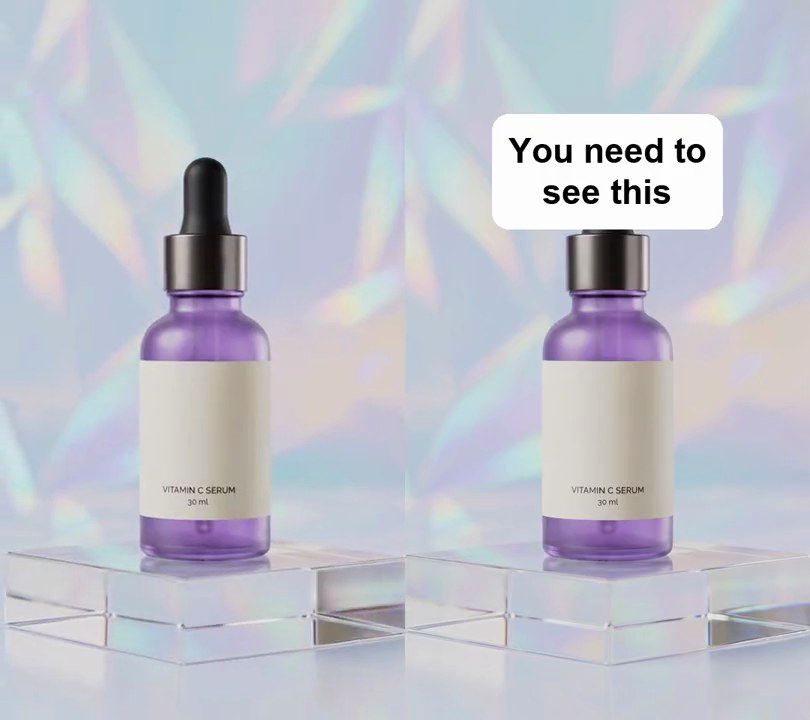
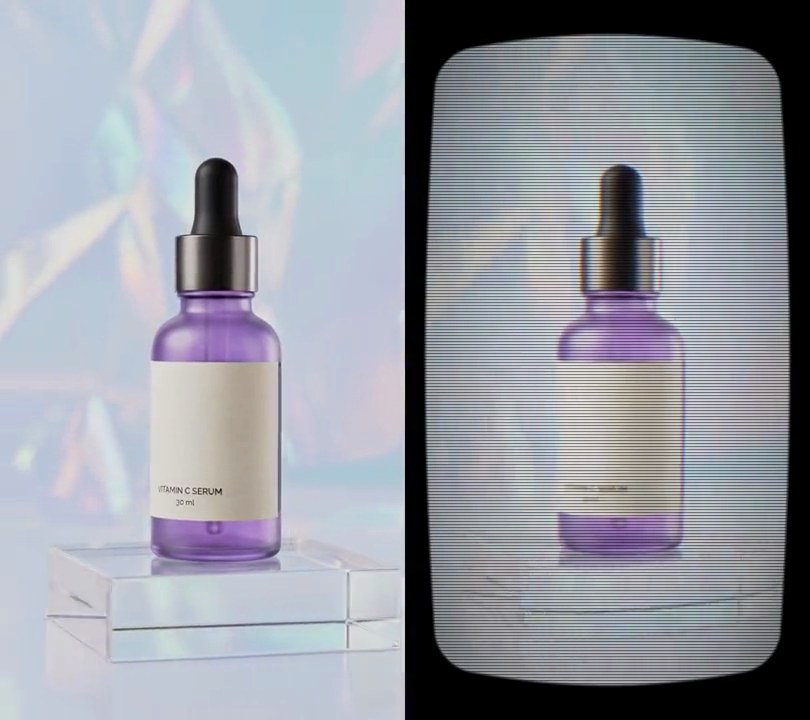
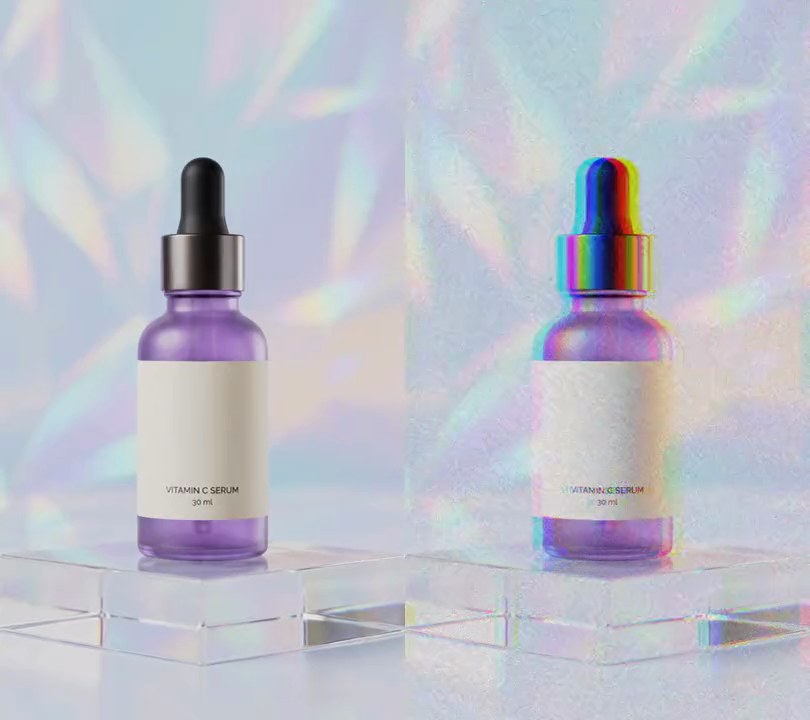
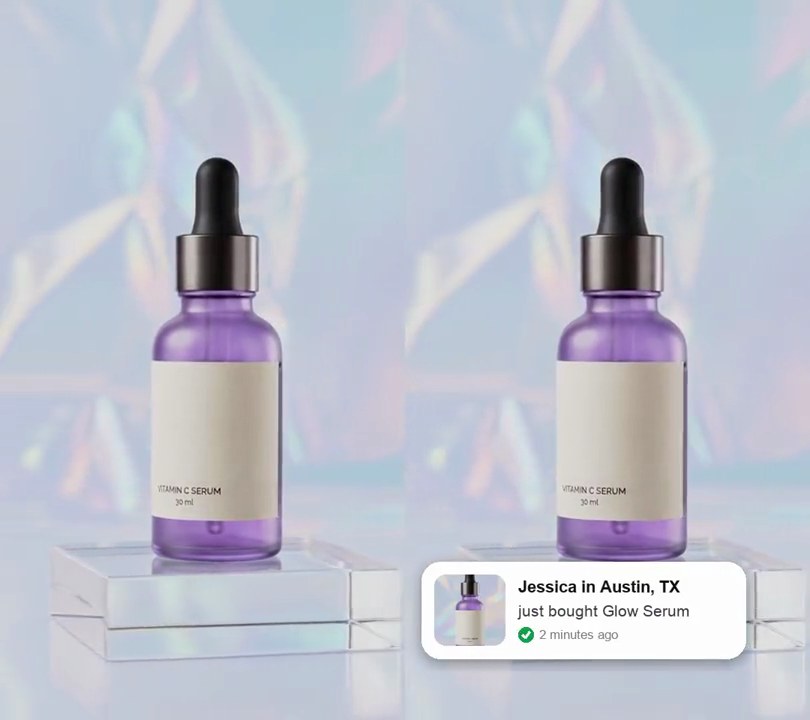
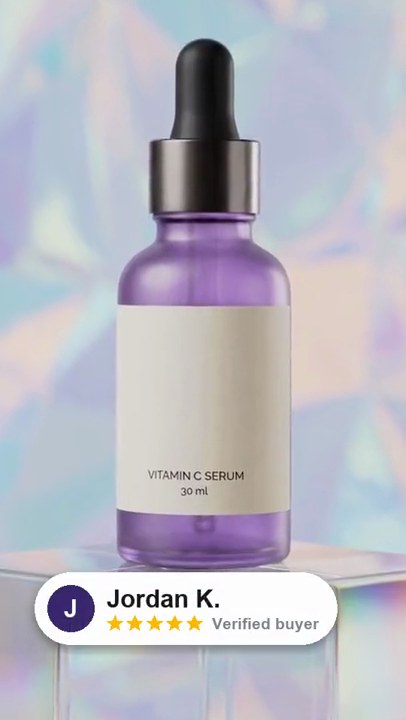
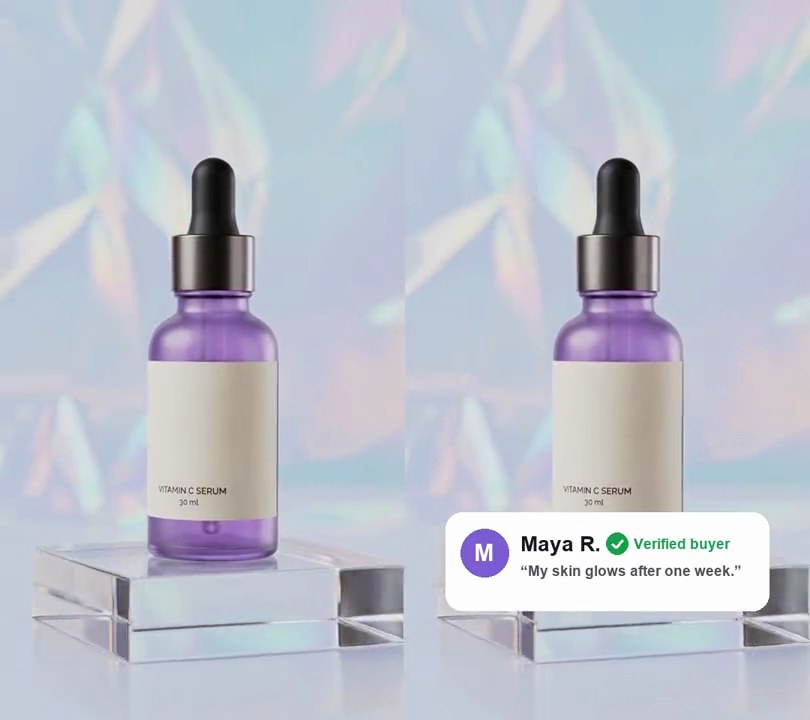
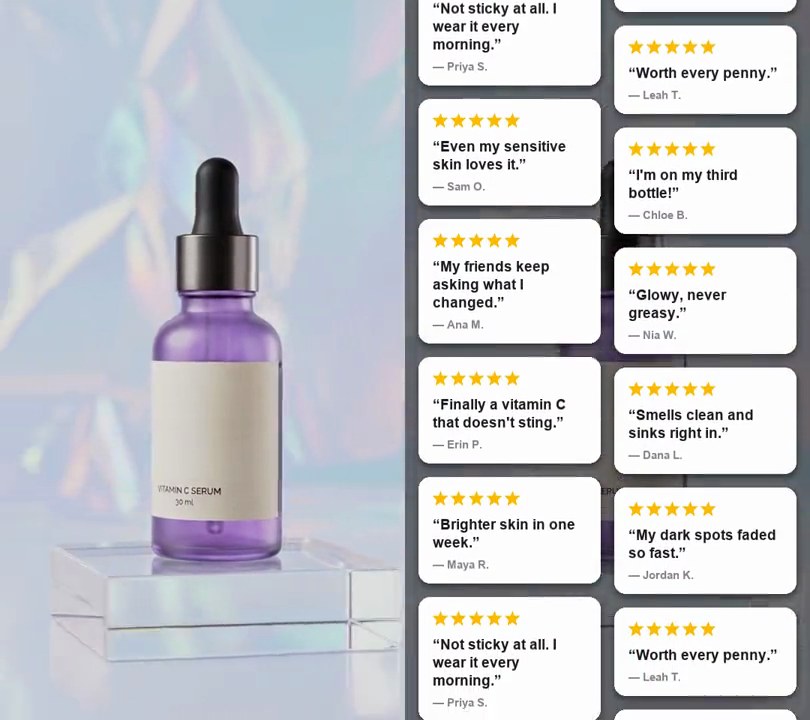
A tall product-page screenshot in a browser window scrolls smoothly from the logo down to the customer reviews while the footage plays blurred behind it.
Show the prompt
Turn input.mp4 into a scrolling screenshot. First draw a tall product-page screenshot with Python and Pillow, 432 pixels wide on a white background with 24 pixel side margins: "GLOW LAB" in bold purple (92, 44, 150) at the top, a square photo grabbed from the video at 1 second with a purple "BESTSELLER" pill on it, the title "Daily Glow Serum", five purple stars with "4.9 (2,140 reviews)", the price "$34", a full-width purple rounded "Add to cart" button, a "Why you'll love it" heading with three bullet points, a second square photo grabbed at 4 seconds, a "Customer reviews" heading with two light lavender review cards ("Brighter skin in one week." by Maya R. and "My new morning staple." by Jordan K.) and "Free shipping over $50" at the bottom, about 1,680 pixels tall in all. Draw all text with Pillow (don't use ffmpeg's drawtext filter). Then make every frame: the video blurred (Gaussian sigma 24) and darkened slightly as the background, and centered on it a browser card 80% of the frame's width and height (432x768 on a 540x960 video) with 22 pixel rounded corners, a soft drop shadow and a 48 pixel light gray browser bar on top showing three window dots and the address "glowlab.shop". Under the bar, show a 432x720 window onto the screenshot. Hold the top of the page until 0.5 seconds, then scroll it up with an ease-in-out over 4.5 seconds until the bottom of the page sits at the bottom of the window, and hold there to the end. Keep the size, frame rate, length and audio, and save it as output.mp4.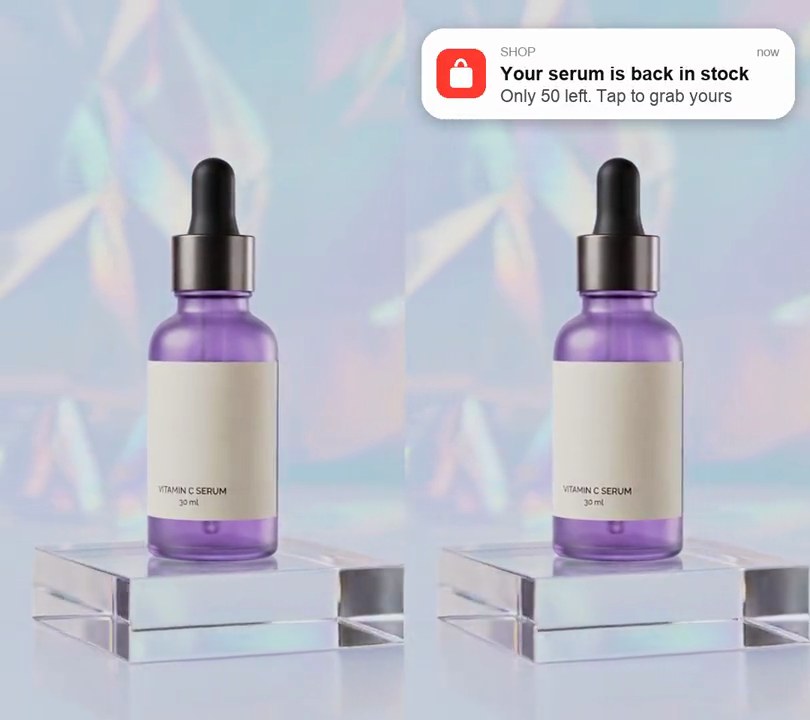
4. Notification pop-up
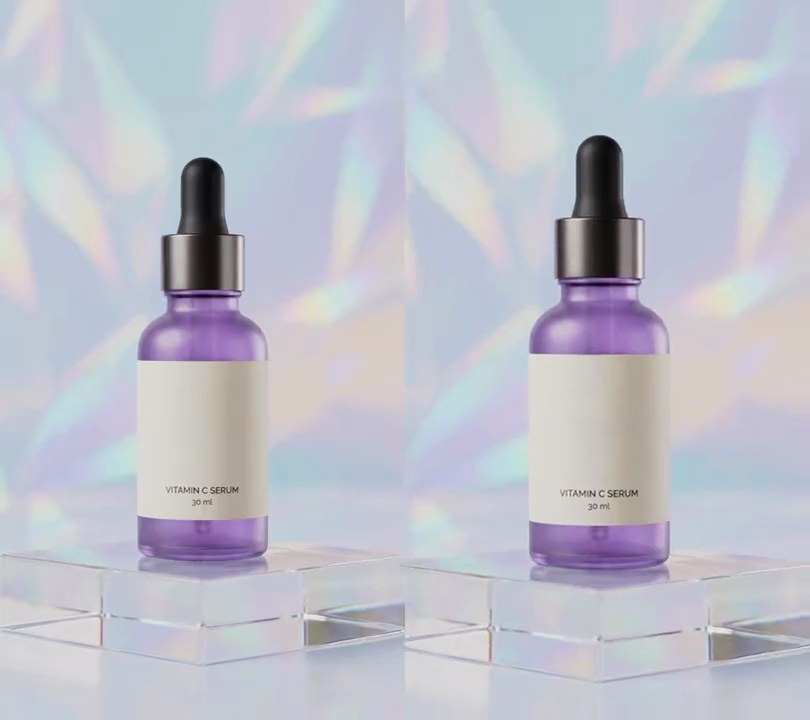
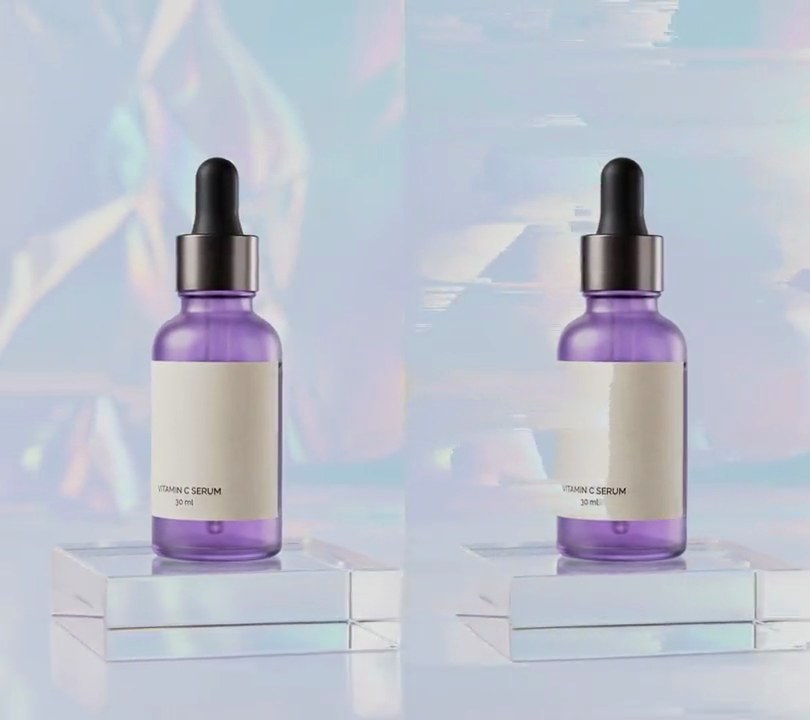
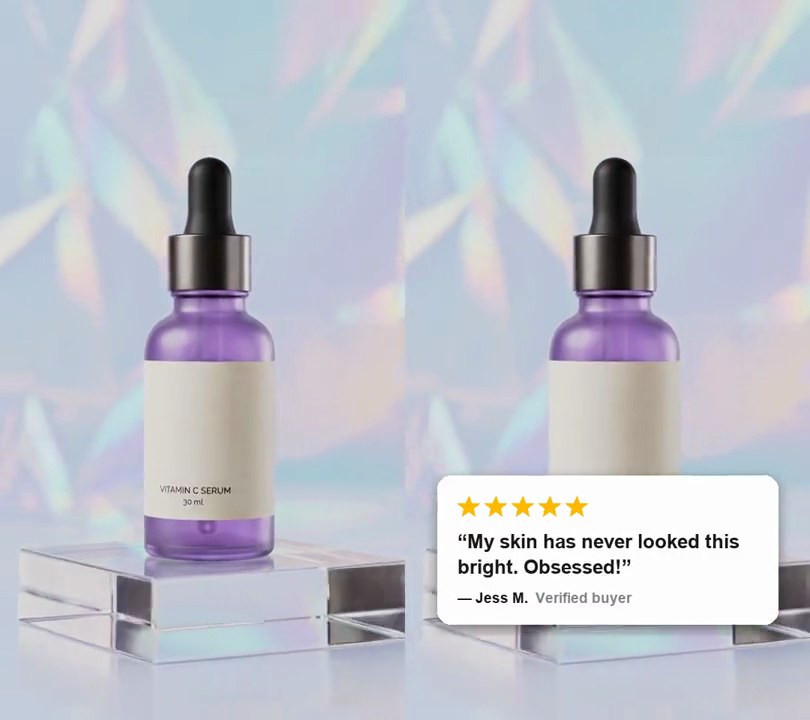
A white phone notification with a red shopping-bag icon drops in at the top saying "Your serum is back in stock", then slides away.
Show the prompt
Add a phone-style notification to input.mp4: a pure white (255, 255, 255) rounded banner 92% of the frame width, centered across, its top 4% of the way down, with a soft dark shadow. On its left, a red (255, 59, 48) rounded-square app icon 13% of the banner width with a white shopping bag on it; to its right, "SHOP" in small grey, "now" in small grey at the right edge, "Your serum is back in stock" in black bold, and "Only 50 left. Tap to grab yours" in grey under it. The banner drops in from above the top edge at 0.5 seconds over 0.4 seconds with a slight bounce, stays fully down for 3 seconds, then slides back up out of frame over 0.4 seconds (gone by 4.3 seconds). Use Python with Pillow to draw it and ffmpeg to put it on the video (don't rely on ffmpeg's drawtext filter), keep the audio, and save it as output.mp4.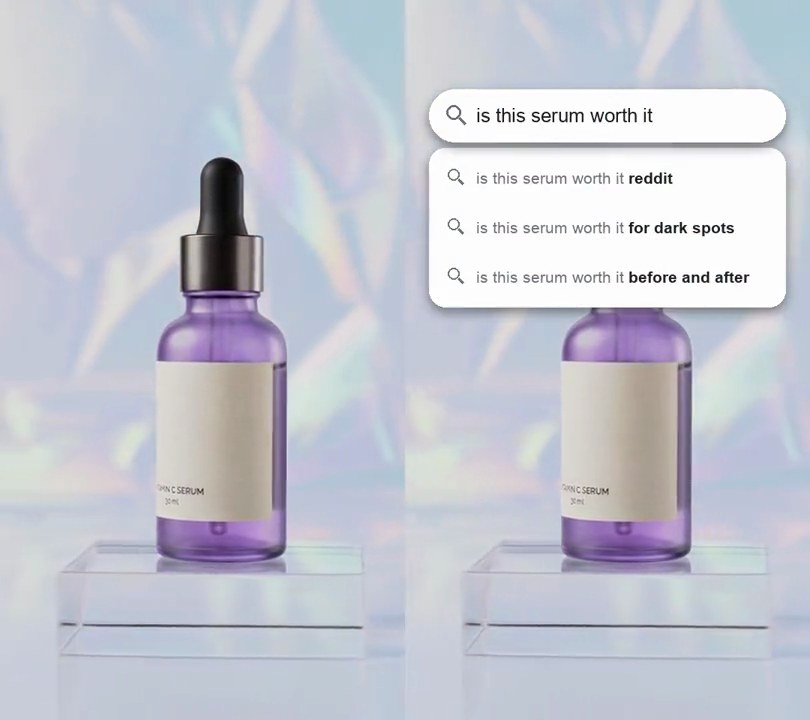
5. Search bar typing
A white search bar pops in above the product, types out "is this serum worth it" with a blinking blue cursor, then a dropdown of three search suggestions slides open beneath it.
Show the prompt
Add a search bar typing hook to input.mp4. At 0.3 seconds a pure white (255, 255, 255) pill-shaped search bar pops in with a slight overshoot over 0.35 seconds: 88% of the frame width wide, 13% of the frame width tall, centered horizontally with its center 16% down the frame, with a soft dark drop shadow and a gray (110, 114, 120) magnifying-glass icon at its left end. From 0.7 seconds the text "is this serum worth it" types into it at 12 characters per second in dark gray (32, 33, 36) regular Arial at 4.8% of the frame width, left-aligned just after the icon, with a blue (26, 115, 232) blinking cursor after the last letter. At 3.0 seconds the cursor goes and a white rounded card (corner radius 4% of the frame width, same width as the bar) fades in and slides down into place over 0.25 seconds just below the bar, holding three suggestion rows, each with a small magnifying-glass icon: "is this serum worth it" in gray followed by "reddit", "for dark spots" and "before and after" in bold dark gray. Both stay to the end. Use Python with Pillow to draw it and ffmpeg to put it on the video (don't rely on ffmpeg's drawtext filter), keep the audio, and save it as output.mp4.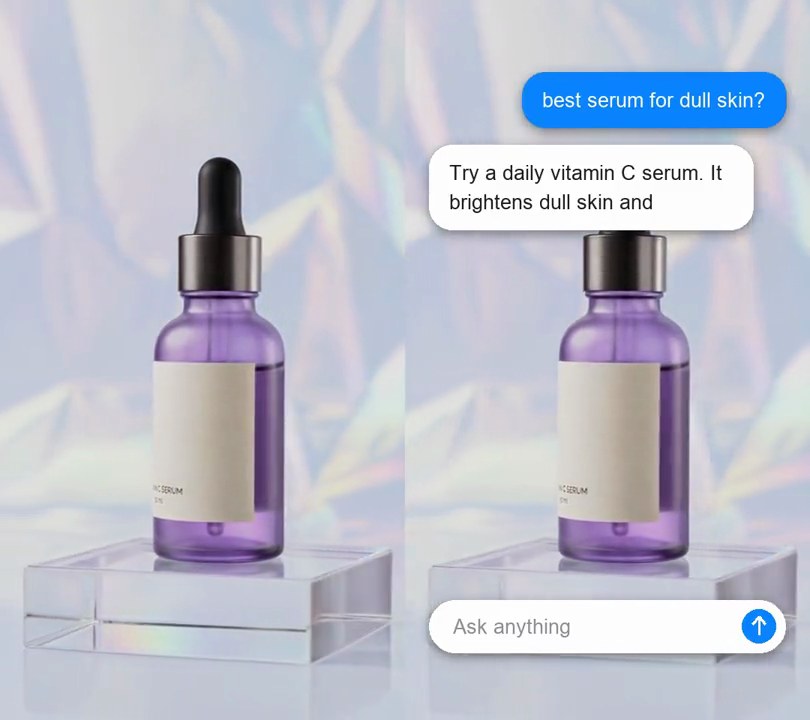
6. AI chat reply animation
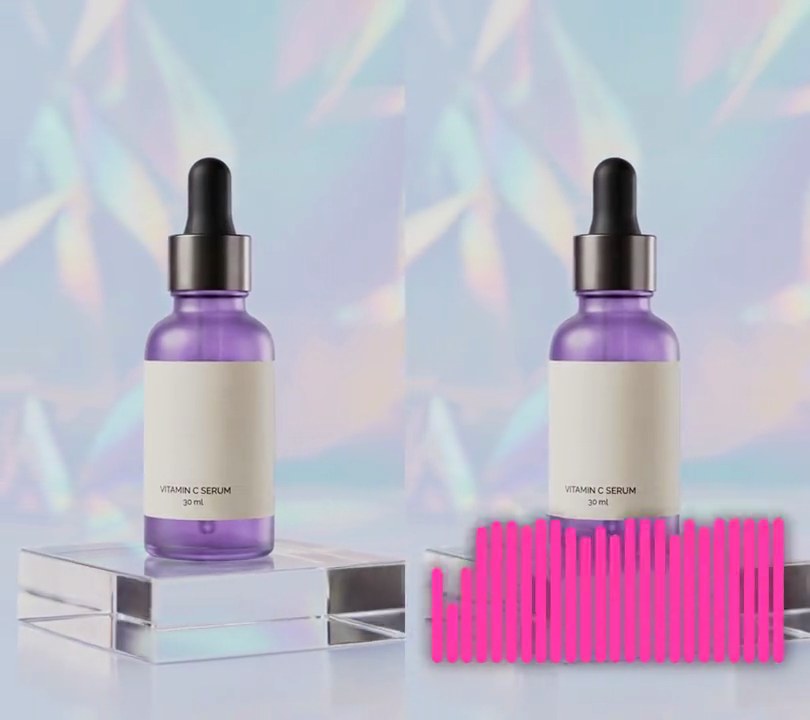
A chat box rises in at the bottom and types "best serum for dull skin?", the question flies up as a blue bubble, three dots bounce, and the AI's answer streams into a white card word by word.
Show the prompt
Add an AI chat reply animation to input.mp4. At 0.3 seconds a pure white (255, 255, 255) pill-shaped chat box rises in from below and fades in over 0.3 seconds: 88% of the frame width wide, 13% of the frame width tall, centered horizontally with its center 87% down the frame, with a soft dark drop shadow, gray (140, 144, 150) placeholder text "Ask anything" at its left and a blue (10, 132, 255) circular send button with a white up arrow at its right end. From 0.6 seconds "best serum for dull skin?" types into it at 15 characters per second in dark gray (32, 33, 36) regular Arial at 5% of the frame width, with a blue (10, 132, 255) blinking cursor after the last letter. At 2.5 seconds the box clears back to the placeholder and the question flies up over 0.3 seconds into a blue (10, 132, 255) rounded bubble with white text, right-aligned 6% from the right edge with its top 10% down the frame. From 2.8 to 3.3 seconds a small white bubble with three bouncing gray dots sits below it on the left, 6% from the left edge. At 3.3 seconds it becomes a white rounded card 80% of the frame width wide, and the answer "Try a daily vitamin C serum. It brightens dull skin and evens out tone in about two weeks." streams into it at 8 words per second in the same dark gray Arial, wrapped to the card, the card growing a line at a time. Everything stays to the end. Use Python with Pillow to draw it and ffmpeg to put it on the video (don't rely on ffmpeg's drawtext filter), keep the audio, and save it as output.mp4.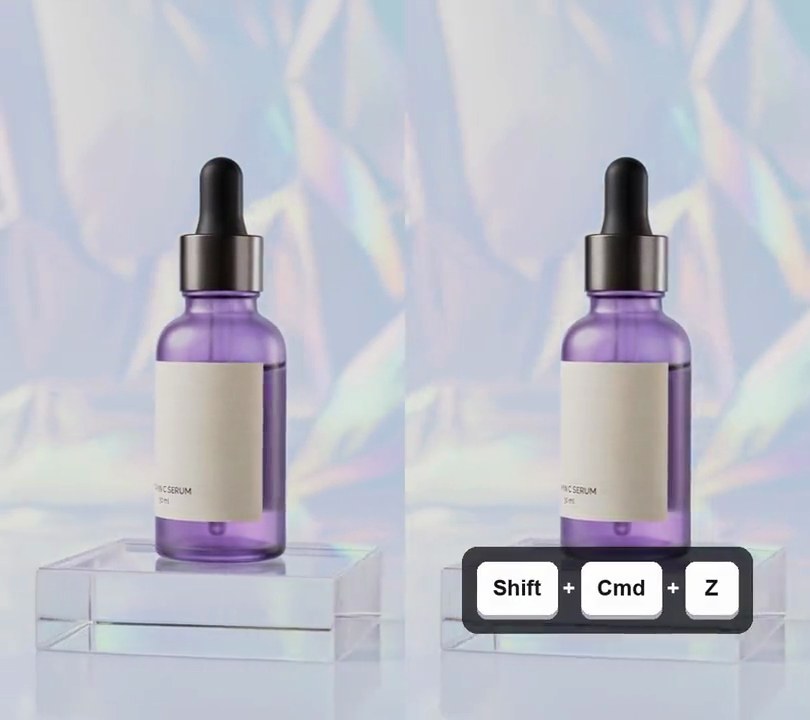
7. Keystroke overlay
White key caps reading "Cmd + C", then "Cmd + V", then "Shift + Cmd + Z" pop up on a dark panel near the bottom, each one as the shortcut is pressed.
Show the prompt
Add a keystroke overlay to input.mp4 that shows three keyboard shortcuts as key caps: "Cmd" + "C" from 0.8 to 1.9 seconds, "Cmd" + "V" from 2.2 to 3.3 seconds and "Shift" + "Cmd" + "Z" from 3.6 to 4.9 seconds. Draw each key as a pure white (255, 255, 255) rounded key cap 13% of the frame width tall (at least as wide as it is tall) with its name in dark (25, 25, 30) bold text at 42% of the key height, a gray (170, 170, 178) edge peeking out 8% of the key height below it so it looks raised, and a white "+" between keys. Put each shortcut's keys on a dark rounded panel (15, 15, 20) at 75% opacity, centered across the frame and 82% of the way down. Each shortcut pops in over 0.15 seconds, growing from 85% to full size with a slight overshoot, and fades out over its last 0.15 seconds; nothing shows between shortcuts. Use Python with Pillow to draw the keys (don't rely on ffmpeg's drawtext filter) and ffmpeg to put them on the video, keep the audio, and save it as output.mp4.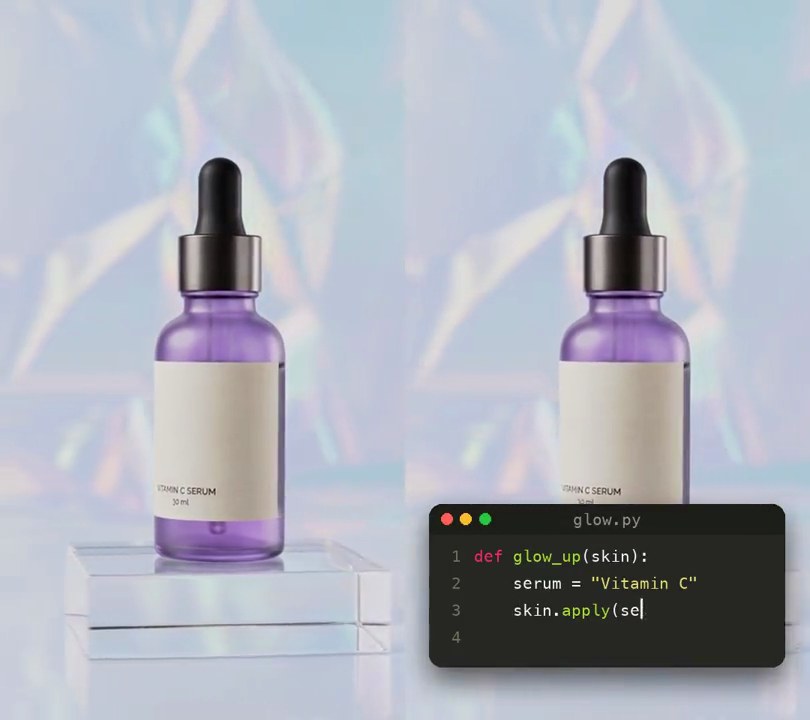
8. Code typing animation
A dark code editor window slides up under the product and four lines of Python type into it in pink, yellow and green syntax colors, line numbers down the side.
Show the prompt
Add a code typing animation to input.mp4 (540x960). At 0.3 seconds a dark code editor window slides up 6% of the frame width and fades in over 0.3 seconds (ease-out): 88% of the frame width wide, its left edge 6% from the left (so centered horizontally), its top 70% down the frame, background (39, 40, 34) with rounded corners and a soft black drop shadow. It has a darker (30, 31, 26) title bar with red (255, 95, 87), yellow (254, 188, 46) and green (40, 200, 64) dots at the left and "glow.py" centered in gray (150, 150, 140). Below it, gray (117, 113, 94) line numbers 1 to 4 run down the left side and these four lines of Python type out in Menlo at 3.8% of the frame width, 1.7 text heights apart: def glow_up(skin): / serum = "Vitamin C" / skin.apply(serum, drops=3) / return "radiant" (lines 2 to 4 indented 4 spaces). Color them like Monokai: keywords def and return pink (249, 38, 114), strings yellow (230, 219, 116), the number purple (174, 129, 255), function names before "(" green (166, 226, 46) and everything else off-white (248, 248, 242). The first line starts typing at 0.7 seconds at 28 characters per second; each indent appears at once and each next line starts 0.2 seconds after the previous one finishes, so typing ends at about 4.1 seconds. A thin off-white bar cursor follows the last typed letter, solid while typing and blinking after. The window stays to the end. Use Python with Pillow to draw it and ffmpeg to put it on the video (don't rely on ffmpeg's drawtext filter), keep the audio, and save it as output.mp4.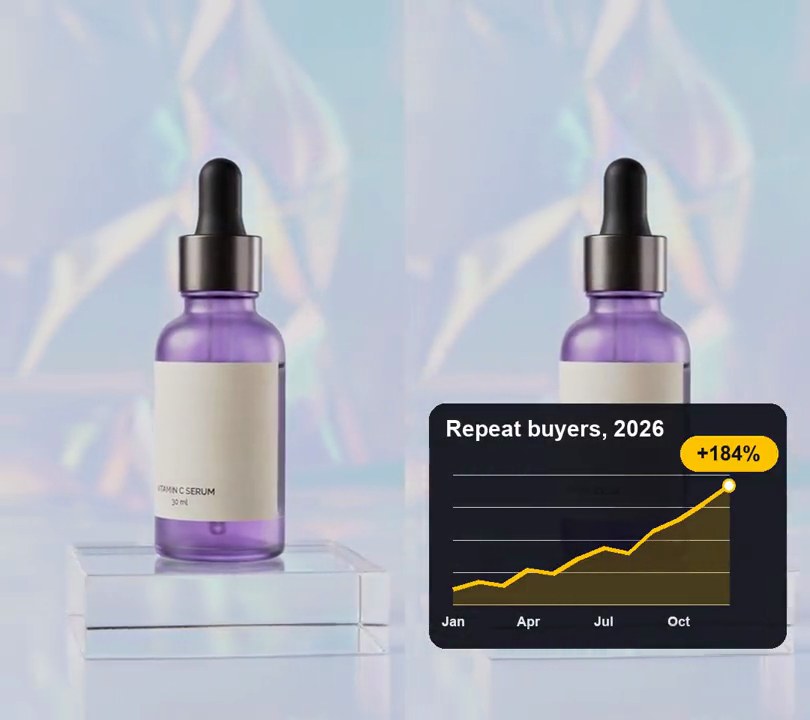
9. Animated line graph
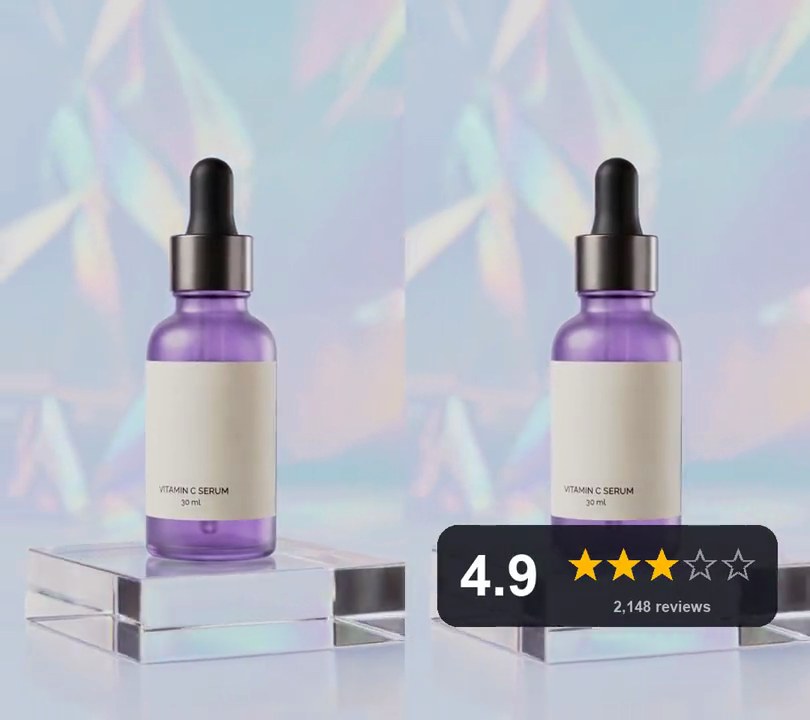
A yellow line draws itself left to right across a dark grid, zigzagging upward from January to December, and a yellow "+184%" tag pops up where it ends.
Show the prompt
Add an animated line graph to input.mp4. At 0.4 seconds fade in, over 0.3 seconds, a dark (15, 15, 25) rounded card at 92% opacity spanning 6% to 94% across and 56% to 90% down, titled "Repeat buyers, 2026" in white bold text 5.5% of the frame width tall, its middle 3.5% of the frame height below the card's top and 4% of the frame width in from its left edge. Inside it, a plot area from 12% to 80% across and 66% to 84% down with five faint white horizontal grid lines evenly spaced from its top to its bottom. Twelve points, evenly spaced from the plot's left edge to its right edge, have the values 12, 18, 15, 27, 24, 36, 44, 40, 57, 66, 78 and 92 on a 0-100 scale from the plot's bottom to its top. Under the 1st, 4th, 7th and 10th points, centered 2.2% of the frame height below the plot, write "Jan", "Apr", "Jul" and "Oct" in semi-transparent white bold text 3.4% of the frame width tall. From 0.8 seconds draw a yellow (255, 196, 0) line through the points, 1.2% of the frame width thick, growing from the first point along its length to the last over 2.0 seconds with a smoothstep ease-in-out, with a white dot 3.2% of the frame width across and a yellow outline at its moving tip and a faint yellow fill (about 20% opacity) between the drawn line and the plot's bottom. When the line reaches the last point (2.8 seconds), pop in over 0.25 seconds with a slight overshoot a yellow (255, 196, 0) pill 22% of the frame width wide and 4.5% of the frame height tall, centered horizontally on the last point and 4.5% of the frame height above it, reading "+184%" in dark bold text 5% of the frame width tall. Everything then stays to the end. Use Python with Pillow to draw it and ffmpeg to put it on the video (don't rely on ffmpeg's drawtext filter), keep the audio, and save it as output.mp4.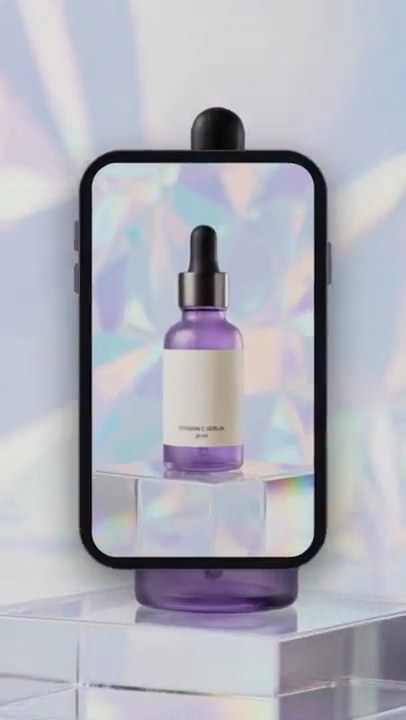
10. Zoom into screen
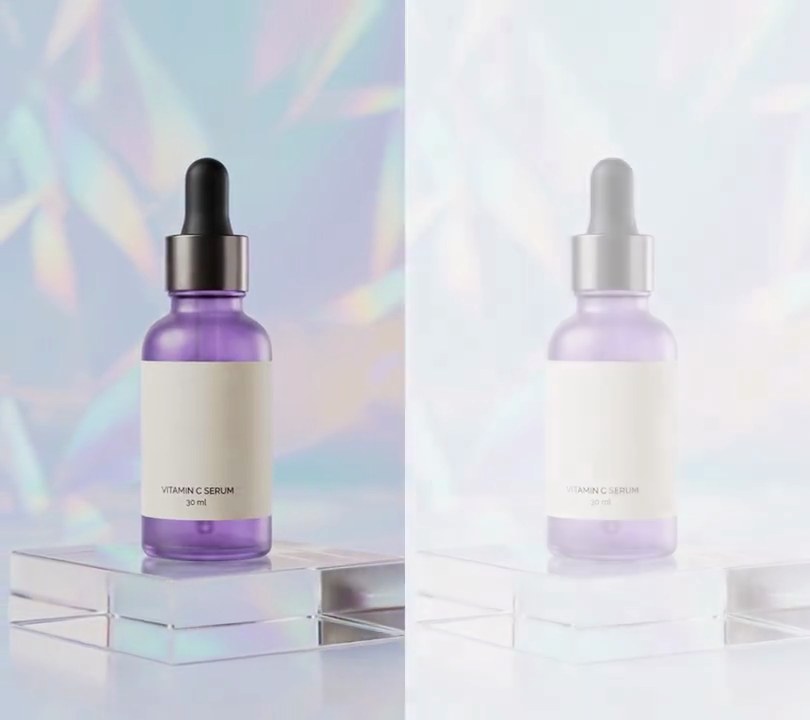
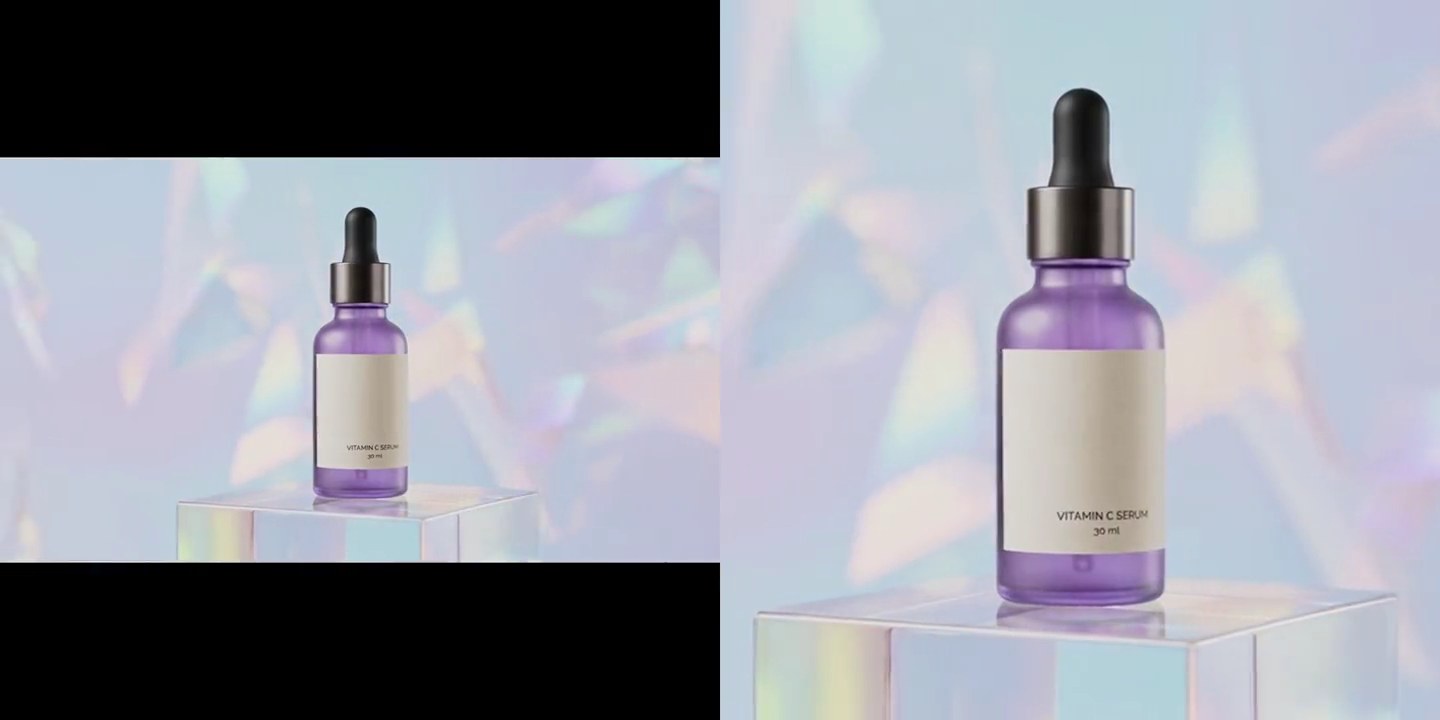
A black phone playing clip B rises over clip A, then the camera pushes into its screen until B fills the whole frame.
Show the prompt
Join clipA.mp4 and clipB.mp4 (both 540x960 at 30fps, 6 seconds) with a 2-second zoom-into-screen transition over the last 2 seconds of A, so the result is 10 seconds: A alone until 4.0s, then B playing from its start on a phone screen, and B alone from 6.0s (B at 2.0s) to its end. The phone: its screen is 44% of the frame width with the clip's 9:16 shape (238x422 pixels at rest), centered in the frame (x=151 to 389, y=269 to 691), with corners rounded to 32 pixels, and clip B plays on it scaled to fit exactly, uncropped. Around the screen draw a near-black (18, 18, 22) body with a 14-pixel bezel on every side, edged by a thin gray-blue (92, 92, 104) rim, with small gray-blue side buttons (two volume buttons on the left, power on the right) and a soft black shadow under it at 55% opacity, shifted down 16 pixels and blurred about 22 pixels. From 4.0s to 4.5s the phone rises from fully below the frame into its centered spot (cubic ease-out), clip A still playing behind it. It holds until 4.9s. From 4.9s to 6.0s the camera pushes in (cubic ease-in-out): the screen grows about the frame's center until it is exactly 540x960, its corner radius shrinking to 0 as it does, while clip A behind the phone is zoomed in by the same factor about the frame center (1.0x at 4.9s, 2.27x at 6.0s), so the phone and the scene move together like one camera. Draw the phone with Pillow (draw anything with Pillow, not ffmpeg's drawtext), scale with OpenCV and read and write the video with ffmpeg. Crossfade the audio over the same 2 seconds, and save it as output.mp4.