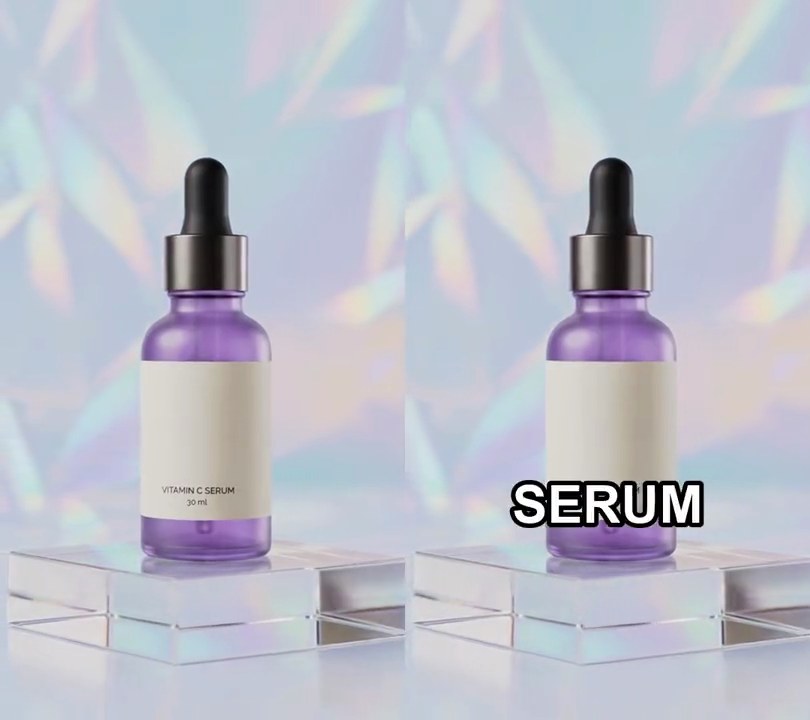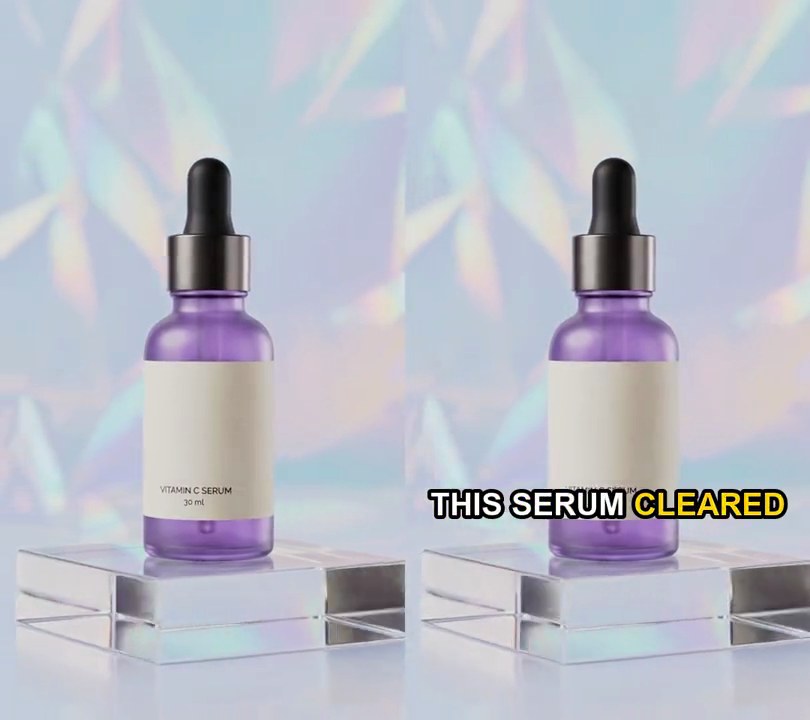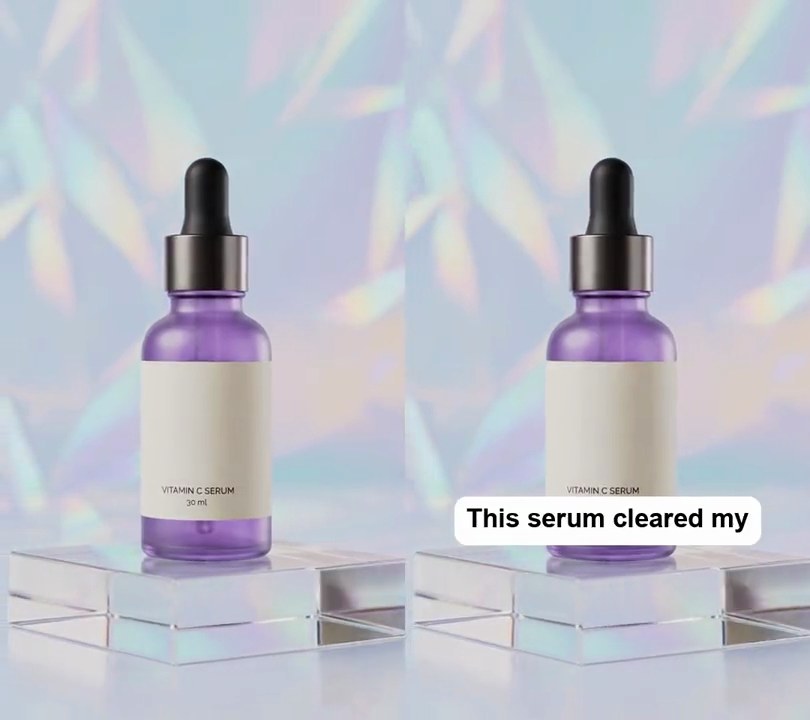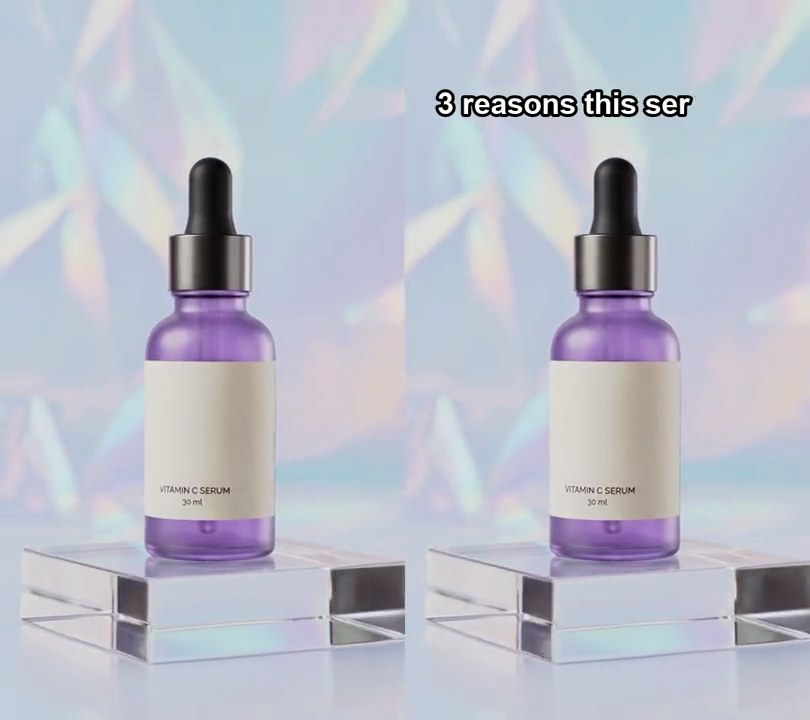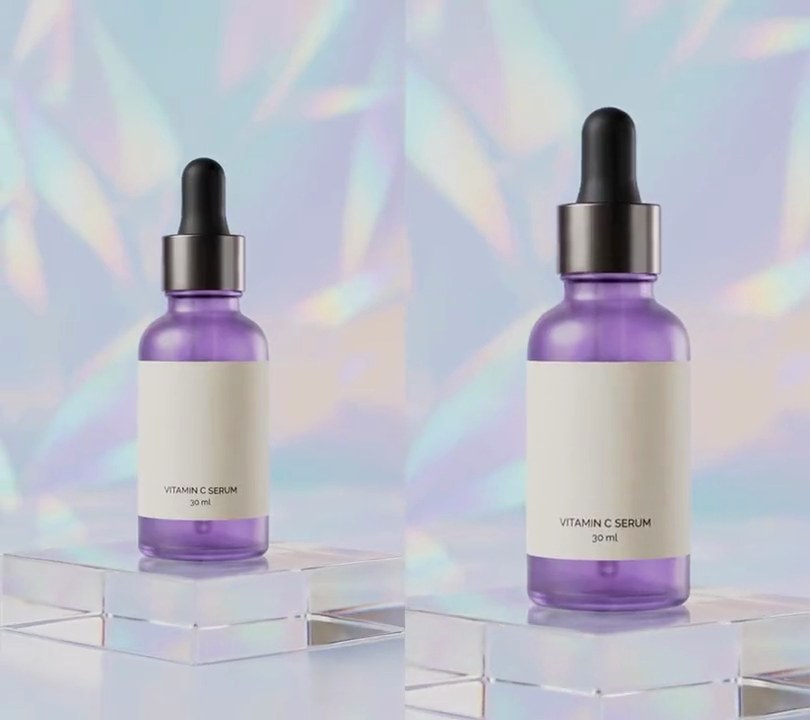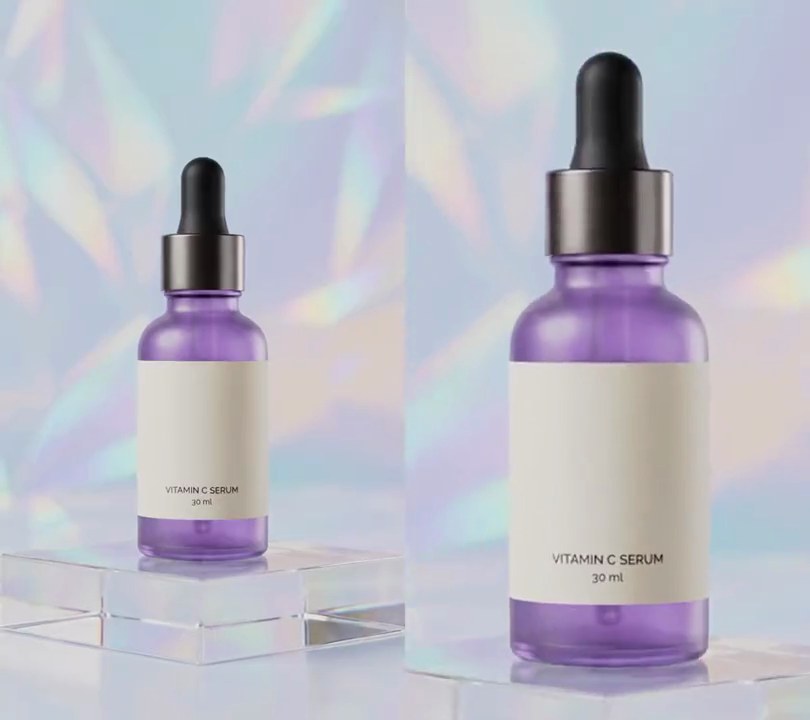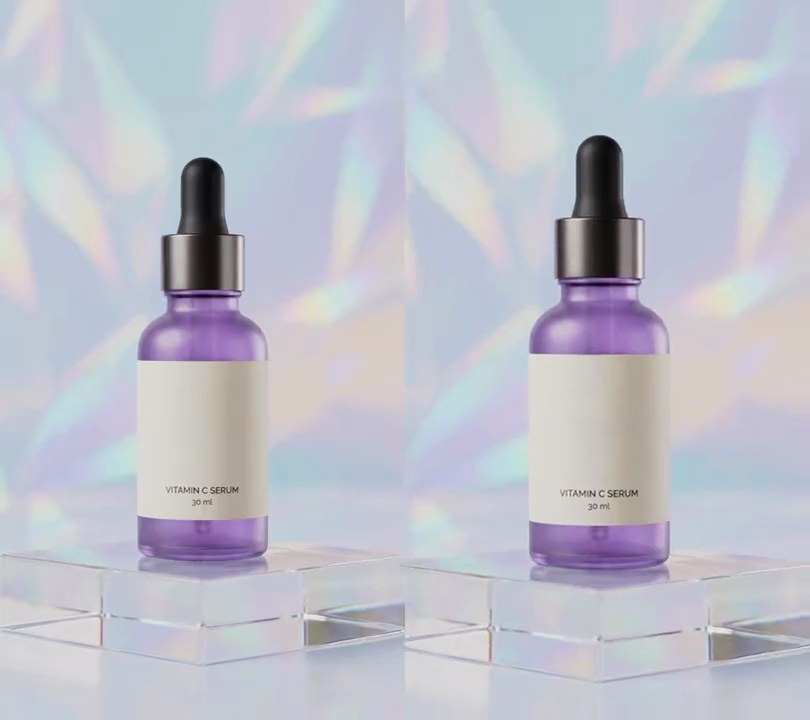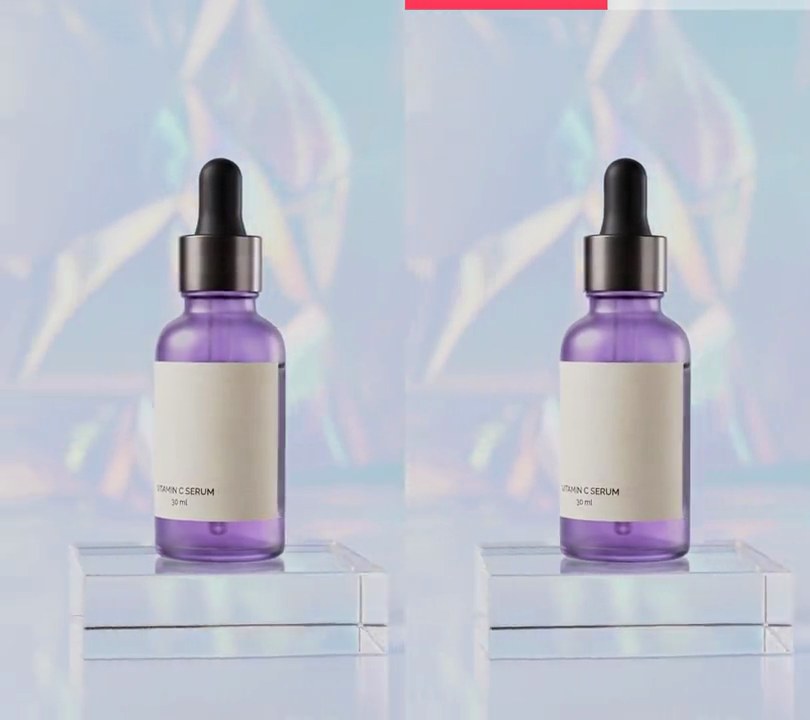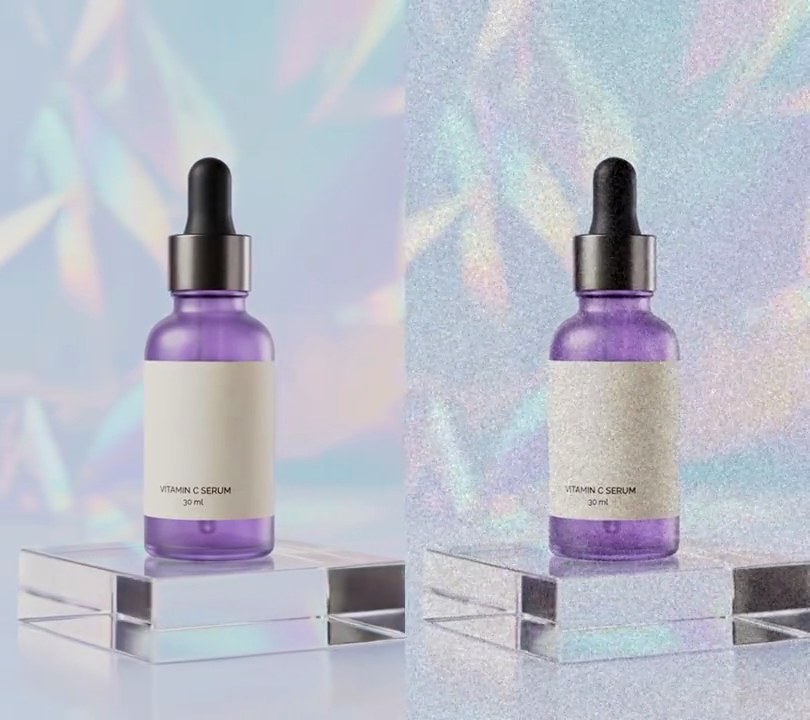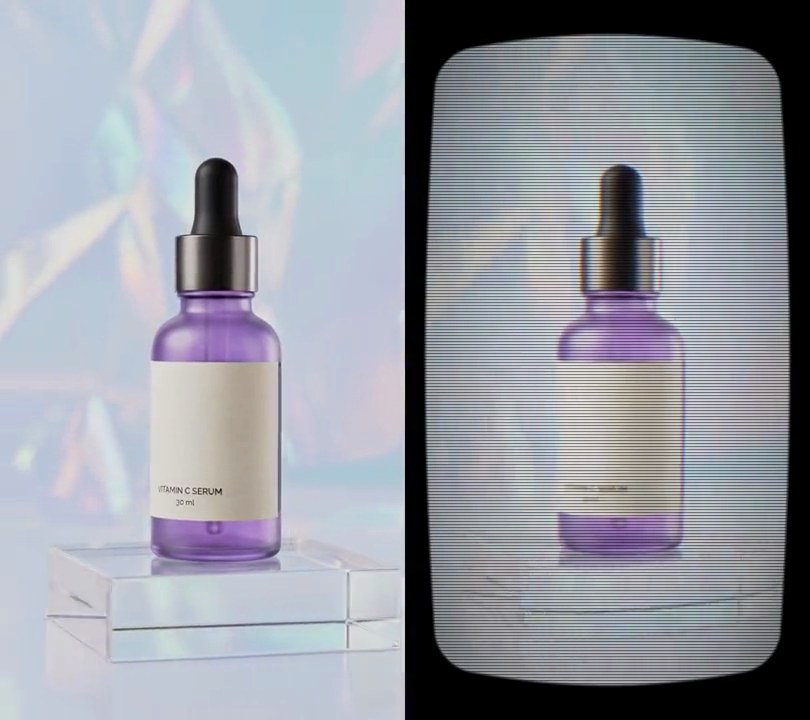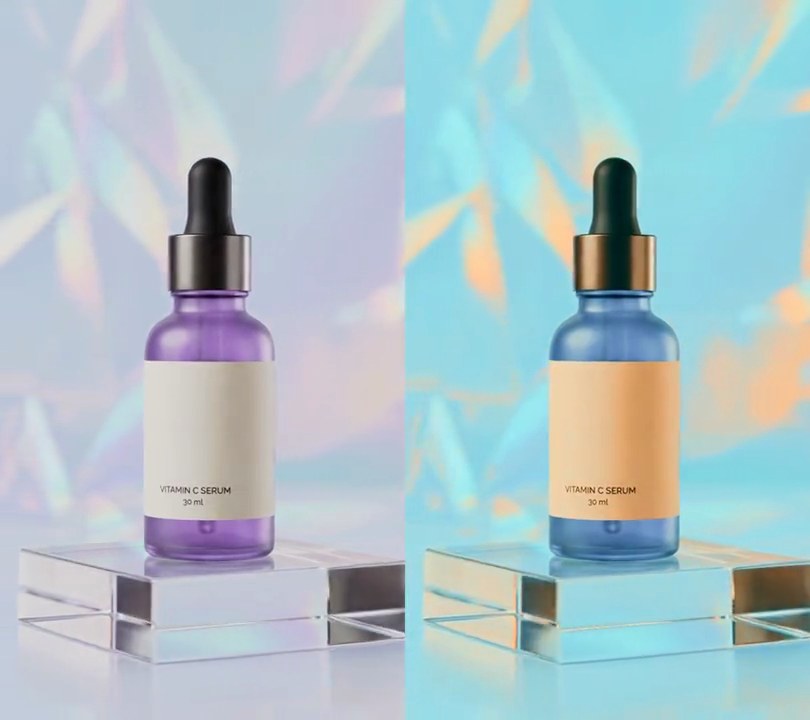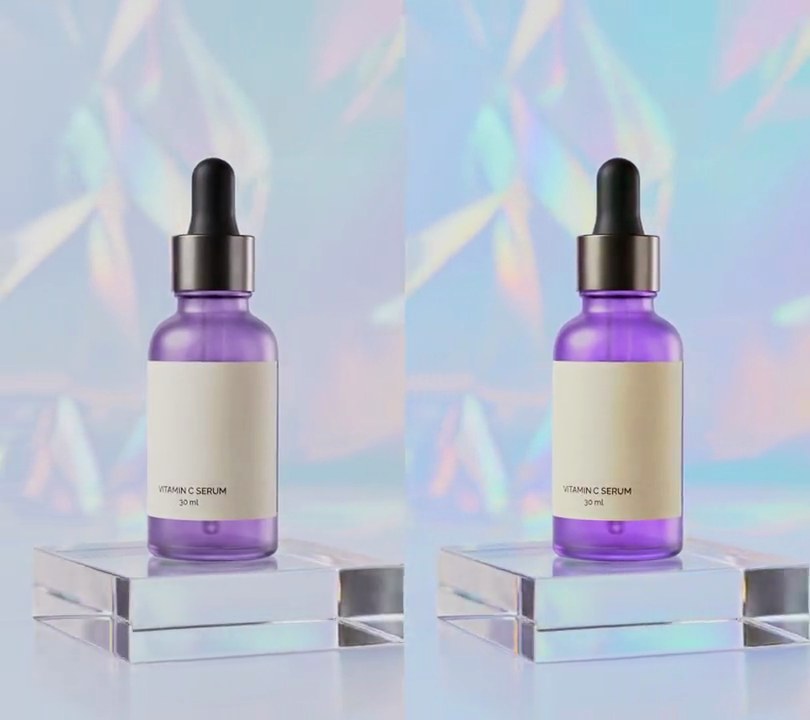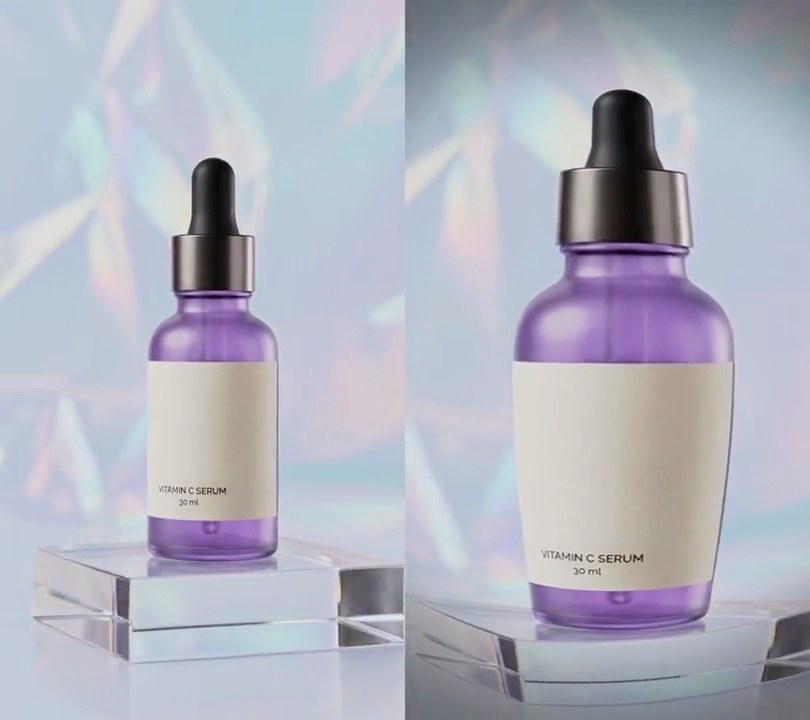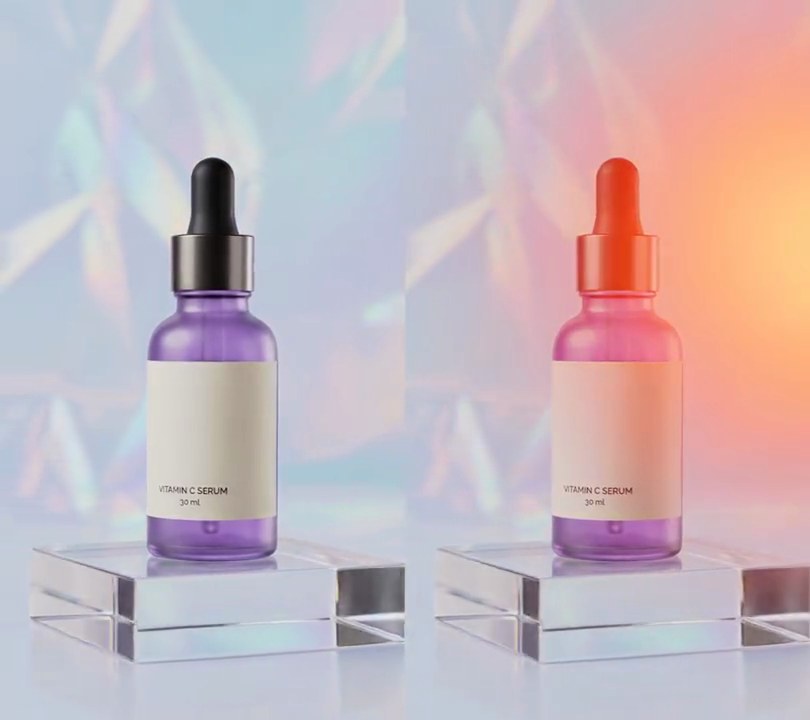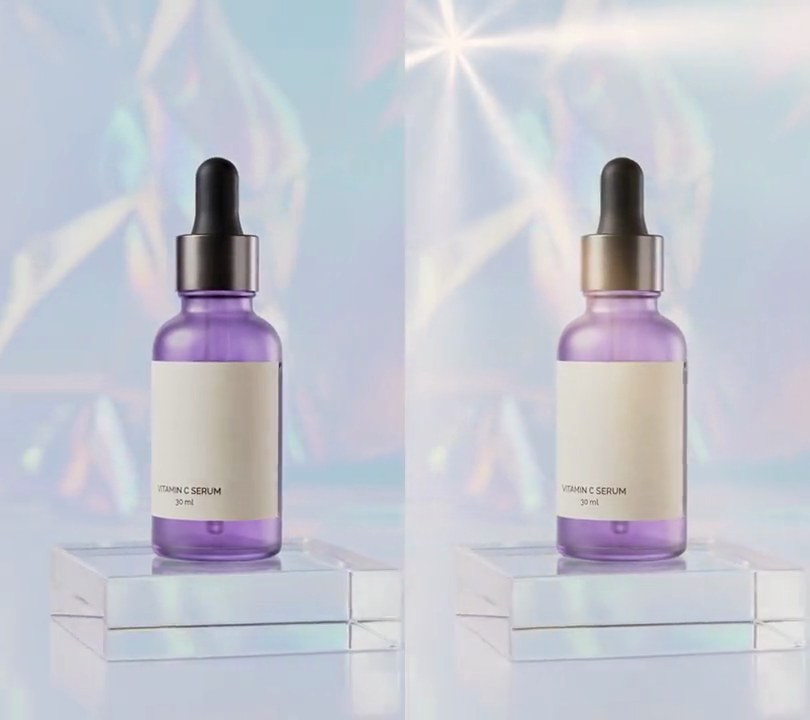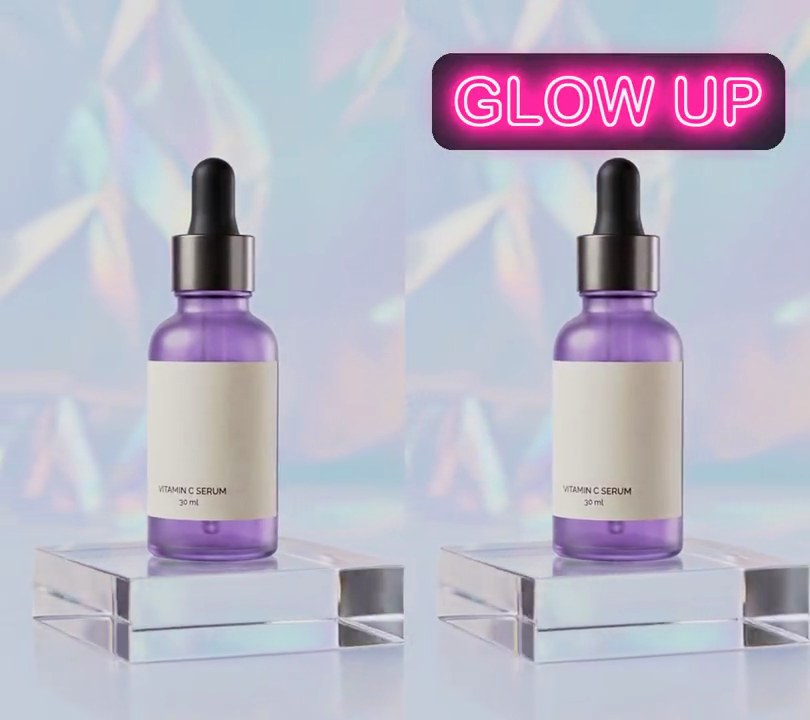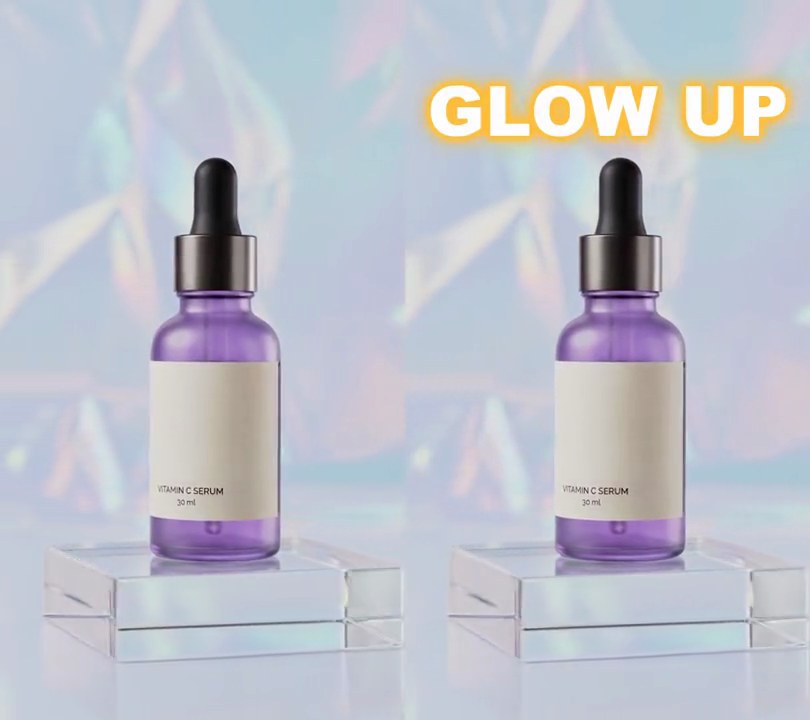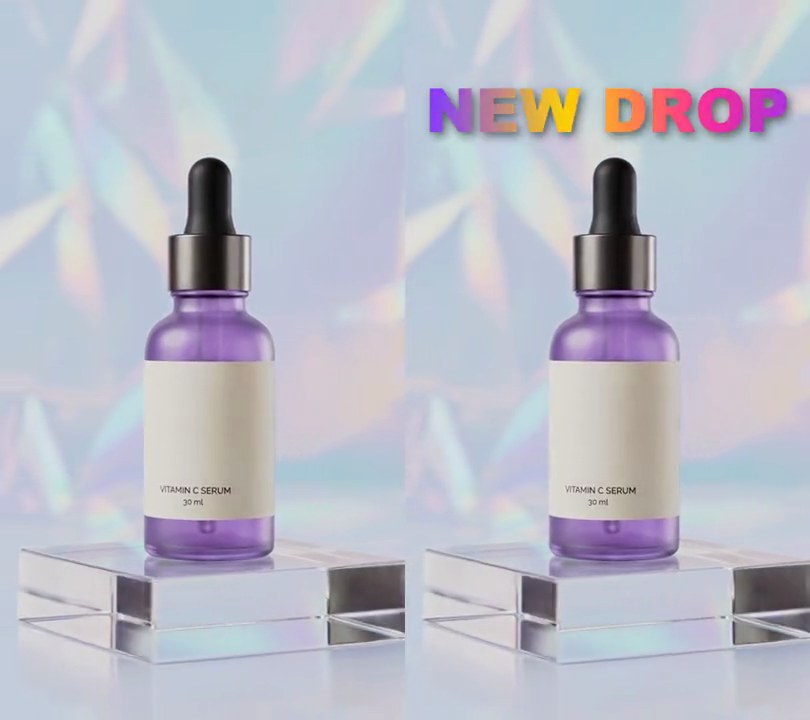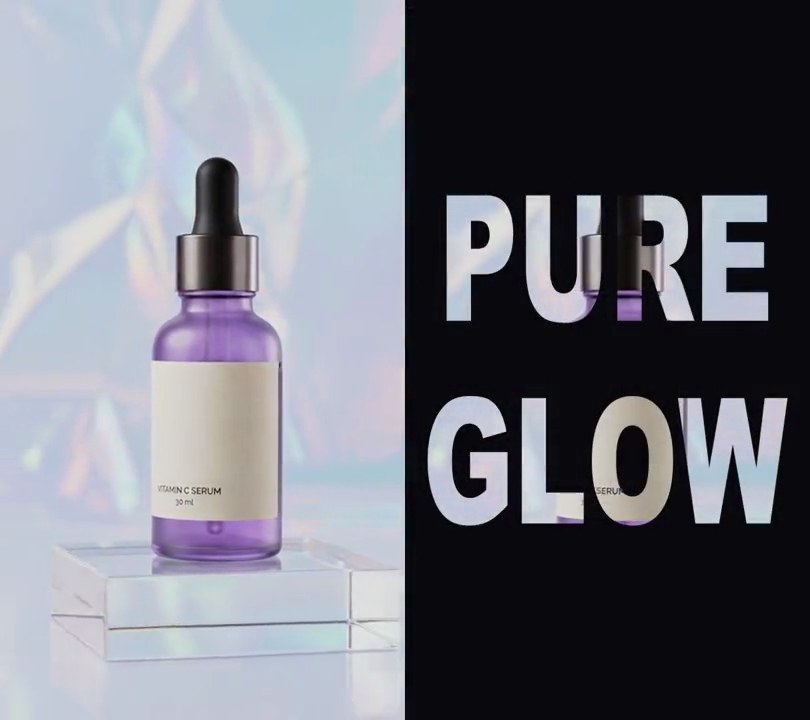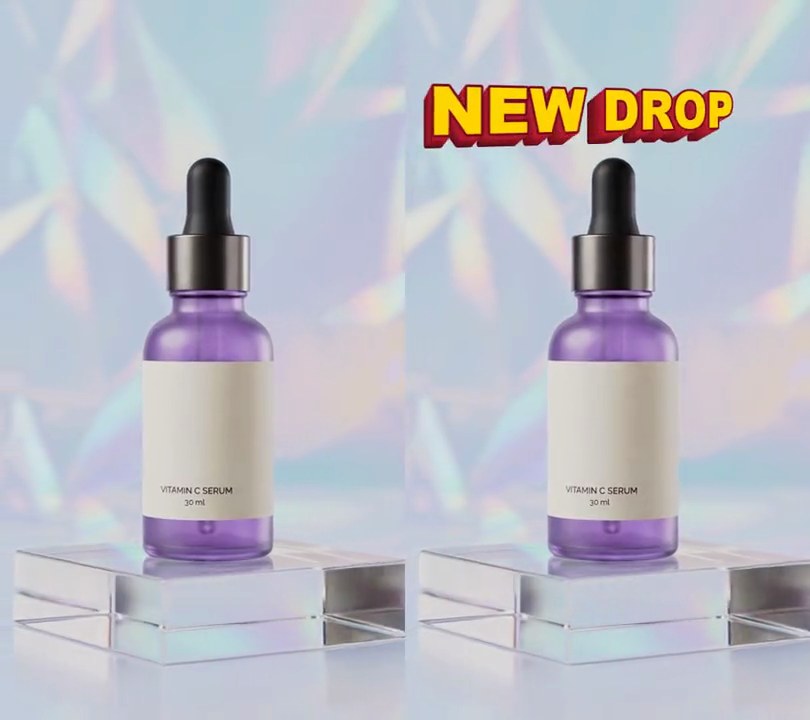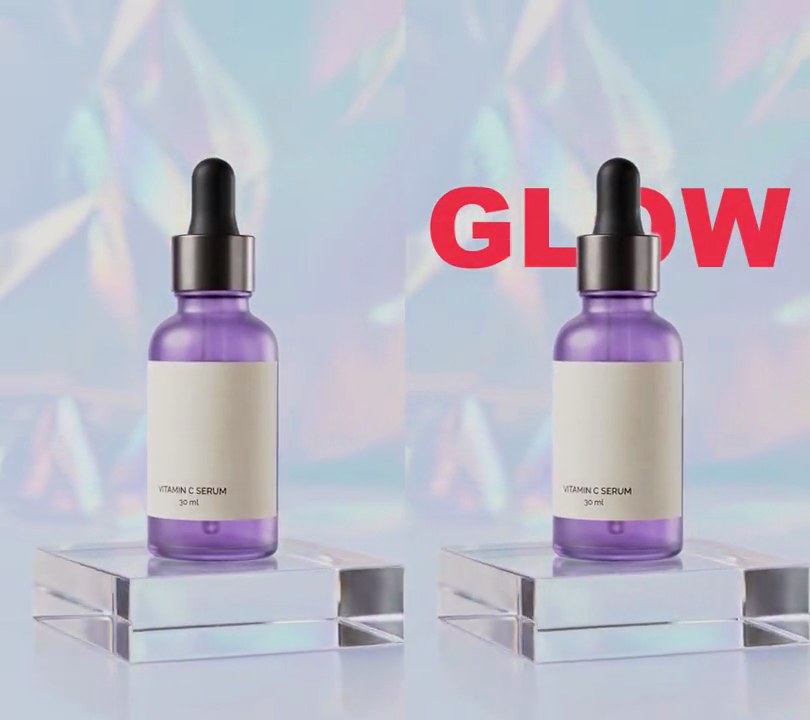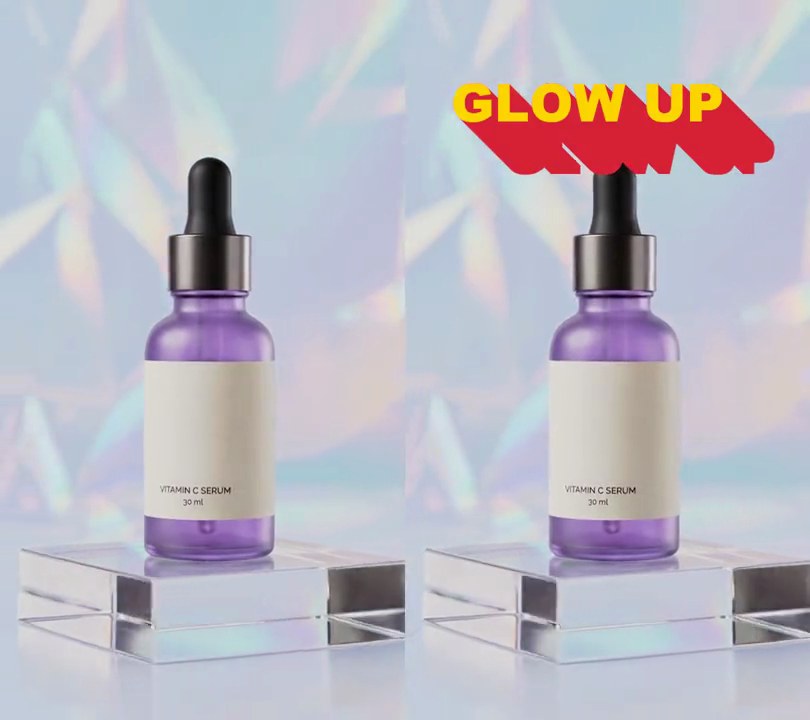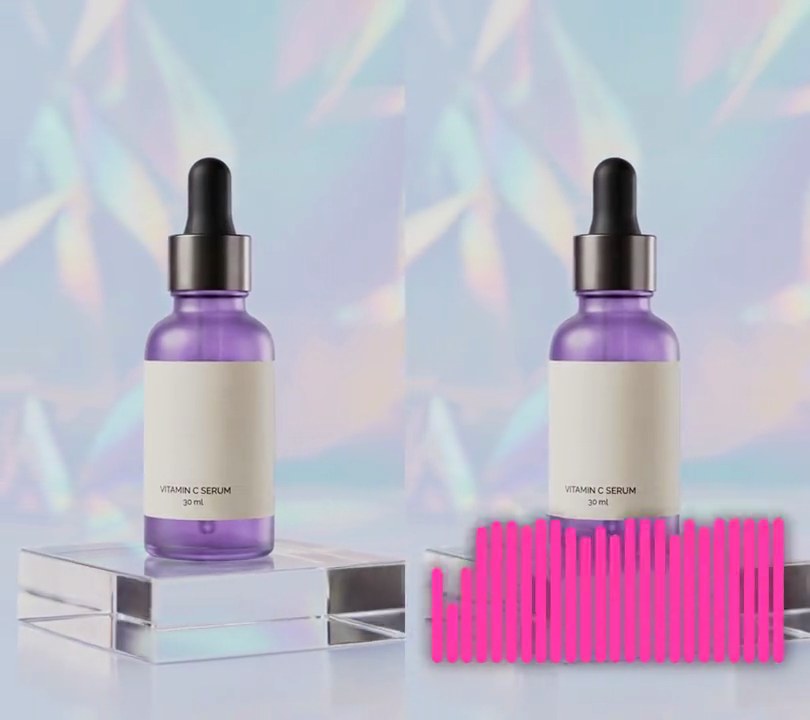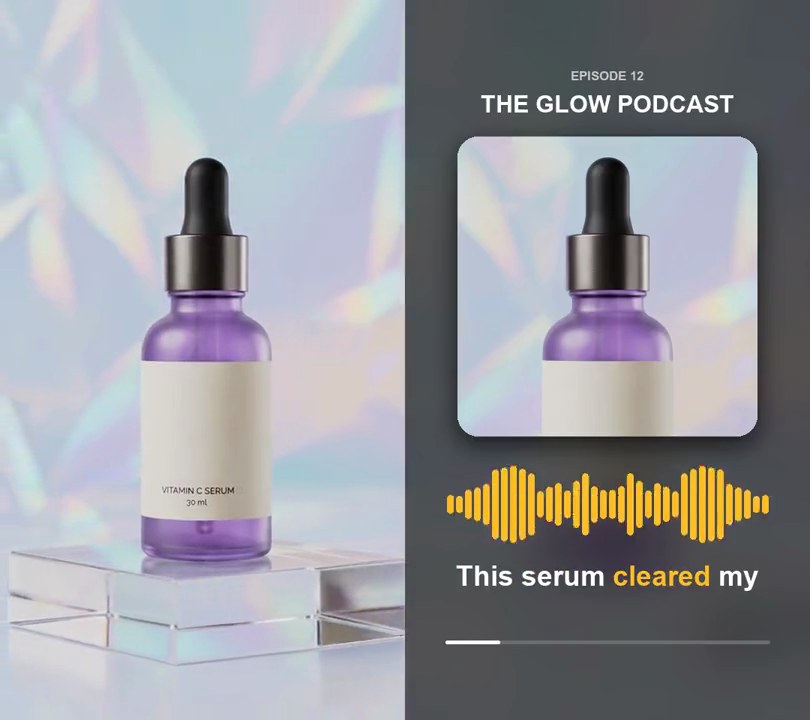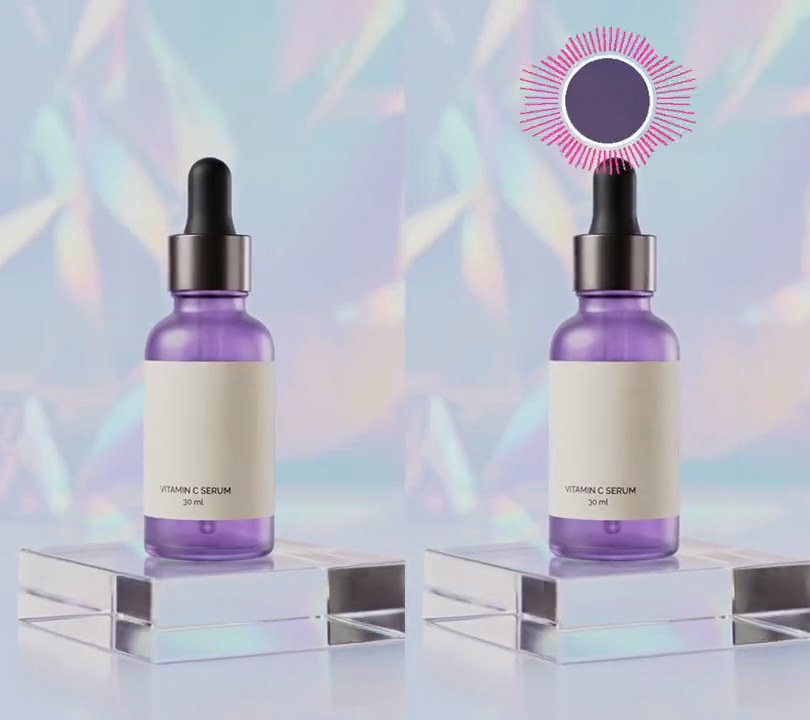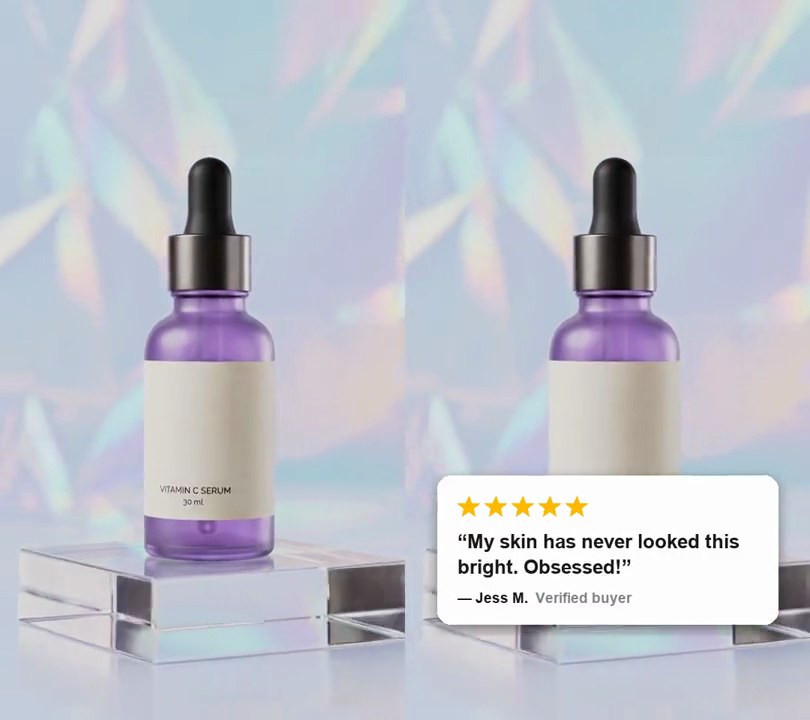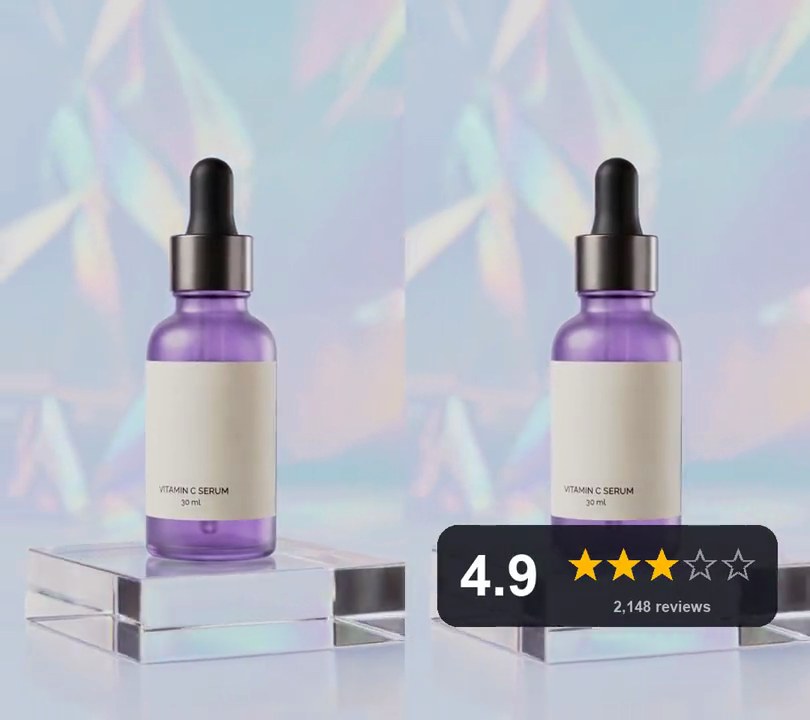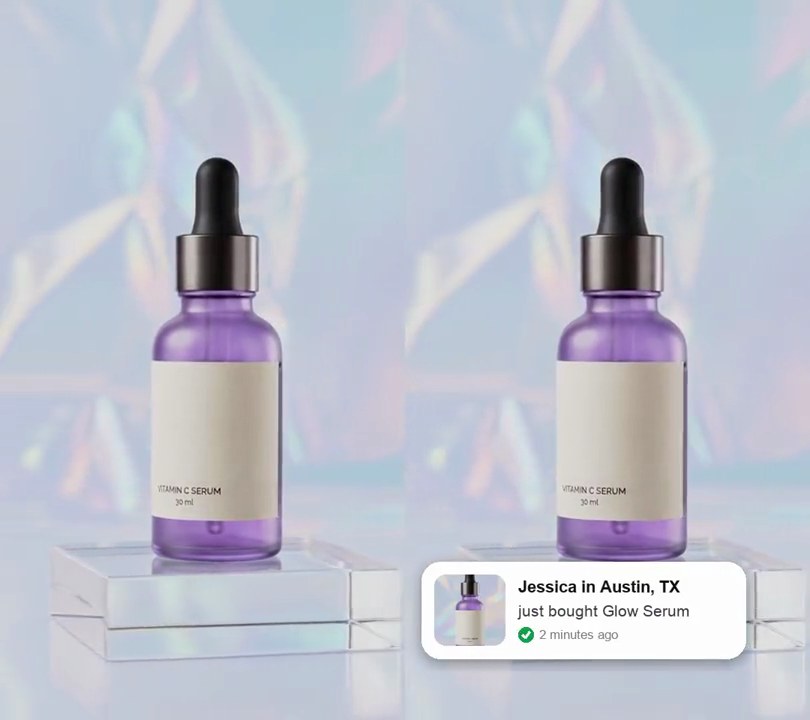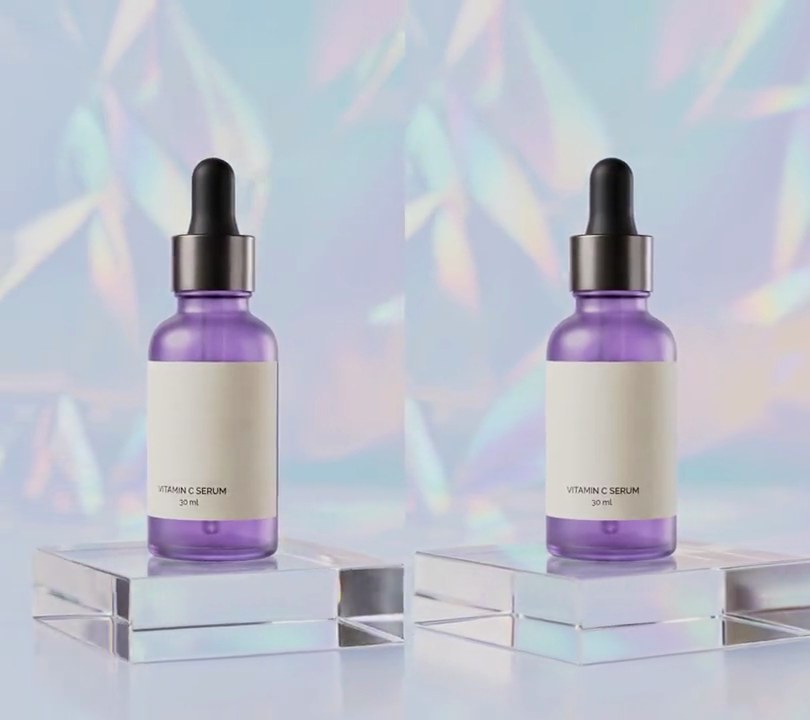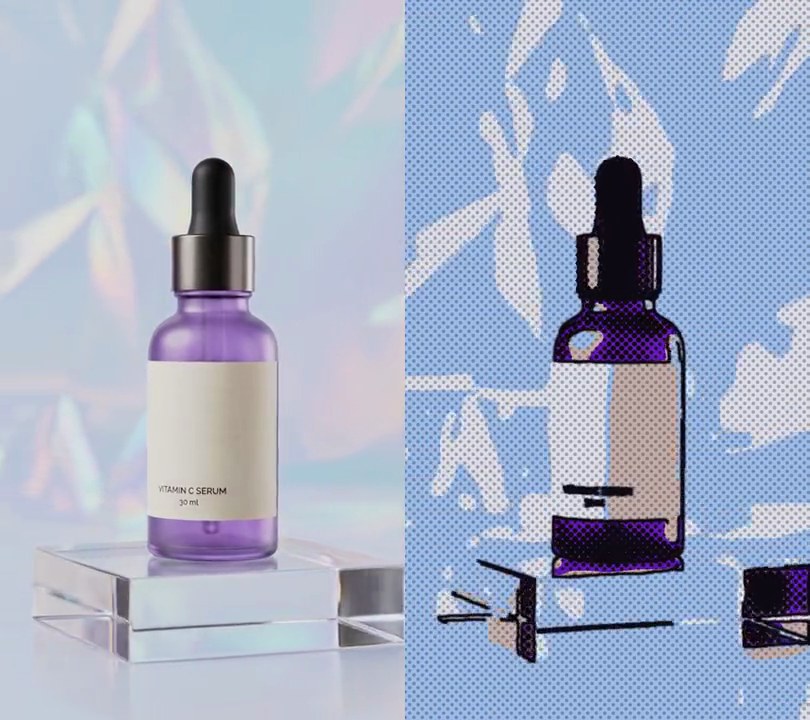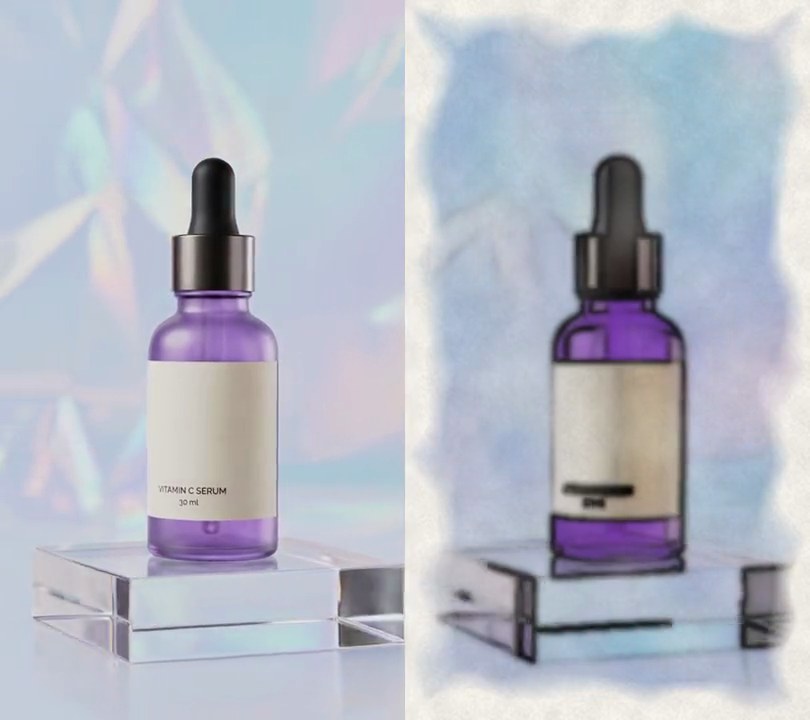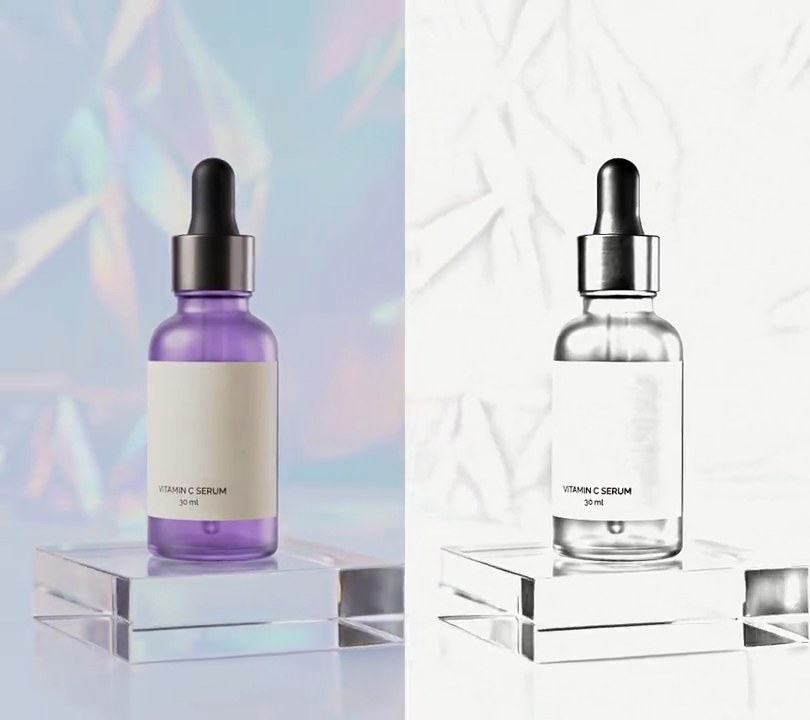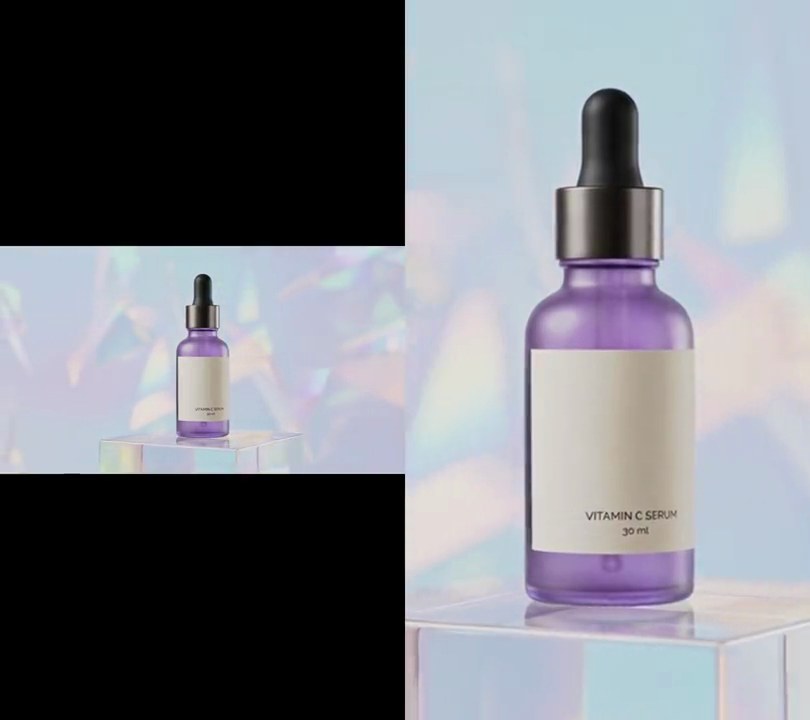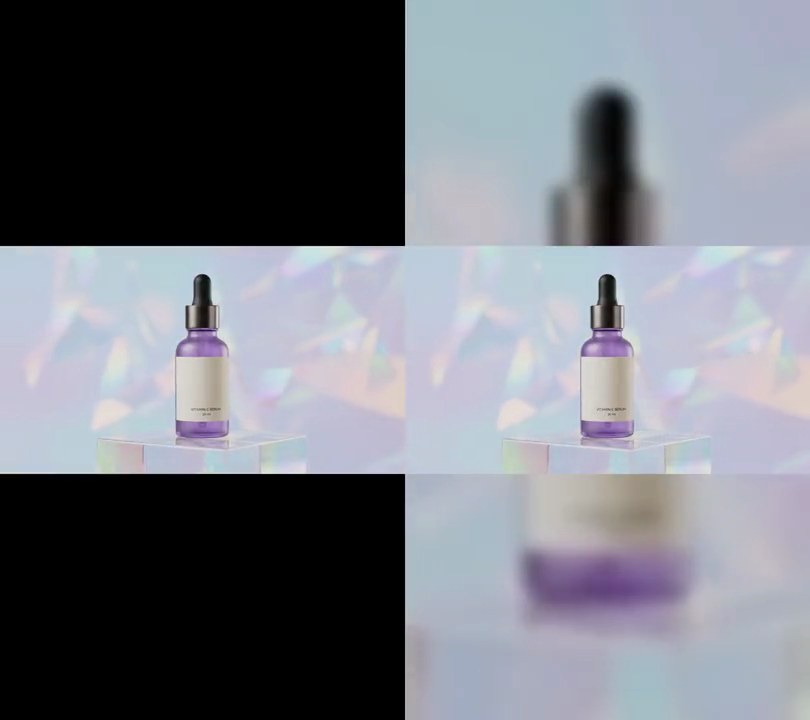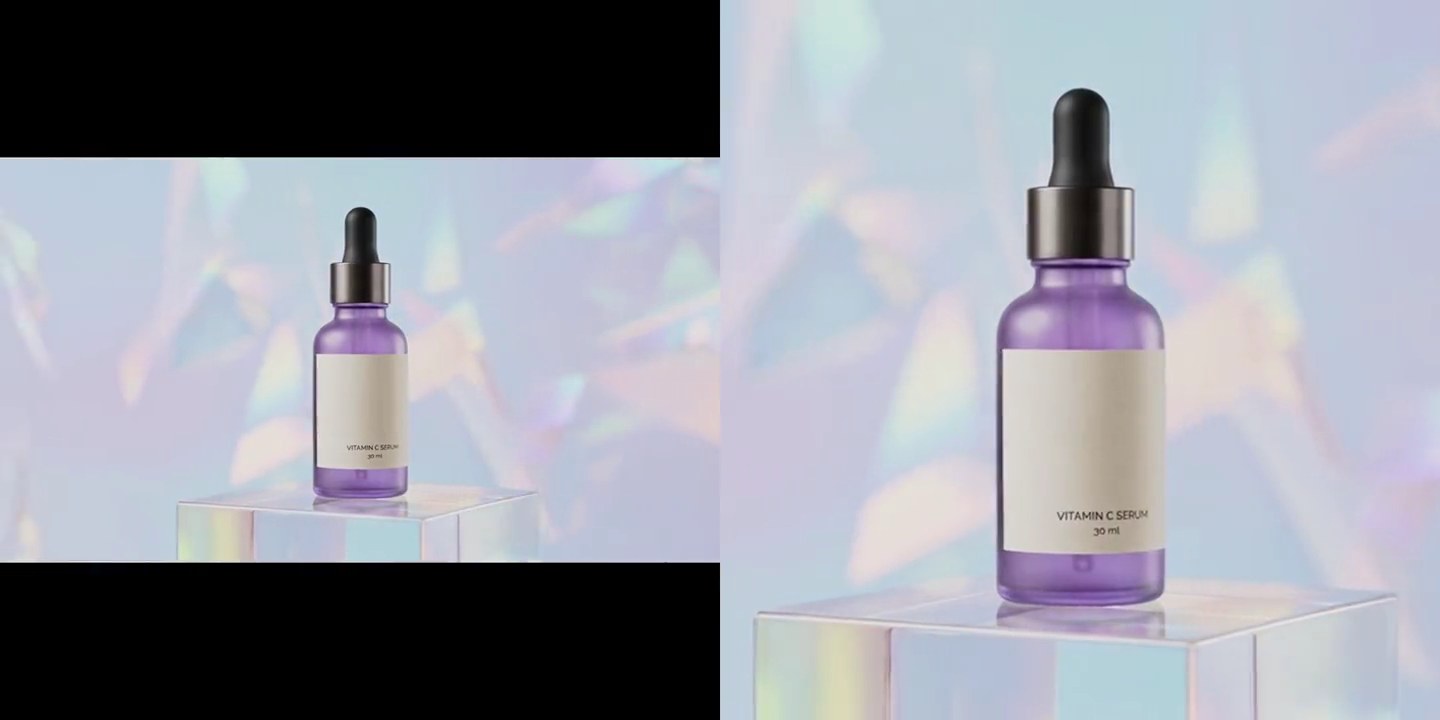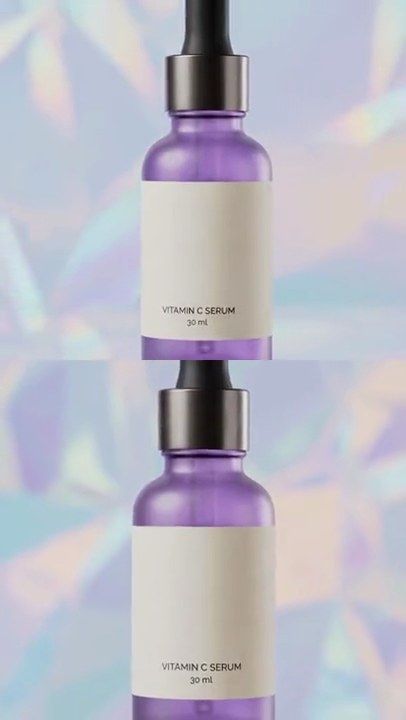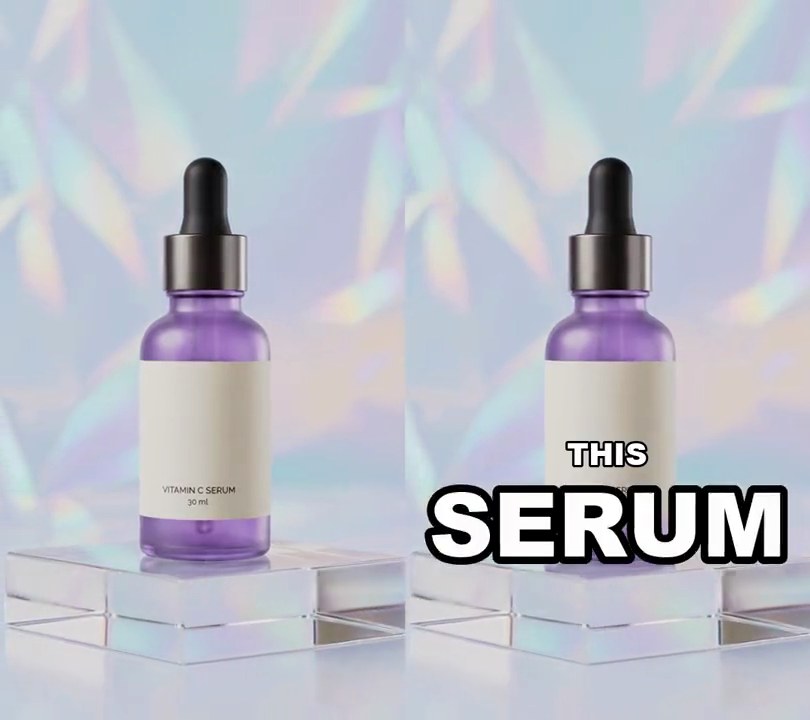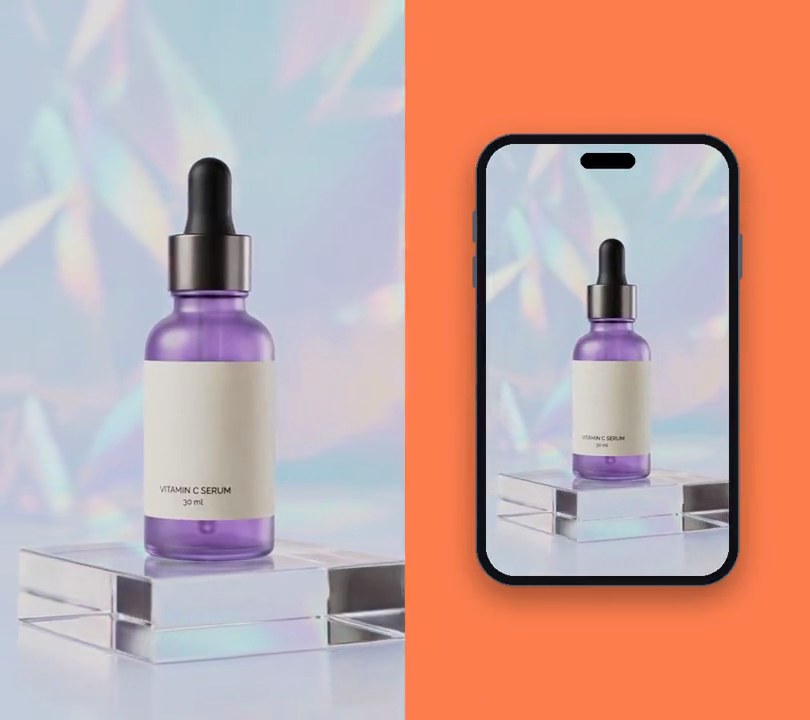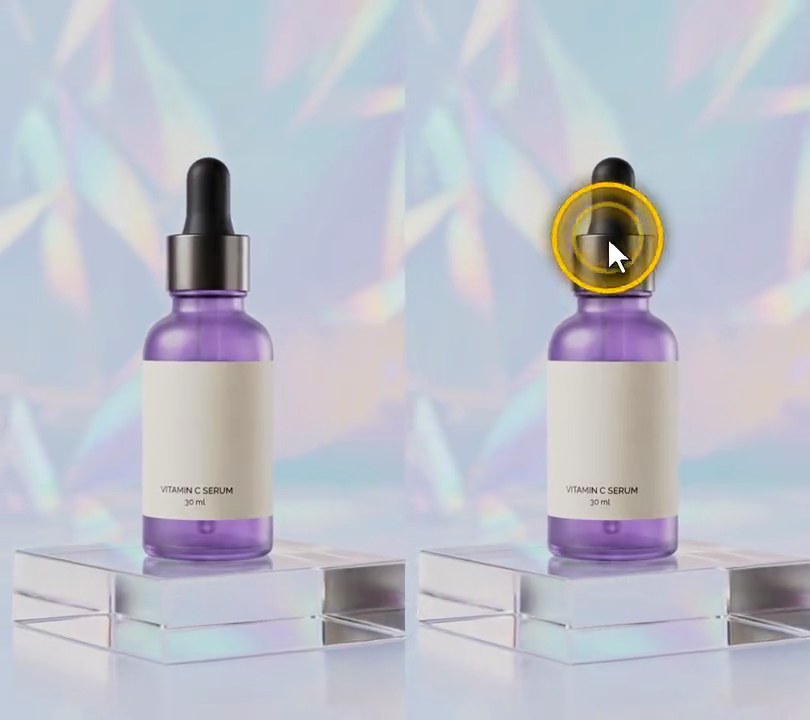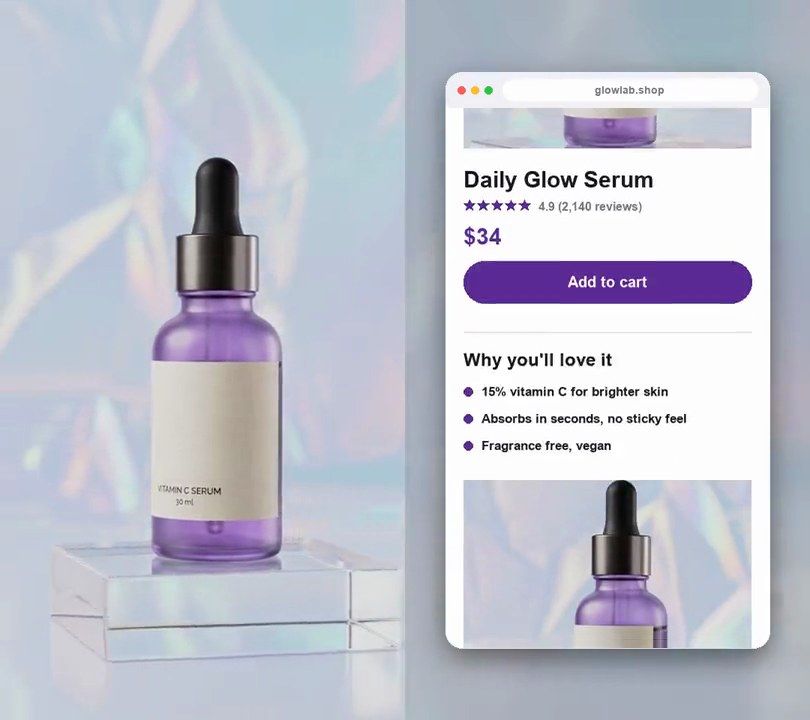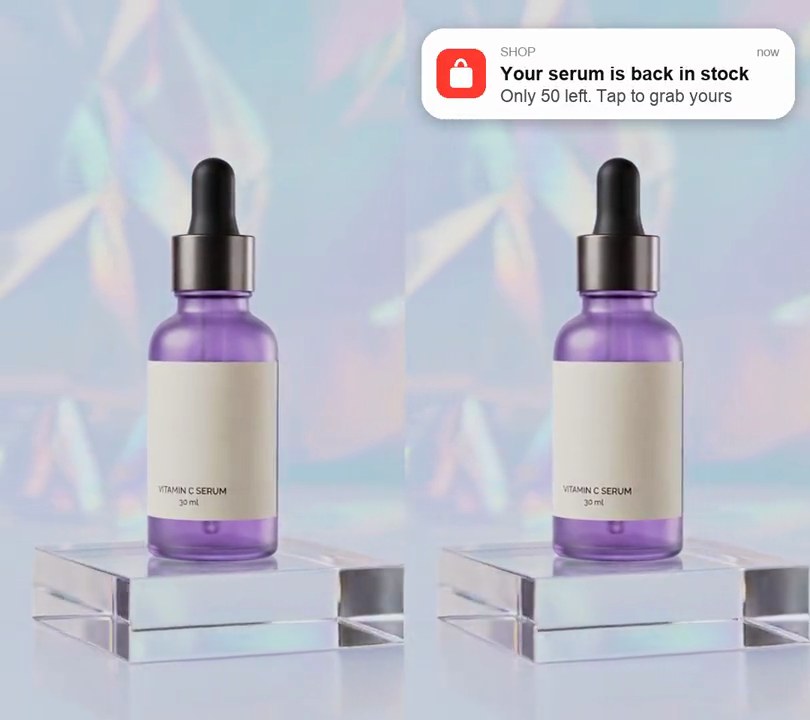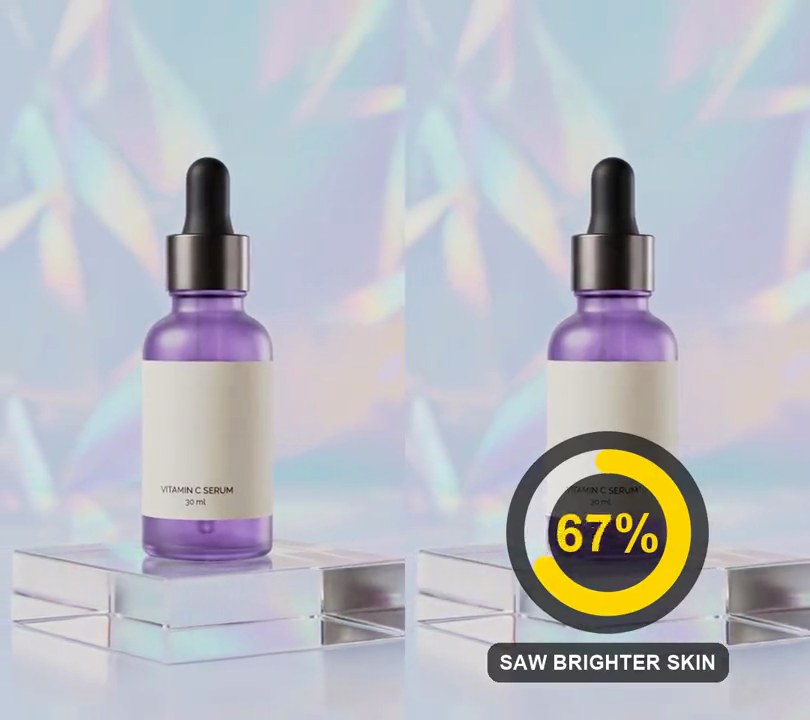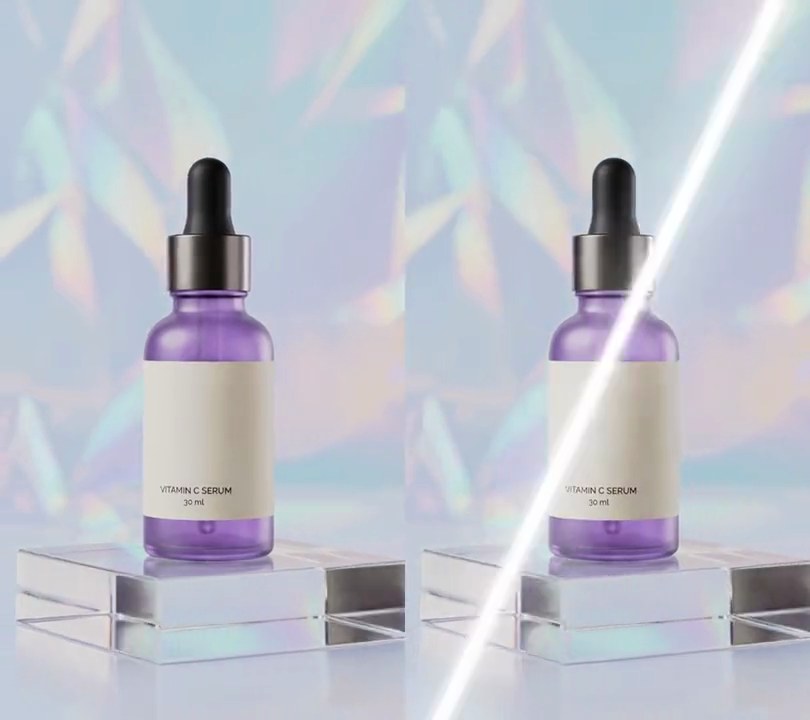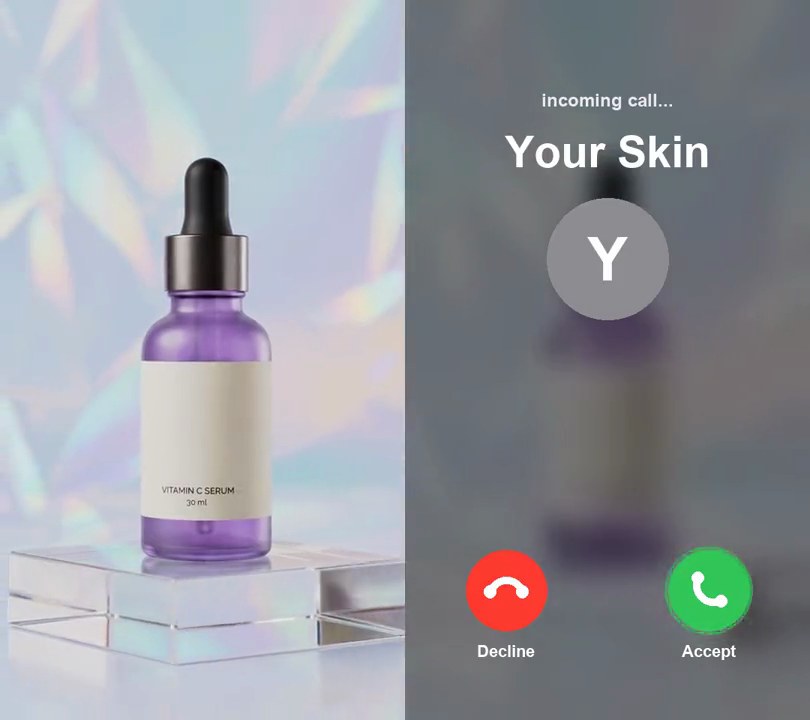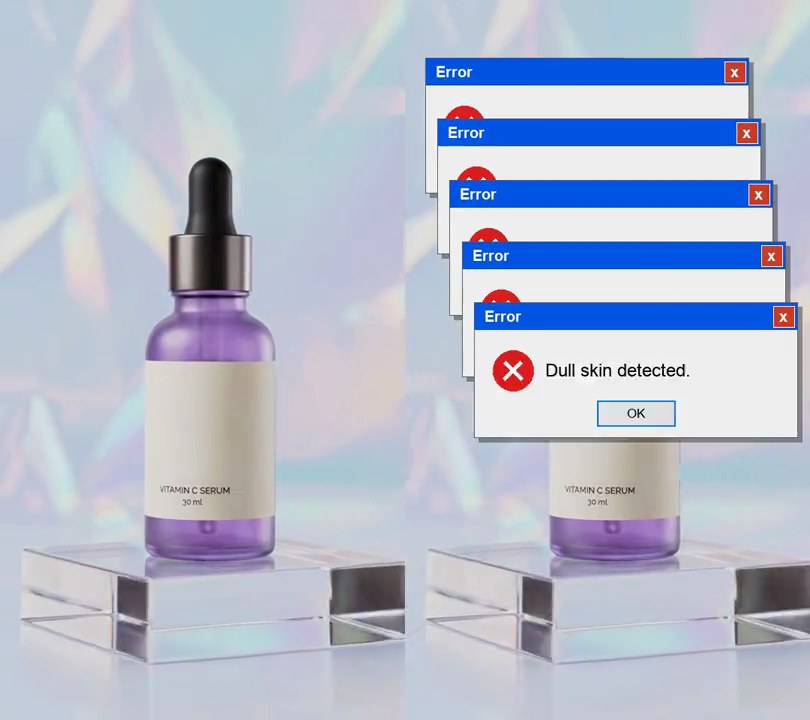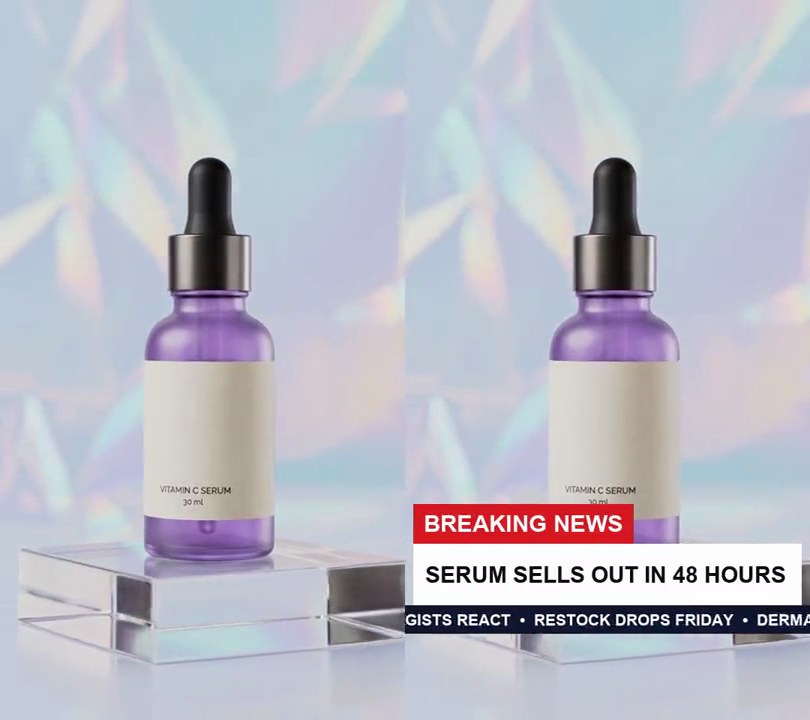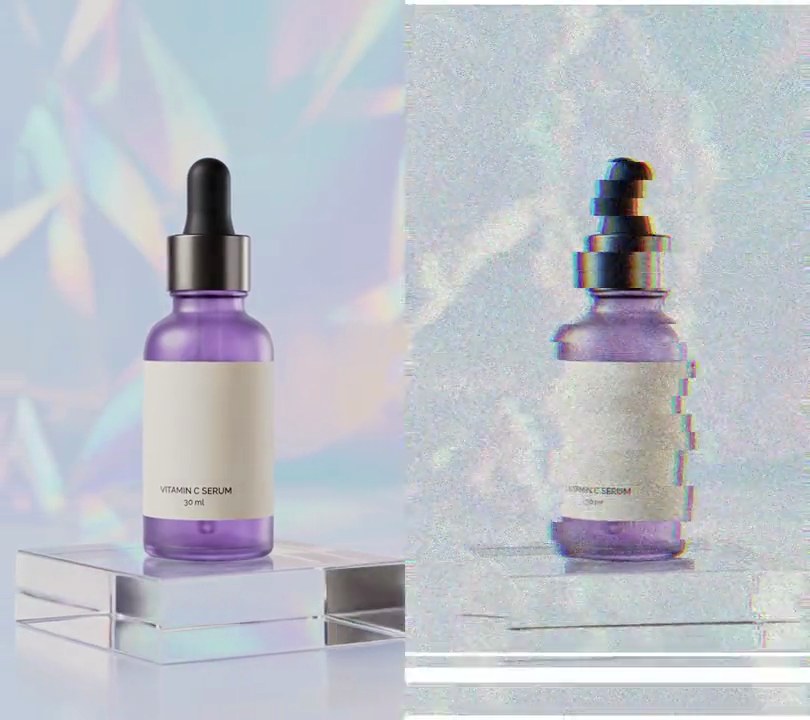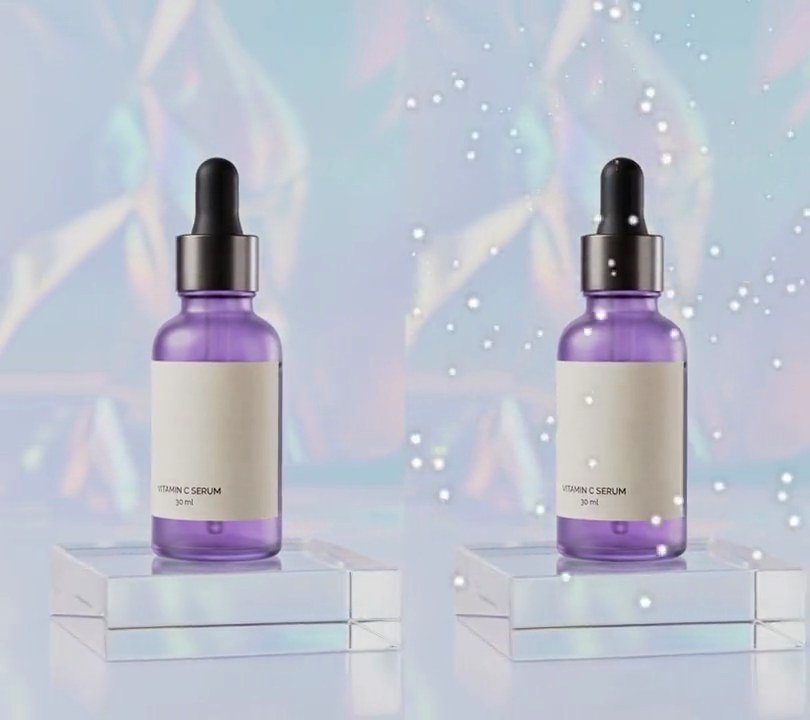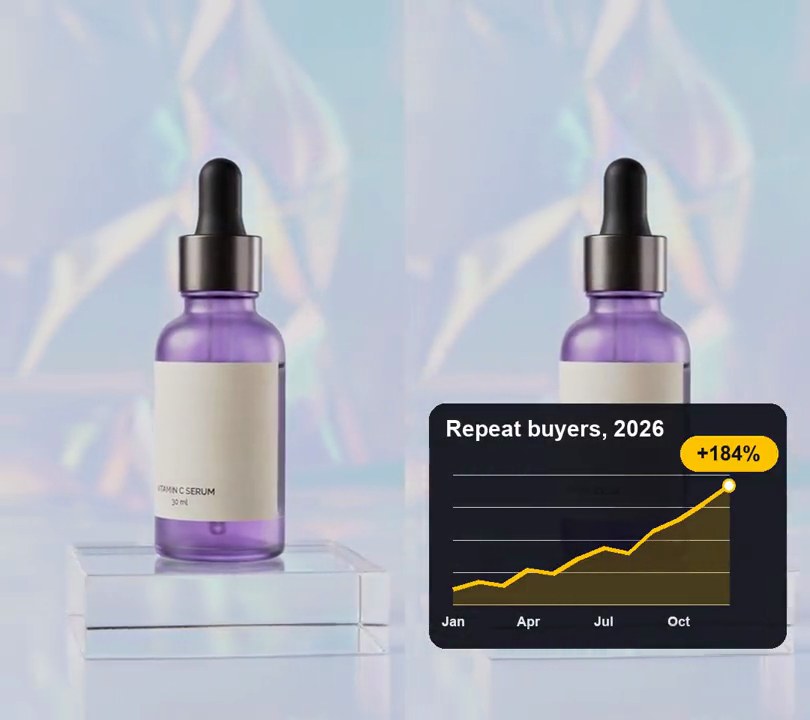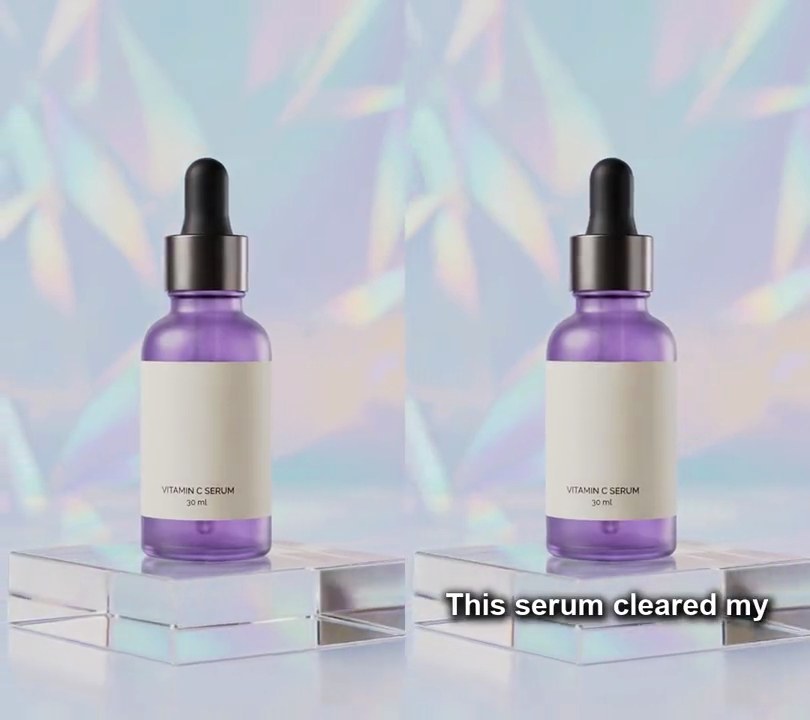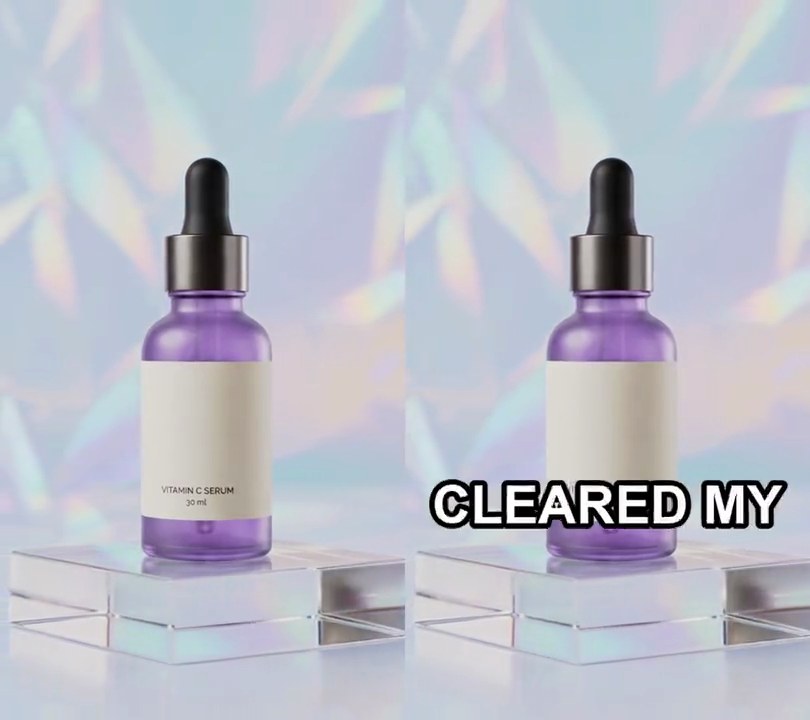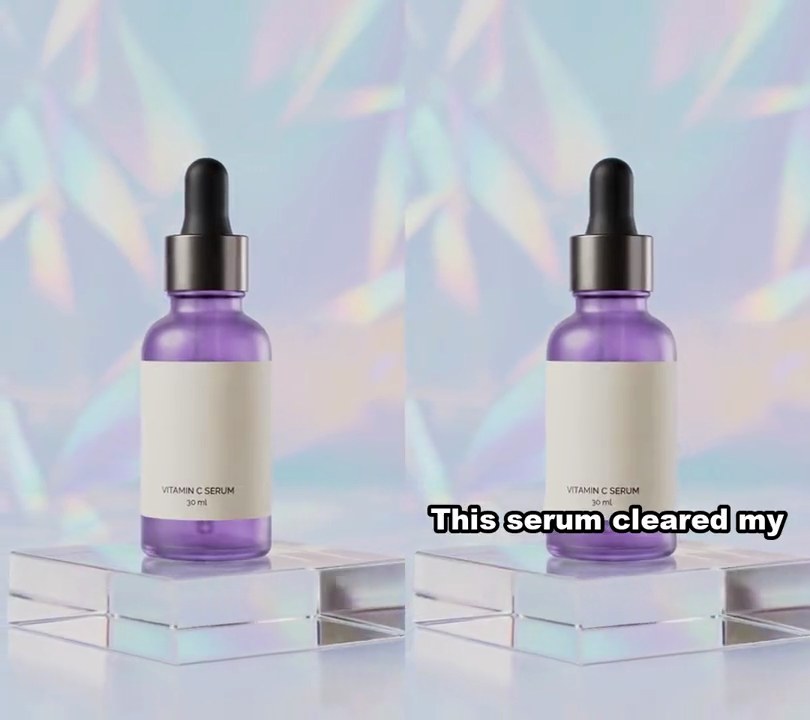
1. Beat-synced cuts
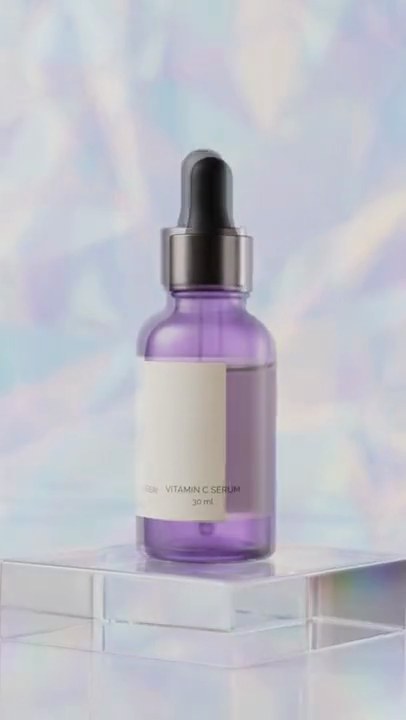
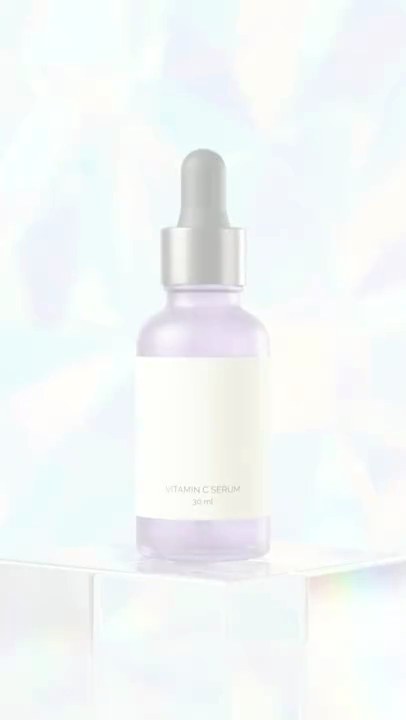
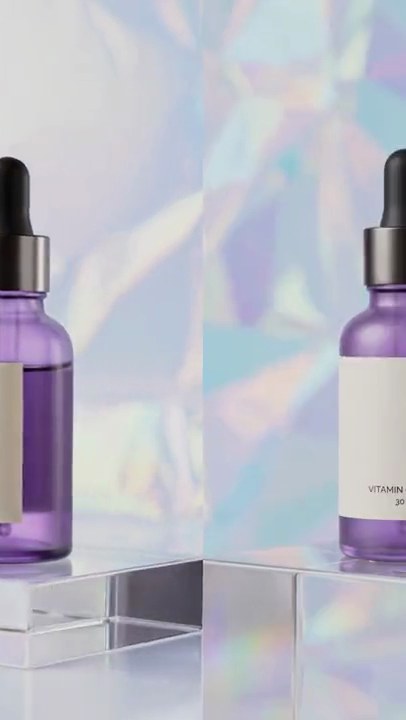
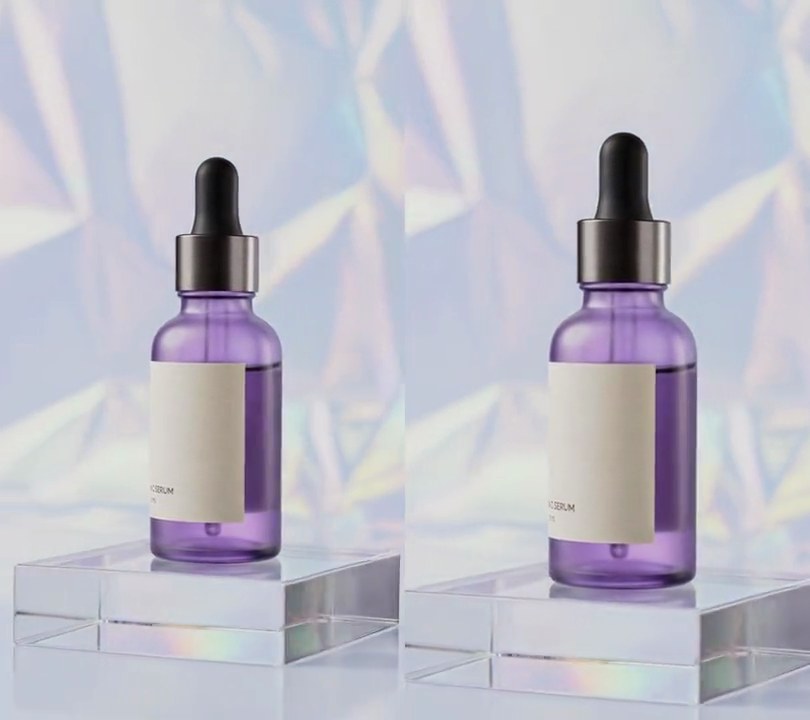
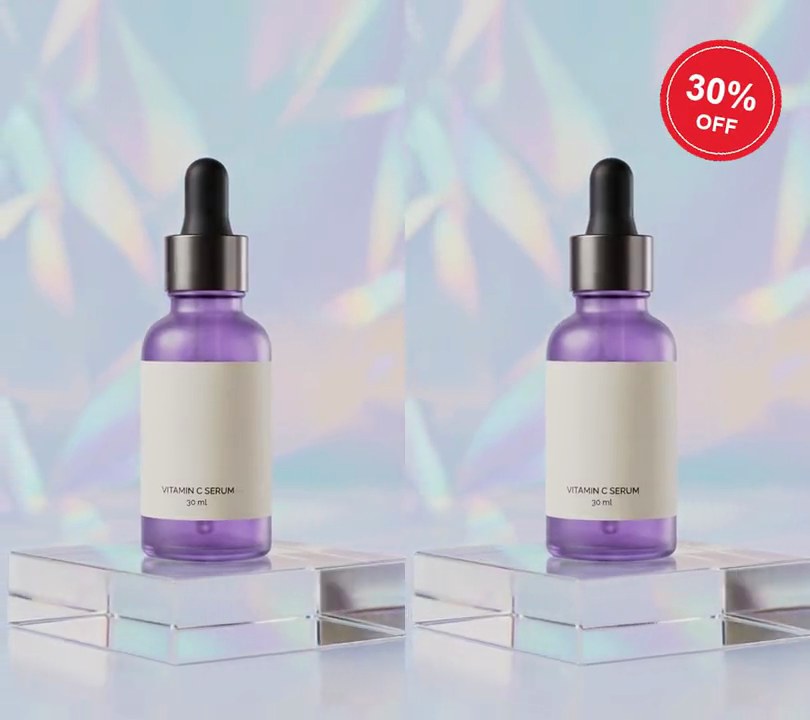
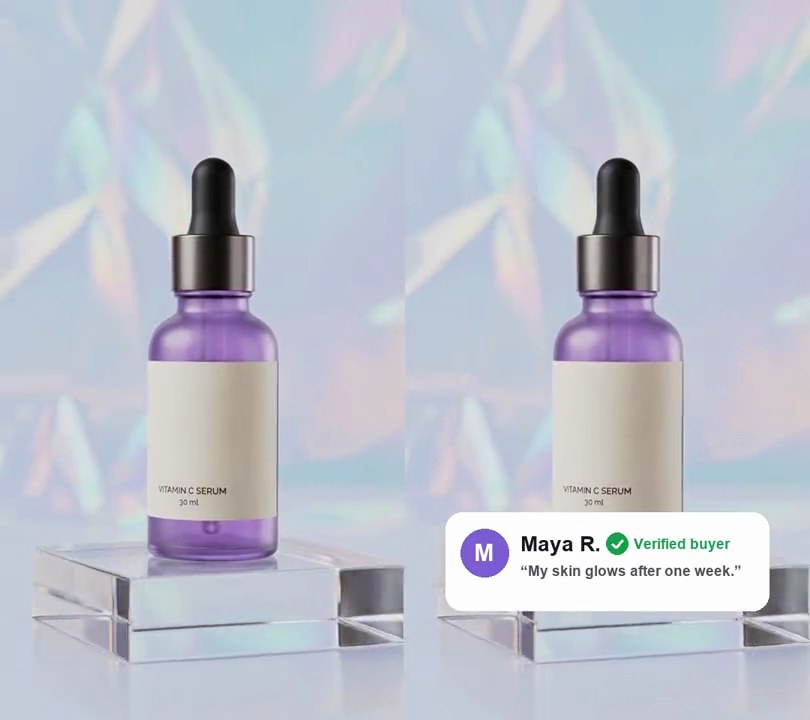
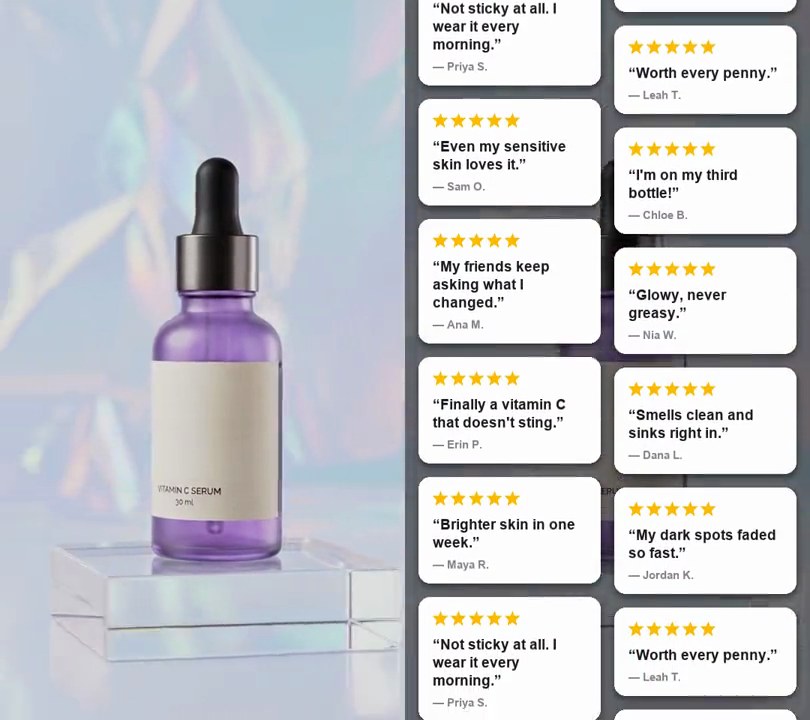
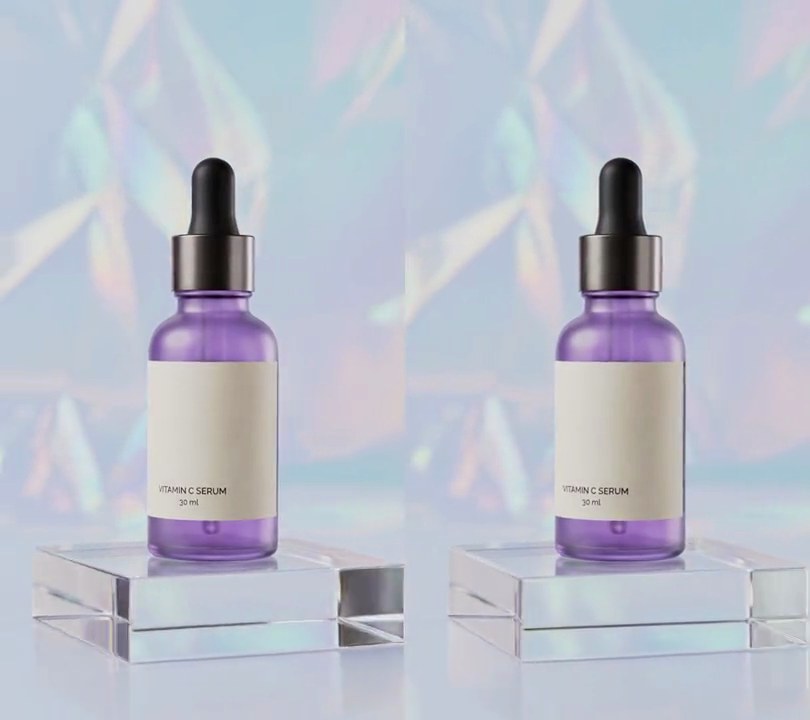
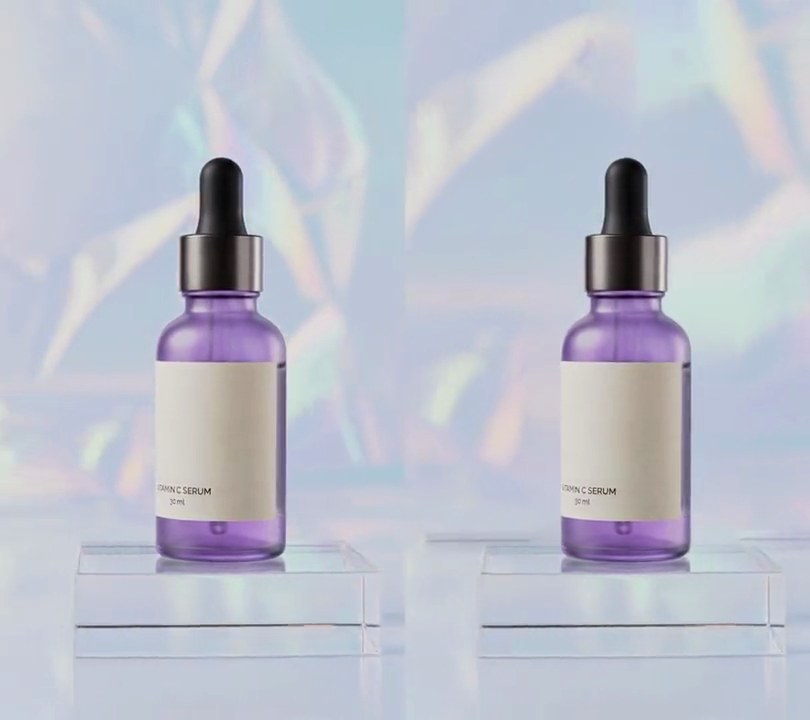
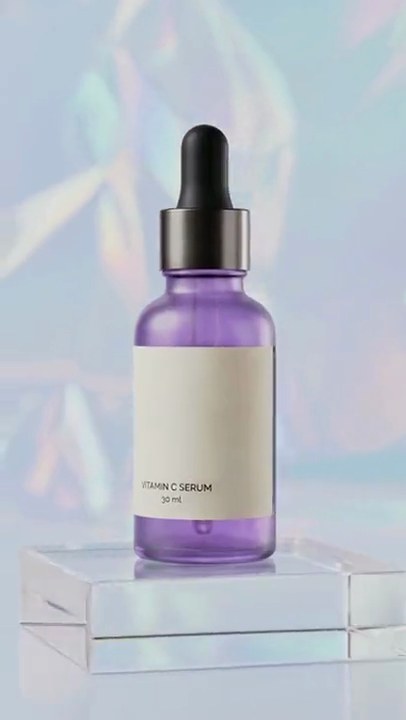
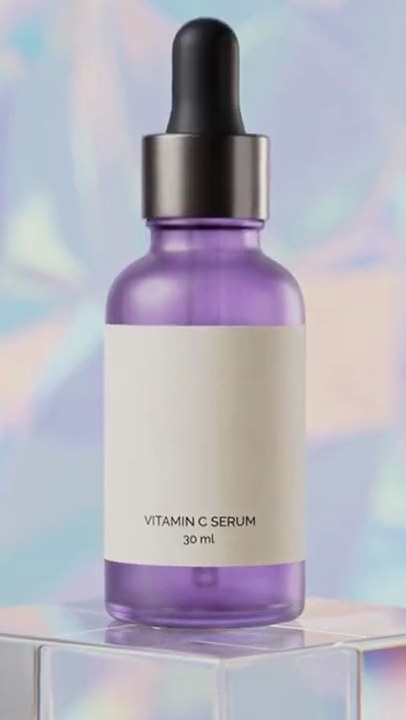
The picture hard-cuts on every kick of the 120 BPM drum loop, every half second, swapping between the orbit and the push-in shot, with every other pair punched 30% closer.
Show the prompt
Cut main.mp4 and broll.mp4 to the beat of the music in main.mp4's audio. Use librosa in Python to find the beats (onset_strength and beat_track with hop_length 256 and start_bpm 120, then onset_backtrack so each beat sits where its drum hit starts) and round each beat time to the nearest frame at 30fps. The music is 120 BPM, so the cuts land at 0.5, 1.0, 1.5 ... 5.5 seconds. Make a hard cut (no transition) on every beat, giving one shot per beat, in this repeating order: main.mp4 full frame; broll.mp4 full frame; main.mp4 zoomed in 1.3x; broll.mp4 zoomed in 1.3x. Each shot shows its clip at the same moment it covers in the output (the shot from 0.5s to 1.0s uses broll.mp4 from 0.5s to 1.0s), so the motion stays continuous. Zoomed shots crop the center of the frame by 1.3x equally on all four sides and scale back up to full size. Keep main.mp4's size (540x960), 30fps, its 6 second length and its audio unchanged under the whole thing. Use ffmpeg for the cutting (no text is drawn; if you add any, draw it with Pillow, not ffmpeg's drawtext), and save it as output.mp4.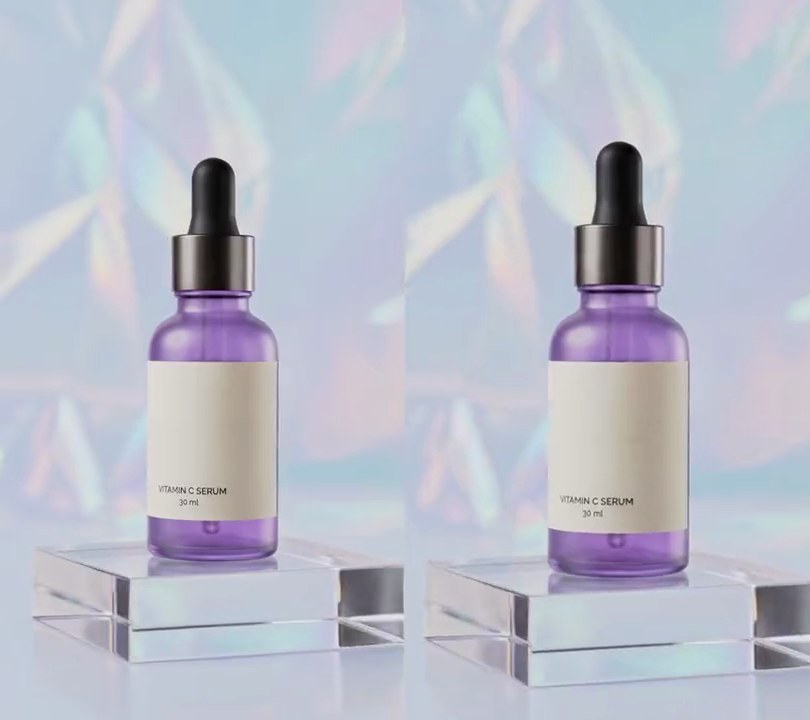
2. Zoom pulse on beat
On every kick drum the whole shot jumps 8% closer to the bottle and eases back to full width within 0.3 seconds, so the picture bounces twice a second with the 120 BPM loop.
Show the prompt
Add a zoom pulse on the beat to input.mp4. Find the kick drum beats with librosa: take the onset strength of the audio (mono, 22050 Hz) with hop_length 256, fmax 150 Hz and n_mels 8, run librosa.beat.beat_track on that envelope, move each beat back to where its hit starts with librosa.onset.onset_backtrack, convert to seconds and round each to the nearest video frame. On each beat, scale the frame up to 1.08x about its center (crop the same amount from all four sides, so the middle doesn't move) and ease back to 1.0x over 0.3 seconds with zoom = 1 + 0.08 x (1 - p)^2, where p is the seconds since the beat divided by 0.3. Between pulses the frame stays at 1.0x. No text is needed; if you add any, draw it with Pillow, not ffmpeg's drawtext. Keep the size (540x960), 30fps and the audio, encode H.264 yuv420p, and save it as output.mp4.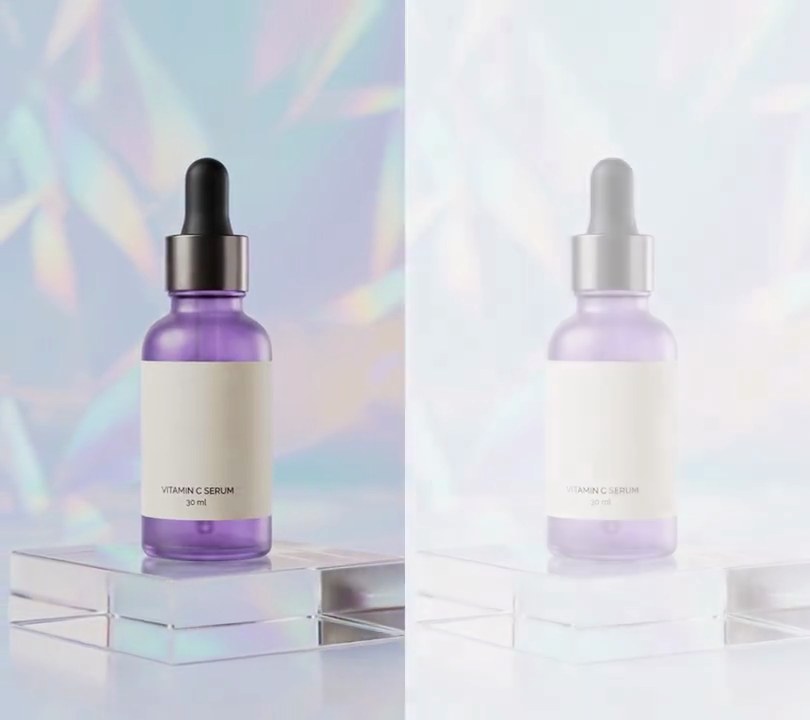
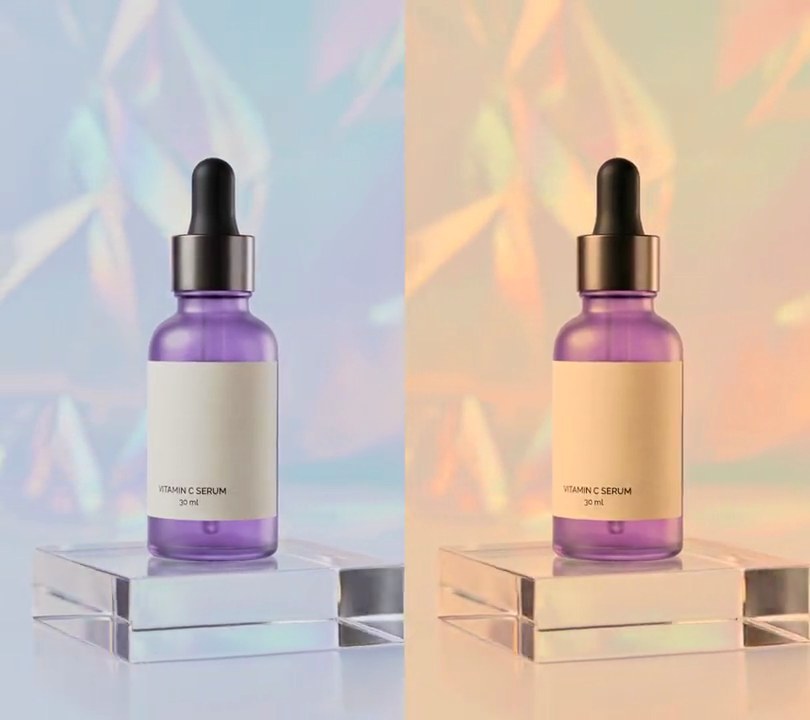
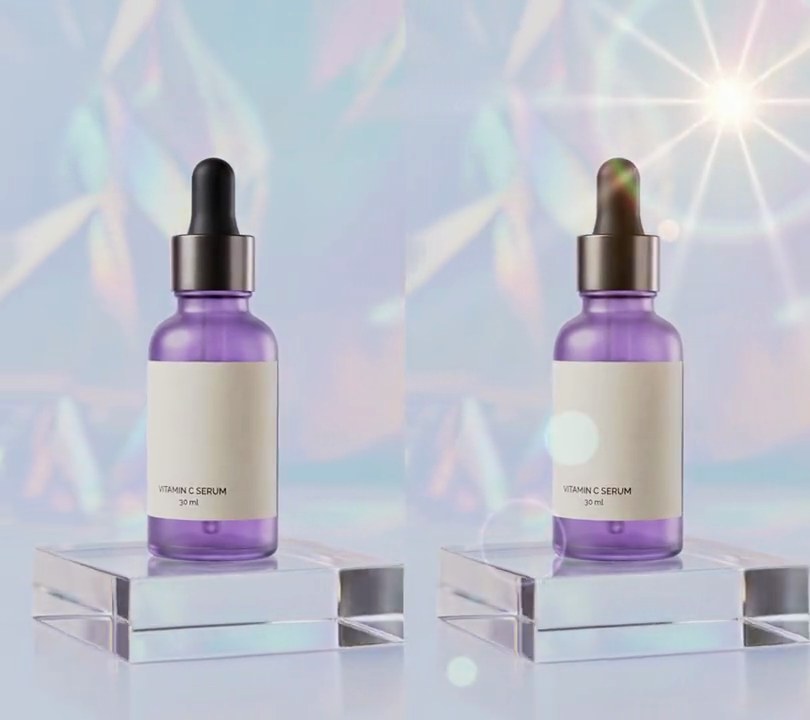
3. Flash on beat
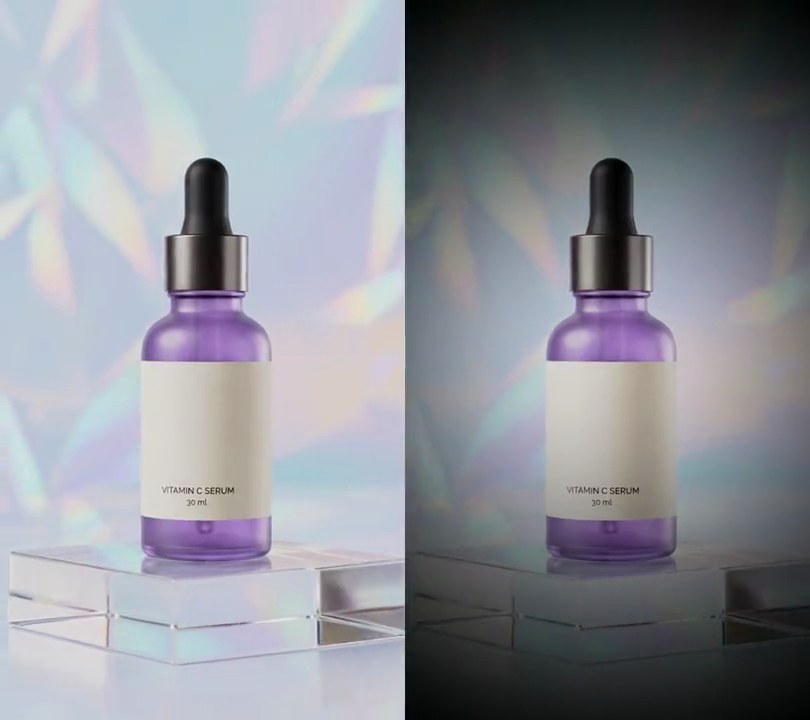
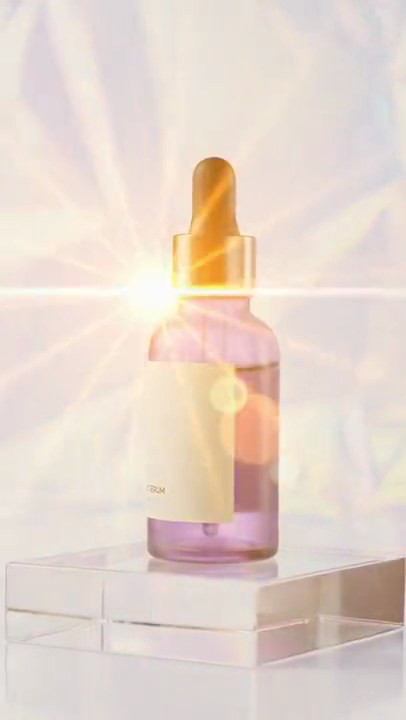
Twice a second, right on each beat of the drum loop, the whole picture washes out almost to white and snaps back to normal within a quarter second.
Show the prompt
In input.mp4 (540x960, 30fps, 6 seconds, a 120 BPM drum loop), make the whole frame flash white on every beat of the music. Find the beats with librosa: decode the audio to mono at 22050 Hz and run librosa.beat.beat_track(y=audio, sr=22050, bpm=120, units="time"), which puts beats about every 0.5 seconds from 0.5s on. For each beat take the video frame at round(beat x 30) as the flash's first frame. On that frame blend every pixel 85% of the way to white (255, 255, 255): new = old + (255 - old) x 0.85, over the whole frame. Then fade the white back out over 0.25 seconds: at p = seconds since the flash's first frame / 0.25, the white's opacity is 0.85 x (1 - p)^2, reaching 0 at p = 1, so the picture is untouched again a quarter second after each beat until the next beat. Frames away from a beat stay exactly as they are; no text, no zoom and no other changes. Use Python with librosa and numpy to blend the frames and ffmpeg to read and write them. Keep the size, 30fps, 6 second length and the audio, and save it as output.mp4 (H.264, yuv420p).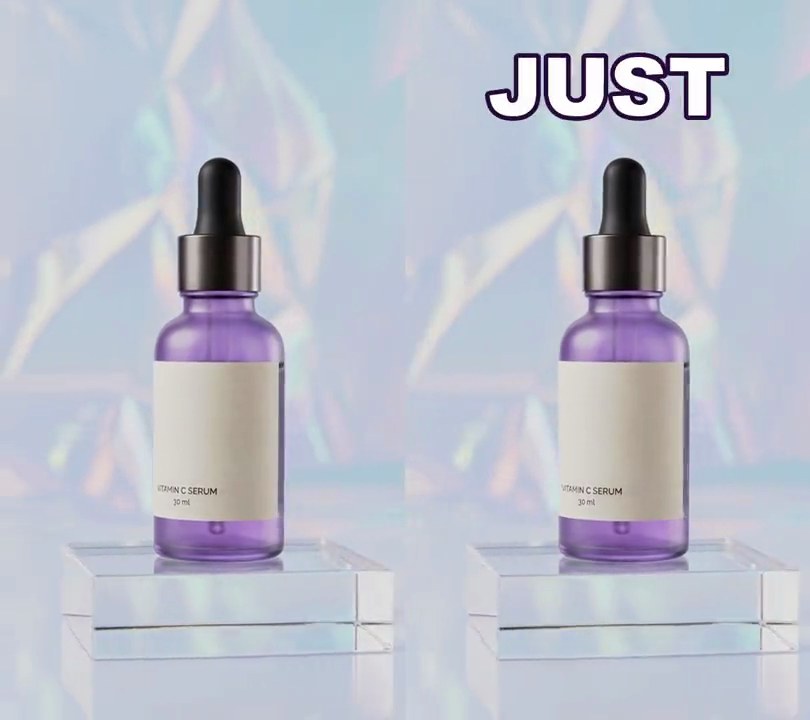
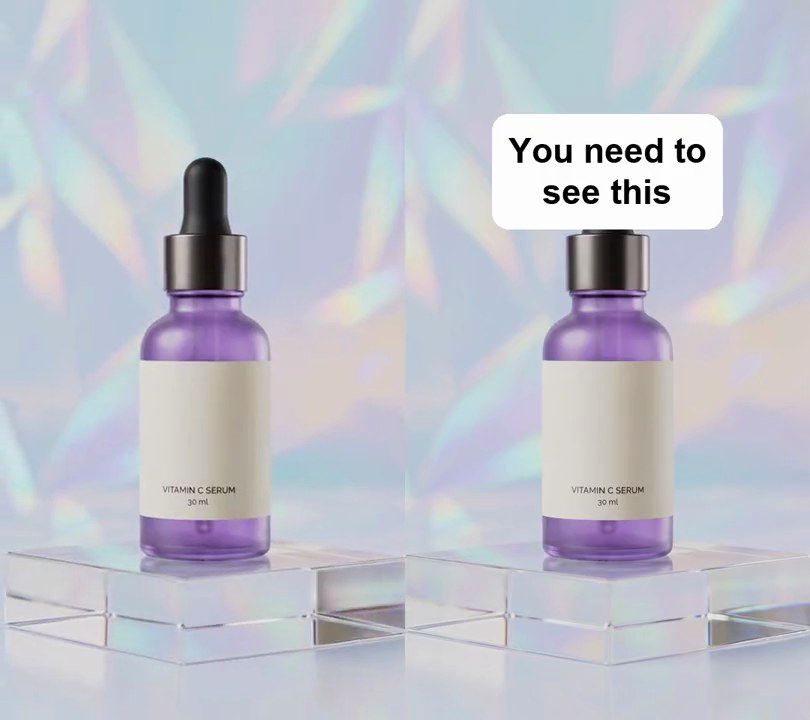
4. Text on beat
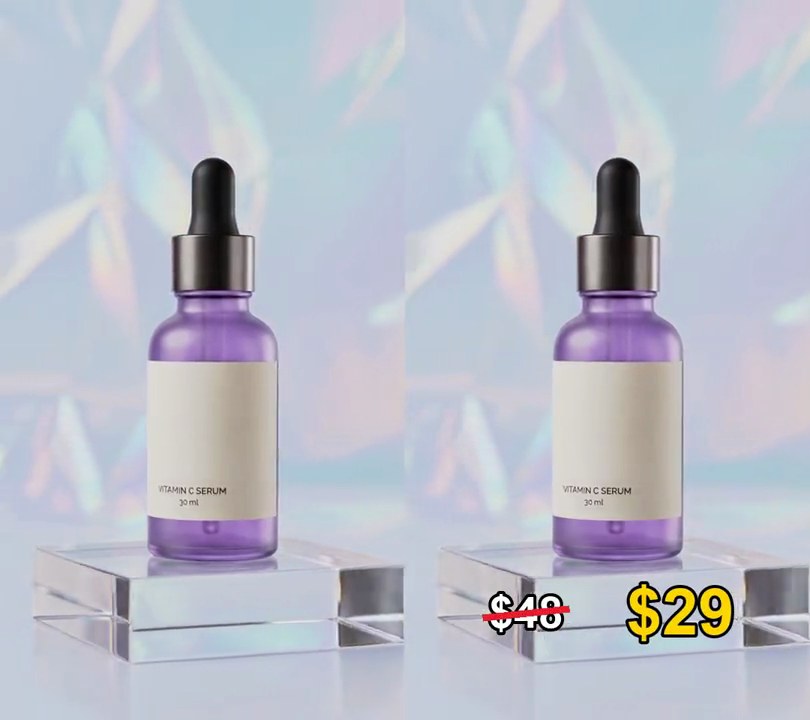
The words "Brighter skin in just 7 days" slam onto the screen above the bottle one at a time, each landing on a drum beat and swapping between yellow and white.
Show the prompt
Add text on beat to input.mp4 (it has a 120 BPM drum loop). Find the beats with librosa: onset strength with hop_length 256, then librosa.beat.beat_track with start_bpm 120 and tightness 400, so it finds a beat every 0.5 seconds. From the first beat at or after 1.0 seconds, show one word per beat, each replacing the last: BRIGHTER, SKIN, IN, JUST, 7, DAYS, and keep DAYS on screen to the end. Nothing shows before that first beat. Draw each word in a heavy bold font with a font size 20% of the frame width (shrink a word to 75% of the frame width if it's wider), with a dark purple (40, 10, 60) outline 6% of the font size thick, centered 50% across and 12% down the frame. Alternate the colors: the 1st, 3rd and 5th words yellow (255, 214, 0), the others white (255, 255, 255). Each word lands 1.3 times its size on the beat and shrinks to its normal size over 0.15 seconds, easing out (scale = 1 + 0.3 x (1 - progress)^3). Use Python with librosa for the beats and Pillow to draw the text (not ffmpeg's drawtext filter), ffmpeg to put it on the video, keep the audio, and save it as output.mp4.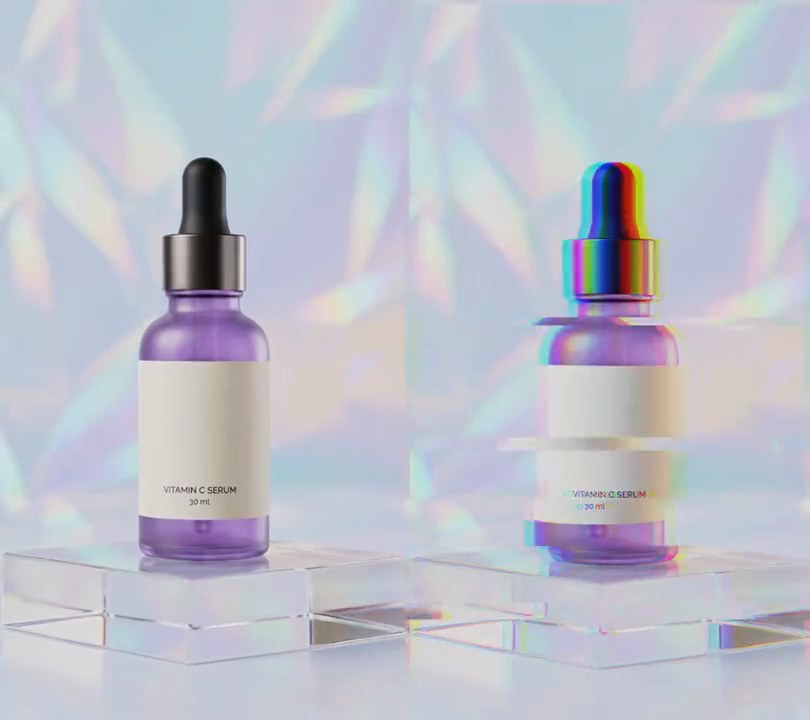
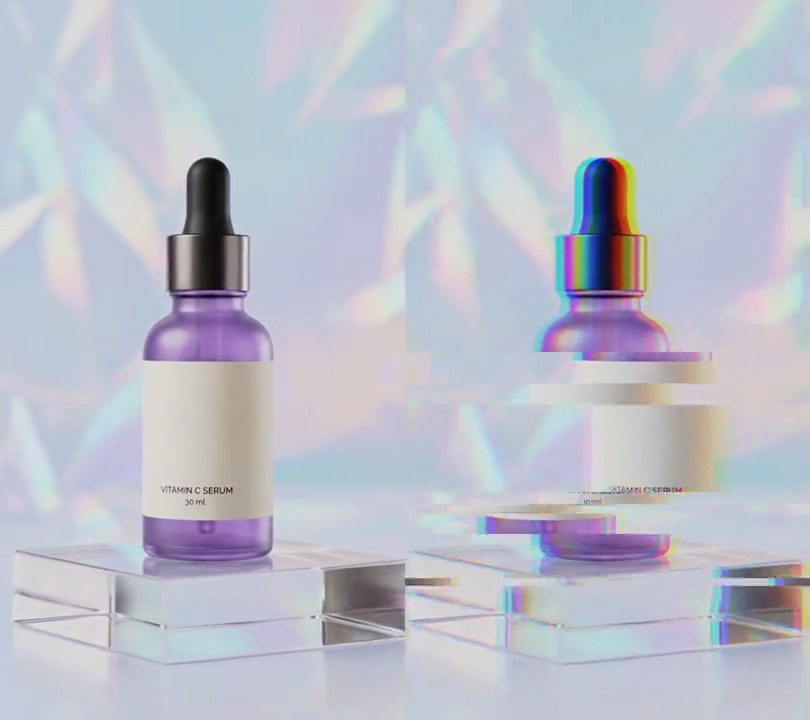
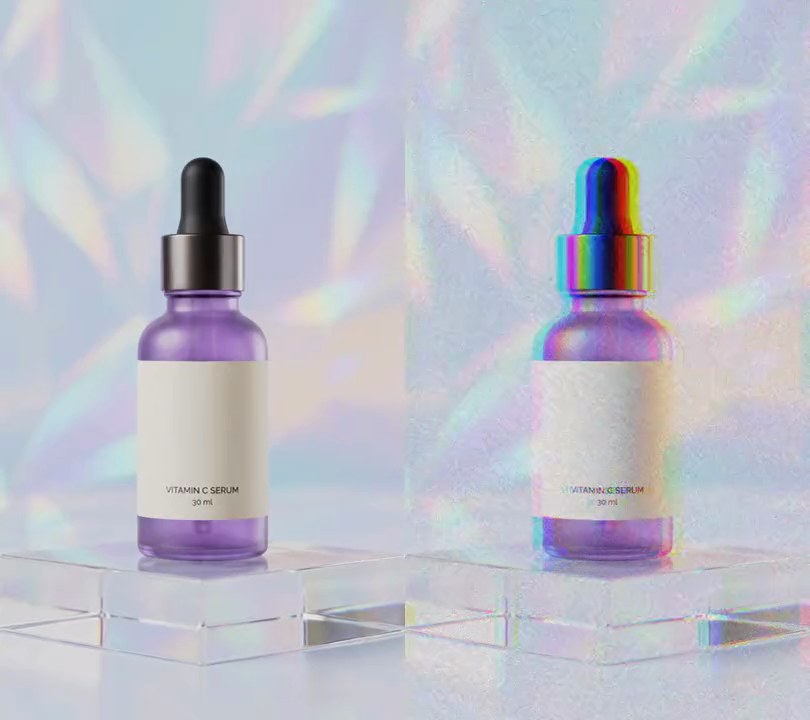
5. Glitch on beat
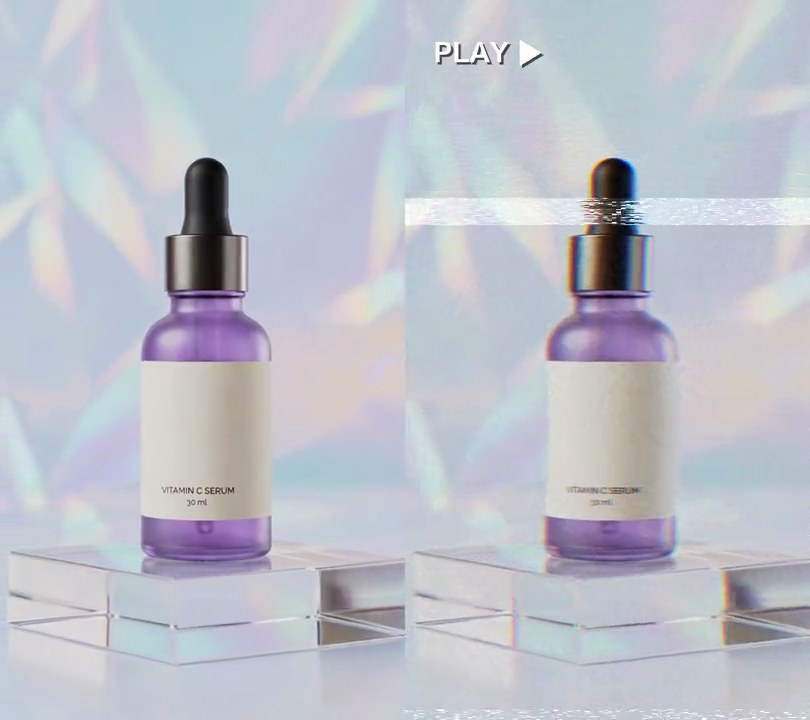
On every kick of the drum loop the picture jolts, tears into sideways bands and splits into red and blue for four frames, then snaps clean until the next beat.
Show the prompt
Add a glitch on every beat to input.mp4. Use librosa to find the beats in its music track (start the beat tracker at 120 BPM and move each beat back to where its drum hit starts), and round each beat to a video frame. On each beat frame and the 3 frames after it (4 frames, about 0.13 seconds), glitch the picture: shift the whole frame by a random amount up to 10 pixels in each direction, slide 5 random horizontal bands (each 8 to 96 pixels tall) sideways by up to 60 pixels, then move the red channel 14 pixels left and the blue channel 14 pixels right (wrapping round the edges). Use a fixed random seed. Leave every other frame untouched. Keep the size, 30fps and the audio. Use ffmpeg and numpy and save it as output.mp4.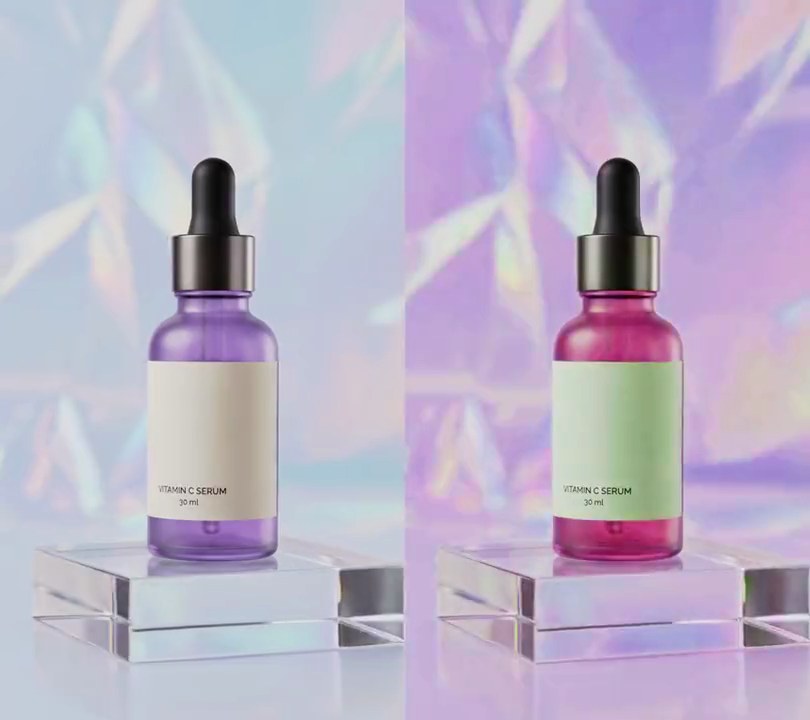
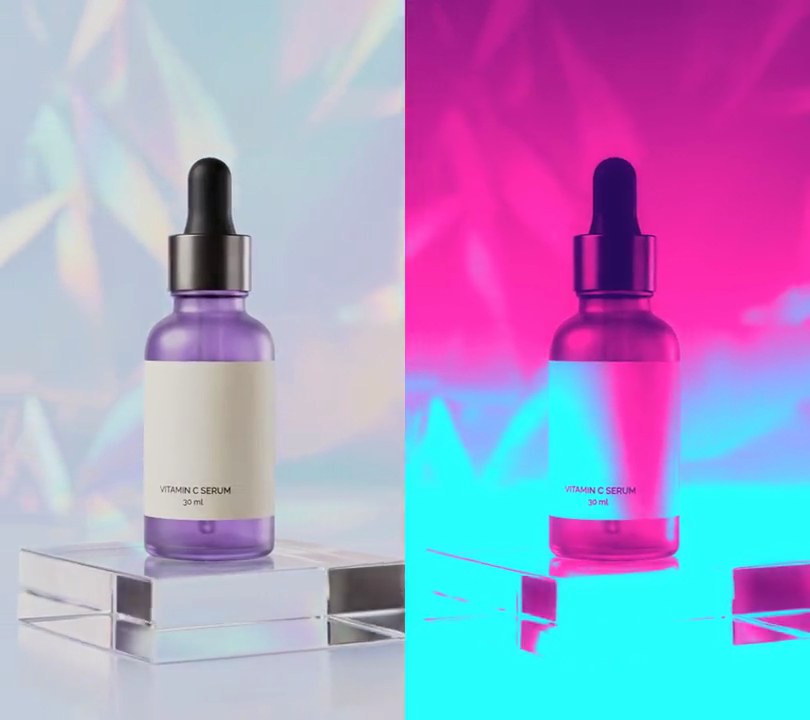
6. Color pulse on beat
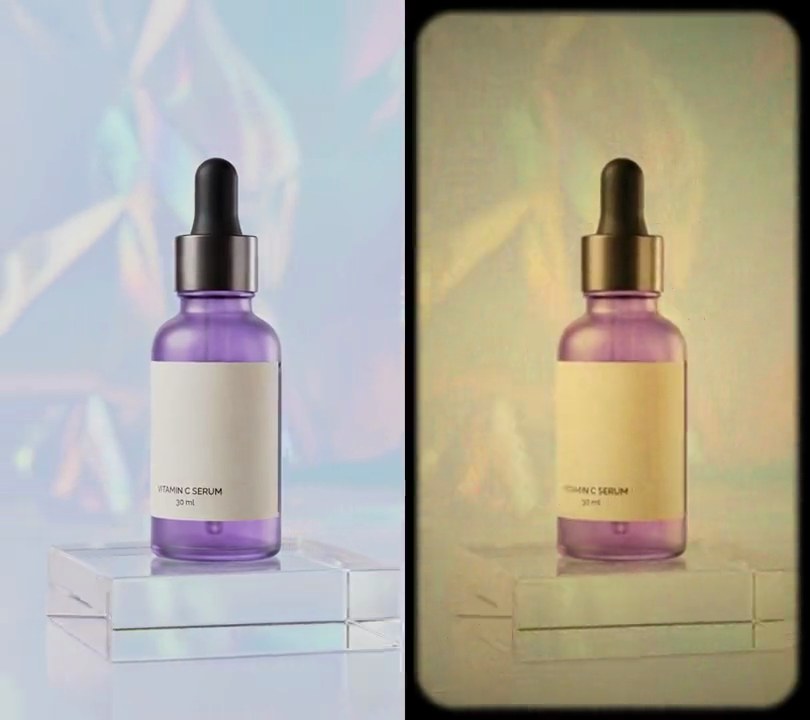
On every kick drum the purple serum bottle flushes hot pink and the holographic backdrop turns rosier and more vivid, then the colors drain back to normal within 0.3 seconds, twice a second with the 120 BPM loop.
Show the prompt
Add a color pulse on the beat to input.mp4. Find the kick drum beats with librosa: take the onset strength of the audio (mono, 22050 Hz) with hop_length 256, fmax 150 Hz and n_mels 8, run librosa.beat.beat_track on that envelope, move each beat back to where its hit starts with librosa.onset.onset_backtrack, convert to seconds and round each to the nearest video frame. For every frame work out a pulse amount a = (1 - p)^2, where p is the seconds since the latest beat divided by 0.3 (a = 0 once 0.3 seconds have passed, and before the first beat). Convert the frame to HSV in floating point (OpenCV, hue 0-360), add 60 x a degrees to the hue (wrapping at 360), multiply the saturation by 1 + 0.8 x a (so 1.8x right on a beat, clipped to 1), keep the brightness, and convert back. The purple bottle should turn hot pink on each beat and look untouched between beats. No text is needed; if you add any, draw it with Pillow, not ffmpeg's drawtext. Keep the size (540x960), 30fps, the 6-second length and the audio, encode H.264 yuv420p, and save it as output.mp4.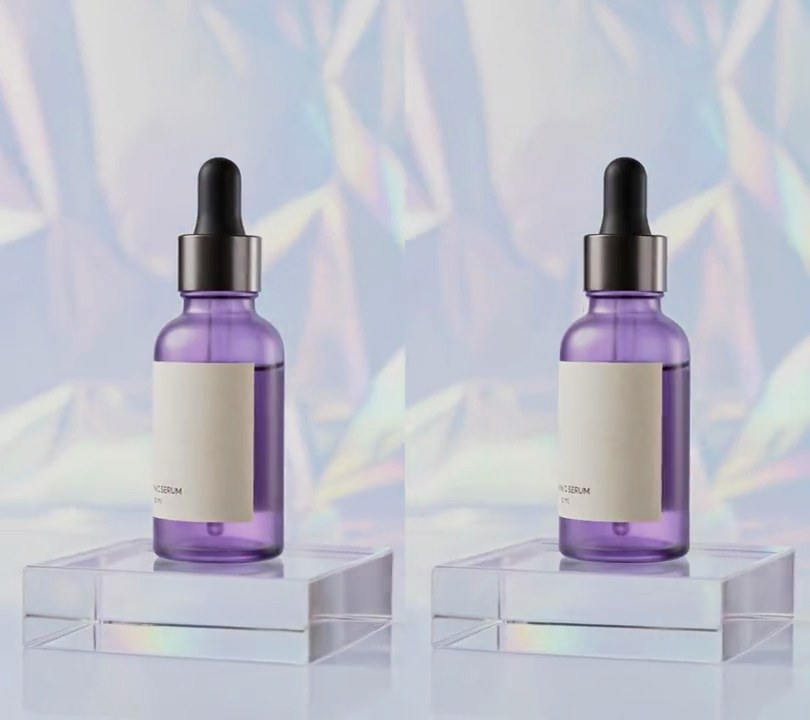
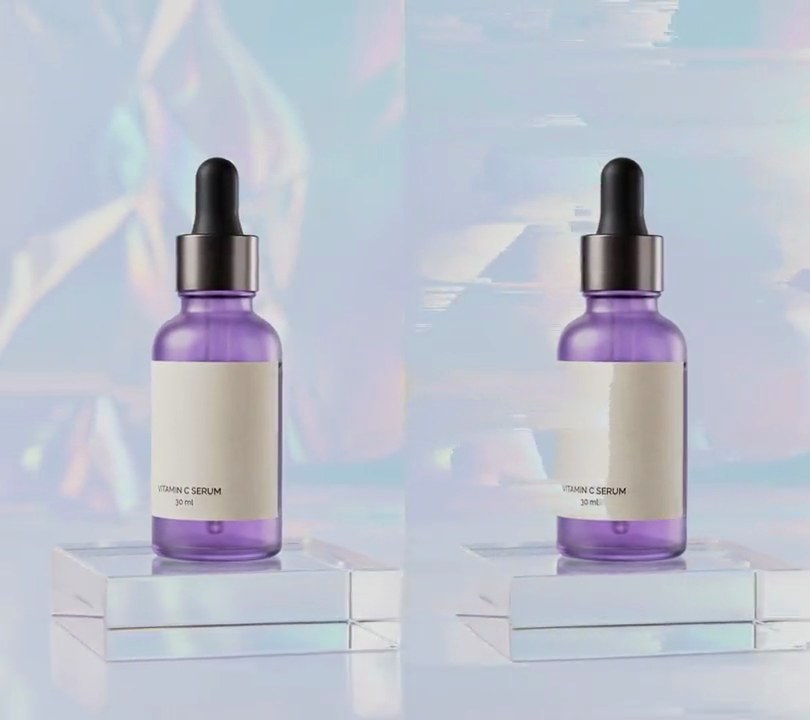
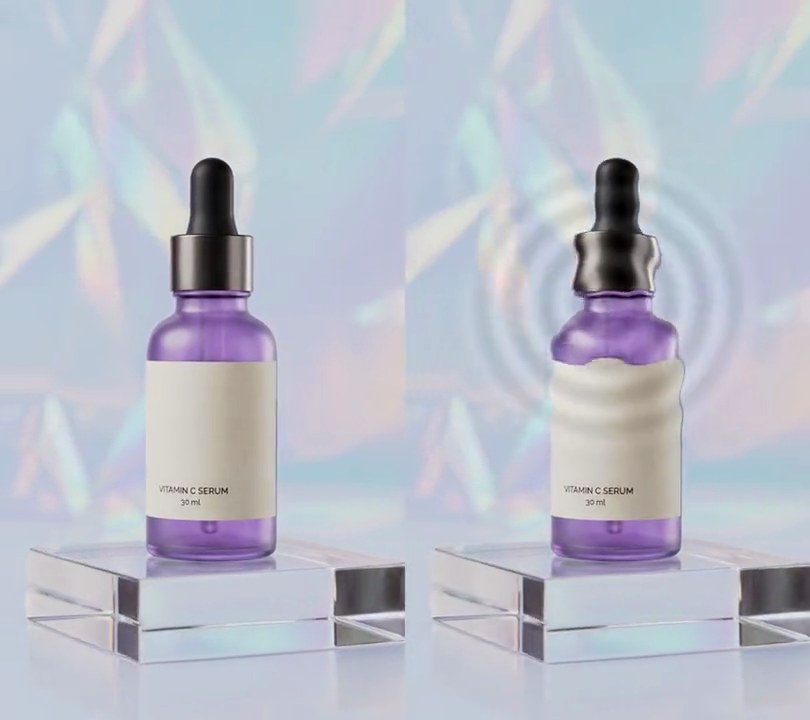
7. Stutter on beat
On each kick drum the orbit snaps back and replays the same 4-frame sliver three times, so the camera judders in place like a skipping record, then jumps ahead to stay in time with the 120 BPM loop.
Show the prompt
Add a stutter on the beat to input.mp4. Find the kick drum beats with librosa: take the onset strength of the audio (mono, 22050 Hz) with hop_length 256, fmax 150 Hz and n_mels 8, run librosa.beat.beat_track on that envelope, move each beat back to where its hit starts with librosa.onset.onset_backtrack, convert to seconds and round each to the nearest video frame. The slice is a quarter of a beat: the median gap between beats times 0.25, rounded to whole frames (4 frames at 30fps for this 120 BPM loop). On each beat, the frames from the beat onward play the slice three times in a row (output frame beat+i shows source frame beat + i mod 4, for i from 0 to 11), then the video carries on from its own frame (frame beat+12 shows source frame beat+12), so it stays in time with the music. Frames outside a stutter are untouched. Keep the original audio unchanged. No text is needed; if you add any, draw it with Pillow, not ffmpeg's drawtext. Keep the size (540x960) and 30fps, encode H.264 yuv420p, and save it as output.mp4.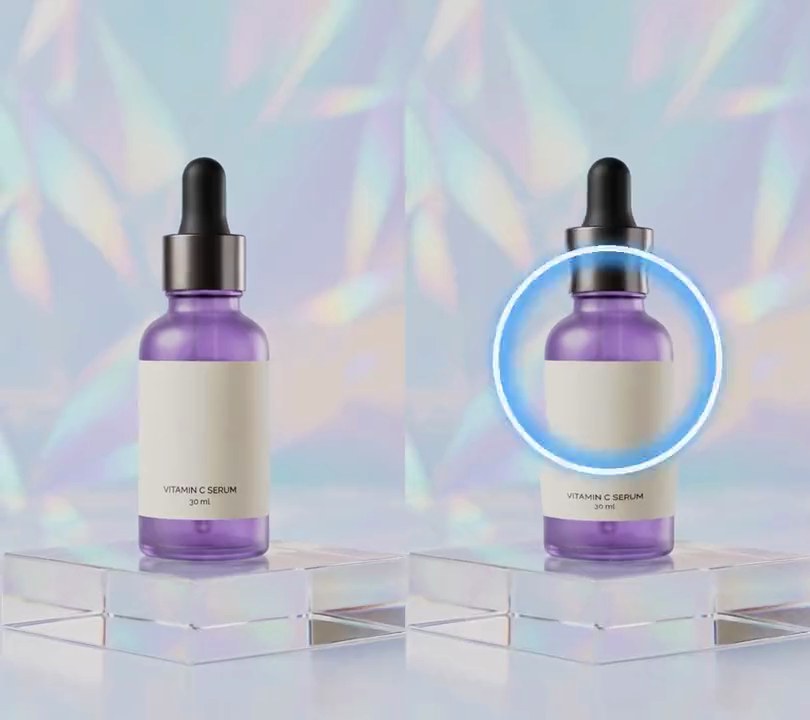
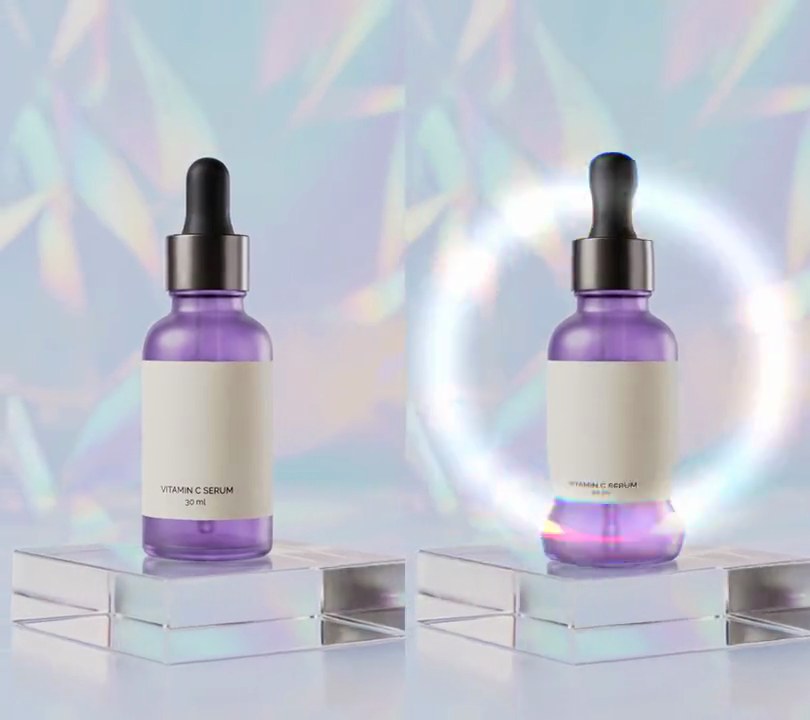
8. Shockwave rings on beat
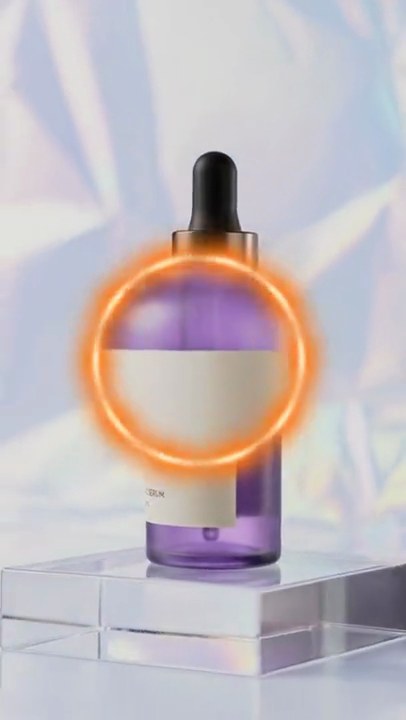
On every kick drum a thin white ring with a blue glow bursts out of the bottle and races to the edges of the frame, rippling the picture as it passes, and is gone just before the next kick fires another.
Show the prompt
Add shockwave rings on the beat to input.mp4 (the music is its own audio track). Find the kick drums with librosa: load the audio mono at 22050 Hz, put 0.1 seconds of silence in front so a kick at 0 seconds is found too, run librosa.onset.onset_detect with hop_length 256 and backtrack=True, and keep only the onsets where the bass (the STFT magnitude summed at 150 Hz and below, divided by its loudest value) reaches 0.5 within the next 8 hops; subtract the 0.1 seconds again. On each kick a ring starts at the center of the frame (50% across, 50% down) and lives 0.45 seconds. With p = seconds since the kick / 0.45, its radius is the frame width times 0.06 + 0.89 * (1 - (1 - p)^3) (so it bursts out and eases), its line width goes from 9 pixels to 3 pixels, and its opacity is (1 - p)^1.5. Draw each ring with Pillow as a white (255, 255, 255) circle outline over a glow: a (70, 170, 255) outline three times as wide, blurred with a 9-pixel Gaussian blur. Before drawing the rings, bend the picture with OpenCV (cv2.remap, reflect at the borders): for each pixel at distance r from the center, let d = (r - radius) / (4 * line width) and move the picture outward by 12 * opacity * 2.33 * d * exp(-d^2) pixels, summed over the rings alive in that frame. Frames with no ring alive stay untouched, so the picture is clean just before every kick. Work frame by frame at 30fps, keep the size and the audio, and save it as output.mp4 (H.264, yuv420p).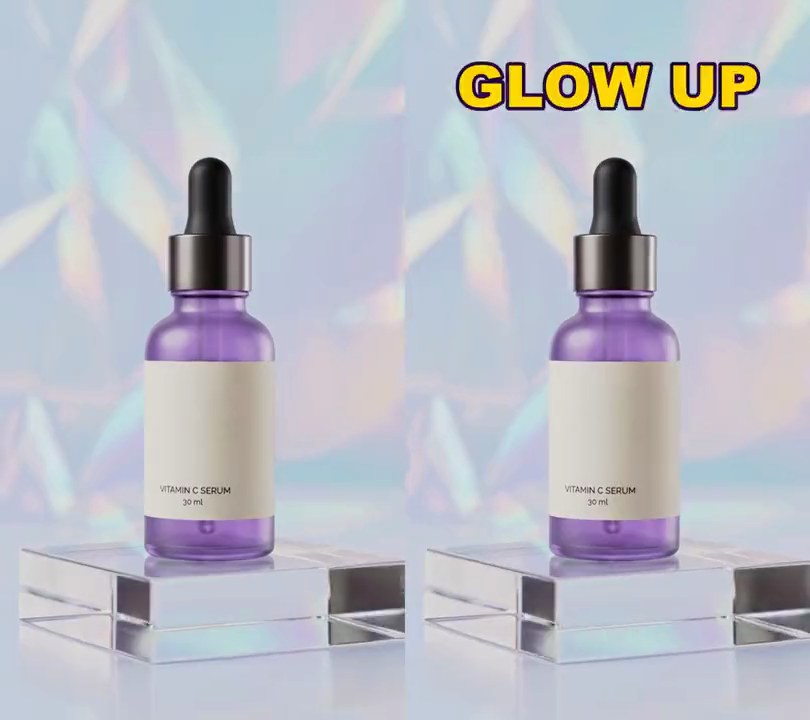
9. Audio-reactive text
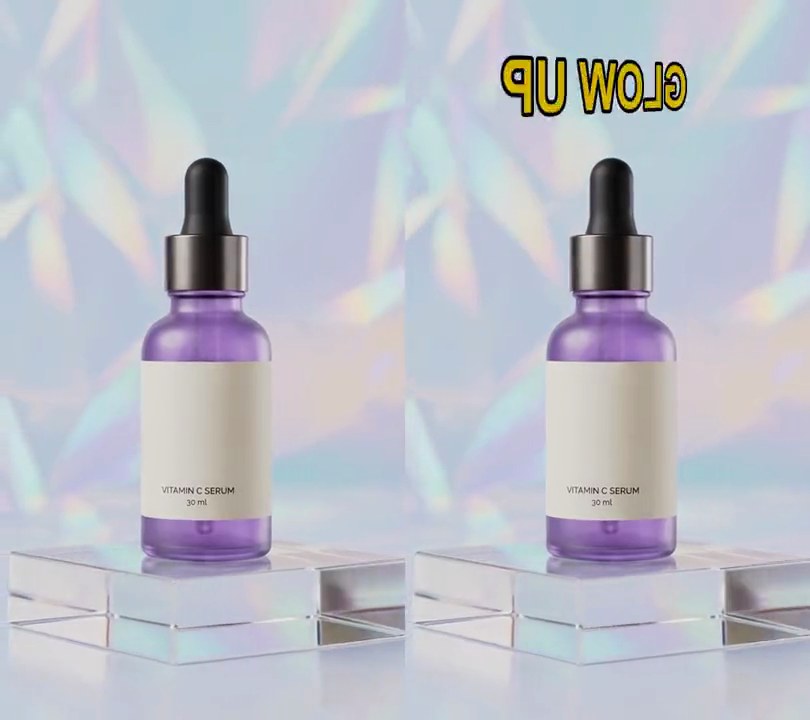
A yellow "GLOW UP" headline above the bottle swells to half again its size on each drum hit, then shrinks smoothly back as the sound dies away.
Show the prompt
Add audio-reactive text to input.mp4 (it has a drum loop). Draw "GLOW UP" in a heavy bold font, yellow (255, 214, 0) with a dark purple (40, 10, 60) outline 6% of the font size thick, centered 50% across and 12% down the frame. Measure the loudness at each video frame: the RMS of the mono audio during that frame, divided by the loudest frame's RMS so it runs 0 to 1, and let it fall back by multiplying by 0.8 each frame instead of dropping at once (level = max(this frame's loudness, previous level x 0.8)). Scale the text about its center so its width is 55% of the frame width x (1 + 0.5 x level): about 55% wide when quiet and about 82% wide at the loudest hit, shrinking smoothly between hits. Use Python with numpy for the loudness and Pillow to draw the text (not ffmpeg's drawtext filter), ffmpeg to put it on the video, keep the audio, and save it as output.mp4.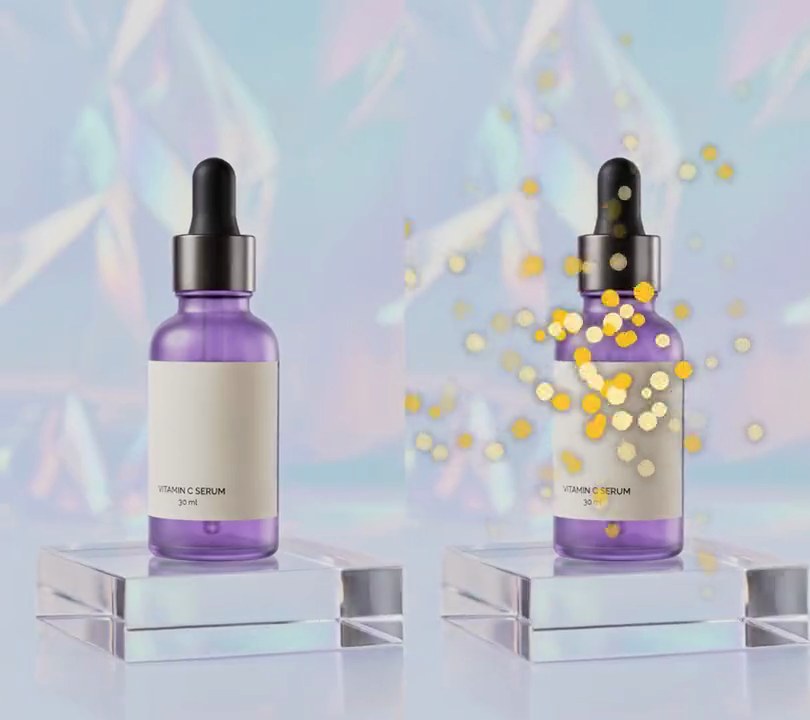
10. Audio-reactive particles
On every kick drum, a burst of glowing gold dots flies out from the bottle, swollen big on the hit, then shrinks and fades as it drifts before the next beat.
Show the prompt
Add audio-reactive particles to input.mp4. Measure the bass loudness at each video frame: the FFT energy between 30 and 150 Hz in a 4096-sample window centered on the frame (audio at 48 kHz mono), divided by the loudest frame so it runs 0 to 1. Every frame where that level rises past 0.5, launch 40 dots from 50% across and 50% down the frame, in random directions, at a random speed of 0.3 to 1.0 times 2.4 frame widths per second (times the bass level), slowing with drag so each dot travels (1 - e^(-3t)) / 3 of that speed, plus an upward drift of 0.06 frame widths per second. Each dot lives 1.6 seconds, with opacity (1 - age/1.6)^1.5. Color the dots gold (255, 196, 40) or pale gold (255, 236, 170) and give each a random size of 0.6 to 1.2 times a radius of 1.2% of the frame width multiplied by (1 + 1.6 x the current bass level), so they swell on each kick and shrink between kicks. Add a soft glow by drawing a 6-pixel Gaussian-blurred copy of the dots under them. Use Python with numpy for the FFT and Pillow to draw the dots, and ffmpeg to put them on the video (don't rely on ffmpeg's drawtext filter), keep the audio, and save it as output.mp4.