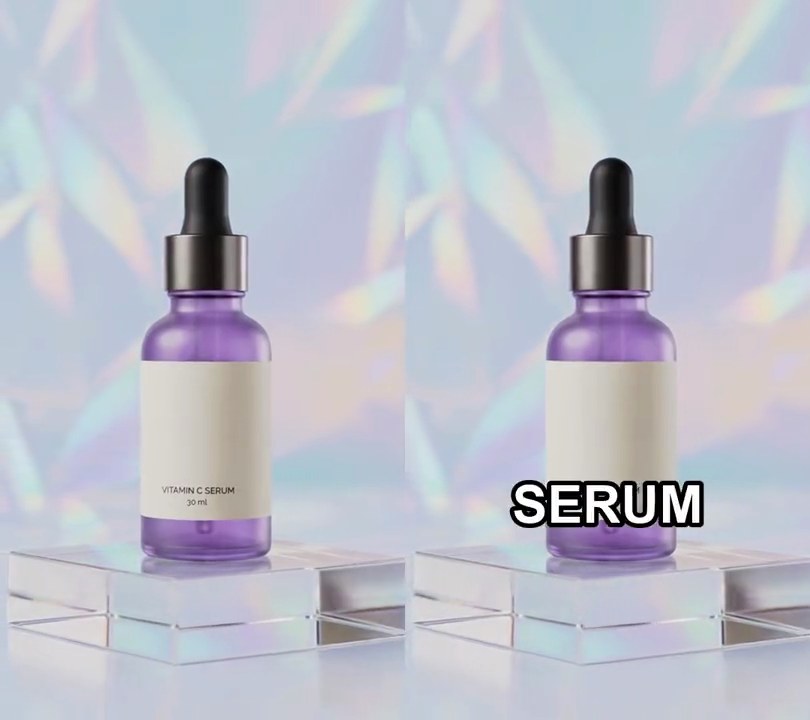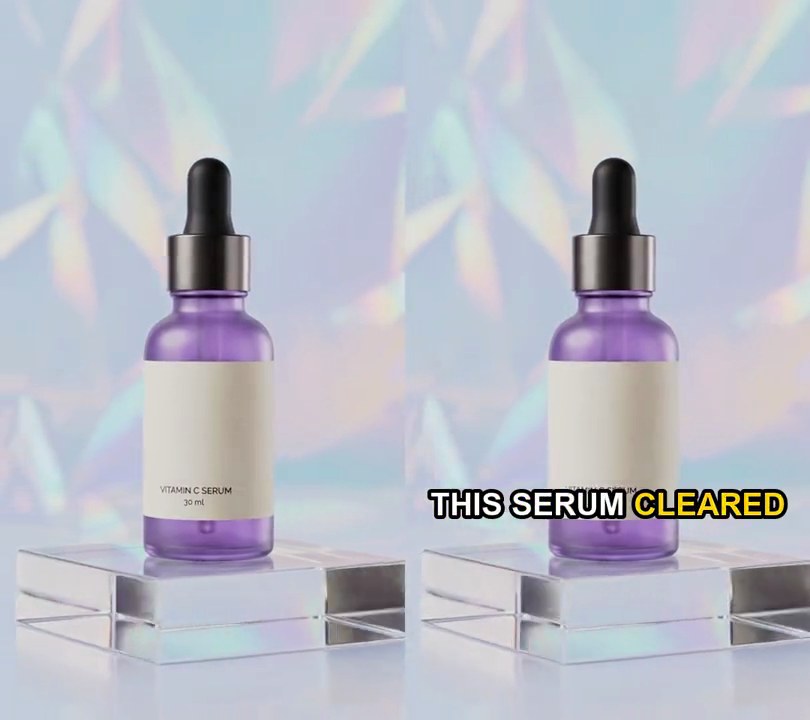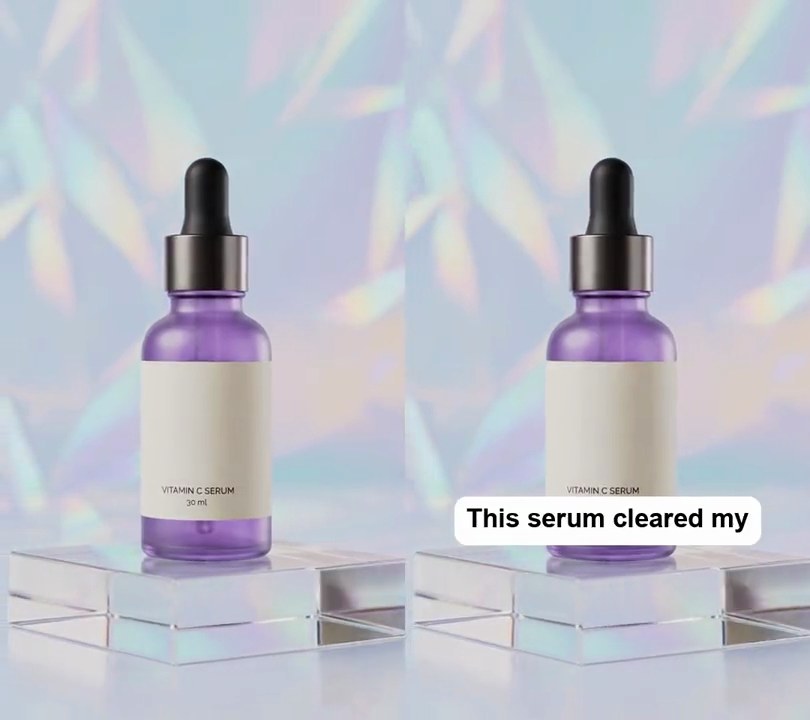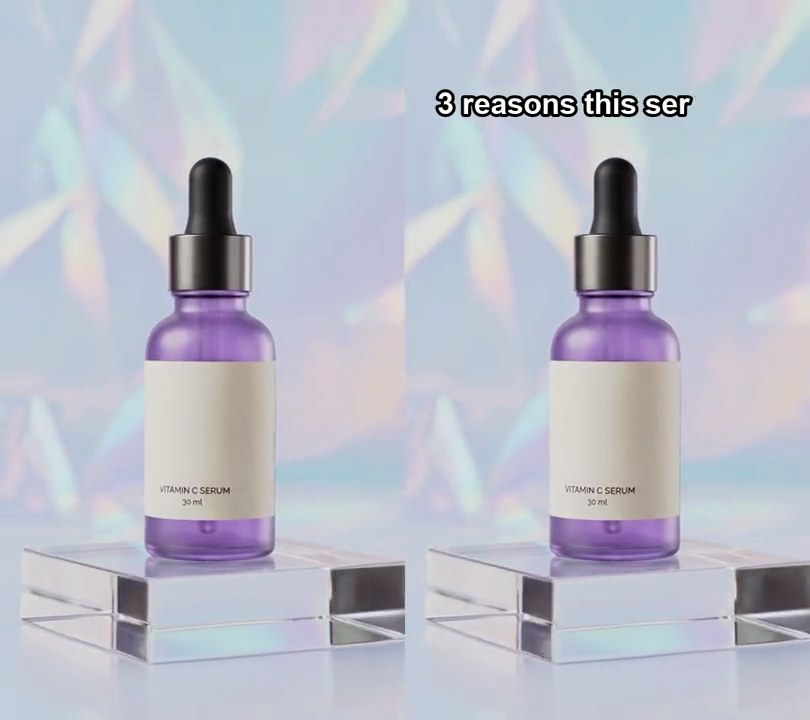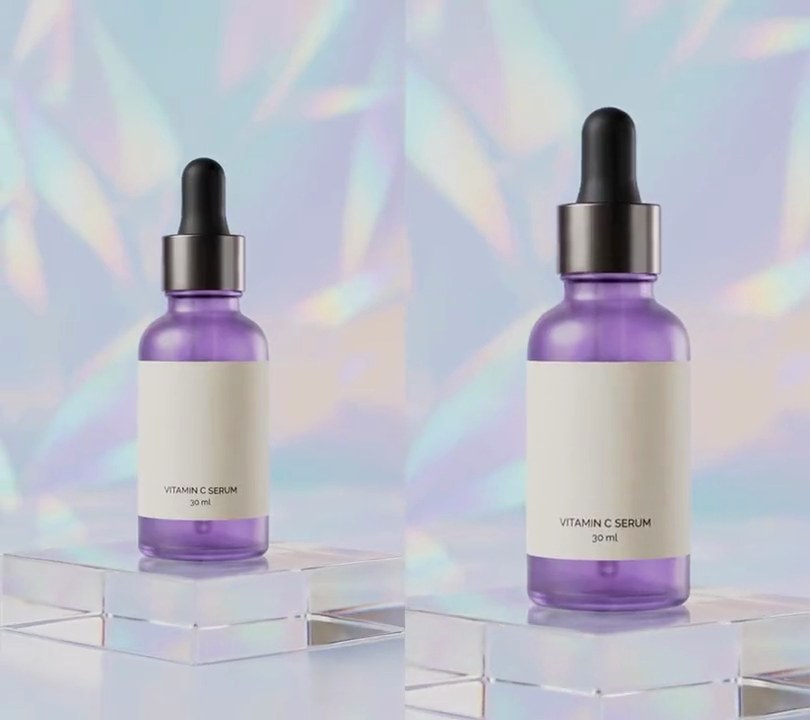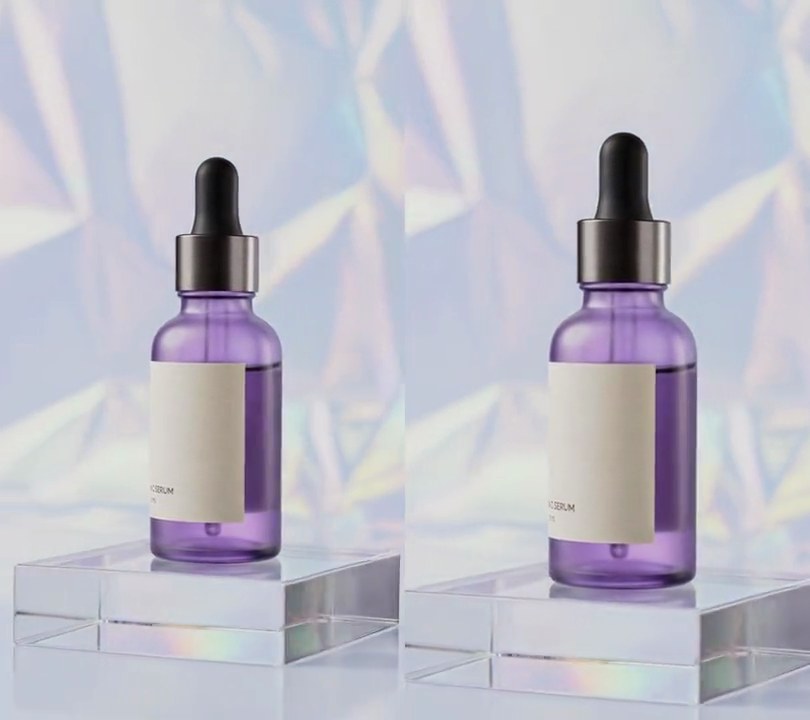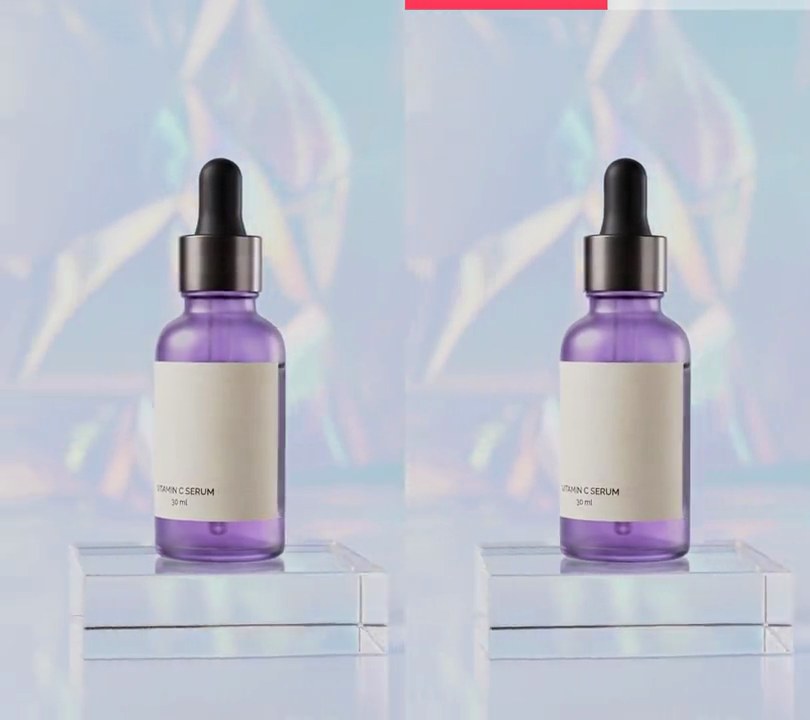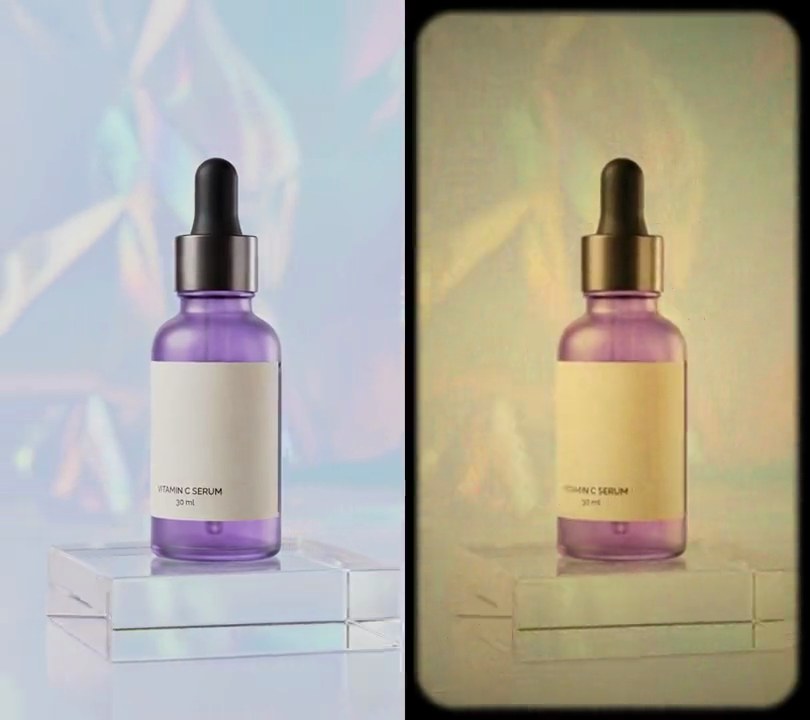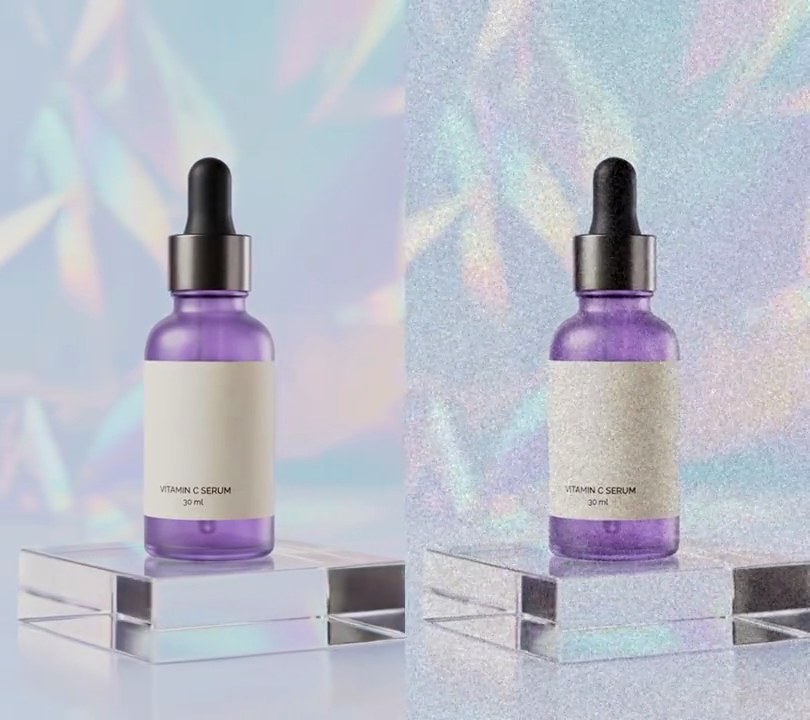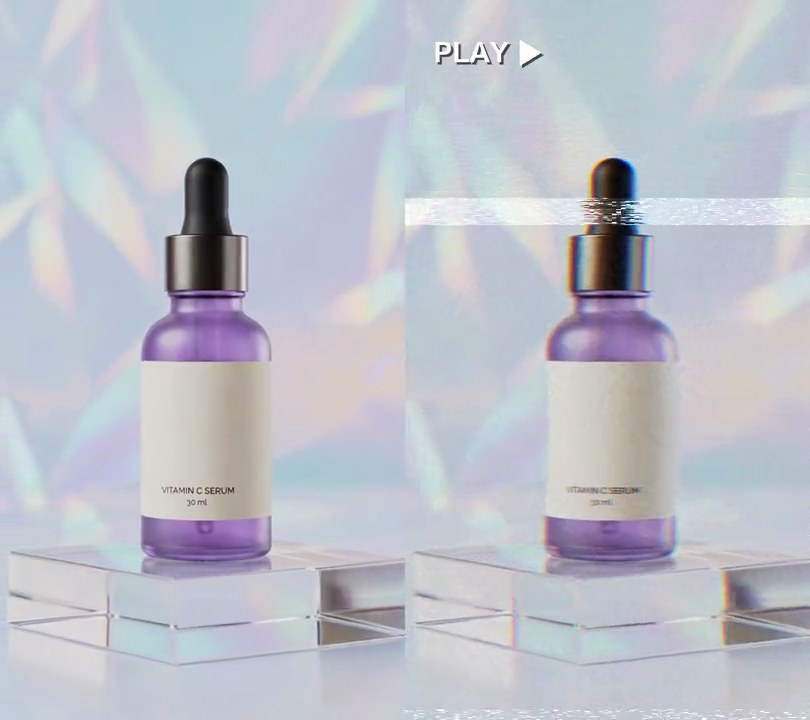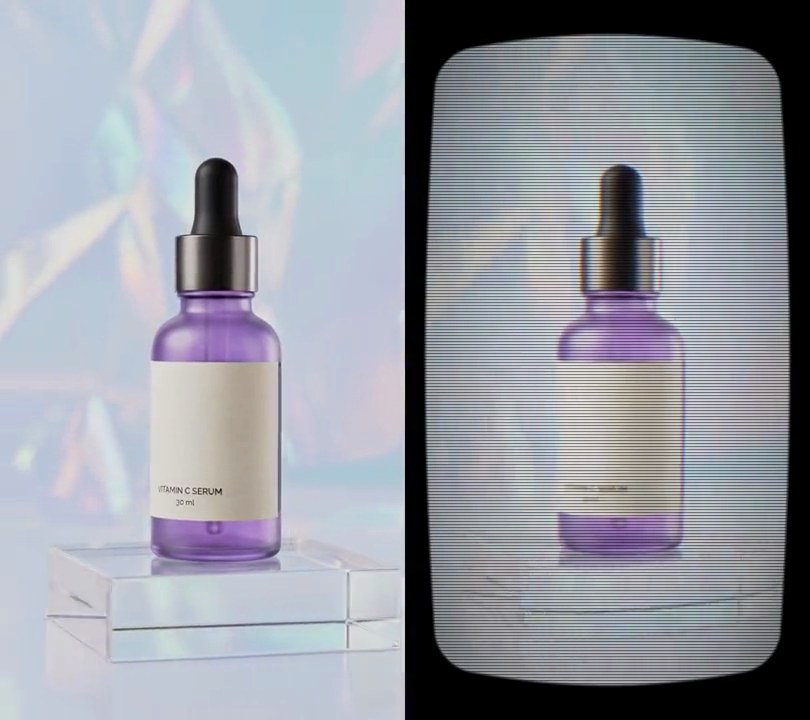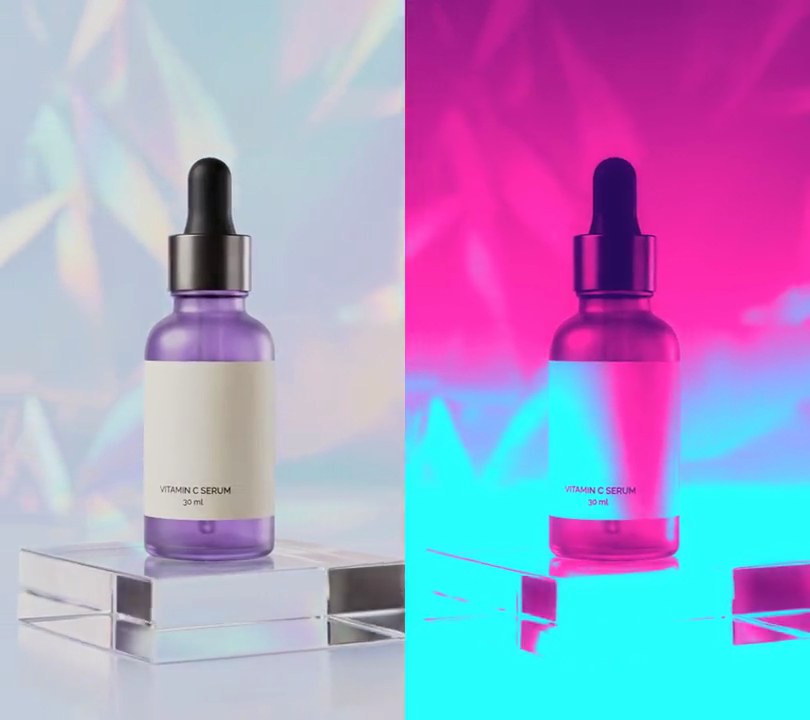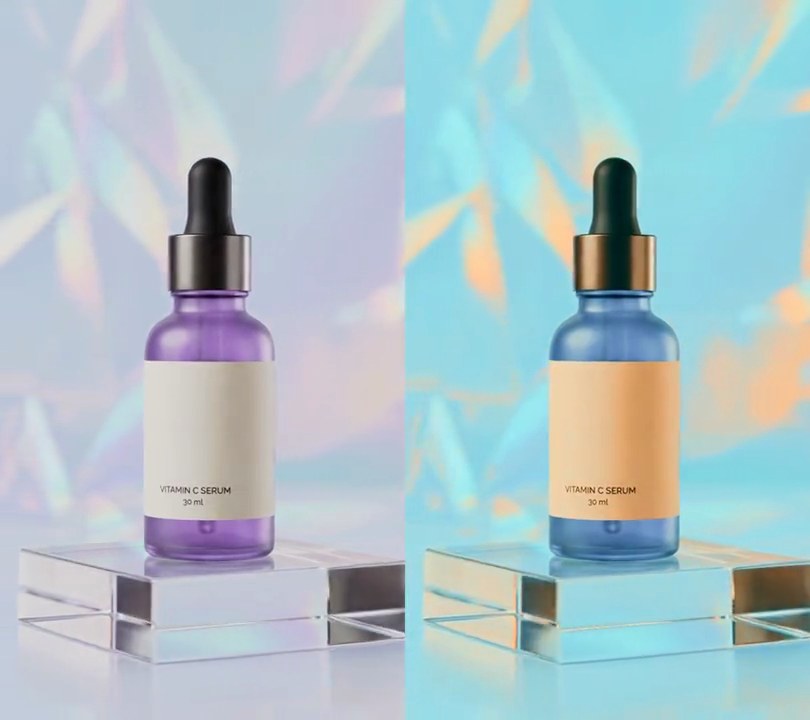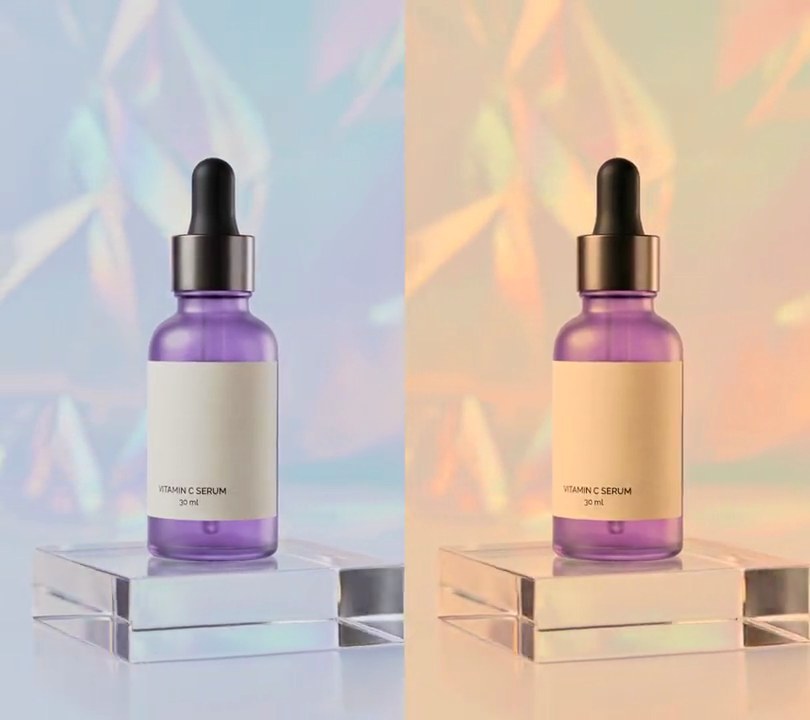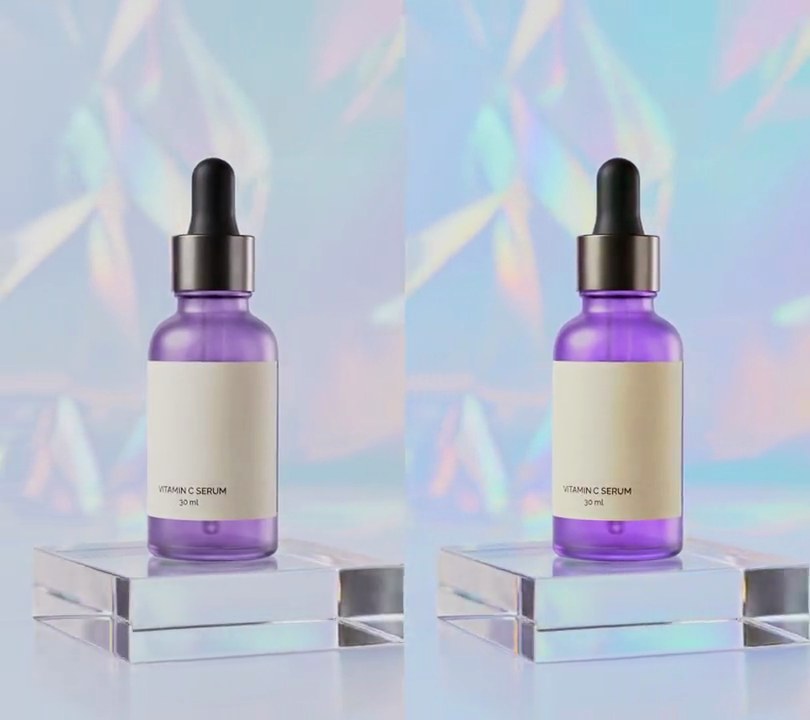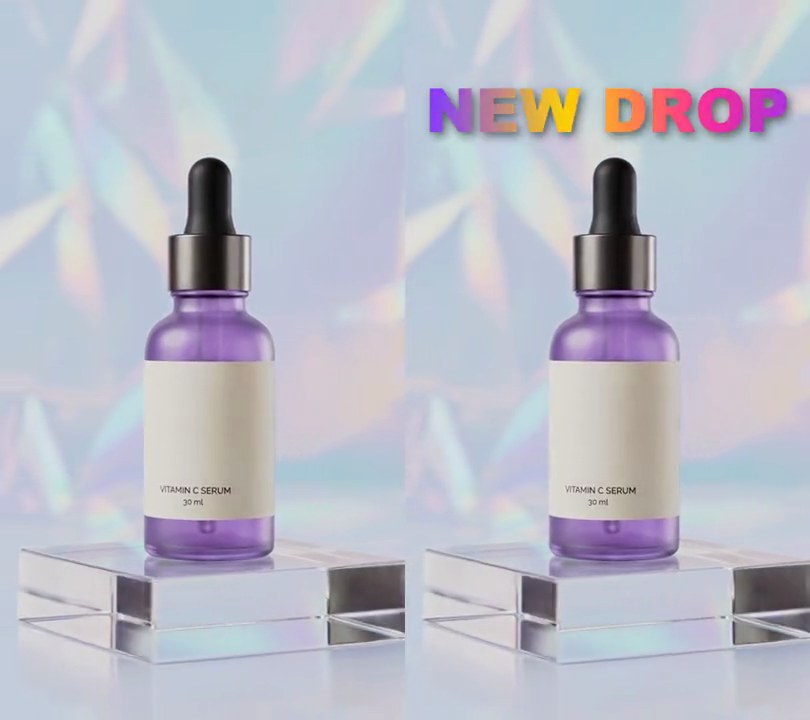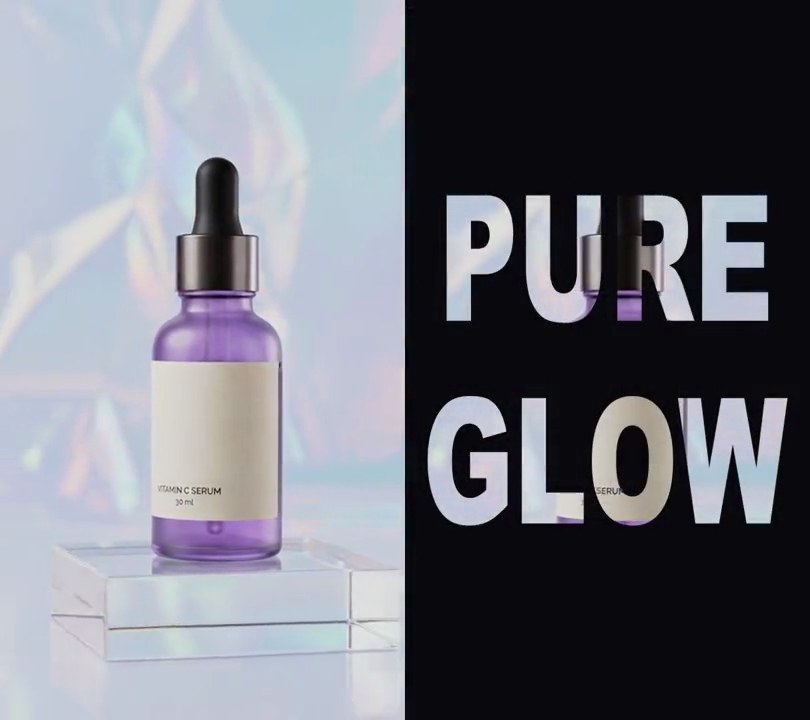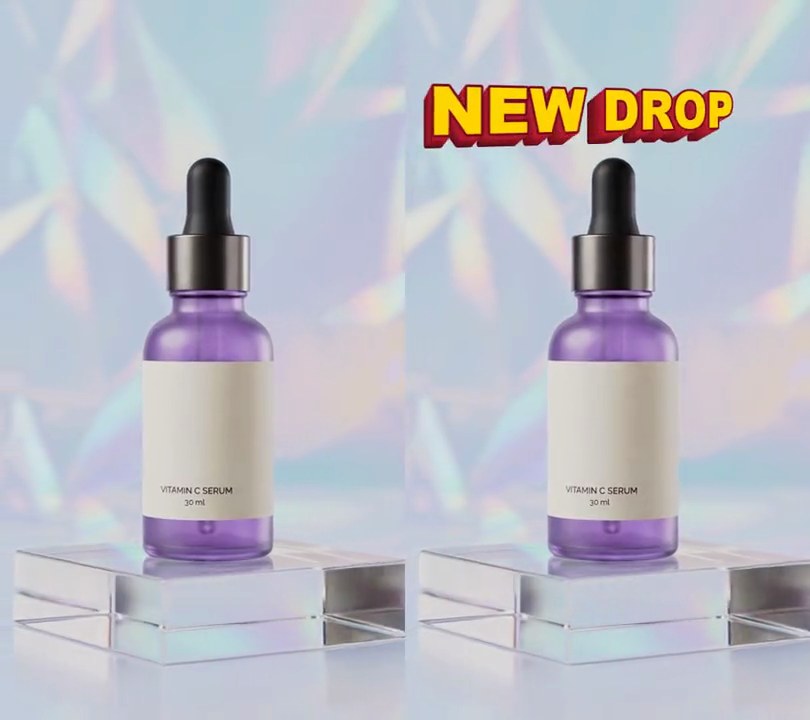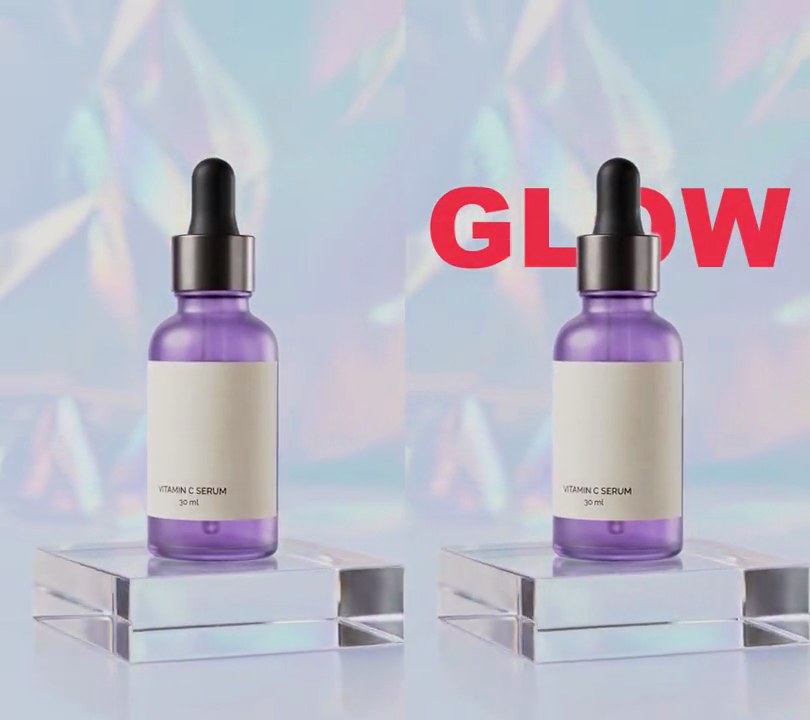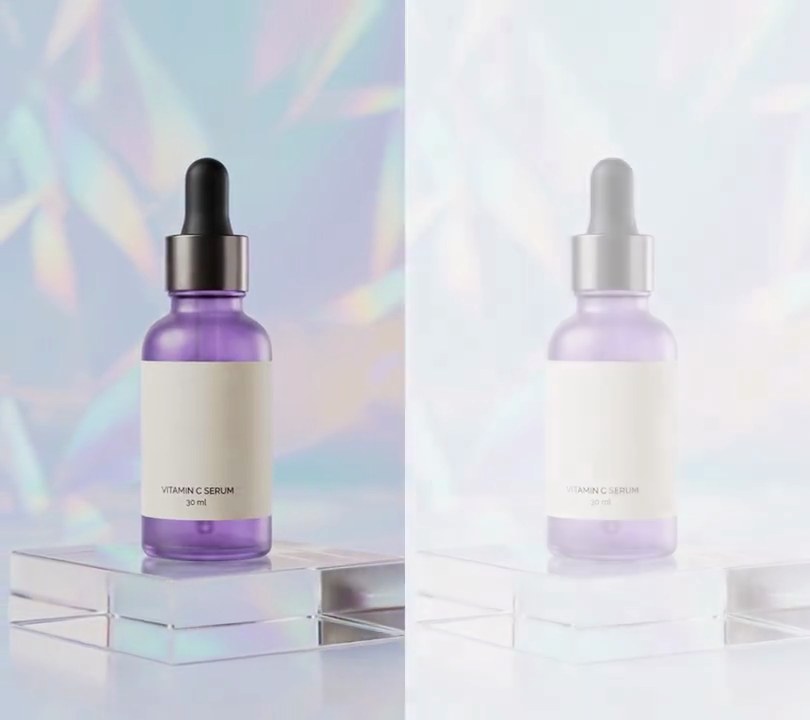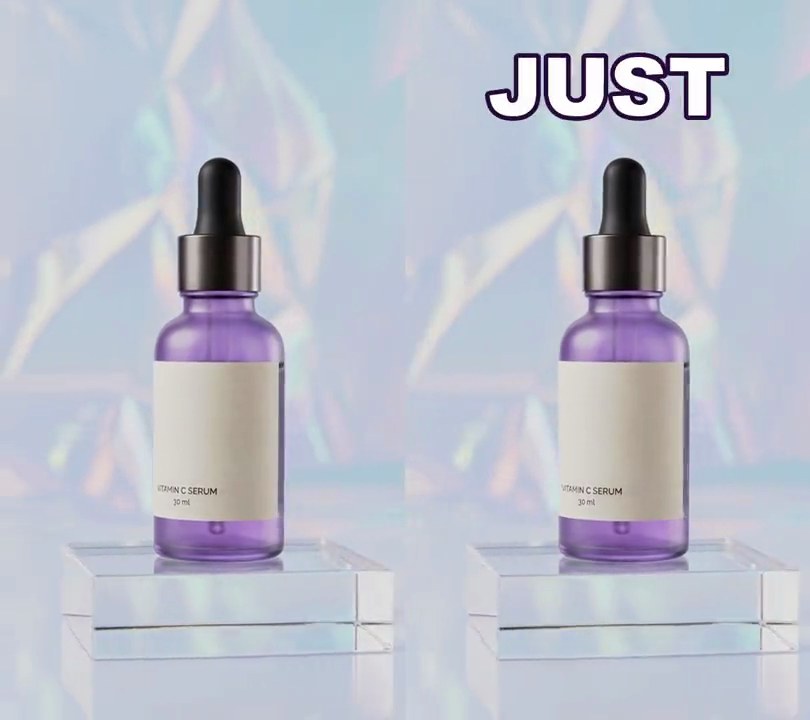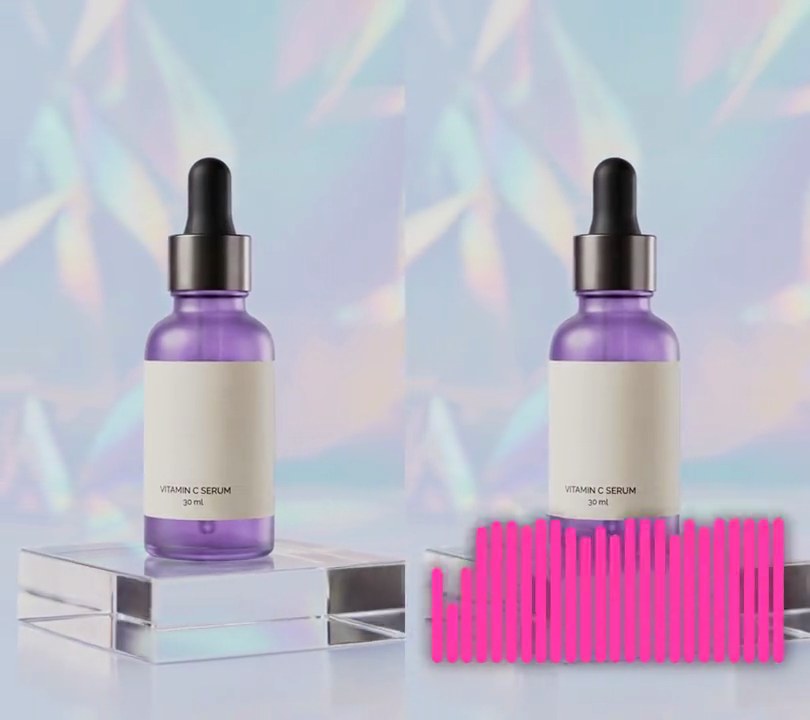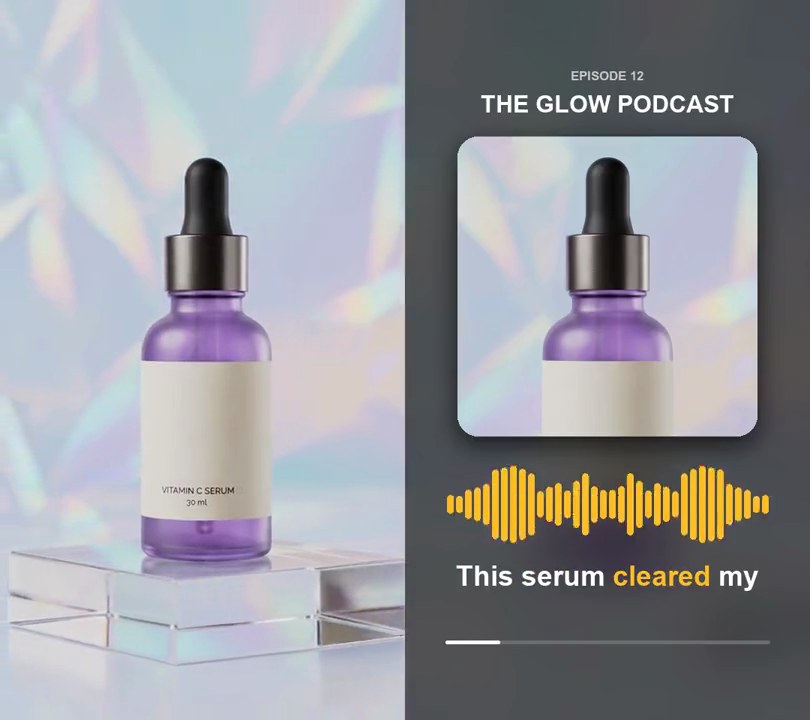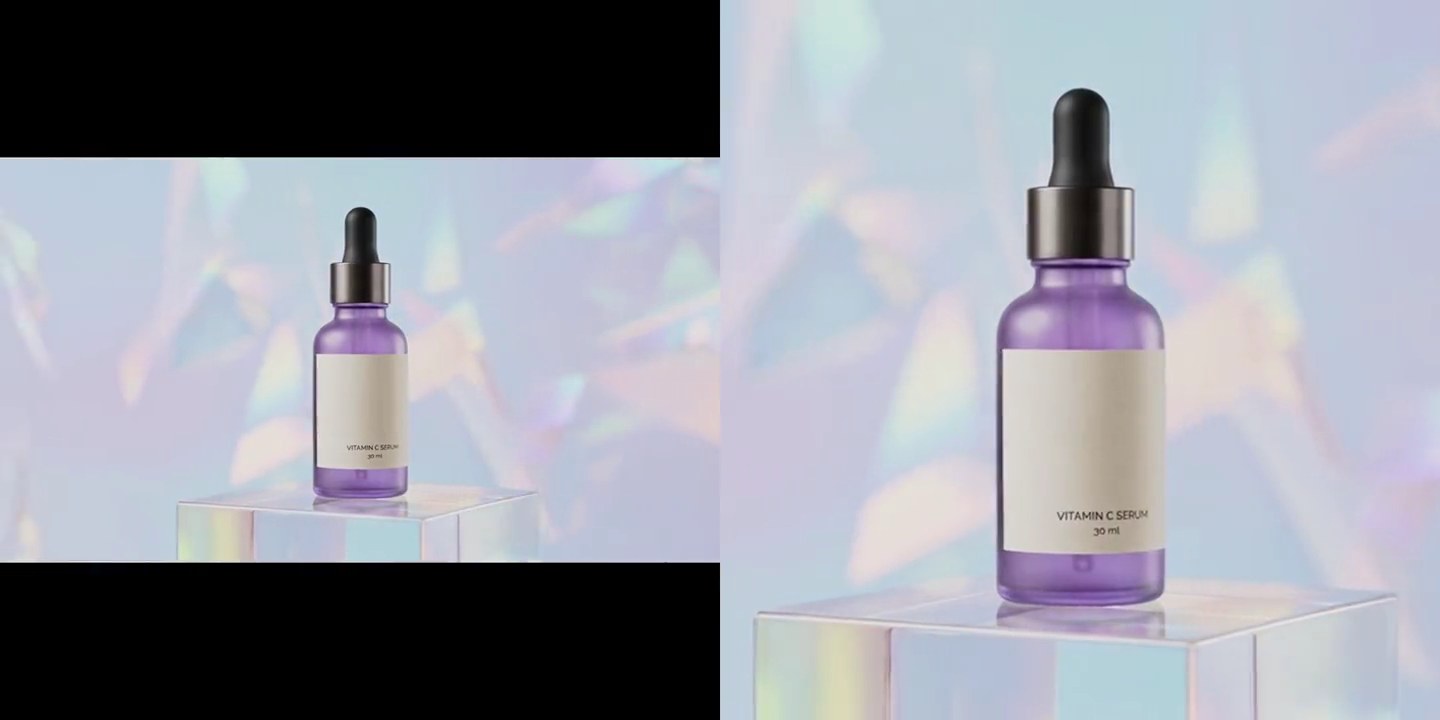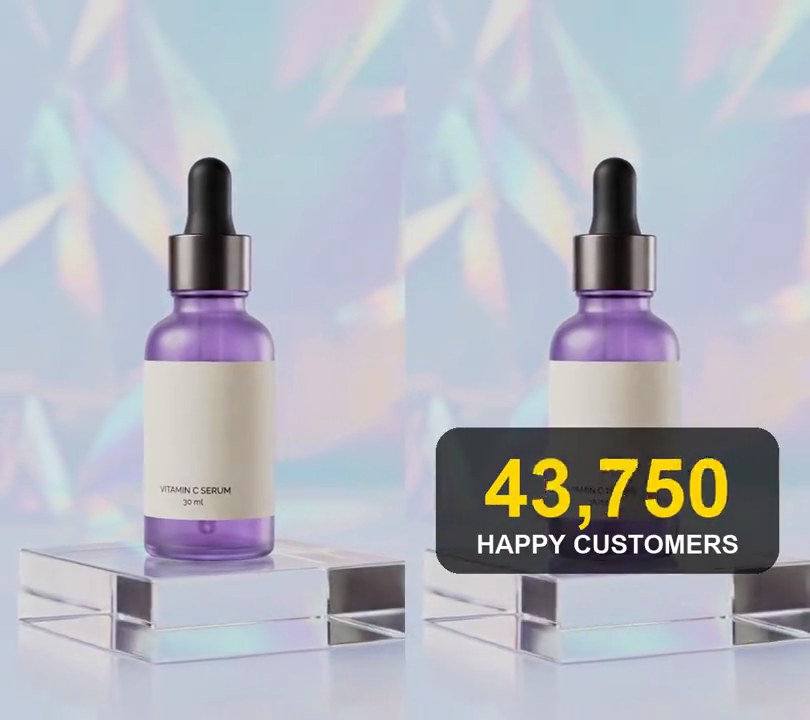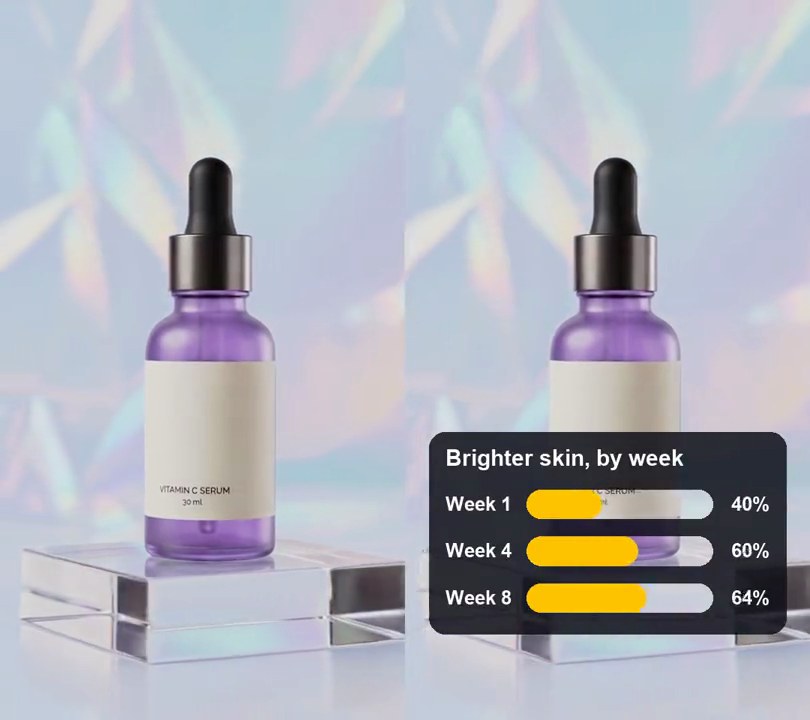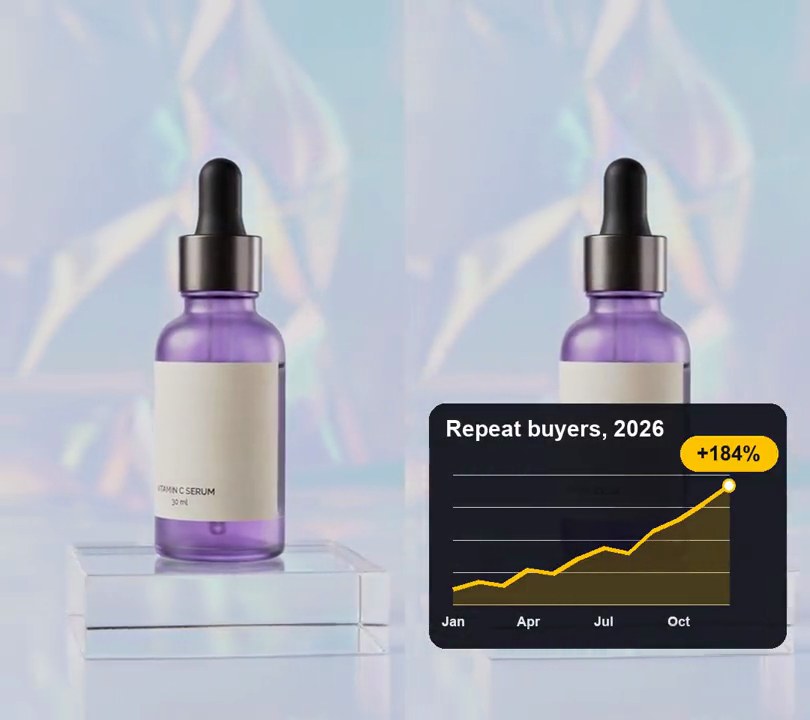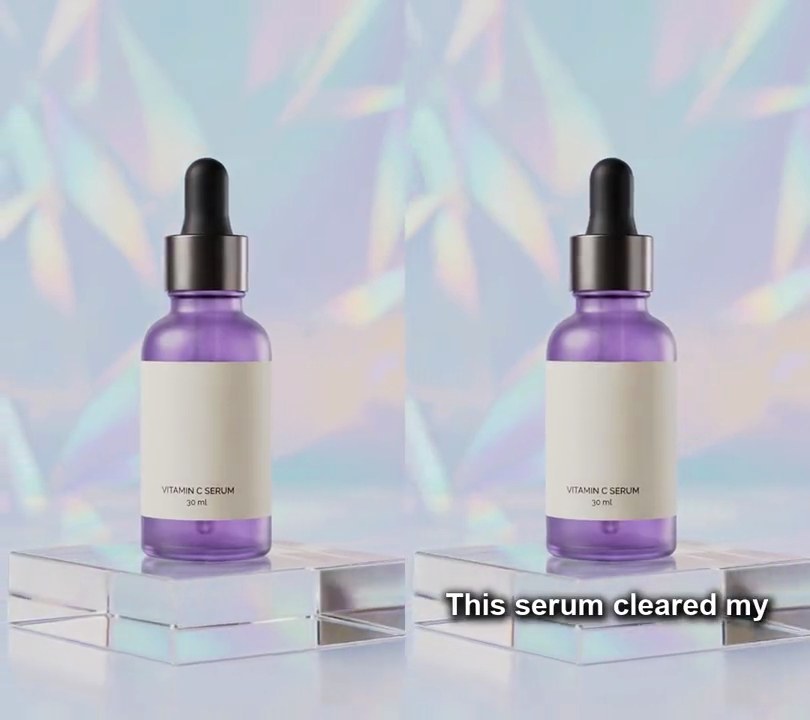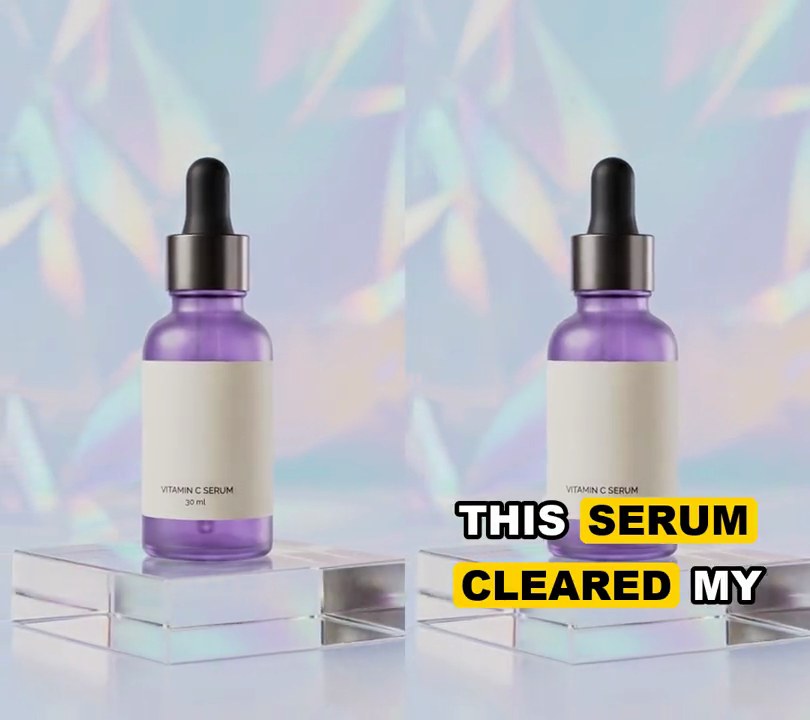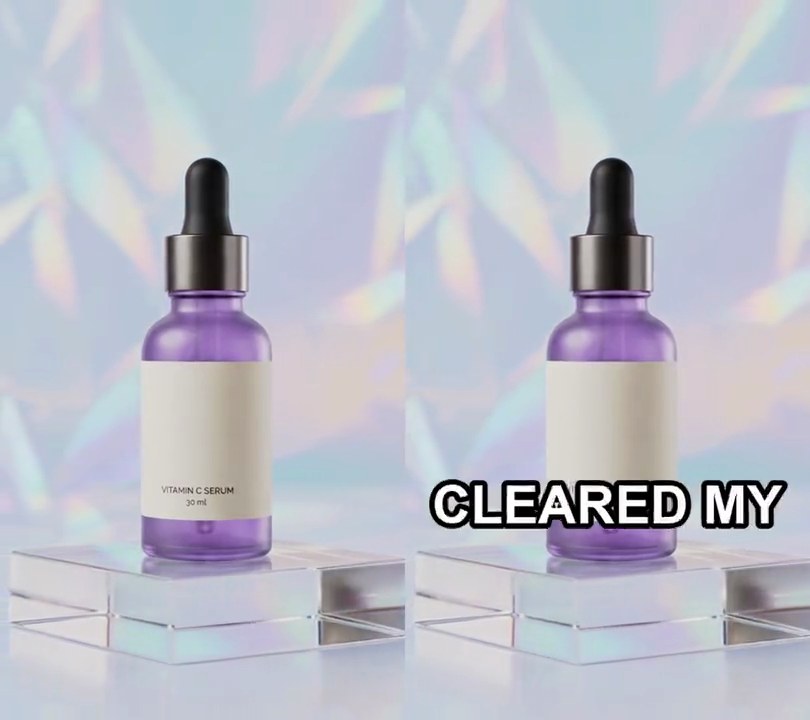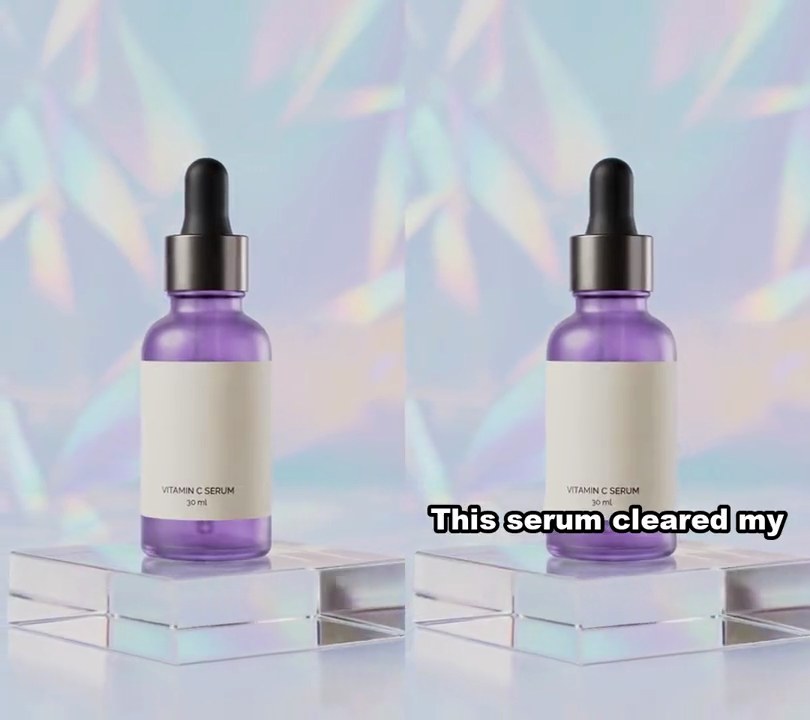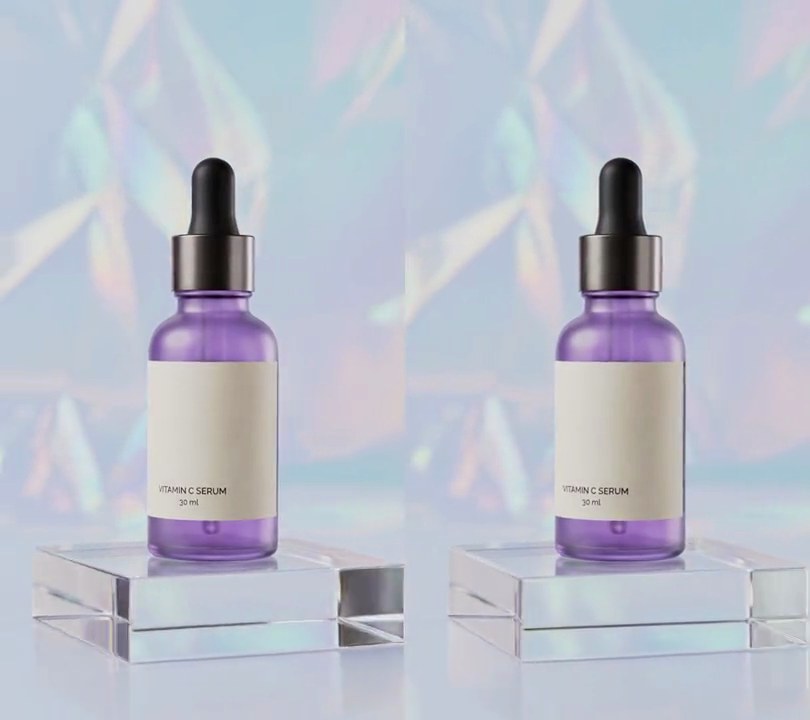
1. Speed ramp
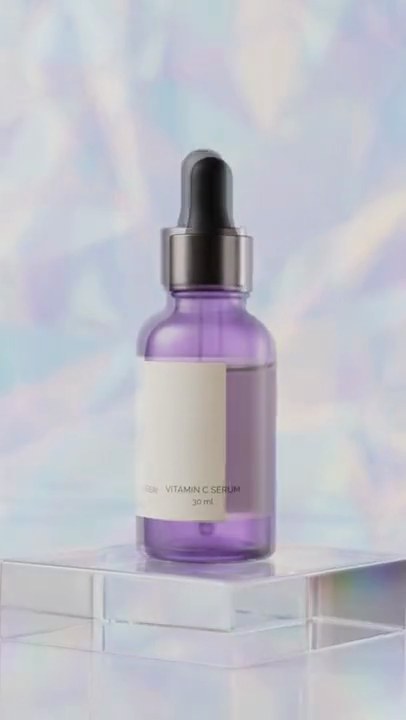
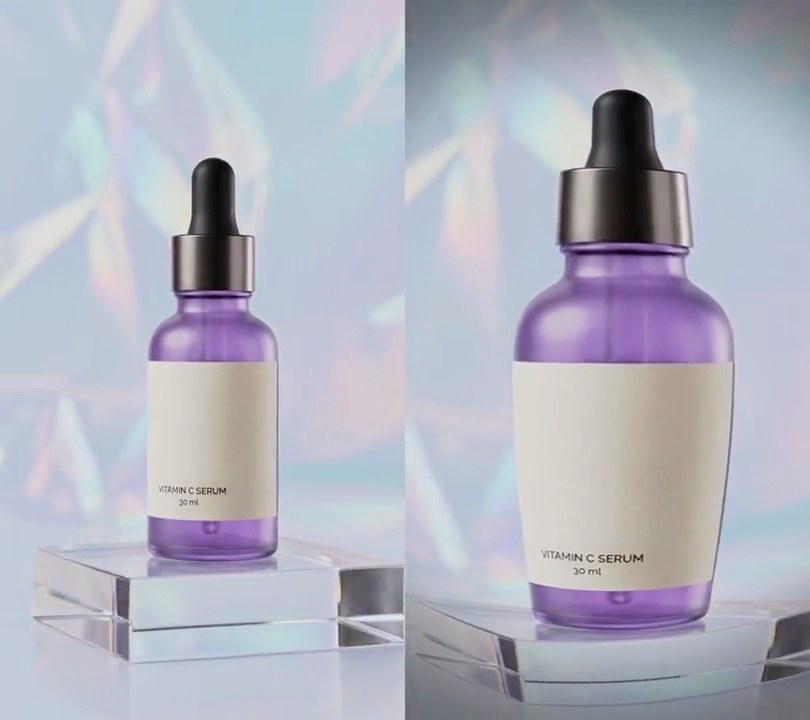
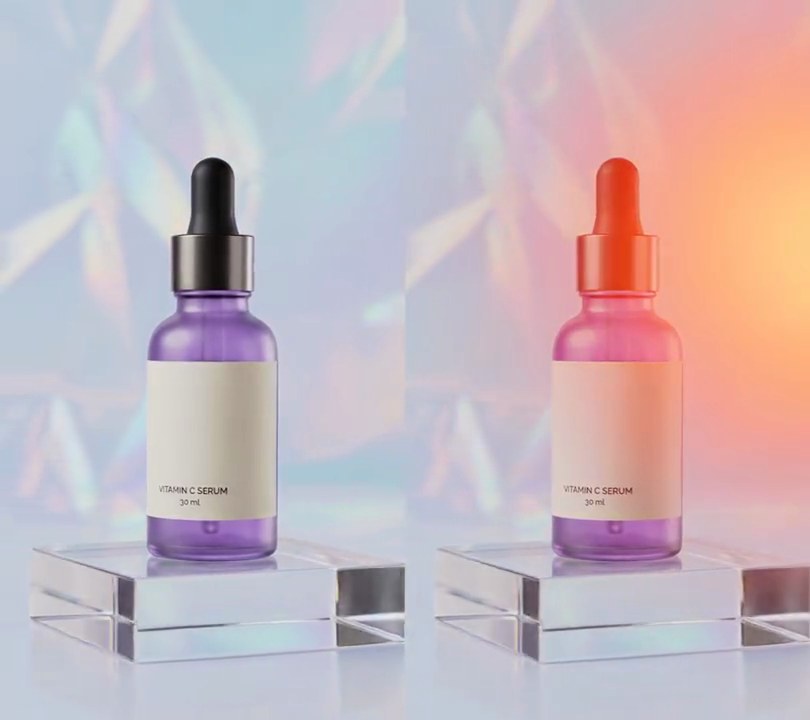
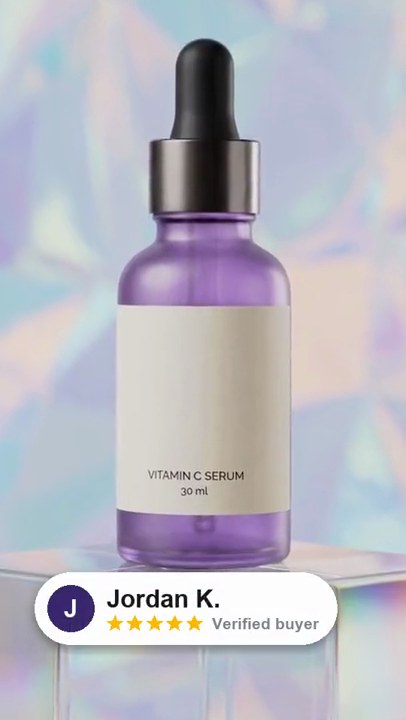
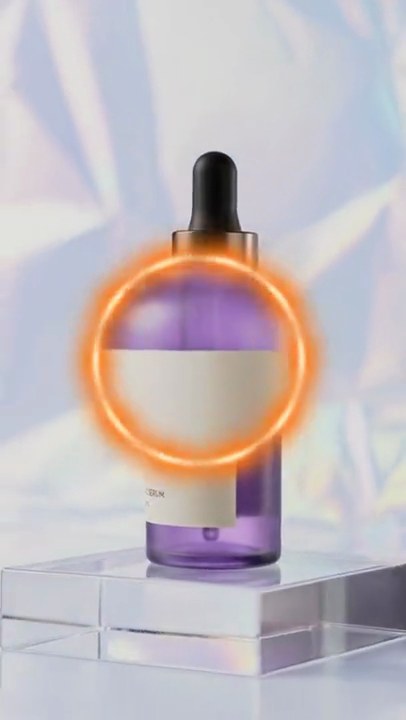
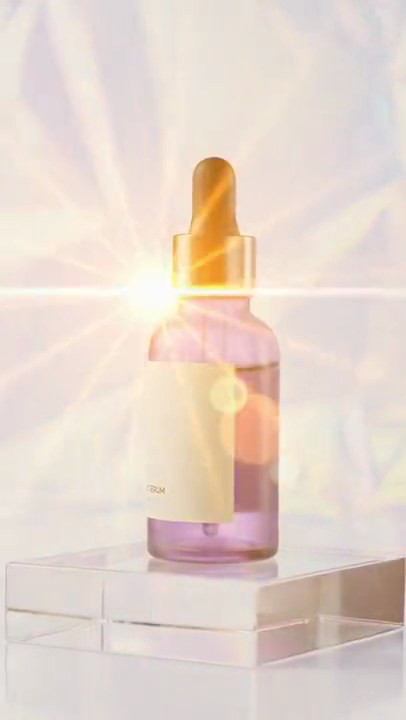
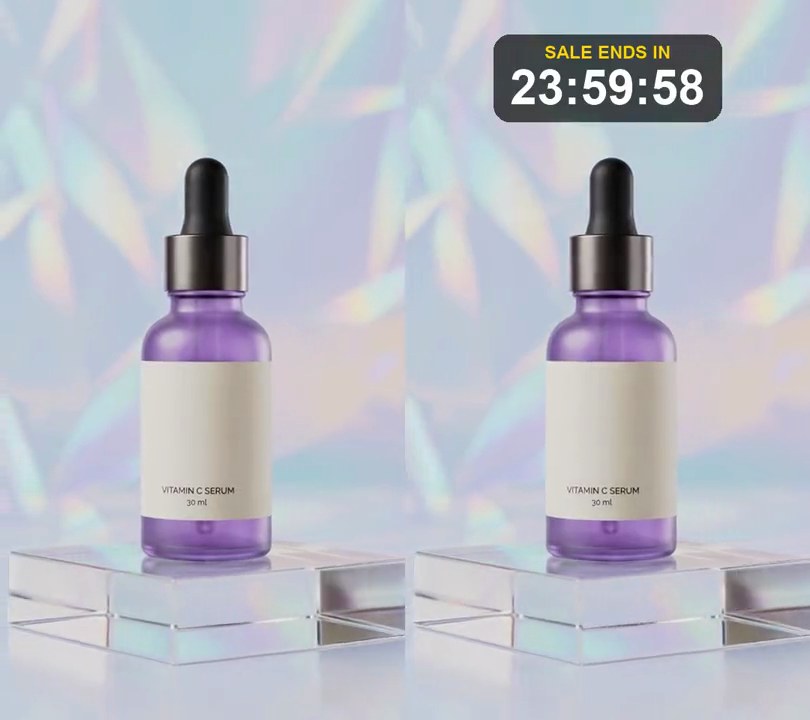
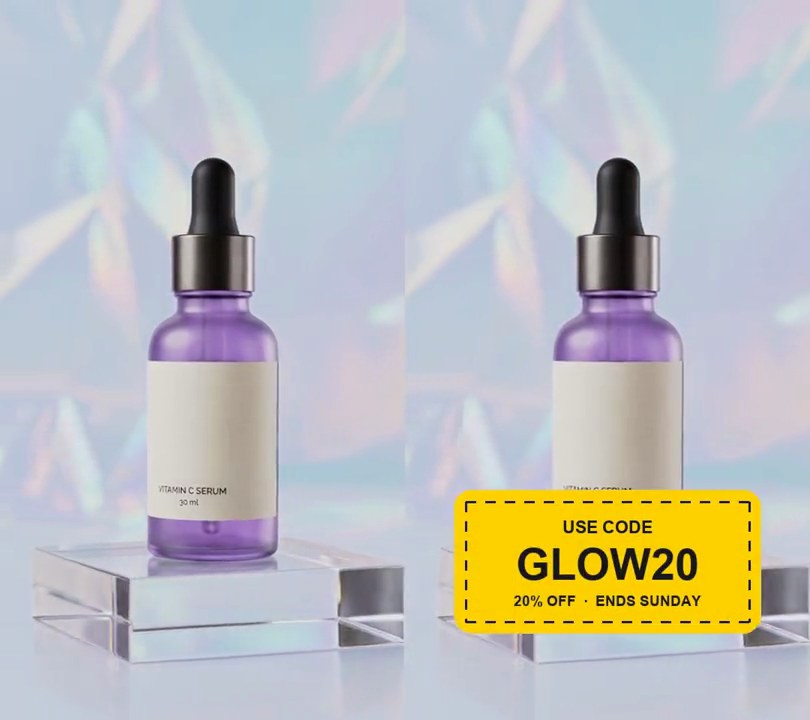
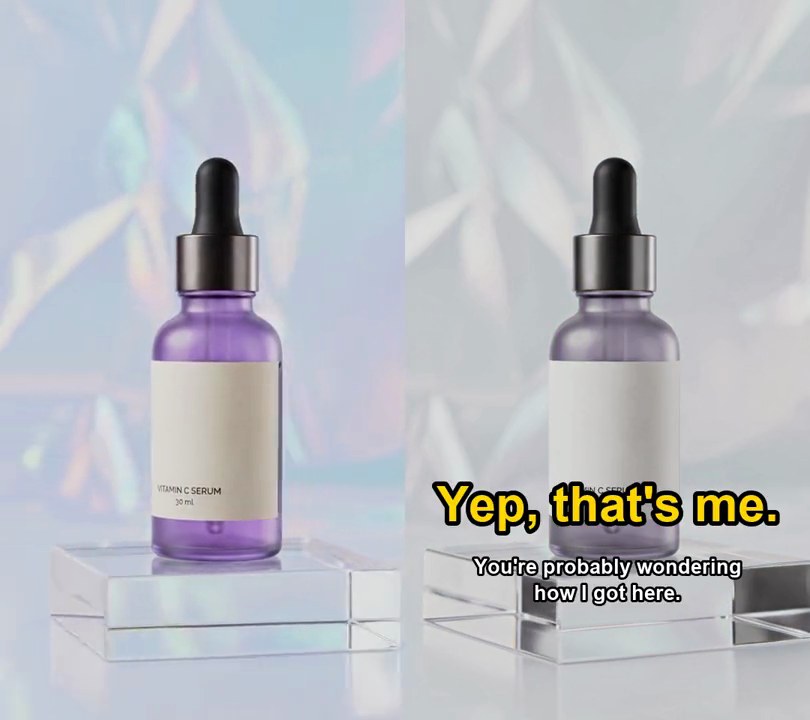
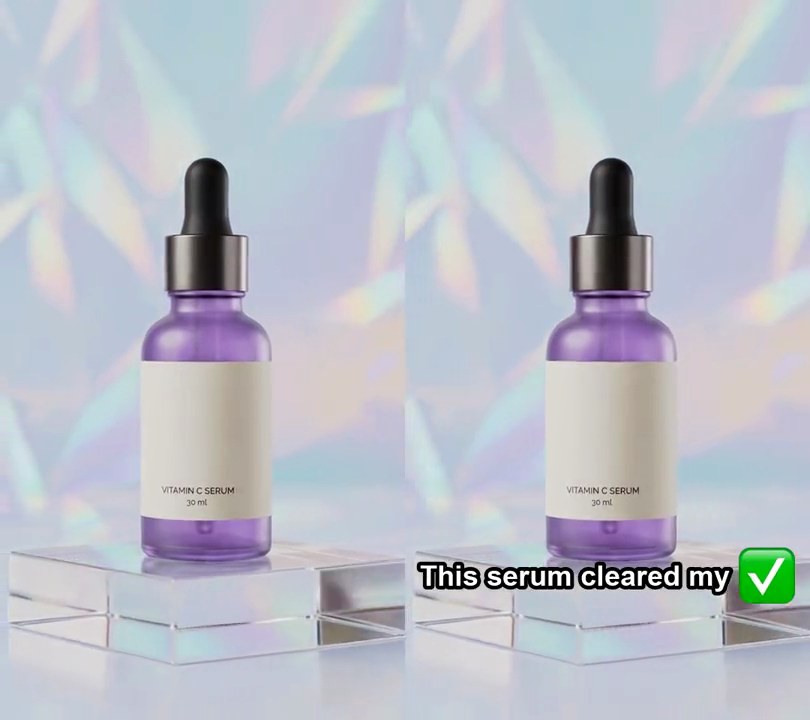
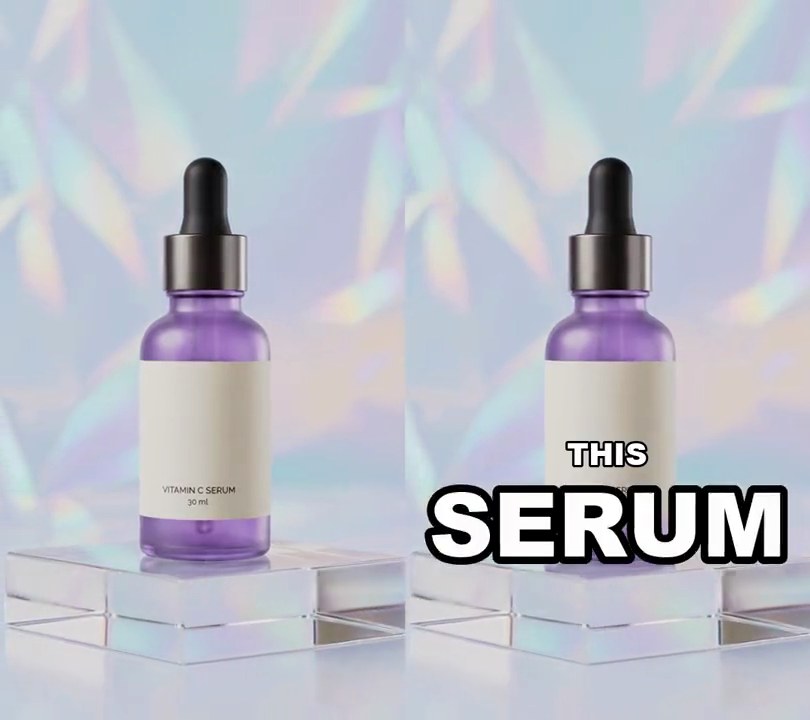
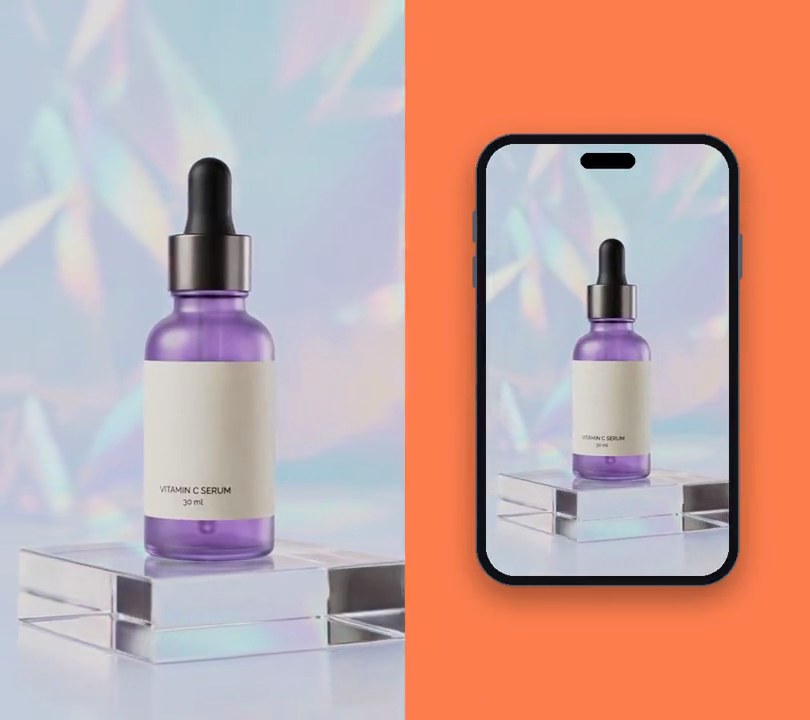
The camera races round the bottle at 2.5x speed, eases into slow motion for two seconds as the label faces front, then races off again.
Show the prompt
Add a speed ramp to input.mp4 (540x960, 30fps, 6 seconds). Change the playback speed by where you are in the input: 2.5x from input 0 to 1.6s; ease linearly from 2.5x down to 0.3x across input 1.6 to 2.0s; 0.3x (slow motion) from input 2.0 to 2.6s; ease linearly back up from 0.3x to 2.5x across input 2.6 to 3.0s; then 2.5x to the end. Work out which input time each output frame shows by adding up 1/speed over the input, so the output is about 4.6 seconds: input 2.0s lands at output 1.02s, input 2.6s at 3.02s, and input 6.0s at 4.61s. Make every output frame at 30fps by averaging the input it sweeps past (2-3 frames in the fast parts, for a little motion blur) and, in slow motion, by blending the two nearest input frames so it stays smooth. Don't crop, zoom or add anything to the picture, and don't add any text. Keep the input's audio playing normally (not sped up or slowed down), cut to the new length with a 0.3-second fade-out at the end. Keep the size and frame rate, and save it as output.mp4.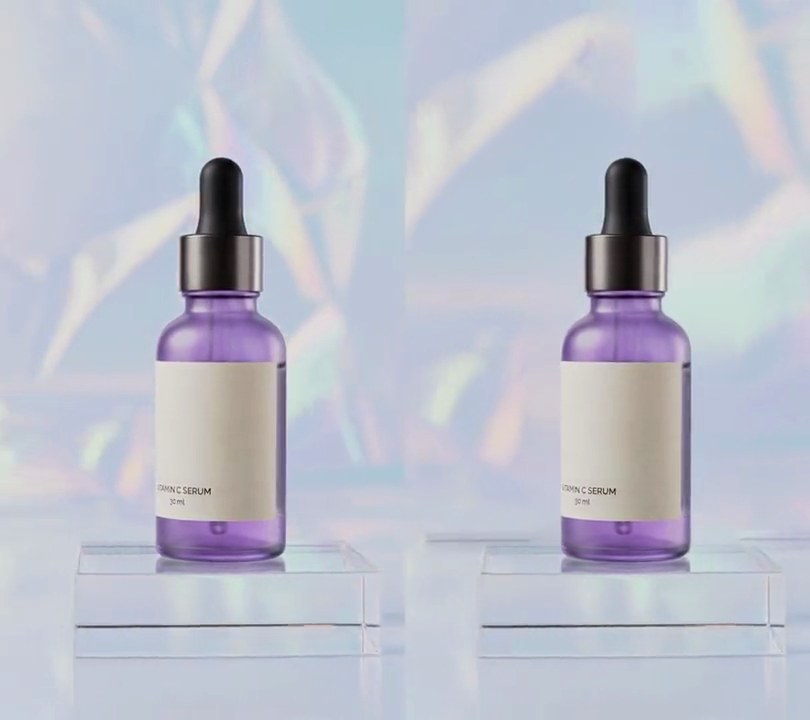
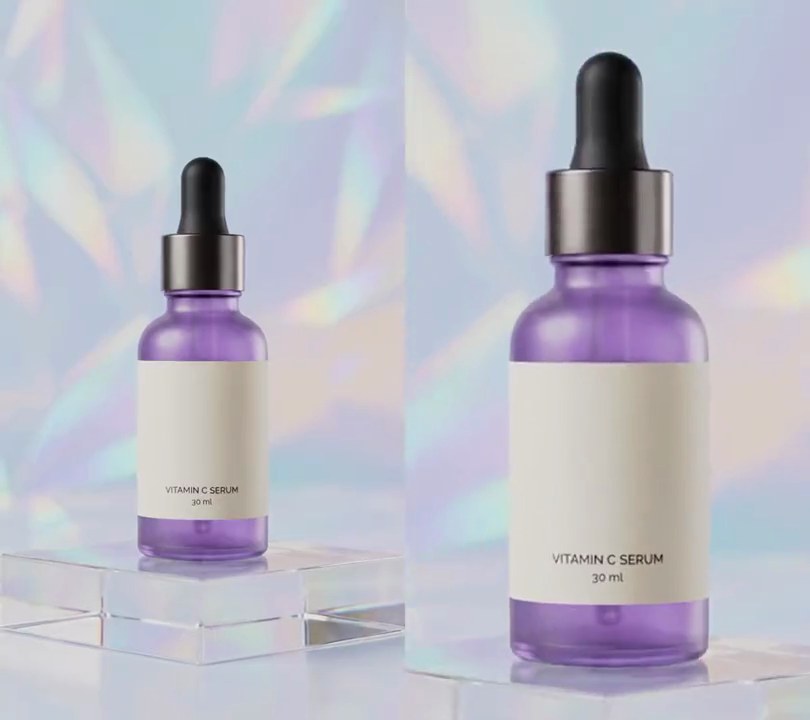
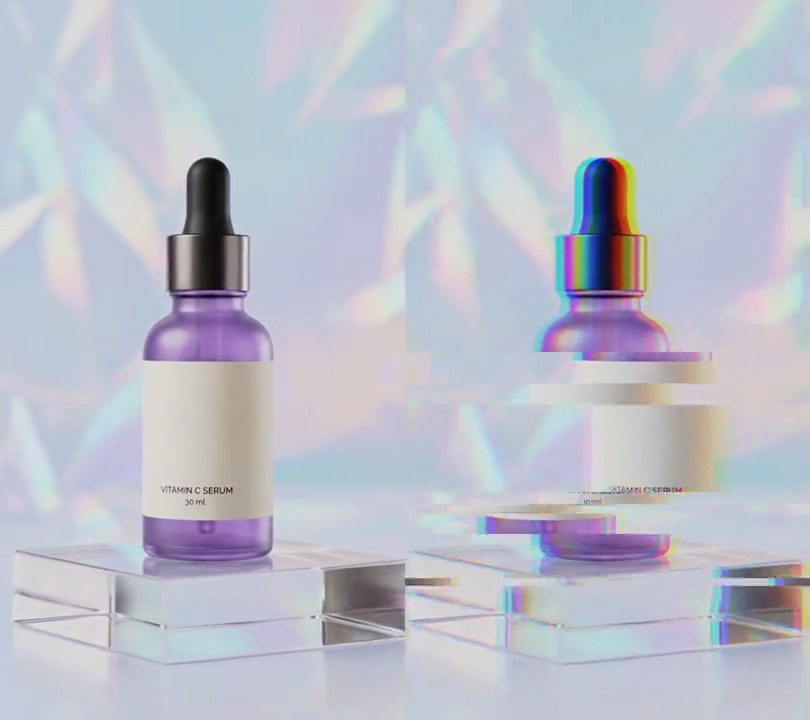
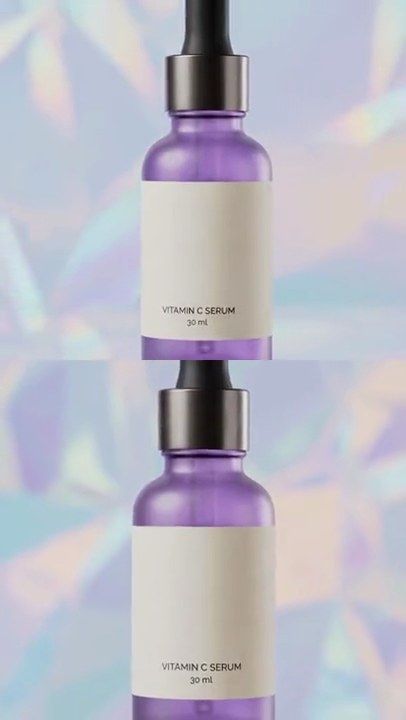
2. Dolly zoom
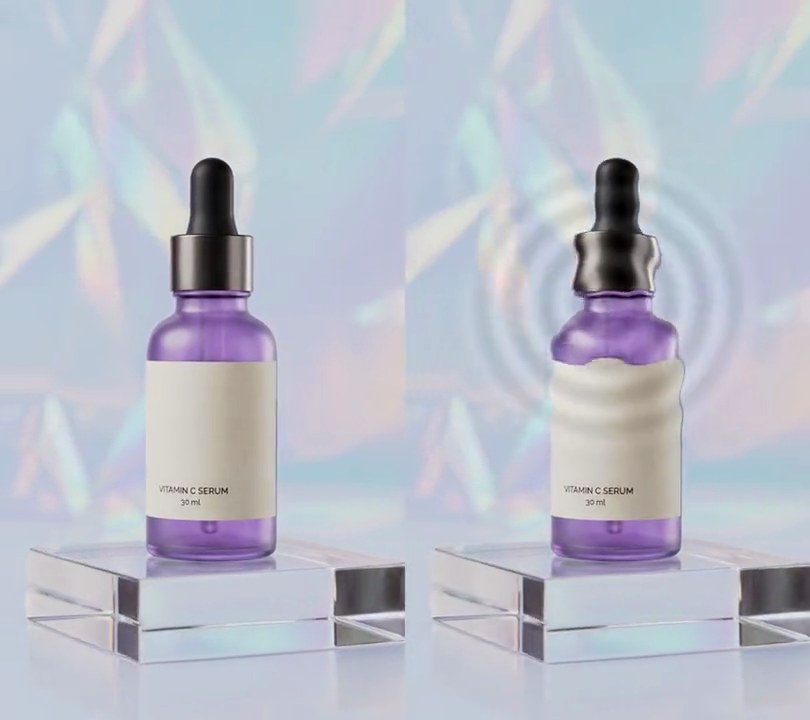
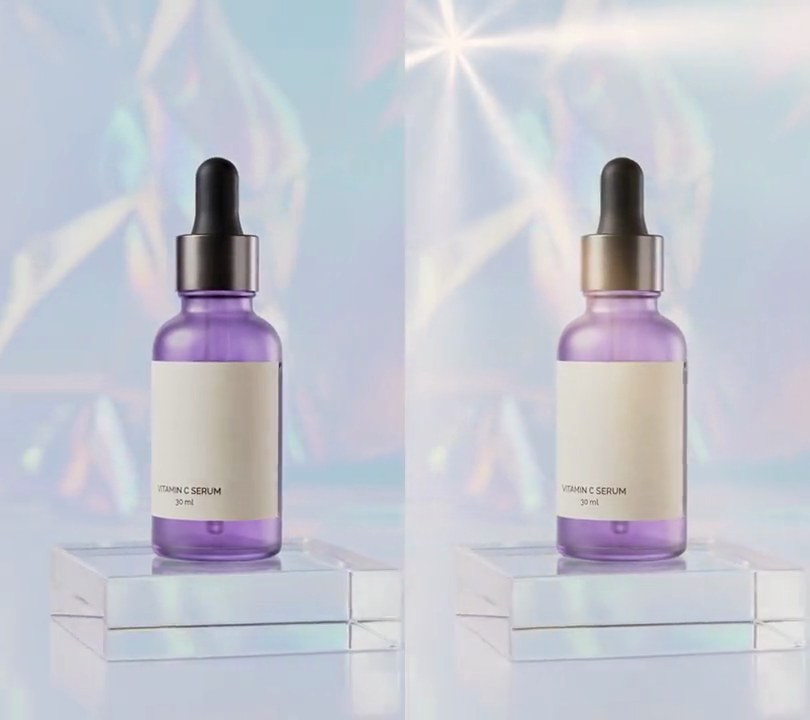
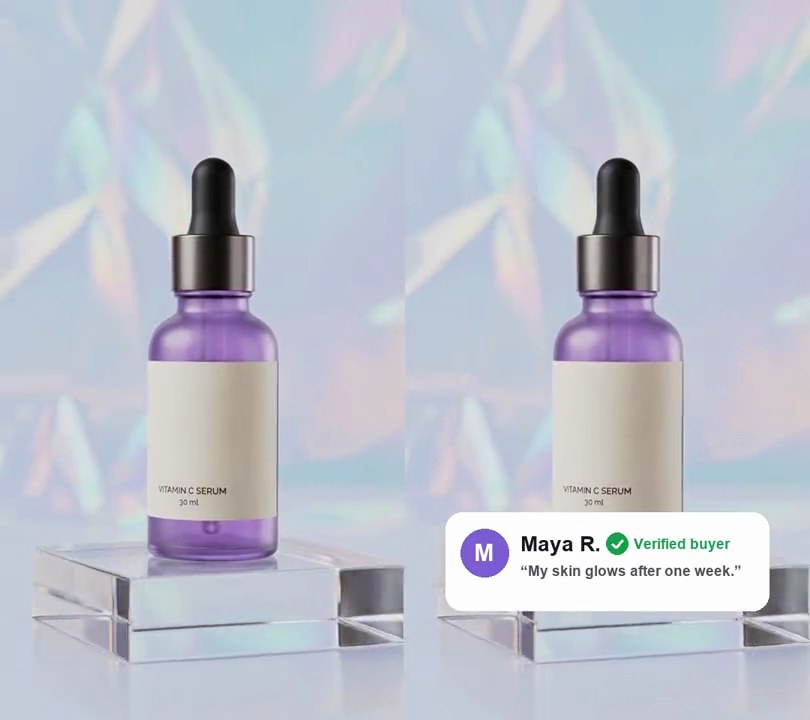
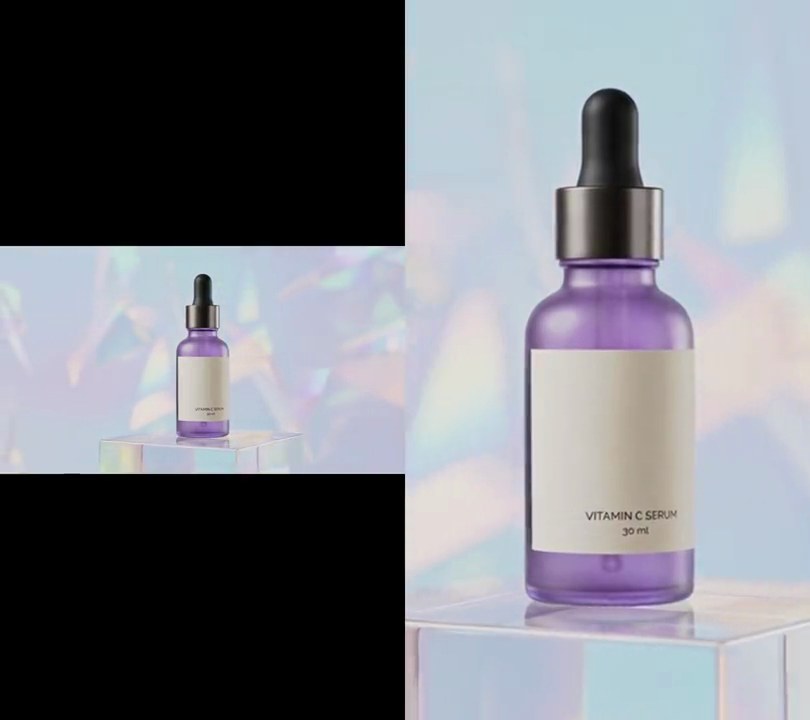
The serum bottle and its acrylic block stay exactly the same size while the holographic backdrop behind them swells to 1.6 times its size over three seconds, as if the wall were rushing toward the camera.
Show the prompt
Add a dolly zoom to input.mp4 (540x960, a serum bottle standing on an acrylic block, whose base sits 77.5% down the frame and is centered across). Leave the video untouched before 1 second. From 1 to 4 seconds, scale the backdrop up from 1.0x to 1.6x with a smoothstep ease-in-out, growing from the point at 50% across and 77.5% down, then hold it at 1.6x to the end. On every frame from 1 second, cut the bottle out with rembg (u2net model), paint it out of a copy of the frame with OpenCV inpainting (mask dilated by 15 px) so the scaled backdrop has no second bottle in it, scale that copy, and put the bottle back on top at its original size and place. Keep everything below 77.5% down (the block and floor) unscaled too, blending into the scaled backdrop over the 3% of the frame height above that line. Use Python with numpy and OpenCV and ffmpeg to read and write the video (no text is drawn; if you add any, draw it with Pillow, not ffmpeg's drawtext), keep the size, 30fps and the audio, and save it as output.mp4.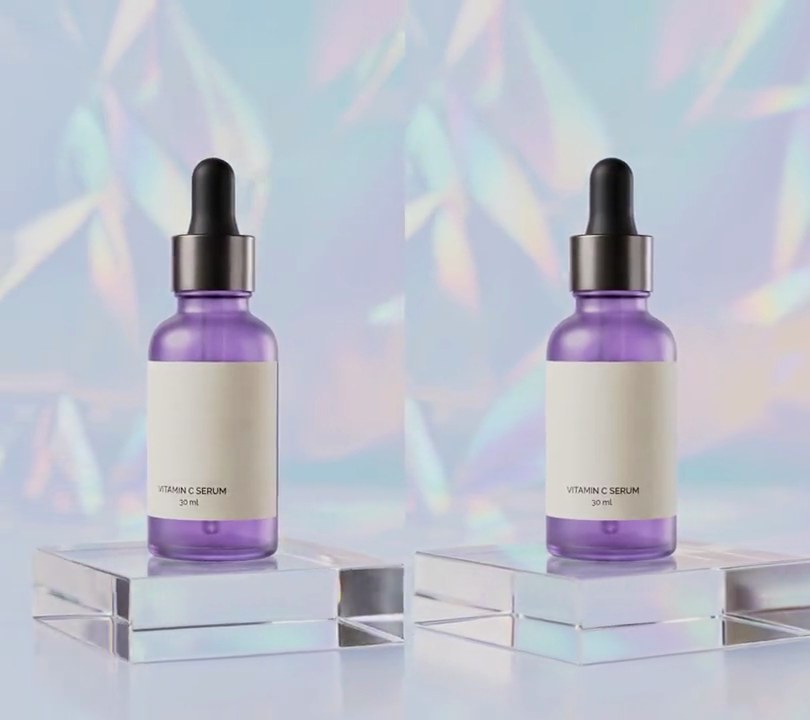
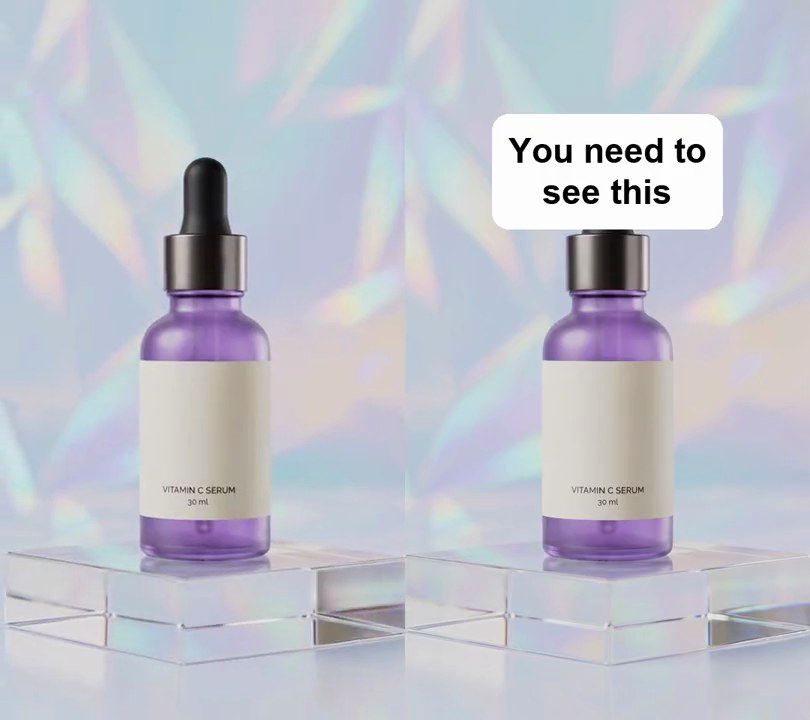
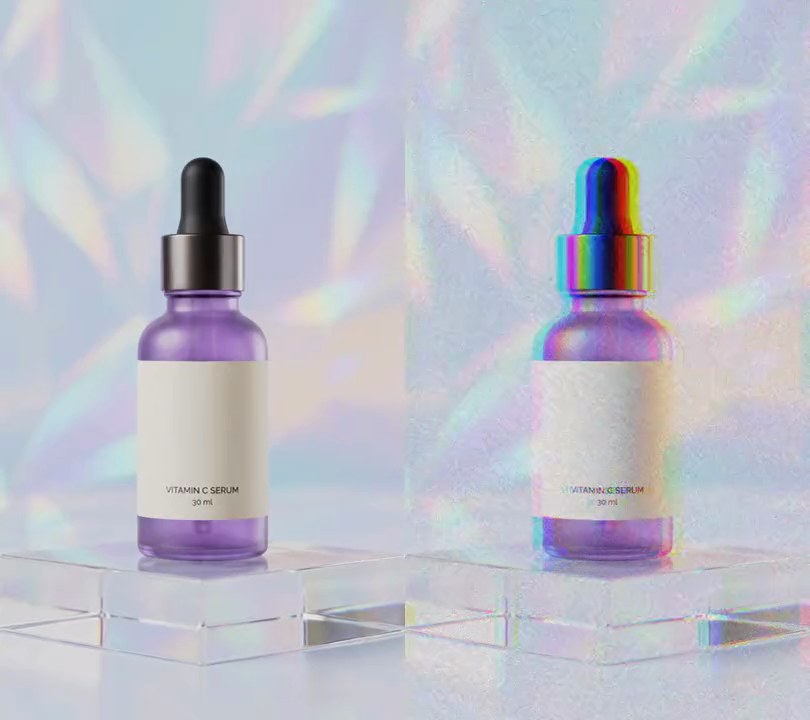
3. Smooth slow motion
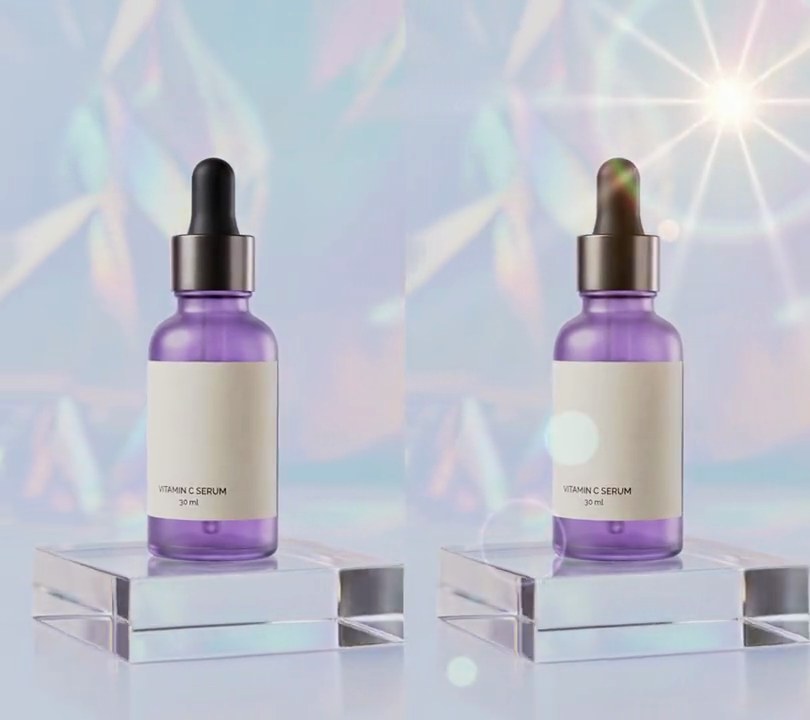
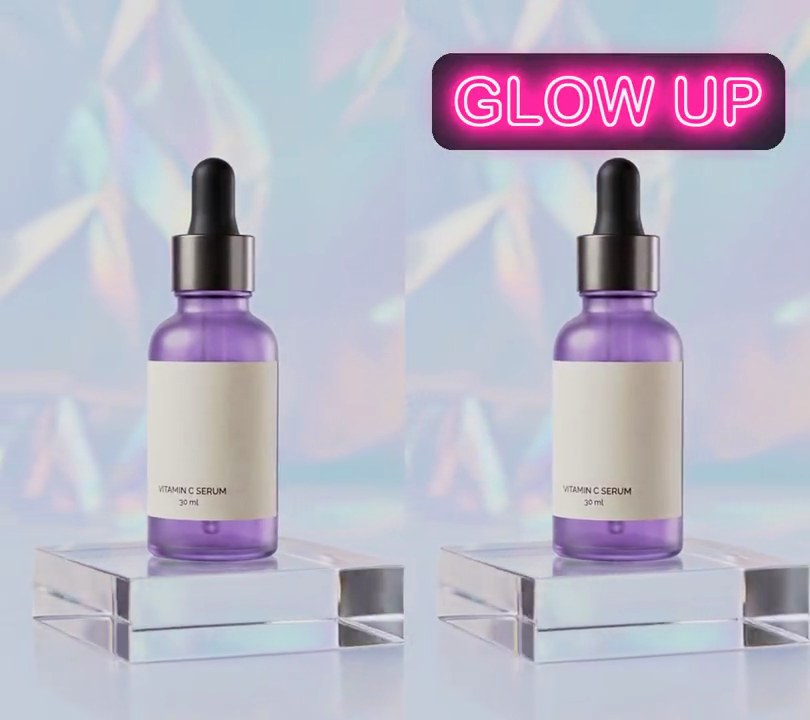
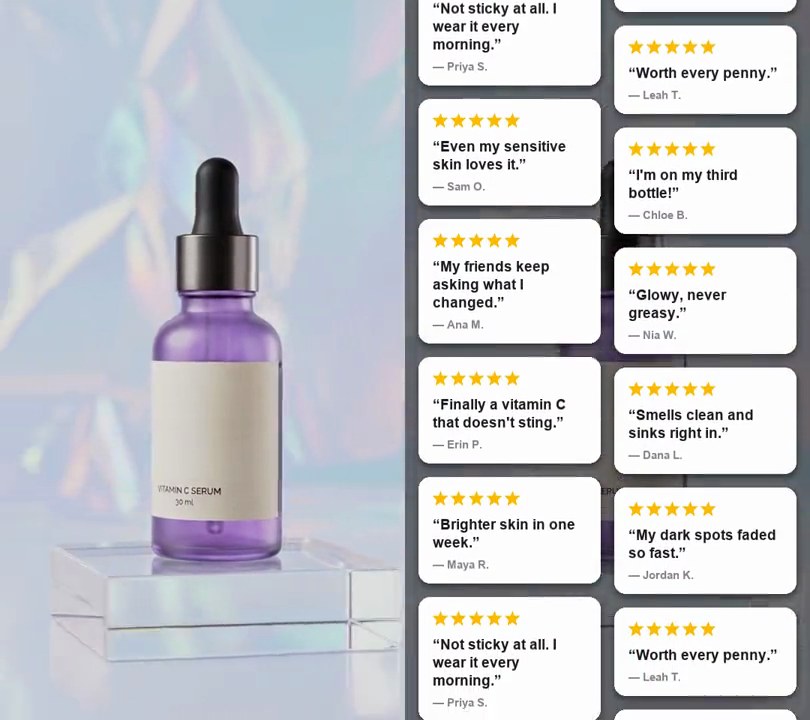
The first three seconds of the orbit around the bottle stretch over six at half speed, with every other frame a newly built in-between, so the camera glides instead of stuttering.
Show the prompt
Turn input.mp4 (540x960, 30fps, 6 seconds) into smooth slow motion at half speed (0.5x): output time t shows input time t / 2 (output 1.0s = input 0.5s, 3.0s = 1.5s, 5.5s = 2.75s), so the first 3 seconds of the input fill a 6-second output. Don't repeat frames: build the in-between frames with motion-compensated frame interpolation (ffmpeg setpts=PTS/0.5 then minterpolate=fps=30:mi_mode=mci:mc_mode=aobmc:me_mode=bidir:vsbmc=1), so every output frame at 30fps differs from the one before. Don't crop, zoom or add anything to the picture, and don't add any text. Keep the input's audio playing at normal speed, cut to 6 seconds. Keep the size and 30fps frame rate, and save it as output.mp4.
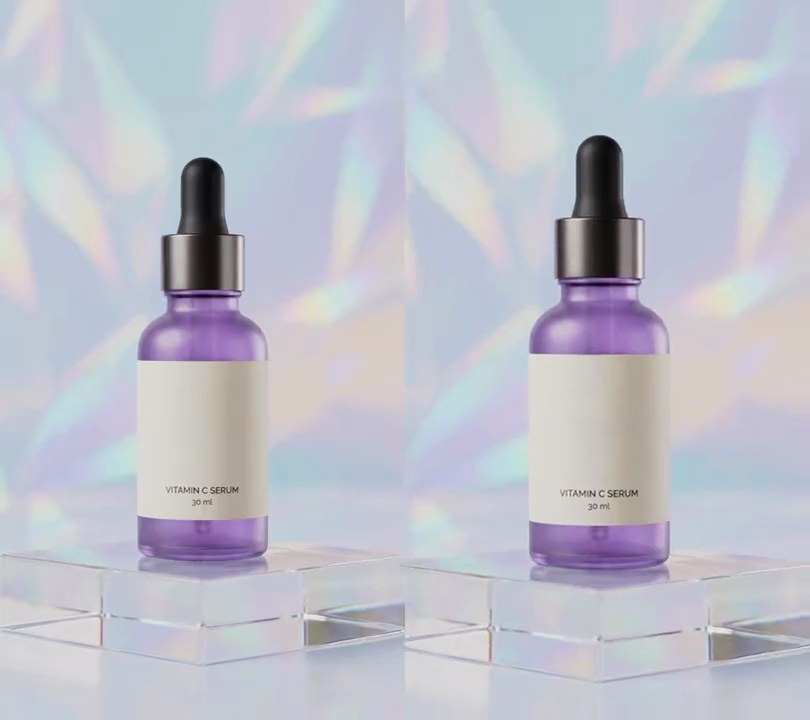
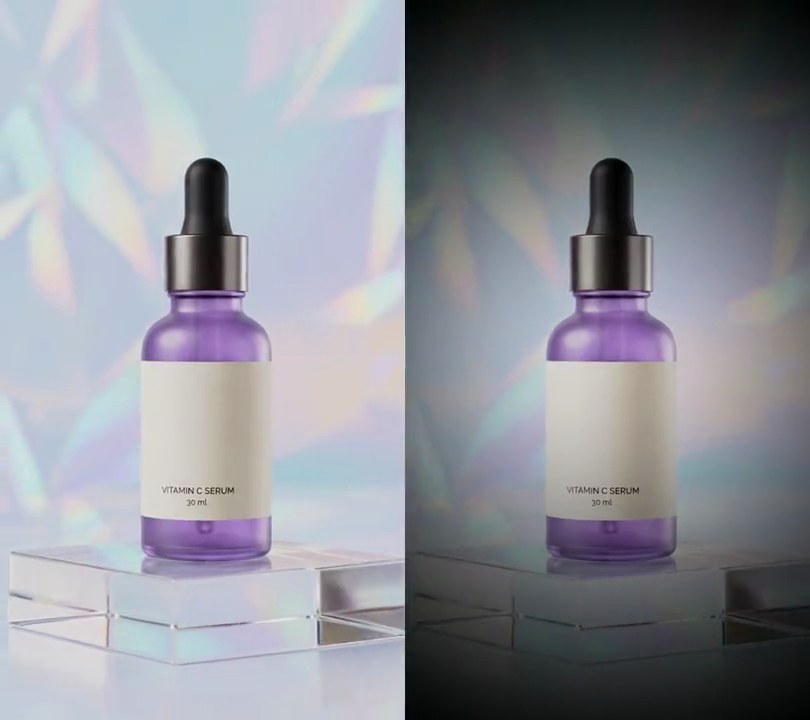
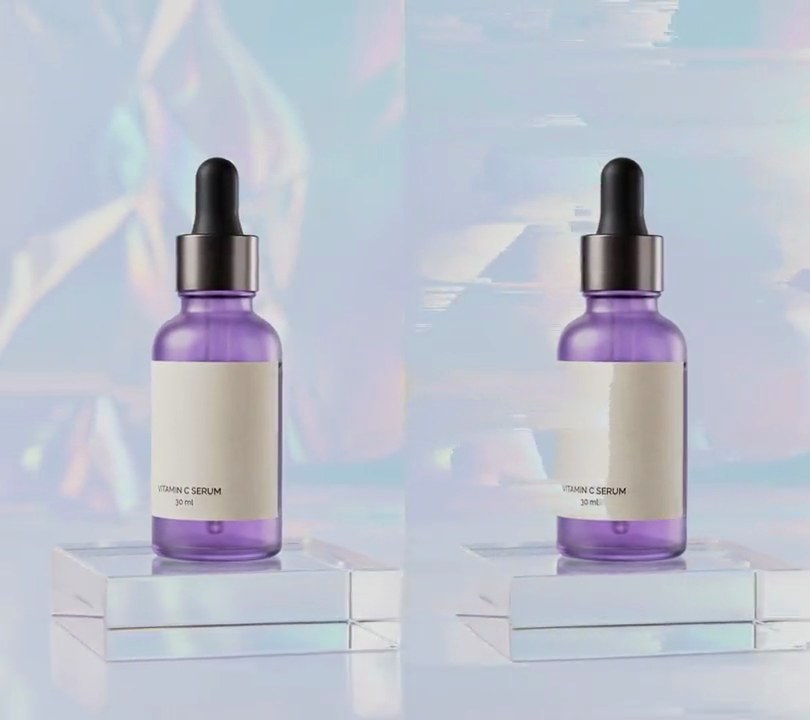
4. Background blur
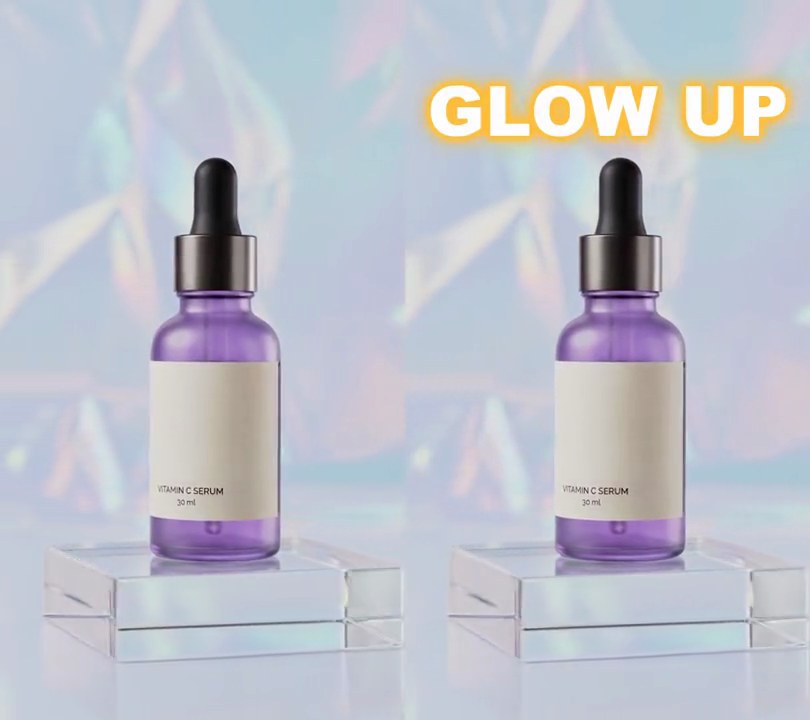
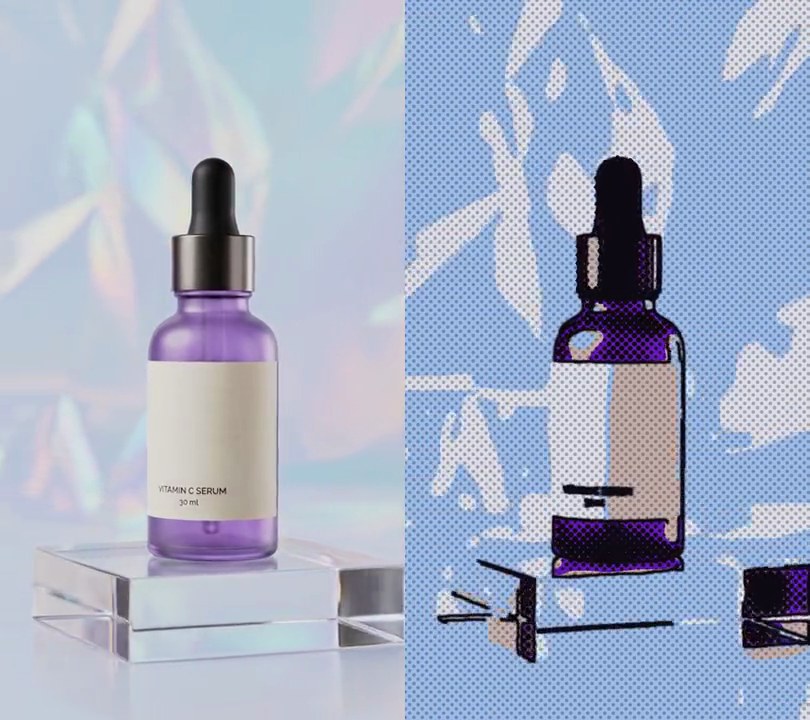
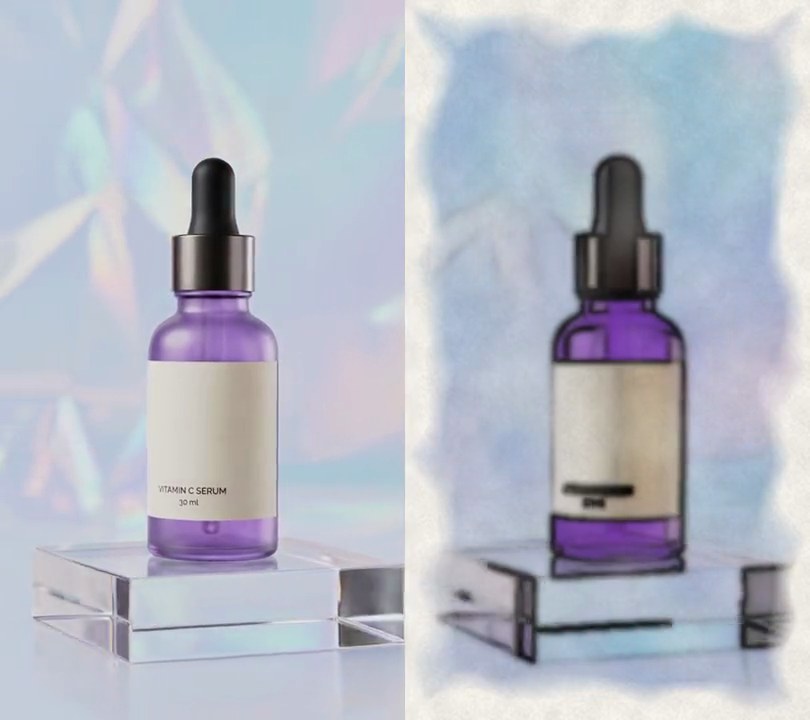
Half a second in, the holographic backdrop and the acrylic block under the bottle melt into a soft, creamy blur while the purple serum bottle stays crisp down to the small print on its label.
Show the prompt
Blur the background of input.mp4 (540x960, the camera circles a purple serum bottle standing on an acrylic block) like a portrait-mode lens, keeping the bottle sharp. Leave the video untouched before 0.5 seconds. From 0.5 seconds, cut the bottle (with its dropper cap) out of every frame with rembg (u2net model), or every second frame and reuse the cut-out in between, and soften the cut-out's edge with a 1.5 px Gaussian blur. Paint the bottle out of the frame first by filling its area from the surrounding backdrop, so the blur doesn't spread a purple halo, then Gaussian-blur that plate; the blur's sigma eases from 0 to 16 px (3% of the frame width) between 0.5 and 1.0 seconds with a smoothstep curve and stays at 16 px to the end. Everything that isn't the bottle goes soft, the acrylic block included. Put the untouched bottle back on top through its cut-out. Use Python with OpenCV and numpy for the blur and ffmpeg to read and write the frames (no text is drawn; if you add any, draw it with Pillow, not ffmpeg's drawtext), keep the size, 30fps and the audio, and save it as output.mp4.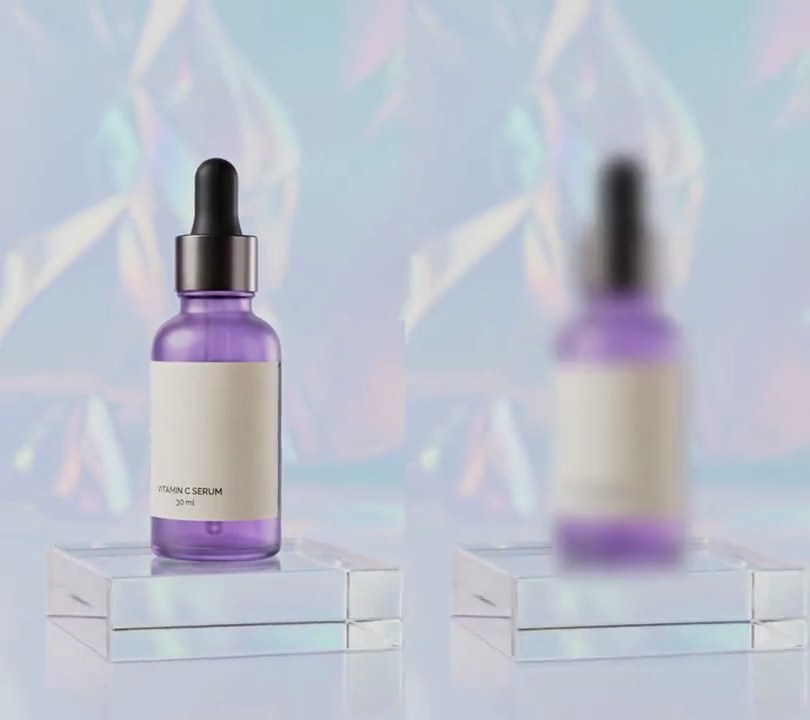
5. Rack focus
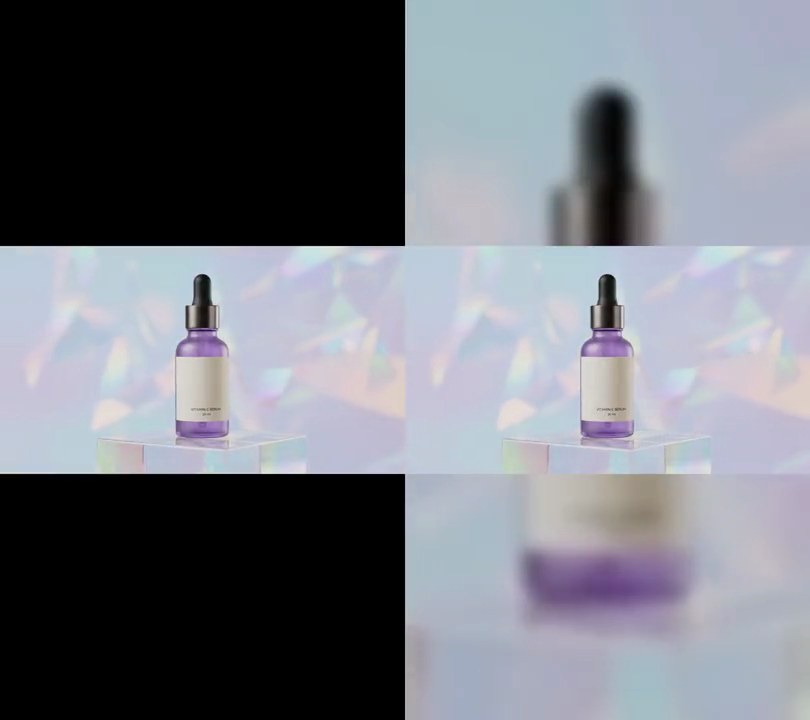
The serum bottle starts crisp against a soft, dreamy backdrop, then at 1.5 seconds the focus slides back so the bottle melts into blur while the acrylic block and the holographic folds behind it turn sharp.
Show the prompt
Add a rack focus to input.mp4 (540x960, 30fps, 6 seconds) with Python: use rembg (session "u2net") to cut the bottle out of the frames as a soft mask, OpenCV (cv2.GaussianBlur) for the blur and ffmpeg to read and write the video. Treat the bottle and everything else (the backdrop and the acrylic block) as two layers. Until 1.5 seconds the bottle is fully sharp and the backdrop is blurred with a Gaussian sigma of 13.5 pixels (2.5% of the frame width). From 1.5 to 2.5 seconds, with a smoothstep ease, the backdrop's blur goes from 13.5 to 0 while the bottle's goes from 0 to 13.5; after 2.5 seconds the backdrop stays fully sharp and the bottle fully blurred to the end. Blur the bottle as its own layer (blur the frame times the mask and the mask itself by the same sigma, then put it over the backdrop with the blurred mask as alpha) so its soft edge spreads over the sharp backdrop, and before blurring the backdrop fill the bottle's hole with the surrounding backdrop colors so no purple smears into it. Don't zoom, darken or move the frame. There's no text to draw, but if you add any, draw it with Pillow, not ffmpeg's drawtext. Keep the size, frame rate and audio, encode H.264 yuv420p and save it as output.mp4.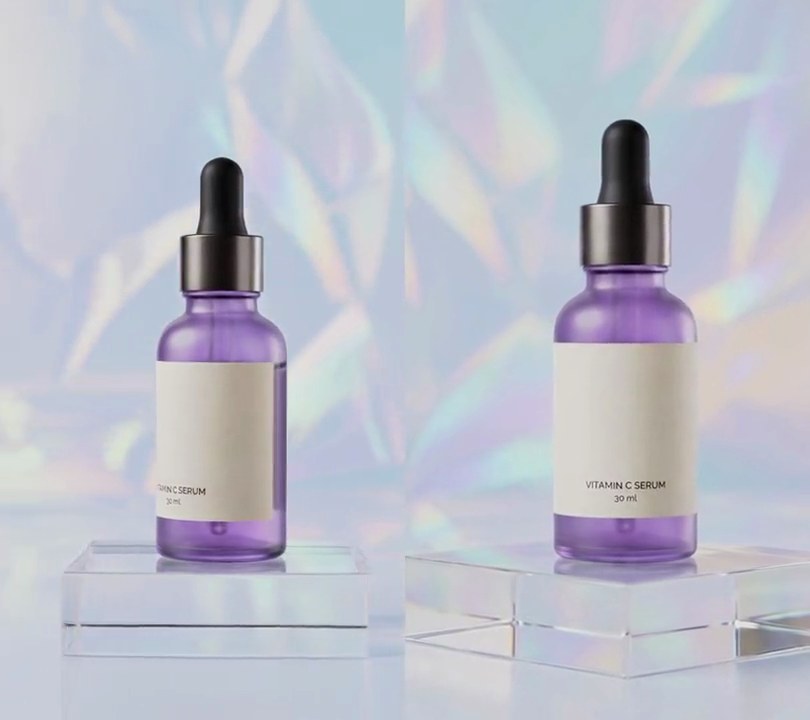
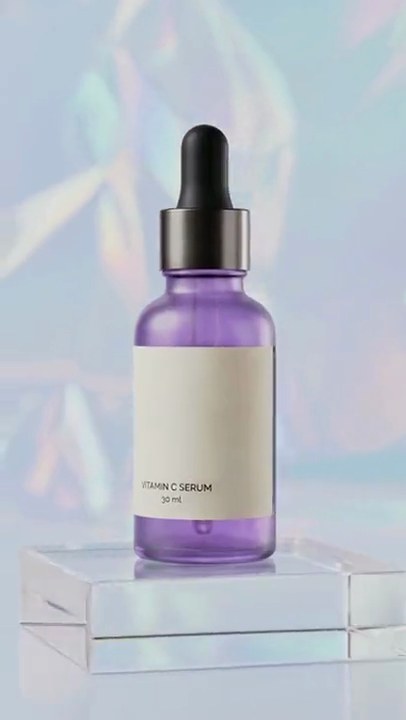
6. 2.5D parallax photo
A still shot of the serum bottle comes alive in 3D: the bottle and its acrylic block swing right and loom larger while the holographic backdrop behind them drifts left, as if the camera were circling the product.
Show the prompt
Turn the first frame of input.mp4 (540x960, 30fps, 6 seconds, a serum bottle standing on an acrylic block whose top edge is 75% down the frame) into a 2.5D parallax photo. Take the first frame as the photo and split it into two layers. Near layer: the bottle cut out with rembg (u2net model, its mask as the alpha), plus every row from 75% down to the bottom (the block and floor), fading in over 6 pixels centered on that line. Far layer: the photo with the bottle's hole filled: grow the rembg mask (pixels above 40) with a 15x15 dilation and fill it with OpenCV's Telea inpainting, radius 9. Animate with p = smoothstep(t / 6) = x * x * (3 - 2 * x), so frame 0 is the untouched photo and the move eases in and out over the whole 6 seconds. Far layer: scale by 1 + 0.08p about the frame center, then shift left by 0.04p of the frame width. Near layer: scale by 1 + 0.16p about the point at the horizontal center and 75% down, then shift right by 0.07p of the frame width. Draw the far layer, then the near layer over it, using bicubic resampling. Use Python with Pillow and numpy and ffmpeg to read and write the video, keep the size, 30fps, 6-second length and the input's audio, and save it as output.mp4.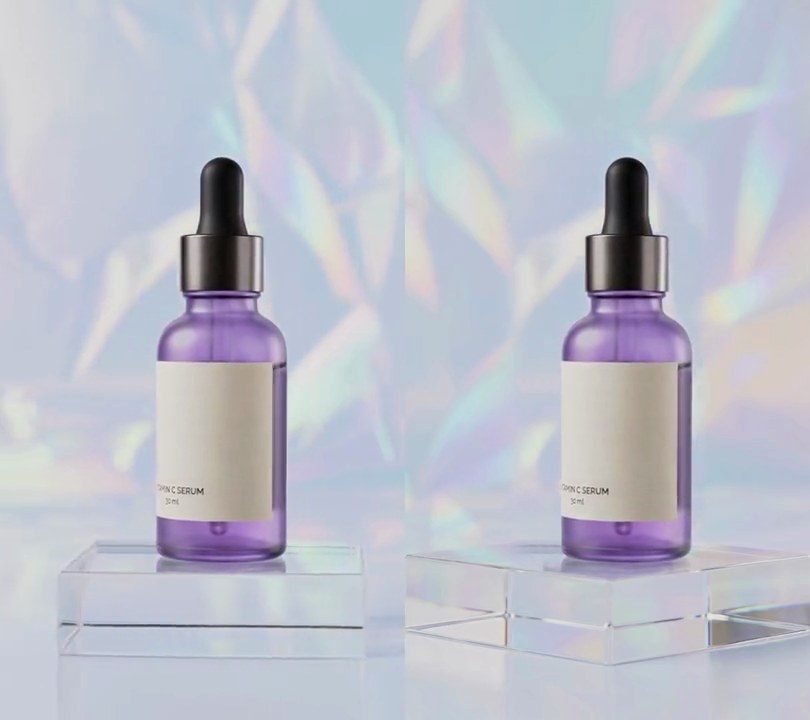
7. Cinemagraph
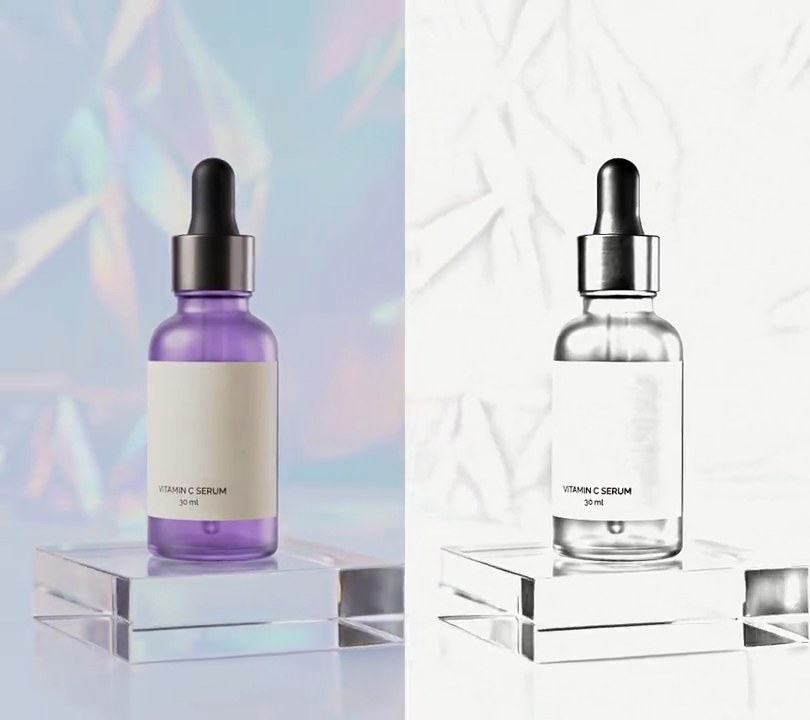
The holographic backdrop and acrylic block hold perfectly still while the serum bottle alone keeps turning in the middle of the frame.
Show the prompt
Turn input.mp4 into a cinemagraph: take the first frame (0 seconds) as a still and show it for the whole clip, except inside a rounded rectangle from 27% to 73% across and 19% to 79% down the frame, where the video keeps playing. Round the rectangle's corners with a radius of 10% of the frame width and blur its edge with a Gaussian blur of radius 2% of the frame width, so still and moving blend softly. Keep the size, the 30fps frame rate, the 6 second length and the audio. Use Python with numpy and Pillow for the mask and ffmpeg to read and write the video; there's no text to draw, but if you add any, draw it with Pillow, not ffmpeg's drawtext. Save it as output.mp4.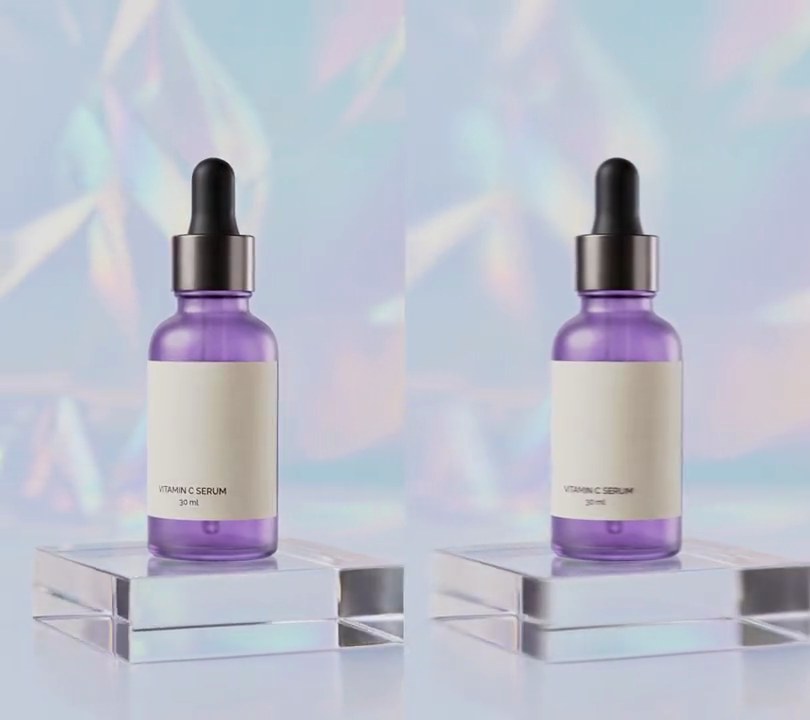
8. Motion blur
A second in, the orbiting shot starts to smear: the holographic backdrop, the acrylic block and the label lettering drag soft trails in the direction the camera moves, while the bottle's outline stays readable.
Show the prompt
In input.mp4, add motion blur that fades in from 1.0 seconds to full strength at 1.3 seconds and stays to the end; before 1.0s the video must be untouched. Make the blur by averaging each frame with the 17 frames before it (18 frames, a 0.6 second shutter at 30fps) using ffmpeg's tmix filter, weighted 1, 2, 3 ... 18 from oldest to newest so the current frame is the strongest and older positions fade out behind it as a trail. Fade it in by overlaying the blurred copy on the original with its alpha ramping from 0 to 1 between 1.0s and 1.3s. Keep the size (540x960), 30fps, 6 seconds and the audio. Use ffmpeg, encode H.264 yuv420p and save it as output.mp4.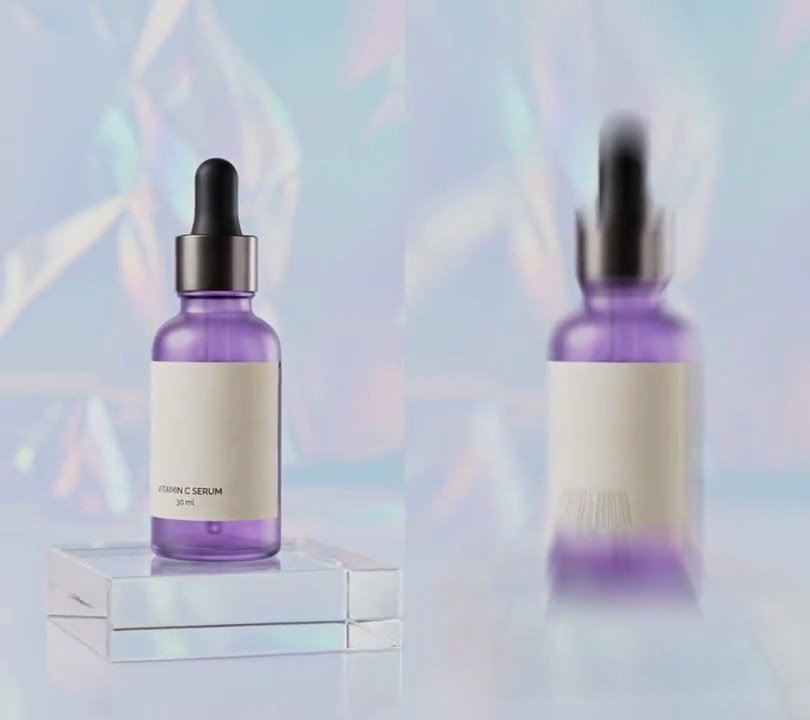
9. Zoom blur
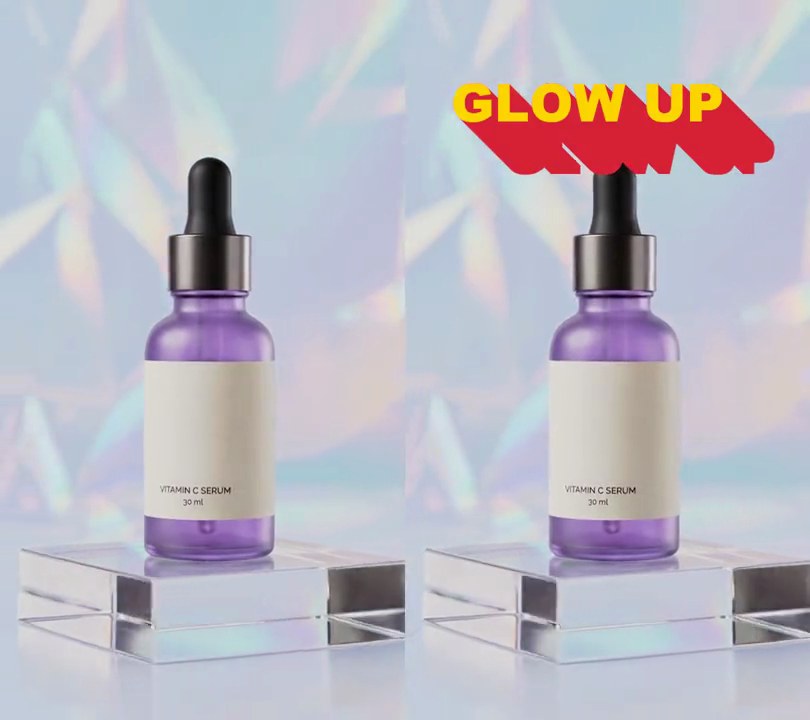
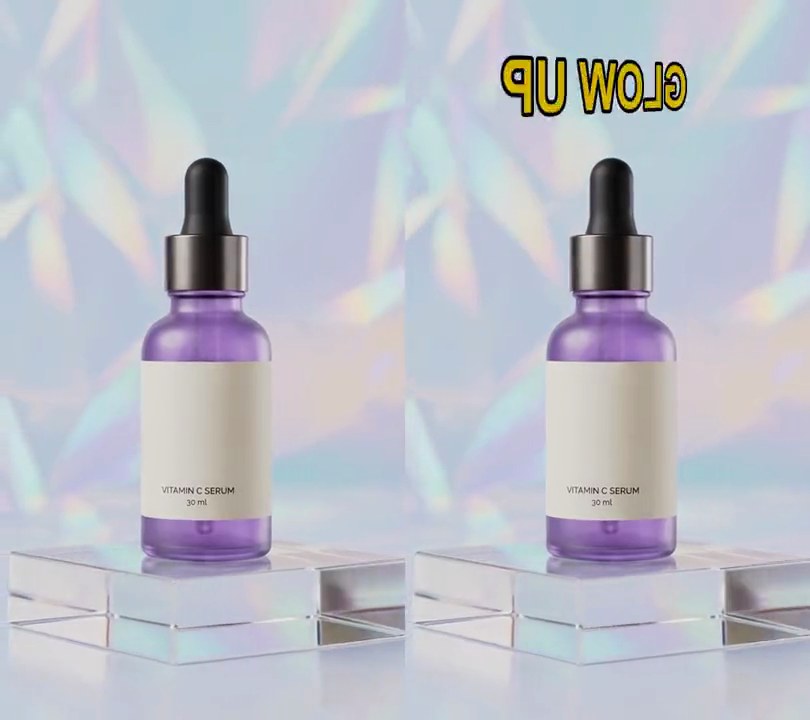
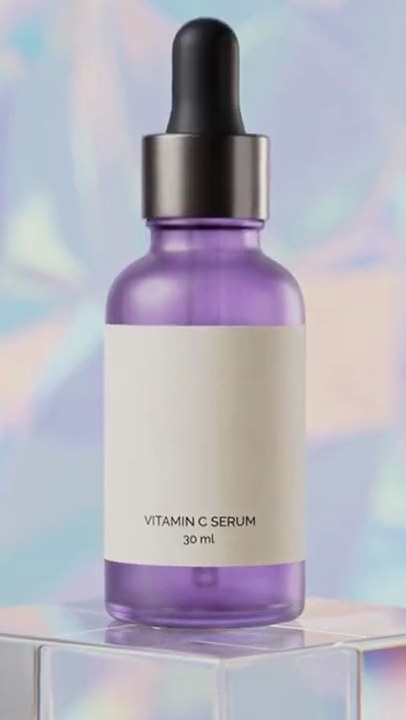
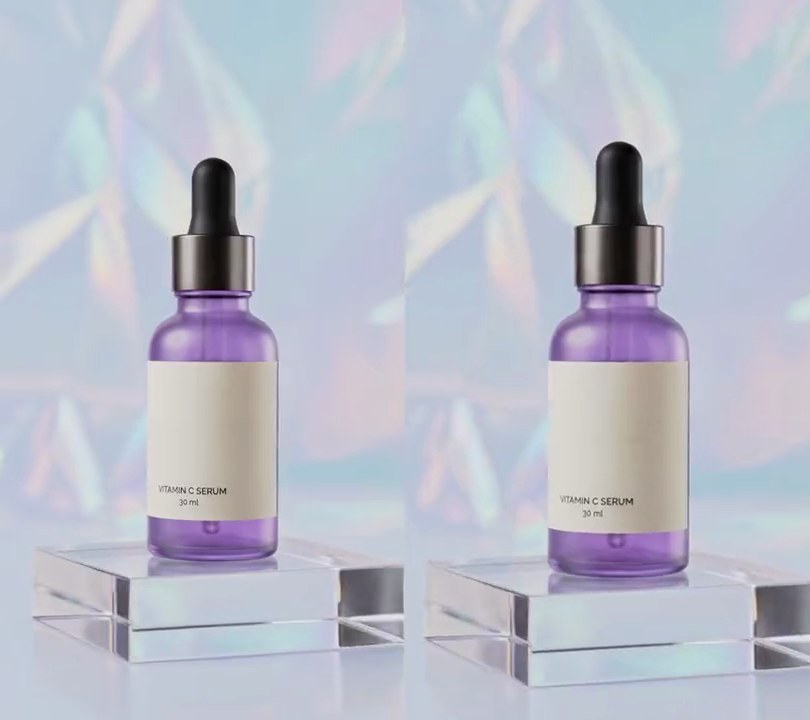
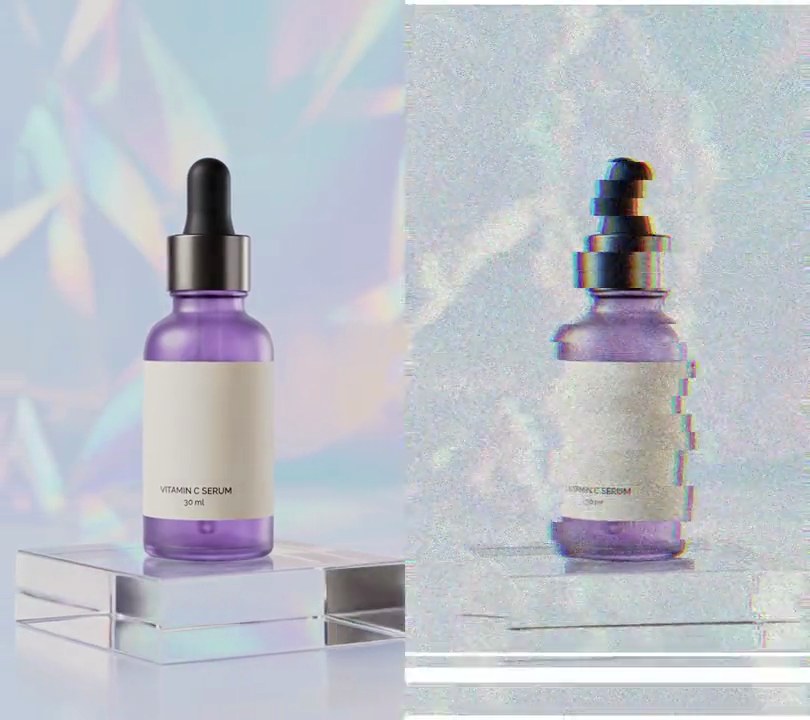
At one second the picture bursts into streaks shooting out from the middle of the frame, the bottle's label holding steady while the backdrop and acrylic block smear toward the edges, then it settles back sharp just before four seconds.
Show the prompt
In input.mp4, add a radial zoom blur centered on the middle of the frame (x 50%, y 50%) from 1.0 to 3.9 seconds; before 1.0s and after 3.9s the video must be untouched. Make each blurred frame with Python, OpenCV and numpy by averaging 20 copies of the frame scaled up around the center by factors spread evenly from 1.0 to 1 + 0.25 x amount (cv2.warpAffine, edges reflected), so the center stays sharp and the edges streak outward. The amount rises from 0 to 1 between 1.0s and 1.4s with a smoothstep curve, stays at 1 until 3.5s and falls back to 0 by 3.9s with the same curve. Pipe frames in and out with ffmpeg. Keep the size (540x960), 30fps, 6 seconds and the audio. Encode H.264 yuv420p and save it as output.mp4. There is no text to draw; if you add any, draw it with Pillow, not ffmpeg's drawtext.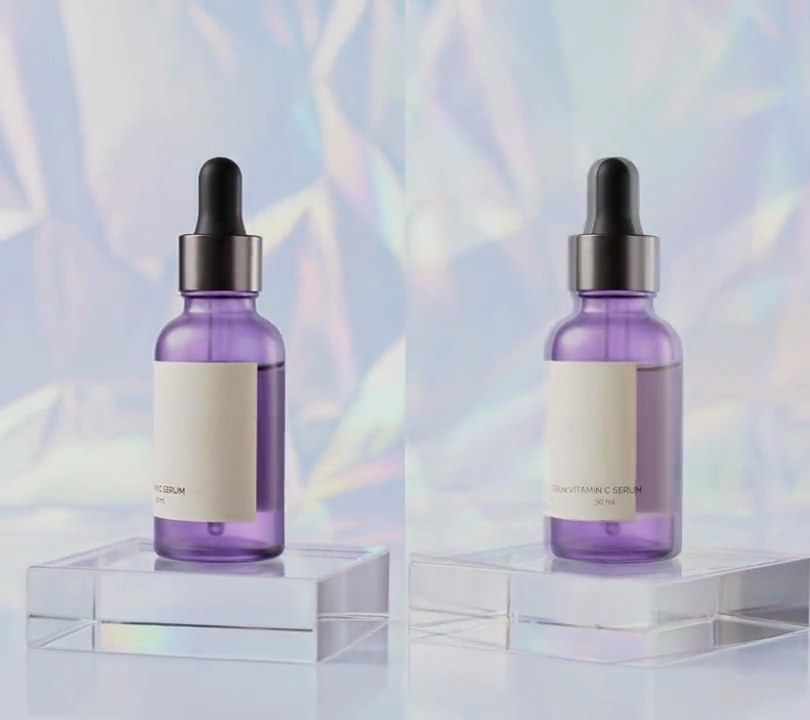
10. Seamless loop
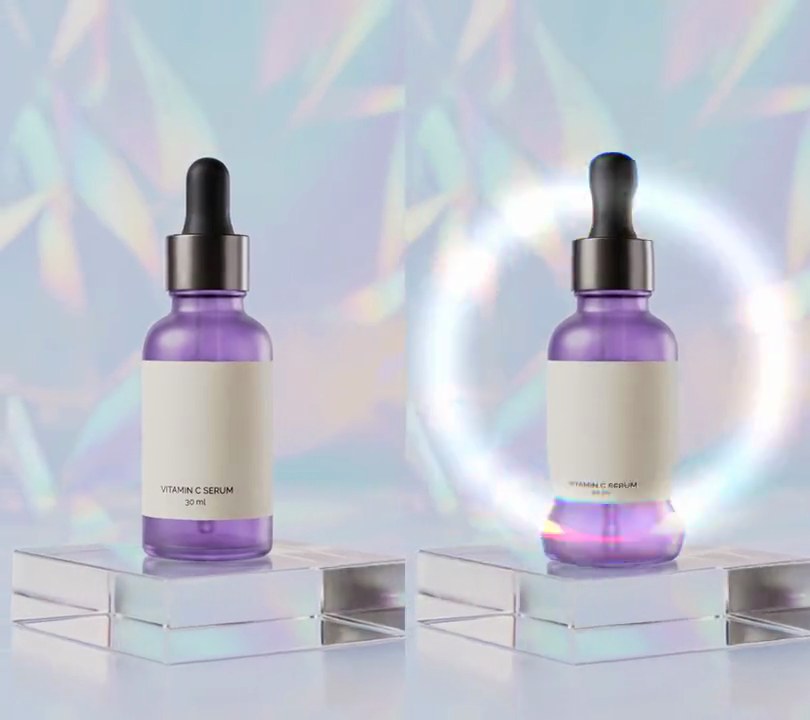
In the last second the orbit dissolves back into its own opening frames, so when the 5-second clip repeats, the camera keeps gliding with no jump at the loop point.
Show the prompt
Make input.mp4 (540x960, 30fps, 6 seconds) loop seamlessly with ffmpeg. The output is 5 seconds long: output 0-4s is input 1.0-5.0s played normally; over output 4.0-5.0s, input 5.0-6.0s fades out linearly while input 0.0-1.0s fades in over it (a 1-second crossfade, 50/50 at output 4.5s), so the last frame of the output is input 0.97s and leads straight into the first frame, input 1.0s. Crossfade the audio the same way (the input's audio from 1s to the end, with its last second crossfading into the first second of the input's audio). Don't crop, zoom, change colors or add any text. Keep the size, 30fps and audio, encode H.264 yuv420p, and save it as output.mp4.