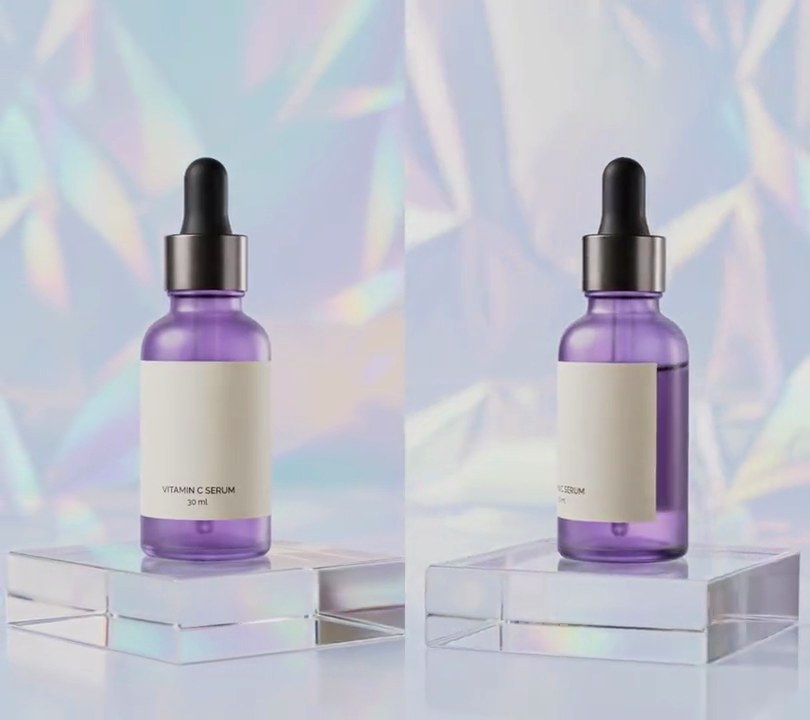
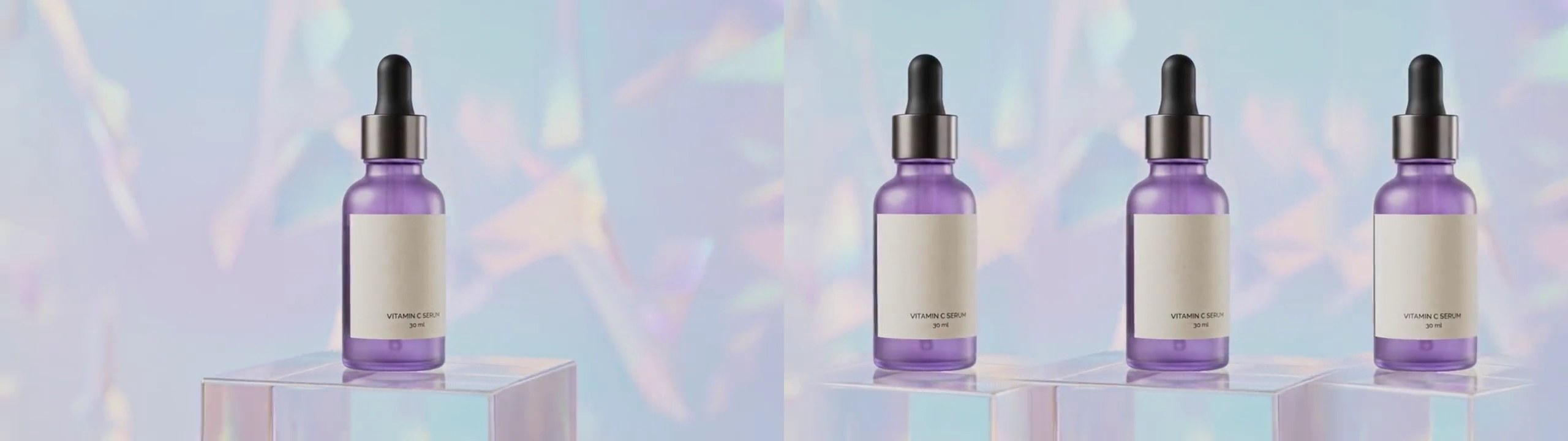
Get this effect
Switch to Code in your Claude Desktop App
Install the skill (once)
Show the prompt
Install the Recharm video effects skill: download https://recharm-growth-staging.s3.us-east-2.amazonaws.com/website/downloads/recharm-video-effects.zip and unzip it into ~/.claude/skillsAsk for the effect
Add a cinemagraph to input.mp4
Second of the clip the still part is taken from: 0.0
Area that keeps moving: left, top, right, bottom as shares of the frame: (0.27, 0.19, 0.73, 0.79)

Several videos, several effects, one ask
Put your clips in the folder, mention them with @, and ask for everything at once. Claude runs one tested script after another on each clip, then joins them.
Add a cinemagraph to @clip1.mp4, put a sale badge on @clip2.mp4, give @clip3.mp4 a VHS look, then join all three with crossfades.
Settings you can change
Ask Claude to change any of these, or edit them at the top of the script.
| Setting | Default | What it does |
|---|---|---|
FREEZE | 0.0 | Second of the clip the still part is taken from. |
LIVE | (0.27, 0.19, 0.73, 0.79) | Area that keeps moving: left, top, right, bottom as shares of the frame. |
CORNER | 0.10 | Corner rounding of the moving area, as a share of the frame width. |
FEATHER | 0.04 | Width of the soft edge between still and moving, as a share of the frame width. |
Without the skill
Don’t want to install the skill? Paste this prompt into Claude Code and Claude writes the script itself.
Show the prompt
Turn input.mp4 into a cinemagraph: take the first frame (0 seconds) as a still and show it for the whole clip, except inside a rounded rectangle from 27% to 73% across and 19% to 79% down the frame, where the video keeps playing. Round the rectangle's corners with a radius of 10% of the frame width and blur its edge with a Gaussian blur of radius 2% of the frame width, so still and moving blend softly. Keep the size, the 30fps frame rate, the 6 second length and the audio. Use Python with numpy and Pillow for the mask and ffmpeg to read and write the video; there's no text to draw, but if you add any, draw it with Pillow, not ffmpeg's drawtext. Save it as output.mp4.Run it without Claude
This is the exact script we tested. Save it as cinemagraph.py and run:
python3 cinemagraph.py input.mp4 output.mp4Show the script
#!/usr/bin/env python3
"""Cinemagraph: the backdrop and acrylic block freeze on the first frame while the bottle alone keeps turning.

Usage: python3 cinemagraph.py input.mp4 output.mp4
Needs ffmpeg, Pillow and numpy (pip install pillow numpy).
"""
import json
import subprocess
import sys

import numpy as np
from PIL import Image, ImageDraw, ImageFilter

FREEZE = 0.0                      # second of the clip the still part is taken from
LIVE = (0.27, 0.19, 0.73, 0.79)   # area that keeps moving: left, top, right, bottom (0-1 of the frame)
CORNER = 0.10                     # corner rounding of that area, as a share of the frame width
FEATHER = 0.04                    # soft edge between still and moving, as a share of the frame width


def probe(path):
    info = json.loads(subprocess.check_output(["ffprobe", "-v", "error", "-select_streams", "v:0", "-show_entries",
                                               "stream=width,height,r_frame_rate", "-of", "json", path]))
    s = info["streams"][0]
    num, den = s["r_frame_rate"].split("/")
    return s["width"], s["height"], s["r_frame_rate"], float(num) / float(den)


def live_mask(w, h):
    """1 where the video keeps playing, 0 where it holds the still, with a blurred edge between."""
    mask = Image.new("L", (w, h), 0)
    x0, y0, x1, y1 = LIVE
    ImageDraw.Draw(mask).rounded_rectangle((x0 * w, y0 * h, x1 * w, y1 * h), radius=CORNER * w, fill=255)
    mask = mask.filter(ImageFilter.GaussianBlur(FEATHER * w / 2))
    return (np.asarray(mask, np.float32) / 255)[:, :, None]


src, out = sys.argv[1:3]
w, h, rate, fps = probe(src)
alpha = live_mask(w, h)
size = w * h * 3

reader = subprocess.Popen(["ffmpeg", "-v", "error", "-i", src, "-f", "rawvideo", "-pix_fmt", "rgb24", "-"],
                          stdout=subprocess.PIPE)
writer = subprocess.Popen(["ffmpeg", "-y", "-v", "error", "-i", src,
                           "-f", "rawvideo", "-pix_fmt", "rgb24", "-s", f"{w}x{h}", "-r", rate, "-i", "-",
                           "-map", "1:v", "-map", "0:a?", "-c:v", "libx264", "-crf", "18", "-pix_fmt", "yuv420p",
                           "-c:a", "copy", "-shortest", out], stdin=subprocess.PIPE)
still = None
i = 0
while True:
    raw = reader.stdout.read(size)
    if len(raw) < size:
        break
    img = np.frombuffer(raw, np.uint8).reshape(h, w, 3).astype(np.float32)
    if still is None and i / fps >= FREEZE:
        still = img
    frame = img if still is None else still + (img - still) * alpha
    writer.stdin.write(np.round(frame).astype(np.uint8).tobytes())
    i += 1
writer.stdin.close()
if reader.wait() or writer.wait():
    sys.exit("ffmpeg failed")