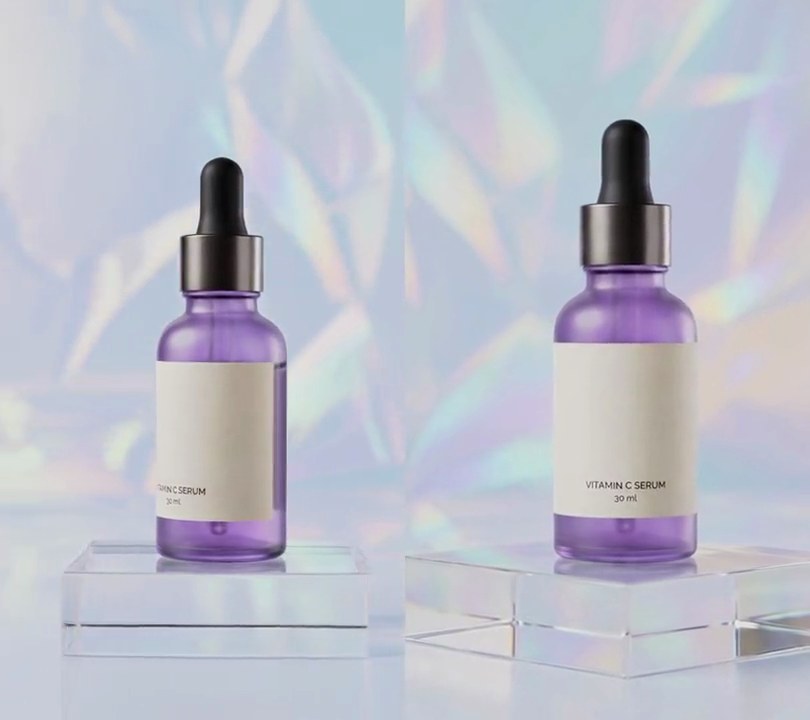
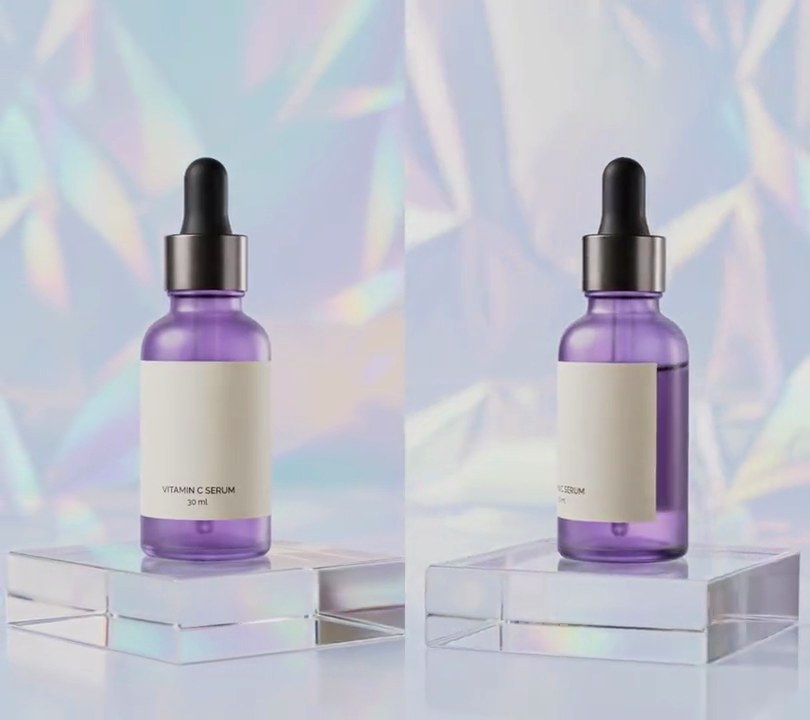
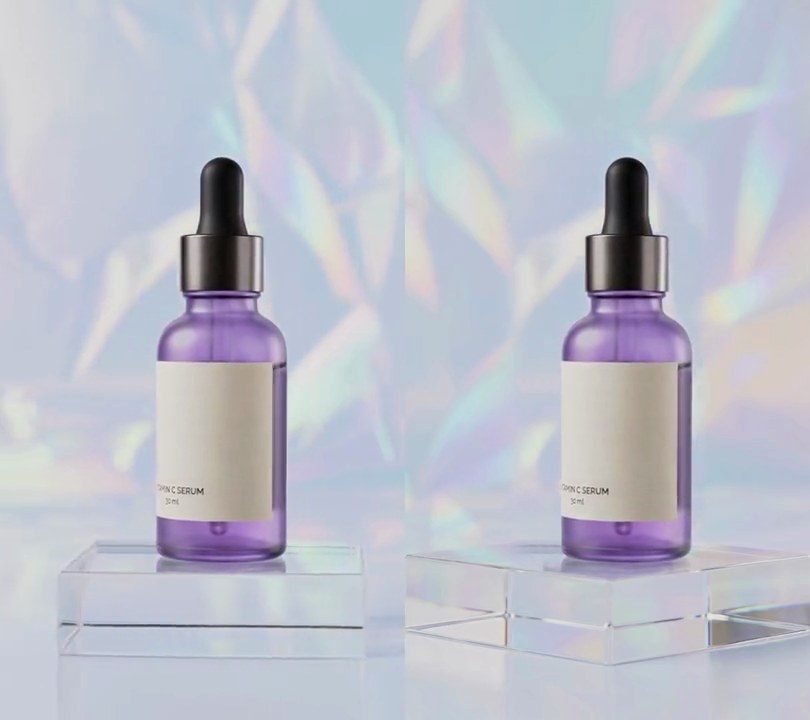
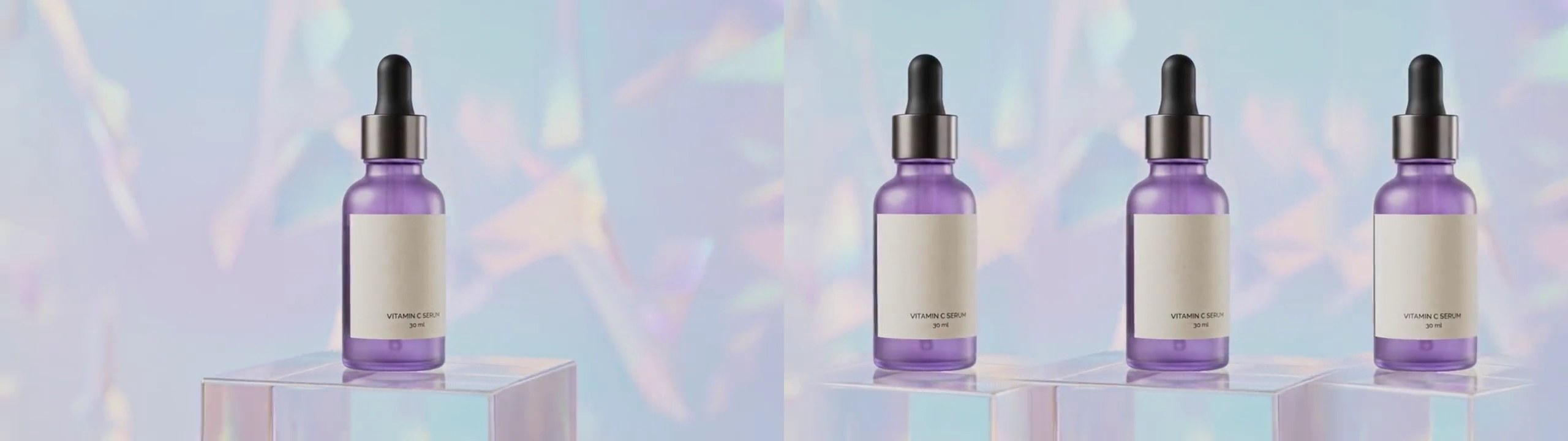
Get this effect
Switch to Code in your Claude Desktop App
Install the skill (once)
Show the prompt
Install the Recharm video effects skill: download https://recharm-growth-staging.s3.us-east-2.amazonaws.com/website/downloads/recharm-video-effects.zip and unzip it into ~/.claude/skillsAsk for the effect
Add a bullet time to input.mp4
Bottle: three boxes

Several videos, several effects, one ask
Put your clips in the folder, mention them with @, and ask for everything at once. Claude runs one tested script after another on each clip, then joins them.
Add a bullet time to @clip1.mp4, put a sale badge on @clip2.mp4, give @clip3.mp4 a VHS look, then join all three with crossfades.
Settings you can change
Ask Claude to change any of these, or edit them at the top of the script.
| Setting | Default | What it does |
|---|---|---|
BURST | 0.5 | Second the droplets burst out. |
FREEZE | 1.0 | Second they stop in mid-air. |
RESUME | 4.0 | Second they start falling again. |
ORBIT | 11 | Degrees a second the camera circles the bottle; match your footage so the droplets stay put in space. |
ORIGIN | (0.5, 0.47) | Where the splash starts in the first frame (0-1 across and down). |
DROPS | 60 | Number of droplets. |
COLOR | (245, 175, 20) | Droplet color. |
SEED | 7 | Change it for a different splash. |
BOTTLE | three boxes | The product's outline (0-1 of the frame), which droplets behind it are hidden by. |
Without the skill
Don’t want to install the skill? Paste this prompt into Claude Code and Claude writes the script itself.
Show the prompt
Add a bullet time splash to input.mp4 (540x960, 30fps, 6 seconds, a camera slowly orbiting a serum bottle that stands at the center). Use Python with numpy and Pillow for the droplets and ffmpeg to read and write the video. Make 60 golden (245, 175, 20) droplets with numpy's default_rng(7): each gets a random direction round the bottle (angle 0 to 360 degrees), an outward speed of 150 to 420 pixels a second, an upward speed of 350 to 950 pixels a second and a radius of 5 to 14 pixels. They burst at 0.5 seconds from a point at the bottle's center line 47% of the way down the frame and fly as 3D points (x right, y down, z toward the camera) with gravity of 1600 pixels a second squared. At 1.0 seconds stop their clock so they hang frozen in mid-air until 4.0 seconds, then let the clock run again so they fall out of the bottom of the frame (gone by 5.5 seconds). The whole time, turn the droplet cloud round the vertical axis through the burst point by 11 degrees a second (x' = x cos a - z sin a, z' = x sin a + z cos a, front moving left) to match the camera orbit, so the frozen droplets slide past each other as the camera circles, and project with perspective scale 1400 / (1400 - z'). Draw each droplet as a glossy sphere sprite: lit from the top left, darker at the rim and with a small white glint; while they fly, add three faint (30% opacity) copies 1/120 of a second apart behind each one as a short trail. Hide droplets behind the bottle (z' < 0) where the bottle is: rounded boxes from 34% to 66% across and 41% to 78% down (body), 40-60% across and 32-41% down (collar) and 44-56% across and 22-32% down (dropper). The bottle drifts sideways as the camera orbits, so follow it: each frame, find how far the patch 36-64% across and 20-44% down of the first frame has slid sideways (best match within 60 pixels) and move the burst point and the bottle boxes with it. Nothing is drawn before 0.5 seconds and the footage itself is not retimed, cropped or recolored. Don't add any text (if you do, draw it with Pillow, not ffmpeg's drawtext). Keep the size, frame rate and audio, and save it as output.mp4.Run it without Claude
This is the exact script we tested. Save it as bullet-time.py and run:
python3 bullet-time.py input.mp4 output.mp4Show the script
#!/usr/bin/env python3
"""Bullet time: a splash of golden droplets bursts round the bottle and freezes in mid-air while the camera circles it.

Usage: python3 bullet-time.py input.mp4 output.mp4
Needs ffmpeg, Pillow and numpy (pip install pillow numpy). Made for a shot that orbits a still product.
"""
import json
import math
import subprocess
import sys

import numpy as np
from PIL import Image, ImageDraw, ImageFilter

BURST = 0.5               # second the droplets burst out
FREEZE = 1.0              # second they stop in mid-air
RESUME = 4.0              # second they start falling again
ORBIT = 11                # degrees a second the camera circles the bottle (match your footage)
ORIGIN = (0.5, 0.47)      # where the splash starts in the first frame (0-1 across and down)
DROPS = 60                # number of droplets
COLOR = (245, 175, 20)    # droplet color
SEED = 7                  # change for a different splash
GRAVITY = 1600            # pixels a second squared
FOCAL = 1400              # perspective: smaller exaggerates depth
BOTTLE = [(0.34, 0.41, 0.66, 0.78), (0.40, 0.32, 0.60, 0.41), (0.44, 0.22, 0.56, 0.32)]  # body, collar, dropper
TRACK = (0.36, 0.20, 0.64, 0.44)  # part of the first frame followed to keep the splash on the bottle


def splash():
    """Each droplet's 3D start velocity (x right, y down, z toward the camera) and radius, in pixels."""
    rng = np.random.default_rng(SEED)
    angle = rng.uniform(0, 2 * math.pi, DROPS)
    out = rng.uniform(150, 420, DROPS)
    up = rng.uniform(350, 950, DROPS)
    vel = np.stack([np.cos(angle) * out, -up, np.sin(angle) * out], axis=1)
    return vel, rng.uniform(5, 14, DROPS)


def sprite(size=96):
    """A glossy golden sphere: lit from the top left, darker at the rim, with a white glint."""
    y, x = (np.mgrid[0:size, 0:size] + 0.5) / size * 2 - 1
    d = np.sqrt(x * x + y * y)
    z = np.sqrt(np.clip(1 - d * d, 0, 1))
    light = np.clip(-0.45 * x - 0.55 * y + 0.7 * z, 0, 1)
    glint = np.exp(-((x + 0.38) ** 2 + (y + 0.42) ** 2) / 0.02)
    rgb = np.clip(np.array(COLOR) * (0.45 + 0.75 * light)[..., None] + 255 * glint[..., None], 0, 255)
    alpha = np.clip((1 - d) * size / 2, 0, 1) * 255
    return Image.fromarray(np.dstack([rgb, alpha]).astype(np.uint8))


def flight_time(t):
    """Seconds of flight the droplets have had at output time t: the clock stops from FREEZE to RESUME."""
    if t < FREEZE:
        return t - BURST
    return FREEZE - BURST + max(0.0, t - RESUME)


def positions(t):
    """Screen offsets from the origin, depth scale and z of every droplet at time t, seen by the orbiting camera."""
    s = flight_time(t)
    p = vel * s + np.array([0, GRAVITY * s * s / 2, 0])
    a = math.radians(ORBIT * t)
    x = p[:, 0] * math.cos(a) - p[:, 2] * math.sin(a)
    z = p[:, 0] * math.sin(a) + p[:, 2] * math.cos(a)
    scale = FOCAL / (FOCAL - z)
    return x * scale, p[:, 1] * scale, scale, z


def layer(t, ox, oy, behind):
    """The droplets behind the bottle (or in front of it) at time t, with a faint trail while they fly."""
    img = Image.new("RGBA", (w, h))
    moving = t < FREEZE or t >= RESUME
    trail = [t - k / 120 for k in (3, 2, 1) if t - k / 120 >= BURST] if moving else []
    for when in trail + [t]:
        x, y, scale, z = positions(when)
        for i in np.argsort(z):
            if (z[i] < 0) != behind or z[i] > FOCAL / 2:  # skip droplets that reach the camera
                continue
            d = max(2, round(2 * radius[i] * scale[i]))
            drop = ball.resize((d, d), Image.LANCZOS)
            if when < t:
                drop.putalpha(drop.getchannel("A").point(lambda a: a * 0.3))
            img.alpha_composite(drop, (round(ox + x[i] - d / 2), round(oy + y[i] - d / 2)))
    if behind:
        img.putalpha(Image.composite(Image.new("L", (w, h)), img.getchannel("A"), bottle_mask(ox, oy)))
    return img


def bottle_mask(ox, oy):
    """The bottle's outline where it is now, which hides droplets that fly behind it."""
    m = Image.new("L", (w, h))
    draw = ImageDraw.Draw(m)
    dx, dy = ox - ORIGIN[0] * w, oy - ORIGIN[1] * h
    for x0, y0, x1, y1 in BOTTLE:
        draw.rounded_rectangle([x0 * w + dx, y0 * h + dy, x1 * w + dx, y1 * h + dy], radius=w * 0.03, fill=255)
    return m.filter(ImageFilter.GaussianBlur(2))


def track_box():
    return round(TRACK[0] * w), round(TRACK[1] * h), round(TRACK[2] * w), round(TRACK[3] * h)


def track(gray, template, search=60):
    """How far the bottle has slid sideways since the first frame: slide the first frame's patch to fit."""
    x0, y0, x1, y1 = track_box()
    errors = {dx: np.abs(gray[y0:y1:2, x0 + dx:x1 + dx:2] - template).mean()
              for dx in range(max(-search, -x0), min(search, w - x1) + 1)}
    return min(errors, key=errors.get)


def probe(path):
    info = json.loads(subprocess.check_output(["ffprobe", "-v", "error", "-select_streams", "v:0", "-show_entries",
                                               "stream=width,height,r_frame_rate", "-of", "json", path]))
    s = info["streams"][0]
    num, den = s["r_frame_rate"].split("/")
    return s["width"], s["height"], s["r_frame_rate"], float(num) / float(den)


def render(src, out):
    """Read src frame by frame, follow the bottle, draw the droplets on it and save to out, keeping the audio."""
    dec = subprocess.Popen(["ffmpeg", "-v", "error", "-i", src, "-f", "rawvideo", "-pix_fmt", "rgb24", "-"],
                           stdout=subprocess.PIPE)
    enc = subprocess.Popen(["ffmpeg", "-y", "-v", "error", "-f", "rawvideo", "-pix_fmt", "rgb24", "-s", f"{w}x{h}",
                            "-r", rate, "-i", "-", "-i", src, "-map", "0:v", "-map", "1:a?",
                            "-c:v", "libx264", "-crf", "18", "-pix_fmt", "yuv420p", "-c:a", "copy", out],
                           stdin=subprocess.PIPE)
    x0, y0, x1, y1 = track_box()
    template, i = None, 0
    while raw := dec.stdout.read(w * h * 3):
        frame = np.frombuffer(raw, np.uint8).reshape(h, w, 3)
        gray = frame.mean(axis=2)
        if template is None:
            template = gray[y0:y1:2, x0:x1:2]
        t = i / fps
        img = Image.fromarray(frame).convert("RGBA")
        if t >= BURST:
            ox, oy = ORIGIN[0] * w + track(gray, template), ORIGIN[1] * h
            img.alpha_composite(layer(t, ox, oy, behind=True))
            img.alpha_composite(layer(t, ox, oy, behind=False))
        enc.stdin.write(img.convert("RGB").tobytes())
        i += 1
    enc.stdin.close()
    if dec.wait() or enc.wait():
        sys.exit("ffmpeg failed")


src, out = sys.argv[1:3]
w, h, rate, fps = probe(src)
vel, radius = splash()
ball = sprite()
render(src, out)