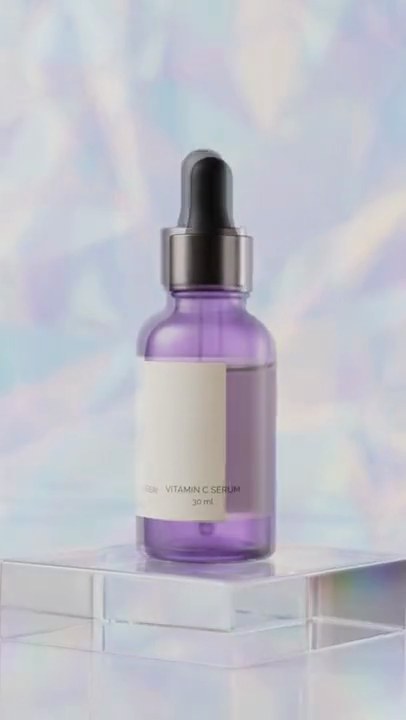
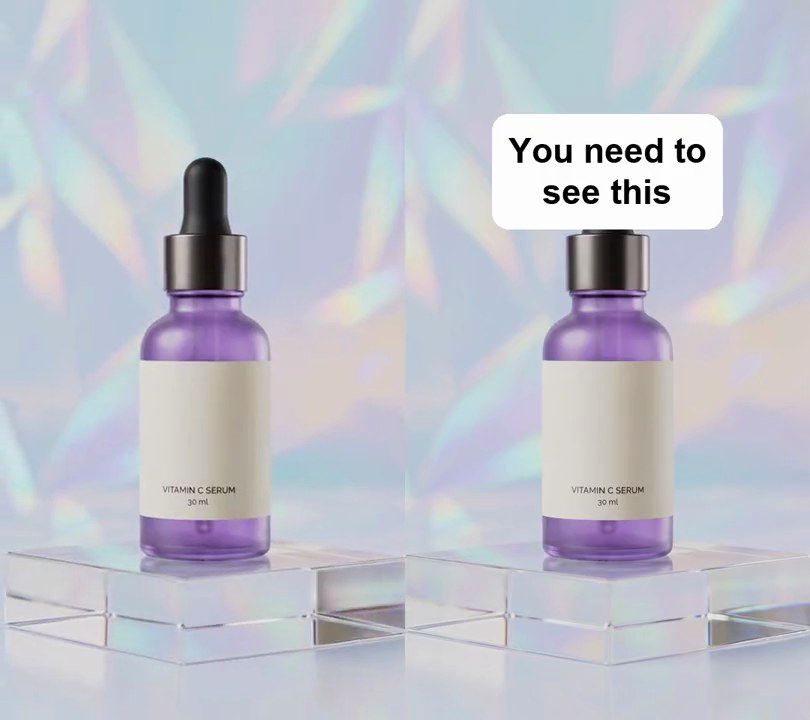
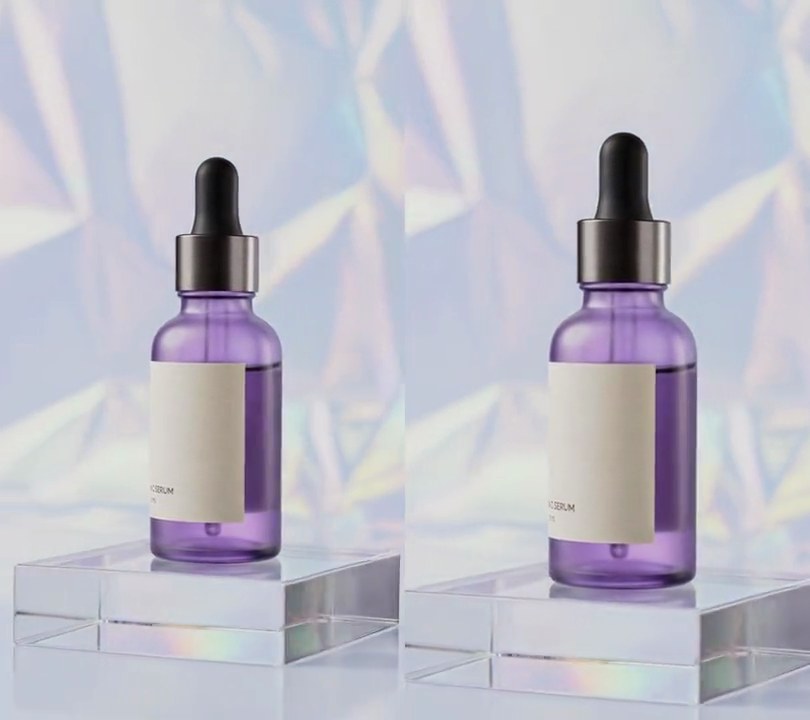
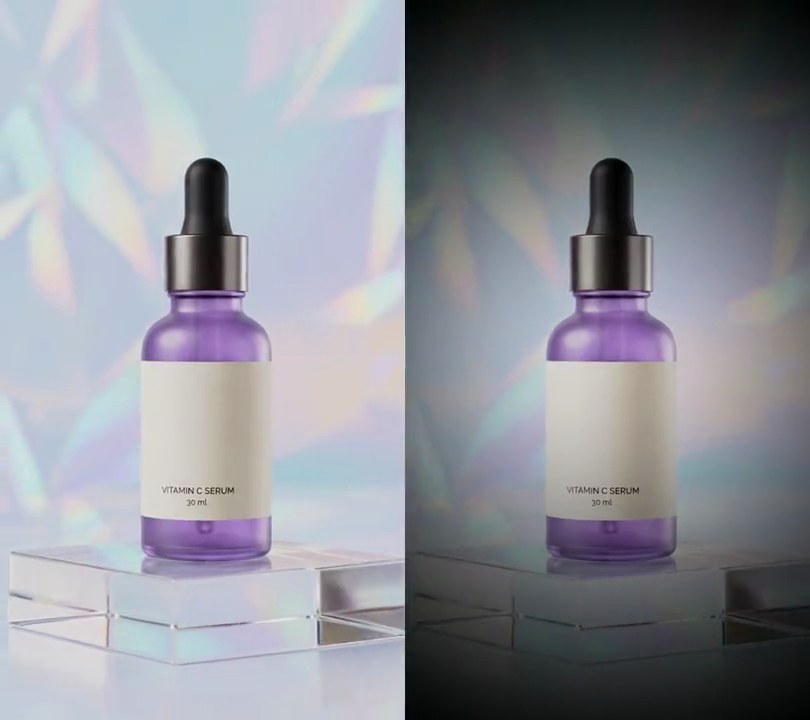
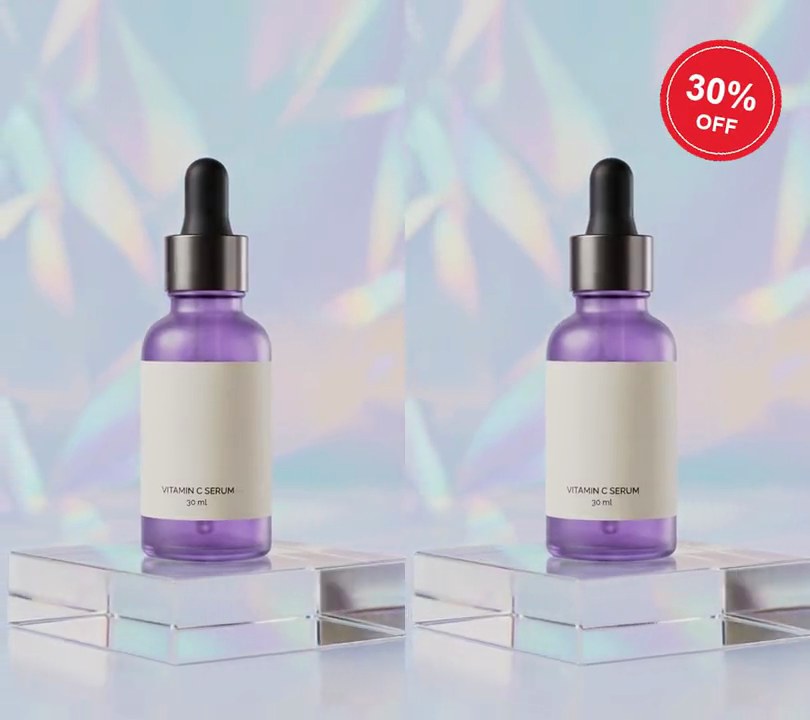
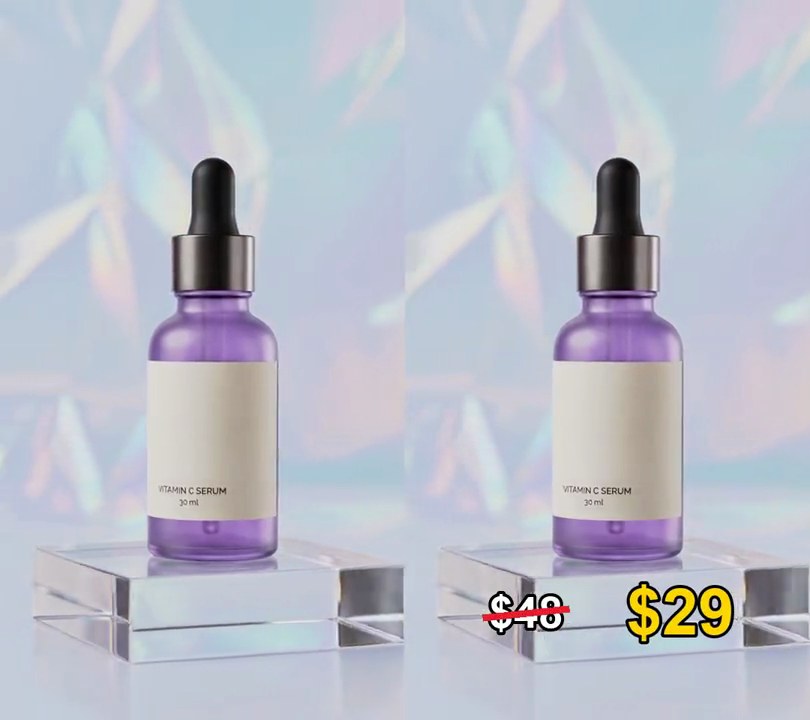
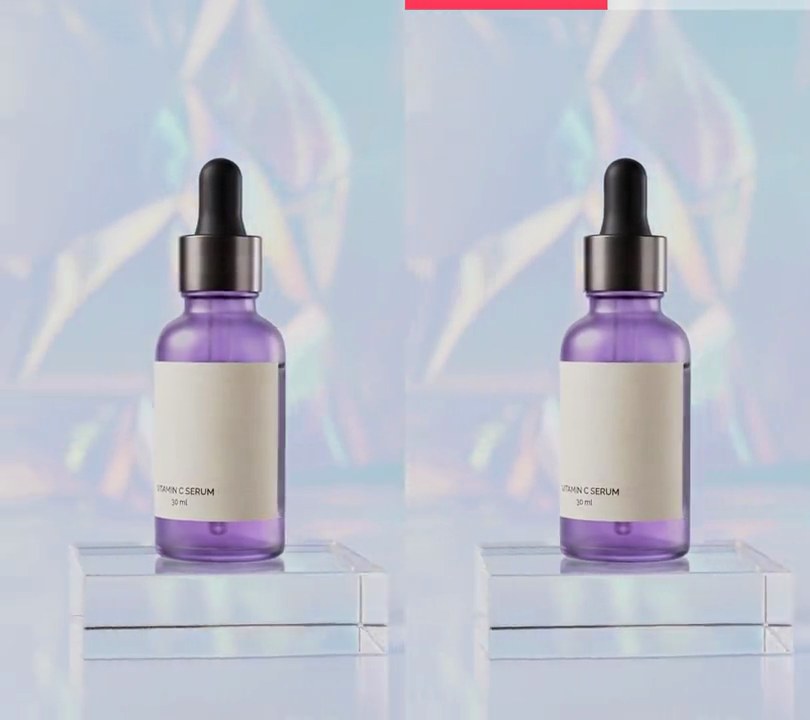
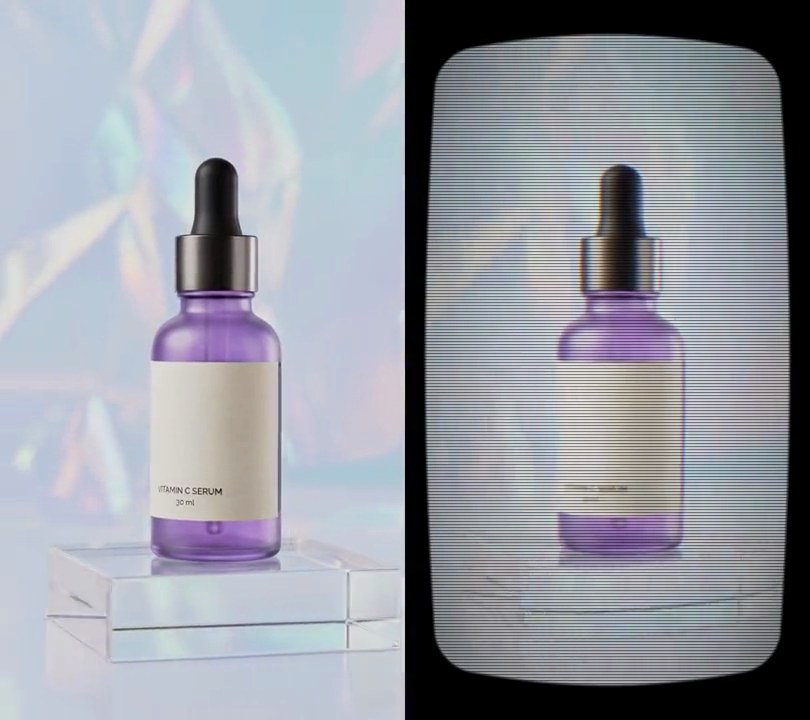
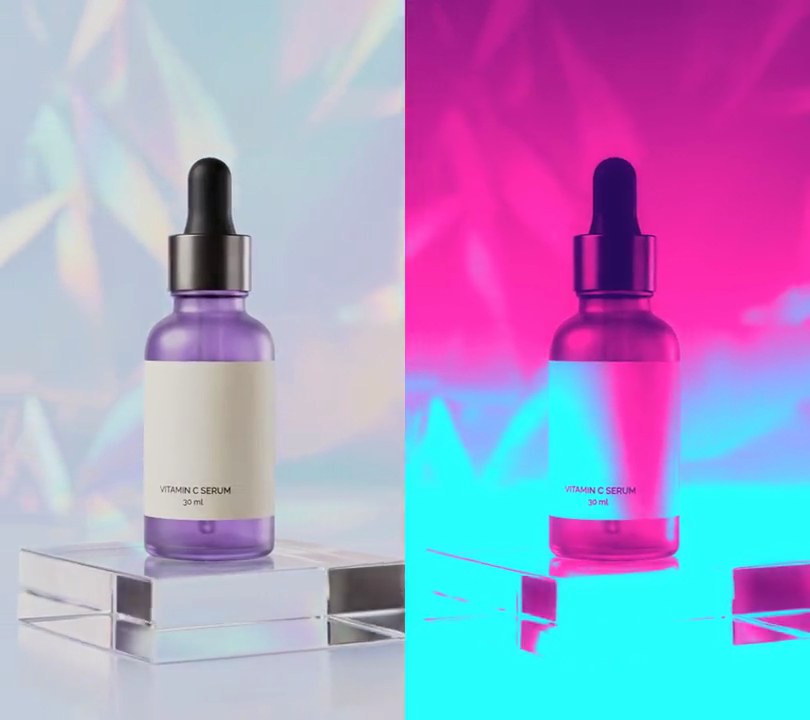
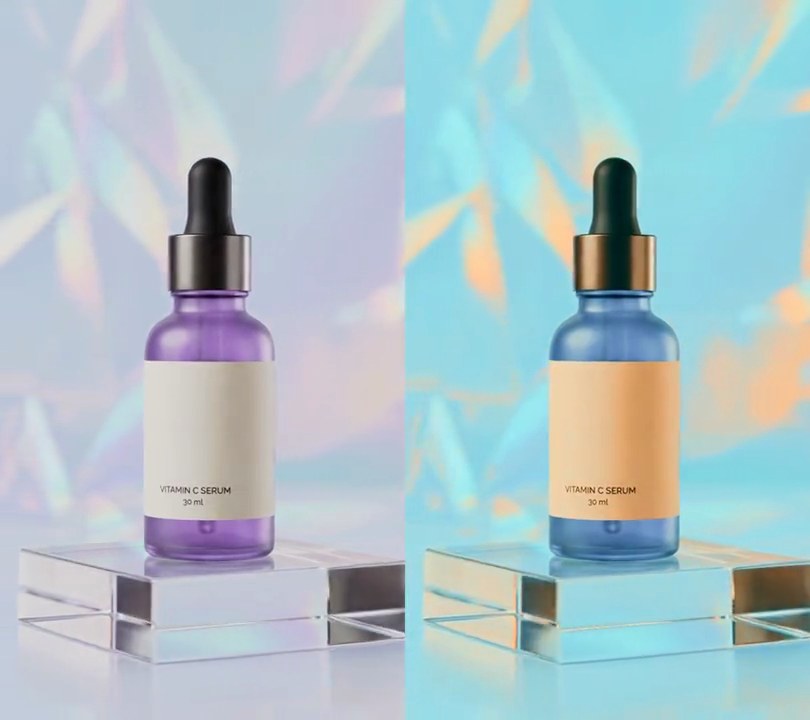
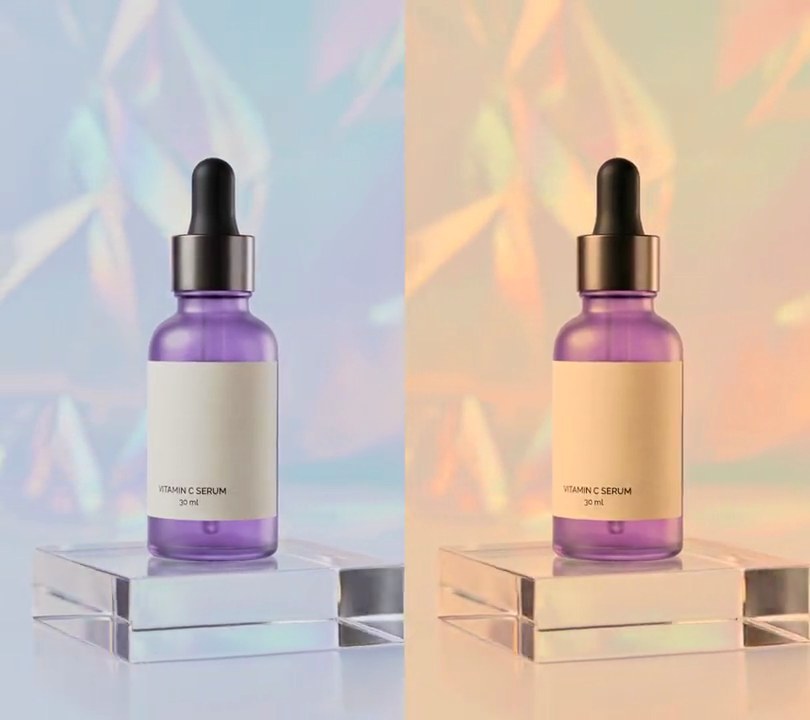
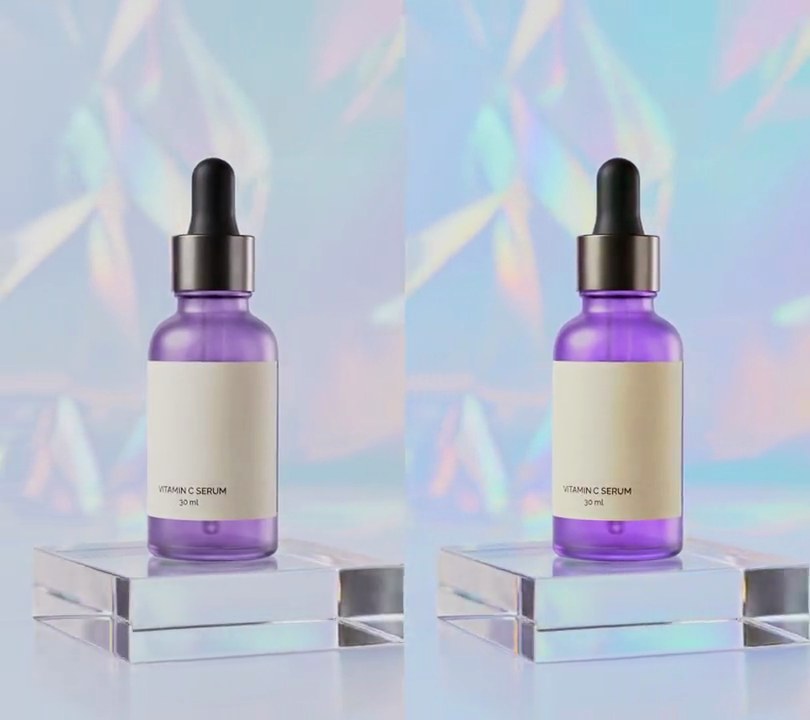
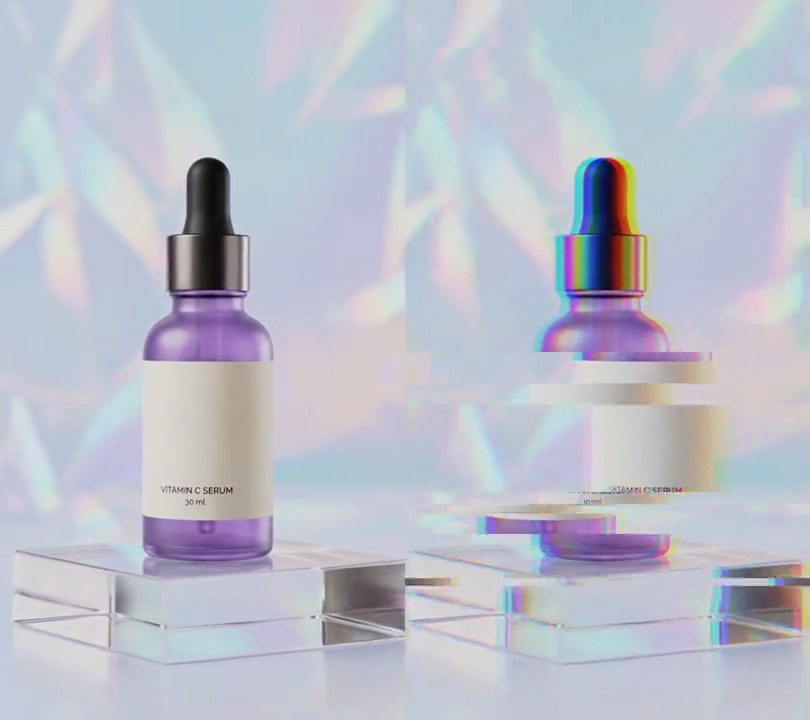
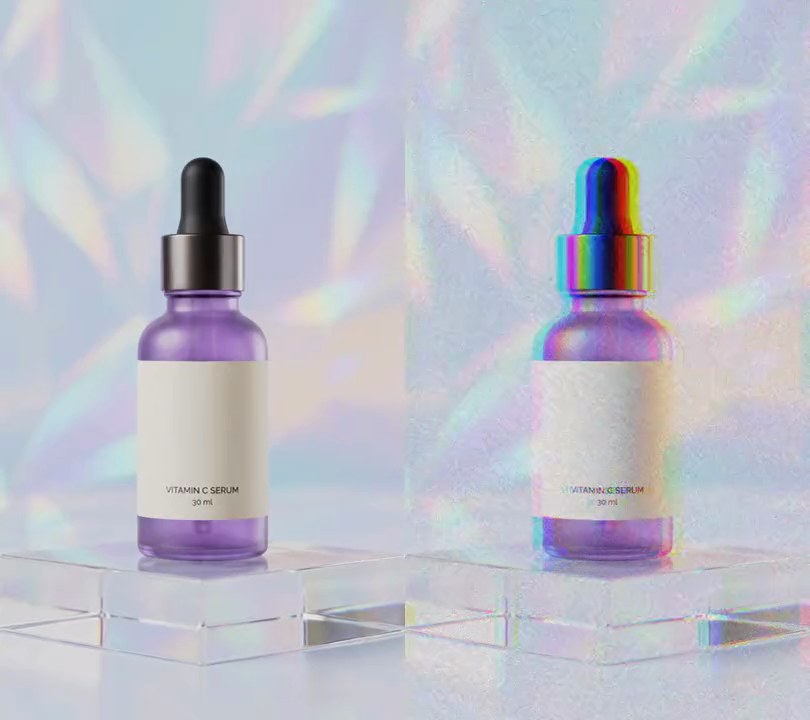
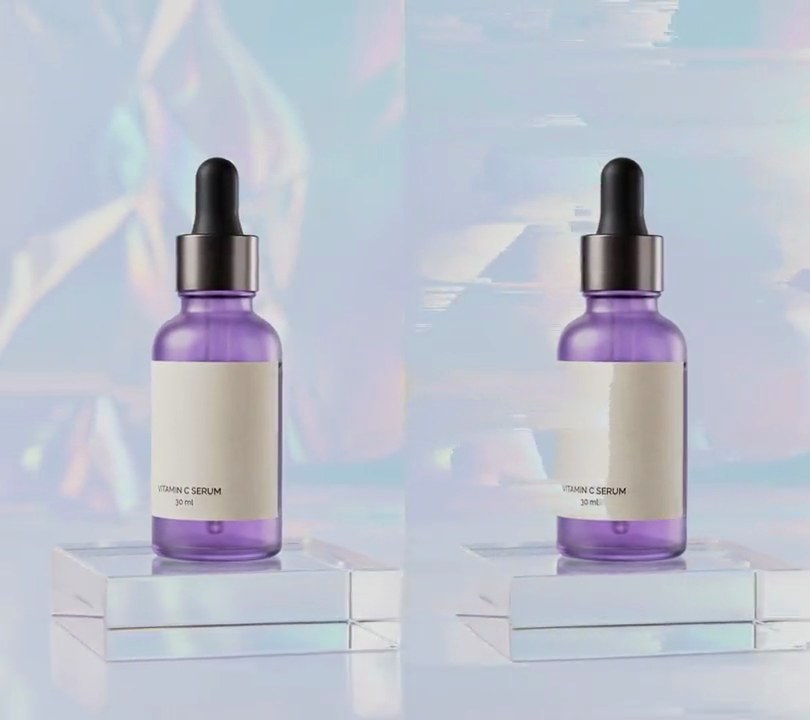
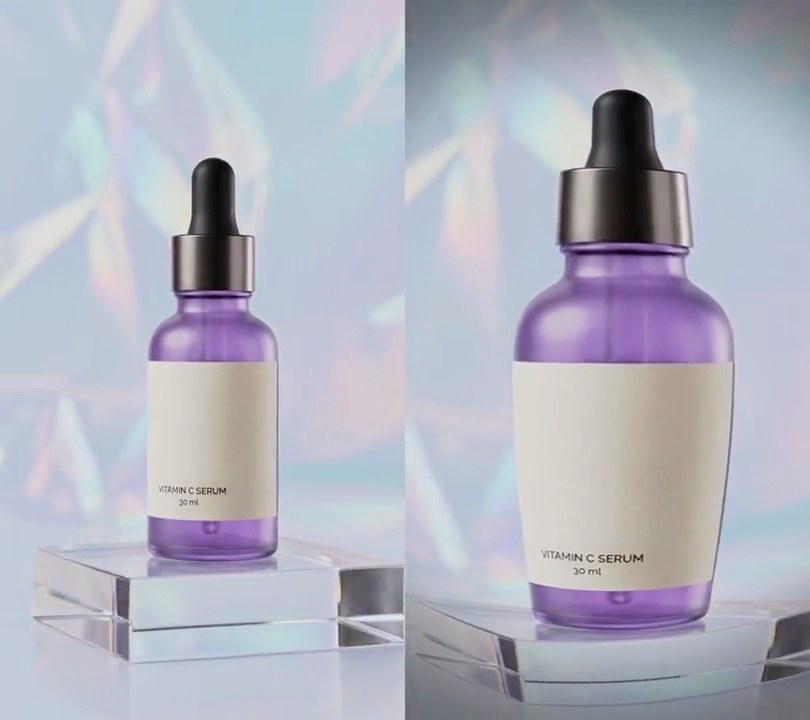
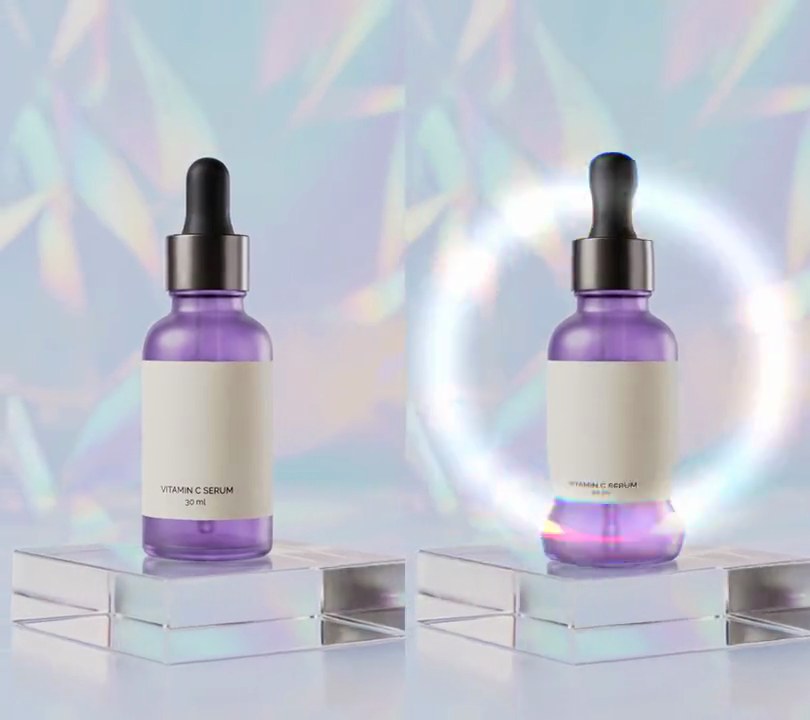
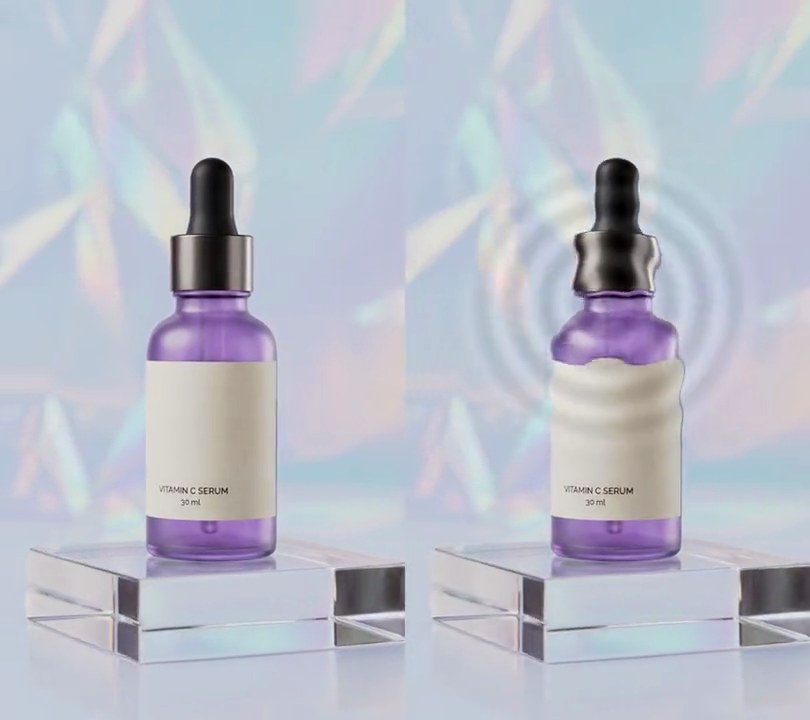
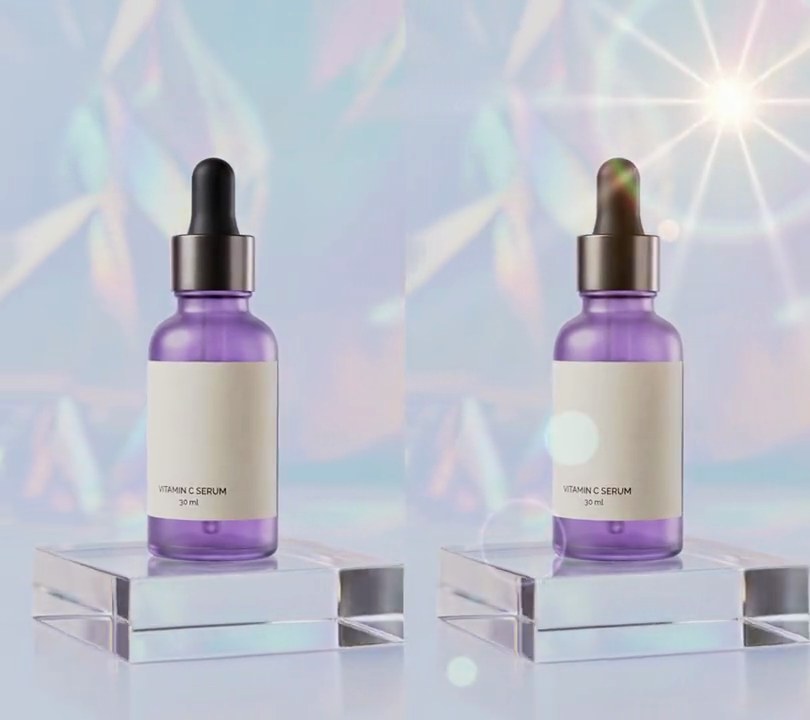
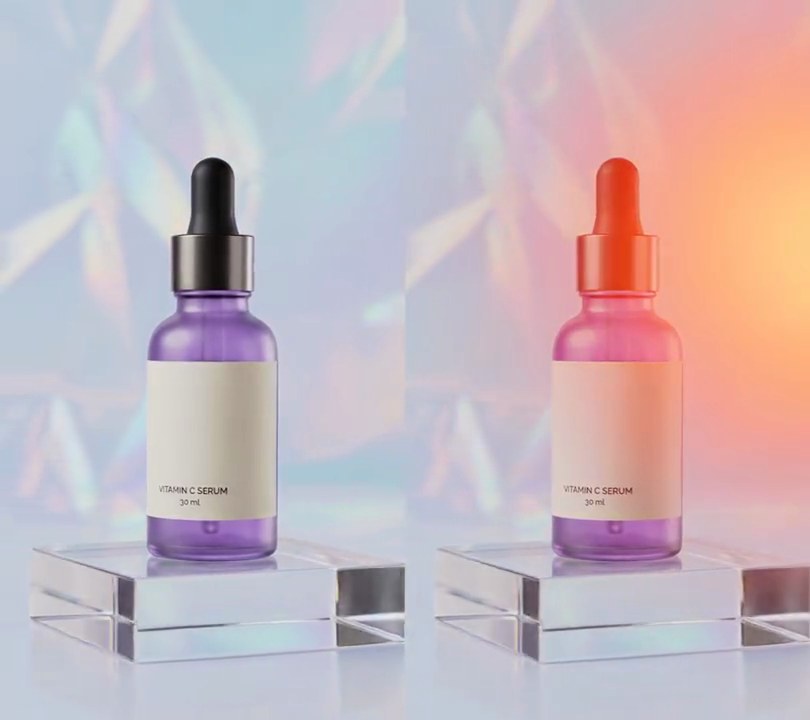
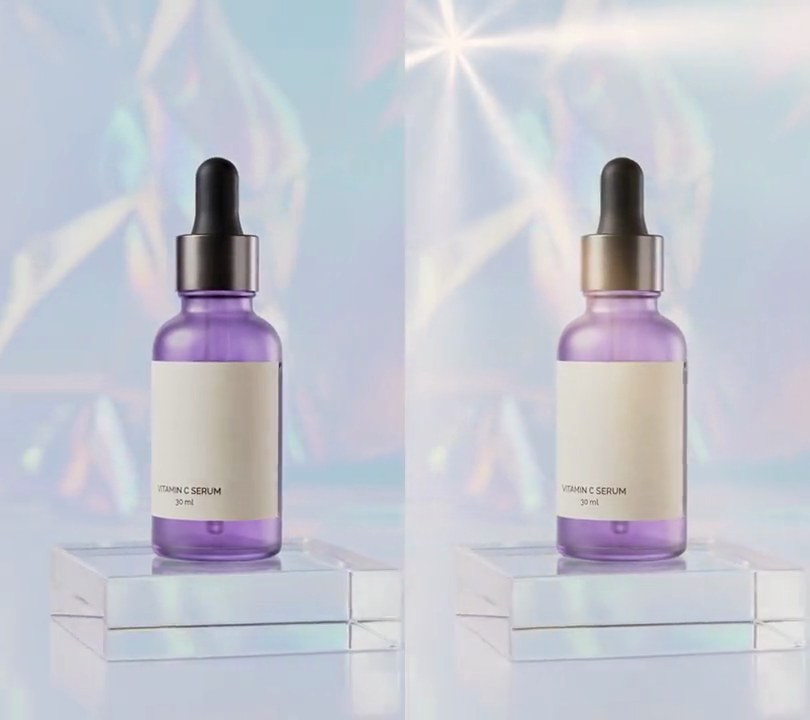
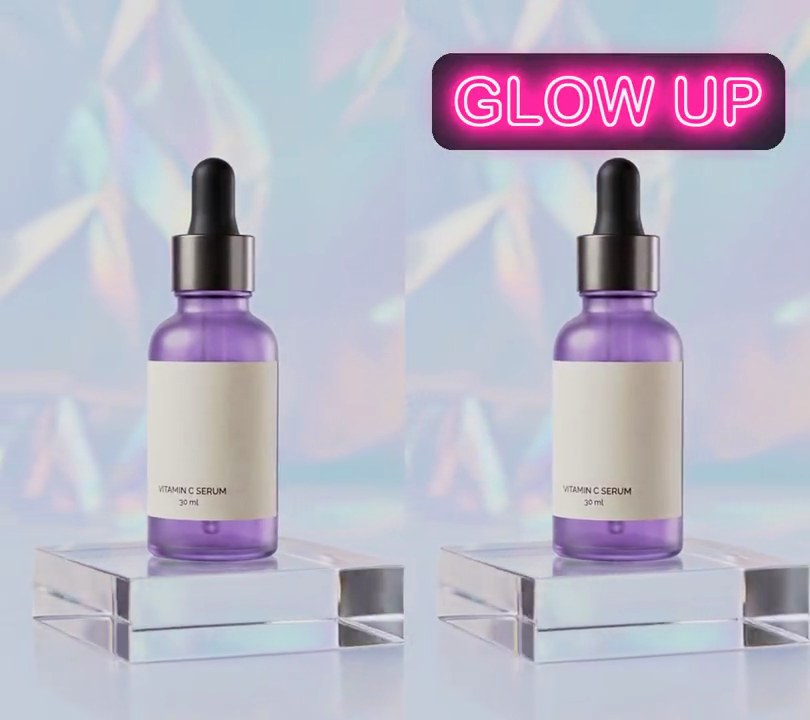
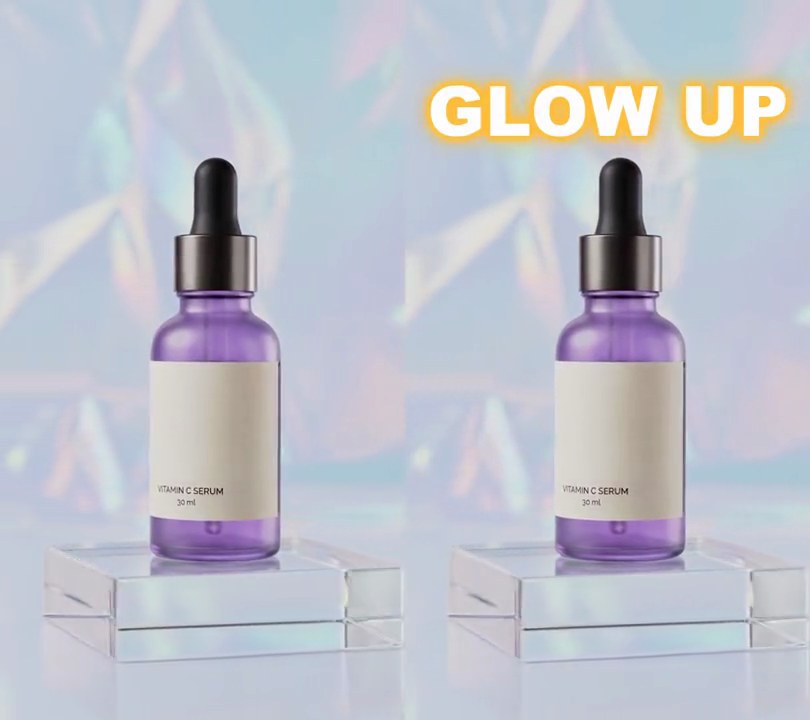
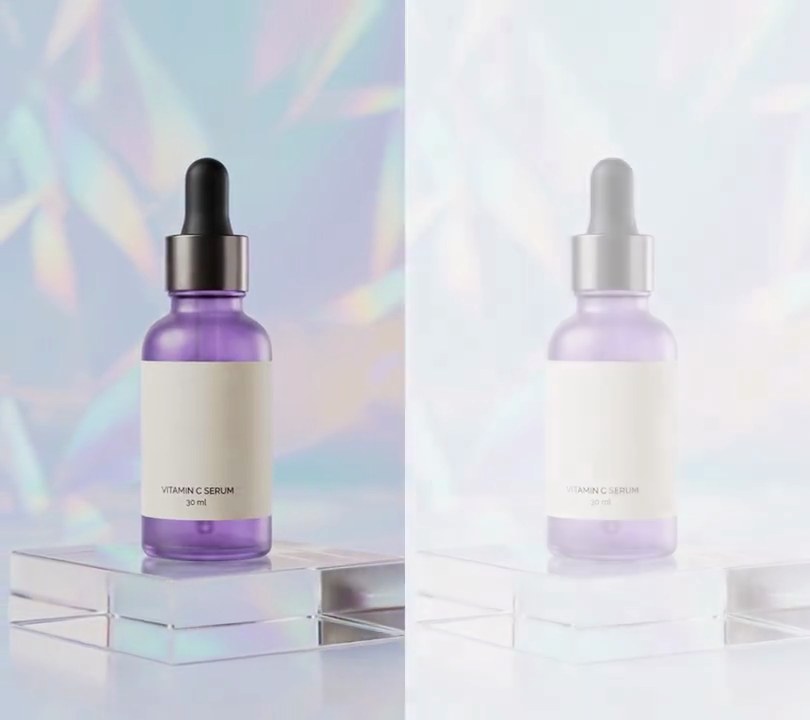
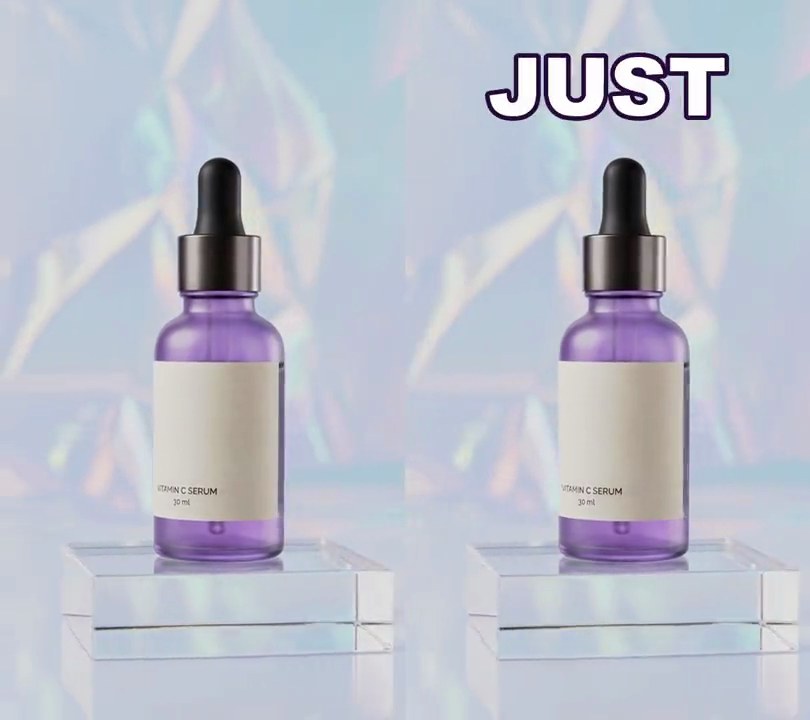
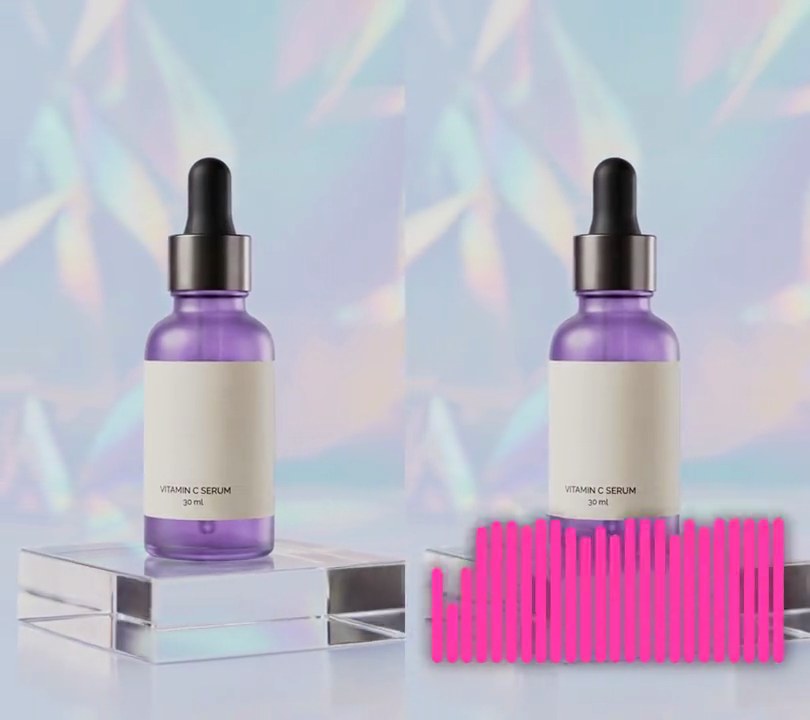
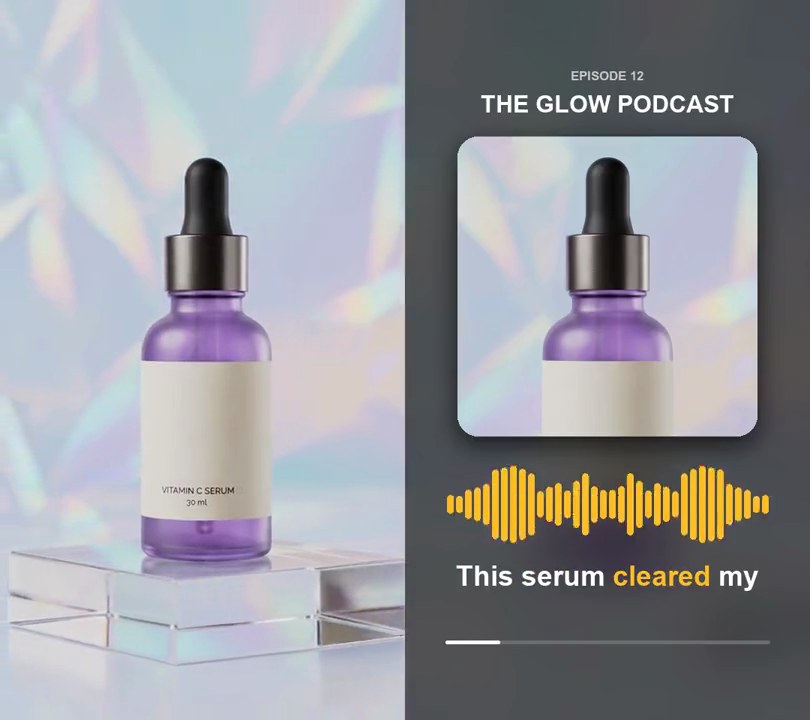
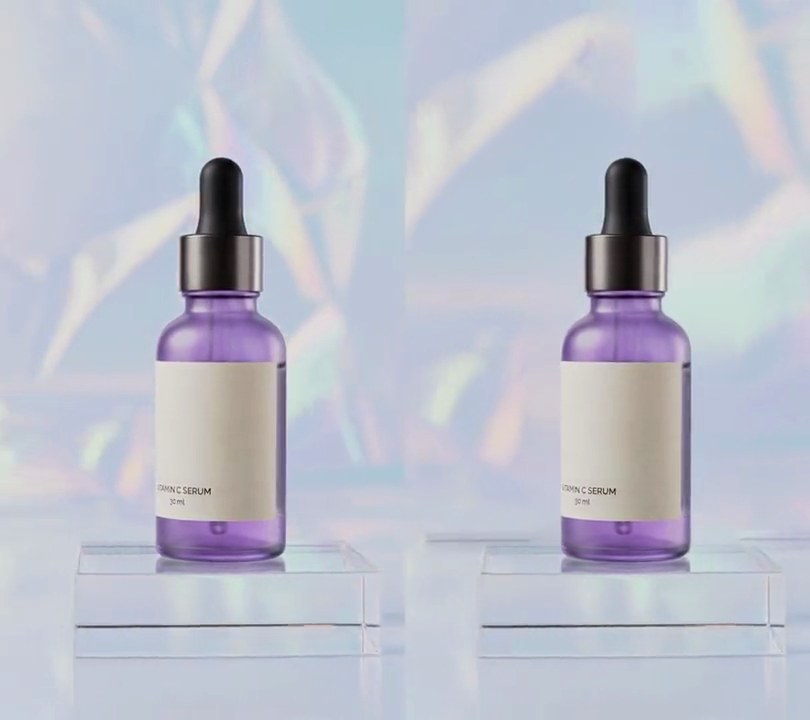
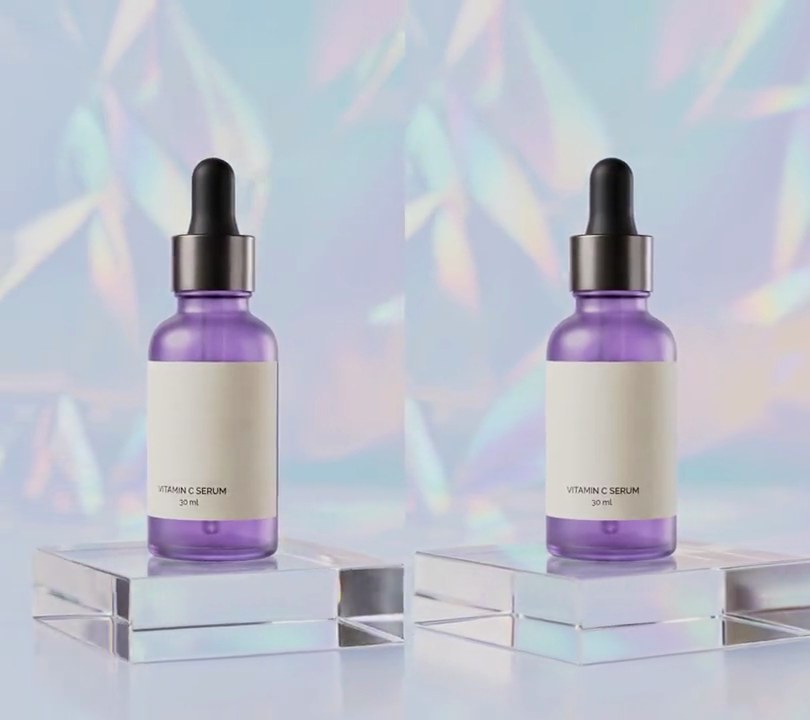
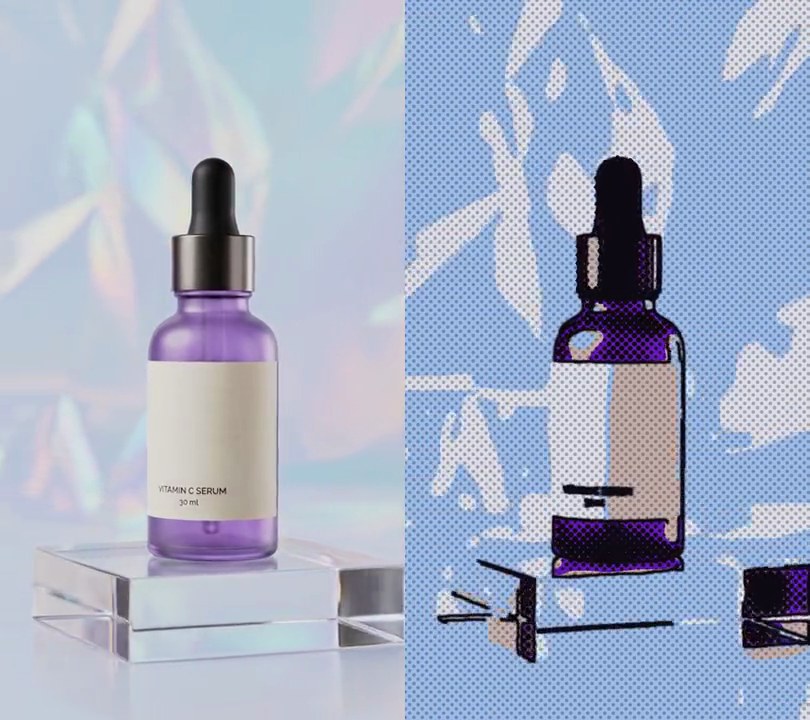
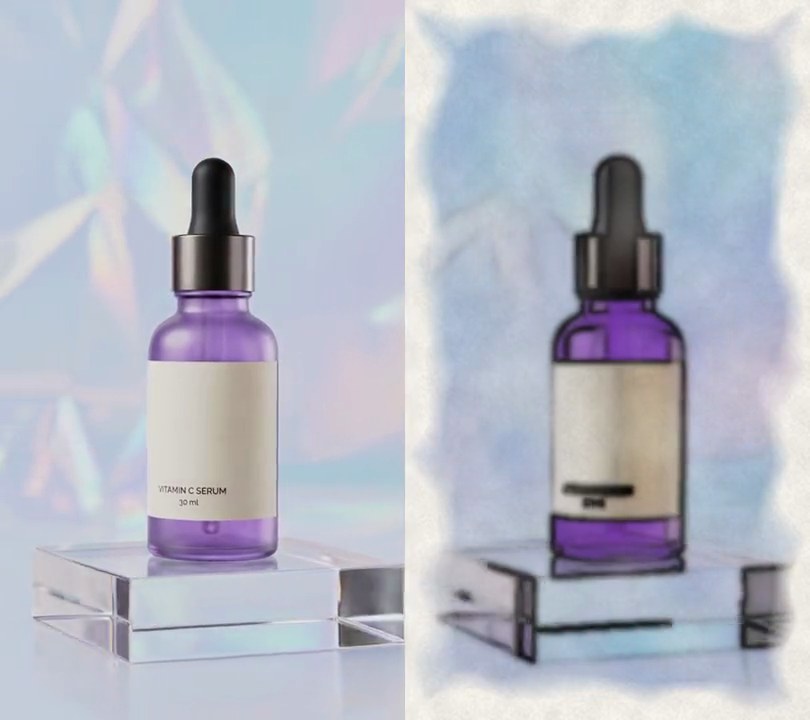
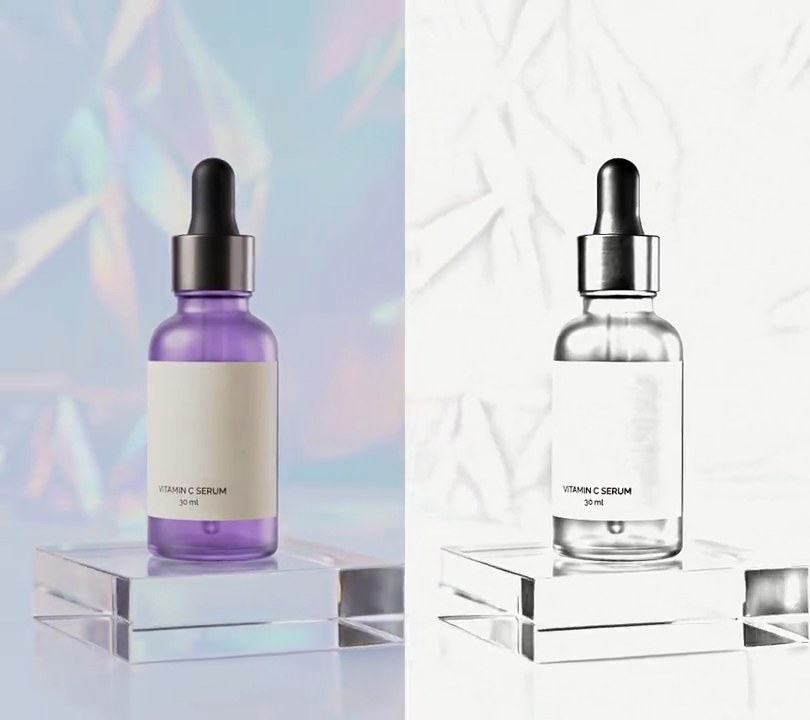
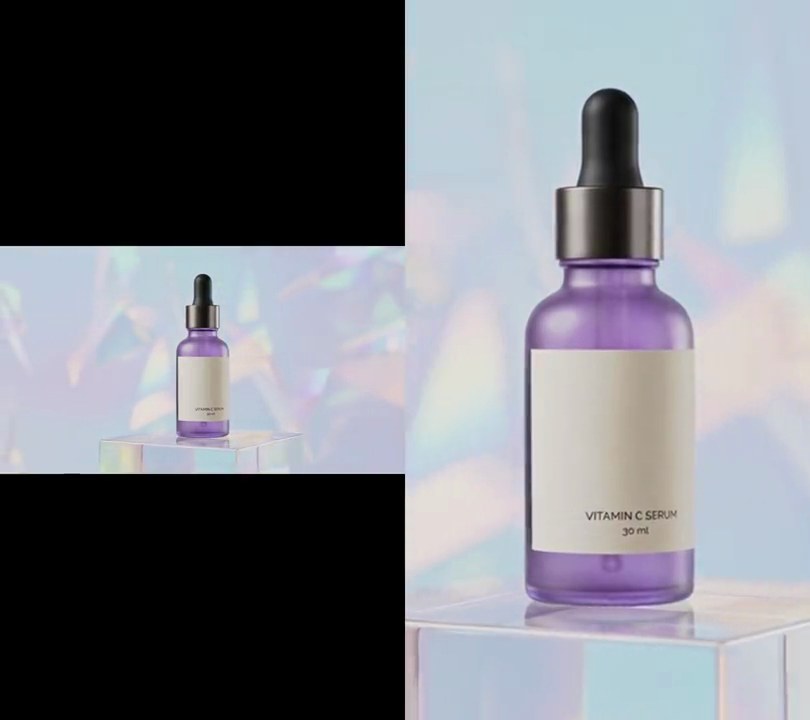
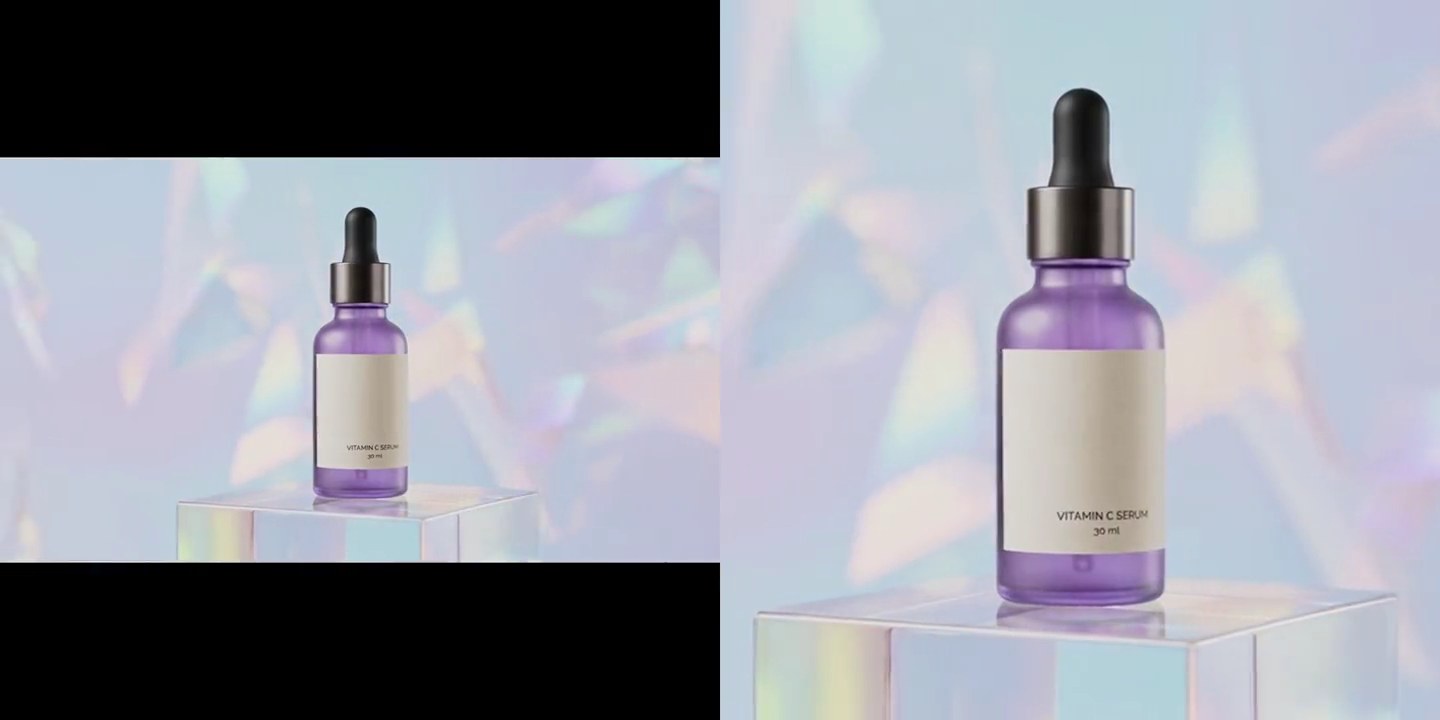
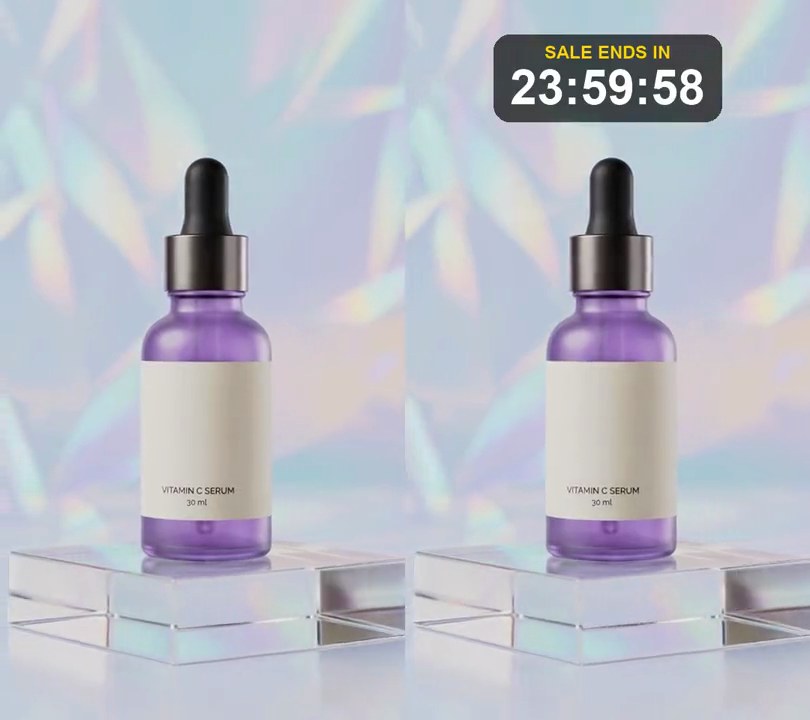
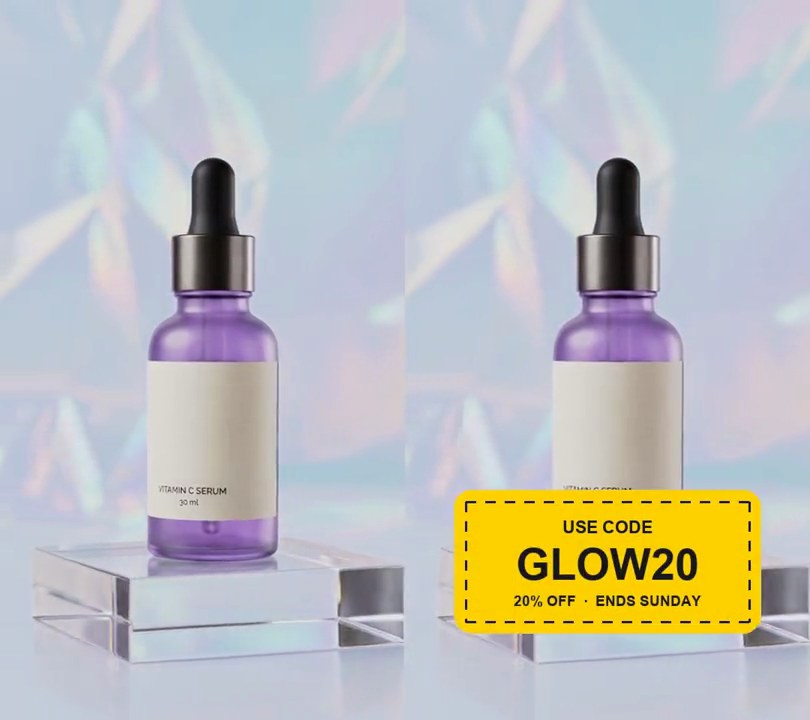
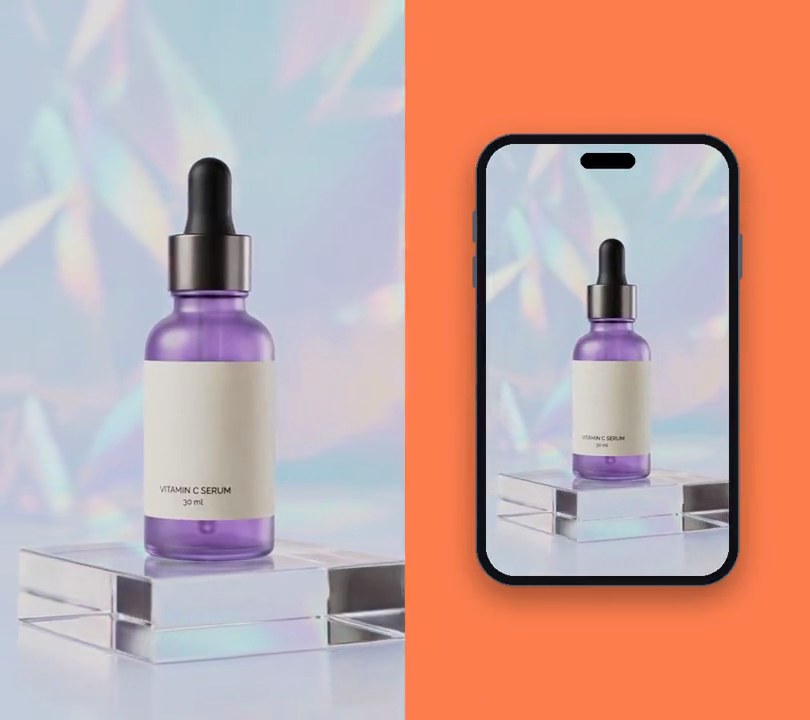
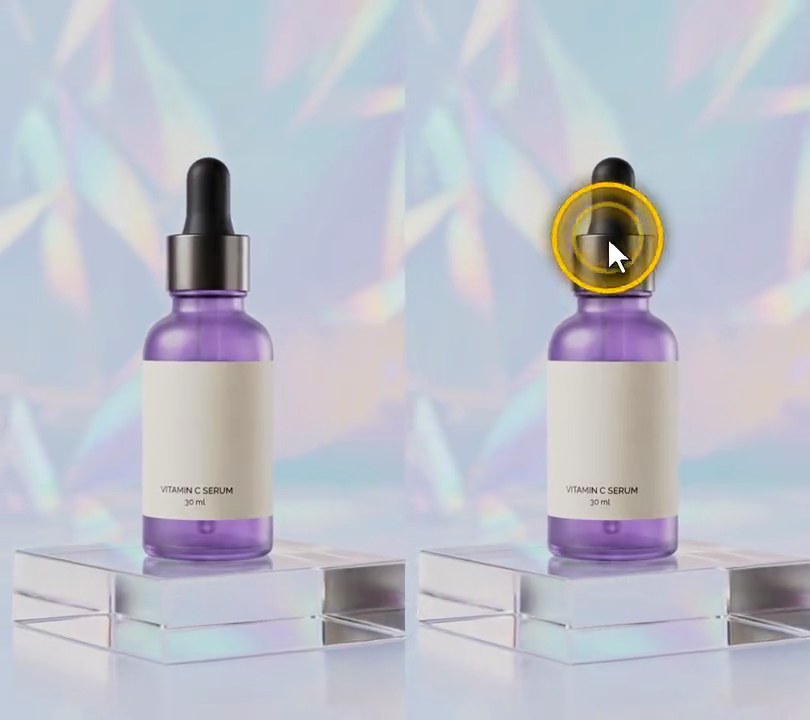
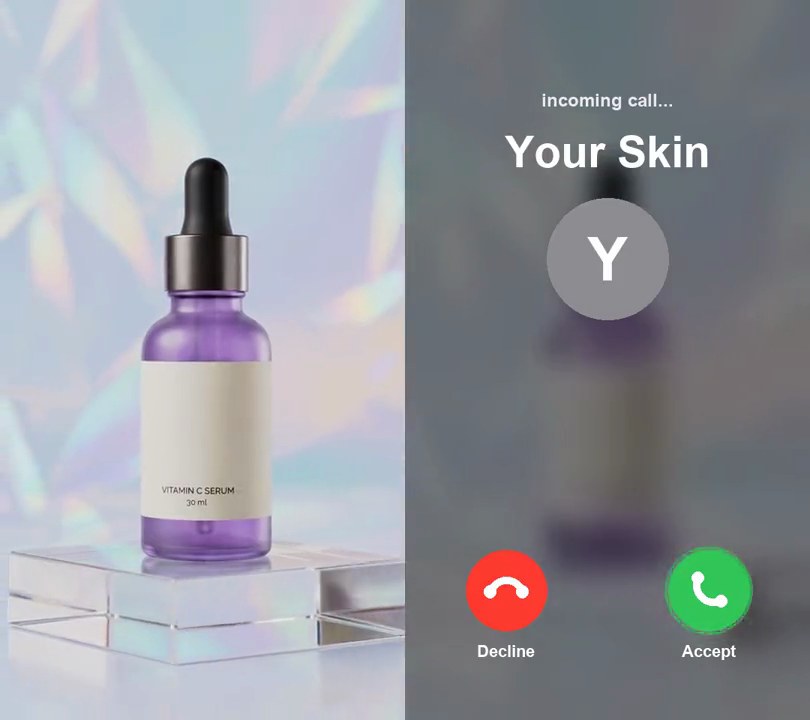
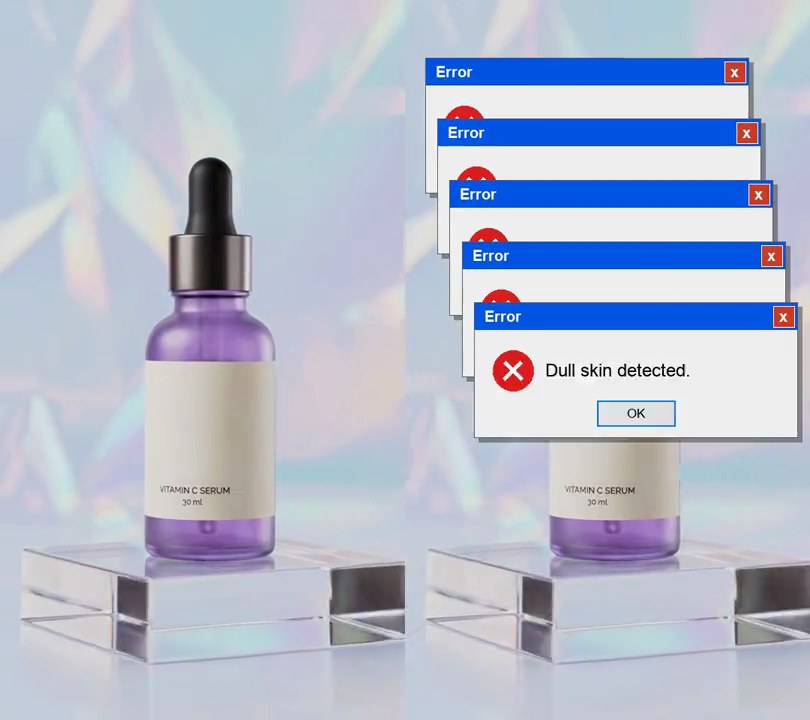
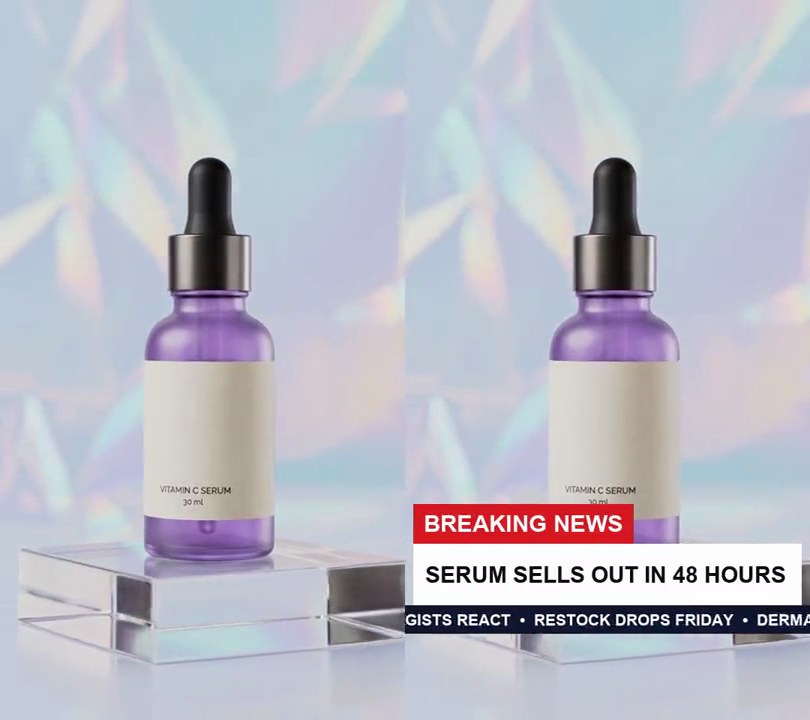
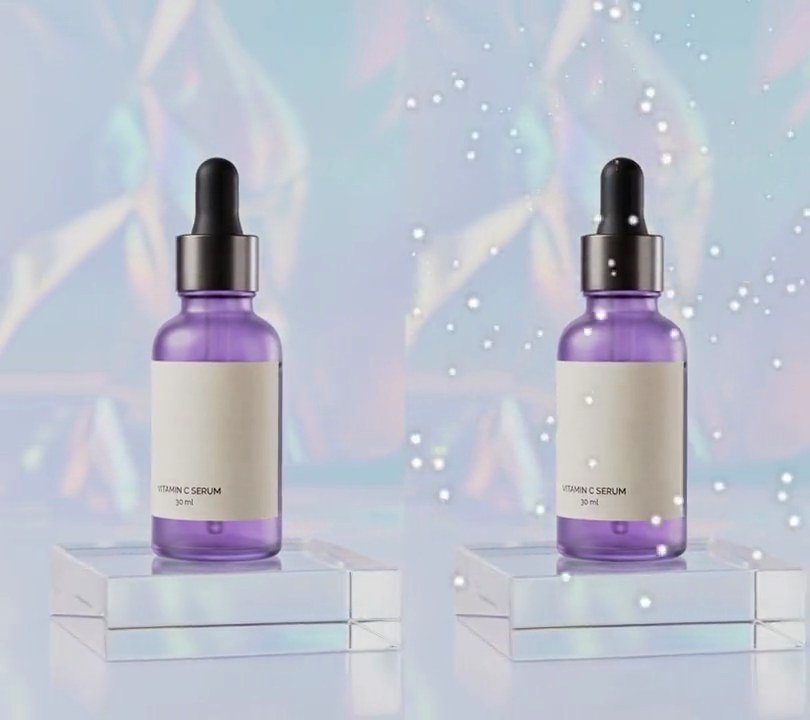
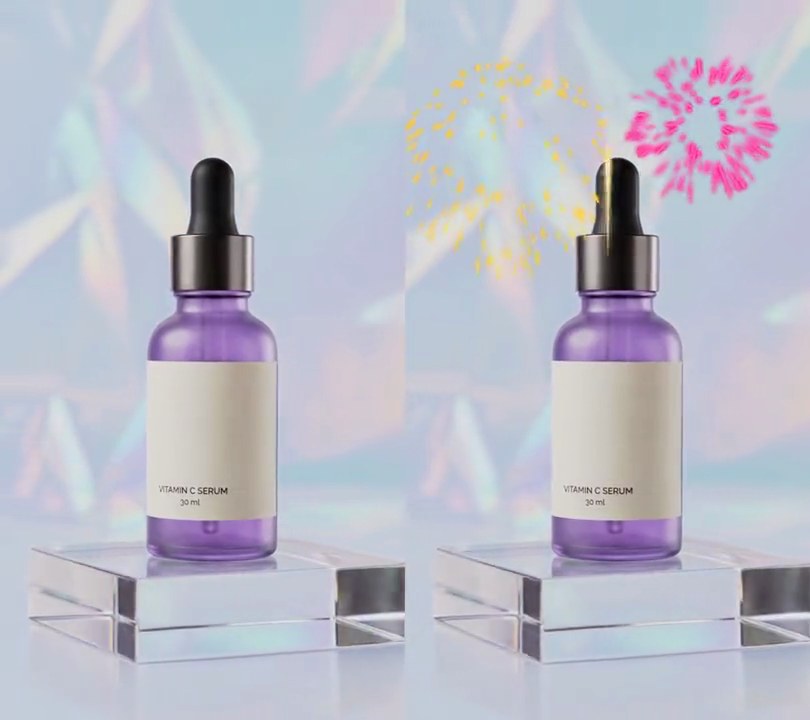
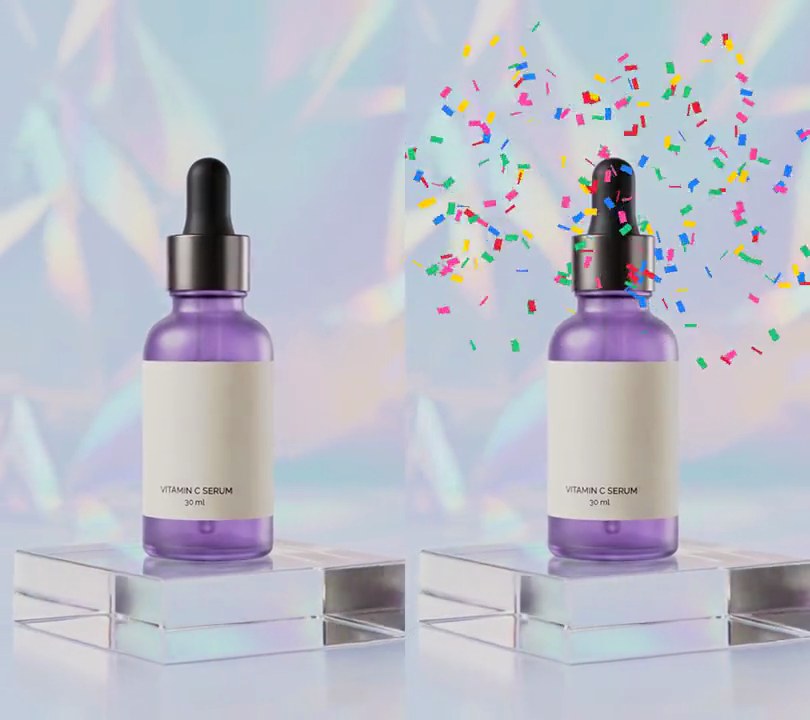
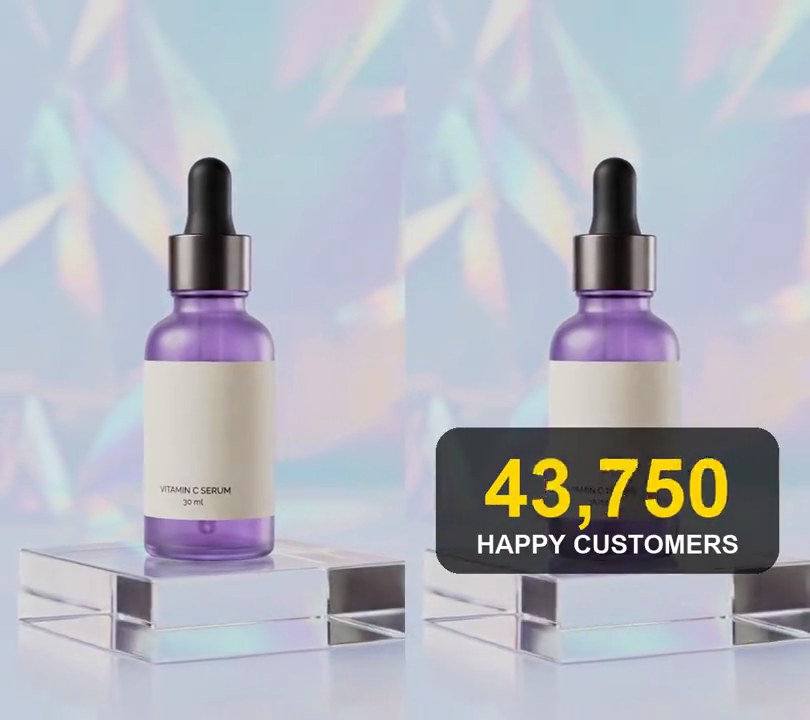
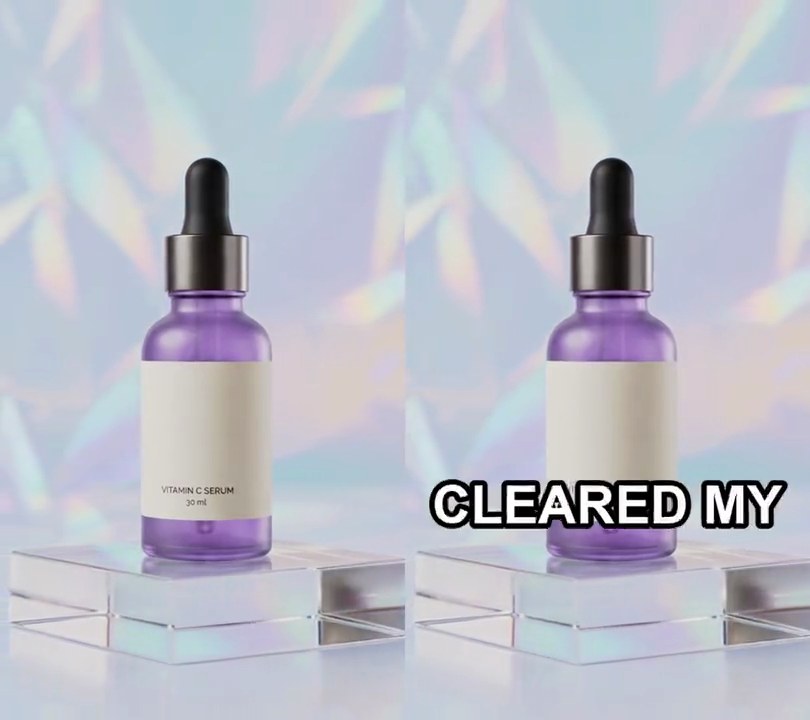
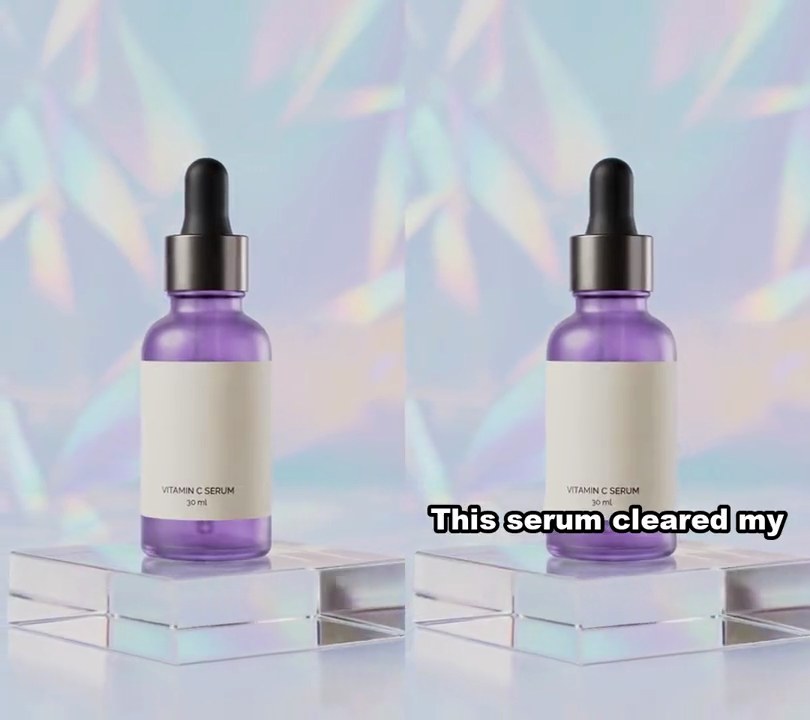
1. Comment reply overlay
A white card reading "Reply to @maya.glows's comment: How long did it take to see results?" pops up above the bottle, its tail pointing down, while the voiceover answers it.
Show the prompt
Add a comment reply card to input.mp4 (540x960). Draw a white (255, 255, 255) rounded rectangle 80% of the frame width across (432 px), centered horizontally with its top edge 10% down the frame, corner radius 5% of the card width, with a soft dark drop shadow and a small triangular tail at the bottom left pointing down. Inside, 5% padding: on the left a teal (40, 160, 150) circle 12% of the card width across with a white bold "M"; to its right a gray (120, 120, 128) line "Reply to @maya.glows's comment" in bold at 4% of the card width, and below it the comment "How long did it take to see results?" in near-black (20, 20, 24) bold at 6% of the card width, wrapped to fit. Nothing shows before 0.3 seconds; the card pops in from its center at 0.3 seconds over 0.35 seconds with a slight overshoot, then stays to the end. Leave the rest of the video untouched. Use Python with Pillow to draw the card and ffmpeg to put it on the video (don't rely on ffmpeg's drawtext filter), keep the audio, and save it as output.mp4.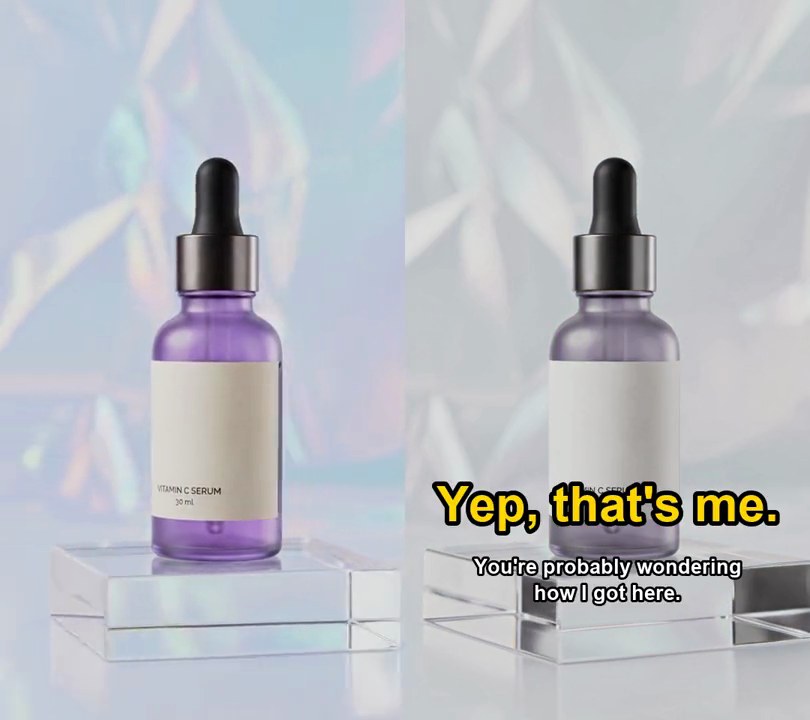
2. Record scratch freeze
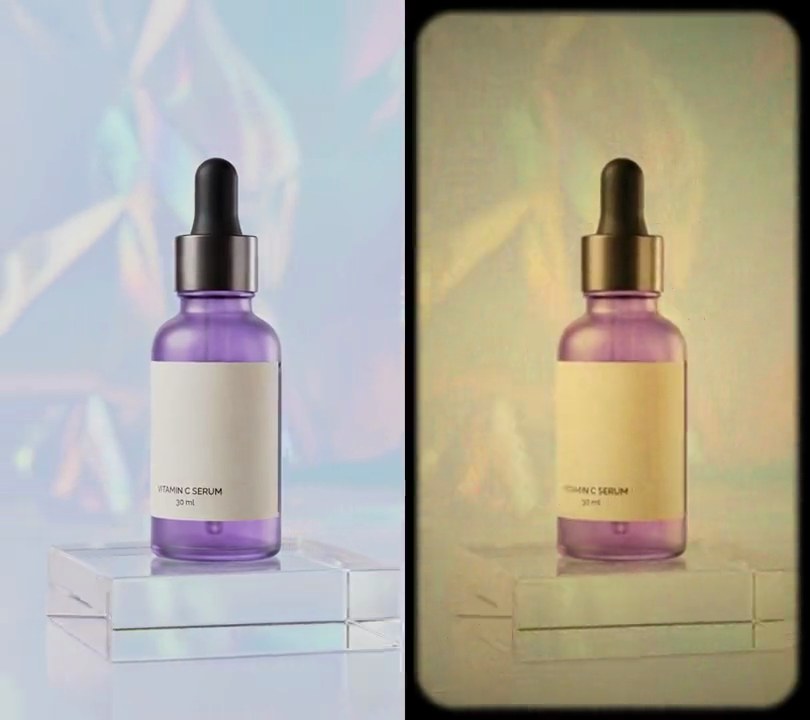
A record scratch cuts the sound 1.5 seconds in and the shot freezes, drained almost to gray, under a yellow "Yep, that's me." before the clip plays on from where it stopped.
Show the prompt
Make a record scratch freeze from input.mp4 (540x960, 30fps, 6 seconds). Play the input normally for the first 1.5 seconds. Then freeze on the input's frame at 1.5 seconds and hold it for 2.5 seconds, with its saturation turned down to 25% (Pillow's ImageEnhance.Color at 0.25). On the frozen frame draw "Yep, that's me." in bold yellow (255, 214, 0) text 65 pixels tall (12% of the frame width) with a 6-pixel black outline, centered across the frame with its center 70% of the way down, and under it "You're probably wondering how I got here." in bold white 27-pixel text with a 3-pixel black outline, centered and wrapped onto two lines no wider than 72% of the frame width. After the hold, play the input on from 1.5 seconds to the end, in full color and with no text, so the output is 8.5 seconds long. For the sound: the input's audio for the first 1.5 seconds, then a 0.45-second record scratch you synthesize with numpy (a sawtooth at 220 Hz plus up to 900 Hz times a speed curve sin(2*pi*t*2/0.45)*exp(-2t), mixed with softened white noise, loudness following the square root of the speed and cut off sharply at the end), then silence for the rest of the 2.5-second hold, then the input's audio from 1.5 seconds on. Draw the text with Python and Pillow (not ffmpeg's drawtext filter), use ffmpeg for the rest, keep the size, frame rate and audio, and save it as output.mp4.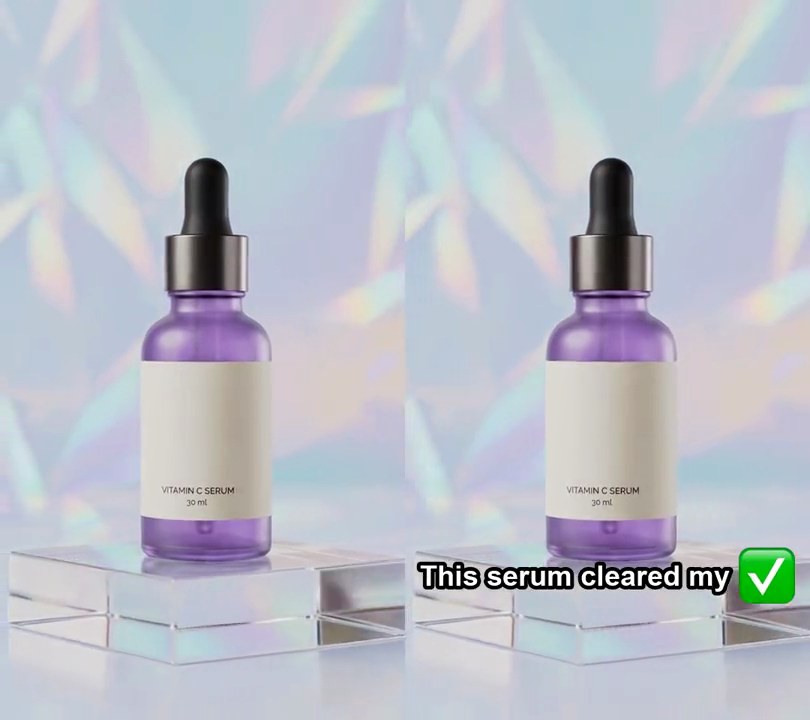
3. Emoji captions
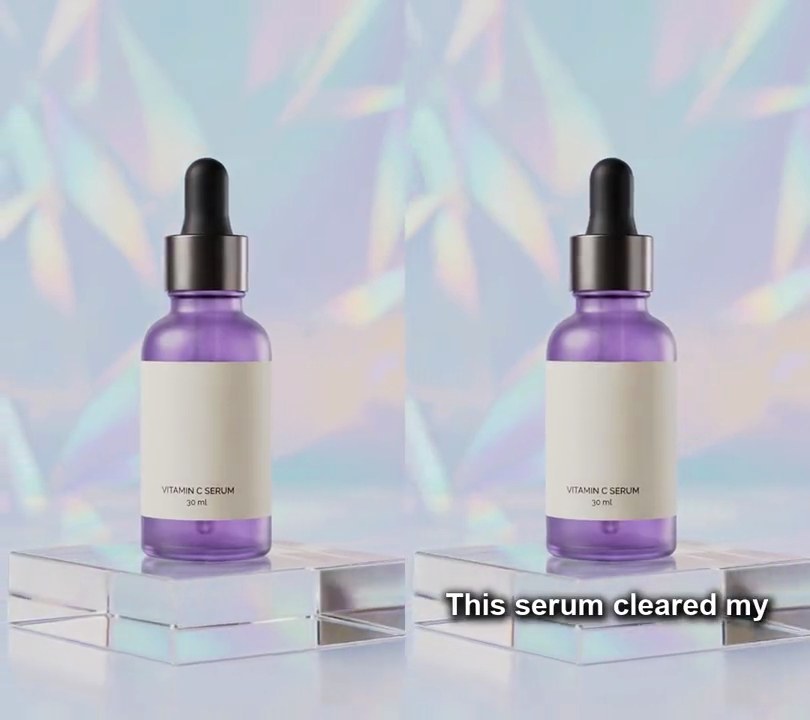
Each spoken line appears in white outlined type with a matching emoji popping in at its end: a green check mark after "cleared", sparkles after "skin".
Show the prompt
Add emoji captions to input.mp4 from its speech, with no script or subtitle file. Transcribe the audio with faster-whisper (model "base.en", device cpu, compute_type int8, word_timestamps=True). Group the words in order into lines of 4 words, and show each line from its first word's start until 0.4 seconds after its last word ends, or until the next line starts if that is sooner, with nothing on screen after the last line. Give a line an emoji when one of its words (lowercased, punctuation removed) is in this map, first match wins: cleared or clear -> ✅, skin or glow -> ✨, love -> 😍, money or cash -> 💰, fire or hot -> 🔥. Draw the line in white Arial Bold 7.5% of the frame width tall with a black outline 14% of the text height thick, and put the emoji right after the last word, 0.3 text heights away, 2 text heights tall, drawn in color from Apple Color Emoji (load it at size 160 and scale the image; use embedded_color=True). Center the text and emoji together horizontally with their middle 80% of the way down the frame, shrinking both if they are wider than 90% of the frame. The emoji pops in over the line's first 0.25 seconds, scaling from 0 with an ease-out-back overshoot to about 110% and settling at 100%. Use Python with Pillow to draw the text and emoji (don't use ffmpeg's drawtext or subtitles filter) and ffmpeg to put them on the video, keep the audio, and save it as output.mp4.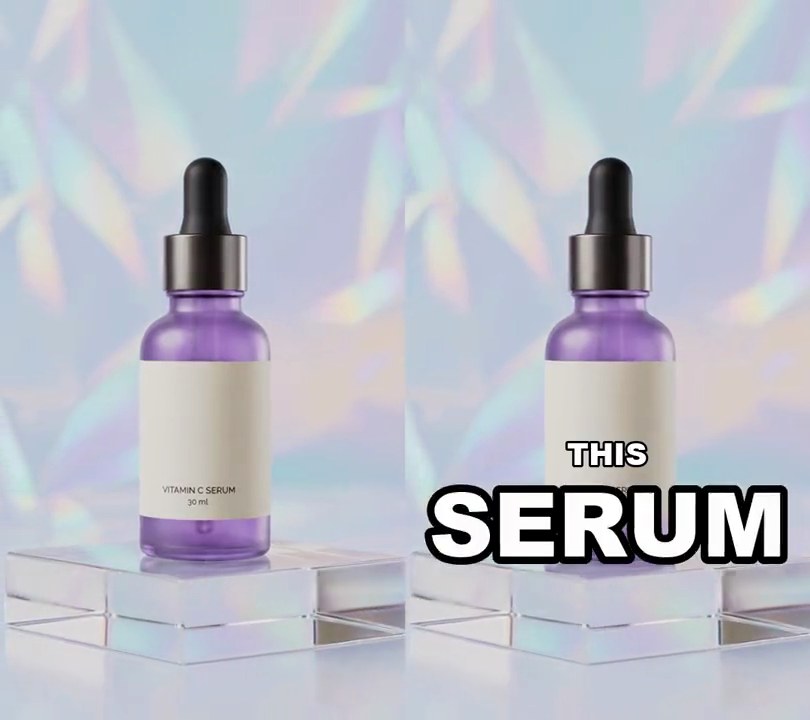
4. Size-emphasis captions
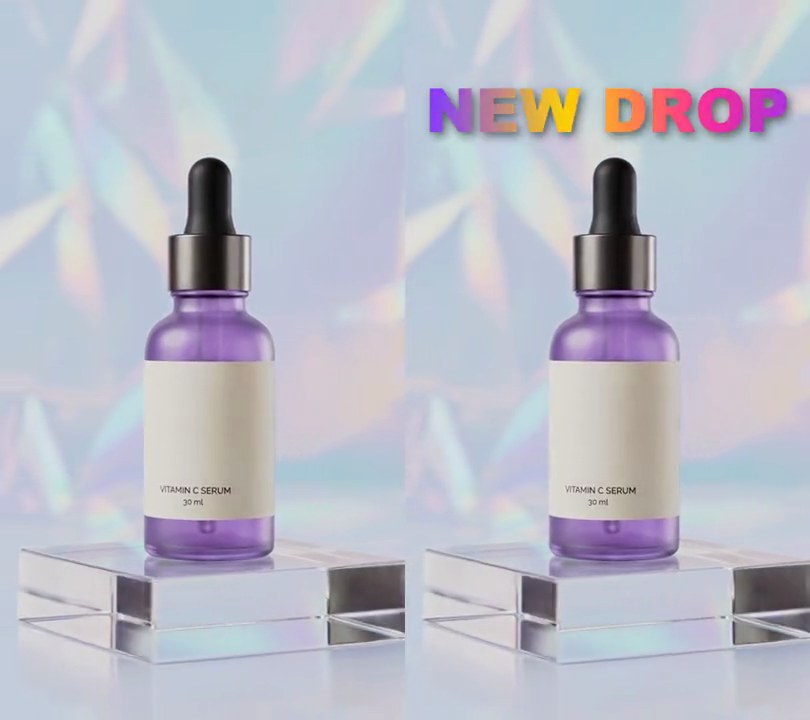
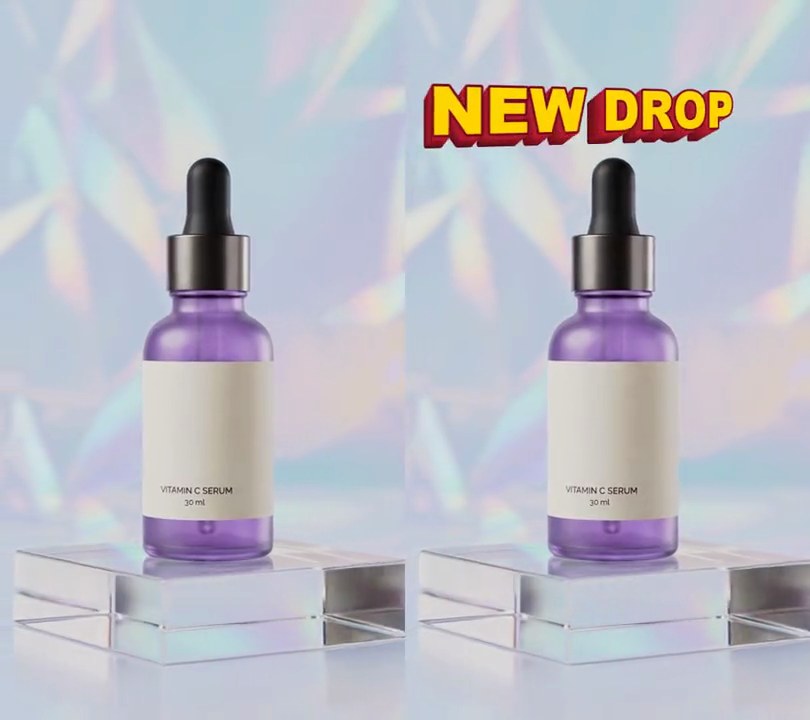
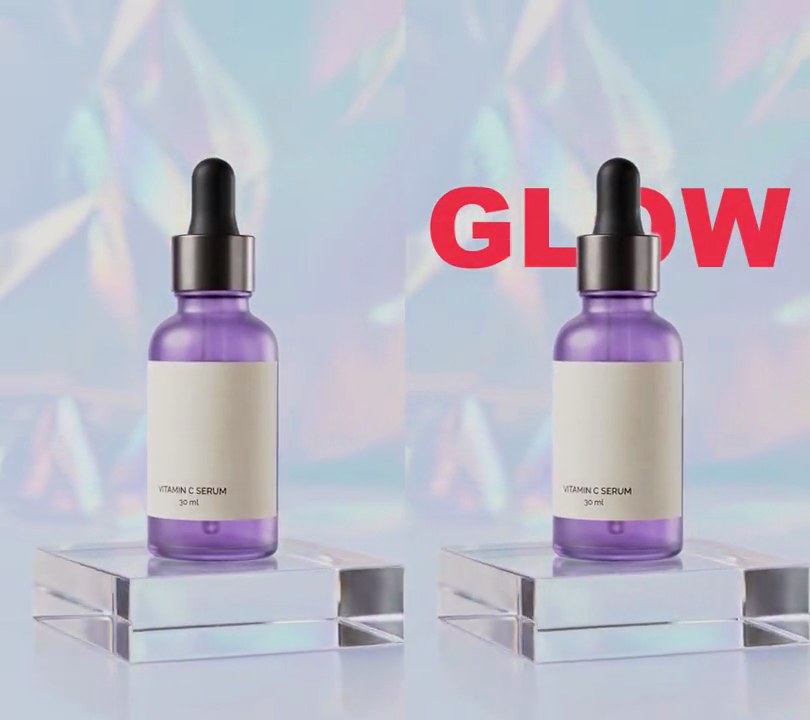
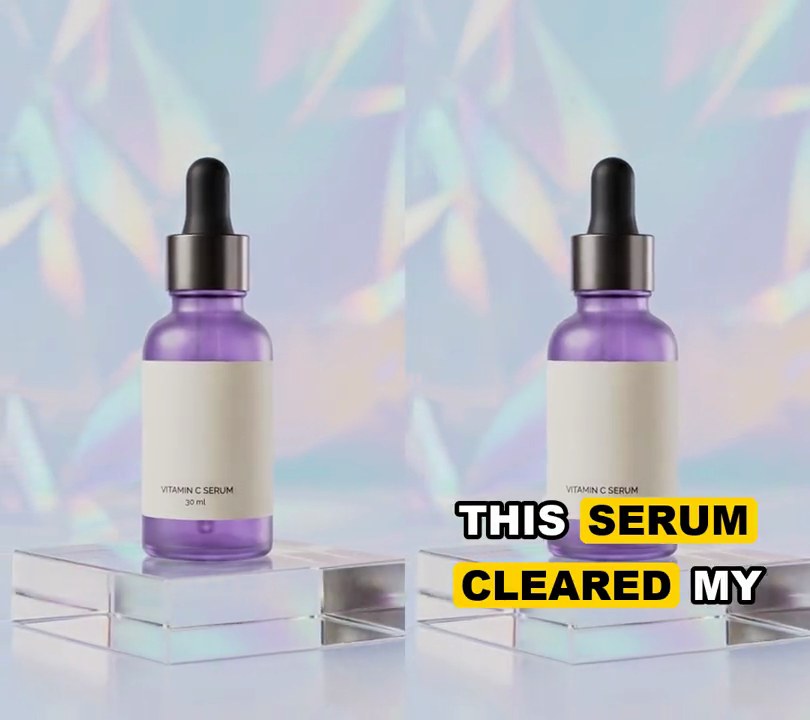
Spoken words appear in small white capitals while the key words, like SERUM and TWO WEEKS, pop up on their own line nearly three times as tall and stretch across the frame.
Show the prompt
Add captions to input.mp4 where the key words are far bigger than the rest. Transcribe its voice with faster-whisper (model base.en, device cpu, compute_type int8, word_timestamps=True) to get each word's start and end time, then uppercase the words and strip punctuation. The key words are SERUM, TWO and WEEKS. Split the words into phrases of at most 3 words, ending a phrase early right after a key word when the next word isn't one. Within a phrase, each run of consecutive key words gets its own line and each run of other words gets its own line, stacked in spoken order. Other words are 7.5% of the frame width tall; key words are 22% of the frame width tall, shrunk until their line fits in 90% of the width. Use Arial Black (or another heavy bold font), pure white (255, 255, 255) text with a black outline 8% of the text height thick. Center each line horizontally, make each line 1.15 times its text height tall, and center the phrase's block of lines 70% of the way down the frame. Lay out the whole phrase up front, but draw each word only from its own start time; a key word grows from 60% to full size over 0.15 seconds (ease out) when it appears. A phrase stays up from its first word's start to its last word's end, and nothing shows after the last word. Use Python with Pillow to draw the text (don't use ffmpeg's drawtext filter) and ffmpeg to put it on the video, keep the audio, and save it as output.mp4.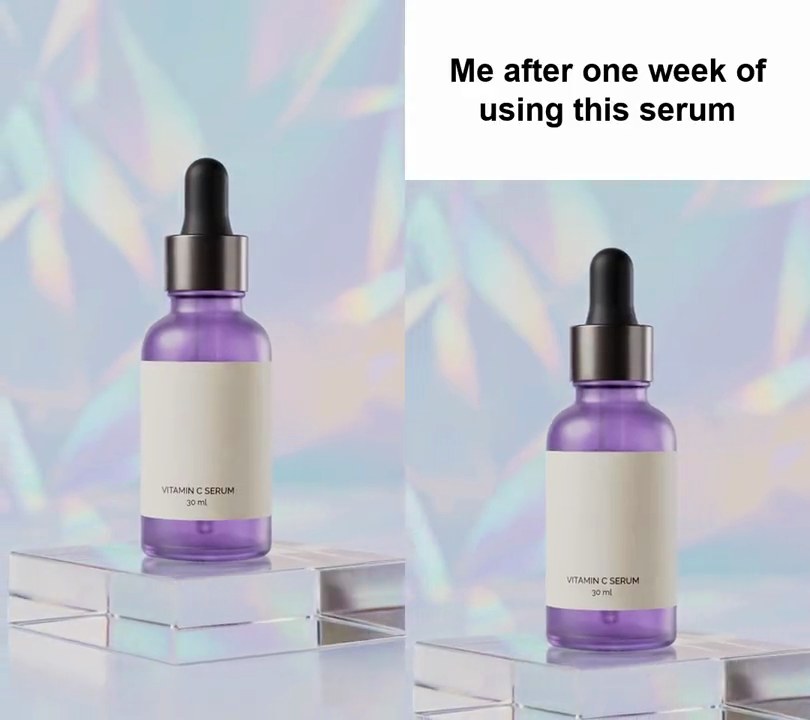
5. Meme caption bar
The clip drops below a white strip across the top quarter of the frame, where a bold black caption reads like a meme setup line.
Show the prompt
Turn input.mp4 (540x960) into a meme-format video: a pure white (255, 255, 255) bar across the top 240 pixels holds the caption "Me after one week of using this serum" in black Arial Bold at 43 px, centered and wrapped to fit within 32 px of each side, with lines 1.2x the text size apart and the block centered in the bar. Below the bar, show the middle 540x720 of the video (crop 120 pixels off its top and bottom) so nothing is hidden behind the bar. Keep it at 540x960, 30fps, on screen the whole 6 seconds. Use Python with Pillow to draw the bar and ffmpeg to stack it on the video (don't rely on ffmpeg's drawtext filter), keep the audio, and save it as output.mp4.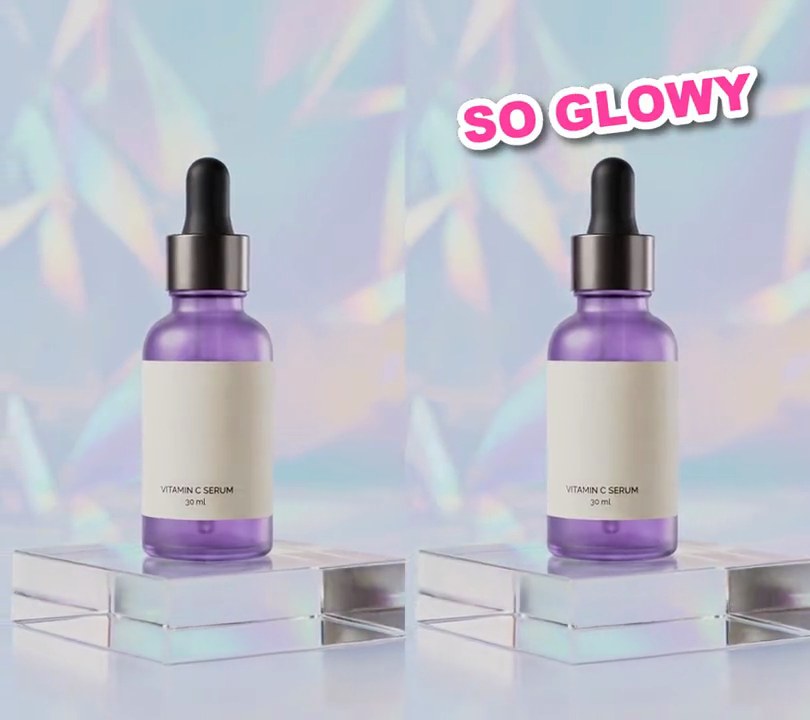
6. Sticker text
Hot pink "SO GLOWY" lettering, cut out with a thick white border and a soft shadow, slaps onto the top of the frame at a tilt like a peel-off sticker.
Show the prompt
Add sticker text to input.mp4: the words "SO GLOWY" in a heavy font (Arial Black) 12% of the frame width tall, hot pink (255, 64, 160), with a solid white (255, 255, 255) outline 15% of the letter size thick around every letter so it looks die-cut, and a drop shadow under the white outline offset 6 pixels right and 8 down, blurred slightly, black at 60% opacity. Tilt the whole sticker 7 degrees counterclockwise and center it 50% across and 15% down. At 0.5 seconds it appears at 135% size and shrinks to 100% over 0.2 seconds, easing out, as if slapped onto the screen, then stays to the end. Use Python with Pillow to draw it and ffmpeg to put it on the video (don't rely on ffmpeg's drawtext filter), keep the audio, and save it as output.mp4.
7. Phone-shot UGC look
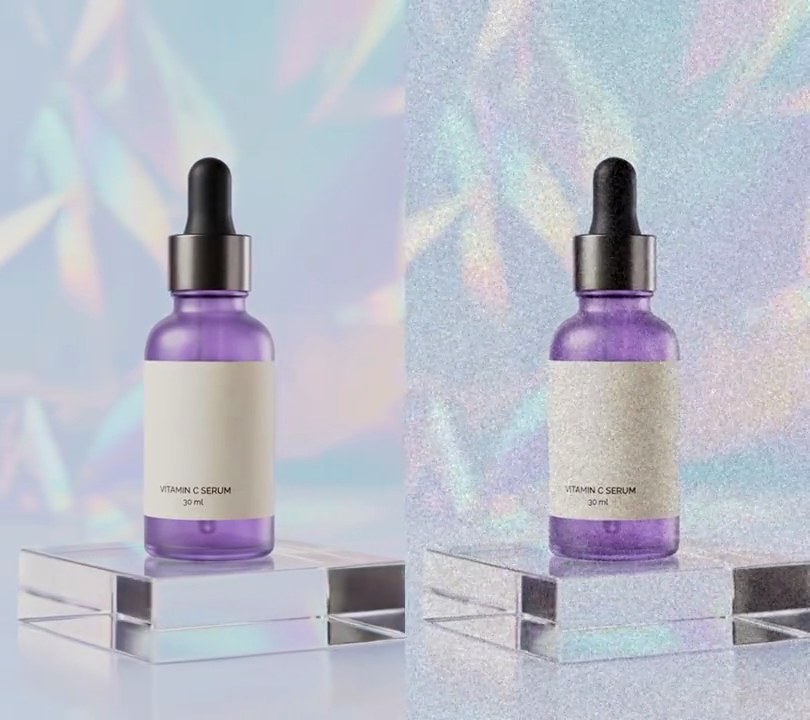
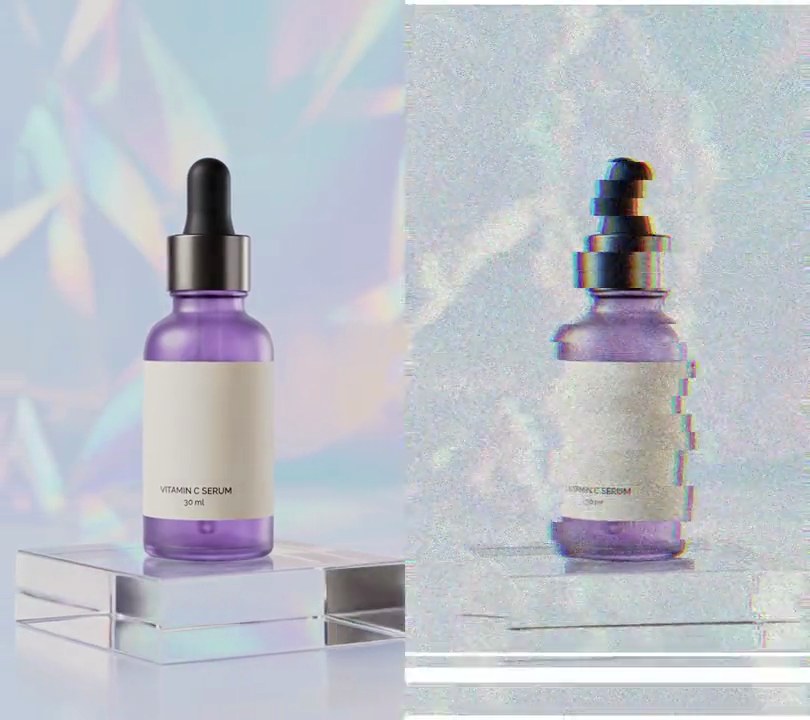
The studio shot starts to drift like it's held in a hand, its crisp edges soften and a fine moving grain settles over the picture, so it reads like a customer filmed it on their phone.
Show the prompt
Make input.mp4 look like it was filmed on a phone (UGC style) for the whole clip. First scale the frame up 8% and crop it back to the original size (540x960) with a slowly drifting crop window, so it sways like a handheld camera: offset the crop from center by x = 9*(0.7*sin(2.3t+1.1) + 0.3*sin(5.9t+0.4)) pixels and y = 9*(0.7*sin(1.7t+2.0) + 0.3*sin(6.7t+2.9)) pixels, where t is the time in seconds. Then soften the detail with a Gaussian blur of sigma 1.4 px and add moving sensor grain that changes every frame (ffmpeg's noise filter with alls=14:allf=t). Don't show black edges. Keep the size, 30fps, 6 seconds and the audio. Use ffmpeg, encode H.264 yuv420p and save it as output.mp4.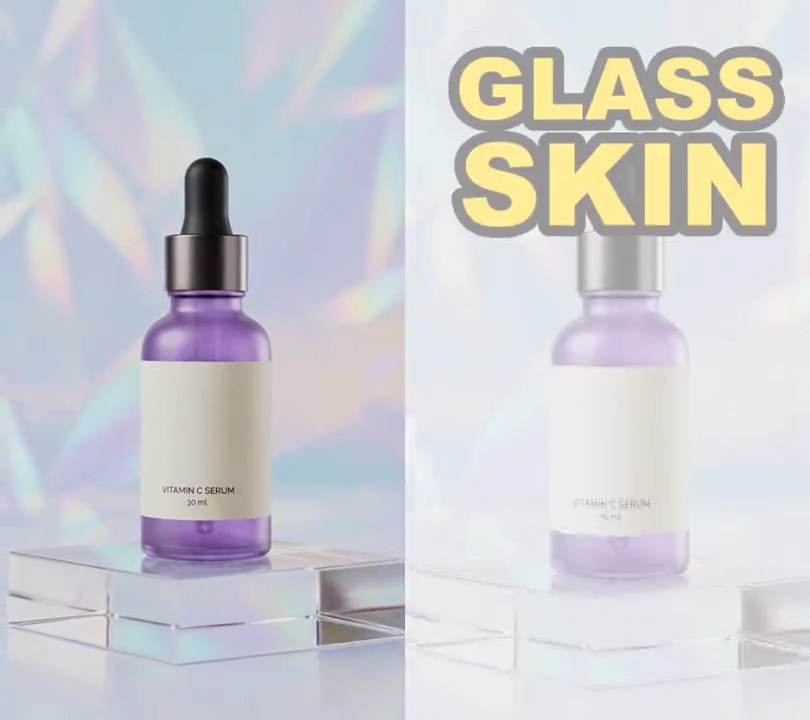
8. Text slam
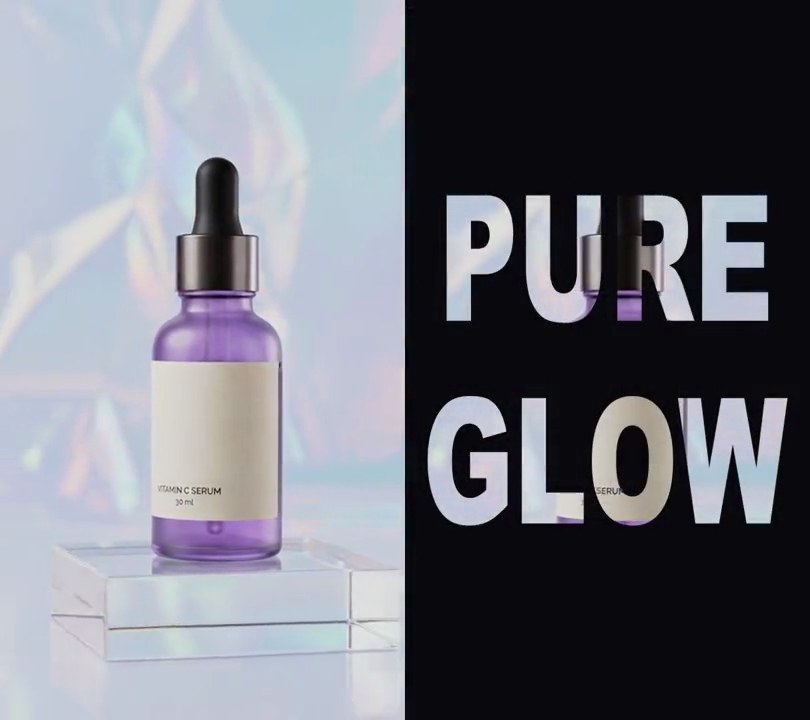
Two giant yellow words fall onto the screen one after the other, and each lands with a white flash and a jolt of the frame.
Show the prompt
Add a text slam to input.mp4: two huge words in yellow (255, 214, 0) with a black outline 2.5% of the frame width thick, each 80% of the frame width wide and centered horizontally. "GLASS" lands at 0.4 seconds centered 14% of the way down, then "SKIN" lands at 0.9 seconds centered 26.5% of the way down; both stay to the end. Each word falls in over the 0.1 seconds before it lands, shrinking from 2.6 times its size while fading in and speeding up as it drops. On each landing, flash the whole frame toward white (90% white, fading to nothing over 0.2 seconds) and shake the frame, words included: jolt it about 14 pixels in changing directions with an extra 8% zoom that both die down to still over 0.4 seconds, never showing an edge. Nothing changes before 0.3 seconds. Draw the text with Python and Pillow (don't rely on ffmpeg's drawtext filter), keep the size and audio, and save it as output.mp4.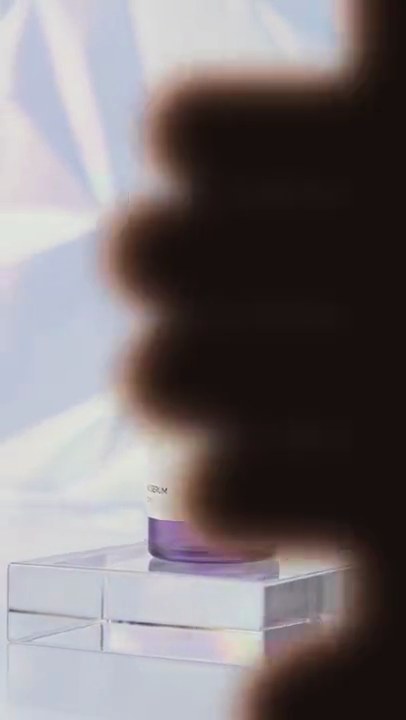
9. Seamless hand-cover transition
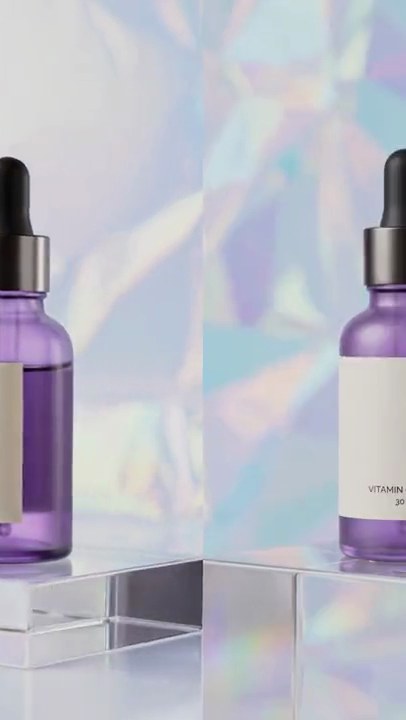
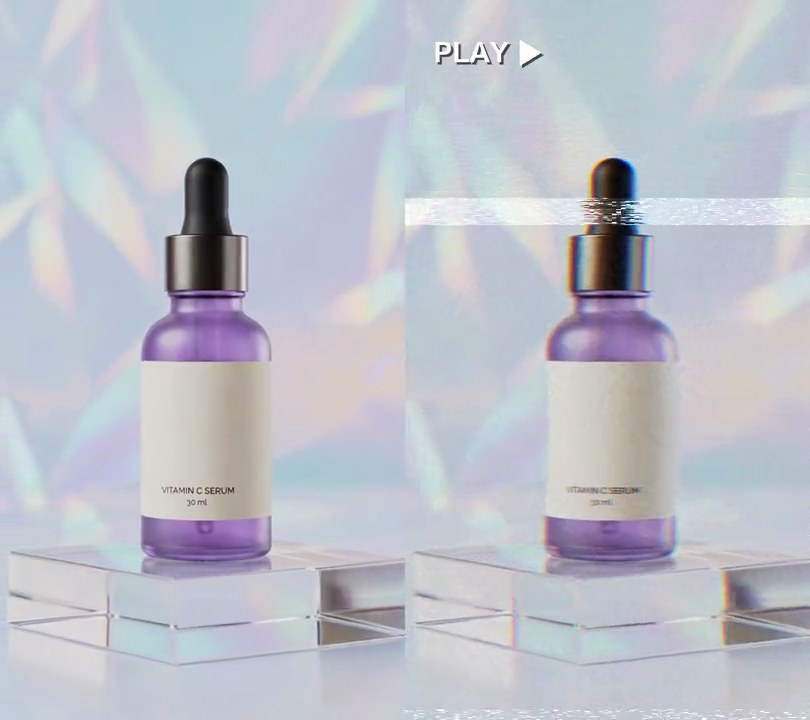
A blurry dark hand swipes in from the right, fingers first, blacks out the lens for a moment, then slides off to the left to reveal clip B.
Show the prompt
Join clipA.mp4 and clipB.mp4 with a 0.8 second hand-cover transition that starts 0.8 seconds before clipA.mp4 ends (11.2 seconds in all for two 6 second clips), as if a hand passed right in front of the lens. Build the transition frames with Python, numpy and Pillow; W and H are the frame width and height (540x960), and X is the left edge of the hand drawing. Draw the hand into a mask with Pillow: a palm, a rounded rectangle from X+0.75W to X+2.0W across and from -0.2H to 1.2H down with a corner radius of 0.3W; four fingers pointing left, rounded rectangles 0.17H tall with fully rounded ends, top edges at 0.10H, 0.27H, 0.44H and 0.61H, each running from X+0.95W left to X+0.75W minus 0.50W, 0.60W, 0.56W and 0.42W (top to bottom); and a thumb, a rounded rectangle from X+0.35W to X+1.05W across and 0.78H to 0.984H down (corner radius 0.102H), rotated 25 degrees counterclockwise about the point (X+1.05W, 0.78H). Blur the mask with a Gaussian blur of radius 0.03W so the hand looks out of focus. Color the hand from a second copy of the mask blurred by 0.06W: with k = clip((blurred/255 - 0.5) * 2, 0, 1), the color is (150, 98, 76) * (1 - k) + (24, 16, 14) * k, so its edges look like warm skin and its middle is near black. Paste it over the frame with the soft mask. Move it with t in seconds from the start of the transition and cover = -0.835W: for t < 0.35, X = W + (cover - W) * (1 - (1 - p)^2) with p = t / 0.35 (the hand slows as it lands); from 0.35 to 0.45, X creeps linearly from cover to cover - 0.08W while the lens is fully covered; from 0.45 to 0.8, X = cover - 0.08W + (-2.1W - cover + 0.08W) * p^2 with p = (t - 0.45) / 0.35 (it speeds off to the left). Show clip A under the hand up to 0.4 seconds into the transition and clip B after that, with B playing from its first frame at the start of the transition. Don't use ffmpeg's drawtext. Use ffmpeg for the rest: match B's size and frame rate to A (30fps), crossfade the audio over the same 0.8 seconds, keep the audio and save it as output.mp4 (H.264, yuv420p).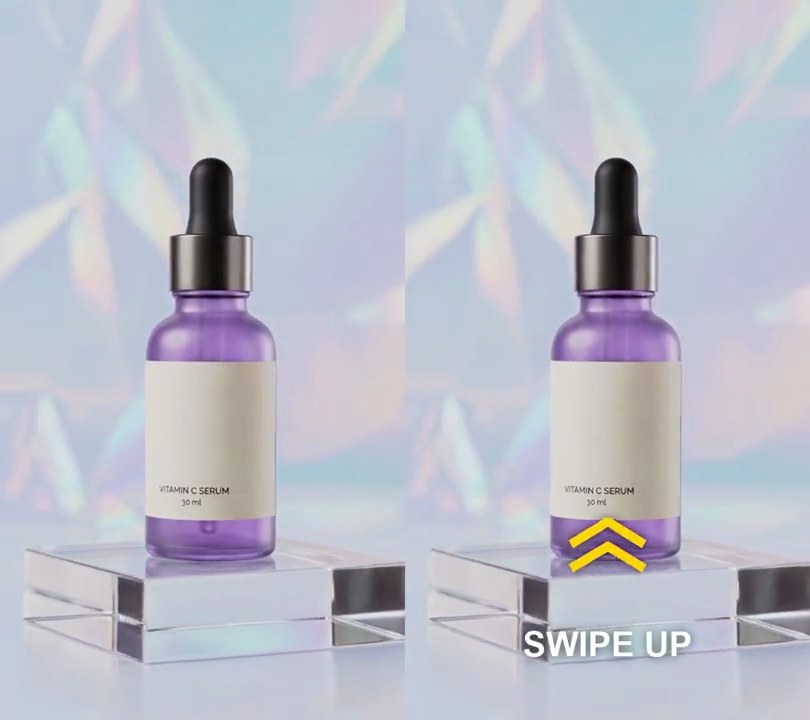
10. Swipe up arrow
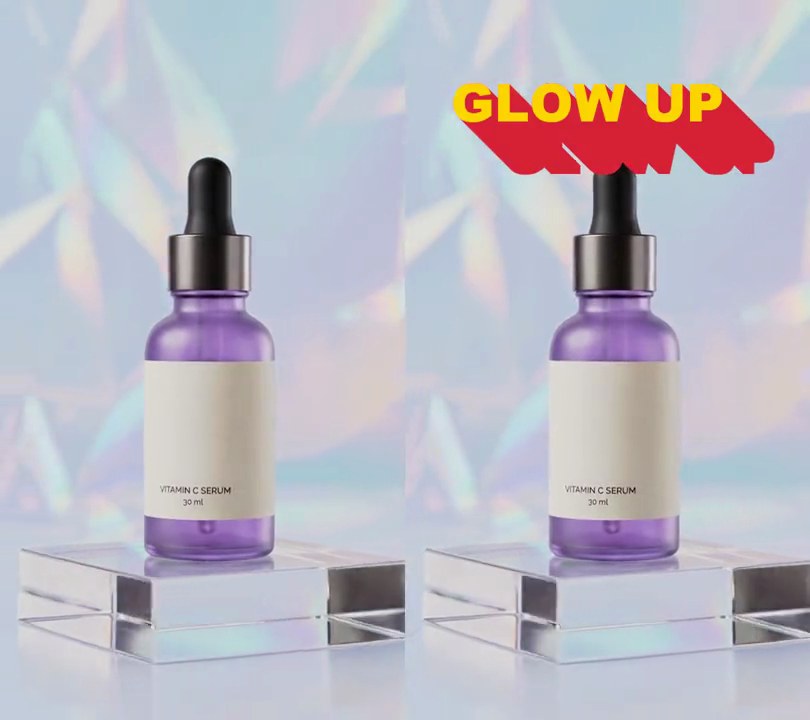
A yellow double chevron hops up and drops back over white "SWIPE UP" text at the bottom of the frame, over and over, like a story ad nudging you to swipe.
Show the prompt
Add a swipe up arrow to input.mp4: two stacked yellow (255, 214, 0) chevrons pointing up, each 18% of the frame width across and 5.5% of the width tall, drawn with lines 2.4% of the width thick and set 6% of the width apart, centered across with their resting center 80% of the way down. Under them, "SWIPE UP" in white bold text 8.5% of the frame width tall, centered across at 89.5% down. Give both a soft dark blurred shadow. They fade in over 0.25 seconds starting at 0.5 seconds, then the chevrons bounce until the end: they lift 4.5% of the frame height and drop back every 0.8 seconds (lift = |sin(pi * (t - 0.5) / 0.8)| x 4.5% of the height), while the text stays still. Nothing shows before 0.5 seconds. Use Python with Pillow to draw it and ffmpeg to put it on the video (don't rely on ffmpeg's drawtext filter), keep the audio, and save it as output.mp4.