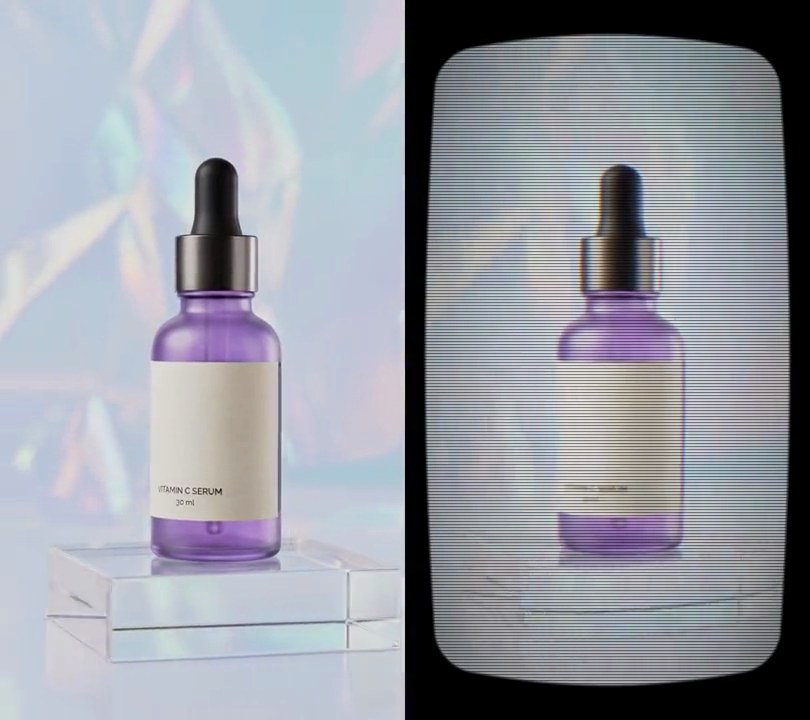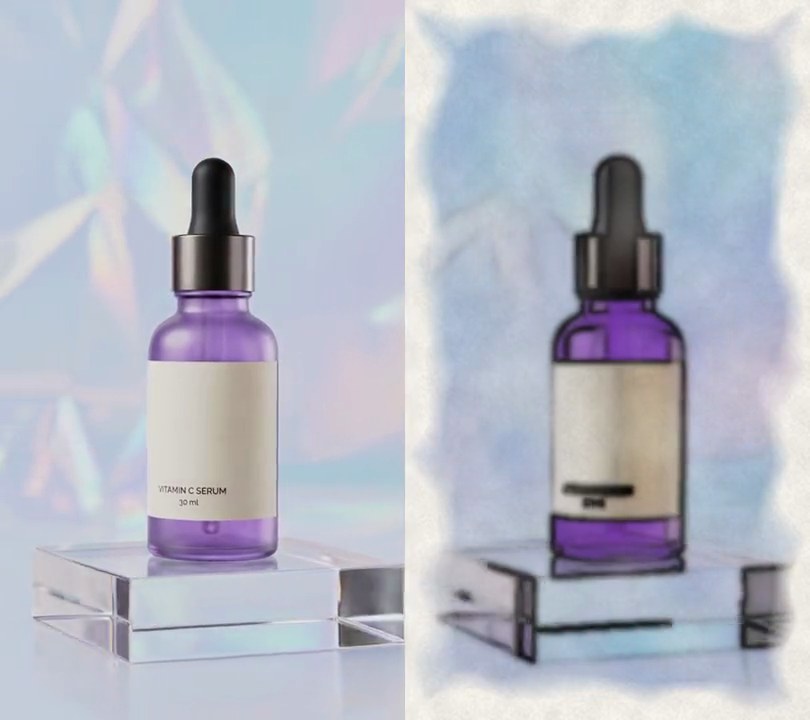
1. Crossfade transition
Clip A fades out while clip B fades in over the same 0.6 seconds, sound included.
Show the prompt
Join clipA.mp4 and clipB.mp4 with a 0.6 second crossfade: the picture should dissolve from A to B and the audio should crossfade at the same time. Match B's size and frame rate to A. Use ffmpeg and save it as output.mp4.
2. Fade through black
Clip A dips to a black screen and clip B rises out of it, 0.6 seconds in all.
Show the prompt
Join clipA.mp4 and clipB.mp4 with a 0.6 second fade through black: A fades down to black, then B fades up from black (ffmpeg xfade fadeblack). Crossfade the audio over the same 0.6 seconds. Match B's size and frame rate to A. Use ffmpeg and save it as output.mp4.
3. Flash transition
The picture burns out to pure white between two shots, like a camera flash going off.
Show the prompt
Join clipA.mp4 and clipB.mp4 with a 0.6 second flash transition: A fades up to pure white, then B fades in from white (ffmpeg xfade fadewhite). Crossfade the audio over the same 0.6 seconds. Match B's size and frame rate to A. Use ffmpeg and save it as output.mp4.
4. Slide transition
Clip B pushes in from the right edge and shoves clip A off to the left.
Show the prompt
Join clipA.mp4 and clipB.mp4 with a 0.6 second slide transition where B pushes in from the right and pushes A out to the left (ffmpeg xfade slideleft). Crossfade the audio over the same 0.6 seconds. Match B's size and frame rate to A. Use ffmpeg and save it as output.mp4.
5. Wipe transition
A hard vertical edge sweeps across the frame from right to left, leaving clip B behind it.
Show the prompt
Join clipA.mp4 and clipB.mp4 with a 0.6 second wipe transition: a straight vertical edge moves from the right side to the left side, revealing B behind it (ffmpeg xfade wipeleft). Crossfade the audio over the same 0.6 seconds. Match B's size and frame rate to A. Use ffmpeg and save it as output.mp4.
6. Zoom transition
The shot rushes into the middle of clip A and lands on clip B.
Show the prompt
Join clipA.mp4 and clipB.mp4 with a 0.6 second zoom transition that zooms into the center of A and lands on B (ffmpeg xfade zoomin). Crossfade the audio over the same 0.6 seconds. Match B's size and frame rate to A. Use ffmpeg and save it as output.mp4.
7. Circle reveal transition
Clip B grows out of a circle in the middle of clip A until it fills the screen.
Show the prompt
Join clipA.mp4 and clipB.mp4 with a 0.6 second circle reveal: B appears inside a circle in the middle of A that grows until it fills the frame (ffmpeg xfade circleopen). Crossfade the audio over the same 0.6 seconds. Match B's size and frame rate to A. Use ffmpeg and save it as output.mp4.
8. Pixelate transition
Clip A breaks up into big square blocks that sharpen back into clip B.
Show the prompt
Join clipA.mp4 and clipB.mp4 with a 0.6 second pixelate transition: A breaks into big square pixels that resolve into B (ffmpeg xfade pixelize). Crossfade the audio over the same 0.6 seconds. Match B's size and frame rate to A. Use ffmpeg and save it as output.mp4.
9. Clock wipe transition
A line sweeps around the center like a clock hand, uncovering clip B as it goes.
Show the prompt
Join clipA.mp4 and clipB.mp4 with a 0.6 second clock wipe: a line sweeps around the center of the frame like a clock hand, uncovering B (ffmpeg xfade radial). Crossfade the audio over the same 0.6 seconds. Match B's size and frame rate to A. Use ffmpeg and save it as output.mp4.
10. Blur transition
Clip A smears sideways into a blur and comes back into focus as clip B.
Show the prompt
Join clipA.mp4 and clipB.mp4 with a 0.6 second blur transition: A blurs out sideways and B blurs back into focus (ffmpeg xfade hblur). Crossfade the audio over the same 0.6 seconds. Match B's size and frame rate to A. Use ffmpeg and save it as output.mp4.