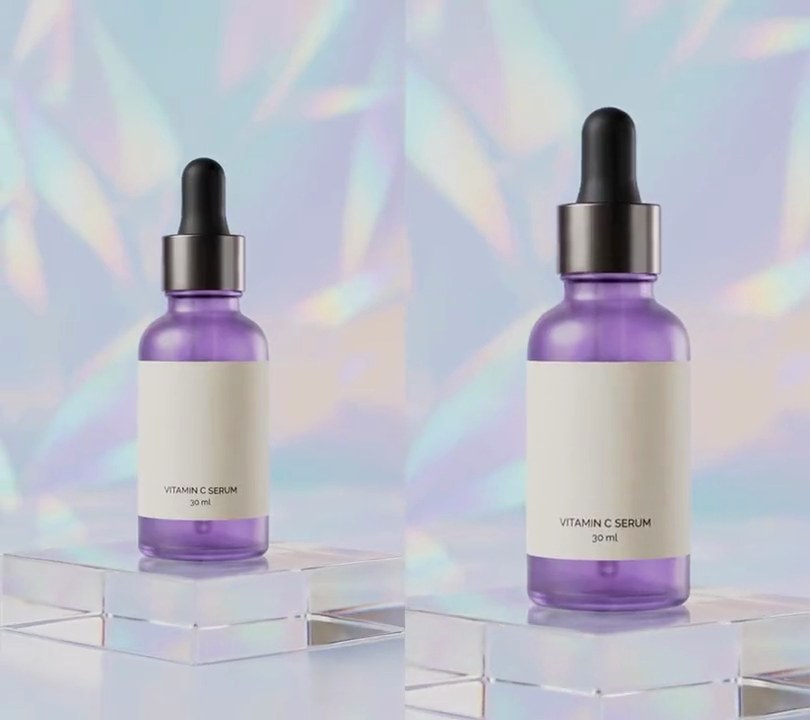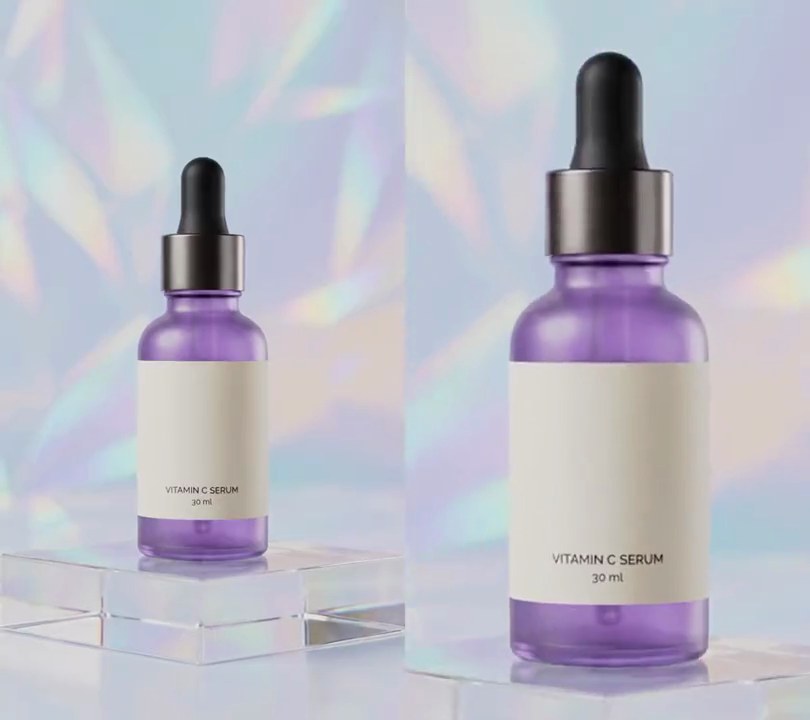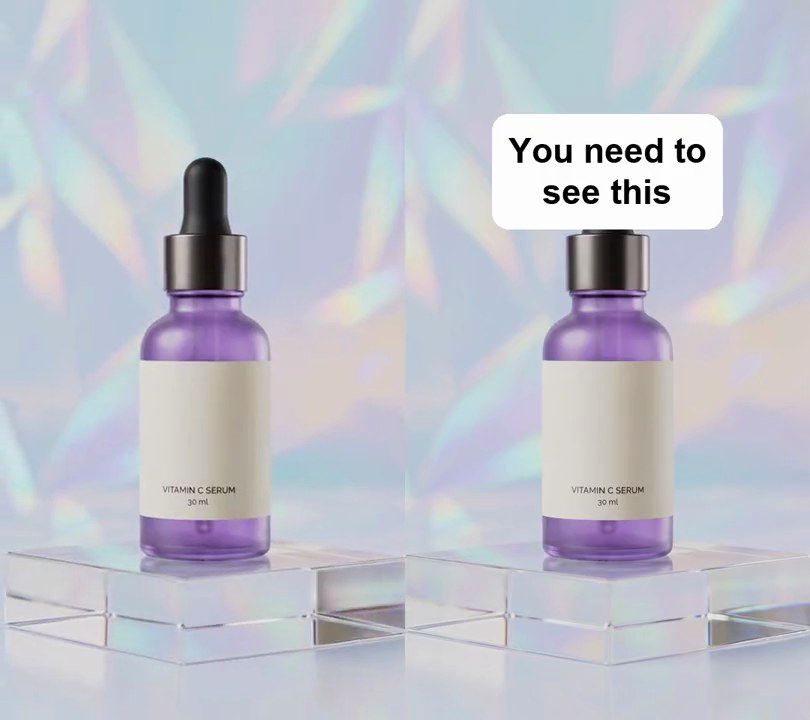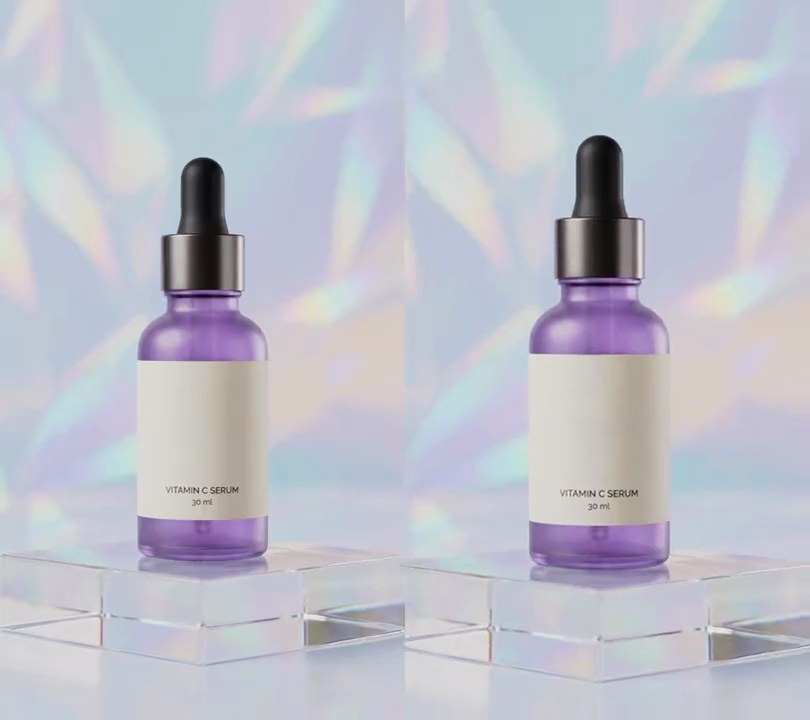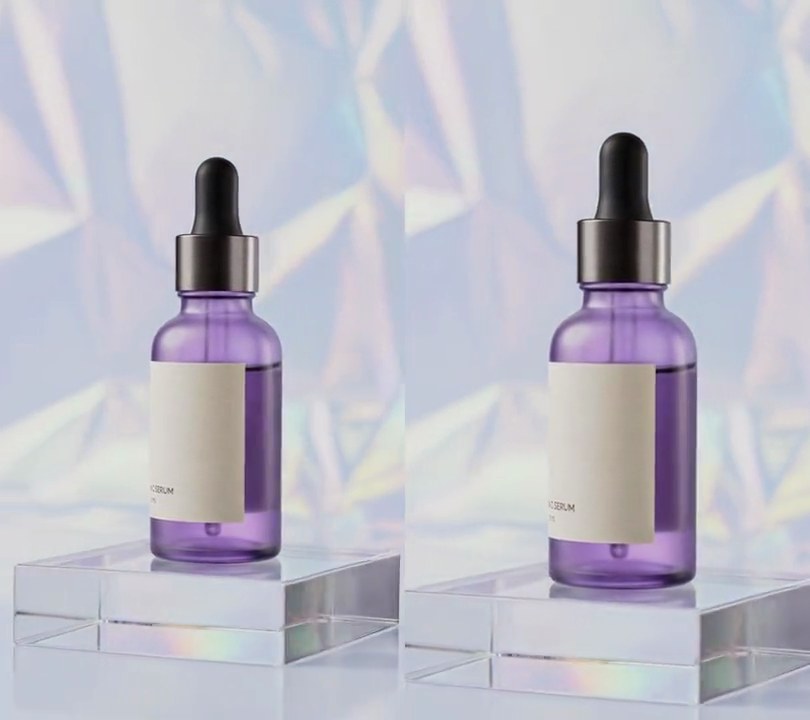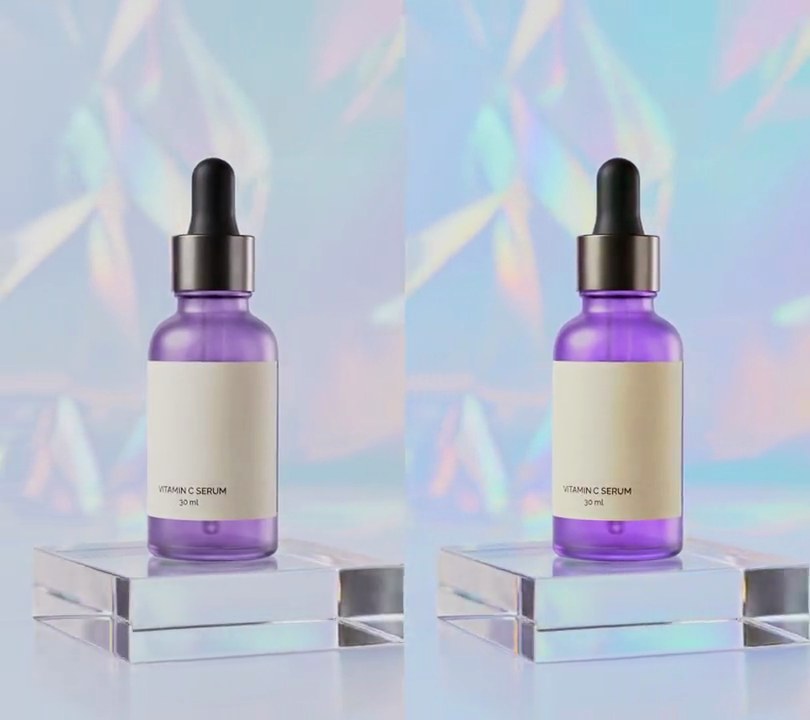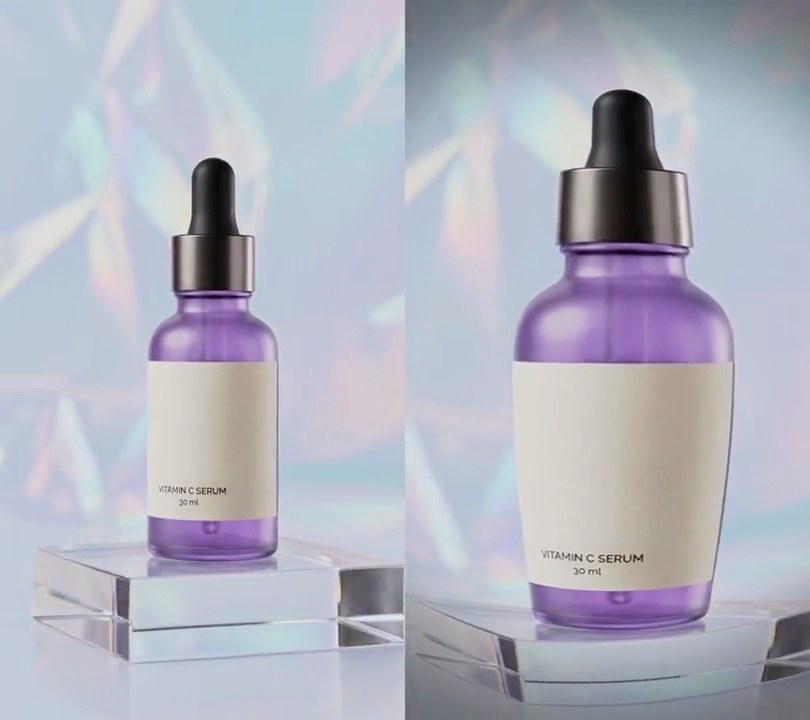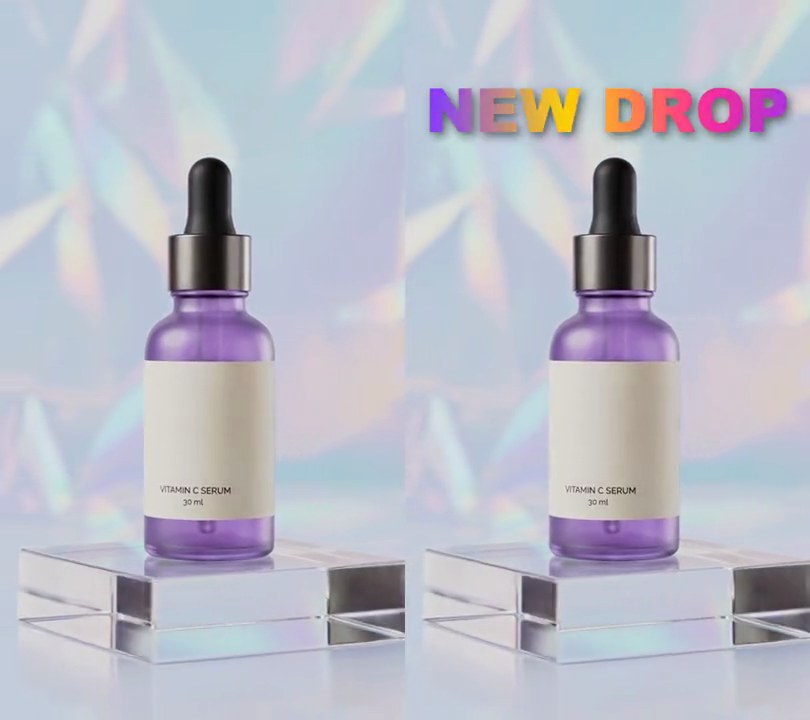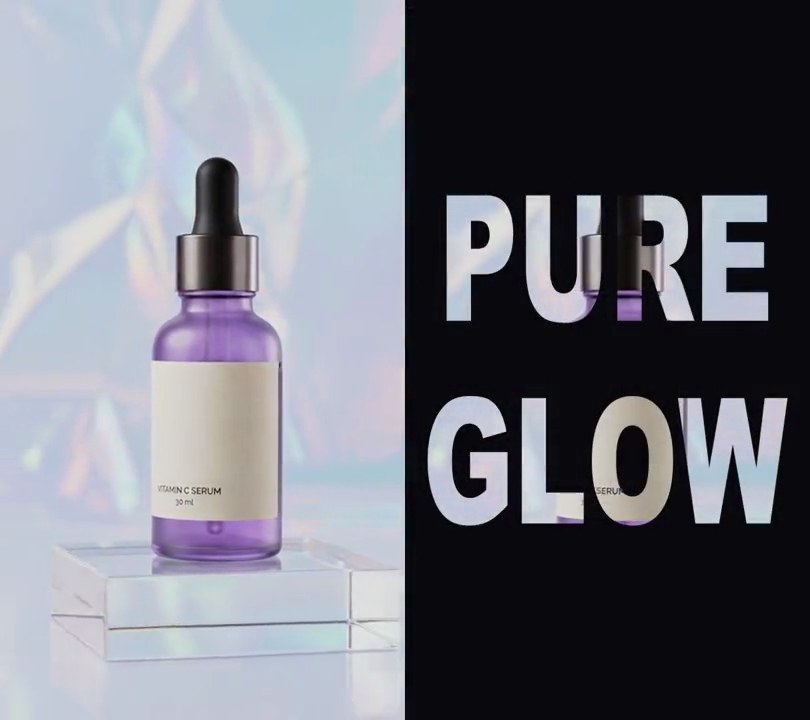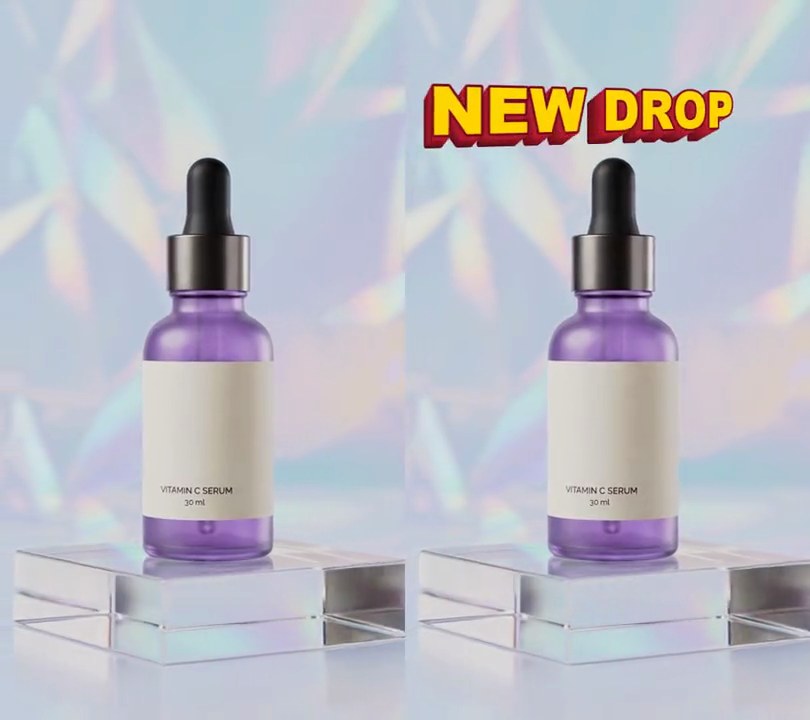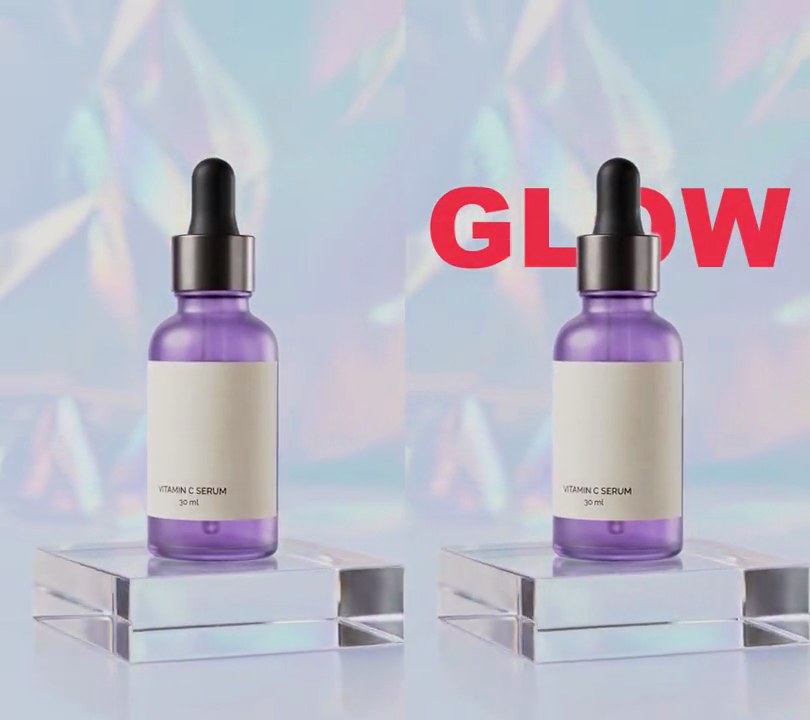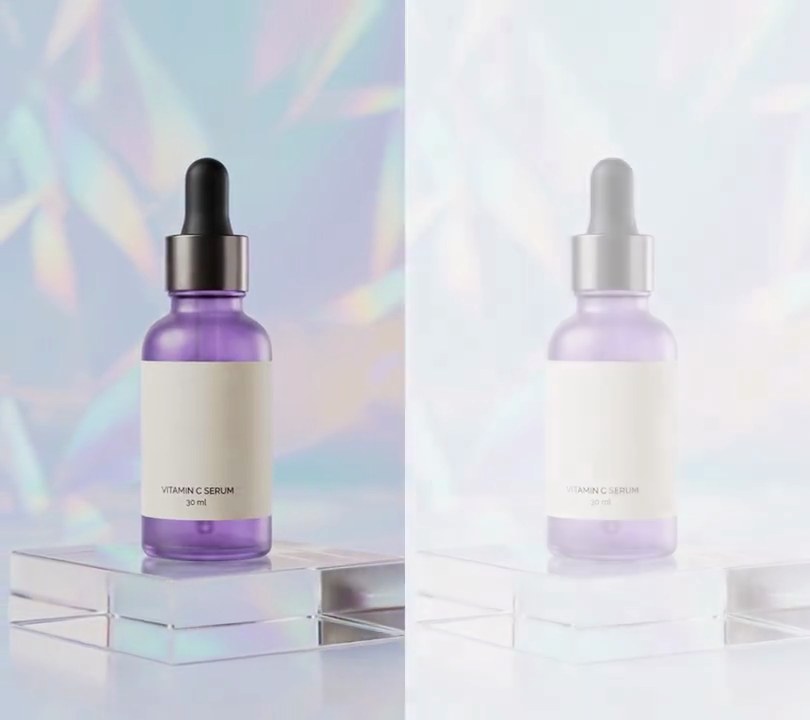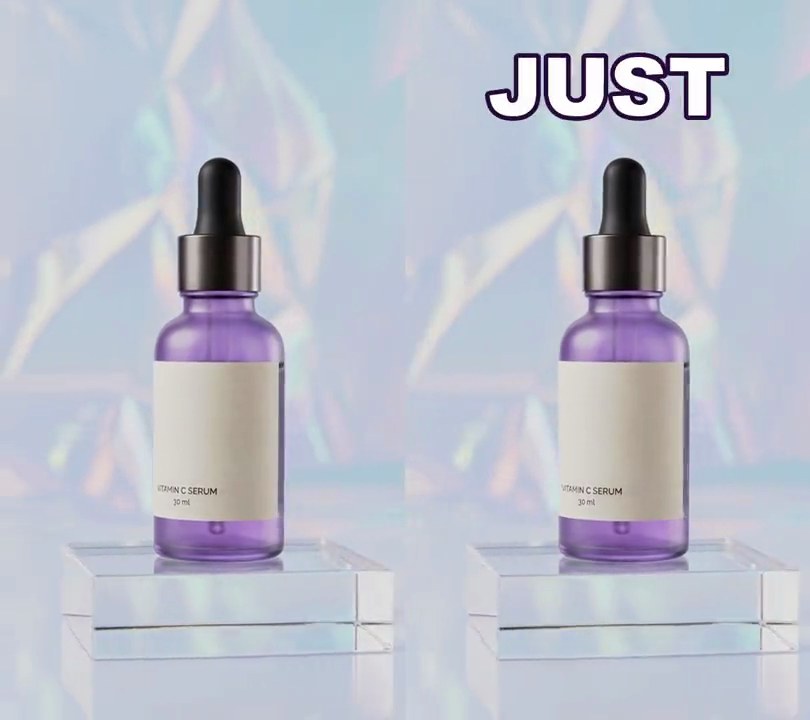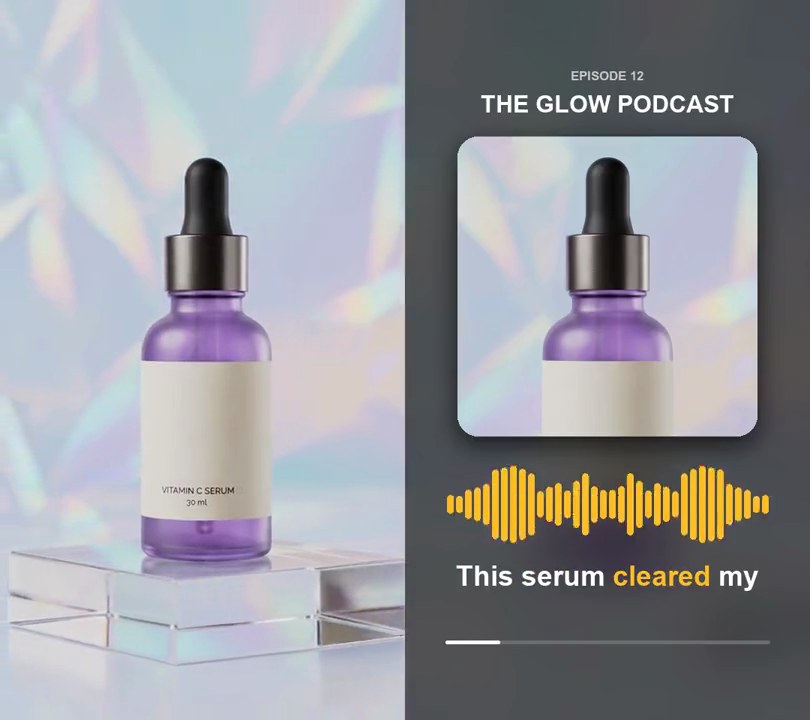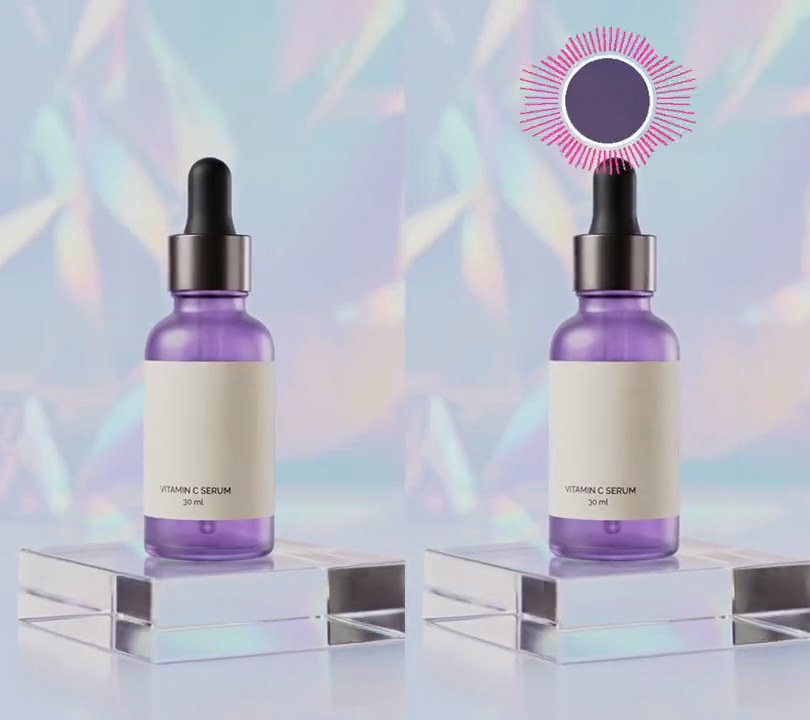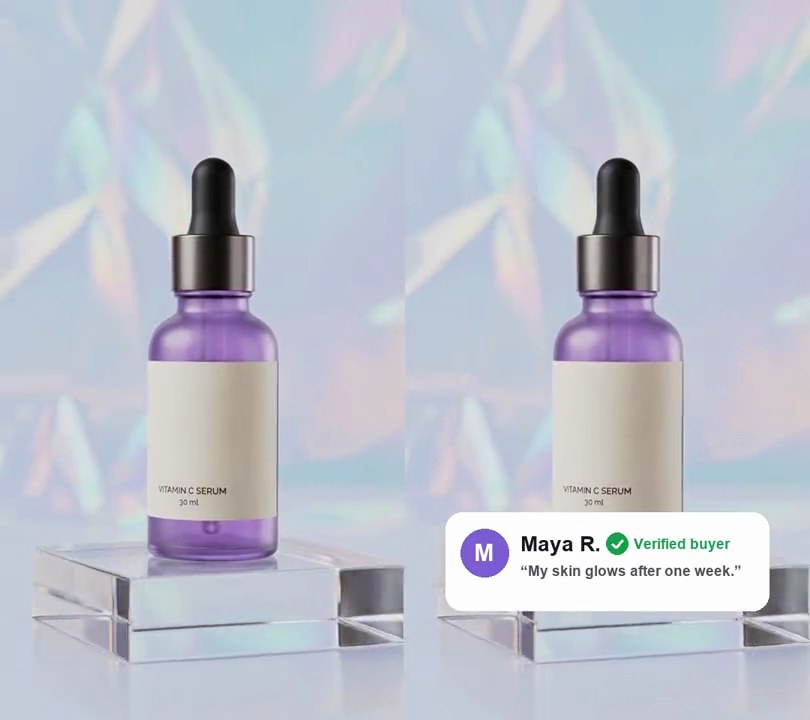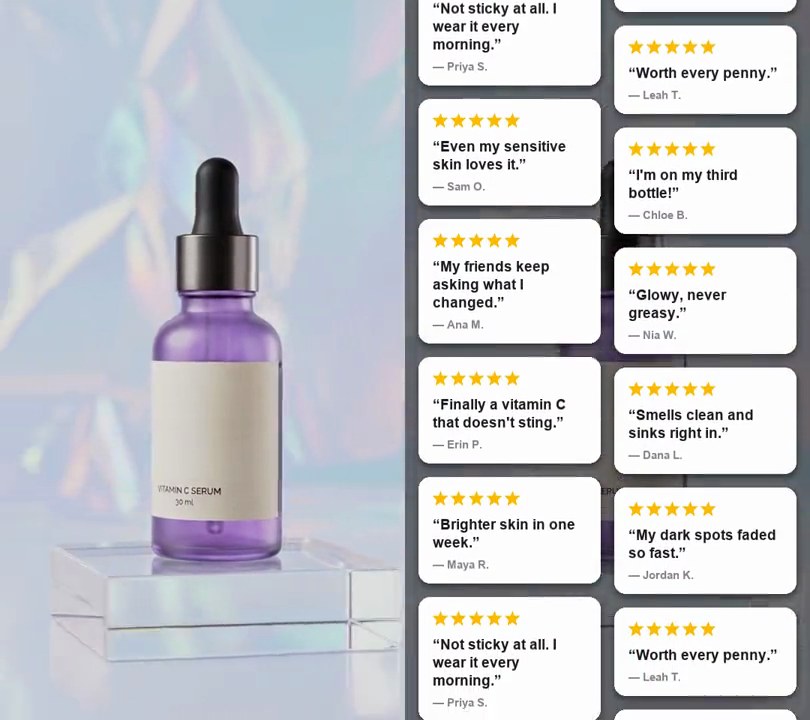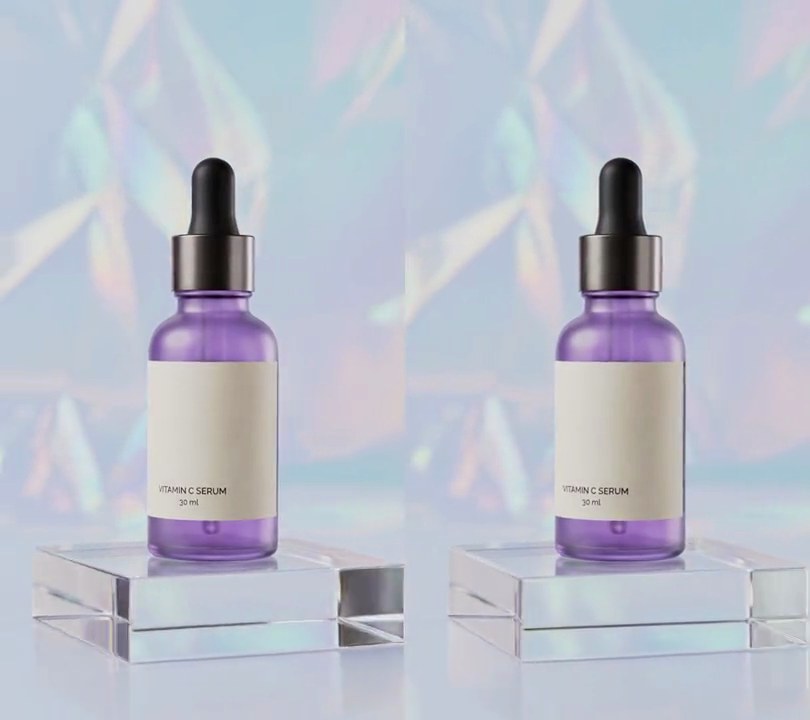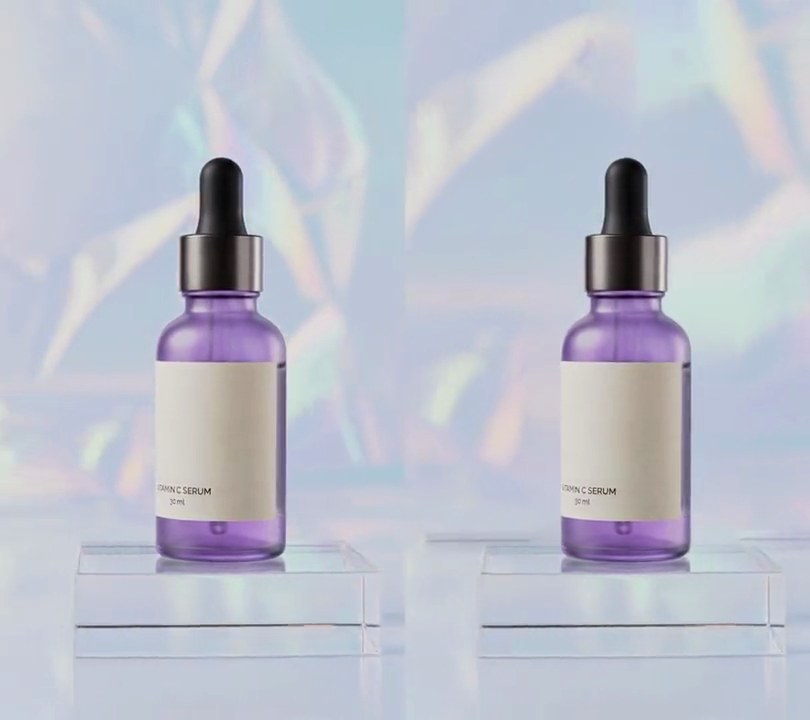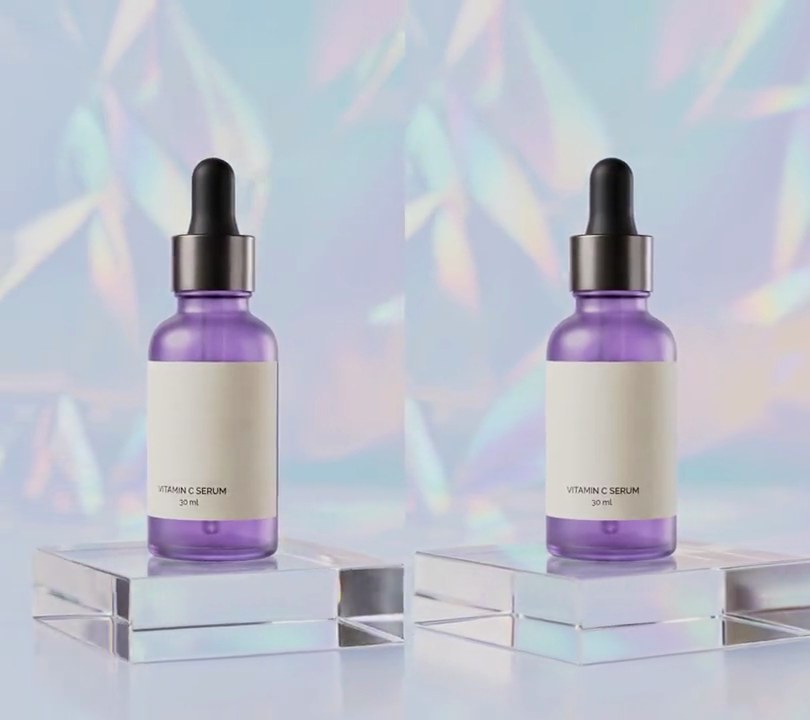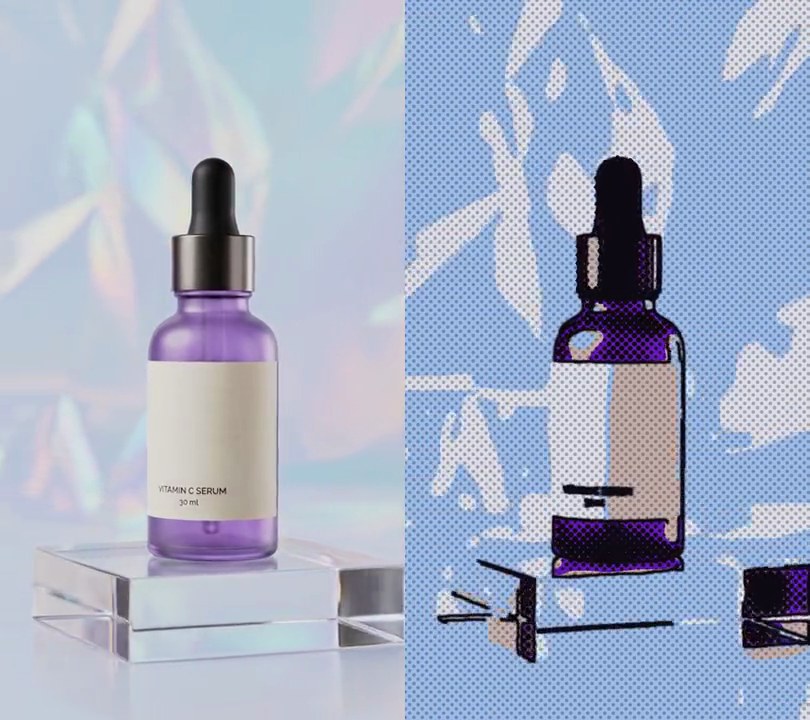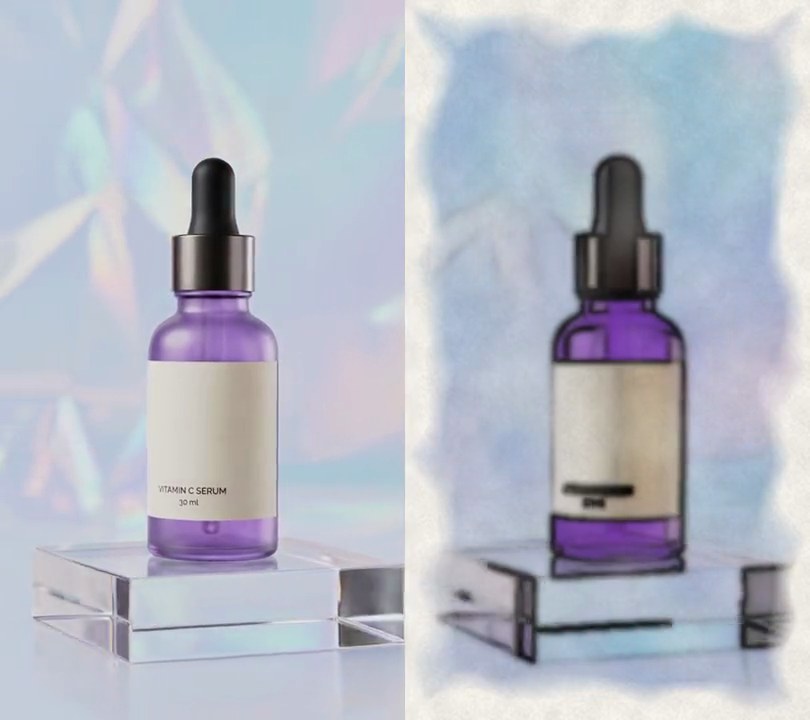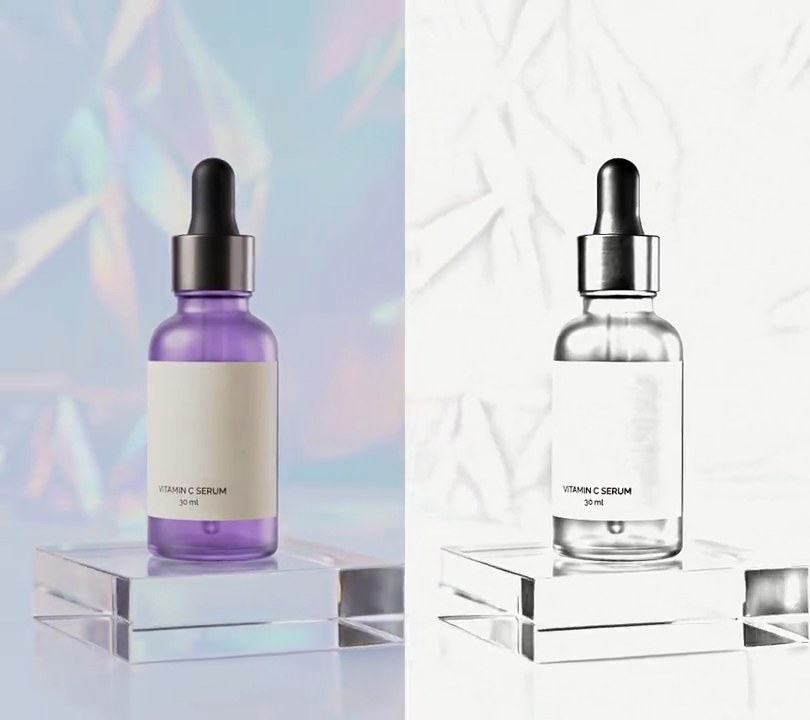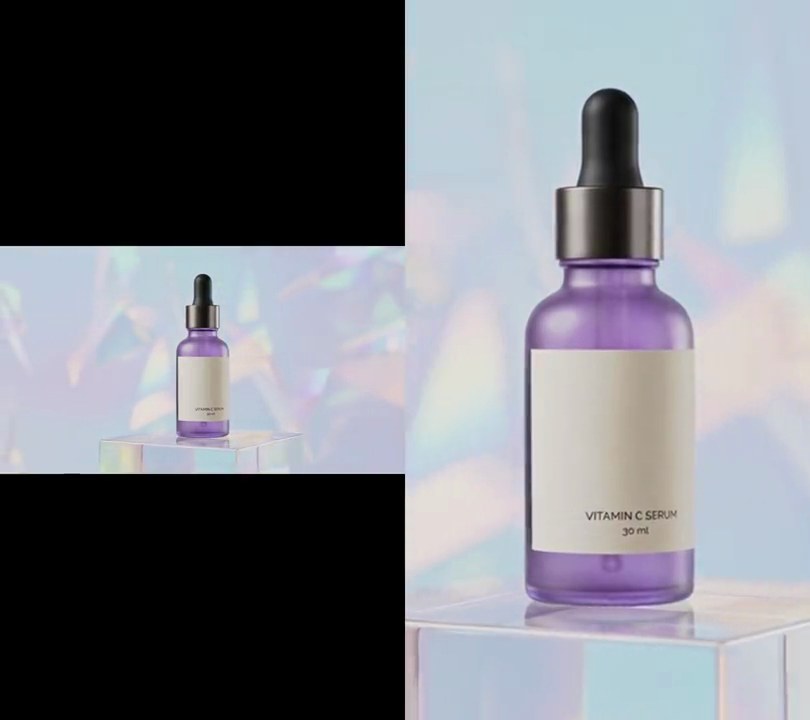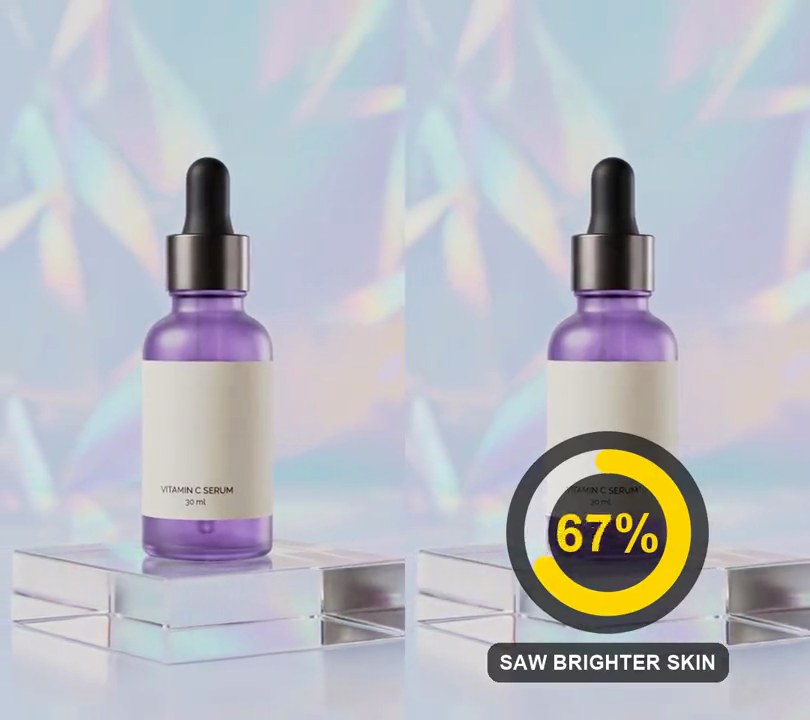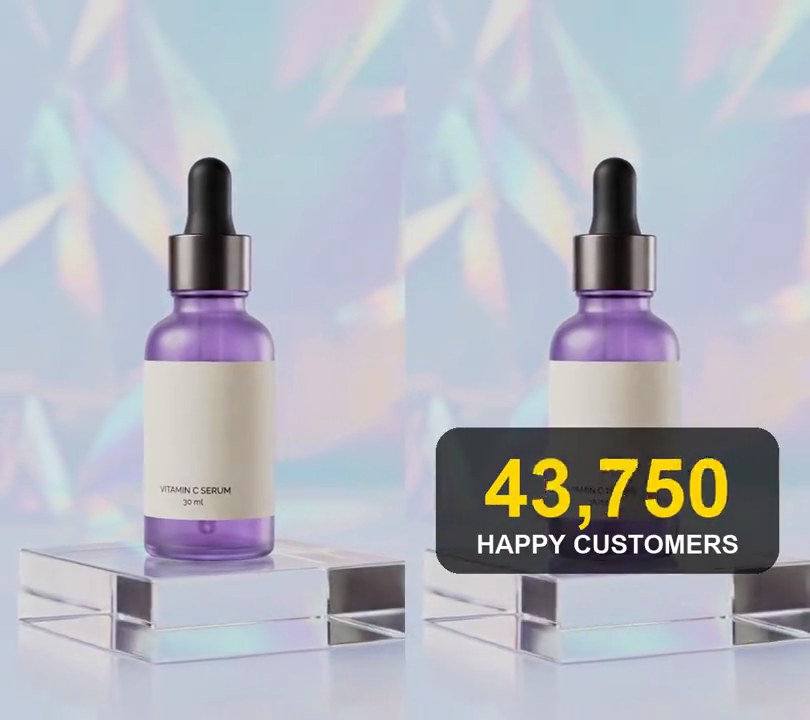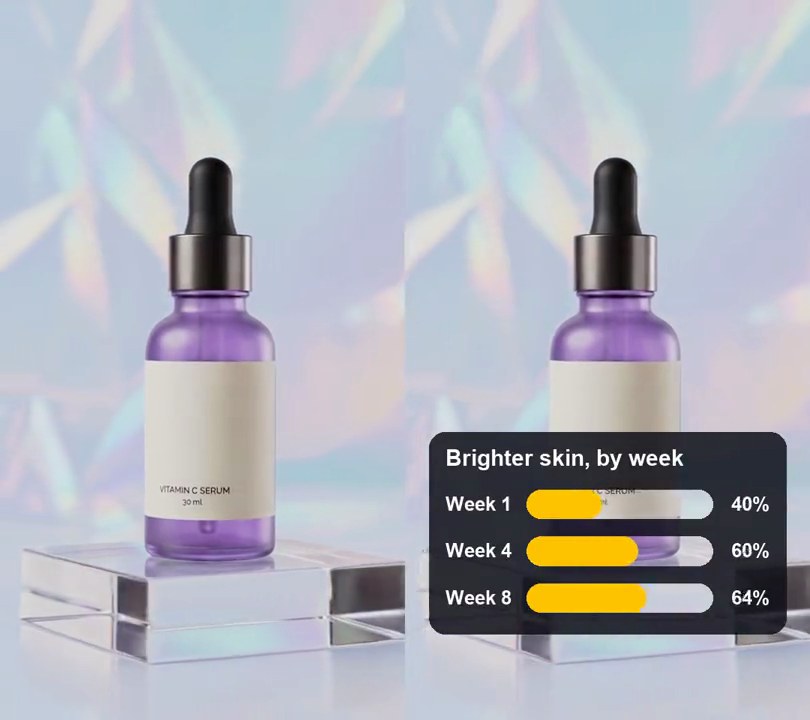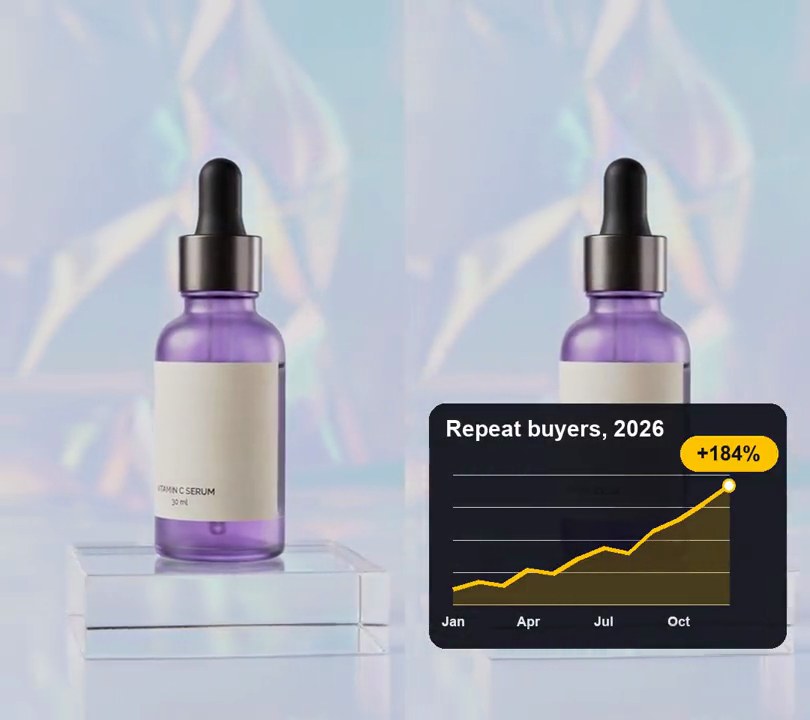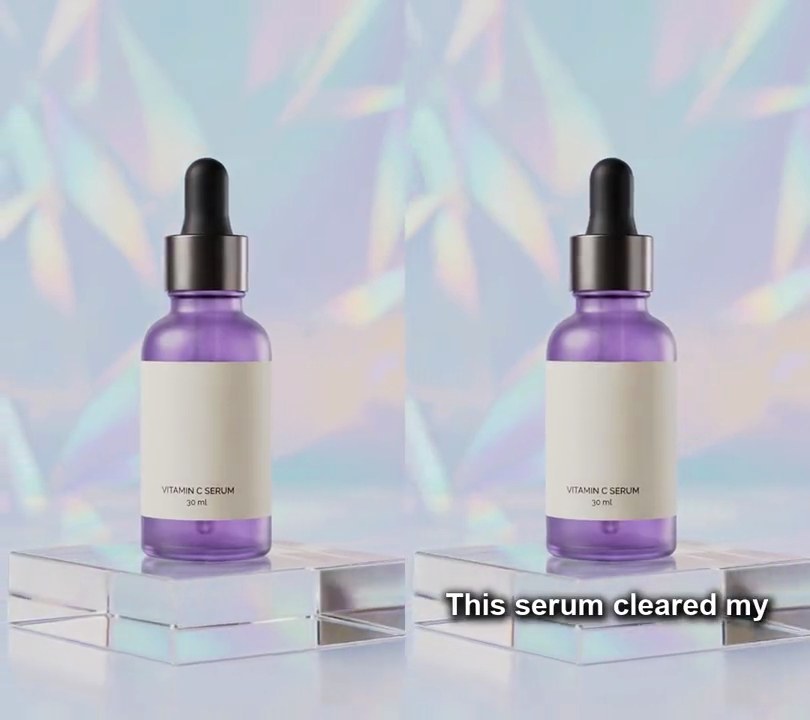
1. Match cut
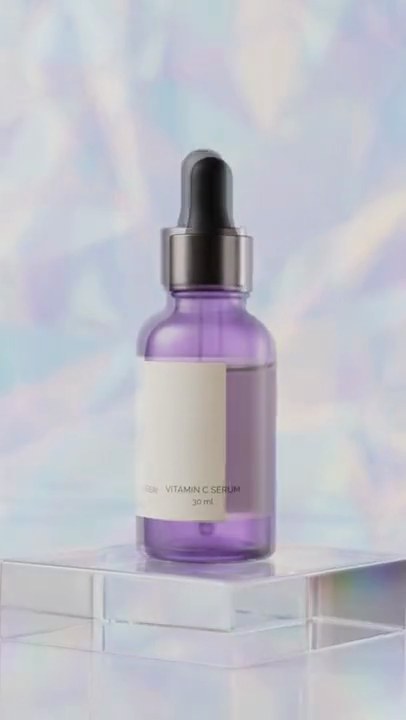
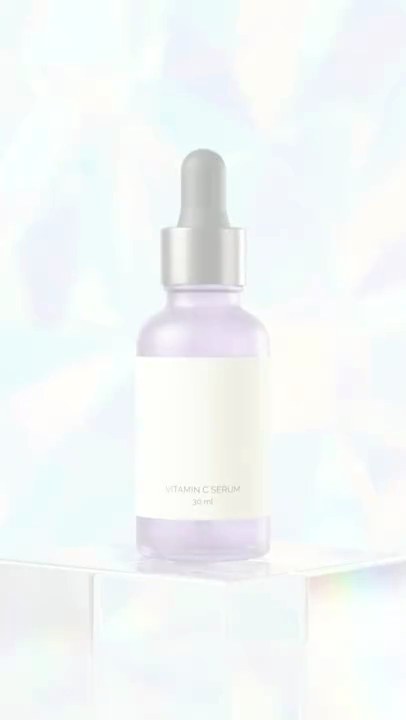
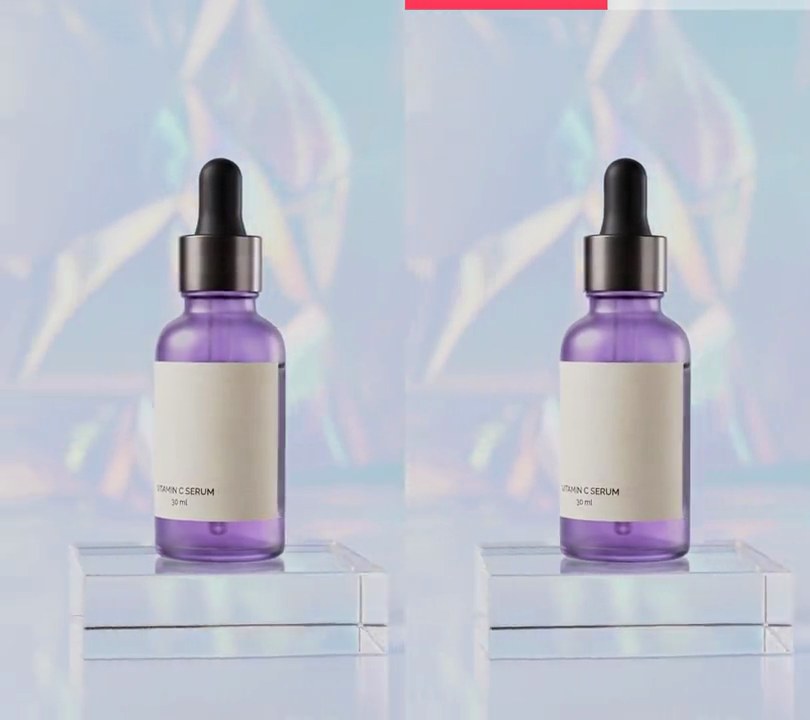
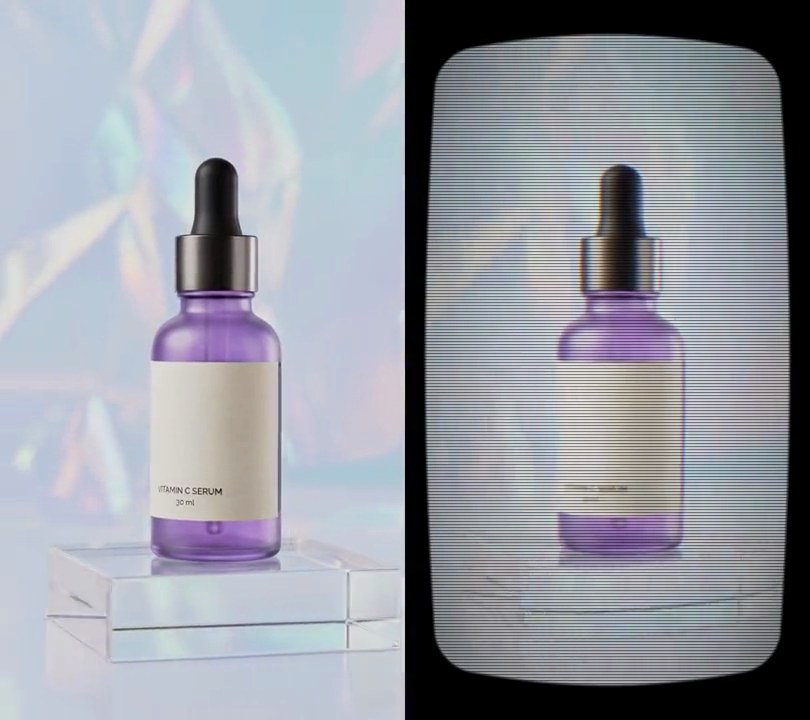
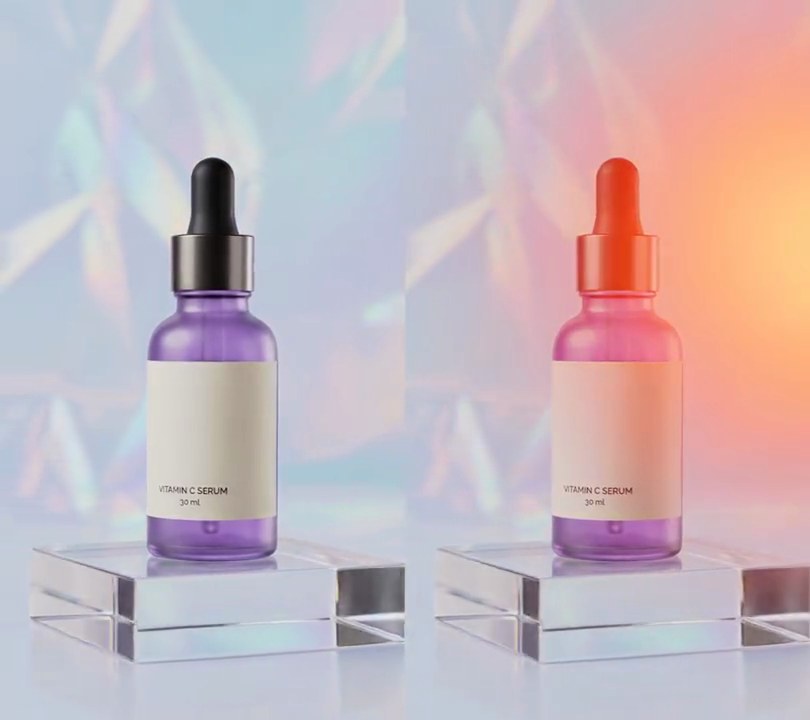
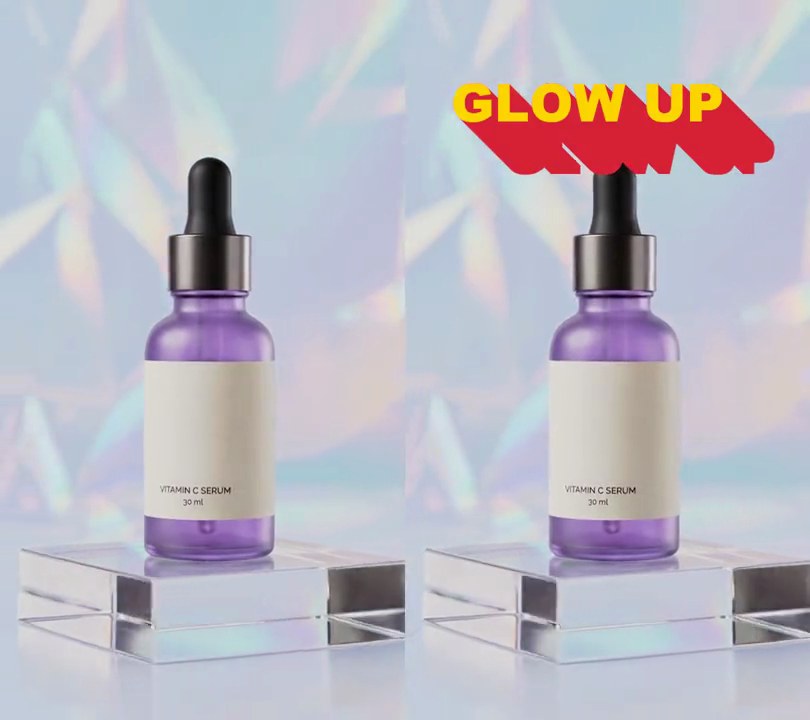
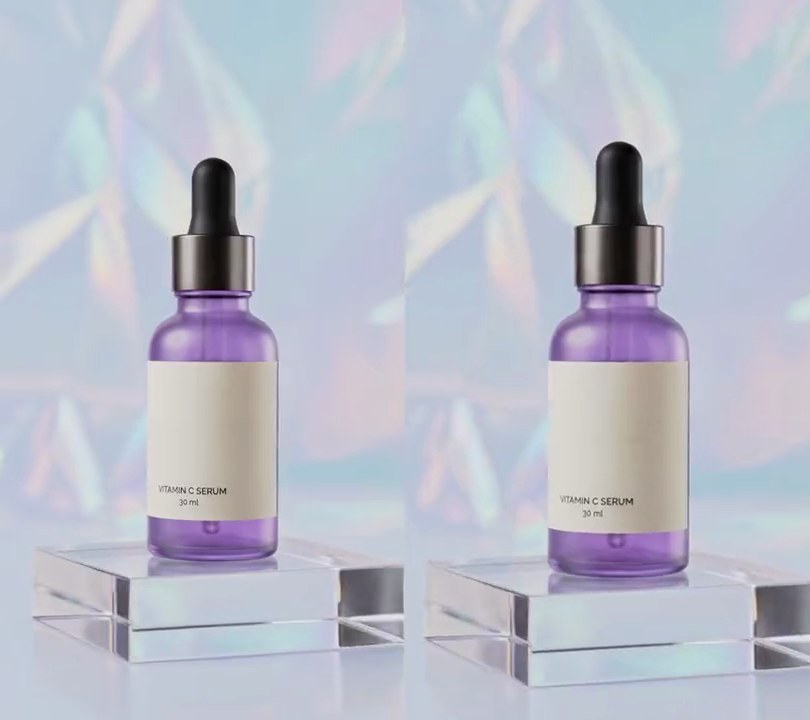
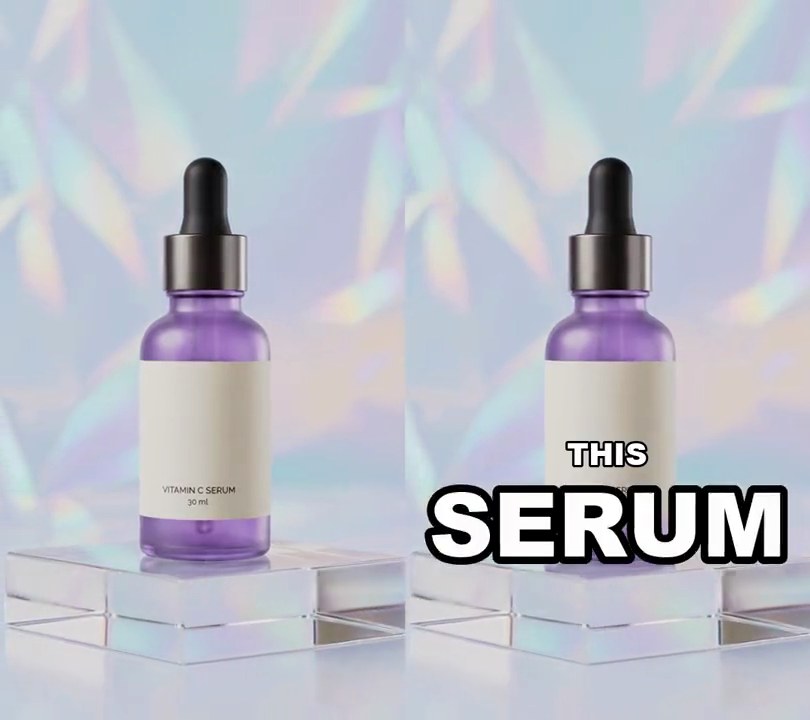
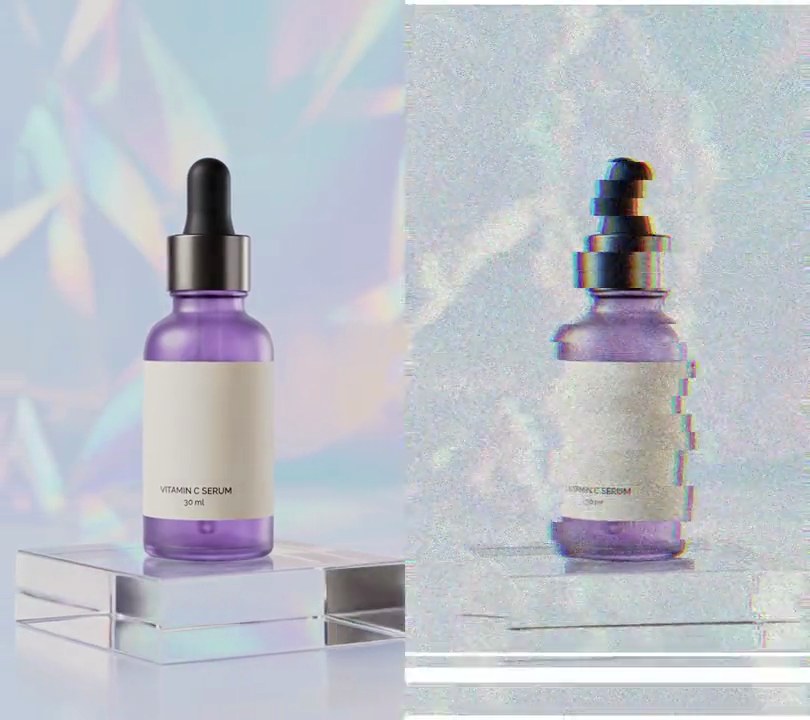
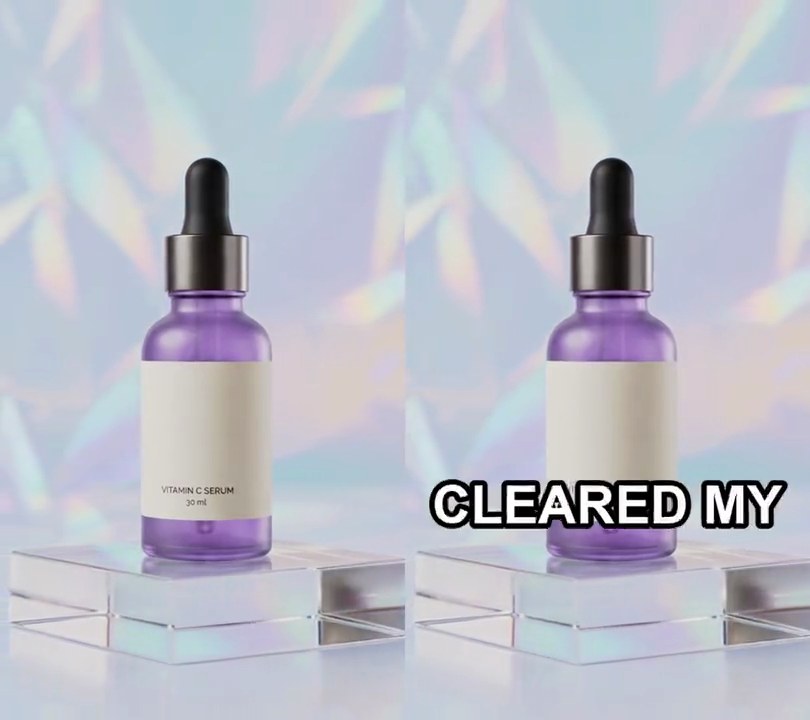
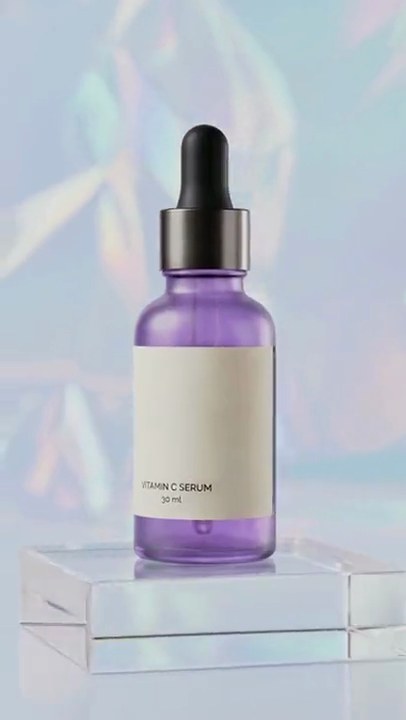
The bottle eases into the exact size and spot it fills in the next shot, so at the cut only the backdrop and the block under it change.
Show the prompt
Make a match cut from clipA.mp4 to clipB.mp4 (both 540x960, 30fps) with Python, OpenCV and ffmpeg. Search clipA's frames from 2.0 to 4.0 seconds and clipB's frames from 0.3 to 2.0 seconds in 0.1 second steps (every 3rd frame). For each pair, match ORB features (cv2.ORB_create(2000), brute-force Hamming matcher with cross-check), fit a scale + rotation + shift taking B's points onto A's with cv2.estimateAffinePartial2D (RANSAC threshold 3), skip pairs where moving A that way would leave empty edges, and keep the pair whose moved A frame has the lowest mean absolute difference from the B frame (on these clips that is A's frame at 2.4 seconds and B's at 1.0 seconds). Play A untouched until 0.5 seconds before that frame, then ease it (smoothstep) from its own framing to the fitted alignment, so on A's last frame the bottle sits exactly where it is in B's frame. Then hard cut to B, untouched, from the matched frame to its end. Cut the audio at the same points with 0.02 second fades. The result is 540x960, 30fps, H.264 yuv420p and about 7.43 seconds long. Keep the audio and save it as output.mp4.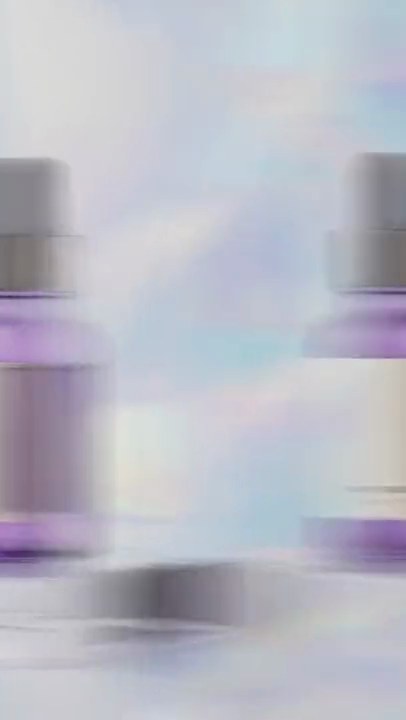
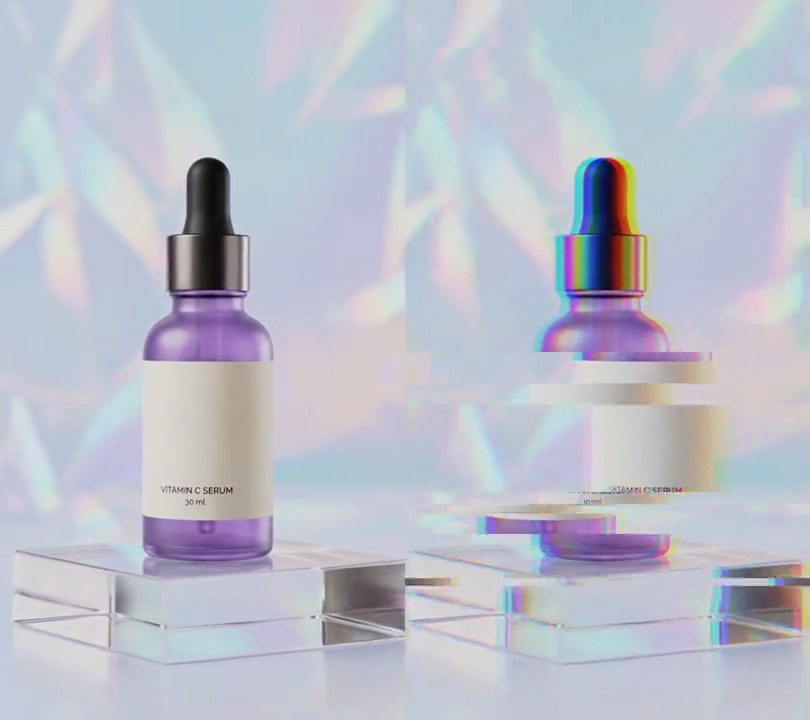
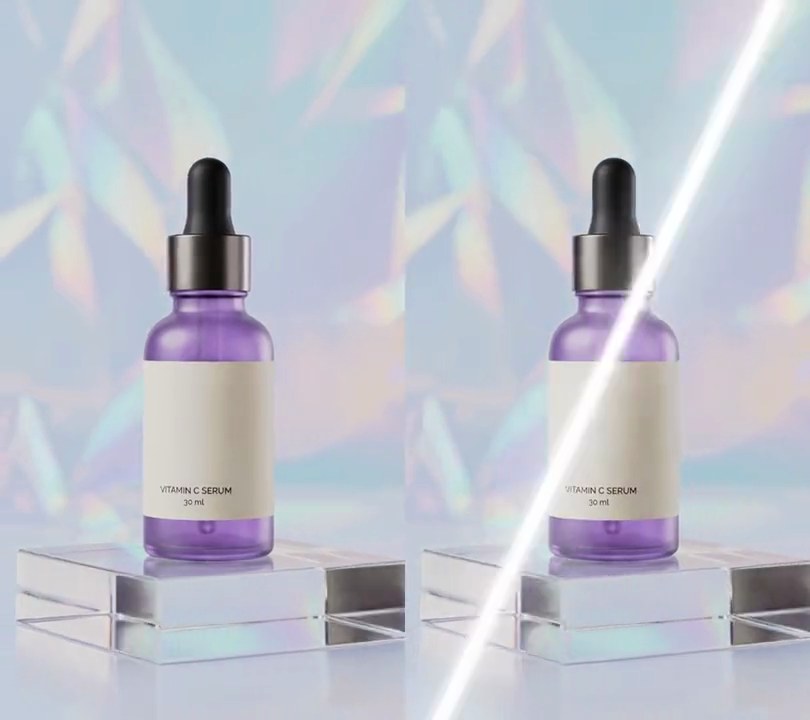
2. Whip pan
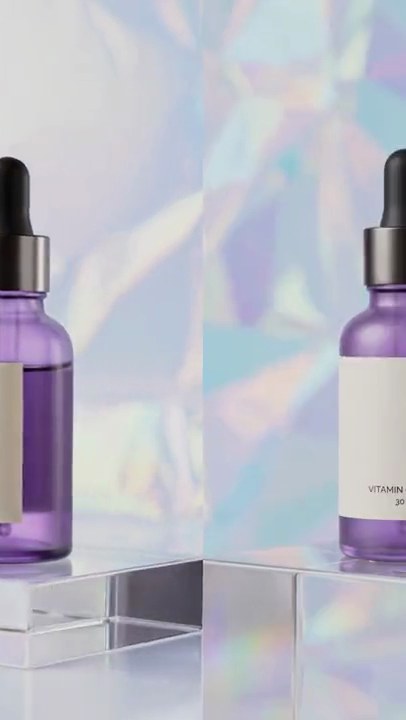
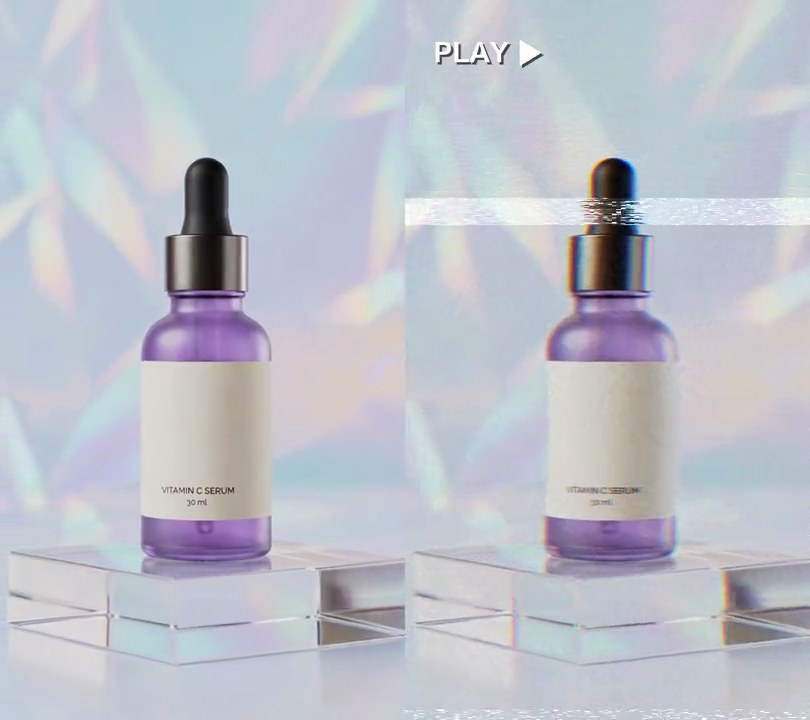
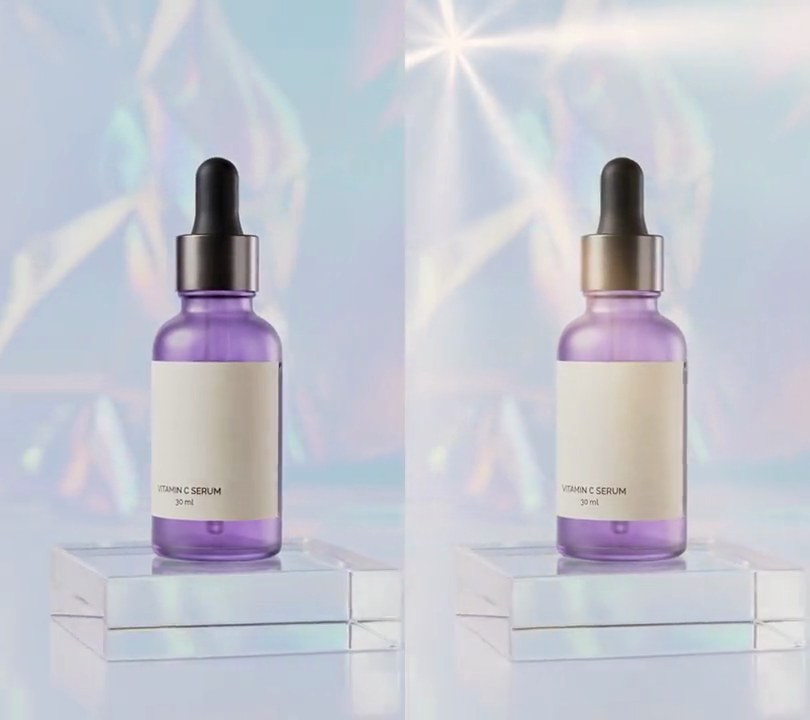
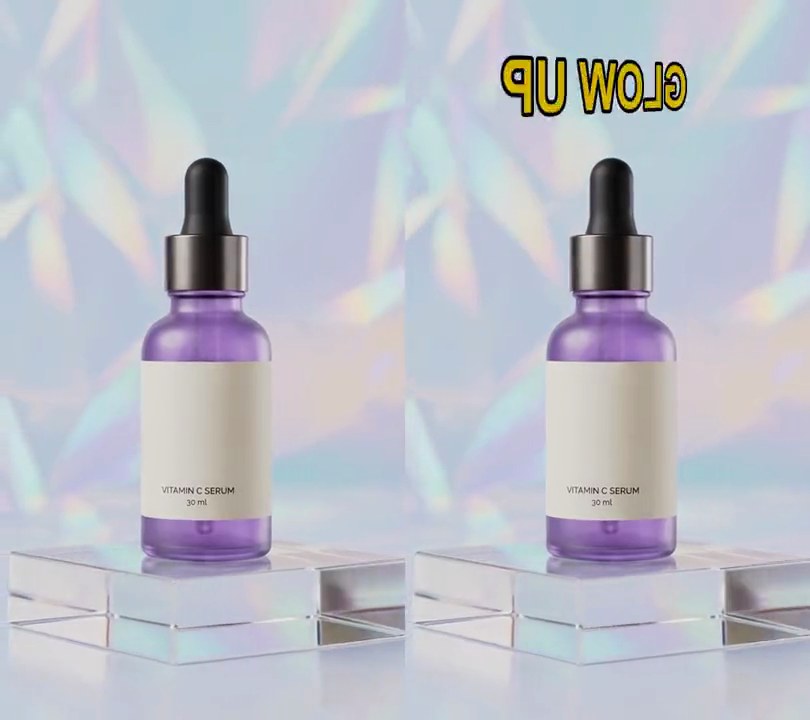
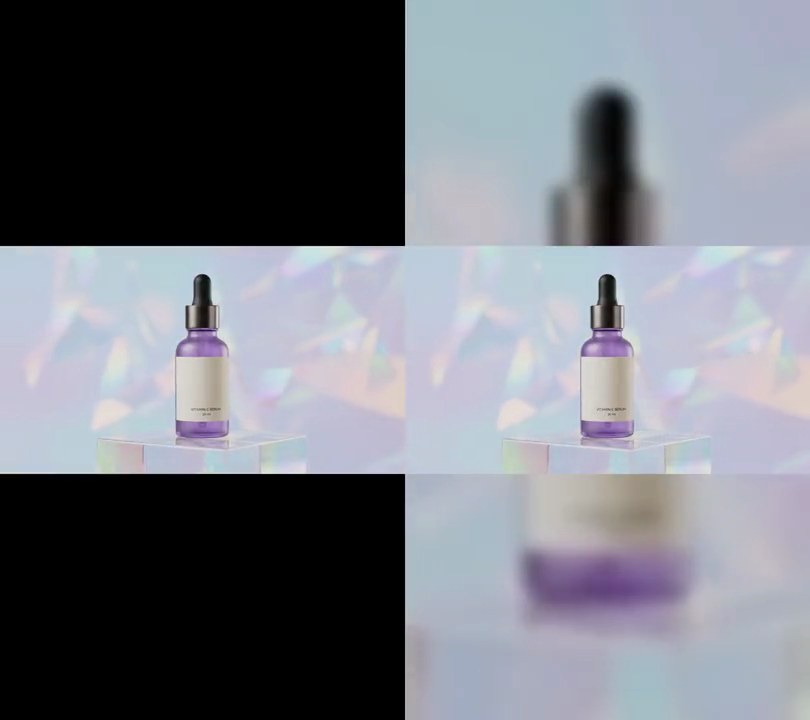
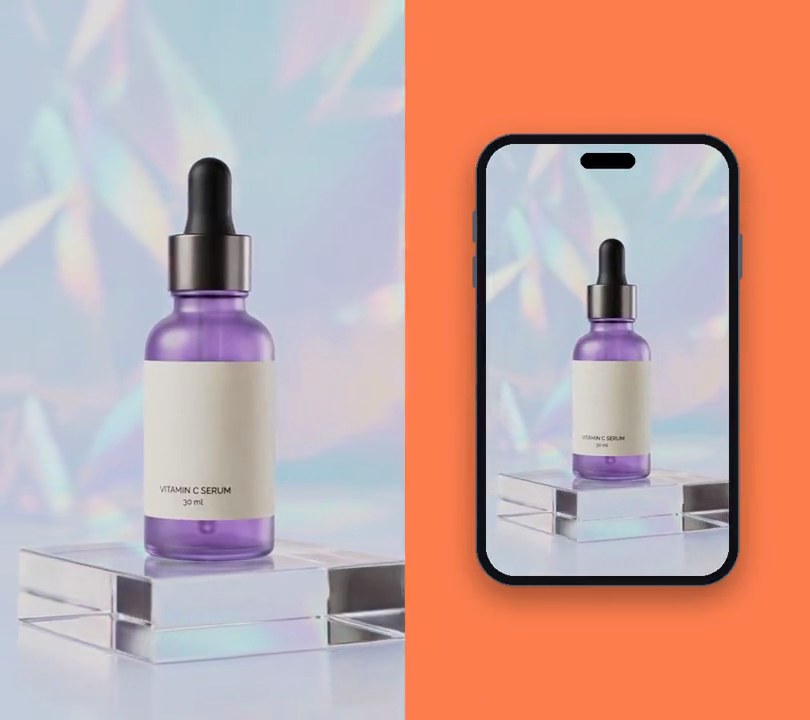
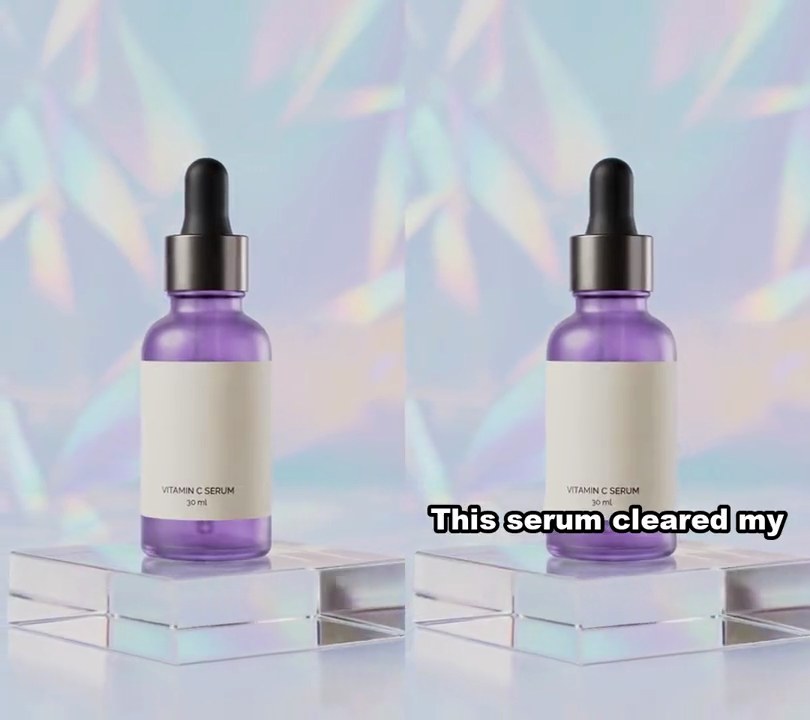
The camera flicks sideways off the first shot in a streak of motion blur and lands on the second, sharp again within 0.4 seconds.
Show the prompt
Join clipA.mp4 and clipB.mp4 with a 0.4 second whip pan. Over the last 0.4s of A and the first 0.4s of B, put the two clips side by side (A on the left, B on the right) and slide a 540x960 window from A to B, easing in and out with a cubic curve (slow, fast in the middle, slow), so the picture moves to the left. Add horizontal motion blur by rendering that slide at 960fps and averaging every 32 frames into one 30fps frame. Before and after the whip, A and B play untouched and sharp. Crossfade the audio over the same 0.4 seconds. The result is 11.6 seconds long, 540x960, 30fps, H.264 yuv420p. Use ffmpeg, keep the audio and save it as output.mp4.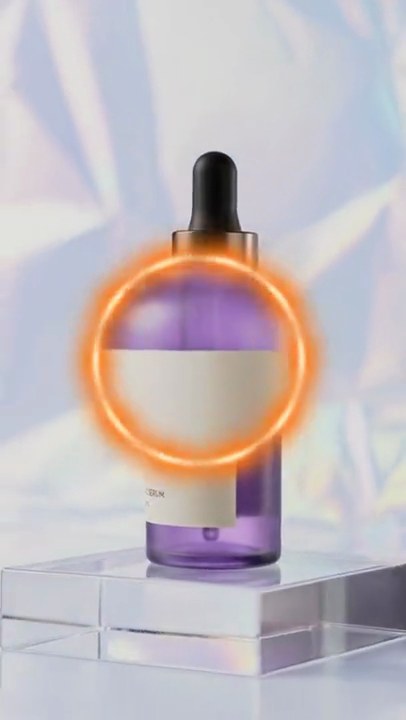
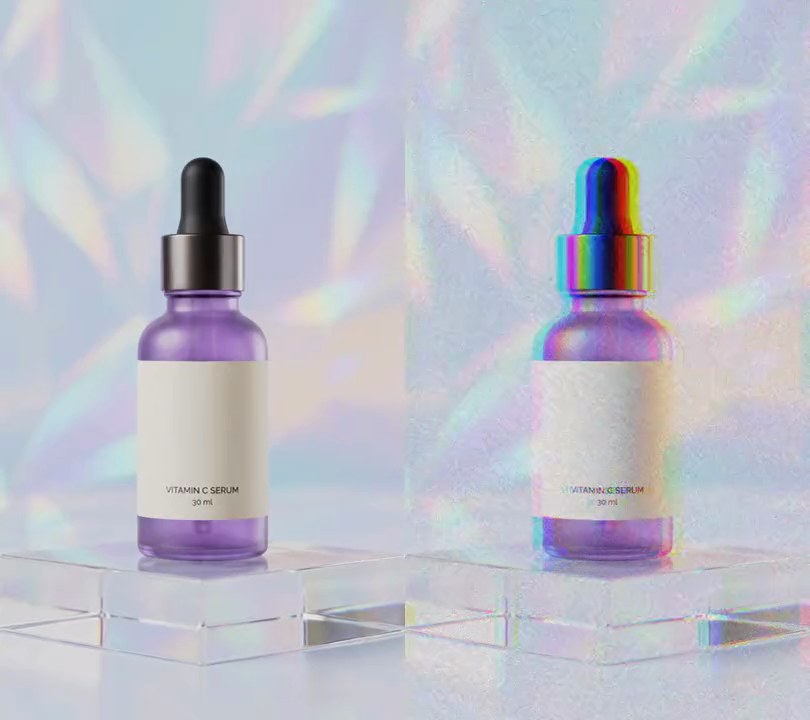
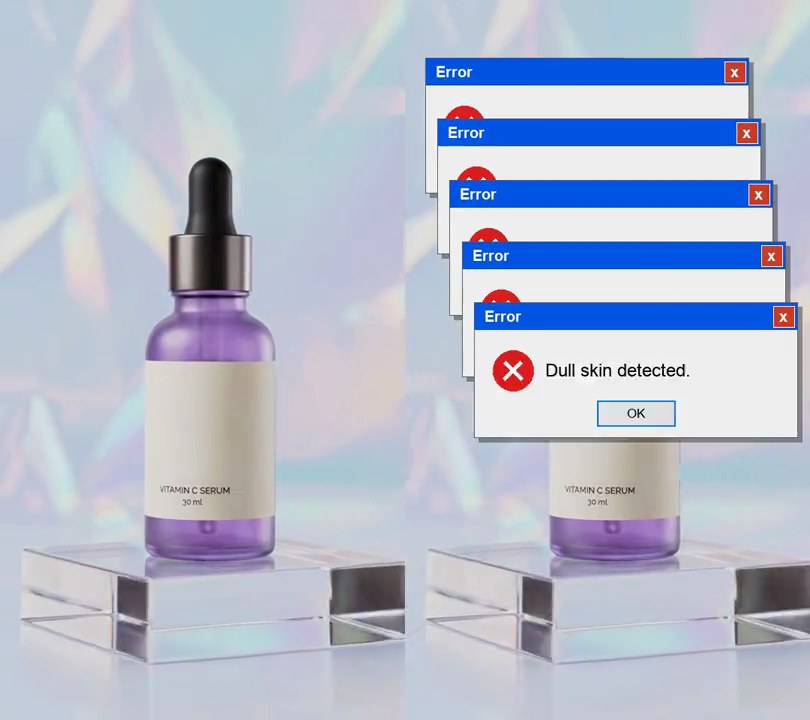
3. Portal transition
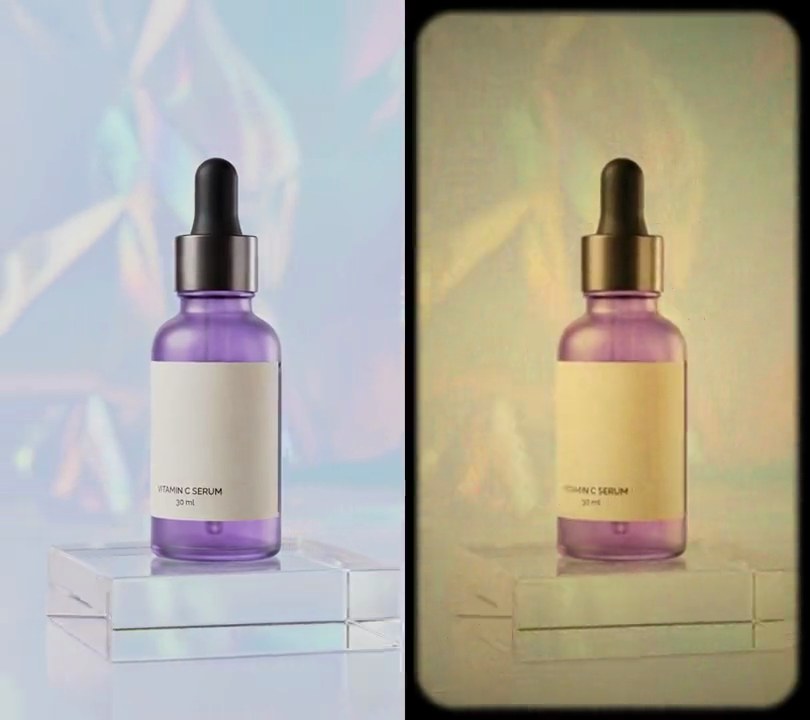
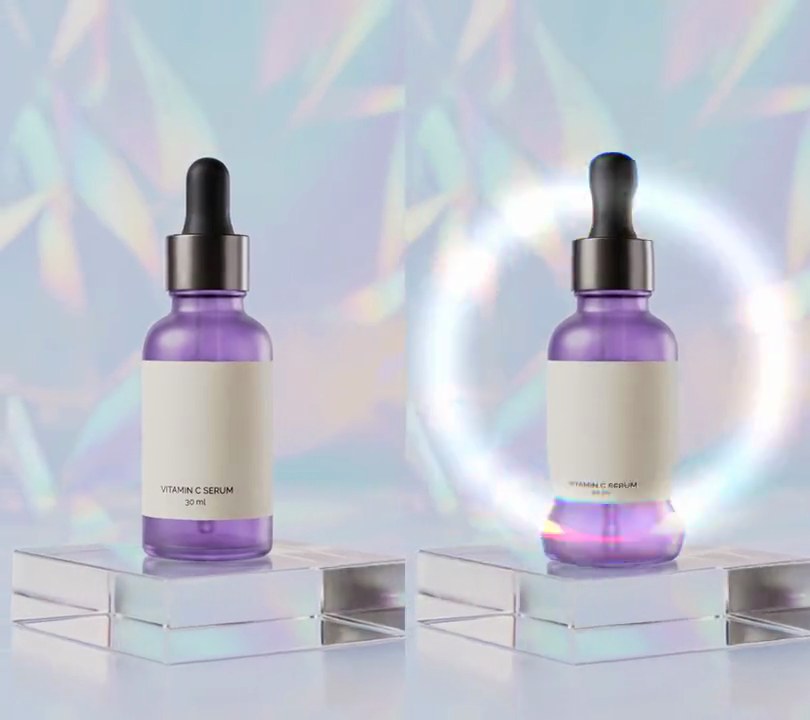
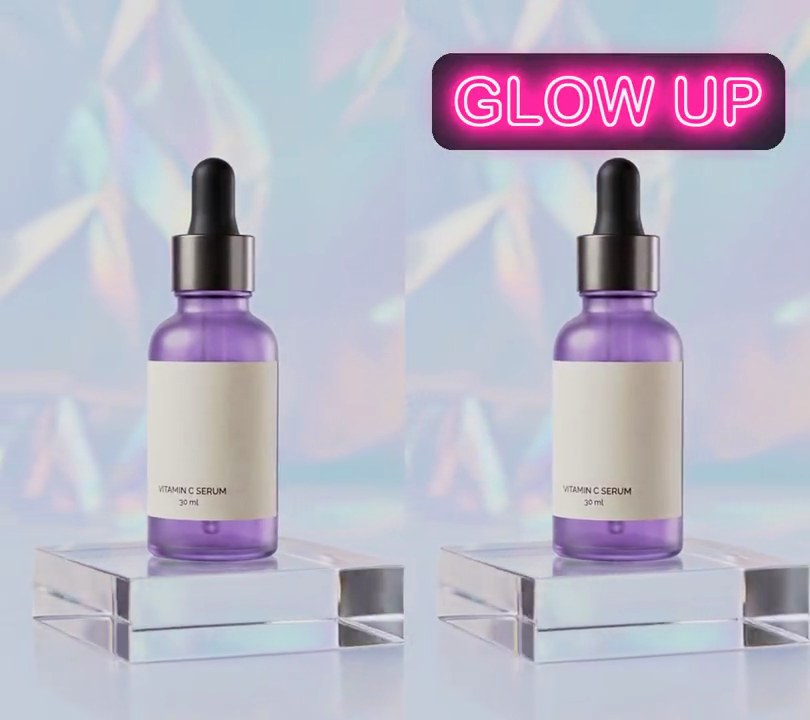
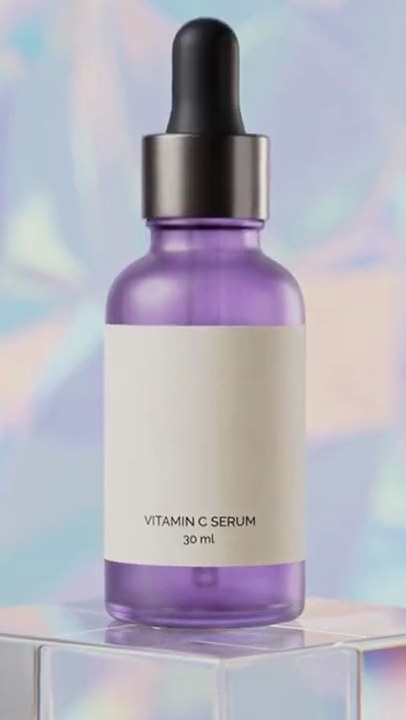
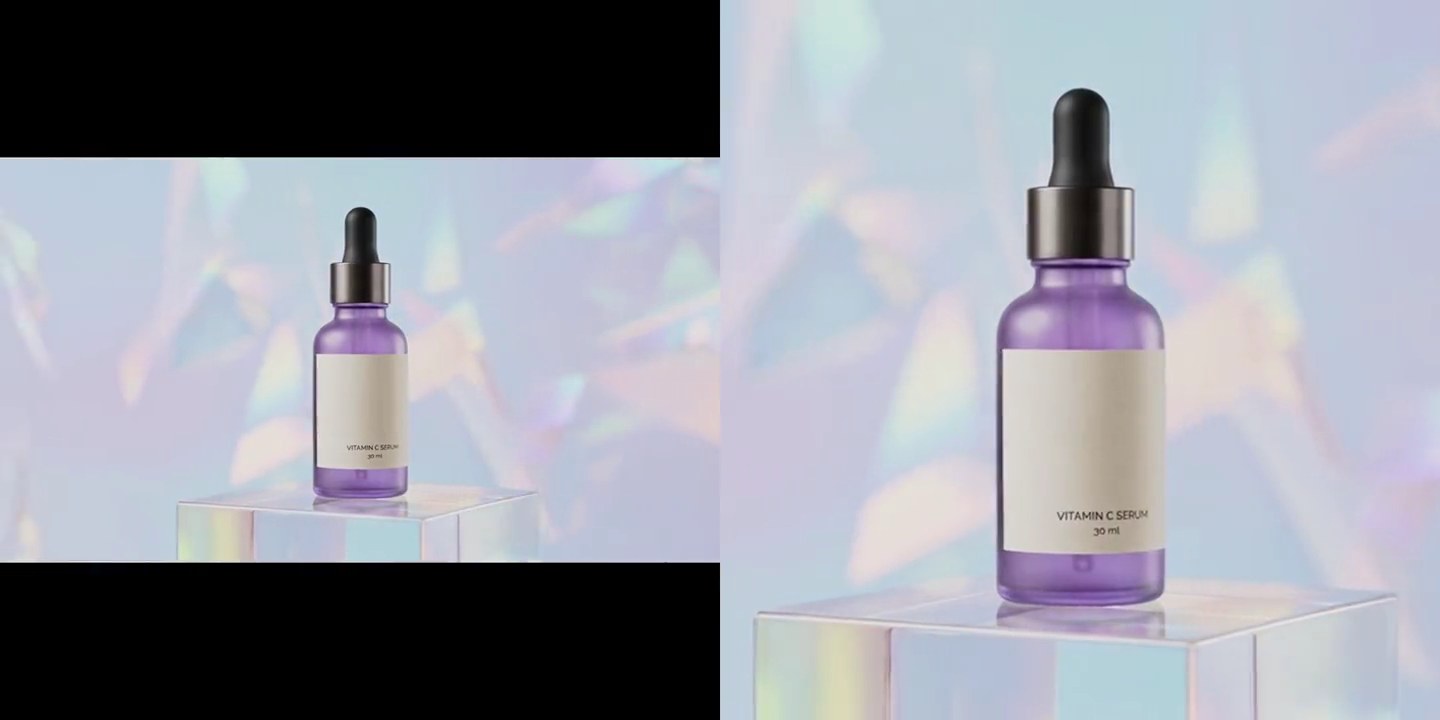
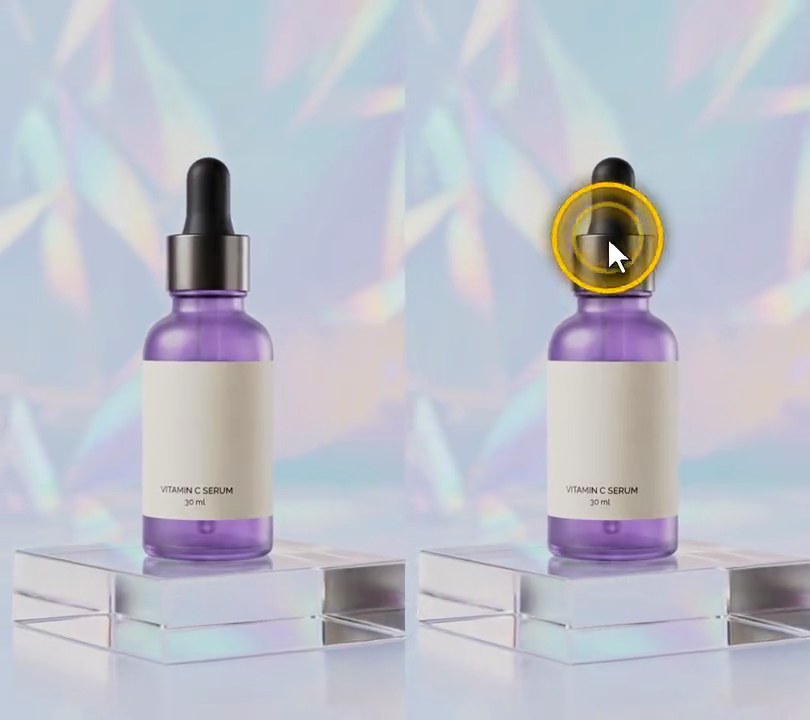
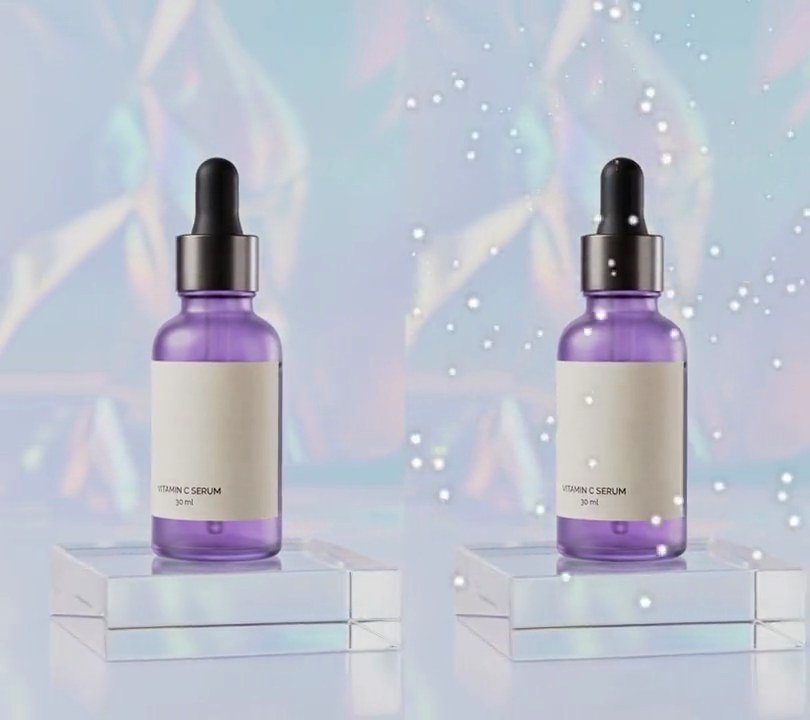
A glowing orange ring opens on the bottle with clip B showing inside it, then the camera pushes through the ring until clip B fills the screen.
Show the prompt
Join clipA.mp4 and clipB.mp4 with a 1.2 second portal transition over the last 1.2 seconds of A (output 10.8 seconds long). Fit B to A's size and frame rate. At A's 4.8 second mark a glowing ring opens on the center of the frame and is pinned to the scene with OpenCV optical flow (track corners within 20% of the frame width of the point, move it by their median flow). Over the first 35% of the transition the ring grows to a radius of 22% of the frame width; inside the ring show B, scaled 1.5x around the ring's center. Over the remaining 65%, the ring's center eases to the frame center, its radius grows (squared ease) to 1.15x the distance to the farthest corner, A zooms in around the ring's center up to 1.8x, and B eases from 1.5x to 1.0x so it fills the frame exactly when the transition ends. Draw the ring with numpy, painted over the picture (blend toward the color, don't add): with a ring width of 0.8% of the frame width plus 3% of the radius, a soft orange (255, 120, 20) glow with a Gaussian falloff of 3x the ring width either side of the circle's edge, then a hot core (255, 238, 200) with a falloff of 0.6x the ring width, both brightened and dimmed by 0.7 + 0.3 * cos(10 * angle - 14 * seconds) so 10 bright streaks spin around it. Fade the ring in over the first 8% and out over the last 25% of the push. Crossfade the audio over the same 1.2 seconds. Use Python with OpenCV and numpy and ffmpeg to encode, keep the audio, and save it as output.mp4.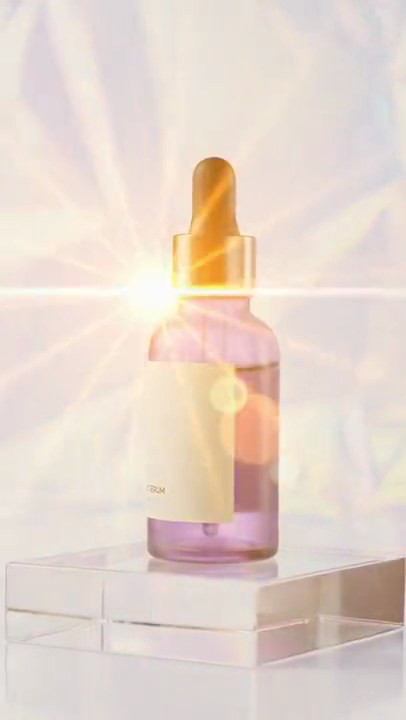
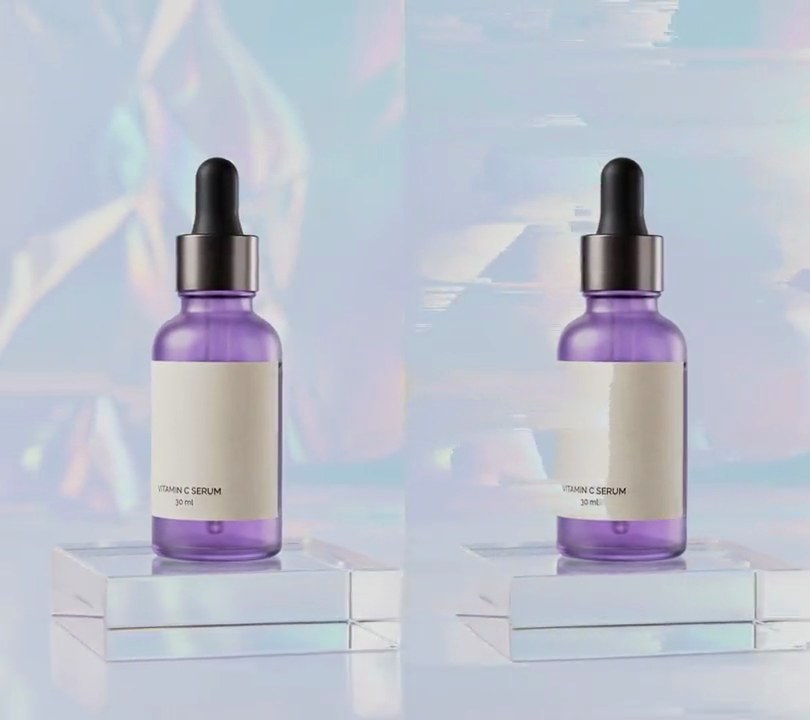
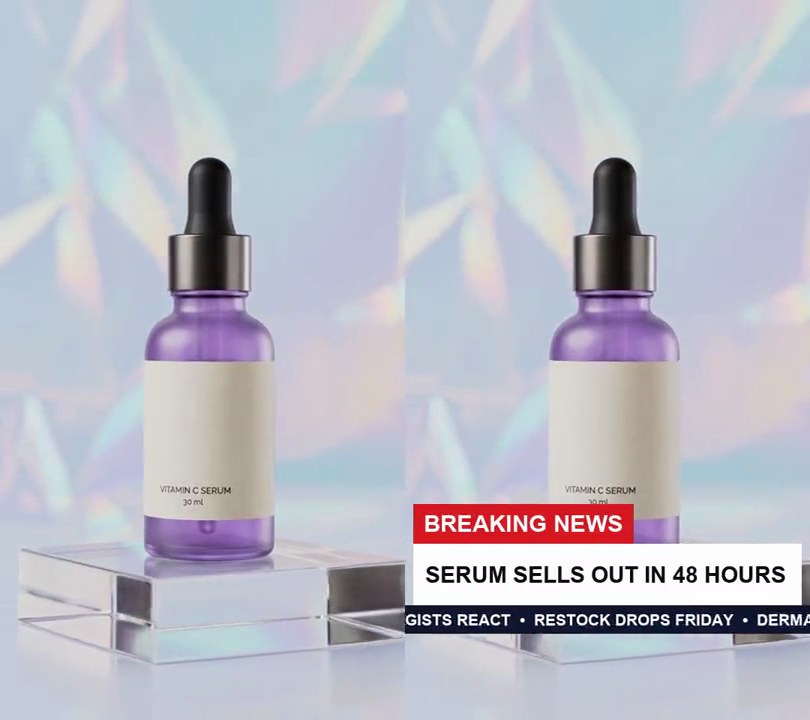
4. Lens flare transition
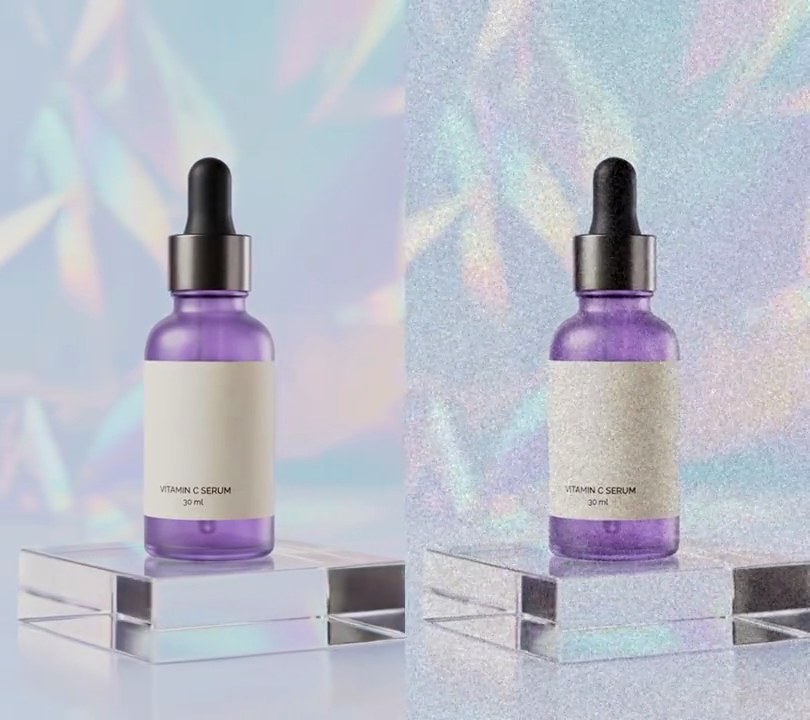
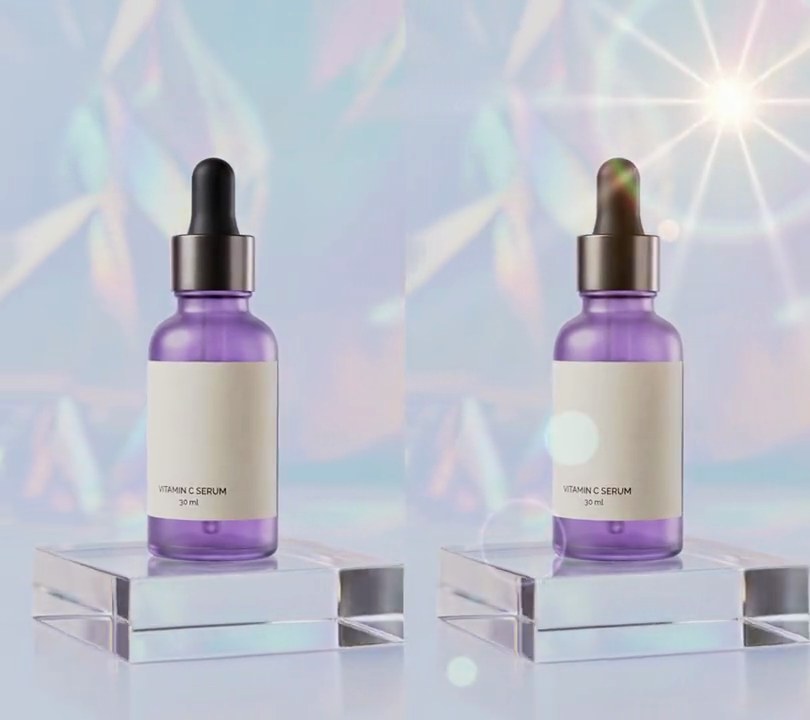
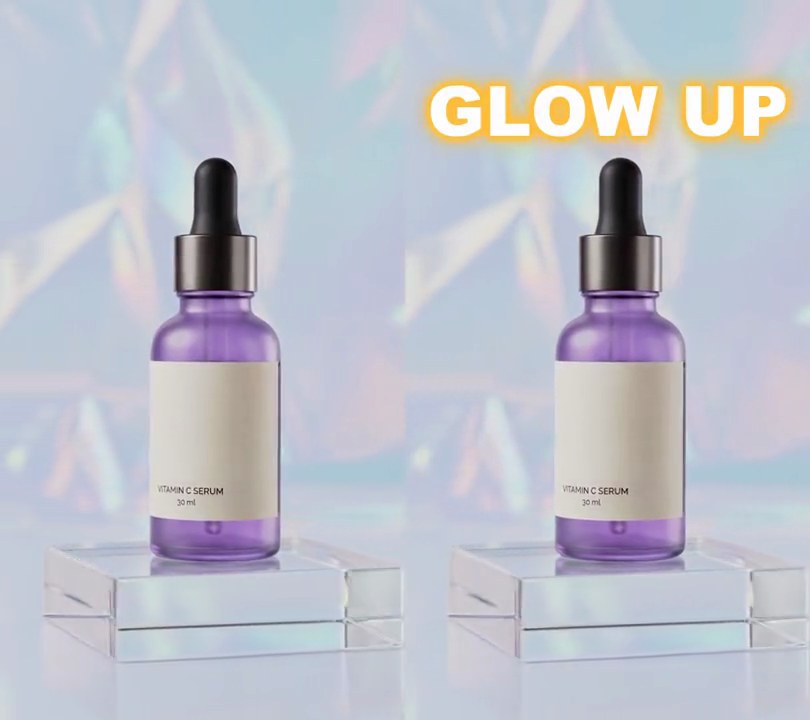
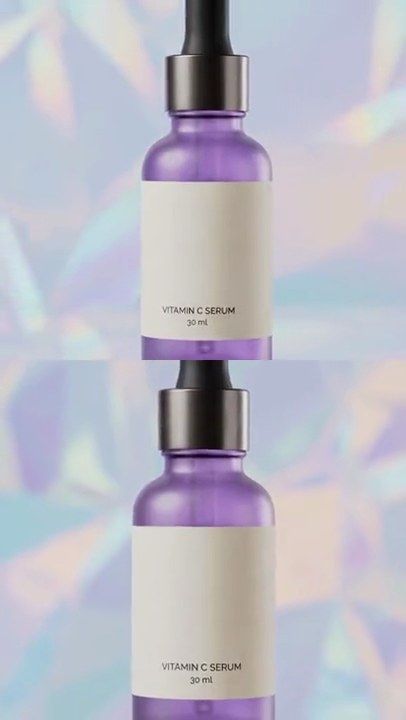
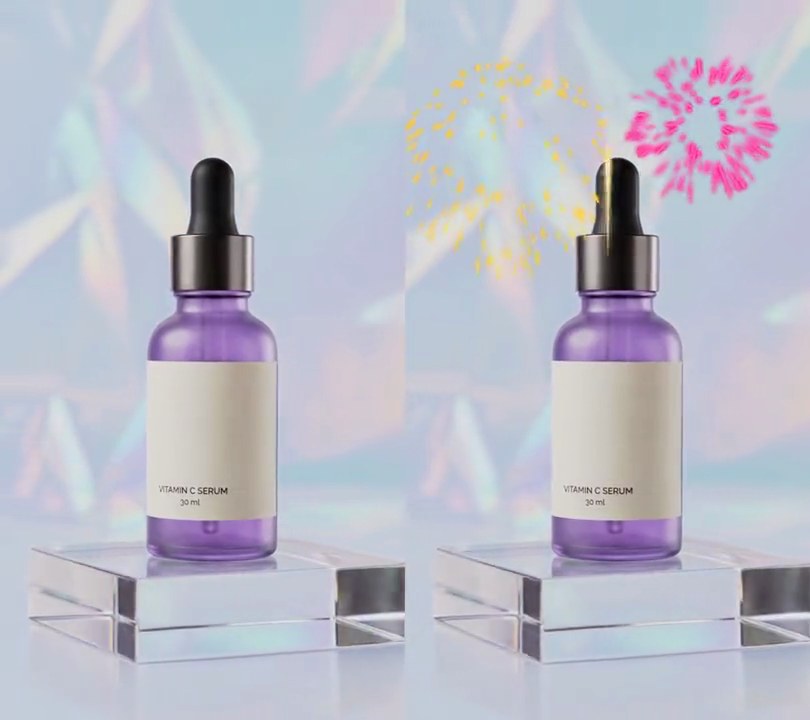
A golden starburst with a white-hot center, long rays and colored lens-reflection rings sweeps left to right across the bottle, and once its glare has passed the next shot is on screen.
Show the prompt
Join clipA.mp4 and clipB.mp4 with a 1.0 second lens flare transition. Fit B to A's size (540x960) and frame rate (30fps), overlap the last 1.0 seconds of A with the first 1.0 seconds of B so the output is 11.0 seconds long, and crossfade the audio over the same 1.0 seconds. Outside the overlap, show A and B untouched. In the overlap, with p going from 0 to 1: the picture is A until p = 0.4, changes to B with a smoothstep between p = 0.4 and 0.6, and is B after that. On top, add a flare whose center moves in a straight line from (-25% across, 30% down) to (125% across, 55% down) as p goes from 0 to 1, built from: a warm white (255, 250, 235) core, exp(-(r/(0.06*W))^2) with r the distance in pixels from the center and W the frame width, plus a horizontal streak of the same color through the center, exp(-(dy/5)^2) * exp(-|dx|/(0.7*W)); and in gold (255, 150, 30) a glow exp(-r/(0.30*W)), 14 rays 0.6 * (0.5 + 0.5*cos(14*angle + 3p))^12 * exp(-r/(0.45*W)), and a 0.4 gold wash over the whole frame. Add three lens reflections as soft-edged discs at 0.3 strength on the line from the flare center through the frame center, at 1.5, 2.0 and 2.6 times that distance from the flare, with radii 5%, 9% and 4% of the width and colors (120, 255, 170), (255, 140, 40) and (110, 190, 255). Clip the light to 0-1, multiply it by sin(pi*p) so it brightens and dies away, and combine it with the picture by a screen blend (1 - (1 - frame) * (1 - light), values 0-1). Use Python with numpy for the flare and ffmpeg to read and write the video, keep the audio, and save it as output.mp4.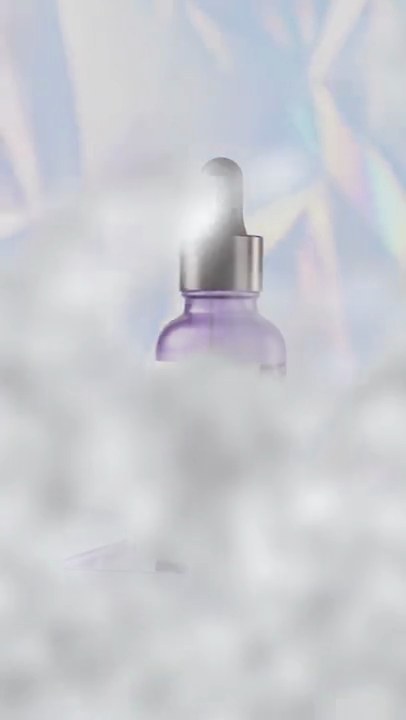
5. Smoke transition
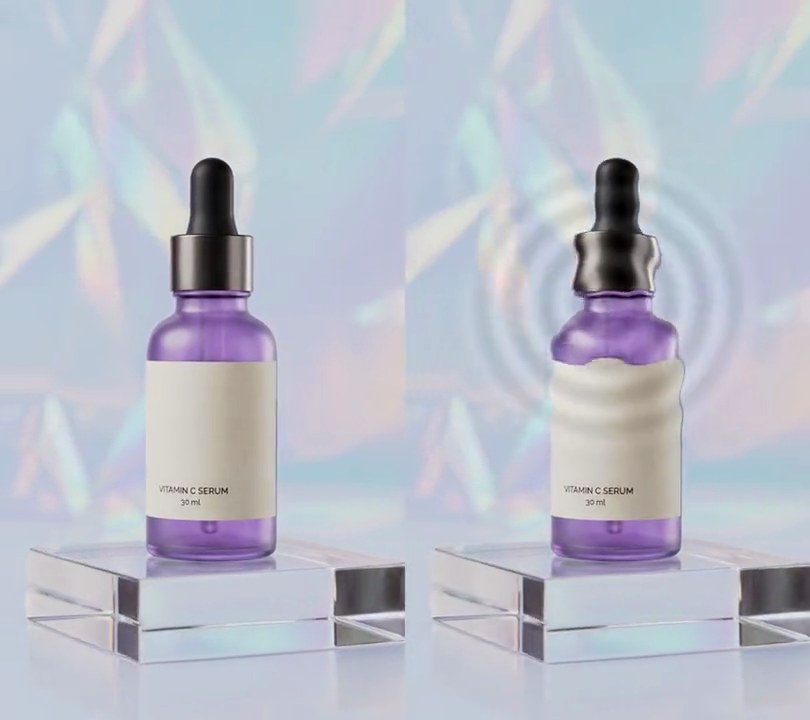
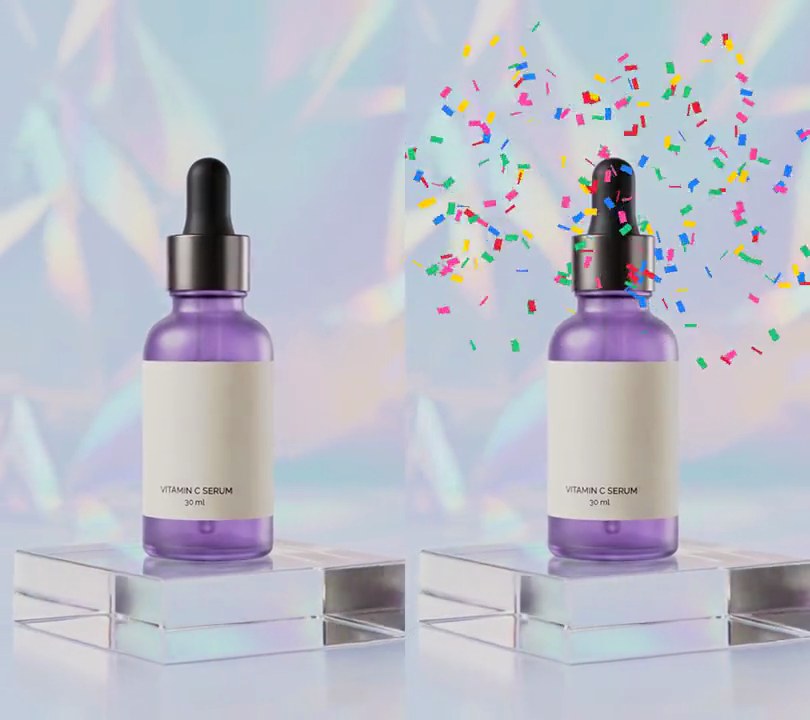
Billowing pale gray smoke rises up the first shot until it hides the whole frame, then drifts upward and clears from the bottom to uncover the second shot.
Show the prompt
Join clipA.mp4 and clipB.mp4 (both 540x960, 6 seconds) with a 2 second smoke transition, using Python with numpy and ffmpeg to read and write the frames. Make the smoke from soft cloudy noise (random noise low-pass filtered so the puffs are about 140 pixels across) that scrolls upward at 260 pixels per second, shaded from (244, 245, 248) in the thin folds down to about 28% darker in the thick ones so it looks rounded. The transition runs from 4.0 to 6.0 seconds of the output: the smoke rises from the bottom edge and fills the frame bottom first, with ragged wispy edges, until it covers 100% of the picture from 4.9 to 5.1 seconds; the cut from A to B happens hidden behind it at 5.0 seconds; then it clears bottom first, so the bottom of clip B is clear again by 5.55 seconds while smoke still hangs at the top, and it is gone at 6.0 seconds. B then plays to its end, for a 10 second video at 30fps. Crossfade the audio over the same 2 seconds, don't use ffmpeg's drawtext filter, and save it as output.mp4.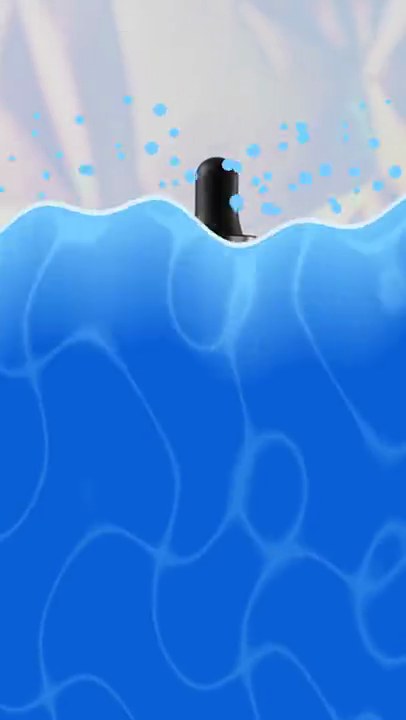
6. Liquid splash transition
A wave of blue water with a rippling, foam-edged crest surges up from the bottom over clip A, flinging droplets ahead of it, fills the frame with shimmering pool-light lines, then rolls off the top to uncover clip B.
Show the prompt
Join clipA.mp4 and clipB.mp4 with a 1.2 second liquid splash transition that starts 1.2 seconds before clipA.mp4 ends, so the result is A's length plus B's length minus 1.2 seconds (B starts from its first frame when the transition starts). A wave of blue liquid has a front surface and a back surface. The front surface rises from 80 pixels below the bottom edge to 80 pixels above the top edge over the first 0.54 seconds of the transition with smoothstep easing (ease in and out); everything below it is liquid covering clip A, so the frame is fully blue from 0.54 to 0.66 seconds. The back surface makes the same move from 0.66 to 1.2 seconds, and below it clip B shows, so the liquid rolls off the top. Each surface is wavy: its height at column x (frame width W, transition progress p from 0 to 1) is offset by 40 * (0.6 * sin(2*pi*1.3*x/W + 9p) + 0.4 * sin(2*pi*3.1*x/W - 15.3p + 1)) pixels, and the back surface uses 9p + 2 in place of 9p in both terms (so its second sine's phase is -15.3p - 2.4). Color the liquid light blue (120, 205, 255) at the front surface, blending to deep blue (10, 95, 215) 200 pixels below it, and draw thin moving wavy lines of light through it like sunlight through pool water, pulling it at most 30% back toward the light blue. Draw a pale (215, 240, 255) rim 8 pixels deep along the front surface and 6 pixels high just above the back surface. While the front rises, throw 70 light blue (120, 205, 255) droplets, 3 to 9 pixel radius, from random columns at random times in the first 0.36 seconds: each leaps 40 to 160 pixels above the crest on a parabola and falls back into it over 0.22 seconds. Nothing blue is on screen before the transition or after it. Crossfade the audio over the same 1.2 seconds. Match B's size to A and output 30fps. Use Python with numpy and Pillow for the frames and ffmpeg to decode and encode, keep the audio and save it as output.mp4.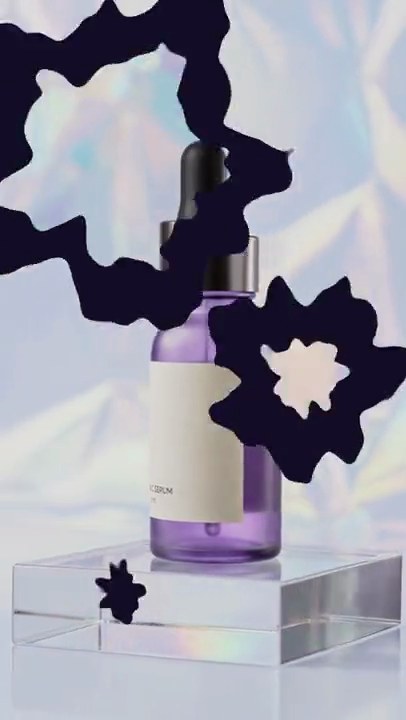
7. Ink transition
Three deep indigo ink blots with wavy, ragged edges bloom over clip A one after another, and clip B opens up inside them as they spread and merge.
Show the prompt
Join clipA.mp4 and clipB.mp4 with a 1.5 second ink transition that starts 1.5 seconds before A ends, so the result is 10.5 seconds. Three ink blots grow over A, centered at (28% across, 22% down), (75% across, 52% down) and (30% across, 82% down); they start at 0, 0.15 and 0.30 of the way through the transition and each finishes growing at the end of it, with a smoothstep ease (slow, fast, slow). Give each blot a wavy outline: its radius at angle a is r * (1 + 0.3 * f(a)), where f is a sum of sines with 3, 5, 7 and 11 lobes (random phases), scaled to -1..1, and roughen all edges by up to 2.5% of the frame width with smooth noise. Paint the blots in solid ink (20, 14, 38), and show B inside each blot except for a band of ink 14% of the frame width wide around its edge, so the ink leads and B follows. Size the blots so B covers the whole frame exactly when the transition ends; before it show only A, after it only B. Anti-alias the edges over 2 pixels. Fit B to A's size (scale to cover, center crop) at 30fps. Do the per-pixel compositing in Python with numpy and Pillow, piping frames to and from ffmpeg (no ffmpeg drawtext). Crossfade the audio over the same 1.5 seconds. Encode H.264 yuv420p and save it as output.mp4.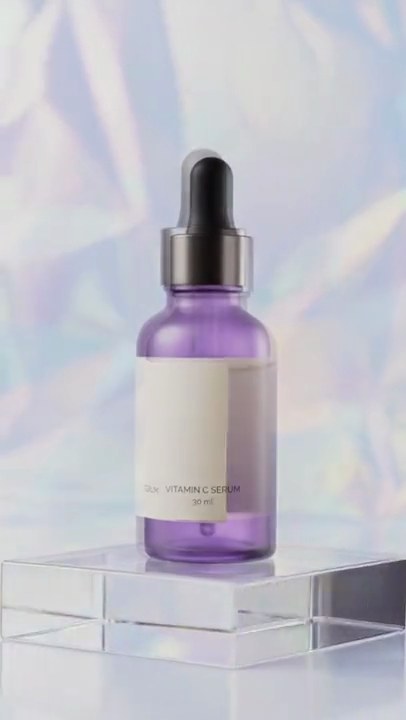
8. Circle reveal transition
Clip B grows out of a circle in the middle of clip A until it fills the screen.
Show the prompt
Join clipA.mp4 and clipB.mp4 with a 0.6 second circle reveal: B appears inside a circle in the middle of A that grows until it fills the frame (ffmpeg xfade circleopen). Crossfade the audio over the same 0.6 seconds. Match B's size and frame rate to A. Use ffmpeg and save it as output.mp4.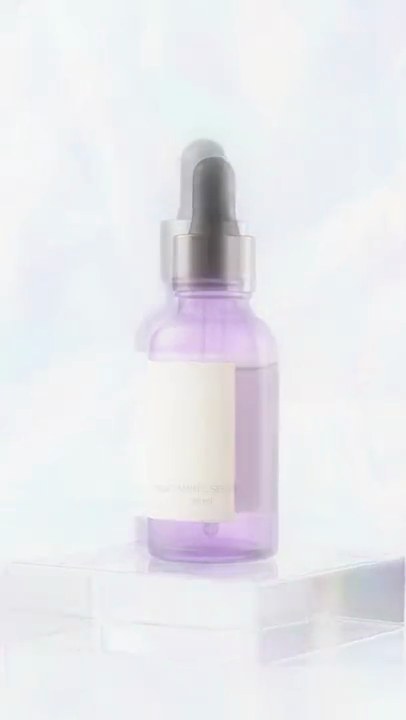
9. Glow dissolve
Clip A blooms into a soft, hazy glow that never quite turns white, and clip B emerges from it as the glow fades.
Show the prompt
Join clipA.mp4 and clipB.mp4 with a 1.2 second glow dissolve, starting 1.2 seconds before the end of A. Give each clip a glow: a Gaussian-blurred copy of the frame (sigma 28 pixels) laid over it in screen blend mode, done in RGB. On A the glow strength ramps from 0 to full over the first 0.6 seconds of the transition; on B it ramps from full back to 0 over the second 0.6 seconds, so the glow peaks mid-transition. Dissolve A into B with a plain 1.2 second crossfade over the same window (ffmpeg xfade fade), and crossfade the audio over the same 1.2 seconds. Match B's size and frame rate to A, output 30fps H.264 yuv420p. Use ffmpeg and save it as output.mp4.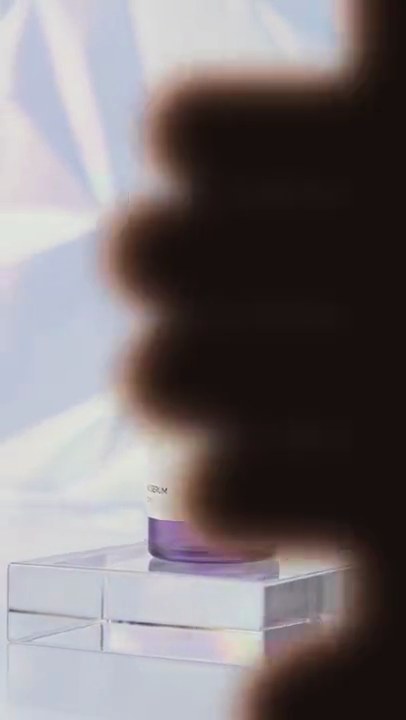
10. Seamless hand-cover transition
A blurry dark hand swipes in from the right, fingers first, blacks out the lens for a moment, then slides off to the left to reveal clip B.
Show the prompt
Join clipA.mp4 and clipB.mp4 with a 0.8 second hand-cover transition that starts 0.8 seconds before clipA.mp4 ends (11.2 seconds in all for two 6 second clips), as if a hand passed right in front of the lens. Build the transition frames with Python, numpy and Pillow; W and H are the frame width and height (540x960), and X is the left edge of the hand drawing. Draw the hand into a mask with Pillow: a palm, a rounded rectangle from X+0.75W to X+2.0W across and from -0.2H to 1.2H down with a corner radius of 0.3W; four fingers pointing left, rounded rectangles 0.17H tall with fully rounded ends, top edges at 0.10H, 0.27H, 0.44H and 0.61H, each running from X+0.95W left to X+0.75W minus 0.50W, 0.60W, 0.56W and 0.42W (top to bottom); and a thumb, a rounded rectangle from X+0.35W to X+1.05W across and 0.78H to 0.984H down (corner radius 0.102H), rotated 25 degrees counterclockwise about the point (X+1.05W, 0.78H). Blur the mask with a Gaussian blur of radius 0.03W so the hand looks out of focus. Color the hand from a second copy of the mask blurred by 0.06W: with k = clip((blurred/255 - 0.5) * 2, 0, 1), the color is (150, 98, 76) * (1 - k) + (24, 16, 14) * k, so its edges look like warm skin and its middle is near black. Paste it over the frame with the soft mask. Move it with t in seconds from the start of the transition and cover = -0.835W: for t < 0.35, X = W + (cover - W) * (1 - (1 - p)^2) with p = t / 0.35 (the hand slows as it lands); from 0.35 to 0.45, X creeps linearly from cover to cover - 0.08W while the lens is fully covered; from 0.45 to 0.8, X = cover - 0.08W + (-2.1W - cover + 0.08W) * p^2 with p = (t - 0.45) / 0.35 (it speeds off to the left). Show clip A under the hand up to 0.4 seconds into the transition and clip B after that, with B playing from its first frame at the start of the transition. Don't use ffmpeg's drawtext. Use ffmpeg for the rest: match B's size and frame rate to A (30fps), crossfade the audio over the same 0.8 seconds, keep the audio and save it as output.mp4 (H.264, yuv420p).