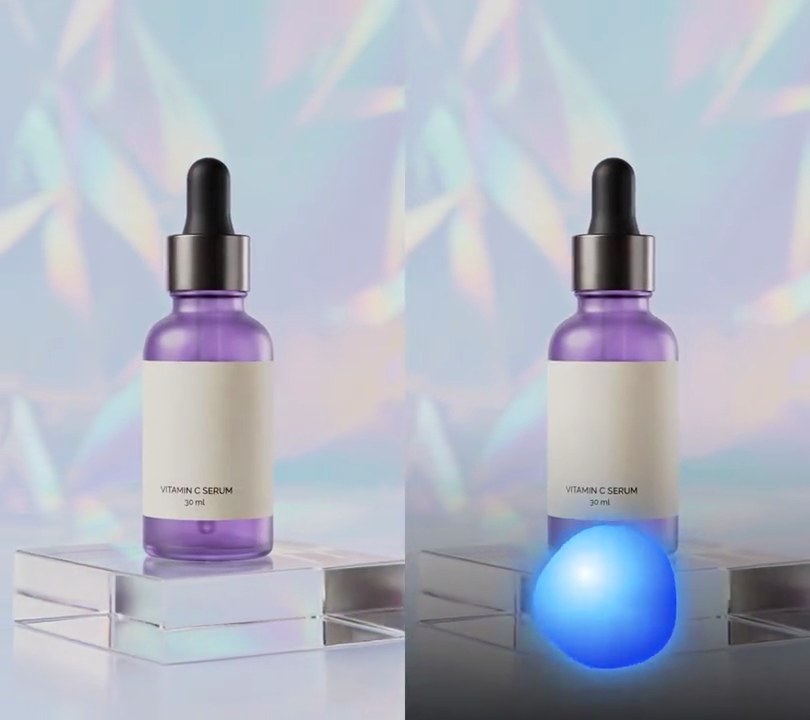
Get this effect
Switch to Code in your Claude Desktop App
Install the skill (once)
Show the prompt
Install the Recharm video effects skill: download https://recharm-growth-staging.s3.us-east-2.amazonaws.com/website/downloads/recharm-video-effects.zip and unzip it into ~/.claude/skillsAsk for the effect
Add a spectrum bars visualizer to input.mp4
Number of bars, low notes on the left: 24
Frequency range the bars cover: 40, 12000

Several videos, several effects, one ask
Put your clips in the folder, mention them with @, and ask for everything at once. Claude runs one tested script after another on each clip, then joins them.
Add a spectrum bars visualizer to @clip1.mp4, put a sale badge on @clip2.mp4, give @clip3.mp4 a VHS look, then join all three with crossfades.
Settings you can change
Ask Claude to change any of these, or edit them at the top of the script.
| Setting | Default | What it does |
|---|---|---|
BARS | 24 | Number of bars, low notes on the left. |
LOW_HZ, HIGH_HZ | 40, 12000 | Frequency range the bars cover. |
BASE | 0.92 | Bottom of the bars, as a share of the frame height. |
MAX_HEIGHT | 0.20 | Tallest bar as a share of the frame height. |
COLOR | (255, 60, 170) | Bar color. |
RANGE | 36 | Decibels between an empty bar and a full one. |
FALL | 0.80 | Share of its height a bar keeps each frame as the sound drops. |
Without the skill
Don’t want to install the skill? Paste this prompt into Claude Code and Claude writes the script itself.
Show the prompt
Add a spectrum bars visualizer to input.mp4, driven by its own audio. Draw 24 bars in pink (255, 60, 170) in a row from 6% to 94% across the frame, each taking 65% of its slot with rounded ends, standing on a baseline 92% of the way down and at most 20% of the frame height tall, with a soft 10-pixel glow. Bar heights come from an FFT of the audio: for each video frame take a 4096-sample Hann window centered on that frame's time, split 40 Hz to 12 kHz into 24 log-spaced bands (low notes on the left), convert each band's average magnitude to decibels, and scale each band so its 99th-percentile level over the clip is full height and 36 dB below that is empty. Bars rise instantly and fall back by keeping 80% of their height per frame; an empty bar still shows as a small dot. Use Python with numpy for the FFT and Pillow to draw the bars, and ffmpeg to put them on the video (don't rely on ffmpeg's drawtext filter), keep the audio, and save it as output.mp4.Run it without Claude
This is the exact script we tested. Save it as spectrum-bars-visualizer.py and run:
python3 spectrum-bars-visualizer.py input.mp4 output.mp4Show the script
#!/usr/bin/env python3
"""Spectrum bars visualizer: a row of glowing pink bars along the bottom jumps with each frequency of the music.

Usage: python3 spectrum-bars-visualizer.py input.mp4 output.mp4
Needs ffmpeg, numpy and Pillow (pip install numpy pillow).
"""
import json
import math
import subprocess
import sys

import numpy as np
from PIL import Image, ImageDraw, ImageFilter

BARS = 24                    # number of bars, low notes on the left
LOW_HZ, HIGH_HZ = 40, 12000  # frequency range the bars cover
LEFT, RIGHT = 0.06, 0.94     # where the row starts and ends (0-1 across the frame)
BASE = 0.92                  # bottom of the bars (0-1 down the frame)
MAX_HEIGHT = 0.20            # tallest bar as a share of the frame height
GAP = 0.35                   # space between bars as a share of each bar's slot
COLOR = (255, 60, 170)       # bar color
GLOW = 10                    # glow blur radius in pixels
RANGE = 36                   # decibels between an empty bar and a full one
FALL = 0.80                  # share of its height a bar keeps each frame when the sound drops
RATE = 48000                 # audio sample rate used for the analysis


def spectrum(src):
    """Height (0-1) of every bar on every frame, from an FFT of the audio around that frame."""
    pcm = subprocess.check_output(["ffmpeg", "-v", "error", "-i", src, "-vn", "-ac", "1", "-ar", str(RATE),
                                   "-f", "f32le", "-"])
    audio = np.frombuffer(pcm, np.float32)
    size = 4096
    window = np.hanning(size)
    freqs = np.fft.rfftfreq(size, 1 / RATE)
    edges = np.geomspace(LOW_HZ, HIGH_HZ, BARS + 1)
    bands = [(freqs >= lo) & (freqs < hi) for lo, hi in zip(edges, edges[1:])]
    padded = np.concatenate([np.zeros(size), audio, np.zeros(size)])
    levels = []
    for i in range(frames):
        mid = size + round(i / fps * RATE)
        mag = np.abs(np.fft.rfft(padded[mid - size // 2:mid + size // 2] * window))
        levels.append([20 * np.log10(mag[b].mean() + 1e-9) for b in bands])
    db = np.array(levels)
    top = np.percentile(db, 99, axis=0)  # each bar scaled to its own loudest moments, so the highs move too
    heights = np.clip((db - (top - RANGE)) / RANGE, 0, 1)
    for i in range(1, frames):  # rise at once, fall back gently
        heights[i] = np.maximum(heights[i], heights[i - 1] * FALL)
    return heights


def overlay(levels):
    img = Image.new("RGBA", (w, h))
    draw = ImageDraw.Draw(img)
    slot = (RIGHT - LEFT) * w / BARS
    bar_w = slot * (1 - GAP)
    base = BASE * h
    for i, level in enumerate(levels):
        x0 = LEFT * w + i * slot + (slot - bar_w) / 2
        top = base - max(bar_w, level * MAX_HEIGHT * h)
        draw.rounded_rectangle([x0, top, x0 + bar_w, base], radius=bar_w / 2, fill=COLOR)
    glow = img.filter(ImageFilter.GaussianBlur(GLOW))
    return Image.alpha_composite(glow, img)


def probe(path):
    info = json.loads(subprocess.check_output(["ffprobe", "-v", "error", "-select_streams", "v:0", "-show_entries",
                                               "stream=width,height,r_frame_rate:format=duration", "-of", "json", path]))
    s = info["streams"][0]
    num, den = s["r_frame_rate"].split("/")
    return s["width"], s["height"], s["r_frame_rate"], float(num) / float(den), float(info["format"]["duration"])


def render(src, out, heights):
    """Draw the bars on every frame of src and save to out, keeping the audio."""
    ff = subprocess.Popen(["ffmpeg", "-y", "-v", "error", "-i", src,
                           "-f", "rawvideo", "-pix_fmt", "rgba", "-s", f"{w}x{h}", "-r", rate, "-i", "-",
                           "-filter_complex", "[0:v][1:v]overlay=shortest=1,format=yuv420p[v]",
                           "-map", "[v]", "-map", "0:a?", "-c:v", "libx264", "-crf", "18", "-c:a", "copy", out],
                          stdin=subprocess.PIPE)
    for levels in heights:
        ff.stdin.write(overlay(levels).tobytes())
    ff.stdin.close()
    if ff.wait():
        sys.exit("ffmpeg failed")


src, out = sys.argv[1:3]
w, h, rate, fps, duration = probe(src)
frames = math.ceil(duration * fps)
render(src, out, spectrum(src))