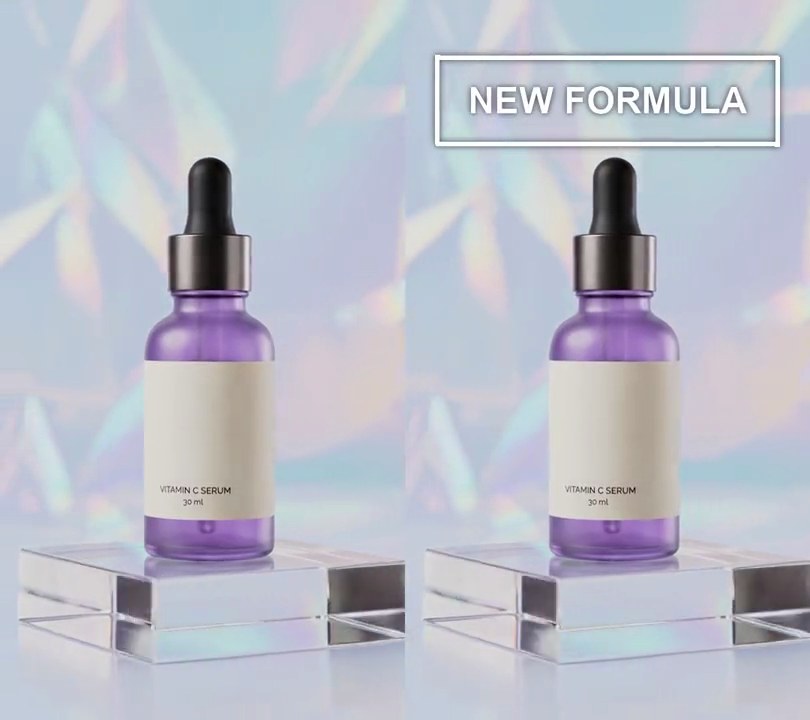
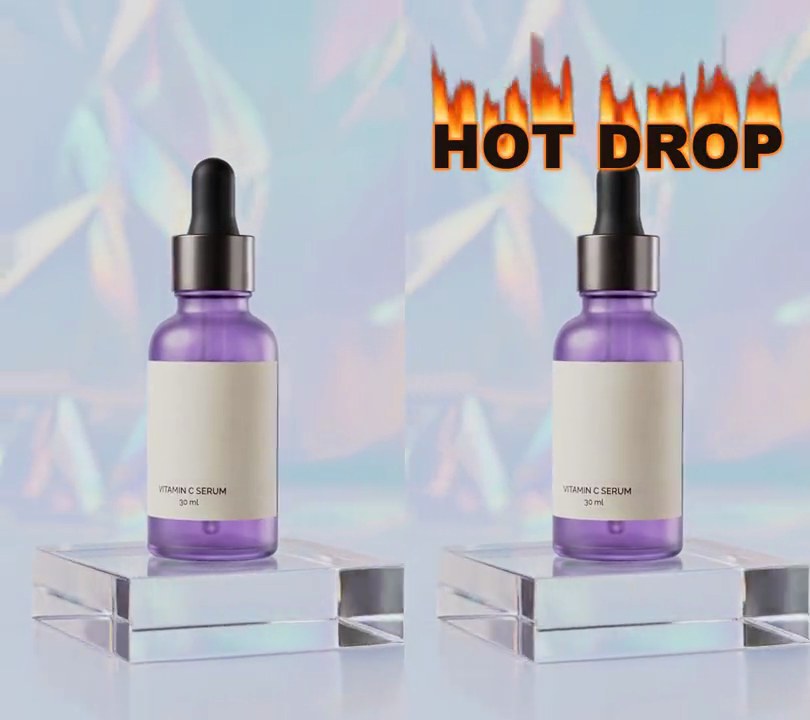
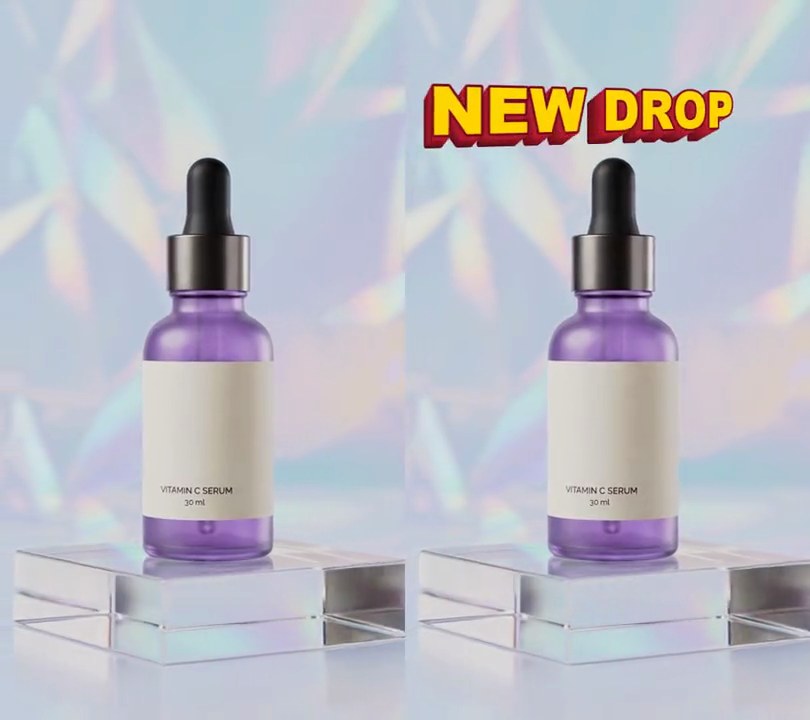
Get this effect
Switch to Code in your Claude Desktop App
Install the skill (once)
Show the prompt
Install the Recharm video effects skill: download https://recharm-growth-staging.s3.us-east-2.amazonaws.com/website/downloads/recharm-video-effects.zip and unzip it into ~/.claude/skillsAsk for the effect
Add a drop shadow text to input.mp4
Text: DAILY GLOW

Several videos, several effects, one ask
Put your clips in the folder, mention them with @, and ask for everything at once. Claude runs one tested script after another on each clip, then joins them.
Add a drop shadow text to @clip1.mp4, put a sale badge on @clip2.mp4, give @clip3.mp4 a VHS look, then join all three with crossfades.
Settings you can change
Ask Claude to change any of these, or edit them at the top of the script.
| Setting | Default | What it does |
|---|---|---|
TEXT | DAILY GLOW | The headline. |
START | 0.5 | Second the text fades in. |
LIFT | 0.5 | Seconds the shadow takes to slide out to its full offset. |
Y | 0.11 | Text center, 0-1 down the frame. |
SHADOW | (0, 0, 0) | Shadow color. |
OPACITY | 0.8 | Shadow strength (1 = solid). |
OFFSET | (12, 16) | Shadow offset in pixels, right and down. |
BLUR | 6 | Shadow softness in pixels. |
Without the skill
Don’t want to install the skill? Paste this prompt into Claude Code and Claude writes the script itself.
Show the prompt
Add drop shadow text to input.mp4: "DAILY GLOW" in Arial Black (or another heavy bold font), font size 62 pixels (11.5% of the frame width), white (255, 255, 255), centered horizontally with its center 11% of the way down the frame. Behind it put a shadow: the same text in black (0, 0, 0) at 80% opacity, blurred with a 6 pixel Gaussian blur. Nothing shows before 0.5 seconds; from 0.5 to 0.8 seconds the text and shadow fade in linearly together, and from 0.5 to 1.0 seconds the shadow slides from directly behind the letters out to 12 pixels right and 16 pixels down, easing out. It then stays to the end. Use Python with Pillow to draw it and ffmpeg to put it on the video (don't rely on ffmpeg's drawtext filter), keep the audio, and save it as output.mp4.Run it without Claude
This is the exact script we tested. Save it as drop-shadow-text.py and run:
python3 drop-shadow-text.py input.mp4 output.mp4Show the script
#!/usr/bin/env python3
"""Drop shadow text: white letters fade in and a soft black shadow slides out below-right, lifting them off the footage.

Usage: python3 drop-shadow-text.py input.mp4 output.mp4
Needs ffmpeg and Pillow (pip install pillow).
"""
import json
import math
import subprocess
import sys
from pathlib import Path

from PIL import Image, ImageDraw, ImageFilter, ImageFont

TEXT = "DAILY GLOW"         # the headline
START = 0.5                 # second the text fades in
FADE_IN = 0.3               # seconds the fade in takes
LIFT = 0.5                  # seconds the shadow takes to slide out to its full offset
Y = 0.11                    # text center, 0-1 down the frame
SIZE = 0.115                # text height as a share of the frame width
COLOR = (255, 255, 255)     # letter color
SHADOW = (0, 0, 0)          # shadow color
OPACITY = 0.8               # shadow strength (1 = solid)
OFFSET = (12, 16)           # shadow offset in pixels, right and down, once fully lifted
BLUR = 6                    # shadow softness in pixels
FONTS = ["/System/Library/Fonts/Supplemental/Arial Black.ttf",    # macOS
         "/System/Library/Fonts/Supplemental/Arial Bold.ttf",
         "/usr/share/fonts/truetype/dejavu/DejaVuSans-Bold.ttf",  # Linux
         "C:/Windows/Fonts/ariblk.ttf"]                           # Windows
FONT_FILE = next((f for f in FONTS if Path(f).exists()), None) or sys.exit("No bold font found: add one to FONTS")


def layers():
    """The letters and their blurred shadow, each on its own transparent frame."""
    font = ImageFont.truetype(FONT_FILE, round(w * SIZE))
    letters = Image.new("RGBA", (w, h))
    ImageDraw.Draw(letters).text((w / 2, h * Y), TEXT, font=font, anchor="mm", fill=COLOR)
    shape = Image.new("L", (w, h))
    ImageDraw.Draw(shape).text((w / 2, h * Y), TEXT, font=font, anchor="mm", fill=round(255 * OPACITY))
    shadow = Image.new("RGBA", (w, h), SHADOW)
    shadow.putalpha(shape.filter(ImageFilter.GaussianBlur(BLUR)))
    return letters, shadow


def overlay(t):
    shown = min(max((t - START) / FADE_IN, 0), 1)
    if shown <= 0:
        return blank
    lift = min(max((t - START) / LIFT, 0), 1)
    lift = 1 - (1 - lift) ** 3  # ease out: the shadow slows as it settles
    img = Image.new("RGBA", (w, h))
    img.alpha_composite(shadow, (round(OFFSET[0] * lift), round(OFFSET[1] * lift)))
    img.alpha_composite(letters)
    img.putalpha(img.getchannel("A").point(lambda v: round(v * shown)))
    return img


def probe(path):
    info = json.loads(subprocess.check_output(["ffprobe", "-v", "error", "-select_streams", "v:0", "-show_entries",
                                               "stream=width,height,r_frame_rate:format=duration", "-of", "json", path]))
    s = info["streams"][0]
    num, den = s["r_frame_rate"].split("/")
    return s["width"], s["height"], s["r_frame_rate"], float(num) / float(den), float(info["format"]["duration"])


def render(src, out):
    """Draw overlay(t) on every frame of src and save to out, keeping the audio."""
    ff = subprocess.Popen(["ffmpeg", "-y", "-v", "error", "-i", src,
                           "-f", "rawvideo", "-pix_fmt", "rgba", "-s", f"{w}x{h}", "-r", rate, "-i", "-",
                           "-filter_complex", "[0:v][1:v]overlay=shortest=1,format=yuv420p[v]",
                           "-map", "[v]", "-map", "0:a?", "-c:v", "libx264", "-crf", "18", "-c:a", "copy", out],
                          stdin=subprocess.PIPE)
    for i in range(math.ceil(duration * fps)):
        ff.stdin.write(overlay(i / fps).tobytes())
    ff.stdin.close()
    if ff.wait():
        sys.exit("ffmpeg failed")


src, out = sys.argv[1:3]
w, h, rate, fps, duration = probe(src)
letters, shadow = layers()
blank = Image.new("RGBA", (w, h))
render(src, out)