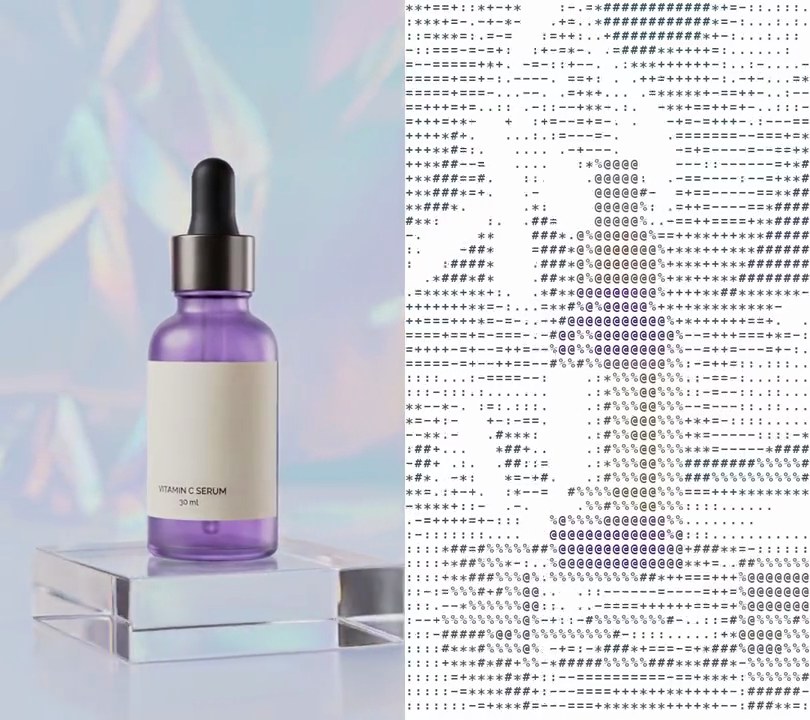
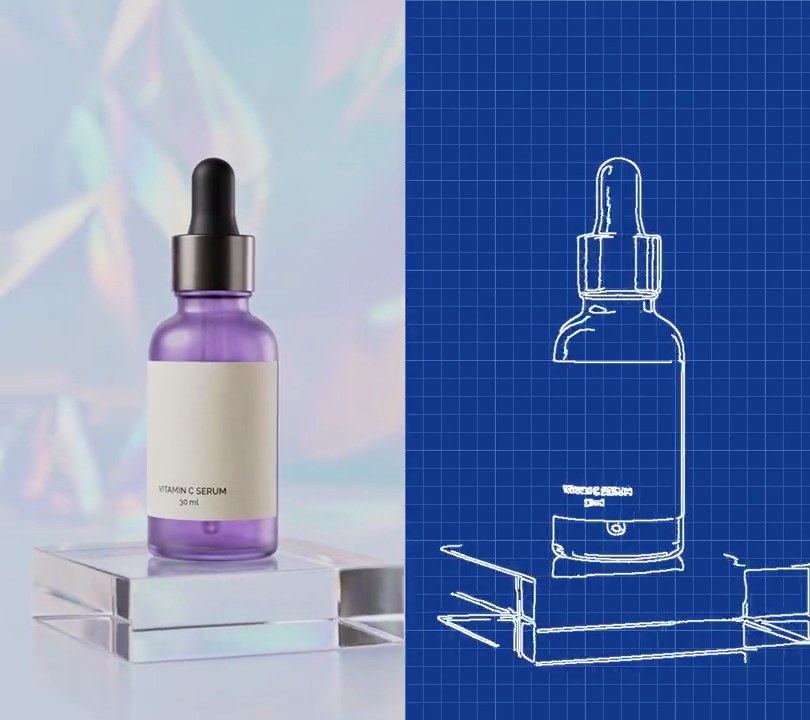
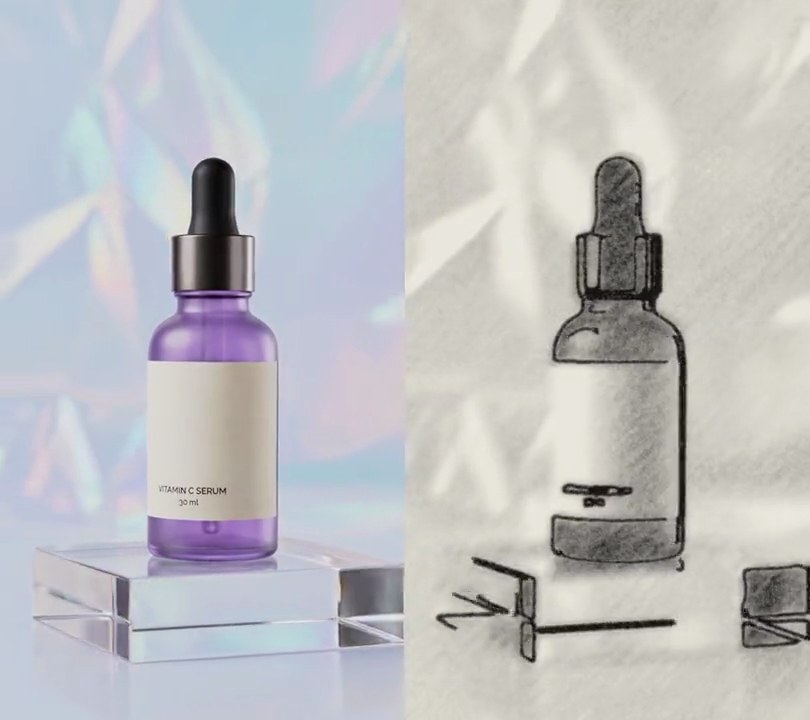
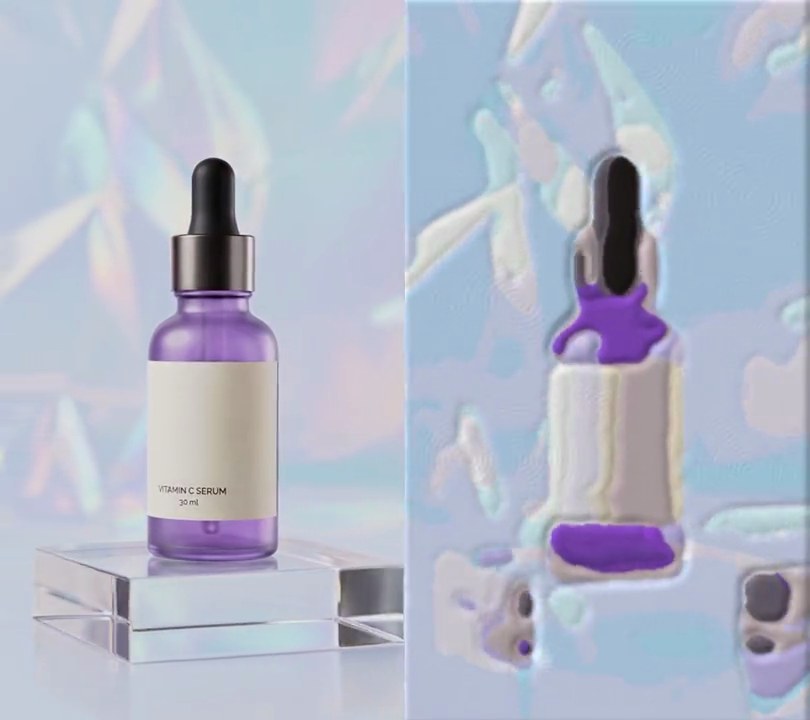
Get this effect
Switch to Code in your Claude Desktop App
Install the skill (once)
Show the prompt
Install the Recharm video effects skill: download https://recharm-growth-staging.s3.us-east-2.amazonaws.com/website/downloads/recharm-video-effects.zip and unzip it into ~/.claude/skillsAsk for the effect
Add neon edges to input.mp4
Second the neon look starts: 1.0
Seconds the switch from the normal shot takes: 0.3

Several videos, several effects, one ask
Put your clips in the folder, mention them with @, and ask for everything at once. Claude runs one tested script after another on each clip, then joins them.
Add neon edges to @clip1.mp4, put a sale badge on @clip2.mp4, give @clip3.mp4 a VHS look, then join all three with crossfades.
Settings you can change
Ask Claude to change any of these, or edit them at the top of the script.
| Setting | Default | What it does |
|---|---|---|
START | 1.0 | Second the neon look starts. |
FADE | 0.3 | Seconds the switch from the normal shot takes. |
TOP, BOTTOM | (0, 255, 255), (255, 0, 255) | Edge colors at the top and bottom of the frame. |
LOW, HIGH | 25, 80 | Canny thresholds: lower finds more, fainter edges. |
LINE | 3 | Edge line thickness in pixels. |
GLOW | 8 | Blur radius of the glow around the lines, in pixels. |
Without the skill
Don’t want to install the skill? Paste this prompt into Claude Code and Claude writes the script itself.
Show the prompt
Turn input.mp4 into neon edges from 1 second on. Before 1.0 seconds leave the video untouched; from 1.0 to 1.3 seconds fade linearly from the normal frame to the neon look, then keep it to the end. For the neon look, in Python with OpenCV and numpy, take each frame's grayscale, Gaussian-blur it 5x5, find edges with cv2.Canny at thresholds 25 and 80, and thicken them with a 3x3 dilate. Make a glow by Gaussian-blurring those lines with sigma 8, scaling it so its peak is 1, multiplying by 1.6 and capping it at 0.7. The opacity is the larger of the line and the glow. Color everything with a vertical gradient from cyan (0, 255, 255) at the top row to magenta (255, 0, 255) at the bottom row, and put it on pure black (0, 0, 0), with no trace of the original picture. Read and write the frames with ffmpeg, don't draw any text (if you ever do, use Pillow, not ffmpeg's drawtext), keep the audio, output 30fps H.264 yuv420p, and save it as output.mp4.Run it without Claude
This is the exact script we tested. Save it as neon-edges.py and run:
python3 neon-edges.py input.mp4 output.mp4Show the script
#!/usr/bin/env python3
"""Neon edges: at 1s the shot fades to black and only its outlines stay, glowing cyan at the top and magenta at the bottom.

Usage: python3 neon-edges.py input.mp4 output.mp4
Needs ffmpeg, numpy and OpenCV to find the edges (pip install numpy opencv-python-headless).
"""
import json
import subprocess
import sys

import cv2
import numpy as np

START = 1.0                  # second the neon look starts
FADE = 0.3                   # seconds the switch from the normal shot takes
TOP = (0, 255, 255)          # edge color at the top of the frame (cyan)
BOTTOM = (255, 0, 255)       # edge color at the bottom of the frame (magenta)
LOW, HIGH = 25, 80           # Canny thresholds: lower finds more, fainter edges
LINE = 3                     # edge line thickness in pixels
GLOW = 8                     # blur radius of the glow around the lines, in pixels


def neon(rgb):
    """Edges of the frame as glowing lines on black, colored by a top-to-bottom gradient."""
    edges = cv2.Canny(cv2.GaussianBlur(cv2.cvtColor(rgb, cv2.COLOR_RGB2GRAY), (5, 5), 0), LOW, HIGH)
    line = cv2.dilate(edges, np.ones((LINE, LINE), np.uint8)).astype(np.float32) / 255
    glow = cv2.GaussianBlur(line, (0, 0), GLOW)
    glow /= max(glow.max(), 1e-6)
    alpha = np.maximum(line, np.minimum(glow * 1.6, 0.7))[:, :, None]
    return alpha * gradient


def composite(rgb, t):
    """The normal frame before START, then a fade into the neon edges."""
    if t < START:
        return rgb
    mix = min((t - START) / FADE, 1)
    return (rgb * (1 - mix) + neon(rgb) * mix).round().astype(np.uint8)


def probe(path):
    info = json.loads(subprocess.check_output(["ffprobe", "-v", "error", "-select_streams", "v:0", "-show_entries",
                                               "stream=width,height,r_frame_rate", "-of", "json", path]))
    s = info["streams"][0]
    num, den = s["r_frame_rate"].split("/")
    return s["width"], s["height"], s["r_frame_rate"], float(num) / float(den)


def render(src, out):
    """Read src frame by frame, composite each one and save to out, keeping the audio."""
    reader = subprocess.Popen(["ffmpeg", "-v", "error", "-i", src, "-f", "rawvideo", "-pix_fmt", "rgb24", "-"],
                              stdout=subprocess.PIPE)
    writer = subprocess.Popen(["ffmpeg", "-y", "-v", "error",
                               "-f", "rawvideo", "-pix_fmt", "rgb24", "-s", f"{w}x{h}", "-r", rate, "-i", "-",
                               "-i", src, "-map", "0:v", "-map", "1:a?", "-c:v", "libx264", "-crf", "18",
                               "-pix_fmt", "yuv420p", "-c:a", "copy", "-shortest", out], stdin=subprocess.PIPE)
    i = 0
    while raw := reader.stdout.read(w * h * 3):
        rgb = np.frombuffer(raw, np.uint8).reshape(h, w, 3)
        writer.stdin.write(composite(rgb, i / fps).tobytes())
        i += 1
    writer.stdin.close()
    if reader.wait() or writer.wait():
        sys.exit("ffmpeg failed")


src, out = sys.argv[1:3]
w, h, rate, fps = probe(src)
fall = np.linspace(0, 1, h, dtype=np.float32)[:, None, None]
gradient = np.array(TOP, np.float32) * (1 - fall) + np.array(BOTTOM, np.float32) * fall
render(src, out)