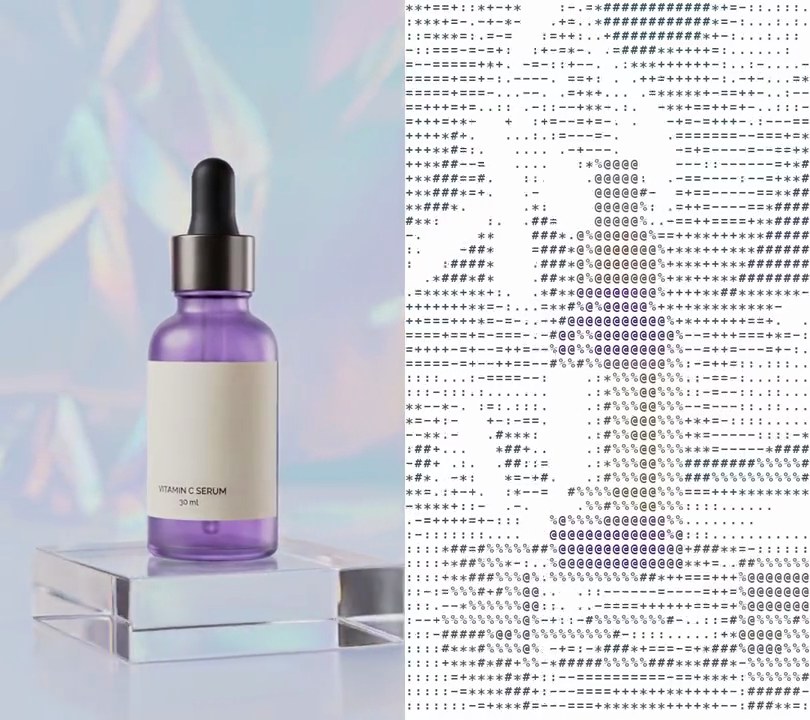
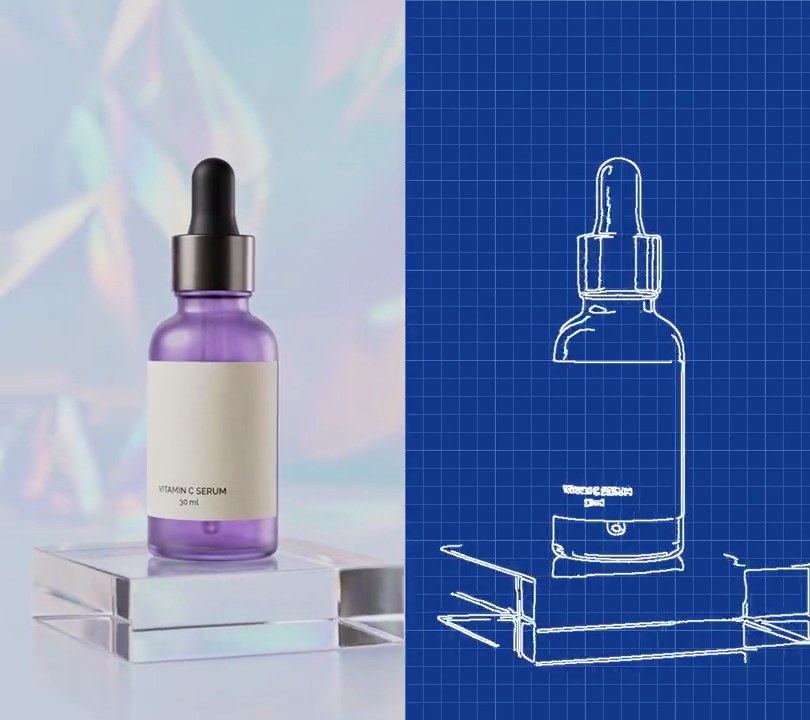
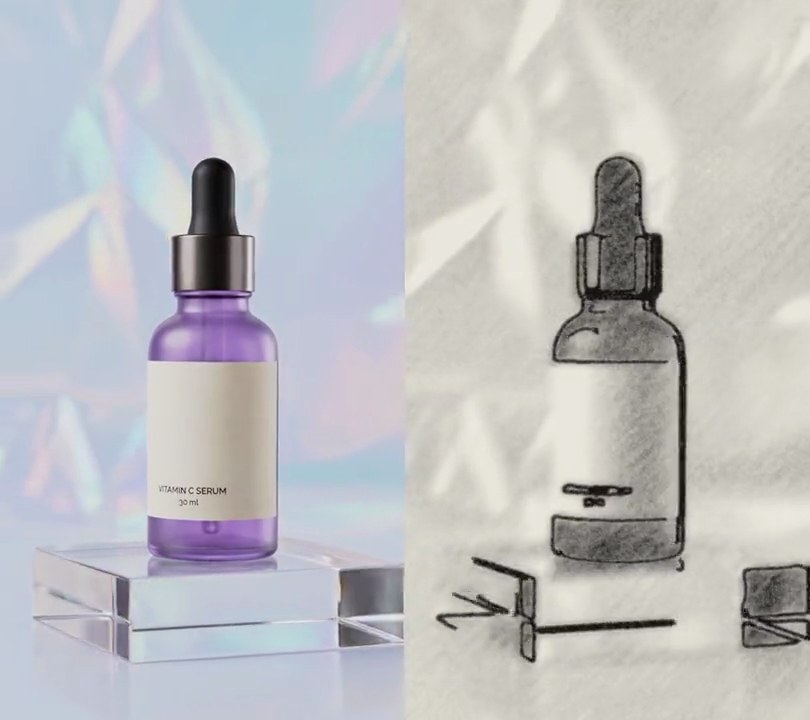
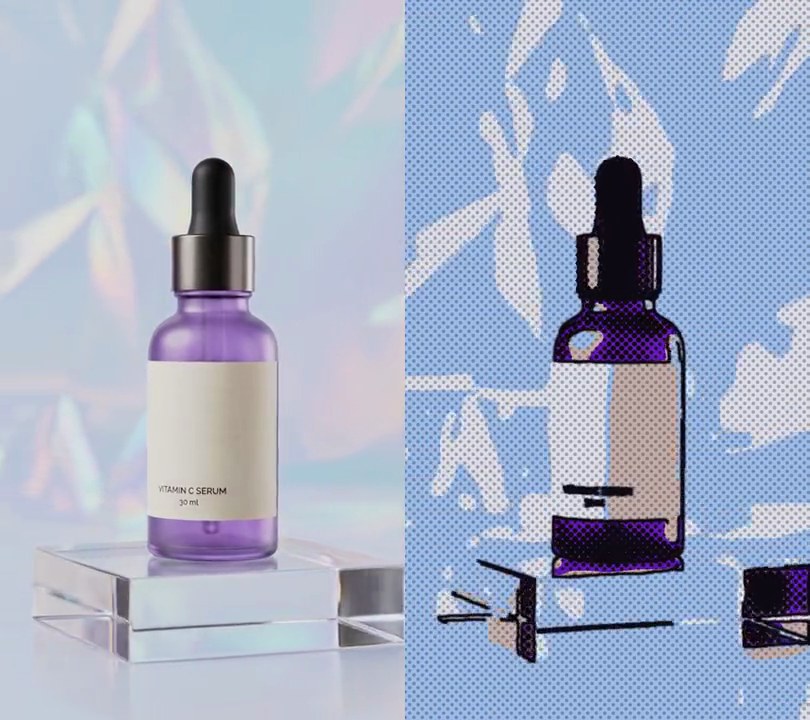
Get this effect
Switch to Code in your Claude Desktop App
Install the skill (once)
Show the prompt
Install the Recharm video effects skill: download https://recharm-growth-staging.s3.us-east-2.amazonaws.com/website/downloads/recharm-video-effects.zip and unzip it into ~/.claude/skillsAsk for the effect
Add a claymation style to input.mp4
Second the picture turns to clay: 1.0
Frames each pose stays on screen: 3

Several videos, several effects, one ask
Put your clips in the folder, mention them with @, and ask for everything at once. Claude runs one tested script after another on each clip, then joins them.
Add a claymation style to @clip1.mp4, put a sale badge on @clip2.mp4, give @clip3.mp4 a VHS look, then join all three with crossfades.
Settings you can change
Ask Claude to change any of these, or edit them at the top of the script.
| Setting | Default | What it does |
|---|---|---|
START | 1.0 | Second the picture turns to clay. |
HOLD | 3 | Frames each pose stays on screen. 3 at 30fps is 10 poses a second; 2 is smoother, 5 choppier. |
MELT | 9 | Median filter size that melts detail into smooth lumps. Bigger gives chunkier clay. |
COLORS | 24 | Flat clay colors per pose. Fewer gives bolder, chunkier lumps. |
SATURATION | 1.8 | Color boost. 1 keeps the original colors. |
PUFF | 5 | How rounded the lumps look, as the blur radius in pixels of the lighting. |
BEVEL | 0.9 | Strength of the light and shadow on the lump edges. |
PRINTS | 0.10 | Fingerprint texture strength, as a share of brightness. 0 turns it off. |
RIDGE | 7 | Spacing of the fingerprint ridges in pixels. |
JITTER | 3 | Pixels each pose may be nudged, as if the set was bumped between shots. 0 keeps it steady. |
Without the skill
Don’t want to install the skill? Paste this prompt into Claude Code and Claude writes the script itself.
Show the prompt
Give input.mp4 a claymation look from 1.0 seconds to the end; leave the first second untouched. Use Python with Pillow and numpy, reading and writing frames through ffmpeg. From 1.0s, sculpt a new pose every 3rd frame (10 poses a second at 30fps) and hold it for 3 frames. For each pose: shrink the frame to half size (270x480), run a 9-pixel median filter over it 3 times, reduce it to 24 colors (Pillow quantize, fast octree, no dithering), run a 5-pixel mode filter, scale it back to 540x960 bicubic and blur it by 1.5 pixels, then multiply saturation by 1.8. Make each color patch bulge: find the seams between patches (edge filter, threshold 4), blur that seam mask by 5 pixels, treat 255 minus it as a height map, and brighten slopes facing the top left and darken those facing the bottom right by up to about 30%. Press in fingerprints: a fixed texture of 40 random whorls of concentric sine ridges 7 pixels apart, each fading out over 40-110 pixels, embossed (lit from the top left) and multiplied in at 10% of brightness, taking a different random patch of it each pose. Finally zoom each pose in 2% and nudge it by a random -3 to +3 pixels in x and y, so the shot jitters like stop motion. Keep the size (540x960), 30fps, the 6 second length and the audio, and save it as output.mp4.Run it without Claude
This is the exact script we tested. Save it as claymation-style.py and run:
python3 claymation-style.py input.mp4 output.mp4Show the script
#!/usr/bin/env python3
"""Claymation style: from one second the shot turns into puffy, rounded clay shapes covered in fingerprint swirls, stepping 10 poses a second.

Usage: python3 claymation-style.py input.mp4 output.mp4
Needs ffmpeg, Pillow and numpy (pip install pillow numpy).
"""
import json
import subprocess
import sys

import numpy as np
from PIL import Image, ImageFilter

START = 1.0              # second the picture turns to clay
HOLD = 3                 # frames each pose stays on screen (3 at 30fps = 10 poses a second, like hand-animated clay)
MELT = 9                 # median filter size that melts detail into smooth lumps; bigger gives chunkier clay
COLORS = 24              # flat clay colors per pose; fewer gives bolder, chunkier lumps
SATURATION = 1.8         # color boost, since clay is mixed from rich, matte colors; 1 keeps the original colors
PUFF = 5                 # how rounded the lumps look: blur radius in pixels of the lighting that bulges them
BEVEL = 0.9              # strength of that light and shadow on the lump edges
PRINTS = 0.10            # fingerprint texture strength, as a share of brightness
RIDGE = 7                # spacing of the fingerprint ridges in pixels
JITTER = 3               # pixels each pose may be nudged, as if the set was bumped between shots


def fingerprints(w, h, seed=1):
    """A sheet twice the frame's size of curved ridges around random centers, lit from the top left like pressed clay."""
    rng = np.random.default_rng(seed)
    yy, xx = np.mgrid[0:h * 2, 0:w * 2].astype(np.float32)
    ridges = np.zeros_like(xx)
    for _ in range(40):
        cx, cy, r = rng.uniform(0, w * 2), rng.uniform(0, h * 2), rng.uniform(40, 110)
        d = np.hypot((xx - cx) * rng.uniform(0.7, 1.3), yy - cy)
        ridges += np.sin(d / RIDGE * 2 * np.pi) * np.exp(-(d / r) ** 2)       # a whorl that fades out from its center
    ridges = np.asarray(Image.fromarray(np.uint8(np.clip(ridges * 60 + 128, 0, 255))).filter(ImageFilter.GaussianBlur(1)),
                        np.float32)
    return (np.roll(ridges, 1, (0, 1)) - ridges) / 128                       # emboss: ridge tops catch the light


def clay(img, texture, rng):
    """Turn one frame into clay: melt it into a few rounded lumps of color, light them, press in fingerprints, nudge it."""
    w, h = img.size
    lumps = img.resize((w // 2, h // 2), Image.BILINEAR)
    for _ in range(3):
        lumps = lumps.filter(ImageFilter.MedianFilter(MELT))
    lumps = lumps.quantize(COLORS, method=Image.Quantize.FASTOCTREE, dither=Image.Dither.NONE).convert("RGB")
    lumps = lumps.filter(ImageFilter.ModeFilter(5)).resize((w, h), Image.BICUBIC).filter(ImageFilter.GaussianBlur(1.5))
    hue, sat, val = lumps.convert("HSV").split()
    sat = sat.point(lambda v: min(255, round(v * SATURATION)))
    color = np.asarray(Image.merge("HSV", (hue, sat, val)).convert("RGB"), np.float32)

    seams = lumps.convert("L").filter(ImageFilter.FIND_EDGES).point(lambda v: 255 if v > 4 else 0)
    height = 255 - np.asarray(seams.filter(ImageFilter.GaussianBlur(PUFF)), np.float32)   # each lump bulges up between its seams
    gy, gx = np.gradient(height)
    light = 1 + BEVEL * (gx + gy) / 40                                        # slopes facing the top left catch the light
    ox, oy = rng.integers(0, w), rng.integers(0, h)                           # a fresh patch of fingerprints each pose
    prints = 1 + PRINTS * texture[oy:oy + h, ox:ox + w]
    out = Image.fromarray(np.uint8(np.clip(color * (light * prints)[..., None], 0, 255)))
    dx, dy = rng.integers(-JITTER, JITTER + 1, 2)
    return out.transform((w, h), Image.AFFINE, (0.98, 0, w * 0.01 + dx, 0, 0.98, h * 0.01 + dy), Image.BICUBIC)


def probe(path):
    info = json.loads(subprocess.check_output(["ffprobe", "-v", "error", "-select_streams", "v:0", "-show_entries",
                                               "stream=width,height,r_frame_rate", "-of", "json", path]))
    s = info["streams"][0]
    num, den = s["r_frame_rate"].split("/")
    return s["width"], s["height"], s["r_frame_rate"], float(num) / float(den)


src, out = sys.argv[1:3]
w, h, rate, fps = probe(src)
texture = fingerprints(w, h)
rng = np.random.default_rng(7)
reader = subprocess.Popen(["ffmpeg", "-v", "error", "-i", src, "-f", "rawvideo", "-pix_fmt", "rgb24", "-"],
                          stdout=subprocess.PIPE)
writer = subprocess.Popen(["ffmpeg", "-y", "-v", "error", "-f", "rawvideo", "-pix_fmt", "rgb24", "-s", f"{w}x{h}",
                           "-r", rate, "-i", "-", "-i", src, "-map", "0:v", "-map", "1:a?",
                           "-c:v", "libx264", "-crf", "18", "-pix_fmt", "yuv420p", "-c:a", "copy", "-shortest", out],
                          stdin=subprocess.PIPE)
first = round(START * fps)
i = 0
while raw := reader.stdout.read(w * h * 3):
    if i >= first:
        if (i - first) % HOLD == 0:                                           # a new pose: sculpt this frame
            pose = clay(Image.frombytes("RGB", (w, h), raw), texture, rng).tobytes()
        raw = pose                                                            # otherwise hold the last pose
    writer.stdin.write(raw)
    i += 1
writer.stdin.close()
if reader.wait() or writer.wait():
    sys.exit("ffmpeg failed")