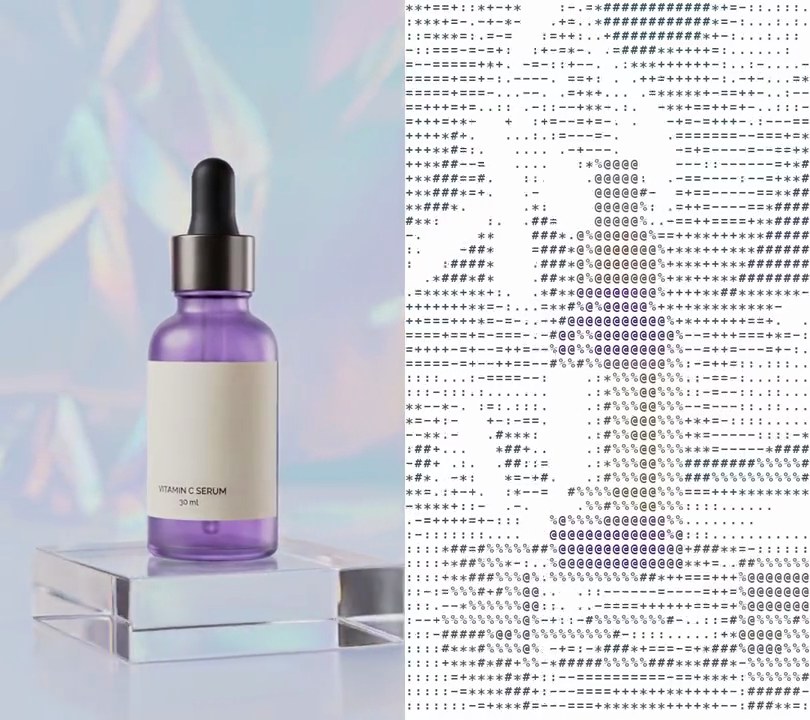
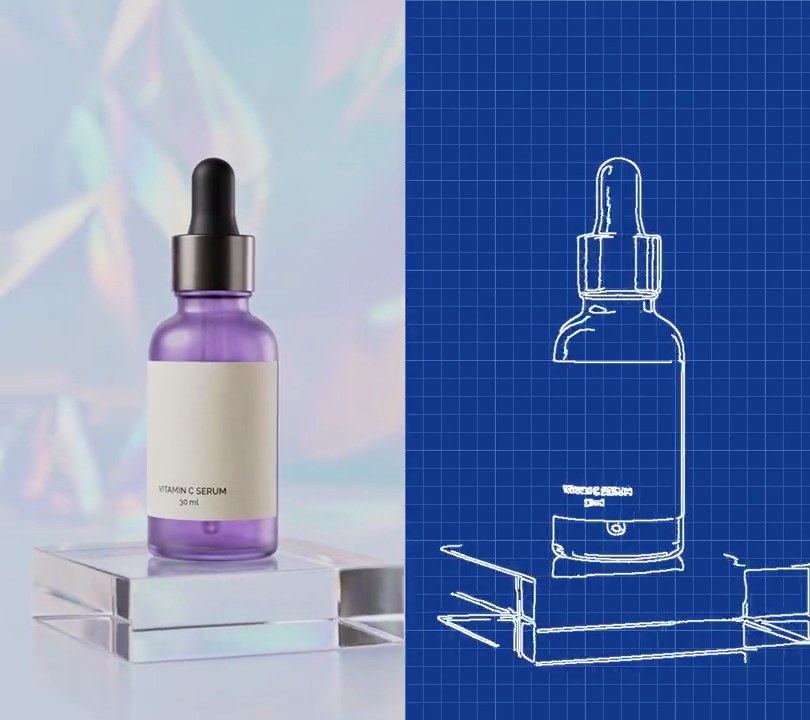
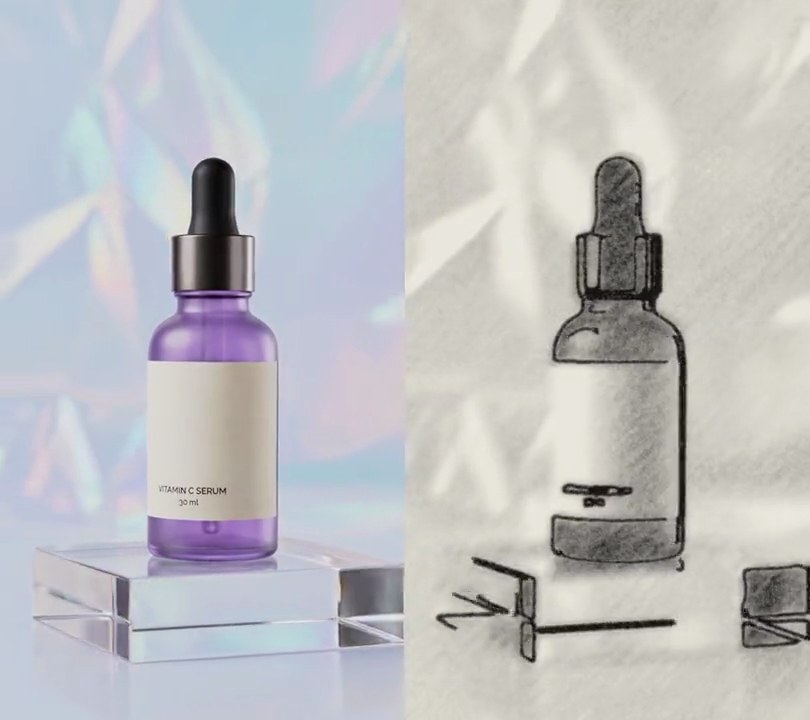
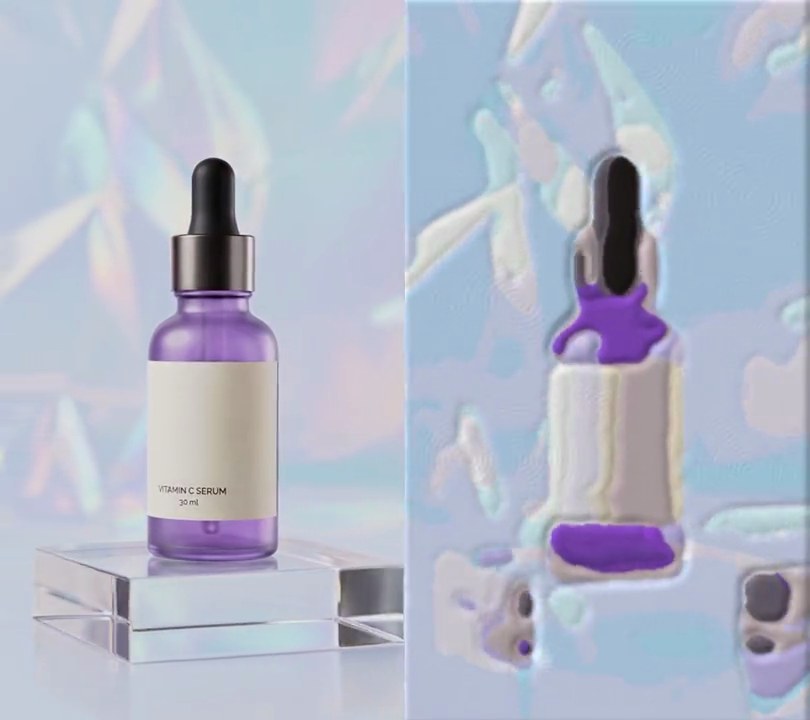
Get this effect
Switch to Code in your Claude Desktop App
Install the skill (once)
Show the prompt
Install the Recharm video effects skill: download https://recharm-growth-staging.s3.us-east-2.amazonaws.com/website/downloads/recharm-video-effects.zip and unzip it into ~/.claude/skillsAsk for the effect
Add a comic book to input.mp4
Second the shot turns into a comic panel: 1.0
Number of flat fill colors: 6

Several videos, several effects, one ask
Put your clips in the folder, mention them with @, and ask for everything at once. Claude runs one tested script after another on each clip, then joins them.
Add a comic book to @clip1.mp4, put a sale badge on @clip2.mp4, give @clip3.mp4 a VHS look, then join all three with crossfades.
Settings you can change
Ask Claude to change any of these, or edit them at the top of the script.
| Setting | Default | What it does |
|---|---|---|
START | 1.0 | Second the shot turns into a comic panel. |
COLORS | 6 | Number of flat fill colors. Fewer gives a bolder, more poster-like panel. |
VIVID | 3.0 | How much more saturated the fills are than the footage. |
LIFT | 1.1 | How much brighter the fills are than the footage. |
CELL | 8 | Pixels between halftone dot centers. Bigger gives a coarser print. |
ANGLE | 45 | Angle of the dot rows in degrees. |
DOTS_FROM | 0.5 | How dark (0 to 1) an area must be before black shading dots appear. |
PRINT_DOT, PRINT_SHADE | 0.3, 0.75 | Size (in cells) and shade of the fine print dots over every fill; a shade of 1 hides them. |
LINES | (20, 70) | Canny edge thresholds. Lower draws more outlines. |
LINE | 4 | Outline thickness in pixels. |
INK | (15, 10, 20) | Outline and shading dot color. |
Without the skill
Don’t want to install the skill? Paste this prompt into Claude Code and Claude writes the script itself.
Show the prompt
Give input.mp4 (540x960) a comic book look from 1.0 seconds to the end; before 1.0 seconds leave it untouched. On the first frame at 1.0 s, smooth it with three passes of a bilateral filter (diameter 9, color sigma 50, space sigma 7) and pick 6 main colors with k-means; make those colors comic inks by multiplying their HSV saturation by 3.0 and their brightness by 1.1 (capped at full), and keep this palette for every later frame so it doesn't flicker. For each frame from 1.0 s: smooth it the same way, replace every pixel with the ink of its nearest k-means color and median-blur that with a 5 pixel window, giving flat fills. Over every fill print small dots of the same ink at 75% brightness: radius 2.4 pixels on a square grid with 8 pixels between dot centers, turned 45 degrees. Then add near-black (15, 10, 20) halftone shading on the same grid: blur the smoothed grayscale with a Gaussian of sigma 4, stretch it so the 2nd percentile is darkness 1 and the 98th darkness 0, and where darkness is above 0.5 draw a dot of radius 5.76 pixels times the square root of (darkness - 0.5) / 0.5, so the deepest shadows go solid. Finally draw near-black (15, 10, 20) outlines 4 pixels thick along Canny edges (thresholds 20 and 70) of the smoothed grayscale, softened with a 0.8 pixel blur. Use Python with OpenCV and numpy for the frames and ffmpeg to read and write the video (don't use ffmpeg's drawtext if you add any text), keep the size, 30fps, the 6 second length and the audio, and save it as output.mp4.Run it without Claude
This is the exact script we tested. Save it as comic-book.py and run:
python3 comic-book.py input.mp4 output.mp4Show the script
#!/usr/bin/env python3
"""Comic book: at one second the shot becomes a printed comic panel, with flat bright colors, thick black outlines, fine print dots and black halftone dots in the shadows.

Usage: python3 comic-book.py input.mp4 output.mp4
Needs ffmpeg, OpenCV and numpy (pip install opencv-python-headless numpy).
"""
import json
import subprocess
import sys

import cv2
import numpy as np

START = 1.0              # second the footage turns into a comic panel
COLORS = 6               # flat fill colors, picked once from the first comic frame so they don't flicker
VIVID = 3.0              # how much more saturated the fill colors are than the footage; 1 keeps them as they are
LIFT = 1.1               # how much brighter the fill colors are
CELL = 8                 # pixels between halftone dot centers
ANGLE = 45               # angle of the dot rows in degrees
DOTS_FROM = 0.5          # darkness (0 = brightest part of the frame, 1 = darkest) where black dots start
PRINT_DOT = 0.3          # radius, in cells, of the small dots of a deeper shade printed over every fill
PRINT_SHADE = 0.75       # how dark those print dots are next to the fill (1 = invisible)
LINES = (20, 70)         # Canny edge thresholds; lower draws more outlines
LINE = 4                 # outline thickness in pixels
INK = (15, 10, 20)       # outline and dot color, near black


def smoothed(img):
    """Iron out texture and grain but keep hard edges, so colors and outlines come out clean."""
    for _ in range(3):
        img = cv2.bilateralFilter(img, 9, 50, 7)
    return img


def comic(img):
    """One comic frame (h, w, 3 uint8): flat ink fills with fine print dots, black halftone shading, black outlines."""
    smooth = smoothed(img)
    pixels = smooth.reshape(-1, 3).astype(np.float32)
    nearest = ((pixels[:, None] - palette[None]) ** 2).sum(axis=2).argmin(axis=1)
    flat = cv2.medianBlur(vivid[nearest].astype(np.uint8).reshape(img.shape), 5).astype(np.float32)

    luma = cv2.GaussianBlur(cv2.cvtColor(smooth, cv2.COLOR_RGB2GRAY), (0, 0), CELL / 2).astype(np.float32)
    lo, hi = np.percentile(luma, (2, 98))
    dark = 1 - np.clip((luma - lo) / max(hi - lo, 1), 0, 1)
    shade = np.clip((dark - DOTS_FROM) / (1 - DOTS_FROM), 0, 1)
    cx, cy, dist = dot_grid
    radius = CELL * 0.72 * np.sqrt(shade[cy, cx])                 # 0.72 cells lets the darkest dots merge
    dots = np.clip(radius - dist + 0.5, 0, 1)                     # 1px soft edge
    printed = np.clip(CELL * PRINT_DOT - dist + 0.5, 0, 1)[..., None]
    flat *= 1 - printed * (1 - PRINT_SHADE)

    edges = cv2.Canny(cv2.cvtColor(smooth, cv2.COLOR_RGB2GRAY), *LINES)
    lines = cv2.GaussianBlur(cv2.dilate(edges, np.ones((LINE, LINE), np.uint8)), (0, 0), 0.8) / 255.0
    ink = np.maximum(dots, lines)[..., None]
    return flat * (1 - ink) + np.array(INK, np.float32) * ink


def pick_palette(img):
    """The frame's main colors, and the same colors pushed to bright comic-book inks."""
    pixels = smoothed(img).reshape(-1, 3).astype(np.float32)
    criteria = (cv2.TERM_CRITERIA_EPS + cv2.TERM_CRITERIA_MAX_ITER, 20, 1.0)
    cv2.setRNGSeed(1)
    centers = cv2.kmeans(pixels, COLORS, None, criteria, 3, cv2.KMEANS_PP_CENTERS)[2]
    hsv = cv2.cvtColor(centers.reshape(1, -1, 3).astype(np.uint8), cv2.COLOR_RGB2HSV).astype(np.float32)
    hsv[..., 1] = np.minimum(hsv[..., 1] * VIVID, 255)                  # richer color
    hsv[..., 2] = np.minimum(hsv[..., 2] * LIFT, 255)                   # brighter ink
    return centers, cv2.cvtColor(hsv.astype(np.uint8), cv2.COLOR_HSV2RGB).reshape(-1, 3).astype(np.float32)


def probe(path):
    info = json.loads(subprocess.check_output(["ffprobe", "-v", "error", "-select_streams", "v:0", "-show_entries",
                                               "stream=width,height,r_frame_rate", "-of", "json", path]))
    s = info["streams"][0]
    num, den = s["r_frame_rate"].split("/")
    return s["width"], s["height"], s["r_frame_rate"], float(num) / float(den)


src, out = sys.argv[1:3]
w, h, rate, fps = probe(src)
y, x = np.mgrid[0:h, 0:w].astype(np.float32)
cos, sin = np.cos(np.radians(ANGLE)), np.sin(np.radians(ANGLE))
u, v = x * cos - y * sin, x * sin + y * cos                         # pixel positions in the turned dot grid
cu, cv = (np.floor(u / CELL) + 0.5) * CELL, (np.floor(v / CELL) + 0.5) * CELL
dot_grid = (np.clip(np.round(cu * cos + cv * sin), 0, w - 1).astype(int),   # each pixel's dot center, x
            np.clip(np.round(-cu * sin + cv * cos), 0, h - 1).astype(int),  # and y
            np.hypot(u - cu, v - cv))                                      # distance from it
palette = vivid = None

reader = subprocess.Popen(["ffmpeg", "-v", "error", "-i", src, "-f", "rawvideo", "-pix_fmt", "rgb24", "-"],
                          stdout=subprocess.PIPE)
writer = subprocess.Popen(["ffmpeg", "-y", "-v", "error", "-f", "rawvideo", "-pix_fmt", "rgb24", "-s", f"{w}x{h}",
                           "-r", rate, "-i", "-", "-i", src, "-map", "0:v", "-map", "1:a?",
                           "-c:v", "libx264", "-crf", "18", "-pix_fmt", "yuv420p", "-c:a", "copy", "-shortest", out],
                          stdin=subprocess.PIPE)
i = 0
while raw := reader.stdout.read(w * h * 3):
    if i / fps >= START:
        img = np.frombuffer(raw, np.uint8).reshape(h, w, 3)
        if palette is None:
            palette, vivid = pick_palette(img)
        raw = np.clip(comic(img), 0, 255).astype(np.uint8).tobytes()
    writer.stdin.write(raw)
    i += 1
writer.stdin.close()
if reader.wait() or writer.wait():
    sys.exit("ffmpeg failed")