Get this effect
Switch to Code in your Claude Desktop App
Install the skill (once)
Show the prompt
Install the Recharm video effects skill: download https://recharm-growth-staging.s3.us-east-2.amazonaws.com/website/downloads/recharm-video-effects.zip and unzip it into ~/.claude/skillsAsk for the effect
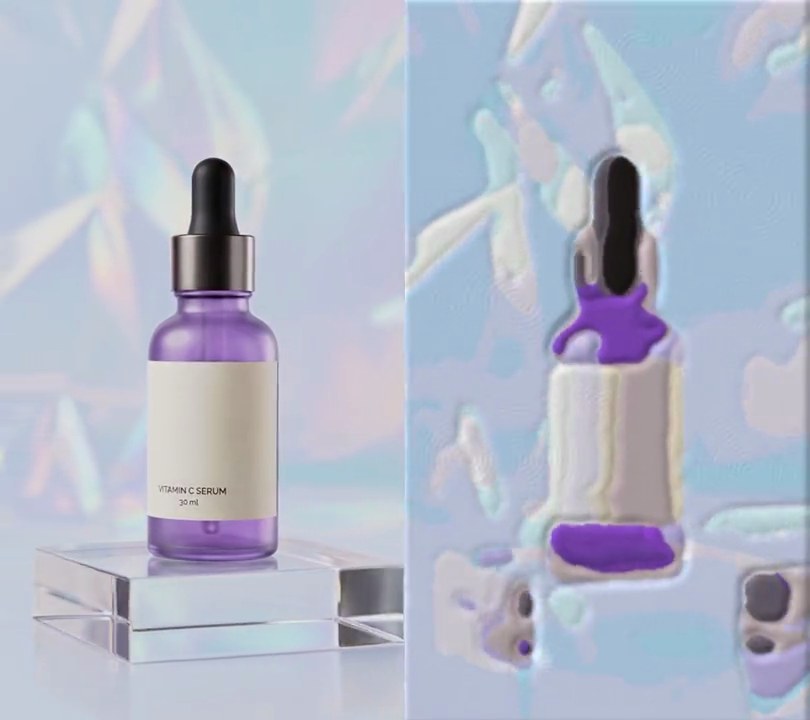
Add a watercolor to input.mp4
Second the picture turns into a painting: 1.0
Paper color, showing through the washes and around the painting: (250, 247, 240)

Several videos, several effects, one ask
Put your clips in the folder, mention them with @, and ask for everything at once. Claude runs one tested script after another on each clip, then joins them.
Add a watercolor to @clip1.mp4, put a sale badge on @clip2.mp4, give @clip3.mp4 a VHS look, then join all three with crossfades.
Settings you can change
Ask Claude to change any of these, or edit them at the top of the script.
| Setting | Default | What it does |
|---|---|---|
START | 1.0 | Second the picture turns into a painting. |
PAPER | (250, 247, 240) | Paper color, showing through the washes and around the painting. |
WASH | 0.8 | Average strength of the paint. Lower is paler and more see-through. |
SATURATION | 2.2 | Color boost so the pale washes still read as color. |
POOLING | 0.25 | How much darker pigment pools along the edges of each wash. 0 turns the rims off. |
MARGIN | 0.07 | Unpainted paper border, as a share of the frame width. |
BLANK | 0.93 | Washes this light (0-1) or lighter are left as bare paper. |
SEED | 3 | Random seed for the paper grain, the blotches and the ragged border. |
Without the skill
Don’t want to install the skill? Paste this prompt into Claude Code and Claude writes the script itself.
Show the prompt
Give input.mp4 (540x960) a watercolor painting look from 1.0 seconds to the end; before 1.0 seconds leave every frame untouched. Use Python with numpy and OpenCV (opencv-python-headless) for the frames and ffmpeg to read and write the video. Make the paper once, with a fixed random seed so it stays put: a grain map of 0.92 + 0.04 x fine noise (random values on a 3 pixel grid, scaled up bicubic) + 0.04 x coarse noise (20 pixel grid), all in 0-1; a wash-strength map of 0.8 x (0.8 + 0.4 x noise on an 80 pixel grid); and a paint mask that is 0 at the frame edges and 1 inside: take each pixel's distance to the nearest side divided by the frame width (540), add (noise on a 60 pixel grid - 0.5) x 0.07 so the border wobbles, then map it with clip((d - 0.042) / 0.056, 0, 1). For each frame from 1.0 s: shrink to 270x480 (area filter), run cv2.stylization with sigma_s 40 and sigma_r 0.35, Gaussian-blur it with sigma 1.2 and scale back to 540x960 (bicubic); multiply its HSV saturation by 2.2 (capped at 255); take the gradient length of its grayscale (Sobel x and y), blur that with sigma 3 and divide by 120 (capped at 1) as a rim map. Paper is (250, 247, 240). Paint = paper - (paper - color) x wash strength, then multiply by 1 - 0.25 x rim so pigment pools darker at wash edges; where the grayscale brightness is 0.93 of full or more, fade to bare paper (blend weight clip((brightness/255 - 0.85) / 0.08, 0, 1)). Blend paper and paint with the paint mask, multiply by the grain map and clip to 0-255. Keep the size, 30fps, the 6 second length and the audio (don't use ffmpeg's drawtext if you add any text), and save it as output.mp4.Run it without Claude
This is the exact script we tested. Save it as watercolor.py and run:
python3 watercolor.py input.mp4 output.mp4Show the script
#!/usr/bin/env python3
"""Watercolor: at one second the shot is repainted as soft, see-through color washes on textured paper with a white margin.

Usage: python3 watercolor.py input.mp4 output.mp4
Needs ffmpeg, numpy and OpenCV (pip install numpy opencv-python-headless).
"""
import json
import subprocess
import sys

import cv2
import numpy as np

START = 1.0                  # second the picture turns into a painting
PAPER = (250, 247, 240)      # warm white paper showing through the washes and around the painting
WASH = 0.8                   # average strength of the paint; lower is paler and more see-through
SATURATION = 2.2             # color boost so the pale washes still read as color
POOLING = 0.25               # how much darker pigment pools along the edges of each wash
MARGIN = 0.07                # unpainted paper border, as a share of the frame width
BLANK = 0.93                 # washes this light (0-1) or lighter are left as bare paper
SEED = 3                     # same seed, same paper grain, blotches and ragged border on every frame


def noise(shape, cell, rng):
    """Smooth random field in 0-1: random values on a coarse grid, scaled up."""
    small = rng.random((shape[0] // cell + 2, shape[1] // cell + 2)).astype(np.float32)
    return cv2.resize(small, (shape[1], shape[0]), interpolation=cv2.INTER_CUBIC).clip(0, 1)


def make_paper(h, w):
    """Paper grain to multiply the paint by, uneven wash strength, and the ragged mask of where paint reaches."""
    rng = np.random.default_rng(SEED)
    grain = 0.92 + 0.04 * noise((h, w), 3, rng) + 0.04 * noise((h, w), 20, rng)
    y, x = np.mgrid[0:h, 0:w].astype(np.float32)
    edge = np.minimum.reduce([x, w - 1 - x, y, h - 1 - y]) / w                   # distance to the nearest side
    edge += (noise((h, w), 60, rng) - 0.5) * MARGIN                              # make the border wobble
    reach = np.clip((edge - MARGIN * 0.6) / (MARGIN * 0.8), 0, 1)
    blotch = WASH * (0.8 + 0.4 * noise((h, w), 80, rng))                         # some patches soak up more paint
    return grain[..., None], blotch[..., None], reach[..., None]


def watercolor(frame):
    """Repaint one frame: flatten it into washes, lighten them toward paper, pool pigment at their edges."""
    h, w = frame.shape[:2]
    half = cv2.resize(frame, (w // 2, h // 2), interpolation=cv2.INTER_AREA)
    flat = cv2.stylization(half, sigma_s=40, sigma_r=0.35)                       # smooth areas, keep their edges
    flat = cv2.resize(cv2.GaussianBlur(flat, (0, 0), 1.2), (w, h), interpolation=cv2.INTER_CUBIC)

    hsv = cv2.cvtColor(flat, cv2.COLOR_RGB2HSV).astype(np.float32)
    hsv[..., 1] = np.clip(hsv[..., 1] * SATURATION, 0, 255)
    flat = cv2.cvtColor(hsv.astype(np.uint8), cv2.COLOR_HSV2RGB).astype(np.float32)

    gray = cv2.cvtColor(flat.astype(np.uint8), cv2.COLOR_RGB2GRAY).astype(np.float32)
    rims = cv2.GaussianBlur(np.hypot(cv2.Sobel(gray, cv2.CV_32F, 1, 0), cv2.Sobel(gray, cv2.CV_32F, 0, 1)), (0, 0), 3)
    rims = np.clip(rims / 120, 0, 1)[..., None]                                  # 1 along a wash's edge

    paper = np.array(PAPER, np.float32)
    paint = paper - (paper - flat) * blotch                                      # thin, see-through wash
    paint *= 1 - POOLING * rims                                                  # darker rim where the pigment dried
    light = (gray / 255)[..., None]
    bare = np.clip((light - BLANK + 0.08) / 0.08, 0, 1)                          # highlights stay unpainted
    paint = paint * (1 - bare) + paper * bare
    out = paper * (1 - reach) + paint * reach
    return np.clip(out * grain, 0, 255).astype(np.uint8)


def probe(path):
    info = json.loads(subprocess.check_output(["ffprobe", "-v", "error", "-select_streams", "v:0", "-show_entries",
                                               "stream=width,height,r_frame_rate", "-of", "json", path]))
    s = info["streams"][0]
    num, den = s["r_frame_rate"].split("/")
    return s["width"], s["height"], s["r_frame_rate"], float(num) / float(den)


src, out = sys.argv[1:3]
w, h, rate, fps = probe(src)
grain, blotch, reach = make_paper(h, w)
reader = subprocess.Popen(["ffmpeg", "-v", "error", "-i", src, "-f", "rawvideo", "-pix_fmt", "rgb24", "-"],
                          stdout=subprocess.PIPE)
writer = subprocess.Popen(["ffmpeg", "-y", "-v", "error", "-f", "rawvideo", "-pix_fmt", "rgb24", "-s", f"{w}x{h}",
                           "-r", rate, "-i", "-", "-i", src, "-map", "0:v", "-map", "1:a?",
                           "-c:v", "libx264", "-crf", "18", "-pix_fmt", "yuv420p", "-c:a", "copy", "-shortest", out],
                          stdin=subprocess.PIPE)
i = 0
while raw := reader.stdout.read(w * h * 3):
    if i / fps >= START:
        raw = watercolor(np.frombuffer(raw, np.uint8).reshape(h, w, 3)).tobytes()
    writer.stdin.write(raw)
    i += 1
writer.stdin.close()
if reader.wait() or writer.wait():
    sys.exit("ffmpeg failed")