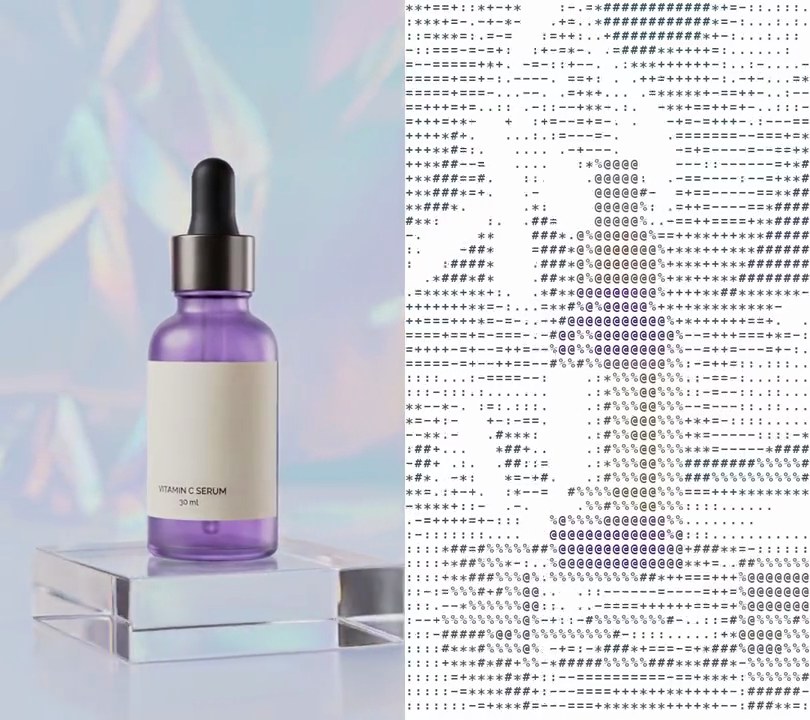
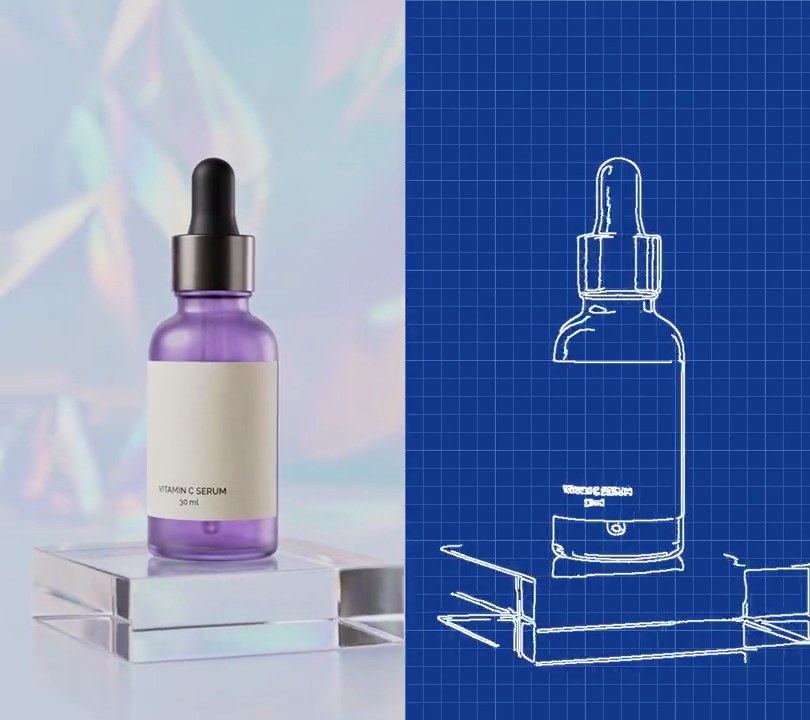
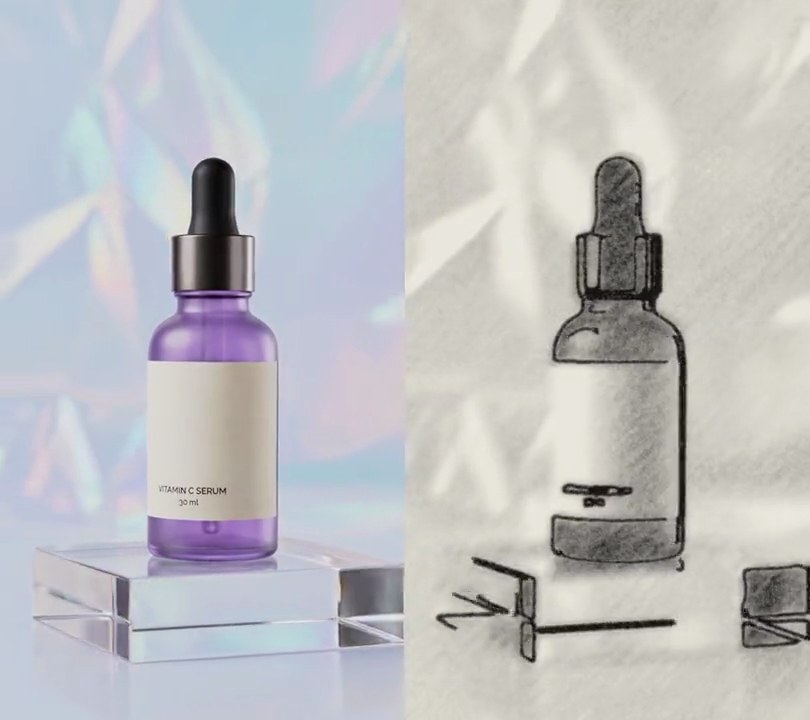
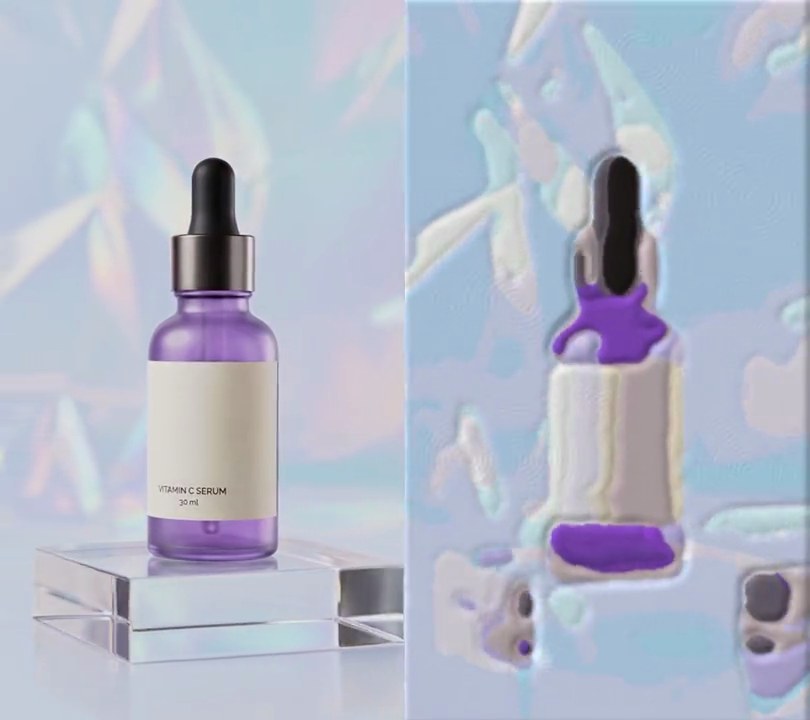
Get this effect
Switch to Code in your Claude Desktop App
Install the skill (once)
Show the prompt
Install the Recharm video effects skill: download https://recharm-growth-staging.s3.us-east-2.amazonaws.com/website/downloads/recharm-video-effects.zip and unzip it into ~/.claude/skillsAsk for the effect
Add a pixel art to input.mp4
Size of each art pixel in screen pixels: 6
The four colors, darkest to lightest: (8, 24, 32), (52, 104, 86), (136, 192, 112), (224, 248, 208)

Several videos, several effects, one ask
Put your clips in the folder, mention them with @, and ask for everything at once. Claude runs one tested script after another on each clip, then joins them.
Add a pixel art to @clip1.mp4, put a sale badge on @clip2.mp4, give @clip3.mp4 a VHS look, then join all three with crossfades.
Settings you can change
Ask Claude to change any of these, or edit them at the top of the script.
| Setting | Default | What it does |
|---|---|---|
PIXEL | 6 | Size of each art pixel in screen pixels. Bigger looks more retro but loses detail. |
PALETTE | (8, 24, 32), (52, 104, 86), (136, 192, 112), (224, 248, 208) | The four colors, darkest to lightest. Swap in any small palette. |
STEPS | 60, 160, 196 | Brightness where each lighter color takes over. Lower them for a lighter picture. |
DITHER | 24 | Brightness range of the checkered dither between colors. 0 gives flat bands. |
Without the skill
Don’t want to install the skill? Paste this prompt into Claude Code and Claude writes the script itself.
Show the prompt
Turn input.mp4 (540x960) into 8-bit handheld-game pixel art for its whole length. With ffmpeg, shrink each frame to 90x160 with area averaging (one value per 6x6 block). For each of those pixels take its brightness (0.299 R + 0.587 G + 0.114 B), add a 4x4 ordered (Bayer) dither offset that runs from about -12 to +12, and pick one of four colors by that value: below 60 is (8, 24, 32), 60 to 160 is (52, 104, 86), 160 to 196 is (136, 192, 112), and 196 or above is (224, 248, 208). Blow the result back up to 540x960 with nearest-neighbor scaling so every art pixel is a sharp 6x6 square, with no other colors anywhere in the frame. Do the color mapping with Python and numpy. Keep 30fps, the 6 second length and the audio. There's no text to draw, but if you add any, draw it with Pillow, not ffmpeg's drawtext. Save it as output.mp4.Run it without Claude
This is the exact script we tested. Save it as pixel-art.py and run:
python3 pixel-art.py input.mp4 output.mp4Show the script
#!/usr/bin/env python3
"""Pixel art: the shot is redrawn as chunky 6-pixel squares in the four greens of an old handheld game screen.

Usage: python3 pixel-art.py input.mp4 output.mp4
Needs ffmpeg and numpy (pip install numpy).
"""
import json
import subprocess
import sys

import numpy as np

PIXEL = 6                                # size of each art pixel in screen pixels (540 / 6 = 90 across)
PALETTE = [(8, 24, 32), (52, 104, 86),   # the four greens of a handheld game screen, darkest to lightest
           (136, 192, 112), (224, 248, 208)]
STEPS = [60, 160, 196]                   # brightness (0-255) where each lighter shade takes over
DITHER = 24                              # brightness range of the checkered dither between shades (0 = flat bands)
BAYER = (np.array([[0, 8, 2, 10], [12, 4, 14, 6],
                   [3, 11, 1, 9], [15, 7, 13, 5]], np.float32) + 0.5) / 16 - 0.5  # 4x4 ordered dither pattern, -0.5 to 0.5


def pixel_art(small):
    """Map a shrunken frame (rows, cols, 3) to palette shades by brightness, then blow each pixel up to a square."""
    luma = small @ np.array([0.299, 0.587, 0.114], np.float32)
    rows, cols = luma.shape
    pattern = np.tile(BAYER, (rows // 4 + 1, cols // 4 + 1))[:rows, :cols]
    shade = np.searchsorted(STEPS, luma + pattern * DITHER)
    art = np.array(PALETTE, np.uint8)[shade]
    return art.repeat(PIXEL, axis=0).repeat(PIXEL, axis=1)


def probe(path):
    info = json.loads(subprocess.check_output(["ffprobe", "-v", "error", "-select_streams", "v:0", "-show_entries",
                                               "stream=width,height", "-of", "json", path]))
    s = info["streams"][0]
    return s["width"], s["height"]


src, out = sys.argv[1:3]
w, h = probe(src)
cols, rows = w // PIXEL, h // PIXEL

# ffmpeg shrinks each frame to one value per art pixel (area averaging), numpy picks the shades
reader = subprocess.Popen(["ffmpeg", "-v", "error", "-i", src, "-vf", f"fps=30,scale={cols}:{rows}:flags=area",
                           "-f", "rawvideo", "-pix_fmt", "rgb24", "-"], stdout=subprocess.PIPE)
writer = subprocess.Popen(["ffmpeg", "-y", "-v", "error", "-f", "rawvideo", "-pix_fmt", "rgb24",
                           "-s", f"{cols * PIXEL}x{rows * PIXEL}", "-r", "30", "-i", "-", "-i", src,
                           "-map", "0:v", "-map", "1:a?", "-vf", f"pad={w}:{h}", "-c:v", "libx264", "-crf", "18",
                           "-pix_fmt", "yuv420p", "-c:a", "copy", "-shortest", out], stdin=subprocess.PIPE)
while raw := reader.stdout.read(rows * cols * 3):
    small = np.frombuffer(raw, np.uint8).reshape(rows, cols, 3).astype(np.float32)
    writer.stdin.write(pixel_art(small).tobytes())
writer.stdin.close()
if reader.wait() or writer.wait():
    sys.exit("ffmpeg failed")