What happens when your team creates multiple AI-assisted video ads, only to discover that one of the clips has an expired usage license? Suddenly, your QA team is scrambling. QA for AI-generated video ads is now a required step, not an optional one.
As AI tools make it easier to produce more video ad variations, reviewing every version for quality, accuracy, and compliance becomes more challenging. The fix? Shift QA upstream. In this post, we'll walk through a 16-point pre-launch QA checklist and a Claude + DAM workflow using Recharm to catch rights, brand, and compliance issues before your next AI ad goes live. This guide covers both: ads built from your own footage with AI tools, and ads that include synthetic people, voices, or scenes.
TL;DR
- Why it matters: In 2025, IAB reported that half of advertisers were already using generative AI to build video ads. More variations means more ads to check.
- What goes wrong: Video adds audio rights, captions, on-screen copy, product claims and likeness risks on top of footage rights.
- Shift QA upstream: Start with rights-cleared clips, review Claude's script and scene plan before rendering, then run the 16-point checklist on the finished ad.
- Split the review: Resizes and format changes get automated checks and a visual review. New claims, pricing, creators and AI likenesses need human sign-off.
Why AI-Generated Video Ads Need Their Own QA Step
AI-assisted editing makes it easier to create multiple video ads from existing footage. Teams can test different hooks, combine creator clips, and prepare variations without rebuilding every ad from scratch.
But each variation introduces details that need checking. A clip that was approved for one campaign may not be licensed for another. A new voiceover might introduce an unsupported product claim, while a different aspect ratio could hide important text.
Unlike static images, video ads also combine several elements that need to work together:
- Footage and creator rights: Are the clips and people featured in the ad cleared for the intended use?
- Audio and captions: Are music, voiceovers, and subtitles accurate and properly licensed where required?
- Brand and product accuracy: Does the video use current branding, packaging, and product information?
- Platform requirements: Are the dimensions, duration, and text placement suitable for the intended placement?
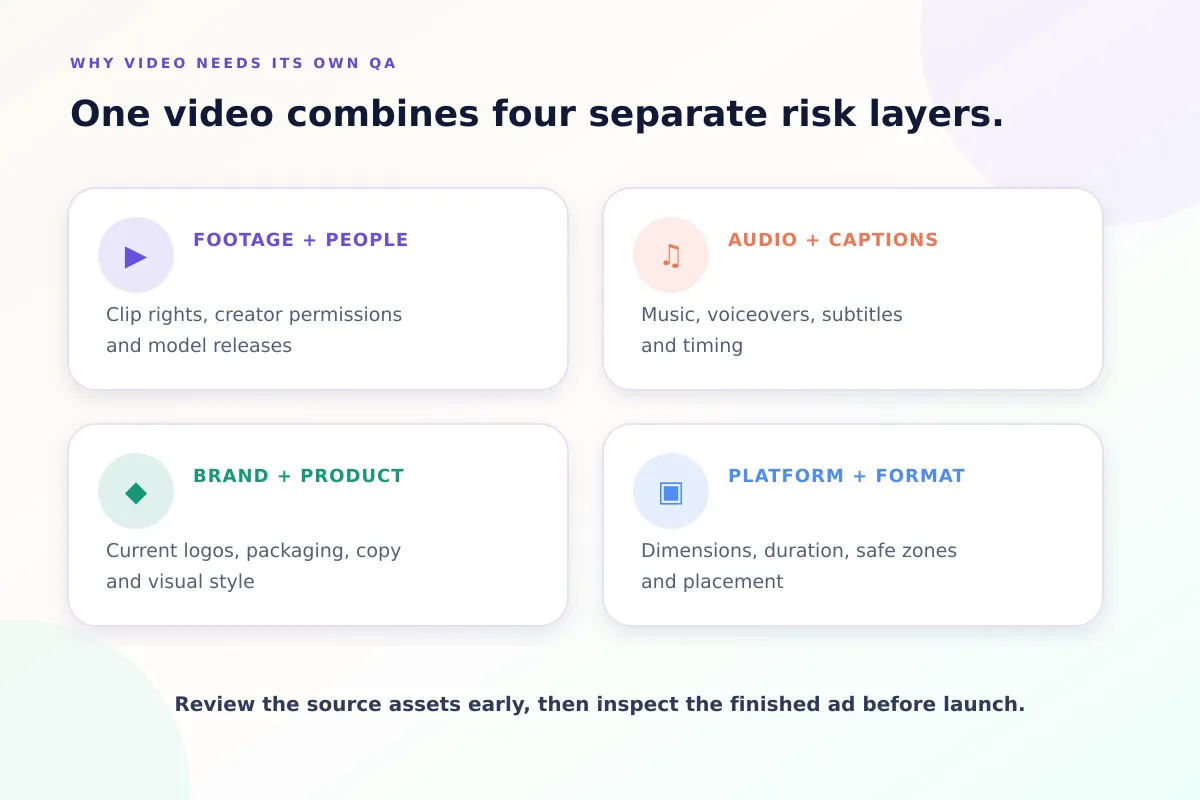
Checking these issues only after rendering can lead to unnecessary revisions.
A better approach is to review the source footage, script, and creative plan early, then check the finished video before launch.
Where AI-Generated Video Ads Go Wrong
Even when teams use approved footage and clear creative briefs, AI-assisted video ads can still contain errors. Here are four common problems to watch for:
- Unchecked footage rights: An AI agent may select a clip from the library without knowing whether its license covers the new campaign. If rights information is missing or outdated, the team could reuse footage without the required permission.
- Off-brand visuals: An ad might include an outdated logo, incorrect packaging, inconsistent fonts, or visual elements that don't match the brand guidelines.
- Incorrect product claims: AI-generated scripts and voiceovers can introduce unsupported benefits, inaccurate numbers, outdated prices, or missing disclaimers.
- Technical errors: A video might have the wrong aspect ratio, poorly timed captions, or important text placed outside the platform's safe zones.
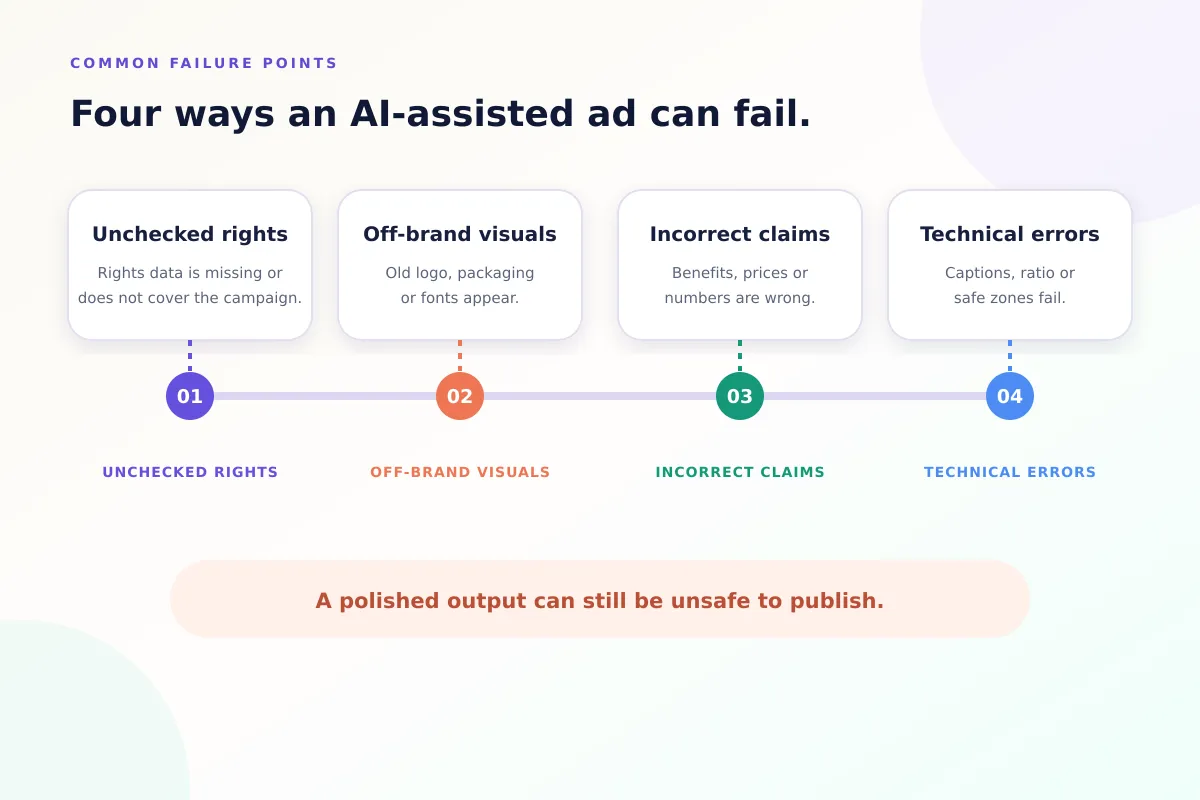
These problems aren't always obvious when reviewing individual clips. Some only become visible after the footage, audio, and graphics are combined.
That's why teams need to check both the source assets and the final video, rather than relying on the AI-generated output alone.
The Pre-Launch QA Checklist for AI-Generated Video Ads
Before publishing an AI-generated or AI-assisted video ad, teams need to check more than the final visuals. Footage rights, brand consistency, product claims, and platform requirements all matter.
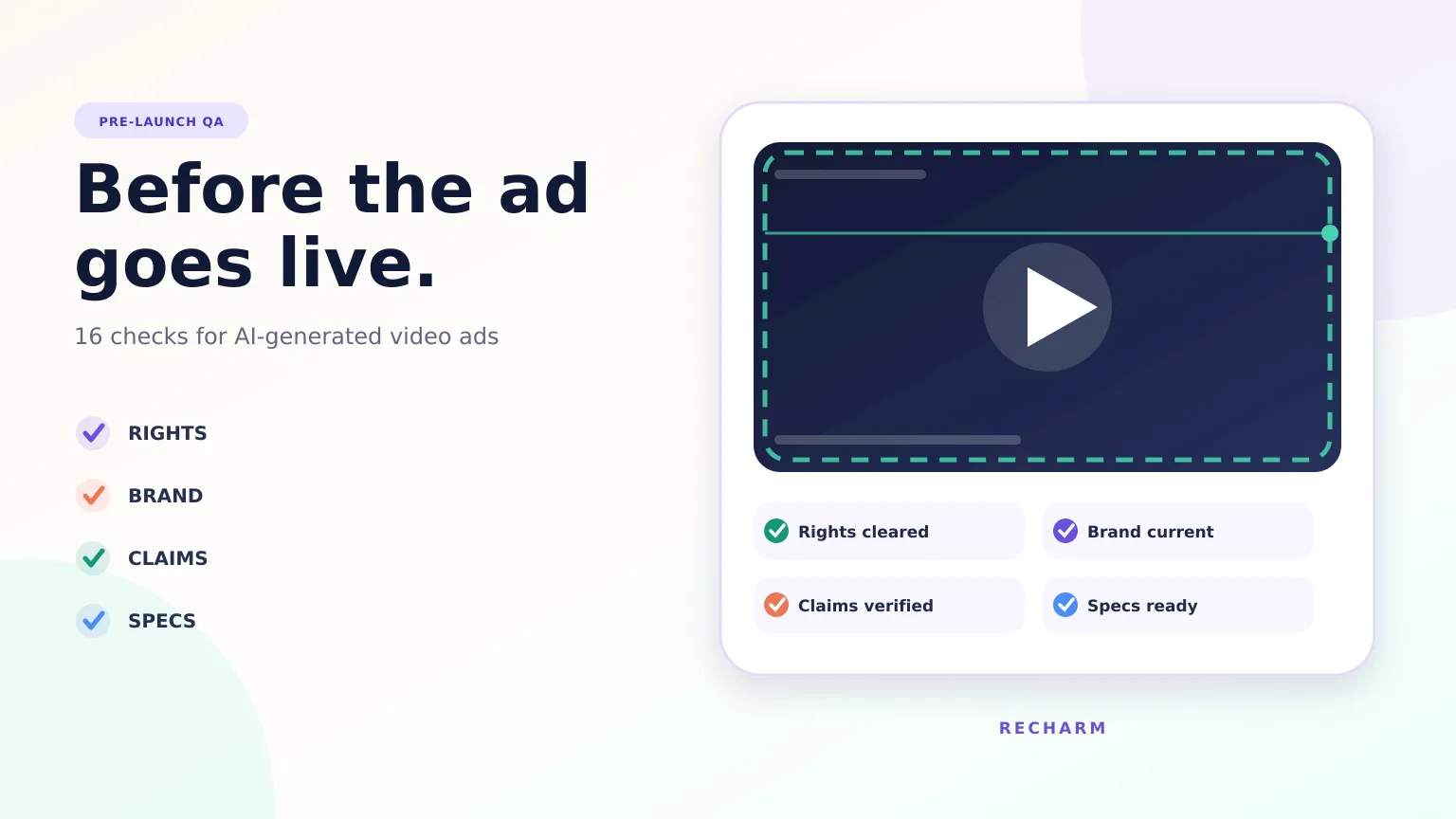
Here are 16 checks to run before launch, grouped into four categories.
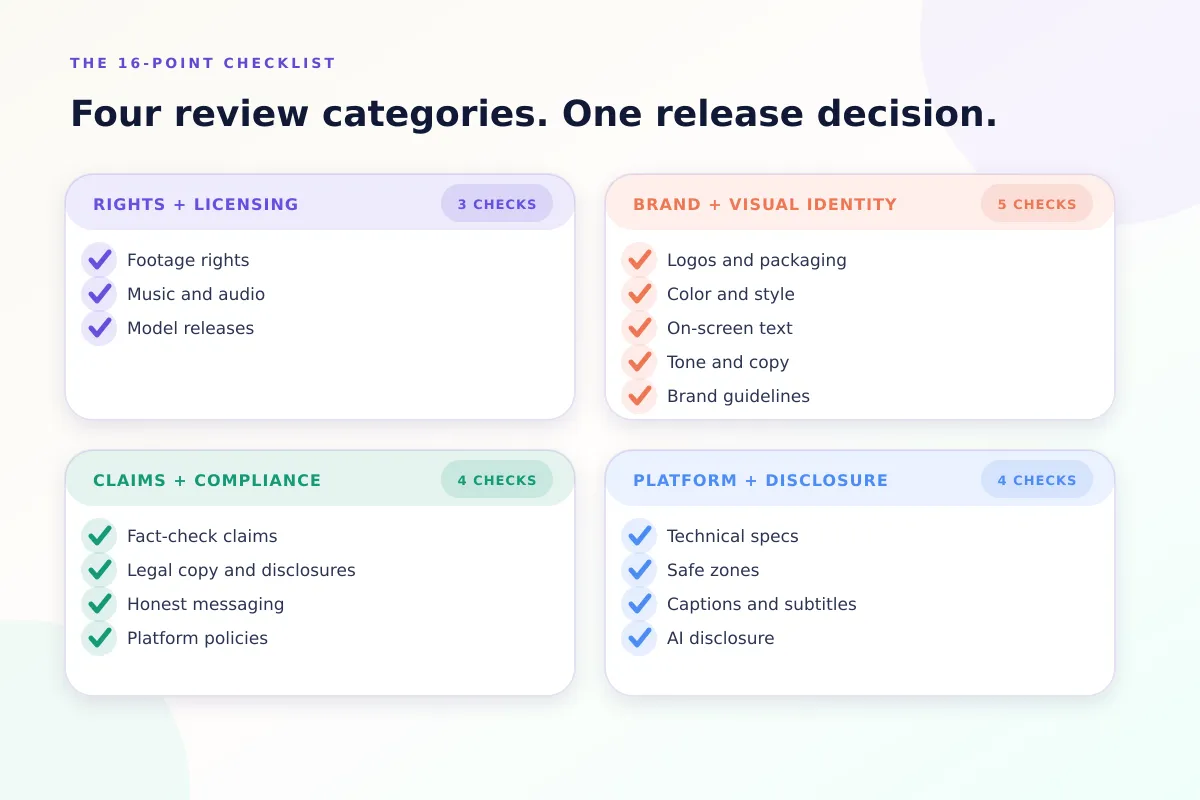
Rights and Licensing
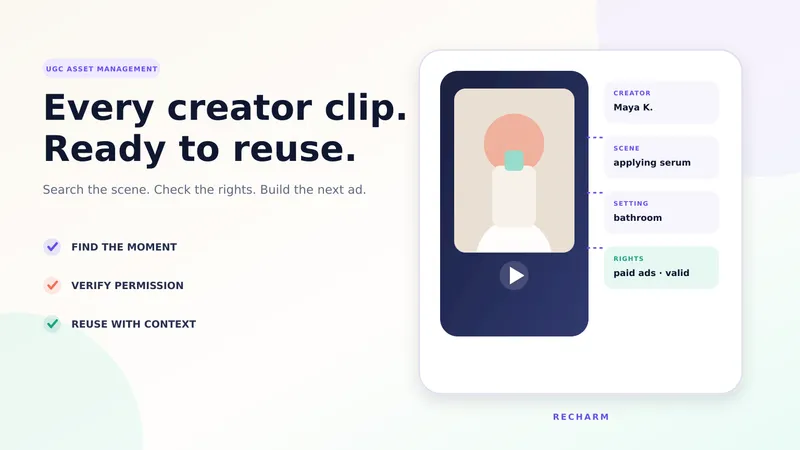
1. Footage Rights: Check the license and expiration date of every clip used in the ad. For creator footage and UGC, confirm that the agreement covers paid advertising, the intended platforms, and the campaign period. A clip being available in your library doesn't automatically mean it is cleared for every use. Recharm's usage rights management shows each clip's license status with a color badge, so approaching and expired rights are easy to spot.
2. Music and Audio: Make sure music tracks, sound effects, and voiceovers are cleared for commercial use. Check the licensing terms of AI-generated audio as well. If a voice is cloned or recreated, confirm that the person has given permission for that specific use.
3. Model Releases: If the ad features a person's face, voice, or likeness, check whether the required permissions or releases cover the intended advertising use. This also applies to realistic AI-generated representations of identifiable people.
Brand and Visual Identity
4. Logos and Packaging: Check that the ad uses the latest approved logo, product packaging, and brand elements. AI-generated visuals can sometimes introduce incorrect logos, outdated packaging, or product details that don't match the original.
5. Color and Style: Review the colors, lighting, backgrounds, and overall visual style. Make sure the ad follows the brand guidelines and doesn't introduce unnecessary visual inconsistencies.
6. On-Screen Text: Check the spelling, grammar, product names, CTAs, and typography used throughout the video. Make sure the text is accurate and follows the brand's approved style.
7. Tone and Copy: Review the script, captions, and voiceover to ensure the message sounds like the brand. AI-generated copy can sometimes sound generic or use language that doesn't match the intended audience.
8. Brand Guidelines: Compare the final video against the latest approved brand guidelines. Where supported, provide the AI tool with approved logos, fonts, colors, and creative references before generating the ad. These inputs can help reduce errors, but the final output still needs review.
Claims and Compliance
9. Fact-Check Claims: Verify every factual claim, product benefit, statistic, and comparison used in the ad. If the script mentions a performance improvement, discount, or guarantee, make sure the claim is accurate and supported by evidence.
10. Legal Copy and Disclosures: Check that all required disclaimers, warnings, and disclosures are included and clearly visible. Requirements vary by product, market, and advertising channel. For US campaigns, refer to relevant FTC advertising guidance.
11. Honest Messaging: Review whether the ad accurately represents the product and its results. AI-generated scripts or visuals can sometimes exaggerate benefits or create misleading impressions, even when individual statements appear correct.
12. Platform Policies: Check the ad against the current advertising policies of the platform where it will run. Meta, Google, and TikTok have rules covering misleading claims, restricted products, and other advertising practices. Some industries, including healthcare and financial services, may have additional requirements.
Platform Specs and AI Disclosure
13. Technical Specs: Check the video's aspect ratio, resolution, duration, file format, and file size against the requirements of its intended placement. A video designed for a feed may need adjustments before it can run as a Story or Reel.
14. Safe Zones: Make sure important visuals, faces, logos, and CTAs remain visible when the platform's interface appears over the video. Check the final ad in the intended placement, not just in the editing preview.
15. Captions and Subtitles: Review caption accuracy, timing, readability, and placement. Make sure captions match the spoken audio and remain visible throughout the video.
16. AI Disclosure: Check whether the ad requires an AI-generated or synthetic-content disclosure under the platform's current rules and applicable laws. Requirements may differ depending on whether AI was used for routine editing or to generate or significantly alter people, voices, or scenes. Use the platform's disclosure tools where required.
A Claude + DAM Workflow for QA'ing AI-Generated Video Ads
A checklist helps teams identify problems before launch. But the process becomes easier when important checks happen throughout production, rather than only after the video is finished.
Using Claude with a digital asset management (DAM) system like Recharm, teams can search existing footage, prepare creative plans, and review assets before generating the final video.
Here's a five-step workflow.
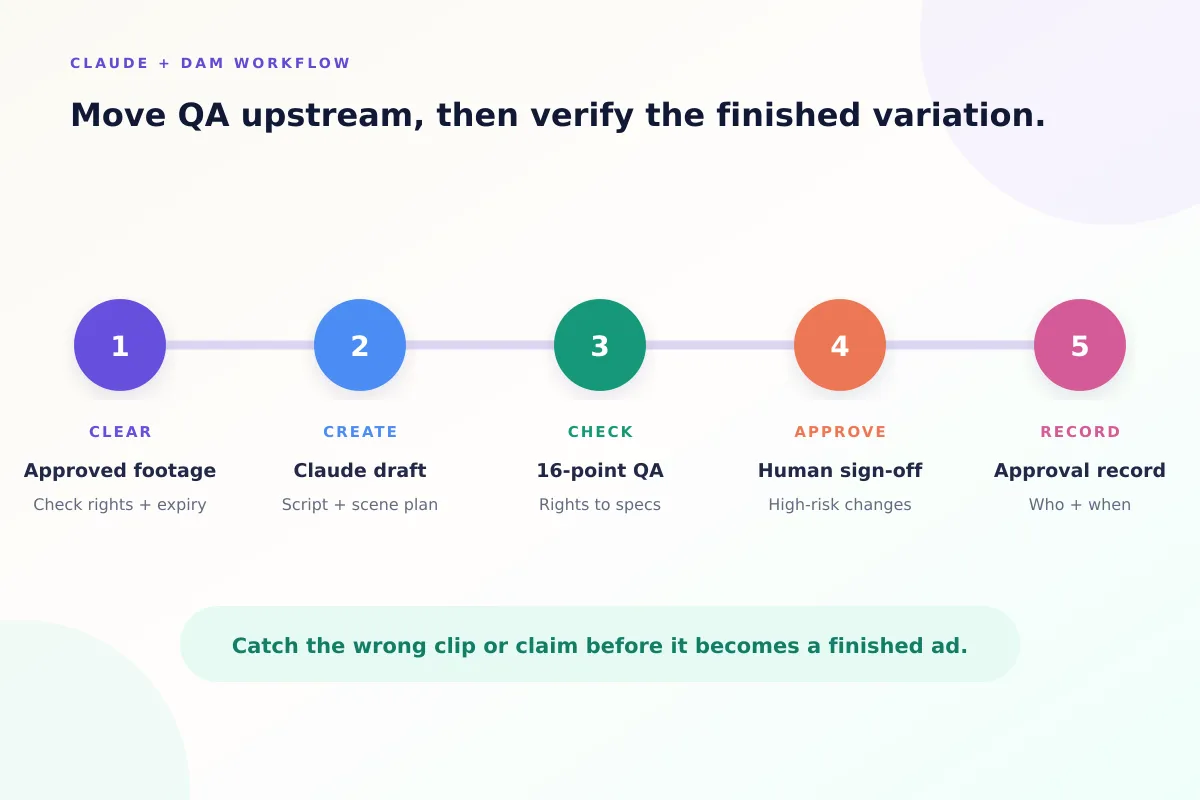
Step 1: Start With Approved, Rights-Cleared Footage
Before creating an ad, check that the footage you plan to use is suitable for the campaign.
With Recharm, each clip inherits the usage rights and expiration date recorded on its source video. A color badge shows the status at a glance: green while the license is valid, yellow as it nears expiry, and red once it has expired. If someone tries to download an expired clip or video, Recharm shows a pop-up warning.
Recharm does not send expiry notifications, so check the badges before you start an ad instead of waiting to be warned. Rights information is only useful when it is accurate and up to date, and teams should still confirm that creator agreements and licenses cover the intended advertising use.
If important footage is missing or cannot be used, replace it with suitable approved material or plan a new shoot.
Step 2: Create a Video Draft With Claude
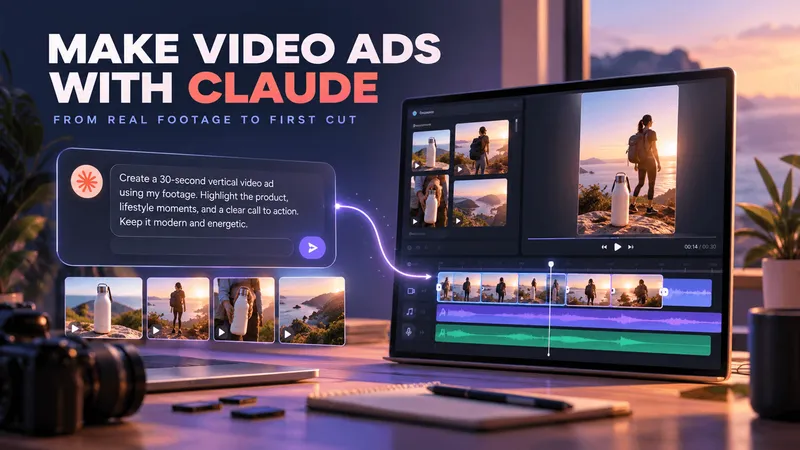
With Claude connected to your Recharm library, you can work with existing footage instead of starting every ad from scratch.
For example, you could ask:
Create a 15-second TikTok ad for our new lotion. Use Sarah's testimonial (cleared for paid ads), find a suitable bathroom product shot from the library, and include a close-up of the product.
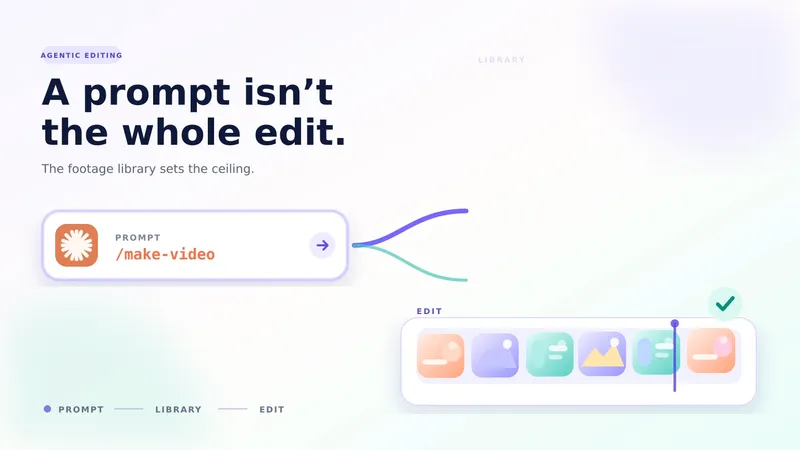
Using Recharm's /make-video skill, Claude can search the library, prepare a script, and create a scene plan showing which footage will be used.
Don't rely on Claude to check rights. Before you write the prompt, confirm in your library that the clips you plan to use are cleared, and name only those clips.
Review the script and scene plan before rendering. Check whether the selected clips are appropriate, whether the claims are accurate, and whether the footage is cleared for the campaign.
This gives the team an opportunity to correct problems before producing the first video draft.
Step 3: Run the 16-Point QA Checklist
Once the video draft is ready, review it against the checklist above.
Different team members can take responsibility for different checks:
- Brand or Creative Lead: Review logos, product visuals, messaging, and overall creative quality.
- Product Marketing or Legal/Compliance Team: Verify claims, disclaimers, creator permissions, and other compliance requirements.
- Social or Performance Marketing Team: Check platform specifications, captions, safe zones, and placement requirements.
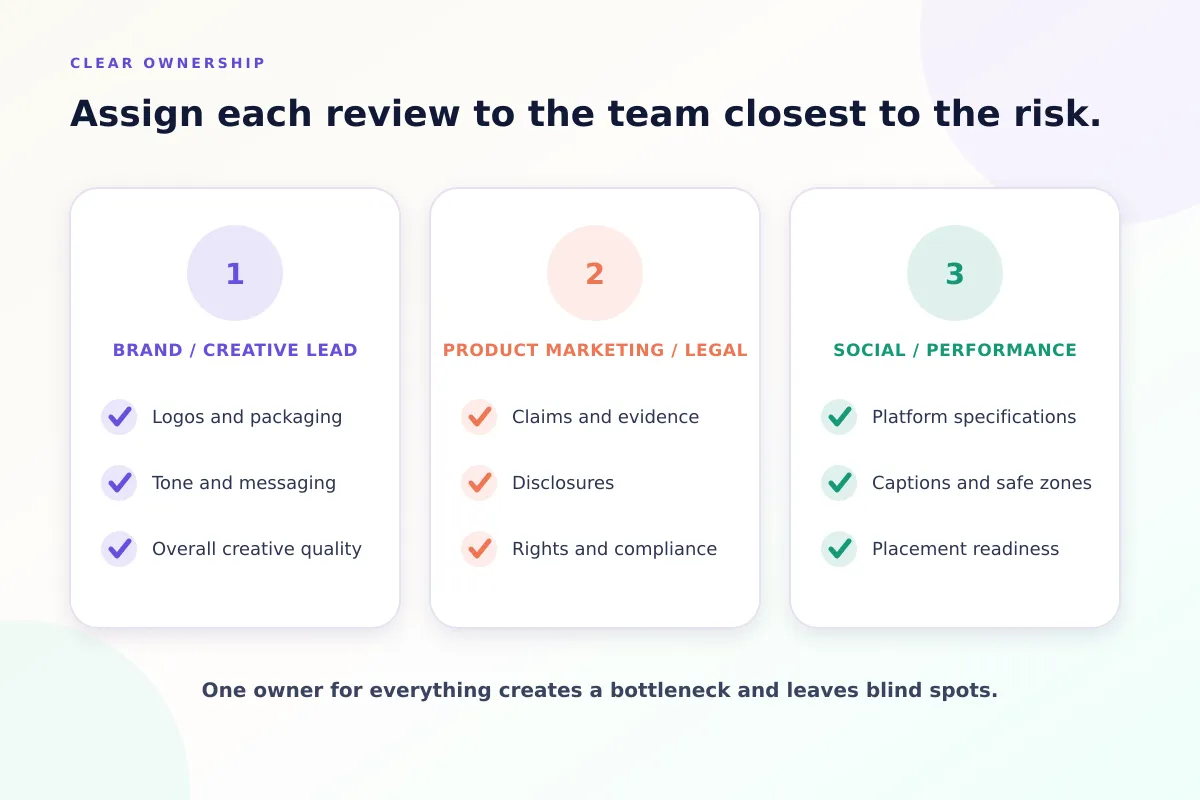
Not every company needs separate reviewers for every category. The important thing is to assign clear responsibility so that essential checks are not missed.
Step 4: Get Human Approval for High-Risk Changes
Some changes need closer review than others.
For example, resizing an approved video may only require technical and visual checks. But adding a new product claim, changing an offer, using a different creator, or introducing an AI-generated voice requires additional attention.
Route these changes to the appropriate person before publishing.
AI can help prepare and review content, but final approval should remain with the team responsible for the campaign.
Step 5: Record the Approved Video
After the video passes QA, record the approval before the ad goes live.
Note who reviewed the video, when they approved it, and which clips, claims, and music it uses. Keep this record where your team already tracks approvals, such as a project management tool or a shared drive, next to the final file.
Don't assume that saving a file creates a formal approval history. If nobody writes the approval down, nobody can prove it later.
Name the final file with the campaign and format so it is easy to find. Next time, start from the approved version instead of rebuilding from scratch, and check the source clips' rights again before reusing it.
What to Automate and What Needs Human Sign-Off
Not every video edit needs the same level of review. Routine technical changes can be supported by automated checks, while edits that affect claims, creative messaging, or usage rights need human approval.
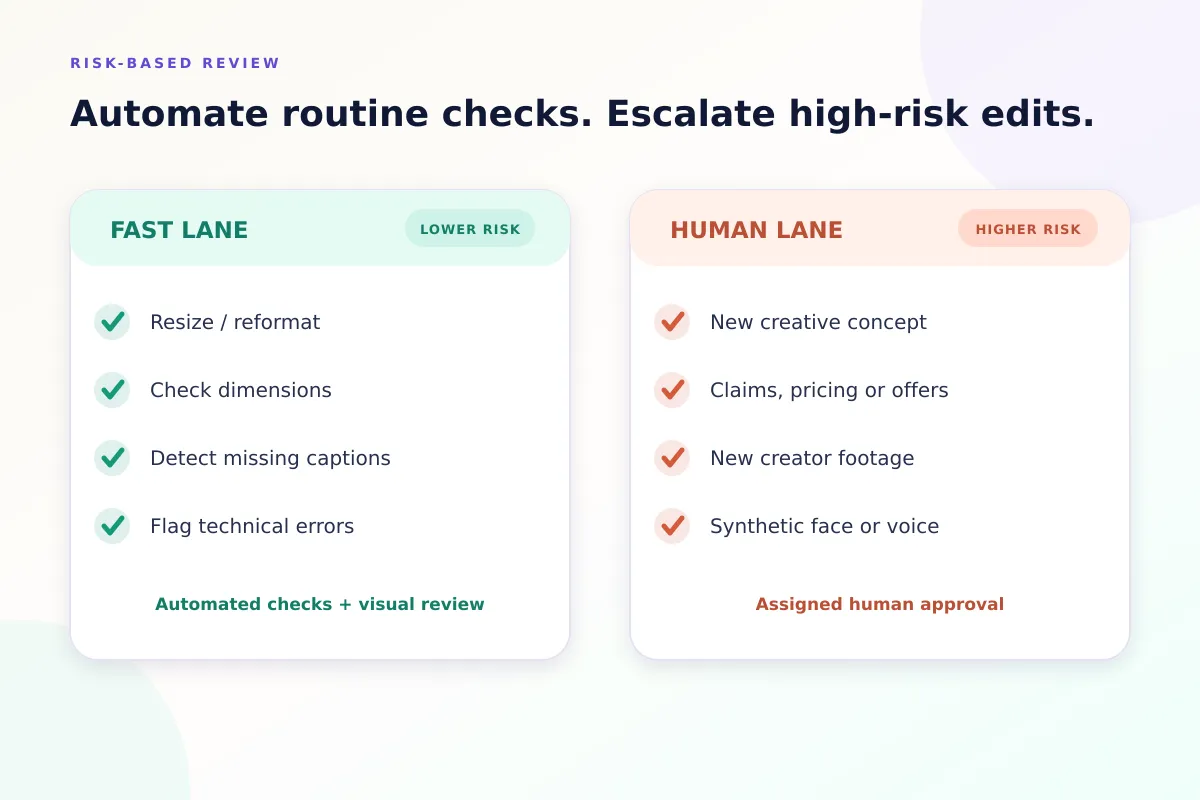
| Lane | Examples of Tasks | Risk Level | Review Required |
|---|---|---|---|
| Fast Lane (Automated Checks) | Resizing and format conversion for different platforms; checking video dimensions and file specifications; identifying missing captions or technical errors | Lower risk, but errors are still possible | Automated checks, followed by a final visual review |
| Human Lane (Manual Review) | New creative concepts or storyboards; product claims, pricing, or offers; new creator footage or testimonials; AI-generated people, voices, or likenesses | Higher risk due to brand, legal, and creative implications | Product Marketing, Legal/Compliance or Brand/Creative Lead |
Automation can reduce repetitive QA work, but it shouldn't replace final approval. Even a simple resize can hide important text or crop out a product.
Common QA Mistakes With AI-Generated Video Ads
Even with a checklist, teams can miss important details when producing multiple AI-assisted video ads. Here are three common mistakes and how to avoid them.
- Spreadsheet rights tracking: Managing clip licenses in spreadsheets can become difficult as the footage library grows. Teams may miss expiration dates or overlook usage restrictions. Instead, keep rights information connected to the assets themselves. Recharm's usage rights management shows approaching and expired rights with a yellow or red badge, and warns before an expired clip is downloaded.
- Outdated brand guidelines: When logos, colors, and brand rules are scattered across different documents and tools, teams may accidentally use outdated versions. To avoid this, centralize your brand assets and guidelines so everyone works with the latest approved materials. Make sure the AI workflow also uses these current references.
- One person handling every review: Relying on a single person for all QA can slow down production and increase the chances of missed errors. Instead, assign reviews based on responsibility. Creative teams can check brand consistency, product or legal teams can verify claims, and performance marketers can review platform requirements.
Build QA Into Your AI Video Workflow
AI-generated video ads need quality checks throughout production, not just before publishing. Start with approved, rights-cleared footage, review Claude's script and scene plan before rendering, and use the 16-point checklist to review every finished variation.
Automated checks can help identify routine technical issues, while changes involving product claims, pricing, creator footage, or AI-generated likenesses need human review. Once a video is approved, record who approved it and when, and keep the final version where your team can find it.
Recharm's usage rights management shows rights status on your clips, while Claude Skills can use footage from the library to create new video variations.
Want to bring this workflow into your creative process? Start your 14-day free trial.
FAQs
How Do You QA AI-Generated Video Ads Before Launch?
Start by checking that your footage, creator permissions, and brand assets are approved for the intended campaign. Review the script and scene plan before generating the video, then check the finished ad for licensing issues, brand consistency, product claims, captions, and platform specifications. Use a structured checklist and assign human reviewers for decisions involving claims, rights, and final approval.
Do AI-Generated Video Ads Need Human Review?
Yes. AI tools can speed up editing and help with routine technical checks, but they can still produce inaccurate claims, inconsistent visuals, or content that doesn't meet brand requirements. Human reviewers should verify important creative and compliance decisions before an ad goes live.
Can You Use Creator UGC Footage in AI-Generated Ads?
Yes, provided you have the necessary permissions. Check that the creator's agreement allows commercial advertising, covers the intended platforms, and permits the planned edits or reuse. Permission to repost content organically doesn't automatically include permission to use it in paid advertising. Follow the platform's applicable branded content and advertising requirements as well.
Do Meta and TikTok Require Labels on AI-Generated Ads?
Sometimes. TikTok asks advertisers to disclose ads that contain completely AI-generated or significantly AI-altered video, images, or audio. Minor edits such as color or lighting adjustments generally don't need it. Meta has its own disclosure rules for AI-altered content in ads, and they vary by ad type. Rules change often, so check both platforms' current policies before you run the ad.
How Do You Keep AI-Generated Video Ads on Brand at Scale?
Start with approved footage, current brand guidelines, and clear creative instructions. Use an organized video library to find suitable assets and provide the AI tool with approved visual references wherever supported. Review scripts and scene plans before rendering, then apply consistent brand checks to the finished videos.