Bumper
6-second skippable ad
A YouTube bumper: one claim, one pack shot, logo out. Product footage plus a motion-graphic stat, no voiceover.
Prompt
Clips from the library
Hand your editor a prototype, not a brief.
Type /make-video in Claude and one prompt turns your Recharm footage into a watchable ad, from a 6-second bumper to a two-minute VSL.
Reply to Claude…
Bumper
A YouTube bumper: one claim, one pack shot, logo out. Product footage plus a motion-graphic stat, no voiceover.
Prompt
Clips from the library
Problem / Solution
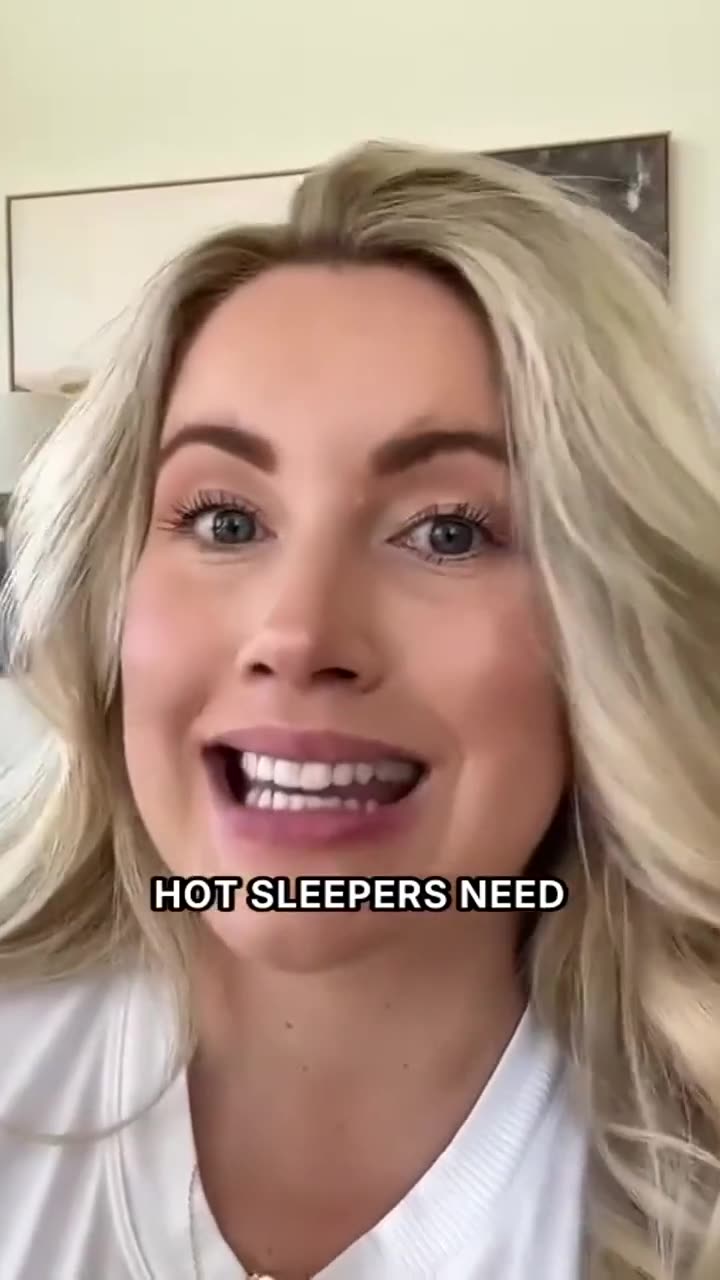
A creator-led hot-sleeper hook. Where the library had no b-roll for a beat, Claude built animated product cards from the website.
Prompt
Clips from the library
Creator mashup
A bold text hook, then four creators stitched into one argument, closing on a review-count end card.
Prompt
Clips from the library
Motion graphic
Pure Remotion. Swatch footage, a single consumer stat, and serif type pulled from the brand site.
Prompt
Clips from the library
VO ad
Generated voiceover over fitness and flavor b-roll, with captions synced to the read.
Prompt
Clips from the library
Testimonial mashup
Two creators carry one story. Chef b-roll and knife close-ups cover the cuts between them.
Prompt
Clips from the library
Video sales letter
Long-form. One creator anchors the whole piece while product collages and callouts build the case.
Prompt
Clips from the library
Mixed motion + footage
An animated "stack" opener, unboxing b-roll, ingredient callouts, and a branded end card in one cut.
Prompt
Clips from the library
How it works
The skill is brand-agnostic. It learns a brand once, caches what it learned, and stops for your approval before anything renders.
Works out which brand you mean, matches it to your Recharm library and confirms before it touches anything.
Pulls labels, scene types, creators and products from Recharm. Harvests palette, fonts, claims and packshots from the brand site. Cached per brand.
Ratio, duration, ad type and reference, product, creator, music, voiceover and branding. Then it stops talking.
Writes from ten hook structures, searches the library beat by beat, looks at every pick, and shows you the scene plan for approval.
Generates VO and music with ElevenLabs, cuts with ffmpeg or Remotion, QCs with a contact sheet, hands you the MP4 and saves a Recharm brief.
Formats it covers
9:16 or 16:9. Fifteen, twenty, twenty-five seconds or whatever you ask for. If the library is thin on a beat, it tells you before it scripts.
What you need
The skill runs a preflight and tells you exactly what is missing. Only the render is gated; the interview and plan work without it.
Install the Recharm plugin for Claude, connect your library, and type /make-video.