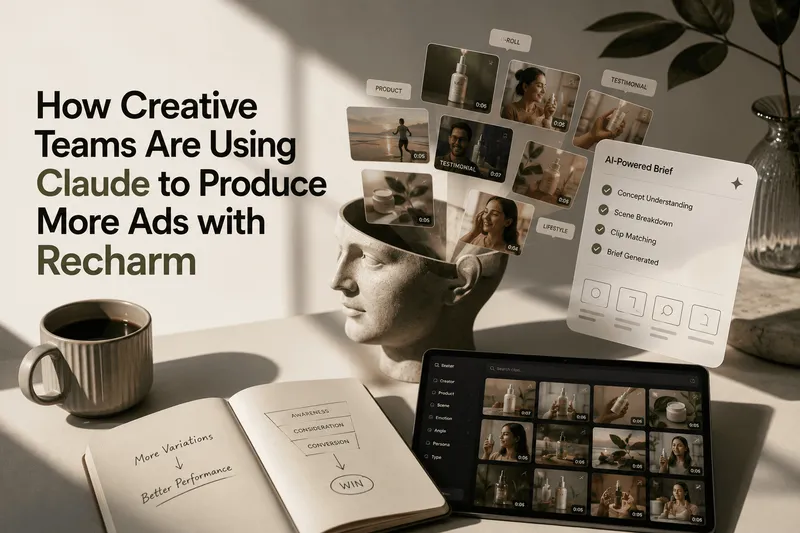
Creative fatigue sets in when the same ad keeps running and the audience stops responding to it. The usual fix is more creative, and more creative usually means another shoot, another brief and another week in the edit.
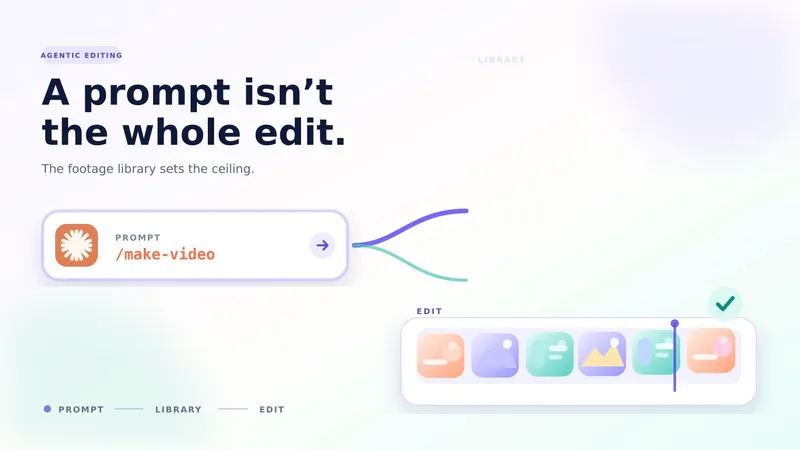
Claude can take a lot of that work off your plate, but only if it can see what you already have. Asked to write from scratch, it writes ads you then have to go and film. Pointed at a footage library it can search, it starts from the shots you own.
Here are seven ways we use Claude to tackle creative fatigue. Every demo below runs on a real footage library: Ilia Beauty's, in Recharm.
TL;DR
- Creative fatigue is a footage problem as much as an idea problem.
- Claude helps most when it can search your footage library before it writes anything.
- Use it to write scripts around shots you own, clean up brainstorms, re-cut tired concepts and rebuild winners with fresh footage.
- Use it before you spend money, too: to find missing B-roll before a shoot, vet concepts and rough-cut briefs.
- The workflow is the point, not the tool.
7 ways to use Claude for creative fatigue
Each of these is a prompt you can give Claude once it's connected to your library. The clips show what came back.
1. Claude writes scripts around footage you already own
Claude searches your footage library first, writes the script around what already exists, and only flags the shots you actually need to film.
Try: "Write a 30s creator script for the Complexion Stick. Only use shots already in our library."
2. Claude turns a messy brainstorm into distinct concepts
Ramble in a session, and Claude turns the mess into 5–6 distinct concepts instead of one mushy one.

3. Claude rebuilds a tired concept with fresh footage
Claude pulls diverse clips from the library, so one idea becomes several visually different ads. When an ad fatigues, the message is often fine; it's the footage the audience has seen too many times.
Try: "This one's fatiguing. Keep the concept and script, and give me three fresh footage variants."
4. Claude remakes your winning ads with unused footage
Keep the angle and message of a top performer, and rebuild it with footage you haven't used yet.

Try: "Rebuild this winner with footage the audience hasn't seen. Keep the script."
5. Claude finds missing B-roll before you book a shoot
Claude tells you which B-roll is missing before you book a shoot, not after. It's what our footage gap finder skill does: the shoot list becomes the shots you don't have, not everything.

Try: "Which B-roll are we missing for the 'Skin that looks like skin' concept?"
6. Claude checks whether you can make a concept with your footage
"Can we actually make this with what we have?" is now a question with a real answer. Claude checks a concept beat by beat against the library and shows you which beats are covered and which aren't.

Try: "Can we actually make the 'Shelf to bag' concept with what we have?"
7. Claude rough-cuts briefs before anyone edits
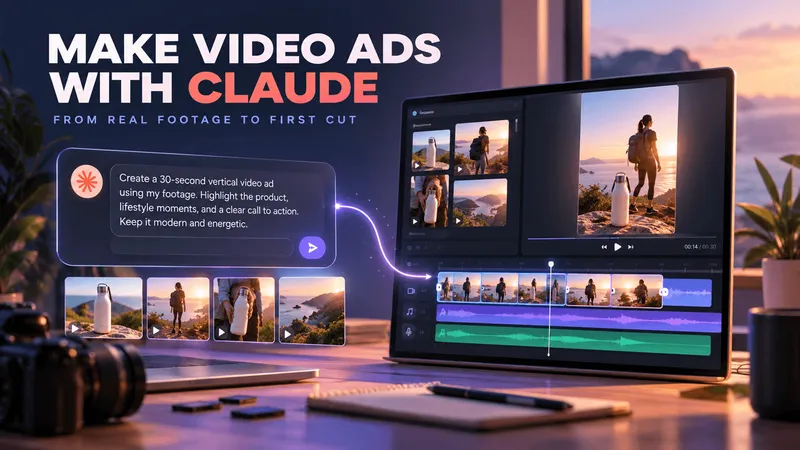
Claude uses the Make Video skill (/make-video) to create a rough cut first. You review it and kill the weak ones before anyone spends a day editing.
Try: "Build a rough cut from brief #14."
Why a searchable library is the unlock
Every one of these depends on the same thing: giving Claude a library it can actually search. Without one, Claude can only write ads you still have to shoot. With one, it works from the footage you already paid for, and that is where the fresh creative comes from.
Recharm does this through its MCP server, so Claude can search your footage by what's in each shot. But the workflow is the point, not the tool. If your footage lives somewhere Claude can search, the seven prompts above work the same way.
For more on why ads wear out in the first place, read why winning ads are a perishable opportunity.
FAQs
What is creative fatigue?
Creative fatigue is when an ad's performance drops because the audience has seen it too often. The usual fix is new creative, which is why teams that fight it well need a steady supply of fresh variations.
Can Claude fix creative fatigue on its own?
Not on its own. Claude can write scripts and concepts, but without access to your footage it writes ads you still have to shoot. Connected to a footage library it can search, it can plan, vet and rough-cut new ads from footage you already own.
Do I need Recharm to use these workflows?
No. The workflow is the point, not the tool: what matters is that Claude can search your footage library. Recharm makes that possible through its MCP server.