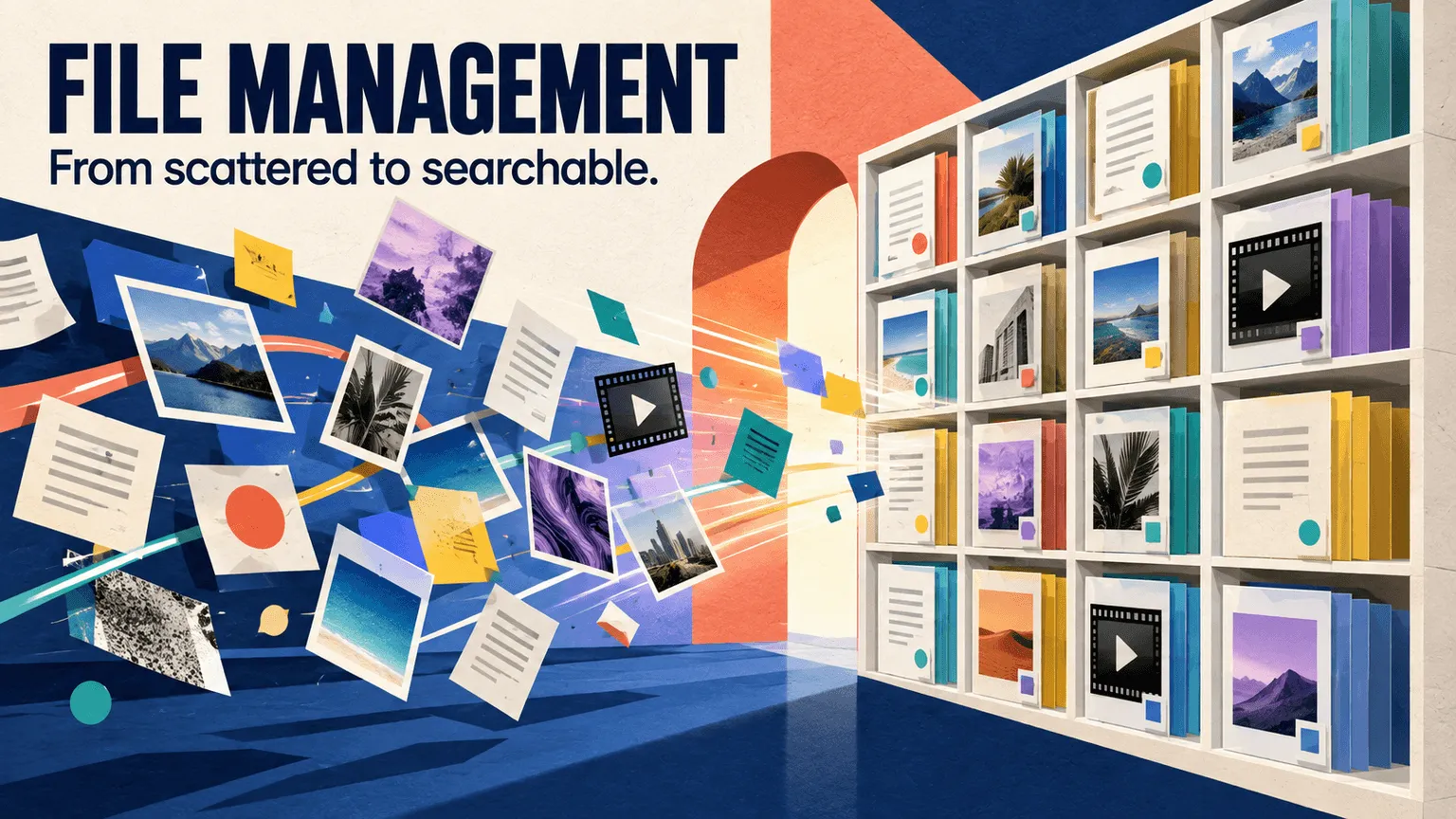
File management is the practice of organizing, storing, naming, and retrieving digital files so they remain easy to find and use over time. For teams, that includes deciding where files belong, how they should be named, who can access them, and how different versions are handled.
As file libraries grow across teams, campaigns, projects, and tools, a simple folder structure can become harder to maintain. Files may end up duplicated across drives, saved under inconsistent names, or separated from the context people need to identify the right version.
This guide explains what file management means, how file management systems work, the main types of systems available, and the practices teams can use to keep files organized and searchable as their libraries grow.
TL;DR
-
File management is the practice of organizing, storing, naming, and retrieving digital files so they remain easy to find and use.
-
Good file management can reduce duplicate files, version confusion, and time spent searching for content.
-
File management systems range from local folders and network drives to cloud storage and dedicated DAM platforms, with different levels of collaboration, metadata, permissions, and search capabilities.
-
Consistent file naming, folder structures, version control, and ownership help teams maintain an organized library.
-
The right system depends on your file volume, team size, collaboration needs, and search requirements, not just storage capacity or price.
What Is File Management?
File management is the practice of organizing, storing, naming, and retrieving digital files in a way that keeps them findable and usable over time. It covers everything from how a file is named when it's created to where it lives, who can access it, and how it gets found months or years later.
As file libraries grow across teams, projects, campaigns, and tools, the organizational approach that worked for a small collection of files can become harder to maintain. More content, more collaborators, and more versions can make it difficult to know where a file belongs or which version is current.
Good file management creates a consistent structure for storing, organizing, finding, sharing, and maintaining files throughout their lifecycle.
What Is a File Management System?
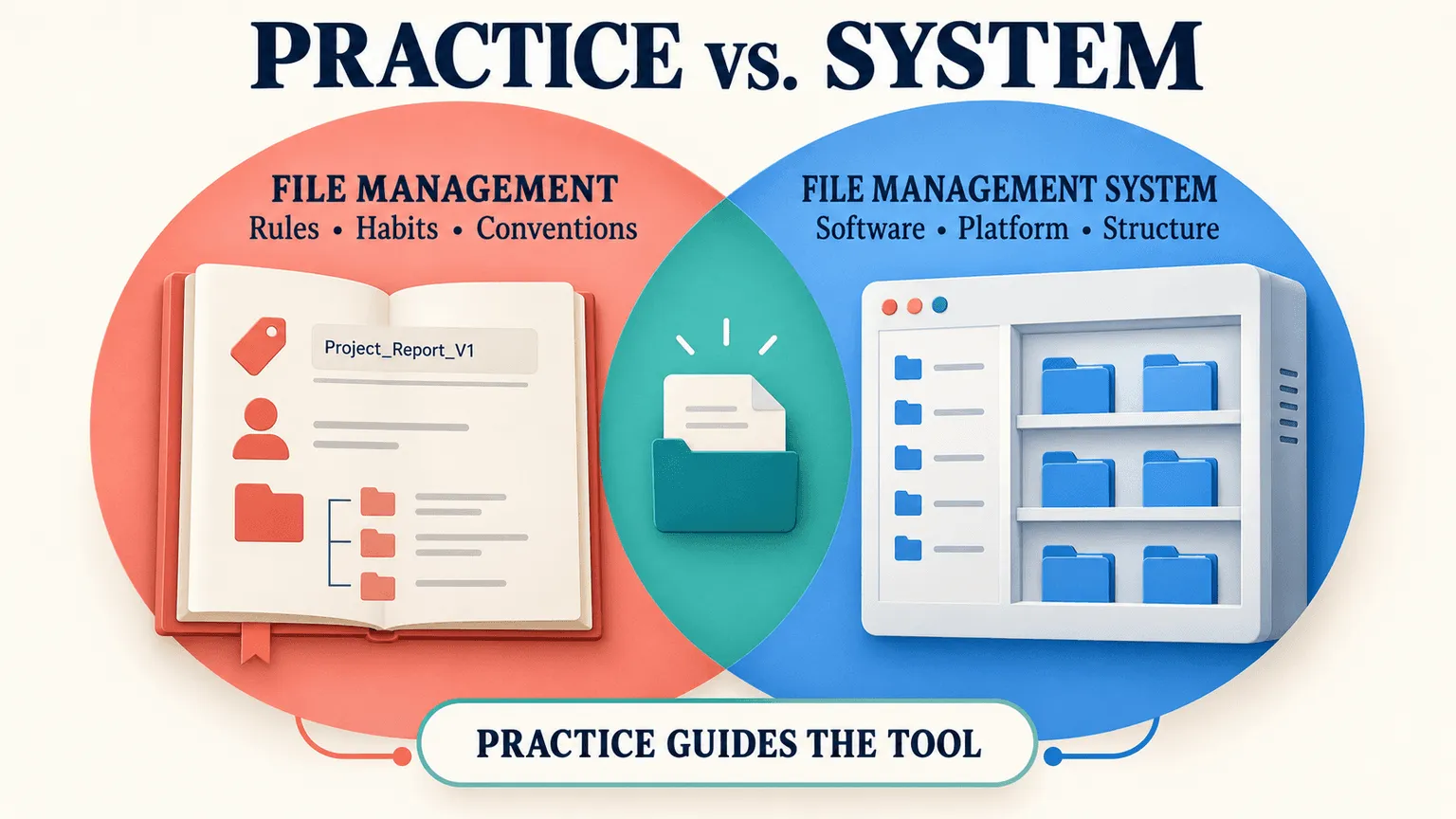
It's useful to separate the tool from the practice. File management is the set of rules, habits, and conventions a team follows to keep files organized. A file management system is the software, platform, or organizational structure that supports those practices, whether that's a simple folder structure or a dedicated platform built for metadata, permissions, and search.
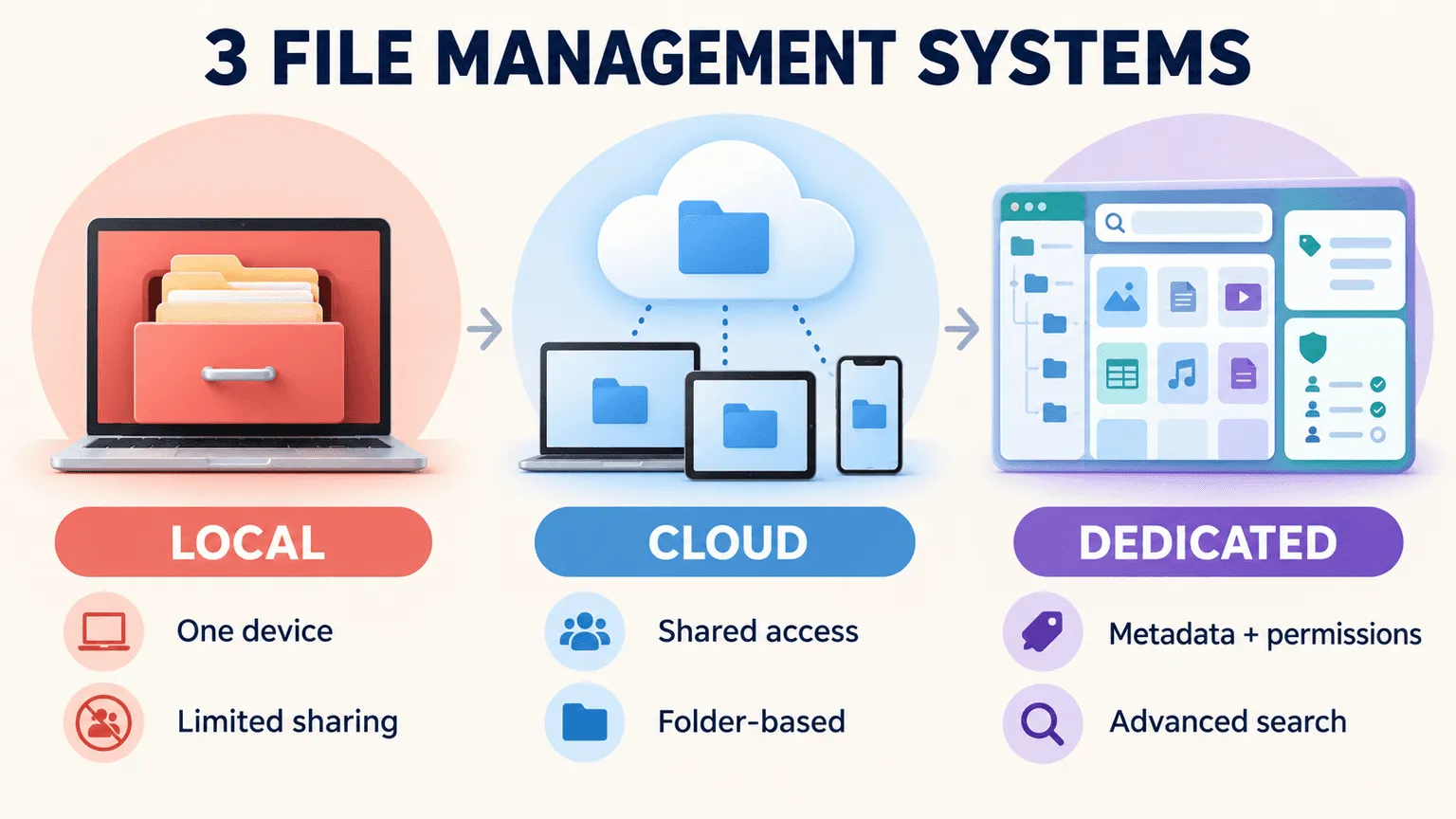
Most teams use one of three broad categories of systems:
-
Local folders: Files organized directly on a computer, external drive, or local network drive.
-
General cloud drives: Services such as Google Drive or Dropbox that provide shared access, file storage, and folder-based organization.
-
Dedicated file management platforms: Purpose-built systems that provide structured metadata, permissions, versioning, and more advanced search for larger or more complex libraries.
The right category depends on factors such as team size, file volume, collaboration needs, access requirements, and how easily users need to search and retrieve content.
How File Management Systems Work
At a basic level, file management systems need to handle several core functions: storage (where files live), metadata and tagging (descriptive information attached to a file), permissions (who can view, edit, or share it), and search (how users find files again).
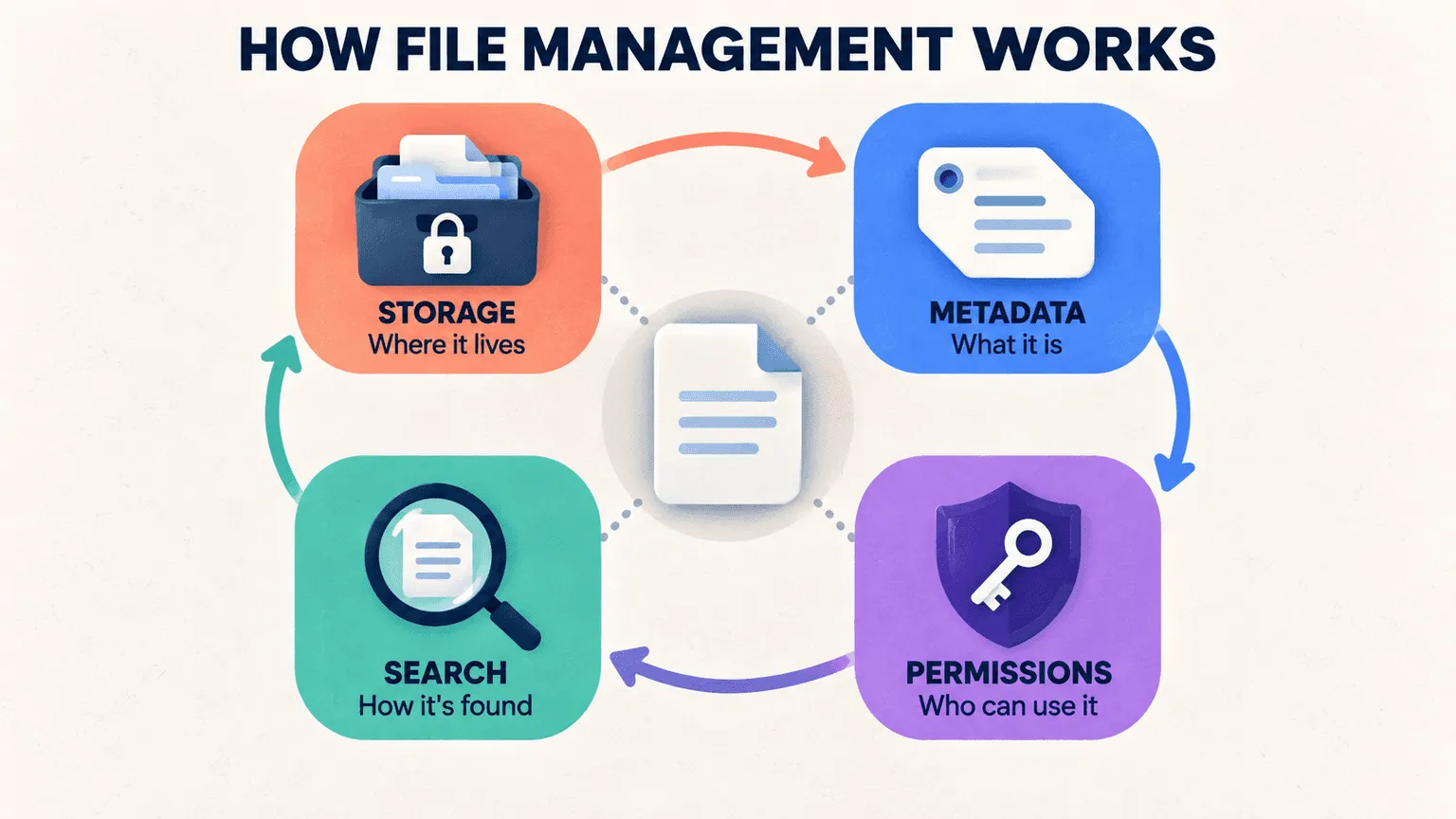
These functions work together. Storage makes files accessible, while organization, metadata, permissions, and search help users understand what a file is, who can use it, and how to retrieve it when they need it.
Modern file management platforms can also automate parts of the process. Instead of requiring users to manually organize and tag every file, some systems can automatically classify or tag content as it is added. AI-assisted tagging, for example, can help create structured metadata for large libraries and reduce some of the manual work involved in organizing content.
Benefits of File Management
Good file management can make everyday work easier by helping teams find content faster, reduce unnecessary duplication, and collaborate more consistently. The benefits become more noticeable as the number of files and people using them increases.
-
Time savings. A well-organized library makes it easier to locate the right file without manually checking multiple folders, drives, or message threads. Consistent naming, metadata, and search can reduce the time people spend looking for content.
-
Reduced duplication and errors. Clear organization and version control make it easier to identify the current file. Without those practices, teams can end up with multiple near-identical files and risk using an outdated logo, price sheet, presentation, or other document.
-
Better collaboration. A shared, organized library gives internal teams, freelancers, agencies, and other collaborators a consistent place to access the files they need. This is particularly useful when people work across different locations, teams, or time zones.
Types of File Management Systems
Different file management approaches suit different teams. The main differences come down to where files are stored, how they are organized, how access is controlled, and how easily users can search and manage content.
-
Local or on-device systems. Files are organized directly on a computer, external drive, or local server. This can work well for individual users or small teams with limited collaboration needs, but sharing, syncing, backups, and version control can become more difficult as more people need access to the same files.
-
Cloud storage. General-purpose services such as Google Drive and Dropbox provide online storage, sharing, collaboration, and folder-based organization. Their capabilities vary, but they can be a practical option for teams that primarily need shared access to documents and other files.
-
Dedicated file management or DAM platforms. Purpose-built systems provide more structured ways to organize, tag, search, and control access to large or complex libraries. For teams managing significant volumes of creative content, a Digital Asset Management (DAM) system can extend basic file management with capabilities such as rich metadata, version history, permissions, and more advanced asset search.
Core File Organization Practices
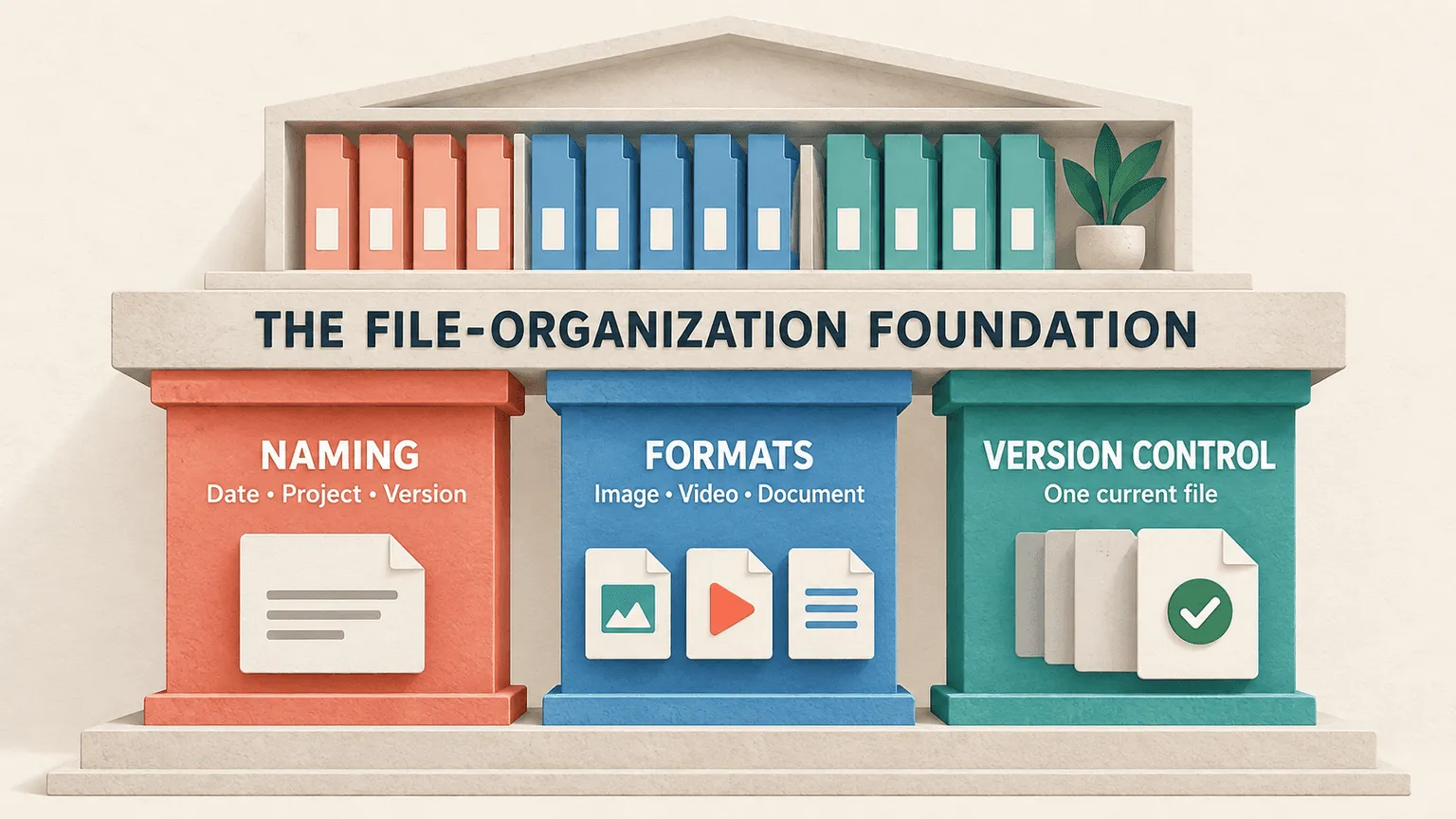
Three practical habits form the foundation of an organized file library, regardless of which system you're using: consistent naming, appropriate file formats, and clear version control. Together, they make files easier to identify, organize, and retrieve as the library grows.
File Naming Conventions
Consistency matters far more than cleverness. A simple, repeatable naming pattern, such as date, project, and version, is easier to maintain than a clever or highly descriptive name that only makes sense to the person who created it. The goal is for anyone on the team to look at a file name and understand what it contains without opening it.
File Types and Formats
Different teams manage different file types, including images, videos, documents, and design files, and each format can have different storage and search requirements. Video files, in particular, can be large and may require more specialized search capabilities, since a filename alone provides little information about what happens inside a clip. Being deliberate about file formats and how they will be managed can help prevent storage and search issues as the library grows.
Version Control
Few things create more confusion than files named final_v2_FINAL_useThisOne.pdf. Clear version control helps everyone identify the current version without having to guess based on the filename alone. Whether you use built-in versioning in a dedicated system or a consistent manual convention, the goal is the same: make it clear which version is the one to use.
File Management Best Practices
A few simple practices can make file management much easier to maintain over time. The key is to establish clear rules early, assign responsibility for keeping the library organized, and review the system regularly.
-
Standardize early. Set naming and folder conventions before a library grows large, rather than trying to impose structure on thousands of files later. Establishing the rules early makes them easier to apply consistently as new files are added.
-
Assign ownership. Designate who is responsible for tagging and organizing new files as they arrive. Without clear ownership, organization can become everyone's responsibility in theory but no one's responsibility in practice, allowing inconsistencies to build over time.
-
Audit regularly. Periodic cleanup helps teams archive or remove outdated and duplicate files before they create more clutter. A quarterly review can be a practical cadence for many teams, although the right frequency depends on how quickly the library changes.
Common File Management Challenges and Mistakes
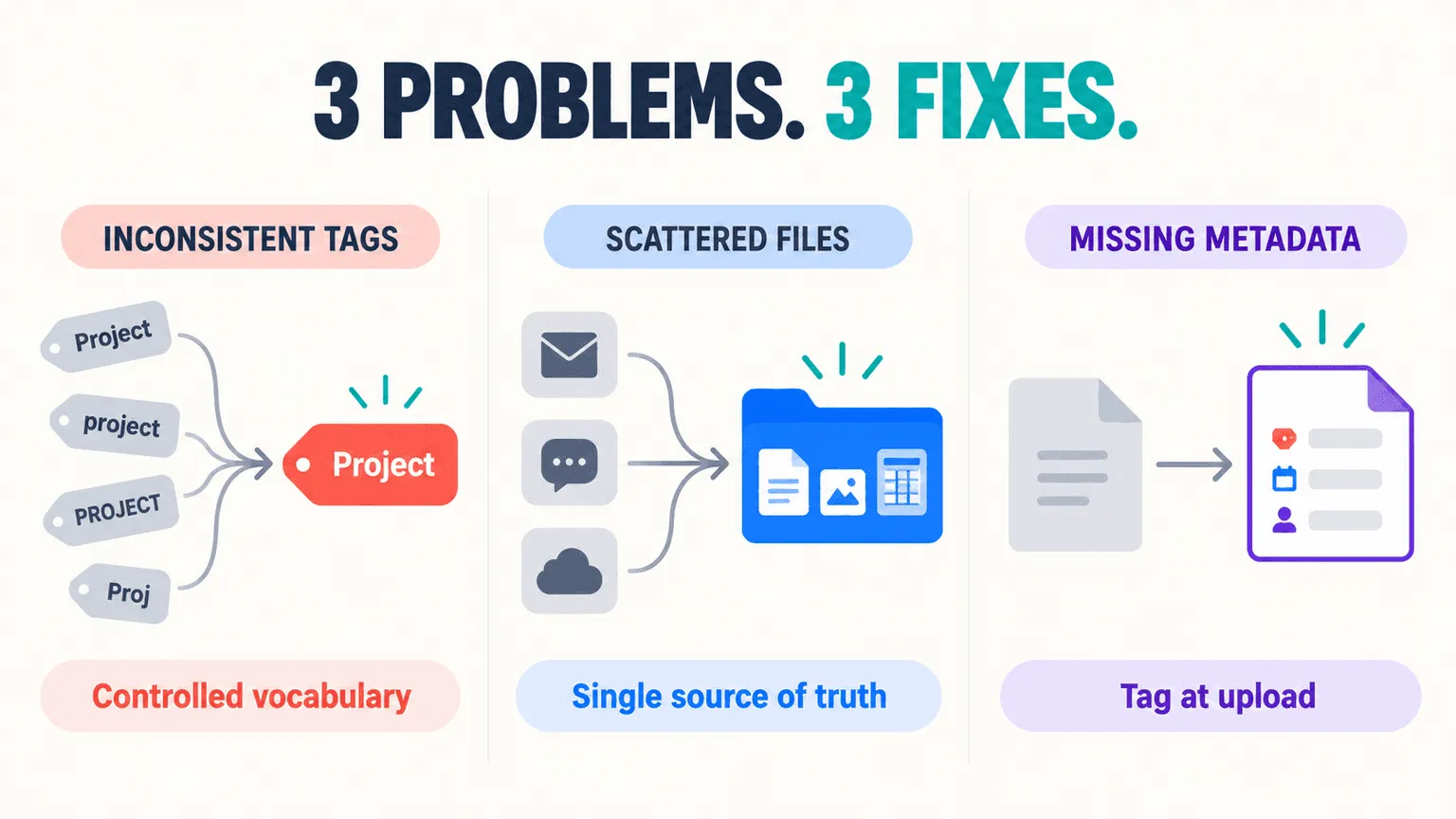
File management problems often come from inconsistent processes rather than a lack of storage. Common issues include inconsistent tagging, files spread across multiple locations, and missing metadata that makes content harder to search.
-
Inconsistent tagging. Ad hoc tagging can make files harder to find because different people may use different terms for similar content. For example, one person might tag a file as "video" while another uses "footage," causing related content to be separated across search results.
-
No single source of truth. When files are scattered across email attachments, chat threads, and multiple drives, it becomes harder to know which version is current. A centralized library gives teams a consistent place to access and manage the files they use most often.
-
Skipping metadata. Descriptive metadata makes files easier to identify and retrieve, especially as a library grows. Adding metadata manually after upload can be inconsistent or easy to overlook, which is why automated tagging at ingestion can help teams managing large volumes of content reduce some of the manual work involved in organizing files.
How to Choose the Right File Management System
The right system depends on more than storage capacity or price. Teams should consider file volume, collaboration requirements, search capabilities, permissions, and how the system will support future growth.
-
Match to team size. Evaluate a system based on your team's size, file volume, and collaboration needs. A system with more features than a small team needs can introduce unnecessary complexity, while a system with limited capabilities may become difficult to manage as more people and files are added.
-
Look for tagging and search. Consider metadata, tagging, and search capabilities alongside storage capacity. For teams with large or complex libraries, being able to quickly identify and retrieve the right file can be just as important as having enough space to store it.
-
Plan for scale. Choose a system that can accommodate increasing content volume and collaboration needs rather than one that only fits your current library. Moving a large, disorganized library to a new system later can require significant time and effort.
File Storage vs. File Management: What's the Difference?
File storage is where files live, whether that's a hard drive, server, external drive, or cloud platform. File management is how those files are organized and handled, including naming, tagging, permissions, versioning, and retrieval.
Storage provides the place to keep files, while management provides the structure for working with them. A team can have plenty of storage and still struggle to find the right file if its content is poorly organized, inconsistently named, or difficult to search.
FAQs
What Is the Difference Between File Management and File Storage?
File storage refers to where files are stored, such as a hard drive, server, or cloud platform. File management is the broader practice of organizing, naming, tagging, accessing, and retrieving those files. Having enough storage does not necessarily mean files are easy to find or manage.
What Are the Main Types of File Management Systems?
The three broad categories are local or on-device folders, general cloud storage, and dedicated file management or DAM platforms. Local systems can work for individual users or small teams, while cloud and dedicated platforms provide additional options for sharing, collaboration, organization, metadata, and search.
What Is the Best Way to Name Files for Easy Retrieval?
Consistency matters more than cleverness. A simple, repeatable pattern, such as date, project name, and version number, makes files easier to identify and retrieve. The most important thing is to use the same naming convention consistently across the library.
How Often Should a Team Audit or Clean Up Its File Library?
A quarterly review can work well for many teams, but the ideal frequency depends on how quickly the library changes. Teams with rapidly growing or frequently updated libraries may need to review their files more often.
Can File Management Software Integrate With Cloud Storage Tools?
Some dedicated file management and DAM platforms can integrate with existing cloud storage tools, depending on the platform and integration available. These integrations can help teams manage, organize, or search content across existing storage environments without necessarily requiring every file to be moved into a new system.