

Image metadata is information embedded in or attached to an image that describes the file, its contents, how it was created, or how it can be used. It can include technical details such as camera settings, as well as descriptive information like keywords, creator details, copyright, and usage rights.
Metadata gives teams additional context about an image beyond what they can see in the file itself. This becomes especially useful as image libraries grow and teams need to search, organize, identify, and manage assets across different projects and workflows.
This guide explains the main types of image metadata, common metadata formats, where metadata is stored, how to add and edit it, and best practices for managing it across a growing image library.
TL;DR
-
Image metadata is information embedded in or attached to an image file. It can include technical, descriptive, and administrative details.
-
Metadata helps teams search, organize, identify, and manage images by adding information that may not be apparent from the image itself.
-
EXIF, IPTC, and XMP are three widely used metadata standards and frameworks, each serving different purposes.
-
Metadata can be added or edited manually, but batch processing and automation become more useful when managing large image libraries.
-
Metadata supports workflows across marketing, creative operations, journalism, publishing, and other fields where teams need to understand an image's context, rights, and usage.
What Is Image Metadata?
Image metadata is descriptive information embedded in or attached to an image file. It can describe how an image was captured, what it contains, who created it, when it was created, and how it can be used, without requiring someone to inspect the image itself.
The type and amount of metadata attached to an image depend on the software, device, and workflow used to create and manage it. A photo taken on a smartphone may automatically include technical details such as capture time, camera settings, and location, while an image used in a professional creative workflow may also include keywords, campaign information, copyright details, or usage rights.
Metadata can also change throughout an image's lifecycle. Additional information may be added as an asset moves from capture and editing to review, publishing, and long-term storage. This makes metadata more than a fixed set of technical details. It can become an ongoing record of an image's context and use.
Types of Image Metadata
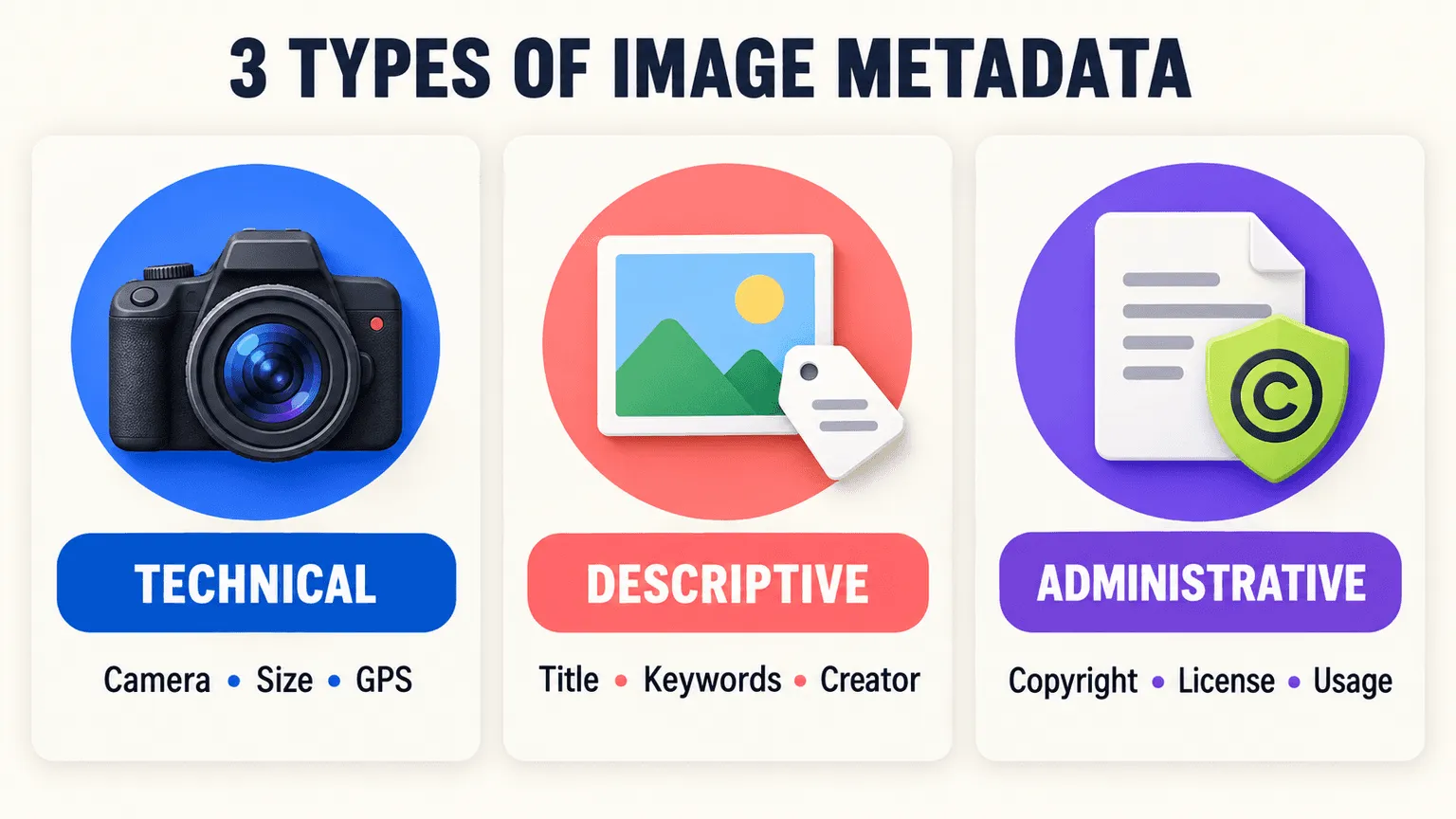
Image metadata can be grouped into three broad categories based on the kind of information it contains: technical details, descriptive information, and administrative data. Together, these categories can describe how an image was created, what it contains, and how it can be managed or used.
-
Technical metadata describes how an image was captured or processed and information about the file itself. This can include camera settings such as aperture and shutter speed, focal length, file type, dimensions, color space, file size, and, when recorded by the device, GPS coordinates and capture time. Much of this information is generated automatically by cameras, smartphones, and creative software, although it can also be modified later.
-
Descriptive metadata provides information about an image's content and context. It can include keywords, captions, titles, descriptions, and creator or contributor information. These fields help answer questions such as "What is this image showing?" or "Who created it?", making assets easier to search and organize.
-
Administrative metadata covers information related to ownership, copyright, licensing, and usage. It can indicate who owns or manages an image, what permissions have been granted, where it can be published, and when a license expires. This information is particularly useful for teams managing images across multiple campaigns, markets, or external partners.
Why Image Metadata Matters
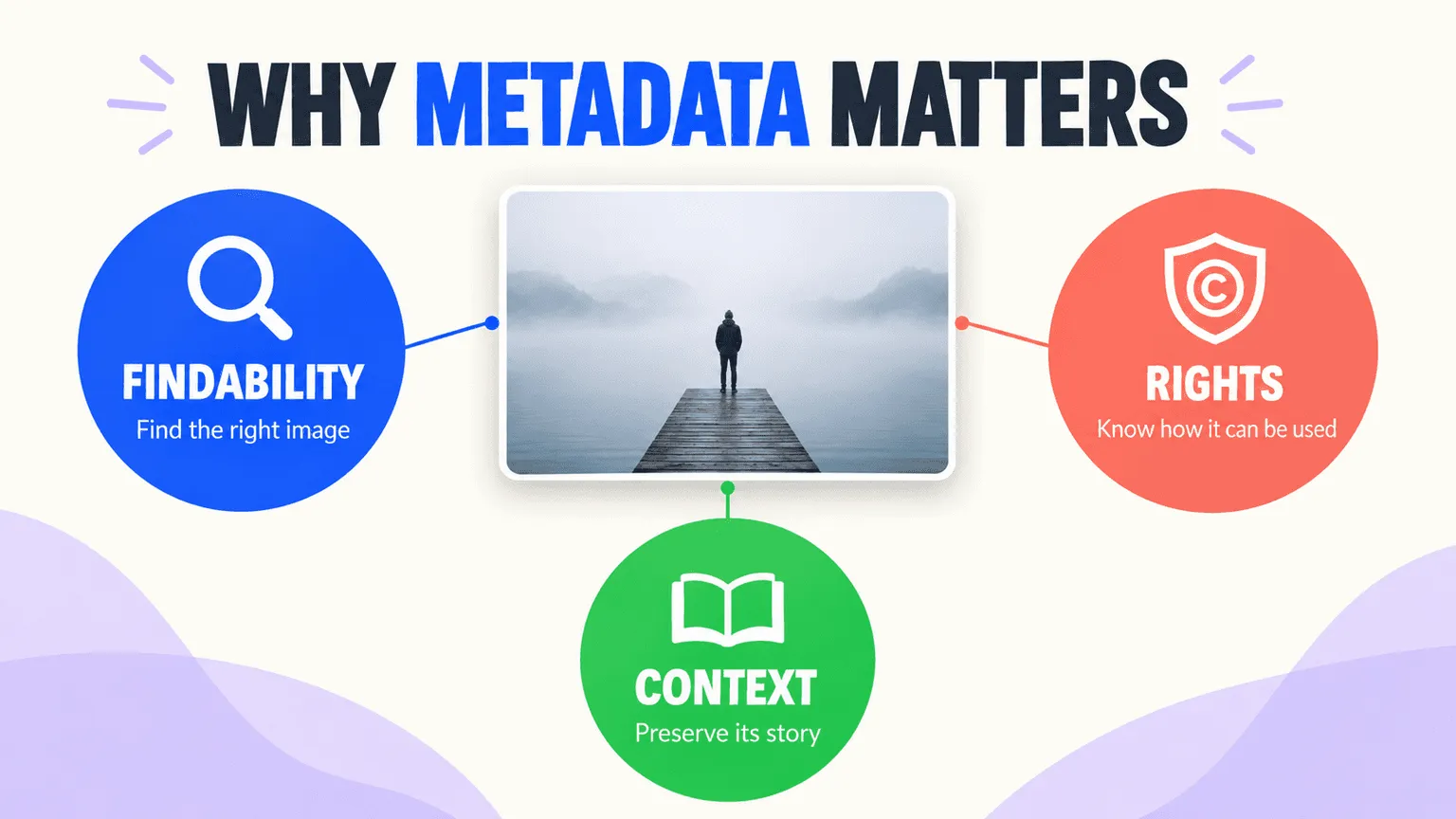
Metadata adds context that may not be visible from an image alone. For teams managing large or frequently changing libraries, that information can make it easier to find assets, understand their history, and confirm how they can be used.
-
Findability. Metadata makes images easier to search and organize within a library. An image itself may not reveal its product name, campaign, creator, or intended use, but descriptive metadata can make those attributes searchable. As libraries grow, structured metadata can make it easier to find and reuse the right assets instead of relying only on filenames, folders, or someone's memory.
-
Rights and compliance. Administrative metadata can preserve copyright, licensing, and usage information as images move between teams, agencies, and platforms. Having this information available can help teams determine whether an image is cleared for a particular campaign, market, or use.
-
Context and provenance. Metadata can preserve information about who created an image, when it was created, where it came from, and what it was originally intended for. Capturing this context early can make it easier to understand an asset later, particularly when it is reused months or years after it was created.
Common Image Metadata Formats (EXIF, IPTC, XMP & More)
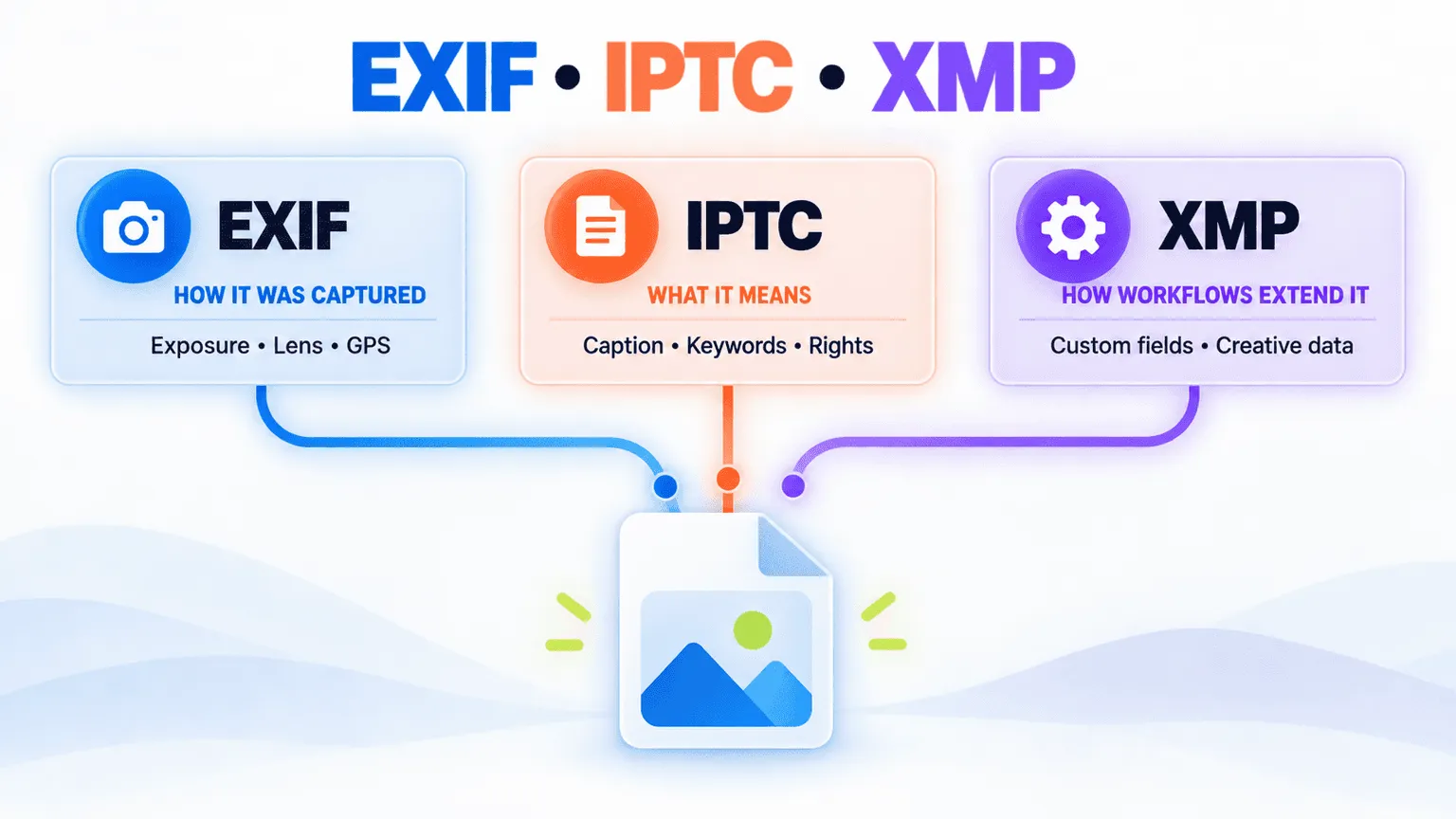
Several standards and frameworks are commonly used to store image metadata. EXIF, IPTC, and XMP serve different purposes, although the same image can contain information associated with more than one of them.
-
EXIF (Exchangeable Image File Format) primarily contains technical information associated with image capture, such as exposure settings, focal length, GPS coordinates when location data is recorded, and capture time. This information is commonly generated by cameras and other devices when an image is captured.
-
IPTC (International Press Telecommunications Council) metadata is widely used for editorial, descriptive, and rights-related information. IPTC fields can include captions, keywords, bylines, copyright notices, and usage instructions, making them useful in publishing, journalism, and stock photography workflows.
-
XMP (Extensible Metadata Platform) is a flexible framework developed by Adobe that can support standard metadata as well as custom fields. Creative and DAM software can use XMP to store additional descriptive or workflow-specific information, such as custom tags or campaign-related metadata.
A single image can contain metadata associated with multiple standards. For example, EXIF data may come from the camera, IPTC information may be added during an editorial workflow, and XMP data may be added or modified by creative software.
Where Image Metadata Is Stored
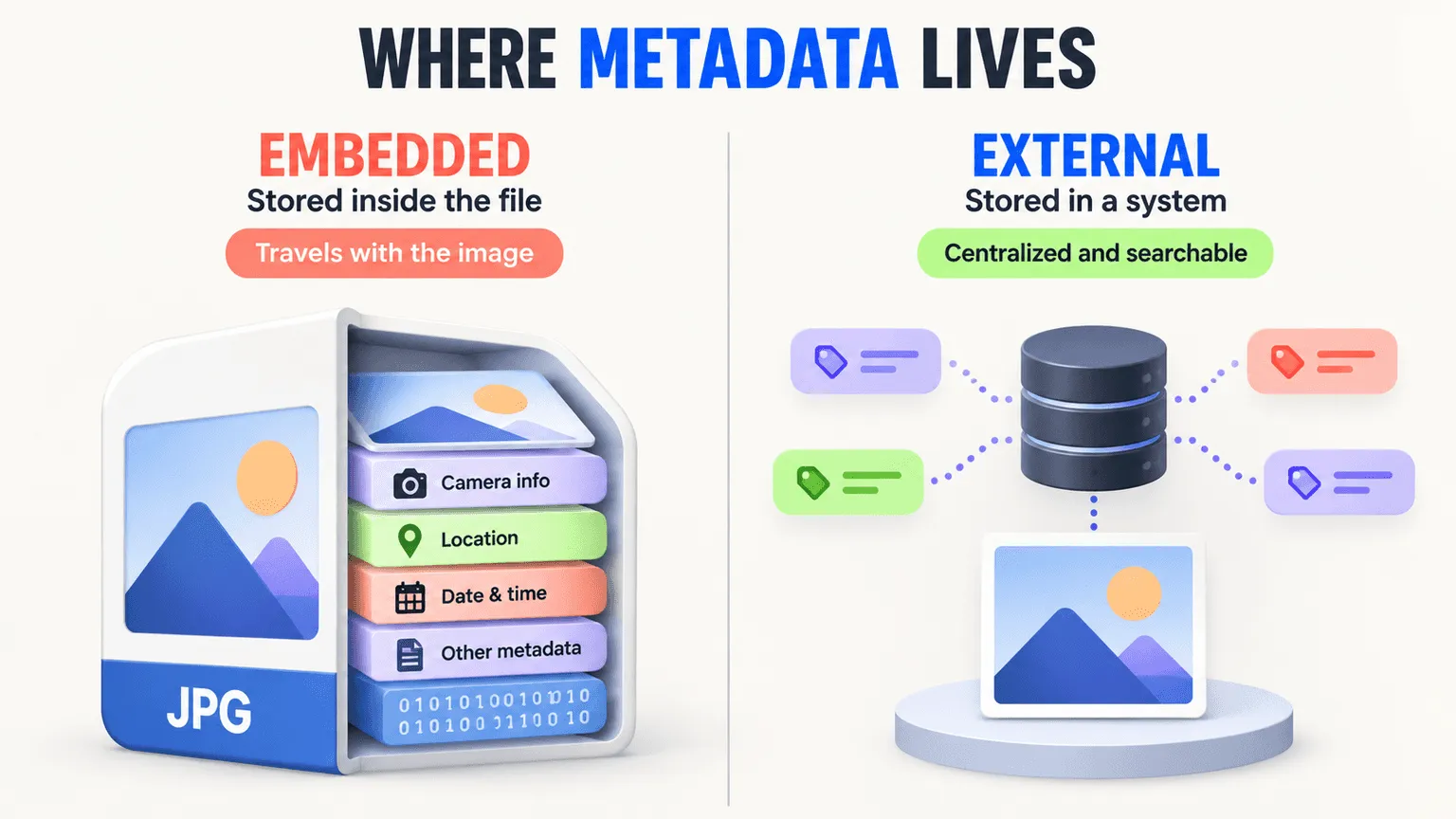
Metadata can be stored inside the image file itself or separately in an external system that indexes and manages information about the asset. The approach used can affect how portable and searchable that metadata remains throughout an asset's lifecycle.
-
Embedded metadata is stored directly within the image file and can travel with the asset when the file is shared or transferred. However, some export, conversion, or processing workflows may modify or remove embedded metadata.
-
External metadata is maintained separately from the original file, typically in a system that indexes and manages asset information. A Digital Asset Management (DAM) system, for example, can maintain metadata centrally so teams can search and manage assets without relying entirely on the metadata embedded in an individual file.
How to Add or Edit Image Metadata
Metadata can be added or changed manually for individual files, or managed in batches when working with larger libraries. The right approach depends largely on how many files need to be processed and how consistently metadata needs to be applied.
-
Manual editing. Metadata can be viewed and edited through image software such as Photoshop or Lightroom, as well as through file properties on macOS and Windows. This can be practical when working with a small number of images or making occasional corrections, such as updating a caption, adding a keyword, or fixing a rights field.
-
Bulk editing at scale. Editing metadata one file at a time becomes increasingly difficult as a library grows. Teams managing large collections can use batch-processing or automated tools to apply consistent tags, update fields, or identify missing metadata across multiple files. AI-assisted tagging can also help automate parts of the tagging process, particularly when teams need to classify large volumes of visual content.
Real-World Uses of Image Metadata
Image metadata can support different workflows depending on the industry and how images are created, managed, and published. It is particularly useful when teams need to find existing assets, understand their context, or keep track of ownership and usage information.
-
Marketing and creative ops. Marketing teams can use metadata to find and reuse existing assets across campaigns by searching for information such as product, campaign, creator, or usage rights. Well-structured metadata makes a large image library easier to work with and can help teams get more value from assets they already have.
-
Journalism and rights. In editorial workflows, metadata can provide information about an image's origin, creator, copyright, and usage rights. This can help publications and other organizations understand an image's provenance and determine how it can be used.
-
Compliance-heavy industries. In fields such as healthcare and legal services, image-related metadata can support recordkeeping by preserving information such as capture dates, sources, and other details relevant to the organization's workflow. The specific requirements vary depending on the industry and type of record.
Best Practices for Managing Image Metadata at Scale
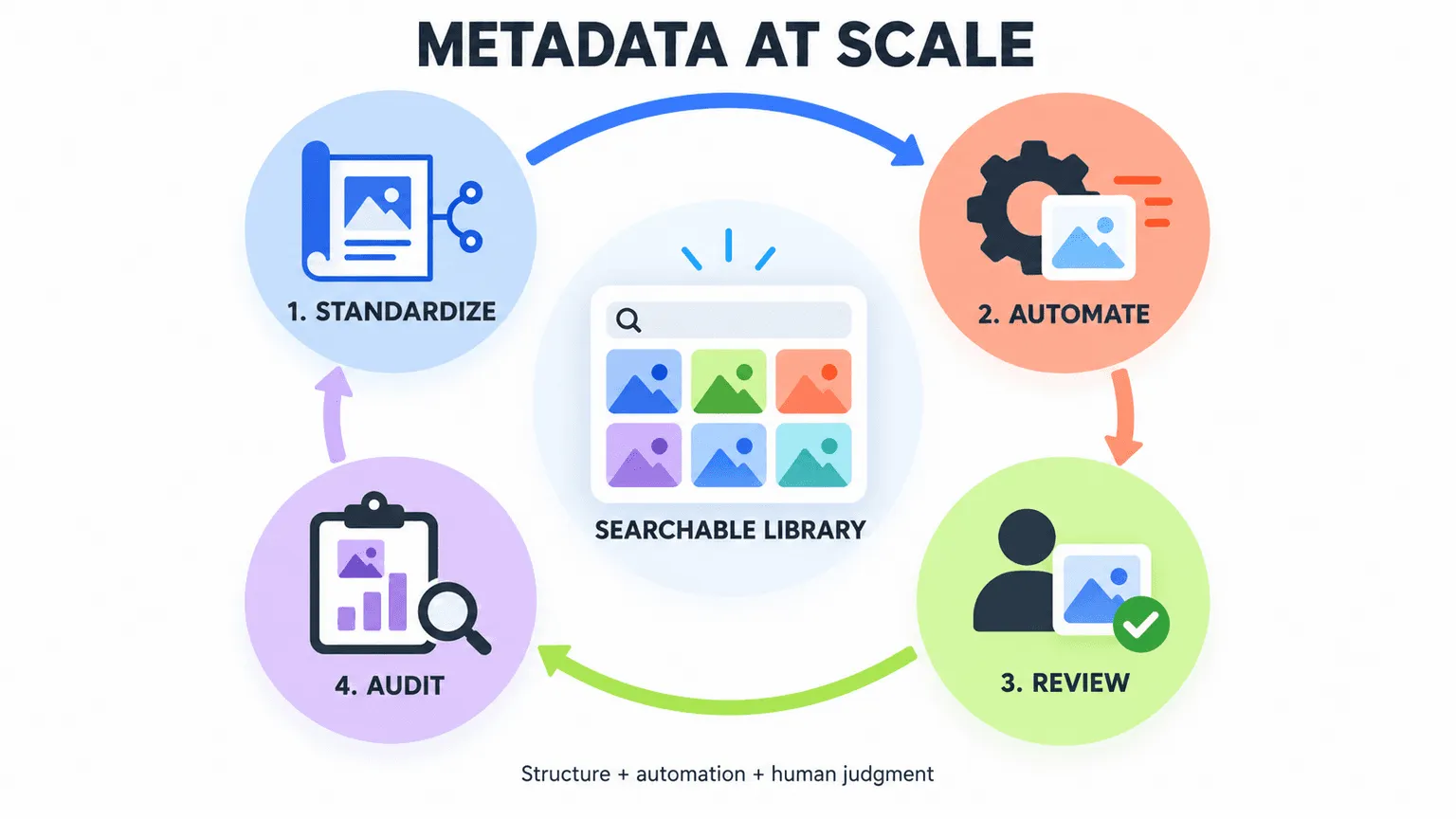
Managing metadata becomes more challenging as the number of assets, contributors, and workflows increases. A consistent metadata structure, appropriate automation, and regular reviews can help teams keep information accurate, searchable, and useful over time.
-
Standardize fields early. Define a consistent metadata schema before a library grows large rather than trying to standardize thousands of inconsistent files later. Establish which fields are required, what values or naming conventions should be used, and who is responsible for maintaining them.
-
Combine automation with human review. Automated tagging can help process large volumes of content, while human review can catch errors or add context that automated systems may miss. Using both approaches can help teams balance scale and accuracy, particularly for brand-specific or nuanced content.
-
Audit regularly. Periodic metadata audits can identify missing, outdated, or inconsistent fields before they become harder to correct. A quarterly review may work for some teams, but the right frequency depends on how quickly the library changes and how important the metadata is to day-to-day workflows.
FAQs
What's the Difference Between EXIF, IPTC, and XMP Metadata?
EXIF primarily contains technical information associated with image capture, such as exposure settings, focal length, and GPS coordinates when location data is recorded. IPTC is commonly used for descriptive, editorial, and rights-related information, including captions, keywords, and copyright details. XMP is a flexible framework developed by Adobe that can support standard metadata as well as custom fields used by creative and asset-management workflows.
Is Image Metadata Always Accurate?
Not necessarily. Technical metadata such as EXIF is often generated automatically by the device, but descriptive and administrative metadata may depend on manual entry or automated classification. These fields can become inconsistent or outdated, so important metadata may need periodic review, particularly when it is used for rights, compliance, or search.
Can Image Metadata Be Removed or Stripped?
Yes. Metadata can be intentionally removed, such as when GPS information is deleted for privacy reasons, or it can be modified or lost during certain export, conversion, or processing workflows. This is one reason teams managing large libraries may use a centralized system to maintain and index asset information separately from the metadata embedded in individual files.
Do All Image Files Contain Metadata?
Not necessarily. The amount and type of metadata vary depending on the file format, device, software, and workflow used to create or process an image. A photo captured directly by a camera may contain extensive technical metadata, while an image that has been edited, exported, or converted may contain less.
How Does Image Metadata Support Digital Asset Management at Scale?
Metadata gives a DAM system structured information that can be used to search, organize, filter, and manage assets. A DAM system can index metadata centrally, making it easier for teams to find assets and manage information such as categories, keywords, rights, and other custom fields. For larger libraries, combining automated tagging with human review can help maintain metadata as new assets are added.