As your company’s library of images, videos, documents, and other media grows, relying on someone to manage assets part-time inevitably leads to chaos. A Digital Asset Manager (DAM manager) is the person who owns that chaos, taking charge of organizing, tagging, and granting access to the entire content library. Unlike the DAM software itself, the manager sets the taxonomy and metadata rules, trains users, and enforces best practices. In effect, they ensure the system actually delivers value.
When handled by one person, even a well-designed DAM can “drift” – metadata becomes inconsistent and teams stop using it. A dedicated Digital Asset Manager prevents that drift by actively overseeing the system. In this guide, we’ll explain exactly what a Digital Asset Manager does, why and when an organization needs one, and what skills they require. You’ll learn the core day-to-day tasks (like designing folder structures and setting permissions) and see the hiring signals – for example, slow search times or brand inconsistency – that mean it’s time to bring in a full-time DAM specialist.
TL;DR
-
Person, not software: A digital asset manager is the person who organizes and governs the company’s content library, not the DAM software itself.
-
Infrastructure vs. governance: The DAM software provides a central system to store and find assets, but the manager sets up the taxonomy, metadata standards, and access controls that make it work.
-
Key responsibilities: The role covers organizing assets (folder structures, naming conventions, metadata) and governance (user permissions, usage rights, quality control). They also onboard and train teams to use the DAM correctly.
-
When to hire: If your asset library is large or growing fast, and people waste hours searching, lose track of versions, or fail to apply consistent tags, it’s a sign you need a DAM manager. Small teams may combine DAM duties into marketing or IT until asset volume justifies a specialist.
-
Required skills: A good Digital Asset Manager is strong on metadata and taxonomy design (technical DAM administration), and also excels at cross-team communication, training, and attention to detail.
What Does a Digital Asset Manager Do?
A Digital Asset Manager is the team member who owns the DAM system on behalf of the organization. They oversee, implement, and maintain the entire library of digital content, images, videos, graphics, presentations, documents, and more.
In practice, that means building the taxonomy (the structured classification of assets), enforcing metadata standards, and making day-to-day decisions to keep the library accurate and searchable.
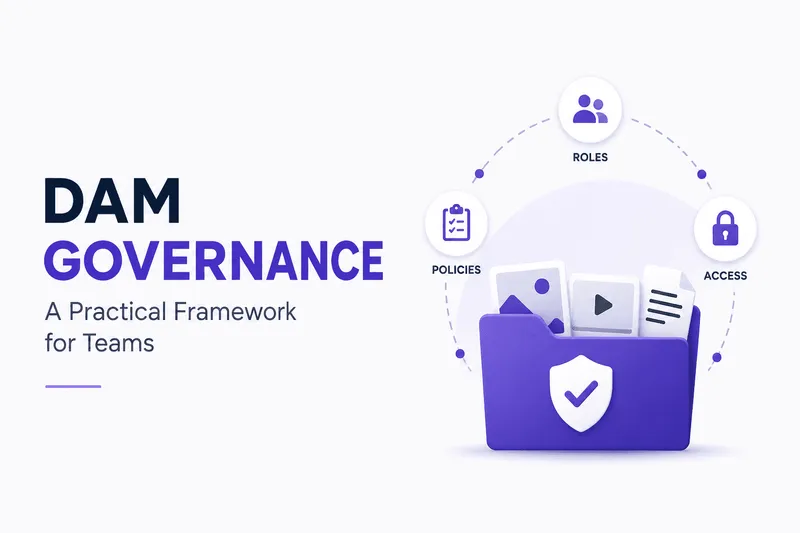
Although multiple people upload and use assets, the DAM manager is the one responsible for making sure the system works for everyone. They set up user roles and permissions, manage asset lifecycles, and enforce brand rules, for example, configuring which marketing teams can access each folder and who's allowed to edit or delete files. They also handle DAM governance: defining best practices, auditing the library, and troubleshooting issues.
Important distinction: a DAM manager is not the software itself. The platform is a tool, a central system where assets live, but without a manager guiding it, even a powerful DAM tool can fall apart. Teams might start tagging assets inconsistently or storing files outside the system. As Canto puts it, a well-configured DAM with no dedicated manager tends to drift over time, with metadata becoming inconsistent and teams abandoning the system as it was designed. The manager's job is to prevent that drift.
In short, the Digital Asset Manager bridges the gap between the DAM technology and the people using it, tailoring the system to how the business works so assets stay easy to find and use.
Core Responsibilities
A Digital Asset Manager's role breaks down into three core areas.
Organization (taxonomy and metadata)
The manager designs and maintains the DAM's folder structure, naming conventions, and metadata schema, categorizing assets by campaign, content type, product, date, or whatever makes sense for the business. They might create a standard metadata field for "Campaign Name" so all images and videos from a summer promotion get tagged consistently.
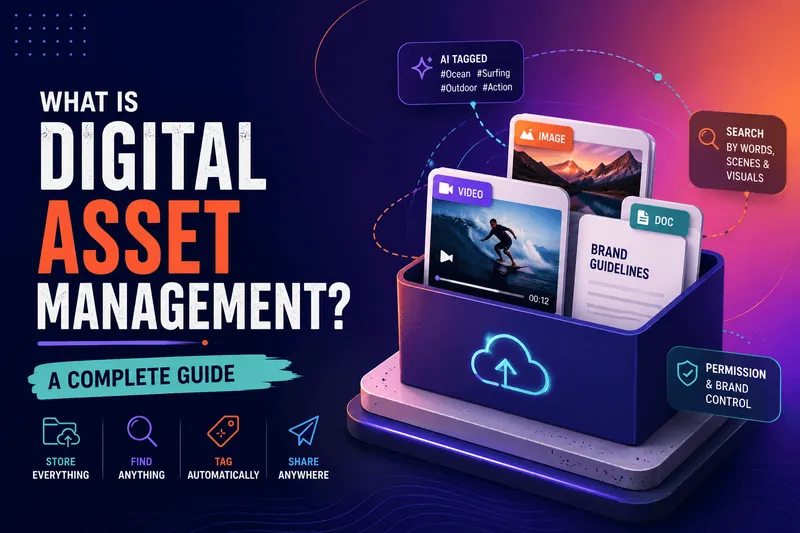
Well-planned metadata means that when someone searches "SummerCampaign Approved Logo," the correct file appears immediately instead of requiring a folder hunt. A DAM is only as powerful as the metadata behind it, and managers create and maintain the taxonomy, naming conventions, and structured metadata that make assets instantly searchable. Some advanced DAMs even auto-segment videos into clips (footage organization) for easier access, which the manager oversees to keep the library orderly and up to date.
Governance (permissions and rights)
The manager sets and enforces access controls and usage policies for every asset. This includes defining user roles (who can view, edit, or publish), archival rules (when old assets get retired), and usage rights (licenses and permissions), ensuring licensed stock images or influencer videos don't get used past their expiration dates.
Recharm, for example, embeds license and expiration info directly on video clips, so editors see usage rules, platform restrictions, and expiration warnings right on the video. A DAM manager sets up this rights metadata and trains users on it, preventing accidental misuse of unlicensed content. They're responsible for content quality and compliance overall: auditing new uploads for off-brand or low-quality material, approving or rejecting usage requests, and making sure only current, on-brand assets circulate.
Training and adoption
Part of the job is onboarding and educating users across departments. A Digital Asset Manager might run training sessions for marketing, creative, legal, and sales teams on how to search for assets, upload files correctly, and apply metadata tags, along with documentation or cheat sheets on tagging conventions and folder usage.
They also monitor how teams actually use the system, troubleshoot bottlenecks, and adjust policies as needed. If users struggle to find files because they're searching with keywords not in the metadata, the manager might retrain them or update metadata fields to match common search terms. Ultimately, the manager's job is to make sure the DAM actually gets used, saving everyone time by avoiding duplicate work and confusion.
Each responsibility has a real impact. Good taxonomy and metadata mean a marketer finds "approved" assets without hassle. Strict governance means legal isn't surprised by an expired license. Ongoing training means staff don't revert to shared drives. Together, these duties keep the content library structured, secure, and efficient.
Digital Asset Manager vs. DAM Software
A key distinction is that DAM software and the Digital Asset Manager role are not the same thing.
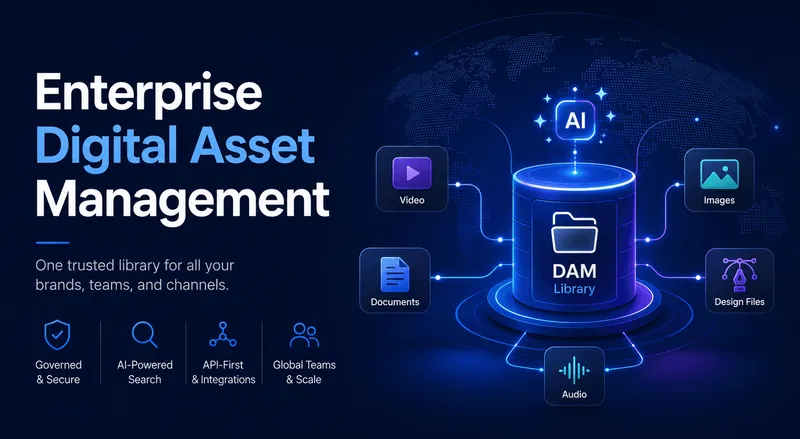
The DAM system itself, tools like Recharm, Bynder, or Canto, provides the infrastructure: a central repository to store, index, and retrieve assets, with features like search, version control, and portal sharing. But the software alone has no strategy or oversight.
The Digital Asset Manager is the human administrator and strategist for that system. They decide how the DAM is used: creating the folder hierarchy, setting naming conventions, defining user permissions, and enforcing policies. As MediaValet puts it, software delivers the infrastructure, but the manager ensures the content ecosystem actually runs smoothly.
Without a dedicated manager, a DAM can quickly become an unsorted storage dump. Metadata drift is a common risk: teams upload files with inconsistent tags, making search ineffective. A well-configured DAM with no dedicated manager tends to drift over time, with metadata becoming inconsistent and teams abandoning the system as designed. In practice, that means projects slow down because people can't find the right images or videos.
Think of the DAM software as a powerful library platform, and the Digital Asset Manager as the librarian who organizes the collection.
Types of Digital Asset Manager Roles
The role comes in a few different setups, depending on organization size and needs.
-
In-house Digital Asset Manager: A full-time employee embedded in one organization, often within marketing, brand, or creative operations. They own the company's DAM end-to-end and stay on payroll long-term. Large enterprises in media, retail, or consumer goods commonly have this role, for example, a national retailer hiring a dedicated DAM Manager to oversee its media library and ensure all regional offices use a single approved logo consistent with brand guidelines.
-
Agency/freelance DAM manager: Some organizations use consultants or agency specialists for specific projects. Agency managers support multiple clients' DAMs, sometimes in parallel, while freelancers are typically hired for time-bound projects like system implementations, library migrations, taxonomy overhauls, or governance audits. A marketing agency, for instance, might bring in a DAM consultant for a few months to clean up a client's disorganized library and train the team. This model offers expert support without a permanent hire.
-
Remote/virtual DAM manager: Because DAM platforms are cloud-based, the role can be performed remotely. Many companies now hire DAM professionals regardless of location, letting them tap talent globally. This flexibility is especially common for agencies or smaller teams that don't need on-site administration.
Each setup has tradeoffs. In-house roles mean deep familiarity with one organization's needs, while agencies and freelancers bring cross-industry experience. Regardless of the arrangement, the core functions, taxonomy design, governance, and training stay the same.
Do You Need a Dedicated Digital Asset Manager?
Do you need a dedicated digital asset manager?
A few common signals tell you it's time to hire or dedicate someone to this role.
-
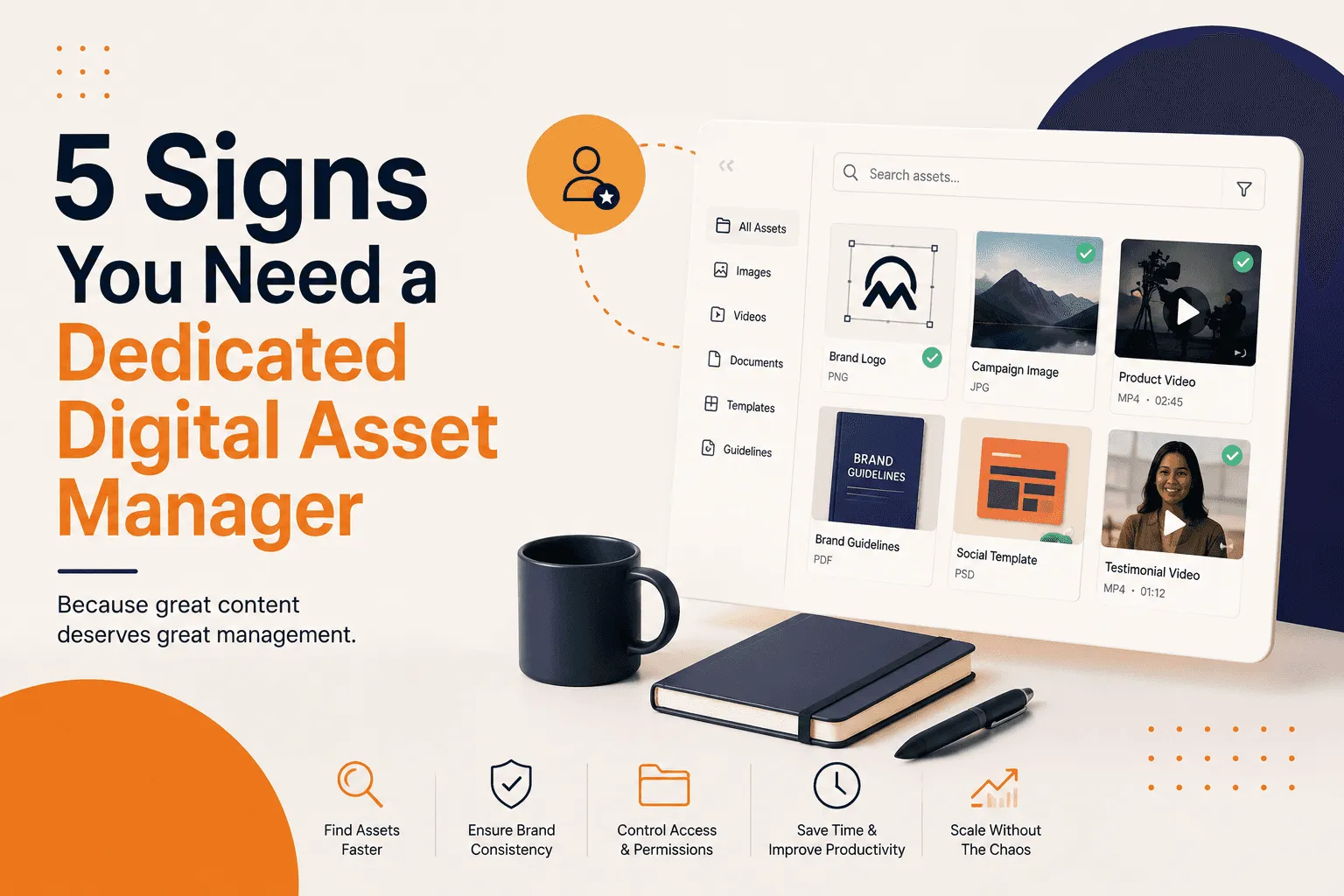
Large or growing asset library: If your team is creating, storing, or sharing a large volume of digital assets, you're likely already feeling the pain of disorganization, slow searches, or people losing time hunting for files. These are red flags that generalist staff, like a marketing coordinator, can't keep up with the workload.
-
Wasted search time: Are employees spending hours finding the right image or video instead of working on projects? Companies often waste 20 to 30% of marketing time on asset tasks without a DAM. When a single search or file request becomes a bottleneck, a dedicated manager can streamline it by enforcing search-friendly metadata.
-
Inconsistent branding or tagging: If different teams use different logo versions, or assets get tagged haphazardly, brand consistency suffers. A dedicated manager enforces uniform tags and naming conventions. If sales reps regularly find outdated product photos in the library, that's a sign assets aren't properly archived or tagged, something a DAM manager would fix directly.
-
Version control headaches: Struggling with multiple file versions ("final_FINAL_v2.jpeg" chaos) indicates weak governance. A manager implements version control rules and approvals so only the latest approved version is ever visible.
-
Multiple teams or regions: Organizations with separate divisions, markets, or agencies often need centralized control. A DAM manager becomes essential when managing multiple markets or teams where brand standards vary across groups.
If you see these signs, slow searches, inconsistent naming, licensing confusion, or general chaos as the asset count climbs, it's time to consider a specialist. Smaller teams sometimes tack this role onto a marketing or IT person initially, but as content volume grows, having a dedicated Digital Asset Manager becomes critical to avoid content chaos.
Skills a Digital Asset Manager Needs
Successful DAM managers blend technical know-how with strong communication and organizational skills.
-
Technical (metadata and taxonomy): Deep familiarity with metadata standards and taxonomy design is a must, including creating and managing schema fields (tagging assets by product, campaign, or scene) and setting naming conventions that make sense across teams. They often need hands-on skill with the DAM platform itself, setting up fields, configuring user roles, and using admin features or integrations. Experience with industry standards like IPTC for images or Dublin Core is a bonus.
-
DAM platform administration: Though not a developer, a manager should be comfortable with the system's backend, including configuring permissions, managing user groups, handling SSO or APIs, and maintaining system health. This might mean running uploads, troubleshooting syncs, or fine-tuning search settings. Expertise with enterprise DAM platforms, including configuration and user management, is one of the core skills for the role.
-
Taxonomy and information architecture: Closely related to metadata, a manager needs a logical mind for organization, able to design classification systems that are logical and scalable, for example, grouping assets by campaign, region, or content type in a way non-technical users understand. This requires anticipating how teams search and use assets, and being willing to revise the taxonomy as needs change.
-
Soft skills (communication and training): Because they work across departments, a manager must communicate clearly with marketers, creatives, legal, and IT, translating technical taxonomy into plain language and back again. Training ability is crucial, since the manager often runs workshops or creates guides so everyone knows how to find and upload assets correctly. Patience and teaching skills help drive user adoption.
-
Attention to detail and analytical thinking: Organization is in the details. A manager frequently audits the library to spot missing metadata, duplicates, or misfiled assets, using data like search reports or usage stats to identify gaps. If search analytics show users often filter by a tag that doesn't exist, for example, the manager might add that metadata field. Analytical skills keep the system improving over time.
-
Governance and brand understanding: Knowledge of rights management and brand standards is also valuable. The manager should understand licensing concepts, so assets get used legally, and brand guidelines, so all content stays on-message. This lets them enforce rules like keeping old logos out of the library or handling Creative Commons content properly.
A Digital Asset Manager needs a blend of technical chops (DAM systems, metadata, taxonomy) and people skills (communication, training, collaboration). They might use attention to detail to notice a new product shot lacks a campaign tag, then use communication skills to remind the creative team to include all required metadata on upload. The best DAM managers combine system know-how with an understanding of how people actually work.
FAQ
Is a Digital Asset Manager the same as a DAM administrator?
Not exactly. A DAM administrator is usually a more technical role focused on system setup and integrations, while a Digital Asset Manager owns content strategy and taxonomy. An administrator might handle SSO, APIs, and server health without owning the asset metadata, while a manager configures taxonomy, workflows, and users, holding full governance responsibility. In short, the administrator keeps the DAM running, and the manager decides how it's organized and used.
What salary range should you expect for a Digital Asset Manager?
Salaries vary by region and industry, but U.S. figures give a benchmark. Entry-level digital asset coordinators start around $50 to 60K, while experienced managers earn roughly $70 to 90K per year. Senior or director-level DAM roles can exceed $100K in larger organizations. These numbers shift based on company size, location, and the complexity of the DAM project.
Can one person manage a digital asset library for a large enterprise?
Managing a massive enterprise DAM often requires multiple people or a specialized team, even if one person acts as the point contact. In large organizations, the Digital Asset Manager might focus on governance and strategy, while administrators or librarians handle day-to-day tasks like uploads and tagging. In smaller companies, one person may cover everything (intake, tagging, training), but at enterprise scale it's common to have support roles. If you're deciding, ask whether one person could realistically keep metadata consistent and adoption high across every department; often the answer is no without help.
What tools does a Digital Asset Manager use day to day?
The primary tool is the DAM platform itself, where the manager organizes, tags, and retrieves assets. Beyond that, they often rely on project management or workflow tools to coordinate approvals and tasks, creative software like Adobe Creative Cloud or Canva for direct DAM integration, and content management systems for publishing assets to websites. They may also use analytics or reporting tools to track asset usage and system performance. A DAM manager's toolkit is built around the DAM platform plus whatever the broader marketing stack requires.
How does Recharm's human-plus-AI tagging change this role's day-to-day work?
Recharm uses a hybrid approach where AI automatically tags videos, identifying objects, faces, text, and emotions, and a human then refines the tags. For a Digital Asset Manager, this means much of the tedious work of labeling content gets handled by AI, while the manager still oversees the process: reviewing auto-generated tags for accuracy, adding context, and correcting errors.
In practice, the manager spends less time manually tagging and more time on high-level tasks. The AI does the heavy lifting of detecting scene details, while the person refines tags and reviews rights for sensitive content, achieving scale without sacrificing accuracy. This hybrid system speeds up asset organization, letting the manager focus on governance and strategy rather than data entry.