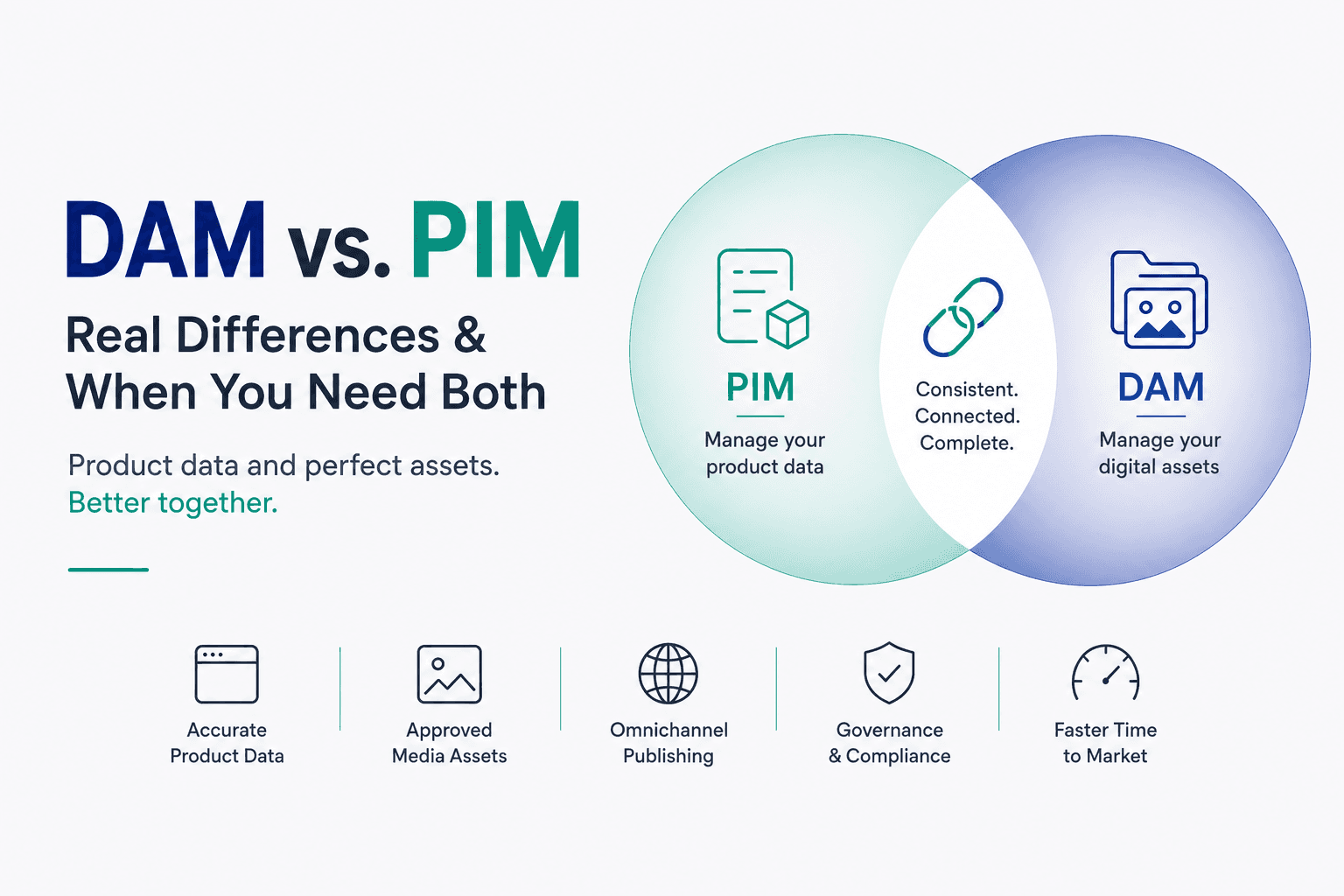

DAM and PIM are often used together, but they solve different problems. PIM manages structured product data, such as SKUs, descriptions, specs, and pricing, while DAM manages product-related media and creative files, including images, videos, and graphics.
PIM is typically used by product and catalog teams, while DAM is used by marketing and creative teams.
This article explains what each system does, their key differences and overlaps, when you need one or both, and how PIM-DAM integration can improve workflows.
TL;DR
PIM (Product Information Management): Centralizes structured product data, including SKUs, specs, descriptions, and prices.
DAM (Digital Asset Management): Centralizes product-related media, including photos, videos, graphics, and PDFs.
Core difference: PIM keeps product information accurate, while DAM keeps media organized and on-brand.
When you need both: Growing e-commerce and retail teams, especially those managing large catalogs, many SKUs, or heavy media use, often need both for complete product information and visuals.
Integration: Connecting PIM and DAM links product records with their assets, speeds up product launches, and prevents data and media mismatches.
What Is PIM?
A Product Information Management (PIM) system is the single source of truth for product details. It stores structured data such as SKUs, product names, specifications, dimensions, ingredients, technical data, pricing, variants, and category or filing information.
Product teams can enter, enrich, and manage this data in one place, then syndicate clean, up-to-date information to e-commerce catalogs, marketplaces, print catalogs, and other sales and marketing channels.
For example, if you manage hundreds of appliances, the PIM stores each model's name, SKU, dimensions, materials, features, pricing, and descriptions. When something changes, it pushes the updated data to your website, resellers, and other outlets, keeping product information consistent.
What Is DAM?
A Digital Asset Management (DAM) system is a secure, centralized library for a brand's rich media and creative assets. These can include PDP and lifestyle images, 360° spins, logos, marketing graphics, product demos, ads, packaging designs, campaign assets, PDFs, and design source files.
Beyond storage, DAM provides searchable metadata, version control, usage rights management, and review and approval workflows, helping teams quickly find and share the correct assets.
For example, a marketing team can upload each product's hero image, video, and campaign banner and tag them with metadata such as product ID, campaign name, and usage rights. This helps everyone use the latest approved files while keeping branding consistent.
Together, the two systems complement each other: PIM provides the product "facts," while DAM provides the "faces," or visuals. Later sections explain how they connect in a real workflow.
Key Differences Between PIM and DAM
Dimension | PIM | DAM |
Primary focus | Managing product data and descriptions. | Managing digital media and creative content. |
Data type | Structured product attributes (SKUs, specs, pricing, descriptions, variants, categories). | Unstructured media assets (images, videos, audio, graphics, documents). |
Typical users | Product managers, catalog or e-commerce teams, merchandising, supply chain. | Marketing, creative/design teams, brand managers, agencies. |
Main output | Clean, consistent product catalogs and data feeds for sales channels. | Organized, searchable asset libraries and branded content for marketing. |
PIM carries a product's story in data, while DAM carries it in media. For example, a PIM record might contain "Blue Shirt, SKU 123-BL, 100% cotton, $49.99," while the DAM stores the shirt's product images, lifestyle shots, and videos.
PIM keeps product details accurate and consistent across channels, while DAM makes sure teams can find and use the right approved visuals. In short: PIM manages what a product is, while DAM manages the files used to show, explain, and promote it.
A PIM may store image URLs, but it lacks DAM capabilities like versioning, transcoding, and user workflows. Similarly, a DAM can tag assets with basic text fields, but it doesn't manage detailed SKUs or pricing rules.
Both become important when a product listing needs accurate data and matching imagery. If the PIM lists a shirt as blue but the linked image shows a red shirt, customers may get confused or return the product. That's why the two systems need to connect at the product level.
Key Similarities and Where They Overlap
While PIM and DAM manage different types of content, both aim to create a single source of truth for product-related content. They centralize information, reducing the need to manage multiple spreadsheets and file folders while keeping brand and product presentation consistent across channels.
Their roles are mutually beneficial: PIM provides accurate product data for omnichannel commerce, while DAM provides the high-quality media that brings those products to life.
When integrated, product data can automatically connect with the correct assets. For example, shirt photos in the DAM can be tagged with a SKU, which matches the SKU in the PIM. The correct images can then appear on the product page without manual matching.
This also improves collaboration. Marketing teams can use approved DAM assets knowing they match the PIM data, while product teams can access the media linked to each product.
What Most DAM vs. PIM Guides Miss
Connecting PIM and DAM isn't enough if their taxonomies don't match.
For example, if the PIM identifies a product as SKU "12345," but the DAM tags its assets only by campaign name or color variant, the connection can still break.
Both systems need a shared identifier, such as a SKU, UPC, or product ID. In practice, every DAM asset should include its product SKU or ID as metadata. Only then can the system automatically attach the correct visual when the PIM calls up product 12345 on your website. This is the exact problem structured, consistent tagging at the asset level is meant to solve on the DAM side of that connection, since a shared identifier only works if every asset actually carries it.
In short, PIM and DAM work together as the backbone of e-commerce content. The PIM can reference DAM assets through URLs or asset IDs, so approved images and videos accompany the product listing when it's published.
The result is one coordinated workflow: clean product data flows from PIM, while rich media flows from DAM, keeping product catalogs complete and consistent.
Do You Need Both PIM and DAM?
Whether you need PIM, DAM, or both depends on your catalog, media volume, and biggest workflow challenges.
You need both: If you manage hundreds or thousands of SKUs alongside a large volume of marketing assets, both systems can help. Multichannel retailers with 1,000+ SKUs or those selling across many channels typically use PIM to manage product data and DAM to manage assets. If your team spends more time finding images or fixing data-media mismatches than creating, integration can remove that bottleneck.
PIM alone may be enough: If your catalog is data-heavy but has limited media needs, PIM may suffice. For example, a B2B manufacturer with hundreds of technical SKUs but only a few generic images, perhaps one per product family, may not need a full DAM. The same applies to small catalogs sold through limited channels, such as a niche B2B parts supplier.
DAM alone may be enough: If your business revolves around creative content rather than detailed product specs, DAM may be enough. Agencies, media companies, and brand teams producing large volumes of photoshoots, videos, and social clips for simple product lines may not need a robust PIM. For example, a fashion brand producing hundreds of styled photoshoots might manage assets in DAM while keeping simple product data in a CMS or spreadsheet.
Not every organization needs both from day one. Small businesses can start with the system that solves their biggest pain point. But as product data and asset volumes grow, most mid-size and large retailers eventually need both to stay efficient.
Benefits of Integrating PIM and DAM
Integrating PIM and DAM delivers benefits beyond simply having both systems:
Faster time to market. Connected systems eliminate the need to manually find and re-upload assets for every SKU. A completed PIM record can pull its approved DAM assets and send both to sales channels. Disconnected teams can spend anywhere from 30 to 150 hours per 100 SKUs manually matching product data with images. With integration, data entry and asset preparation can happen in parallel, while updates flow to all channels automatically.
Better consistency and fewer errors. Integration keeps product information and media matched across every channel. Mismatches between a product and its online description or images are among the top reasons for returns. With PIM and DAM connected, product data and approved assets travel together.
If a price or image changes, all destinations can update together. This helps prevent wrong colors, out-of-stock images, stale data, and other inconsistencies, while protecting brand trust and keeping product pages aligned with the latest creative.
The business impact is straightforward: faster, more accurate launches reduce wasted marketing spend and improve customer experience. Consistent listings across online stores, marketplaces, print catalogs, and in-store kiosks can also strengthen customer loyalty.
How PIM and DAM Integration Works
A typical PIM-DAM integration connects product records with their assets in five stages:
Create the product record in PIM. Add structured data such as the product name, SKU, specs, pricing, and descriptions.
Upload assets to DAM. Add related photos, videos, and PDFs, then tag them with metadata such as SKU, campaign, and usage rights.
Link them through a shared identifier. Connect each PIM product with its DAM assets using a common key, usually a SKU or product ID. This can involve importing assets into the PIM record or tagging DAM assets with the relevant SKU.
Reference approved assets in PIM. The PIM points to approved DAM files using file URLs or asset IDs, identifying which images, videos, or brochures belong to each product.
Distribute to channels. When the PIM sends a listing to web stores, catalogs, marketplaces, or other channels, it includes the approved DAM assets. The DAM can export the files in the required format, giving each channel a complete product package of data and media.
The integration method can vary, but the key is a shared product taxonomy. When a product or asset changes, that update can flow through the connected system. For example, replacing a DAM photo can automatically update the image in downstream catalogs pulling from the PIM-DAM setup.
Tech stacks also vary. Some PIMs push changes to DAMs, while others use DAM plugins for product pages. But the basic workflow remains the same: create data, add media, link them by ID, and publish them together.
This keeps product information and media synchronized whenever you go to market.
Choosing or Setting Up a Combined PIM and DAM System
There are three main approaches to combining PIM and DAM:
Native combination. One platform provides both PIM and DAM in a single package, such as a PIM with a built-in media library. With one interface and database, it's quick to deploy, requires no integration effort, and keeps both systems aligned. The trade-off is specialization, as one vendor may not be as strong in both areas as best-of-breed tools. Still, one login, one pricing model, and simpler maintenance can make this worthwhile.
Connector/API integration. Separate best-of-breed PIM and DAM systems connect through pre-built connectors or APIs, so you're choosing a standalone PIM and linking it to a standalone DAM through their published integrations rather than a single bundled tool. This lets you choose the best tool for each job, but means managing two subscriptions and keeping the sync accurate and up to date. You'll also need to map shared fields, such as SKU and image URL, and may need middleware or a custom pipeline for metadata translation.
Manual exports. At a small scale, teams may export product data from a PIM or ERP and upload it to a lightweight DAM, or vice versa, through one-off or periodic CSV exports. This can work for dozens of SKUs and a few assets, but there's no true integration. As you reach even a few hundred products, manual exports become difficult to manage and prone to errors.
Once you choose an approach, ask these questions:
Are assets SKU-specific? Each PIM record should link directly to the approved assets for that SKU, not just a shared category folder.
What identifier connects both systems? A shared SKU, UPC, or unique product ID should exist in both systems' metadata.
How are updates handled? If an image changes in DAM, PIM should see the new version. If a product spec changes in PIM, DAM should reflect it in the relevant asset records. Ideally, updates should flow both ways.
Can it handle variants and localization? Color-specific images should link to the correct SKU variants, while different packaging across markets should support channel-specific assets.
Does it respect version control and approvals? If DAM marks an image as "unapproved," PIM should hold off on publishing it.
These questions help ensure the combined PIM-DAM system solves real workflow needs, rather than simply connecting two tools technically.
FAQs
What Is the Main Difference Between DAM and PIM?
PIM manages structured product data, such as SKUs, specs, pricing, and descriptions, and distributes it to sales channels. DAM manages unstructured digital assets, such as photos, videos, and marketing files, and organizes them for reuse. Simply put, PIM is the source of truth for product information, while DAM is the source of truth for product media.
Can a PIM System Store Images and Videos?
Some PIM platforms offer basic image storage, such as a product gallery field, but lack advanced DAM capabilities like video transcoding, rich metadata tagging, version history, and collaborative review workflows. For heavy media use, a dedicated DAM is more suitable because it provides AI-powered search, asset approvals, rights management, and optimized delivery.
Do Small Businesses Need Both a DAM and a PIM?
It depends. A small business with few products and a simple website may need only one system, such as a niche manufacturer with 50 SKUs and one photo per product, starting with PIM or even a CMS. A fashion startup with a small product range but lots of social ads might use only DAM. However, many product-driven businesses benefit from both as they grow, since for most e-commerce teams, the right choice links product data and assets to the exact SKU.
What Should a Team Implement First, DAM or PIM?
Start with the system that solves your biggest bottleneck. Choose PIM first if you're constantly correcting product information, duplicating spreadsheet data, or publishing inconsistent listings. Choose DAM first if your main problem is finding, approving, and using images or videos. Many companies eventually implement both, but start with whichever addresses the bigger issue: data chaos or asset chaos.
How Do DAM and PIM Systems Typically Integrate?
They usually connect through APIs or native connectors that share keys between product and media records. DAM can push approved asset URLs into PIM, or PIM can pull assets by ID. For example, PIM can automatically include the correct DAM image URL when exporting a product listing, and if a new final image is uploaded to DAM, its link can update in PIM and across downstream catalogs. Many vendors also offer one-click integrations or combined platforms to keep product and media libraries synchronized.