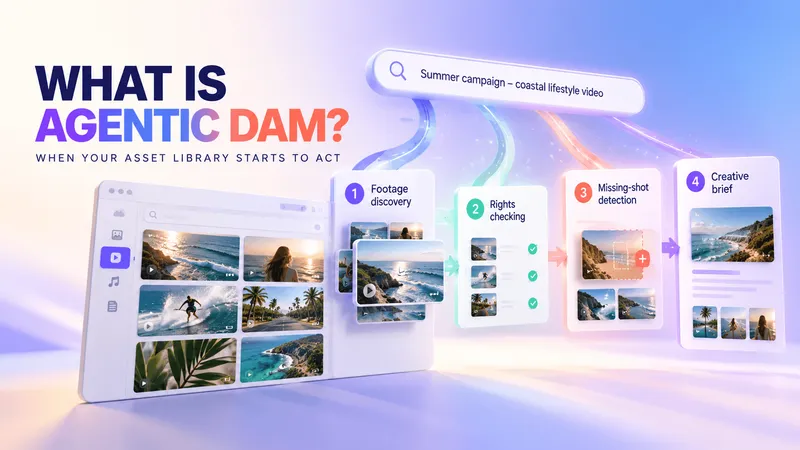
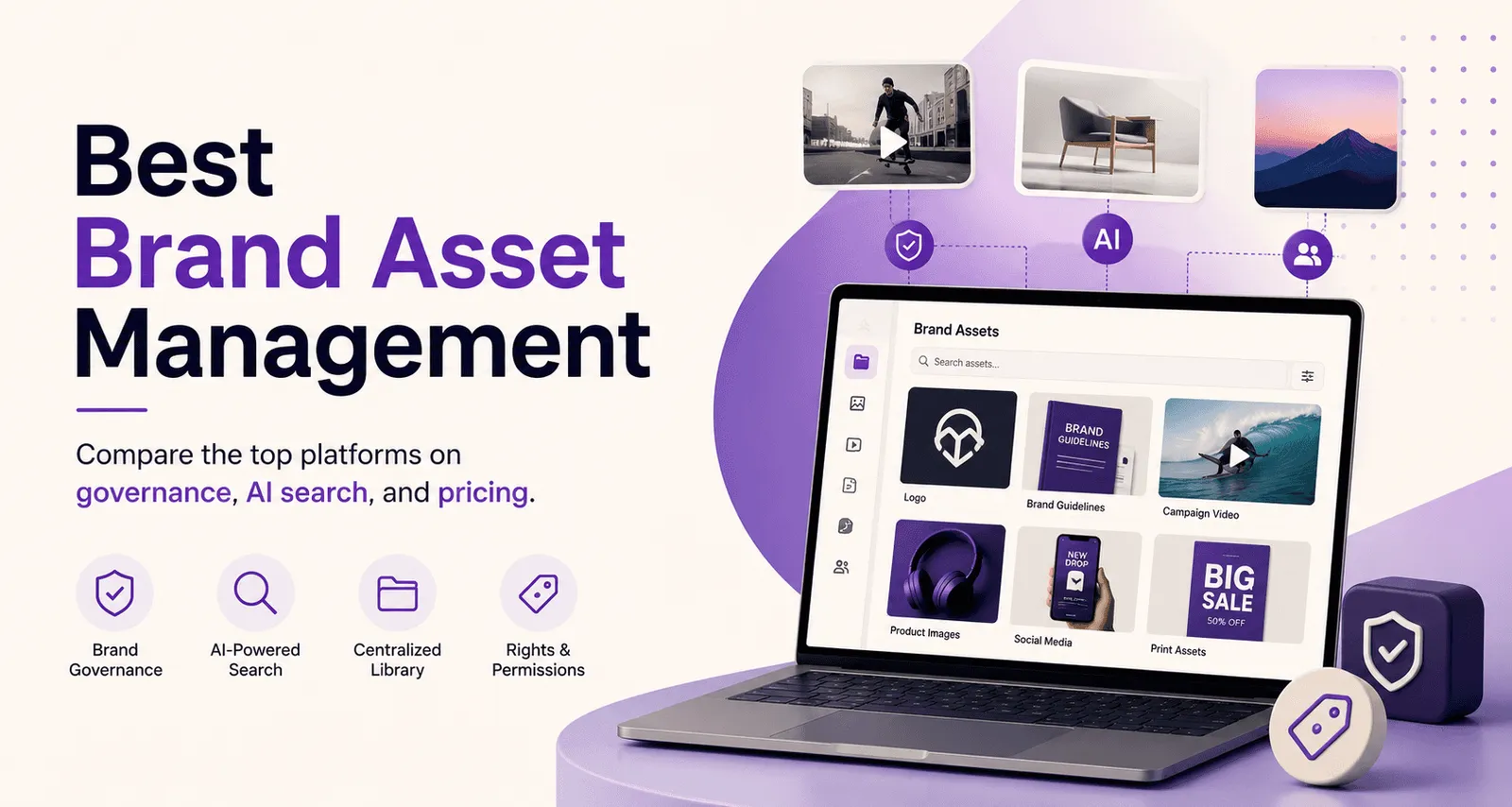
Marketing teams can lose valuable production time searching for the right logo, template, or approved file across disorganized folders. This hidden cost of chaos not only slows work, it lets outdated logos and off-brand materials slip through. Modern brand asset management (BAM) software fixes this by becoming a single source of truth for all approved brand assets (logos, images, videos, guidelines, etc.). Instead of a simple filing cabinet, today’s BAM platforms add governance and creative controls – which is critical as video content and social ads move faster than ever.
TL;DR
-
Centralizing assets stops outdated logos and inconsistent collateral. A well-structured BAM library ensures teams always use the latest approved files.
-
Modern BAM is more than storage. It combines digital asset management with interactive guidelines and content templates.
-
AI-assisted search can reduce manual browsing by making assets discoverable through visual details, metadata, transcripts, or natural-language queries. Visual search tools let users search assets by describing people, objects or dialogue in a video.
-
Platforms differ by focus: some excel in enterprise governance (Bynder) or living style guides (Frontify), while others prioritize high-volume video workflows (Recharm/Air).
-
The right platform depends on the workflow: Some tools focus on enterprise brand governance and guidelines, while others prioritize general creative collaboration or video-heavy production workflows.
What Is Brand Asset Management (Software)?
Brand Asset Management (BAM) software centralizes, organizes, and governs all of a company's brand assets—including logos, images, videos, templates, and brand guidelines. It ensures every team uses approved assets, keeping branding consistent across every channel.
BAM is often treated as a brand-focused use case within the broader DAM category. While DAM platforms organize, search, share, and govern digital assets, BAM places greater emphasis on brand guidelines, approved templates, controlled distribution, and consistent use across teams and partners.
Benefits of Brand Asset Management
A good BAM platform does more than organize files. It improves collaboration, speeds up content creation, and helps teams maintain a consistent brand across every campaign.
Brand Consistency
A centralized BAM ensures every team, agency, and partner works from the latest approved assets, reducing outdated logos, incorrect colors, and inconsistent messaging. Features like permissions, approval workflows, and brand guidelines help maintain consistency across every campaign.
Operational Efficiency
Instead of searching through shared drives or Slack messages, teams can instantly find assets using AI-powered search. Modern BAM platforms use automatic tagging, visual search, and metadata to make images, videos, and documents easy to locate, reducing time spent searching and increasing productivity.
Risk Mitigation
BAM platforms reduce legal and brand risks by controlling who can access assets and how they're used. Features such as version control, expiry dates, permissions, and approval workflows can reduce the risk of outdated, unlicensed, or unauthorized assets being used.
Best Brand Asset Management Software Compared (Top Platforms)
| Software | Best for | Key Features | Pricing Model |
|---|---|---|---|
| Bynder | Heavy enterprise governance | Multi-market brand portals, approval workflows, detailed taxonomy, 155+ integrations. Includes AI-assisted search (face, speech-to-text) and digital rights management. | Custom pricing available on request |
| Frontify | Living brand guidelines and portals | Unified DAM plus interactive style guides, content templates, analytics. Offers built-in Q&A assistant and template locking for compliant creation. | Custom pricing based on monthly active users |
| Canto | General mid-market DAM for teams | Centralized content hub (assets + logos + guidelines), AI visual search, built-in approval workflows and media publisher. Unlimited free viewers. | Four tier plans (DAM, DAM+, etc.), quote-based |
| Brandfolder | General mid-market DAM, marketing focus | Intuitive UI with powerful asset organization and analytics. AI tagging (OCR, metadata), in-document search, and even video AI (scene detection, transcripts). Mobile-friendly portal. | Premium/Enterprise tiers (pricing on request) |
| Air | High-volume visual libraries for creatives | Conversational natural-language search, auto-tagging of images/videos, access-controlled brand libraries, and a built-in editor (Canvas) for resizing assets. Transparent pricing. | Free, $25 Starter, $900 Business (custom for Enterprise) |
| Recharm | High-volume video ad workflows | AI-powered video management: automatic scene segmentation (hooks, testimonials, B-roll), rich AI tagging (objects, personas, emotions, transcripts) for visual search. Unlimited users, deep video focus. | $299/mo (AI plan, 1TB storage) + optional add-ons |
Brand Management Software Review
We evaluated each platform based on governance, AI search, ease of use, integrations, pricing, and overall suitability for different teams.
Bynder: Best for heavy enterprise governance
Best for: Large enterprises requiring strict brand compliance across multiple regions and languages.
Key strengths: Bynder shines with enterprise-grade governance. It offers configurable brand portals and a detailed taxonomy to match business lines. Brand guardians can use its advanced approval workflows and version control to ensure only vetted assets are released. Bynder also has AI-assisted capabilities – for instance, text-in-image and speech-to-text features make video and image search easier (transcripts and face recognition). It connects broadly, with 150+ integrations (Adobe, Salesforce, CMS platforms, etc.), so it slots into an enterprise marketing stack smoothly.
Ideal users: Global marketing teams, agencies, or brands managing vast libraries (thousands of files) and needing audit trails and compliance.
One limitation: Bynder’s strength is also its complexity and cost. Its enterprise focus means smaller teams may find it expensive and heavyweight. Bynder is positioned for enterprise requirements and uses custom pricing. Teams should evaluate implementation requirements, required modules, onboarding time, and total cost based on their specific workflows.
Pricing: Bynder does not publish standard package prices. Pricing is provided through a custom quote based on the organization’s requirements.
Frontify: Best for living brand guidelines and portals
Best for: Brands that need a unified home for assets and interactive brand standards.
Key strengths: Frontify differentiates itself with an emphasis on guidelines and brand portals. Its platform tightly integrates a DAM with living style guides – replacing static PDFs with interactive, AI-powered guidelines and Q&A. Teams can lock templates (fonts, logos, colors) so non-designers create on-brand content easily. Frontify also offers robust search and analytics to track asset usage.
Ideal users: Marketing and design teams at mid-to-large companies who prioritize brand consistency and need a single source of truth for both assets and rules. Creative agencies building on-brand templates also benefit.
One limitation: Frontify’s strength in governance comes with trade-offs for other use cases. It is primarily positioned for enterprise brand management and uses a monthly active user pricing model. Frontify is primarily positioned around brand guidelines, templates, design systems, and asset management. Teams with specialized video-production requirements should test its video search, preview, metadata, and editing integrations with their own files.
Pricing: Frontify uses custom pricing based on monthly active users. A user is counted as active when they log in and access the platform during a calendar month. Exact prices are available through a custom quote.
Canto: Best for general mid-market DAM
Best for: Marketing teams at growing companies needing an easy DAM with good search and collaboration.
Key strengths: Canto offers a central content hub that brings together assets, logos, guidelines, and templates into one searchable library. It’s known for its clean, intuitive interface and strong search/discovery features. AI visual search can identify images by content (not just filename), and an Approval Hub lets brand owners annotate and approve assets before sharing. Canto includes decent project publishing (e.g., push images directly to websites or social channels). It also provides unlimited free viewer licenses and a dedicated CSM, making adoption easier.
Ideal users: Mid-sized companies (100–500 employees) with marketing teams that need solid asset organization but not the complexity (or cost) of enterprise systems. Teams transitioning from shared drives will appreciate Canto’s support and straightforward setup.
One limitation: Canto’s enterprise-level security and analytics are less granular than some rivals. For example, its permissions model may not satisfy highly regulated industries. Also, very large libraries may outgrow its simpler architecture (though Canto is actively building AI enhancements).
Pricing: Four plan tiers (DAM, DAM Plus, DAM for Products, DAM Pro); pricing is custom. All core features (AI tagging, portals, basic style guide tools) are included by default.
Brandfolder: Best for general mid-market DAM, marketing-focused
Best for: Creative teams seeking a user-friendly DAM with strong asset organization.
Key strengths: Brandfolder is prized for its ease of use and clean design. Marketing users can onboard quickly and navigate large libraries efficiently. It offers powerful search and built-in asset analytics, including usage stats. Brandfolder includes AI tagging features (OCR, smart metadata) and even video AI (scene detection, speech transcripts on higher plans). Integration with Smartsheet gives enterprise polish. Overall, it’s a solid DAM for storing assets and data.
Ideal users: Mid-market marketing and brand teams who want a straightforward asset hub. Its dashboard and user permissions work well for agencies or distributed teams to share assets.
One limitation: Brandfolder is not built for highly complex or customized workflows. It lacks advanced automation and has a flatter tagging structure, so very large brands sometimes find the metadata capabilities insufficient. Some users also note that scaling to multi-brand needs can require add-ons.
Pricing: Custom quotes. Brandfolder’s Premium plan (with analytics and video AI) and Enterprise plan (with additional integrations and templating) are sold on demand.
Air: Best for high-volume visual content libraries
Best for: Creative teams handling large volumes of images and video (social media, ads).
Key strengths: Air is built as a visual-first brand hub. It offers free and paid tiers with easy setup. The platform automatically tags all assets (images, video, docs) on upload, adding metadata so you can search by object, color, text, or spoken words. Its standout feature is a conversational search bar: you can type natural language queries (e.g. “images of blue water bottle”) and instantly find matching assets. Air also includes a built-in editor (Canvas) so teams can resize and adapt logos or banners on the fly. Crucially, Air publishes its pricing openly (Free Starter/Business plans) so budgets are predictable.
Ideal users: Small-to-medium marketing teams or agencies that need a photo/video asset library without heavy governance. It suits use cases like e-commerce or digital campaigns, where fast find-and-use is more important than strict template locking.
One limitation: Air’s simplicity is a double-edged sword. It doesn’t provide advanced brand enforcement (no locked design templates), so it’s possible for a casual user to deviate from brand colors if not careful. Some customers report that Air’s AI tagging isn’t perfect, requiring manual cleanup. It’s optimized for general visual search but not specialized creative ops (unlike Recharm for video ads).
Pricing: Free (up to limited storage), $25/mo Starter, $900/mo Business (5TB); custom quotes for Enterprise.
Recharm: Best for high-volume video ad workflows
Best for: Marketing teams focusing on video production, especially DTC brands scaling short-form ads.
Key strengths: Recharm specializes in video-centric BAM. Its AI analyzes every video asset to build a modular clip library. It automatically cuts footage into segments like hooks, testimonials, and product shots – so your team can instantly drag-and-drop bite-sized clips without scrubbing. It also adds rich smart tags: faces, objects, scenes, and creative strategy labels (emotions, personas, etc.) on upload. A powerful visual search interface lets users find any clip by describing what’s in it (objects, spoken dialogue, etc.). These capabilities mean marketing teams can instantly remix existing video footage into new ads. Recharm also tracks versions so only on-brand clips are reused.
Ideal users: Performance marketing and creative ops teams at e-commerce or consumer brands that produce lots of video ads (TikTok, Reels, etc.). It’s built for fast iteration: editors and strategists can co-work in one platform without losing creative context.
One limitation: Because Recharm is laser-focused on video ads, it may lack some broader DAM features (e.g., extensive static asset workflows or digital rights management beyond video). For organizations with mostly static content needs, a general DAM might suffice. Also, Recharm’s pricing ($299/mo AI plan for 1TB) can be a hurdle for very large archives.
Pricing: Recharm’s core AI plan is $299 per month for 1TB storage (unlimited users, AI scene tagging, transcript search included). Optional add-ons (more storage, human tagging) and a managed service tier are available.
How to Choose the Right Brand Asset Management System
The right BAM platform depends on your team size, content type, and workflow. Enterprise organizations often need advanced governance, while smaller creative teams may prioritize ease of use and affordability. If video is central to your marketing, look for platforms with AI-powered video search and organization. Also consider pricing, integrations, and permission controls before making a decision.
When evaluating vendors, consider:
-
Team size: Enterprise teams may prefer Bynder or Frontify, while smaller teams often benefit from Air or Brandfolder.
-
Content type: If you manage large video libraries, choose a video-first platform like Recharm. For mostly static assets, a traditional BAM may be enough.
-
Governance: Look for approval workflows, permissions, version control, and template locking if brand compliance is a priority.
-
Pricing: Compare storage limits, included features, and whether pricing is transparent or quote-based.
-
Integrations: Ensure the platform connects with the tools your team already uses, such as Adobe Creative Cloud, Figma, CMSs, or marketing platforms.
Features to Look for in Brand Asset Management Software
The best BAM platforms combine asset storage with search, governance, and collaboration tools that help teams work faster while staying on brand.
Look for these essential features:
-
Centralized asset library for storing and sharing approved files.
-
AI-powered search with auto-tagging, visual search, and transcript search.
-
Brand governance through permissions, approvals, and version control.
-
Interactive brand guidelines and reusable templates.
-
Integrations with Adobe Creative Cloud, Figma, CMSs, and other marketing tools.
-
Analytics to track asset usage and adoption.
If video is a major part of your workflow, prioritize platforms with clip-level search, transcript indexing, and AI video tagging.
Create Brand Assets Effectively
The best BAM platforms do more than store files—they help teams create on-brand content faster. Features like locked templates, built-in editors, and integrations with design tools let marketers produce approved assets without relying on designers for every update. If your platform doesn't include editing tools, make sure it integrates with software like Adobe Creative Cloud or Canva to streamline content creation while maintaining brand consistency.
FAQ
What is the difference between brand asset management and digital asset management?
DAM is the broader category for organizing, finding, governing, and distributing digital assets. BAM applies many of those capabilities specifically to brand consistency, approved templates, guidelines, and controlled asset use. The terms often overlap, so buyers should evaluate actual features rather than relying only on the category label.
What features should I look for in brand asset management software?
Look for a centralized asset library, AI-powered search, brand guidelines, customizable templates, role-based permissions, approval workflows, and integrations with tools like Adobe, Figma, and your CMS. If you manage video, transcript search and AI tagging are valuable additions.
How much does brand asset management software cost?
Pricing depends on features, storage, and users. Some platforms offer free plans, while enterprise solutions typically start around a few hundred dollars per month and often require custom pricing. Compare storage limits, user access, and included features before choosing.
Can brand asset management software handle video assets?
Yes. Many BAM platforms allow teams to store and preview video, but their deeper video capabilities vary. Teams should check for transcript generation, technical metadata, proxy playback, scene-level navigation, AI tagging, and integration with editing tools.
Do I need both a DAM and a BAM platform?
Usually not. Most BAM platforms include core DAM capabilities such as storage, search, and sharing, along with brand governance features like templates and guidelines. For most organizations, a single BAM platform is enough to manage both assets and brand consistency.