AD SHOTS GUIDE FOR AI AGENTS BRANDS
How top AI Agent platforms convert 'hook' clips into incredibly diverse software feature variants.
We analyzed 123 videos of ai agents brands to map exactly which ad shots drive results.
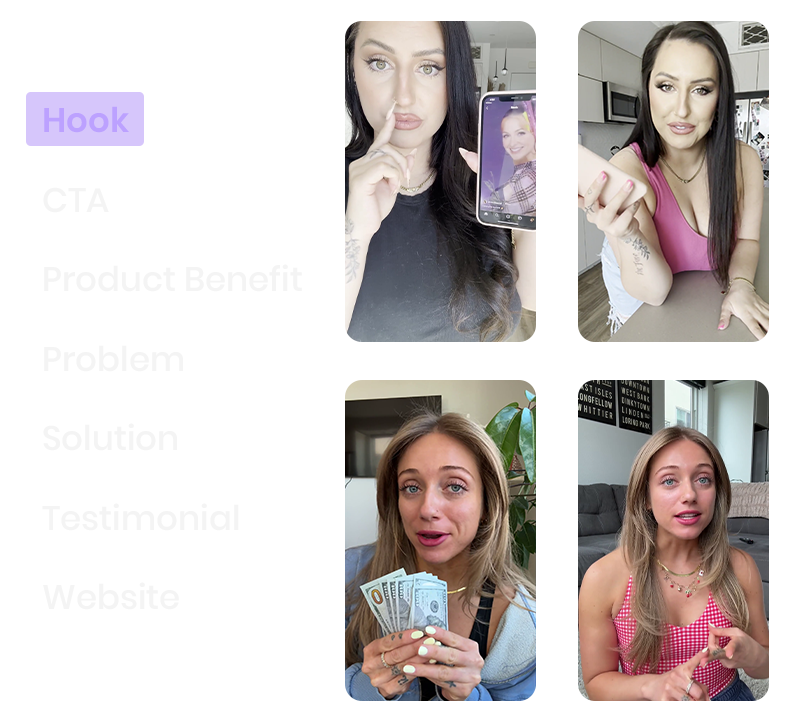
AI Agent brands that tag software capture by ad shot build ads effortlessly. Being able to retrieve an engaging 'Hook' clip lets them rapidly align complex workflow automation with clean UI visuals.
10 Ad shots you should organize by to reduce creative fatigue
Every ad shot below is drawn from real ai agents brand data. These aren't generic templates—they're the actual building blocks winning brands use to maximize footage reuse.
Hook
No description available.
AI at Work
Footage of an AI system actively performing a complex digital task, like processing large data sets, generating creative content, or executing multi-step workflows. Focus on visuals of code blocks running, graphs quickly changing, or results appearing on the screen
Prompt to Output
Screen recordings showing a text prompt being typed. Dynamic visuals of results being generated or shown (e.g., a detailed report, image, video, or synthesized solution). Focus on the transformation of a text prompt into high-quality results, complying with the advertised features
Smart Assistant InteractionSmart Assistant Interaction
Screen recordings showing a user interacting with an AI agent (chat, voice, or command). Screen recordings of text conversations with the AI assistant or chat bot
User Reviews
Screen recordings of positive user interface elements. Visuals of scrolling through glowing five-star ratings, snippets of positive written testimonials clearly displayed on a web page or app store, and metrics showing high satisfaction or adoption rates
Graphs and Analytics
Footage of the AI agent's dedicated performance or analytics dashboard. Focus on quick cuts of scrolling through clear data visualizations, charts, efficiency metrics, and reports generated by the agent, visually demonstrating measurable success, ROI, and process optimization
How to Use
Person providing verbal instructions on how to set up, integrate, or prompt the AI agent. Focus on the intuitive interface, the minimal training required, or the ease of natural language communication to get immediate, powerful results from the system
Brand Awareness
People explaining the brand's mission, vibe, sustainable practices, or other features that set it apart. The brand or product name is mentioned
CTA
No description available.
Problem
Mentions of the common challenges of dealing with time-consuming, repetitive, or overwhelming digital tasks. Mentions of frustration, the difficulty of scaling processes, or market saturation. Focus on identifying the problem that the brand or Agent aims to solve
Product Description
Person mentioning or explaining the core features and capabilities of the AI agent. Focus on highlighting its ability to automate complex tasks, learn from user inputs, or handle massive data analysis, detailing the key functions that save the user time and effort
Integrations
Person explaining the AI agent's capability to seamlessly connect with other software, platforms, or data sources.Focus on the ease of setting up APIs, the benefit of out of the box integrations (e.g, Slack, Salesforce, Google Drive), and how this connectivity enables automated, end-to-end workflows
Testimonial
Person sharing positive feedback on the agent's efficiency and impact on their work. Mentions of massive time savings, improved accuracy, scaling, or the agent's ability to handle tasks that were previously impossible or too expensive. Mentions of personal experiences with the Agent