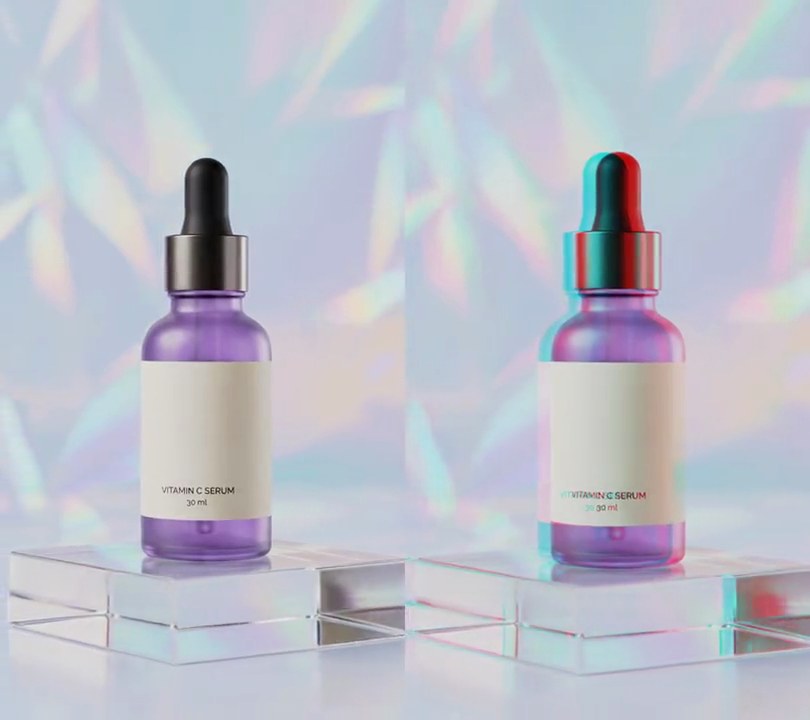
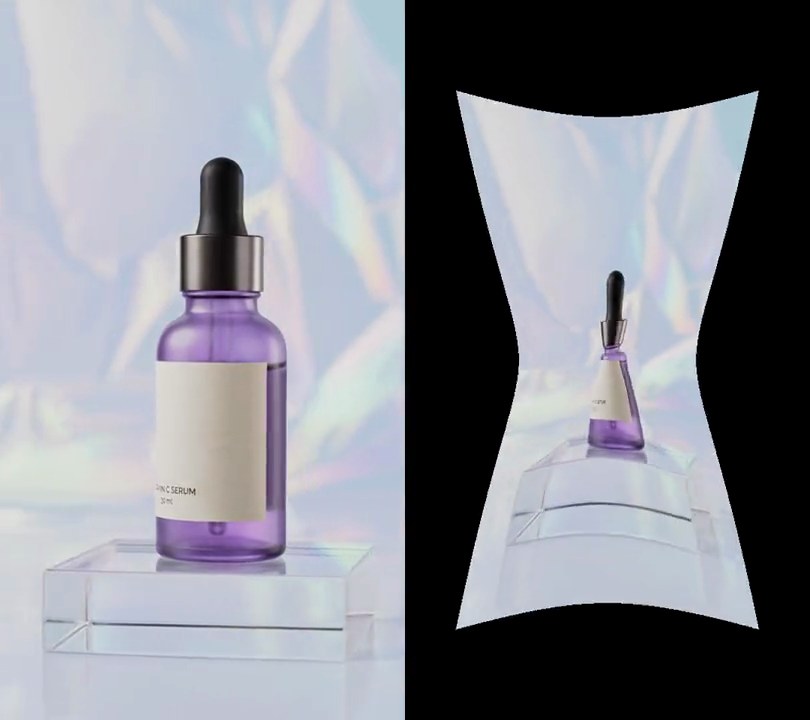
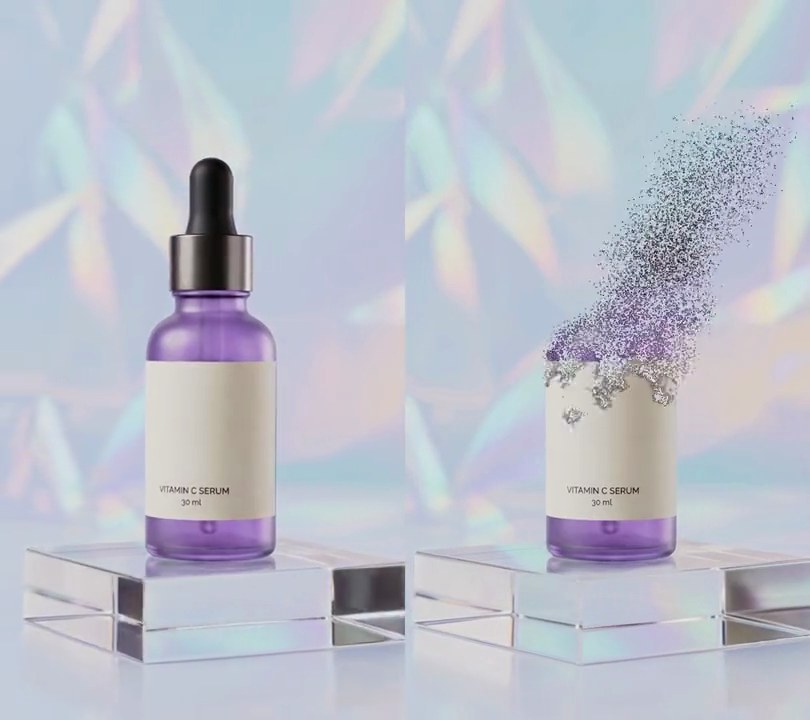
Get this effect
Switch to Code in your Claude Desktop App
Install the skill (once)
Show the prompt
Install the Recharm video effects skill: download https://recharm-growth-staging.s3.us-east-2.amazonaws.com/website/downloads/recharm-video-effects.zip and unzip it into ~/.claude/skillsAsk for the effect
Add a twirl to input.mp4
Twirl center, as shares across and down the frame: 0.5, 0.52
Twirl radius as a share of the frame width; nothing outside it moves: 0.45

Several videos, several effects, one ask
Put your clips in the folder, mention them with @, and ask for everything at once. Claude runs one tested script after another on each clip, then joins them.
Add a twirl to @clip1.mp4, put a sale badge on @clip2.mp4, give @clip3.mp4 a VHS look, then join all three with crossfades.
Settings you can change
Ask Claude to change any of these, or edit them at the top of the script.
| Setting | Default | What it does |
|---|---|---|
X, Y | 0.5, 0.52 | Twirl center, as shares across and down the frame. |
RADIUS | 0.45 | Twirl radius as a share of the frame width; nothing outside it moves. |
TWIST | 720 | Degrees the very center turns at full twirl; the turn fades to nothing at the rim. |
START | 1.0 | Second the twirl starts winding up. |
WIND | 1.5 | Seconds to wind up to full twist. |
HOLD | 1.0 | Seconds held at full twist. |
UNWIND | 1.0 | Seconds to unwind back to the plain picture. |
Without the skill
Don’t want to install the skill? Paste this prompt into Claude Code and Claude writes the script itself.
Show the prompt
Add a twirl effect to input.mp4 with Python, OpenCV (cv2.remap) and numpy, and ffmpeg for reading and writing the video. Twirl a circle of radius 243 px (45% of the 540 px width) centered at x = 270, y = 499 (50% across, 52% down). For each output pixel at distance r and angle theta from that center, sample the input at the same distance and angle theta + A * (1 - r/243)^2 (bilinear), so the center turns by A and the turn fades to nothing at the rim; pixels outside the circle are left exactly as they are. A, in degrees, follows a smoothstep ease (s(p) = p*p*(3-2p), p clamped to 0-1): 0 before 1.0 s, rising to 720 from 1.0 to 2.5 s (A = 720*s((t-1)/1.5)), held at 720 from 2.5 to 3.5 s, falling back to 0 from 3.5 to 4.5 s (A = 720*(1 - s(t-3.5))), and 0 after 4.5 s. Leave the frames untouched whenever A is 0. Keep the size (540x960), frame rate (30fps), 6 second length and the audio, encode H.264 yuv420p, and save it as output.mp4.Run it without Claude
This is the exact script we tested. Save it as twirl-swirl.py and run:
python3 twirl-swirl.py input.mp4 output.mp4Show the script
#!/usr/bin/env python3
"""Twirl: a round patch of the picture centered on the bottle winds into a spiral, holds, then unwinds.

Usage: python3 twirl-swirl.py input.mp4 output.mp4
Needs ffmpeg, OpenCV and numpy (pip install opencv-python-headless numpy).
"""
import json
import math
import subprocess
import sys

import cv2
import numpy as np

X, Y = 0.5, 0.52   # twirl center (0-1 across and down the frame)
RADIUS = 0.45      # twirl radius as a share of the frame width; outside it nothing moves
TWIST = 720        # degrees the very center turns at full twirl; the turn fades to nothing at the rim
START = 1.0        # second the twirl starts winding up
WIND = 1.5         # seconds to wind up to full twist
HOLD = 1.0         # seconds held at full twist
UNWIND = 1.0       # seconds to unwind back to the plain picture


def ease(p):
    p = min(max(p, 0), 1)
    return p * p * (3 - 2 * p)


def twist_at(t):
    """Degrees the center is turned at second t: wind up, hold, unwind, each eased."""
    if t < START + WIND + HOLD:
        return TWIST * ease((t - START) / WIND)
    return TWIST * (1 - ease((t - START - WIND - HOLD) / UNWIND))


def twirled(img, degrees):
    """Each pixel inside the circle samples the input turned by `degrees` * (1 - distance/radius)^2."""
    phi = theta + math.radians(degrees) * falloff
    return cv2.remap(img, (cx + r * np.cos(phi)).astype(np.float32), (cy + r * np.sin(phi)).astype(np.float32),
                     cv2.INTER_LINEAR, borderMode=cv2.BORDER_REFLECT)


def probe(path):
    info = json.loads(subprocess.check_output(["ffprobe", "-v", "error", "-select_streams", "v:0", "-show_entries",
                                               "stream=width,height,r_frame_rate", "-of", "json", path]))
    s = info["streams"][0]
    num, den = s["r_frame_rate"].split("/")
    return s["width"], s["height"], s["r_frame_rate"], float(num) / float(den)


src, out = sys.argv[1:3]
w, h, rate, fps = probe(src)

# polar coordinates of every pixel around the twirl center, worked out once
cx, cy, radius = X * w, Y * h, RADIUS * w
ys, xs = np.mgrid[0:h, 0:w].astype(np.float32)
r, theta = np.hypot(xs - cx, ys - cy), np.arctan2(ys - cy, xs - cx)
falloff = np.clip(1 - r / radius, 0, 1) ** 2

reader = subprocess.Popen(["ffmpeg", "-v", "error", "-i", src, "-f", "rawvideo", "-pix_fmt", "rgb24", "-"],
                          stdout=subprocess.PIPE)
writer = subprocess.Popen(["ffmpeg", "-y", "-v", "error", "-f", "rawvideo", "-pix_fmt", "rgb24", "-s", f"{w}x{h}",
                           "-r", rate, "-i", "-", "-i", src, "-map", "0:v", "-map", "1:a?", "-c:v", "libx264",
                           "-crf", "18", "-pix_fmt", "yuv420p", "-c:a", "copy", "-shortest", out],
                          stdin=subprocess.PIPE)
i = 0
while True:
    raw = reader.stdout.read(w * h * 3)
    if len(raw) < w * h * 3:
        break
    frame = np.frombuffer(raw, np.uint8).reshape(h, w, 3)
    degrees = twist_at(i / fps)
    if degrees > 0:
        frame = twirled(frame, degrees)
    writer.stdin.write(frame.tobytes())
    i += 1
writer.stdin.close()
if reader.wait() or writer.wait():
    sys.exit("ffmpeg failed")