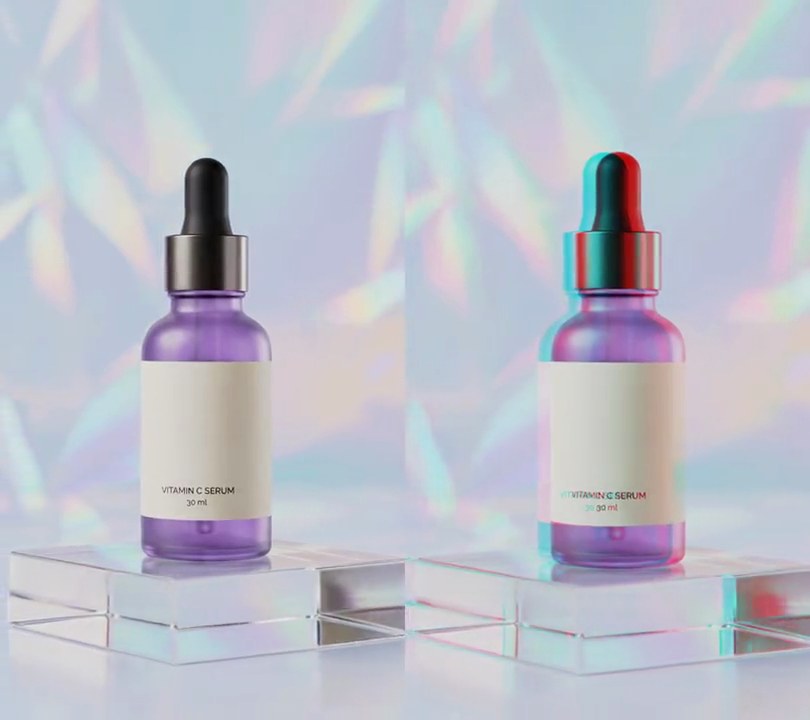
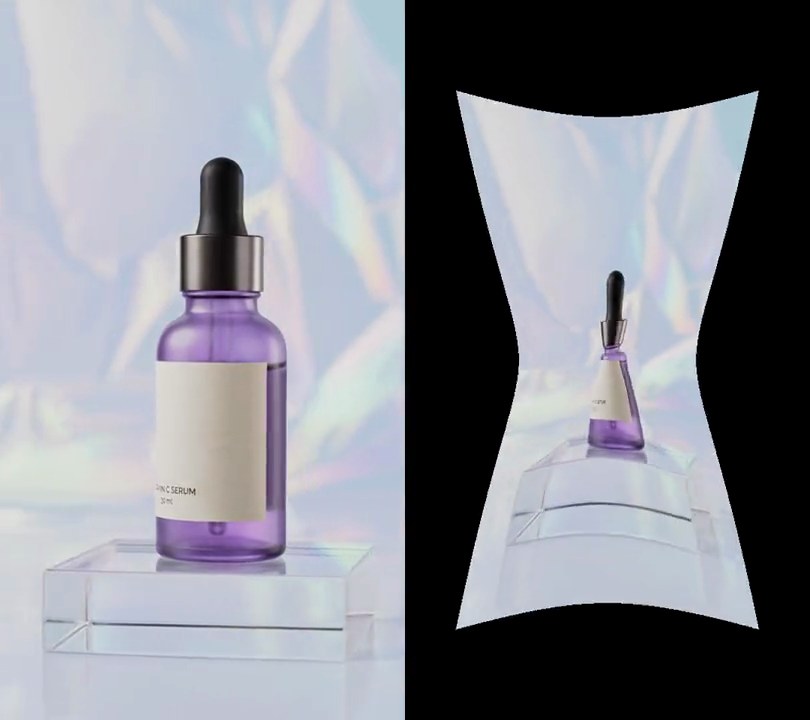
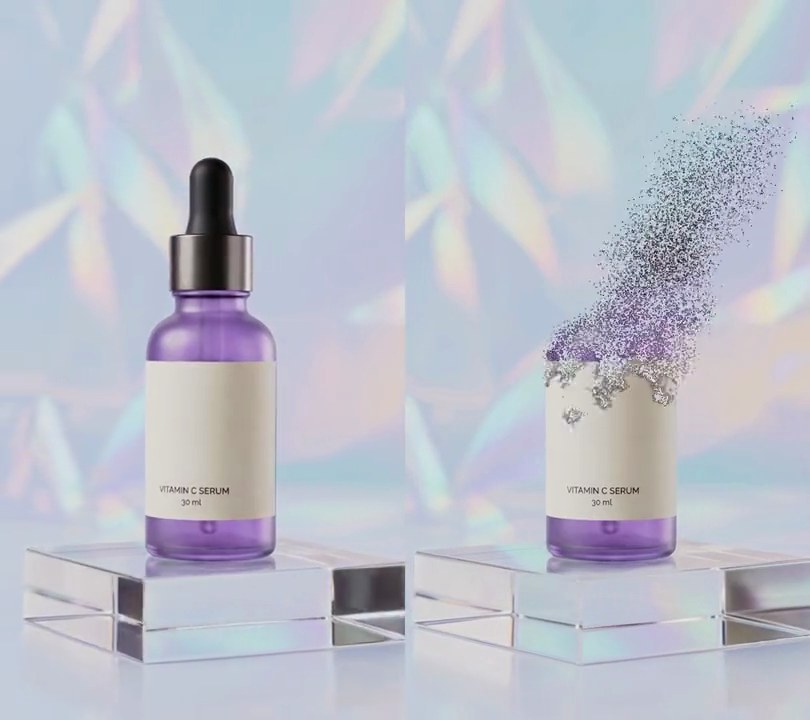
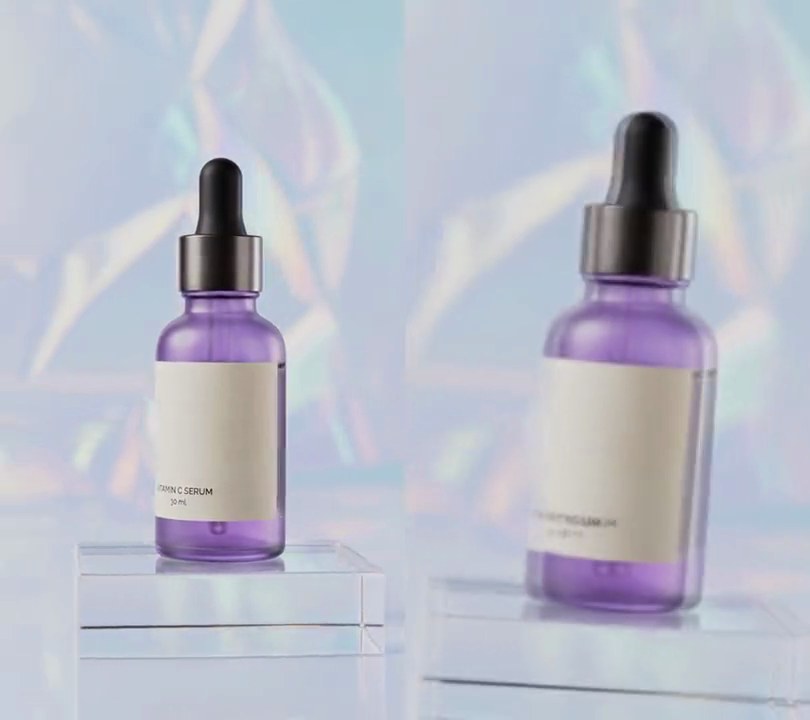
Get this effect
Switch to Code in your Claude Desktop App
Install the skill (once)
Show the prompt
Install the Recharm video effects skill: download https://recharm-growth-staging.s3.us-east-2.amazonaws.com/website/downloads/recharm-video-effects.zip and unzip it into ~/.claude/skillsAsk for the effect
Add a bulge and pinch to input.mp4
Center of the patch, as shares of the frame's width and height: 0.50, 0.58
Patch radius as a share of the frame width: 0.40

Several videos, several effects, one ask
Put your clips in the folder, mention them with @, and ask for everything at once. Claude runs one tested script after another on each clip, then joins them.
Add a bulge and pinch to @clip1.mp4, put a sale badge on @clip2.mp4, give @clip3.mp4 a VHS look, then join all three with crossfades.
Settings you can change
Ask Claude to change any of these, or edit them at the top of the script.
| Setting | Default | What it does |
|---|---|---|
X, Y | 0.50, 0.58 | Center of the patch, as shares of the frame's width and height. |
RADIUS | 0.40 | Patch radius as a share of the frame width. |
AMOUNT | 0.5 | How strong the warp is: 0.5 shows the center 2x bigger in the bulge and 1.5x smaller in the pinch. |
KEYS | (0.8, 0), (1.5, 1), (2.5, 1), (3.3, -1), (4.3, -1), (5.0, 0) | Seconds and strength: 1 is a full bulge, -1 a full pinch, 0 no warp. |
Without the skill
Don’t want to install the skill? Paste this prompt into Claude Code and Claude writes the script itself.
Show the prompt
Add a bulge-and-pinch distortion to input.mp4 with Python, numpy and OpenCV, using ffmpeg to read and write the frames. Work on a round patch centered 50% across and 58% down the frame with a radius of 40% of the frame width (216 px on a 540-wide frame); nothing outside it moves. For each output pixel at offset (dx, dy) from that center and distance d, sample the input at center + (dx, dy) * (1 - s * 0.5 * max(0, 1 - d^2 / radius^2)^2) with cv2.remap (cubic), so with s = 1 the center shows 2x bigger (bulge) and with s = -1 it shows 1.5x smaller (pinch), easing to no change at the rim. Animate s with smoothstep easing between these keys: 0 at 0.8 seconds, 1 at 1.5, 1 at 2.5, -1 at 3.3, -1 at 4.3, 0 at 5.0; leave the video untouched before 0.8 and after 5.0 seconds. There's no text to draw, but if you add any, draw it with Pillow, not ffmpeg's drawtext. Keep the audio and save it as output.mp4 at 30fps, same size as the input.Run it without Claude
This is the exact script we tested. Save it as bulge-pinch.py and run:
python3 bulge-pinch.py input.mp4 output.mp4Show the script
#!/usr/bin/env python3
"""Bulge and pinch: a round patch over the bottle swells out like a fishbowl, then sucks in to a pinch and springs back.

Usage: python3 bulge-pinch.py input.mp4 output.mp4
Needs ffmpeg, OpenCV and numpy (pip install opencv-python-headless numpy).
"""
import json
import subprocess
import sys

import cv2
import numpy as np

X, Y = 0.50, 0.58        # center of the patch (0-1 across and down the frame)
RADIUS = 0.40            # patch radius as a share of the frame width; nothing outside it moves
AMOUNT = 0.5             # 0.5 = the center shows 2x bigger when bulged and 1.5x smaller when pinched
KEYS = [(0.8, 0), (1.5, 1), (2.5, 1), (3.3, -1), (4.3, -1), (5.0, 0)]  # (second, strength): 1 bulge, -1 pinch


def strength(t):
    """Strength at time t, eased (smoothstep) between the KEYS, 0 before the first and after the last."""
    for (t0, s0), (t1, s1) in zip(KEYS, KEYS[1:]):
        if t0 <= t < t1:
            u = (t - t0) / (t1 - t0)
            return s0 + (s1 - s0) * u * u * (3 - 2 * u)
    return 0.0


def source_map(s):
    """For every pixel, the input pixel it shows. Inside the patch each pixel is pulled toward the center
    (bulge, s > 0) or pushed away from it (pinch, s < 0), most at the center and not at all at the rim."""
    falloff = np.clip(1 - dist2 / (r * r), 0, None) ** 2
    scale = 1 - s * AMOUNT * falloff
    return (cx + dx * scale).astype(np.float32), (cy + dy * scale).astype(np.float32)


def probe(path):
    info = json.loads(subprocess.check_output(["ffprobe", "-v", "error", "-select_streams", "v:0", "-show_entries",
                                               "stream=width,height,r_frame_rate", "-of", "json", path]))
    s = info["streams"][0]
    num, den = s["r_frame_rate"].split("/")
    return s["width"], s["height"], s["r_frame_rate"], float(num) / float(den)


src, out = sys.argv[1:3]
w, h, rate, fps = probe(src)
rows, cols = np.mgrid[0:h, 0:w].astype(np.float32)
cx, cy, r = X * w, Y * h, RADIUS * w
dx, dy = cols - cx, rows - cy
dist2 = dx * dx + dy * dy
reader = subprocess.Popen(["ffmpeg", "-v", "error", "-i", src, "-f", "rawvideo", "-pix_fmt", "rgb24", "-"],
                          stdout=subprocess.PIPE)
writer = subprocess.Popen(["ffmpeg", "-y", "-v", "error", "-f", "rawvideo", "-pix_fmt", "rgb24", "-s", f"{w}x{h}",
                           "-r", rate, "-i", "-", "-i", src, "-map", "0:v", "-map", "1:a?", "-c:v", "libx264",
                           "-crf", "18", "-pix_fmt", "yuv420p", "-c:a", "copy", "-shortest", out],
                          stdin=subprocess.PIPE)
i = 0
while True:
    buf = reader.stdout.read(w * h * 3)
    if len(buf) < w * h * 3:
        break
    img = np.frombuffer(buf, np.uint8).reshape(h, w, 3)
    s = strength(i / fps)
    if s:
        map_x, map_y = source_map(s)
        img = cv2.remap(img, map_x, map_y, cv2.INTER_CUBIC, borderMode=cv2.BORDER_REFLECT)
    writer.stdin.write(img.tobytes())
    i += 1
writer.stdin.close()
if reader.wait() or writer.wait():
    sys.exit("ffmpeg failed")