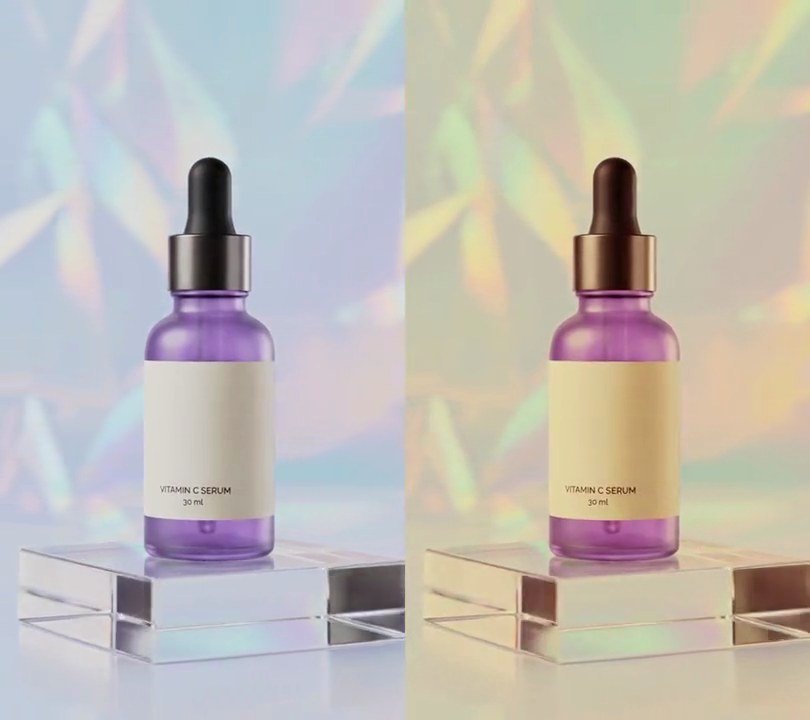
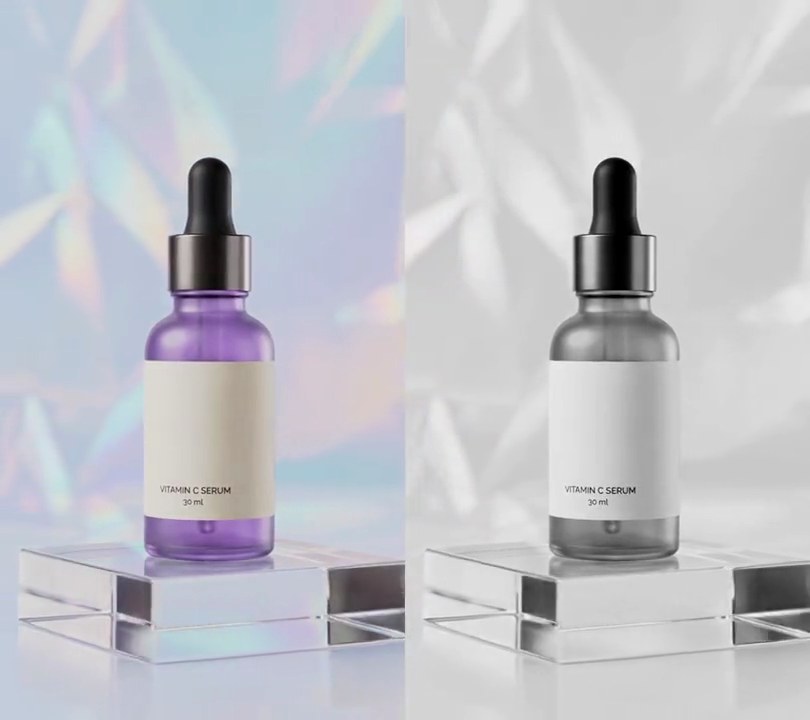
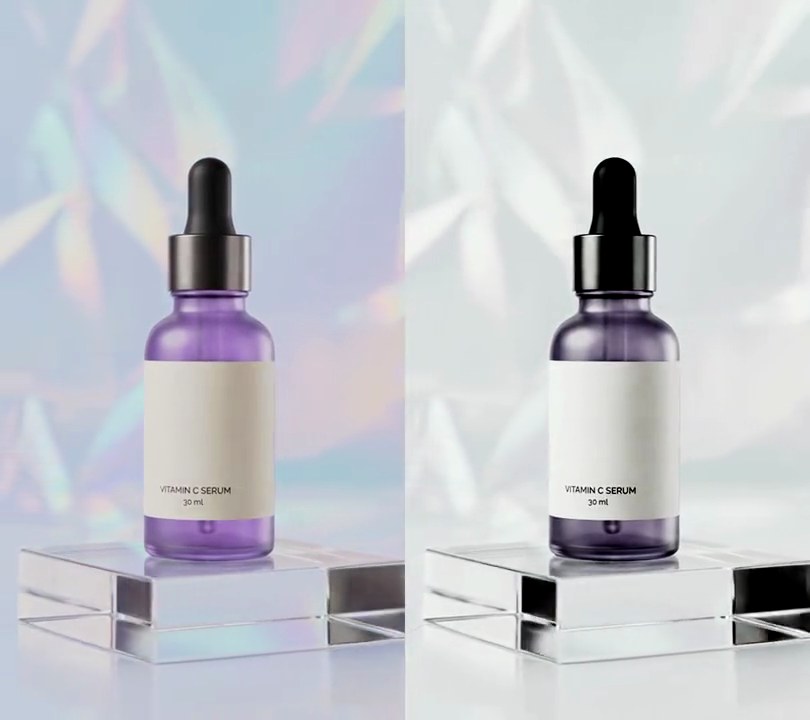
Get this effect
Switch to Code in your Claude Desktop App
Install the skill (once)
Show the prompt
Install the Recharm video effects skill: download https://recharm-growth-staging.s3.us-east-2.amazonaws.com/website/downloads/recharm-video-effects.zip and unzip it into ~/.claude/skillsAsk for the effect
Add a x-ray to input.mp4
1 keeps the inverted contrast; higher pushes the background darker and the object brighter: 1.4
Below 1 sinks the midtones toward navy so only the dense parts glow: 0.8

Several videos, several effects, one ask
Put your clips in the folder, mention them with @, and ask for everything at once. Claude runs one tested script after another on each clip, then joins them.
Add a x-ray to @clip1.mp4, put a sale badge on @clip2.mp4, give @clip3.mp4 a VHS look, then join all three with crossfades.
Settings you can change
Ask Claude to change any of these, or edit them at the top of the command.
| Setting | Default | What it does |
|---|---|---|
CONTRAST | 1.4 | 1 keeps the inverted contrast; higher pushes the background darker and the object brighter. |
GAMMA | 0.8 | Below 1 sinks the midtones toward navy so only the dense parts glow. |
GLOW | 10 | Blur sigma in pixels for the halo around bright areas. |
GLOW_MIX | 0.5 | How strongly the halo is screened back over the picture (0-1). |
Without the skill
Don’t want to install the skill? Paste this prompt into Claude Code and Claude writes the command itself.
Show the prompt
Give all of input.mp4 an X-ray look with ffmpeg, from the first frame to the last. Convert it to grayscale, invert it with the negate filter (so the bright backdrop goes dark and the dark dropper bulb turns bright), then apply eq=contrast=1.4:gamma=0.8. Add a glow: blur a copy with gblur sigma 10 and screen-blend it over the picture at 0.5 opacity. Tint it blue with curves on RGB: red '0/0.03 0.5/0.35 1/0.9', green '0/0.07 0.5/0.63 1/0.96', blue '0/0.16 0.5/0.84 1/1', so black becomes navy around rgb(8, 18, 40), mid gray steel blue around rgb(90, 160, 215) and white an icy rgb(230, 245, 255). The backdrop should end up dark navy (around rgb(15, 35, 65)) and none of the original purple or pale lavender should be left. Keep the 540x960 size, 30fps, 6-second length and the audio. Save it as output.mp4.Run it without Claude
This is the exact command we tested. Save it as x-ray.sh and run:
sh x-ray.sh input.mp4 output.mp4Show the command
#!/bin/sh
# X-ray: invert the picture to glowing blue-white on a dark navy field, like a scan on a light box.
# Usage: sh x-ray.sh input.mp4 output.mp4
# Needs ffmpeg.
set -e
IN="$1"; OUT="$2"
CONTRAST=1.4   # 1 keeps the inverted contrast; higher pushes the background darker and the object brighter
GAMMA=0.8      # below 1 sinks the midtones toward navy so only the dense parts glow
GLOW=10        # blur sigma in pixels for the halo around bright areas
GLOW_MIX=0.5   # how strongly the halo is screened back over the picture (0-1)

# grayscale, negate (bright backdrop goes dark, the darker bottle lights up), then tint:
# black -> navy (8, 18, 40), mid gray -> steel blue (90, 160, 215), white -> icy white (230, 245, 255)
ffmpeg -y -v error -i "$IN" -filter_complex "
  [0:v]format=gray,negate,eq=contrast=$CONTRAST:gamma=$GAMMA,split[base][hi];
  [hi]gblur=sigma=$GLOW[halo];
  [base][halo]blend=all_mode=screen:all_opacity=$GLOW_MIX,format=rgb24,
  curves=r='0/0.03 0.5/0.35 1/0.9':g='0/0.07 0.5/0.63 1/0.96':b='0/0.16 0.5/0.84 1/1',
  format=yuv420p[v]" \
  -map "[v]" -map 0:a? -r 30 -c:v libx264 -crf 18 -c:a copy "$OUT"