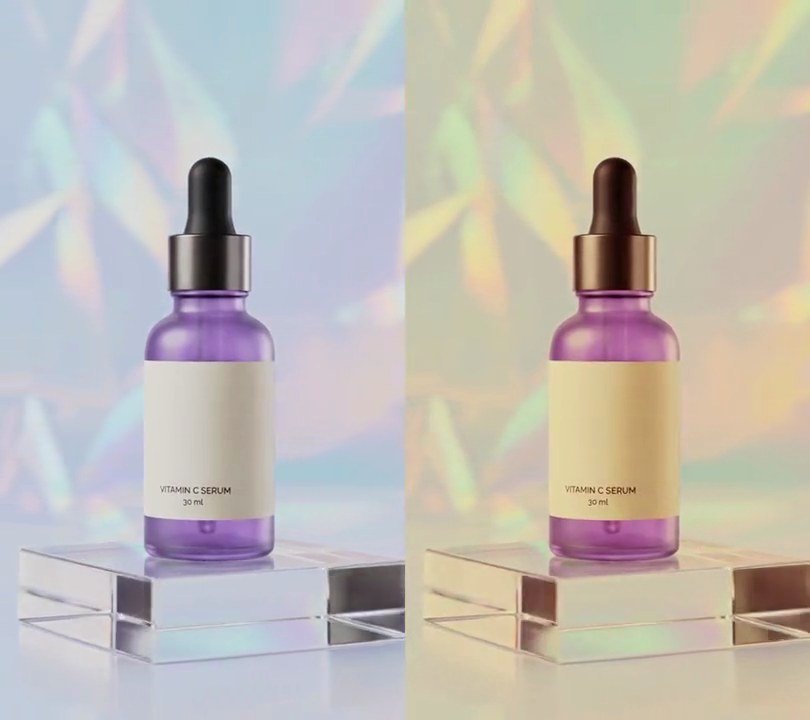
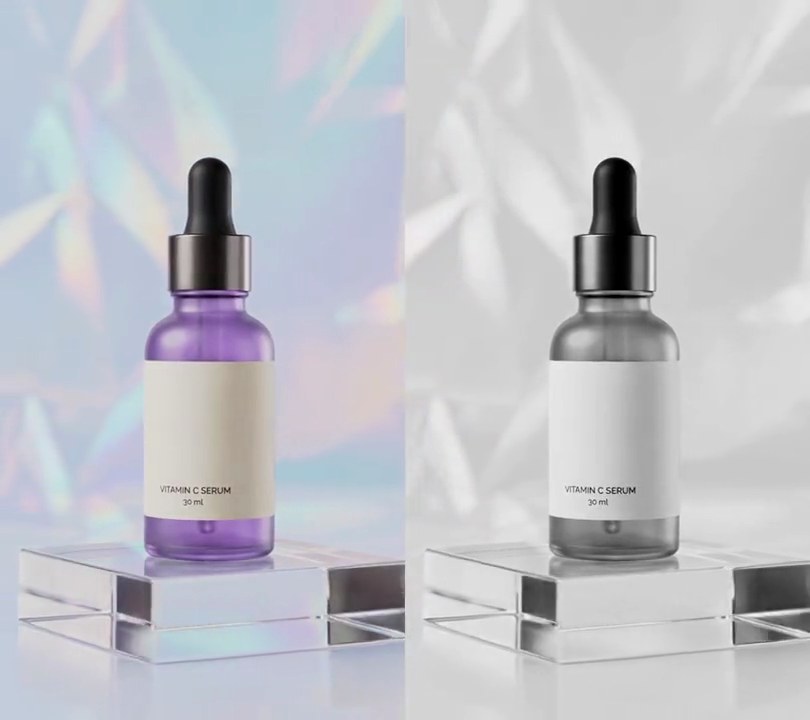
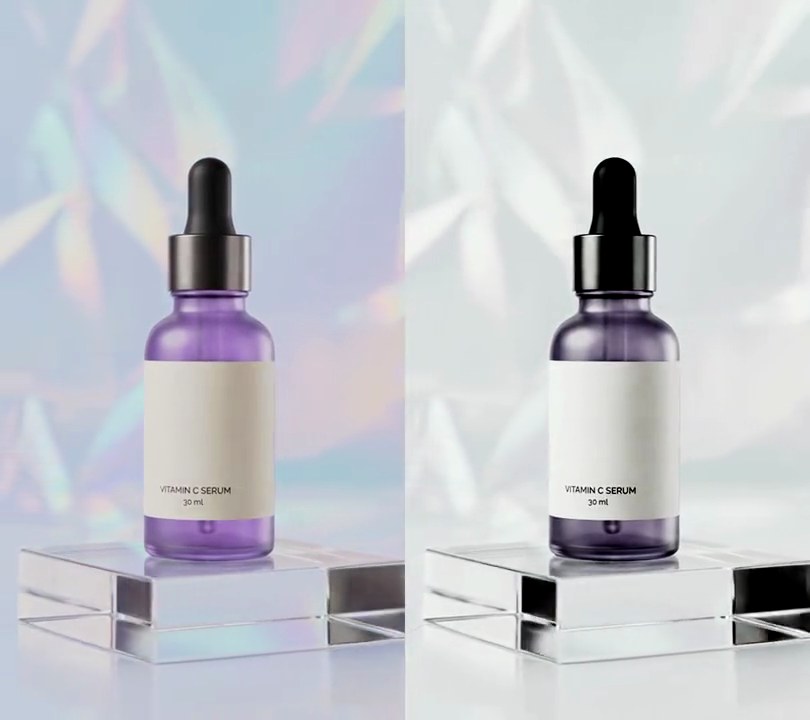
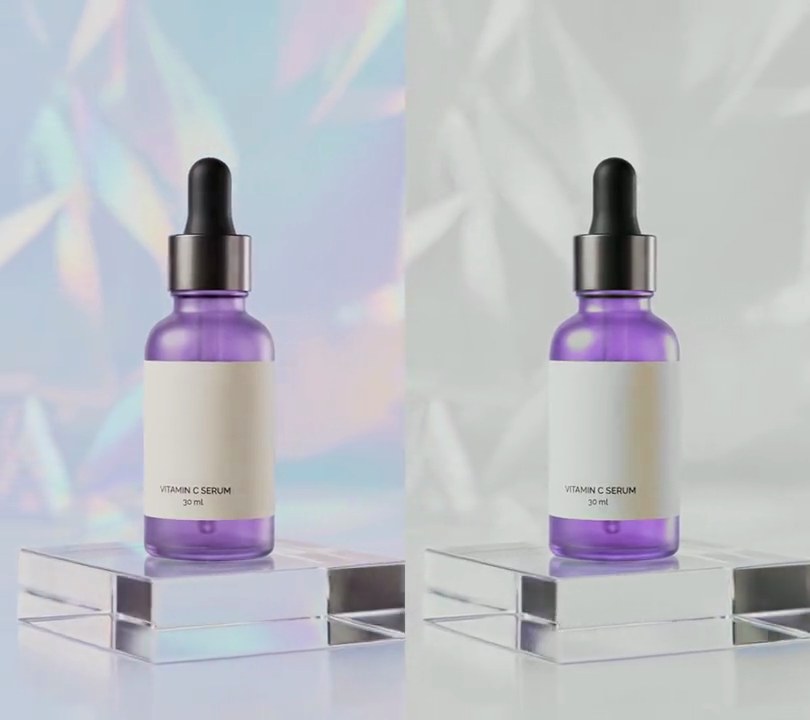
Get this effect
Switch to Code in your Claude Desktop App
Install the skill (once)
Show the prompt
Install the Recharm video effects skill: download https://recharm-growth-staging.s3.us-east-2.amazonaws.com/website/downloads/recharm-video-effects.zip and unzip it into ~/.claude/skillsAsk for the effect
Add a cinematic color grade to input.mp4
Red tone curve (input/output, 0-1): 0/0.02 0.3/0.25 0.65/0.68 0.85/0.89 1/0.96
Green tone curve: 0/0.07 0.3/0.32 0.65/0.64 0.85/0.82 1/0.91

Several videos, several effects, one ask
Put your clips in the folder, mention them with @, and ask for everything at once. Claude runs one tested script after another on each clip, then joins them.
Add a cinematic color grade to @clip1.mp4, put a sale badge on @clip2.mp4, give @clip3.mp4 a VHS look, then join all three with crossfades.
Settings you can change
Ask Claude to change any of these, or edit them at the top of the command.
| Setting | Default | What it does |
|---|---|---|
RED | 0/0.02 0.3/0.25 0.65/0.68 0.85/0.89 1/0.96 | Red tone curve (input/output, 0-1). Below the original in the shadows, above it in the highlights, for warm highlights. |
GREEN | 0/0.07 0.3/0.32 0.65/0.64 0.85/0.82 1/0.91 | Green tone curve. Lifted black and lowered white soften the contrast without tinting. |
BLUE | 0/0.16 0.3/0.41 0.65/0.62 0.85/0.74 1/0.82 | Blue tone curve. Raised in the shadows for cool blacks, lowered in the highlights for warm whites. |
SATURATION | 0.9 | Color left after the grade. 1 keeps it all, 0 is black and white. |
Without the skill
Don’t want to install the skill? Paste this prompt into Claude Code and Claude writes the command itself.
Show the prompt
Give all of input.mp4 a cinematic color grade from the first frame to the last: softer contrast, cool blue shadows and warm amber highlights. Use ffmpeg's curves filter with these input/output points (0-1) on each channel: red 0/0.02 0.3/0.25 0.65/0.68 0.85/0.89 1/0.96, green 0/0.07 0.3/0.32 0.65/0.64 0.85/0.82 1/0.91, blue 0/0.16 0.3/0.41 0.65/0.62 0.85/0.74 1/0.82, then eq=saturation=0.9. The pale blue backdrop (around RGB 192, 204, 215) should come out a warm cream (around RGB 203, 200, 185), the black dropper cap (around RGB 36, 36, 37) a cool blue-black (around RGB 30, 47, 65), the purple bottle should stay purple, nothing should be near pure black, and the overall brightness should stay within a few percent of the original. Don't add any text (if you ever do, draw it with Pillow, not ffmpeg's drawtext). Keep the size (540x960), 30fps, the 6 second length and the audio. Encode H.264 yuv420p and save it as output.mp4.Run it without Claude
This is the exact command we tested. Save it as cinematic-color-grade.sh and run:
sh cinematic-color-grade.sh input.mp4 output.mp4Show the command
#!/bin/sh
# Cinematic color grade: softer contrast, shadows pushed cool blue and highlights warm amber, like a feature film.
# Usage: sh cinematic-color-grade.sh input.mp4 output.mp4
# Needs ffmpeg.
set -e
IN="$1"; OUT="$2"
# Tone curves as input/output points (0-1). All three lift black and pull white down for softer contrast;
# red and blue cross just above middle gray, so everything darker leans blue and everything brighter leans amber.
RED='0/0.02 0.3/0.25 0.65/0.68 0.85/0.89 1/0.96'    # below the original in the shadows, above it in the highlights
GREEN='0/0.07 0.3/0.32 0.65/0.64 0.85/0.82 1/0.91'  # the plain soft-contrast curve, no tint
BLUE='0/0.16 0.3/0.41 0.65/0.62 0.85/0.74 1/0.82'   # raised in the shadows, lowered in the highlights
SATURATION=0.9   # color left after the grade (1 keeps it all)

ffmpeg -y -v error -i "$IN" -vf "curves=r='$RED':g='$GREEN':b='$BLUE',eq=saturation=$SATURATION,fps=30,format=yuv420p" \
  -c:v libx264 -crf 18 -c:a copy "$OUT"