Get this effect
Switch to Code in your Claude Desktop App
Install the skill (once)
Show the prompt
Install the Recharm video effects skill: download https://recharm-growth-staging.s3.us-east-2.amazonaws.com/website/downloads/recharm-video-effects.zip and unzip it into ~/.claude/skillsAsk for the effect
Add an apply a LUT to input.mp4
Look.cube (third argument): none

Several videos, several effects, one ask
Put your clips in the folder, mention them with @, and ask for everything at once. Claude runs one tested script after another on each clip, then joins them.
Add an apply a lut to @clip1.mp4, put a sale badge on @clip2.mp4, give @clip3.mp4 a VHS look, then join all three with crossfades.
Settings you can change
Ask Claude to change any of these, or edit them at the top of the script.
| Setting | Default | What it does |
|---|---|---|
LUT_SIZE | 33 | Grid points per axis in the sample .cube file. 33 is the common size; 17 is smaller and coarser. |
GAMMA | (0.8, 1.05, 1.1) | Per-channel gamma for red, green and blue. Below 1 lifts a channel, above 1 pulls it down. |
GAIN | (1.0, 1.0, 0.85) | Per-channel multiplier after the gamma. Less blue warms the whole picture. |
SATURATION | 1.25 | Color strength. 1 keeps it, higher makes it richer, lower fades it. |
look.cube (third argument) | none | Your own .cube file. Without one the recipe writes and uses the golden-hour sample. |
Without the skill
Don’t want to install the skill? Paste this prompt into Claude Code and Claude writes the script itself.
Show the prompt
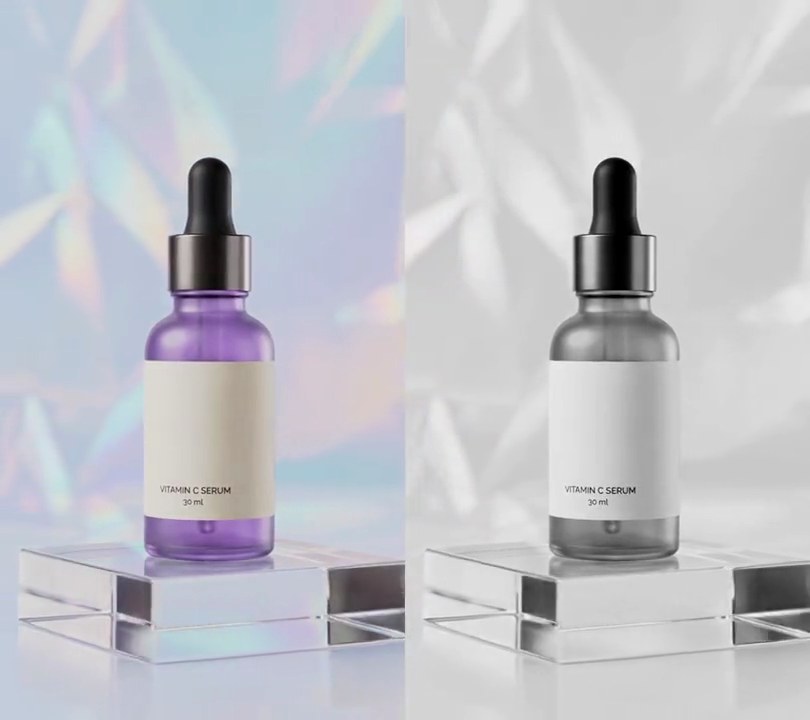
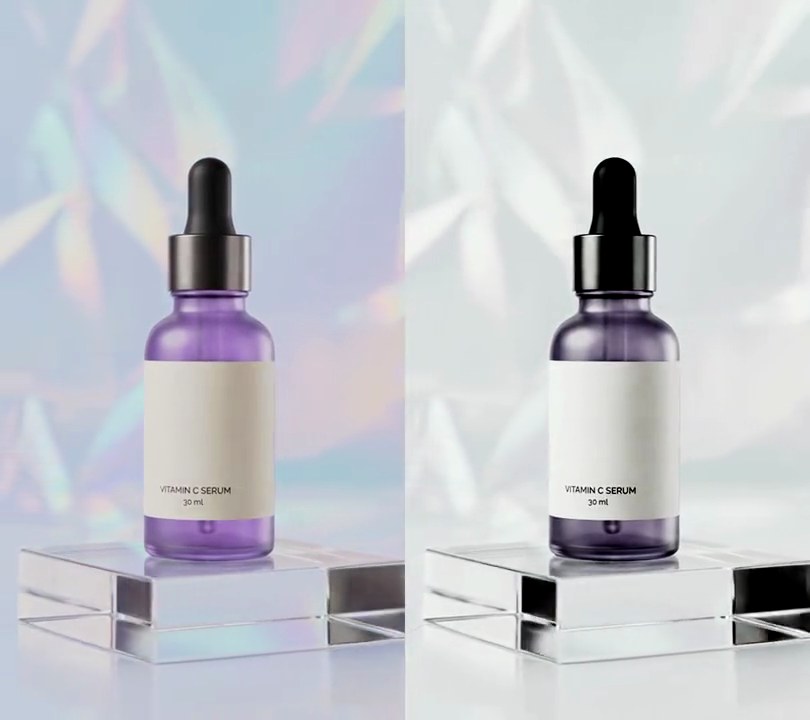
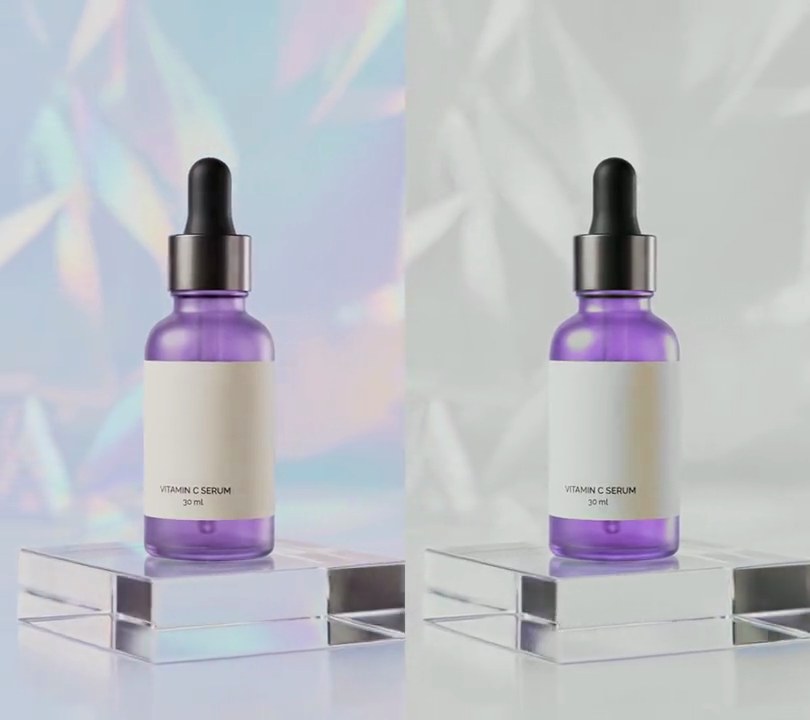
Make a 3D LUT and apply it to all of input.mp4. First write a .cube file called golden-hour.cube: a 33x33x33 grid (LUT_3D_SIZE 33, red index changing fastest, then green, then blue). For each grid point with r, g, b from 0 to 1, the output is r^0.8, g^1.05 and 0.85 x b^1.1; then push saturation to 1.25 around its brightness Y = 0.299R + 0.587G + 0.114B (new = Y + 1.25 x (color - Y)), clipped to 0-1, written with 6 decimals. Then apply it with ffmpeg's lut3d filter (interp=tetrahedral) on every frame from start to end. The pale blue backdrop, around RGB (187, 197, 208), should end up warm cream-gold, around RGB (200, 194, 167); the cream label turns a toasted beige around RGB (208, 186, 138) and the purple bottle a rosy orchid around RGB (167, 99, 139). Use Python with numpy to write the .cube file and ffmpeg for the video. Keep the size, 30fps frame rate, length and audio the same, encode H.264 yuv420p and save it as output.mp4.Run it without Claude
This is the exact script we tested. Save it as apply-a-lut.py and run:
python3 apply-a-lut.py input.mp4 output.mp4Show the script
"""Apply a LUT: recolor every frame of a video through a .cube color preset with ffmpeg's lut3d filter.

Usage: python3 apply-a-lut.py input.mp4 output.mp4 [look.cube]
Needs ffmpeg and Python 3 with numpy. Pass your own .cube file as the third argument; without one, the
recipe writes a sample "golden hour" LUT (warm highlights, rosy purples) next to the output and uses that.
"""
import subprocess
import sys
from pathlib import Path

import numpy as np

# The sample LUT: each color channel gets a curve, then saturation is pushed
LUT_SIZE = 33                    # grid points per axis in the .cube file (33 is the common size)
GAMMA = (0.8, 1.05, 1.1)         # per-channel gamma: below 1 lifts a channel, above 1 pulls it down
GAIN = (1.0, 1.0, 0.85)          # per-channel multiplier after the gamma; less blue makes it warm
SATURATION = 1.25                # 1 keeps the color strength, higher makes it richer


def write_sample_lut(path):
    """Write a .cube file: one output RGB per grid point, red changing fastest."""
    steps = np.linspace(0, 1, LUT_SIZE)
    b, g, r = np.meshgrid(steps, steps, steps, indexing="ij")
    rgb = np.stack([r, g, b], axis=-1).reshape(-1, 3)
    rgb = np.array(GAIN) * rgb ** np.array(GAMMA)
    luma = rgb @ np.array([0.299, 0.587, 0.114])
    rgb = np.clip(luma[:, None] + (rgb - luma[:, None]) * SATURATION, 0, 1)
    lines = ['TITLE "golden hour"', f"LUT_3D_SIZE {LUT_SIZE}"] + [f"{r:.6f} {g:.6f} {b:.6f}" for r, g, b in rgb]
    Path(path).write_text("\n".join(lines) + "\n")


src, out = sys.argv[1], sys.argv[2]
if len(sys.argv) > 3:
    lut = sys.argv[3]
else:
    lut = str(Path(out).with_name("golden-hour.cube"))
    write_sample_lut(lut)

subprocess.run(["ffmpeg", "-y", "-v", "error", "-i", src, "-vf", f"lut3d=file='{lut}':interp=tetrahedral",
                "-r", "30", "-c:v", "libx264", "-crf", "18", "-pix_fmt", "yuv420p", "-c:a", "copy", out], check=True)