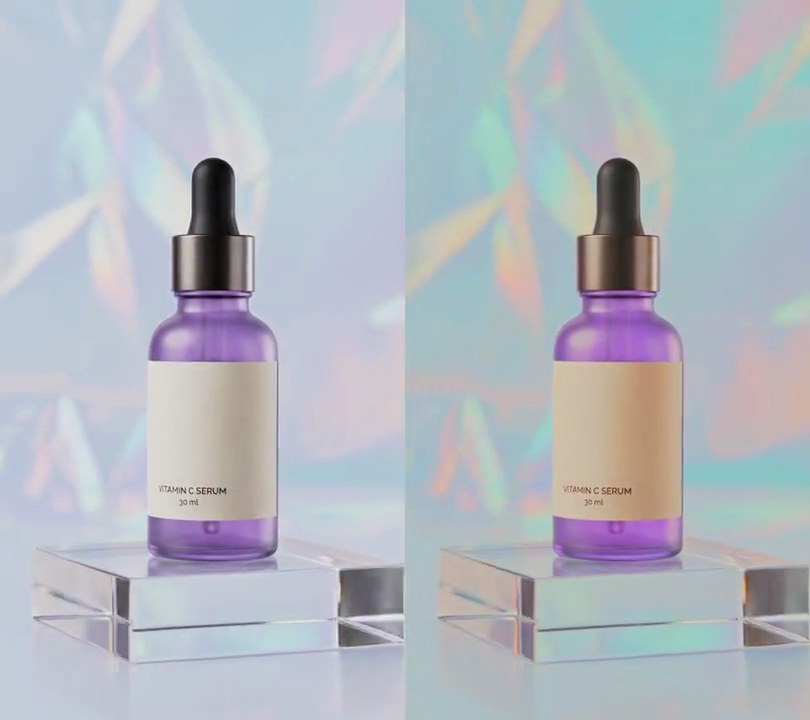
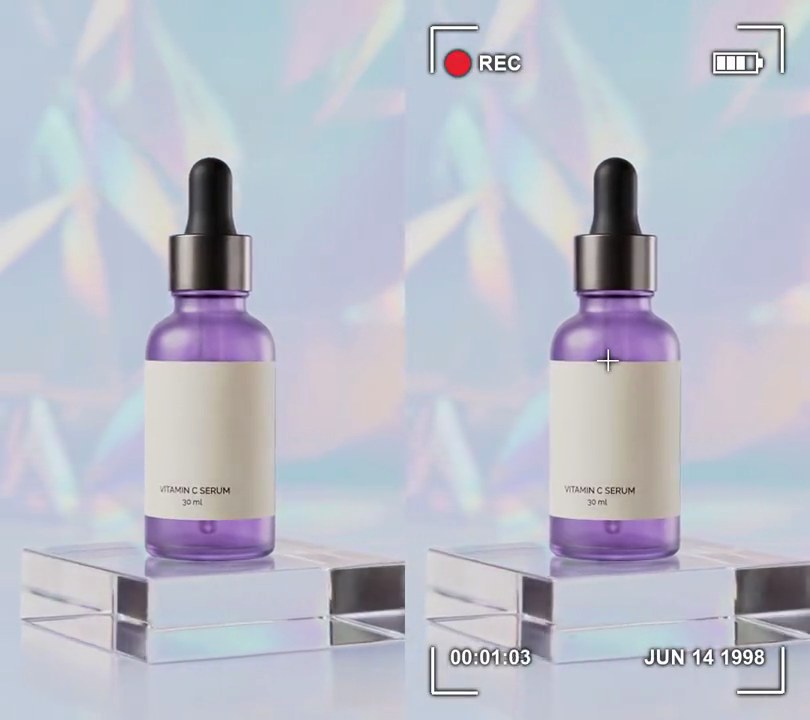
Get this effect
Switch to Code in your Claude Desktop App
Install the skill (once)
Show the prompt
Install the Recharm video effects skill: download https://recharm-growth-staging.s3.us-east-2.amazonaws.com/website/downloads/recharm-video-effects.zip and unzip it into ~/.claude/skillsAsk for the effect
Add a toy camera look to input.mp4
Red curve points (input/output): 0/0 0.3/0.18 0.7/0.72 1/0.95
Green curve points: 0/0 0.3/0.24 0.7/0.8 1/1

Several videos, several effects, one ask
Put your clips in the folder, mention them with @, and ask for everything at once. Claude runs one tested script after another on each clip, then joins them.
Add a toy camera look to @clip1.mp4, put a sale badge on @clip2.mp4, give @clip3.mp4 a VHS look, then join all three with crossfades.
Settings you can change
Ask Claude to change any of these, or edit them at the top of the script.
| Setting | Default | What it does |
|---|---|---|
RED | 0/0 0.3/0.18 0.7/0.72 1/0.95 | Red curve points (input/output). Held below the others, so the picture leans cyan. |
GREEN | 0/0 0.3/0.24 0.7/0.8 1/1 | Green curve points. The S-shape adds contrast. |
BLUE | 0/0.08 0.3/0.3 0.7/0.8 1/1 | Blue curve points. Raising 0 tints the shadows blue. |
SATURATION | 1.8 | Extra color on top of the curves. 1 leaves it as is. |
BLUR | 7 | Gaussian blur radius at the corners, in pixels. 0 keeps the edges sharp. |
DARKEN | 0.85 | How much darker the very corners get. 0.85 is 85% darker; 0 turns the vignette off. |
CLEAR | 0.45 | The sharp, undarkened middle, as a share of the distance from the center to a corner. |
Without the skill
Don’t want to install the skill? Paste this prompt into Claude Code and Claude writes the script itself.
Show the prompt
Give input.mp4 a toy camera look for the whole clip. 1) With ffmpeg, grade it: curves=r='0/0 0.3/0.18 0.7/0.72 1/0.95':g='0/0 0.3/0.24 0.7/0.8 1/1':b='0/0.08 0.3/0.3 0.7/0.8 1/1' (red held down so the picture leans cyan, more contrast, blue-lifted shadows), then eq=saturation=1.8. 2) Then, per frame with numpy and Pillow, make the edges soft and dark like a cheap plastic lens. For each pixel, let r be its distance from the frame center with x measured in half-widths and y in half-heights, divided by sqrt(2) so r is 0 at the center and 1 at the corners; s = clamp((r - 0.45) / 0.55, 0, 1) and edge = s*s*(3 - 2*s). Blend the sharp frame with a copy blurred by Pillow's GaussianBlur(7) using edge as the blurred copy's weight, then multiply by 1 - 0.85*edge, so the middle stays sharp and untouched and the corners are blurred and 85% darker. The cool blue-white backdrop (around RGB 193, 203, 216) should come out cyan-turquoise (around RGB 163, 213, 221), the frame corners should be around brightness 35, and the middle of the frame should stay as bright as before. Don't add any text (if you ever do, draw it with Pillow, not ffmpeg's drawtext). Keep the size (540x960), 30fps, the 6 second length and the audio. Encode H.264 yuv420p and save it as output.mp4.Run it without Claude
This is the exact script we tested. Save it as toy-camera.py and run:
python3 toy-camera.py input.mp4 output.mp4Show the script
#!/usr/bin/env python3
"""Toy camera: punchy, oversaturated cyan-shifted color, with corners that go soft and then dark like a cheap plastic lens.

Usage: python3 toy-camera.py input.mp4 output.mp4
Needs ffmpeg, numpy and Pillow (pip install numpy pillow).
"""
import json
import subprocess
import sys

import numpy as np
from PIL import Image, ImageFilter

RED = "0/0 0.3/0.18 0.7/0.72 1/0.95"      # red S-curve, held down so the picture leans cyan
GREEN = "0/0 0.3/0.24 0.7/0.8 1/1"        # green S-curve: more contrast
BLUE = "0/0.08 0.3/0.3 0.7/0.8 1/1"       # blue S-curve with lifted blacks, so shadows go blue
SATURATION = 1.8                          # extra color on top of the curves (1 leaves it as is)
BLUR = 7                                  # Gaussian blur radius, in pixels, at the corners
DARKEN = 0.85                             # how much darker the very corners get (0.85 = 85% darker)
CLEAR = 0.45                              # sharp, undarkened middle, as a share of the distance to the corner


def probe(path):
    info = json.loads(subprocess.check_output(["ffprobe", "-v", "error", "-select_streams", "v:0", "-show_entries",
                                               "stream=width,height", "-of", "json", path]))
    return info["streams"][0]["width"], info["streams"][0]["height"]


def falloff():
    """0 in the middle of the frame, rising smoothly to 1 at the corners."""
    y, x = np.mgrid[0:h, 0:w].astype(np.float32)
    r = np.hypot((x - w / 2) / (w / 2), (y - h / 2) / (h / 2)) / np.sqrt(2)
    s = np.clip((r - CLEAR) / (1 - CLEAR), 0, 1)
    return (s * s * (3 - 2 * s))[:, :, None]


def render(src, out):
    grade = f"fps=30,curves=r='{RED}':g='{GREEN}':b='{BLUE}',eq=saturation={SATURATION}"
    reader = subprocess.Popen(["ffmpeg", "-v", "error", "-i", src, "-vf", grade,
                               "-f", "rawvideo", "-pix_fmt", "rgb24", "-"], stdout=subprocess.PIPE)
    writer = subprocess.Popen(["ffmpeg", "-y", "-v", "error", "-f", "rawvideo", "-pix_fmt", "rgb24", "-s", f"{w}x{h}",
                               "-r", "30", "-i", "-", "-i", src, "-map", "0:v", "-map", "1:a?",
                               "-c:v", "libx264", "-crf", "18", "-pix_fmt", "yuv420p", "-c:a", "copy", "-shortest", out],
                              stdin=subprocess.PIPE)
    edge = falloff()
    shade = 1 - DARKEN * edge
    while raw := reader.stdout.read(w * h * 3):
        img = Image.frombuffer("RGB", (w, h), raw)
        sharp = np.asarray(img, np.float32)
        soft = np.asarray(img.filter(ImageFilter.GaussianBlur(BLUR)), np.float32)
        frame = (sharp * (1 - edge) + soft * edge) * shade
        writer.stdin.write(np.clip(frame, 0, 255).astype(np.uint8).tobytes())
    writer.stdin.close()
    if reader.wait() or writer.wait():
        sys.exit("ffmpeg failed")


src, out = sys.argv[1:3]
w, h = probe(src)
render(src, out)