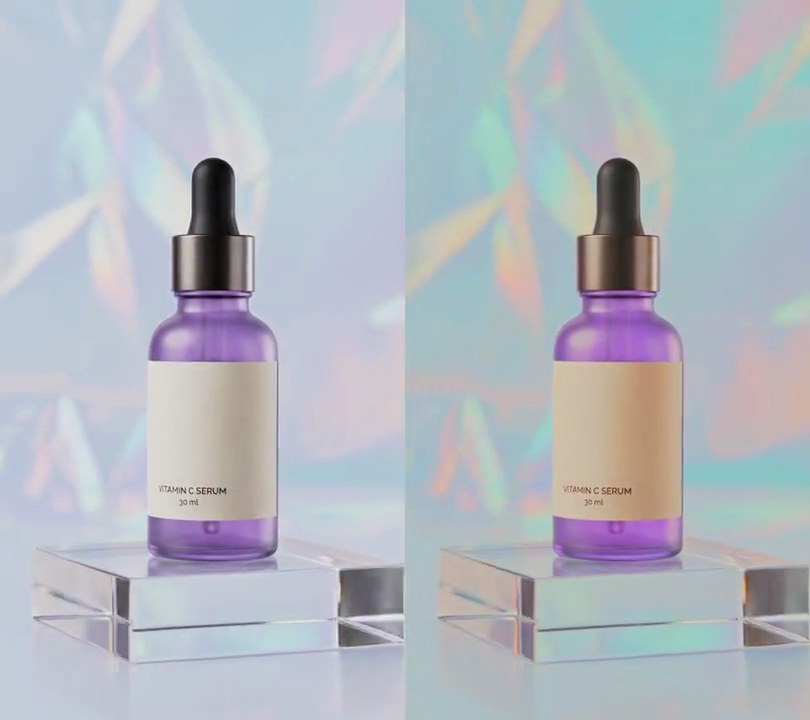
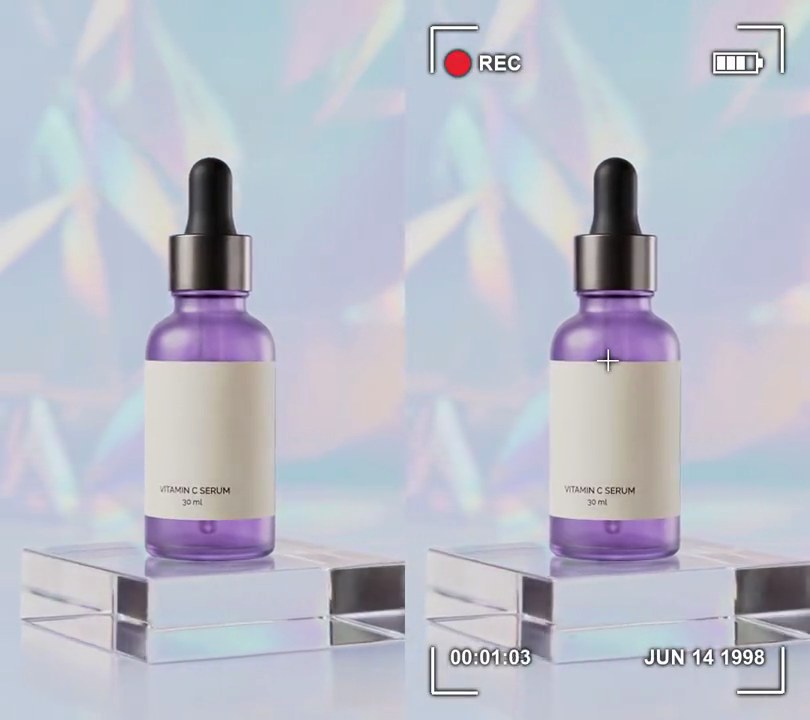
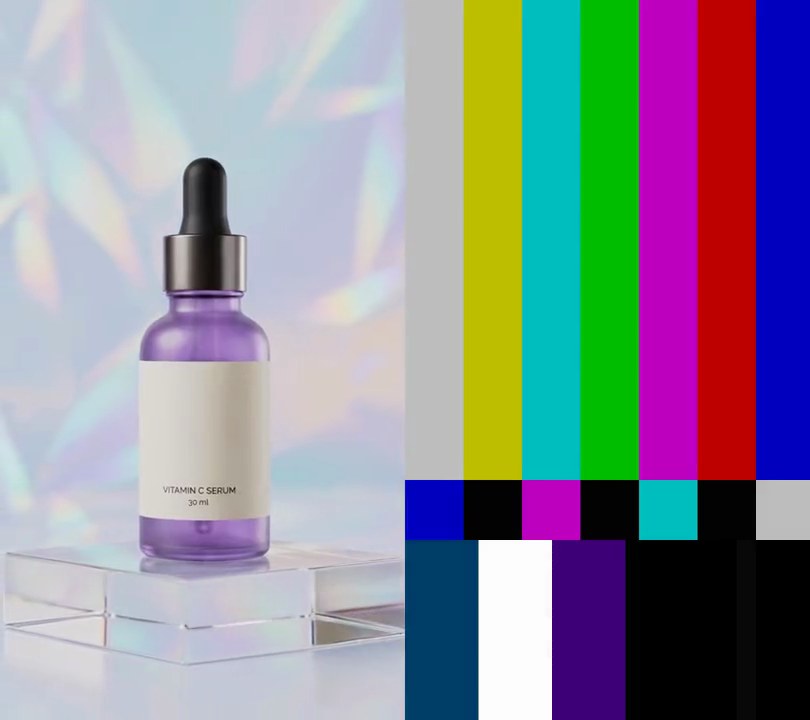
Get this effect
Switch to Code in your Claude Desktop App
Install the skill (once)
Show the prompt
Install the Recharm video effects skill: download https://recharm-growth-staging.s3.us-east-2.amazonaws.com/website/downloads/recharm-video-effects.zip and unzip it into ~/.claude/skillsAsk for the effect
Add a 35mm film look to input.mp4
Where black lands (0-1): 0.05
Where white lands in the red channel (0-1); green and blue land a little lower, so highlights roll off warm instead of clipping: 0.88

Several videos, several effects, one ask
Put your clips in the folder, mention them with @, and ask for everything at once. Claude runs one tested script after another on each clip, then joins them.
Add a 35mm film look to @clip1.mp4, put a sale badge on @clip2.mp4, give @clip3.mp4 a VHS look, then join all three with crossfades.
Settings you can change
Ask Claude to change any of these, or edit them at the top of the command.
| Setting | Default | What it does |
|---|---|---|
BLACK | 0.05 | Where black lands (0-1). A little lift reads as a print; much higher looks faded. |
WHITE | 0.88 | Where white lands in the red channel (0-1); green and blue land a little lower, so highlights roll off warm instead of clipping. |
SATURATION | 0.8 | Color left after the grade. 1 keeps it all. |
GLOW_FROM | 0.80 | Brightness (0-1) where the red-orange highlight glow starts. |
GLOW_FULL | 0.92 | Brightness (0-1) where the glow reaches full strength. |
GLOW_RADIUS | 14 | Blur sigma in pixels: how far the glow spreads around highlights. |
GLOW | 0.5 | How strongly the glow is screened over the picture (0-1). |
GRAIN | 7 | Grain strength. 4 is barely there; 20 looks like fast film. |
CLUMP | 2 | Grain size in pixels. |
Without the skill
Don’t want to install the skill? Paste this prompt into Claude Code and Claude writes the command itself.
Show the prompt
Give all of input.mp4 a 35mm film look from the first frame to the last: lifted blacks, rolled-off warm highlights, slightly muted color, a soft red-orange glow around the brightest areas and fine moving grain. Use ffmpeg. 1) Grade with per-channel tone curves (input/output points, 0-1): red 0/0.05 0.25/0.22 0.5/0.50 0.75/0.76 1/0.88, green 0/0.05 0.25/0.21 0.5/0.48 0.75/0.73 1/0.85, blue 0/0.07 0.25/0.22 0.5/0.47 0.75/0.70 1/0.80, then eq=saturation=0.8. 2) Halation: from that graded picture (in gbrp), take a copy, keep only brightness 0.80-0.92 with colorlevels (rimin/gimin/bimin=0.80, rimax/gimax/bimax=0.92), blur it with gblur=sigma=14, tint it red-orange with colorchannelmixer (each output channel the average of R, G and B times 1.0 for red, 0.3 for green, 0.09 for blue), and screen it back over the graded picture at 0.5 opacity. 3) Grain: make a mid-gray (0x808080) layer at half the video's size (270x480) at 30fps, add fresh brightness noise every frame (noise=c0s=7:c0f=t after format=yuv420p), scale it back up with bicubic scaling and merge it with blend=all_mode=grainmerge:shortest=1 so the grain doesn't shift the colors. The cool blue-white backdrop (around RGB 188, 194, 206) should come out a warm cream-gray (around RGB 184, 182, 177), nothing should be brighter than about RGB 210, 210, 210 and the overall brightness should drop to about 94% of the original. Don't add any text (if you ever do, draw it with Pillow, not ffmpeg's drawtext). Keep the size (540x960), 30fps, the 6 second length and the audio. Encode H.264 yuv420p and save it as output.mp4.Run it without Claude
This is the exact command we tested. Save it as 35mm-film-look.sh and run:
sh 35mm-film-look.sh input.mp4 output.mp4Show the command
#!/bin/sh
# 35mm film look: gentle moving grain, a soft red-orange glow around highlights and muted, rolled-off color, like a 35mm print.
# Usage: sh 35mm-film-look.sh input.mp4 output.mp4
# Needs ffmpeg.
set -e
IN="$1"; OUT="$2"
BLACK=0.05       # where black lands (0-1); a little lift, as on a print
WHITE=0.88       # where white lands (0-1); highlights roll off instead of clipping
SATURATION=0.8   # color left after the grade (1 keeps it all)
GLOW_FROM=0.80   # brightness (0-1) where the highlight glow starts...
GLOW_FULL=0.92   # ...and where it reaches full strength
GLOW_RADIUS=14   # blur sigma in pixels: how far the glow spreads
GLOW=0.5         # how strongly the red-orange glow is screened over the picture (0-1)
GRAIN=7          # grain strength; 4 is barely there, 20 looks like fast film
CLUMP=2          # grain size in pixels

SIZE=$(ffprobe -v error -select_streams v:0 -show_entries stream=width,height -of csv=s=x:p=0 "$IN")
W=${SIZE%x*}; H=${SIZE#*x}

# 1. Grade: a soft S-curve with lifted blacks and rolled-off whites; blue ends a little lower than red so
#    whites print warm, then the color is muted.
# 2. Halation: the brightest areas are isolated, blurred and tinted red-orange, then screened back on.
# 3. Grain: a mid-gray layer at 1/CLUMP size gets fresh brightness noise every frame and is merged in,
#    so it adds texture without shifting the colors.
ffmpeg -y -v error -i "$IN" -f lavfi -i "color=c=0x808080:s=$((W / CLUMP))x$((H / CLUMP)):r=30" -filter_complex "
  [0:v]fps=30,curves=r='0/$BLACK 0.25/0.22 0.5/0.50 0.75/0.76 1/$WHITE':g='0/$BLACK 0.25/0.21 0.5/0.48 0.75/0.73 1/0.85':\
b='0/0.07 0.25/0.22 0.5/0.47 0.75/0.70 1/0.80',eq=saturation=$SATURATION,format=gbrp,split[base][hi];
  [hi]colorlevels=rimin=$GLOW_FROM:gimin=$GLOW_FROM:bimin=$GLOW_FROM:rimax=$GLOW_FULL:gimax=$GLOW_FULL:bimax=$GLOW_FULL,
    gblur=sigma=$GLOW_RADIUS,colorchannelmixer=rr=0.33:rg=0.33:rb=0.33:gr=0.1:gg=0.1:gb=0.1:br=0.03:bg=0.03:bb=0.03[glow];
  [base][glow]blend=all_mode=screen:all_opacity=$GLOW,format=yuv420p[graded];
  [1:v]format=yuv420p,noise=c0s=$GRAIN:c0f=t,scale=$W:$H:flags=bicubic[grain];
  [graded][grain]blend=all_mode=grainmerge:shortest=1,format=yuv420p[v]" \
  -map "[v]" -map 0:a? -c:v libx264 -crf 18 -c:a copy "$OUT"