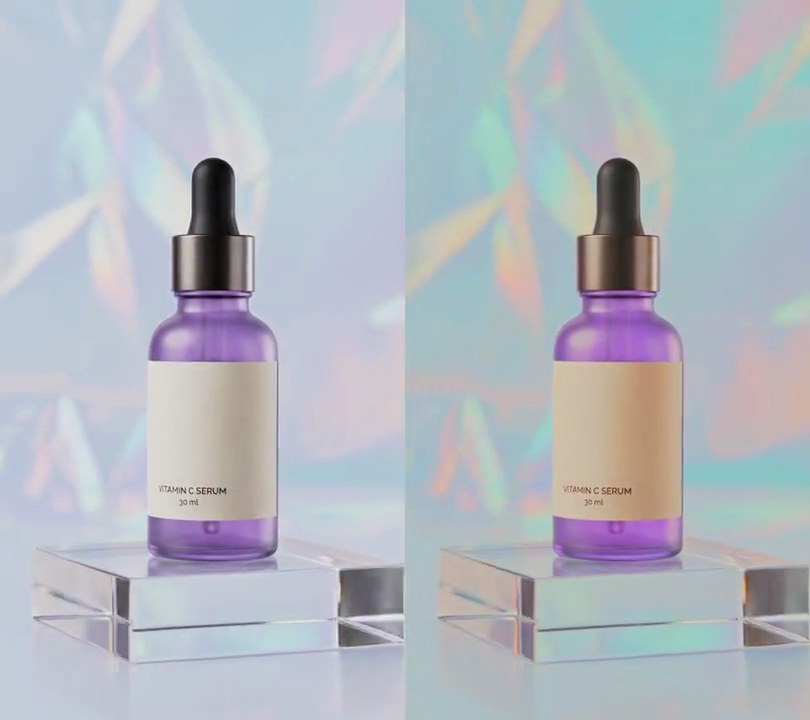
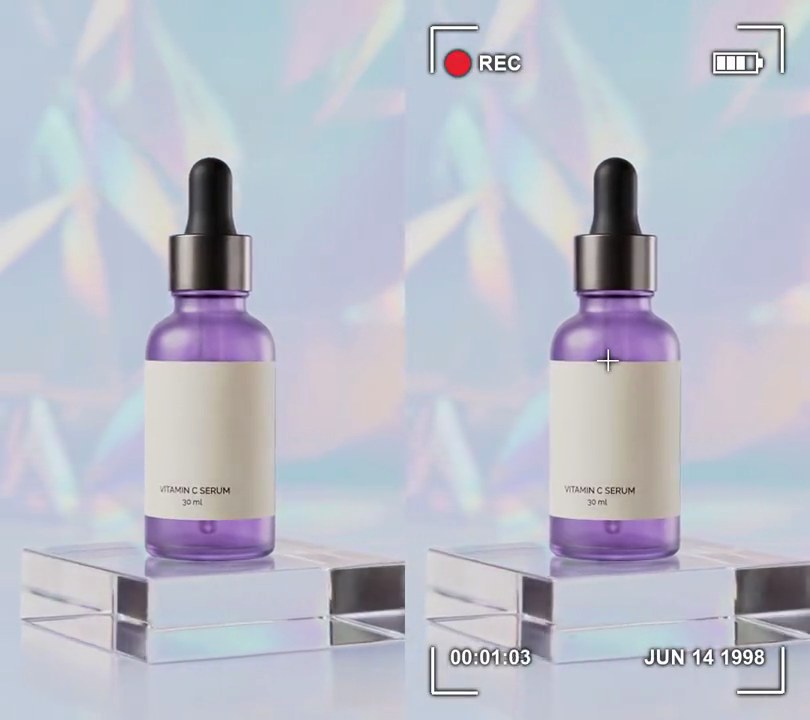
Get this effect
Switch to Code in your Claude Desktop App
Install the skill (once)
Show the prompt
Install the Recharm video effects skill: download https://recharm-growth-staging.s3.us-east-2.amazonaws.com/website/downloads/recharm-video-effects.zip and unzip it into ~/.claude/skillsAsk for the effect
Add a silent film to input.mp4
How many times faster than real time: 1.5
Output frames each picture is held for: 2

Several videos, several effects, one ask
Put your clips in the folder, mention them with @, and ask for everything at once. Claude runs one tested script after another on each clip, then joins them.
Add a silent film to @clip1.mp4, put a sale badge on @clip2.mp4, give @clip3.mp4 a VHS look, then join all three with crossfades.
Settings you can change
Ask Claude to change any of these, or edit them at the top of the script.
| Setting | Default | What it does |
|---|---|---|
SPEED | 1.5 | How many times faster than real time. A 6 second clip lasts 6 / SPEED seconds. |
HOLD | 2 | Output frames each picture is held for. 2 at 30fps gives a choppy, hand-cranked 15 frames a second; 1 plays smoothly. |
CONTRAST | 1.35 | Stretch of the grays around mid-gray. 1 keeps the original contrast; old film stock is punchy. |
WHITE | 200 | Brightest the picture gets (0-255), so the scratches stand out above it. |
FLICKER | 0.10 | How far the brightness jumps from frame to frame. 0.10 is up to 10% brighter or darker; 0 turns the flicker off. |
VIGNETTE | 0.45 | How much darker the corners get than the center (0-1). |
GRAIN | 9 | Strength of the random film grain. 0 turns it off. |
SCRATCHES | 2 | Bright vertical scratches running down the frame at any moment. |
DUST | 6 | Dark specks and hairs scattered over each frame. |
SEED | 1927 | Change it for a different pattern of flicker, dust and scratches. |
Without the skill
Don’t want to install the skill? Paste this prompt into Claude Code and Claude writes the script itself.
Show the prompt
Turn input.mp4 (540x960, 30fps, 6 seconds) into a 1920s silent film. Speed it up 1.5x so it lasts exactly 4 seconds (120 frames at 30fps), and make the motion choppy like a hand-cranked camera: output frames 2k and 2k+1 both show input frame 3k (so input frames 0, 3, 6 ... 177, each held for 2 output frames). Make every frame black and white (no color at all, saturation 0), stretch the contrast by 1.35 around mid-gray ((v - 128) x 1.35 + 128), then on every output frame multiply the brightness by a random factor between 0.90 and 1.10 so it flickers, darken toward the corners with a vignette (multiply by 1 - 0.45 x d^2, where d is the distance from the center divided by the distance to a corner, so the corners end up about 30% darker than the center), add random gray film grain (standard deviation 9) and clip the picture so nothing is brighter than 200. Over that, with Pillow, draw 2 bright vertical scratches (gray level 250, 1-2 pixels wide) running the full height of the frame, starting at random positions between 10% and 90% across and drifting sideways by a few pixels each frame, plus 6 dark dust marks per frame (gray level 10-40) at random positions that change every frame: mostly round specks 3-10 pixels across, some short curled hairs. Speed the input's own audio up 1.5x too (ffmpeg atempo=1.5) so it lasts 4 seconds. Don't add any text (if you ever do, draw it with Pillow, not ffmpeg's drawtext). Keep the size (540x960) and 30fps, encode H.264 yuv420p with the audio and save it as output.mp4.Run it without Claude
This is the exact script we tested. Save it as silent-film.py and run:
python3 silent-film.py input.mp4 output.mp4Show the script
#!/usr/bin/env python3
"""Silent film: the clip plays 1.5x faster at a choppy 15 frames a second, in flickering black and white with dust and scratches.

Usage: python3 silent-film.py input.mp4 output.mp4
Needs ffmpeg, numpy and Pillow (pip install numpy pillow).
"""
import json
import subprocess
import sys

import numpy as np
from PIL import Image, ImageDraw

SPEED = 1.5           # how many times faster than real time (a 6 second clip lasts 4)
HOLD = 2              # output frames each picture is held for; 2 at 30fps gives a hand-cranked 15fps
CONTRAST = 1.35       # stretch of the grays around mid-gray; old film stock is punchy
WHITE = 200           # brightest the picture gets, so the scratches stand out above it
FLICKER = 0.10        # how far brightness jumps from frame to frame (0.10 = up to 10% up or down)
VIGNETTE = 0.45       # how much darker the corners get than the center (0-1)
GRAIN = 9             # strength of the random film grain
SCRATCHES = 2         # bright vertical scratches running down the frame at any moment
DUST = 6              # dark specks and hairs per frame
SEED = 1927           # change for a different pattern of flicker, dust and scratches

IN, OUT = sys.argv[1], sys.argv[2]
info = json.loads(subprocess.check_output(["ffprobe", "-v", "error", "-select_streams", "v:0", "-show_entries",
                                           "stream=width,height", "-of", "json", IN]))["streams"][0]
w, h = info["width"], info["height"]
raw = subprocess.check_output(["ffmpeg", "-v", "error", "-i", IN, "-r", "30", "-f", "rawvideo", "-pix_fmt", "gray", "-"])
frames = np.frombuffer(raw, np.uint8).reshape(-1, h, w)
count = round(len(frames) / SPEED)
rng = np.random.default_rng(SEED)

yy, xx = np.mgrid[0:h, 0:w]
dist = np.hypot((xx - w / 2) / (w / 2), (yy - h / 2) / (h / 2)) / np.sqrt(2)
vignette = 1 - VIGNETTE * dist ** 2
scratch_x = rng.uniform(0.1, 0.9, SCRATCHES) * w      # each scratch drifts slowly sideways


def dust(draw):
    for _ in range(DUST):
        x, y = rng.uniform(0, w), rng.uniform(0, h)
        if rng.random() < 0.7:  # a speck
            r = rng.uniform(1.5, 5)
            draw.ellipse([x - r, y - r, x + r, y + r], fill=int(rng.integers(10, 40)))
        else:  # a curled hair
            pts = [(x + 25 * np.sin(a) + 6 * a, y + 30 * a) for a in np.linspace(0, rng.uniform(1, 2.5), 12)]
            draw.line(pts, fill=int(rng.integers(10, 40)), width=2)


encoder = subprocess.Popen(["ffmpeg", "-y", "-v", "error", "-f", "rawvideo", "-pix_fmt", "gray", "-s", f"{w}x{h}",
                            "-r", "30", "-i", "-", "-i", IN, "-map", "0:v", "-map", "1:a", "-af", f"atempo={SPEED}",
                            "-c:v", "libx264", "-crf", "18", "-pix_fmt", "yuv420p", "-c:a", "aac", "-shortest", OUT],
                           stdin=subprocess.PIPE)
for k in range(count):
    src = frames[min(round(k // HOLD * HOLD * SPEED), len(frames) - 1)].astype(np.float32)
    pic = (src - 128) * CONTRAST + 128
    pic = pic * (1 + rng.uniform(-FLICKER, FLICKER)) * vignette + rng.normal(0, GRAIN, (h, w))
    img = Image.fromarray(np.clip(pic, 0, WHITE).astype(np.uint8))
    draw = ImageDraw.Draw(img)
    scratch_x += rng.normal(0, 3, SCRATCHES)
    for x in scratch_x:
        draw.line([(x, 0), (x + rng.uniform(-4, 4), h)], fill=250, width=int(rng.integers(1, 3)))
    dust(draw)
    encoder.stdin.write(img.tobytes())
encoder.stdin.close()
sys.exit(encoder.wait())