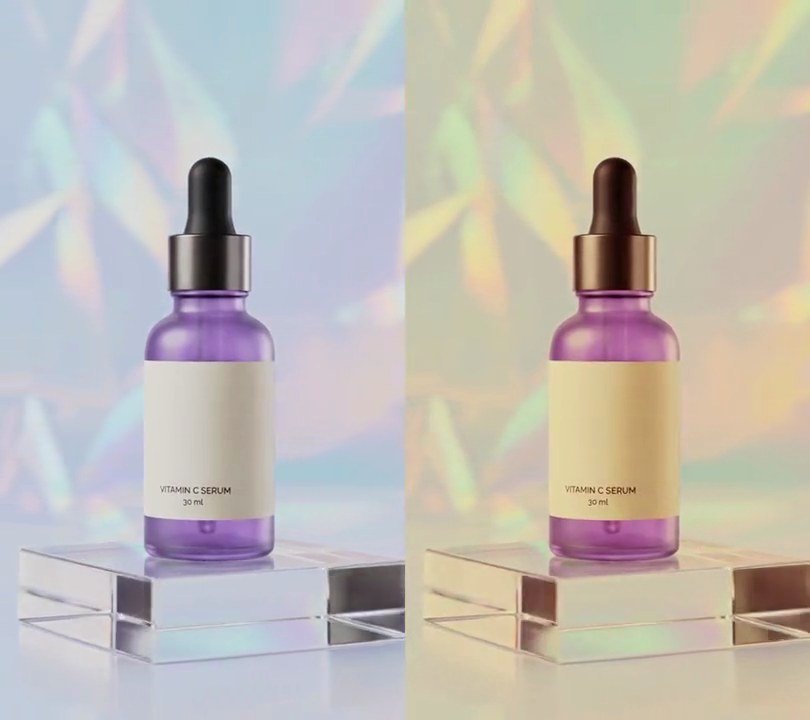
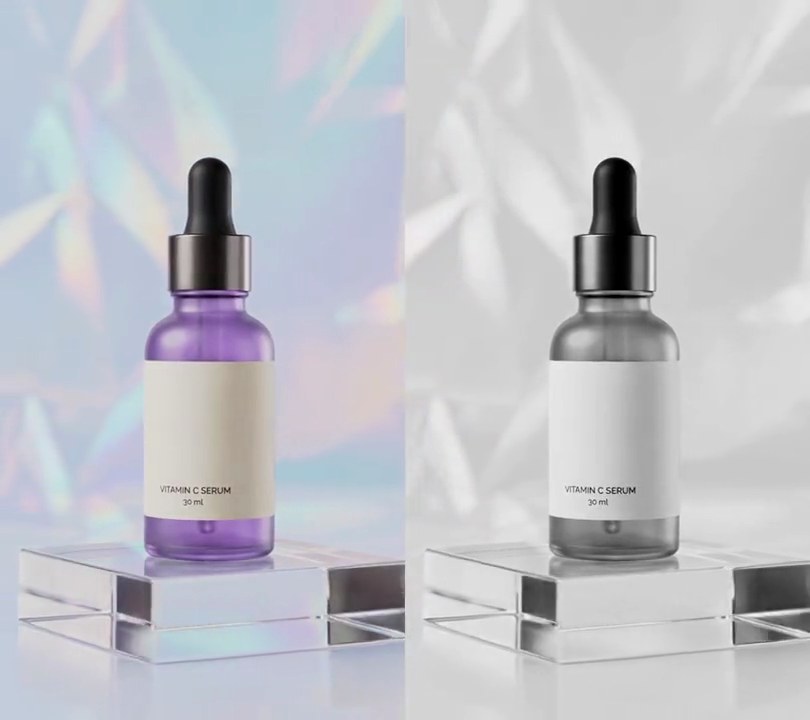
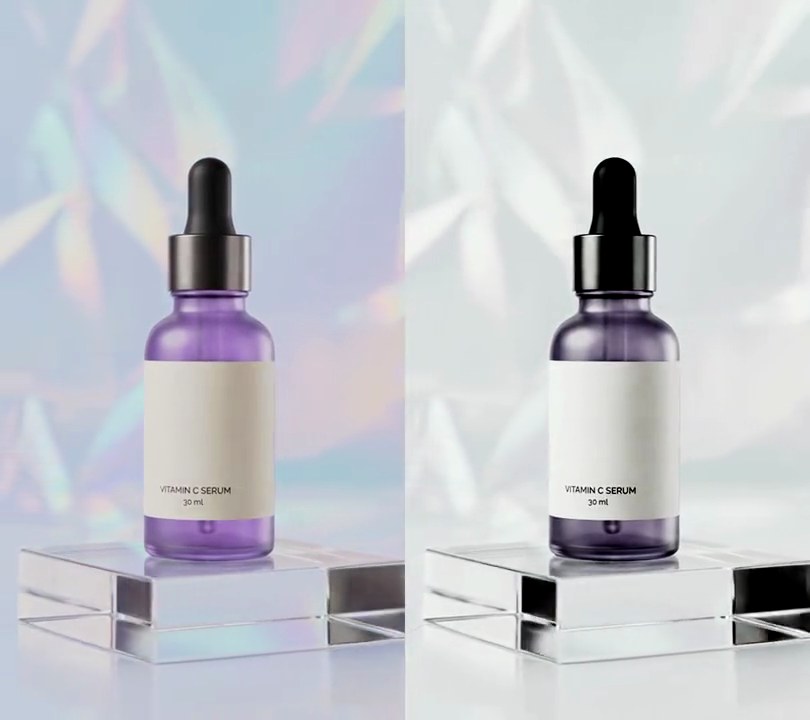
Get this effect
Switch to Code in your Claude Desktop App
Install the skill (once)
Show the prompt
Install the Recharm video effects skill: download https://recharm-growth-staging.s3.us-east-2.amazonaws.com/website/downloads/recharm-video-effects.zip and unzip it into ~/.claude/skillsAsk for the effect
Add a log to Rec.709 to input.mp4
Path to your camera maker's log-to-Rec.709 .cube file (Sony S-Log3, Canon C-Log, Panasonic V-Log...): ""
The footage's black level, 0 to 1: 0.03

Several videos, several effects, one ask
Put your clips in the folder, mention them with @, and ask for everything at once. Claude runs one tested script after another on each clip, then joins them.
Add a log to rec.709 to @clip1.mp4, put a sale badge on @clip2.mp4, give @clip3.mp4 a VHS look, then join all three with crossfades.
Settings you can change
Ask Claude to change any of these, or edit them at the top of the script.
| Setting | Default | What it does |
|---|---|---|
CAMERA_LUT | "" | Path to your camera maker's log-to-Rec.709 .cube file (Sony S-Log3, Canon C-Log, Panasonic V-Log...). Leave it empty to build the generic LUT from the settings below. |
LOG_BLACK | 0.03 | The footage's black level, 0 to 1. Log keeps blacks lifted; this level becomes true black. |
LOG_WHITE | 0.78 | The footage's brightest highlight, 0 to 1. This level becomes white. |
GAMMA | 0.75 | Below 1 brightens the midtones that log holds down; 1 leaves them. |
CONTRAST | 0.25 | How much S-curve to add back, 0 to 1. |
SATURATION | 1.8 | Color strength after the conversion. 1 keeps it; log footage usually needs 1.3 to 1.8. |
DENOISE | 6 | Noise cleanup before the LUT, since stretching flat footage brings grain out. 0 turns it off. |
SIZE | 33 | Points per side of the generated LUT. 33 is the usual size; 65 is finer and slower to build. |
Without the skill
Don’t want to install the skill? Paste this prompt into Claude Code and Claude writes the script itself.
Show the prompt
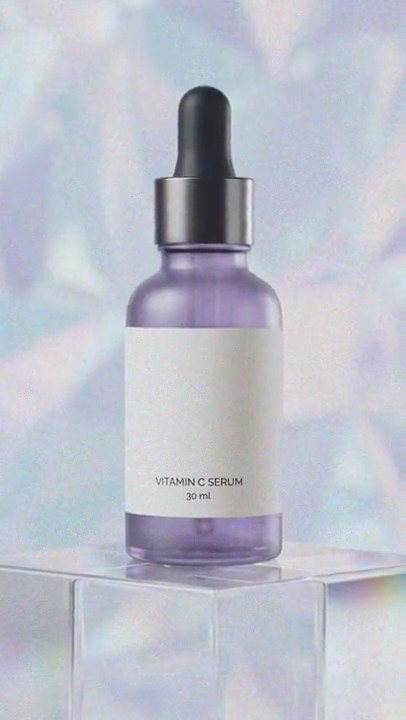
input.mp4 is flat, washed-out log-style footage. Convert it to normal Rec.709 contrast and color for the whole clip, from the first frame to the last, with a 3D LUT. Build a 33x33x33 .cube file (LUT_3D_SIZE 33, red changing fastest, then green, then blue) where each RGB value v (0 to 1) goes through: x = clip((v - 0.03) / (0.78 - 0.03), 0, 1) ** 0.75 (0.03 becomes black, 0.78 becomes white, midtones lifted); then x = 0.75*x + 0.25*x*x*(3 - 2*x) (a gentle S-curve); then saturation 1.8 around the Rec.709 luma (luma = 0.2126R + 0.7152G + 0.0722B; out = clip(luma + (x - luma)*1.8, 0, 1)). Before the LUT, clean the noise the conversion brings out with ffmpeg hqdn3d=6:6:12:12, then apply it with lut3d (interp=tetrahedral). The whole frame should come out about 1.4 times as bright (the pale backdrop from about 155 to about 210 out of 255, the purple glass from about 80 to about 125), the black dropper cap should stay below 45, and the glass should be clearly more saturated; don't clip the backdrop to pure white. Don't crop, zoom or add anything else, and don't add any text (if you ever do, draw it with Pillow, not ffmpeg's drawtext). Keep the 540x960 size, 30fps, the 6 second length and the audio. Use ffmpeg, encode H.264 yuv420p and save it as output.mp4.Run it without Claude
This is the exact script we tested. Save it as log-to-rec-709.py and run:
python3 log-to-rec-709.py input.mp4 output.mp4Show the script
"""Log to Rec.709: turn flat, gray log footage into normal contrast and color with a 3D LUT.
Usage: python3 log-to-rec-709.py input.mp4 output.mp4
Needs Python 3 with numpy, and ffmpeg.
"""
import os
import subprocess
import sys
import tempfile

import numpy as np

CAMERA_LUT = ""     # your camera maker's log-to-Rec.709 .cube file; leave empty to build the generic LUT below
LOG_BLACK = 0.03    # the footage's black level (0-1); log keeps blacks lifted, so this becomes true black
LOG_WHITE = 0.78    # the footage's brightest highlight (0-1); this becomes white
GAMMA = 0.75        # below 1 brightens the midtones that log holds down
CONTRAST = 0.25     # 0 to 1: how much S-curve to add back to the flat tones
SATURATION = 1.8    # color strength after the conversion (log footage is washed out)
DENOISE = 6         # log hides sensor noise that the conversion brings out; 0 turns the cleanup off
SIZE = 33           # points per side of the generated LUT


def generic_lut(path):
    """Write a SIZE x SIZE x SIZE .cube file: stretch the flat range to full, curve it, restore the color."""
    v = np.linspace(0, 1, SIZE)
    b, g, r = np.meshgrid(v, v, v, indexing="ij")  # .cube lists red fastest, then green, then blue
    rgb = np.stack([r, g, b], axis=-1)
    x = np.clip((rgb - LOG_BLACK) / (LOG_WHITE - LOG_BLACK), 0, 1) ** GAMMA
    x = (1 - CONTRAST) * x + CONTRAST * x * x * (3 - 2 * x)  # blend toward a smoothstep S-curve
    luma = (x * [0.2126, 0.7152, 0.0722]).sum(axis=-1, keepdims=True)
    x = np.clip(luma + (x - luma) * SATURATION, 0, 1)
    with open(path, "w") as f:
        f.write(f"LUT_3D_SIZE {SIZE}\n")
        f.writelines(f"{p[0]:.6f} {p[1]:.6f} {p[2]:.6f}\n" for p in x.reshape(-1, 3))


src, out = sys.argv[1], sys.argv[2]
lut = CAMERA_LUT
if not lut:
    lut = os.path.join(tempfile.mkdtemp(), "log-to-rec709.cube")
    generic_lut(lut)

clean = f"hqdn3d={DENOISE}:{DENOISE}:{DENOISE * 2}:{DENOISE * 2}," if DENOISE else ""
subprocess.run(["ffmpeg", "-y", "-v", "error", "-i", src,
                "-vf", f"{clean}lut3d=file='{lut}':interp=tetrahedral,fps=30,format=yuv420p",
                "-c:v", "libx264", "-crf", "18", "-c:a", "copy", out], check=True)