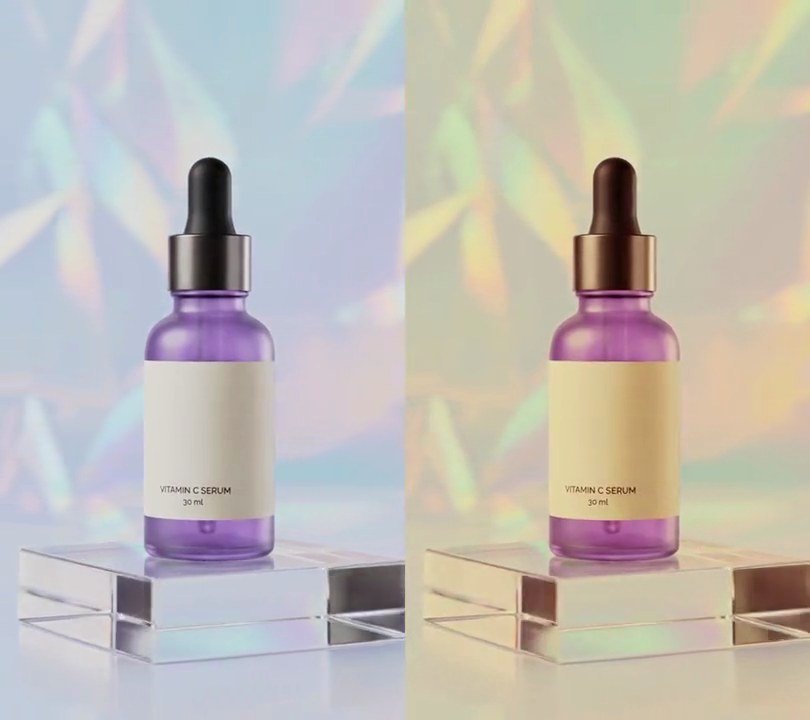
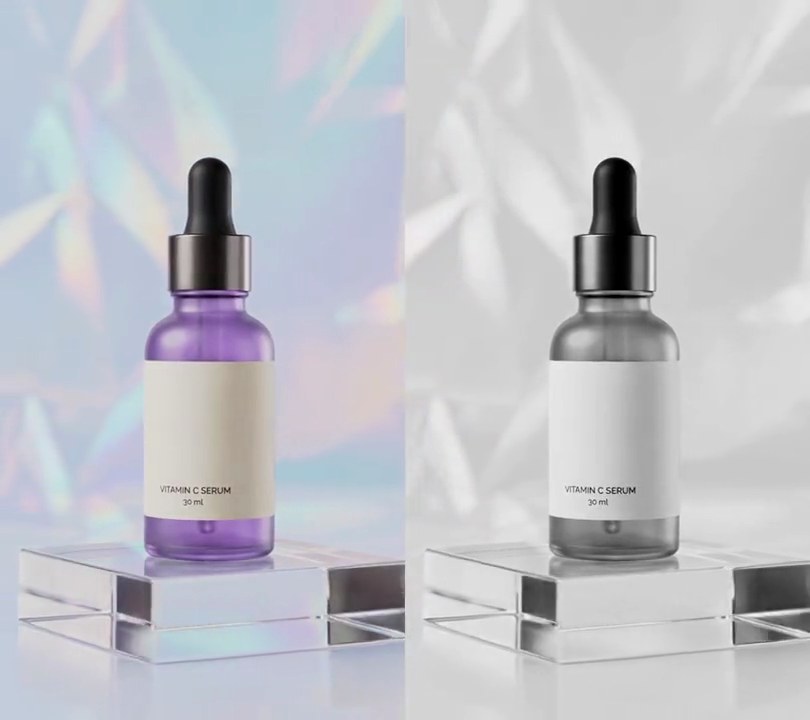
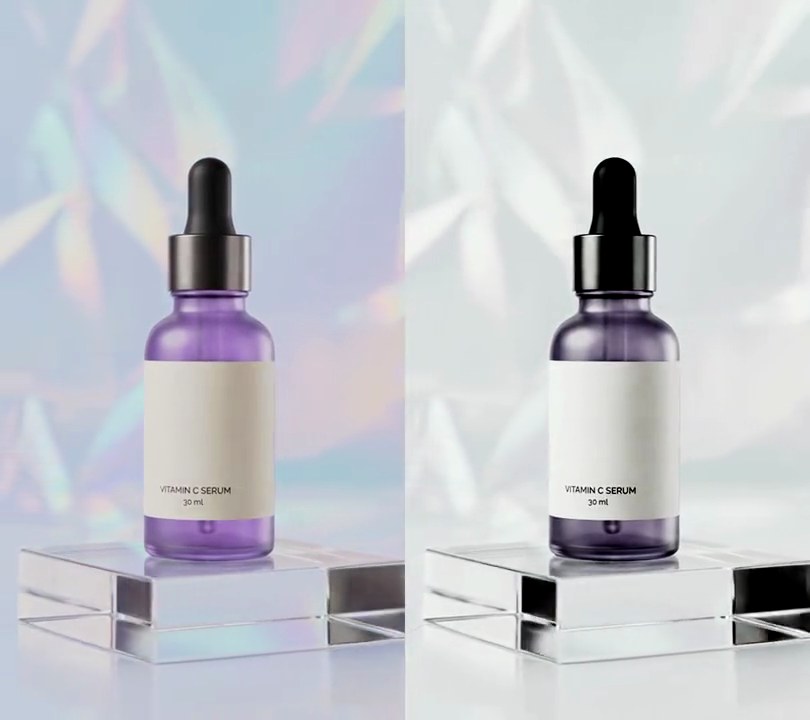
Get this effect
Switch to Code in your Claude Desktop App
Install the skill (once)
Show the prompt
Install the Recharm video effects skill: download https://recharm-growth-staging.s3.us-east-2.amazonaws.com/website/downloads/recharm-video-effects.zip and unzip it into ~/.claude/skillsAsk for the effect
Add a HDR look to input.mp4
Brightness (0-255) the broad light is squeezed toward: 128
How much of the broad light's spread is kept: 0.55

Several videos, several effects, one ask
Put your clips in the folder, mention them with @, and ask for everything at once. Claude runs one tested script after another on each clip, then joins them.
Add a hdr look to @clip1.mp4, put a sale badge on @clip2.mp4, give @clip3.mp4 a VHS look, then join all three with crossfades.
Settings you can change
Ask Claude to change any of these, or edit them at the top of the script.
| Setting | Default | What it does |
|---|---|---|
MID | 128 | Brightness (0-255) the broad light is squeezed toward. Lower it for a darker, moodier result. |
COMPRESS | 0.55 | How much of the broad light's spread is kept. Lower lifts the shadows and darkens the highlights more; 1 leaves them alone. |
RADIUS | 20 | Size in pixels of the broad light. Bigger lets wider shapes count as detail, so they get crunched too. |
EDGE | 25 | Brightness step the smoothing won't cross. Lower keeps halos off outlines; higher gives the glowing-edge look of older HDR photos. |
DETAIL | 2.5 | Detail gain. 1 leaves textures as they are, 1.5 is subtle, 3 and up is the gritty, over-cooked look. |
SATURATION | 1.35 | Color gain, so the colors hold up against the extra contrast. 1 leaves color alone. |
Without the skill
Don’t want to install the skill? Paste this prompt into Claude Code and Claude writes the script itself.
Show the prompt
Give input.mp4 a fake HDR look for the whole clip, from the first frame to the last: lift the shadows, bring the highlights down and crunch the local contrast, like an HDR photo app. Do it per frame in Python with OpenCV and numpy: convert the frame to Lab (8-bit, cv2.COLOR_RGB2LAB) and work on L as float. Get the broad light by shrinking L to half size (INTER_AREA), running cv2.bilateralFilter(small, 0, 25, 10) on it (sigmaColor 25, sigmaSpace 10, which is 20 pixels at full size) and scaling it back up (INTER_LINEAR); the edge-preserving filter keeps halos off the bottle's outline. Then new L = 128 + (broad - 128) * 0.55 + (L - broad) * 2.5, so the broad light keeps 55% of its spread around mid gray and the detail on top of it is 2.5 times stronger. Multiply a and b's distance from 128 by 1.35 for richer color, clip to 0-255 and convert back to RGB. The black dropper cap, around brightness 38, should come out around 72 (about 1.9 times brighter); the pale backdrop, around 205, should come out around 163 (about 20% darker); the whole frame should average about 157 out of 255 instead of 193, and fine detail (Laplacian variance) should be about 3 to 4 times the input's. Don't crop, zoom or add anything else, and don't add any text (if you ever do, draw it with Pillow, not ffmpeg's drawtext). Read and write the frames through ffmpeg pipes, keep the 540x960 size, 30fps, the 6 second length and the audio, encode H.264 yuv420p and save it as output.mp4.Run it without Claude
This is the exact script we tested. Save it as hdr-look.py and run:
python3 hdr-look.py input.mp4 output.mp4Show the script
#!/usr/bin/env python3
"""HDR look: shadows lift, highlights come down and local contrast crunches, for a hyper-detailed, gritty picture.

Usage: python3 hdr-look.py input.mp4 output.mp4
Needs ffmpeg and Python 3 with OpenCV and numpy (pip install opencv-python-headless numpy).
It's a fake tone map, as HDR photo apps do it: each frame's brightness is split into the broad light (smoothed with
an edge-preserving bilateral filter, so outlines don't glow) and the detail on top of it; the broad light is
squeezed toward mid gray and the detail is amplified.
"""
import json
import subprocess
import sys

import cv2
import numpy as np

MID = 128            # brightness (0-255) the broad light is squeezed toward
COMPRESS = 0.55      # how much of the broad light's spread is kept: lower lifts shadows and darkens highlights more
RADIUS = 20          # size in pixels of the broad light: bigger lets wider shapes count as detail
EDGE = 25            # brightness step (0-255) the smoothing won't cross, which keeps halos off outlines
DETAIL = 2.5         # detail gain: 1 leaves textures as they are, higher crunches them
SATURATION = 1.35    # color gain, so the colors hold up against the extra contrast


def broad_light(light):
    """The light with its detail smoothed away but its edges kept (worked out at half size, for speed)."""
    h, w = light.shape
    small = cv2.resize(light, (w // 2, h // 2), interpolation=cv2.INTER_AREA)
    return cv2.resize(cv2.bilateralFilter(small, 0, EDGE, RADIUS / 2), (w, h), interpolation=cv2.INTER_LINEAR)


def tone_map(frame):
    lab = cv2.cvtColor(frame, cv2.COLOR_RGB2LAB).astype(np.float32)
    light = lab[:, :, 0]
    base = broad_light(light)
    lab[:, :, 0] = MID + (base - MID) * COMPRESS + (light - base) * DETAIL
    lab[:, :, 1:] = 128 + (lab[:, :, 1:] - 128) * SATURATION
    return cv2.cvtColor(np.clip(lab, 0, 255).astype(np.uint8), cv2.COLOR_LAB2RGB)


def probe(path):
    info = json.loads(subprocess.check_output(["ffprobe", "-v", "error", "-select_streams", "v:0",
                                               "-show_entries", "stream=width,height", "-of", "json", path]))
    return info["streams"][0]["width"], info["streams"][0]["height"]


src, out = sys.argv[1:3]
w, h = probe(src)
reader = subprocess.Popen(["ffmpeg", "-v", "error", "-i", src, "-vf", "fps=30", "-f", "rawvideo", "-pix_fmt", "rgb24", "-"],
                          stdout=subprocess.PIPE)
writer = subprocess.Popen(["ffmpeg", "-y", "-v", "error", "-f", "rawvideo", "-pix_fmt", "rgb24", "-s", f"{w}x{h}", "-r", "30",
                           "-i", "-", "-i", src, "-map", "0:v", "-map", "1:a?", "-c:v", "libx264", "-crf", "18",
                           "-pix_fmt", "yuv420p", "-c:a", "copy", "-shortest", out], stdin=subprocess.PIPE)
size = w * h * 3
while raw := reader.stdout.read(size):
    if len(raw) < size:
        break
    writer.stdin.write(tone_map(np.frombuffer(raw, np.uint8).reshape(h, w, 3)).tobytes())
writer.stdin.close()
if reader.wait() or writer.wait():
    sys.exit("ffmpeg failed")