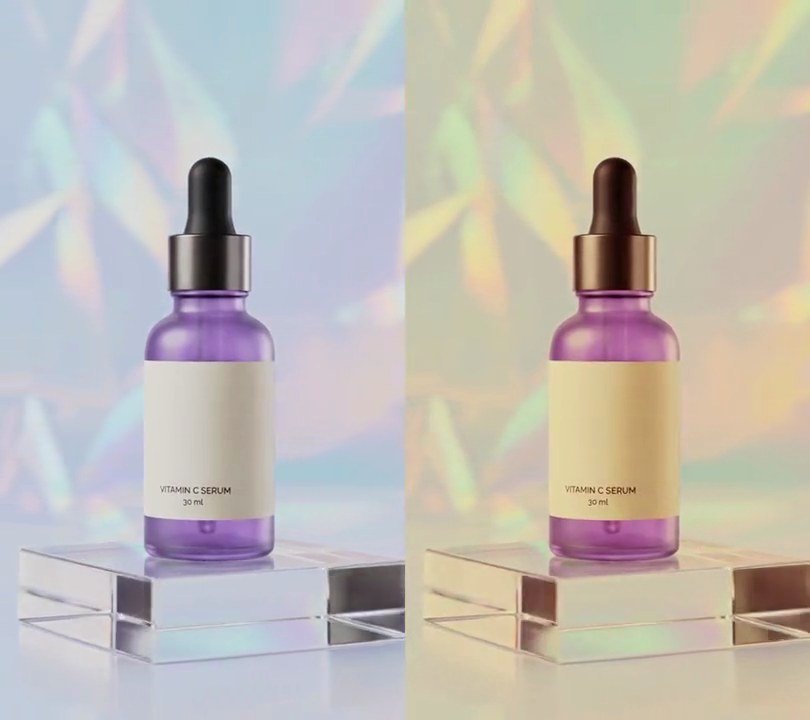
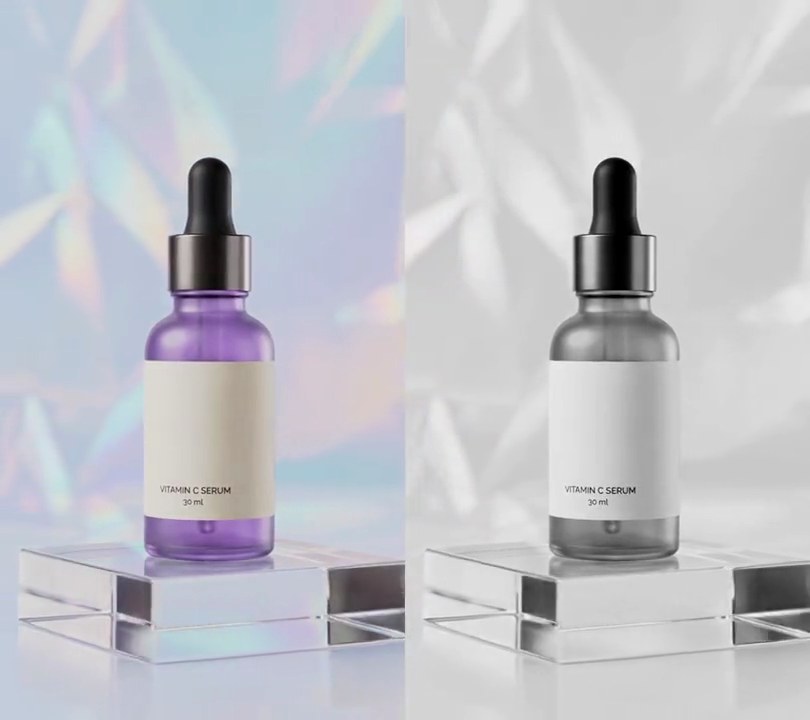
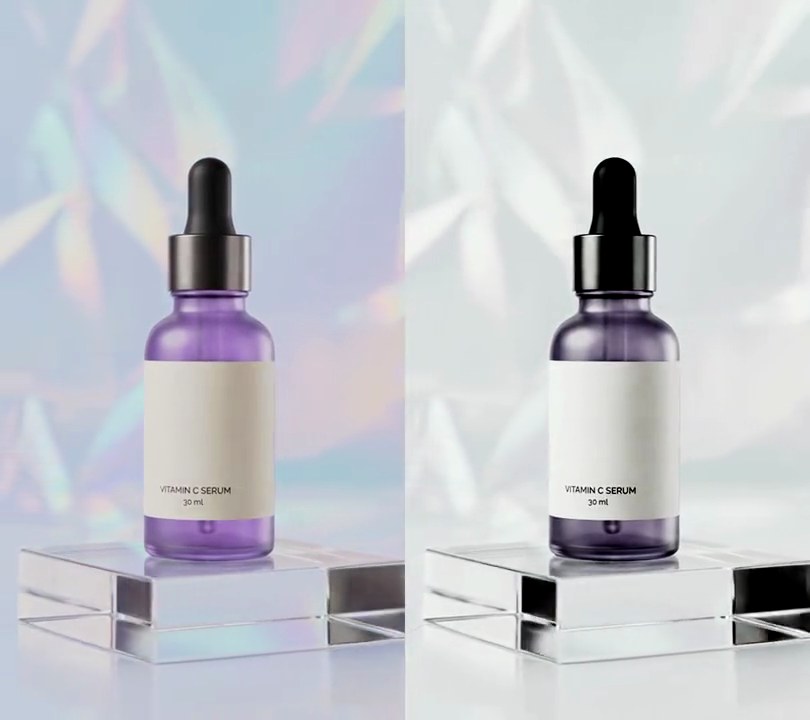
Get this effect
Switch to Code in your Claude Desktop App
Install the skill (once)
Show the prompt
Install the Recharm video effects skill: download https://recharm-growth-staging.s3.us-east-2.amazonaws.com/website/downloads/recharm-video-effects.zip and unzip it into ~/.claude/skillsAsk for the effect
Add a cyberpunk look to input.mp4
The deep blue the darkest areas sink to: (8, 10, 40)
The color warm highlights glow: (255, 50, 200)

Several videos, several effects, one ask
Put your clips in the folder, mention them with @, and ask for everything at once. Claude runs one tested script after another on each clip, then joins them.
Add a cyberpunk look to @clip1.mp4, put a sale badge on @clip2.mp4, give @clip3.mp4 a VHS look, then join all three with crossfades.
Settings you can change
Ask Claude to change any of these, or edit them at the top of the script.
| Setting | Default | What it does |
|---|---|---|
SHADOW | (8, 10, 40) | The deep blue the darkest areas sink to. |
MAGENTA | (255, 50, 200) | The color warm highlights glow. |
CYAN | (30, 220, 255) | The color cool highlights glow. |
BLACK_POINT | 150 | Brightness (0-255) at and below which a pixel is all shadow. Raise it for a darker night. |
WHITE_POINT | 230 | Brightness at which a pixel takes its full highlight color. |
CURVE | 2.2 | Above 1 keeps more of the frame in shadow, for a night feel; 1 is a straight ramp. |
SOFTNESS | 4 | How gently a pixel moves from cyan to magenta as red overtakes green. Lower gives harder neon edges. |
GLOW | 0.6 | Strength of the soft neon bloom added around bright areas. 0 turns it off. |
GLOW_RADIUS | 14 | Blur radius of that bloom, in pixels. |
Without the skill
Don’t want to install the skill? Paste this prompt into Claude Code and Claude writes the script itself.
Show the prompt
Give all of input.mp4 a cyberpunk grade, on every frame from start to end. For each pixel (RGB, 0-255): take its brightness Y = 0.299R + 0.587G + 0.114B; work out a tone t = (clip((Y - 150) / (230 - 150), 0, 1)) ^ 2.2 so everything at or below 150 is pure shadow; work out how warm it is as w = 1 / (1 + e^(-(R - G) / 4)); the highlight color is cyan (30, 220, 255) blended toward magenta (255, 50, 200) by w; the graded pixel is the shadow blue (8, 10, 40) blended toward that highlight color by t. Then add a neon bloom: multiply the graded frame by t, blur it with a Gaussian blur of radius 14 pixels (Pillow's GaussianBlur), and add 0.6 times that blur back onto the graded frame, clipping to 0-255. The purple bottle should end up near-black navy around RGB (8, 10, 40), the backdrop a mix of cyan around (30, 110, 150) and magenta around (150, 55, 160) streaks, and the whole frame about 40% as bright as the original. Do it in Python with numpy and Pillow, piping raw frames from and back to ffmpeg. Add no text (any text you do add should be drawn with Pillow, not ffmpeg's drawtext). Keep the size, 30fps frame rate, 6 second length and audio the same, encode H.264 yuv420p and save it as output.mp4.Run it without Claude
This is the exact script we tested. Save it as cyberpunk-look.py and run:
python3 cyberpunk-look.py input.mp4 output.mp4Show the script
"""Cyberpunk look: shadows sink to deep night blue, warm highlights glow hot magenta and cool ones neon cyan.
Usage: python3 cyberpunk-look.py input.mp4 output.mp4
Needs Python 3 with numpy and Pillow, and ffmpeg.
"""
import subprocess
import sys

import numpy as np
from PIL import Image, ImageFilter

SHADOW = (8, 10, 40)        # the deep blue the darkest areas sink to
MAGENTA = (255, 50, 200)    # the color warm highlights glow
CYAN = (30, 220, 255)       # the color cool highlights glow
BLACK_POINT = 150           # brightness (0-255) at and below which a pixel is all shadow
WHITE_POINT = 230           # brightness at which a pixel takes its full highlight color
CURVE = 2.2                 # above 1 keeps more of the frame in shadow, for a night feel
SOFTNESS = 4                # how gently a pixel moves from cyan to magenta as red overtakes green
GLOW = 0.6                  # strength of the soft neon bloom added around bright areas
GLOW_RADIUS = 14            # blur radius of that bloom, in pixels

src, dst = sys.argv[1], sys.argv[2]
w, h = map(int, subprocess.check_output(
    ["ffprobe", "-v", "error", "-select_streams", "v:0", "-show_entries", "stream=width,height",
     "-of", "csv=p=0", src], text=True).strip().split(","))

LUMA = np.array([0.299, 0.587, 0.114], np.float32)
shadow, magenta, cyan = (np.array(c, np.float32) for c in (SHADOW, MAGENTA, CYAN))


def grade(rgb):
    y = (rgb @ LUMA)[..., None]
    # 0 = shadow, 1 = full highlight
    tone = np.clip((y - BLACK_POINT) / (WHITE_POINT - BLACK_POINT), 0, 1) ** CURVE
    # 0 = cool (cyan), 1 = warm (magenta), by how far red is above green
    warm = 1 / (1 + np.exp(-(rgb[..., :1] - rgb[..., 1:2]) / SOFTNESS))
    highlight = cyan + (magenta - cyan) * warm
    out = shadow + (highlight - shadow) * tone
    glow = Image.fromarray(np.clip(out * tone, 0, 255).astype(np.uint8)).filter(ImageFilter.GaussianBlur(GLOW_RADIUS))
    out += GLOW * np.asarray(glow, np.float32)
    return np.clip(out, 0, 255).astype(np.uint8)


reader = subprocess.Popen(["ffmpeg", "-v", "error", "-i", src, "-vf", "fps=30", "-f", "rawvideo", "-pix_fmt", "rgb24", "-"],
                          stdout=subprocess.PIPE)
writer = subprocess.Popen(["ffmpeg", "-y", "-v", "error", "-f", "rawvideo", "-pix_fmt", "rgb24", "-s", f"{w}x{h}", "-r", "30",
                           "-i", "-", "-i", src, "-map", "0:v", "-map", "1:a?", "-c:v", "libx264", "-crf", "18",
                           "-pix_fmt", "yuv420p", "-c:a", "copy", "-shortest", dst], stdin=subprocess.PIPE)
size = w * h * 3
while True:
    buf = reader.stdout.read(size)
    if len(buf) < size:
        break
    frame = np.frombuffer(buf, np.uint8).reshape(h, w, 3).astype(np.float32)
    writer.stdin.write(grade(frame).tobytes())
writer.stdin.close()
sys.exit(reader.wait() or writer.wait())